Introduction
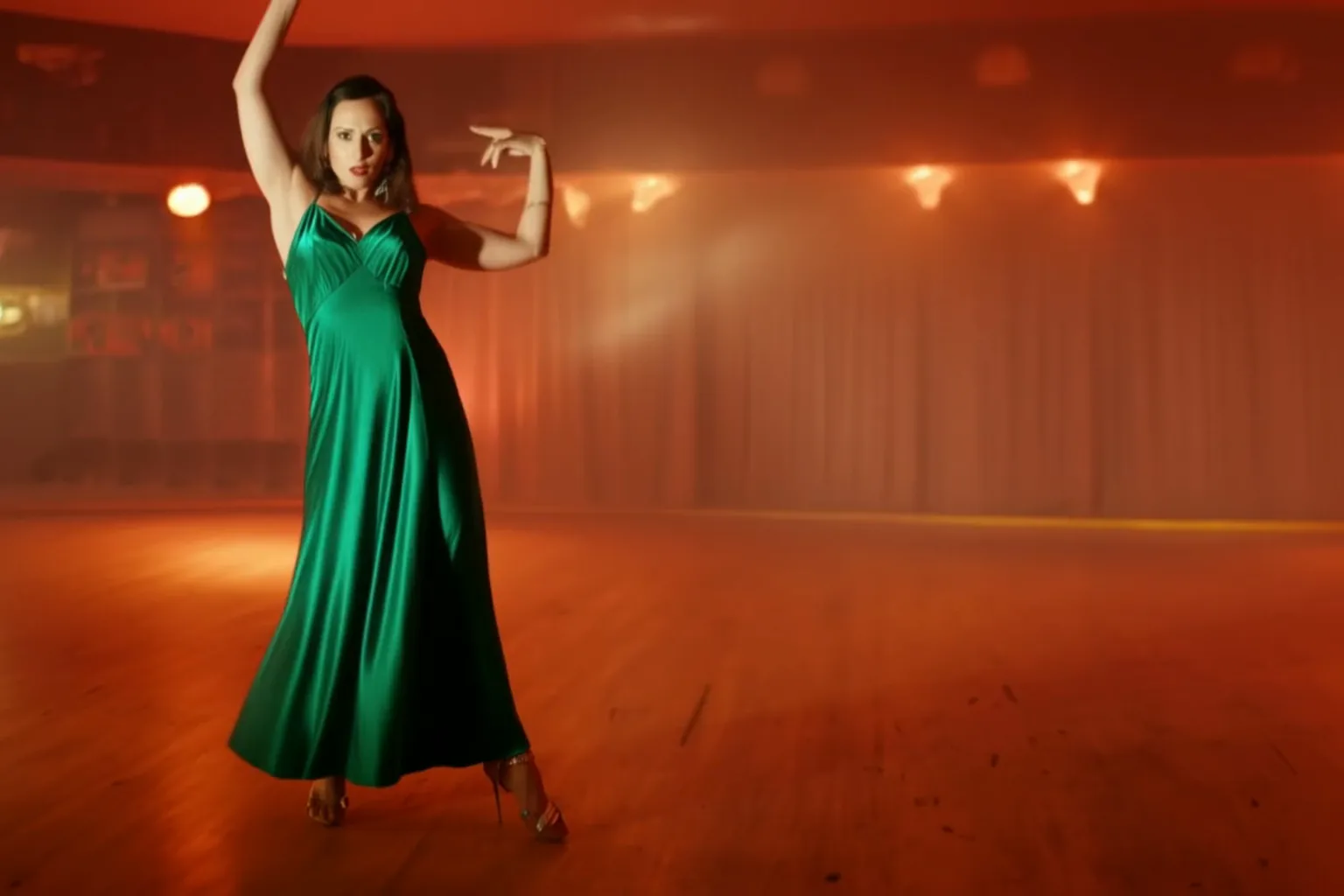
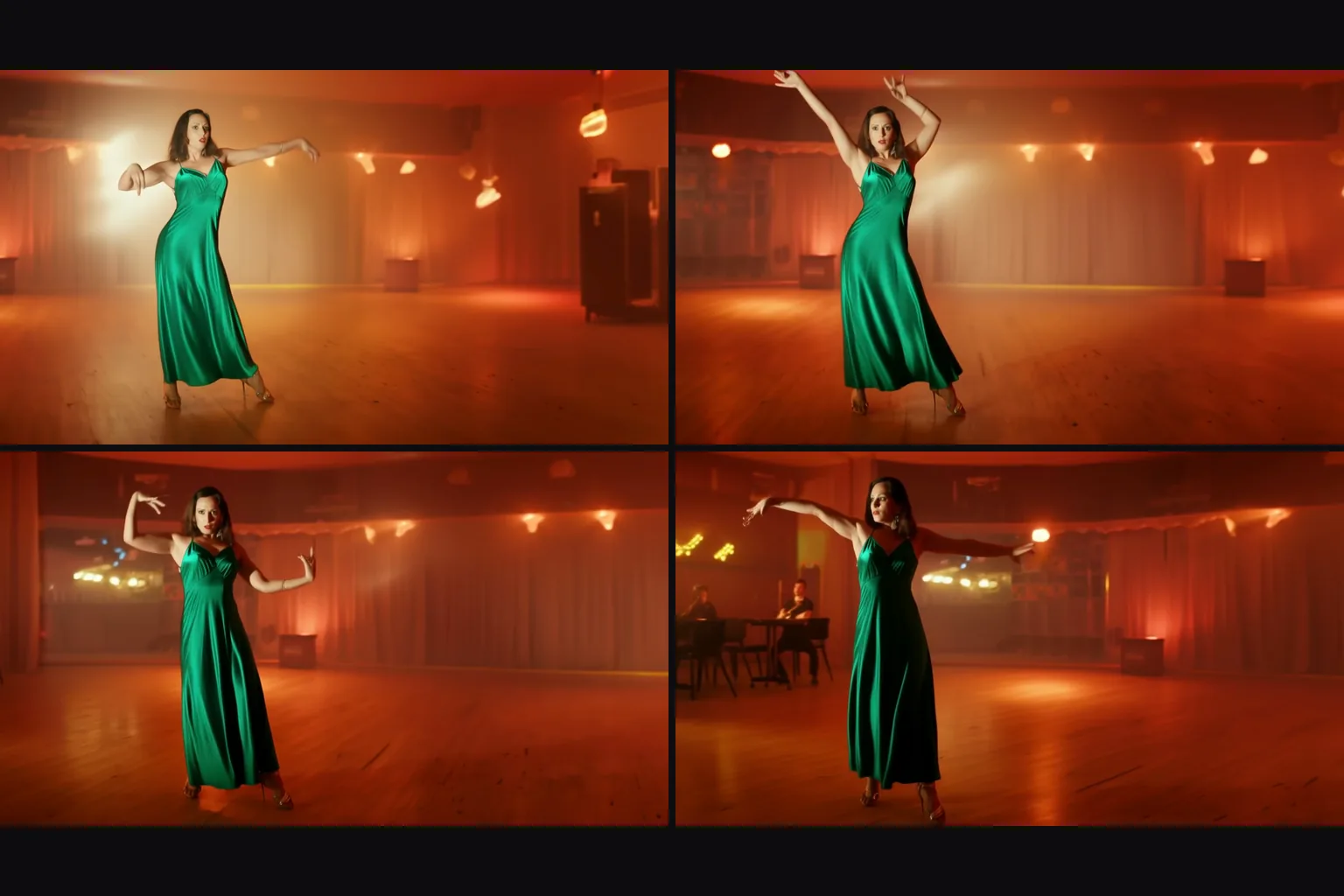
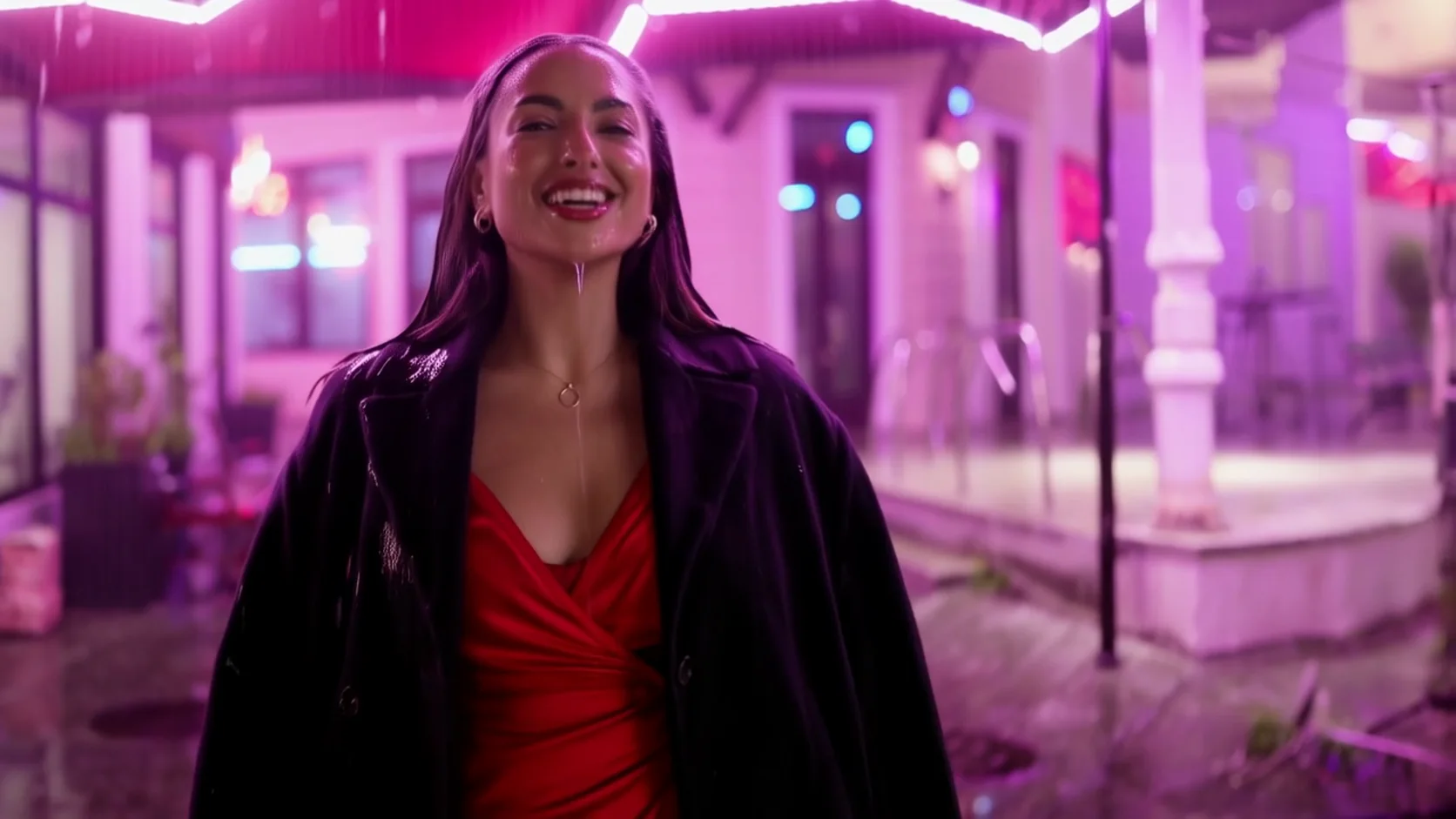
HunyuanVideo 1.5 Image to video animates one photo into a 5 or 8 second clip at 480p or 720p. HunyuanVideo 1.5 is Tencent's open 8.3-billion-parameter video model. The clip keeps the shape of your photo, the prompt is optional, and the platform adds no content filter.
Choose a mode by starting material
| What you have | Mode |
|---|---|
| a written description | HunyuanVideo 1.5 Text to video |
| a photo to animate | HunyuanVideo 1.5 Image to video |
Key features & highlights
Faces that survive the motion
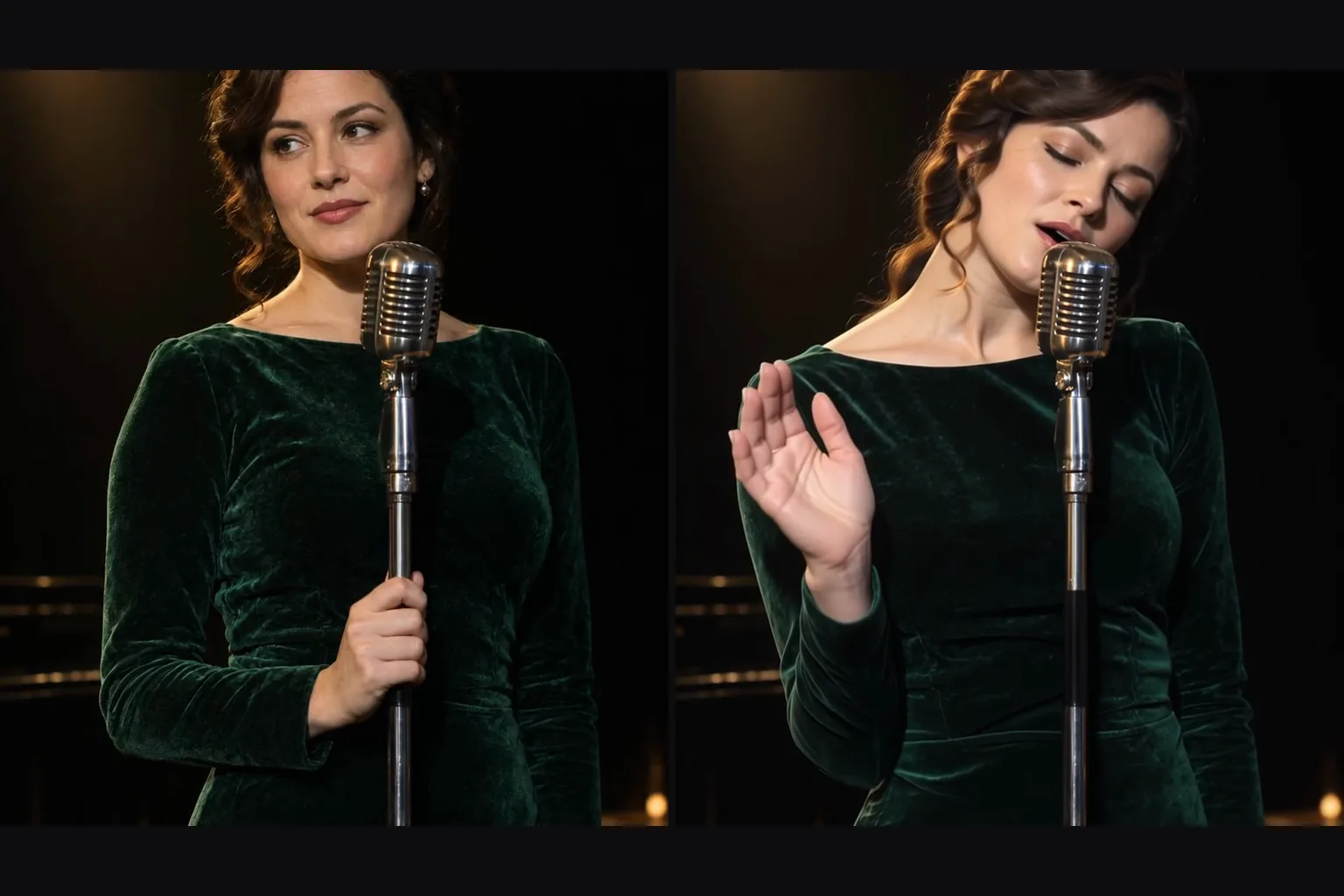
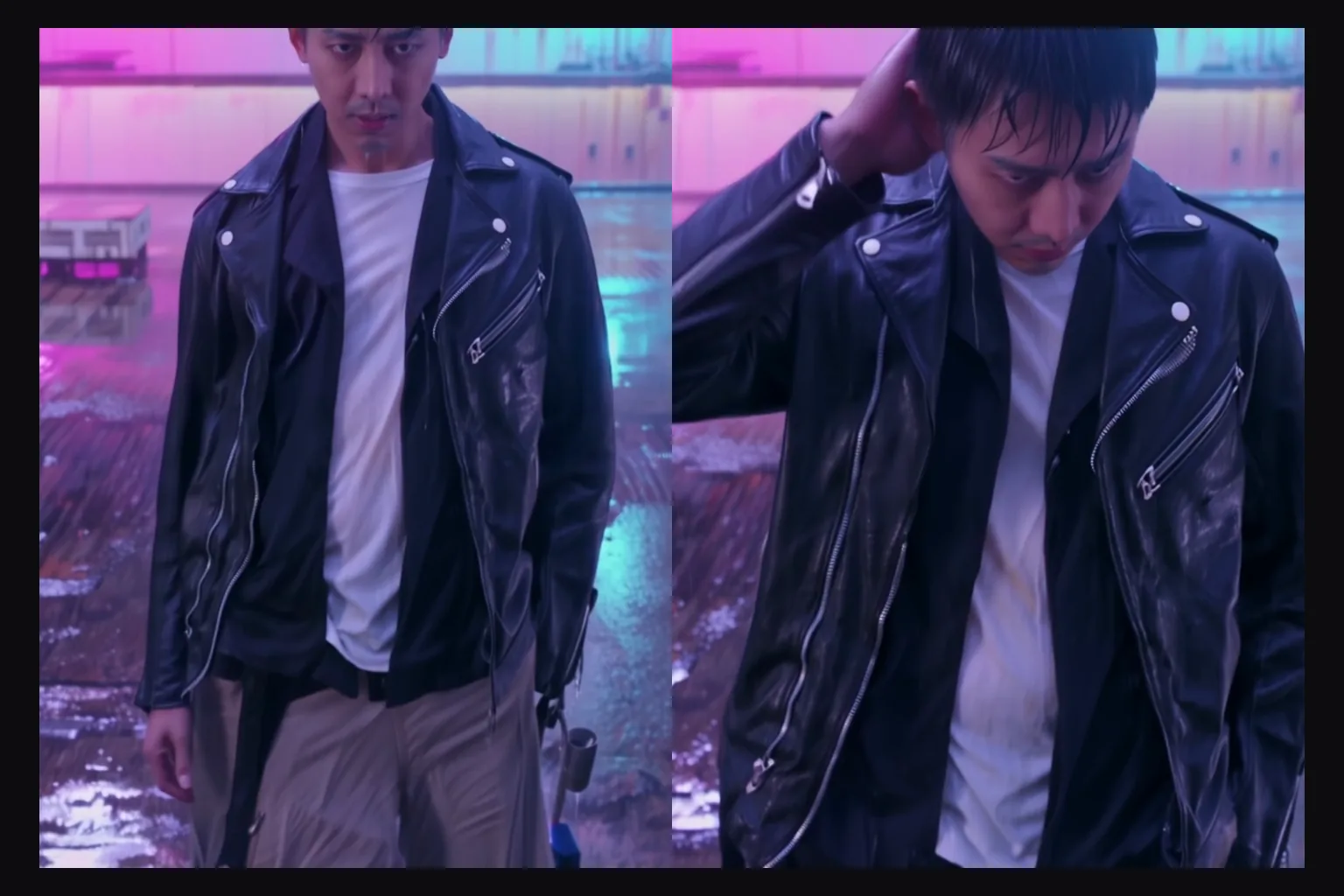
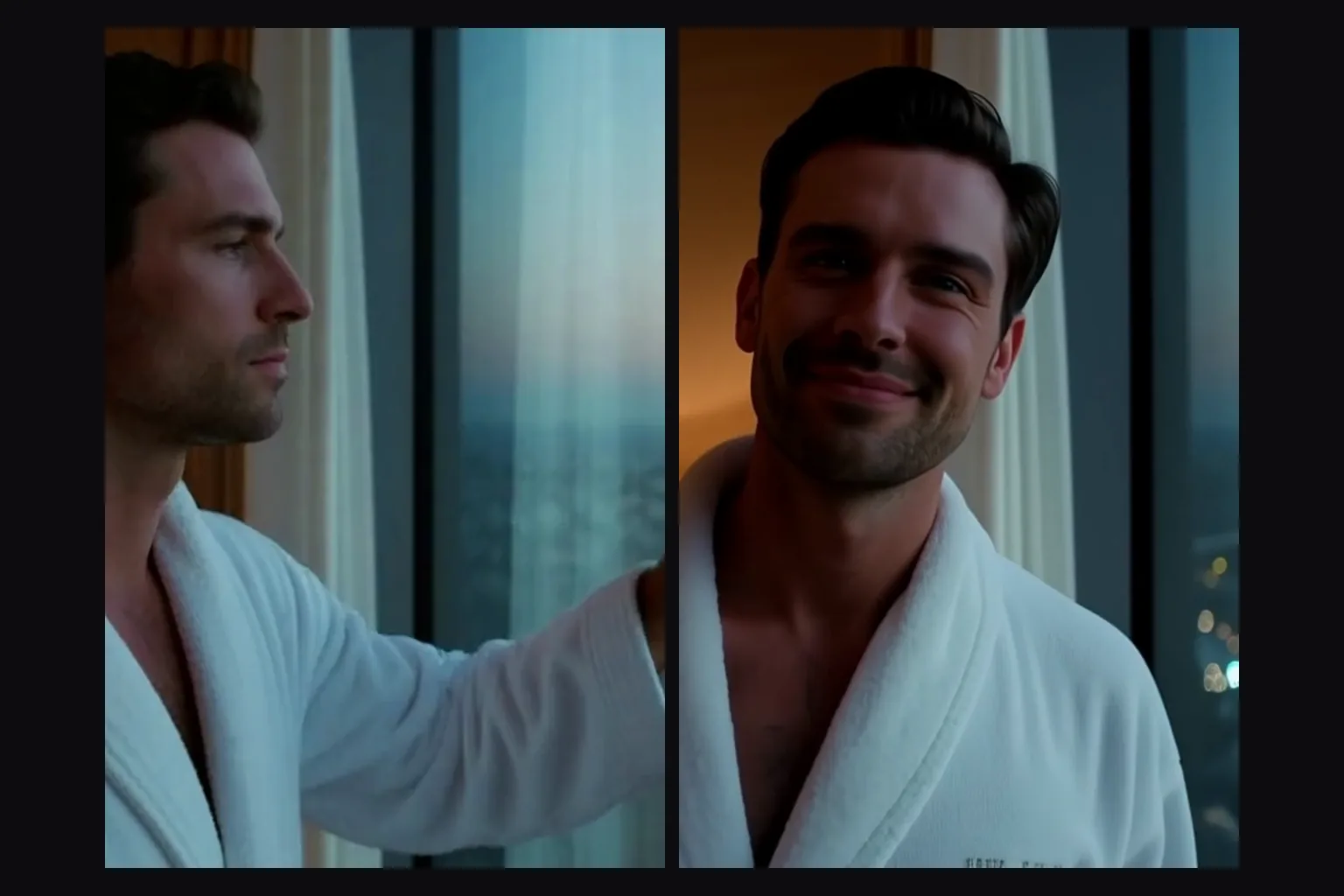
In our tests the people in the photo kept their faces, hair and wardrobe through the clip.
Any shape
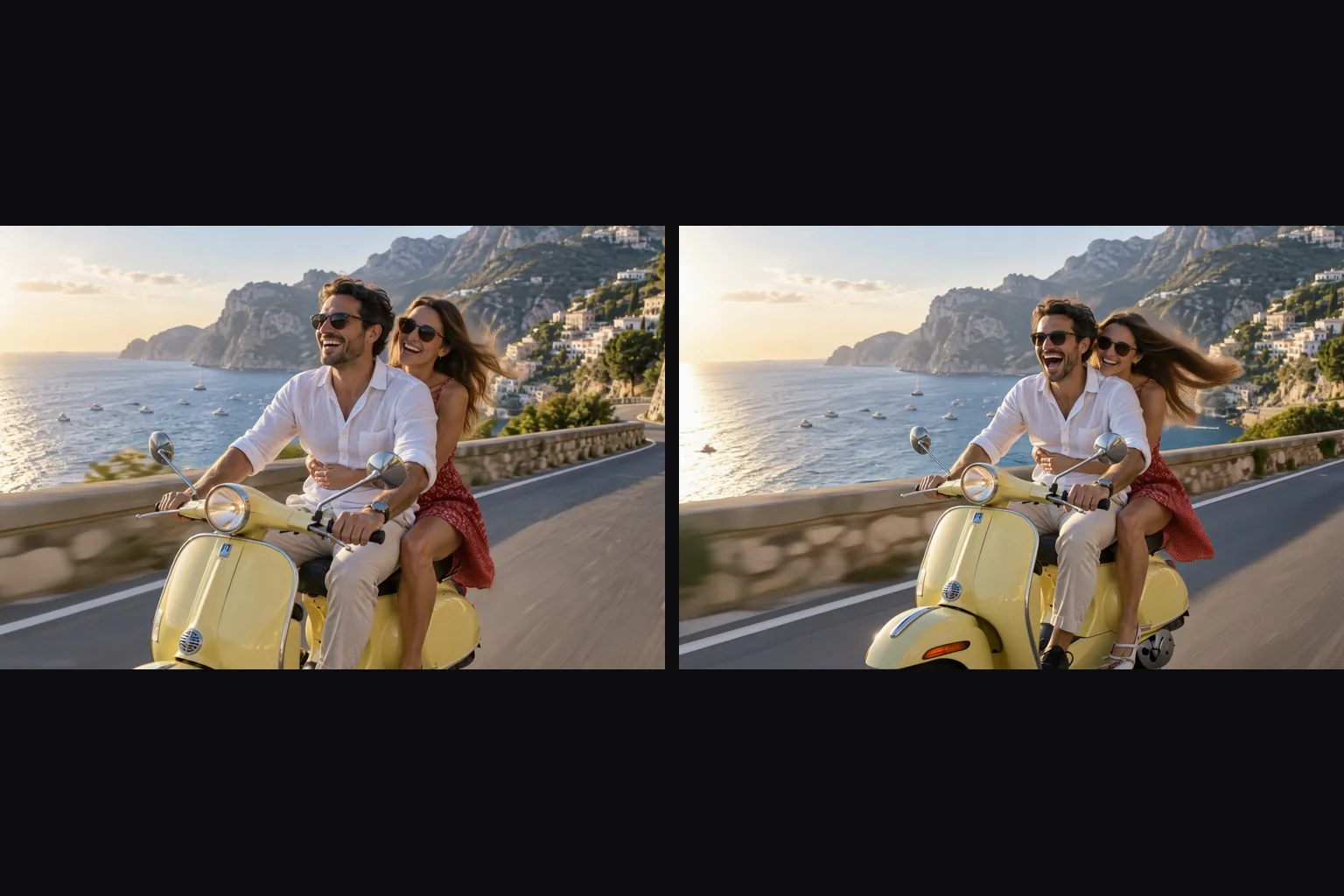
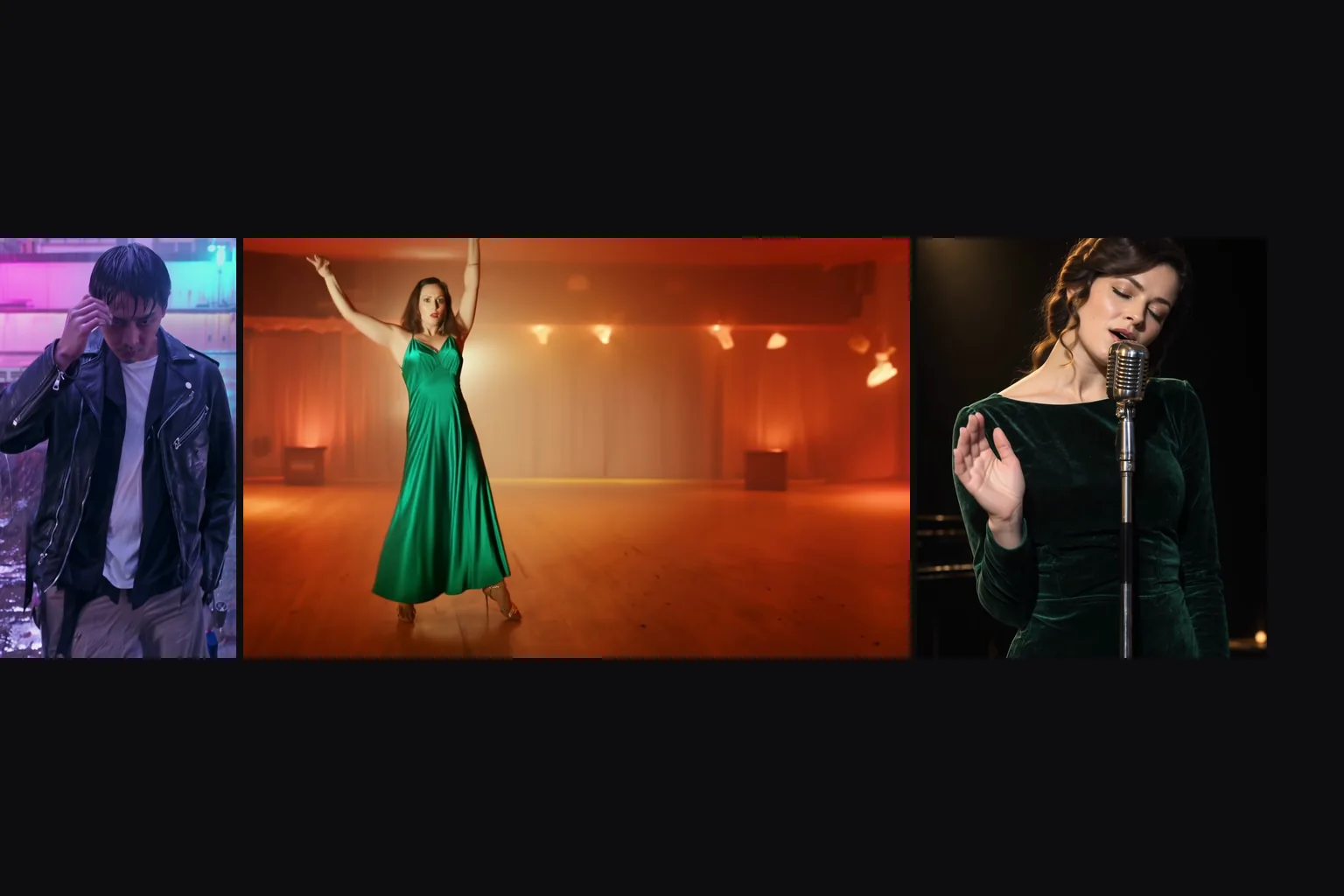
There is no aspect-ratio field: portrait, square or widescreen photos come back in their own shape.
Prompt optional
Send only the photo and the model decides the motion, or describe the next moment yourself.
Uncensored
No filter on the photo, the prompt or the clip. In our tests most content probes rendered as written; the strongest held part of the scene back.
Request parameters
| Parameter | Required | Description |
|---|---|---|
prompt | No | Optional. Describe what the person does next and what the camera does; leave it out to let the model animate the photo on its own. at least 1 characters |
image_url | Yes | The opening frame. The clip starts from this photo and keeps its aspect ratio; a public, directly downloadable link. |
resolution | No | 480p or 720p (the default). 720p costs twice as much per second; the shape follows your photo. |
duration_seconds | No | 5 or 8 seconds, billed per second. |
seed | No | Keeps runs comparable while you change the prompt. It does not promise a frame-identical clip. |
Pricing
Billed per second of output at the chosen resolution. The shape of your photo does not change the price.
| Specification | Price |
|---|---|
| $0.024 / second |
| $0.048 / second |
Use cases
Living portraits
A headshot that smiles, sings or turns to the camera.
Product and fashion stills
Add fabric movement, a camera drift or a turn to a catalogue photo.
Animate your users' images without a filter
Animate your users' own images with no content filter, adults only.
Prompt guide & pro tips
Describe the next moment
Write what the person does after the photo was taken, not what the photo shows.
Say what must stay
If a garment or prop must not change, say so in the prompt.
One person is easier than two
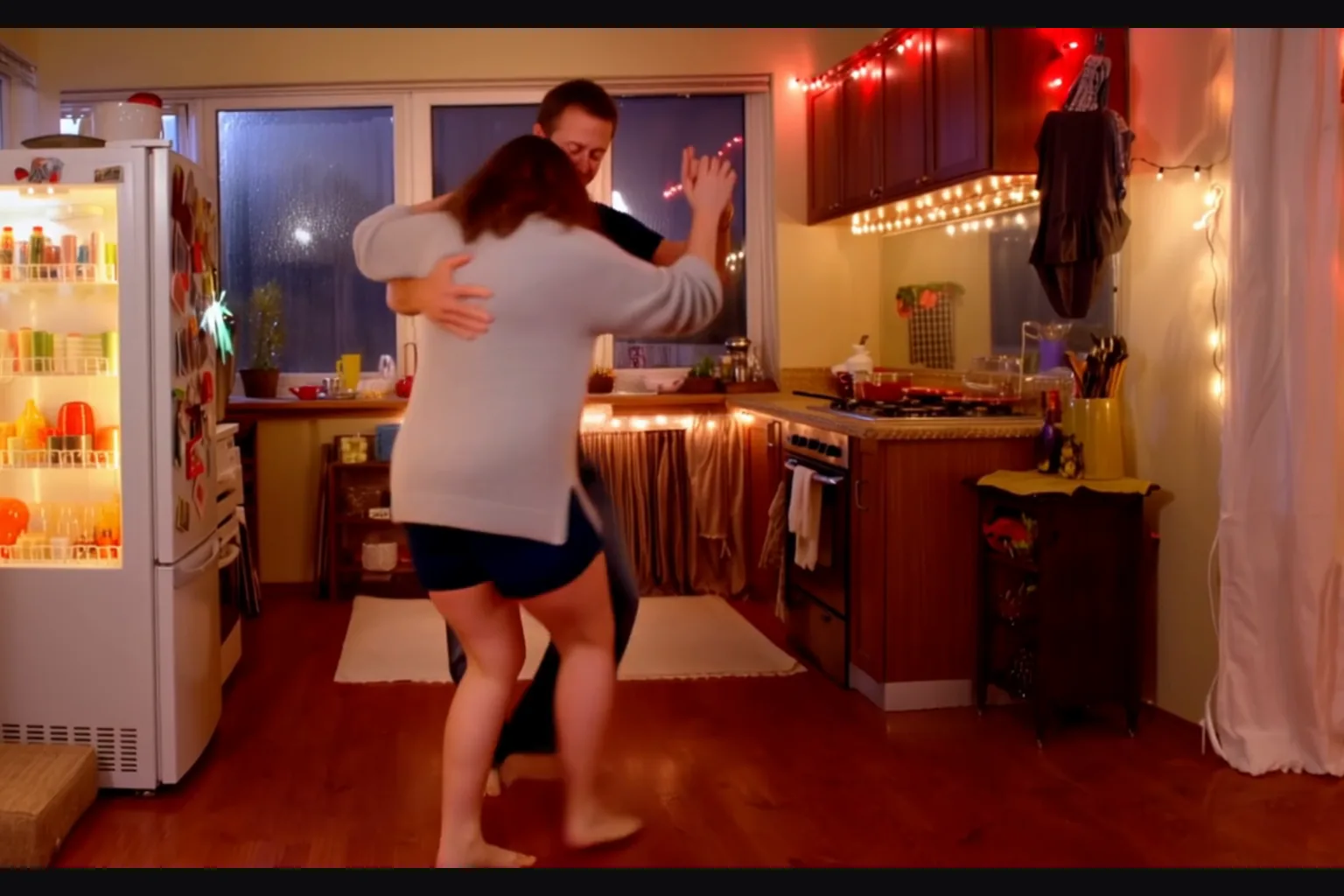
Two people in contact tend to tangle; keep their motion slow.
Use a clean, public link
The image must download directly; a link that needs a login fails and is not charged.
API quick start
# Generate the idempotency key once; reuse it when retrying after a lost response.
export SPICY_IDEMPOTENCY_KEY="${SPICY_IDEMPOTENCY_KEY:-$(uuidgen)}"
curl -X POST https://api.spicyapi.ai/api/v1/jobs/createTask \
  -H "Authorization: Bearer $SPICY_API_KEY" \
  -H "Content-Type: application/json" \
  -H "Idempotency-Key: $SPICY_IDEMPOTENCY_KEY" \
  -d '{
  "model": "tencent/hunyuan-video-1.5/image-to-video",
  "input": {
    "duration_seconds": 5,
    "image_url": "https://example.com/reference.png",
    "prompt": "A slow aerial shot drifting over a misty pine forest at sunrise",
    "resolution": "720p"
  }
}'

# Copy data.taskId from the response into TASK_ID, then poll the status.
TASK_ID="TASK_ID_FROM_RESPONSE"
curl "https://api.spicyapi.ai/api/v1/jobs/recordInfo?taskId=$TASK_ID" \
  -H "Authorization: Bearer $SPICY_API_KEY"
See the API reference for authentication, the complete schema, polling, and error handling.