Introduction
What this endpoint does
It takes one image and returns a larger, sharper copy at the size tier you pick. Composition, colours and subject stay as sent, and there is no prompt.
Inputs that matter
image_url is the image to enlarge. resolution picks the size tier: 2k (about 4 megapixels), 4k (about 17, the default) or 8k (about 67). The aspect ratio is kept, and a tier smaller than the source scales the image down. output_format sets the file type: jpeg (default), png or webp.
What you get back
One image per request, served from platform storage once the task finishes.
| Field | Value |
|---|---|
| Input | Image |
| Output | Image |
| Endpoint | Upscale |
| Size tiers | 2K (~4 MP), 4K (~17 MP), 8K (~67 MP) |
| Aspect ratio | Kept from the source |
| Controls | No prompt — size tier and file format only |
Request parameters
| Parameter | Required | Description |
|---|---|---|
image_url | Yes | A direct link to the image file (JPEG, PNG or WebP). Framing and aspect ratio carry over unchanged. at least 1 characters |
resolution | No | 2k (about 4 MP), 4k (about 17 MP, the default) or 8k (about 67 MP), with the aspect ratio kept. Pick a tier above the source's pixel count — a smaller tier scales the image down. |
output_format | No | jpeg (default) keeps files manageable — about 8 MB even at the largest tier in our test. png is lossless but several times larger; webp sits in between. |
Pricing
$0.012 / image
Billed per output image. The size tier and the file format do not change the price.
Use cases
AI renders at print size
Most image models return one or two megapixels. 4k or 8k takes a render to poster or print size without generating it again and losing the take you liked.
Product and catalogue shots
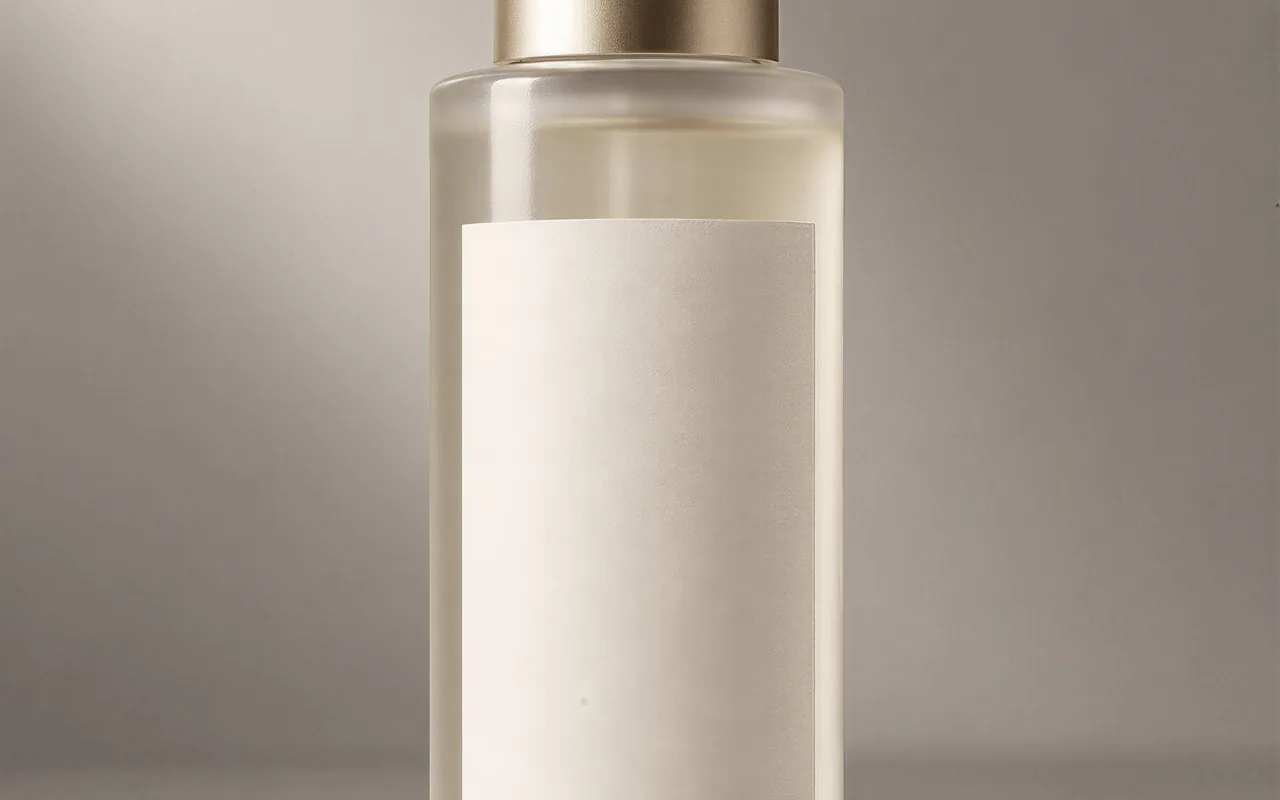
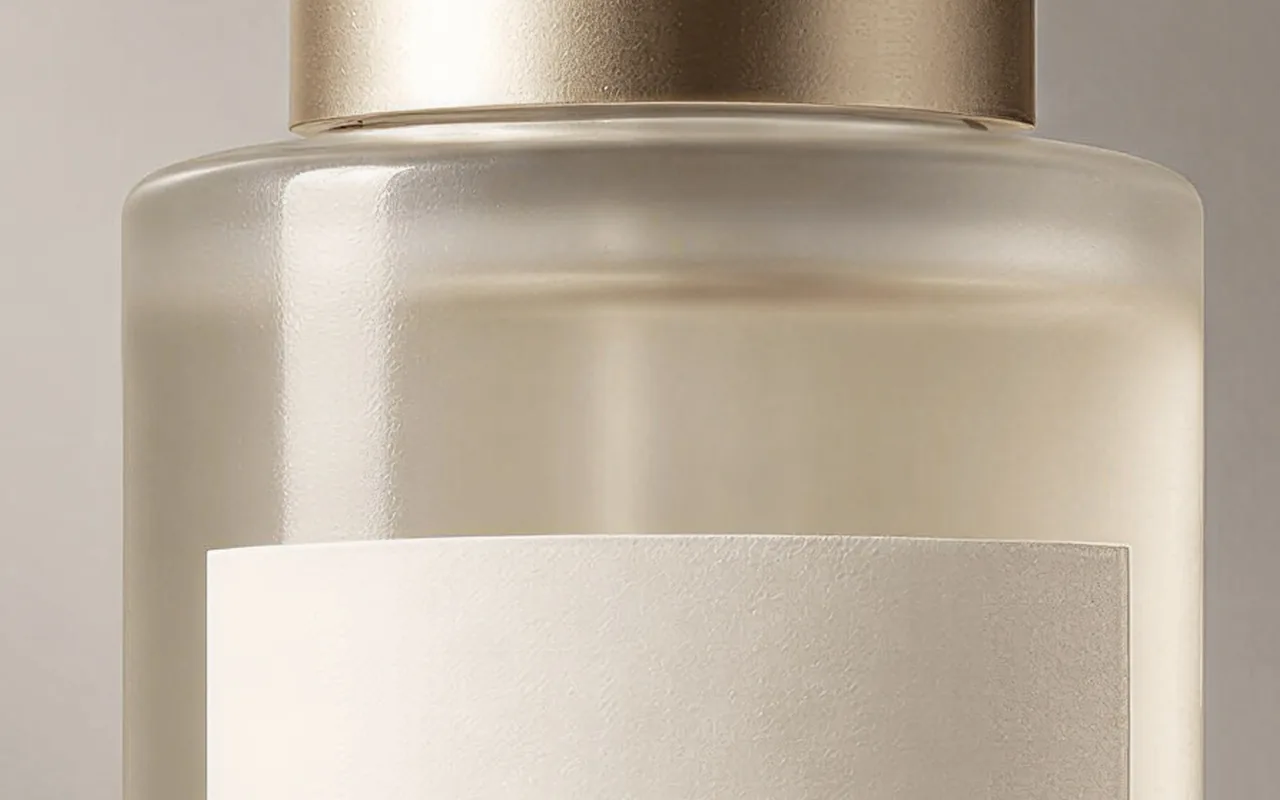
Enlarge a packshot for zoom views and high-density product pages while the lighting and the label stay exactly as shot.
Small images for new layouts
Bring a thumbnail, a web-sized photo or an older asset up to the size a hero banner or a slide now needs.
Prompt guide & pro tips
Check the source size
Pick a tier above the image's current pixel count — a smaller tier shrinks it. Upscale last, after every edit, so later steps do not have to push the bigger file.
Send
image_urland a resolutionimage_urlis the picture and resolution picks 2k, 4k (the default) or 8k. Addoutput_formatonly if you want png or webp instead of jpeg.Poll, then download
The call is asynchronous: create the task, poll until it finishes and fetch the file from platform storage. An 8k jpeg is around 8 MB, so allow for the download.
Introduction
Image Upscaler enlarges one finished image to a 2k, 4k or 8k size tier and sharpens it on the way. The picture itself does not change: composition, colours and subject stay exactly as sent. There is no prompt and nothing to tune beyond the size and the file format.
Request
{
  "image_url": "https://example.com/product.png",
  "resolution": "4k",
  "output_format": "jpeg"
}
Only image_url is required. resolution defaults to 4k and output_format to jpeg.
How the size tiers behave
The tier is a pixel budget, not a fixed canvas, and the aspect ratio is always kept. A 1024×1536 photo came back at 1672×2508 at 2k, 3344×5017 at 4k and 6689×10033 at 8k, each in about 45 seconds. A source that is already larger than the tier is scaled down: a 3344×5017 image sent at 2k came back at 1672×2509.
Task flow
The call is asynchronous. Create the task, poll it until it reaches a terminal state, then download the image from platform storage. One image comes back per request.
Tips
- Pick a tier above the source's pixel count.
- Upscale last, after every edit, so later steps do not have to process the larger file.
- Start from the cleanest source available: compression artifacts and blur are enlarged too.
- Use
jpegunless you need lossless output. Our 8k jpeg was about 8 MB; apngis several times larger.
API quick start
# Generate the idempotency key once; reuse it when retrying after a lost response.
export SPICY_IDEMPOTENCY_KEY="${SPICY_IDEMPOTENCY_KEY:-$(uuidgen)}"
curl -X POST https://api.spicyapi.ai/api/v1/jobs/createTask \
  -H "Authorization: Bearer $SPICY_API_KEY" \
  -H "Content-Type: application/json" \
  -H "Idempotency-Key: $SPICY_IDEMPOTENCY_KEY" \
  -d '{
  "model": "spicyapi/image-upscaler-v1/upscale",
  "input": {
    "image_url": "https://example.com/reference.png",
    "output_format": "jpeg",
    "resolution": "4k"
  }
}'

# Copy data.taskId from the response into TASK_ID, then poll the status.
TASK_ID="TASK_ID_FROM_RESPONSE"
curl "https://api.spicyapi.ai/api/v1/jobs/recordInfo?taskId=$TASK_ID" \
  -H "Authorization: Bearer $SPICY_API_KEY"
See the API reference for authentication, the complete schema, polling, and error handling.