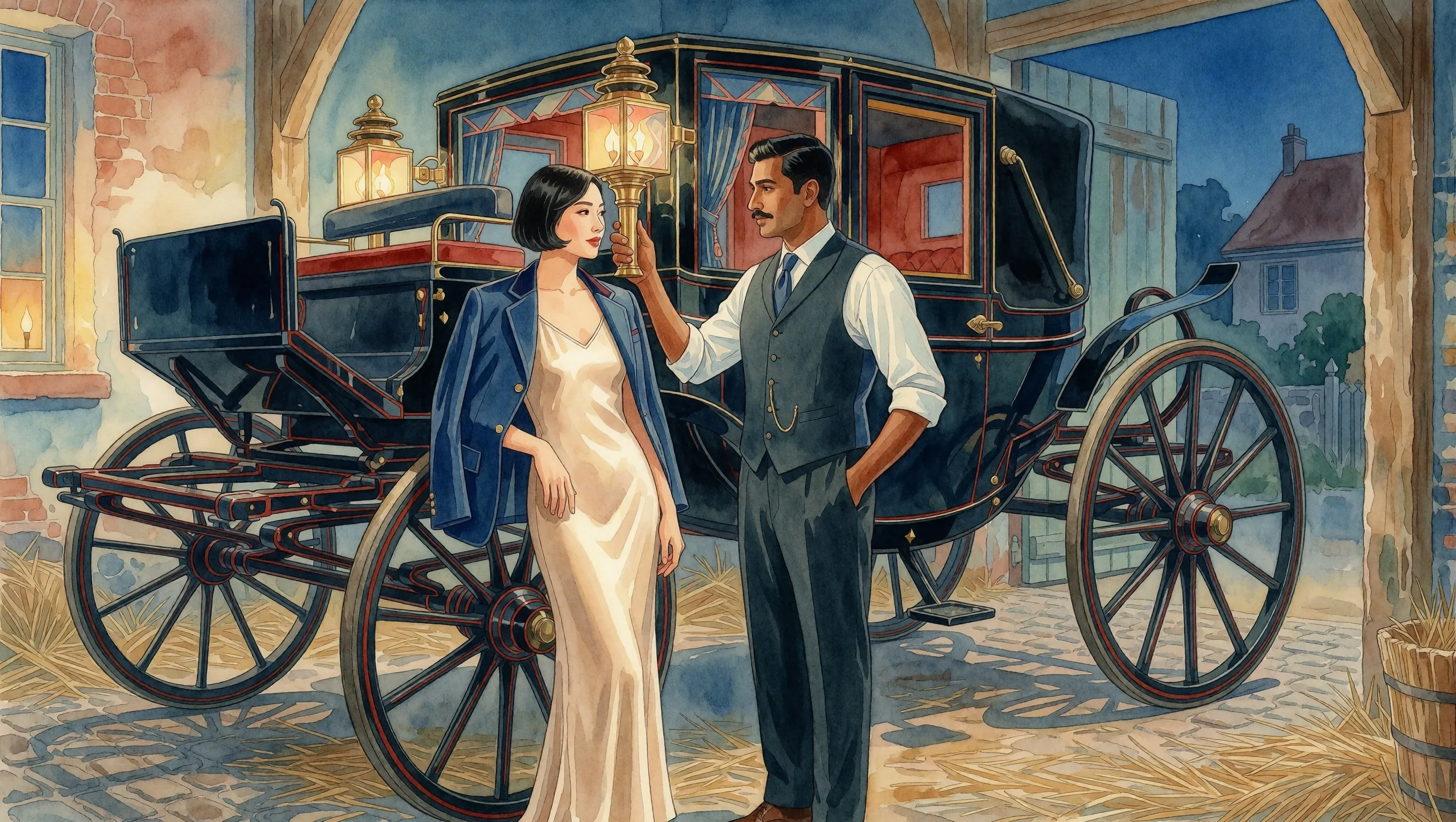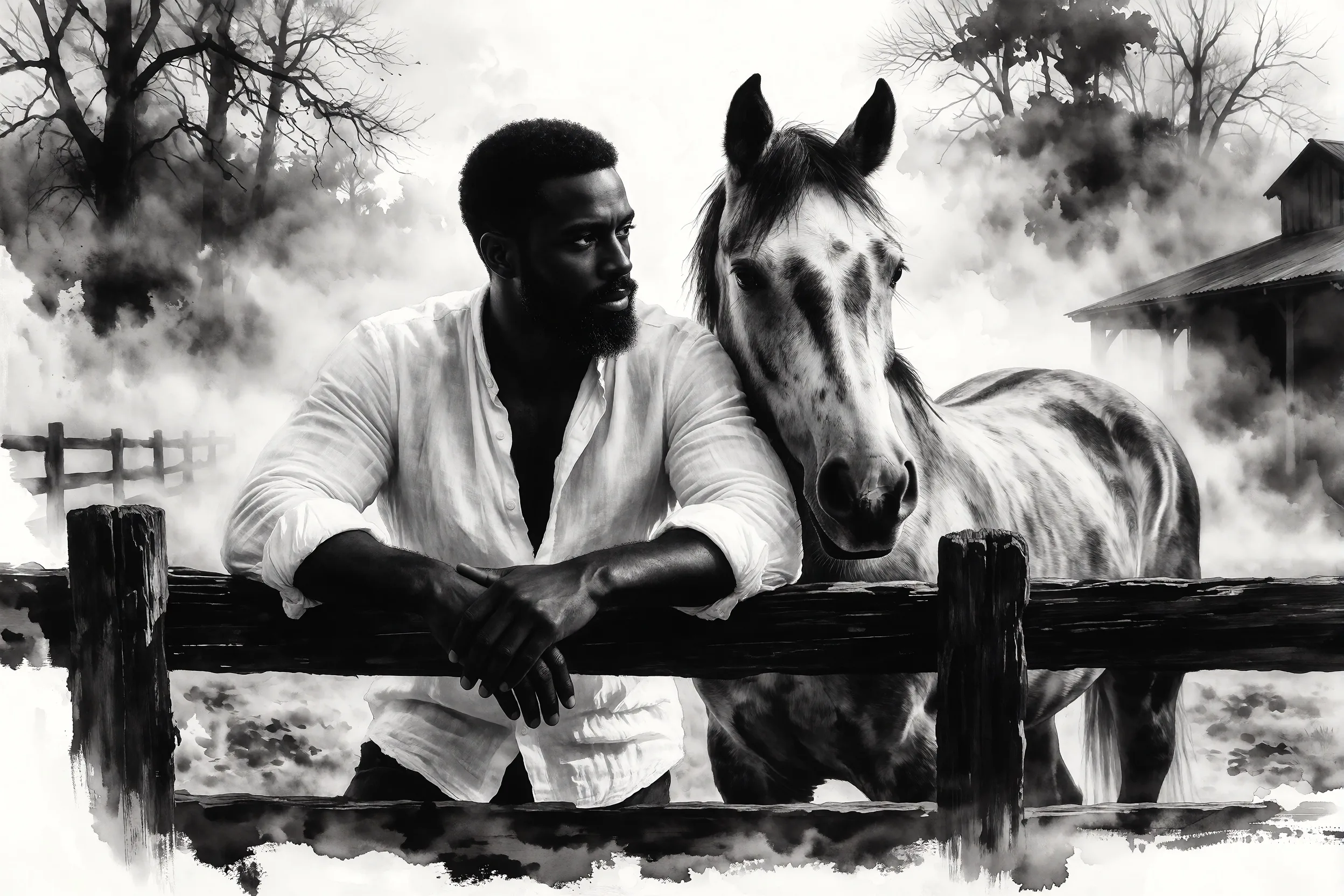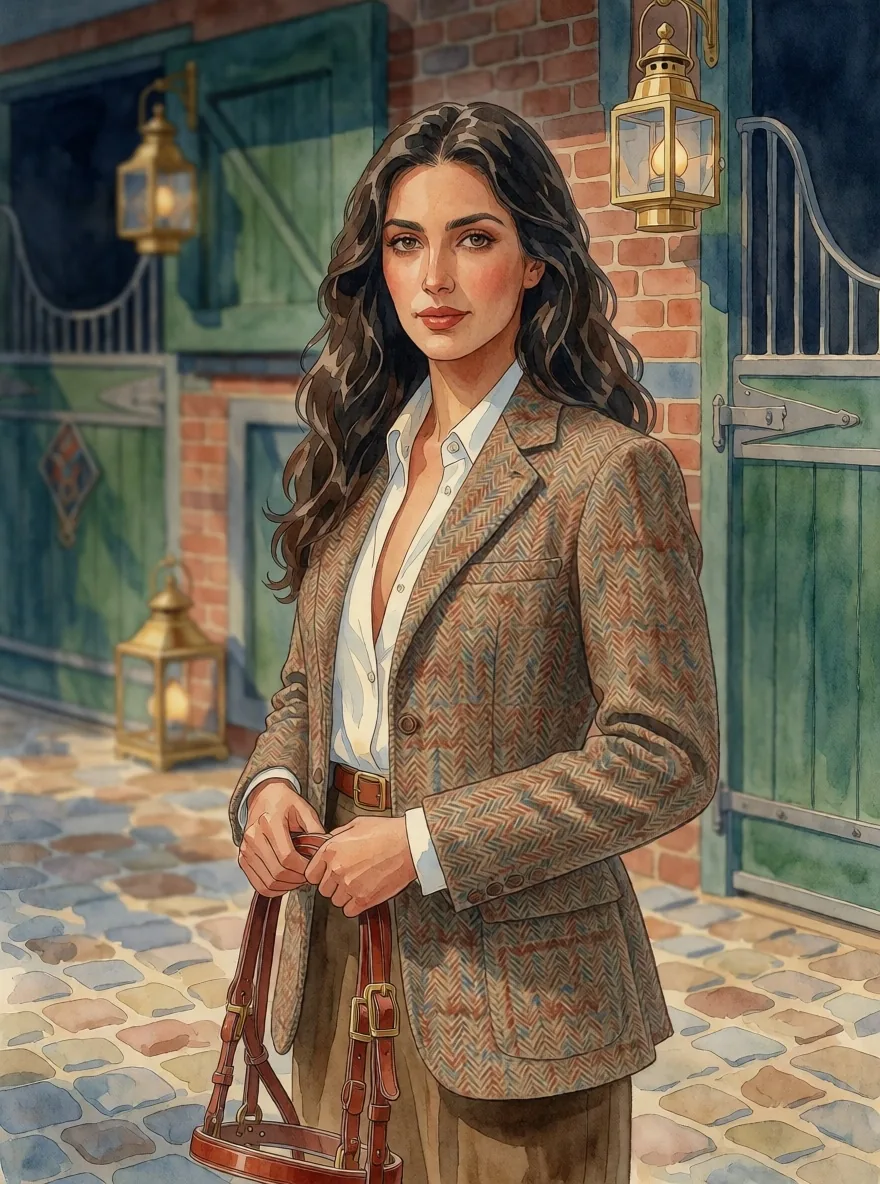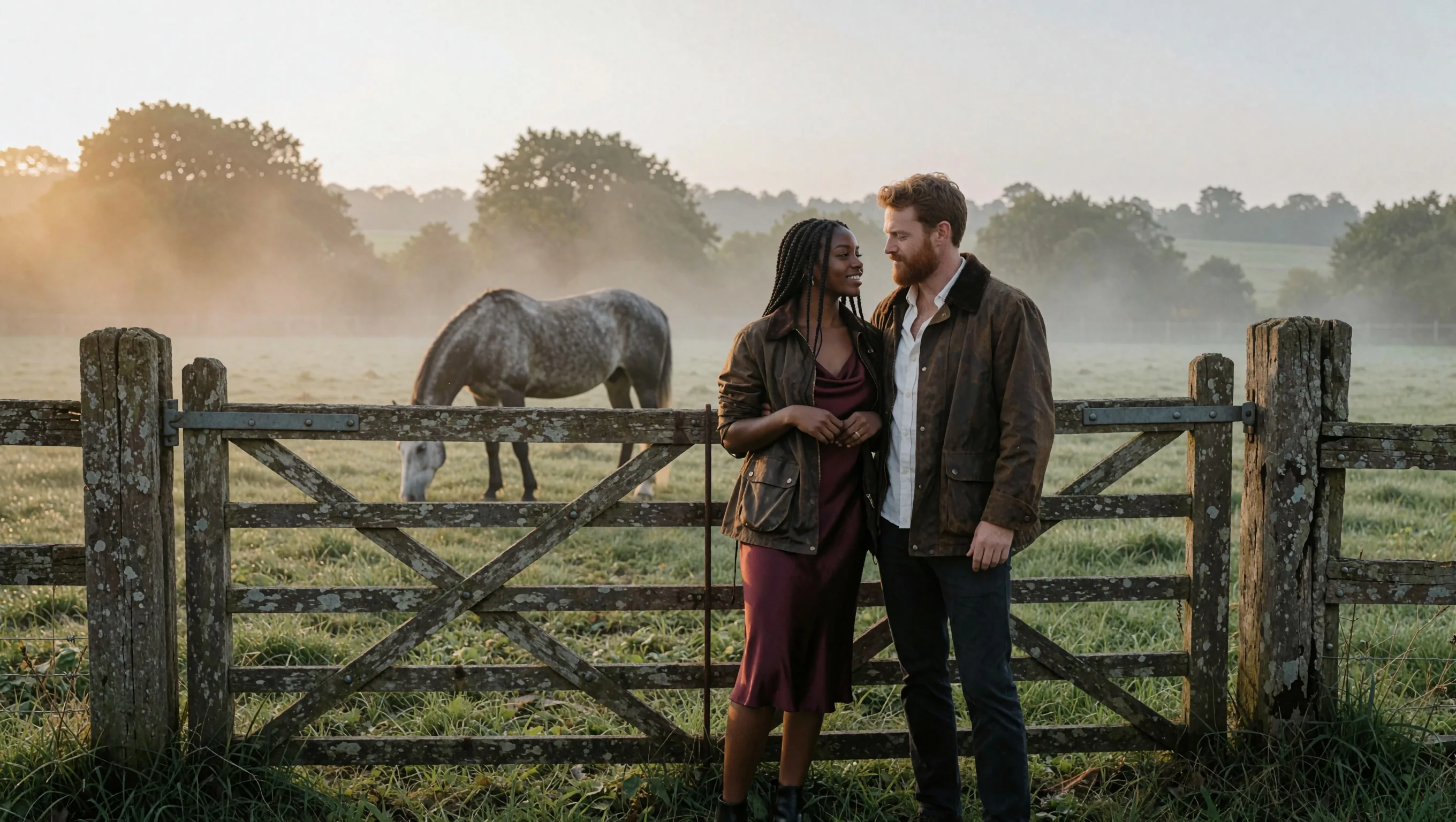
Introduction
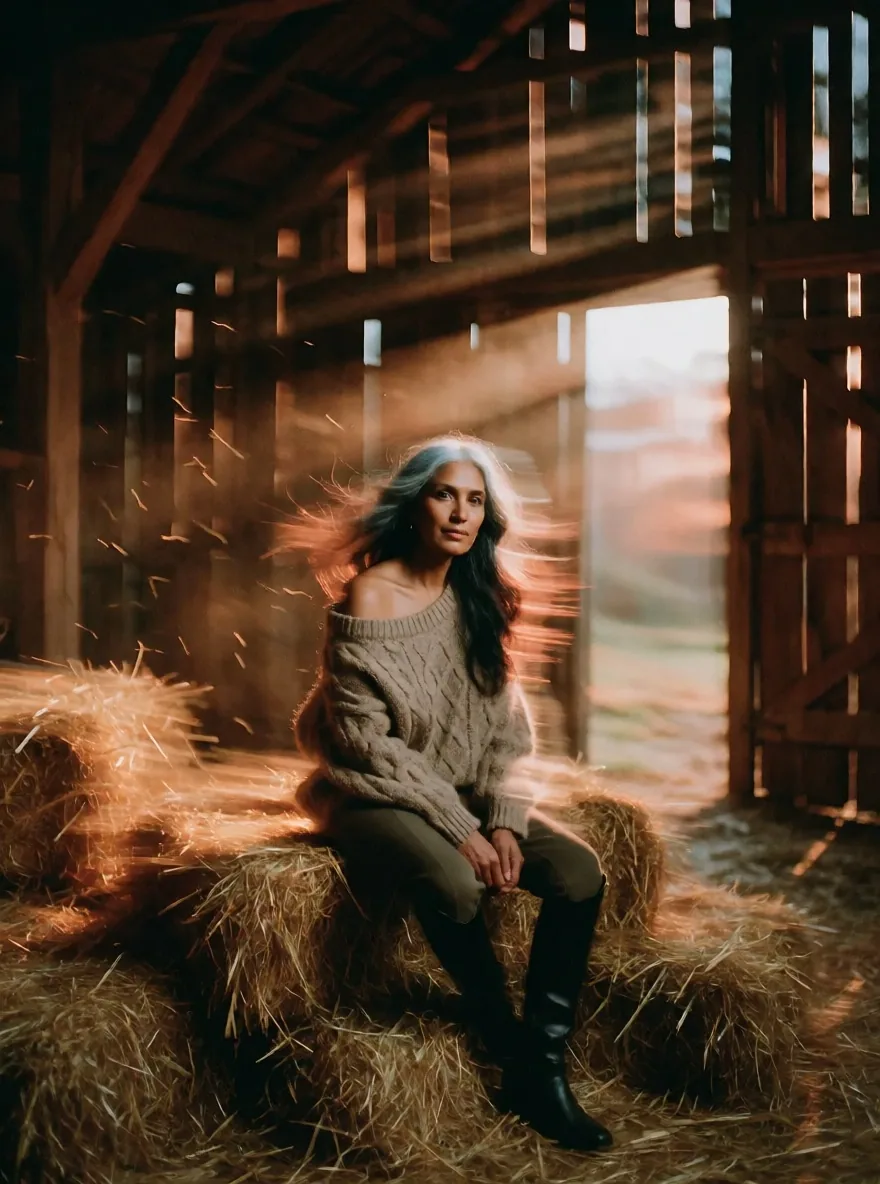
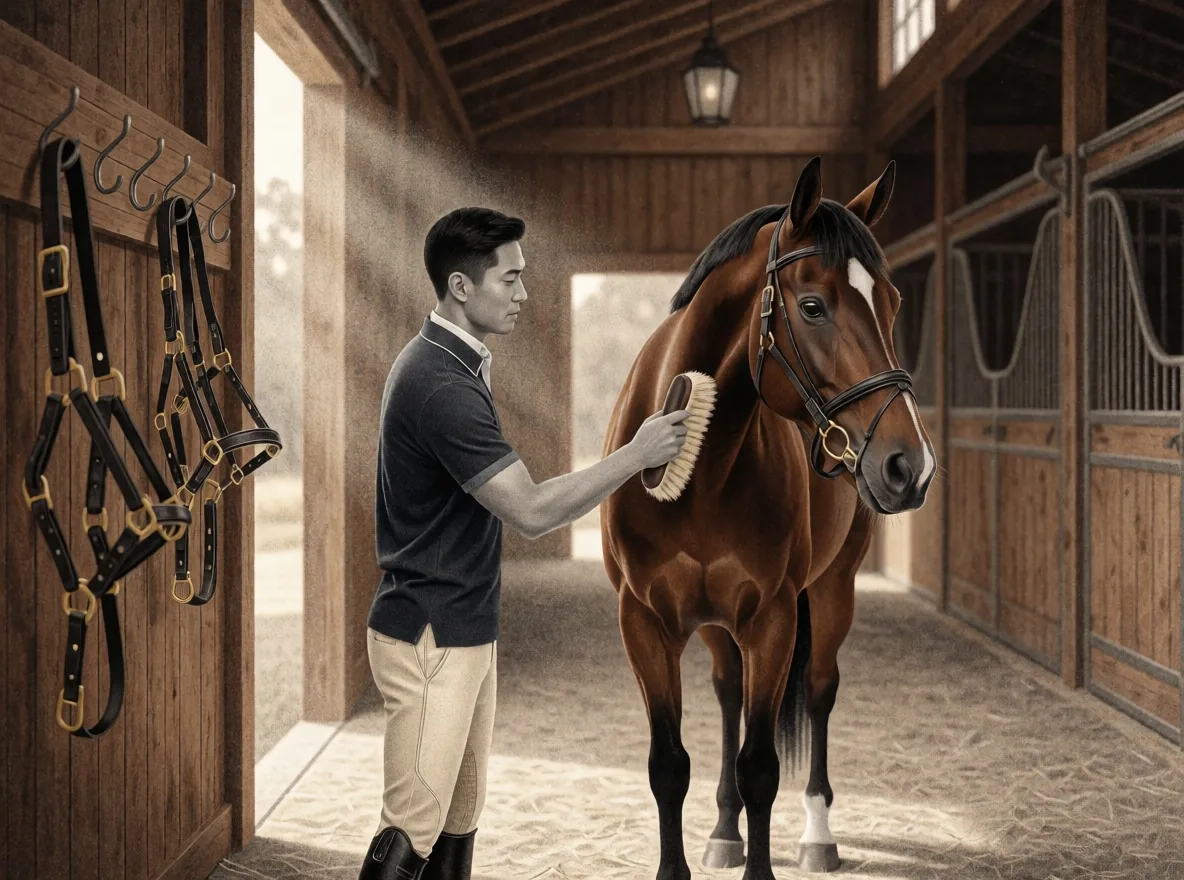
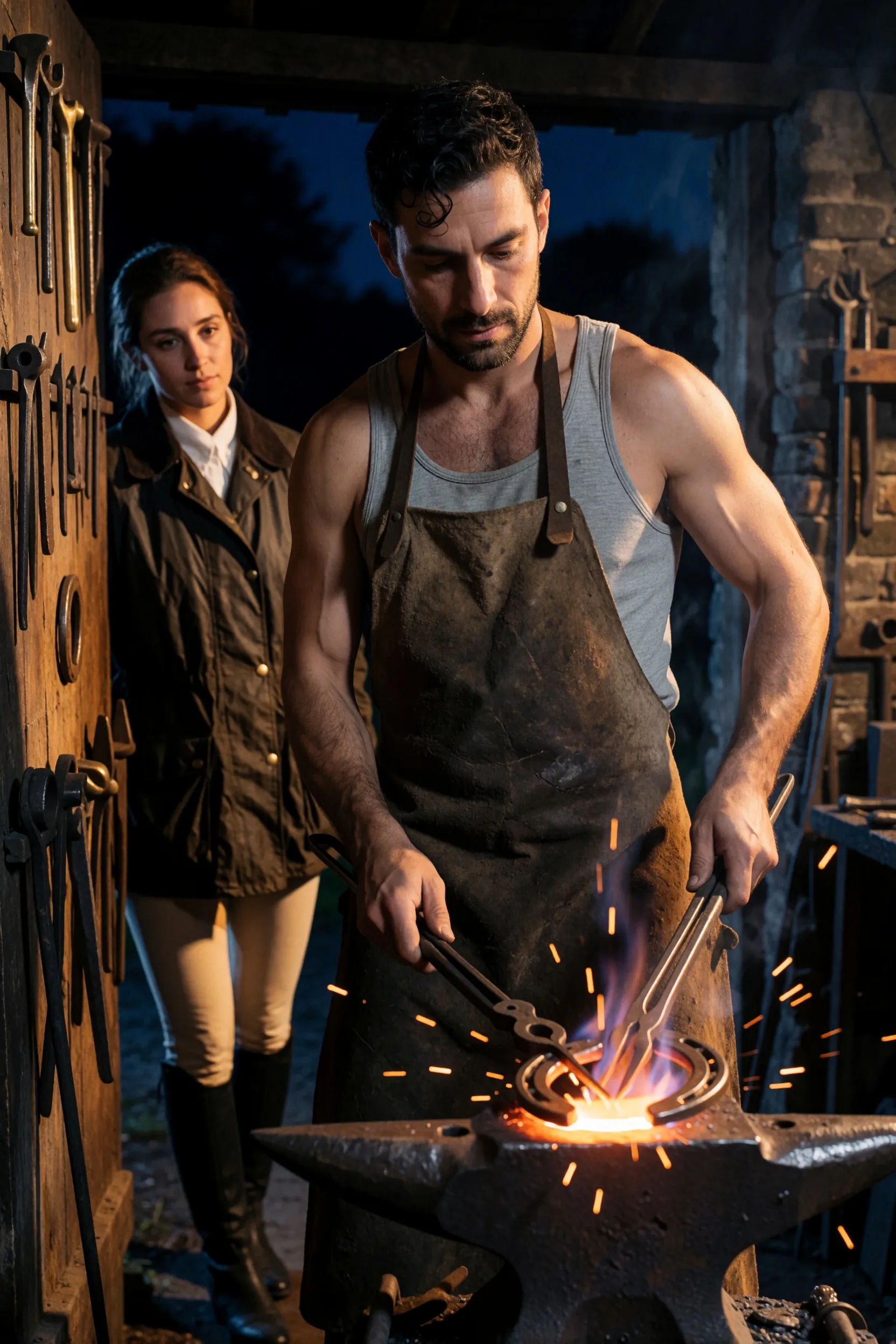
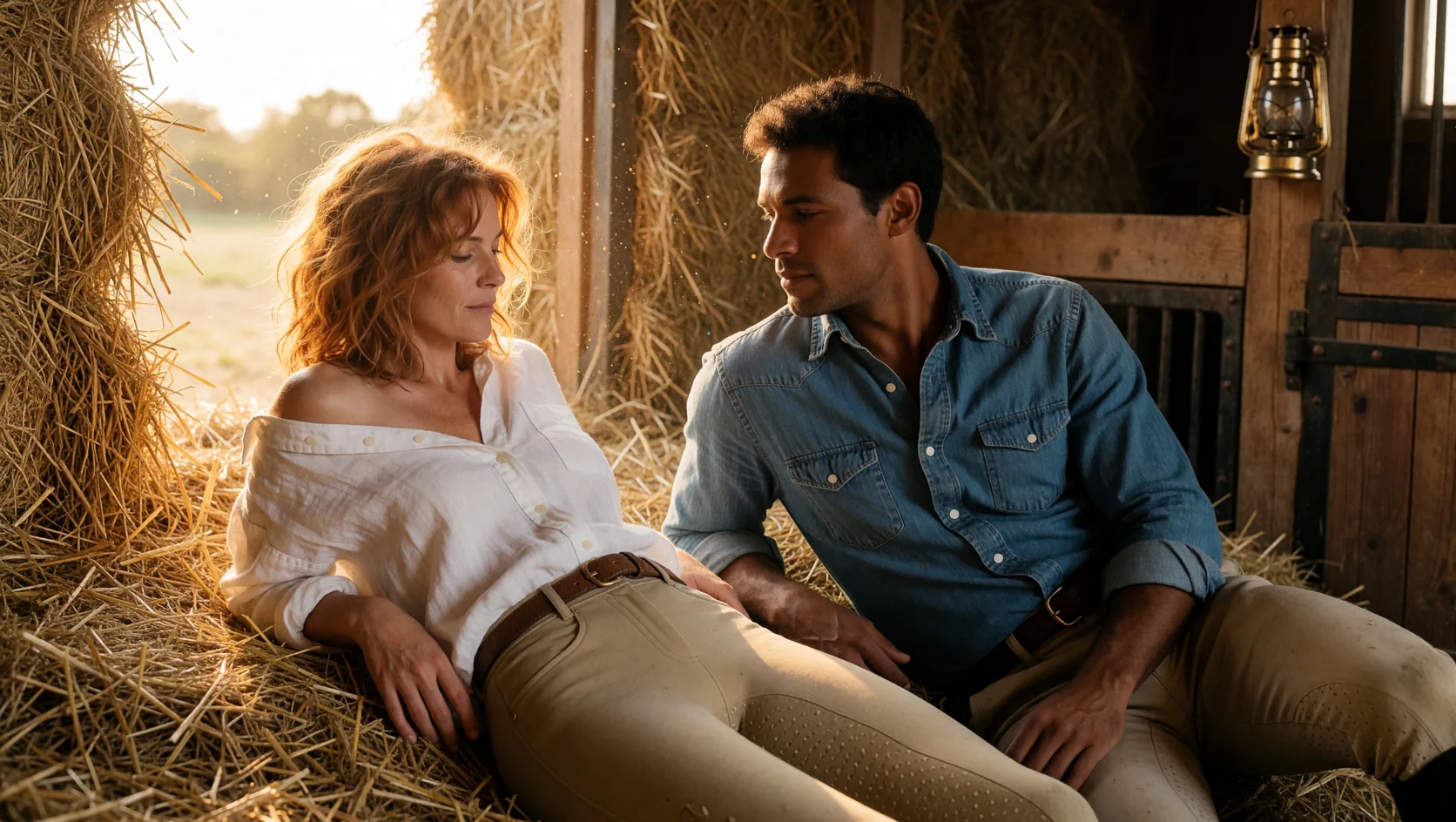
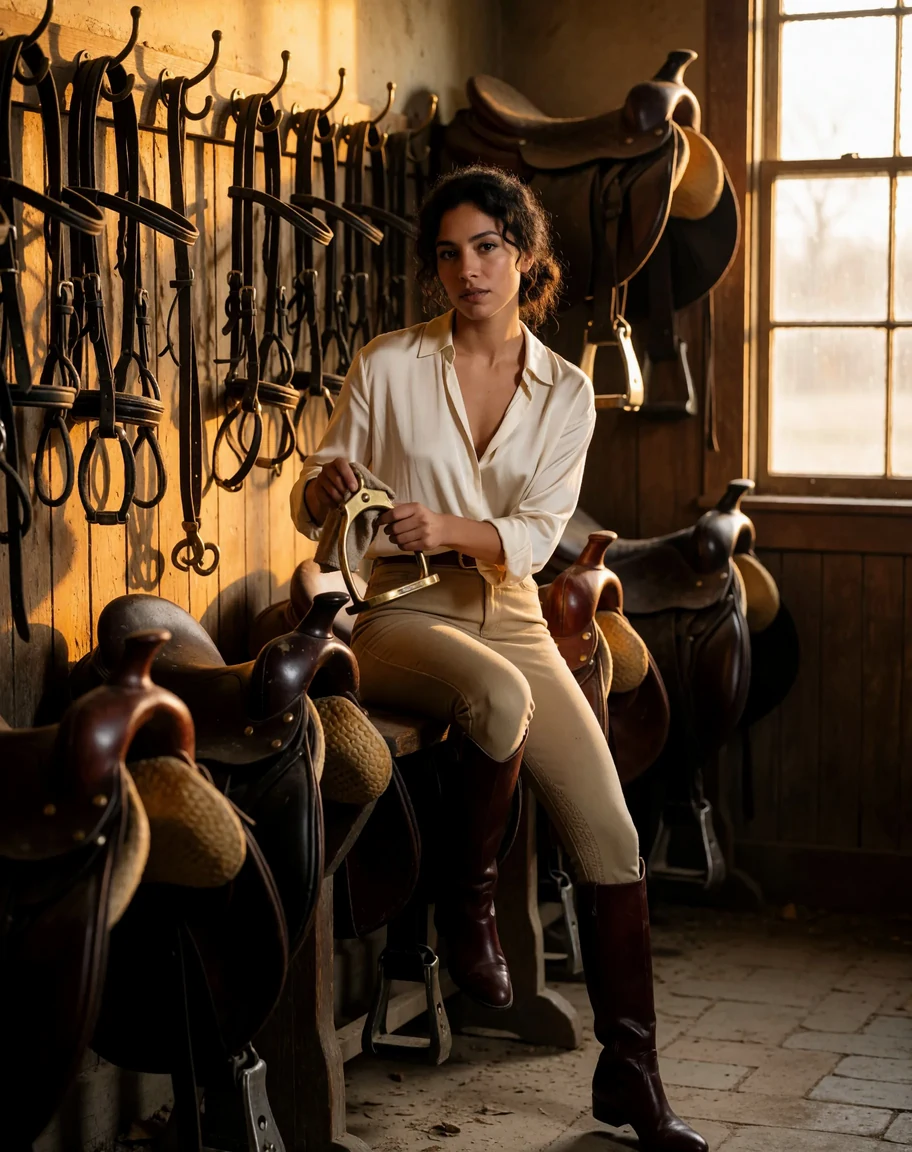
Krea 2 Turbo LoRA Text to image draws one image from a written prompt with up to three of your own LoRA files loaded. It runs on Krea 2 Turbo, the eight-step distilled checkpoint of Krea's open-weight 12-billion-parameter image model, which Krea released alongside an undistilled Raw checkpoint meant for training LoRAs. Pick any of fifteen aspect ratios and one of two resolution tiers. The platform adds no content filter to the prompt, the weights or the image.
Choose a mode by starting material
| What you have | Mode |
|---|---|
| a written description | Krea 2 Turbo LoRA Text to image |
| a picture to restyle | Krea 2 Turbo LoRA Image to image |
Key features & highlights
Krea's own LoRAs and community ones
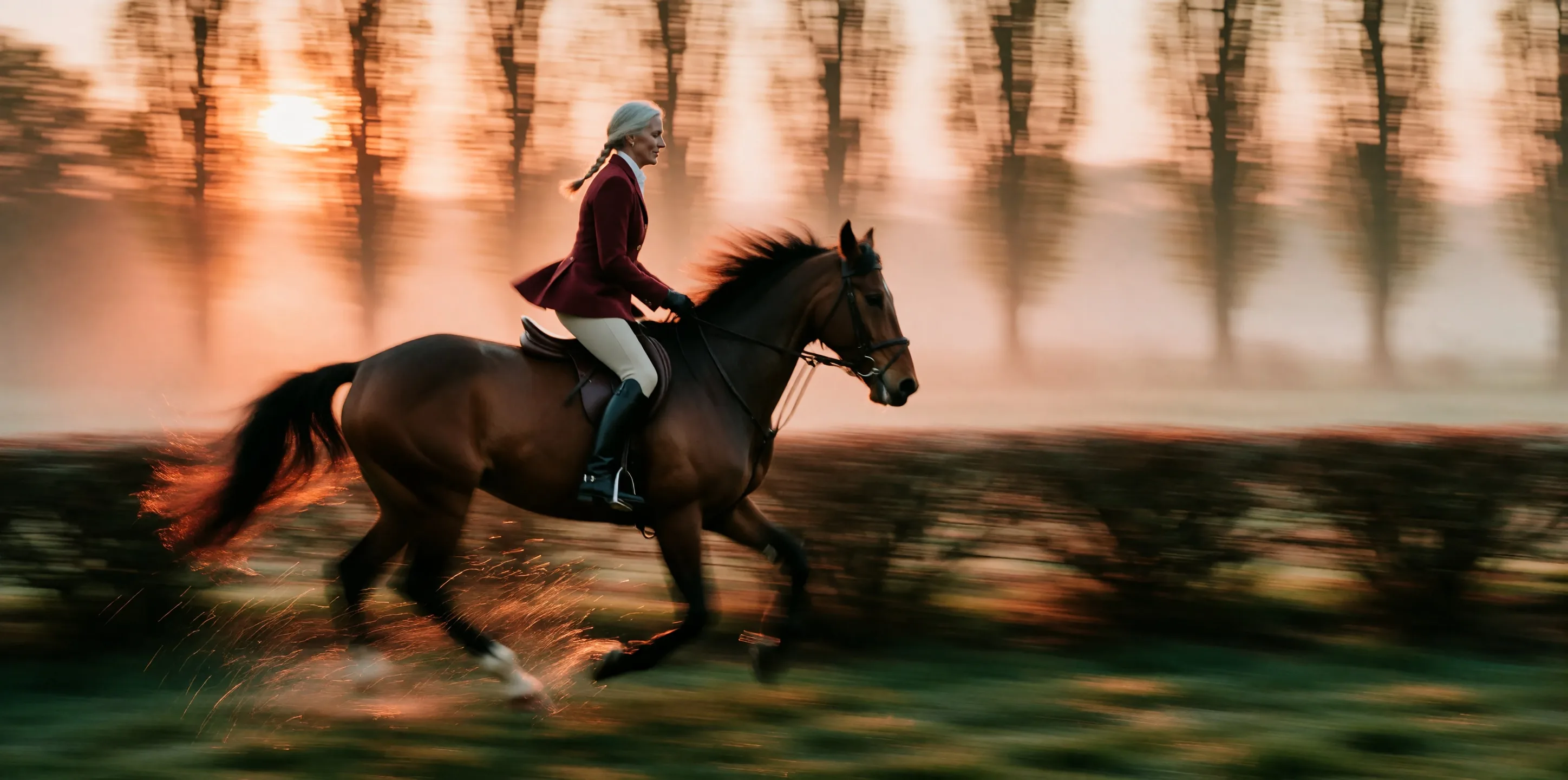
Krea publishes style LoRAs for this model, such as a soft Art Deco watercolour, a monochrome ink wash and an ethereal motion blur, and the community has trained many more on the Raw checkpoint. Pass the direct file link and a scale; both ComfyUI-style and Diffusers-style files loaded in our tests.
Three at once
Up to three LoRAs per request, each with its own scale. In our test a watercolour style at 0.8, a second LoRA at 0.8 and an ink wash at 0.3 loaded together and the watercolour look still led.
Eight steps, up to 2k
Turbo is distilled to eight sampling steps. Most of our test images took 5 to 20 seconds on 1k; the native 2k tier takes roughly two to three times as long and returns about four megapixels.
Toned down by default, open with a LoRA
Krea 2 Turbo tends to soften unfiltered prompts: most of our test prompts came back toned down, and nothing was refused. With a community unfiltered LoRA for Krea 2 loaded, the same prompts rendered as written.
Request parameters
| Parameter | Required | Description |
|---|---|---|
prompt | Yes | Put the LoRA's trigger phrase first, then describe the picture in plain sentences: subject, clothing, place, light, lens. Up to 5,000 characters; there is no negative prompt. at least 1 characters · at most 5000 characters |
aspect_ratio | No | Fifteen options from 3:1 to 1:3; 1:1 by default. The ratio changes the shape, not the price. |
resolution | No | 1k is about one megapixel and is the default. 2k is about four megapixels, generated natively, and costs more. |
loras | No | Up to three {path, scale} entries trained for Krea 2; scale 0 to 4, 1 is neutral and 0.5 to 1.2 is the useful range. Use a public direct link to the .safetensors file. Default: |
seed | No | Keeps a set of images comparable while you change one LoRA scale at a time. It does not guarantee the exact same pixels on every run. |
Pricing
Billed per image by resolution tier. The aspect ratio does not change the price, and loading LoRAs adds no separate charge.
| Specification | Price |
|---|---|
| $0.0216 / image |
| $0.036 / image |
Use cases
Style batches
A style LoRA plus a list of prompts becomes a consistent set of illustrations, posters or thumbnails. Fix the seed per layout and change only the subject line.
Testing your own LoRA
Train on Krea 2 Raw, then check the LoRA here at Turbo speed across several prompts and scales before you build on it.
Unfiltered stills with community weights
Load the LoRA your audience expects and write the image directly. There is no content flag and no second review of the result.
Prompt guide & pro tips
Trigger phrase first, then sentences
Krea's style LoRAs use plain trigger phrases such as "Art Deco watercolor style". Put it at the very start, then describe subject, clothing, place, light and lens in full sentences; Krea 2 reads natural language well.
Compare against no LoRA
Run the same prompt and seed without the LoRA. A style trigger alone already nudges the base model toward that medium, so judge the LoRA by the difference, not by whether the style appears.
Stay between 0.5 and 1.2
The scale field accepts 0 to 4, but at 4 our test image collapsed into flat geometric shapes. 0.5 already reads clearly as the style.
Use direct, public links
The link must download the .safetensors file itself. A repository page or a file that needs a login fails the request, which is then not charged.
API quick start
# Generate the idempotency key once; reuse it when retrying after a lost response.
export SPICY_IDEMPOTENCY_KEY="${SPICY_IDEMPOTENCY_KEY:-$(uuidgen)}"
curl -X POST https://api.spicyapi.ai/api/v1/jobs/createTask \
  -H "Authorization: Bearer $SPICY_API_KEY" \
  -H "Content-Type: application/json" \
  -H "Idempotency-Key: $SPICY_IDEMPOTENCY_KEY" \
  -d '{
  "model": "krea/2-turbo-lora/text-to-image",
  "input": {
    "aspect_ratio": "1:1",
    "prompt": "A ceramic teapot on a linen cloth, soft window light, muted palette",
    "resolution": "1k"
  }
}'

# Copy data.taskId from the response into TASK_ID, then poll the status.
TASK_ID="TASK_ID_FROM_RESPONSE"
curl "https://api.spicyapi.ai/api/v1/jobs/recordInfo?taskId=$TASK_ID" \
  -H "Authorization: Bearer $SPICY_API_KEY"
See the API reference for authentication, the complete schema, polling, and error handling.