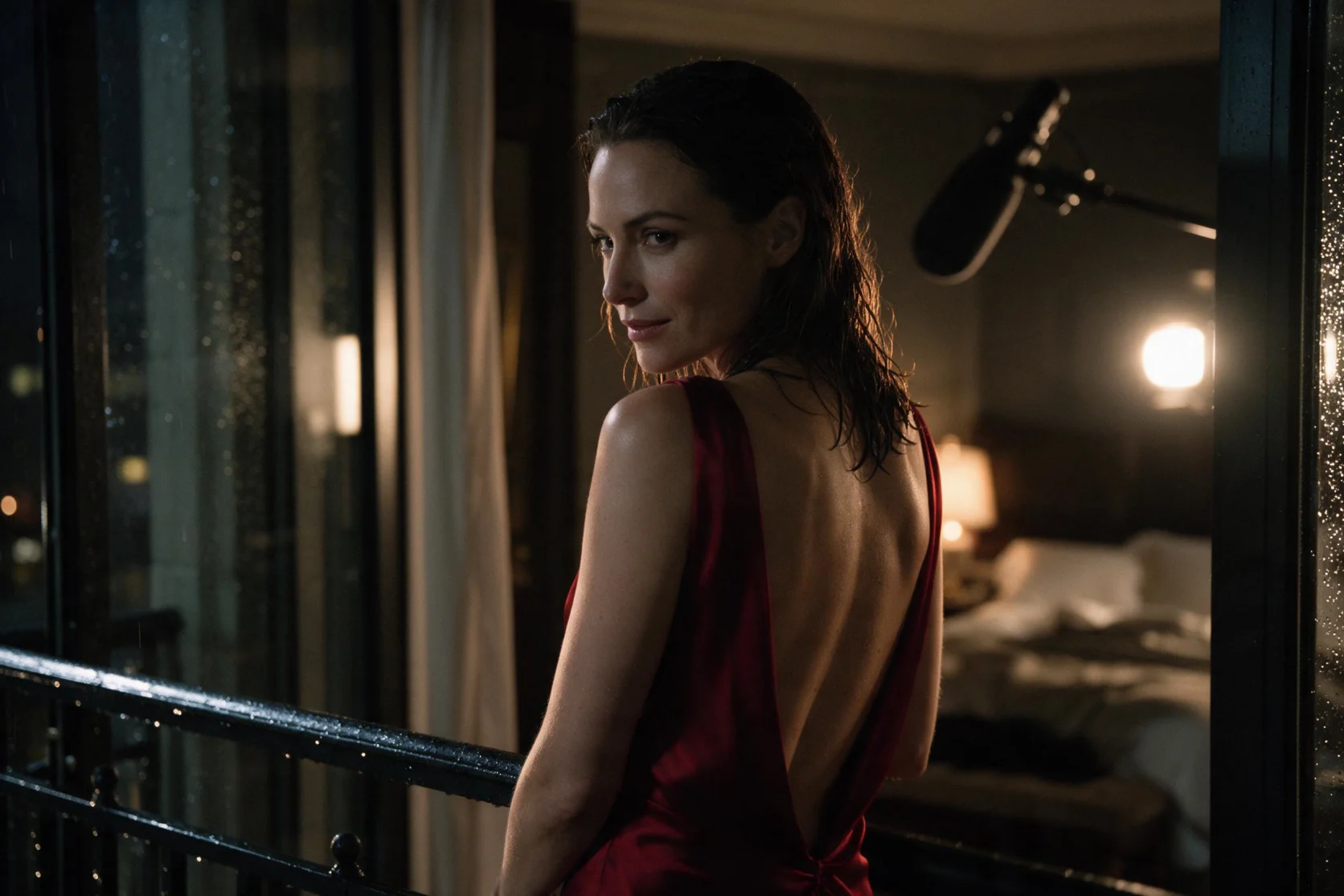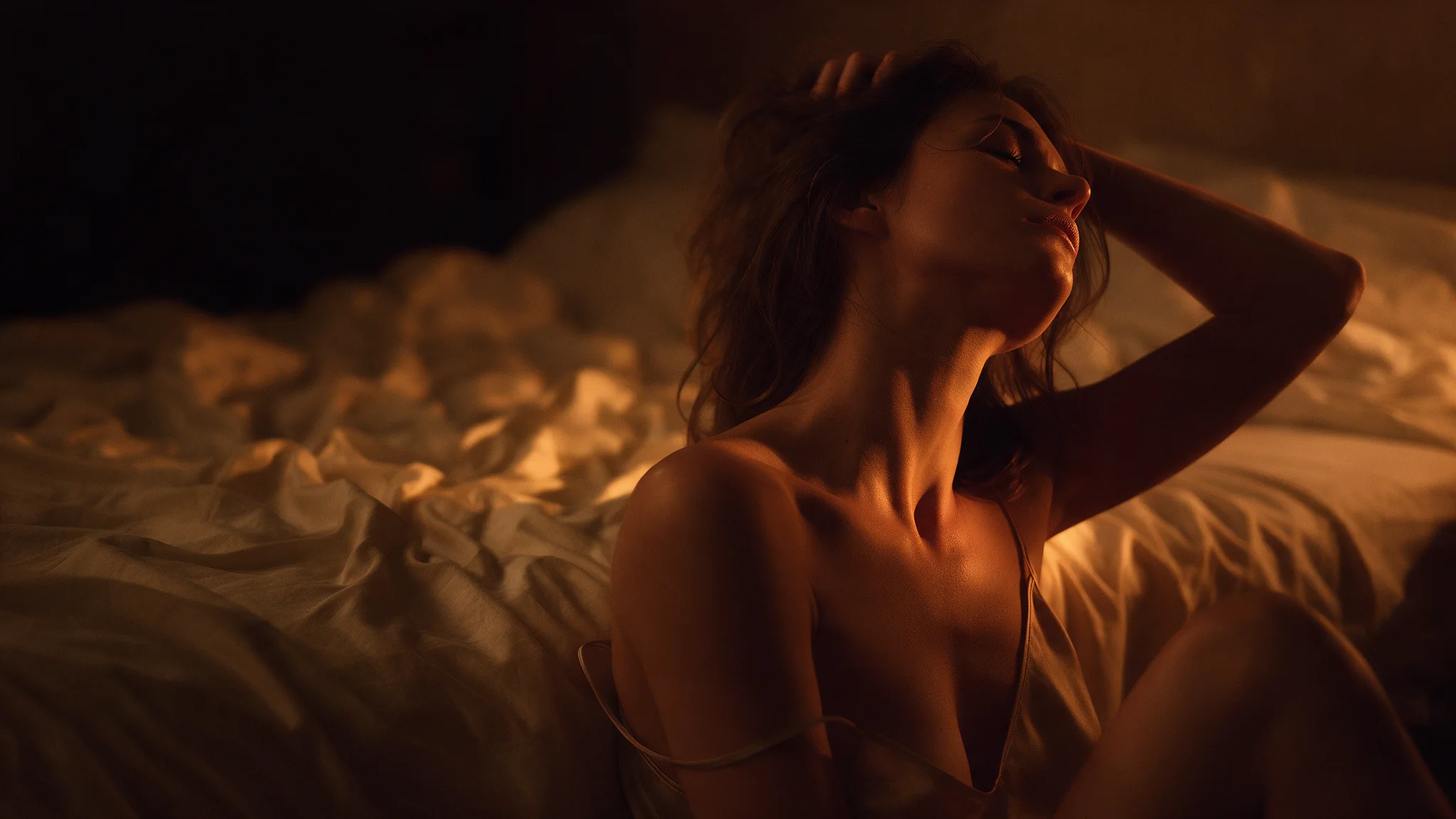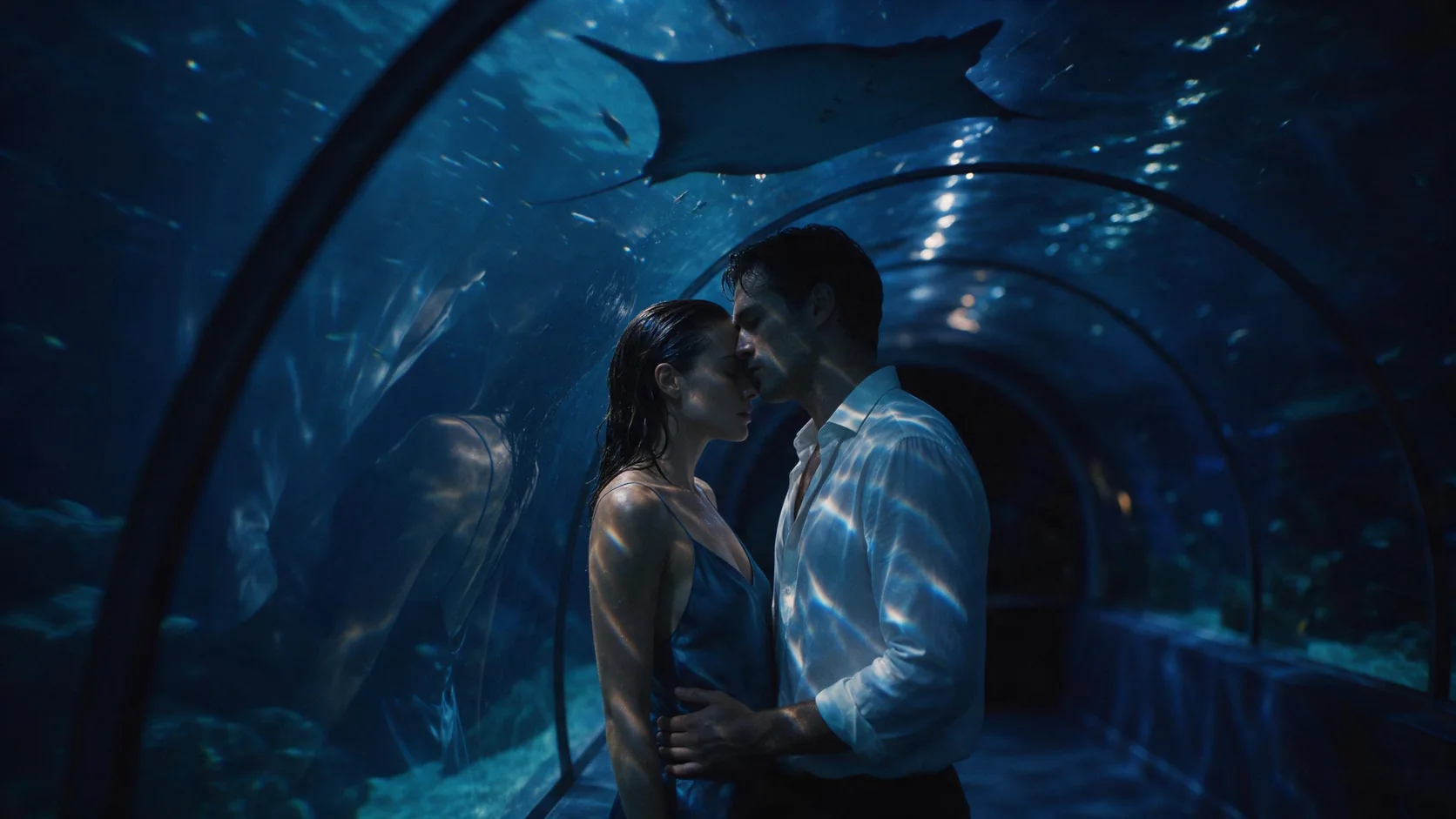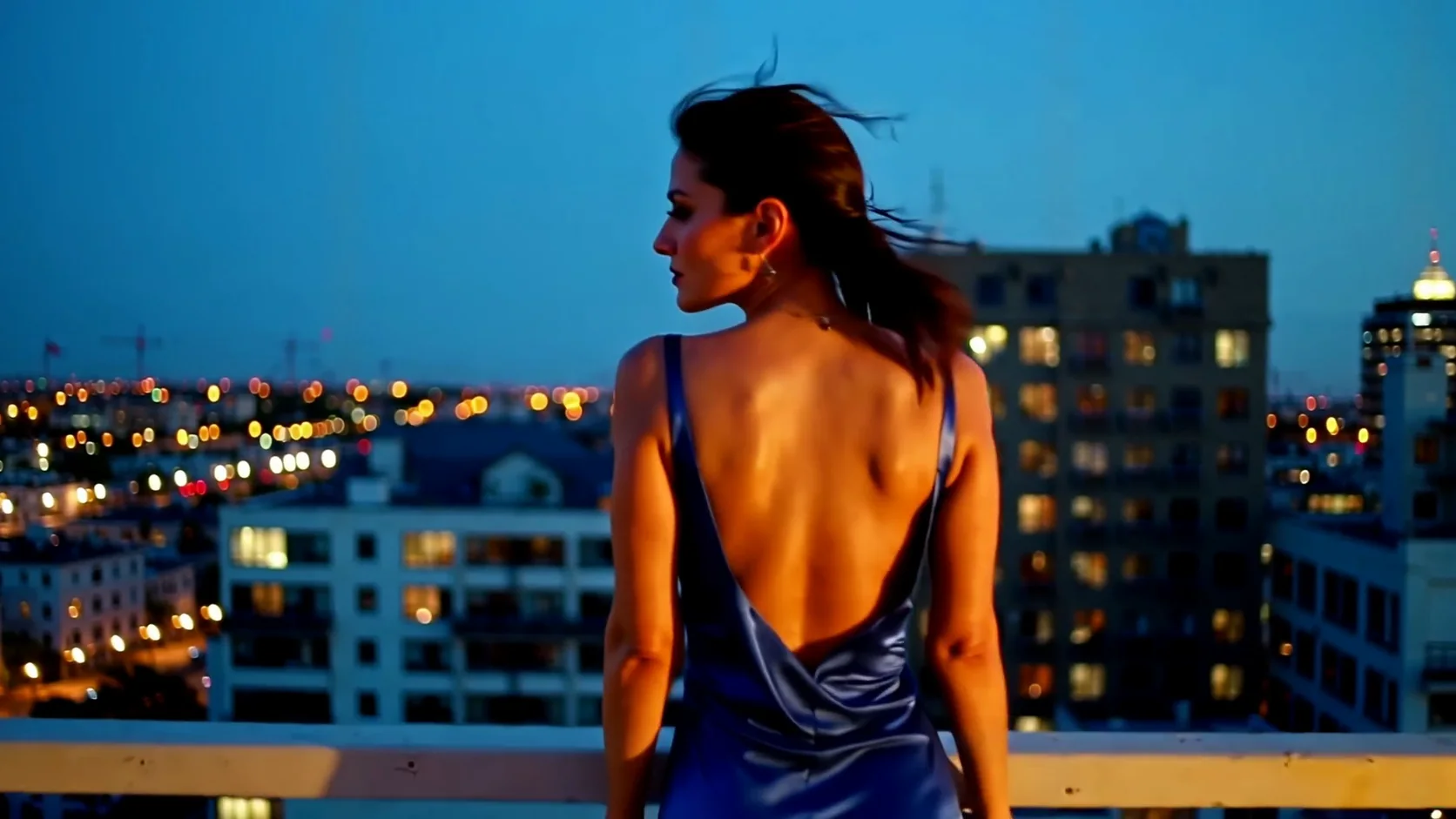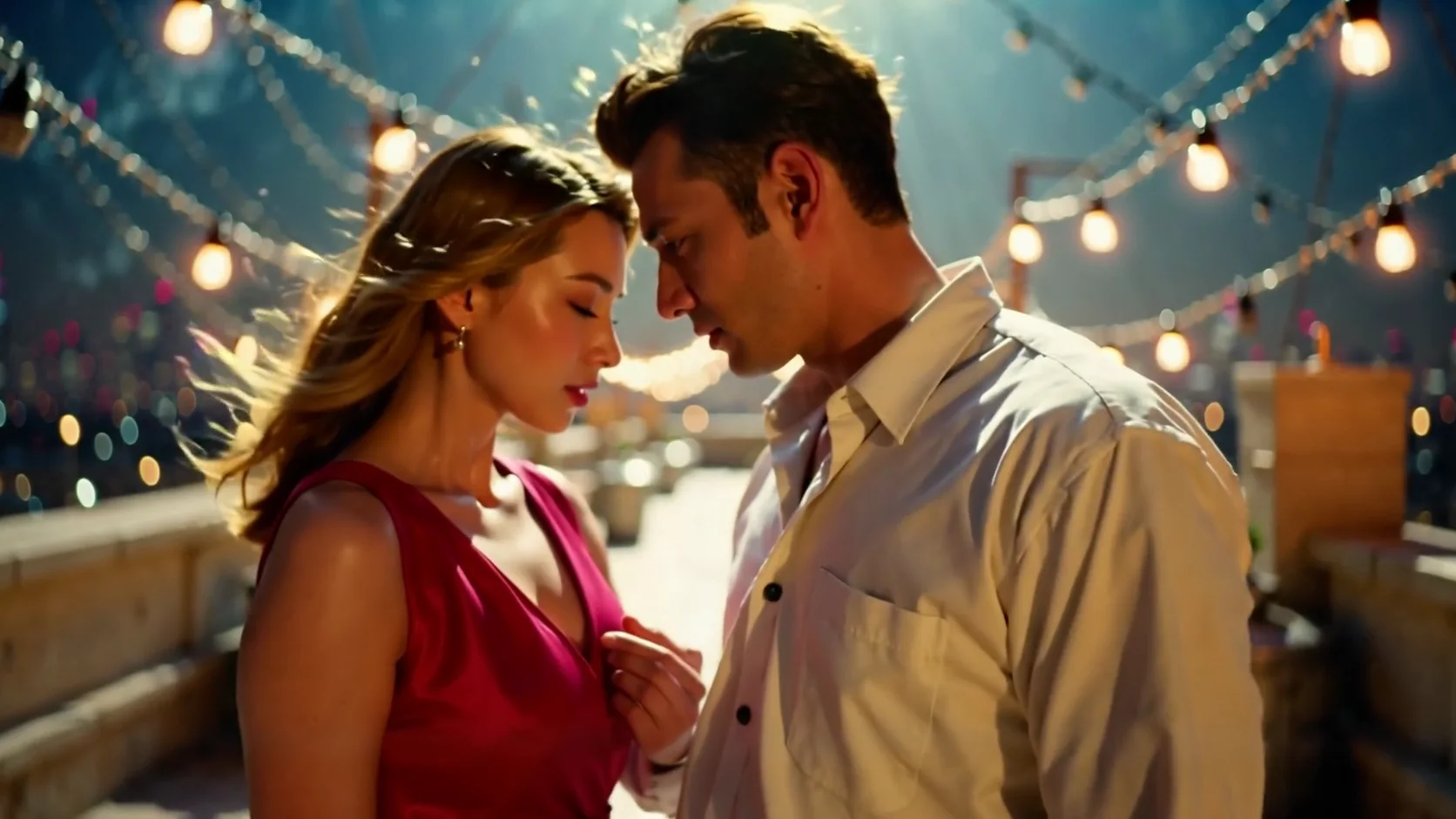
Introduction
Supply an audio track and scene prompt to generate lip-synced dialogue, musical performance, or beat-matched action while keeping your original audio intact.
| Field | Value |
|---|---|
| Input | Audio |
| Output | Video |
| Publisher | Lightricks |
| Endpoints | text-to-video, image-to-video |
| Duration | 5-20 seconds, whole seconds |
| Resolution | 720p, 1080p, 2K, 4K (default 720p) |
| Aspect ratios | 16:9, 9:16 (text-to-video); set by the frame on image-to-video |
| Frame control | Opening frame required on image-to-video, closing frame optional |
| Audio | For LTX 2.5, generated with the picture; no field to turn it off |
| Execution | Asynchronous task, billed per second of output |
Key features & highlights
A whole beat in one take, not three clips stitched together
Twenty seconds is long enough for an entrance, a hold and an exit inside a single generated shot, so continuity is the model's problem rather than yours. There is no extend endpoint here and none is needed for most shots - decide the length up front, because a five-second draft and a twenty-second final are different generations.
Resolution is a field, not a different model
720p, 1080p, 2K and 4K all come out of the same five-field request, so the path from a cheap draft to a finished master is one string change with the seed held constant. Fabric weave, skin texture and specular detail are what the higher tiers actually buy you; blocking and camera path are already visible at 720p.
Say where the shot starts and where it lands
Image-to-video takes an opening frame and optionally a closing one, which fixes both ends of the move and leaves only the middle generated. Over twenty seconds that middle is a long way to travel, so keep the two frames continuous in subject, wardrobe and light or the clip visibly negotiates between them.
Request parameters
| Parameter | Required | Description |
|---|---|---|
audio_url | Yes | Input speech, vocal, or music file (MP3, WAV, M4A, AAC, OGG, or FLAC, at least 2 seconds). Its track is preserved directly in the rendered clip. at least 1 characters |
image_url | No | Optional reference photo for the opening frame; when supplied, the clip follows the image aspect ratio. at least 1 characters |
prompt | Yes | Scene, subject performance, lighting, and camera direction matching the supplied audio (1–5,000 characters). at least 1 characters · at most 5000 characters |
resolution | No | Short-edge output resolution: 720p, 1080p, or 2k. Higher tiers increase per-second billing. |
fps | No | Output frame rate in frames per second (24, 25, 48, or 50). Frame rate does not change per-second billing; 48 and 50 fps cap duration at 10 seconds. |
duration_seconds | No | Optional trim length in seconds from the start of the audio (2 to 20 seconds, decimals allowed). Omit to match the full audio clip up to 20 seconds. |
seed | No | Optional integer seed (0 to 2,147,483,647) for reproducible timing and framing. |
Pricing
| Specification | Price |
|---|---|
| $0.09 / second |
| $0.13 / second |
| $0.19 / second |
Use cases
Uncensored long-form scenes
Uncensored direction is accepted on both endpoints, and twenty seconds is enough for a scene rather than a fragment. An uncensored opening frame on image-to-video is the path that comes back literal; the LTX 2.3 Spicy families are the variants tuned specifically for uncensored material.
4K plates for a finishing pipeline
A 4K render carries enough detail to survive a grade, a reframe and a slow push added in the edit. Draft the take at 720p, lock the seed, then run the same prompt at 4K once - the resolution field is the only thing that changes.
Vertical fashion film
9:16 at twenty seconds covers a full runway pass: entrance, turn and exit in one generation, with fabric movement holding together at 2K. The frame choice is binary here - 16:9 or 9:16 - so the deliverable shape is decided before the prompt is written.
Board-to-board shots for an edit
When a shot must start on one storyboard frame and end on another, supply both as image_url and last_image_url. The outgoing composition matches the next cut, which is what makes a generated clip usable in a timeline instead of only as a standalone.
Prompt guide & pro tips
Decide length and shape before writing
Duration is a generation parameter, not something you trim later, and the frame is either 16:9 or 9:16. A twenty-second 9:16 shot and a five-second 16:9 draft of the same idea are two different generations, so pick the deliverable first.
Write the shot in time order
State subject, action, camera and light as they happen and keep the whole arc inside one paragraph. A working brief looks like this: "Ultra-detailed cinematic shot: an adult woman in a floor-length emerald silk gown descends a marble staircase in an empty opera house, the high slit opening across her leg with each step, chandelier light glittering through the fabric. Slow crane down, immaculate texture detail, orchestra tuning drifting up from the pit." Start at 720p.
Lock the seed, then raise resolution
Once the 720p take is right, re-run it at 2K or 4K with the same seed and prompt so only resolution has changed. The clip comes back with generated sound; mute or replace it in the edit if you need your own mix.
Overview
LTX 2.5 Audio-to-Video (lightricks/ltx-2.5/audio-to-video) drives full-scene video generation directly from an uploaded speech, vocal, or music clip. Instead of synthesizing audio after the visuals, Lightricks' LTX 2.5 model treats your soundtrack as the primary timing signal—aligning lip movement, breathing, head posture, wardrobe motion, and camera pacing to the audio while keeping your exact input track intact inside the finished MP4. Supply an optional opening photograph (image_url) to lock a character portrait and framing, or omit it to generate a fresh 16:9 scene from audio plus written direction. Requests run asynchronously via polling or webhook.
Parameters
| Field | Format | Mandatory | Default Value | Accepted Range |
|---|---|---|---|---|
audio_url | string (URI) | Yes | — | Public URL of speech, singing, or music clip (MP3 or WAV, 2 to 20 seconds); preserved verbatim as the output soundtrack |
prompt | string | Yes | — | 1 to 5,000 characters; scene, performance, lighting, and camera direction matched to the audio |
image_url | string (URI) | No | — | Optional opening still (JPG, PNG, or WEBP); sets output aspect ratio when supplied (otherwise 16:9) |
resolution | string | No | 1080p | 720p, 1080p, or 2k (1440p short edge); governs per-second rate |
fps | integer | No | 24 | 24, 25, 48, or 50 fps (frame rate does not alter per-second billing) |
duration_seconds | number | No | input length | Optional trim from audio start (2 to 20 seconds); capped at 10 s for 2k or 48/50 fps |
seed | int | Optional | randomized | Integer between 0 and 2,147,483,647 |
Resolution, Frame Rate, and Duration Caps
- At
720por1080pwith24or25fps, clips can span 2 to 20 seconds. - At
2kresolution, or whenever48or50fps is chosen, output length caps at 10 seconds.
Audio Duration Billing
SpicyAPI bills LTX 2.5 Audio-to-Video per second of input audio duration (minimum 2 seconds, capped at 20 seconds, or shorter when trimmed via duration_seconds). Switching between 24, 25, 48, and 50 fps leaves per-second pricing unchanged. Check the LTX 2.5 model page for live pricing updates.
| Resolution | Rate / Second | 5 s Audio | 8 s Audio | 10 s Audio | 15 s Audio (24/25 fps) |
|---|---|---|---|---|---|
720p | $0.09 | $0.45 | $0.72 | $0.90 | $1.35 |
1080p | $0.13 | $0.65 | $1.04 | $1.30 | $1.95 |
2k | $0.19 | $0.95 | $1.52 | $1.90 | N/A (10 s cap) |
Audio-to-Video vs. Talking-Avatar Tools
Dedicated talking-avatar and lip-sync endpoints lock onto a mostly static head-and-shoulders crop and concentrate motion around the mouth, jaw, and modest head nods. LTX 2.5 Audio-to-Video generates the entire moving frame around your sound:
- Dynamic camera and lighting: Pair voiceovers or vocals with slow push-ins, swaying candlelight, drifting bokeh, and subtle shoulder turns.
- Works with or without a portrait: Skip
image_urlto invent an entire scene from audio and prose, or supply a hero still when identity and wardrobe must stay grounded. - Handles singing and music: Instrumental swells, whispered lines, and vocal dynamics can pace the whole visual beat rather than driving speech mouths alone.
Practical Tips & Content Policy
- Prepare clean, dry audio: Community and internal testing show that crisp lead vocals or spoken dialogue without heavy reverb produce noticeably tighter mouth alignment. Trim silence off the start and end before uploading so every billed second carries active performance.
- Write performance cues in present tense: Describe posture, eye contact, breath pauses, wardrobe drape, and one steady camera movement rather than repeating static visual tags.
- Use
seedfor single-variable checks: Reusing an integer seed helps compare one adjustment at a time—such as testing 720p before rendering 1080p or 2K—but does not guarantee identical frames. - Rights and consent: Upload portraits and voice recordings of adults aged 18 and over that you hold clear authorization to use, and do not impersonate others.
- Unrestricted content tier: Verified on SpicyAPI as an unfiltered NSFW endpoint accepting adult creative direction across text and optional opening frames without refusals.
Choose LTX 2.5 Text-to-Video or LTX 2.5 Pro when you want native audio synthesized automatically instead of supplying your own recording.
API quick start
# Generate the idempotency key once; reuse it when retrying after a lost response.
export SPICY_IDEMPOTENCY_KEY="${SPICY_IDEMPOTENCY_KEY:-$(uuidgen)}"
curl -X POST https://api.spicyapi.ai/api/v1/jobs/createTask \
  -H "Authorization: Bearer $SPICY_API_KEY" \
  -H "Content-Type: application/json" \
  -H "Idempotency-Key: $SPICY_IDEMPOTENCY_KEY" \
  -d '{
  "model": "lightricks/ltx-2.5/audio-to-video",
  "input": {
    "audio_url": "https://example.com/reference.mp3",
    "fps": 24,
    "prompt": "A slow aerial shot drifting over a misty pine forest at sunrise",
    "resolution": "1080p"
  }
}'

# Copy data.taskId from the response into TASK_ID, then poll the status.
TASK_ID="TASK_ID_FROM_RESPONSE"
curl "https://api.spicyapi.ai/api/v1/jobs/recordInfo?taskId=$TASK_ID" \
  -H "Authorization: Bearer $SPICY_API_KEY"
See the API reference for authentication, the complete schema, polling, and error handling.