Introduction
LTX 2.5 Text to video generates one continuous take of 5 to 20 whole seconds from a written brief, in 16:9 or 9:16, at 720p, 1080p, 2K or 4K. Only prompt is required; duration_seconds, aspect_ratio and resolution default to 5 seconds, 16:9 and 720p, and seed is optional. Every clip comes back with a generated soundtrack. Reach for this endpoint when nothing visual has been approved yet and the setting, action and camera all have to come from words. Requests run as asynchronous tasks: create the task, then poll it or take the callback.
Choose a LTX 2.5 mode by starting material
| What you have at the start | Mode |
|---|---|
| a written scene or script | LTX 2.5 Text to video |
| an approved opening image | LTX 2.5 Image to video |
Key features & highlights
Up to twenty seconds in a single take
duration_seconds takes whole seconds from 5 to 20; the floor is 5, not 3. Twenty seconds is enough for an entrance, a hold and an exit inside one generated shot, so continuity across those beats is handled inside the generation instead of in your edit. The family has no extend task, which means length is set when you submit: a five-second draft and a twenty-second final are two separate generations, not one clip lengthened.
Four resolutions behind one field
720p, 1080p, 2k and 4k all come from the same request shape, and 2k returns a frame about 2560 px wide. Blocking and camera path can already be judged at 720p. What the higher tiers add is fabric weave, skin texture and specular detail, which is why the practical path is a 720p draft followed by a single high-resolution run with the seed unchanged.
Sound generated with the picture
The clip includes an audio track even though the endpoint has no audio field, so there is no switch to turn it off. Treat sound as part of the brief: the opera example ends with "orchestra tuning drifting up from the pit". When the clip goes under your own music and foley, mute or replace the track in the edit.
Request parameters
| Parameter | Required | Description |
|---|---|---|
prompt | Yes | Write the whole arc as one shot: subject, action, camera, light. Uncensored direction is accepted. at least 1 characters |
resolution | No | 720p, 1080p, 2k or 4k. Draft at 720p, re-run the winner at 2k or 4k. |
aspect_ratio | No | 16:9 or 9:16 only. No square, 4:3 or anamorphic frame exists here. |
duration_seconds | No | Whole seconds, 5 to 20. It is a generation parameter, not a trim - decide it up front. |
seed | No | Hold it constant when you step up the resolution so only one variable has changed. |
Pricing
| Specification | Price |
|---|---|
| $0.09 / second |
| $0.13 / second |
| $0.19 / second |
| $0.30 / second |
Use cases
A long move with no cuts
The arena-gate-to-cages example runs at the 20-second maximum in 1080p and 16:9. Its brief describes one Steadicam path from an arena gate, through a packed terrace and a torch-lit tunnel, out to backstage cages, and says "No cuts" outright. Shots like this depend on the camera path and the set holding together at the same time, which is what a single long take is for.
Drafts that become 4K plates
Draft the take at 720p, keep the seed, then run the same prompt once at 4K; the resolution field is the only change. A 4K render carries enough detail to survive a grade, a reframe and a slow push added later in the edit. The copper-tub-candlelight example was rendered at 2k; its brief asks for steam, candle flame and fine surface texture, the kind of detail the higher tiers are there for.
Vertical, first-person and illustrated shots
In 9:16 at twenty seconds, a runway pass fits entrance, turn and exit in one generation. The bedside-pov brief opens by stating that the camera is a person lying against the headboard, which turns an observed scene into one happening to the viewer. There is no style field on this family, so the ramen-stall example sets its cel-shaded register entirely in the wording: "Anime cel-shaded animation, hand-painted backgrounds".
Prompt guide & pro tips
Write the shot in the order it happens
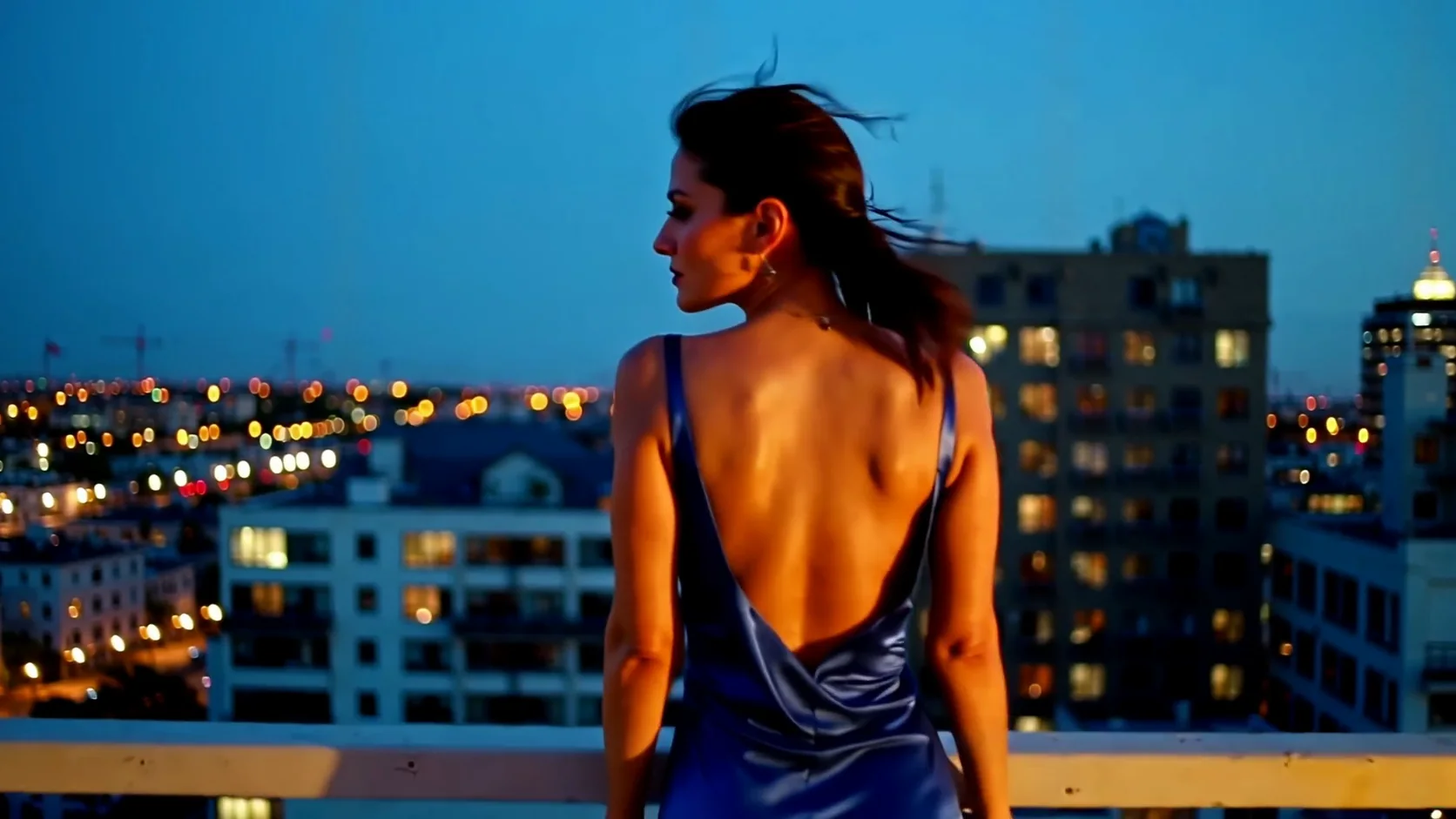
Keep the whole arc in one paragraph and state subject, action, camera and light as they occur. The opera-staircase brief is a working pattern: who she is and what she wears, then the descent and the slit opening with each step, then the light through the fabric, then "Slow crane down", then the sound. Place each camera instruction next to the action it follows.
Fix length and frame before the first word
Choose duration_seconds and aspect_ratio first, because they decide how much action the brief has to carry. The 20-second arena brief lists a sequence of places; the 5-second briefs each describe a single movement and its end. Only 16:9 and 9:16 exist, so a square or 4:3 deliverable is not available from this endpoint.
Change one variable per run
Hold seed constant while you reword a line or step up the resolution, so the comparison isolates that one change. A fixed seed makes two runs comparable; it does not promise the same clip frame for frame, so review the high-resolution pass again instead of assuming it matches the draft.
Know where written direction stops
A written shot leaves wardrobe, body and framing to the model, and re-runs drift, which shows more over twenty seconds than over five. When a face, a product or a composition has to stay as approved, move the shot to LTX 2.5 Image to video and supply that frame as image_url.
API quick start
# Generate the idempotency key once; reuse it when retrying after a lost response.
export SPICY_IDEMPOTENCY_KEY="${SPICY_IDEMPOTENCY_KEY:-$(uuidgen)}"
curl -X POST https://api.spicyapi.ai/api/v1/jobs/createTask \
  -H "Authorization: Bearer $SPICY_API_KEY" \
  -H "Content-Type: application/json" \
  -H "Idempotency-Key: $SPICY_IDEMPOTENCY_KEY" \
  -d '{
  "model": "lightricks/ltx-2.5/text-to-video",
  "input": {
    "prompt": "A slow aerial shot drifting over a misty pine forest at sunrise",
    "resolution": "720p",
    "aspect_ratio": "16:9",
    "duration_seconds": 5
  }
}'

# Copy data.taskId from the response into TASK_ID, then poll the status.
TASK_ID="TASK_ID_FROM_RESPONSE"
curl "https://api.spicyapi.ai/api/v1/jobs/recordInfo?taskId=$TASK_ID" \
  -H "Authorization: Bearer $SPICY_API_KEY"
See the API reference for authentication, the complete schema, polling, and error handling.