Introduction
Nano Banana 2.1 Edit runs Google's newest Nano Banana model on images you already have. It accepts one to fourteen sources, keeps the source shape or reframes to one of fourteen shapes, and renders at 1k, 2k or 4k. Google built this update for conversational editing, with steadier characters across edits and more accurate text.
Choose a mode by starting material
| What you have | Mode |
|---|---|
| a written brief | Nano Banana 2.1 Text to image |
| images to change or combine | Nano Banana 2.1 Edit |
Key features & highlights
Up to fourteen references
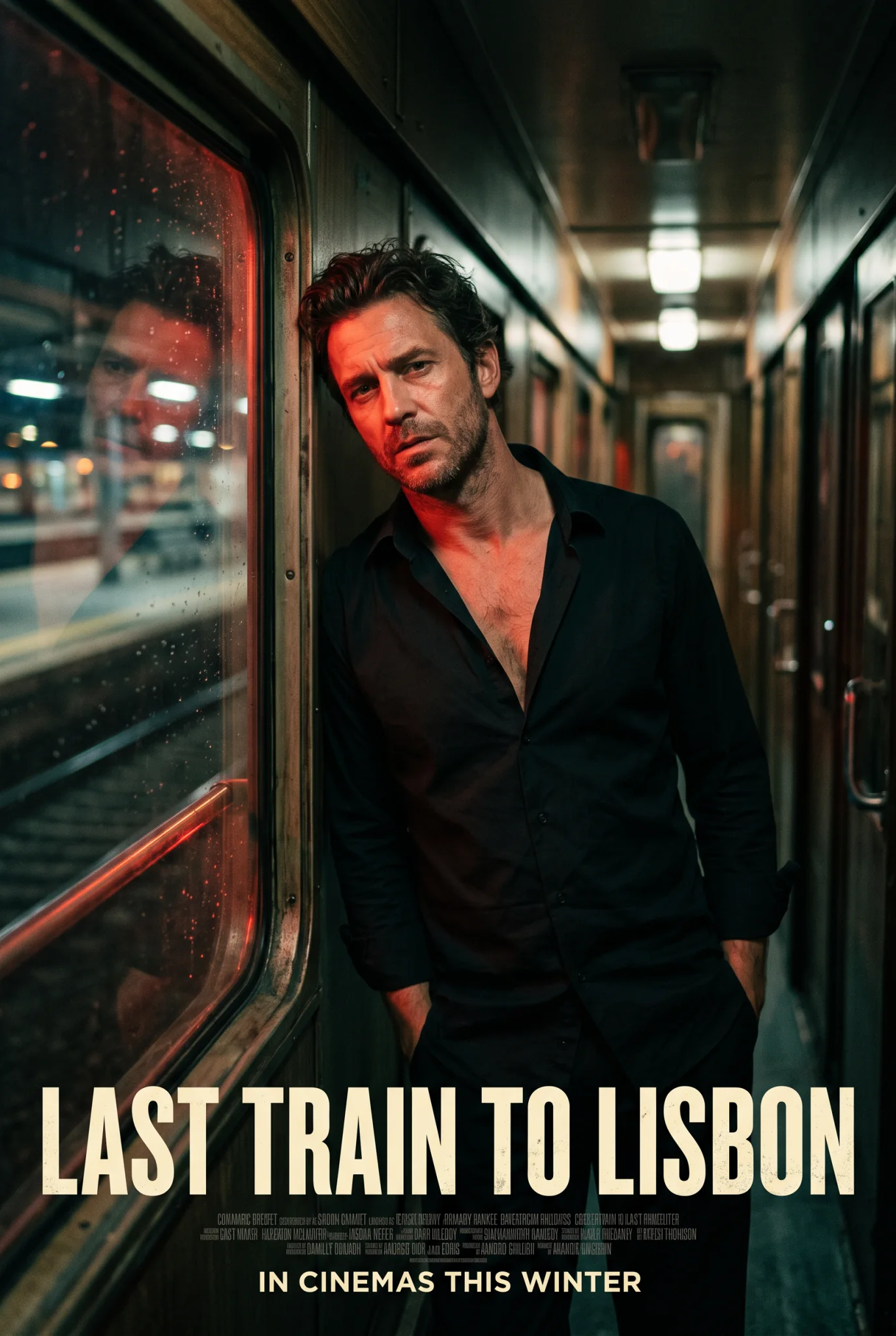
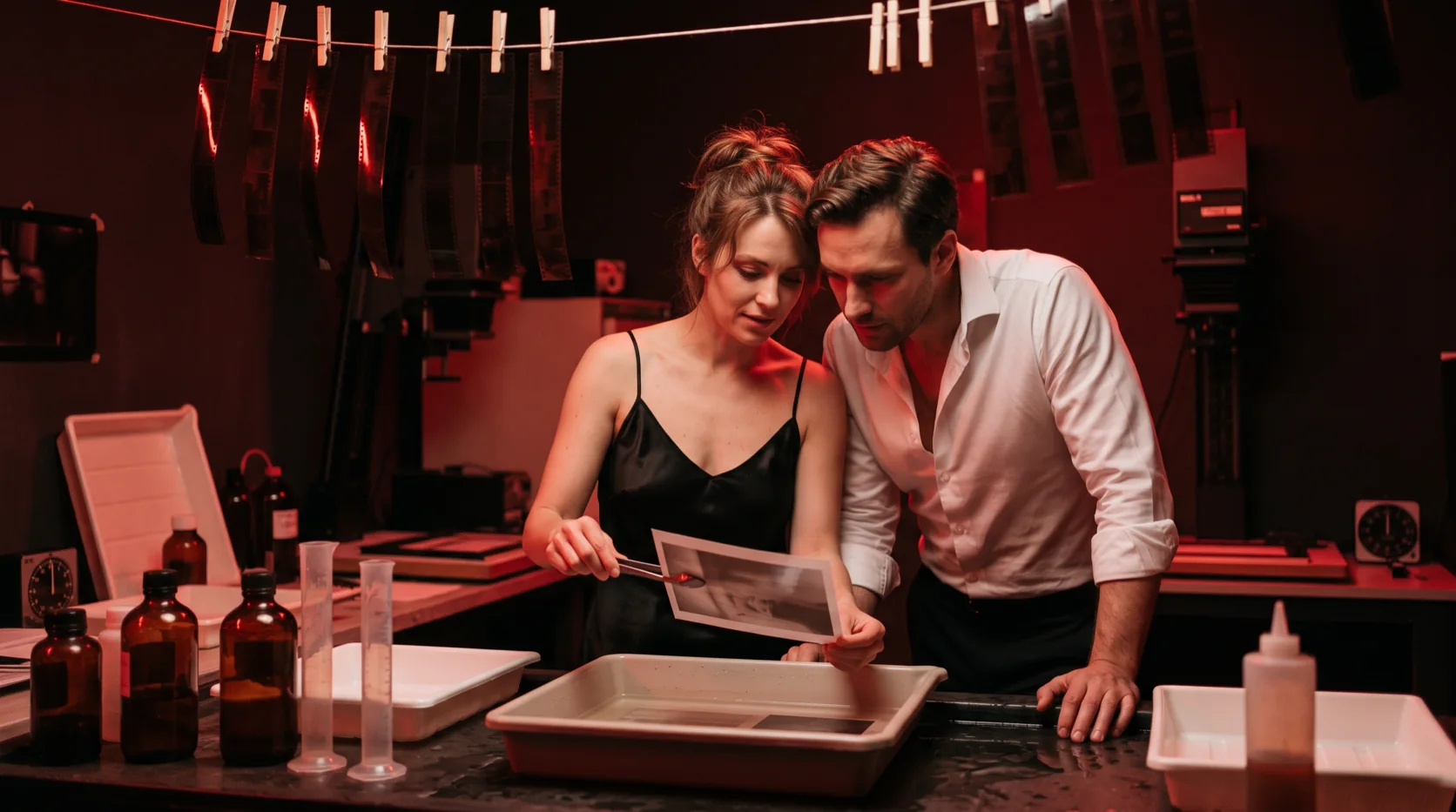
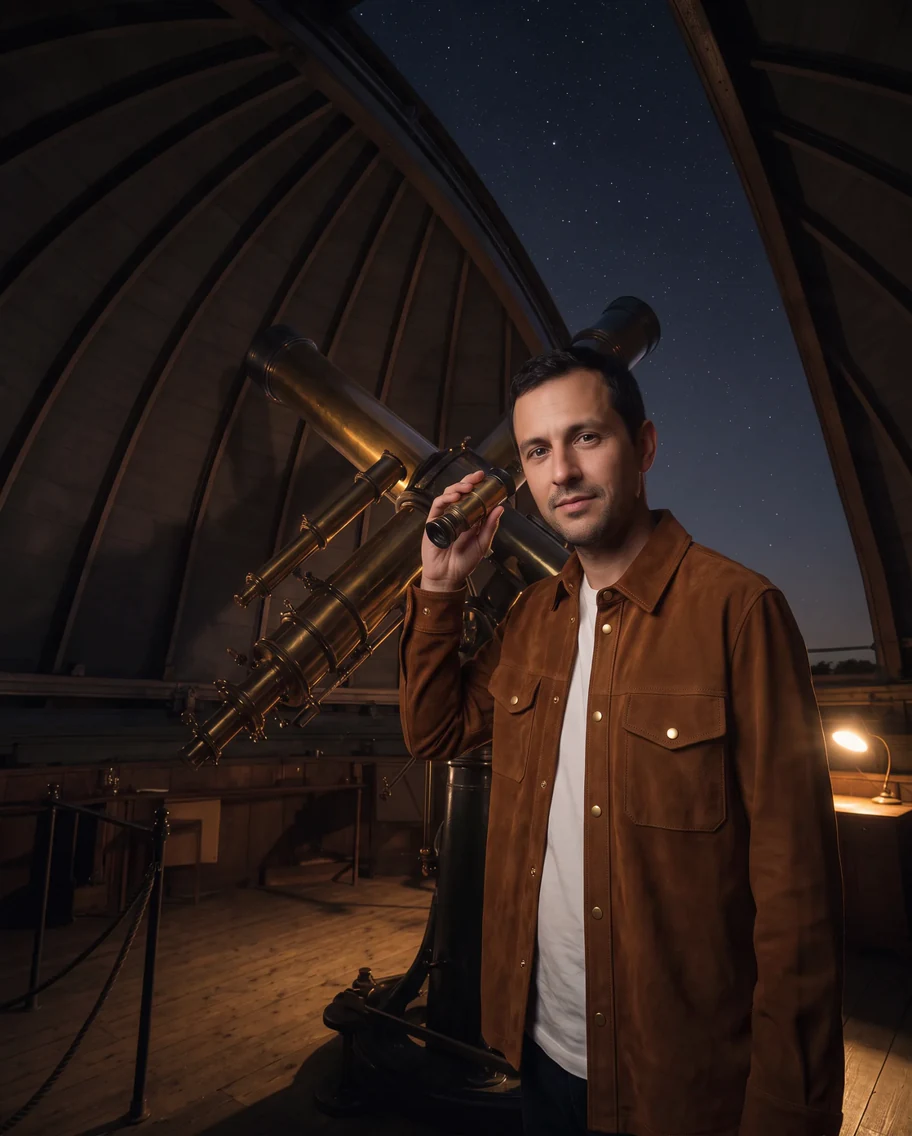
Combine people, garments, products and rooms from up to fourteen images. Google rates the model for up to four consistent characters and ten objects in one fusion. In our three-image edit, the man's face and the jacket's brass snaps and pockets carried over.
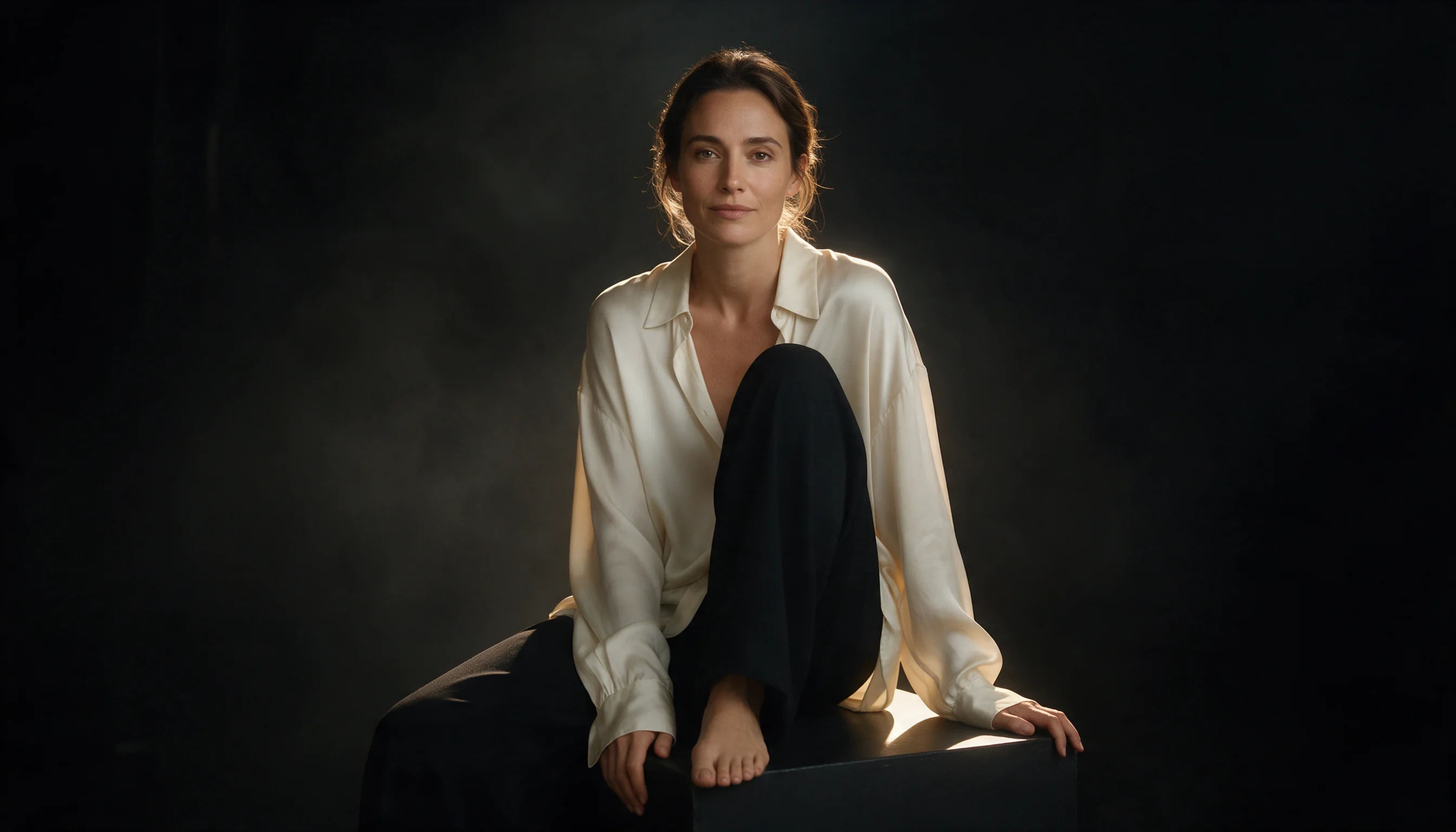
Faces kept through big changes
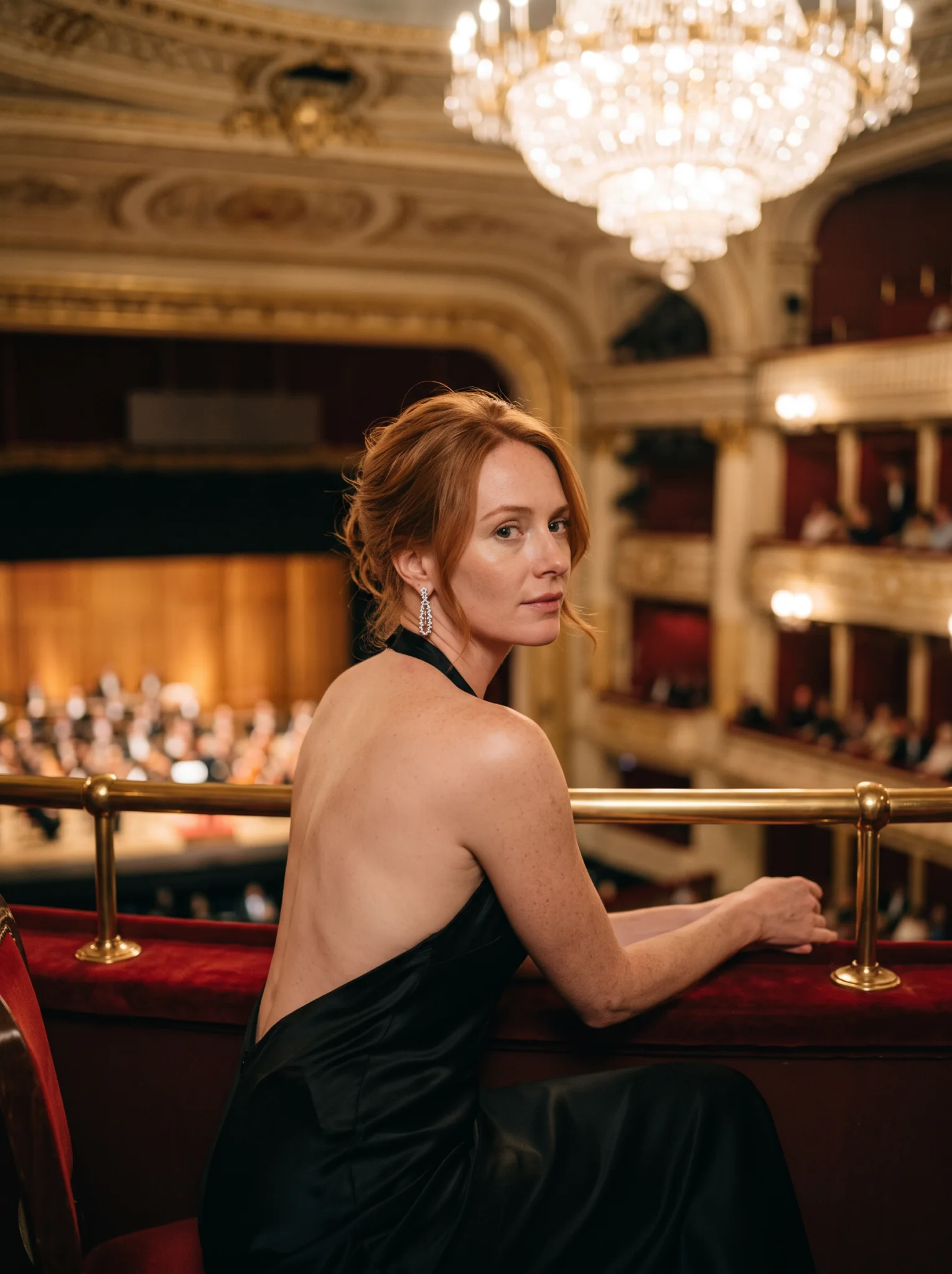
A daytime greenhouse photo became a night at the opera with a new gown, new hair styling and a new room, and the face stayed hers.
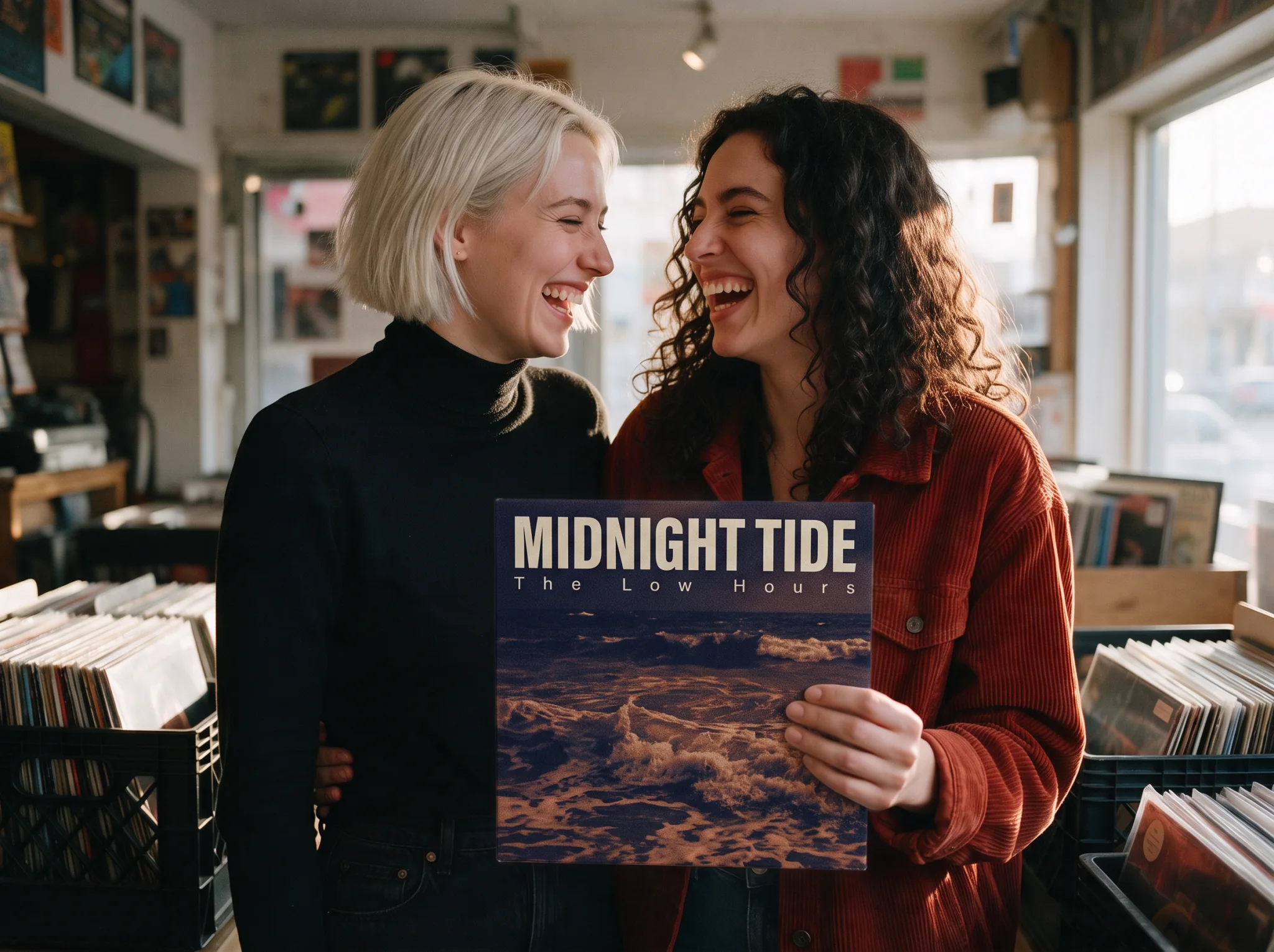
Text designed into the scene
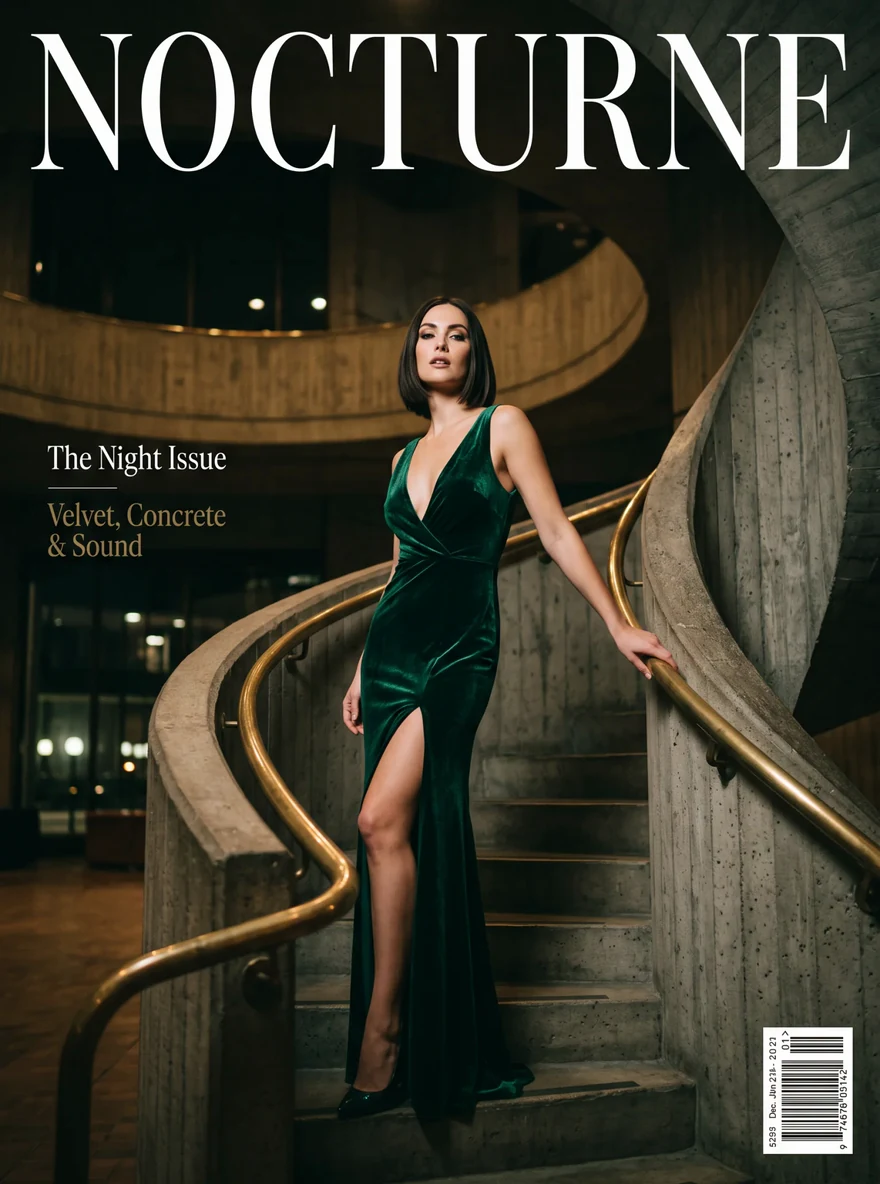
A blank album sleeve held in a photo got a full cover design with the quoted title and band name, without disturbing the people holding it.
Reframe while editing
Aspect ratio auto keeps the source shape; any of fourteen shapes reframes the result. With several sources of different shapes, set the shape yourself.
Request parameters
| Parameter | Required | Description |
|---|---|---|
prompt | Yes | Up to 5,000 characters. Say what changes, then list what must stay the same; refer to sources as the first image, the second image and so on. at least 1 characters · at most 5000 characters |
image_urls | Yes | 1 to 14 source images, in the order your prompt refers to them. at least 1 items · at most 14 items |
aspect_ratio | No | auto (default) keeps the shape of the source image; with several sources, choose a shape explicitly. Fourteen shapes are available, including 4:1, 1:4, 8:1 and 1:8. |
resolution | No | 1k (default), 2k or 4k. A square frame is 1024, 2048 or 4096 pixels across; each tier has its own price. |
enable_web_search | No | Off by default. When on, the model looks up current facts before drawing. Default: |
enable_image_search | No | Off by default. When on, the model looks up reference pictures on the web, useful when the edit adds a real place or product you did not upload. Default: |
output_format | No | png (default) or jpeg. JPEG files are several times smaller; the price is the same. |
official_fallback | No | On by default. Each edit runs on the economy route first. Default: |
Pricing
Billed per image by size tier. Each edit starts on the economy route at the economy price. With Official fallback on, the default, an edit the economy route refuses or cannot complete, or one with more than 10 source images, runs on the official route at the official price, which also adds a small fixed charge for each source image; turn it off to pay only the economy price. Edits with web search or image search run on the official route, and each search adds a charge. The quote shows the starting price and the most the edit can cost. Refused edits are not charged. An edit the model tones down still returns an image and is billed like any other.
| Specification | Price |
|---|---|
| $0.0217 / image (With Official fallback: up to $0.048) |
| $0.0351 / image (With Official fallback: up to $0.072) |
| $0.0626 / image (With Official fallback: up to $0.162) |
Use cases
Outfit and product try-ons
Put a garment, bag or product from a catalogue shot on a person from another photo, in the setting you choose.
Relocation and time-of-day changes
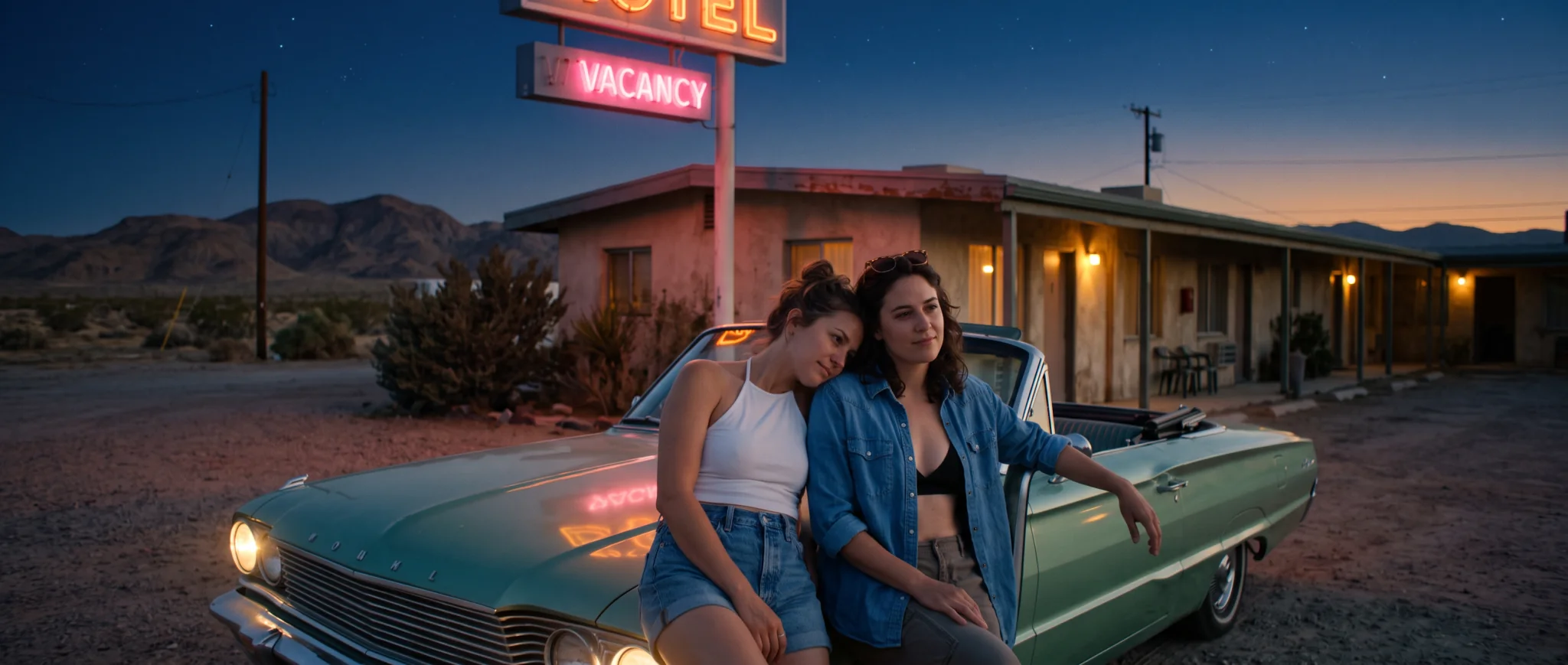
Move a person to a new place or turn day into night for a campaign, keeping the face.
Packaging and signage mock-ups
Design labels, sleeves, signs and posters directly into an existing photo, with the text in quotes.
Prompt guide & pro tips
Name each source by position
Say the first image, the second image, the third image, and what each one supplies: the person, the garment, the room.
List what must stay
After describing the change, name what stays: the face, the hair colour, the jacket's buttons. The model respects a written list.
Keep requests within Google's policy
Editing is stricter than text to image: the Mild-level wardrobe swap was refused, while a backless evening gown went through. Refused edits are not charged.
Draft at 1k
Test the instruction at 1k first; if the change reads correctly, run the same request at 2k or 4k.
API quick start
# Generate the idempotency key once; reuse it when retrying after a lost response.
export SPICY_IDEMPOTENCY_KEY="${SPICY_IDEMPOTENCY_KEY:-$(uuidgen)}"
curl -X POST https://api.spicyapi.ai/api/v1/jobs/createTask \
  -H "Authorization: Bearer $SPICY_API_KEY" \
  -H "Content-Type: application/json" \
  -H "Idempotency-Key: $SPICY_IDEMPOTENCY_KEY" \
  -d '{
  "model": "google/nano-banana-2.1/edit",
  "input": {
    "aspect_ratio": "auto",
    "enable_image_search": false,
    "enable_web_search": false,
    "image_urls": [
      "https://example.com/reference.png"
    ],
    "output_format": "png",
    "prompt": "A ceramic teapot on a linen cloth, soft window light, muted palette",
    "resolution": "1k"
  }
}'

# Copy data.taskId from the response into TASK_ID, then poll the status.
TASK_ID="TASK_ID_FROM_RESPONSE"
curl "https://api.spicyapi.ai/api/v1/jobs/recordInfo?taskId=$TASK_ID" \
  -H "Authorization: Bearer $SPICY_API_KEY"
See the API reference for authentication, the complete schema, polling, and error handling.