Introduction
Nano Banana 2.1 Text to image is Google's newest Nano Banana model, released on 6 October 2026 as an update to Nano Banana 2 (Gemini 3.1 Flash Image). Google improved visual quality, prompt adherence and text rendering, and says it fixed the tiling seams wide banners showed at 2K and 4K. It renders at 1k, 2k or 4k in fourteen shapes up to 8:1 and can search the web or reference pictures before drawing.
Choose a mode by starting material
| What you have | Mode |
|---|---|
| a written brief | Nano Banana 2.1 Text to image |
| images to change or combine | Nano Banana 2.1 Edit |
Key features & highlights
Text that reads correctly
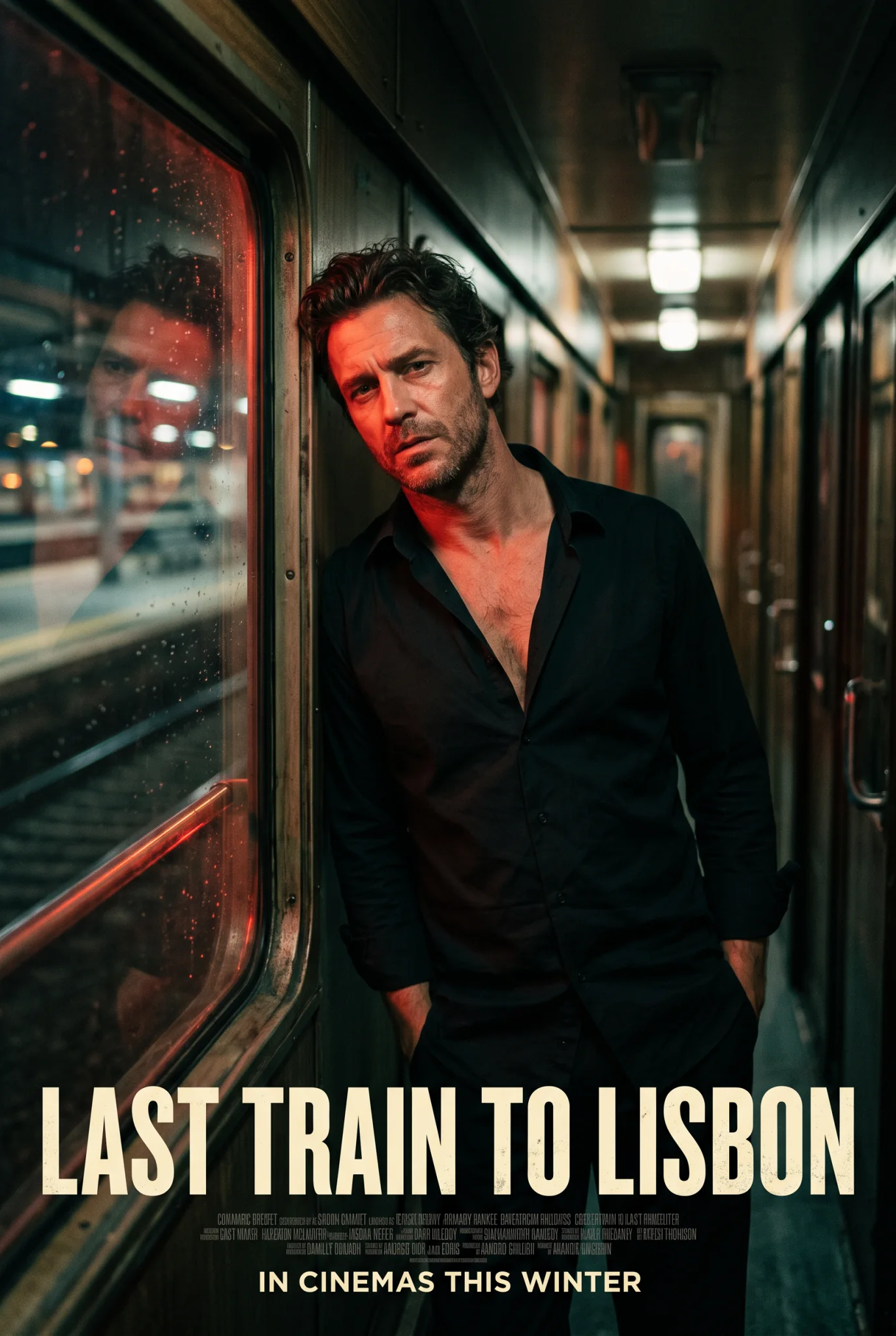
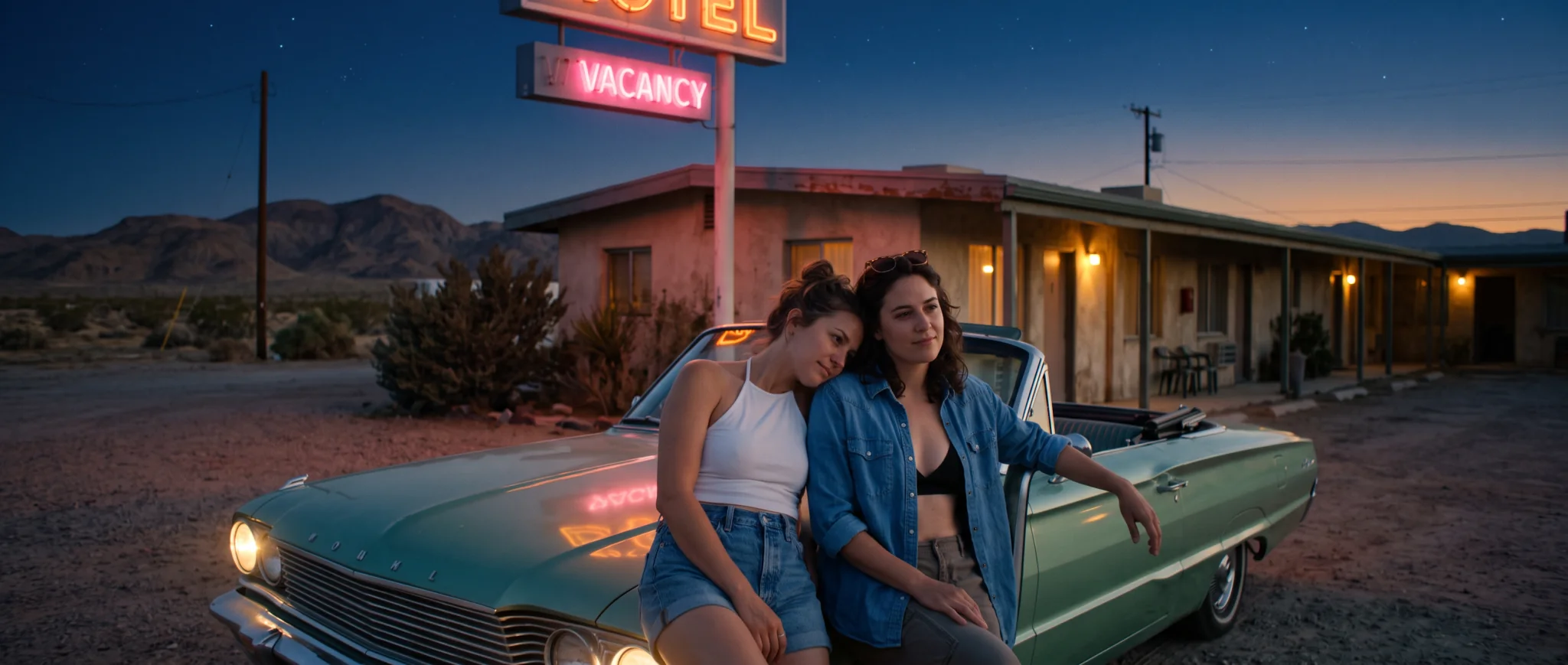
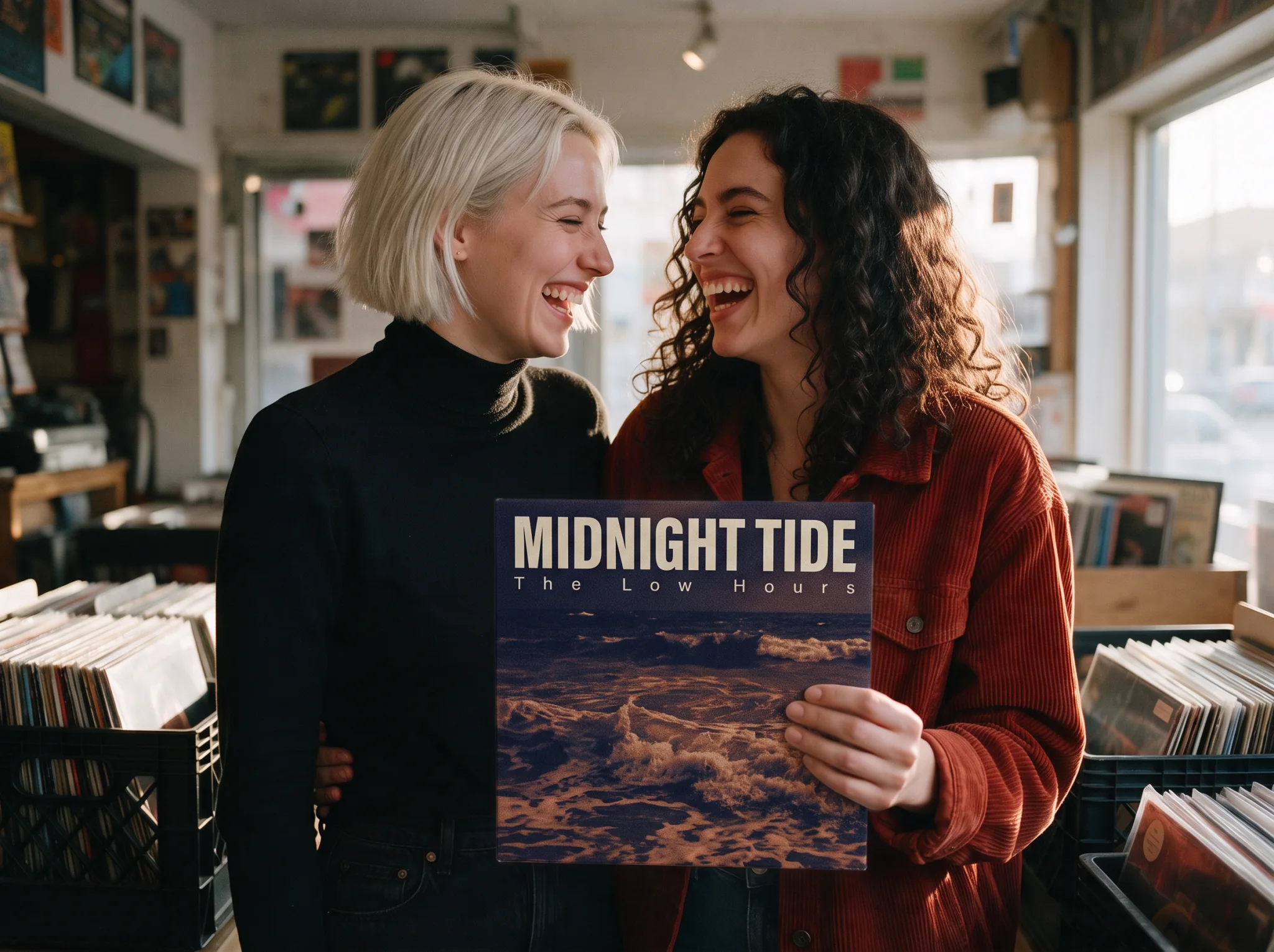
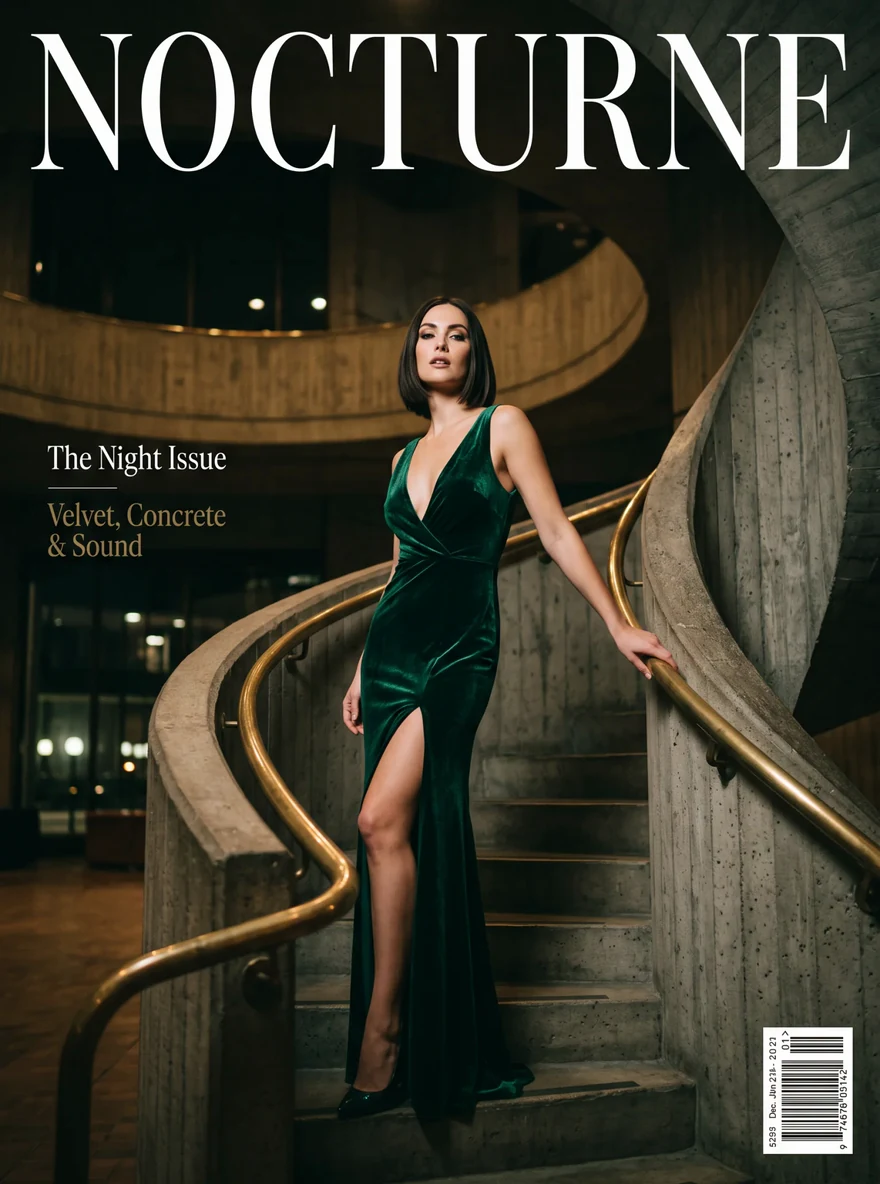
In our tests every line we put in quotes came out spelled as written: a magazine masthead and two cover lines, a film title and its release line, a neon motel sign. Small print we did not spell out, such as the fine lines under a film title, came back as filler.
Fourteen shapes, three sizes
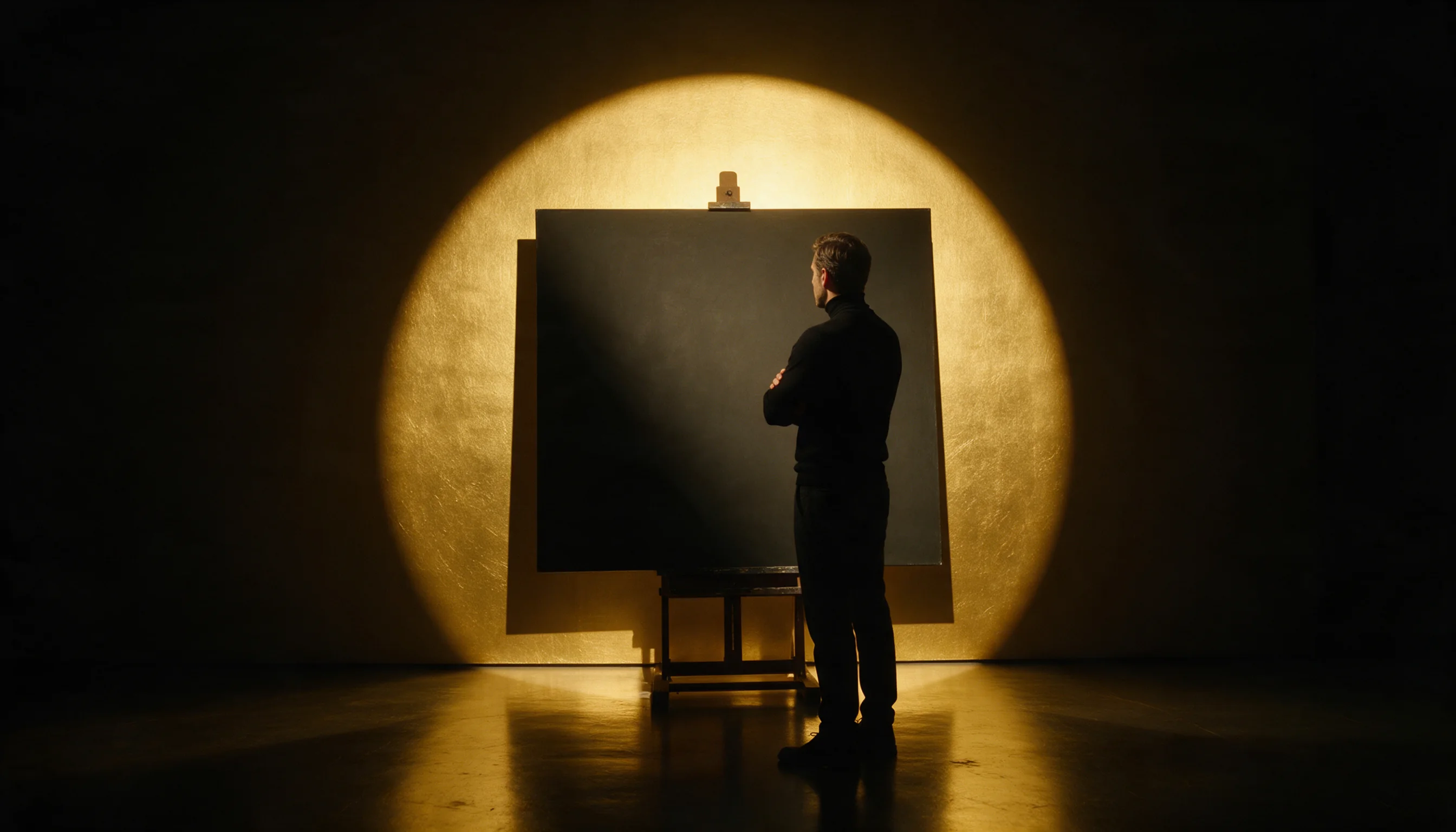
From 1:8 story frames to 8:1 banners, at 1k, 2k or 4k. The shape never changes the price; only the size tier does. Our 8:1 banner at 2k came back 5856 pixels wide. Whether a wide frame comes back as one picture depends on the people in it: landscapes and crowds stayed in one piece in our runs, while people spread across the frame or close to the camera often came back as stitched shots.
Search before drawing
Web search pulls current facts such as dates, weather and events; image search pulls reference pictures of real places and products. Our forecast poster printed today's date with web search on and an invented date without it.
PNG or JPEG
PNG is the default; JPEG files are several times smaller at the same price.
Request parameters
| Parameter | Required | Description |
|---|---|---|
prompt | Yes | Up to 5,000 characters. Describe subject, setting, light and lens in plain sentences; words in double quotes are printed in the image. at least 1 characters · at most 5000 characters |
aspect_ratio | No | One of fourteen shapes, 16:9 by default; the shape does not change the price. |
resolution | No | 1k (default), 2k or 4k. A square frame is 1024, 2048 or 4096 pixels across; each tier has its own price. |
enable_web_search | No | Off by default. When on, the model looks up current facts such as dates, weather or events before drawing. Default: |
enable_image_search | No | Off by default. When on, the model looks up reference pictures on the web before drawing, useful for real places and products. Default: |
output_format | No | png (default) or jpeg. JPEG files are several times smaller; the price is the same. |
official_fallback | No | On by default. Each request runs on the economy route first. Default: |
Pricing
Billed per image by size tier; the shape and output format do not change the price. Each request starts on the economy route at the economy price. With Official fallback on, the default, a request the economy route refuses or cannot complete runs again on the official route at the official price, so the quote shows both the starting price and the most the request can cost; turn it off to pay only the economy price. Requests with web search or image search run on the official route, and each search adds a charge. A request the model tones down still returns an image and is billed like any other. Refused requests are not charged.
| Specification | Price |
|---|---|
| $0.0217 / image (With Official fallback: up to $0.048) |
| $0.0351 / image (With Official fallback: up to $0.072) |
| $0.0626 / image (With Official fallback: up to $0.162) |
Use cases
Covers and posters
Magazine covers, film posters and event flyers where the headline has to read correctly on the first try.
Website headers
Ultra-wide 4:1 and 8:1 headers of landscapes, harbours, skylines and crowds, checked for stitched panels before use. For people up close, render 21:9 at 4k and crop to 4:1. Tall 1:4 and 1:8 frames work when the subject itself is tall, such as a lighthouse, a skyscraper or a waterfall.
Fashion and lifestyle editorials
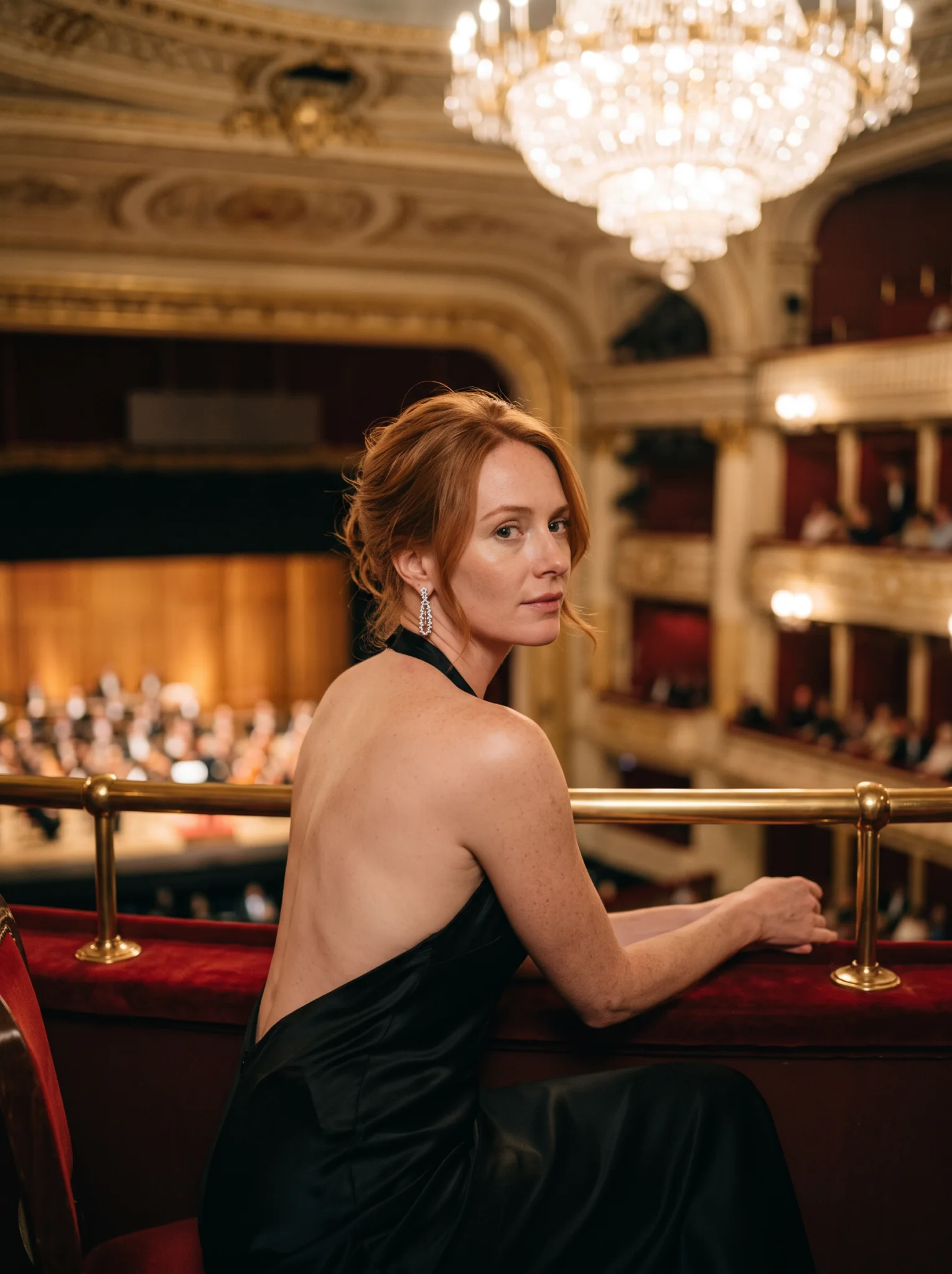
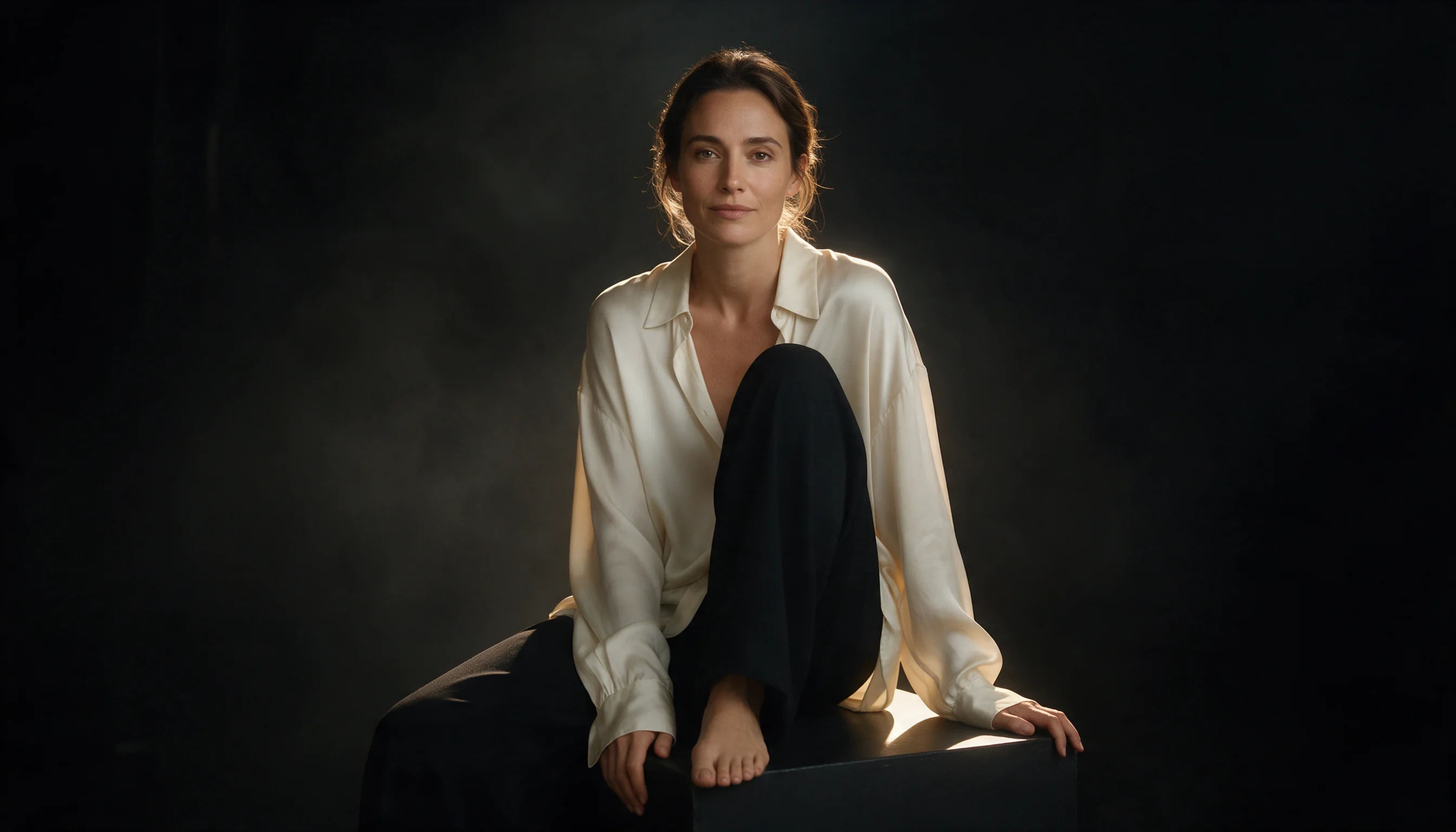
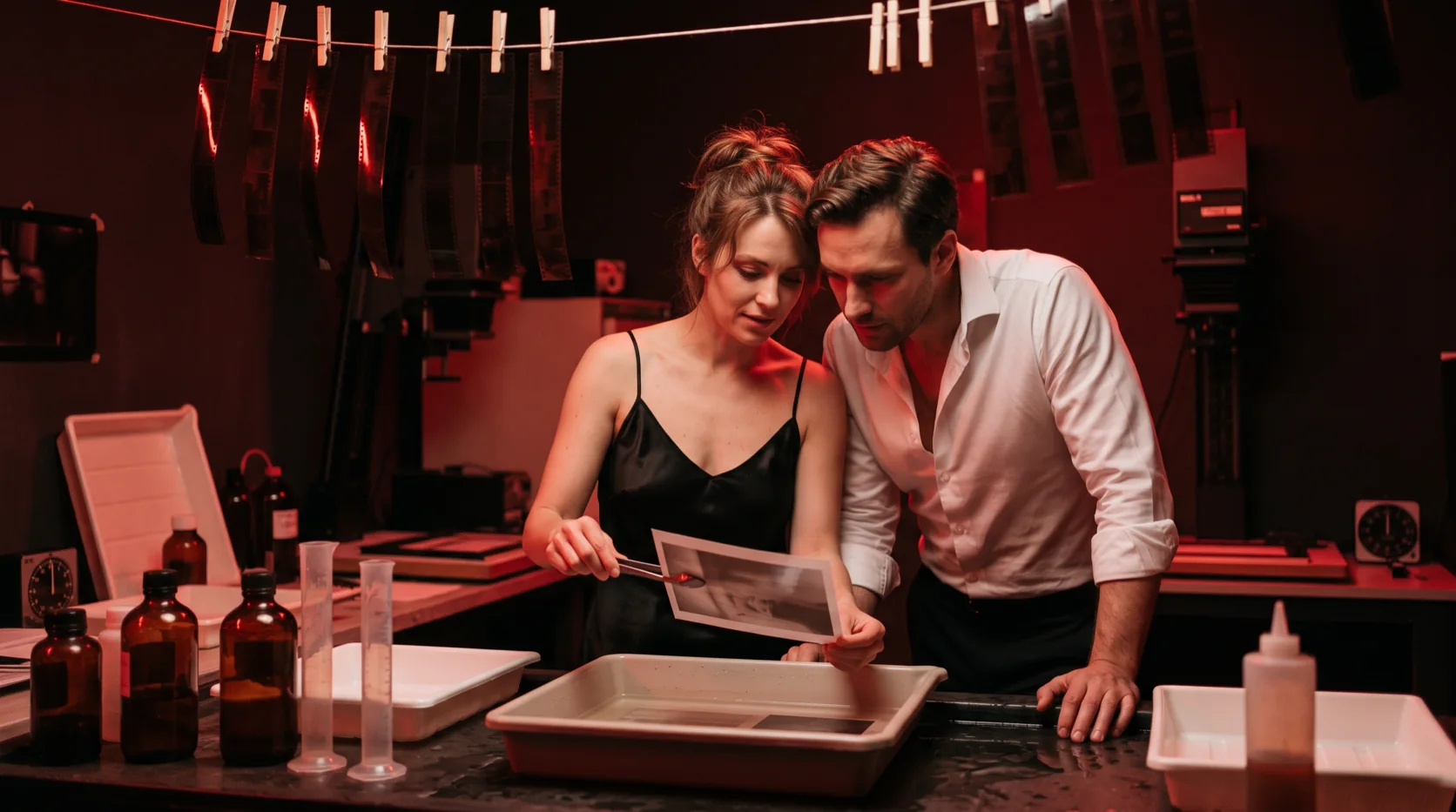
Evening wear, editorial fashion and couples render as asked; requests from the Strong level up do not.
Pictures that depend on today
Forecast cards, schedules and event posters, with web search on so the details are current.
Prompt guide & pro tips
Quote the words, describe the type
Put each line of text in double quotes and say its style and place: tall serif capitals across the top, bold condensed sans serif at the bottom.
Keep people small in wide frames
For 4:1 and 8:1, let one setting fill the whole width, such as a ridge, a harbour or a crowd, and keep any people small and near the centre. People spread across the frame or close to the camera were the ones that came back as stitched shots; opening with "one continuous scene" did not prevent it.
Keep search for facts
Web search helps when the picture depends on something current or real. It does not improve style or composition, so leave it off otherwise.
Draft at 1k, deliver at 2k
Settle the composition at 1k, then run the same prompt at 2k; keep 4k for print and heavy crops.
API quick start
# Generate the idempotency key once; reuse it when retrying after a lost response.
export SPICY_IDEMPOTENCY_KEY="${SPICY_IDEMPOTENCY_KEY:-$(uuidgen)}"
curl -X POST https://api.spicyapi.ai/api/v1/jobs/createTask \
  -H "Authorization: Bearer $SPICY_API_KEY" \
  -H "Content-Type: application/json" \
  -H "Idempotency-Key: $SPICY_IDEMPOTENCY_KEY" \
  -d '{
  "model": "google/nano-banana-2.1/text-to-image",
  "input": {
    "prompt": "A ceramic teapot on a linen cloth, soft window light, muted palette",
    "resolution": "1k",
    "aspect_ratio": "16:9",
    "output_format": "png",
    "enable_web_search": false,
    "enable_image_search": false
  }
}'

# Copy data.taskId from the response into TASK_ID, then poll the status.
TASK_ID="TASK_ID_FROM_RESPONSE"
curl "https://api.spicyapi.ai/api/v1/jobs/recordInfo?taskId=$TASK_ID" \
  -H "Authorization: Bearer $SPICY_API_KEY"
See the API reference for authentication, the complete schema, polling, and error handling.