Introduction
P-H3-Image LoRA Text to Image accepts MiniMax H3 LoRA weights for a still generated from words. It uses the same underlying P-H3-Image model as the endpoint without attachments.
Key features & highlights
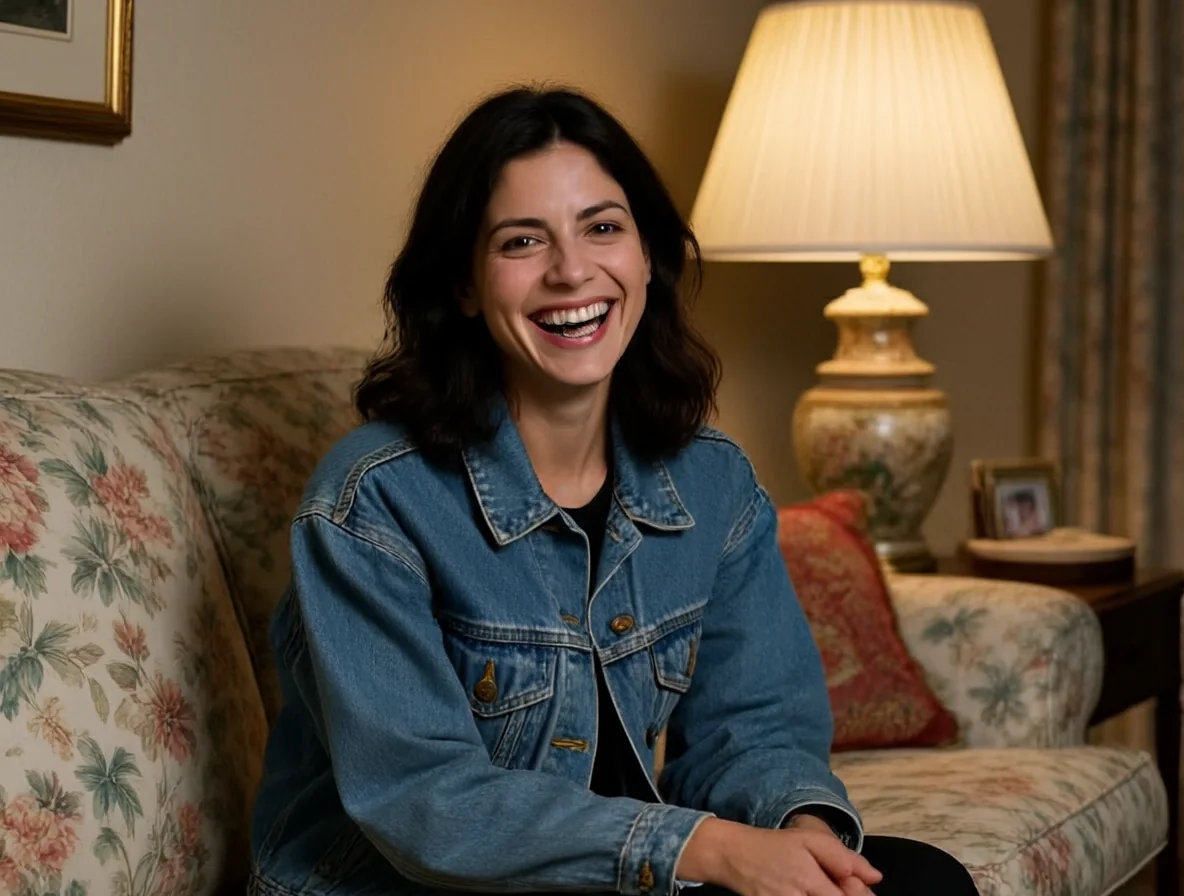
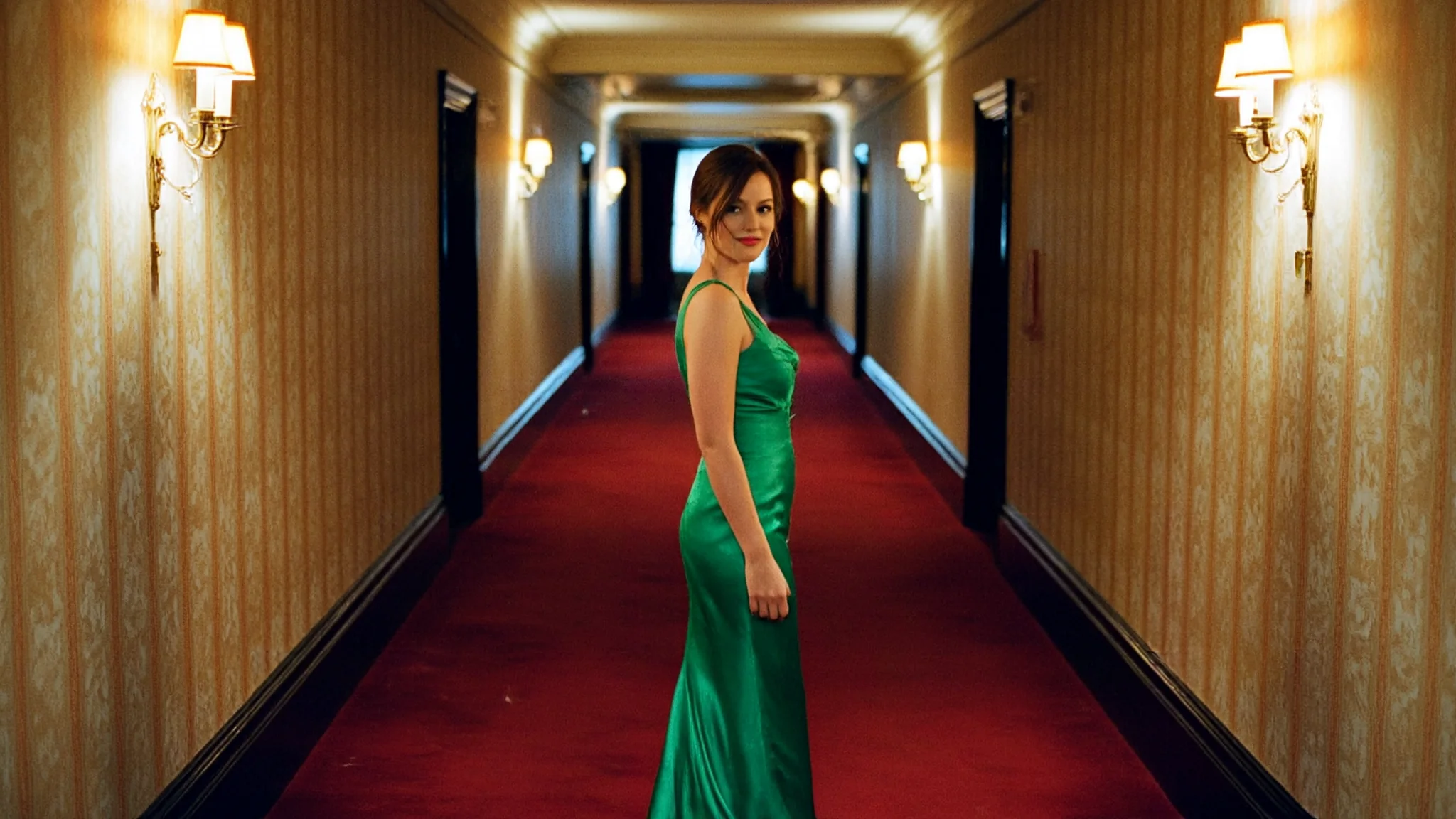
Attach no more than three files and assign a scale between 0 and 4 to each. In our tests vh5tape changed a same-seed image at strength 1, while a realism file at 0.8 produced little visible difference. Five size tiers remain available through 4k.
Request parameters
| Parameter | Required | Description |
|---|---|---|
prompt | Yes | Required, with no preset wording. Include the LoRA's trained trigger followed by the scene you want; keep the description concise. at least 1 characters · at most 5000 characters |
aspect_ratio | No | For LoRA generation choose one of 15 supported ratios, defaulting to 1:1. The set includes 1:3, 3:1, 9:21 and 21:9; each has the same charge within a tier. |
resolution | No | The size setting begins at 1k (~1 MP); you may choose 1.5k (~2.4 MP), 2k (~4 MP), 3k (~9.4 MP) or 4k (~16.8 MP). Each resolution tier has its own image price. |
loras | No | Optional list of up to 3 {path, scale} entries trained for MiniMax H3; omit attachments for a control. Scale ranges from 0 to 4 and defaults to 1. Default: |
output_format | No | Choose jpeg, png or webp for the generated file; leaving the field out selects jpeg. File-format choice does not increase the charge. |
seed | No | Reuse a seed as the same random source when checking a single LoRA change; this optional field has no required default value. |
Pricing
Billing combines the selected per-image size tier and a fixed small LoRA surcharge, with zero through three files priced alike. Ratios and formats add no fee; editing adds a small fee per input after the first. Failed requests are uncharged, but silently skipped invalid LoRA links still produce charged images.
| Specification | Price |
|---|---|
| $0.042 / image |
| $0.054 / image |
| $0.066 / image |
| $0.114 / image |
| $0.162 / image |
Use cases
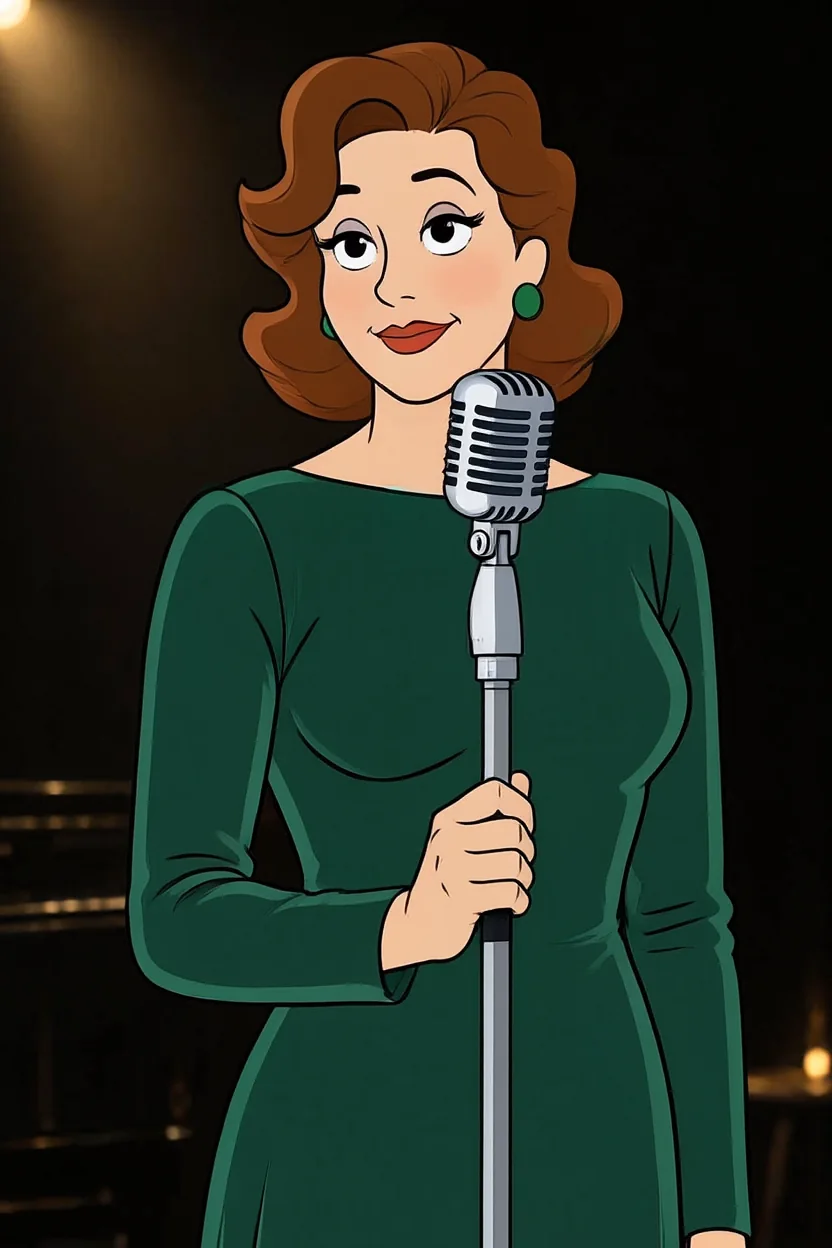
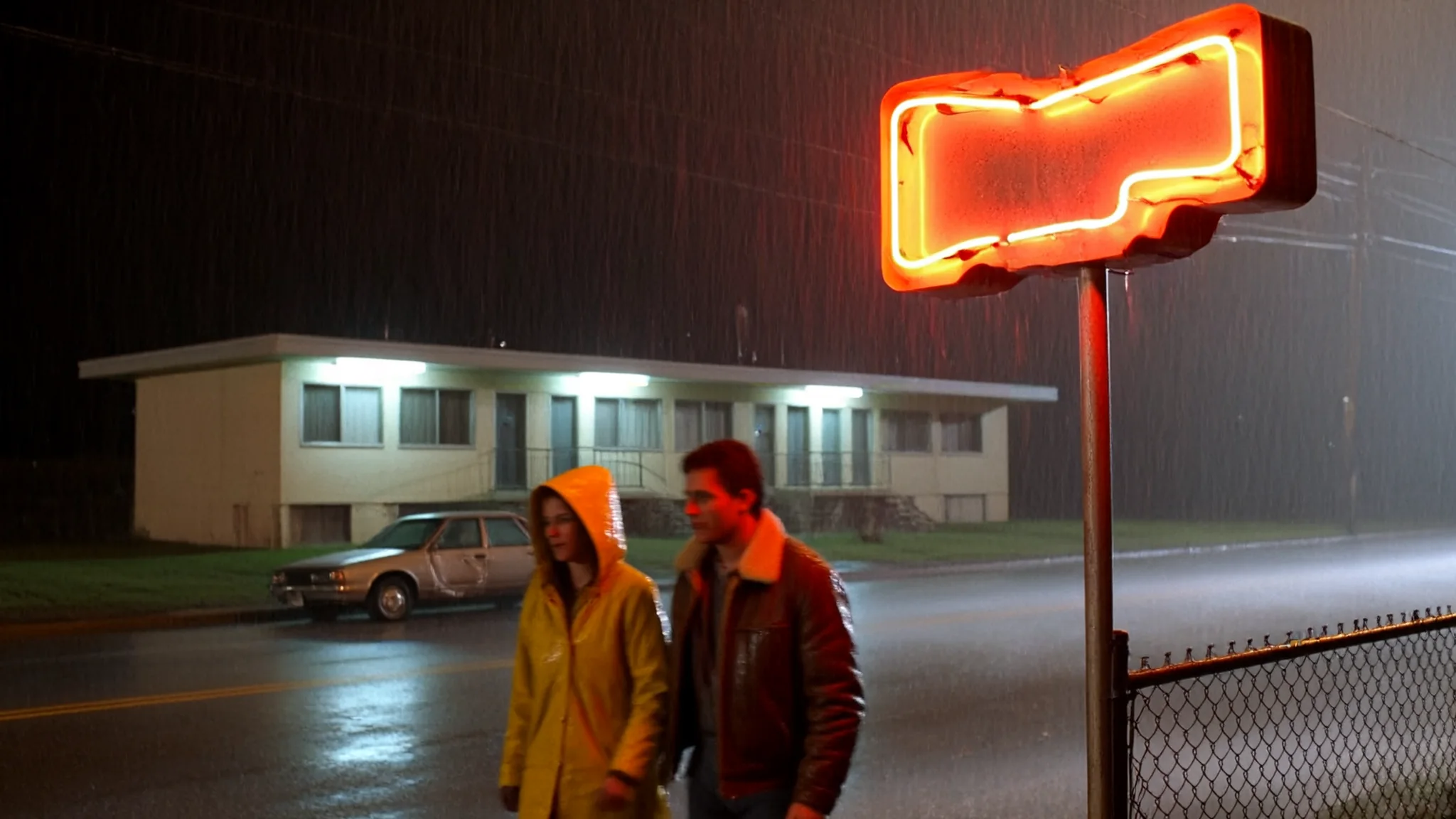
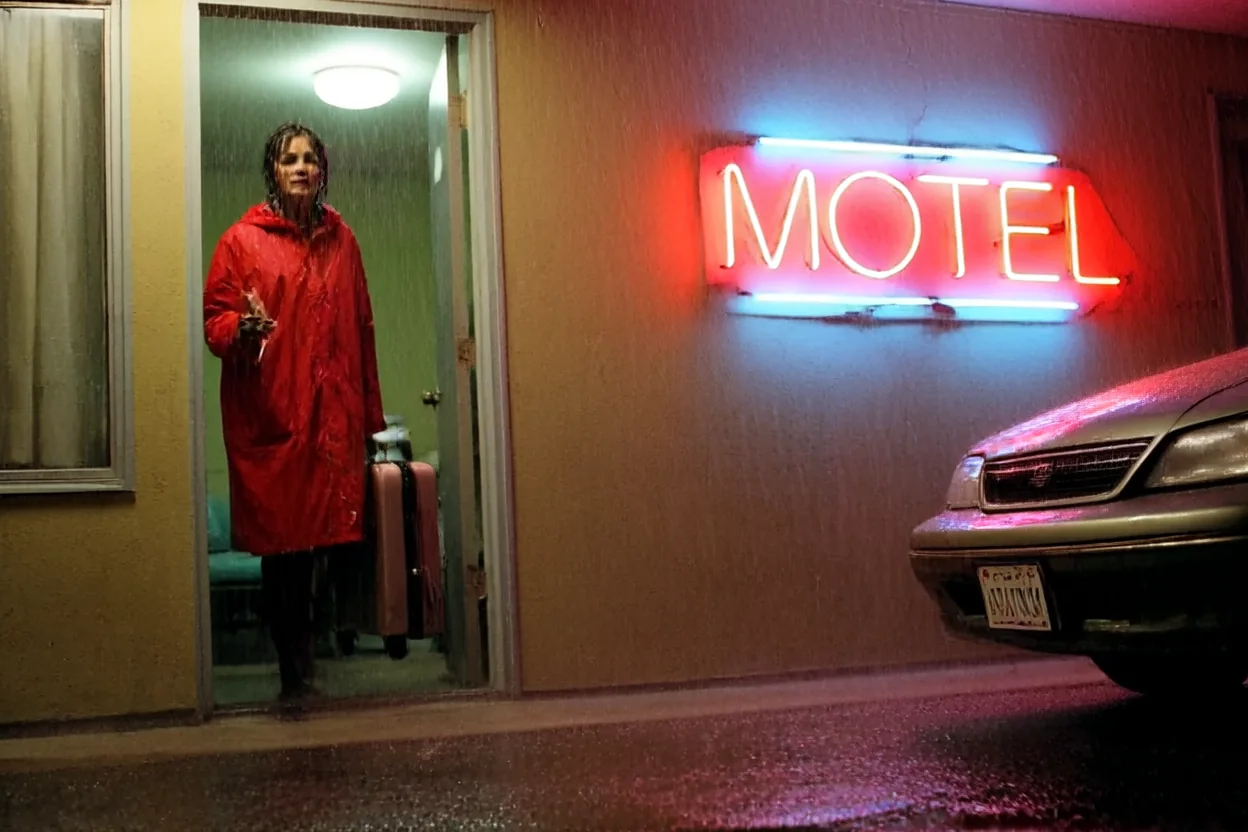
Try the motel scene with a VHS file or the club trio with Studio1939 style. For a source-photo conversion, open LoRA Image Editing.
Prompt guide & pro tips
Begin with a 1k control without a LoRA, then repeat the prompt and seed with the file enabled. Use the actual .safetensors download URL and the file's trigger. Repository-page and missing-file URLs silently skipped the LoRA in our tests; generation still completed and was charged. A fixed surcharge is charged per image regardless of the number of attachments.
API quick start
# Generate the idempotency key once; reuse it when retrying after a lost response.
export SPICY_IDEMPOTENCY_KEY="${SPICY_IDEMPOTENCY_KEY:-$(uuidgen)}"
curl -X POST https://api.spicyapi.ai/api/v1/jobs/createTask \
  -H "Authorization: Bearer $SPICY_API_KEY" \
  -H "Content-Type: application/json" \
  -H "Idempotency-Key: $SPICY_IDEMPOTENCY_KEY" \
  -d '{
  "model": "pruna-ai/p-h3-image-lora/text-to-image",
  "input": {
    "aspect_ratio": "1:1",
    "output_format": "jpeg",
    "prompt": "A ceramic teapot on a linen cloth, soft window light, muted palette",
    "resolution": "1k"
  }
}'

# Copy data.taskId from the response into TASK_ID, then poll the status.
TASK_ID="TASK_ID_FROM_RESPONSE"
curl "https://api.spicyapi.ai/api/v1/jobs/recordInfo?taskId=$TASK_ID" \
  -H "Authorization: Bearer $SPICY_API_KEY"
See the API reference for authentication, the complete schema, polling, and error handling.