Introduction
Vidu Q3 image-to-video turns one opening frame and a written brief into a clip of 1 to 16 whole seconds at 540p, 720p or 1080p. Both inputs are required: image_url fixes the subject, wardrobe, set and the shape of the output, and prompt carries what happens after that frame – the action, the camera move and the sound. There is no aspect ratio field, so the clip comes back in the proportions of the image you send, which must stay between 1:4 and 4:1. Audio is generated in the same pass and is on by default.
Key features & highlights
The frame is followed literally
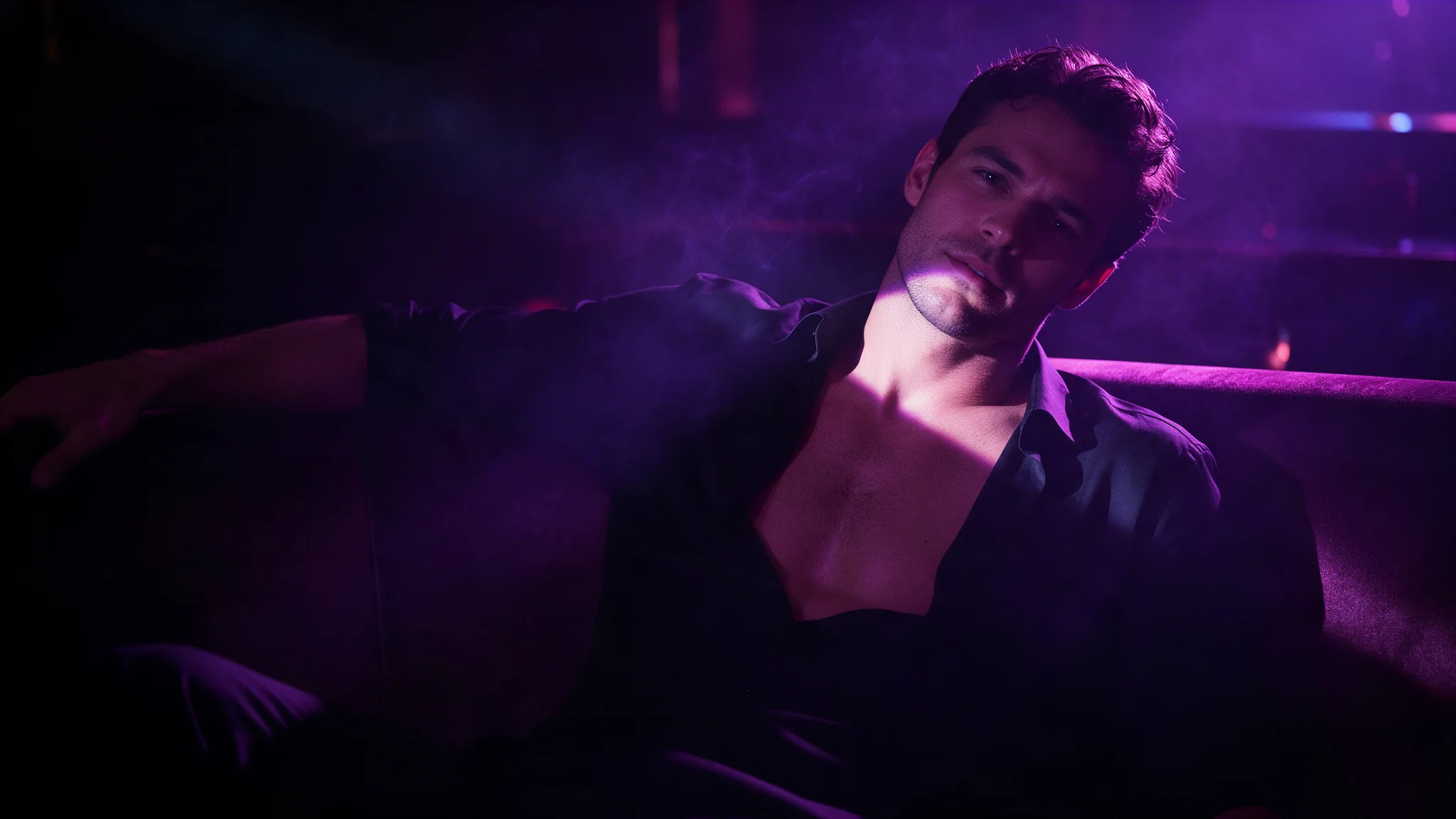
The model starts from exactly what the still shows: the face, the outfit, the set and the composition. That makes it the dependable choice when a clip has to match an image that was already approved, uncensored source frames included. The flip side is that anything the frame does not show has to be invented, so a turn that reveals the back of an outfit, or a camera move into a part of the room outside the still, is where drift appears.
Movement scale is its own control
movement_amplitude takes auto, small, medium or large. On auto the model reads the opening frame and decides; raise it when a still scene needs to move more, and keep it low when the brief rules motion out. In the published blinds example nothing moves but the light, and a high setting would invent exactly the movement that brief excludes. The prompt is then free to name the specific beat – a shift of weight, a half turn, a walk out of frame.
Sound in the same pass
generate_audio defaults to true, so room tone, foley and ambience are rendered with the picture and land in sync. Describe the sound in the prompt the way you describe the light – sea roar and wind, a curtain breathing – and set the field to false when the clip is going under your own mix. A separate bgm switch (on by default) adds background music; turn it off when you do not want a music bed.
Request parameters
| Parameter | Required | Description |
|---|---|---|
image_url | Yes | The opening frame. It fixes subject and composition and sets the output shape - there is no |
prompt | Yes | Required. Describe what changes after the frame: action, camera, sound. at least 1 characters |
duration_seconds | No | Whole seconds, 1 to 16. |
resolution | No | 540p, 720p or 1080p. |
movement_amplitude | No | auto, small, medium or large. Auto reads the opening frame; raise it when a still scene needs to move more. |
generate_audio | No | On by default. Set it false for a silent clip. Default: |
bgm | No | Adds background music to the clip. On by default. Default: |
seed | No | For controlled comparisons between two runs. |
Pricing
| Specification | Price |
|---|---|
| $0.07 / second |
| $0.15 / second |
| $0.16 / second |
Use cases
Approved stills that must not drift
A campaign photo, a character sheet or a storyboard frame that has been signed off stays the anchor. Because the clip starts from it, the face, wardrobe and set carry through, and the review narrows to one question: does the movement work? Put big reveals into the still rather than asking the prompt to invent them.
One scene, vertical and widescreen
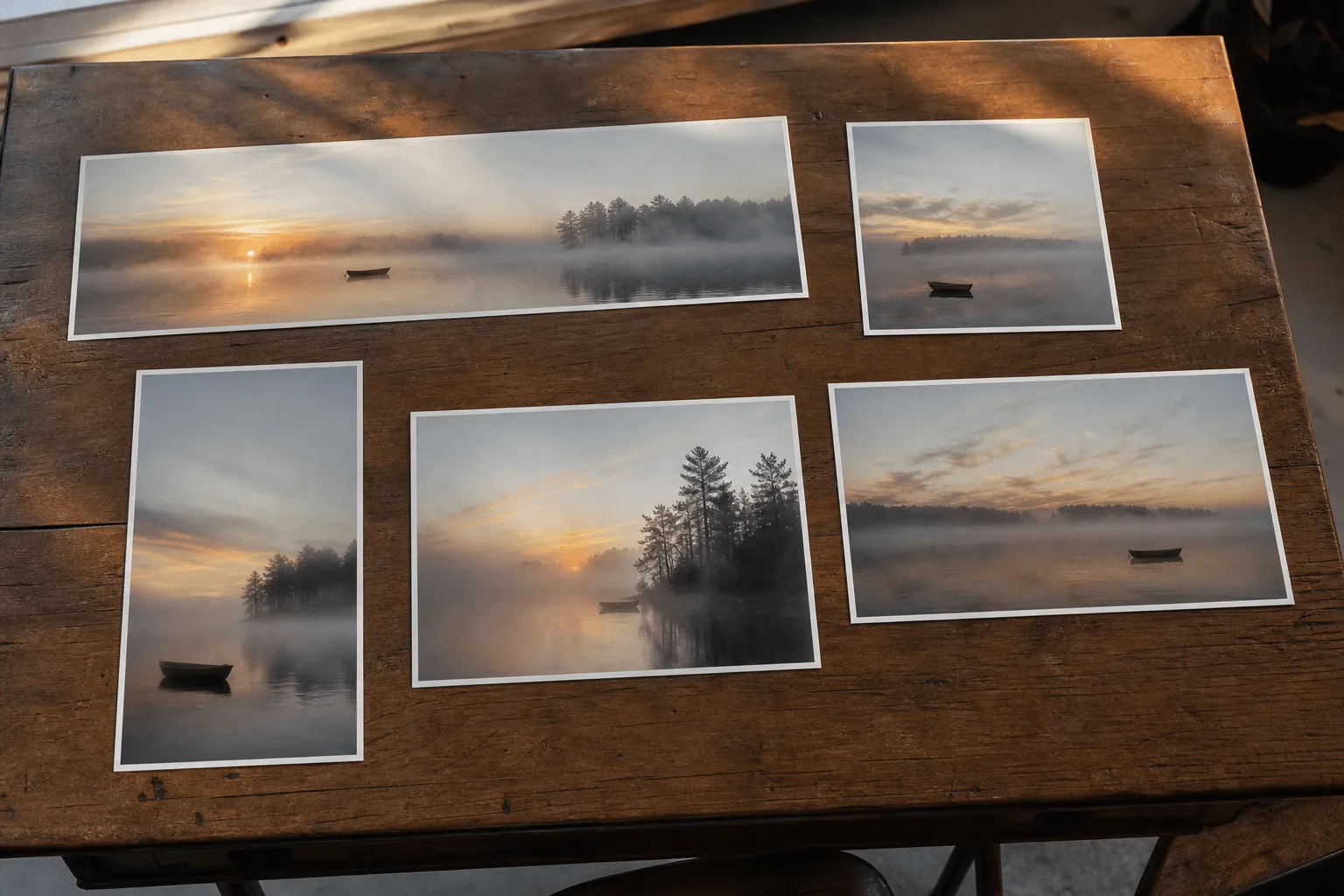
The output takes the frame's shape, so a 9:16 crop and a 16:9 crop of the same scene give you a story cut and a feed cut without changing any other field. Do the cropping in the image pass, before you upload.
Light-only and atmosphere shots
Some shots need the subjects to hold still while something else changes. The 8-second 1080p example keeps two figures in place while hard blind stripes travel across their shoulders as the sun drops. A prompt that says nothing moves but the light, a restrained movement_amplitude and generate_audio switched off do the work.
Stings and full beats from one endpoint
duration_seconds runs from 1 to 16, so a one-second reaction cut and a sixteen-second scene with a beginning and an end use the same fields. Duration and resolution are the two values the price depends on, and the live estimate updates as you change either of them.
Prompt guide & pro tips
Prepare the opening frame
Crop the still to the delivery shape first, because the clip inherits it, and keep the ratio between 1:4 and 4:1. Put everything that must appear – subject, wardrobe, set – into the image. The model starts from what the frame shows and has to invent the rest.
Write the movement in order
Describe what happens after the frame in the order it happens – action, camera, light, sound – without re-describing the still. The high-key morning example chains three actions into five seconds: she stretches, falls slowly back across the white bed, then turns her head to the camera and smiles. It closes on light and camera: a sheer curtain in the sun, dust in the beam, a slow handheld drift. None of those actions is in the frame; all of them are in the prompt.
Adapt the included example
The published clifftop example runs 5 seconds at 720p, with generate_audio left at its default, from a still of a woman in a white dress above the sea. Keep its structure – one force, several materials, one camera move – and swap in your own subject and setting.
The wind gusts and the long grass runs in waves across the clifftop; her white dress and hair stream sideways and snap. She turns from the sea into the wind toward the camera, catching the hair off her face with one hand and laughing, then spreads both arms and leans into the gust. Gulls cross far below. Slow steadicam arc around her, bright overcast daylight, cool green and pale blue, sea roar and wind.
Wind as the subject: the long grass runs in waves, the dress and hair stream sideways and snap, and a steadicam arcs around her while she leans into the gust. Everything is one continuous force acting on three different materials, which is a harder test of an animated still than a person simply turning round.
Draft at 540p, deliver at 1080p
Iterate at 540p until the motion reads right, then re-run at 1080p with the same frame, prompt and seed, so resolution is the one value that changed. A fixed seed keeps two runs comparable; it does not promise a frame-identical result. When a take drifts, look first at the areas the still never showed – the back of a garment, the edge of the room – and move that reveal into a new opening frame instead of adding more prompt text.
API quick start
# Generate the idempotency key once; reuse it when retrying after a lost response.
export SPICY_IDEMPOTENCY_KEY="${SPICY_IDEMPOTENCY_KEY:-$(uuidgen)}"
curl -X POST https://api.spicyapi.ai/api/v1/jobs/createTask \
  -H "Authorization: Bearer $SPICY_API_KEY" \
  -H "Content-Type: application/json" \
  -H "Idempotency-Key: $SPICY_IDEMPOTENCY_KEY" \
  -d '{
  "model": "vidu/q3/image-to-video",
  "input": {
    "duration_seconds": 5,
    "image_url": "https://example.com/reference.png",
    "movement_amplitude": "auto",
    "prompt": "A slow aerial shot drifting over a misty pine forest at sunrise",
    "resolution": "720p"
  }
}'

# Copy data.taskId from the response into TASK_ID, then poll the status.
TASK_ID="TASK_ID_FROM_RESPONSE"
curl "https://api.spicyapi.ai/api/v1/jobs/recordInfo?taskId=$TASK_ID" \
  -H "Authorization: Bearer $SPICY_API_KEY"
See the API reference for authentication, the complete schema, polling, and error handling.