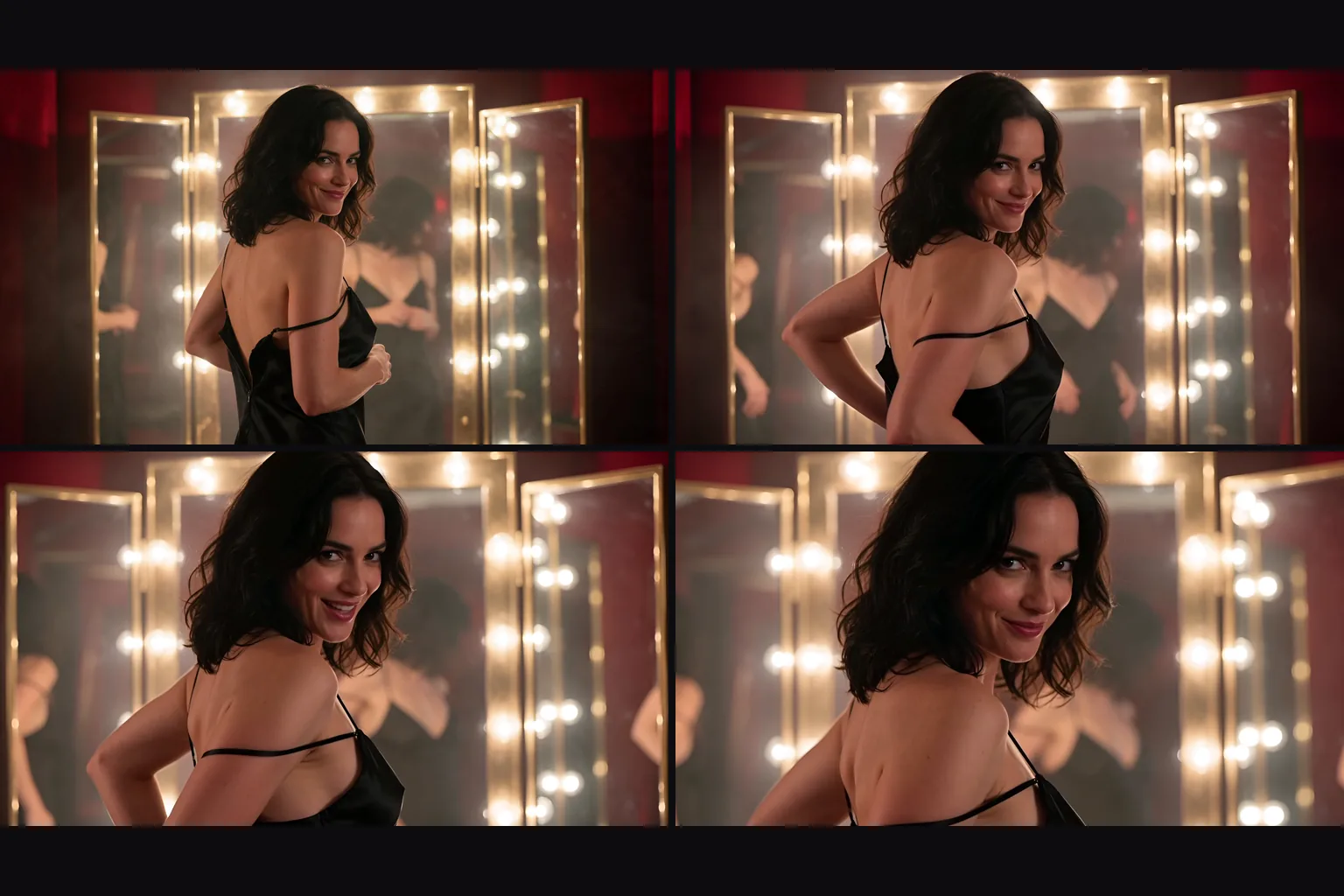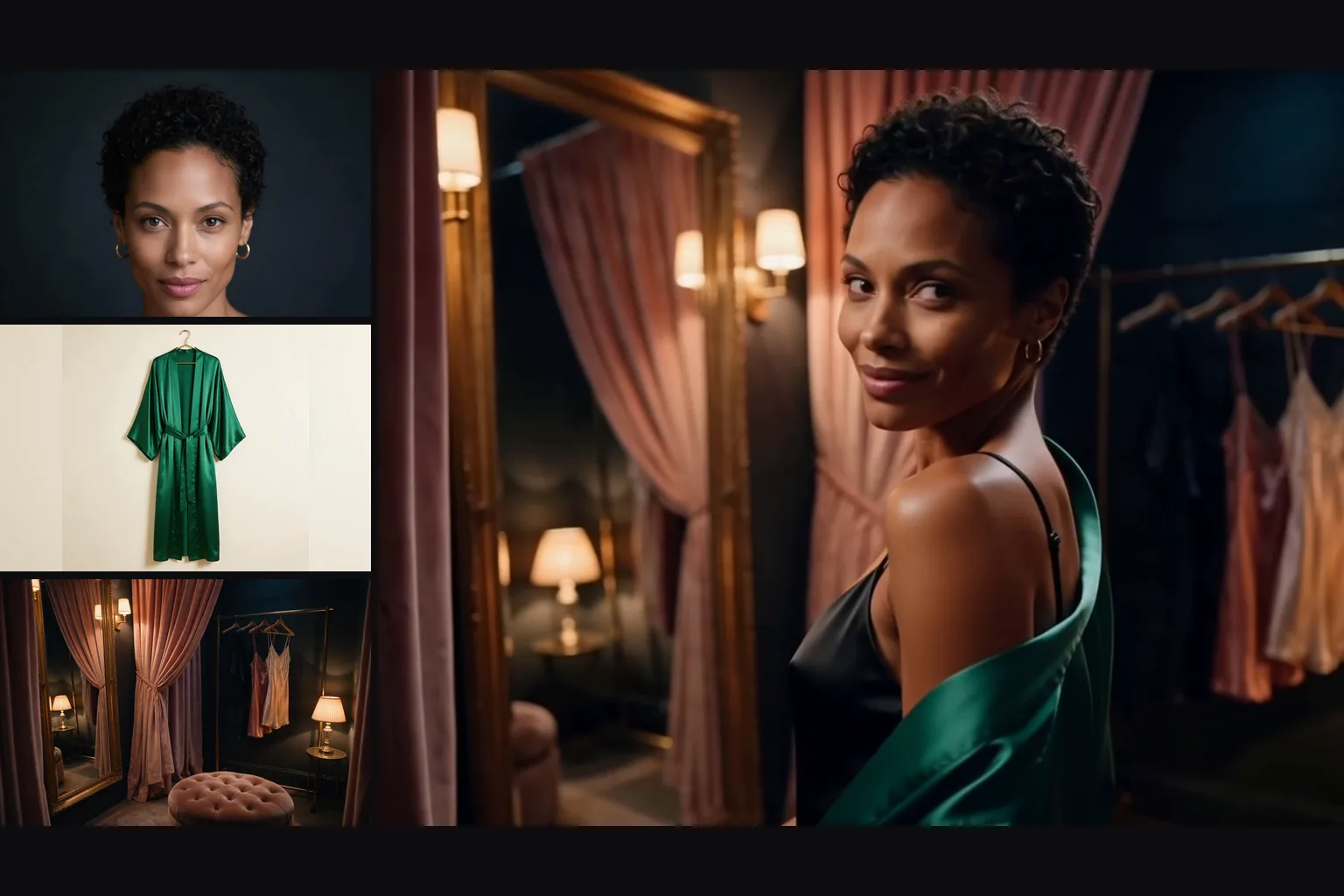
Introduction
Vidu Q4 Preview Image to video animates one opening frame into a 3 to 16 second clip at 540p, 720p, 1080p, 2k or 4k. Vidu Q4 Preview is Vidu's public preview of its Q4 video model. The clip keeps the shape of your frame, sound and quoted dialogue are generated with the picture, and in our content tests unfiltered requests came through, while the Very strong level has been refused since 9 October.
Choose a mode by starting material
| What you have | Mode |
|---|---|
| a frame to animate | Vidu Q4 Preview Image to video |
| people, outfits, products or places as images, with optional voice clips | Vidu Q4 Preview Reference to video |
Key features & highlights
Your frame carries through
In our runs the people, wardrobe and light of the opening frame stayed in the clip.
Sound and spoken lines
Dialogue, effects and ambience are generated with the picture. A line in double quotes was spoken in our run; turn generate_audio off for a silent clip.
Up to 4k
Five resolution tiers from 540p to 4k. 2k and 4k come back as 10-bit HEVC, so plan to edit or transcode them in a desktop tool.
NSFW scenes came through
Mild and Moderate requests were delivered, and so was the Maximum level. Strong-level requests were toned down by the framing. The Very strong level was only implied on 8 October and has been refused since 9 October.
Request parameters
| Parameter | Required | Description |
|---|---|---|
prompt | Yes | Required, up to 20,000 characters. Describe the movement, the camera and the sound after the frame. at least 1 characters · at most 20000 characters |
image_url | Yes | Required. The opening frame: it fixes the people, look and shape of the clip. |
resolution | No | 540p, 720p (the default), 1080p, 2k or 4k. This sets the price per second: 2k costs more than 1080p, and 4k about twice 2k. |
duration_seconds | No | Whole seconds, 3 to 16, default 5. Billed per second together with the resolution. |
generate_audio | No | On by default: dialogue, effects and ambience are generated with the picture. Turn it off for a clip with no audio track. Default: |
enable_prompt_expansion | No | Off by default. When on, the model rewrites and expands your prompt. Default: |
seed | No | Keeps runs comparable while you change one thing at a time. It does not promise a frame-identical clip. |
Pricing
Billed per second of output at the chosen resolution. Sound on or off and the shape of your frame do not change the price. Refused requests are not charged.
| Specification | Price |
|---|---|
| $0.045 / second |
| $0.095 / second |
| $0.12 / second |
| $0.19 / second |
| $0.39 / second |
Use cases
Speaking shots
A character turns to camera and says a line in the same pass as the picture.
Fashion and lifestyle stills
Add a turn, a walk or a camera move to a styled frame.
Platforms without a content filter
Animate your users' own frames; everyone on screen must be an adult.
Prompt guide & pro tips
Describe what happens next
Write the movement, the camera and the sound, not what the frame already shows.
Quote the dialogue
Put spoken lines in double quotes so they are spoken, not described.
Draft small, finish at 1080p
Test at 540p with a fixed seed, then rerun the winner at 1080p. Choose 2k or 4k only if you can handle HEVC.
Keep prompt expansion off
With expansion on the model rewrites your prompt, and in one run it toned a request down.
API quick start
# Generate the idempotency key once; reuse it when retrying after a lost response.
export SPICY_IDEMPOTENCY_KEY="${SPICY_IDEMPOTENCY_KEY:-$(uuidgen)}"
curl -X POST https://api.spicyapi.ai/api/v1/jobs/createTask \
  -H "Authorization: Bearer $SPICY_API_KEY" \
  -H "Content-Type: application/json" \
  -H "Idempotency-Key: $SPICY_IDEMPOTENCY_KEY" \
  -d '{
  "model": "vidu/q4-preview/image-to-video",
  "input": {
    "duration_seconds": 5,
    "image_url": "https://example.com/reference.png",
    "prompt": "A slow aerial shot drifting over a misty pine forest at sunrise",
    "resolution": "720p"
  }
}'

# Copy data.taskId from the response into TASK_ID, then poll the status.
TASK_ID="TASK_ID_FROM_RESPONSE"
curl "https://api.spicyapi.ai/api/v1/jobs/recordInfo?taskId=$TASK_ID" \
  -H "Authorization: Bearer $SPICY_API_KEY"
See the API reference for authentication, the complete schema, polling, and error handling.