Introduction
Vidu Q3 Spicy image-to-video animates an uncensored opening frame, with optional movement direction and audio generated in the same pass.
Vidu Q3 Spicy is a LoRA-tuned, uncensored build of Vidu Q3, published as image-to-video and video-extend endpoints; this page covers image-to-video. The opening frame you supply carries the content, the prompt is optional, and clips run 1 to 16 seconds at 540p, 720p or 1080p.
Key features & highlights
What you approve is what animates
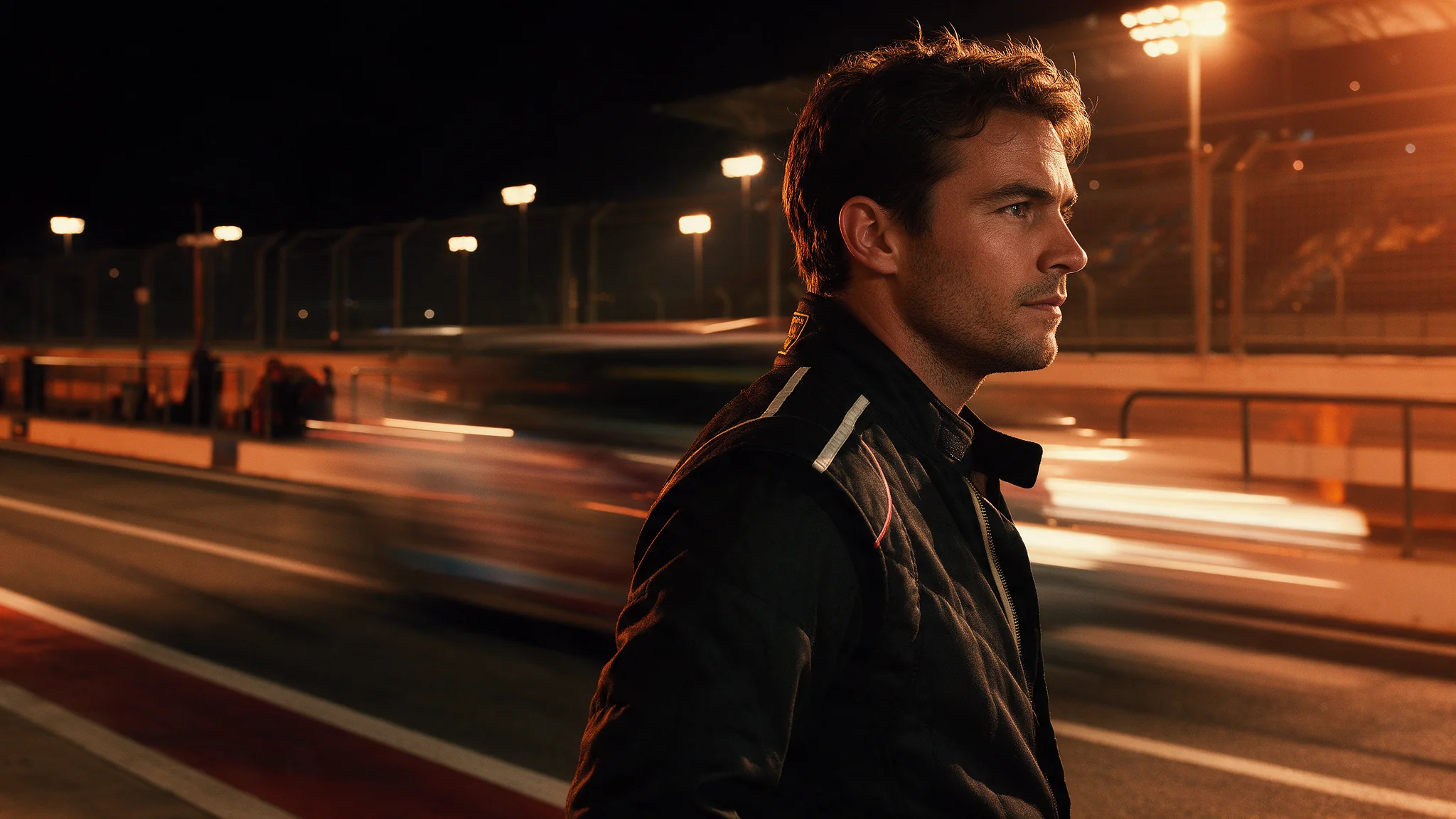
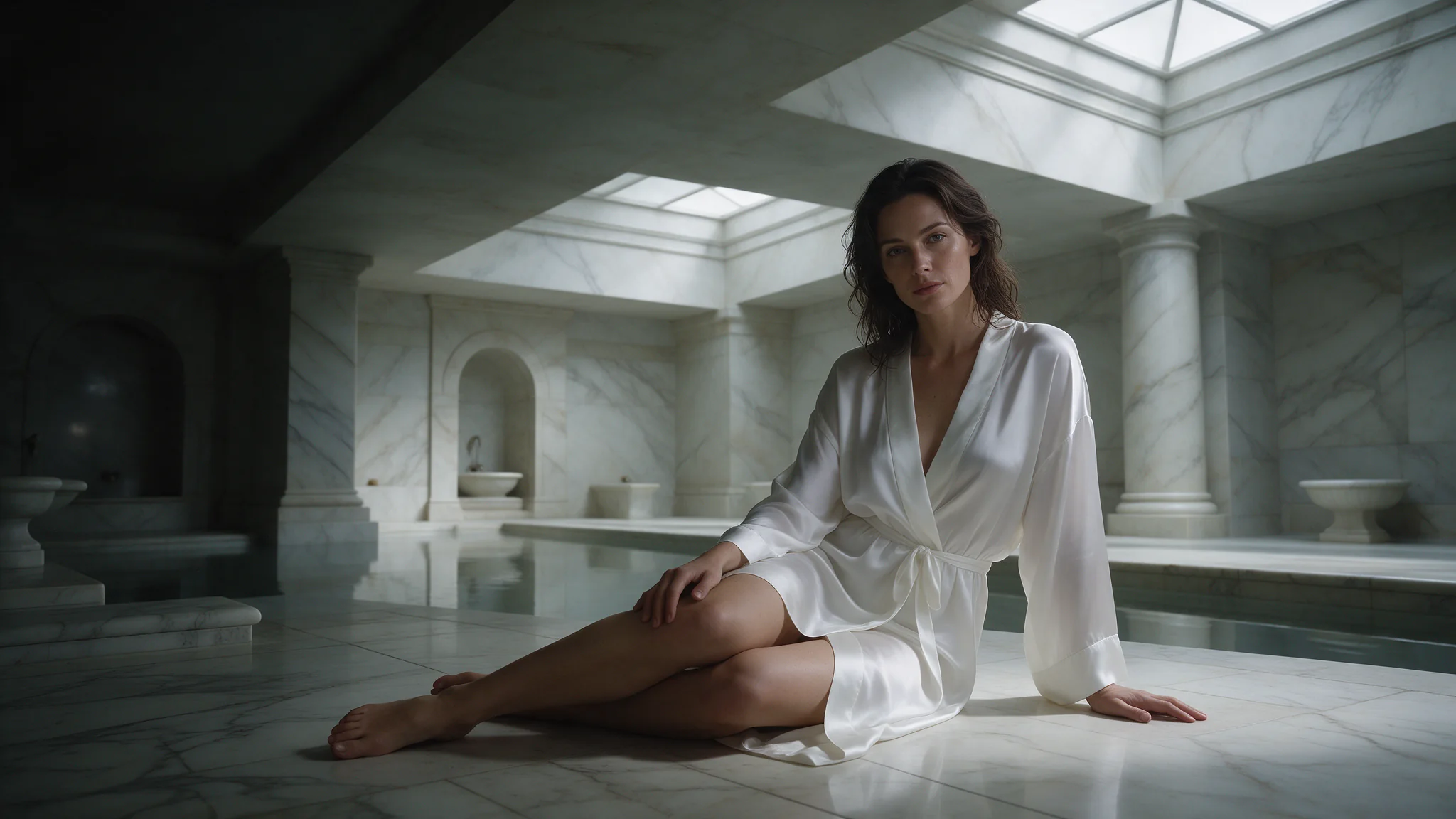
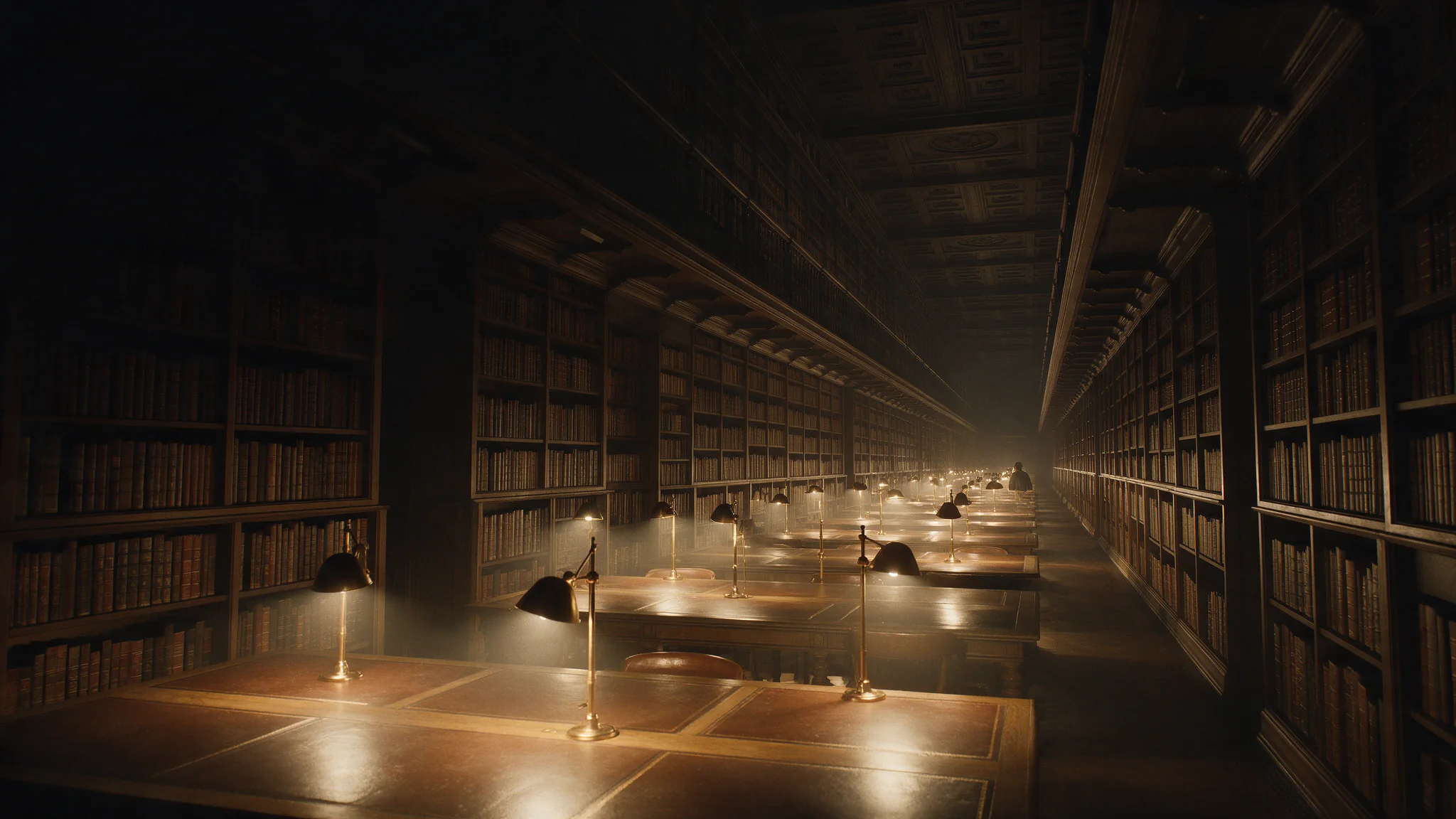
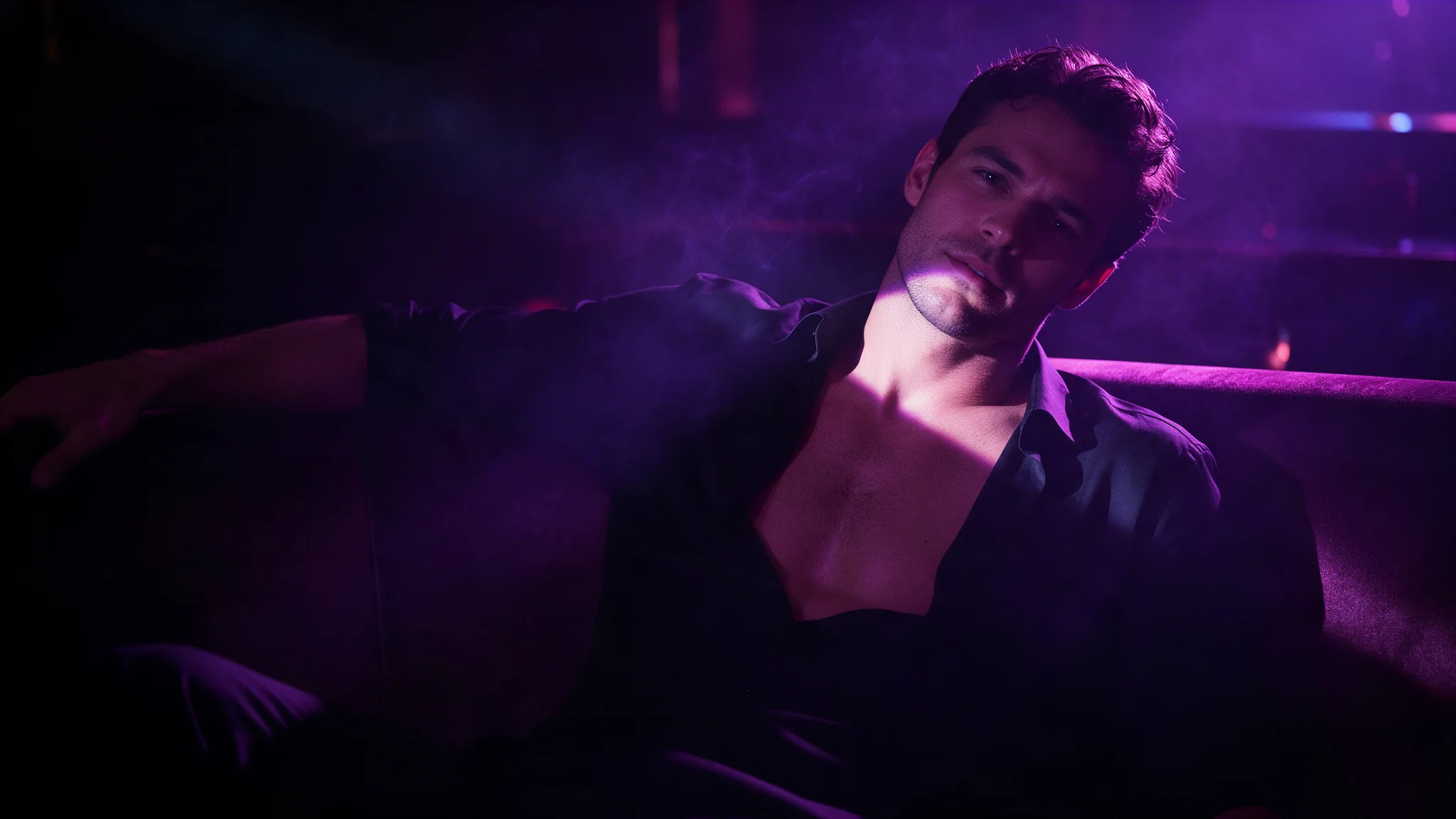
The only input path is an image, so there is no gap between the scene you signed off and what a text prompt is prepared to render. Wardrobe, body, pose and framing all come from the still, and the model's job is the movement. Uncensored source frames come through as supplied rather than softened.
A still on its own is a complete request
The prompt is optional. Send just the frame and the model infers a small, plausible movement, which is often exactly what a loop needs. Add text when you want a specific beat, such as eyes lifting to camera or a garment sliding, and keep it to what changes rather than describing the image again.
Portrait clips up to sixteen seconds
There is no aspect ratio field, so a 9:16 still produces a 9:16 clip and nothing reframes it on the way out. Combined with a sixteen-second ceiling and 1080p, that covers a full vertical beat with a beginning and an end rather than a two-second fragment.
Request parameters
| Parameter | Required | Description |
|---|---|---|
image_url | Yes | Required. The still that animates - it decides content and output shape, so make it right first. |
prompt | No | Optional. Describe the beat, the camera and the sound; do not re-describe the frame. |
duration_seconds | No | Whole seconds, 1 to 16. One to four suits loops; sixteen covers a full beat. |
resolution | No | 540p, 720p or 1080p. It defaults to 720p - ask for 1080p when you are delivering. |
movement_amplitude | No | auto, small, medium or large. Auto reads the opening frame; raise it when a still scene needs to move more. |
generate_audio | No | On by default. Set it false for a silent loop. Default: |
bgm | No | Adds background music to the clip. On by default. Default: |
Pricing
| Specification | Price |
|---|---|
| $0.0665 / second |
| $0.1425 / second |
| $0.152 / second |
Use cases
Uncensored clips other APIs reject
Source frames are accepted and animated as supplied, with no content filter, so material that hosted video APIs refuse at the prompt filter runs here. Because the content lives in the image, the result matches the frame you approved instead of a softened reinterpretation of your words.
Companion and roleplay video
One character still becomes a set of short reactions, such as a look up, a smile or a shoulder sliding free, by changing only the prompt. The frame keeps identity, costume and set stable across the whole set, which is what makes a companion feed feel continuous.
Vertical loops for a paid feed
A 9:16 still animates into a portrait clip with no reframing, at one to four seconds for a loop or up to sixteen for a scene. Draft several at 540p, then re-run the two that read best at 1080p.
Prompt guide & pro tips
Make the frame first
Settle wardrobe, body, pose and framing in an image pass, and export the still at the shape you want to deliver, keeping its aspect ratio between 1:4 and 4:1. There is no field to fix the shape later; that still is what the clip will contain.
Set how much the scene moves
movement_amplitude takes auto, small, medium or large. auto reads the opening frame; raise it when a still scene needs to move more, and lower it for a loop where only a breath should change. Set generate_audio to false for a silent loop.
Adapt the included example
The published example uses duration_seconds 5, generate_audio true and resolution 720p.
She finishes pouring, sets the flask down and lifts her eyes to camera with a small smile, steam rising from the cup, the yukata sliding a fraction lower on her shoulder. Paper shoji glow, evening cicadas, very slow push-in.
A single still plus a movement note: the pour, the look to camera and the shoulder are written, and everything identifying came from the frame.
Draft cheap, finish once
Generate short variants at 540p from the same frame, pick the movement that reads, then re-run it at 1080p with a longer duration for the delivery. Resolution defaults to 720p, so ask for 1080p explicitly when you are delivering.
API quick start
# Generate the idempotency key once; reuse it when retrying after a lost response.
export SPICY_IDEMPOTENCY_KEY="${SPICY_IDEMPOTENCY_KEY:-$(uuidgen)}"
curl -X POST https://api.spicyapi.ai/api/v1/jobs/createTask \
  -H "Authorization: Bearer $SPICY_API_KEY" \
  -H "Content-Type: application/json" \
  -H "Idempotency-Key: $SPICY_IDEMPOTENCY_KEY" \
  -d '{
  "model": "vidu/q3-spicy/image-to-video",
  "input": {
    "duration_seconds": 5,
    "image_url": "https://example.com/reference.png",
    "movement_amplitude": "auto",
    "resolution": "720p"
  }
}'

# Copy data.taskId from the response into TASK_ID, then poll the status.
TASK_ID="TASK_ID_FROM_RESPONSE"
curl "https://api.spicyapi.ai/api/v1/jobs/recordInfo?taskId=$TASK_ID" \
  -H "Authorization: Bearer $SPICY_API_KEY"
See the API reference for authentication, the complete schema, polling, and error handling.