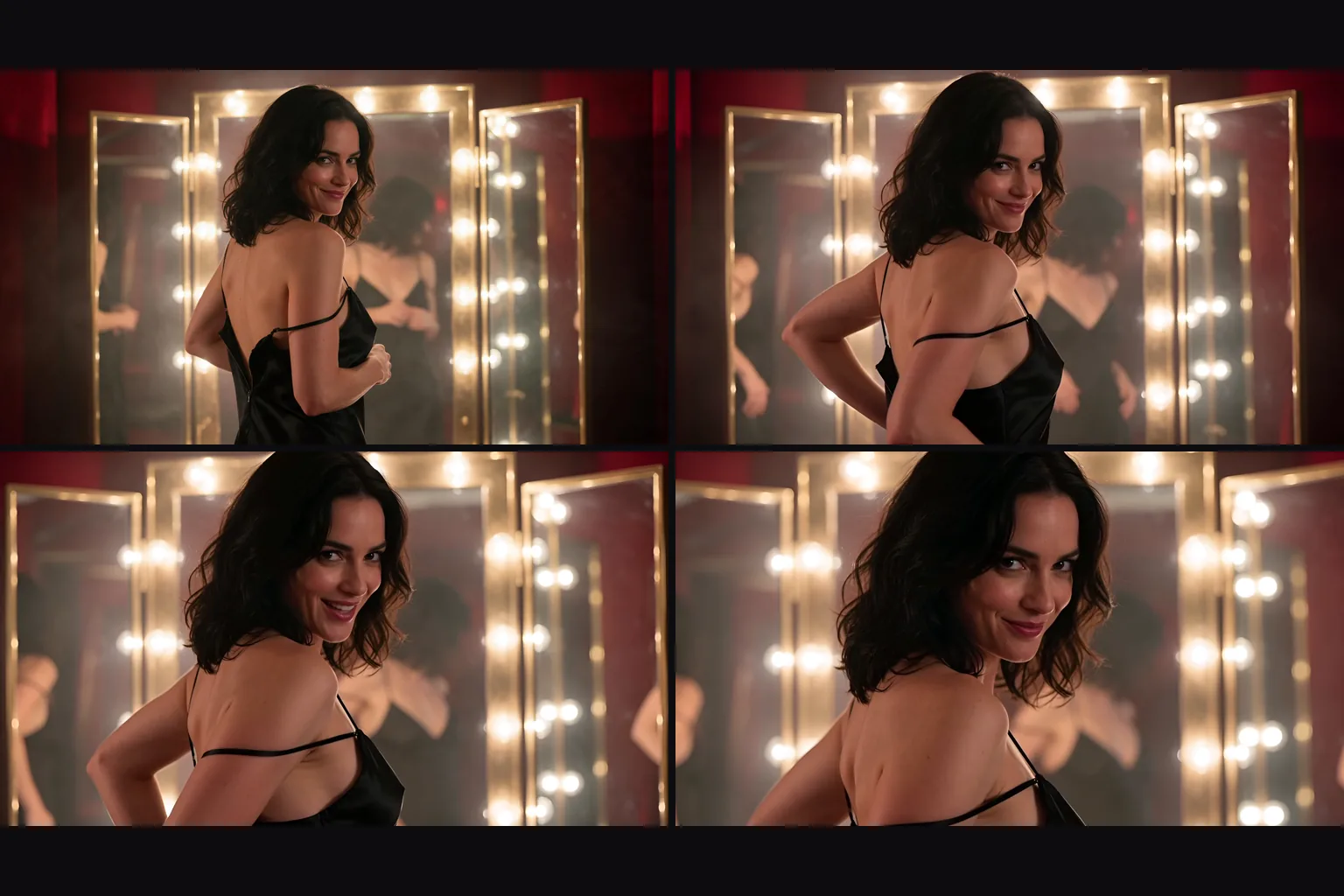
Introduction
Vidu Q4 Preview Reference to video builds one scene from 1 to 15 reference images and up to 3 voice clips. Vidu Q4 Preview is Vidu's public preview of its Q4 video model. Clips run 3 to 16 seconds at 540p to 4k in five aspect ratios, with sound generated alongside the picture. This endpoint is lightly filtered: from the Moderate level up it tones down or refuses most requests.
Choose a mode by starting material
| What you have | Mode |
|---|---|
| a frame to animate | Vidu Q4 Preview Image to video |
| people, outfits, products or places as images, with optional voice clips | Vidu Q4 Preview Reference to video |
Key features & highlights
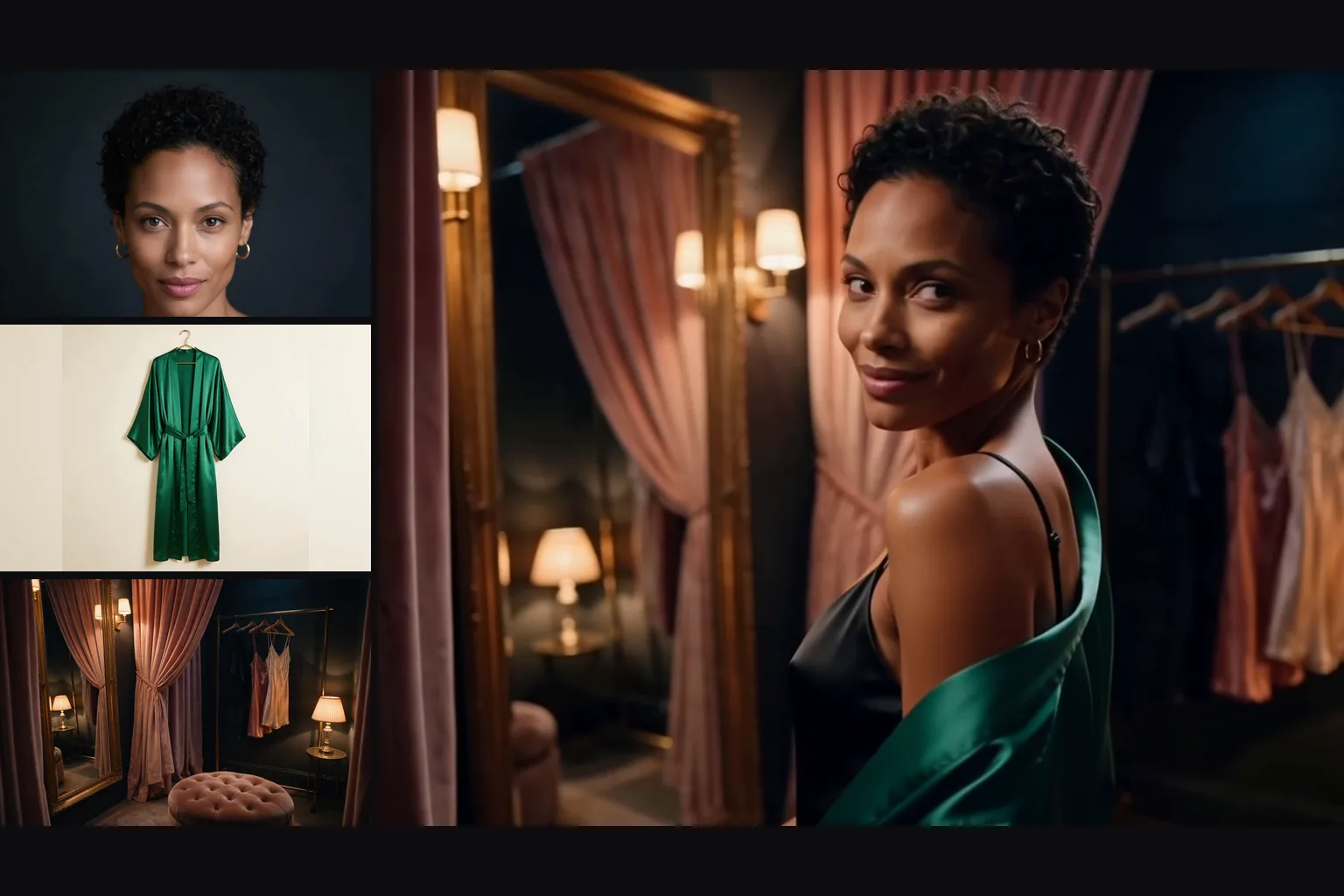
Up to 15 references
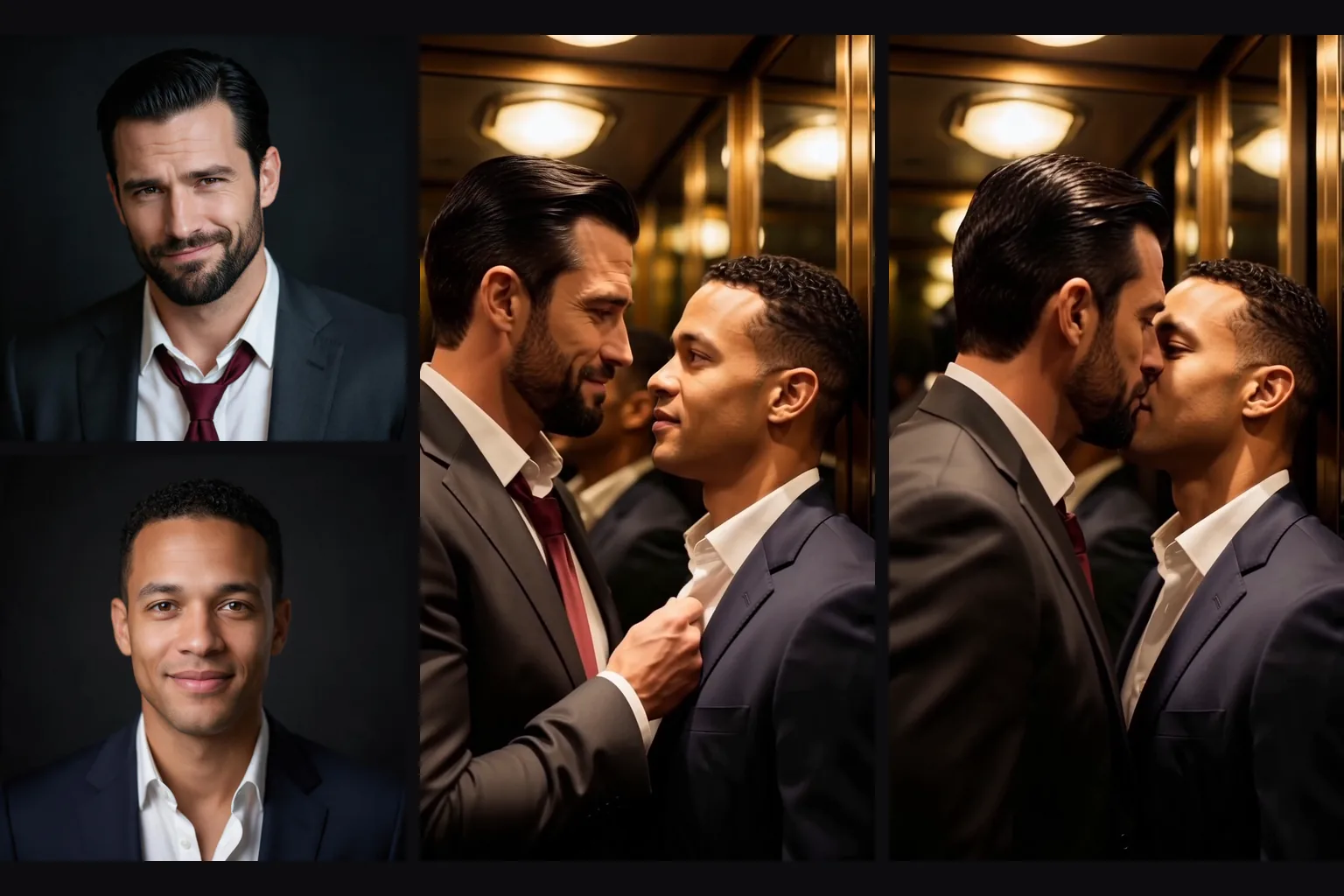
People, outfits, products and places can go in together. In our runs a face, a garment and a room came back as one scene.
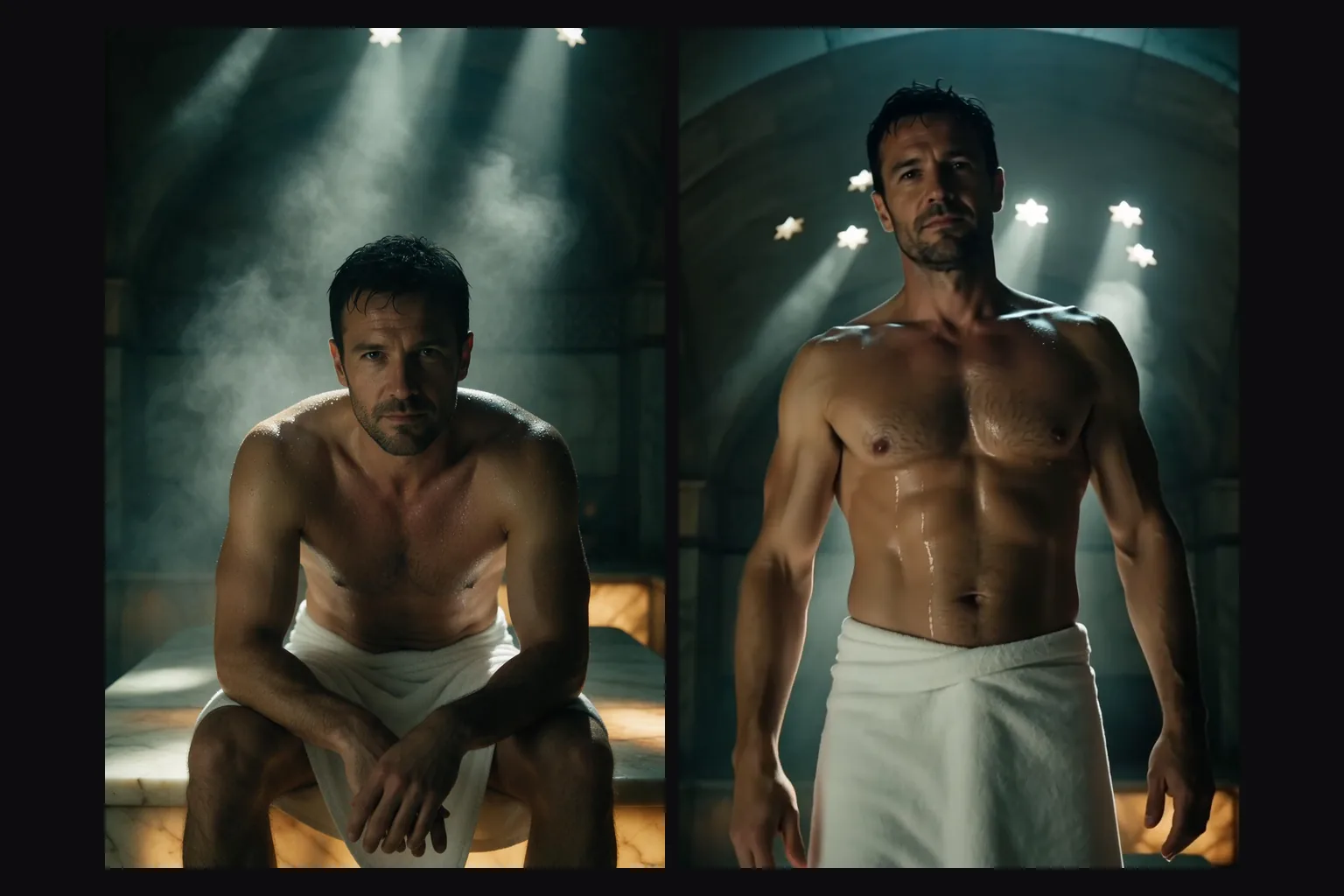
Two people, both recognisable
Two portraits as references kept both faces in the same shot.
Reference voice
Up to 3 audio clips set the voice. The words still come from the prompt, so write the line in quotes.
Five shapes and five tiers
aspect_ratio offers 16:9, 9:16, 1:1, 3:4 and 4:3; resolution runs from 540p to 4k, with 2k and 4k as 10-bit HEVC.
Request parameters
| Parameter | Required | Description |
|---|---|---|
prompt | Yes | Required, up to 20,000 characters. Describe the scene and refer to references by position, such as "the woman from the first image". at least 1 characters · at most 20000 characters |
reference_image_urls | Yes | Required, 1 to 15 images of people, outfits, products or places. A request without any is rejected. at least 1 items · at most 15 items |
reference_audio_urls | No | Optional, up to 3 voice clips (Vidu asks for MP3, 3 to 12 seconds each). at least 1 items · at most 3 items |
aspect_ratio | No | 16:9 (the default), 9:16, 1:1, 3:4 or 4:3. Does not change the price. |
resolution | No | 540p, 720p (the default), 1080p, 2k or 4k. This sets the price per second: 2k costs more than 1080p, and 4k about twice 2k. |
duration_seconds | No | Whole seconds, 3 to 16, default 5. Billed per second together with the resolution. |
generate_audio | No | On by default: dialogue, effects and ambience are generated with the picture. Turn it off for a clip with no audio track. Default: |
seed | No | Keeps runs comparable while you change one thing at a time. It does not promise a frame-identical clip. |
Pricing
Billed per second of output at the chosen resolution. Sound, the number of reference images and the number of reference audio clips do not change the price. Refused requests are not charged.
| Specification | Price |
|---|---|
| $0.045 / second |
| $0.095 / second |
| $0.12 / second |
| $0.19 / second |
| $0.39 / second |
Use cases
Fashion and product scenes
A model, a garment and a location in one clip.
Shots with two people
A conversation, an arrival or a near kiss with both faces kept.
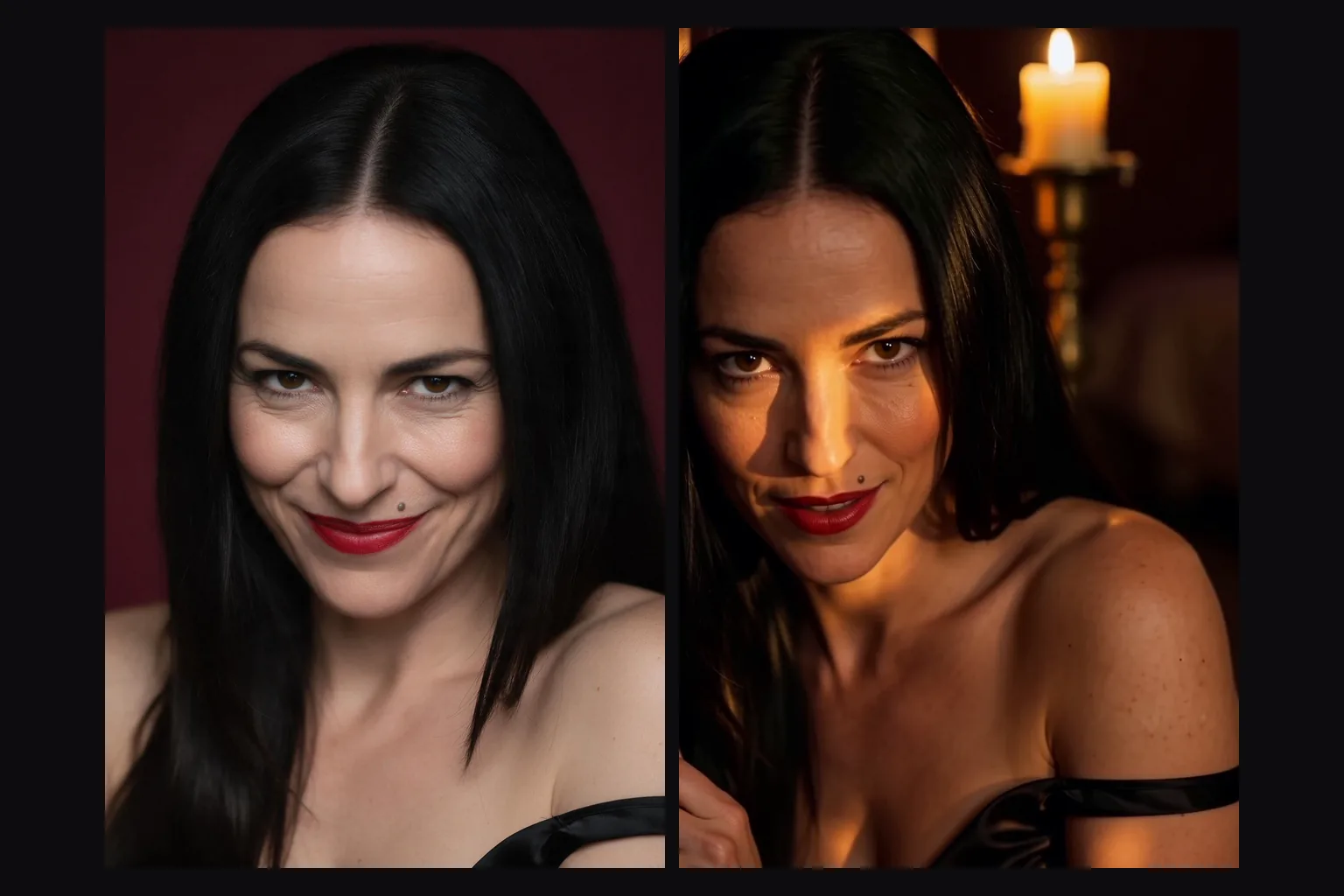
Voiced characters
A portrait plus a voice clip and a quoted line.
Prompt guide & pro tips
Refer by position
Say "the woman from the first image" and "the robe from the second image".
Write the line
A voice clip does not supply words. Put the line in quotes and say it is in the voice from the reference audio.
Know the filter
Mild requests came through, as did one of the two Maximum-level prompts; from the Moderate level up, the rest were refused or toned down in our tests, and refusals are not charged. For scenes past these limits, use image to video from a frame of the people.
Draft at 540p
Test the prompt at 540p, then finish at 1080p. Choose 2k or 4k only if you can handle HEVC files.
API quick start
# Generate the idempotency key once; reuse it when retrying after a lost response.
export SPICY_IDEMPOTENCY_KEY="${SPICY_IDEMPOTENCY_KEY:-$(uuidgen)}"
curl -X POST https://api.spicyapi.ai/api/v1/jobs/createTask \
  -H "Authorization: Bearer $SPICY_API_KEY" \
  -H "Content-Type: application/json" \
  -H "Idempotency-Key: $SPICY_IDEMPOTENCY_KEY" \
  -d '{
  "model": "vidu/q4-preview/reference-to-video",
  "input": {
    "aspect_ratio": "16:9",
    "duration_seconds": 5,
    "prompt": "A slow aerial shot drifting over a misty pine forest at sunrise",
    "reference_image_urls": [
      "https://example.com/reference.png"
    ],
    "resolution": "720p"
  }
}'

# Copy data.taskId from the response into TASK_ID, then poll the status.
TASK_ID="TASK_ID_FROM_RESPONSE"
curl "https://api.spicyapi.ai/api/v1/jobs/recordInfo?taskId=$TASK_ID" \
  -H "Authorization: Bearer $SPICY_API_KEY"
See the API reference for authentication, the complete schema, polling, and error handling.