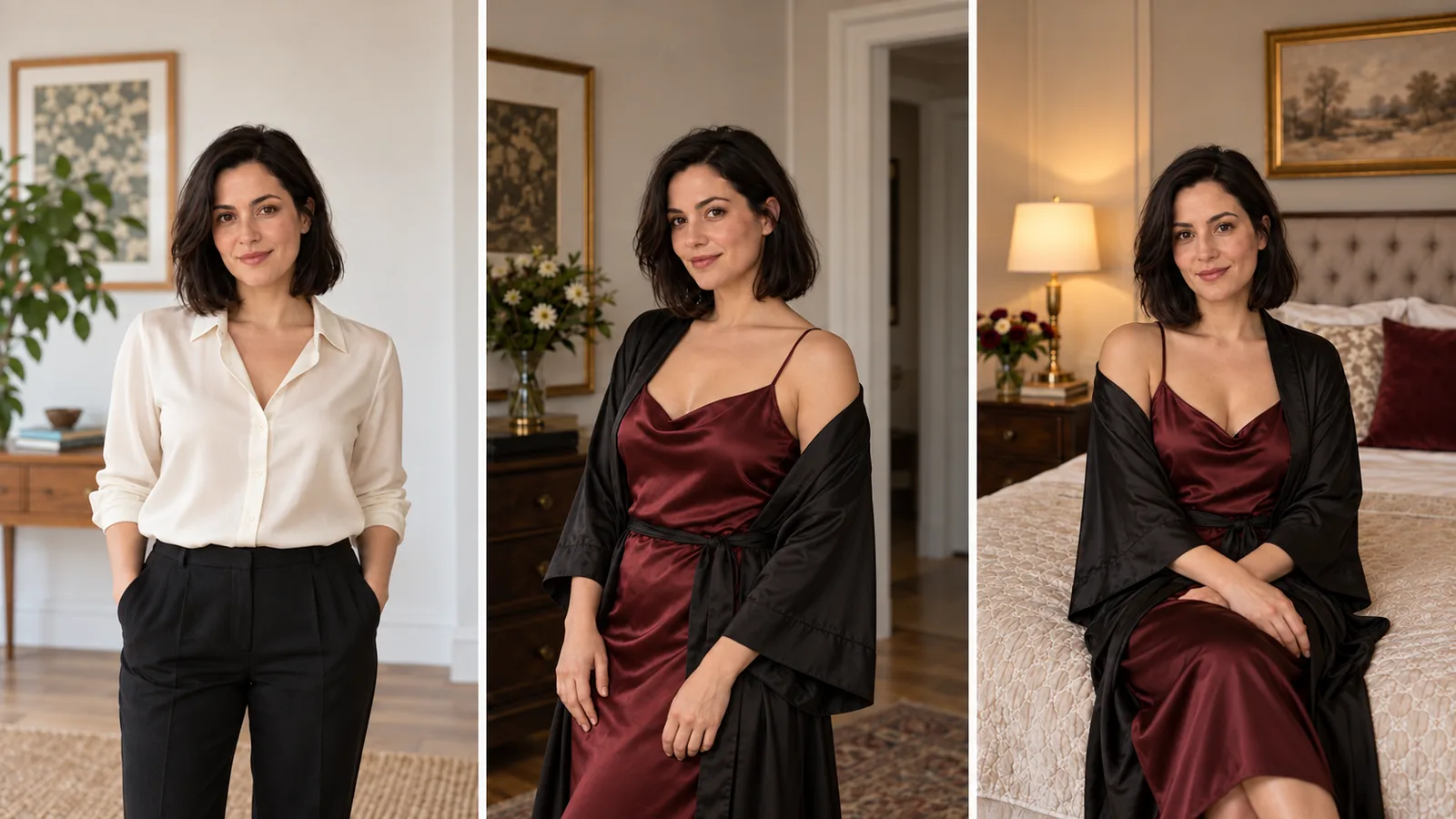
An approved portrait may need just one wardrobe change: a scarf with a different weave and drape, with the face, hat and pose still recognizable. An image editor can propose that change, but choosing the right operation matters when the rest of the photograph must remain exact.
Qwen Image Edit Spicy accepts one source image, one edit instruction and an optional seed. At the current $0.038 per image, use it for a text-directed change to an existing composition; do not expect a mask or source-strength control. For an exact recolor that must preserve every face and garment edge, conventional masked color adjustment is the more direct method. For a generative wardrobe proposal, use the source and edit instruction below and compare it with the original source.
The fictional adult example is a woman in a plum blazer and ivory shirt, wearing a pale-teal scarf and holding a burnt-orange felt hat. The requested change is a muted copper scarf with a heavier woven texture. The existing illustrations show the brief, not Qwen's preservation performance.
Select the right Qwen task
Open Qwen Image Edit Spicy, whose public identifier is alibaba/qwen-image-spicy-edit/edit. This is distinct from Qwen Image 2.1 editing and from Qwen LoRA tasks.
| Field | Value for this attempt | Meaning |
|---|---|---|
image_url | The approved portrait file | Singular source, not image_urls |
prompt | Scarf instruction below | Required, nonempty |
seed | 314159 | Optional integer, 0–2147483647; zero requests a random seed |
Two limitations affect this wardrobe job:
- No region control: the task exposes neither a mask nor a source-strength setting. “Change only” describes the intended result; it does not lock the rest of the image.
- No delivery or tuning controls: resolution, aspect ratio, output format, negative prompt and LoRA fields from other Qwen tasks are not accepted here. Inspect the returned file before preparing the final crop.
The broader Qwen image-edit introduction discusses semantic and appearance editing. It does not establish the exact base revision or internals of this hosted Spicy task. Use this task's current fields for the actual request.
Prepare one source with the whole scarf visible
Use the original waist-up portrait, including the scarf's lower fold, both blazer lapels, the hand and the full hat brim. Do not crop to just the scarf: you need the face and hat in the same returned picture to detect collateral changes. A scarf partly hidden under hair can still be edited, but a prompt cannot protect boundaries you cannot identify in the source.

Illustration, not a target-model result: the complete scarf, lapels, hands and hat supply a concrete source-preservation brief.
For a real person, use a source you are authorized to process. For a character series, return to the same approved portrait when a failed revision changes the face; do not use the failed face as the next master.
Separate a color change from a new garment
A wardrobe edit can ask for three different things. A recolor keeps the seam positions, material and drape. A material change keeps the garment design but changes how light reflects from it. A replacement changes the collar, straps, fastening or cut as well. Combining all three in “make the outfit more attractive” leaves the model to decide which identity and pose details to redraw.
For the scarf, “muted copper-brown woven fabric” names a color and a surface. “Copper scarf” can also suggest metal, which explains the shiny failure in the table below. For satin, distinguish the base fabric color from highlights: pale highlights can stay pale while the body of the cloth becomes burgundy. Demanding a completely uniform color erases the light and fold information that makes it look like fabric.
For a fictional adult character's wardrobe series, begin from a clear approved source with the face and garment boundary visible. First request the one garment change. If the resulting outfit is useful but the lighting is wrong, make a lighting revision from the accepted variant; if the face is wrong, restart from the original. Repeating edits on a changed face gradually makes the changed face the source.
A new outfit that covers a different area also changes the information the model must invent. A source does not contain the unseen construction of another garment or a hidden hand. Keep the pose and camera view stable while exploring clothing so that a new wardrobe result does not also require a new anatomy or perspective solution. This is a proposed way to reduce conflicting instructions, not a tested success rate for this endpoint.
Try the scarf edit in the Playground
- On the model page open the Playground tab and add the approved portrait under Input image (JPG, PNG, WEBP or GIF, up to 10 MB). Upload the file, or paste a public, directly downloadable link with Asset URL and Add URL; viewer pages and short-lived signed links fail.
- In Prompt enter: “Change only the pale-teal scarf to muted copper woven fabric with heavier texture. Keep its wrap, the face, plum blazer, ivory shirt, hands, orange hat, lighting and framing.”
- Leave Seed empty, or enter
314159to compare wordings on the same seed. Press Run model and compare the face, scarf and hat against the source.
Use the approved setup through the API
Set SPICY_API_KEY in your environment. Set SOURCE_IMAGE_URL to your approved portrait's direct HTTPS URL; for a file on your computer, upload it first as described in the media guide. Run with Python 3; confirm the displayed quote only when you want a new paid attempt.
import json
import os
import uuid
from pathlib import Path
from urllib.request import Request, urlopen

payload = {"model": 'alibaba/qwen-image-spicy-edit/edit', "input": {
    'image_url': os.environ['SOURCE_IMAGE_URL'],
    'prompt': "Change the pale-teal scarf to muted copper woven fabric with a heavier weave and soft folds. Keep its wrap and placement around the neck. Retain the adult woman's face, hairstyle, plum blazer, ivory shirt, hand positions, burnt-orange felt hat, studio background, lighting and camera framing. The scarf remains fabric, not metallic jewelry.",
    'seed': 314159,
}}

def api(action, body, key=None):
    headers = {"Authorization": "Bearer " + os.environ["SPICY_API_KEY"],
               "Content-Type": "application/json"}
    if key:
        headers["Idempotency-Key"] = key
    request = Request("https://api.spicyapi.ai/api/v1/jobs/" + action,
                      data=json.dumps(body).encode(), headers=headers)
    with urlopen(request, timeout=60) as response:
        result = json.load(response)
    if result.get("code") != 200:
        raise RuntimeError(result)
    return result["data"]

quote = api("quote", payload)
print("Maximum charge (USD):", quote["maxCharge"])
if input("Create this new attempt? Type yes: ").strip() != "yes":
    raise SystemExit("No task created")
key = str(uuid.uuid4())
body = {**payload, "quoteId": quote["quoteId"],
        "expectedCost": quote["estimatedCost"]}
Path(key + ".json").write_text(json.dumps({"key": key, "request": body}))
task = api("createTask", body, key)
Path(key + ".task.json").write_text(json.dumps(task))
print("Task ID:", task["taskId"])
Keep the saved key for retries of that same request. Result retrieval and file handling are in the task API guide.
For repeated edits, an Agent can handle the approved brief:
- CLI:
npx @spicyapi/cli tasks create --model alibaba/qwen-image-spicy-edit/edit --input-file input.json --wait, whereinput.jsonholds{"image_url": "...", "prompt": "..."}. - MCP: ask it to use
spicyapi_task_create, thenspicyapi_task_wait. - Skill: install with
npx skills add spicyapi-ai/spicy-skill, then ask thespicyapiSkill to run this setup after showing its quote.
Make a correction that matches the visible failure
| Returned problem | Next action from the original approved source |
|---|---|
| Scarf looks like shiny metal | Replace “copper” with “muted copper-brown woven fabric with soft diffuse highlights”; retain the original folds. |
| Hat becomes copper too | Add “The burnt-orange felt hat keeps its original color and matte felt texture; only the scarf changes.” |
| A lower fold remains teal | Name that fold explicitly: “Recolor the entire visible scarf, including the long fold over the ivory shirt.” |
| Blazer lapel is recolored | Use a conventional masked color adjustment, or a region-capable editor; repeating “only” does not add a mask to this endpoint. |
| Face or pose changes | Reject that revision as a preservation edit and restart from the approved portrait. Do not chain it. |
| Output shape or file type does not suit the design | Inspect the returned artifact and prepare a delivery derivative; there is no size/format switch here. |
For the simple color-only brief, ordinary finishing is often enough: select the scarf in a layered editor, apply the hue change through that selection, and retain the original face and hat layers. If the job instead asks for a different scarf material or new drape, a generative proposal can be useful, but it becomes a broader wardrobe change.
When a mask is necessary
Qwen Image 2.1 edit exposes a separate mask_url control. Its black-and-white mask uses white for repainting and black for keeping, with exactly one reference image. The mask supports 1k and 2k, at $0.036 and $0.048 per image respectively. That is an alternative task, not an extra field to add to Spicy Edit. Upload the original portrait as its sole source and include the scarf plus its boundary in the edit region.
Even with a region-capable editor, compare the face, hat and lapels afterward. If the actual delivery requires identical original pixels outside the scarf, composite an accepted scarf treatment into the original through a conventional layer mask rather than presenting a generative preservation instruction as a guarantee.
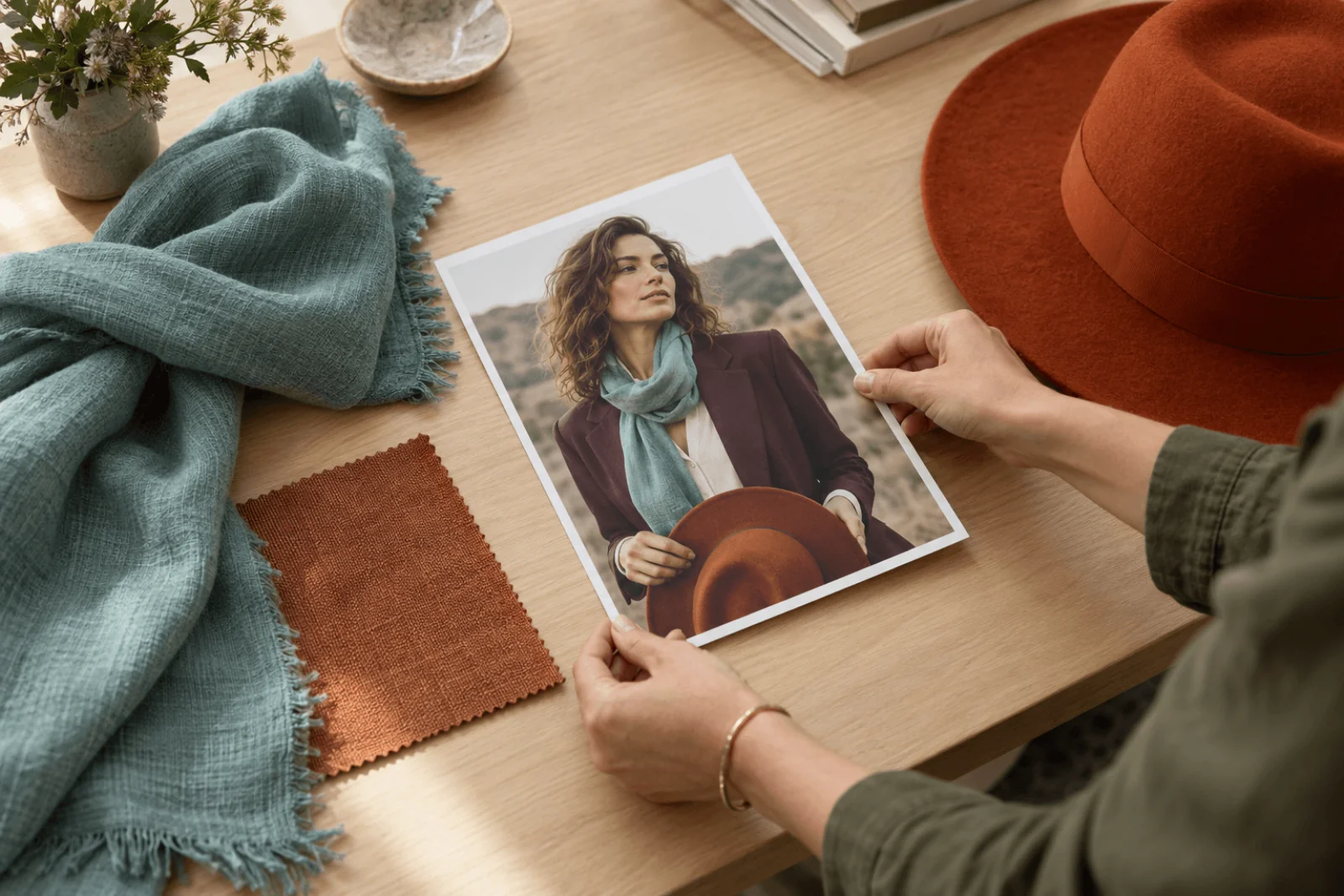
Illustration, not a target-model result: the fabrics express a color direction; this separate planning print is not a matched before-and-after result.
What the historical adult tests do—and do not—show
In our September 2026 tests, Spicy Edit delivered the requested edits across all five adult-content categories. The test outputs include actual before-and-after pairs. Its uncensored content handling does not make source preservation automatic: a completed edit can still alter a face or hand.
At $0.038, two intentional candidates total $0.076; no number of candidates is guaranteed to preserve the portrait.
Start with the one-source request when an approximate generative variant is useful. Choose an actual mask-capable task or ordinary finishing when keeping the surrounding portrait exact is the core requirement.
Frequently asked questions
Is Qwen Image Edit Spicy the same task as Qwen Image 2.1 editing?
No. Spicy Edit uses one image_url and an optional seed. The separate 2.1 editing task accepts a mask_url; when using that mask, supply exactly one reference. Select the task before copying a request rather than combining their fields.
Can I keep every pixel outside the scarf unchanged?
This task has no mask that enforces that requirement. For a pure recolor, make a selection in a conventional editor. For a generated material change, composite the accepted scarf area back into the original if unchanged surrounding pixels are required.
Will the seed keep the same face?
A seed controls the generation attempt; it is not a face-preservation control. Keep the approved source and compare the face, hairline, hands and garment boundaries in the actual output.
Can I retry after losing the submission response?
Send the same Idempotency-Key with the same request; the script above saves both in <key>.json. The idempotency guide explains the 24-hour window. Starting a fresh attempt is another paid image.