Introduction
Qwen Image Edit Spicy edits a single source image under a single plain-English instruction. There is no mask, no region selector and no departure dial — the sentence is the whole control surface, and what you protect is what you name.
The request is image_url, prompt and an optional seed, where a seed of 0 asks for a random draw. One image comes back per request.
Key features & highlights
No mask, no strength, no inpainting workflow
Most editors make you choose a region and a departure amount before you can change anything. This one takes a sentence. Name what changes, name what must stay, and send it. The absence of a strength dial is the design: preservation is expressed in words, which is also how you audit an edit later.
Bold wardrobe edits, unfiltered
A wardrobe change that filtered editors refuse is an ordinary instruction here, not a special case. There is no maturity flag to set and no other endpoint the request is diverted to. Your wording in the instruction is passed through as written.
Retype a sign without redrawing the room
Because it inherits the Qwen Image line's typography, it can change wording that is already in the picture — a door hanger, a menu board, a bottle label. Quote the string that is there and the string you want, and state that the pose, framing and grade stay untouched.
Request parameters
| Parameter | Required | Description |
|---|---|---|
image_url | Yes | A public, directly downloadable link to an image you hold the rights to. Viewer pages and short-lived signed URLs fail; the source also caps the detail the result can have. at least 1 characters |
prompt | Yes | One instruction carrying both halves of the edit. at least 1 characters |
seed | No | Pass the same seed with the same image and instruction to keep the draw identical between two edits, so the only difference is what you changed; it is a comparison tool, not a p… |
Pricing
$0.038 / image
Use cases
Refine a supplied visual
Use this endpoint when an existing photograph should stay the photograph and only one thing should change. Send it as image_url, name the change and the elements that must stay — pose, framing, lighting, grade — and compare the result with the source.
Prompts other editors refuse
Bold wardrobe instructions that get bounced by filtered editing APIs run here as ordinary edits. Nothing about the request changes: same field names, same task lifecycle, same asynchronous poll for a result.
Wardrobe passes on an approved frame
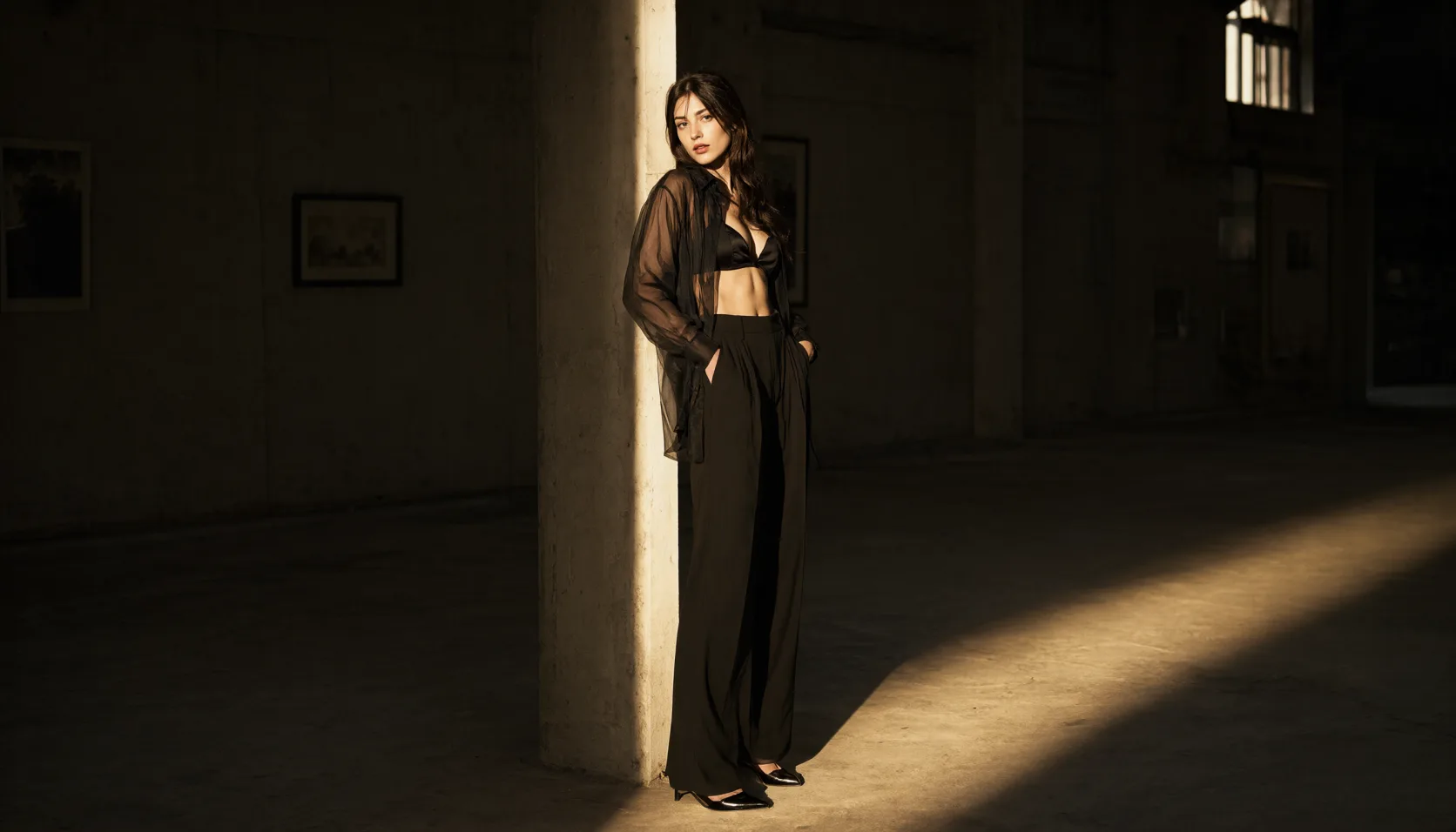
You already have a portrait whose pose and lighting work. Swap the outfit for evening wear or a bolder look without regenerating the scene, so the face, the room and the grade survive the change and the set stays coherent.
Copy variants on a shot you already paid for
Change only the words on a sign, a hanger or a label and keep the photograph identical. Cheaper and far more consistent than regenerating the whole scene for each language or each campaign line.
Prompt guide & pro tips
Host the source image somewhere fetchable
image_url has to be a public, directly downloadable link — not a viewer page and not a signed URL that expires before the task runs. The source sets the composition and the quality ceiling for the whole pass.
Write one instruction that names both sides of the edit
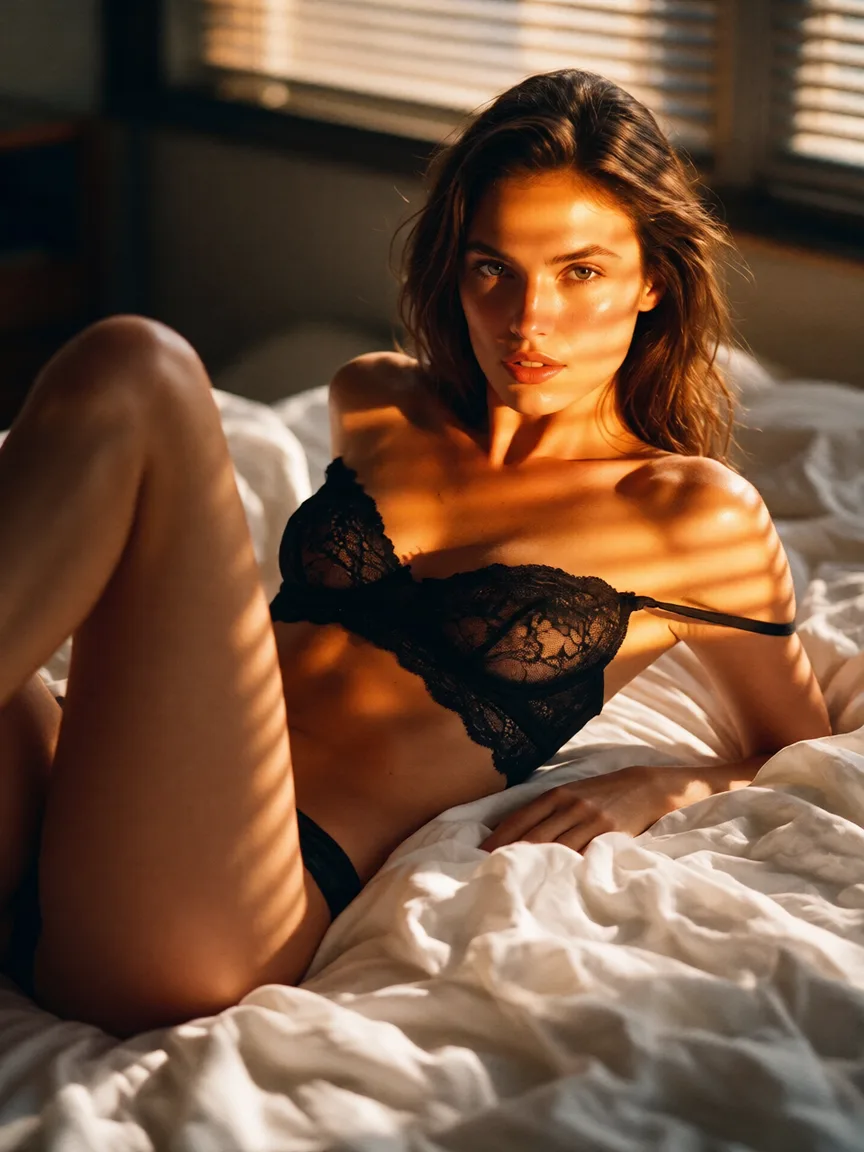
Say what changes and what must stay identical, in one sentence each. The edit for this endpoint came from: "Keep the woman, the bed and the hotel room exactly as they are. Change her outfit to a black lace bodysuit with sheer black stockings, and change the brass door hanger text to read 'BACK AT MIDNIGHT'. Keep the same pose, framing, lighting and colour grade."
Adapt the included example
Start with the published example using image_url: a publicly accessible URL. Replace the subject and creative direction while keeping the input contract for this mode intact.
Keep the woman, the bed and the hotel room exactly as they are. Change her outfit to a black lace bodysuit with sheer black stockings, and change the brass door hanger text to read 'BACK AT MIDNIGHT'. Keep the same pose, framing, lighting and colour grade.
The exact instruction behind the edit shown for this endpoint: an outfit change plus a text change on the door hanger, with pose, framing, lighting and grade all named as unchanged. Supply your own source frame — the image_url here is a placeholder, not a hosted sample.
Check the result before iterating
The reliable path is one change per call with the preserved elements named explicitly — pose, framing, lighting, grade. Ask for a wardrobe swap and a text change in the same instruction and one of them usually drifts. Identity holds well on a single targeted edit and degrades over long chains, so re-edit from the original rather than from the previous output. There is no strength dial: if an edit went too far, the fix is a more specific sentence, not a lower number.
API quick start
# Generate the idempotency key once; reuse it when retrying after a lost response.
export SPICY_IDEMPOTENCY_KEY="${SPICY_IDEMPOTENCY_KEY:-$(uuidgen)}"
curl -X POST https://api.spicyapi.ai/api/v1/jobs/createTask \
  -H "Authorization: Bearer $SPICY_API_KEY" \
  -H "Content-Type: application/json" \
  -H "Idempotency-Key: $SPICY_IDEMPOTENCY_KEY" \
  -d '{
  "model": "alibaba/qwen-image-spicy-edit/edit",
  "input": {
    "image_url": "https://example.com/reference.png",
    "prompt": "A ceramic teapot on a linen cloth, soft window light, muted palette"
  }
}'

# Copy data.taskId from the response into TASK_ID, then poll the status.
TASK_ID="TASK_ID_FROM_RESPONSE"
curl "https://api.spicyapi.ai/api/v1/jobs/recordInfo?taskId=$TASK_ID" \
  -H "Authorization: Bearer $SPICY_API_KEY"
See the API reference for authentication, the complete schema, polling, and error handling.