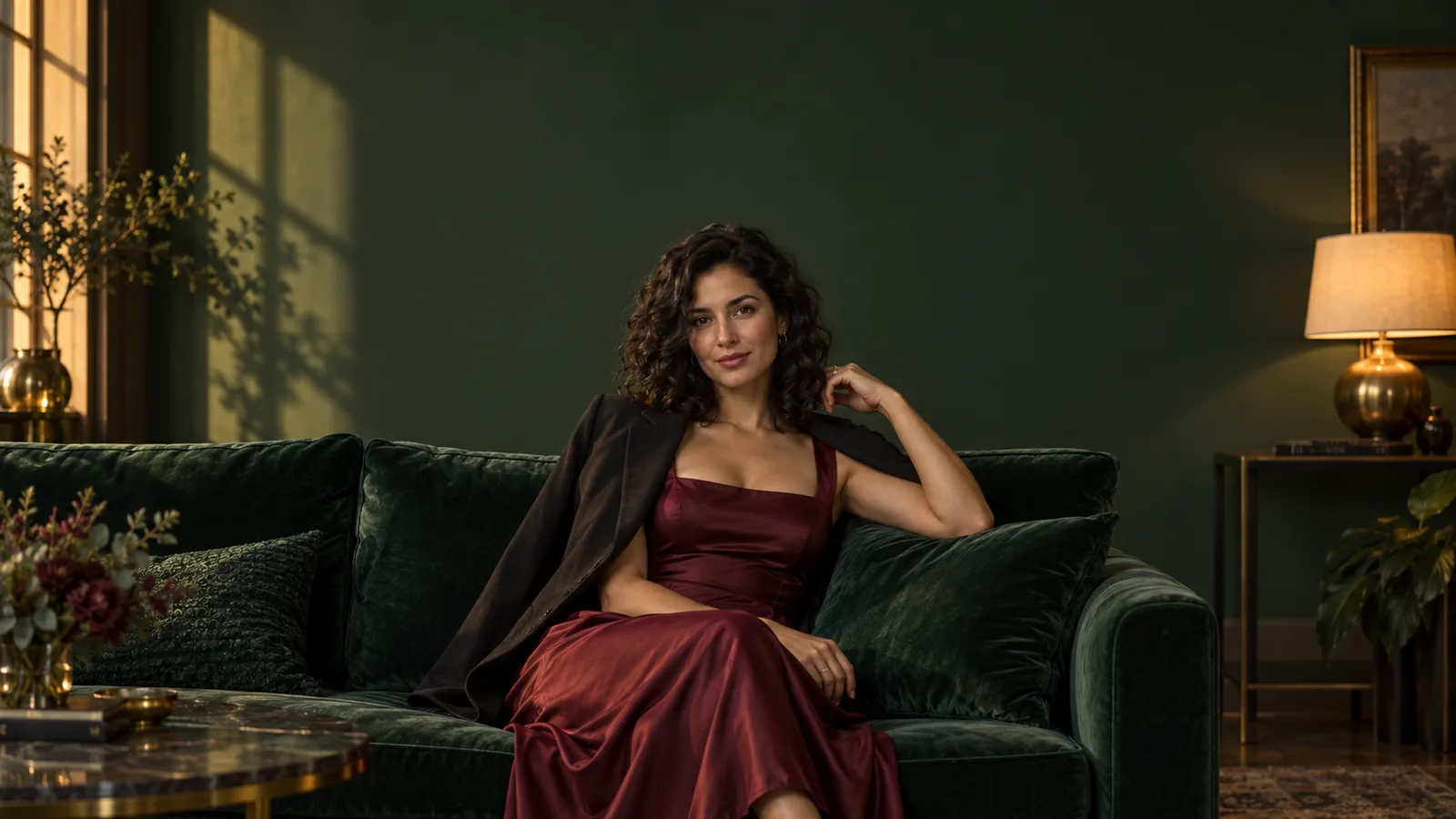
You have already made the character image. The face looks right, the composition works, and all you want is a different outfit colour or an unwanted accessory removed. Then the editor refuses, fails, or returns almost the same picture. Searching for an uncensored AI image editor produces another list of generators, but you need to fix the image you already have.
The useful answer starts with what actually happened. An explicit content refusal, an unreadable upload, unsupported settings and a completed edit that misses your instruction require different fixes. Rephrasing cannot repair an expired image. Buying a higher-resolution output cannot add a mask to a model that does not accept one. And a successful task does not establish that the requested change happened.
For an allowed NSFW editing workflow, first recover the exact error or result, confirm that you selected an editing task, and check its supported inputs. If it genuinely refuses your material, review that task's content boundaries before spending on another attempt. If the request is accepted but the picture is wrong, change the editing method or brief. There is no universal “uncensored” setting that solves all four problems.
Find your failure before changing the prompt
| What you see | What to inspect first | The useful next action |
|---|---|---|
| A message explicitly declines the content | The exact editing model and its current rules | Clarify a permitted request or choose a route whose documented scope fits it |
| The reference cannot be loaded | The file, upload completion and expiry | Supply a usable reference |
| A parameter or combination is rejected | The selected task's input controls | Remove or change the unsupported setting |
| The job is still processing | Its existing task record | Wait or recover that task |
| The job completed but the edit is missing | The delivered image against the original | Narrow the change, correct reference roles or use local editing control |
| The edit happened but changed the person too | The preservation brief and changed area | Return to the original and protect the details that matter |
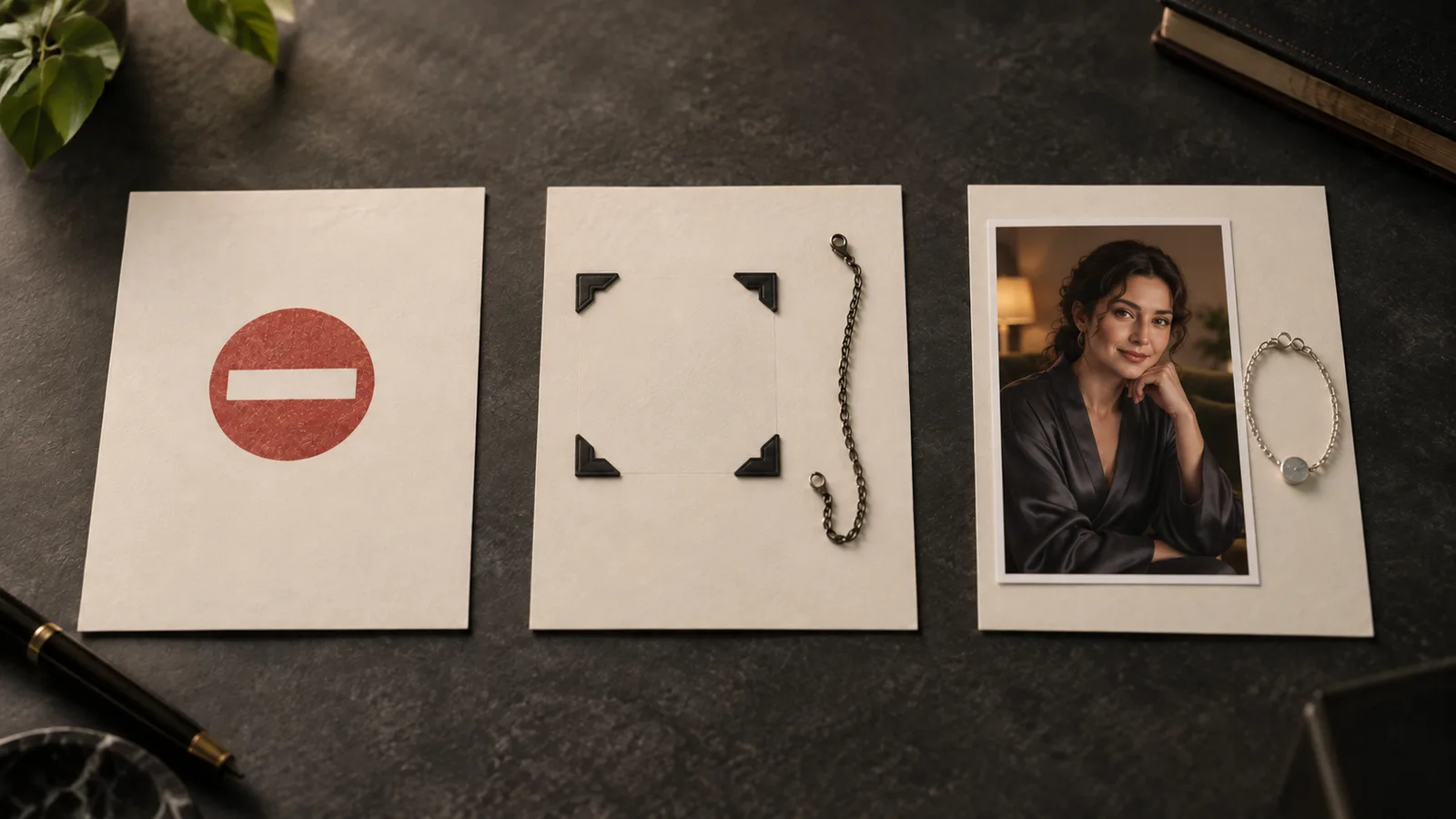
Illustration: these situations can look similar in an editor, but they lead to different next steps.
Keep the original error wording or task record. “It blocked me” is understandable shorthand, but a support team cannot diagnose it from that sentence alone. A small amount of exact information can save you several unnecessary purchases.
This is also a real reader complaint. In a PlaygroundAI discussion, the poster wanted to remove an accessory from an existing character image; many recommendations concerned generating a new image instead. That distinction determines whether a tool can help before you even reach its content handling.
Check that you opened an editor, not a generator
A model family can offer several tasks. Text-to-image starts from a written brief; an edit task receives the picture you want changed. Some generation tasks accept references too, but that does not make them a strict editor of the supplied frame.
Look for a source-image input and read what it does. Is your image the frame being edited, a character reference, or a style guide? Uploading a picture into the wrong role can produce a beautifully rendered new scene while discarding the accessory, pose or framing you meant to preserve.
For example, Qwen Image Edit Spicy takes one source image, an instruction and an optional seed. It does not expose a mask or a strength slider. Adding mask_url, CFG or a denoising value from an unrelated tutorial does not unlock them.
Qwen Image 2.1 Edit exposes different controls, including a masked mode. Its current combinations matter:
| Qwen Image 2.1 edit choice | Supported combination to use |
|---|---|
| Repaint a selected region | One reference plus mask_url, at 1K or 2K |
| Decide the changed region | White mask area repaints; black area is retained |
| Set the output shape in masked mode | The reference shape controls it; aspect_ratio is ignored |
| Combine a mask with transparent output | Not supported |
| Use masked mode at 1.5K | Not supported |
| Disable prompt expansion | Available at 1K or 2K; expansion has no effect in masked mode |
These are interface facts, not evidence that every allowed adult scene will work. They nevertheless explain a common dead end: changing the wording over and over when the chosen configuration cannot run.
A reference error is not an NSFW refusal
If the system cannot retrieve or decode the image, it has no usable starting point. Investigate that before treating the failure as a judgment about the scene.
A cloud-drive share page often displays the picture to you while returning a web page to an automated image fetcher. A URL protected by your browser login can have the same problem. For a deliberately public reference, check that the address returns the actual image without signing in. For private adult creative work, use the platform's supported private upload instead of exposing the file publicly to make a link work.
SpicyAPI's media documentation describes an upload that finishes with an account-bound spicy:// URI. Use the committed URI as the input, not the temporary upload address. Read the returned expiry; keeping the URI in a project does not keep the source usable forever. Re-upload your retained original when necessary.
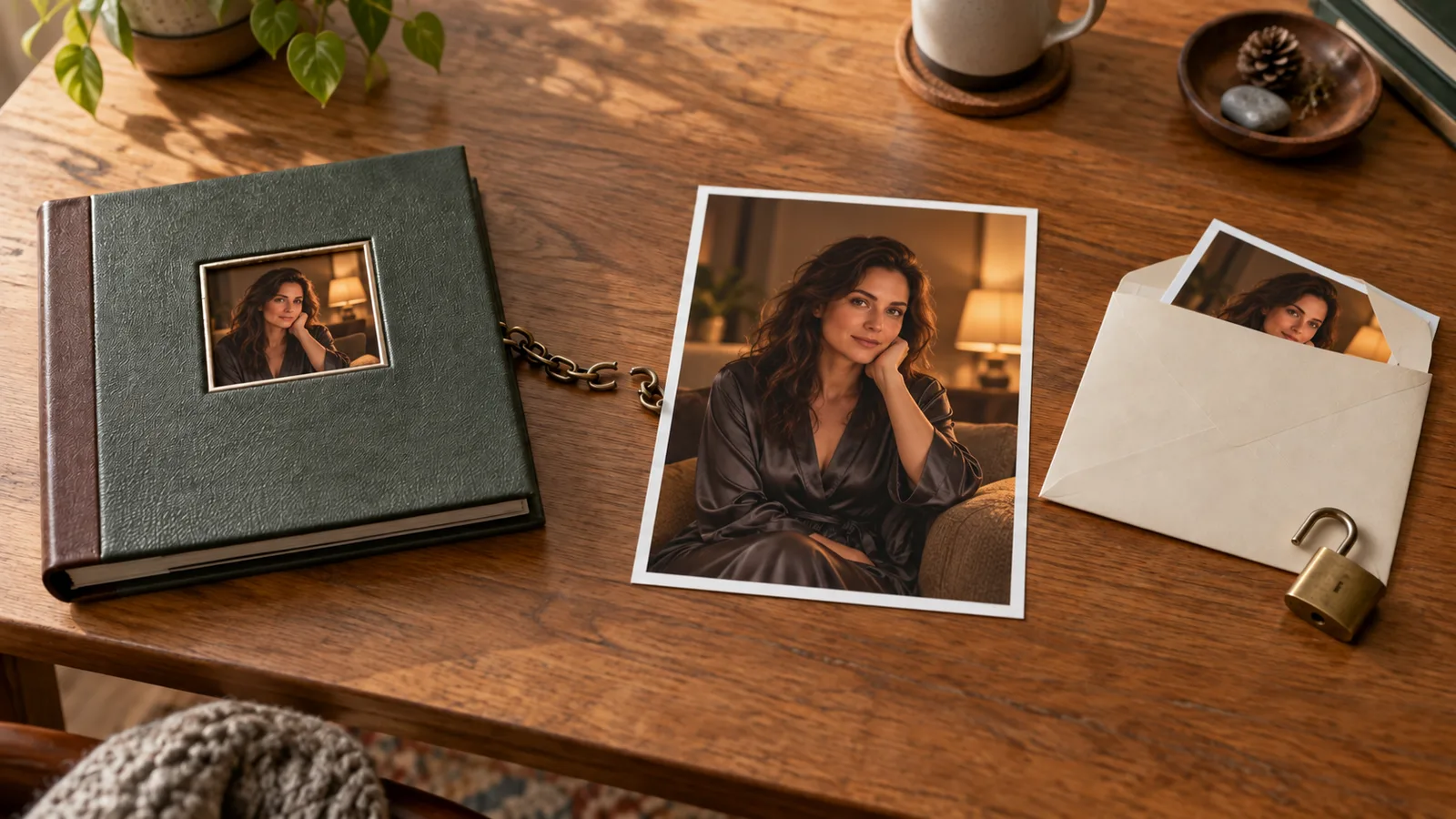
Illustration: a browser preview is not proof that an editing service can retrieve the file. A private upload does not need to become a public gallery image.
Also check the actual file format. Renaming a phone image from .heic to .jpg does not convert it. Export a real JPEG, PNG or another format accepted by the task. If the file is too large, export a smaller copy with enough detail for the requested change; do not destroy your original.
For accessory removal, an input reduced until the accessory occupies three indistinct pixels is a poor starting point even if it uploads successfully. Keep useful working resolution and stay inside the documented limit. Technical acceptance and sufficient visual detail are separate requirements.
When it really is a content refusal
An explicit refusal tells you the selected task declined that request. It does not reveal every internal check, prove that a specific keyword caused the decision, or establish the rules of another editing model.
Treat generation and editing separately. The generator's earlier acceptance proves that earlier task produced an image. It does not promise that another tool, task or model will process that image later. Likewise, a platform's promise not to train on your uploads does not establish that its models accept every NSFW request. Training use, storage, human access and content handling answer different questions.
There is existing adult-editing evidence for the two Qwen routes above. Our Qwen editing report records 63 edits across four editors—2.1, 2.1 LoRA, 3.0 and 3.0 Pro—on 24 September 2026, with no refusals or softened results in that sample. Spicy Edit has a separate, narrower September record covering strong and extreme adult requests; the intermediate intense category was not tested. These are historical observations, not new tests for this article or a promise that every request will work. They support considering these editing routes for an allowed adult project; they do not establish that either will preserve every face or repaint a region precisely.
If your intended edit is permitted and the instruction is ambiguous, explain the actual change plainly. “Remove the bracelet from the left wrist; leave the outfit and pose unchanged” states an ordinary object edit more clearly than “remove everything distracting.” That is clarification of the task, not a method for disguising disallowed content.
Use fictional adult characters or material you are authorized to transform. A refusal involving a real person's intimate depiction is not something this guide tries to defeat. Nor should you solve an age-related concern by relabeling an ambiguous subject. Choose clearly adult, appropriate source material for an adult project.
If the documented boundaries do not fit the lawful work you need, choose a suitable editing service or a workflow you can operate with an appropriate model. Confirm its editing scope, rather than relying on the uncensored label from its generation homepage. For broader selection, our existing-image editor guide separates browser tools, local canvases and hosted models.
A completed task returned the original-looking picture
This is frustrating because you did receive a file. Compare the actual output, not just a small cached thumbnail. Confirm that you opened the new result rather than the source still displayed in the editor. Zoom into the requested area and check whether the change is missing, subtle or applied somewhere else.
Then simplify the request enough to diagnose instruction following. On the same allowed source, request one obvious change such as changing a charcoal robe to deep blue while retaining the face, pose and room. This proposed diagnostic is not a new test result. Its purpose is to make a missing change easy to recognize.
If that works, your earlier instruction may have been too broad, ambiguous or difficult to combine with its preservation requirements. If it does not, inspect the selected task and source role again. A single unchanged-looking result cannot tell you whether the cause was weak instruction following, a content boundary or another implementation problem.
Check automatic prompt enhancement where the interface exposes it. It can be useful, but a rewritten instruction may describe a new scene rather than the narrow correction you asked for. Inspect the submitted wording if available. For a control that the task actually permits, compare the original instruction with enhancement disabled; do not invent a field to disable it on another model.
Avoid adding increasingly forceful adjectives. “Absolutely, perfectly, exactly” supplies emphasis without telling the editor which object to change. A precise object, its location and one requested operation are more informative.
The accessory disappeared, but the character changed too
Now the edit worked in one sense and failed in another. You need better preservation or a smaller changed region, not a more permissive content label.
Write down the change and the keeper details separately. For a portrait, useful keeper details include the face, hairstyle, head angle, expression and crop. For a series, a distinctive pendant or garment may matter as much as the face. Select the details your audience recognizes instead of requesting that “everything” stay identical while also asking for a new pose and room.
If the task supports masking, select the area you want replaced rather than the entire person. Keep enough surrounding context for the edit to join the existing image. For a bracelet, include its full outline and a modest margin; a mask that misses its shadow can leave a visible remnant. The exact margin depends on the image, so a fixed pixel prescription is not useful here.
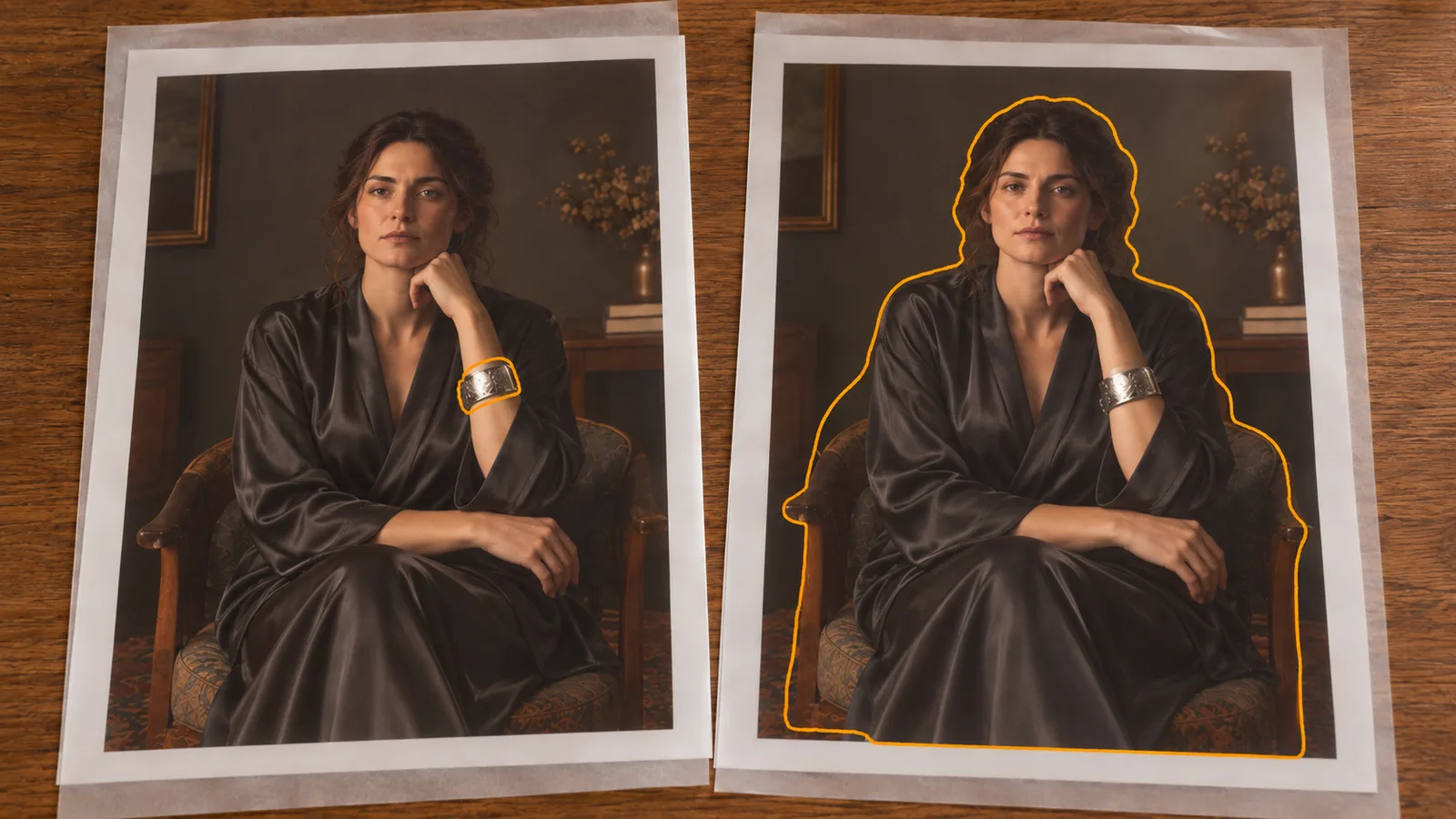
Illustration: select the object and its relevant boundary. Selecting the whole person gives the editor a much larger job.
A prompt-based edit and true masked inpainting are different controls. BFL's Kontext documentation shows instruction-based editing and annotation boxes; that is not permission to assume every Kontext implementation accepts the same mask input. Inspect the particular tool.
For an exact background-colour adjustment or removing a tiny distraction, a conventional selection, healing tool or compositing layer may be more predictable. AI is useful when you need new image content; it need not replace an ordinary editor for every correction.
Work through one mature character edit without guessing
Suppose you have an original fictional woman aged 30, wearing an opaque charcoal robe in a warm-lit room. A large metallic bracelet distracts from the portrait. You want it removed while keeping the mature editorial mood. This is a suggested workflow, not an account of a generation we ran for this article.
Start with the original keeper. Save the full image locally in your controlled project. Confirm which wrist carries the bracelet and whether it casts a shadow. Leave resolution, framing and other controls at sensible task defaults; the first question is whether this correction works.
Use a narrow instruction:
Remove the large metallic bracelet from the fictional adult woman's left wrist. Preserve her face, hairstyle, expression, charcoal robe, seated pose, warm room lighting and original crop. Do not add accessories or people.
Then follow the outcome:
- If the source cannot be read, fix the upload or address. Do not rewrite the creative instruction.
- If settings are rejected, restore a supported configuration. Do not pay for repeated unchanged requests.
- If content is explicitly declined, review that route's scope and the source. Clarify an allowed edit or choose an appropriate route.
- If the bracelet stays, inspect source/result selection and prompt enhancement; try the compatible masked workflow if precision matters.
- If the bracelet goes but the face drifts, return to the original and reduce the changed area, or finish the accessory correction in a conventional editor.
Only after that correction is useful should you change the robe colour or room lighting. For independent variants, start each from the original keeper so one unwanted alteration does not become the next input. For a deliberate sequence, keep each accepted version and go back when a later step introduces drift.
Do not compare two workflows while changing the source, prompt, crop and output size at once. Keep those stable enough that you can see what the different editing control contributed. Even a fixed seed should not be treated as an identity lock or an exact reproduction guarantee across different requests.
Decide what another attempt is worth
An NSFW refusal, a technical failure and a successful off-brief picture can have different billing outcomes. SpicyAPI's error documentation distinguishes content_rejected, invalid_asset, invalid_request and unsupported_combination. Failed tasks normally release their hold, with specifically disclosed content-refusal exceptions. Read the settled task charge rather than assuming every unsatisfactory picture is free.
A completed wrong edit is still completed generation. Before buying another, identify one meaningful change to the request. Qwen Image Edit Spicy lists $0.038 per image: three charged outputs cost $0.114, and ten cost $0.38. Those are arithmetic examples, not a measured success rate. A mask-capable alternative can have a different quote; compare the exact configuration rather than an advertised family minimum.
If a task is still running or the submission response disappeared, recover it first. A fresh request is not the same as checking the old one. The image API retry guide covers that distinction in detail.
For one small correction, one narrow attempt followed by one justified change is a reasonable personal spending rule. It is not a platform limit. If the second result repeats the same problem, a different method is more useful than eight more purchases with synonyms.
When a local workflow makes sense
A local editor is worth considering when you need a canvas, model choice or control over where your images are processed. It requires a compatible workflow, weights and hardware; the application name alone does not determine content behavior or editing quality.
The official ComfyUI Qwen-Image-Edit workflow identifies separate model, text-encoder, VAE and source-image loaders, and explains why missing nodes can indicate a version or loading problem. Start from a documented matching workflow rather than a screenshot with unidentified models.
Local examples may expose steps or guidance controls absent from a hosted task. The Qwen repository illustrates such a Diffusers editing configuration; it is not the input contract for every hosted Qwen endpoint. Neither CFG nor a step count is a universal fix for NSFW refusal or identity drift.
Before calling the workflow private, check whether its nodes make external API calls, whether extensions upload assets, and where outputs and backups go. Do not assume a particular VRAM figure works for every precision, image size and model. Confirm the requirements of the setup you actually plan to run.
For occasional small edits, a hosted editor or conventional image tool may be easier. Local operation becomes attractive when the control is worth maintaining the environment, not because every local edit is automatically free or flawless.
Frequently asked questions
Why can generation work while editing fails?
The two requests may use different tasks, models, input handling and content boundaries. Editing also needs a readable source image. Inspect the actual editing failure rather than inferring its cause from the generator's earlier success.
Will a different prompt fix a refusal?
It may clarify an ambiguous permitted request, but it cannot guarantee acceptance or repair a broken file or unsupported setting. Do not conceal disallowed intent. Choose a suitable workflow for the material you are entitled to edit.
What should I try first for one unwanted accessory?
Use one keeper image and name the accessory, its location and the details to retain. If precision is essential, choose compatible masking or a conventional healing tool. Judge the unchanged face and crop alongside the accessory removal.
The next useful action is to inspect your failed edit and pick its branch: recover the reference, repair the settings, respect the content boundary, or change how the selected area is edited. That gives your next attempt a reason to work.