Luxury Editorial AI Photo Generator: Gilded Opulence

Effects
Gilded Opulence

Gilded Opulence

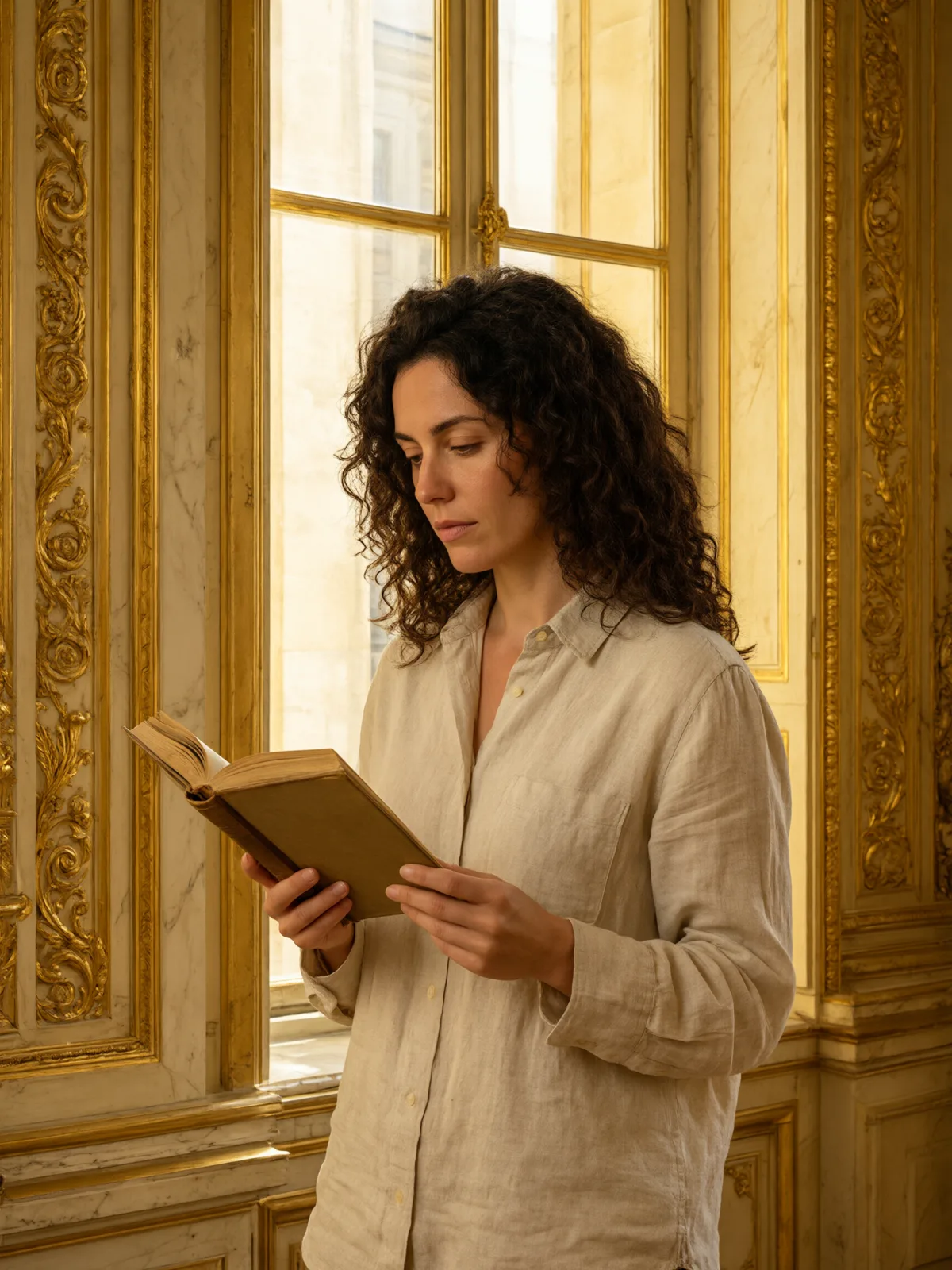
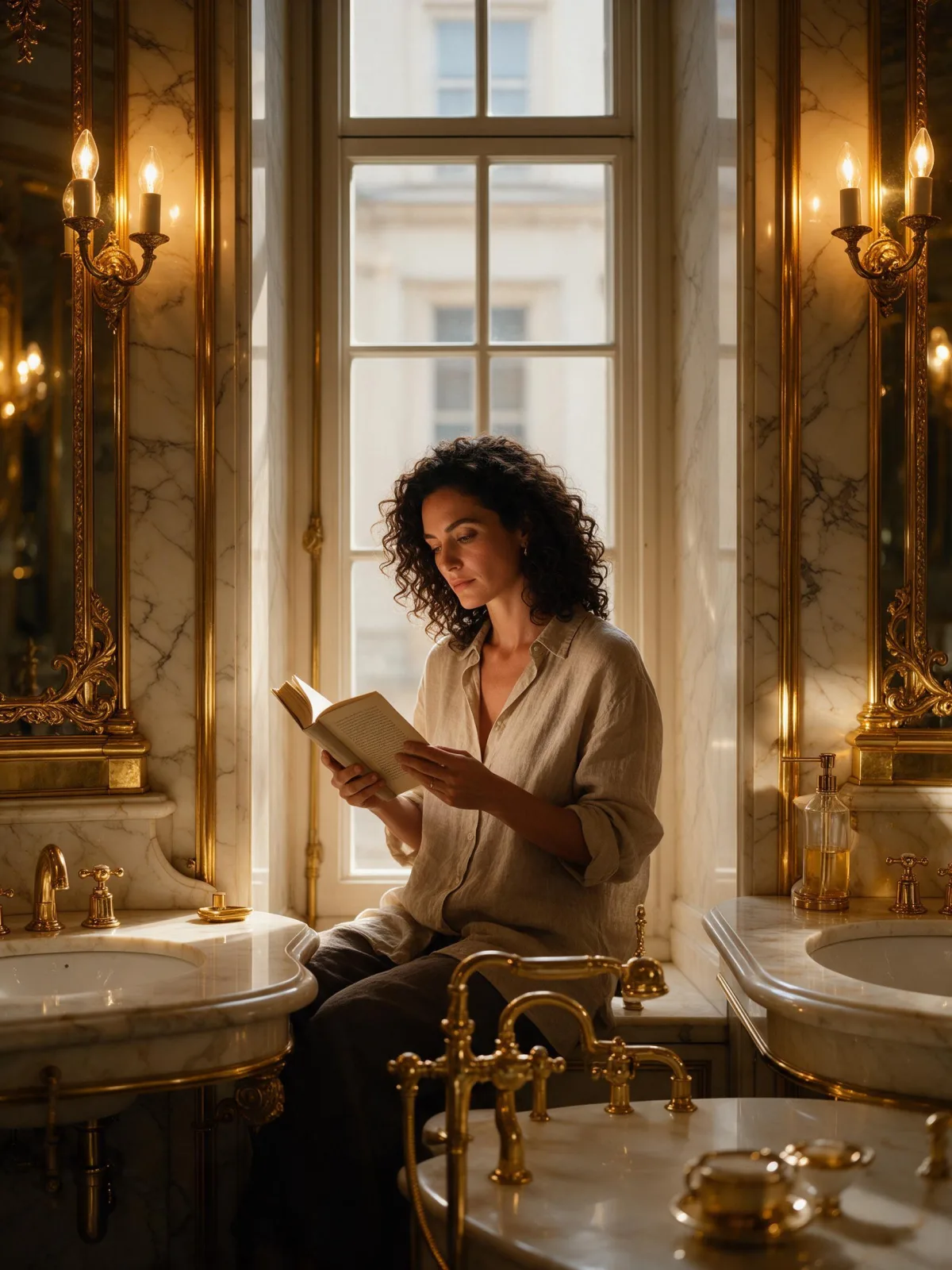
Maximalist luxury: a gold and ivory editorial photo with polished marble, brass, a warm glowing key light and ornate symmetry.

Works on

  • Seedream 5.0 ProBest$0.036 / image
  • Qwen Image 3.0$0.03 / image
  • Z-Image$0.01 / image
  • Krea 2 Medium$0.03 / image
  • + 19 more models

Related styles

Same person, same prompt — only the style changes

2000s Digicam
After Midnight Flash
Candlelit Velvet
Cinematic Gothic
Late-Night Hotel
Late-Night OVA
Moonlit Voile
Neon After Rain
After-Con Neon
Afterglow Pool
Airbrush Pin-up
Blush Neon
Brass Reflections
Quiet Luxury
Manhwa Action
Gilded Opulence
Glossy Flash Editorial
Golden Age Glamour
Library Hush
Meadow Cottage
Runway Editorial
Instant Film
Sign up to generate

We never filter your prompt.

Maximalist luxury: a gold and ivory editorial photo with polished marble, brass, a warm glowing key light and ornate symmetry.

Category
Western
Works on
23 models
Price
From $0.01 / image
Suggested frame
3:4
Your own photo
Text only

Same subject, with and without it

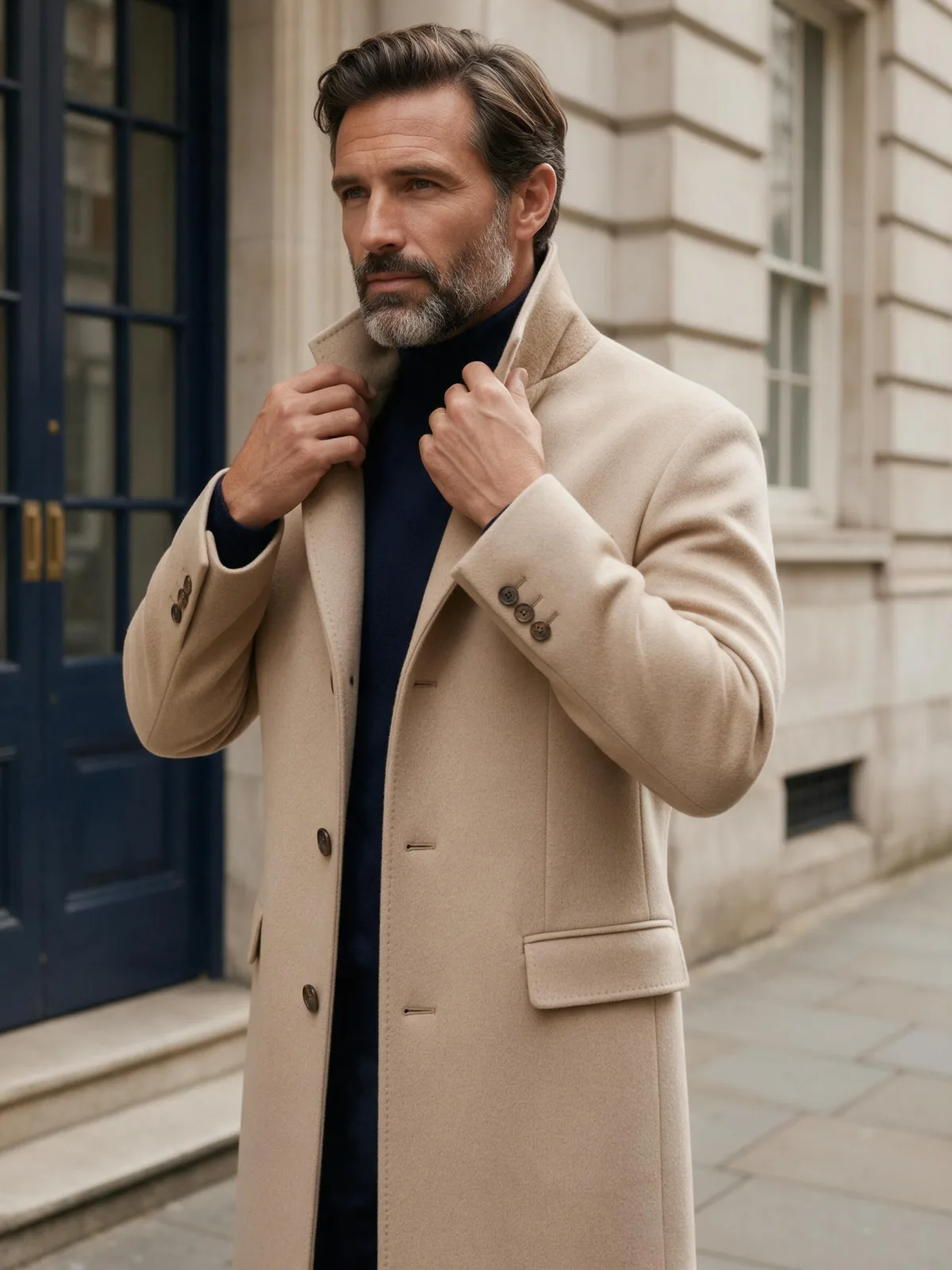
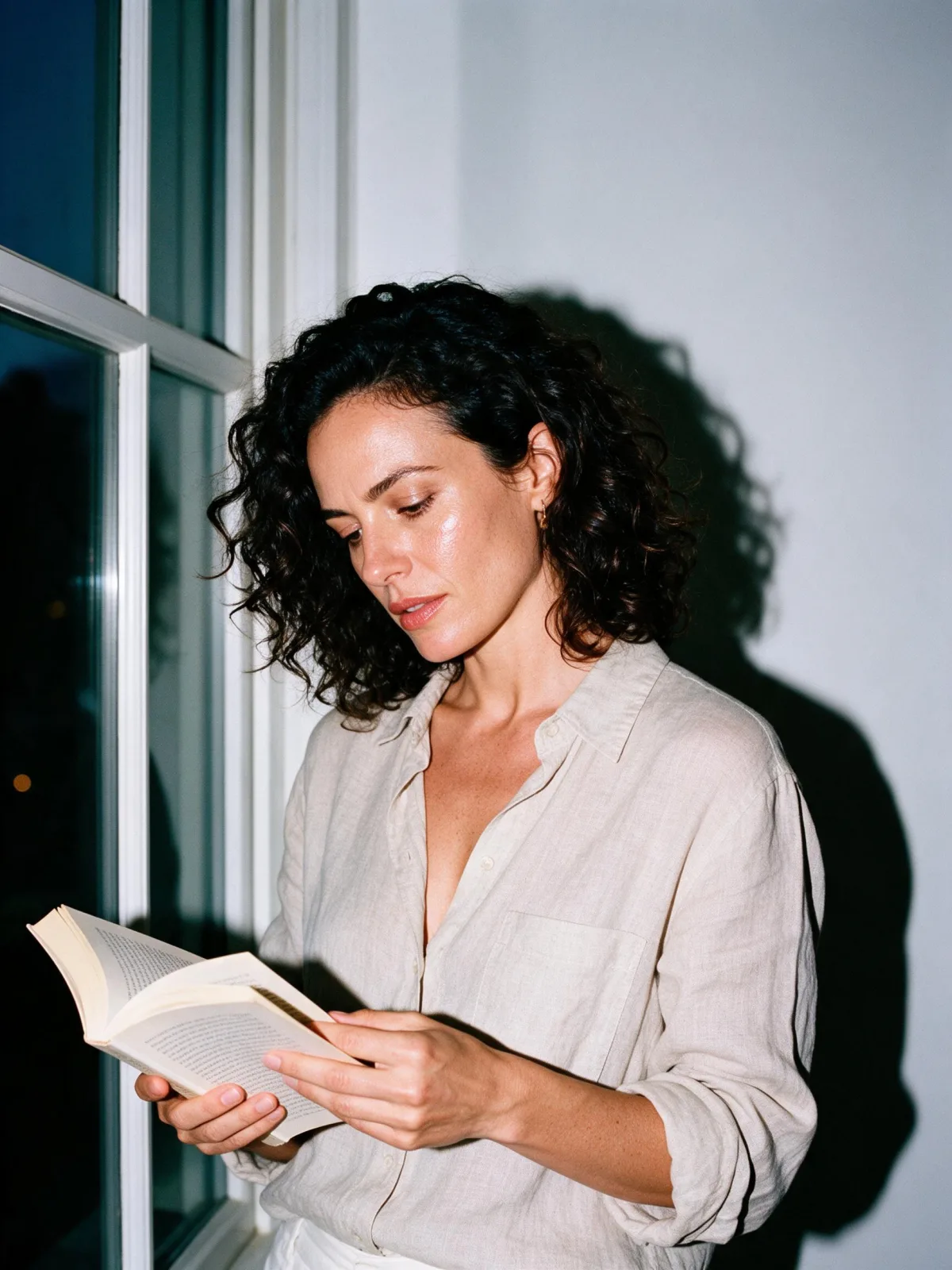
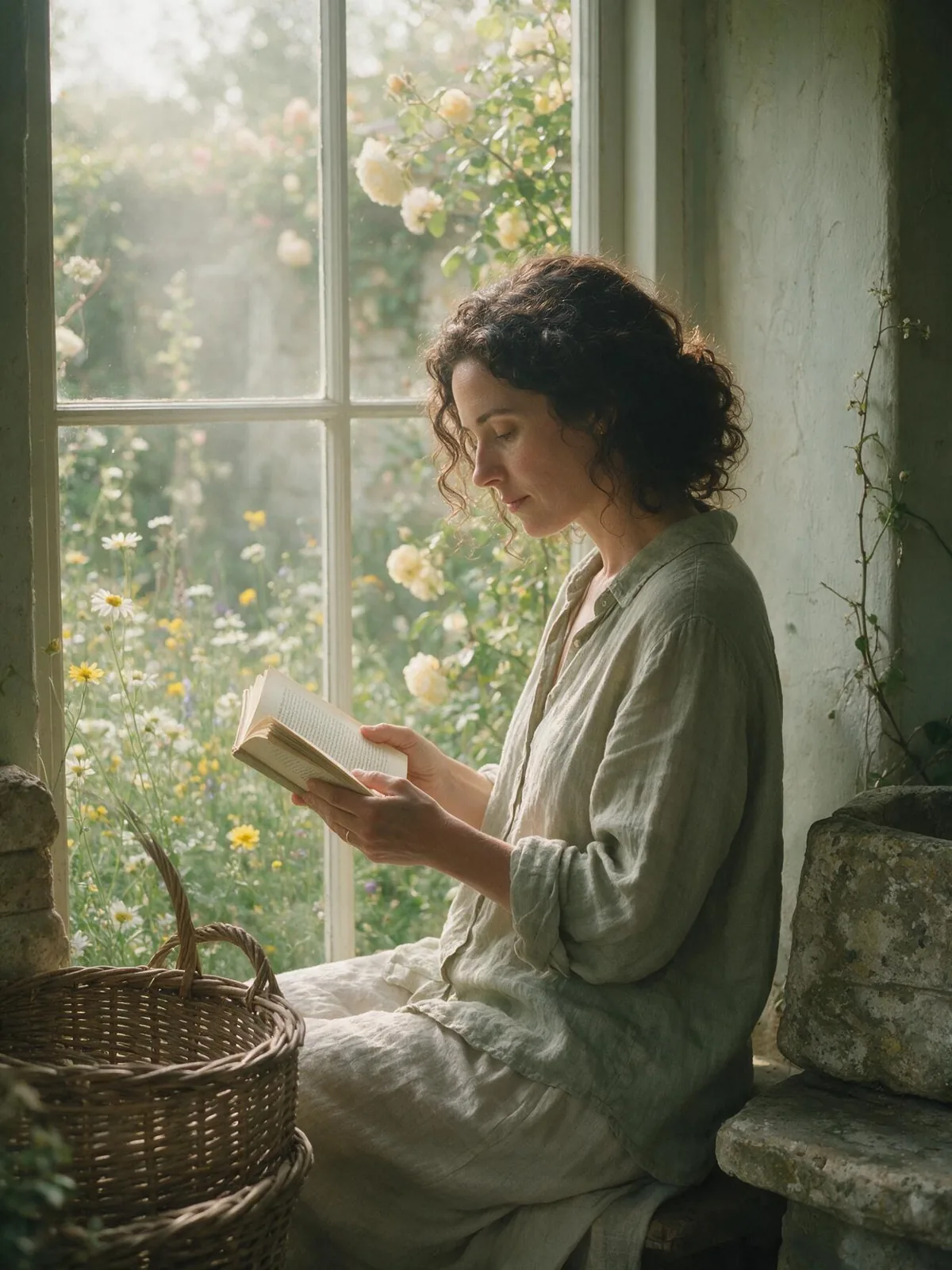
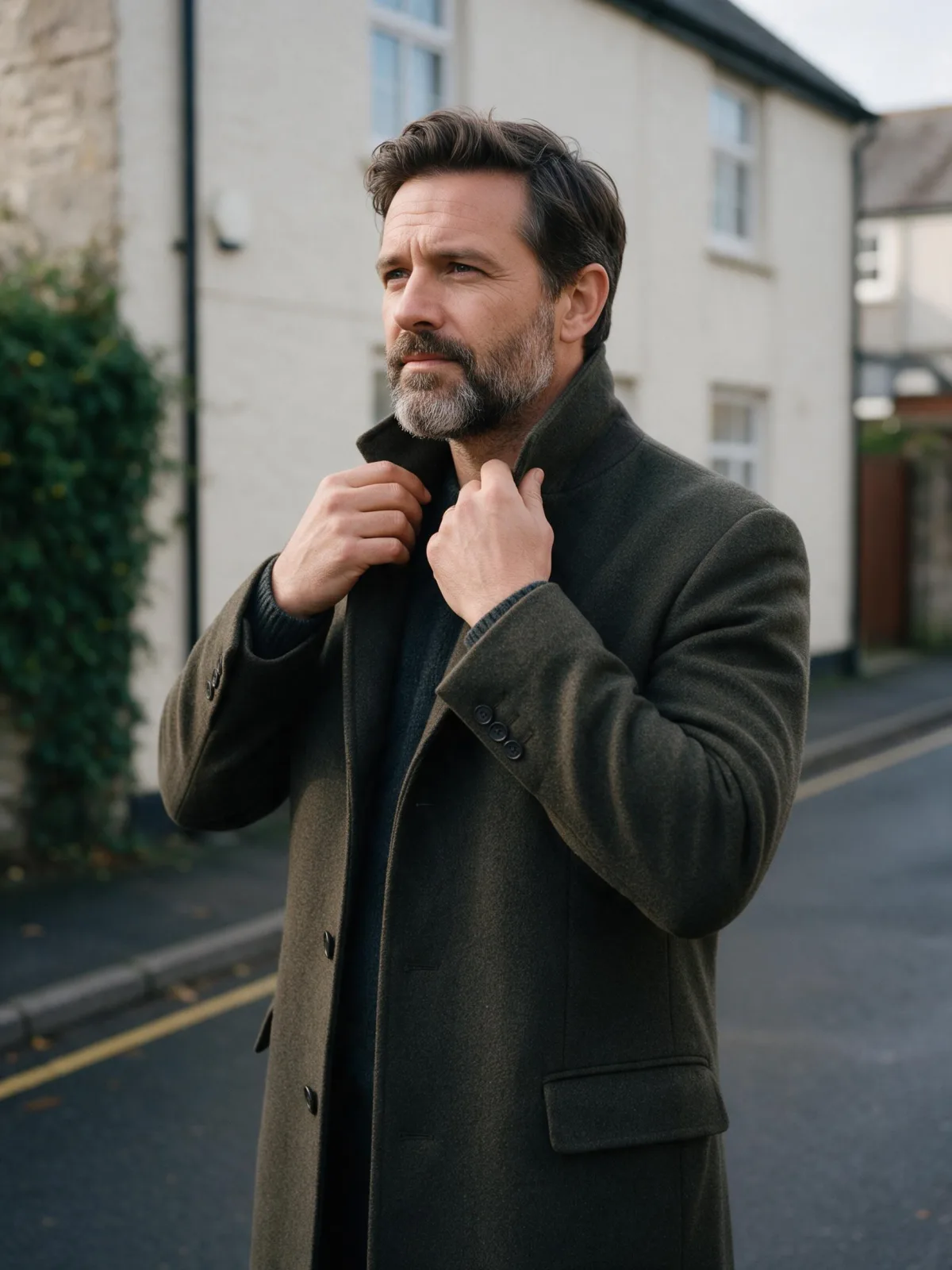
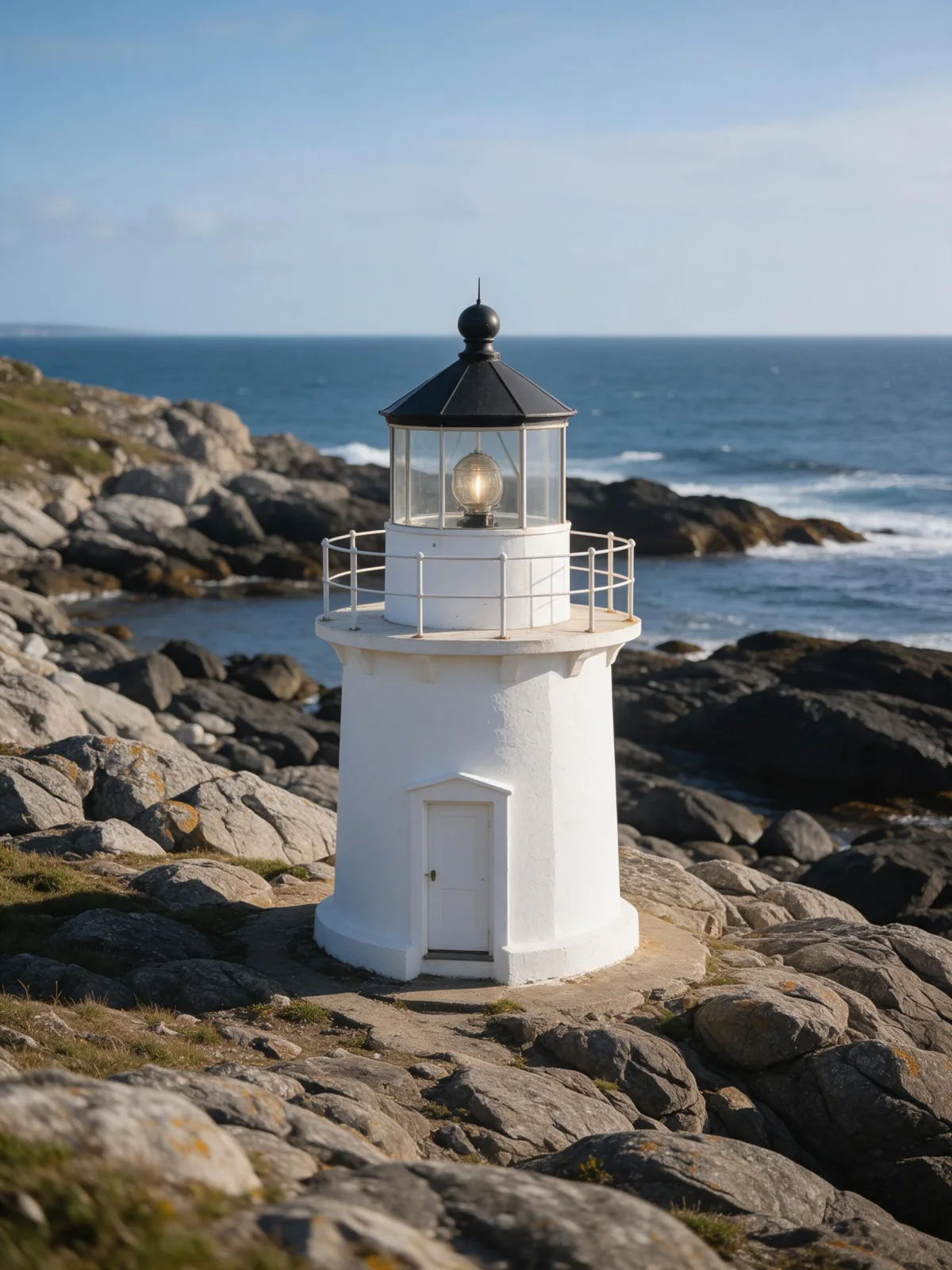
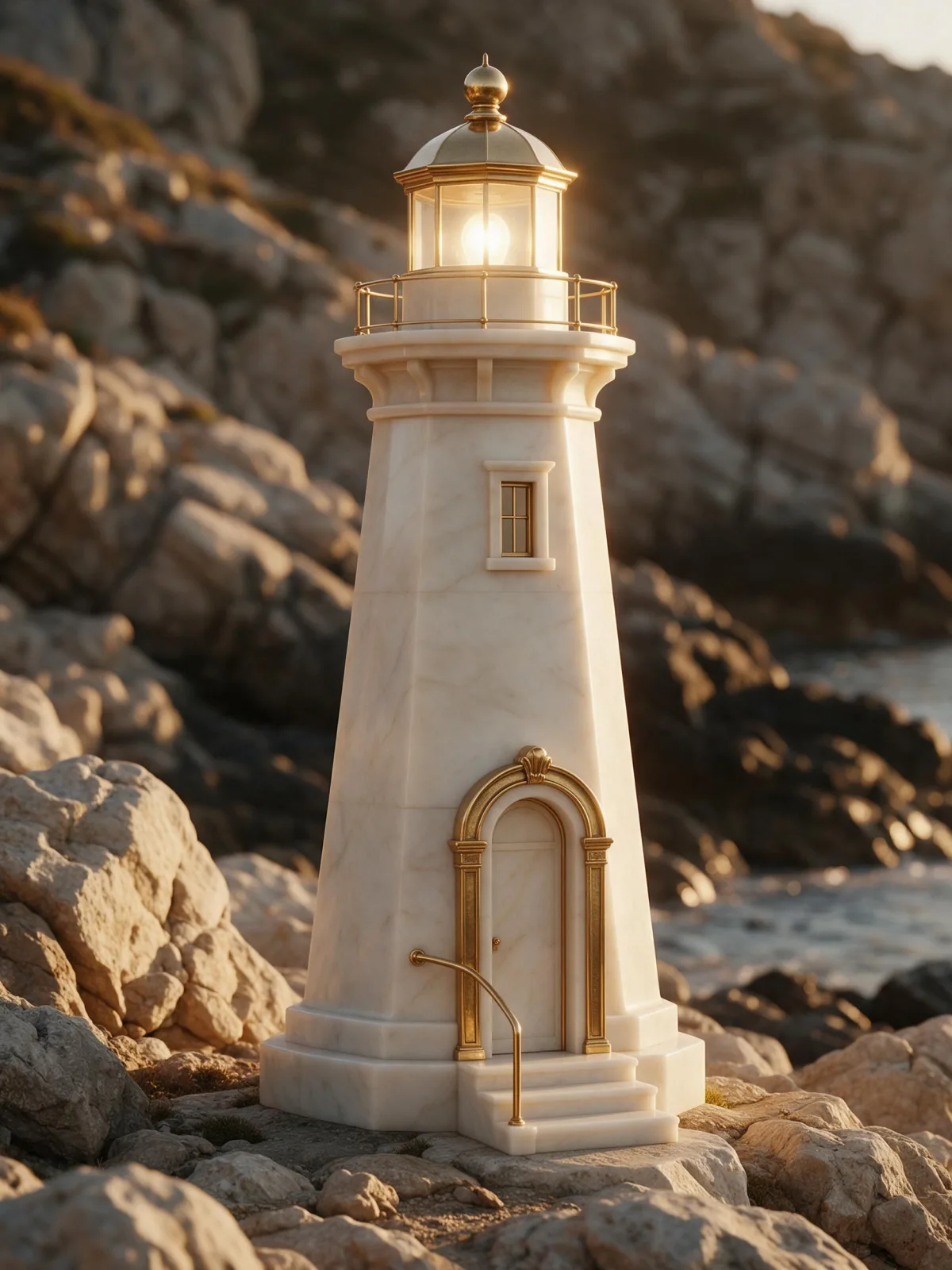
Each pair is the same sentence on the same model. The left frame has no style; the right one is Gilded Opulence. That gap is what the style adds.

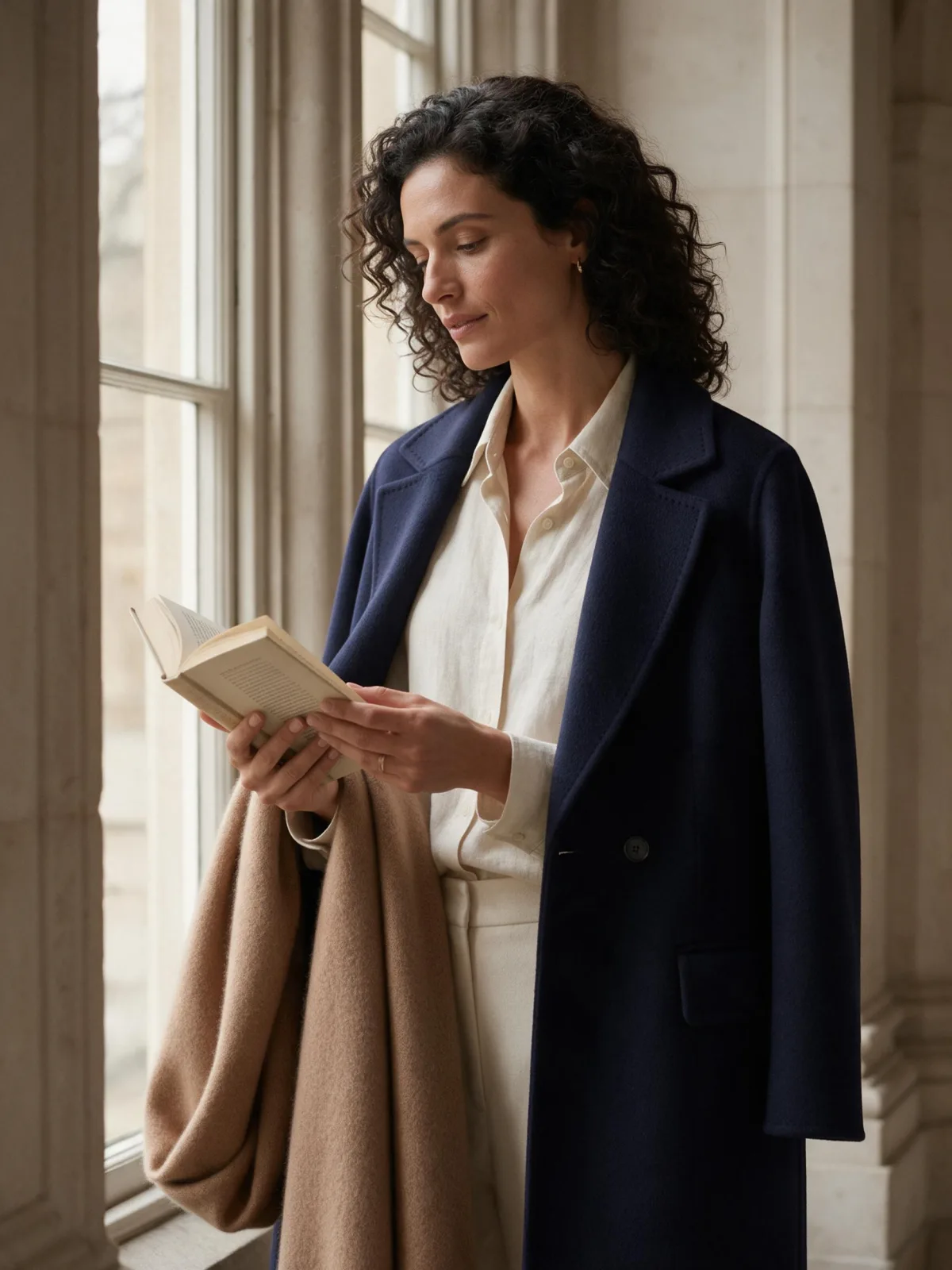
  • The test subject with no style, made with Seedream 5.0 Pro
    No style
    Sample in the Gilded Opulence style, made with Seedream 5.0 Pro
    With Gilded Opulence

    Seedream 5.0 Pro

  • The test subject with no style, made with Seedream 5.0 Pro
    No style
    Sample in the Gilded Opulence style, made with Seedream 5.0 Pro
    With Gilded Opulence

    Seedream 5.0 Pro

  • The test subject with no style, made with Seedream 5.0 Pro
    No style
    Sample in the Gilded Opulence style, made with Seedream 5.0 Pro
    With Gilded Opulence

    Seedream 5.0 Pro

  • The test subject with no style, made with Seedream 5.0 Pro
    No style
    Sample in the Gilded Opulence style, made with Seedream 5.0 Pro
    With Gilded Opulence

    Seedream 5.0 Pro

Samples

The same fixed test subjects run through every style, so you see what Gilded Opulence does rather than what the subject brings.

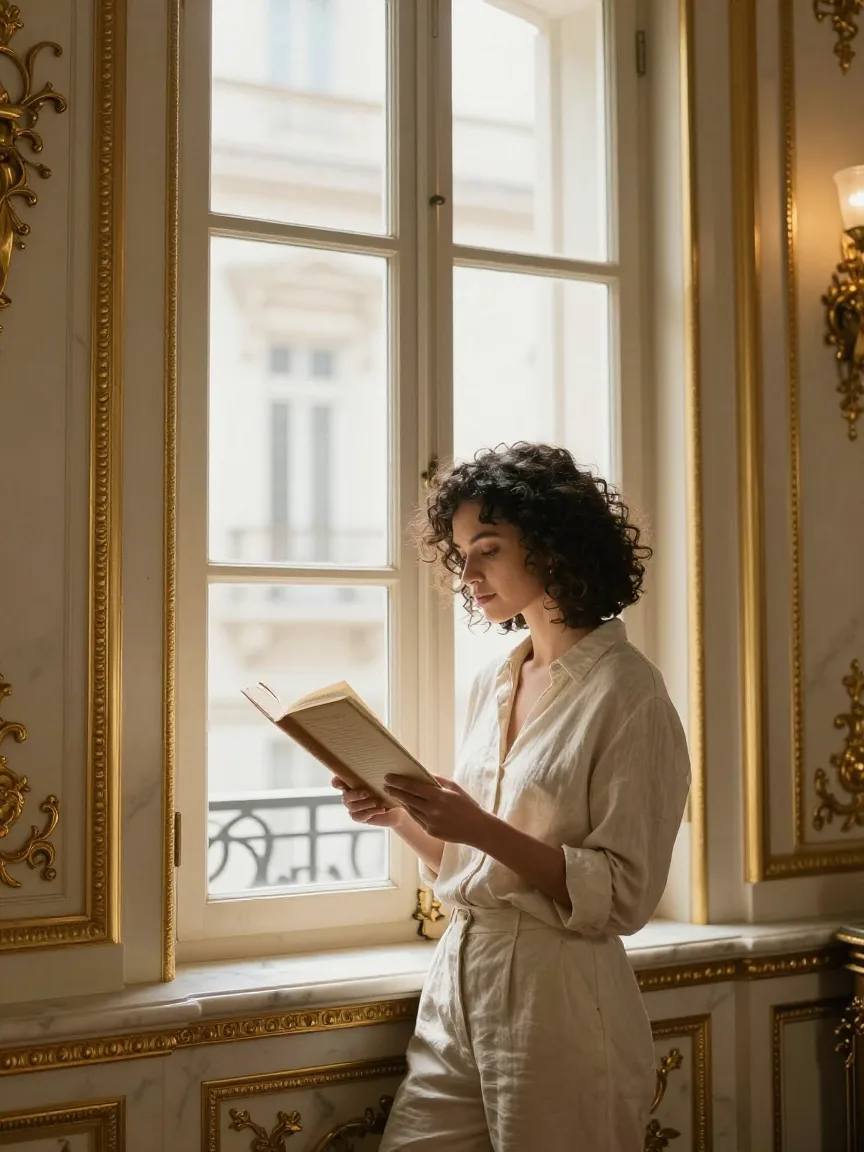
  • Sample in the Gilded Opulence style, made with Qwen Image 3.0
    Qwen Image 3.0
  • Sample in the Gilded Opulence style, made with Z-Image
    Z-Image

About Gilded Opulence

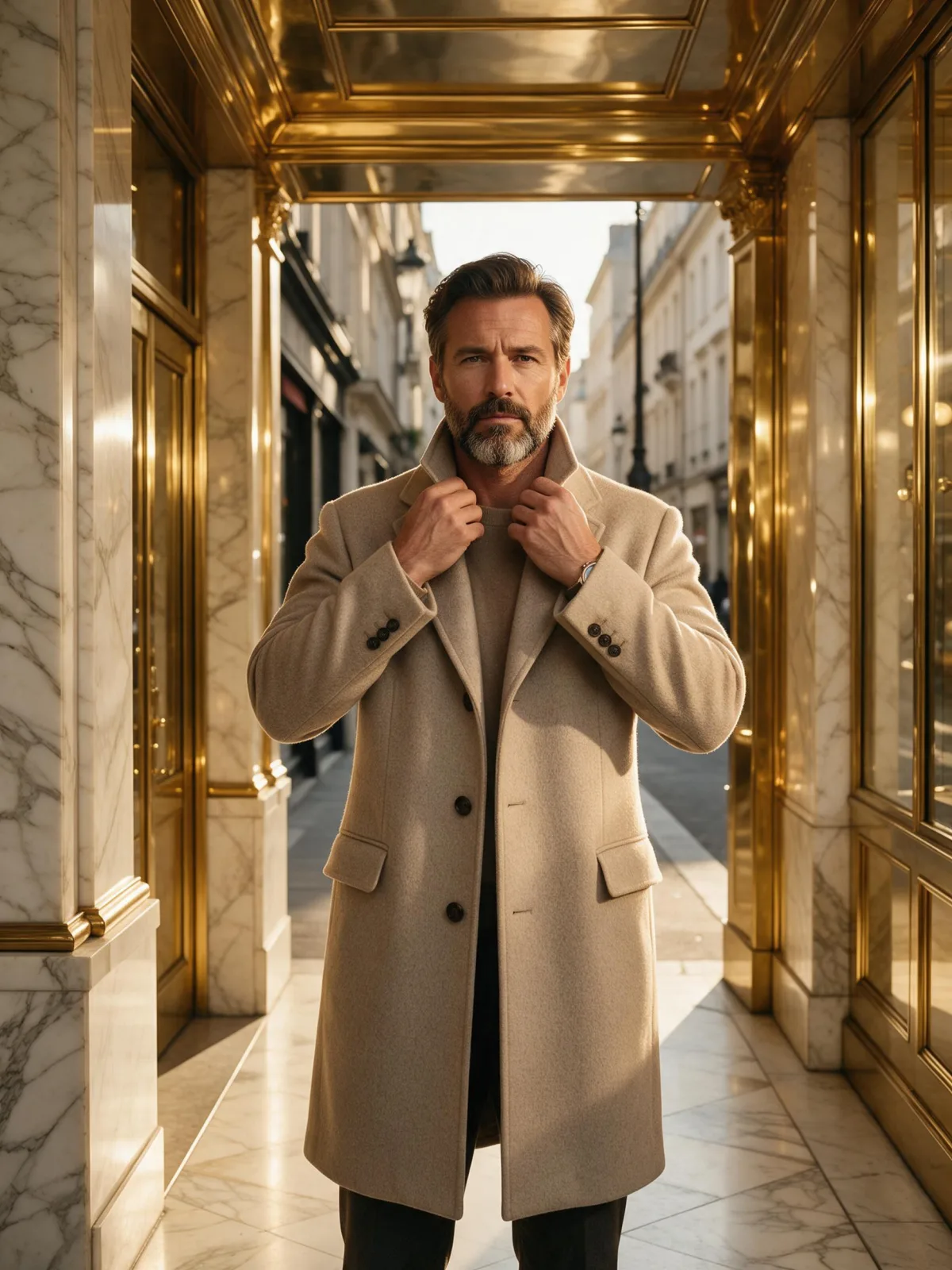
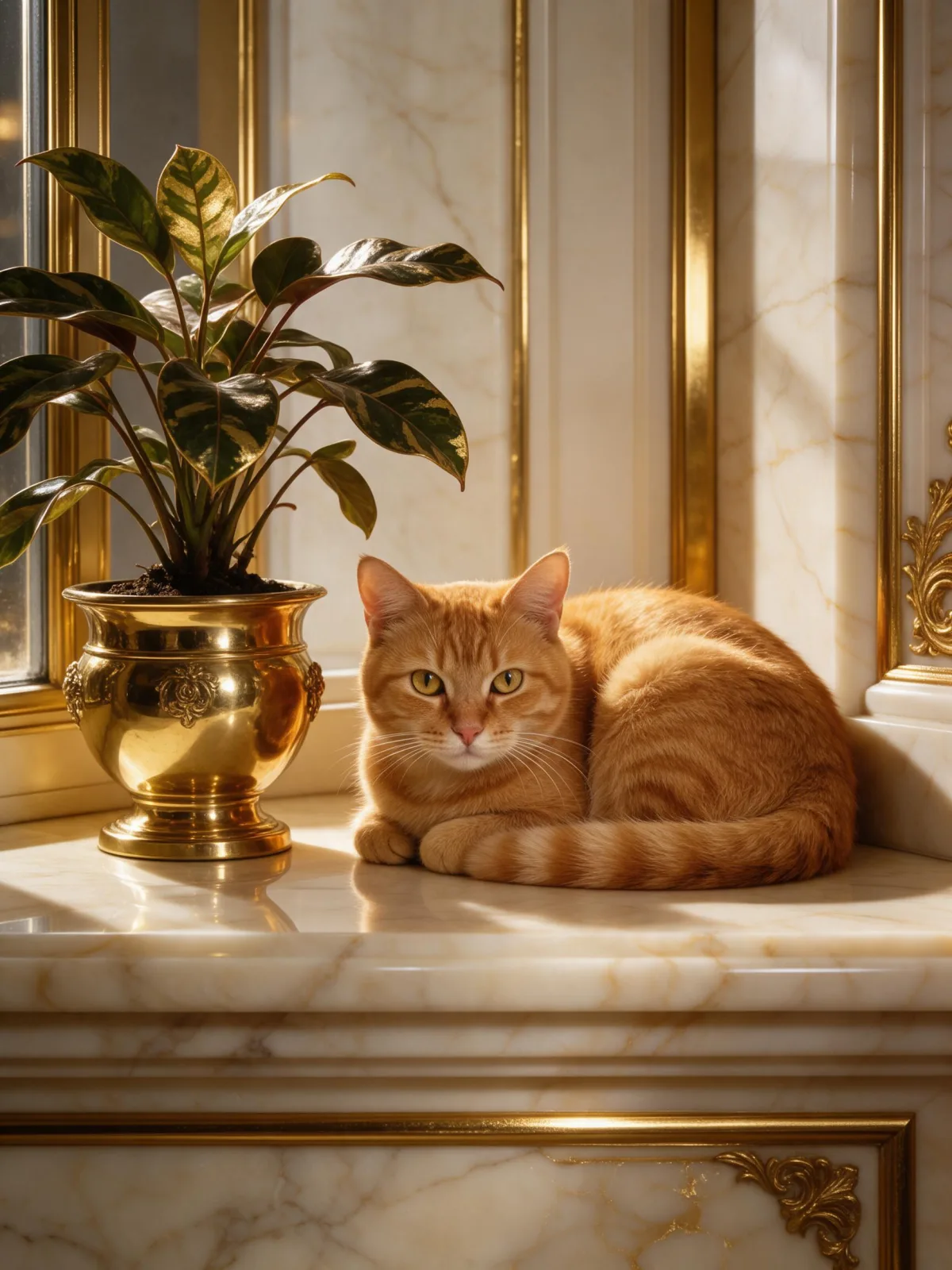
Gilded Opulence is maximalist luxury: an editorial photograph drenched in gold and ivory, with polished marble underfoot, brass fittings catching the light, and a warm glowing key light that makes every surface shine. Compositions are ornate and symmetrical — doorways, mirrors and columns frame the subject like a palace hallway — and the detail is rich enough that you can almost feel the weight of the materials.

You write the subject; the style supplies the palace. It turns simple scenes into something grand: a woman reading by a tall window in a gilded salon, a man in a camel coat walking down a golden corridor, a cat curled up on a marble ledge beside a brass planter, even a lighthouse glowing like a jewel at sunset. Clothing stays as you describe it; the room around it is what gets upgraded.

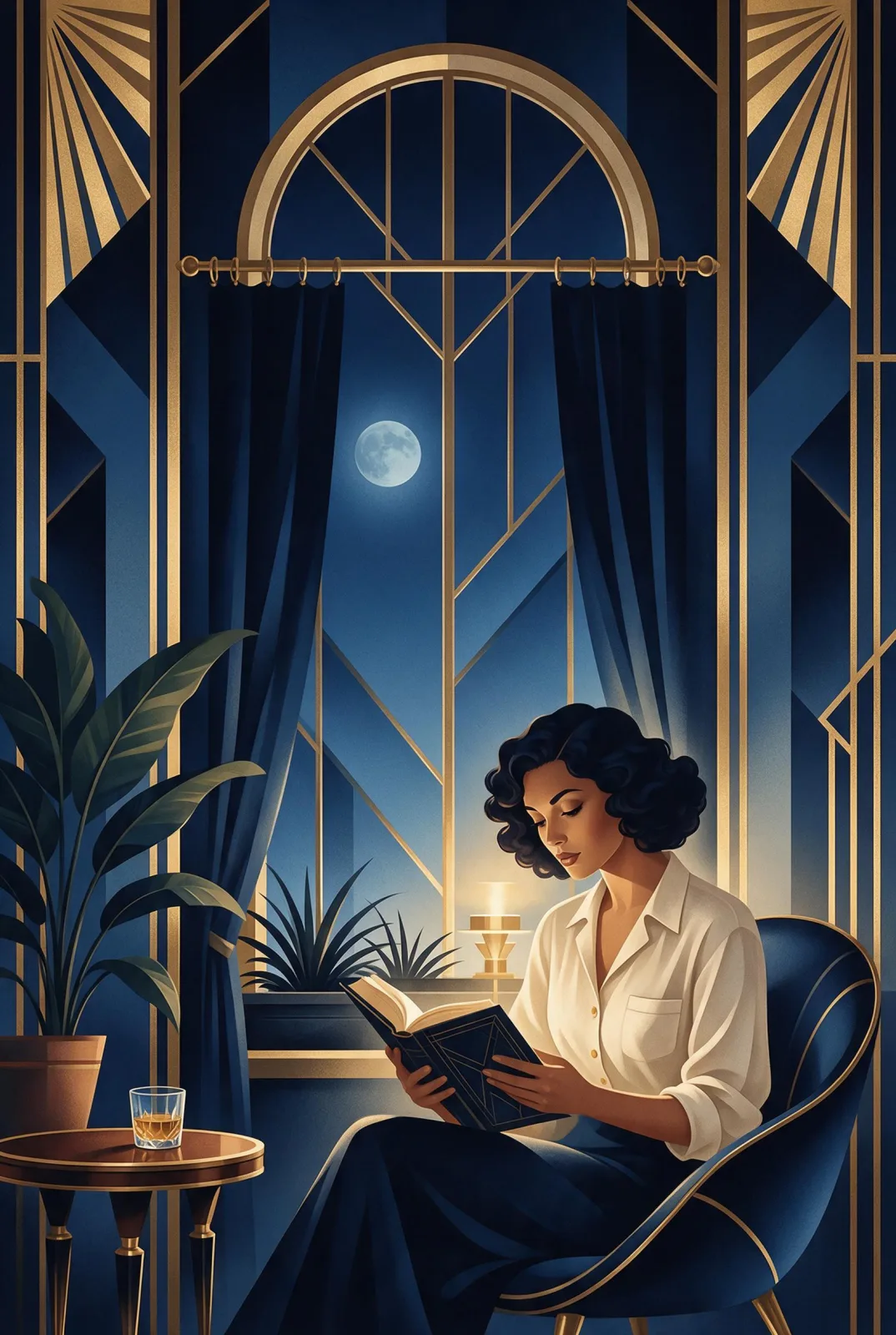
Use it for jewelry, fragrance and watch campaigns, hotel and event visuals, wedding invitations, album covers and any image that should feel expensive and unapologetic about it. If you want luxury that whispers instead, Quiet Luxury is its understated sibling; for high-fashion movement, Runway Editorial; for the same gold as a 1920s poster, Deco Nocturne.

For this composition, we recommend 3:4. This is a photographic look, so it runs as text-to-image only. Open “What’s sent” to see exactly how your subject is wrapped.

Subjects to paste as they are: “a woman in an ivory silk dress reading in a gilded salon”, “a gold wristwatch resting on a marble table beside a crystal glass”, “a man in a camel overcoat walking down a mirrored hallway”. Name one material and one piece of furniture, and the style builds the room around them.

Finishes that work on top: Soft Bloom for a glowing, dreamlike shine, Film Grain to take the edge off the polish.

Tips that make it land

  • Name the material you want to shine: silk, velvet, crystal, polished gold. The warm key light makes glossy surfaces glow.
  • Use symmetry: “standing in the center of a mirrored hallway”, “between two marble columns”. The style loves a centered subject.
  • For products, describe the object on a surface — “on a marble table”, “on a velvet cushion” — and let the style add the room.
  • If it feels like too much, add “with more empty space” or “in soft daylight” to your subject to calm it down.
  • Gold warms everything. For a cooler variation, add “with silver and pale blue accents” to your subject.

The prompt it sends

Your sentence goes where {subject} sits. Everything around it is the style. Nothing is hidden, and we never filter your prompt.

{subject}, opulent editorial photograph, gold and ivory palette, polished marble and brass textures, warm glowing key light, ornate symmetrical composition, rich luxurious detail
Use Gilded Opulence now

Prompt ideas for Gilded Opulence

Scenes from our prompt library that suit this look. Borrow the idea as your subject line; the style adds the rest.

Fashion & portrait

Product & ads

Models it works on

Every model below was tested with this style. The price is per image and shows on the Generate button before you run.

How to use Gilded Opulence

  1. 01

    Write who or what

    Write one plain sentence for your Gilded Opulence image: who or what is in it and what is happening. The style brings the light, color and medium, so leave those out.

  2. 02

    Keep Gilded Opulence on

    It is already selected at the top of this page and lands best on Seedream 5.0 Pro, the model it was tuned on. It builds the whole scene from your text.

  3. 03

    Generate

    From $0.01 per image, shown on the button before you run. Pick your favorite Gilded Opulence frame, then edit it, restyle it or make it move from the result.

Questions about Gilded Opulence

Make video

Styles are for stills. These effects start from one photo and add a single deliberate move.

Read next