Holographic Foil 3D AI Image Generator: Holo Foil

Effects
Holo Foil

Holo Foil

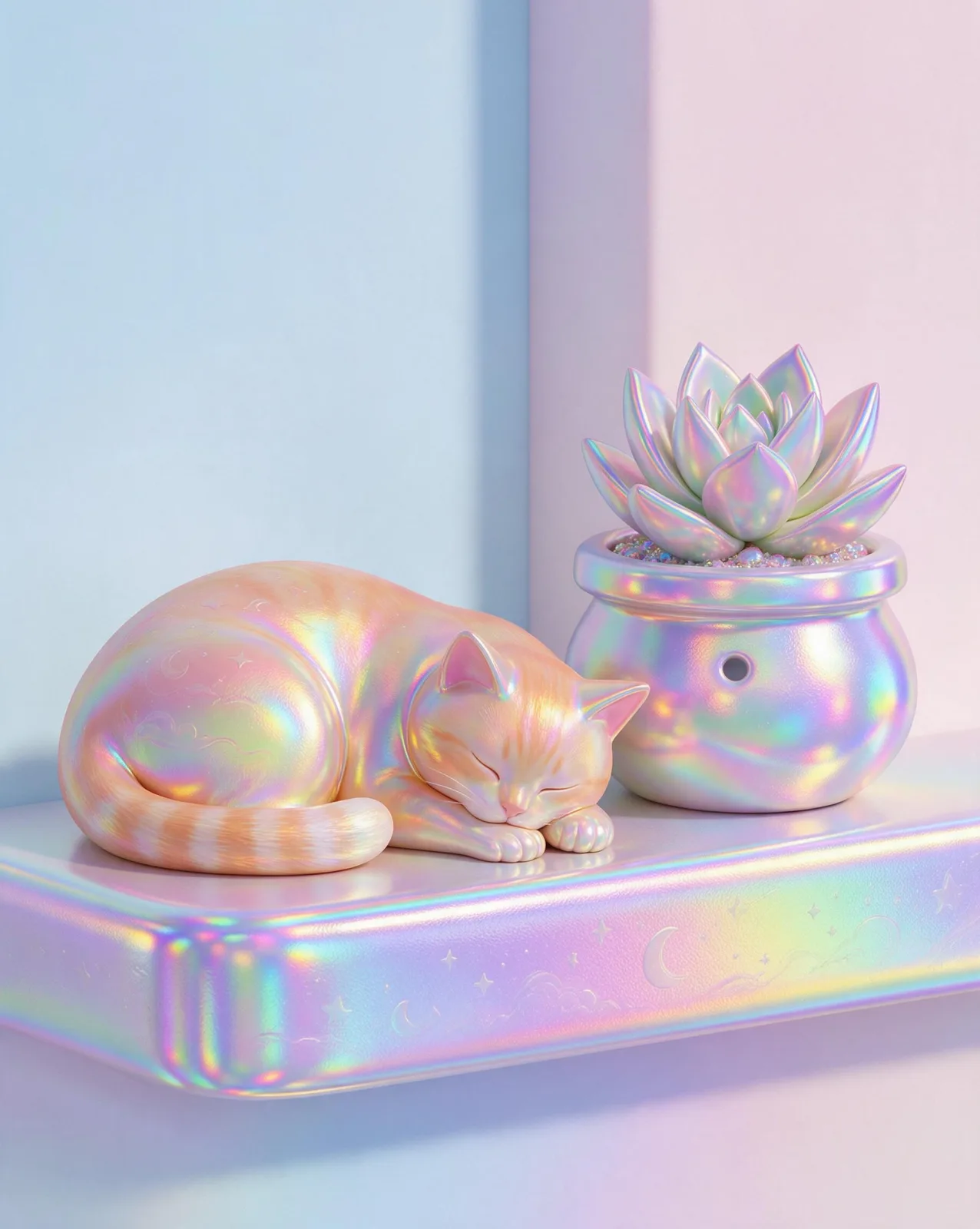
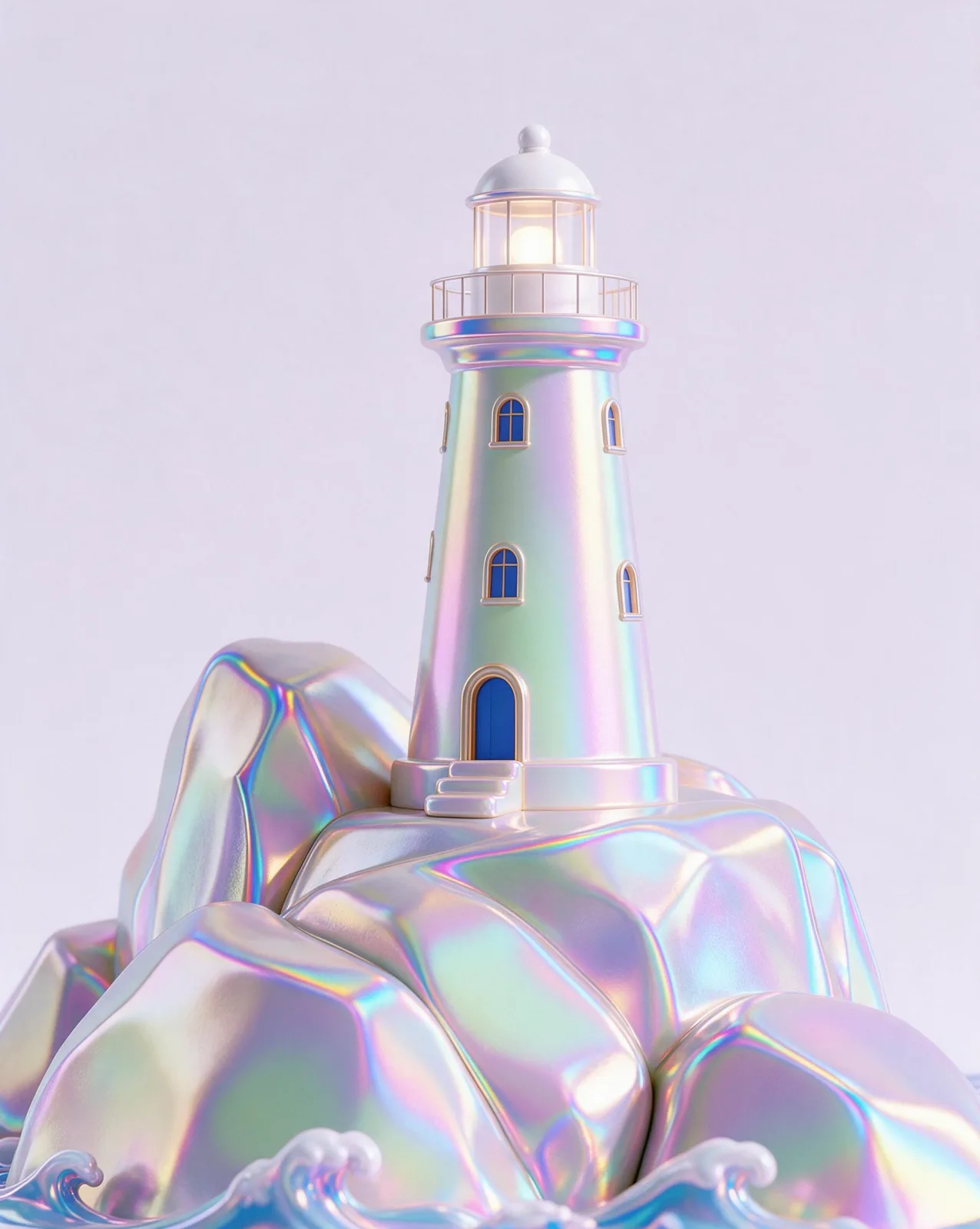
A stylized 3D render with a holographic foil finish on every surface: iridescent rainbow gradients, prismatic edges and smooth forms on a pastel backdrop.

Works on

  • Seedream 5.0 ProBest$0.036 / image
  • Qwen Image 3.0$0.03 / image
  • Wan 2.7$0.03 / image
  • Qwen Image 3.0 Pro$0.04 / image
  • + 20 more models

Related styles

Same person, same prompt — only the style changes

2000s Digicam
After Midnight Flash
Candlelit Velvet
Cinematic Gothic
Late-Night Hotel
Late-Night OVA
Moonlit Voile
Neon After Rain
After-Con Neon
Afterglow Pool
Airbrush Pin-up
Blush Neon
Brass Reflections
Soft Clay 3D
Manhwa Action
Instant Film
Blown Glass
Chrome Future
Collectible Figure
Felt & Yarn
Glossy 3D Icon
Holo Foil
Sign up to generate

We never filter your prompt.

A stylized 3D render with a holographic foil finish on every surface: iridescent rainbow gradients, prismatic edges and smooth forms on a pastel backdrop.

Category
3D
Works on
37 models
Price
From $0.01 / image
Suggested frame
4:5 · 1:1
Your own photo
Yes, restyles an upload

Same subject, with and without it

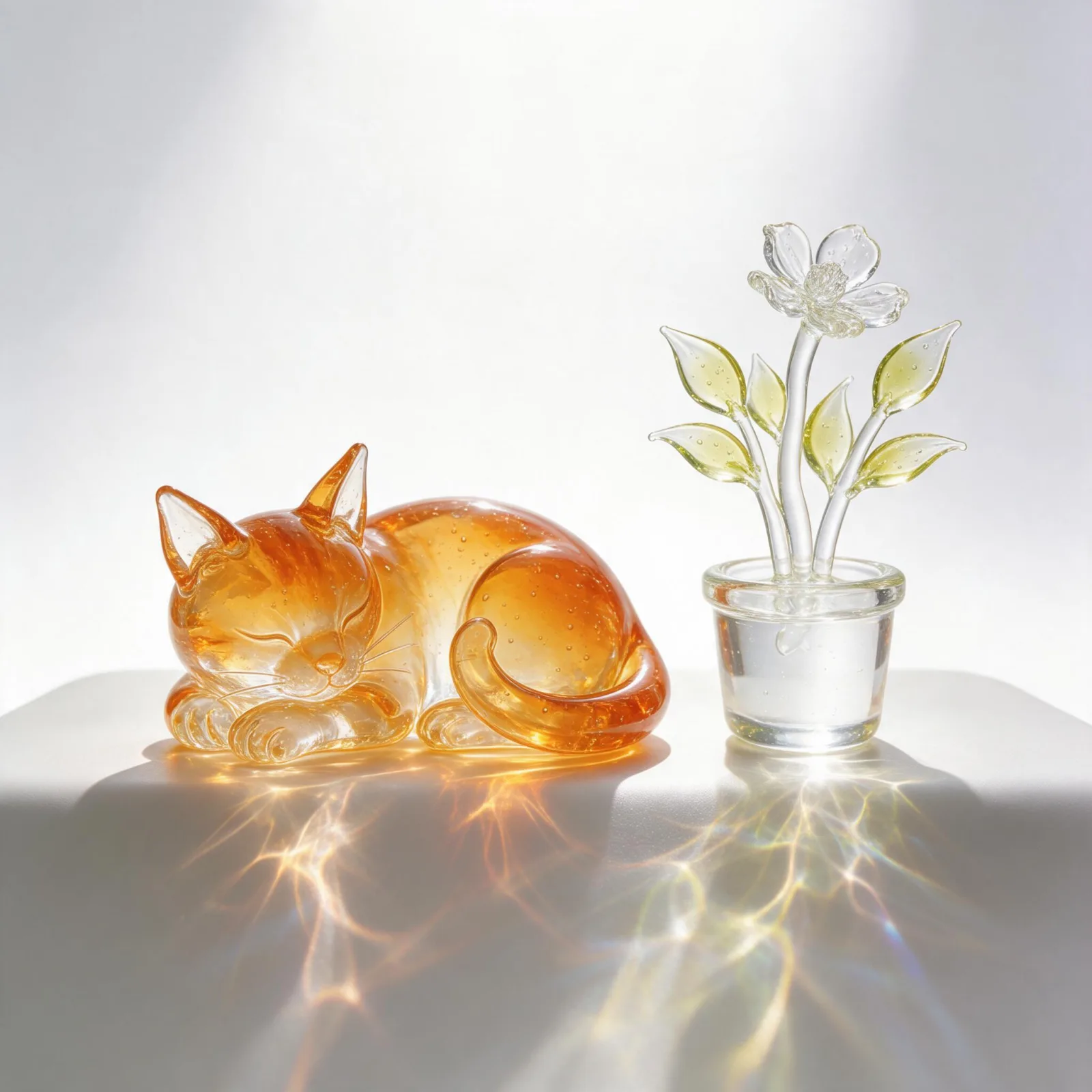
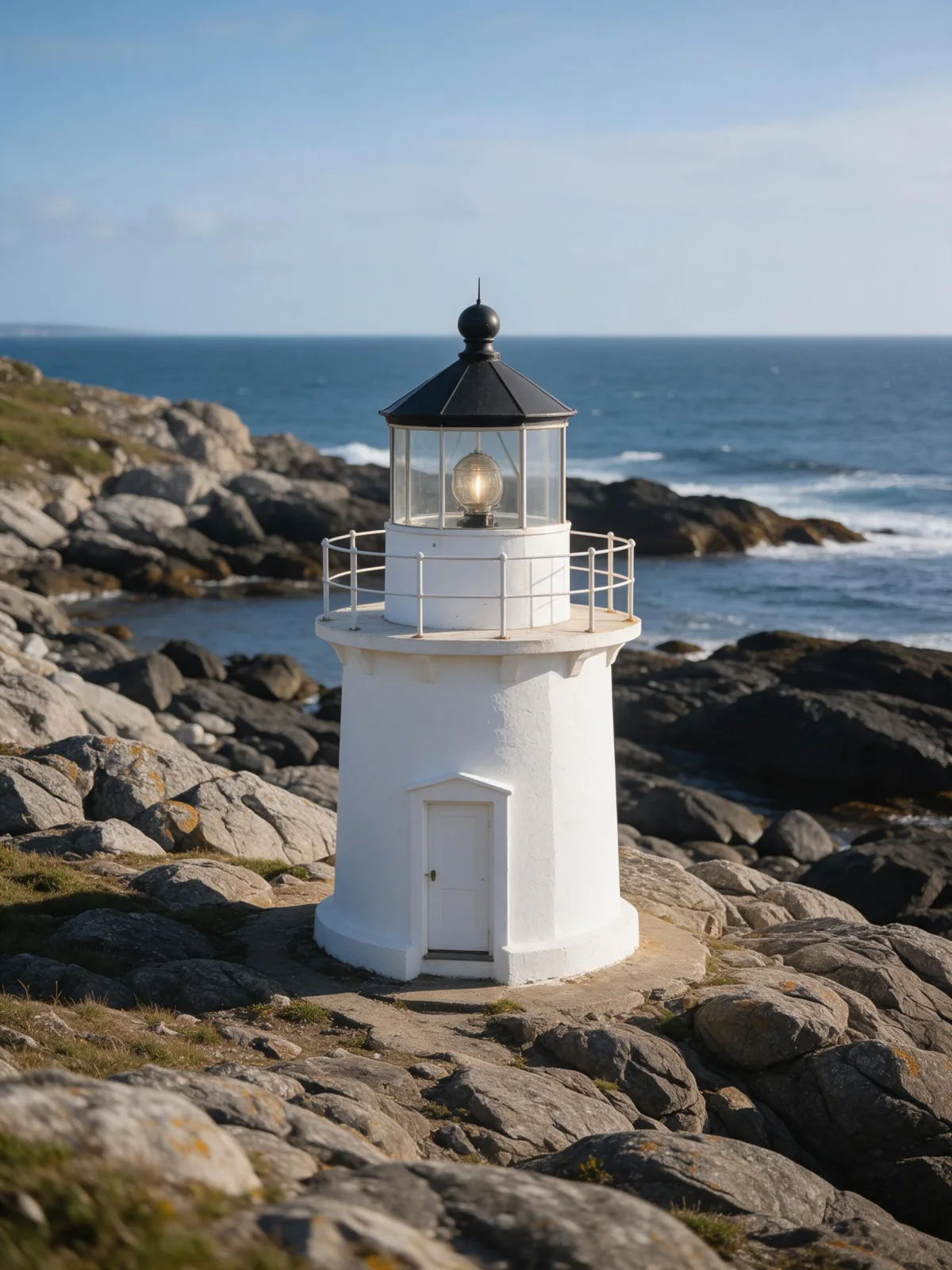
Each pair is the same sentence on the same model. The left frame has no style; the right one is Holo Foil. That gap is what the style adds.

  • The test subject with no style, made with Seedream 5.0 Pro
    No style
    Sample in the Holo Foil style, made with Seedream 5.0 Pro
    With Holo Foil

    Seedream 5.0 Pro

  • The test subject with no style, made with Seedream 5.0 Pro
    No style
    Sample in the Holo Foil style, made with Seedream 5.0 Pro
    With Holo Foil

    Seedream 5.0 Pro

  • The test subject with no style, made with Seedream 5.0 Pro
    No style
    Sample in the Holo Foil style, made with Seedream 5.0 Pro
    With Holo Foil

    Seedream 5.0 Pro

  • The test subject with no style, made with Seedream 5.0 Pro
    No style
    Sample in the Holo Foil style, made with Seedream 5.0 Pro
    With Holo Foil

    Seedream 5.0 Pro

About Holo Foil

Holo Foil turns the subject into a stylized 3D render coated in holographic foil. Every surface shifts through iridescent rainbow gradients as it turns, edges catch prismatic highlights, and the forms are smooth and softly sculpted, like a collectible that just came out of its wrapper. The backdrop is a clean pastel studio, so the foil does all the talking. It feels playful, shiny and a little futuristic, the way a rare holographic card feels in the hand.

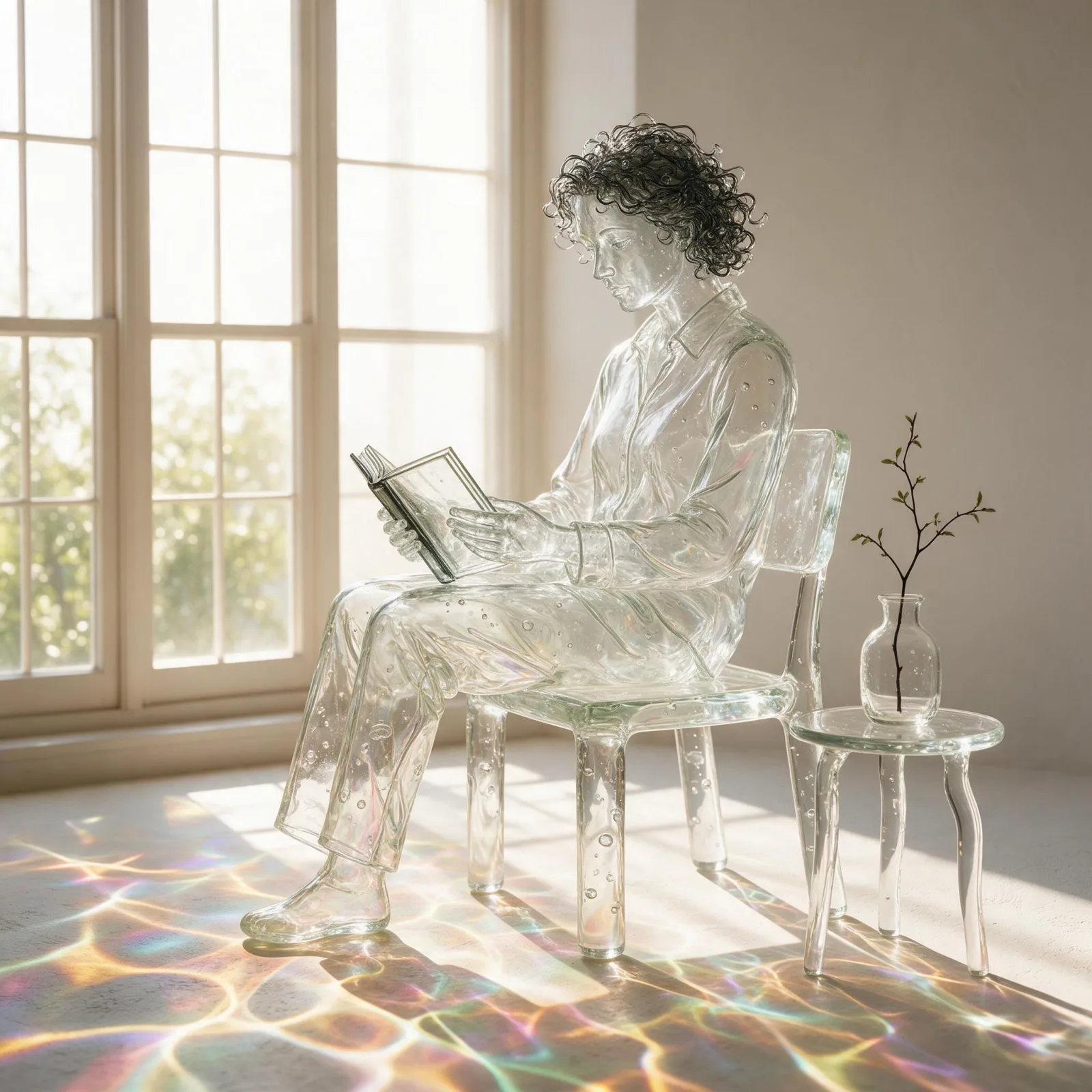
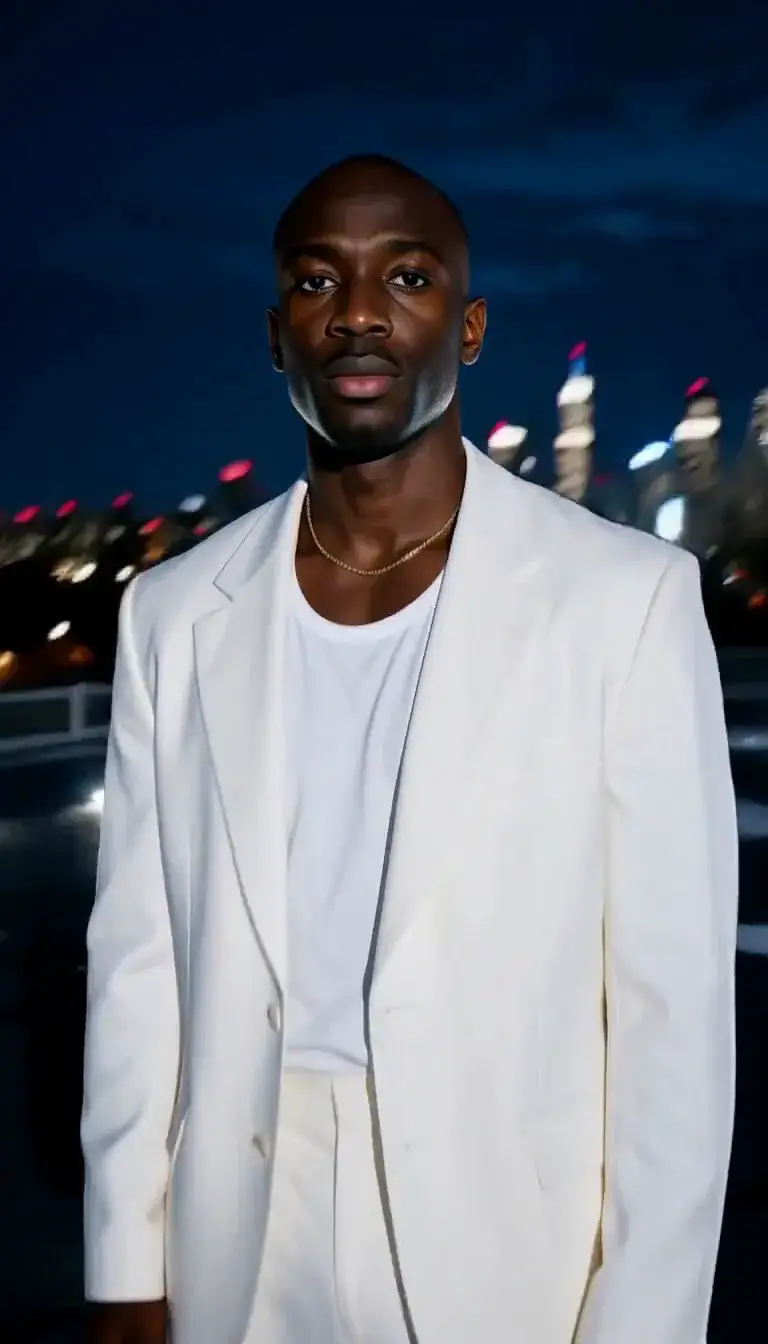
You write the subject; the style supplies the material and the studio. It suits people, animals and objects alike: a woman reading by a window becomes a gleaming figurine, a man in a coat turns into a prismatic sculpture, a cat on a windowsill shimmers from ear to tail, a lighthouse becomes a rainbow-chrome toy. Simple, clear shapes read best.

Use it for merch mockups, album and event artwork, avatars, sticker and badge designs, product teasers and eye-catching social posts. For a painted vinyl toy on a shelf, use Collectible Figure; for mirror-polished sci-fi chrome, Chrome Future; for translucent handmade glass, Blown Glass.

For this composition, we recommend 4:5, with 1:1 as another framing option. Holo Foil also works on an uploaded image: in image-to-image mode it re-renders your photo as a stylized 3D scene with a holographic foil finish and smooth sculpted forms, and keeps the composition, pose and clothing unchanged.

Subjects to paste as they are: “an adult woman in a puffer jacket holding a coffee cup”, “an adult man in sneakers skateboarding”, “a sneaker floating in mid-air”. One clear subject with a strong silhouette gives the foil the most to catch.

Finishes that work on top: Soft Bloom for a dreamier glow, Golden Hour for warm light across the foil, Monochrome for a silver-only variant that keeps the shine but drops the rainbow.


Tips that make it land

  • Keep it to one subject. The foil looks best on a single clear silhouette against the plain backdrop.
  • Rounded shapes catch the rainbow best: jackets, helmets, sneakers, animals, simple architecture.
  • Want a specific backdrop color? Add “on a lilac backdrop” or “on a mint backdrop” to your subject.
  • For uploads, photos with one person or object and a simple background convert most cleanly.
  • Add “turning slowly on a small plinth” for a display-piece feel.

The prompt it sends

Your sentence goes where {subject} sits. Everything around it is the style. Nothing is hidden, and we never filter your prompt.

{subject}, stylized 3d render with a holographic foil finish on every surface, iridescent rainbow gradients, prismatic edge highlights, smooth sculpted forms, clean pastel studio backdrop
Use Holo Foil now

With your own photo

When you add a reference image, this wording is sent instead, so your composition stays and the look changes.

Re-render the image as a stylized 3d scene with a holographic foil finish on every surface, iridescent rainbow gradients, prismatic edge highlights and smooth sculpted forms. {subject}. Keep the composition, pose and clothing unchanged.

Prompt ideas for Holo Foil

Scenes from our prompt library that suit this look. Borrow the idea as your subject line; the style adds the rest.

Product & ads

Sci-fi & cyberpunk

Models it works on

Every model below was tested with this style. The price is per image and shows on the Generate button before you run.

How to use Holo Foil

  1. 01

    Write who or what

    Write one plain sentence for your Holo Foil image: who or what is in it and what is happening. The style brings the light, color and medium, so leave those out.

  2. 02

    Keep Holo Foil on

    It is already selected at the top of this page and lands best on Seedream 5.0 Pro, the model it was tuned on. Add a photo if you want your composition kept and only the look changed.

  3. 03

    Generate

    From $0.01 per image, shown on the button before you run. Pick your favorite Holo Foil frame, then edit it, restyle it or make it move from the result.

Questions about Holo Foil

Make video

Styles are for stills. These effects start from one photo and add a single deliberate move.

Read next