Instant Film Photo AI Generator: Instant Film

Effects
Instant Film

Instant Film

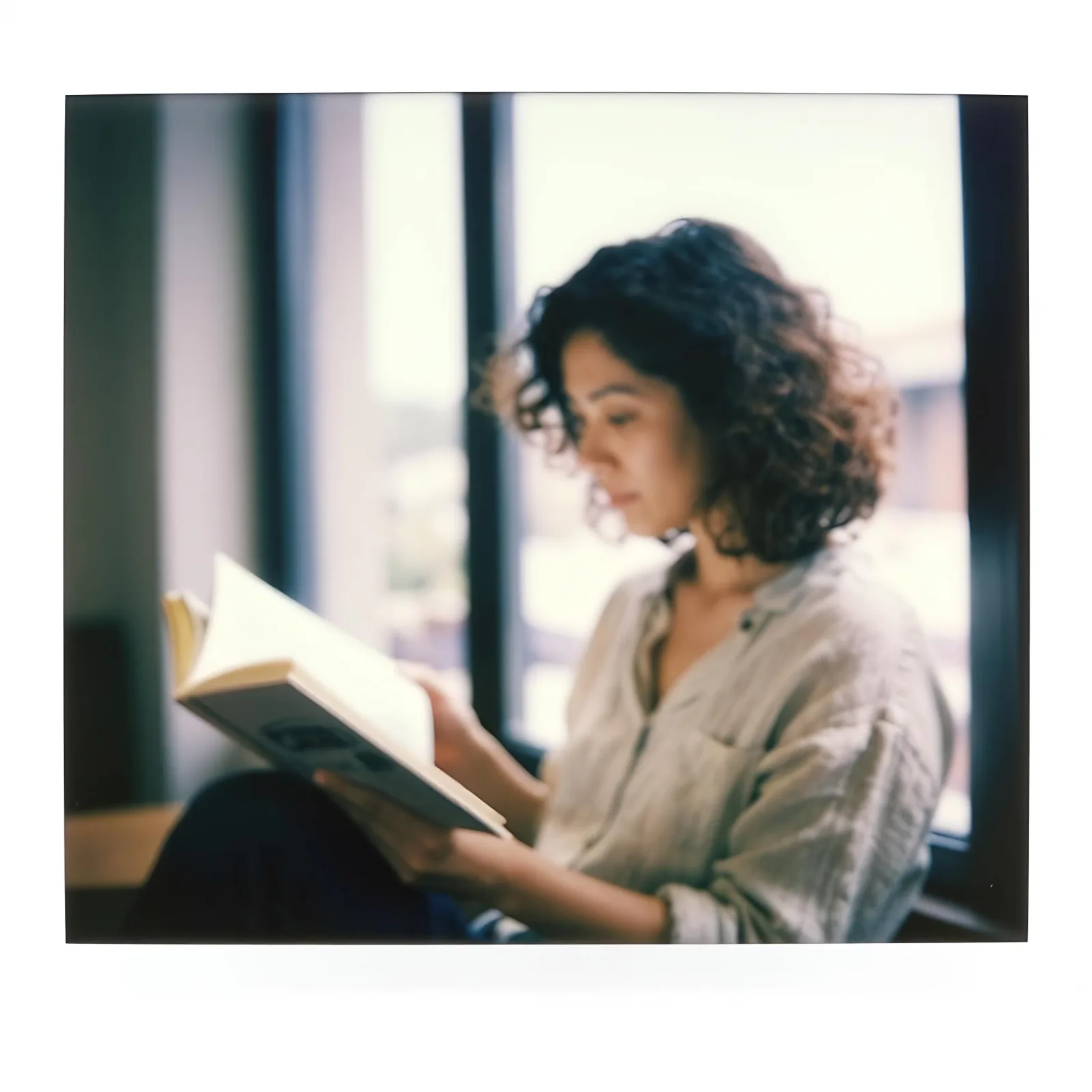
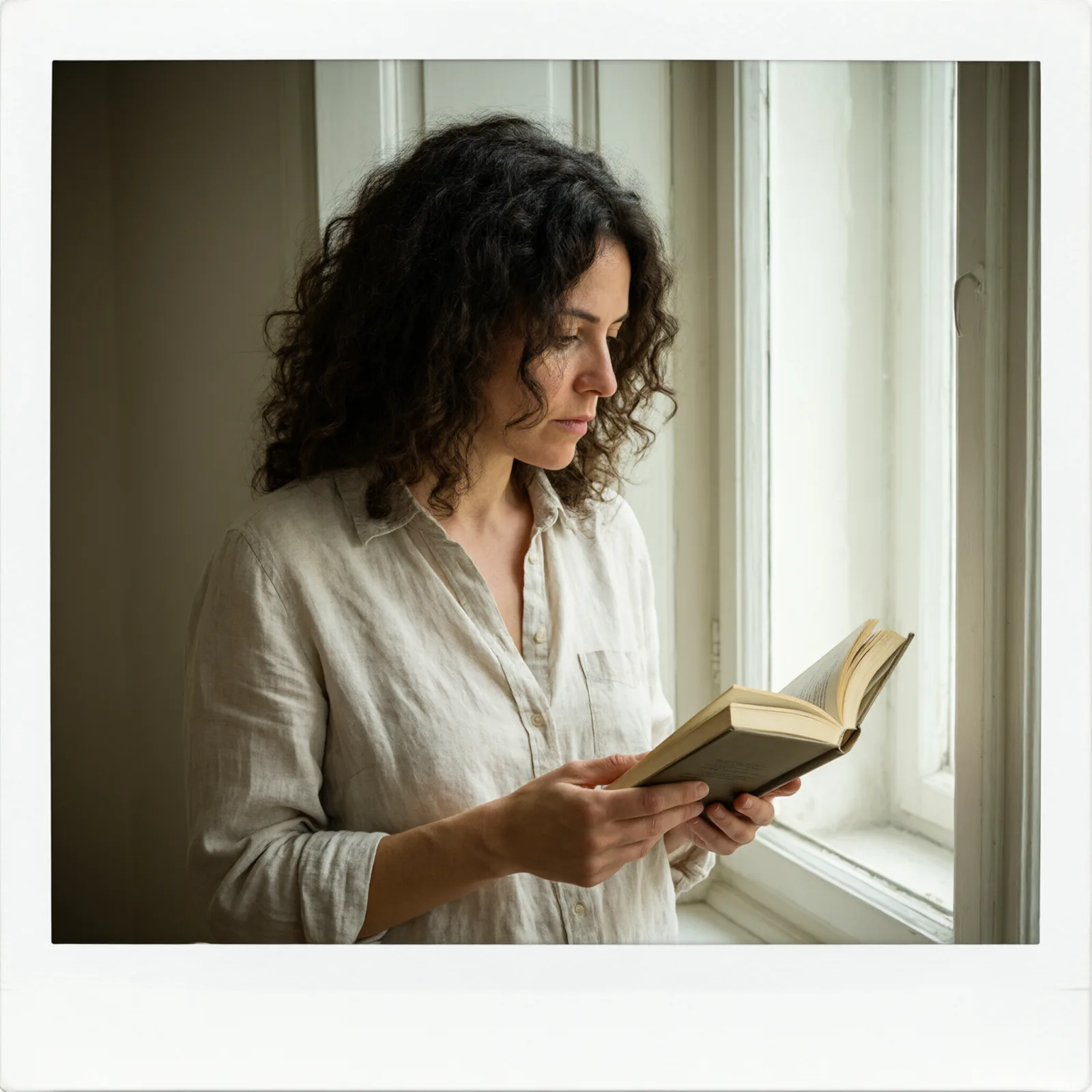
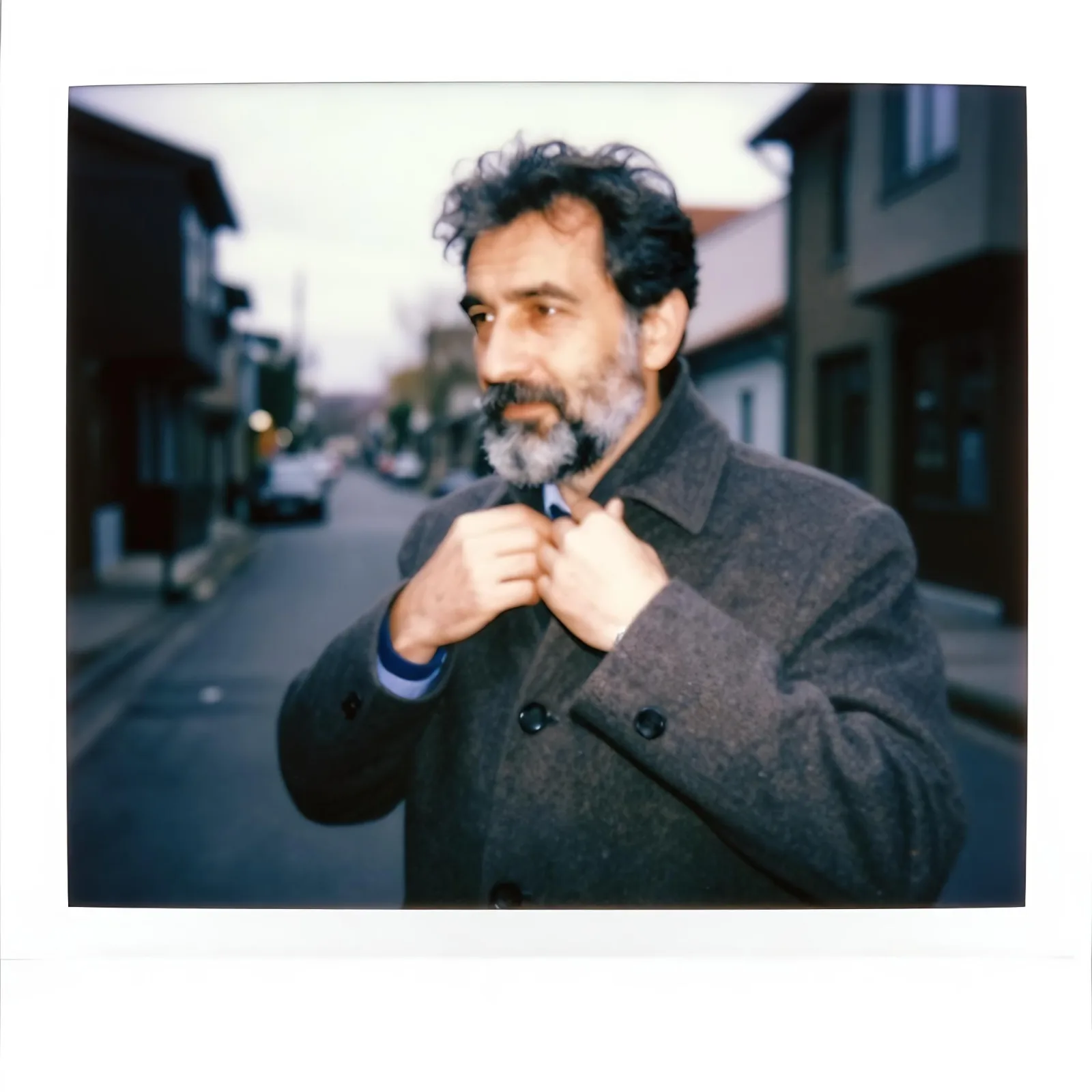
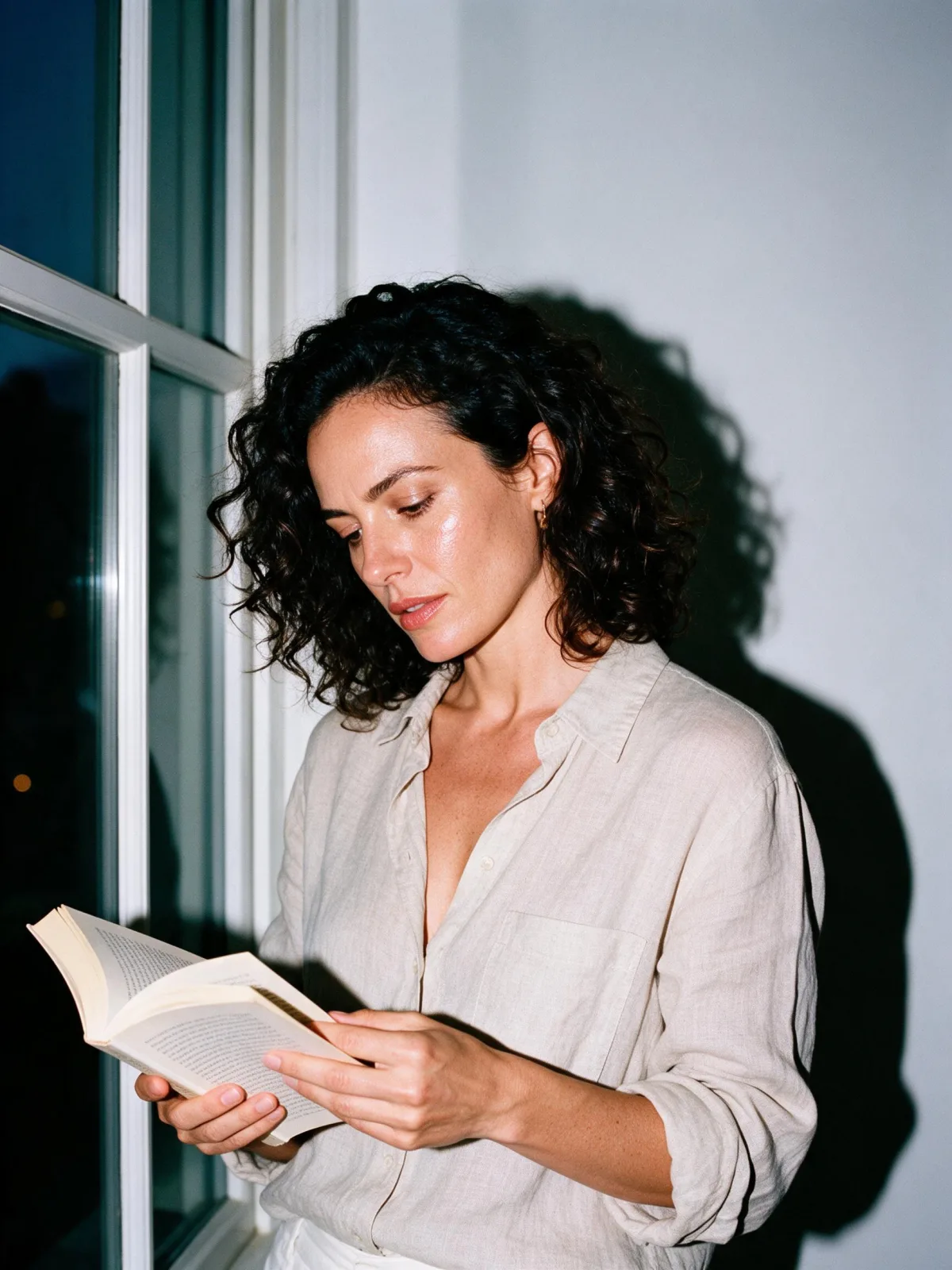
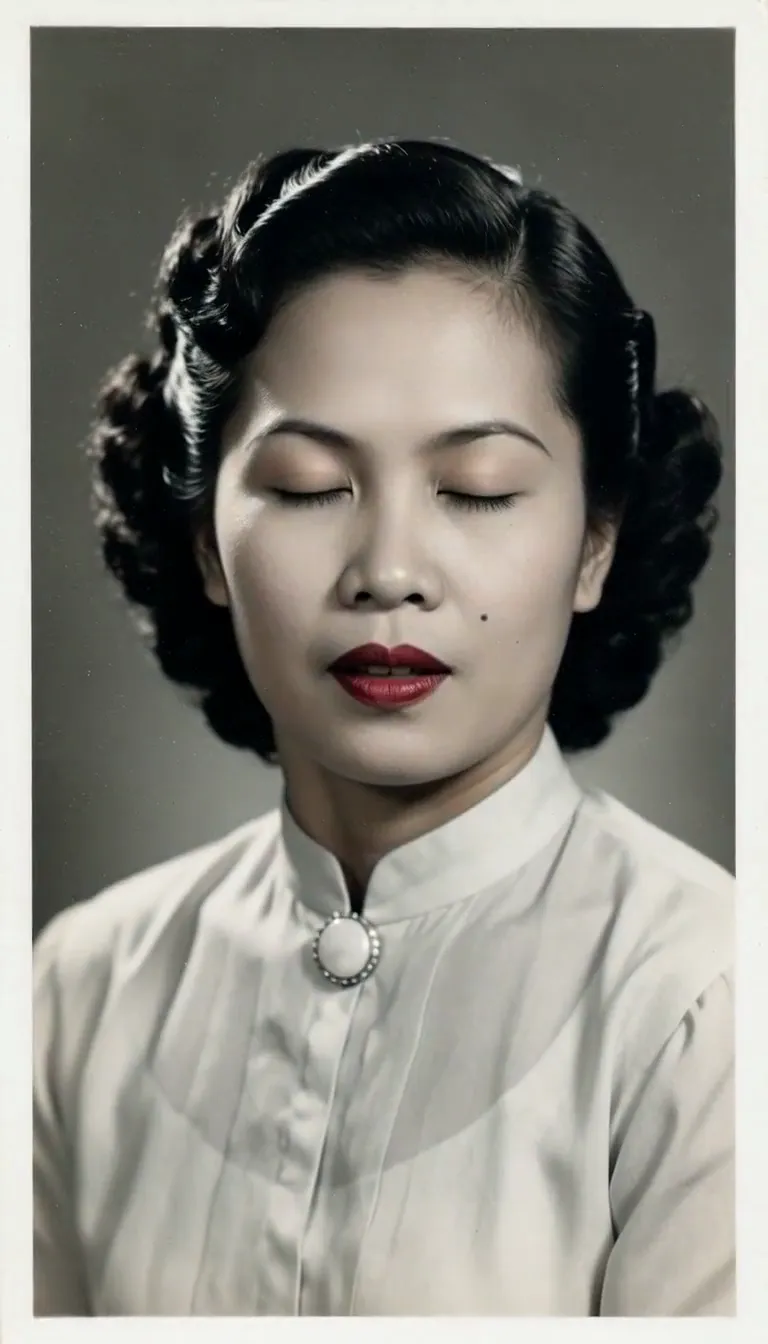
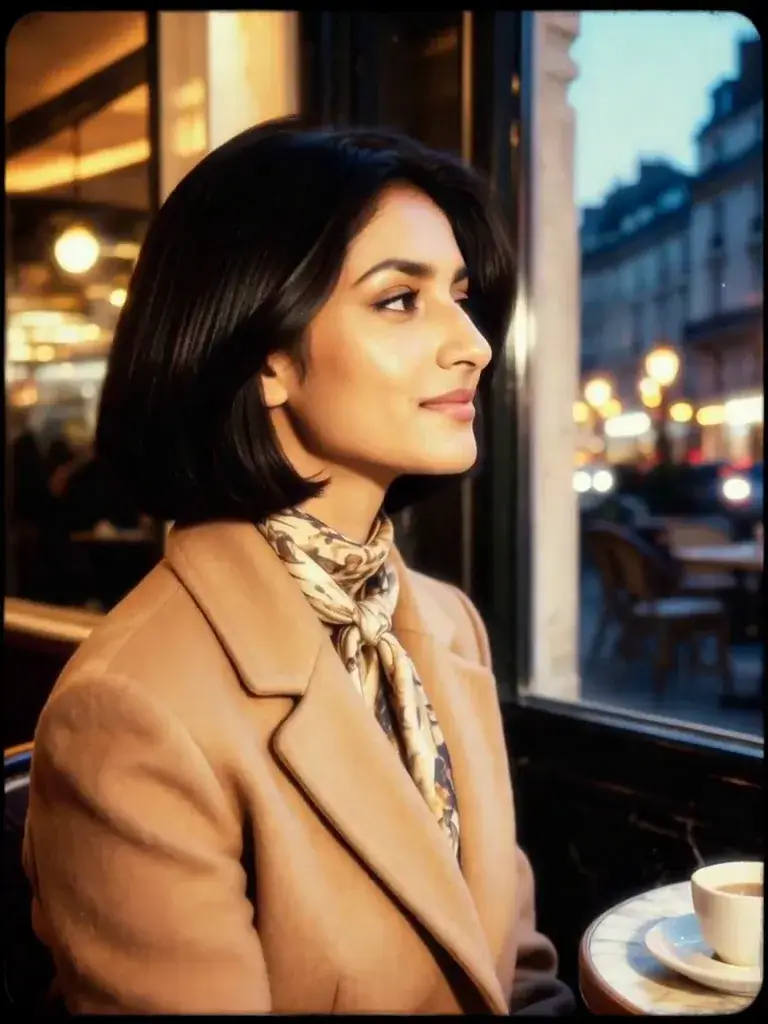
A nostalgic instant-camera snapshot: soft focus, washed-out color, a flash falloff and a thick white border.

Works on

  • Seedream 5.0 ProBest$0.036 / image
  • Z-Image$0.01 / image
  • Krea 2 Medium$0.03 / image
  • Qwen Image 3.0$0.03 / image
  • + 20 more models

Related styles

Same person, same prompt — only the style changes

2000s Digicam
After Midnight Flash
Candlelit Velvet
Cinematic Gothic
Late-Night Hotel
Late-Night OVA
Moonlit Voile
Neon After Rain
After-Con Neon
Afterglow Pool
Airbrush Pin-up
Blush Neon
Brass Reflections
Airy Film
Blossom Haze
Manhwa Action
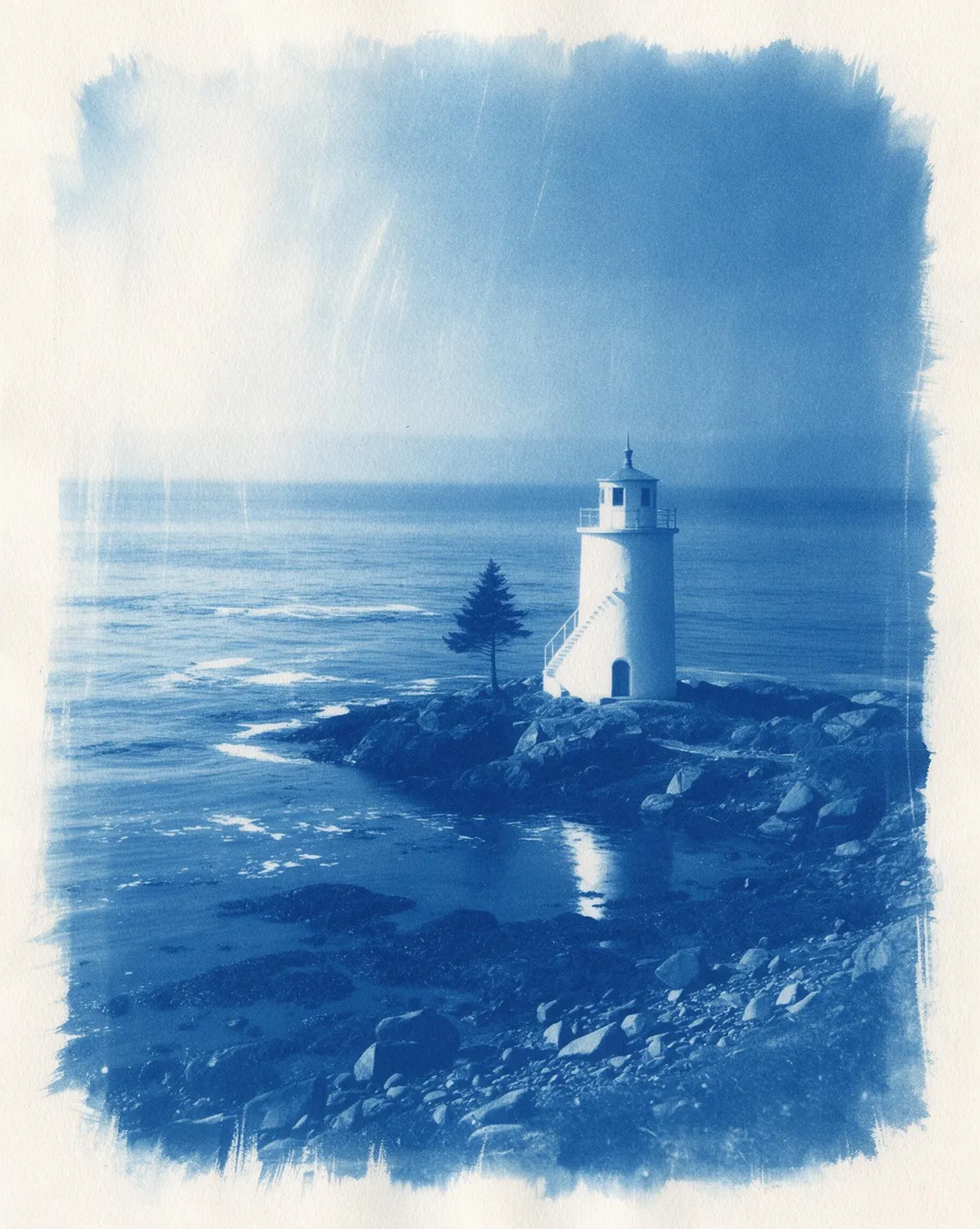
Cyanotype Print
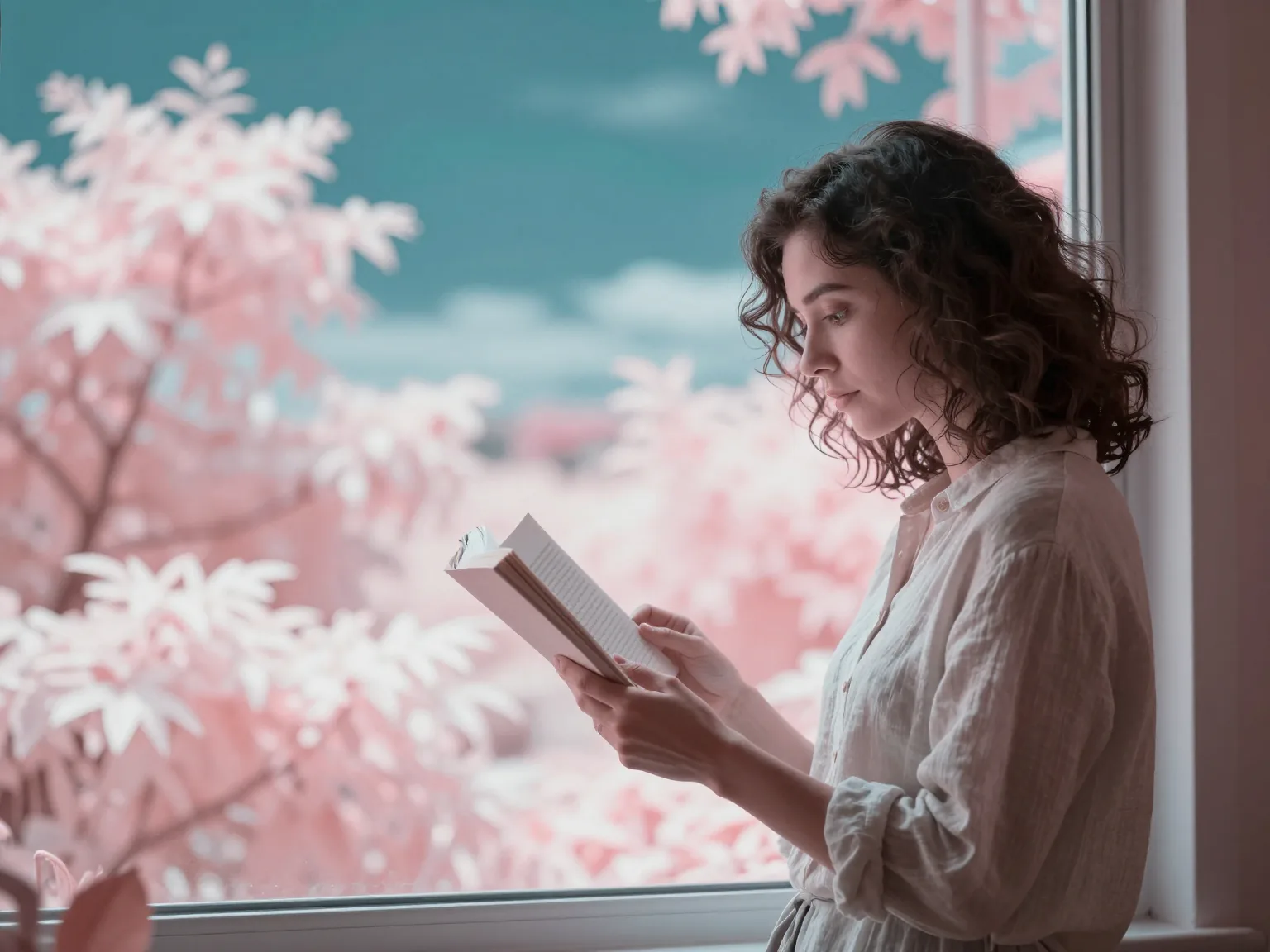
Infrared Dream
Instant Film
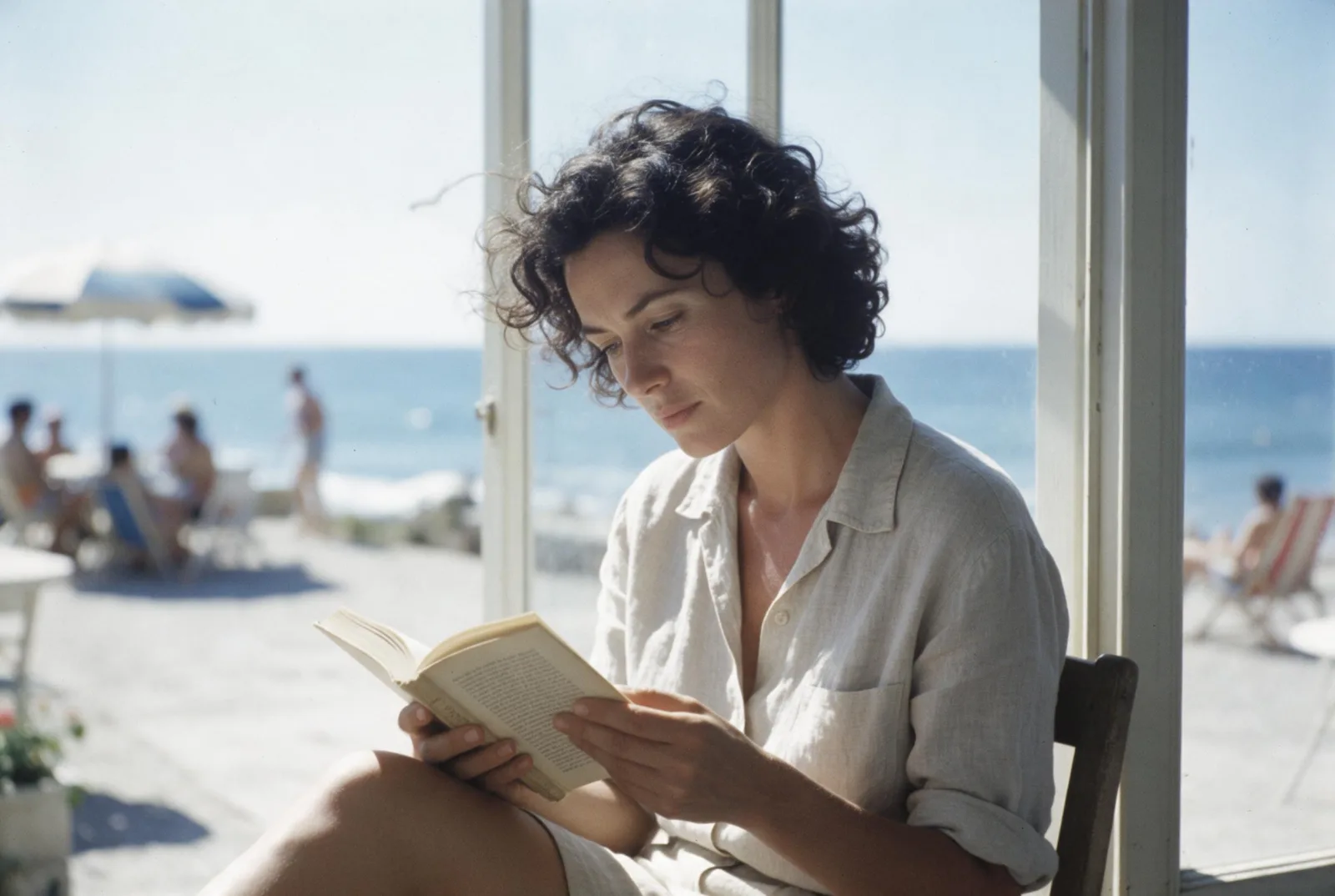
Riviera Film
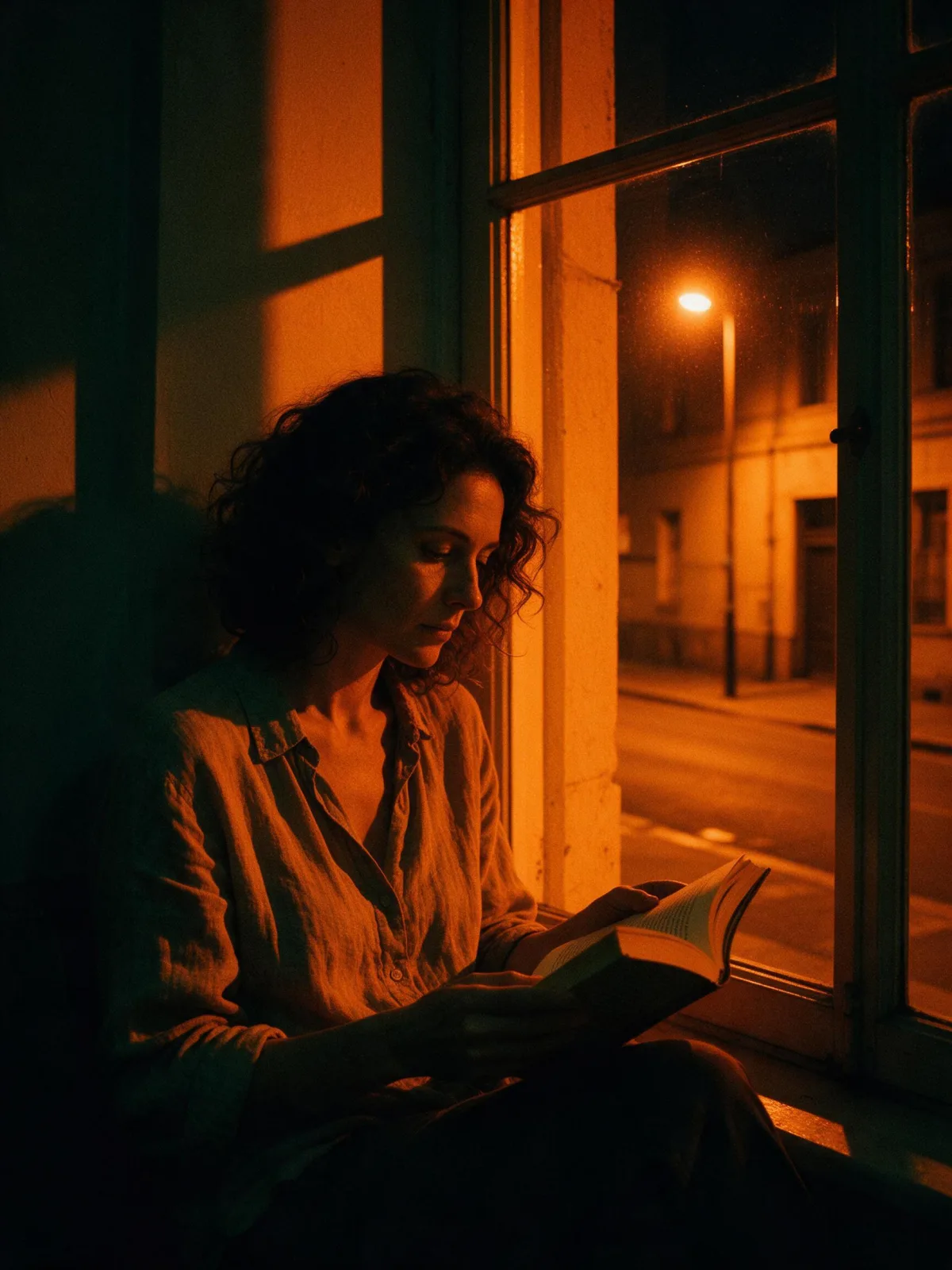
Sodium Streetlight
Sign up to generate

We never filter your prompt.

A nostalgic instant-camera snapshot: soft focus, washed-out color, a flash falloff and a thick white border.

672 runs in the studio

Category
Photo & film
Works on
37 models
Price
From $0.01 / image
Suggested frame
1:1
Your own photo
Yes, restyles an upload
Doesn't stack with
Film Grain

Same subject, with and without it

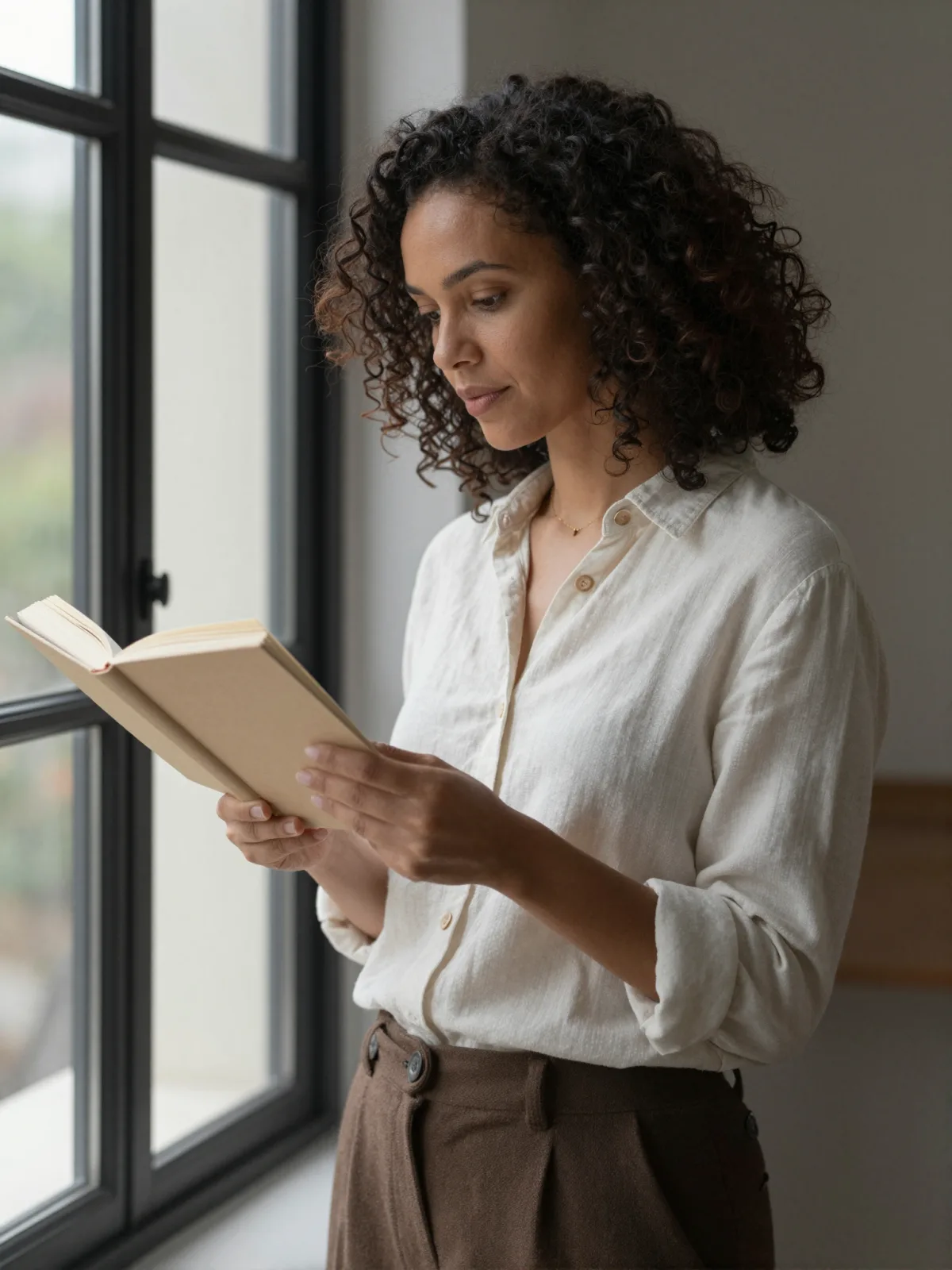
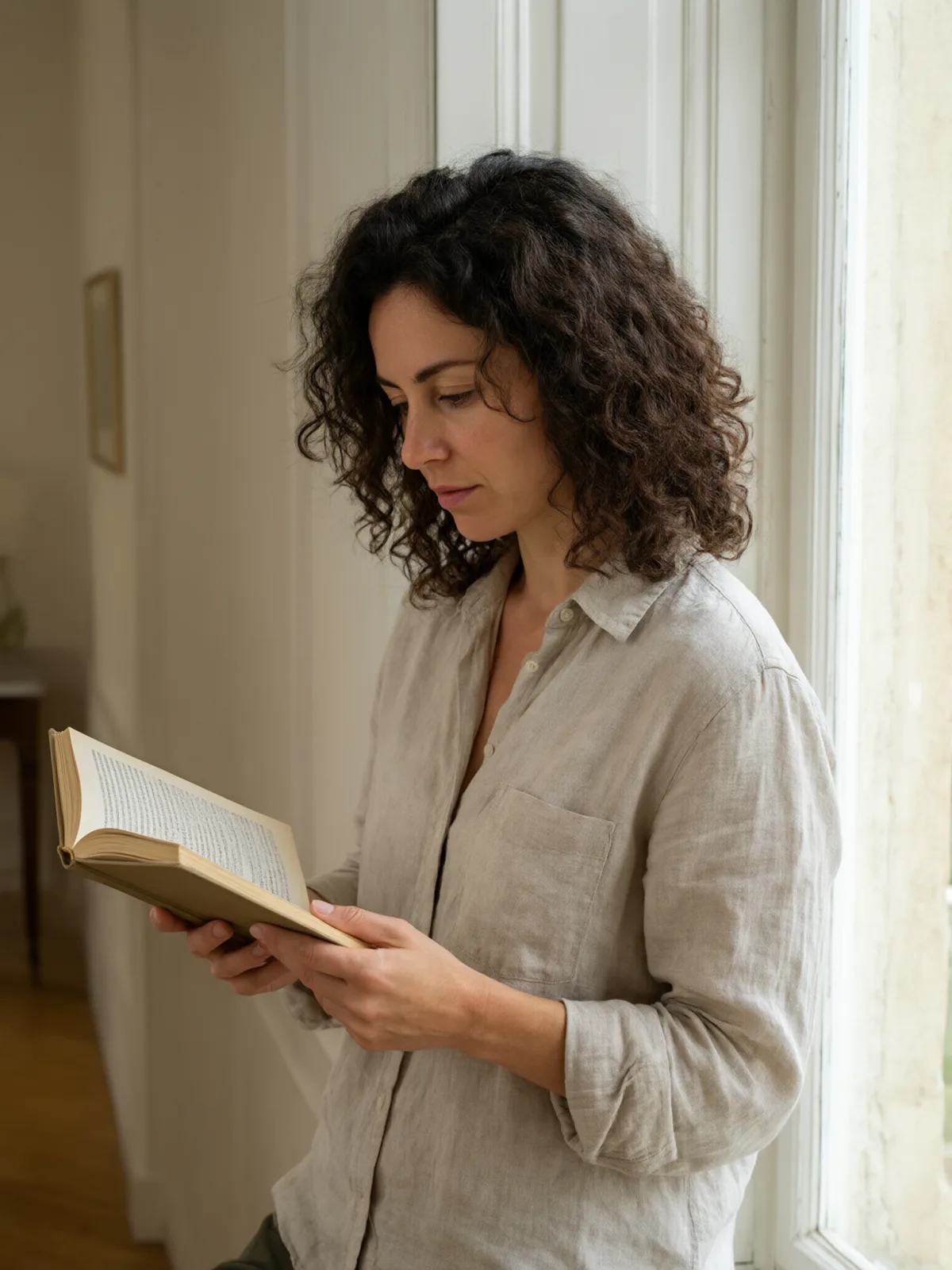
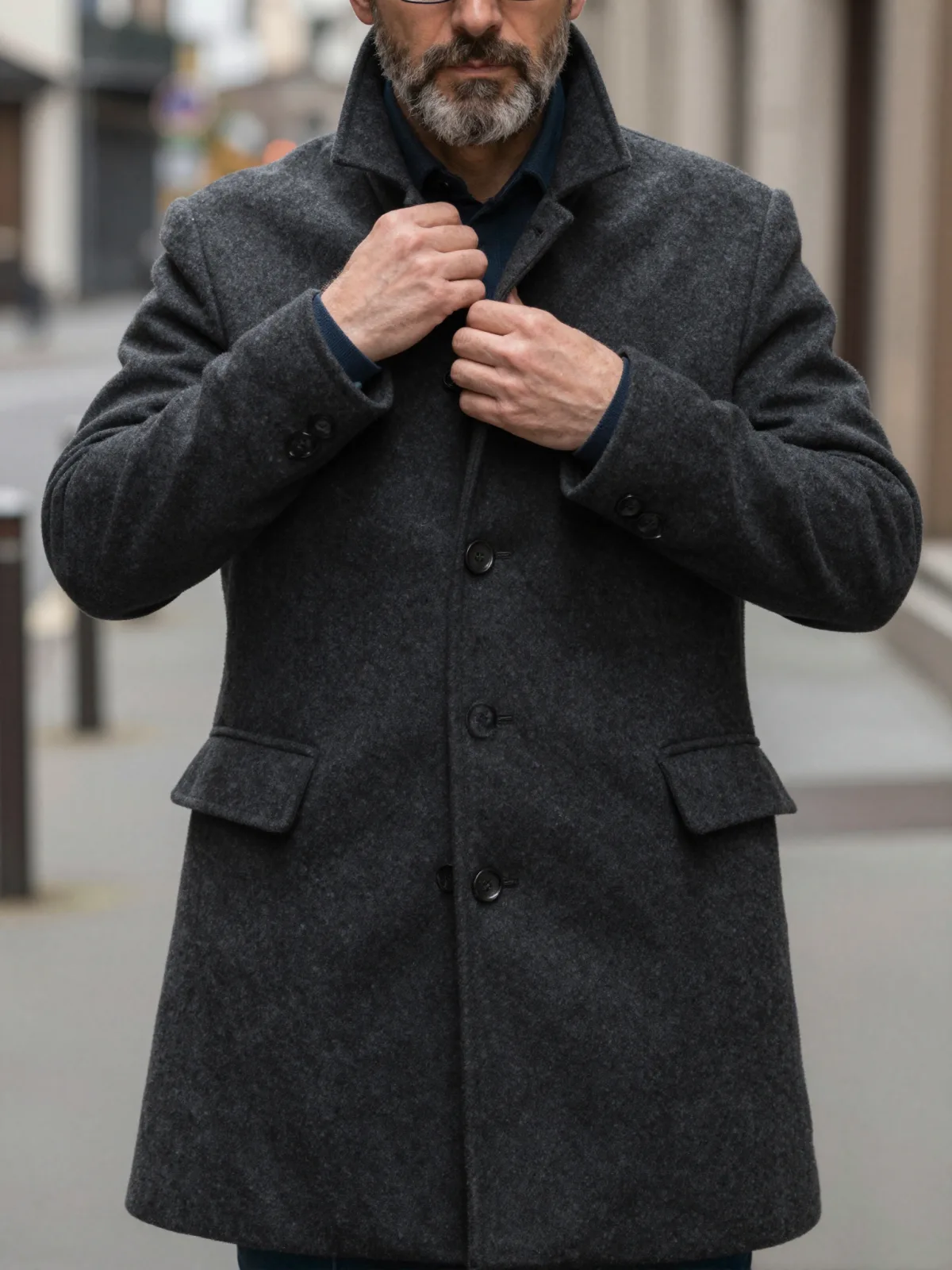
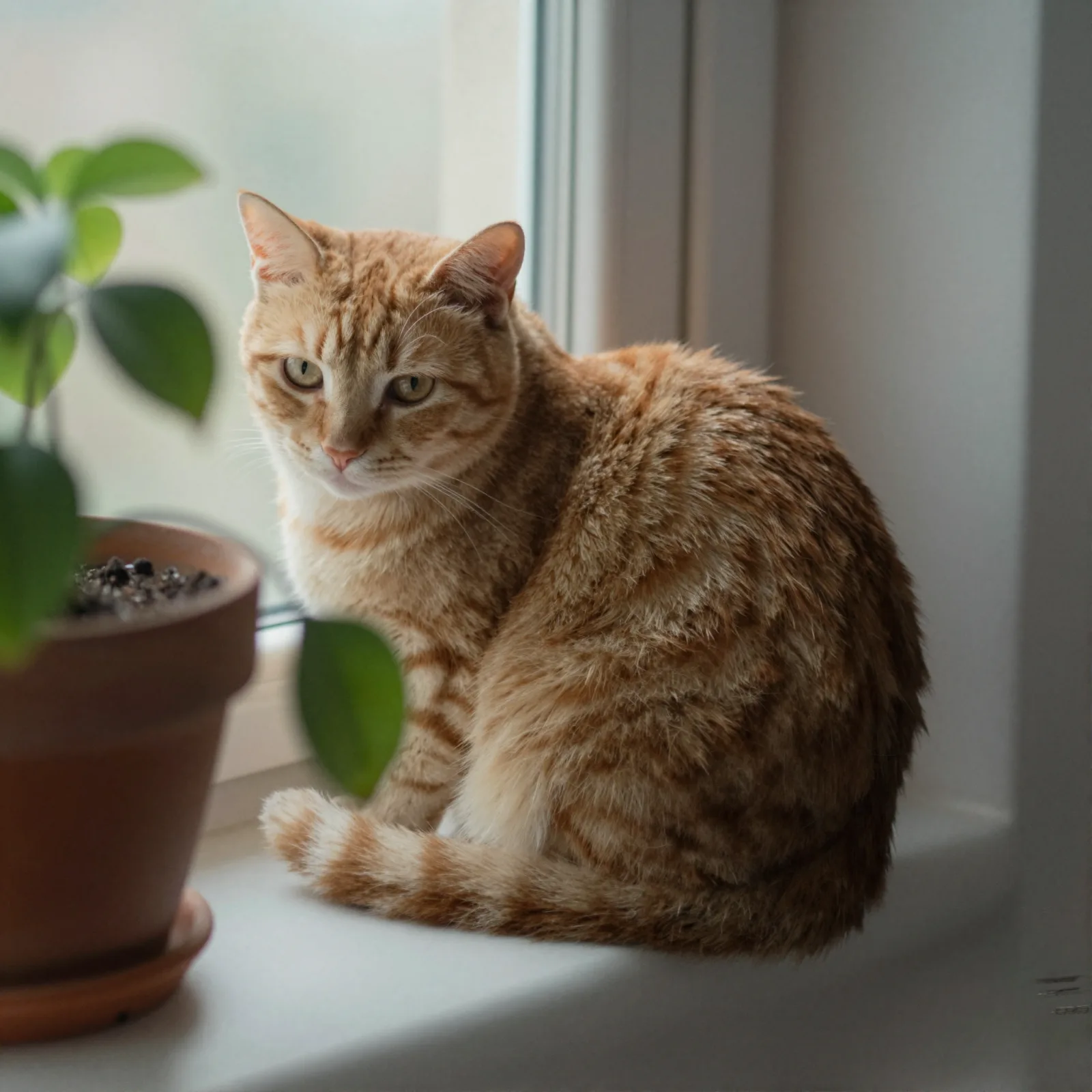
Each pair is the same sentence on the same model. The left frame has no style; the right one is Instant Film. That gap is what the style adds.

  • The test subject with no style, made with Seedream 5.0 Pro
    No style
    Sample in the Instant Film style, made with Seedream 5.0 Pro
    With Instant Film

    Seedream 5.0 Pro

  • The test subject with no style, made with Z-Image
    No style
    Sample in the Instant Film style, made with Z-Image
    With Instant Film

    Z-Image

  • The test subject with no style, made with Qwen Image 3.0
    No style
    Sample in the Instant Film style, made with Qwen Image 3.0
    With Instant Film

    Qwen Image 3.0

  • The test subject with no style, made with Z-Image
    No style
    Sample in the Instant Film style, made with Z-Image
    With Instant Film

    Z-Image

Samples

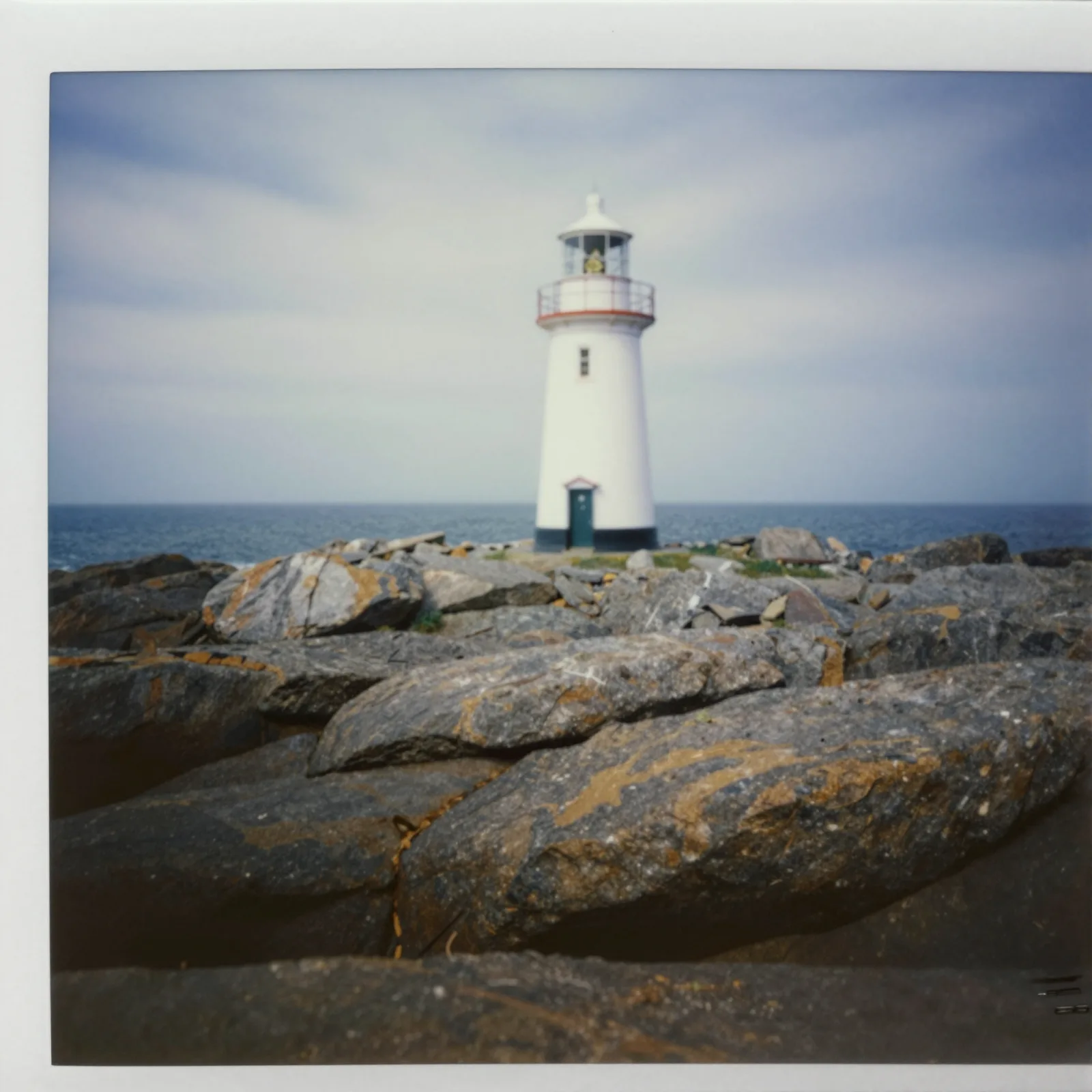
The same fixed test subjects run through every style, so you see what Instant Film does rather than what the subject brings.

  • Sample in the Instant Film style, made with Z-Image
    Z-Image
  • Sample in the Instant Film style, made with Z-Image
    Z-Image

About Instant Film

Instant Film recreates the square snapshot that came out of the camera and developed in your hand: soft focus, colors washed toward cream and teal, a gentle vignette, the quick falloff of a small built-in flash, and a thick white border around the frame. It is casual, warm and instantly nostalgic.

It works best on small, human moments: friends at a kitchen party, a man with a birthday cake, a dog at the beach, a plate of fries on a diner counter, a lighthouse on a grey afternoon. The imperfections are the point — nothing looks too sharp or too staged.

Use it for invitations, memory walls, playlist covers, social carousels and anything that should feel personal. The white border also makes the images easy to lay out in a grid or print as keepsakes.

We recommend a square 1:1 frame for the instant-print composition. Instant Film also accepts an uploaded image and turns it into a snapshot while keeping the composition, pose and clothing. If you want an even softer, dreamier print, add the Soft Bloom finish. It also works as a quick way to make a set of images feel related: give a dozen different subjects the same instant-film treatment and they read like one afternoon’s worth of snapshots pinned to a wall.

Subjects to paste as they are: “a man blowing out candles on a birthday cake”, “a woman laughing in the passenger seat of a car at night”, “a dog with a tennis ball on a pebble beach”. Anything that looks like a real moment between friends suits this style best.

Finishes that work on top: Soft Bloom for a dreamier print, Golden Hour for a warm summer evening. Film Grain is disabled because instant film already has its own texture.

Tips that make it land

  • Describe candid moments — laughing, mid-bite, turning to the camera. Instant photos are about the moment, not the pose.
  • Indoor scenes with a flash look most authentic: kitchens, parties, cars at night.
  • Keep your subject close; the built-in flash falls off quickly and the background goes dark.
  • Skip the Film Grain finish here. Instant film already has its own texture and the combination is disabled.
  • Add a small detail that dates the moment — a paper party hat, a cassette, a disposable cup — and the nostalgia gets stronger.

The prompt it sends

Your sentence goes where {subject} sits. Everything around it is the style. Nothing is hidden, and we never filter your prompt.

{subject}, instant-film snapshot, soft focus, washed-out colors, gentle vignette, on-camera flash falloff, thick white border, nostalgic mood
Use Instant Film now

With your own photo

When you add a reference image, this wording is sent instead, so your composition stays and the look changes.

Turn the image into an instant-film snapshot with soft focus, washed-out colors, a gentle vignette, on-camera flash falloff and a thick white border. {subject}. Keep the composition, pose and clothing unchanged.

Models it works on

Every model below was tested with this style. The price is per image and shows on the Generate button before you run.

How to use Instant Film

  1. 01

    Write who or what

    Write one plain sentence for your Instant Film image: who or what is in it and what is happening. The style brings the light, color and medium, so leave those out.

  2. 02

    Keep Instant Film on

    It is already selected at the top of this page and lands best on Seedream 5.0 Pro, the model it was tuned on. Add a photo if you want your composition kept and only the look changed.

  3. 03

    Generate

    From $0.01 per image, shown on the button before you run. Pick your favorite Instant Film frame, then edit it, restyle it or make it move from the result.

Questions about Instant Film

Make video

Styles are for stills. These effects start from one photo and add a single deliberate move.

Read next