Cinematic AI Image Generator: Cinematic Still

Effects
Cinematic Still

Cinematic Still

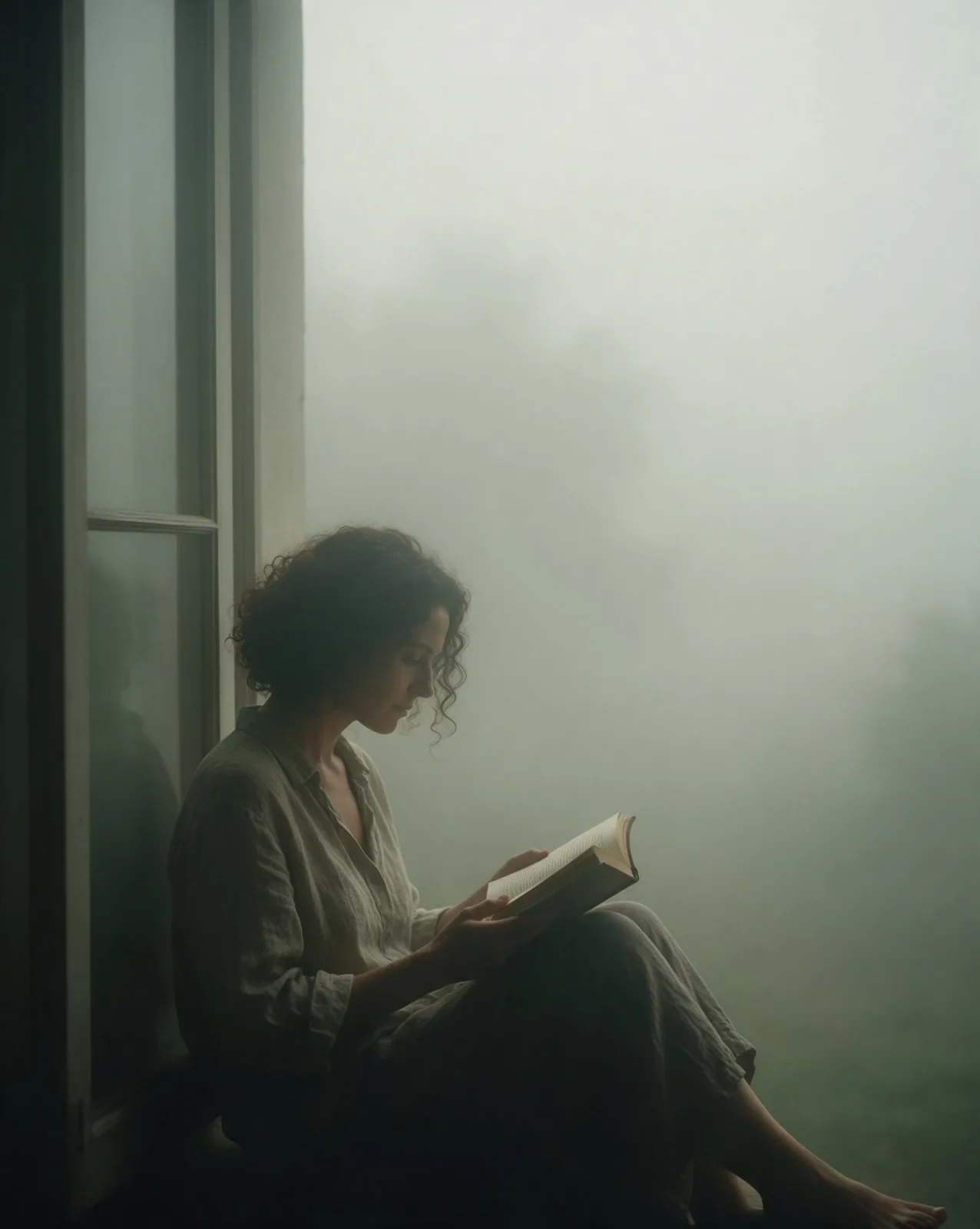
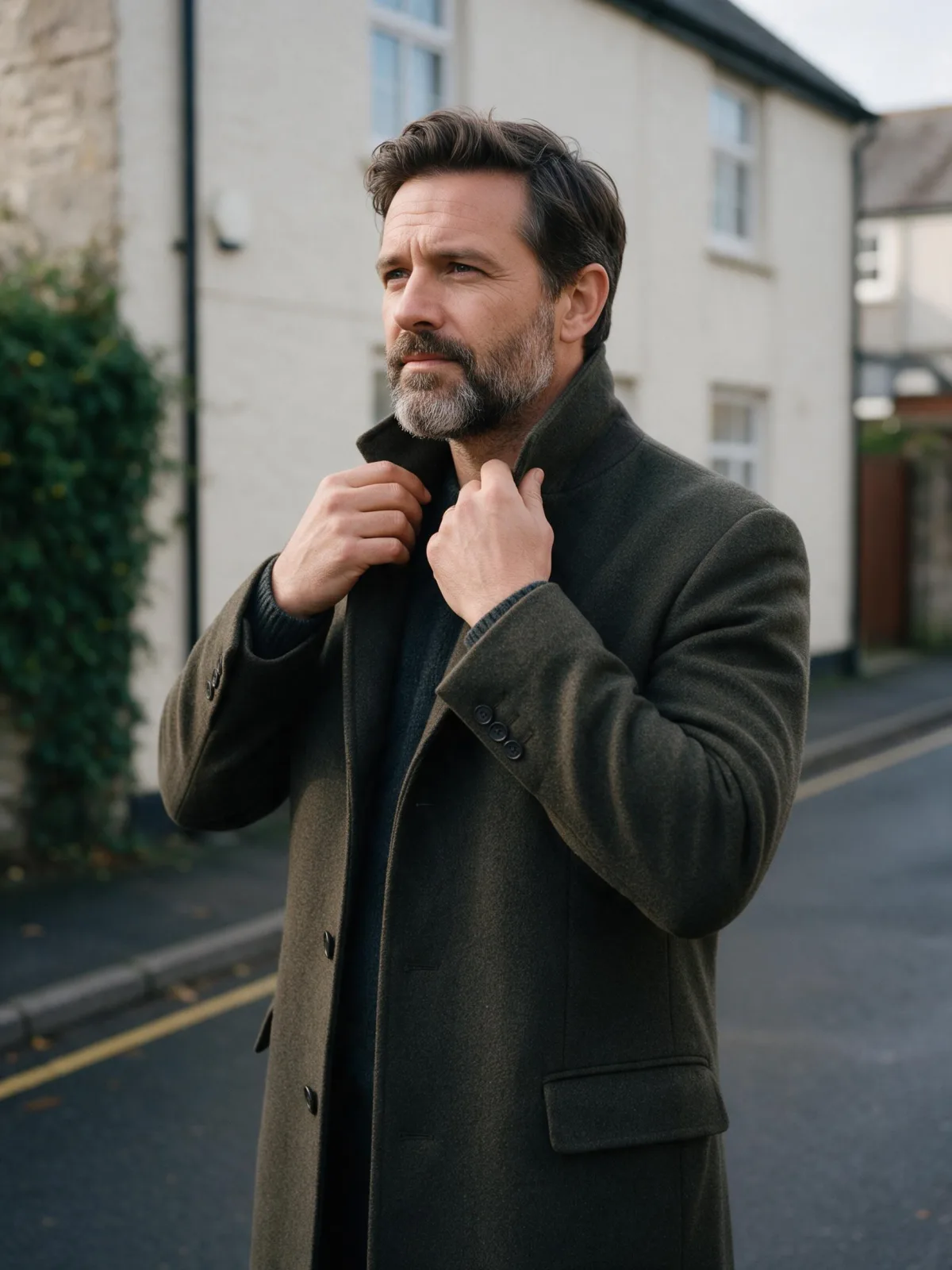
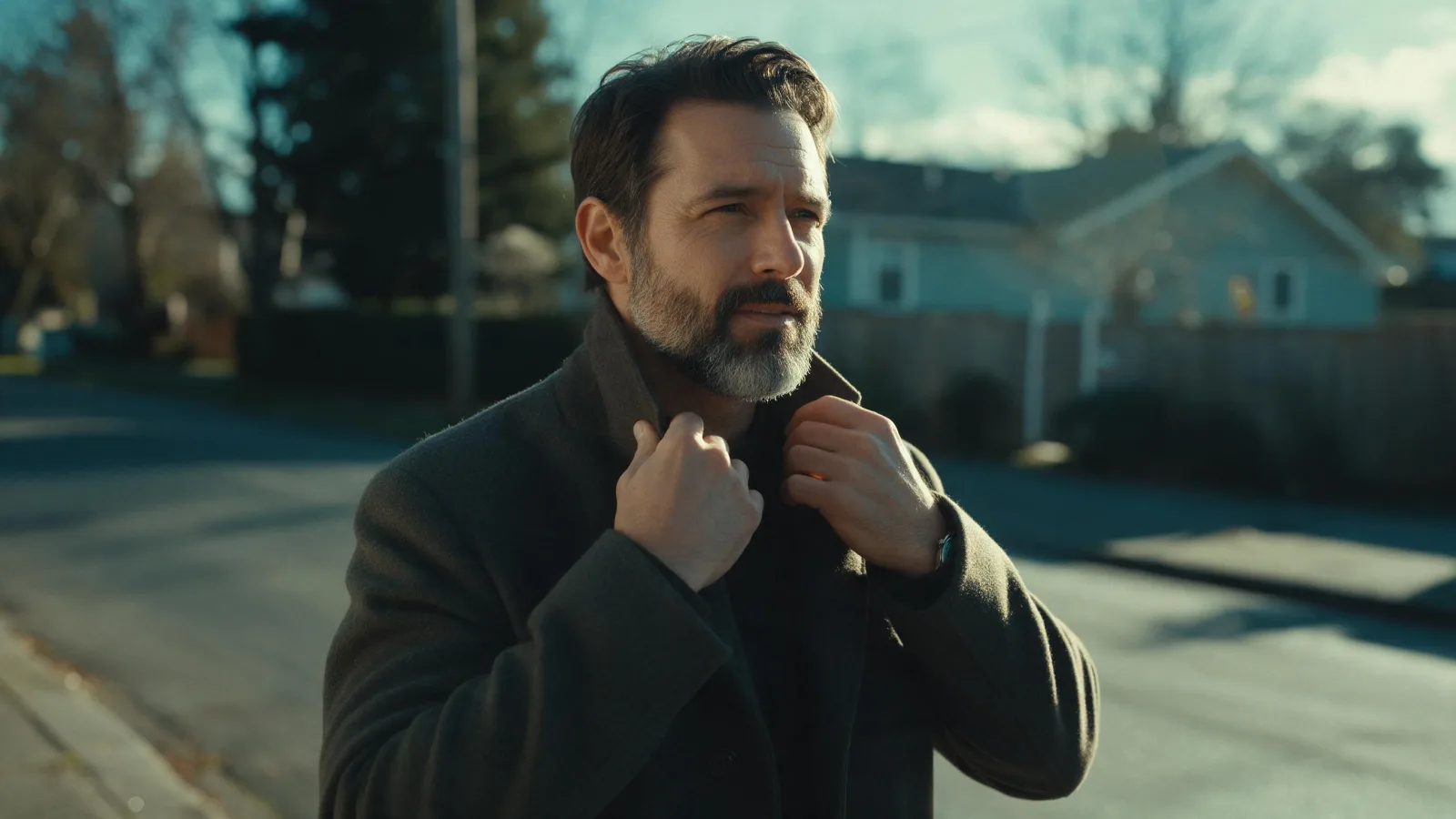
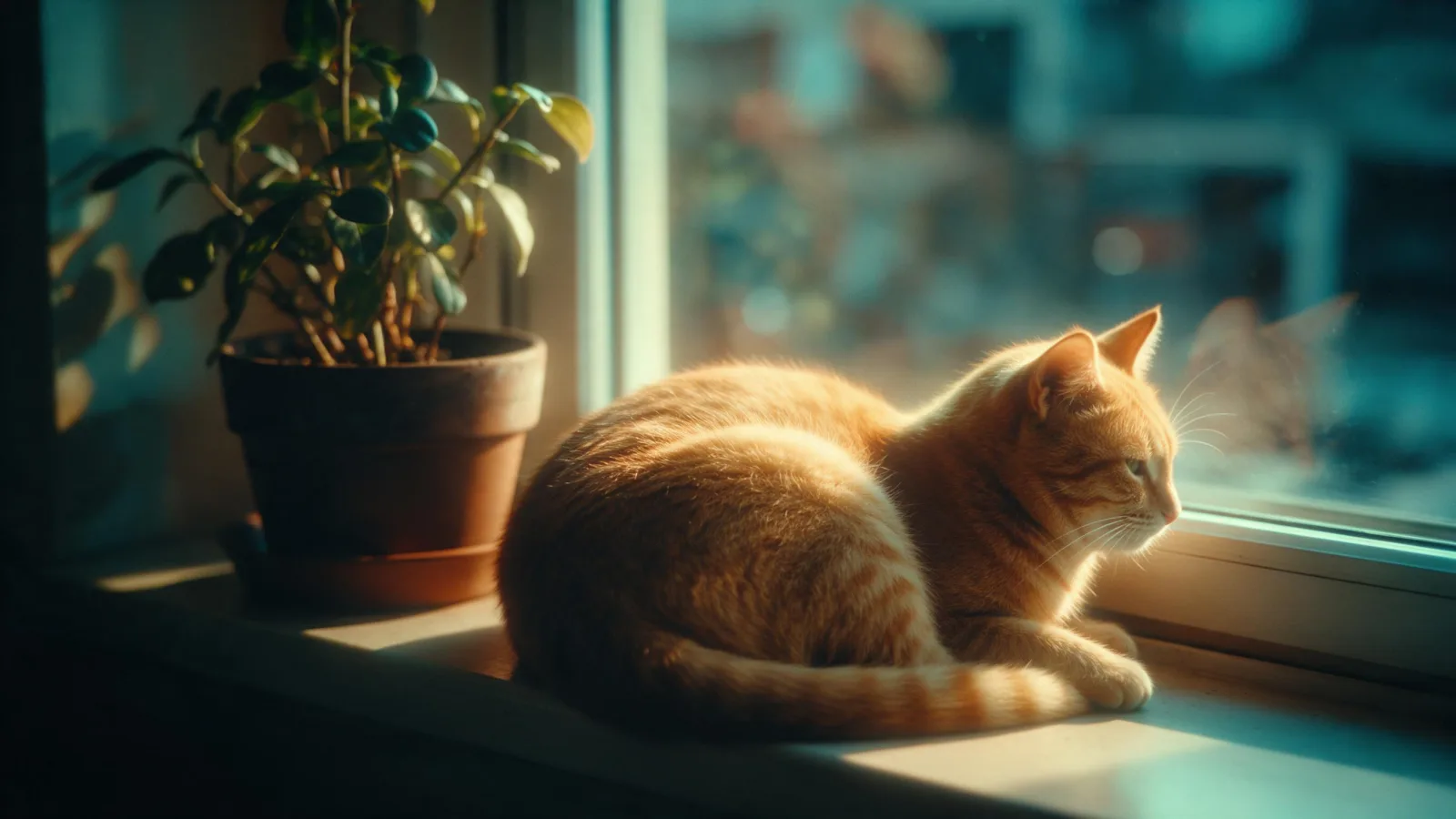
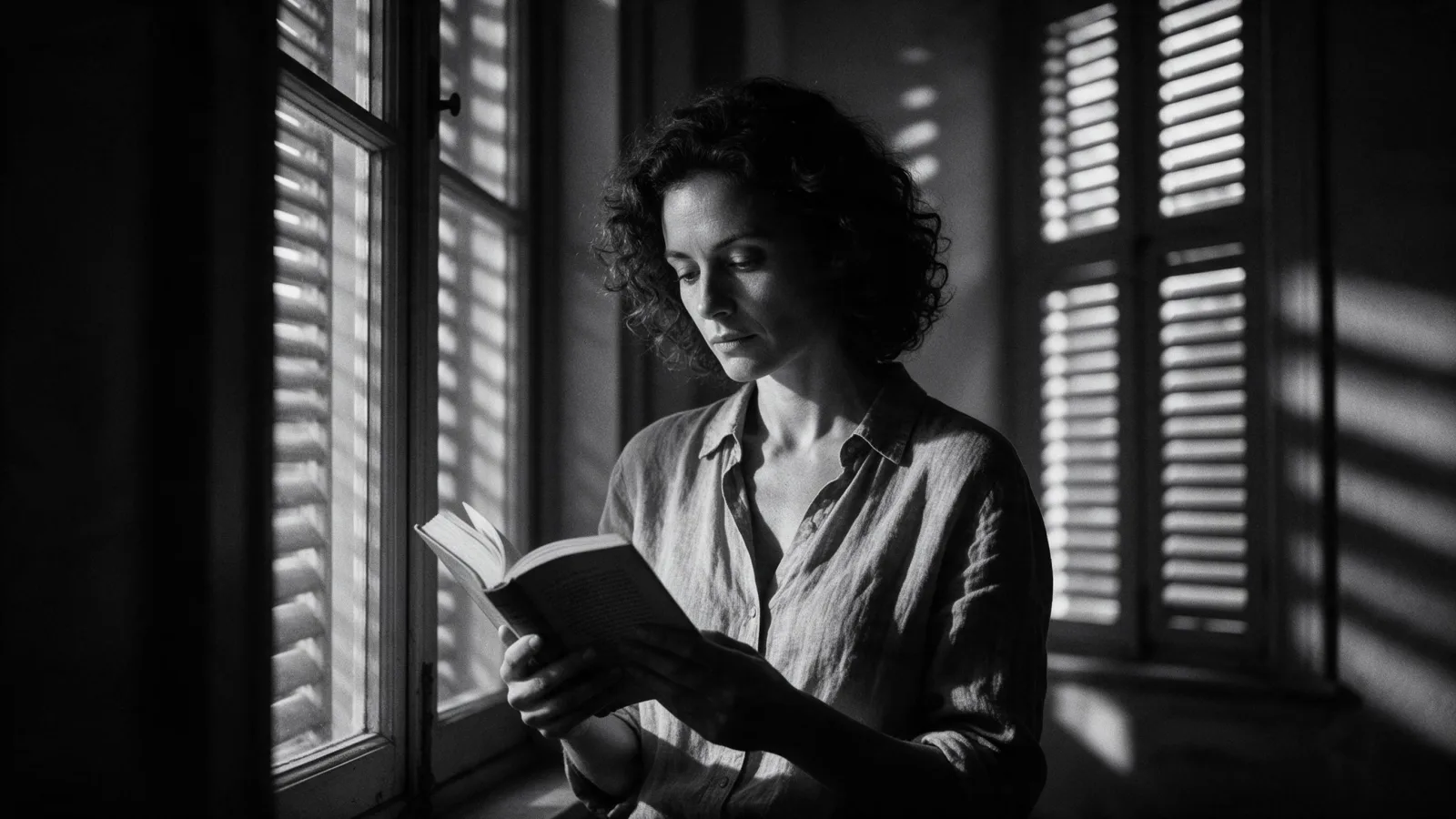
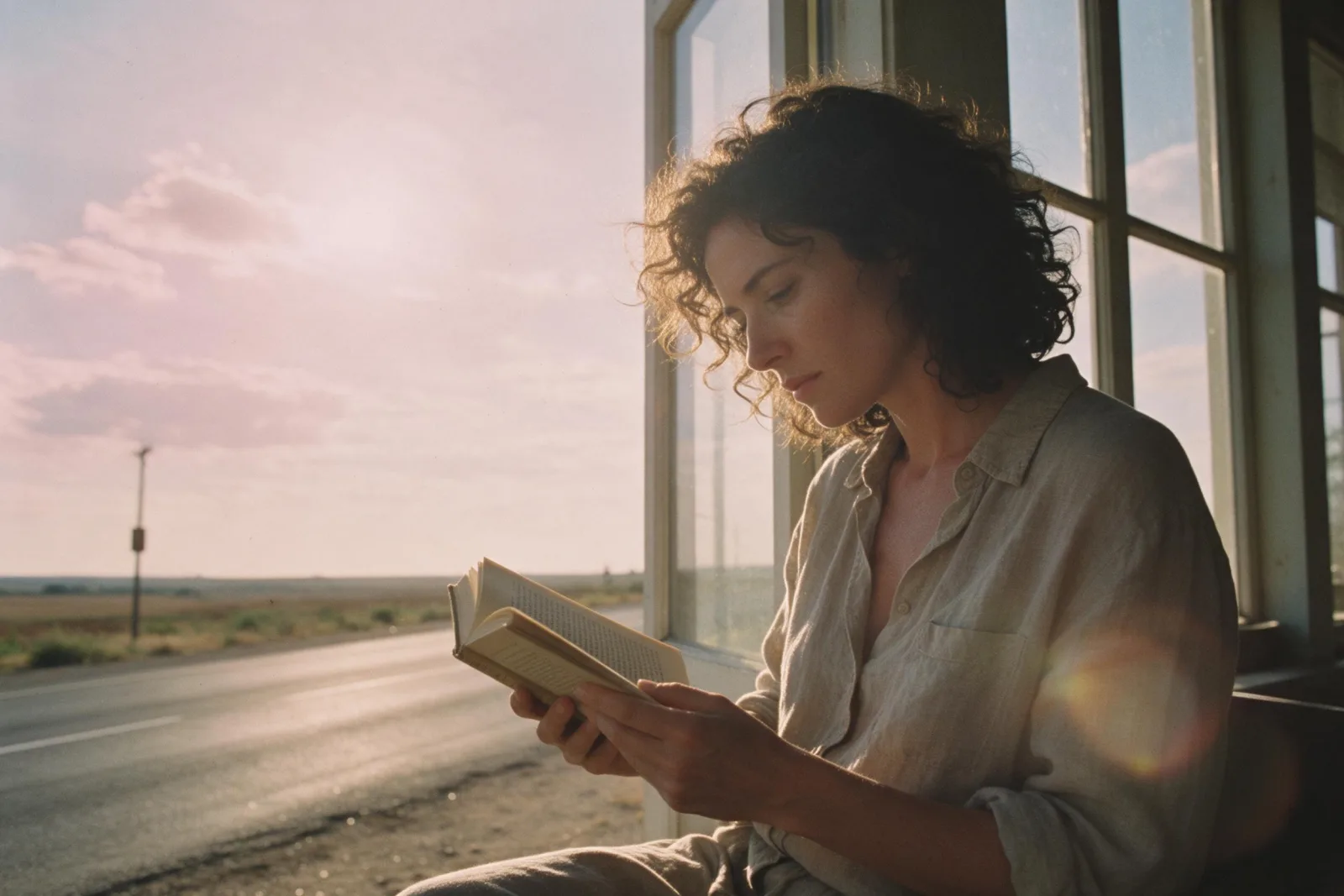
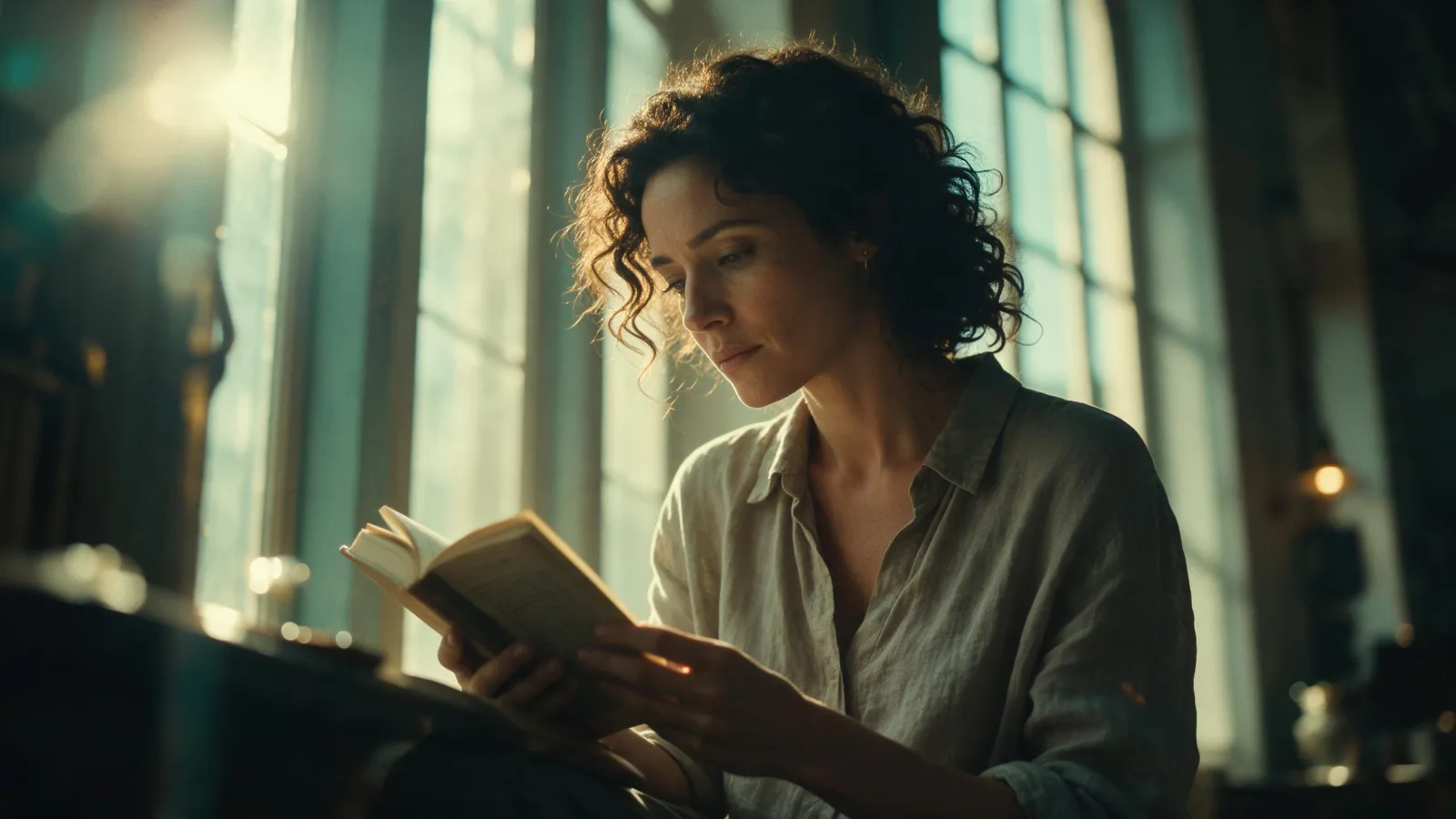
A widescreen movie frame: anamorphic framing, motivated practical light, a teal-and-amber grade and soft halation.

Works on

  • Seedream 5.0 ProBest$0.036 / image
  • Qwen Image 3.0$0.03 / image
  • Wan 2.7$0.03 / image
  • Z-Image$0.01 / image
  • + 20 more models

Related styles

Same person, same prompt — only the style changes

2000s Digicam
After Midnight Flash
Candlelit Velvet
Cinematic Gothic
Late-Night Hotel
Late-Night OVA
Moonlit Voile
Neon After Rain
After-Con Neon
Afterglow Pool
Airbrush Pin-up
Blush Neon
Brass Reflections
Cinematic Still
Manhwa Action
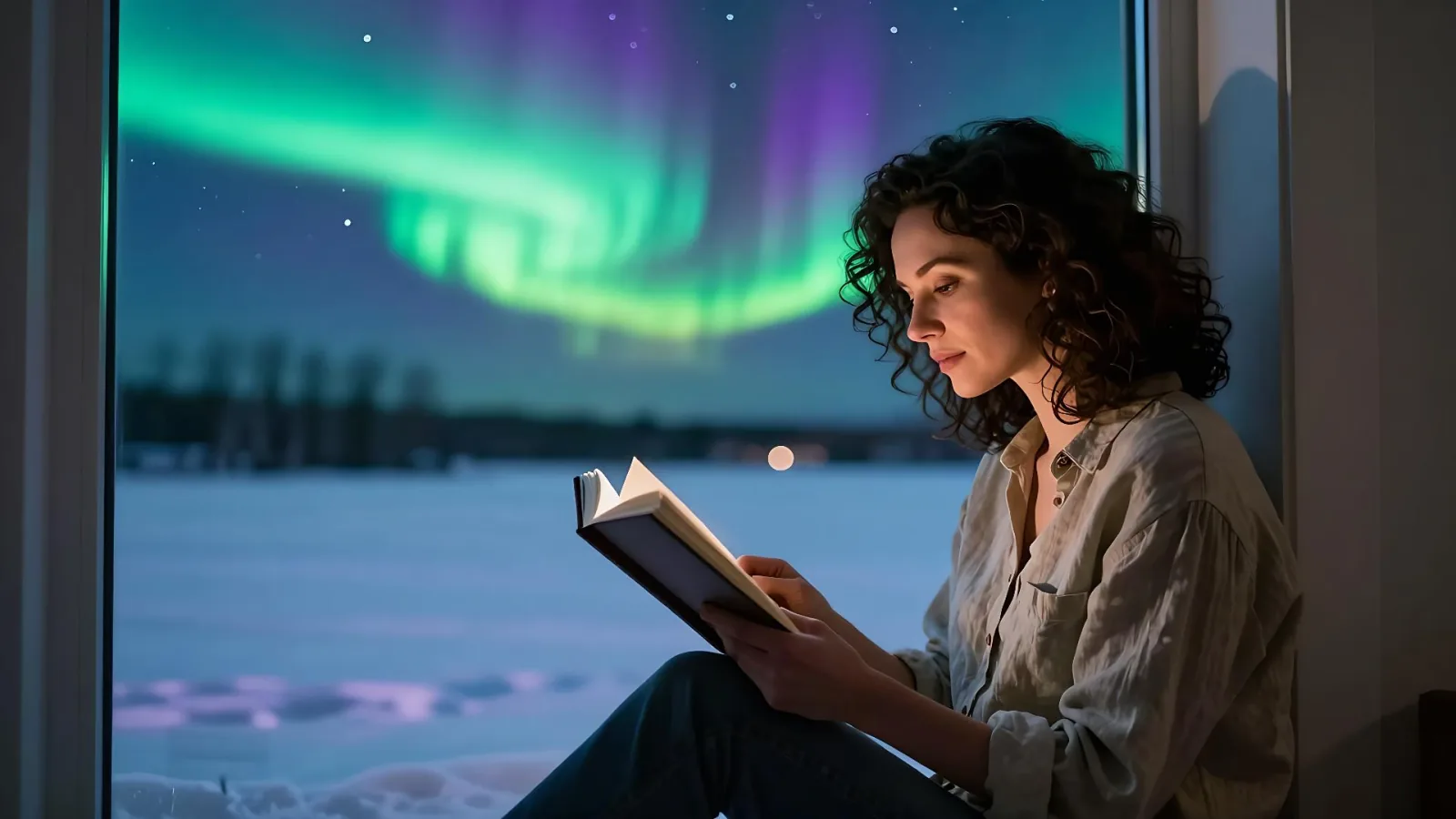
Aurora Night
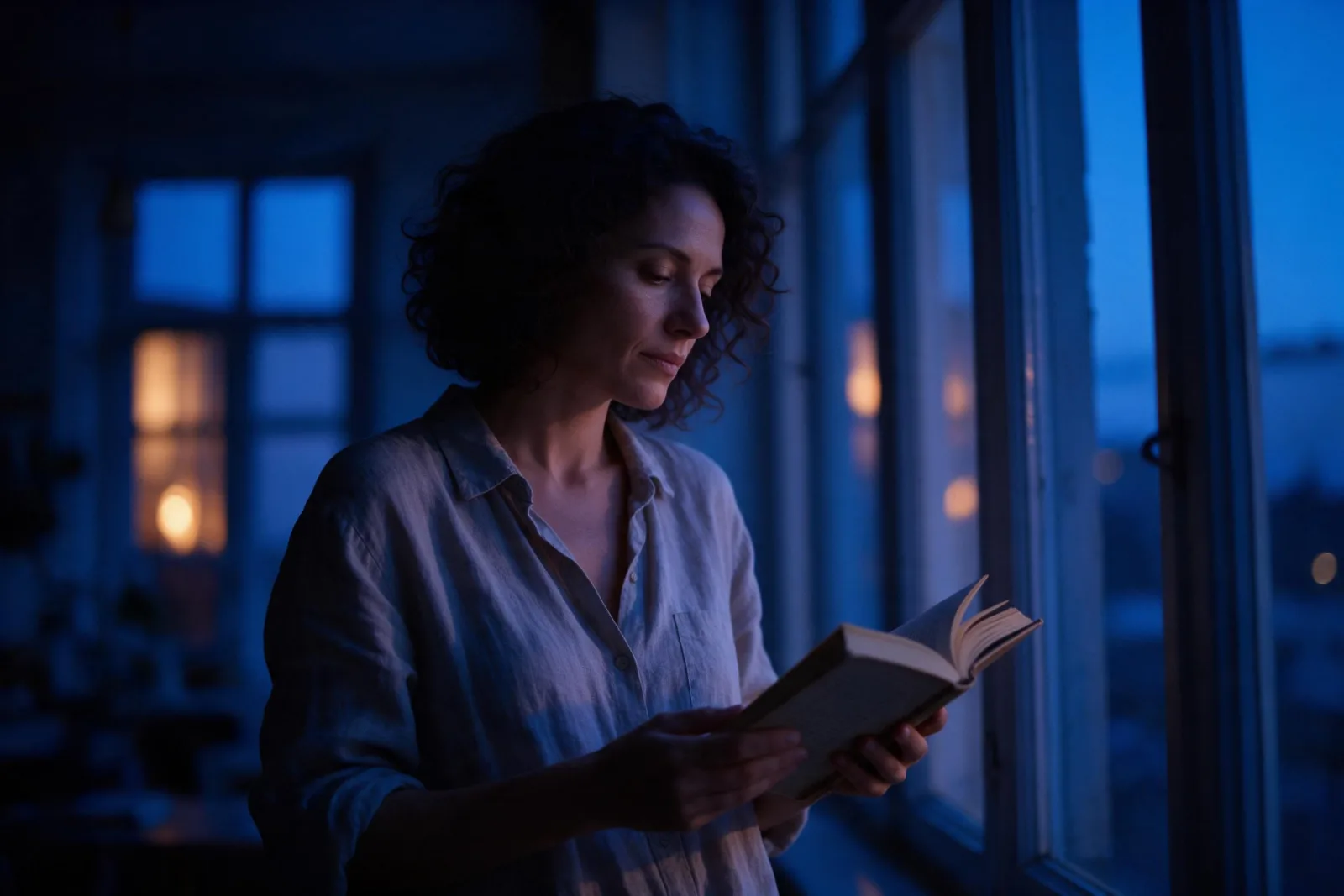
Blue Hour Quiet
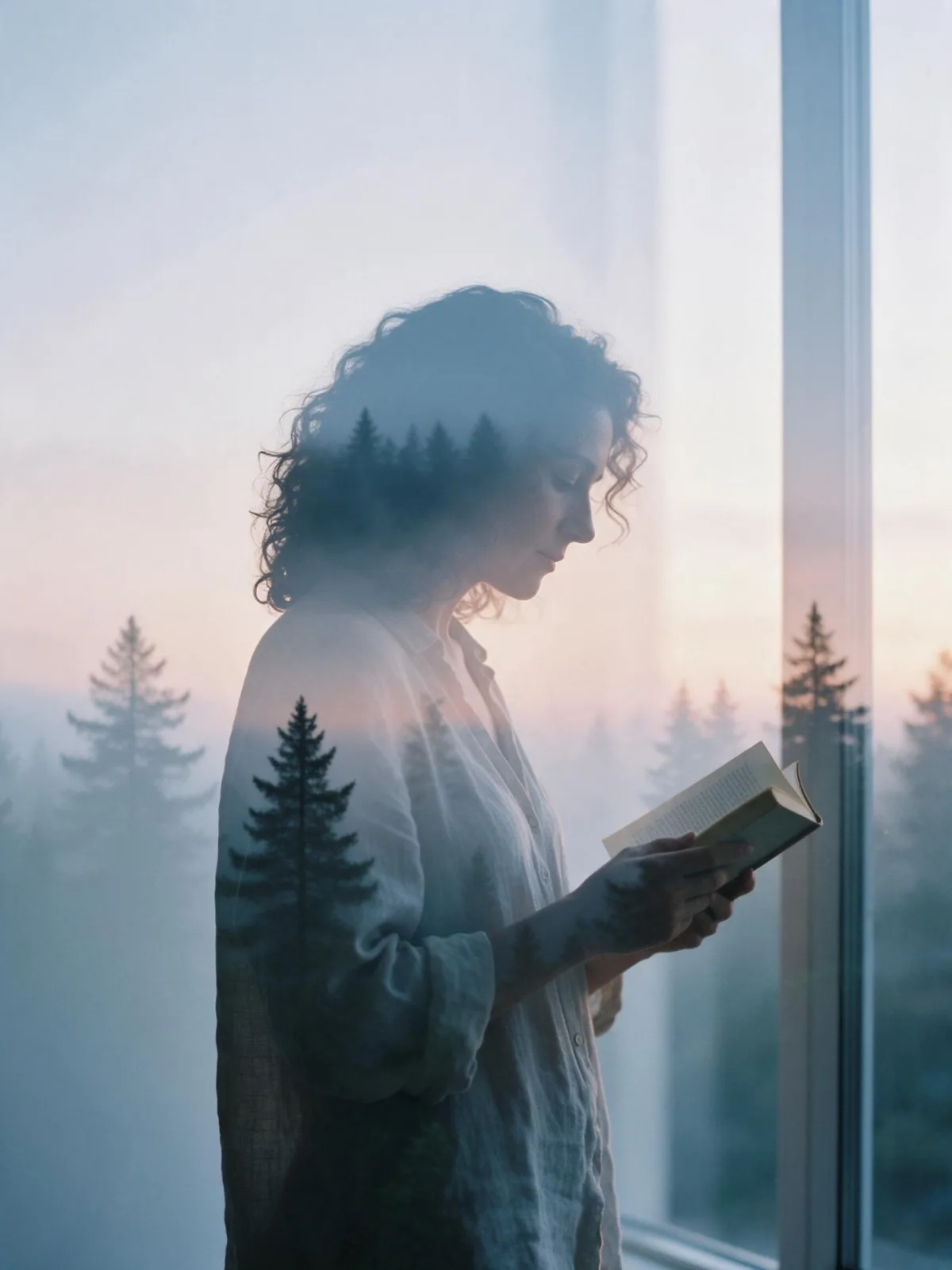
Double Exposure Dusk
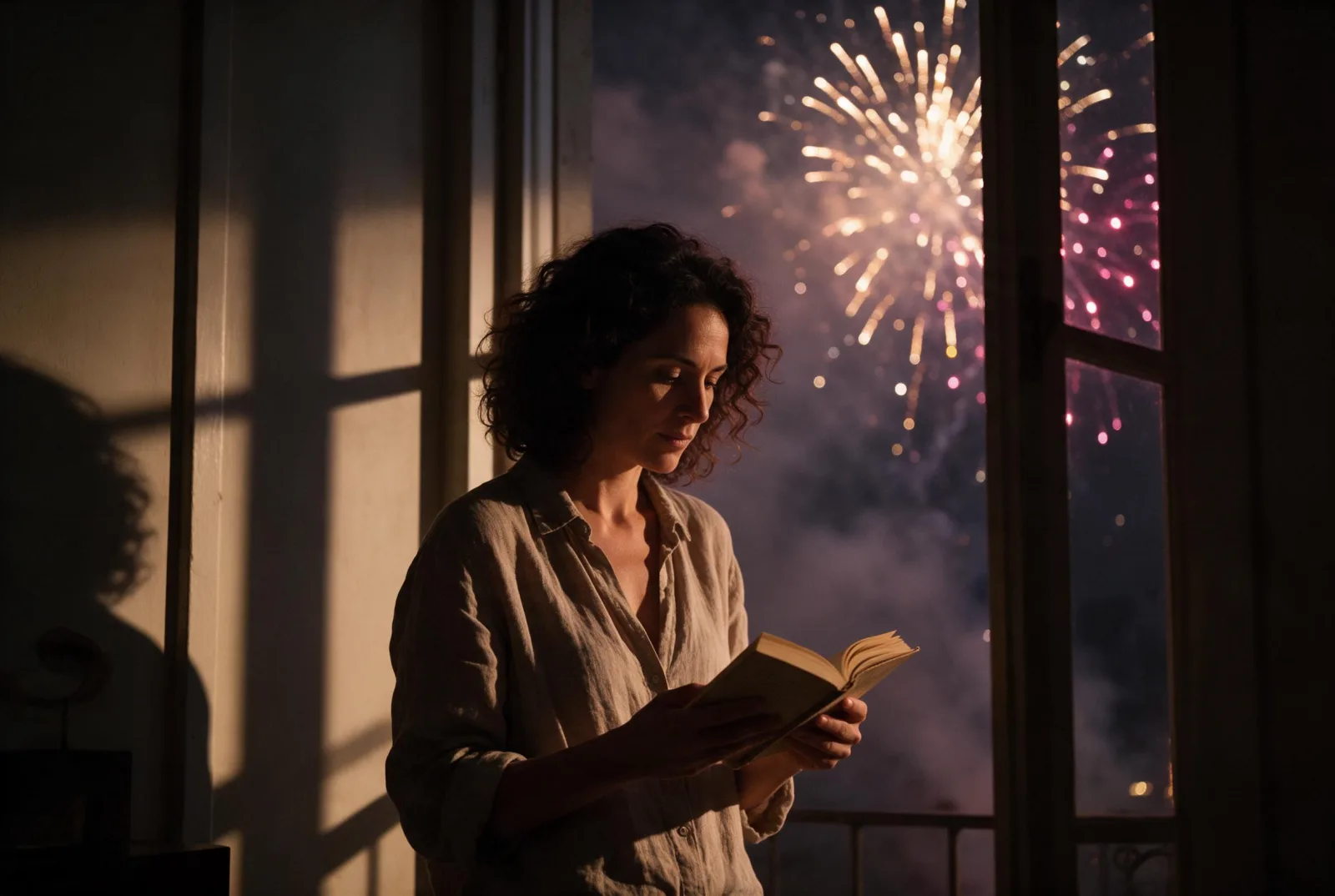
Firework Glow
Fog Bound
Instant Film
Sign up to generate

We never filter your prompt.

A widescreen movie frame: anamorphic framing, motivated practical light, a teal-and-amber grade and soft halation.

183 runs in the studio

Category
Photo & film
Works on
37 models
Price
From $0.01 / image
Suggested frame
21:9 · 16:9
Your own photo
Yes, restyles an upload

Same subject, with and without it

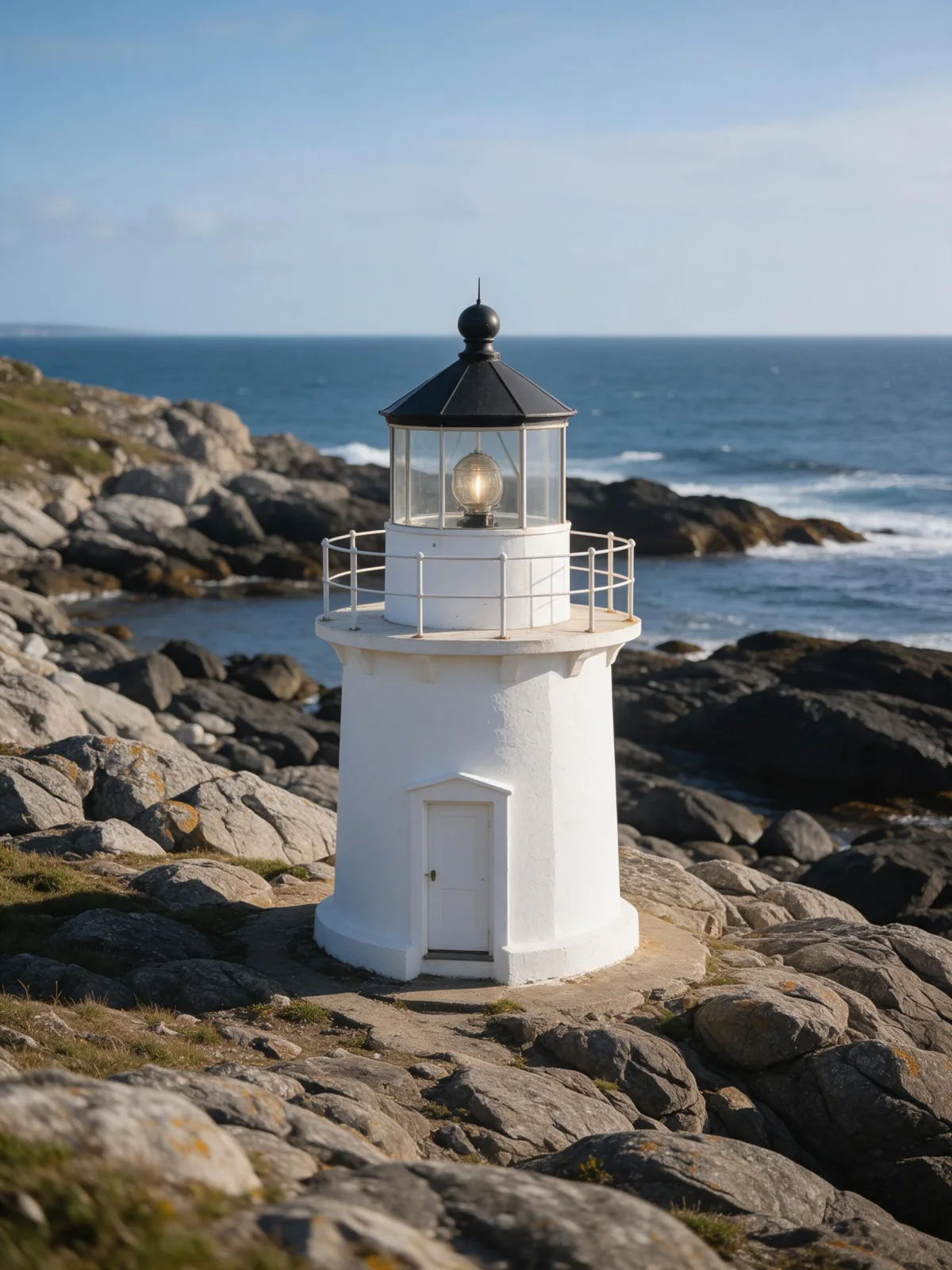
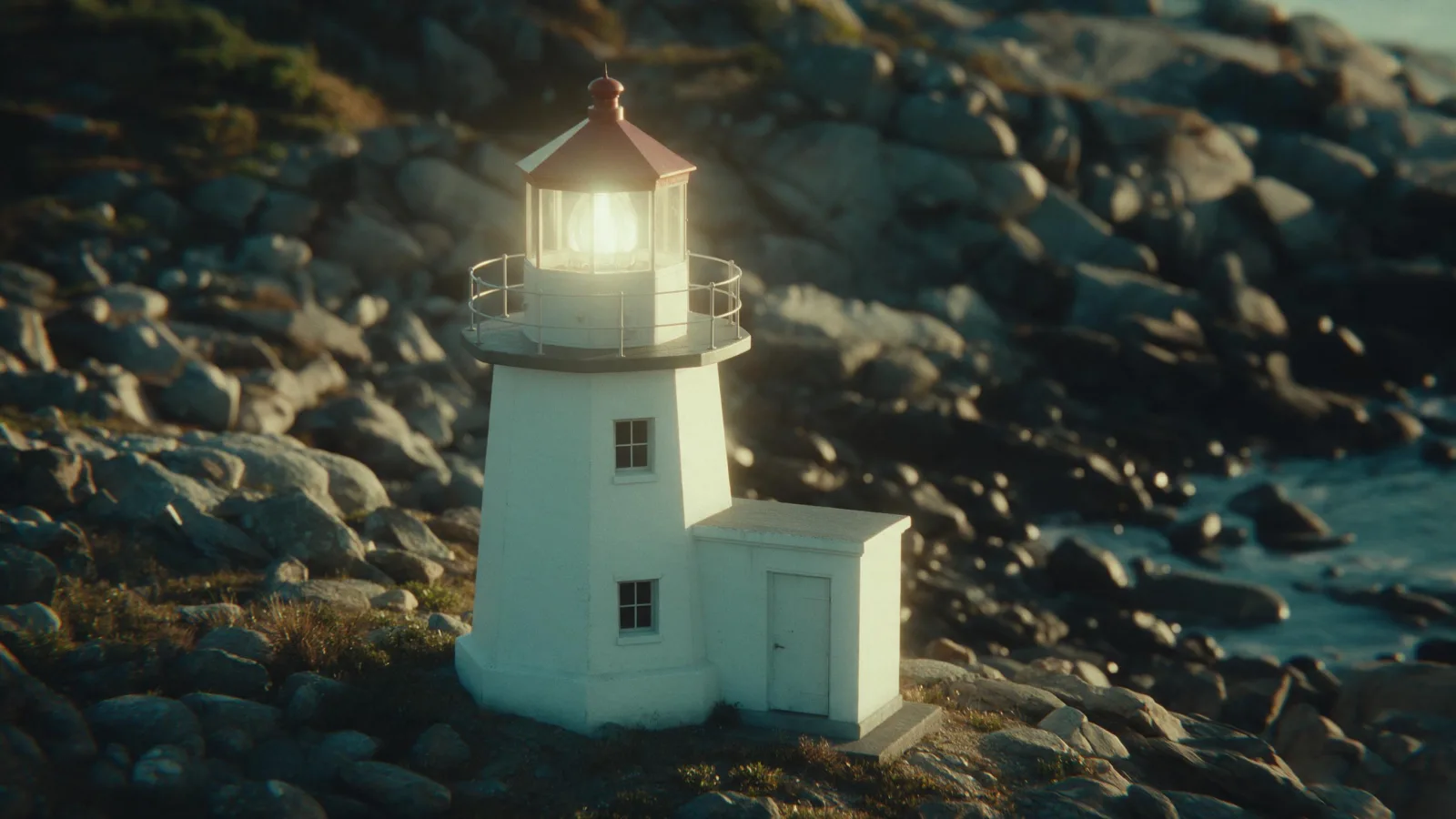
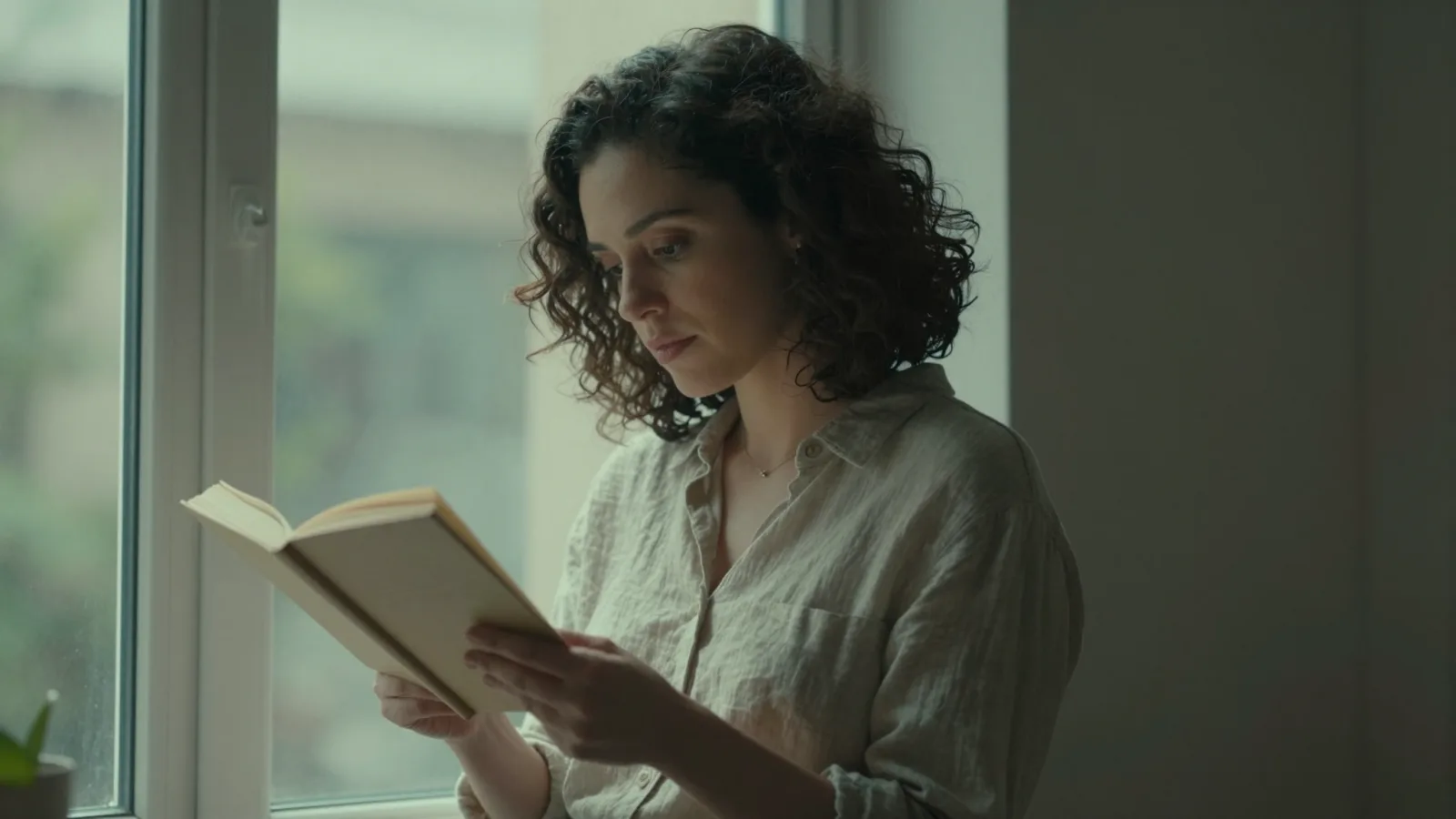
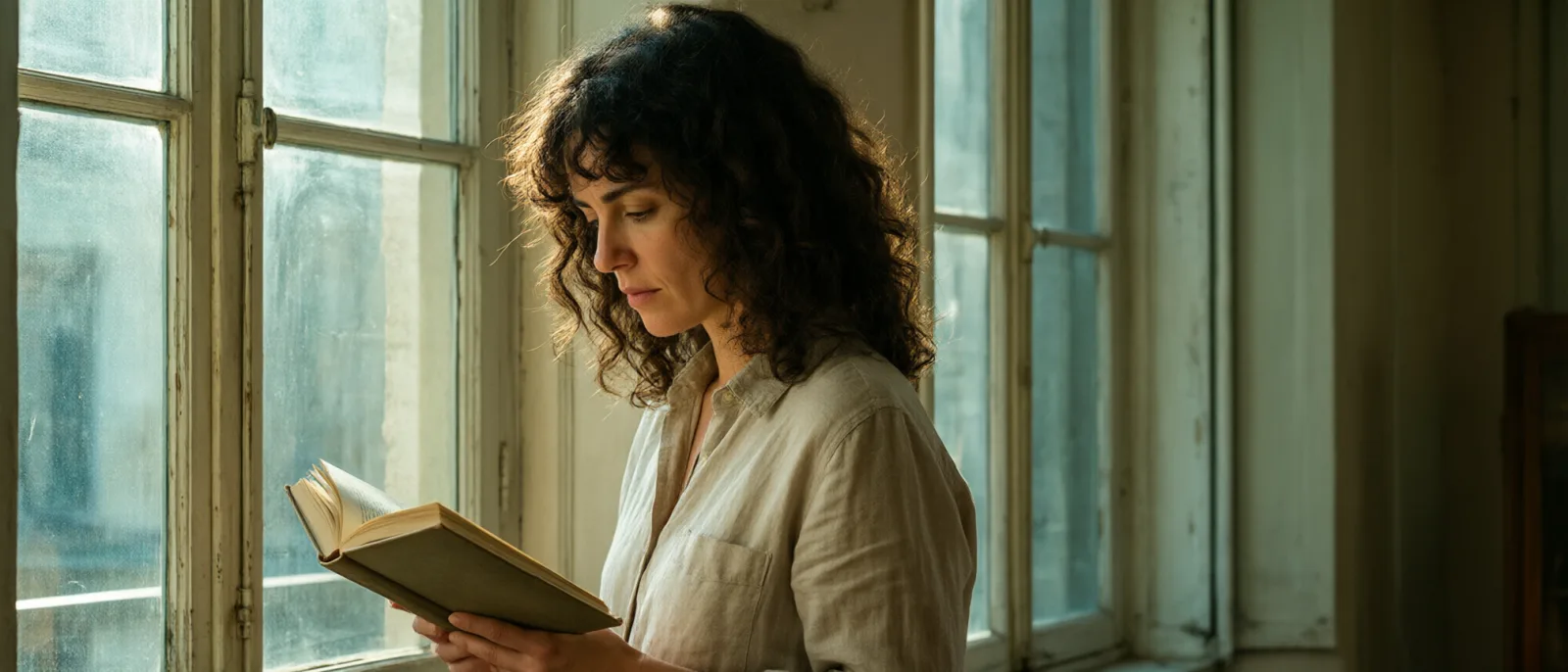
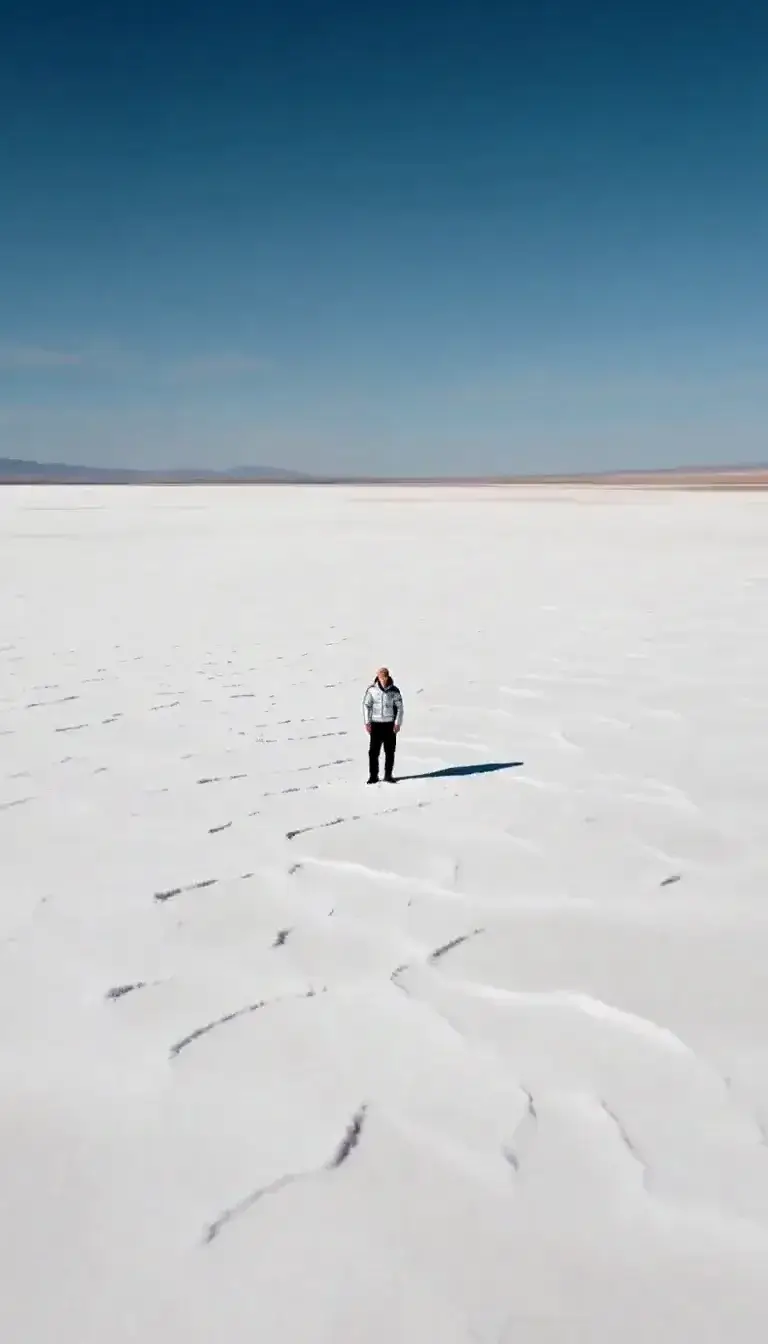
Each pair is the same sentence on the same model. The left frame has no style; the right one is Cinematic Still. That gap is what the style adds.

  • The test subject with no style, made with Seedream 5.0 Pro
    No style
    Sample in the Cinematic Still style, made with Seedream 5.0 Pro
    With Cinematic Still

    Seedream 5.0 Pro

  • The test subject with no style, made with Seedream 5.0 Pro
    No style
    Sample in the Cinematic Still style, made with Seedream 5.0 Pro
    With Cinematic Still

    Seedream 5.0 Pro

  • The test subject with no style, made with Seedream 5.0 Pro
    No style
    Sample in the Cinematic Still style, made with Seedream 5.0 Pro
    With Cinematic Still

    Seedream 5.0 Pro

  • The test subject with no style, made with Seedream 5.0 Pro
    No style
    Sample in the Cinematic Still style, made with Seedream 5.0 Pro
    With Cinematic Still

    Seedream 5.0 Pro

Samples

The same fixed test subjects run through every style, so you see what Cinematic Still does rather than what the subject brings.

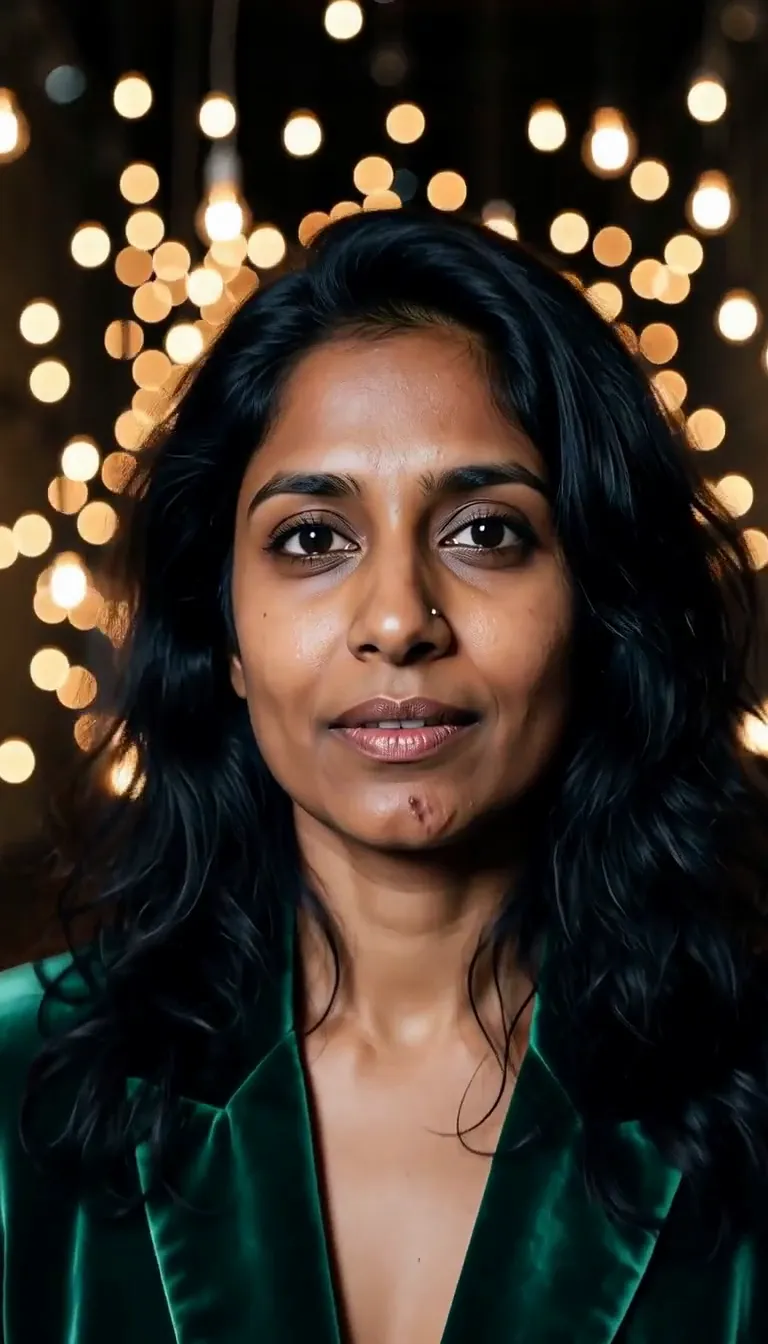
  • Sample in the Cinematic Still style, made with Z-Image
    Z-Image
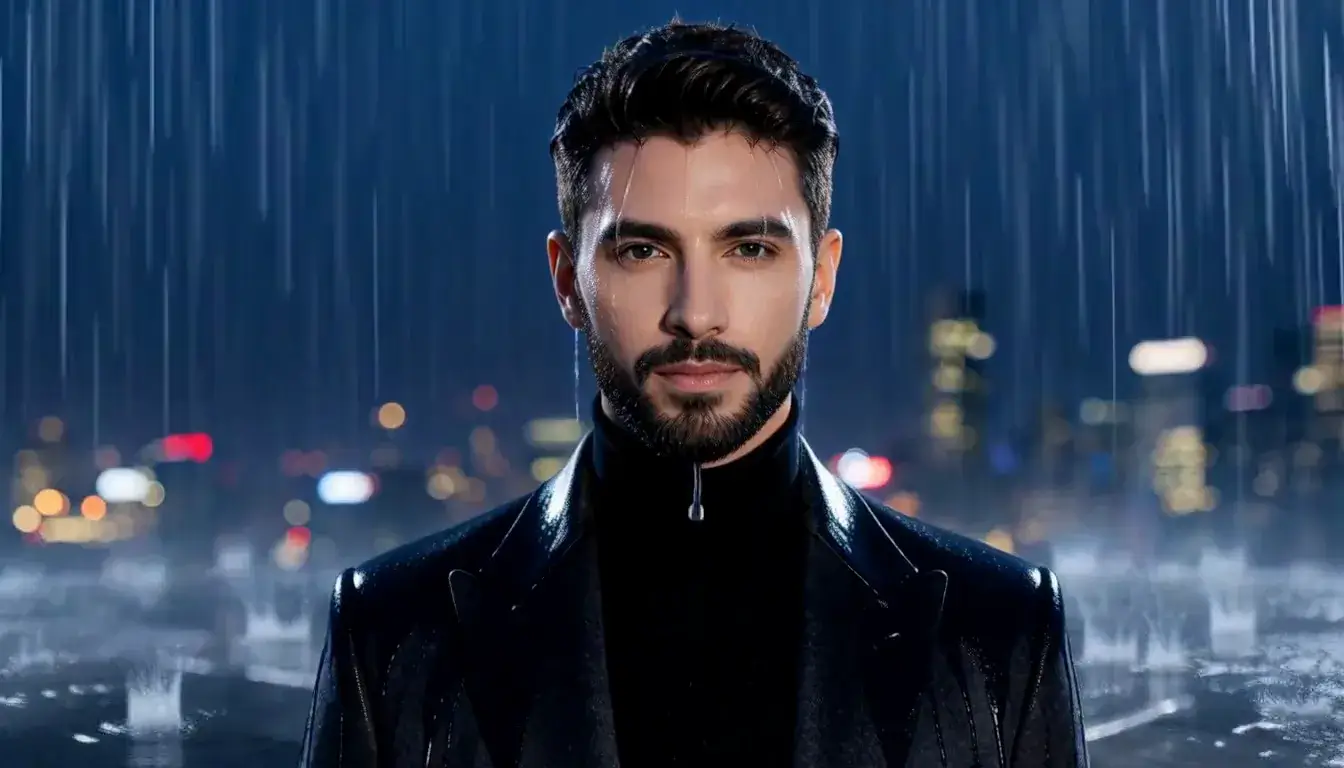
  • Sample in the Cinematic Still style, made with Qwen Image 3.0
    Qwen Image 3.0

About Cinematic Still

Cinematic Still turns any subject into a frame from a film. The picture goes widescreen, the light comes from things that could be in the scene — a lamp, a neon sign, a car’s headlights — the grade splits into teal shadows and amber highlights, and bright points bloom with a soft halation you only see on film.

Write a moment rather than a portrait: a man waiting at a rainy bus stop, a woman reading a letter at a kitchen table at night, a cat watching snow from a windowsill, a lighthouse beam cutting through fog. The style supplies the lens, the light and the grade, so the image feels like it belongs to a story that started before it and continues after.

For this composition, we recommend 21:9, with 16:9 as another framing option. That shape alone does a lot of the work; keep it if you can.

Cinematic Still also works on an uploaded image. In image-to-image mode it regrades your picture — light, color, depth and halation — and keeps the composition, pose and clothing untouched. It is a quick way to make a phone photo look like a scene from a film. For a black-and-white version, use Noir Monochrome.

Subjects to paste as they are: “a man in a raincoat waiting at a bus stop under a flickering streetlight”, “a woman reading a letter at a kitchen table at night”, “a lighthouse beam cutting through heavy fog”. Every one of them suggests a story, and the style frames it like a film.

Finishes that work on top: Film Grain for a more analog print, Soft Bloom for extra halation around lights, Golden Hour for a warm exterior scene. For black and white, use Noir Monochrome rather than the Monochrome finish.

Tips that make it land

  • Describe an action in progress, not a pose. Films are made of moments: waiting, turning, reaching, leaving.
  • Name one light source in the scene — a desk lamp, a shop sign, a streetlight. The style is built on motivated light.
  • Keep the ultrawide ratio for the full effect. Cropping to square loses most of the cinema.
  • For uploads, pick an image with a clear subject and some depth behind it; the shallow-focus grade needs a background to soften.
  • Rain, fog, steam and dust all catch motivated light beautifully; one of them in your subject adds instant depth.

The prompt it sends

Your sentence goes where {subject} sits. Everything around it is the style. Nothing is hidden, and we never filter your prompt.

{subject}, cinematic film still, widescreen anamorphic framing, motivated practical lighting, teal-and-amber grade, shallow depth of field, soft halation around highlights
Use Cinematic Still now

With your own photo

When you add a reference image, this wording is sent instead, so your composition stays and the look changes.

Regrade the image as a cinematic film still with motivated practical lighting, a teal-and-amber color grade, shallow depth of field and soft halation around the highlights. {subject}. Keep the composition, pose and clothing unchanged.

Prompt ideas for Cinematic Still

Scenes from our prompt library that suit this look. Borrow the idea as your subject line; the style adds the rest.

Noir & cinematic

Models it works on

Every model below was tested with this style. The price is per image and shows on the Generate button before you run.

How to use Cinematic Still

  1. 01

    Write who or what

    Write one plain sentence for your Cinematic Still image: who or what is in it and what is happening. The style brings the light, color and medium, so leave those out.

  2. 02

    Keep Cinematic Still on

    It is already selected at the top of this page and lands best on Seedream 5.0 Pro, the model it was tuned on. Add a photo if you want your composition kept and only the look changed.

  3. 03

    Generate

    From $0.01 per image, shown on the button before you run. Pick your favorite Cinematic Still frame, then edit it, restyle it or make it move from the result.

Questions about Cinematic Still

Make video

Styles are for stills. These effects start from one photo and add a single deliberate move.

Read next