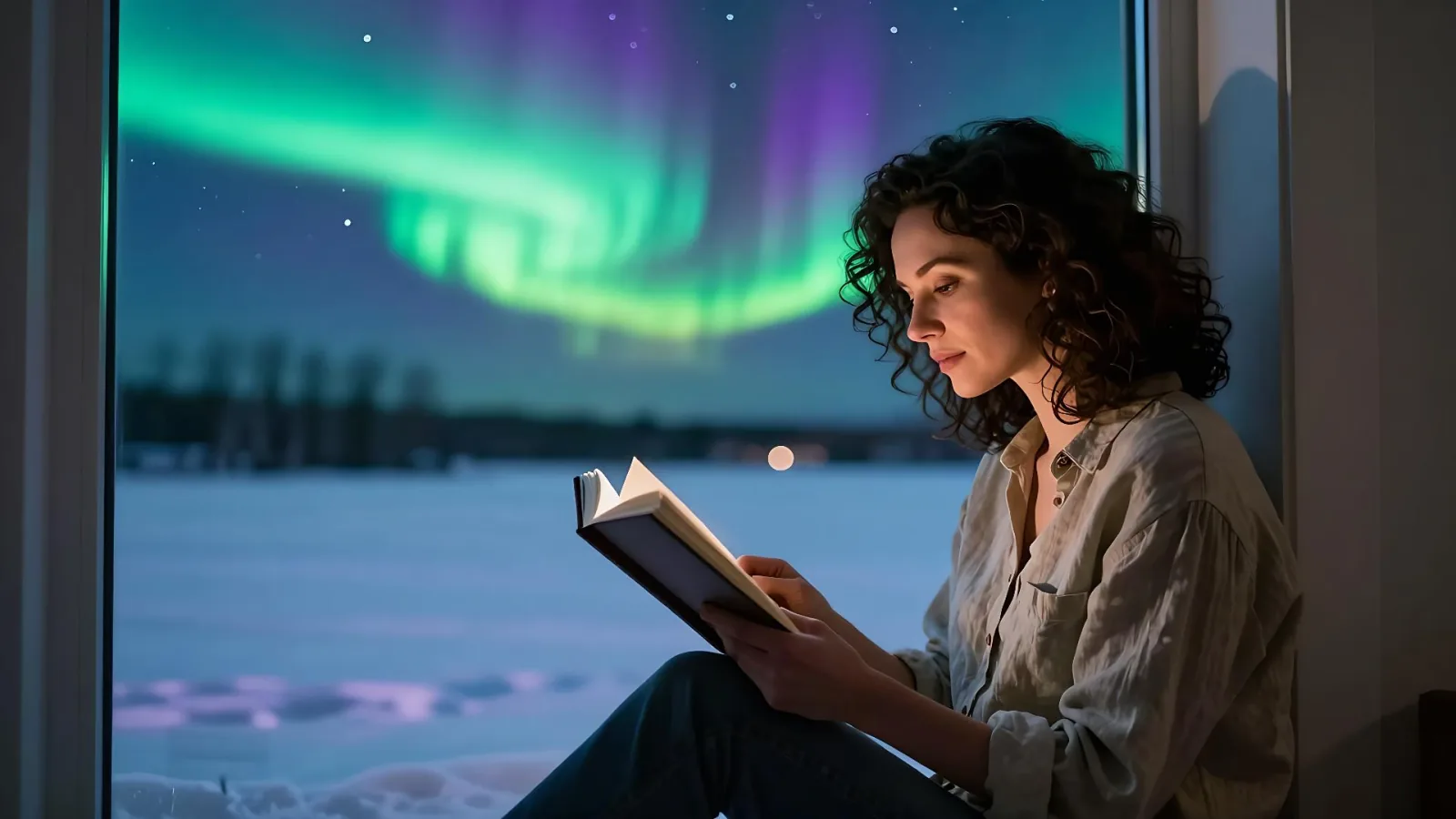
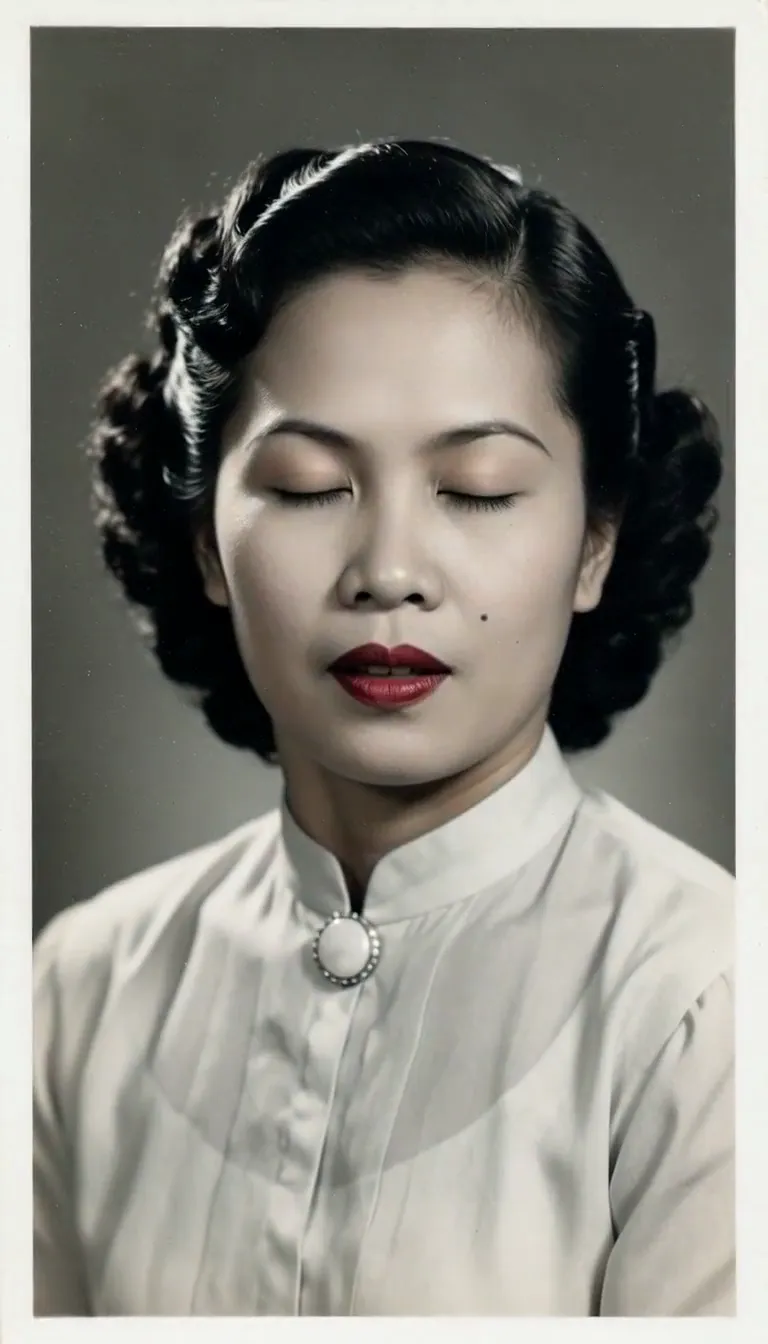
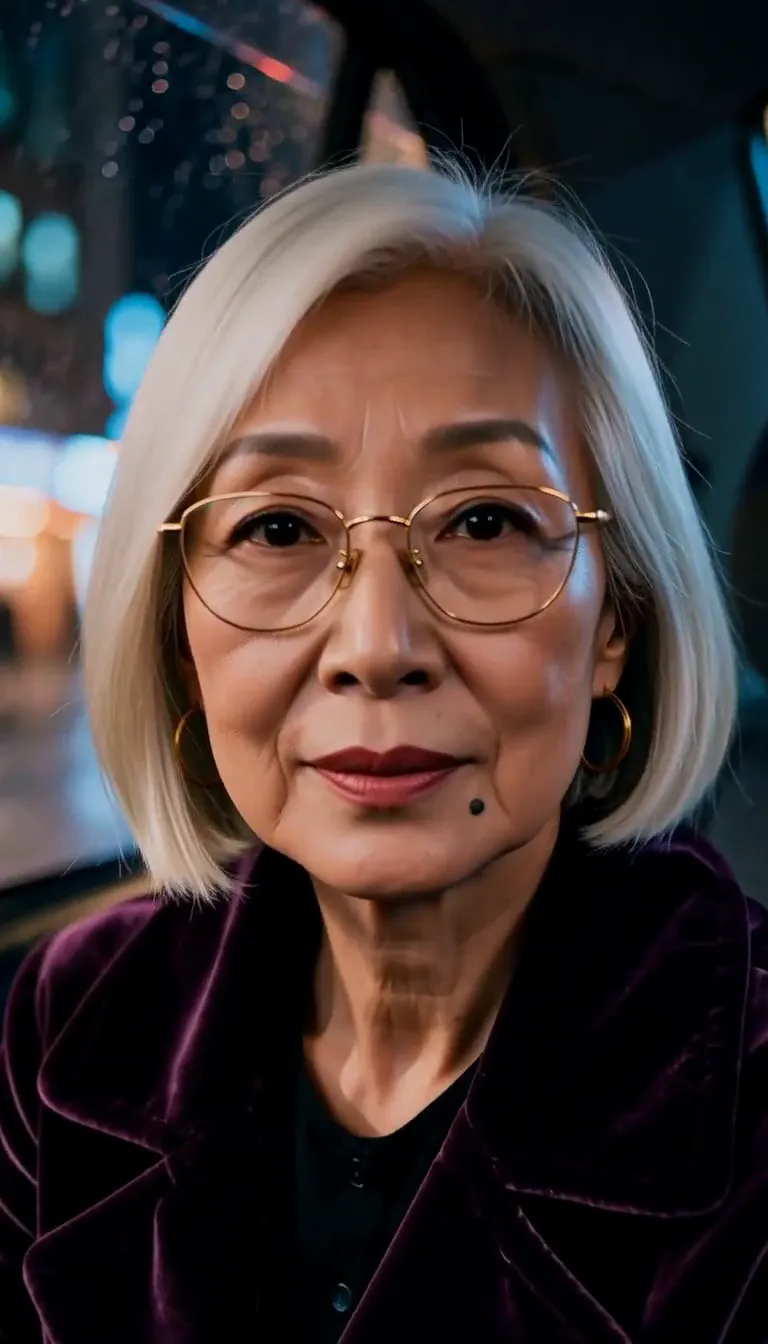
Realistic AI Portrait Generator: Natural Light Portrait

Effects
Natural Light Portrait

Natural Light Portrait

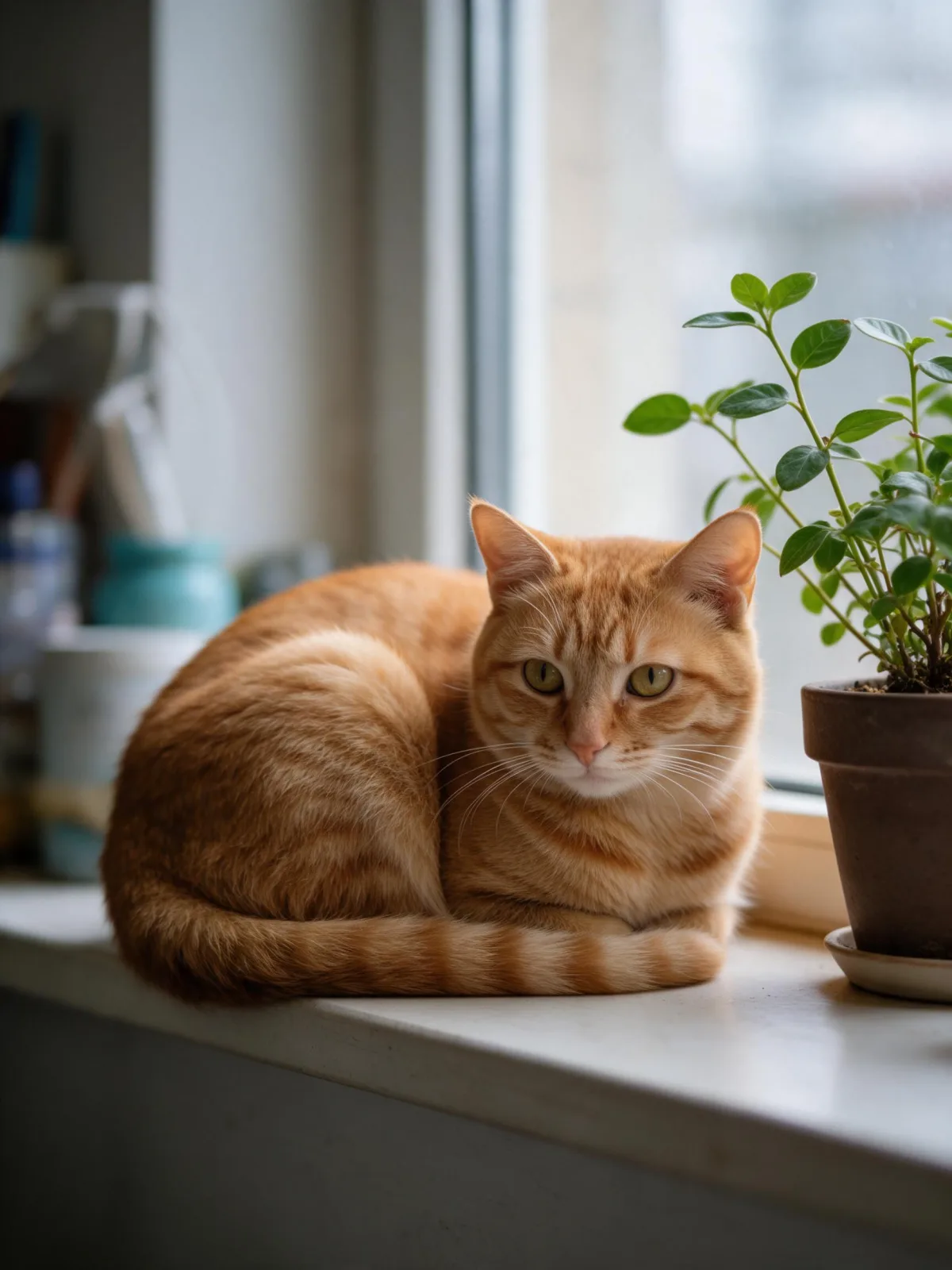
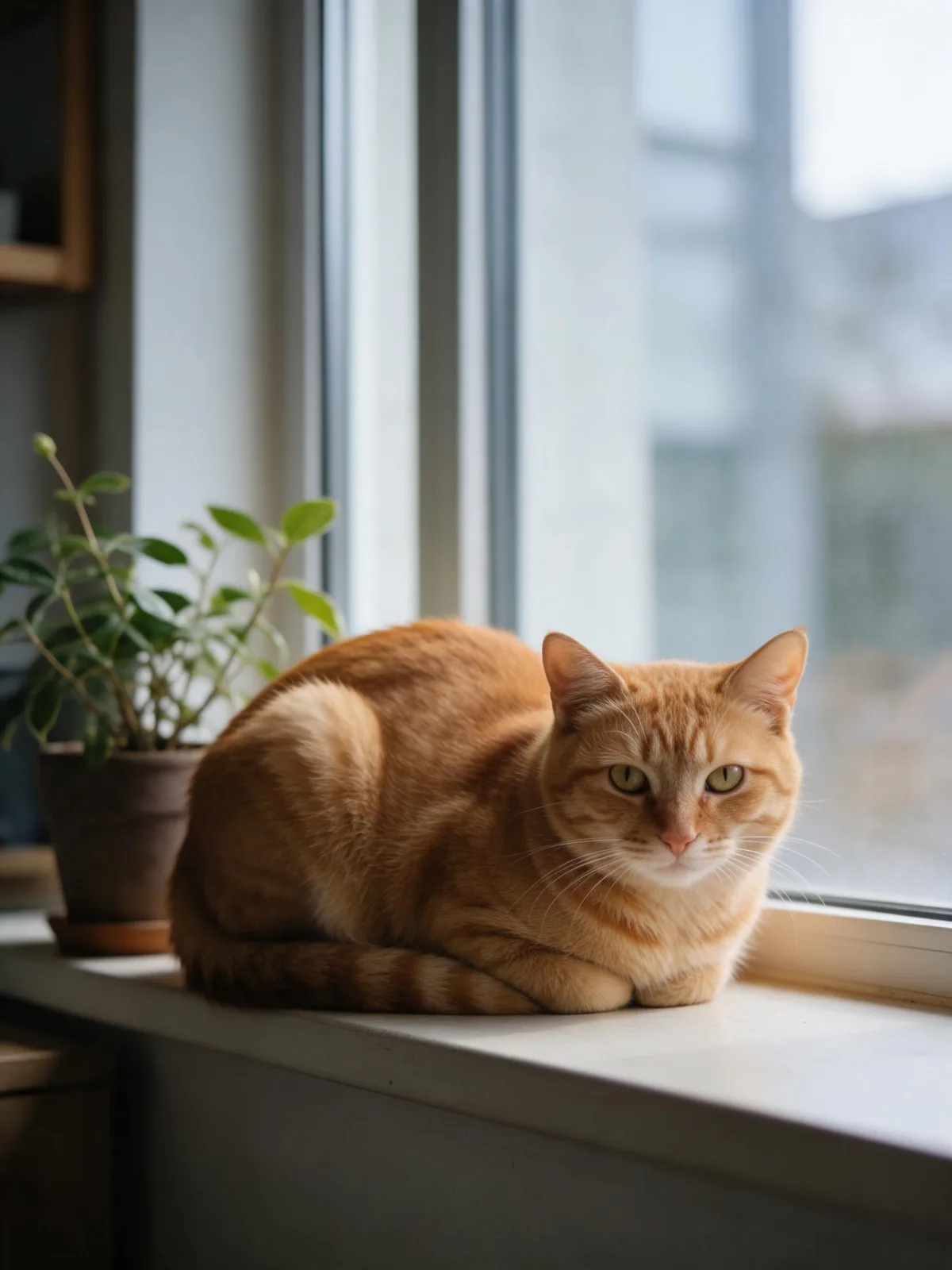
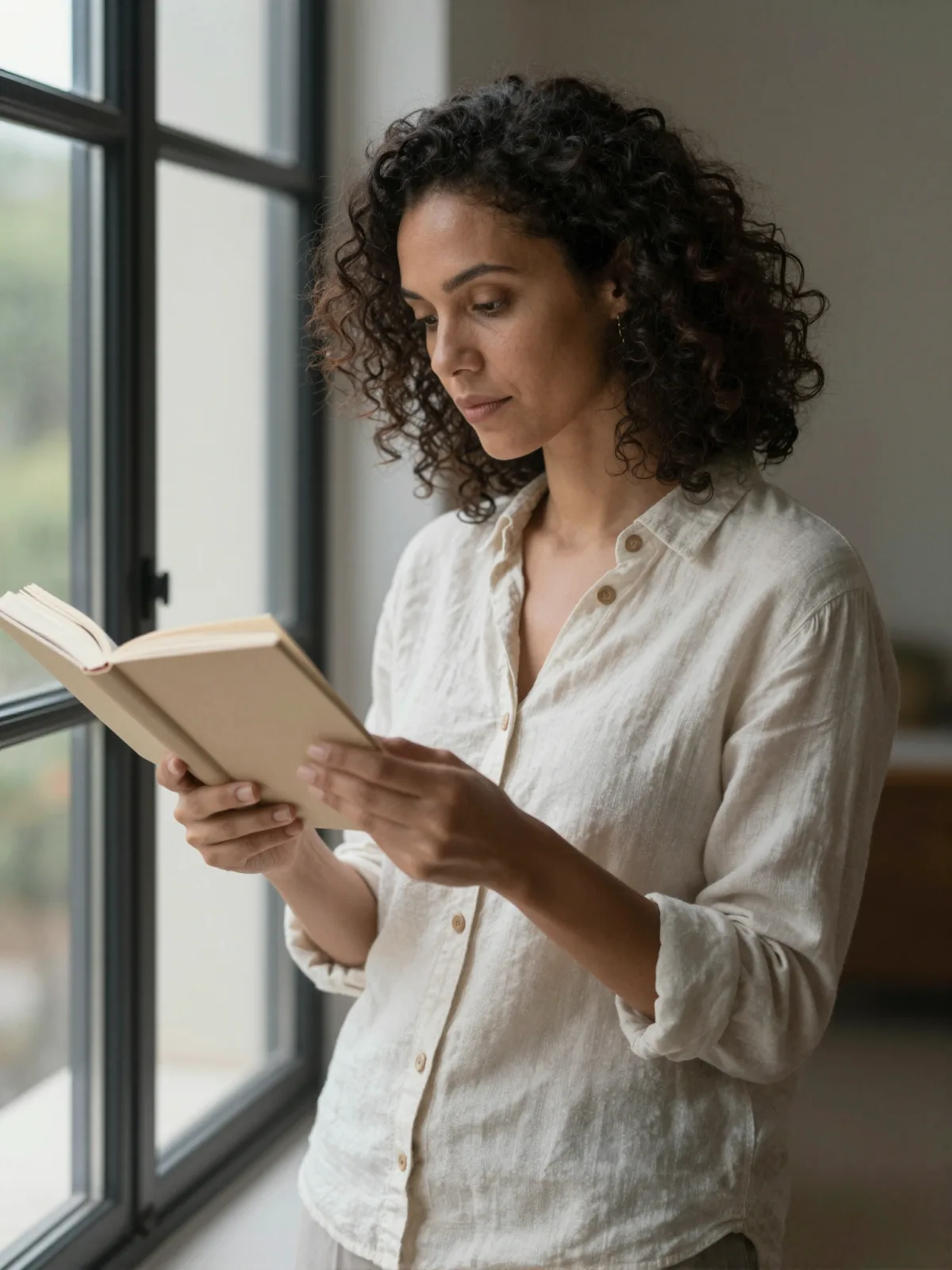
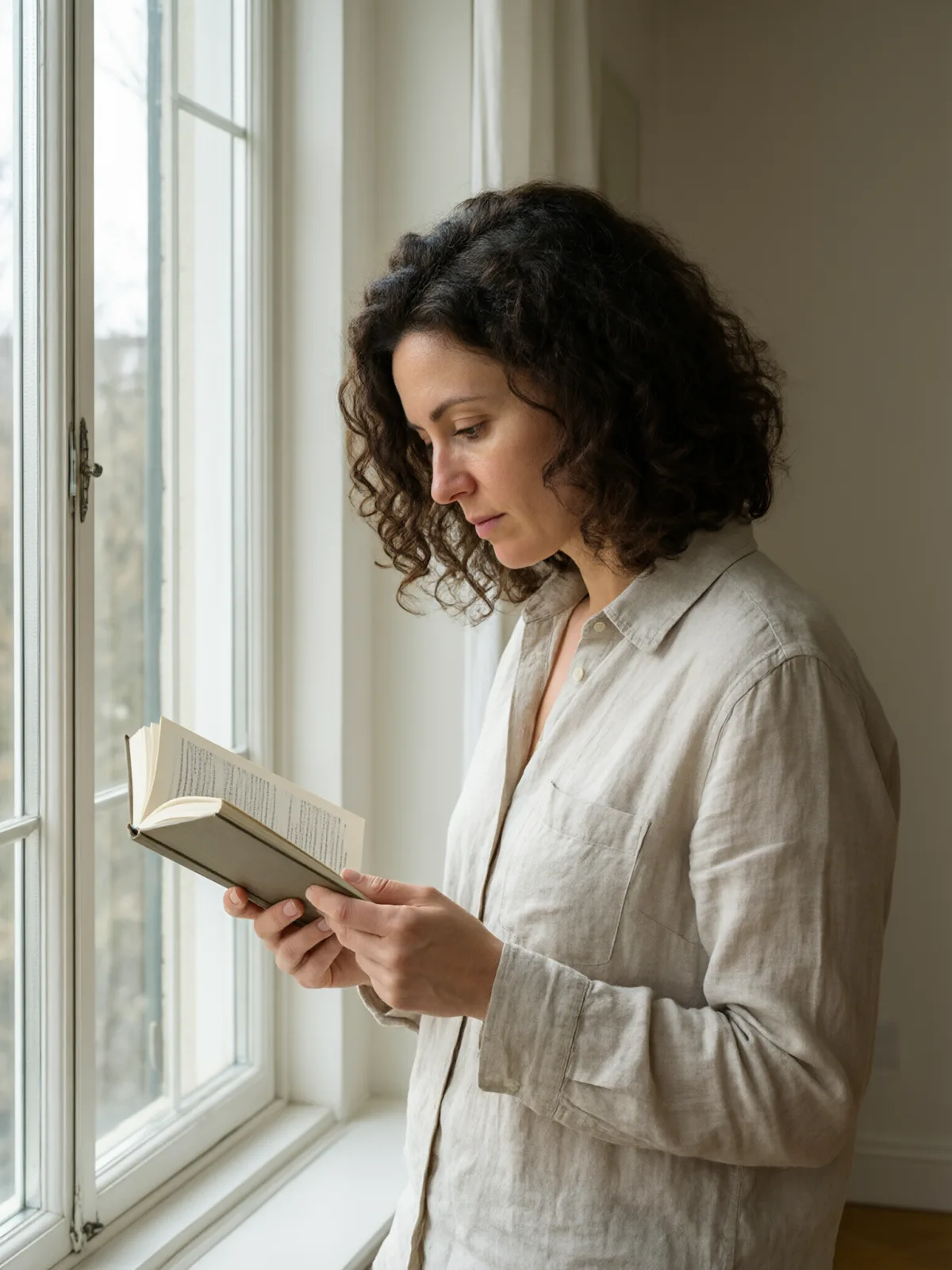
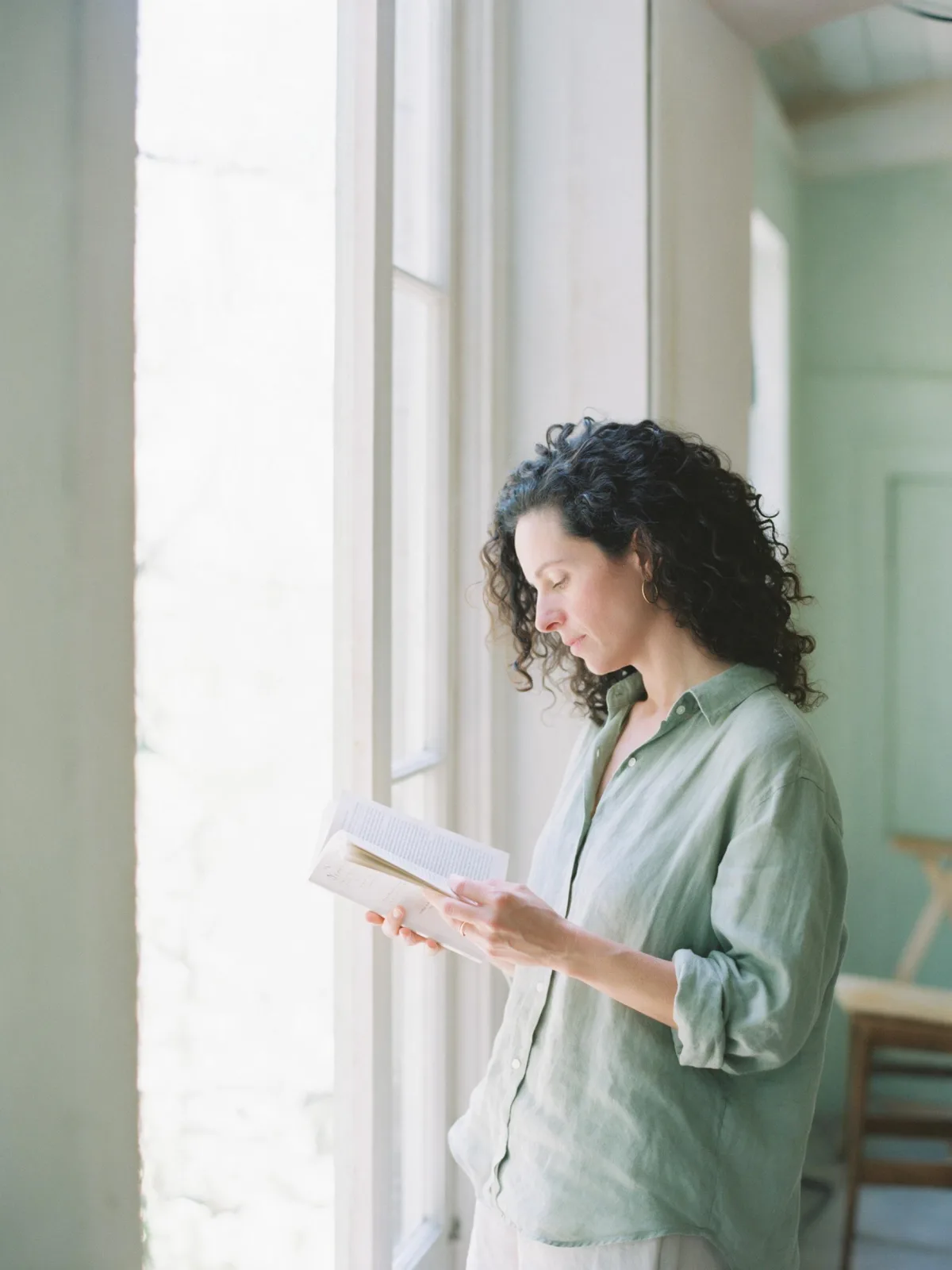
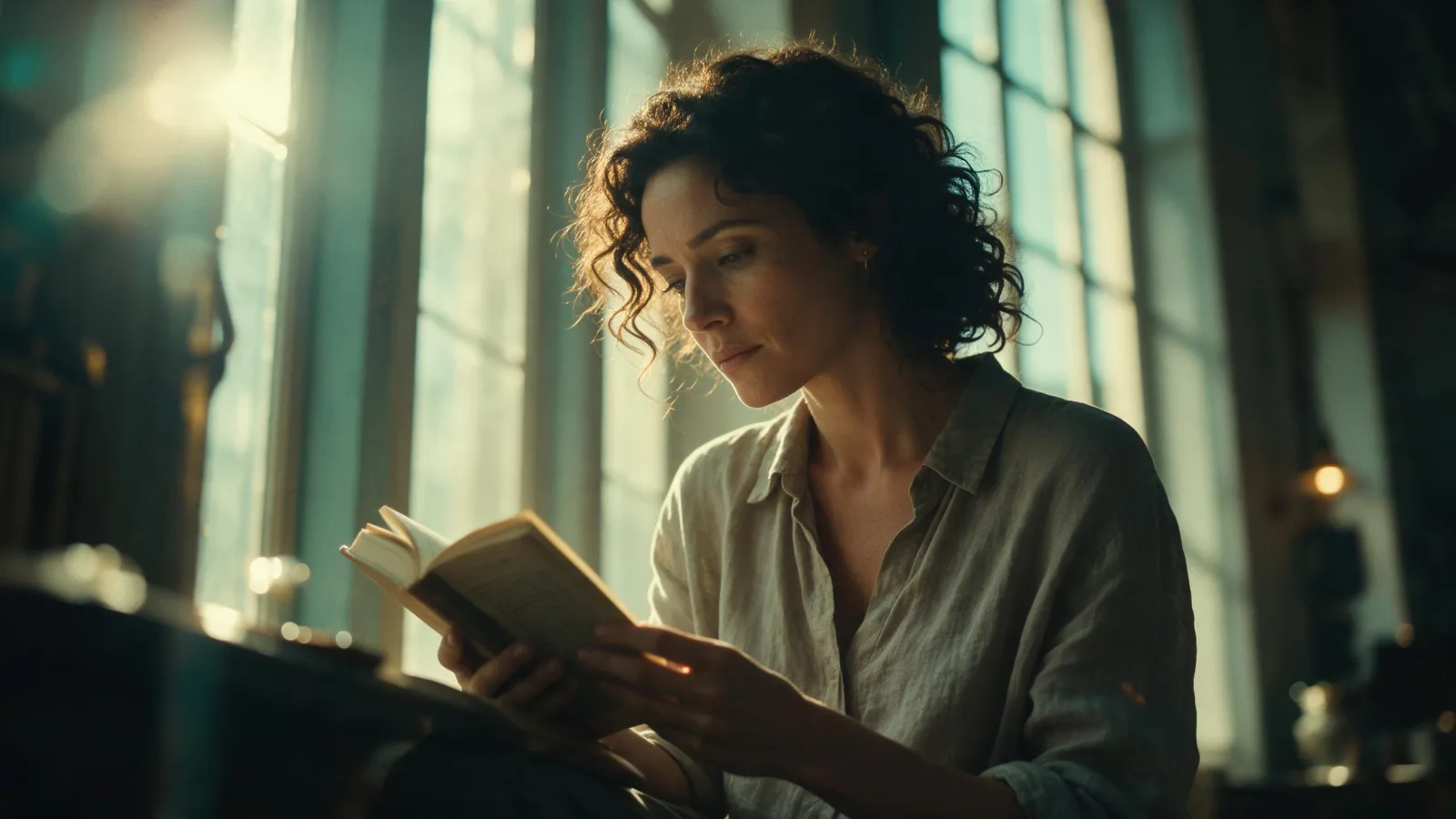
An honest, unretouched photograph beside a big window, with true-to-life texture and a soft 85mm background.

Works on

  • Seedream 5.0 ProBest$0.036 / image
  • Z-Image$0.01 / image
  • Krea 2 Medium$0.03 / image
  • Qwen Image 3.0$0.03 / image
  • + 19 more models

Related styles

Same person, same prompt — only the style changes

2000s Digicam
After Midnight Flash
Candlelit Velvet
Cinematic Gothic
Late-Night Hotel
Late-Night OVA
Moonlit Voile
Neon After Rain
After-Con Neon
Afterglow Pool
Airbrush Pin-up
Blush Neon
Brass Reflections
Glass Skin Studio
Quiet Luxury
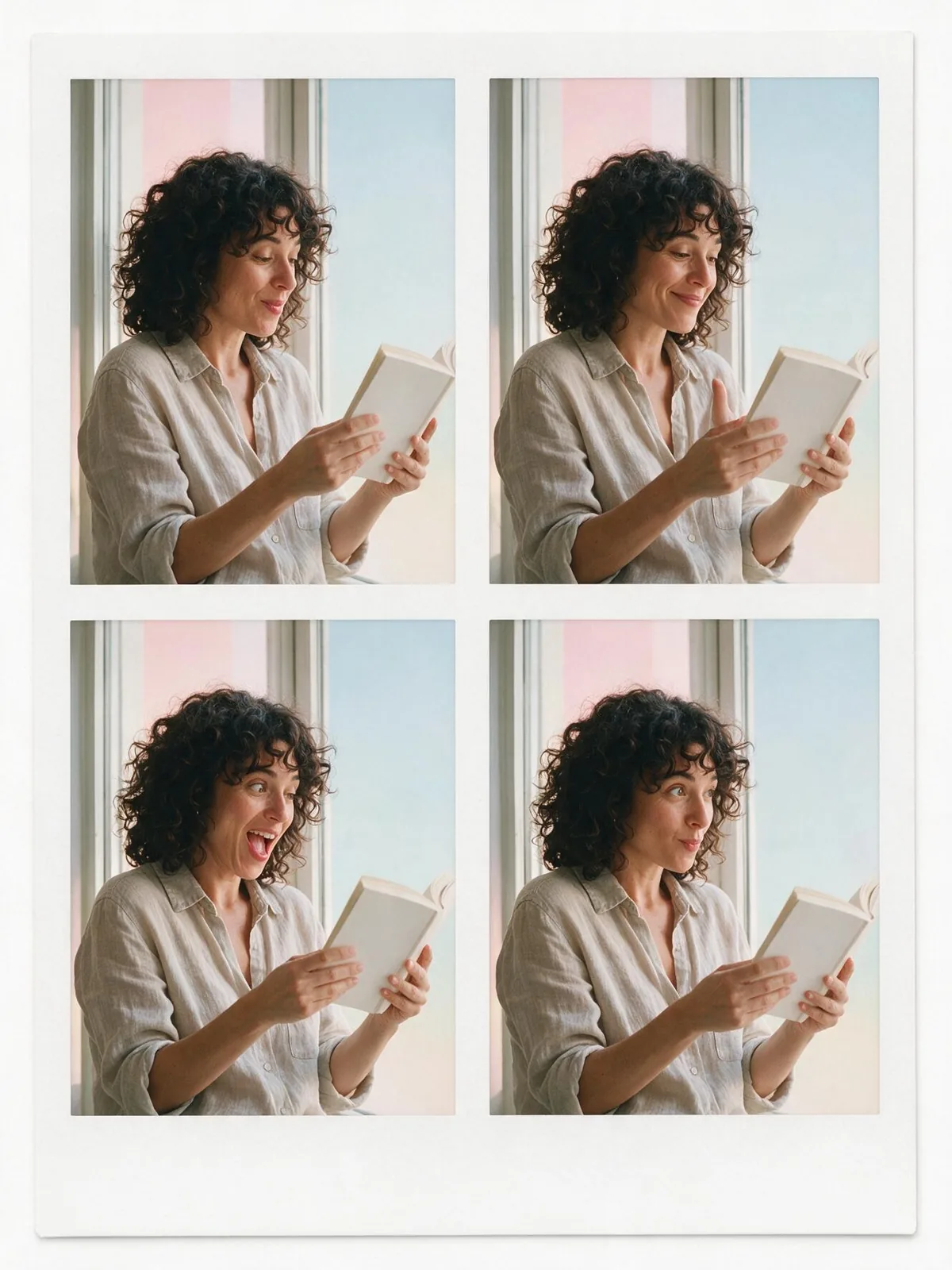
Four-Frame Booth
Manhwa Action
Mono Profile Studio
Color Block Studio
Drag-Shutter Flash
Instant Film
Natural Light Portrait
Sign up to generate

We never filter your prompt.

An honest, unretouched photograph beside a big window, with true-to-life texture and a soft 85mm background.

17 runs in the studio

Category
Photo & film
Works on
23 models
Price
From $0.01 / image
Suggested frame
4:5 · 3:4
Your own photo
Text only

Same subject, with and without it

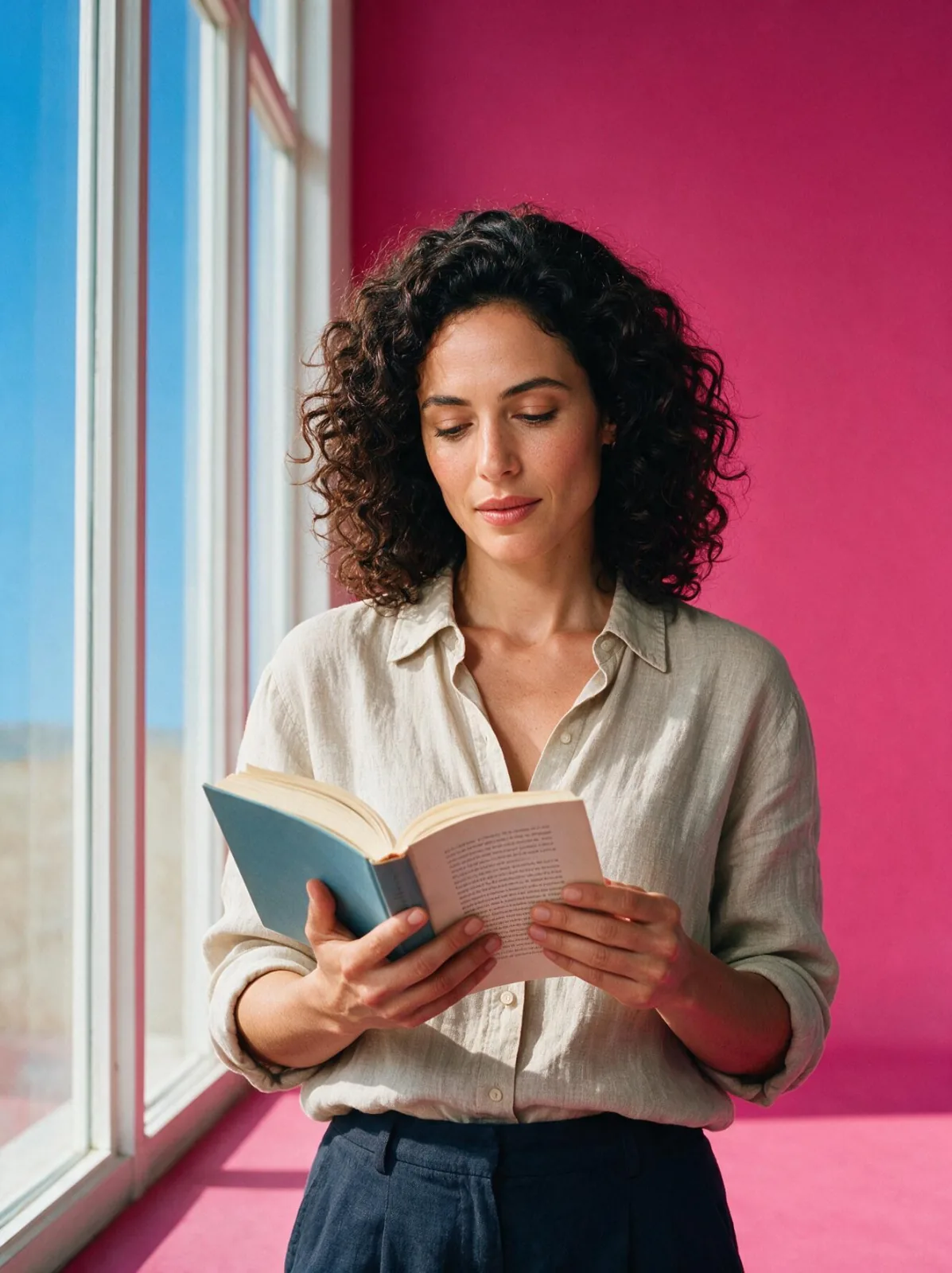
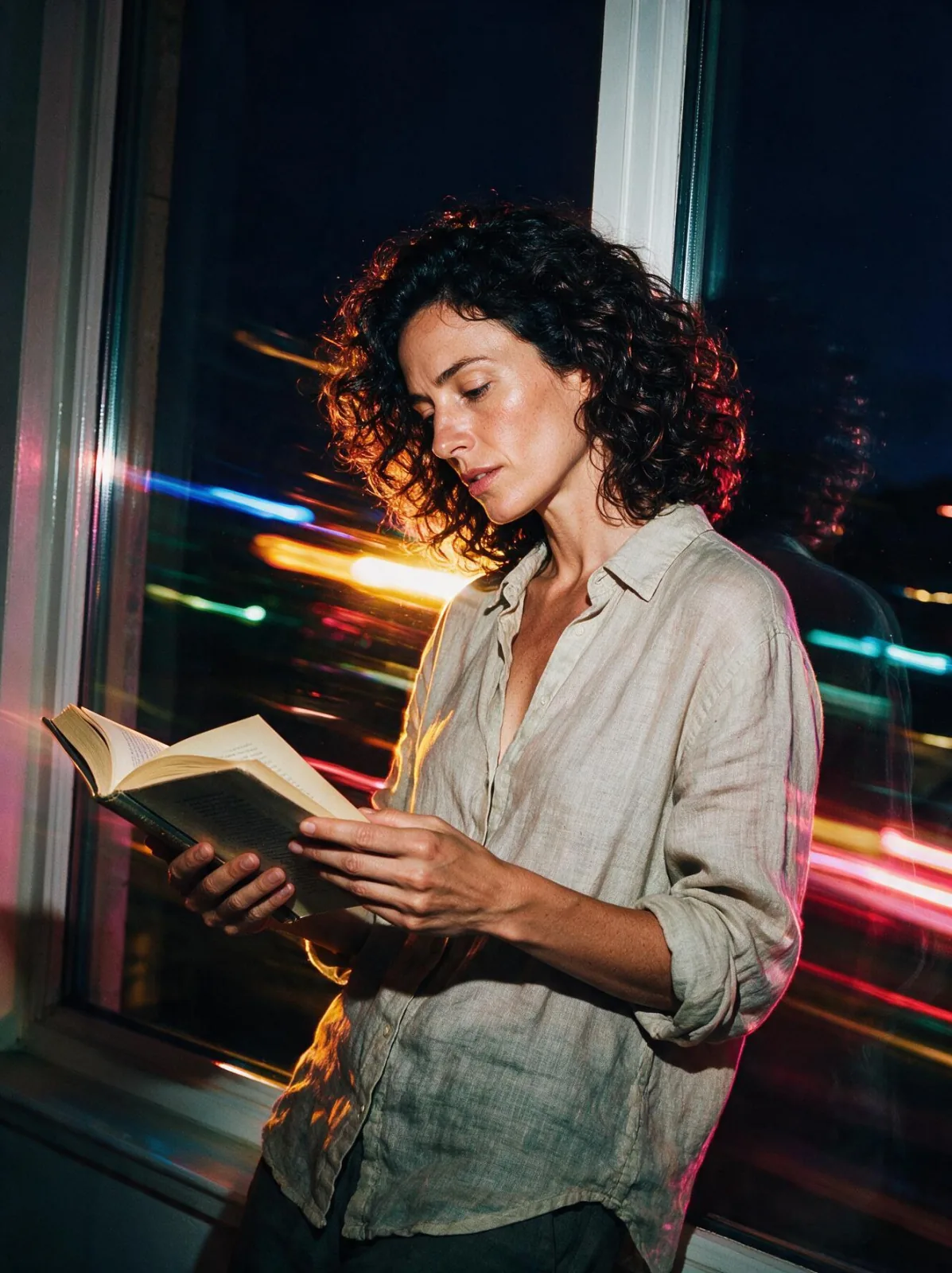
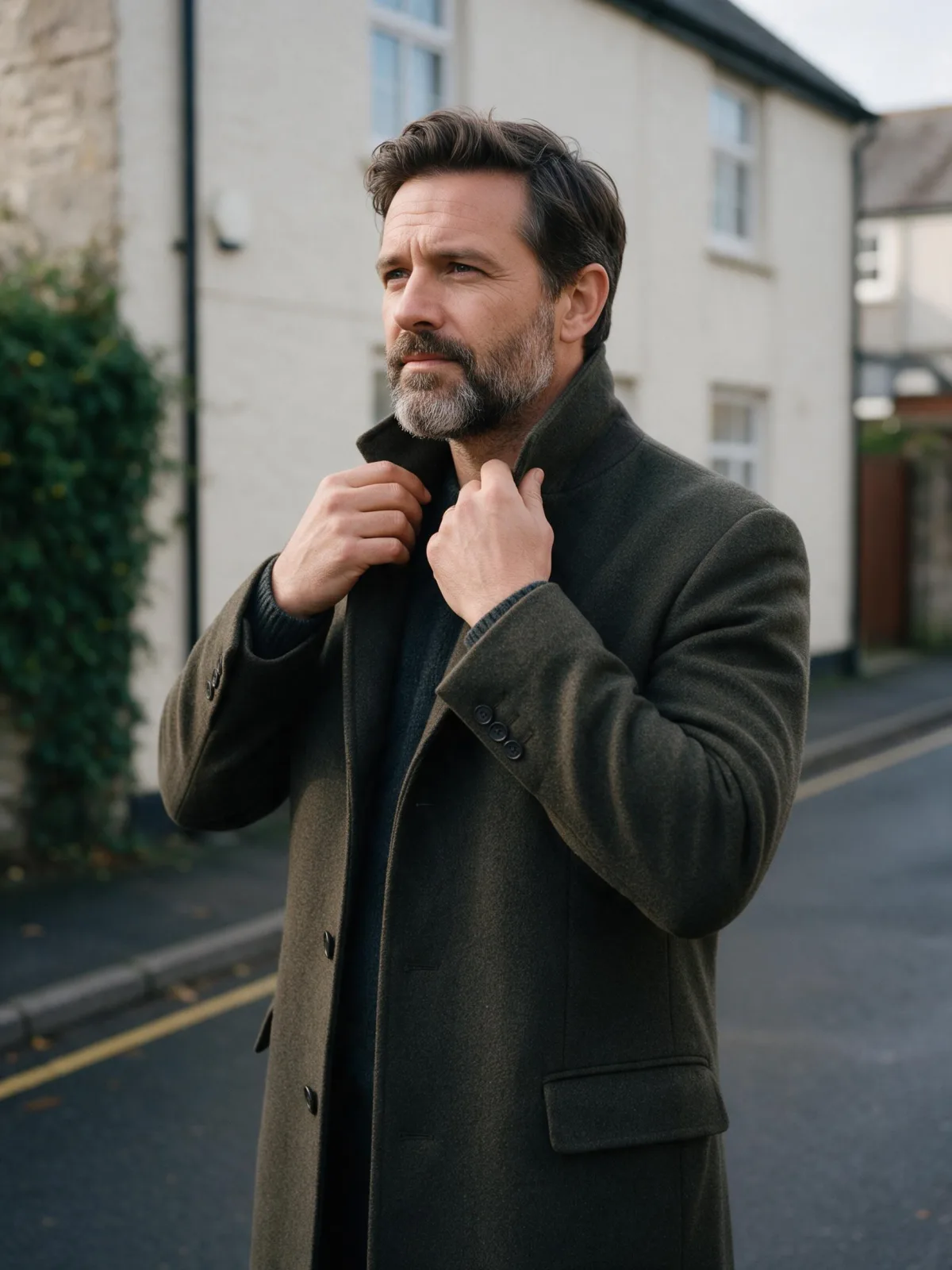
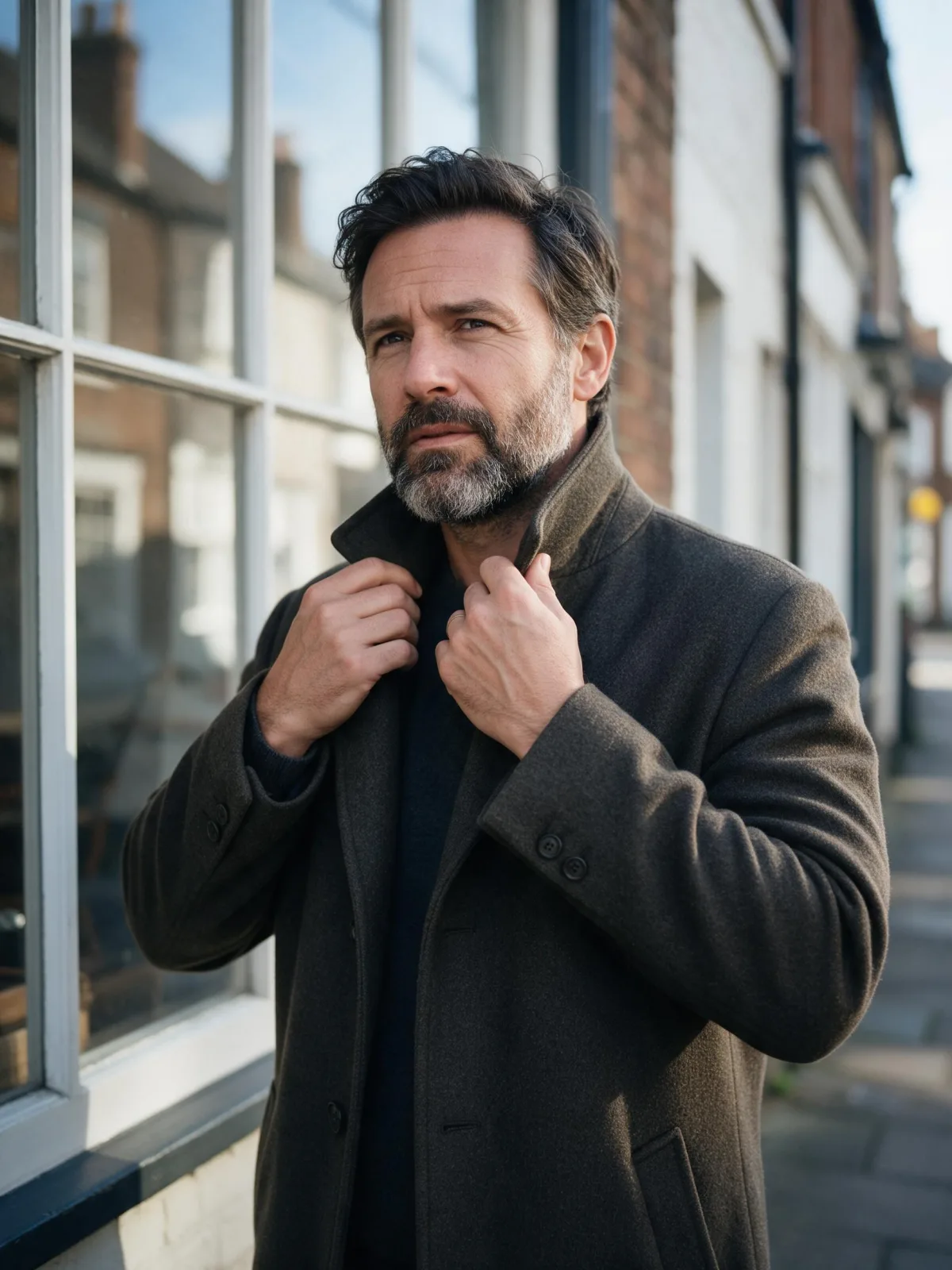
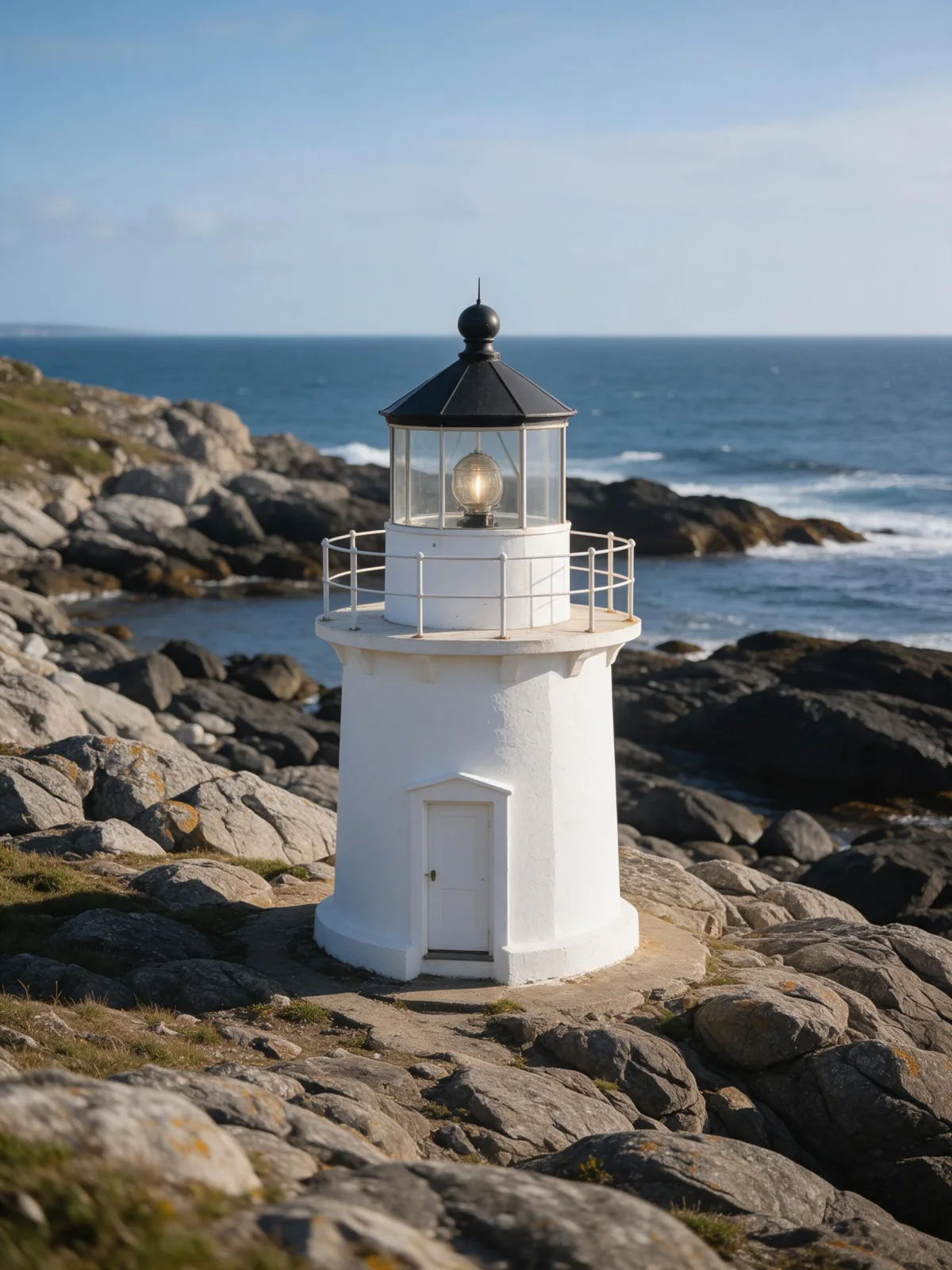
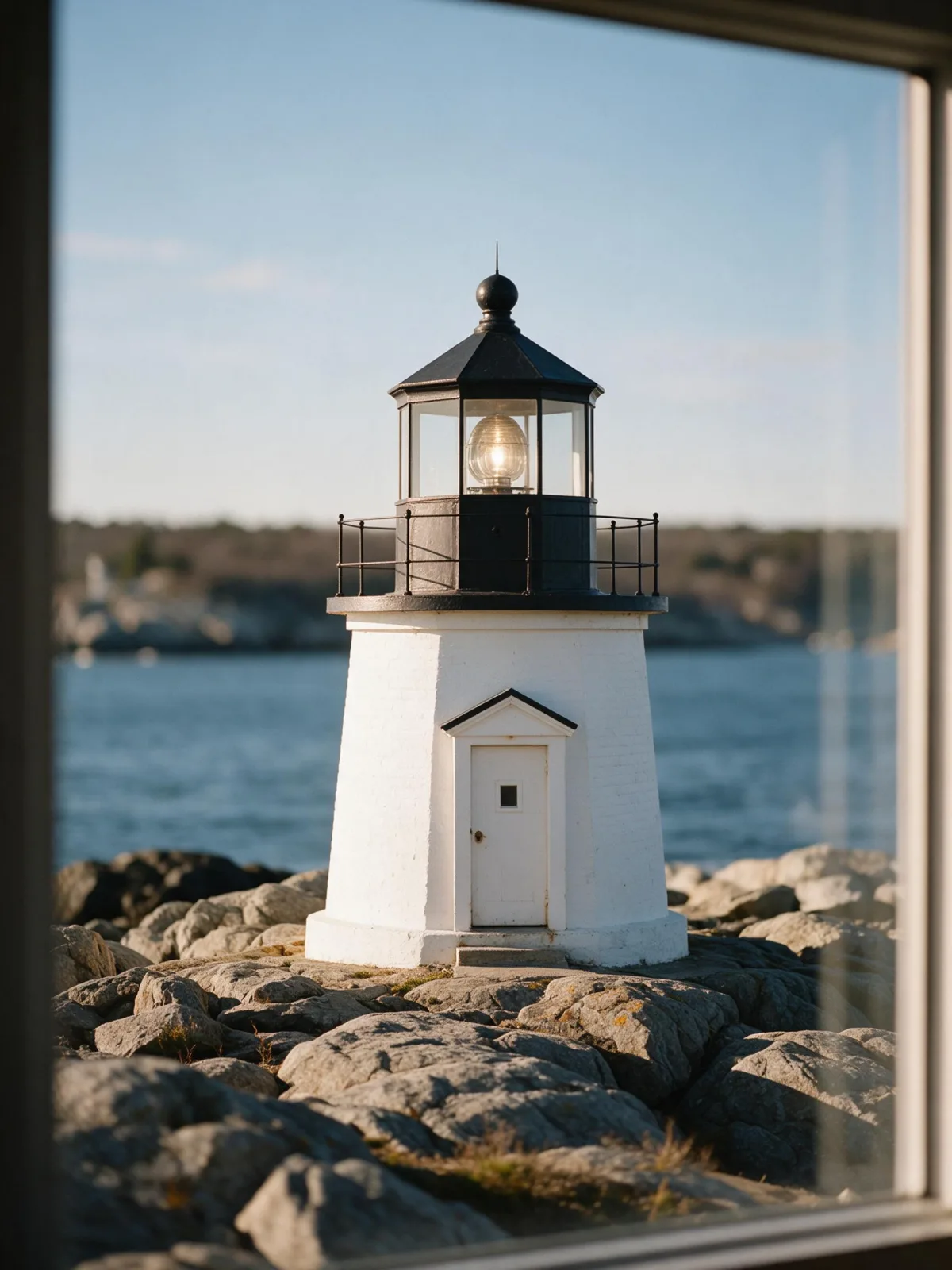
Each pair is the same sentence on the same model. The left frame has no style; the right one is Natural Light Portrait. That gap is what the style adds.

  • The test subject with no style, made with Seedream 5.0 Pro
    No style
    Sample in the Natural Light Portrait style, made with Seedream 5.0 Pro
    With Natural Light Portrait

    Seedream 5.0 Pro

  • The test subject with no style, made with Seedream 5.0 Pro
    No style
    Sample in the Natural Light Portrait style, made with Seedream 5.0 Pro
    With Natural Light Portrait

    Seedream 5.0 Pro

  • The test subject with no style, made with Seedream 5.0 Pro
    No style
    Sample in the Natural Light Portrait style, made with Seedream 5.0 Pro
    With Natural Light Portrait

    Seedream 5.0 Pro

  • The test subject with no style, made with Seedream 5.0 Pro
    No style
    Sample in the Natural Light Portrait style, made with Seedream 5.0 Pro
    With Natural Light Portrait

    Seedream 5.0 Pro

Samples

The same fixed test subjects run through every style, so you see what Natural Light Portrait does rather than what the subject brings.

  • Sample in the Natural Light Portrait style, made with Z-Image
    Z-Image
  • Sample in the Natural Light Portrait style, made with Qwen Image 3.0
    Qwen Image 3.0

About Natural Light Portrait

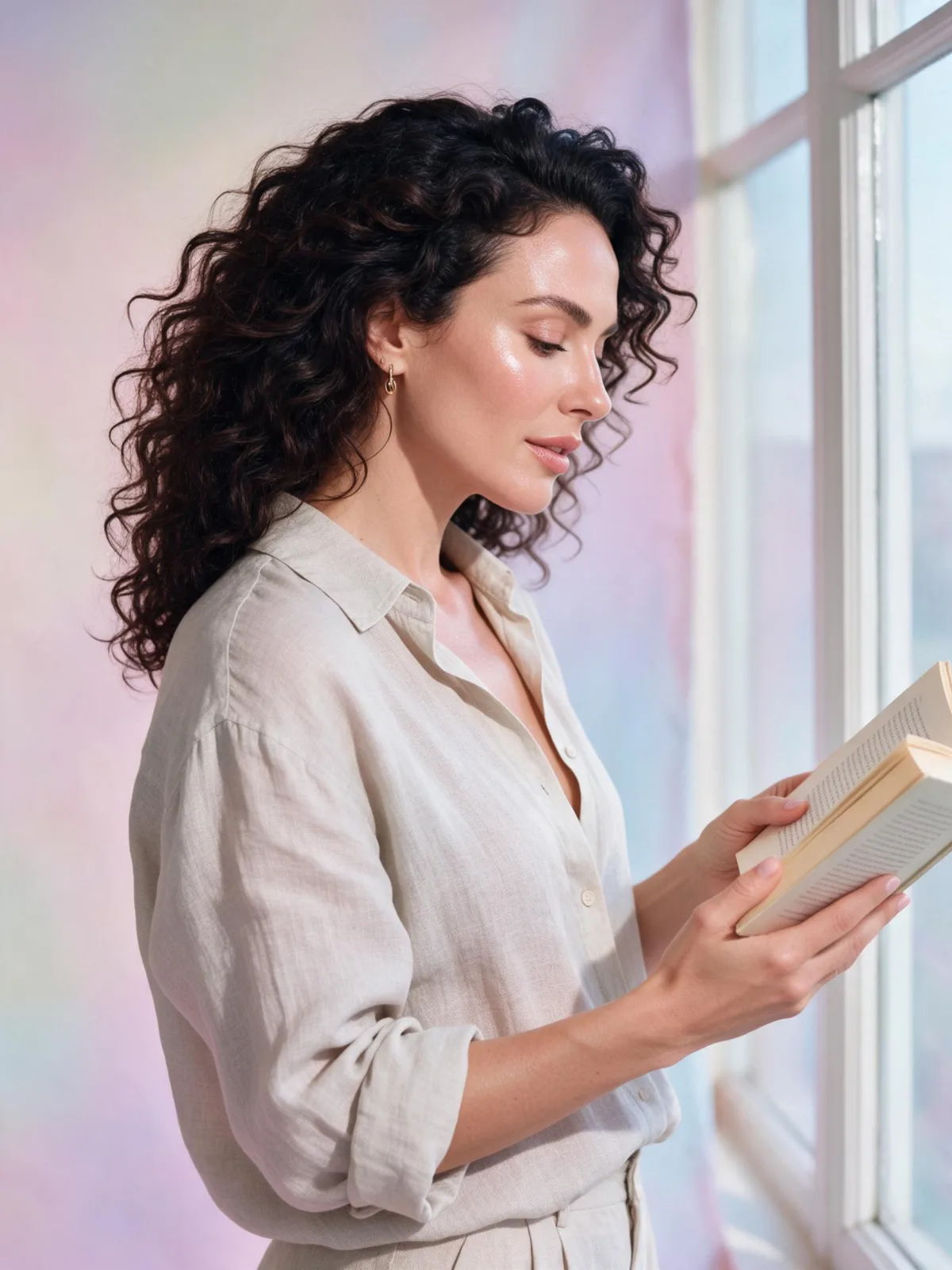
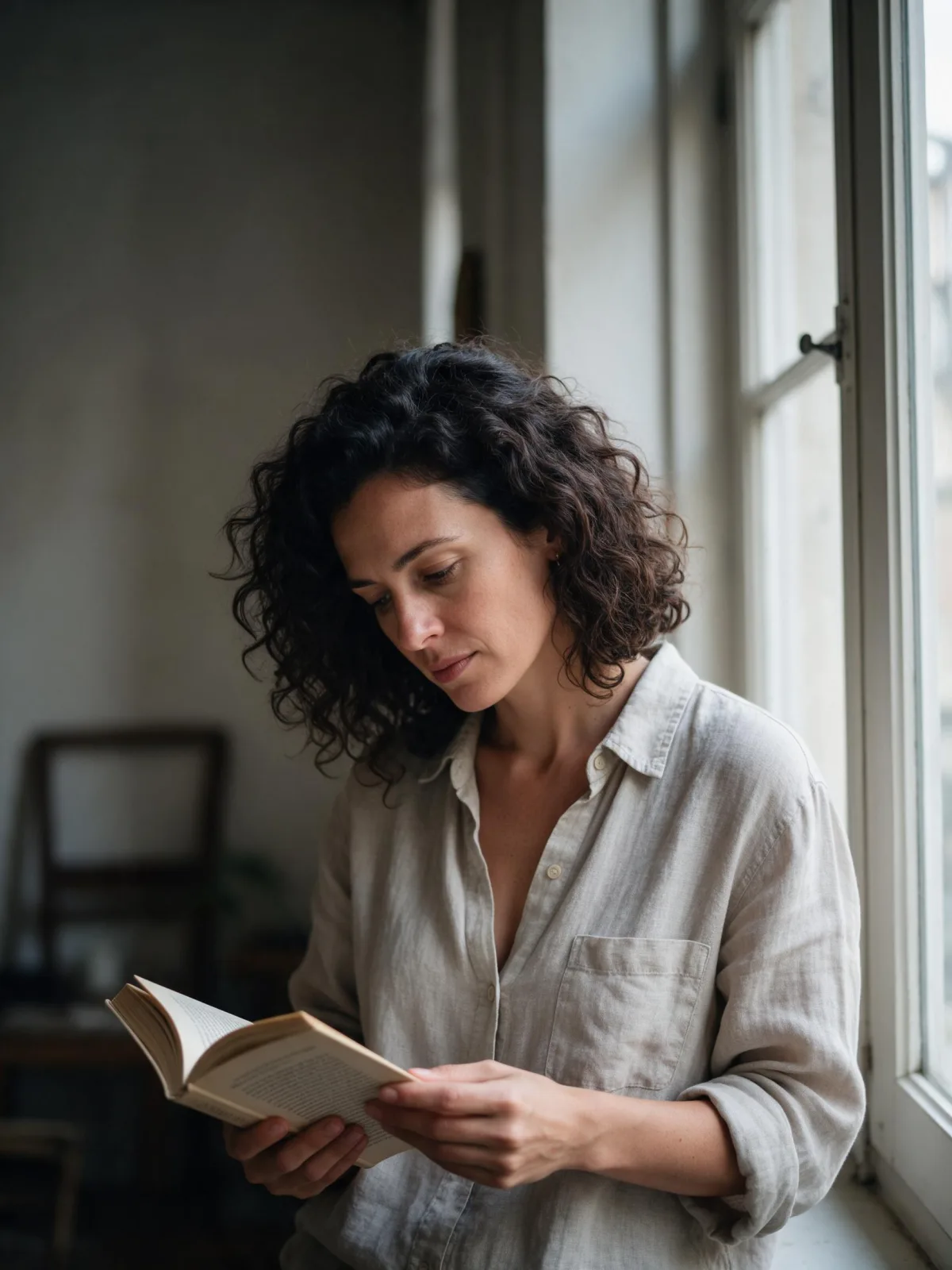
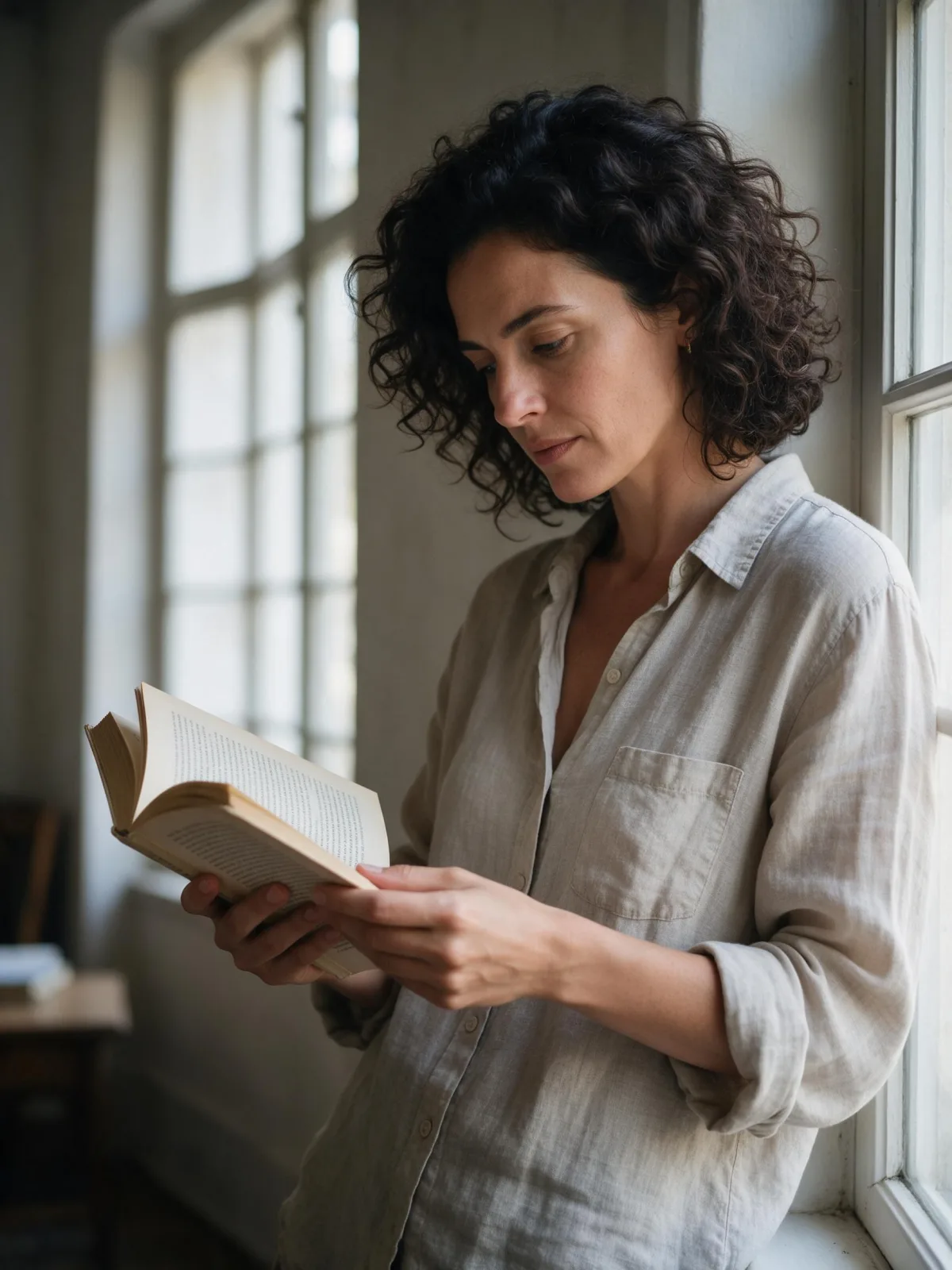
Natural Light Portrait is the most honest style in the collection. One large window, light falling softly across the subject, an 85mm-lens look that melts the background away, and textures left the way they are — fabric creases, wood grain, stray hairs, fur. No filter, no glow, no retouching.

It is the style to reach for when you need an image that could pass as a real photograph: headshots for an about page, characters for a story, portraits for a presentation, pet photos, product shots that should look lived-in. Because it does not push color or contrast, it also gives the cleanest starting point if you plan to edit the image afterwards.

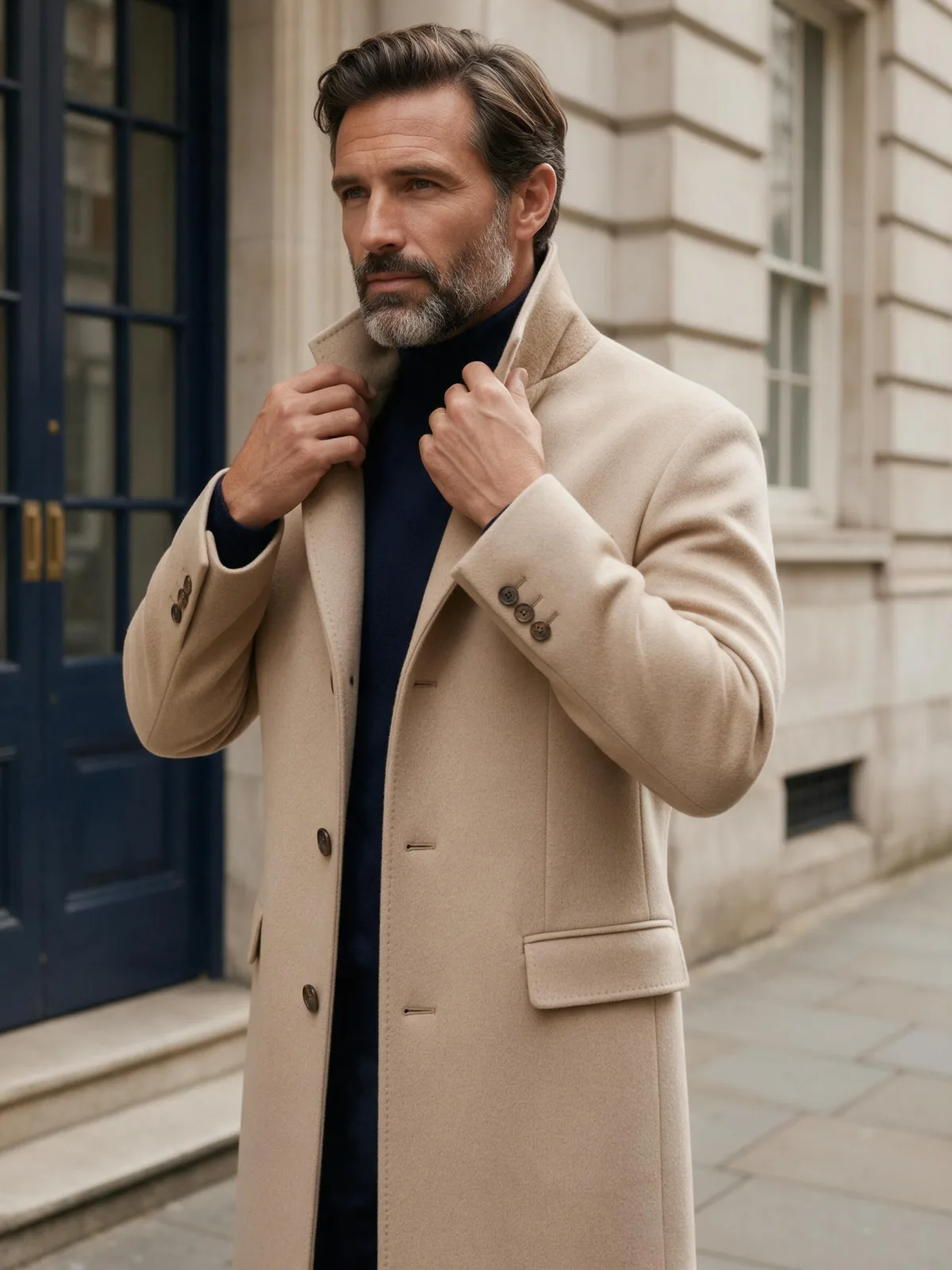
The style never describes the person. It describes the window, the lens and the texture; you write the age, clothing, expression and what they are doing. That makes it predictable across subjects — the same light on a man in a wool coat, a woman with a book, or a cat on a sill.

For this composition, we recommend 4:5, with 3:4 as another framing option. For more mood, add Film Grain; for a warmer feel, add Golden Hour.

Subjects to paste as they are: “a woman in her fifties in a grey wool cardigan, smiling slightly”, “a man in a denim shirt looking out of the window with a cup of tea”, “an old golden retriever resting its head on a windowsill”. Plain clothing and a simple expression let the light and texture carry the image.

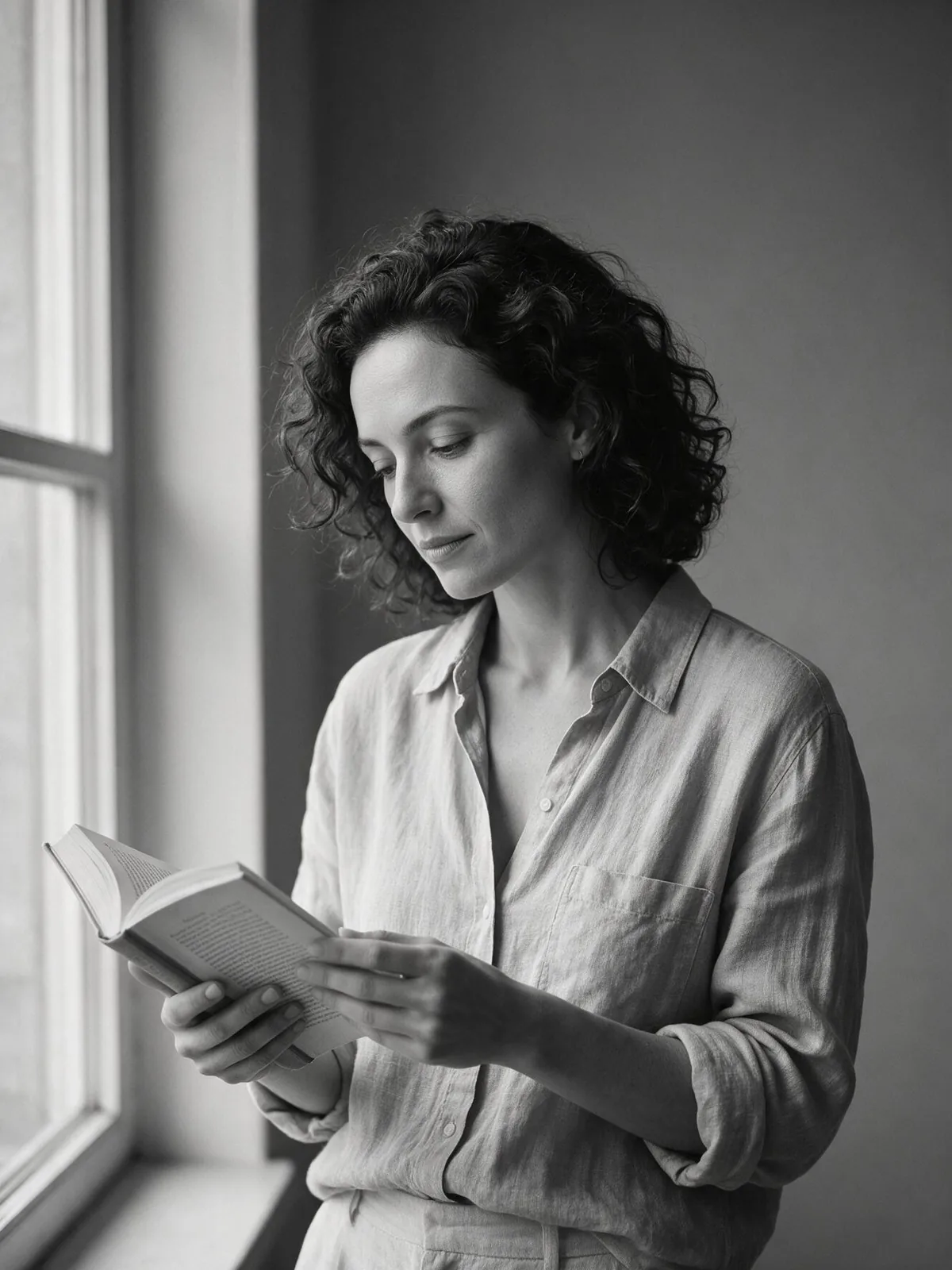
Finishes that work on top: Film Grain for a classic analog portrait, Golden Hour for warmer window light, Monochrome for a timeless black-and-white version.
Tips that make it land

  • Describe clothing and material in detail — linen, wool, denim, knit. True-to-life texture is where this style earns its name.
  • Write the expression you want in simple words: “a slight smile”, “looking out of the window”, “laughing mid-sentence”.
  • Keep lighting out of your subject. The window light is already set, and extra light sources muddy it.
  • For headshots, frame your subject from the chest up in your description and keep 4:5.
  • For a moodier portrait, add “late afternoon” or “overcast day” to your subject. The window light follows the time you describe.

The prompt it sends

Your sentence goes where {subject} sits. Everything around it is the style. Nothing is hidden, and we never filter your prompt.

{subject}, natural-light photograph beside a large window, true-to-life textures, 85mm lens look, soft falloff into a quiet background, honest unretouched feel

Prompt ideas for Natural Light Portrait

Scenes from our prompt library that suit this look. Borrow the idea as your subject line; the style adds the rest.

Fashion & portrait

Models it works on

Every model below was tested with this style. The price is per image and shows on the Generate button before you run.

How to use Natural Light Portrait

  1. 01

    Write who or what

    Write one plain sentence for your Natural Light Portrait image: who or what is in it and what is happening. The style brings the light, color and medium, so leave those out.

  2. 02

    Keep Natural Light Portrait on

    It is already selected at the top of this page and lands best on Seedream 5.0 Pro, the model it was tuned on. It builds the whole scene from your text.
  3. 03

    Generate

    From $0.01 per image, shown on the button before you run. Pick your favorite Natural Light Portrait frame, then edit it, restyle it or make it move from the result.

Questions about Natural Light Portrait

Make video

Styles are for stills. These effects start from one photo and add a single deliberate move.

Read next