Papercut Shadow Box AI Generator: Paper Layers

Effects
Paper Layers

Paper Layers

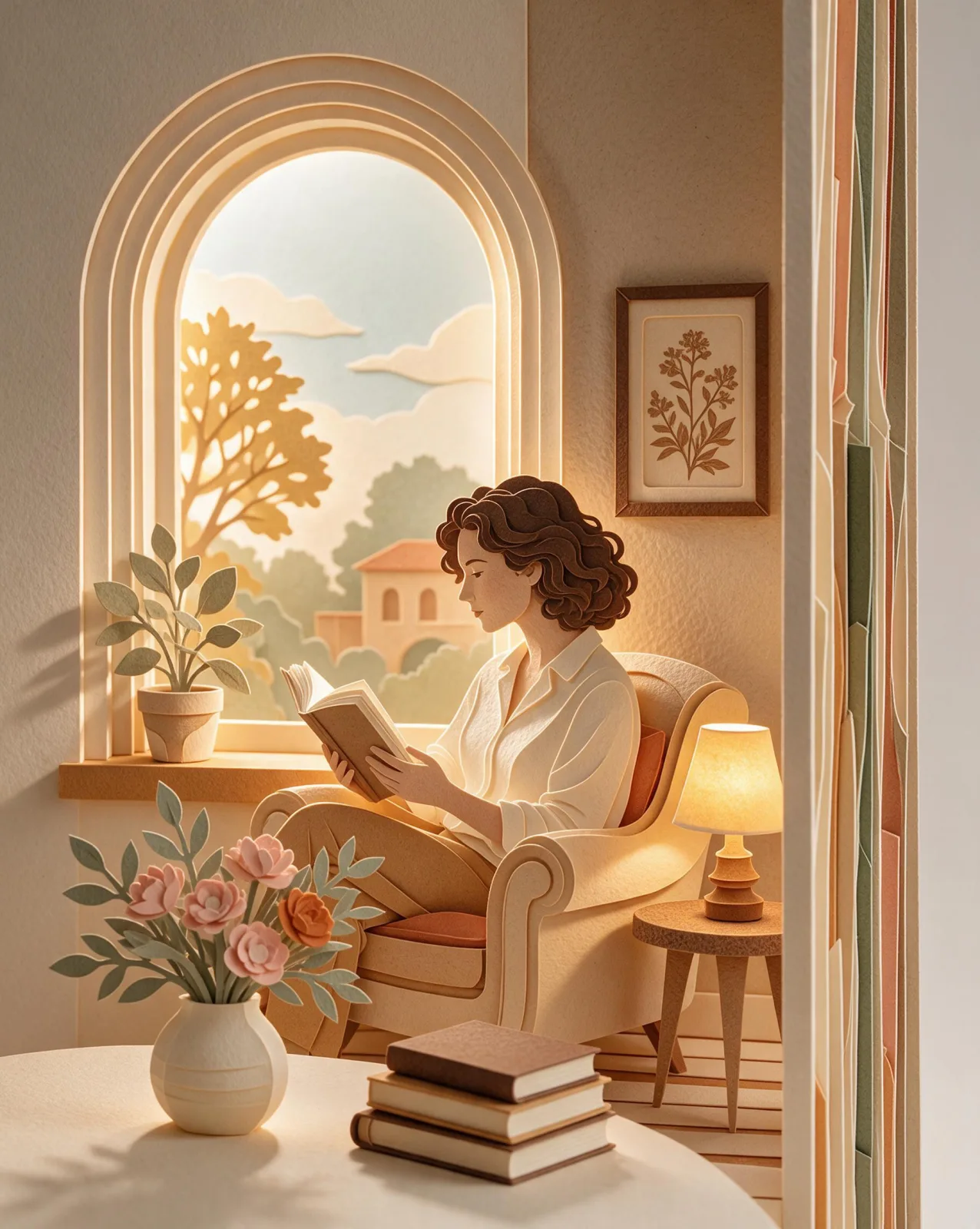
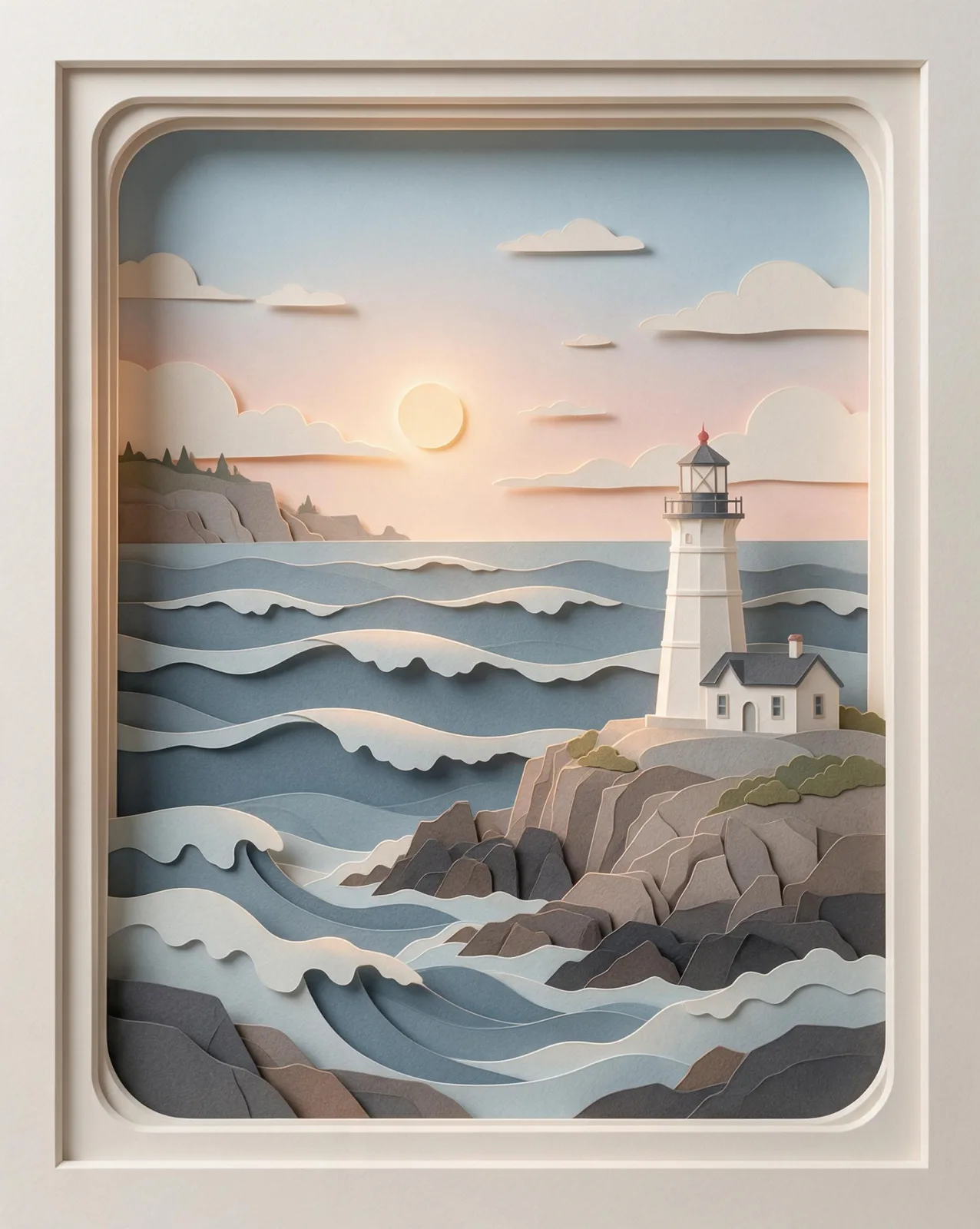
A layered papercut shadow box: stacked sheets of colored paper cut into clean shapes, soft shadows between layers and a warm backlight glow.

Works on

  • Seedream 5.0 ProBest$0.036 / image
  • Wan 2.7$0.03 / image
  • Qwen Image 3.0$0.03 / image
  • Qwen Image 3.0 Pro$0.04 / image
  • + 20 more models

Related styles

Same person, same prompt — only the style changes

2000s Digicam
After Midnight Flash
Candlelit Velvet
Cinematic Gothic
Late-Night Hotel
Late-Night OVA
Moonlit Voile
Neon After Rain
After-Con Neon
Afterglow Pool
Airbrush Pin-up
Blush Neon
Brass Reflections
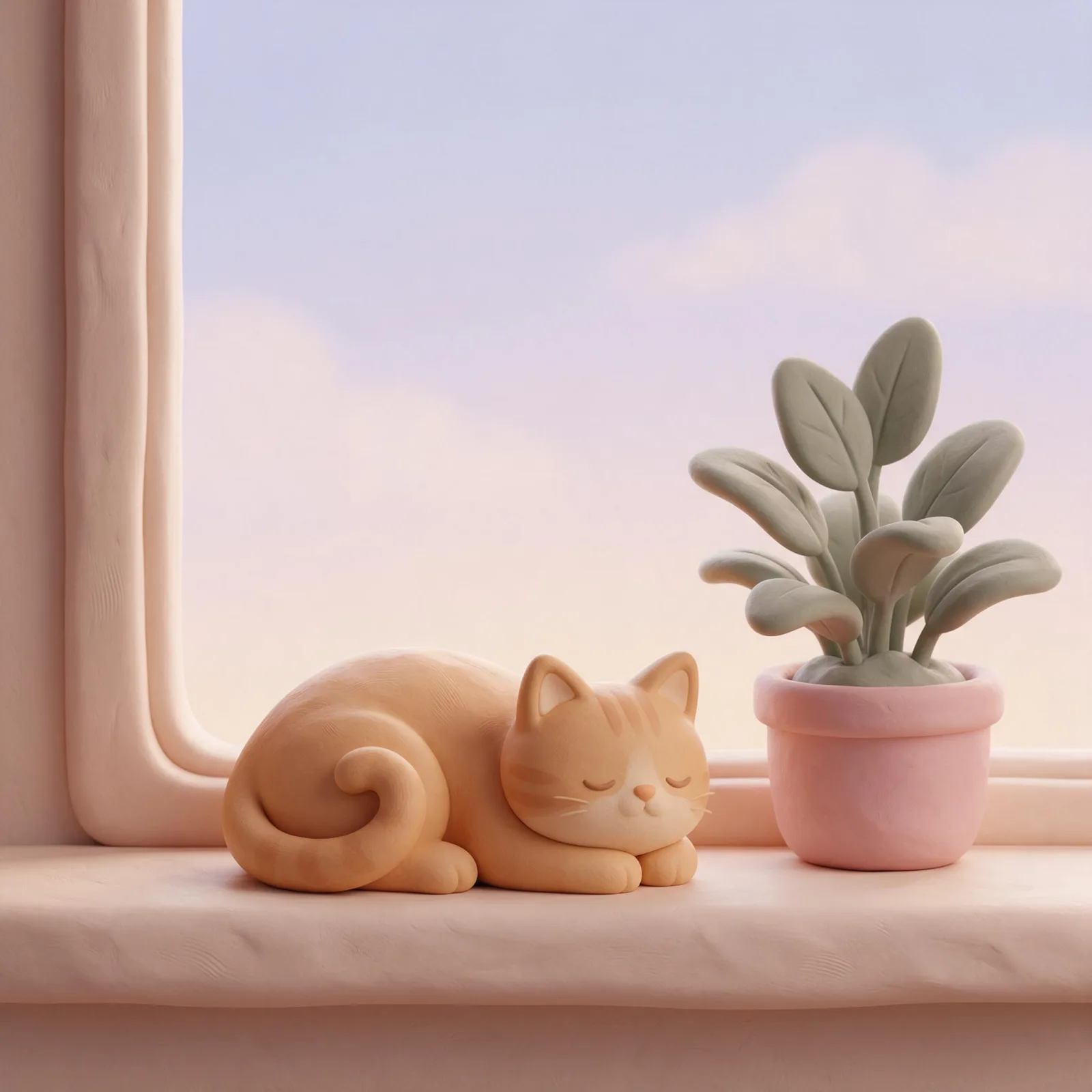
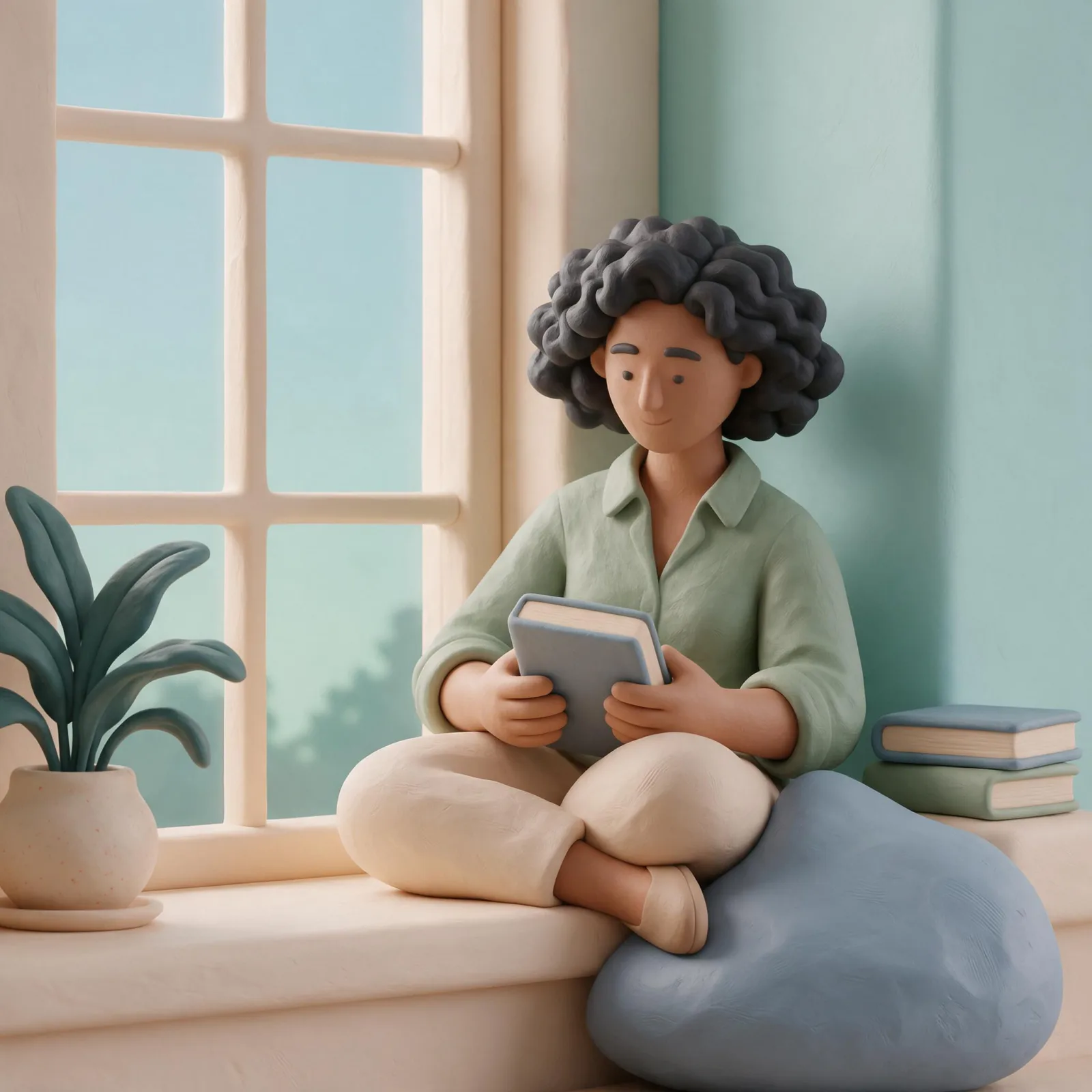
Soft Clay 3D
Manhwa Action
Instant Film
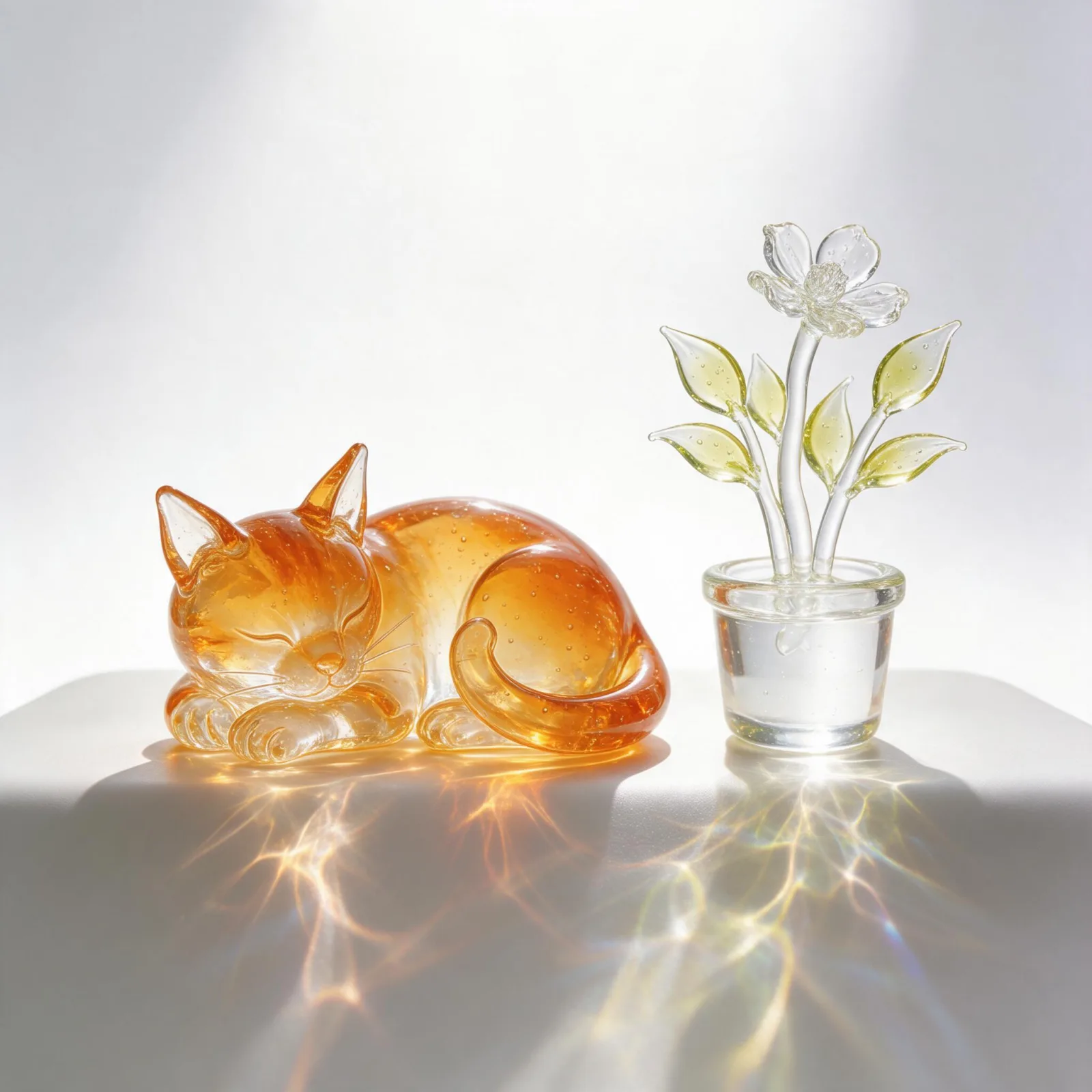
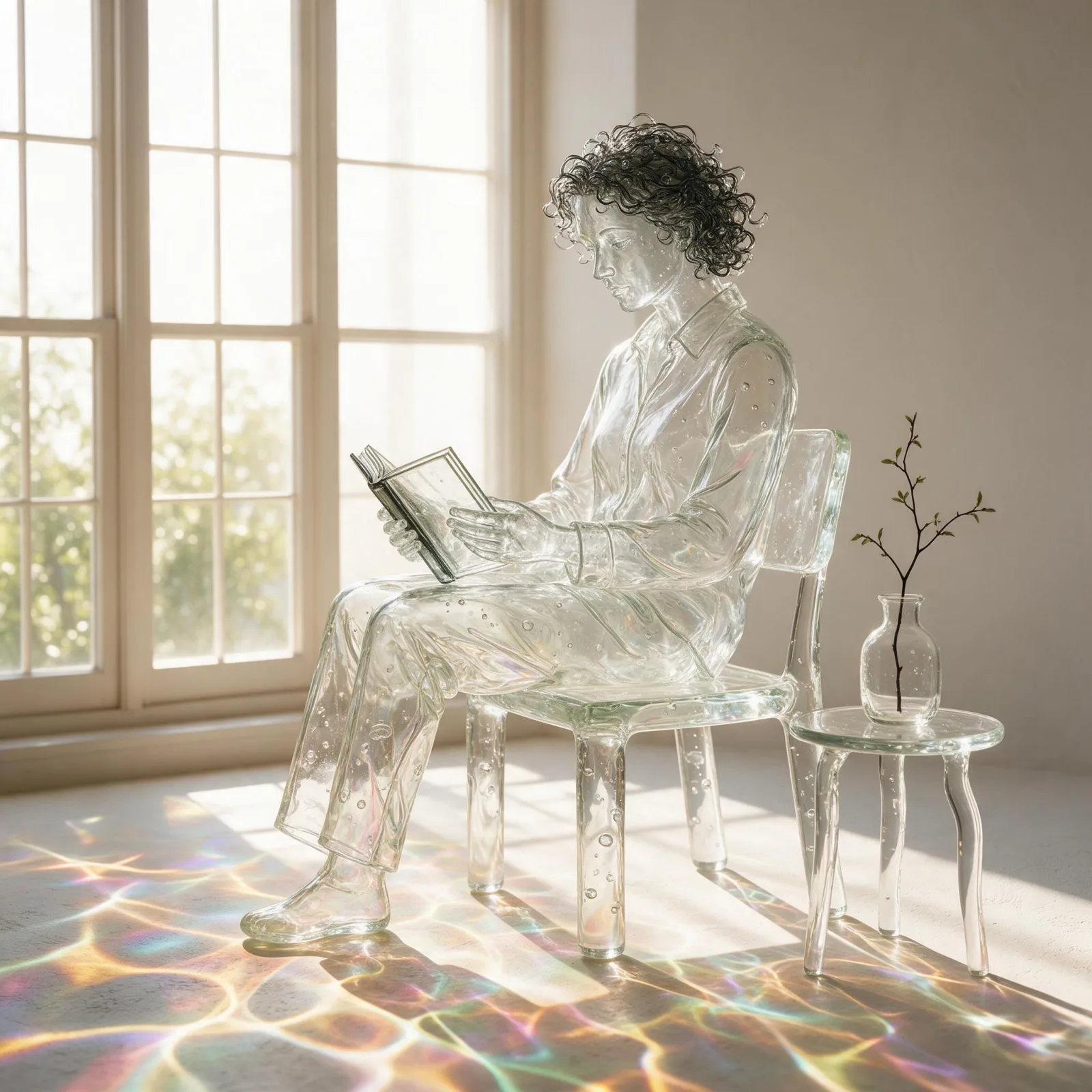
Blown Glass
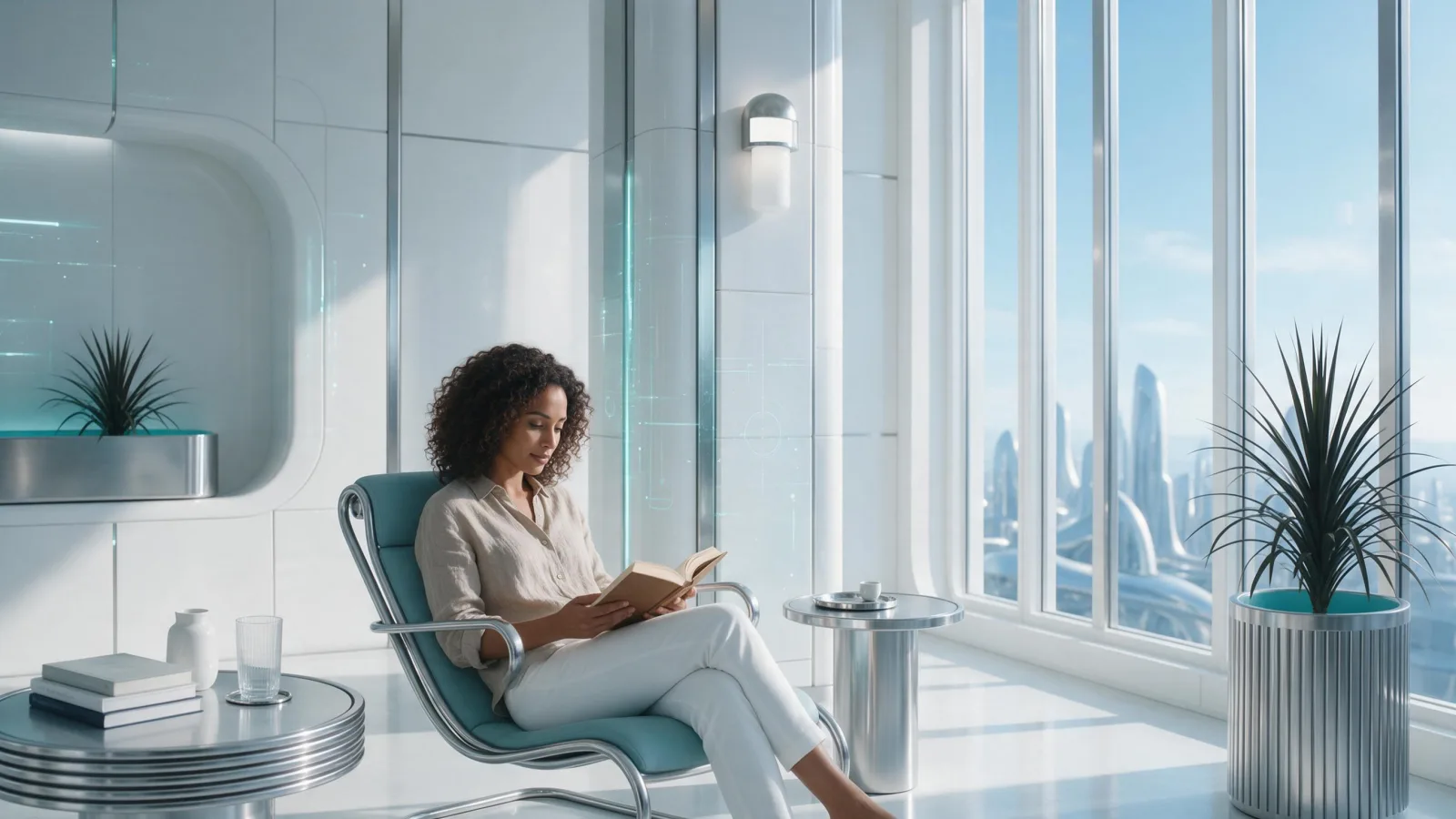
Chrome Future
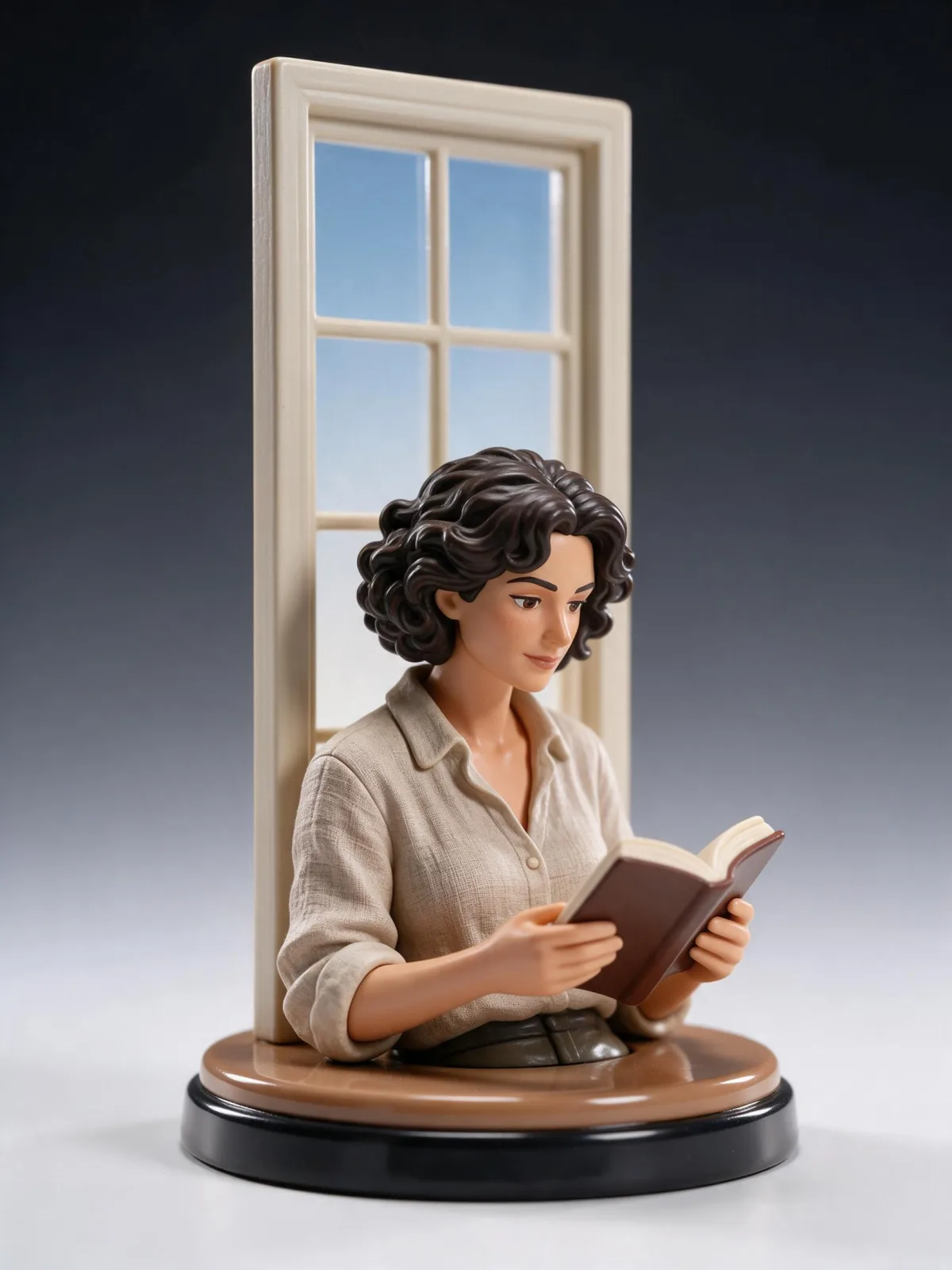
Collectible Figure
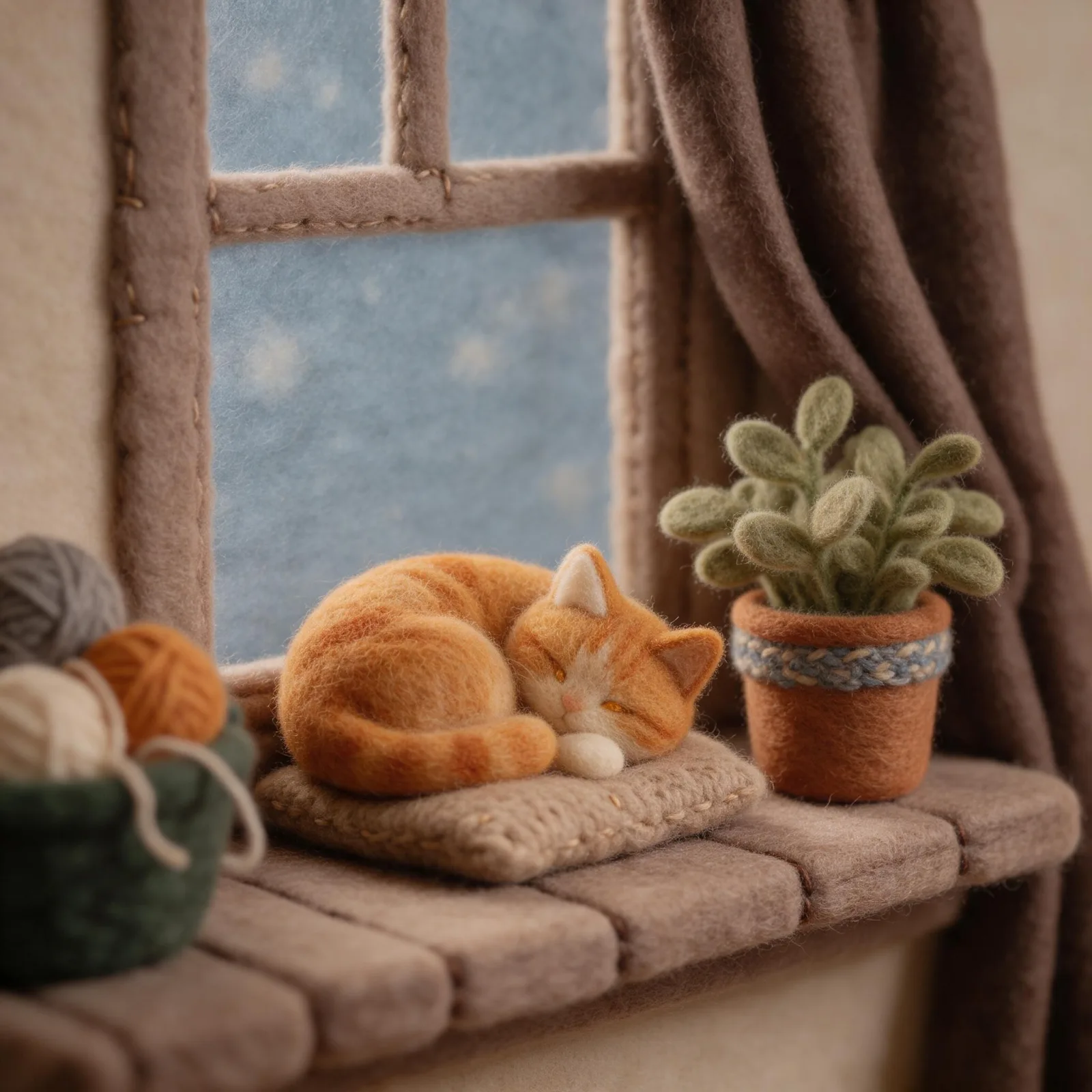
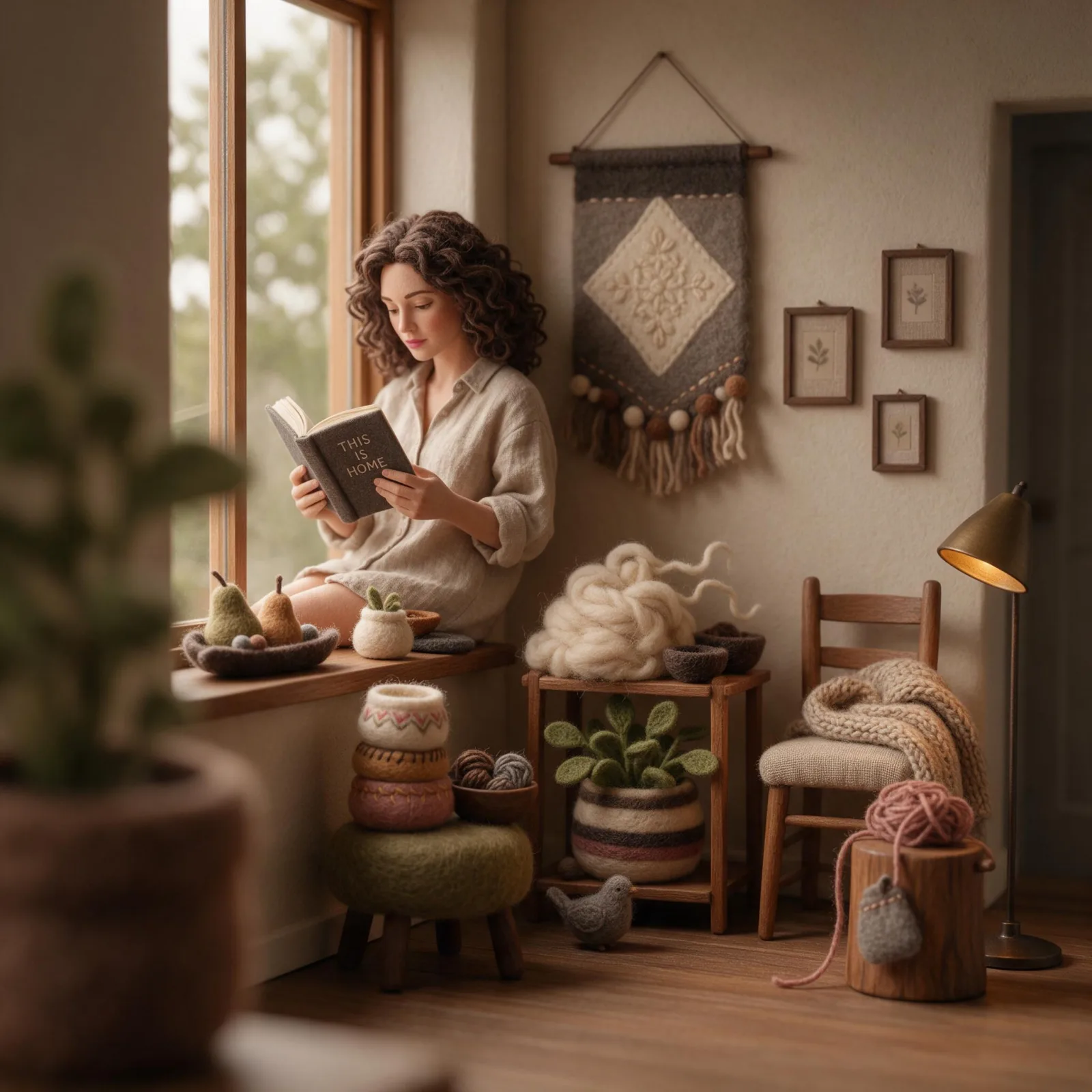
Felt & Yarn
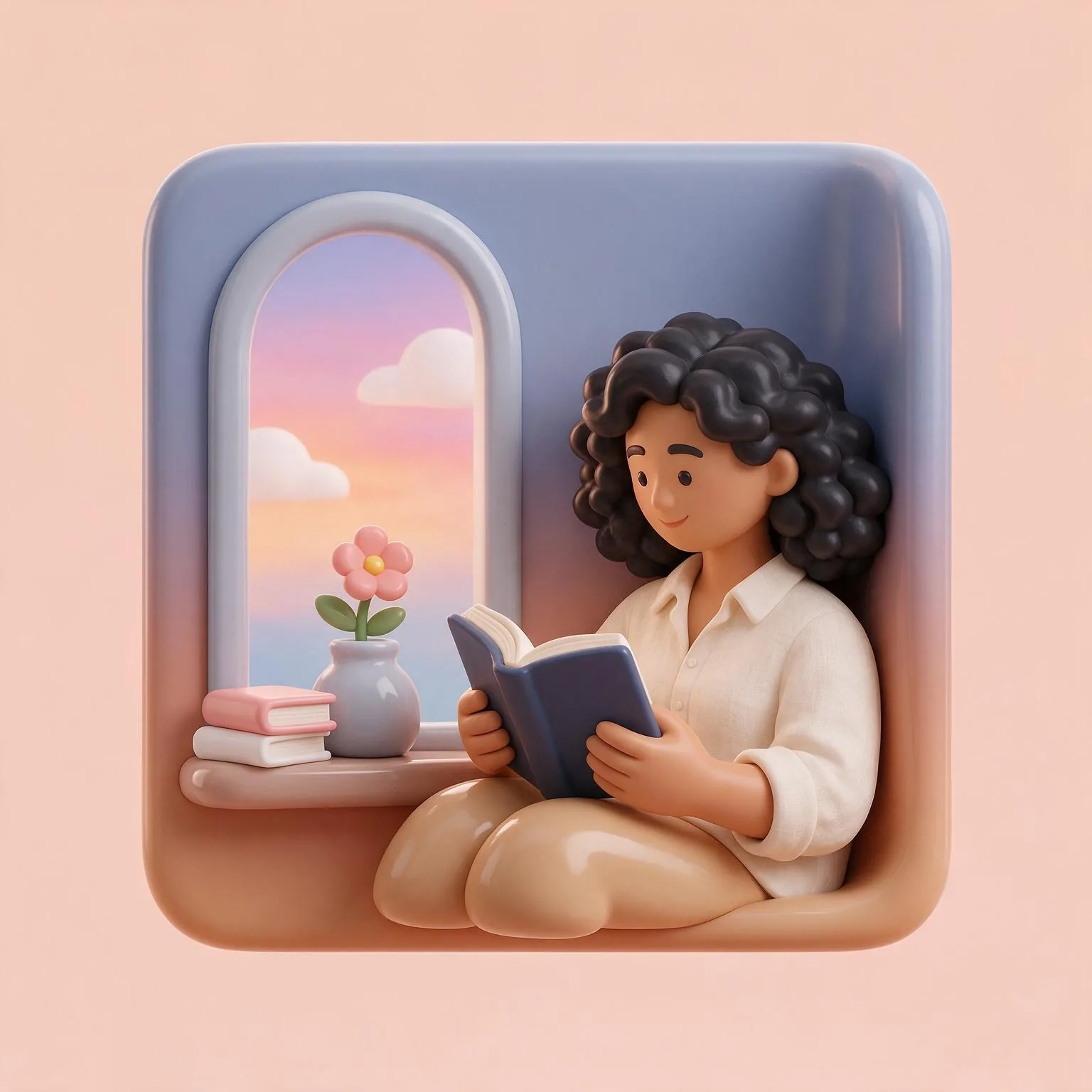
Glossy 3D Icon
Paper Layers
Sign up to generate

We never filter your prompt.

A layered papercut shadow box: stacked sheets of colored paper cut into clean shapes, soft shadows between layers and a warm backlight glow.

Category
3D
Works on
37 models
Price
From $0.01 / image
Suggested frame
4:5 · 3:4
Your own photo
Yes, restyles an upload

Same subject, with and without it

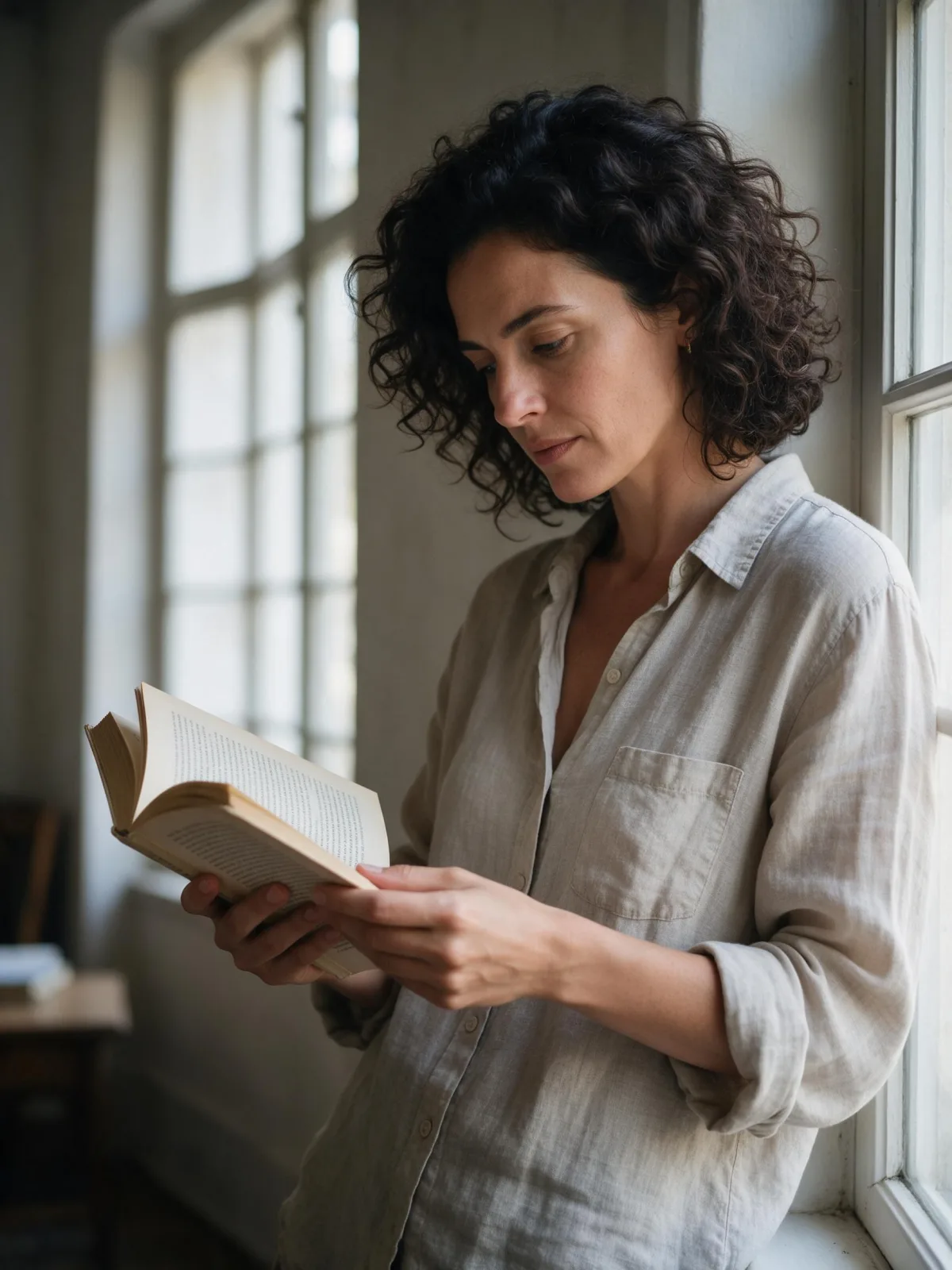
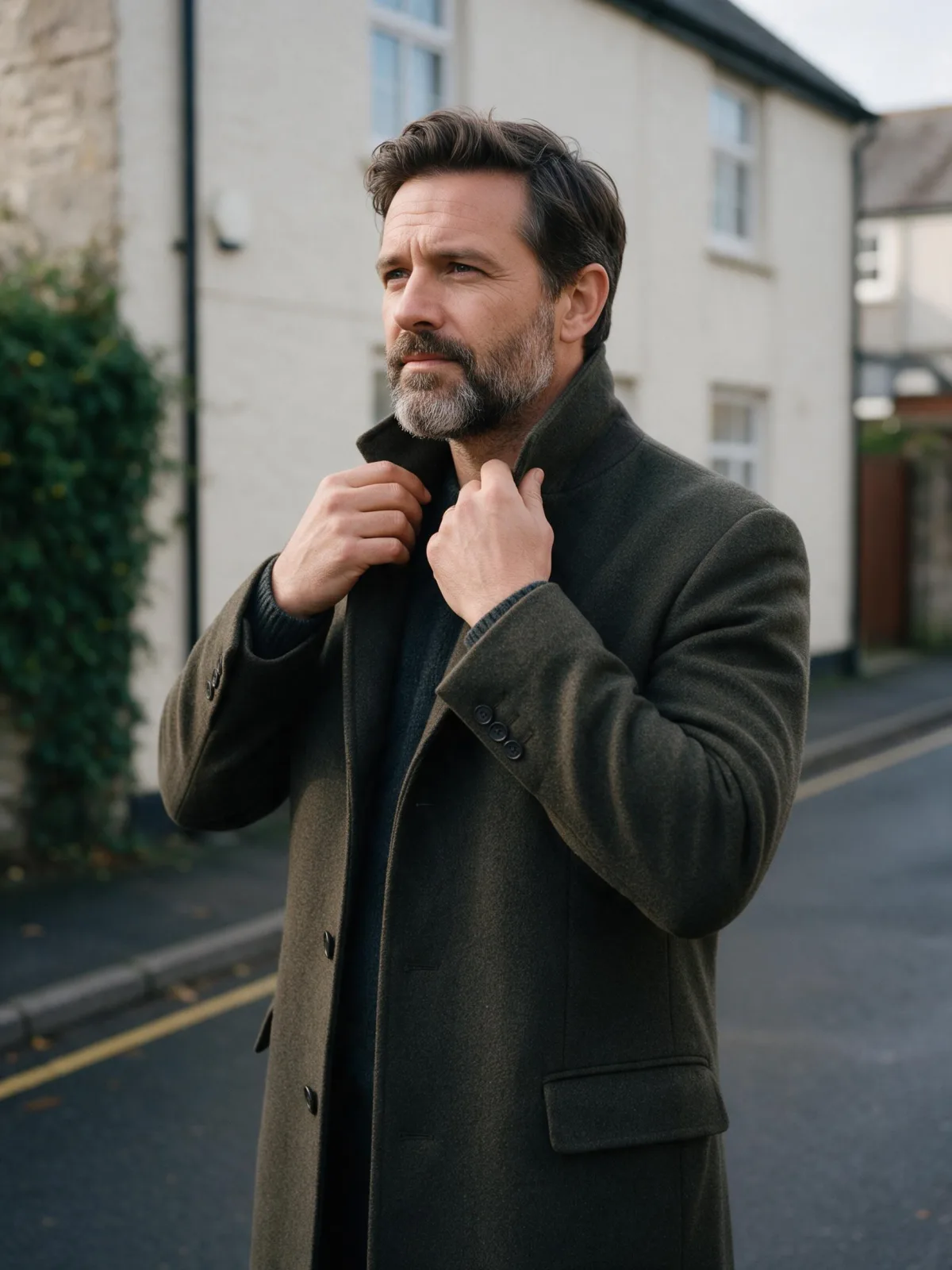
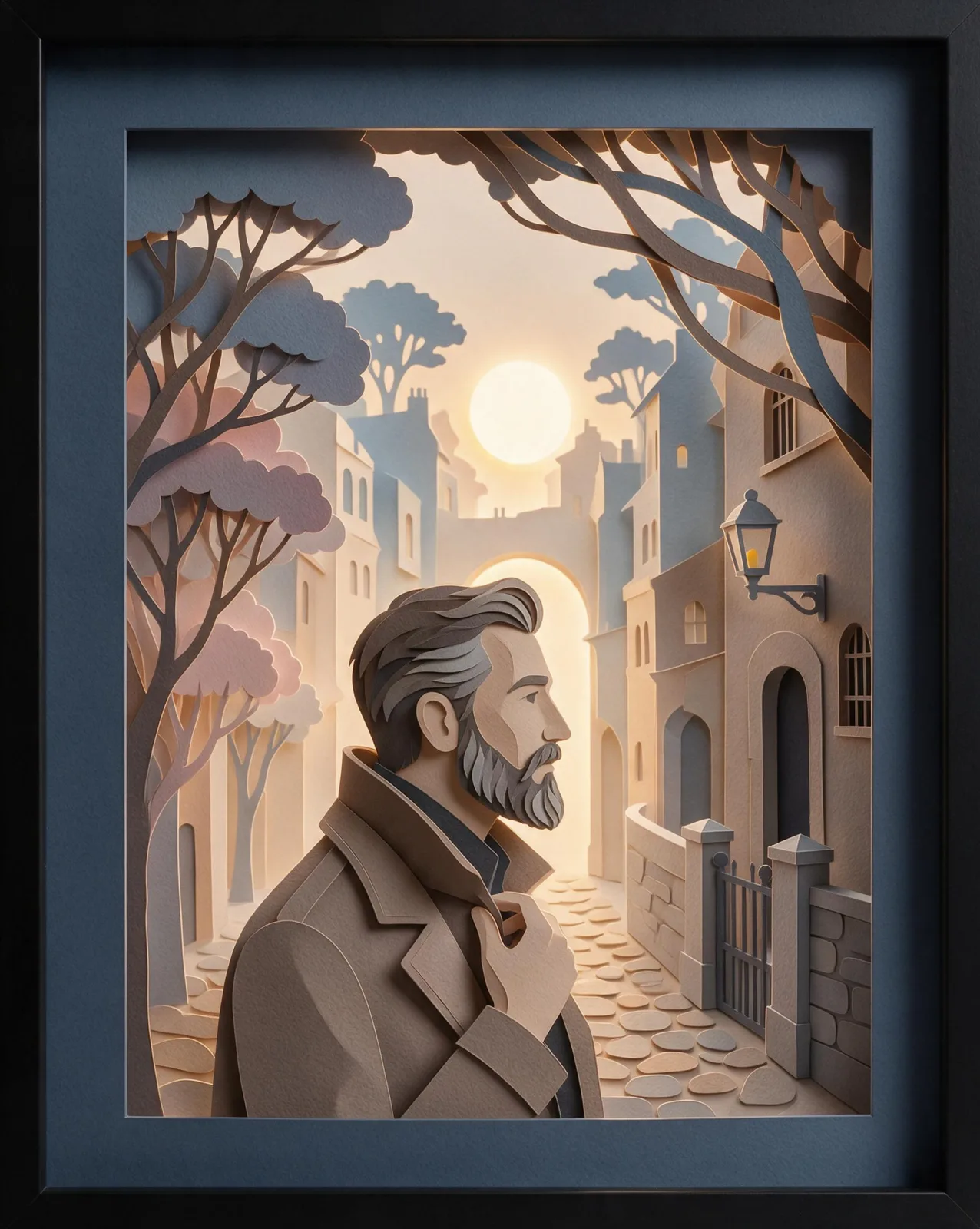
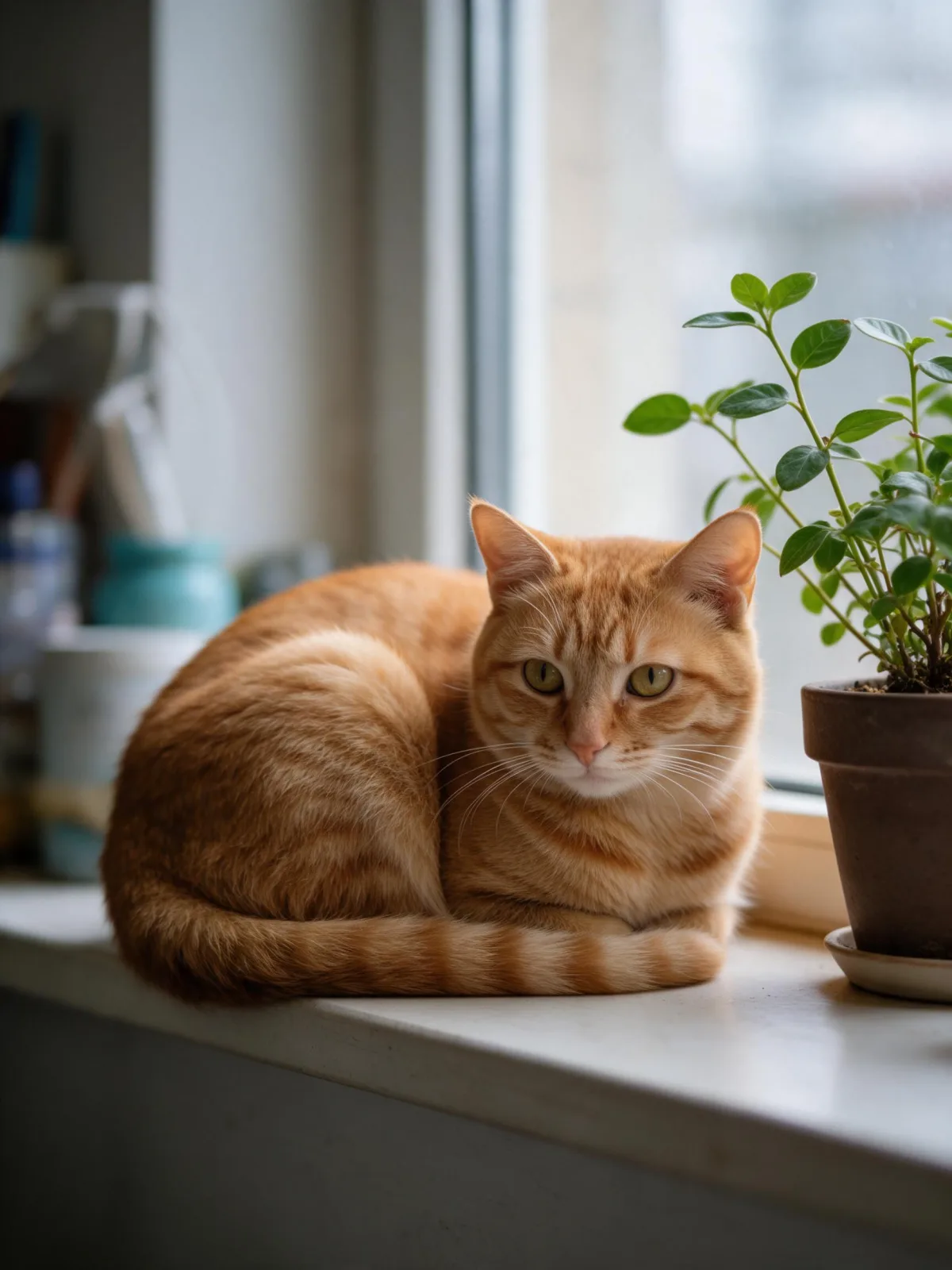
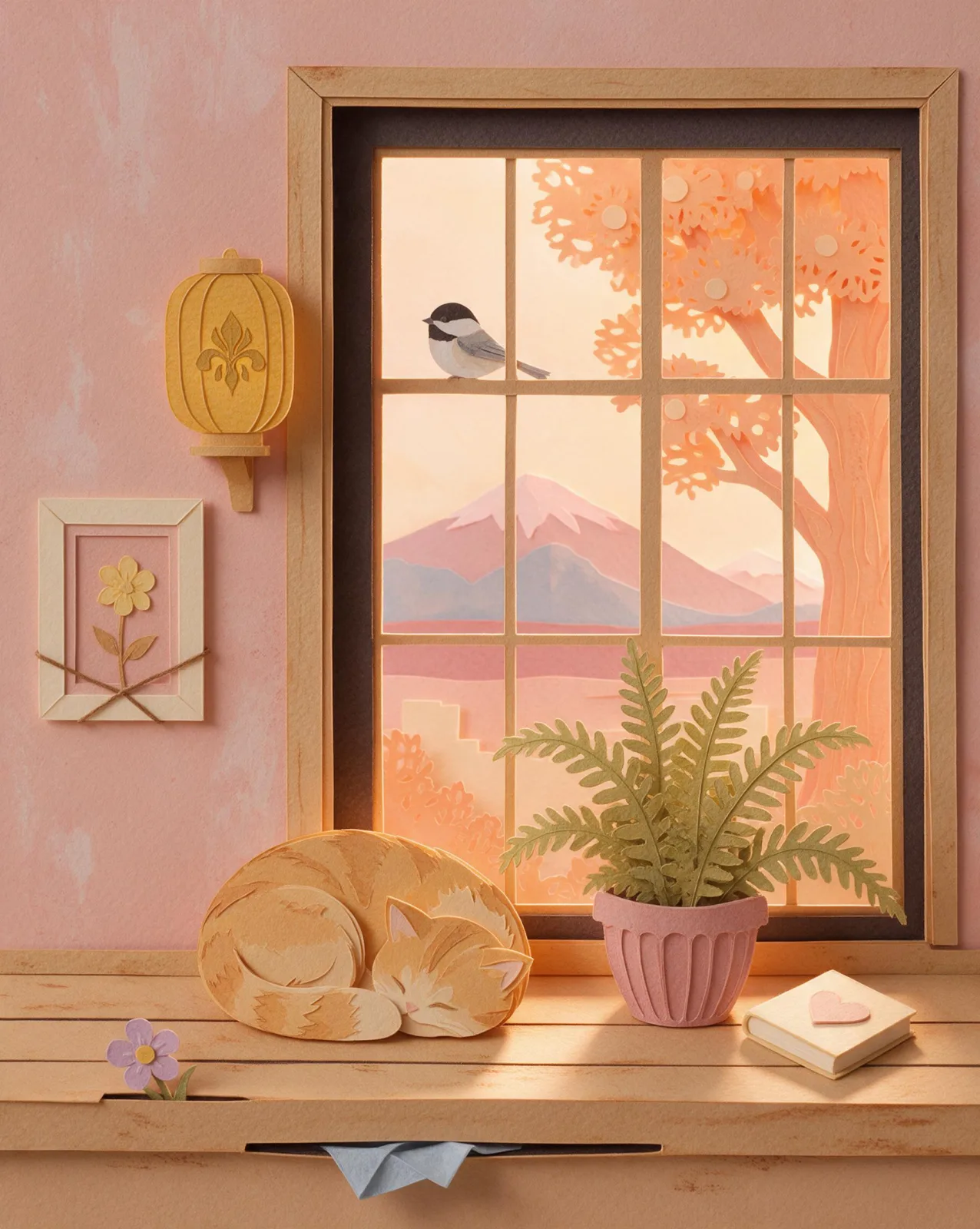
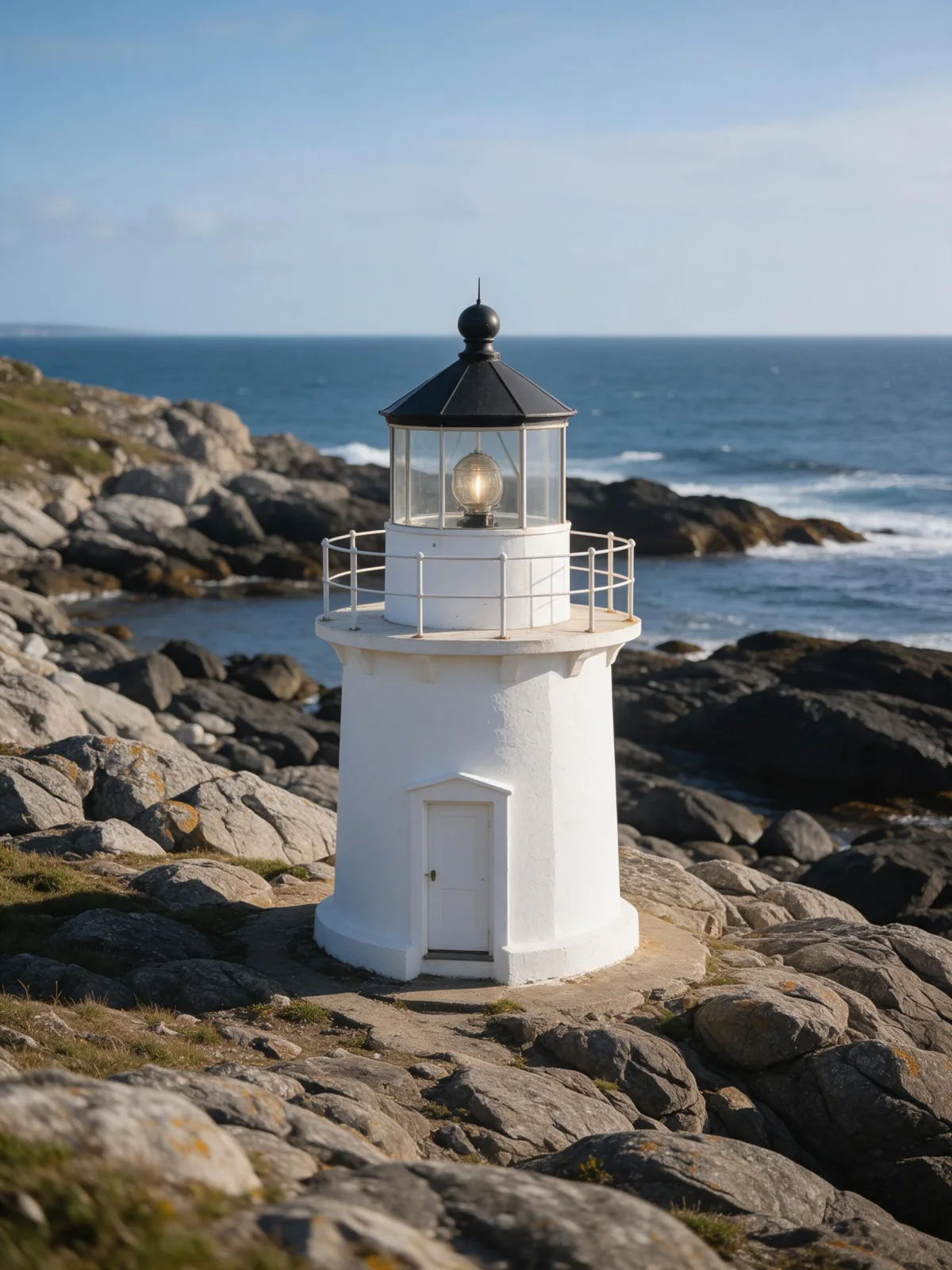
Each pair is the same sentence on the same model. The left frame has no style; the right one is Paper Layers. That gap is what the style adds.

  • The test subject with no style, made with Seedream 5.0 Pro
    No style
    Sample in the Paper Layers style, made with Seedream 5.0 Pro
    With Paper Layers

    Seedream 5.0 Pro

  • The test subject with no style, made with Seedream 5.0 Pro
    No style
    Sample in the Paper Layers style, made with Seedream 5.0 Pro
    With Paper Layers

    Seedream 5.0 Pro

  • The test subject with no style, made with Seedream 5.0 Pro
    No style
    Sample in the Paper Layers style, made with Seedream 5.0 Pro
    With Paper Layers

    Seedream 5.0 Pro

  • The test subject with no style, made with Seedream 5.0 Pro
    No style
    Sample in the Paper Layers style, made with Seedream 5.0 Pro
    With Paper Layers

    Seedream 5.0 Pro

About Paper Layers

Paper Layers builds your subject out of stacked sheets of colored paper, like a handmade shadow box. Every element — the figure, the window, the waves, the clouds — is cut into a clean shape and set on its own layer, with soft shadows falling between them. A warm glow from behind makes the edges light up and gives the whole piece real depth, and the palette stays gentle and pastel: peach, sage, powder blue, cream.

You write the subject; the style supplies the scissors and the depth. Scenes with a foreground, a middle and a background work beautifully: a woman reading under an arched window with a village behind her, a man walking down a street of stepped houses, a cat on a sill with a tree outside, a lighthouse above rolling paper waves. The more layers a scene naturally has, the richer the result.

Use it for greeting and wedding cards, picture-book spreads, festival and holiday posters, shop windows and wall art, and anything that should look crafted rather than rendered. For soft wool instead of paper, use Felt & Yarn; for painted picture-book pages, Storybook Gouache; for see-through glass, Blown Glass.

For this composition, we recommend 4:5, with 3:4 as another framing option. Paper Layers also works on an uploaded image: in image-to-image mode it remakes your photo as a layered papercut shadow box with soft shadows and a warm backlight, and keeps the composition, pose and clothing unchanged. Landscapes and simple scenes with clear depth convert best.

Subjects to paste as they are: “a lighthouse above rolling waves under a big moon”, “a small town on a hill with a winding road”, “a woman reading under an arched window with a garden behind her”. Name things near, middle and far, and each one becomes its own layer.

Finishes that work on top: Golden Hour for a sunset glow through the paper, Soft Bloom for a softer backlight.
Tips that make it land

  • Describe near, middle and far: “a fox in the grass, a forest behind it, mountains in the distance”. Each plane becomes a paper layer.
  • Name the paper colors you want: “in peach and sage”, “in shades of blue”. The style keeps them flat and pastel.
  • Big simple shapes cut best — moons, waves, hills, arches. Tiny details get lost between the layers.
  • Add “in a white box frame” to your subject if you want the finished shadow-box object, frame and all.
  • For uploads, landscapes and uncluttered scenes with clear depth work best.

The prompt it sends

Your sentence goes where {subject} sits. Everything around it is the style. Nothing is hidden, and we never filter your prompt.

{subject}, layered papercut shadow box, stacked sheets of colored paper cut into clean shapes, soft cast shadows between layers, warm backlight glow, handcrafted depth, gentle pastel palette
Use Paper Layers now

With your own photo

When you add a reference image, this wording is sent instead, so your composition stays and the look changes.

Remake the image as a layered papercut shadow box with stacked sheets of colored paper, soft cast shadows between layers and a warm backlight glow. {subject}. Keep the composition, pose and clothing unchanged.

Prompt ideas for Paper Layers

Scenes from our prompt library that suit this look. Borrow the idea as your subject line; the style adds the rest.

Fantasy

Nature & landscapes

  • Shirt flared like wings on a salt flat at sunriseKrea 2 Large
  • Turn a frozen aurora night into a midsummer eveningSeedream 5.0 Pro
  • Move a studio portrait onto a frozen lake at blue hourWan 2.7

Models it works on

Every model below was tested with this style. The price is per image and shows on the Generate button before you run.

How to use Paper Layers

  1. 01

    Write who or what

    Write one plain sentence for your Paper Layers image: who or what is in it and what is happening. The style brings the light, color and medium, so leave those out.

  2. 02

    Keep Paper Layers on

    It is already selected at the top of this page and lands best on Seedream 5.0 Pro, the model it was tuned on. Add a photo if you want your composition kept and only the look changed.

  3. 03

    Generate

    From $0.01 per image, shown on the button before you run. Pick your favorite Paper Layers frame, then edit it, restyle it or make it move from the result.

Questions about Paper Layers

Make video

Styles are for stills. These effects start from one photo and add a single deliberate move.

Read next