Pop Art AI Generator: Pop Screenprint

Effects
Pop Screenprint

Pop Screenprint

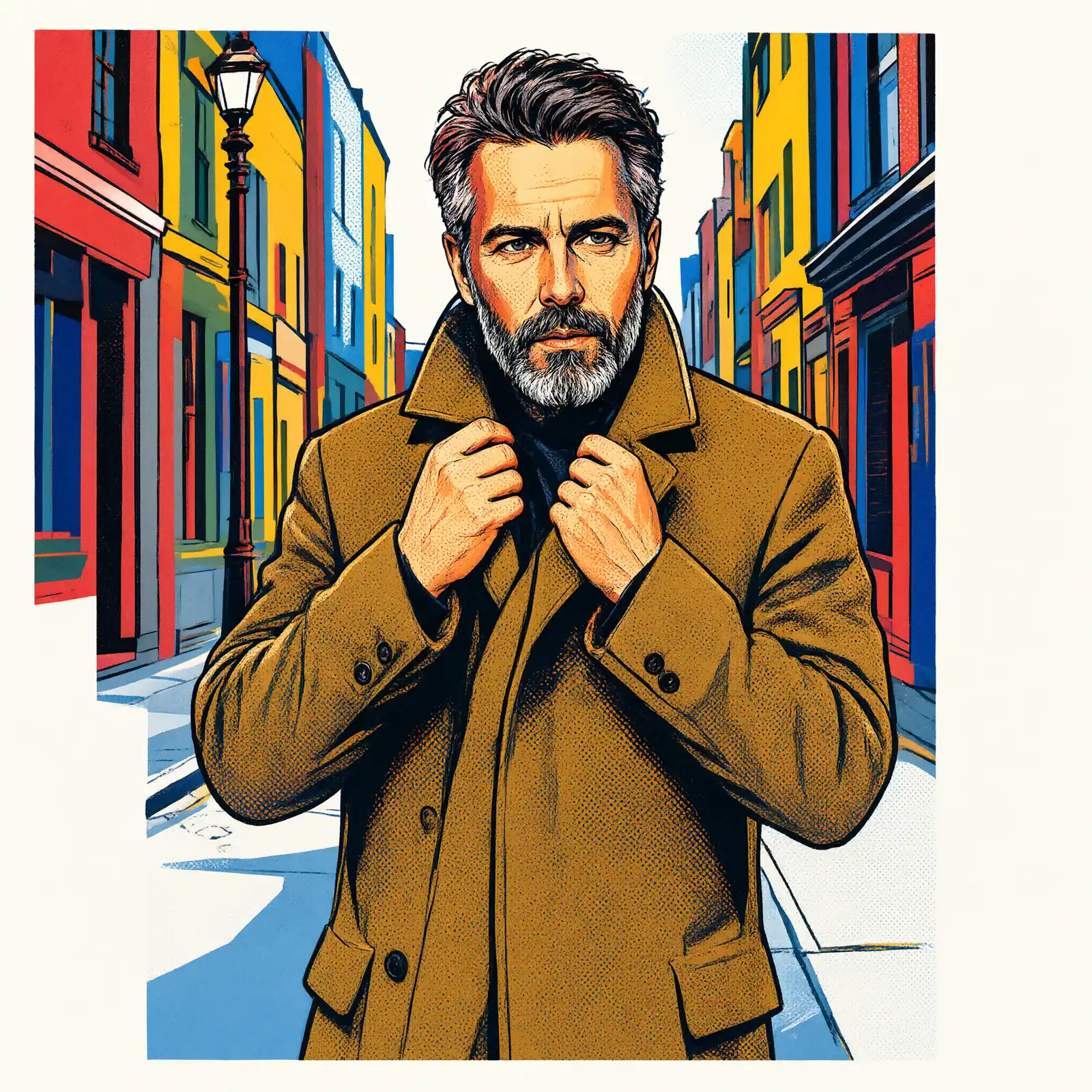
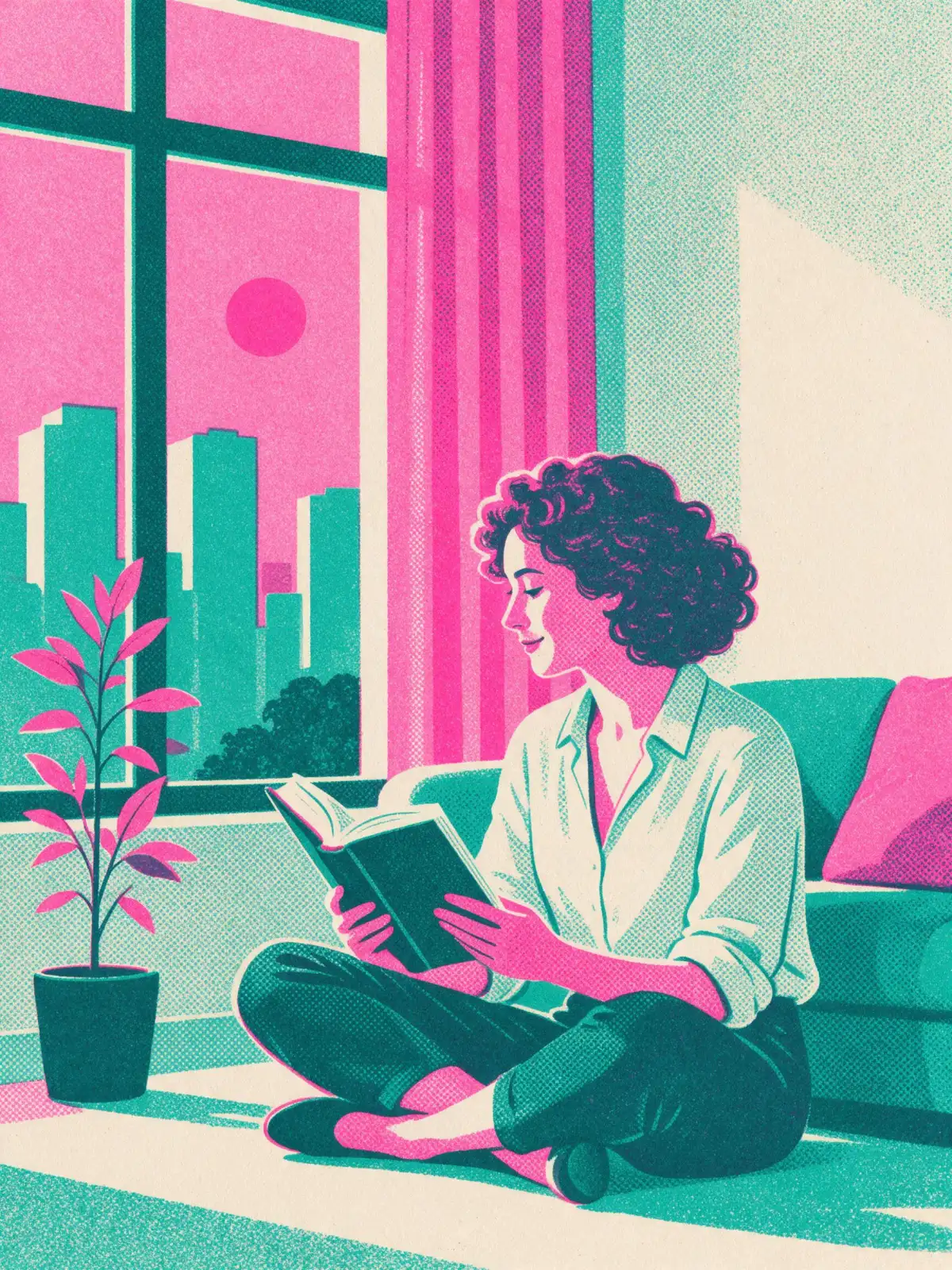
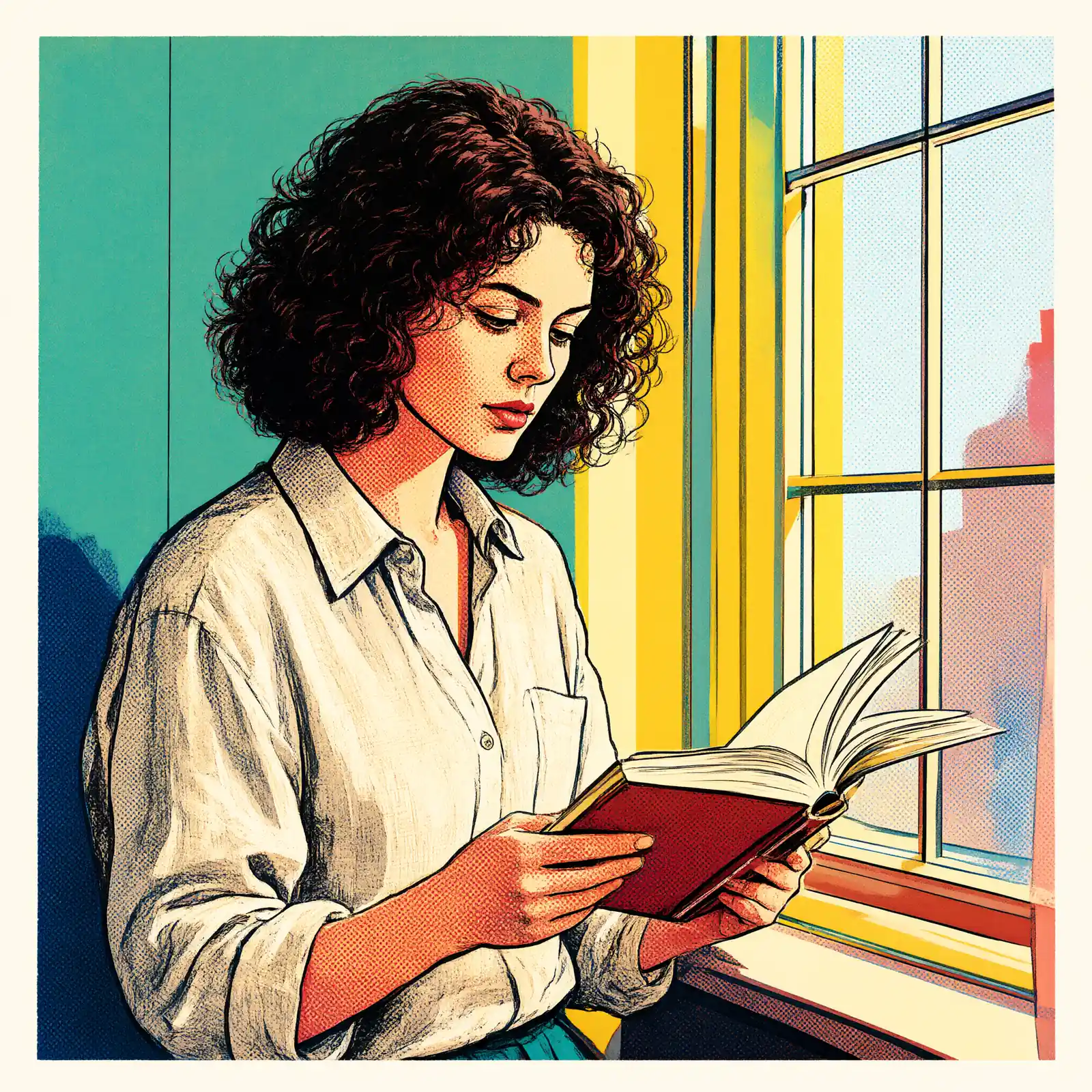
A bold pop-art silkscreen print: a few flat saturated inks, oversized halftone dots, slightly off-register layers and a thick graphic outline.

Works on

  • Seedream 5.0 ProBest$0.036 / image
  • Qwen Image 3.0$0.03 / image
  • Z-Image$0.01 / image
  • Wan 2.7$0.03 / image
  • + 20 more models

Related styles

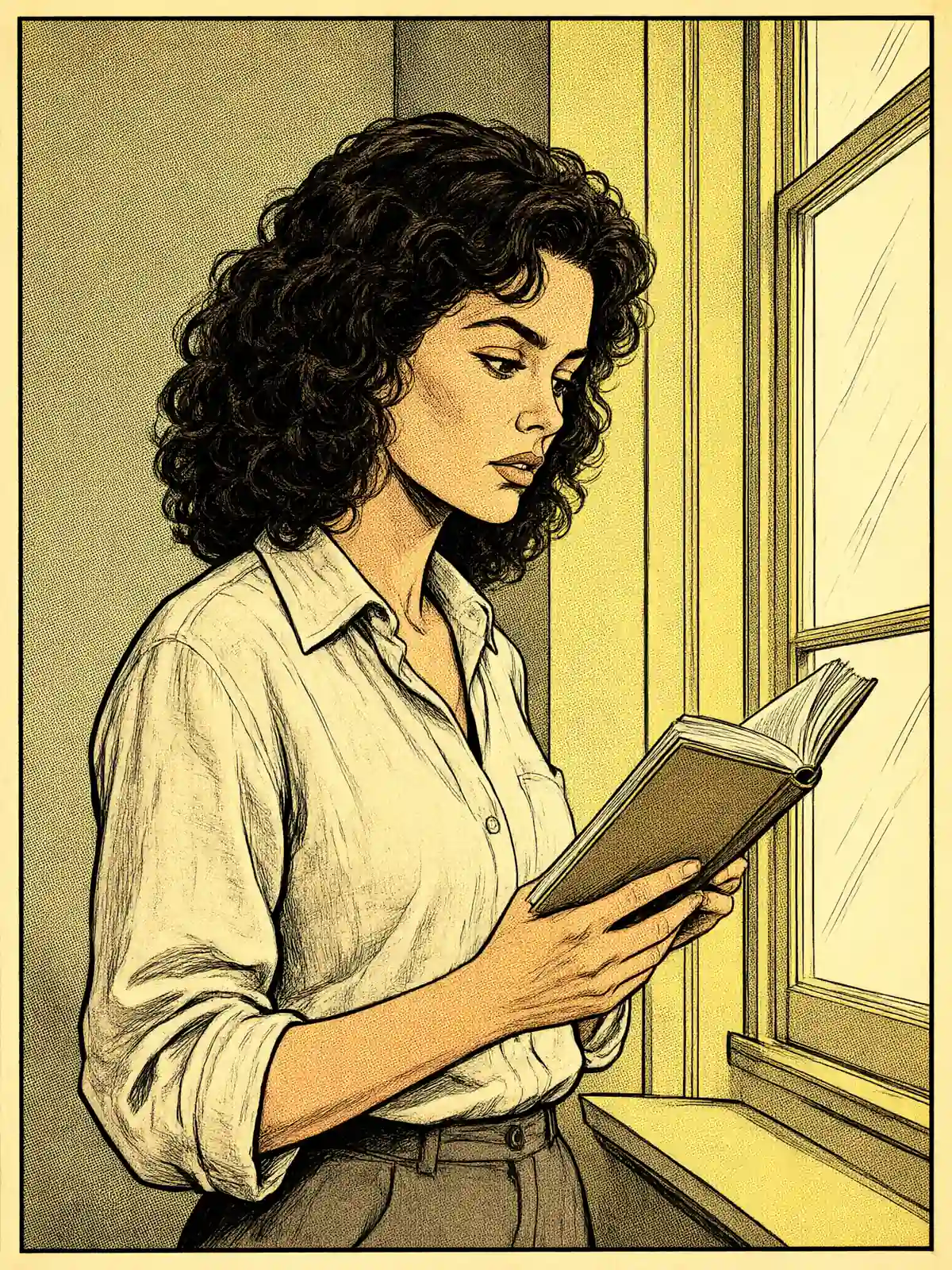
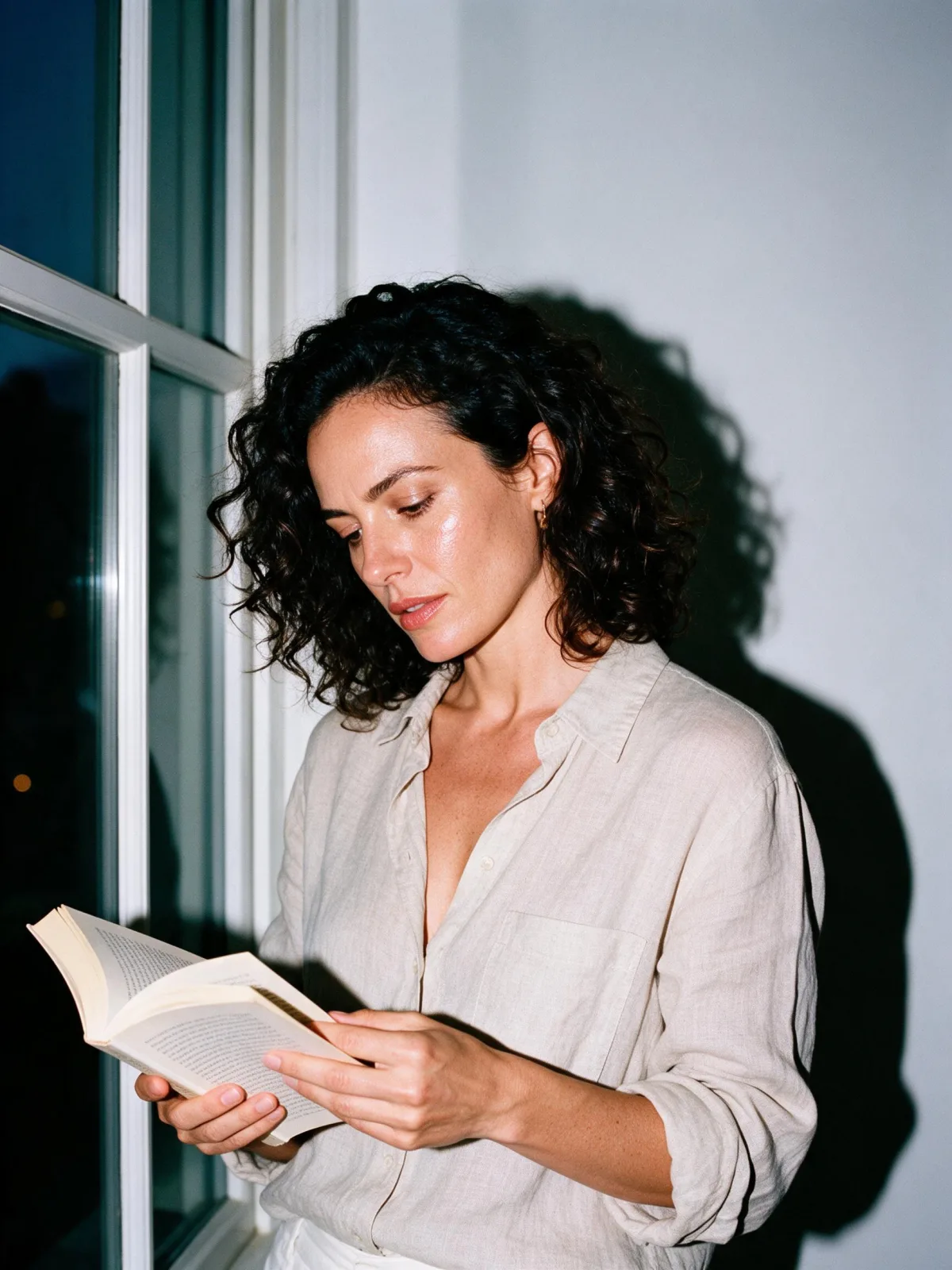
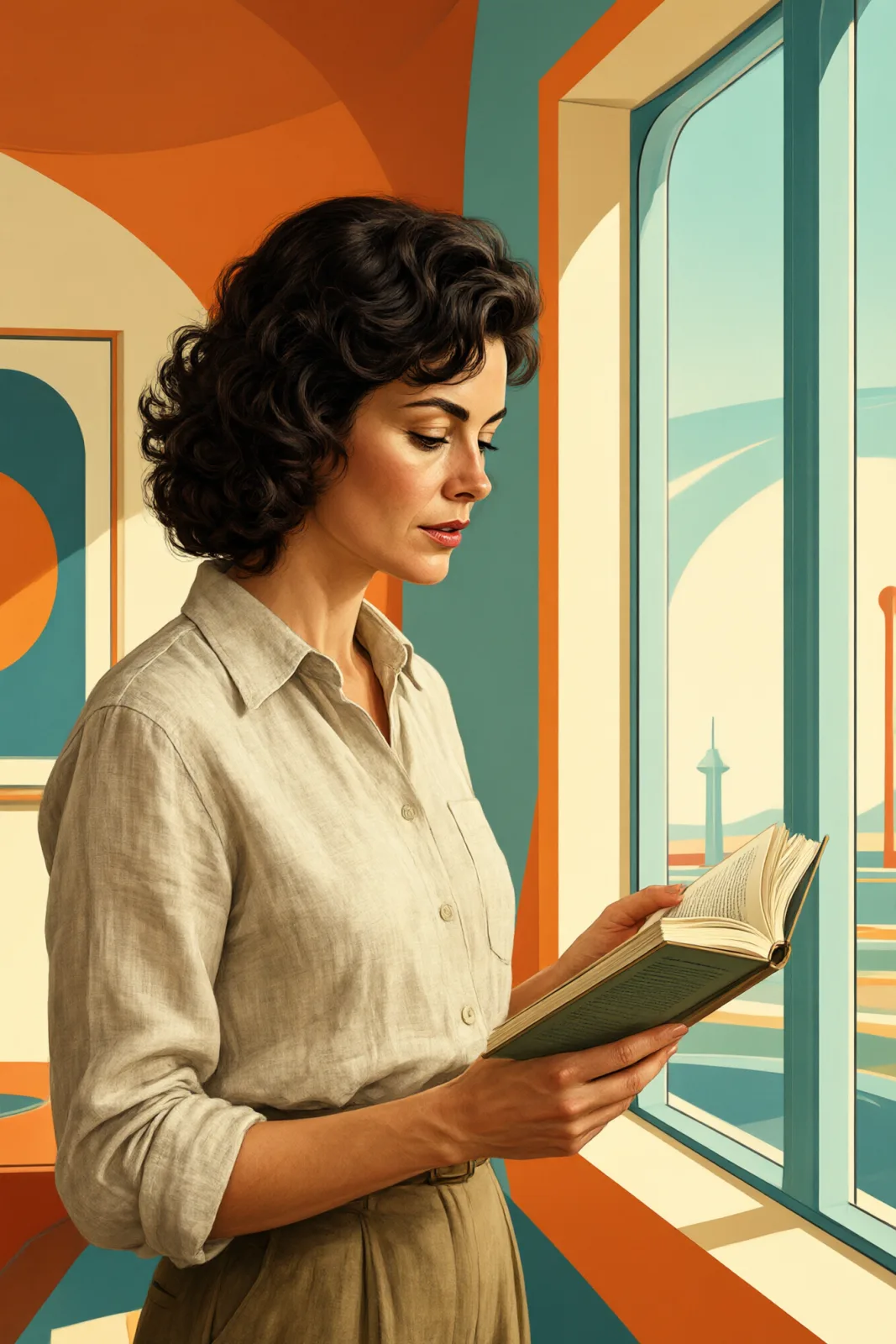
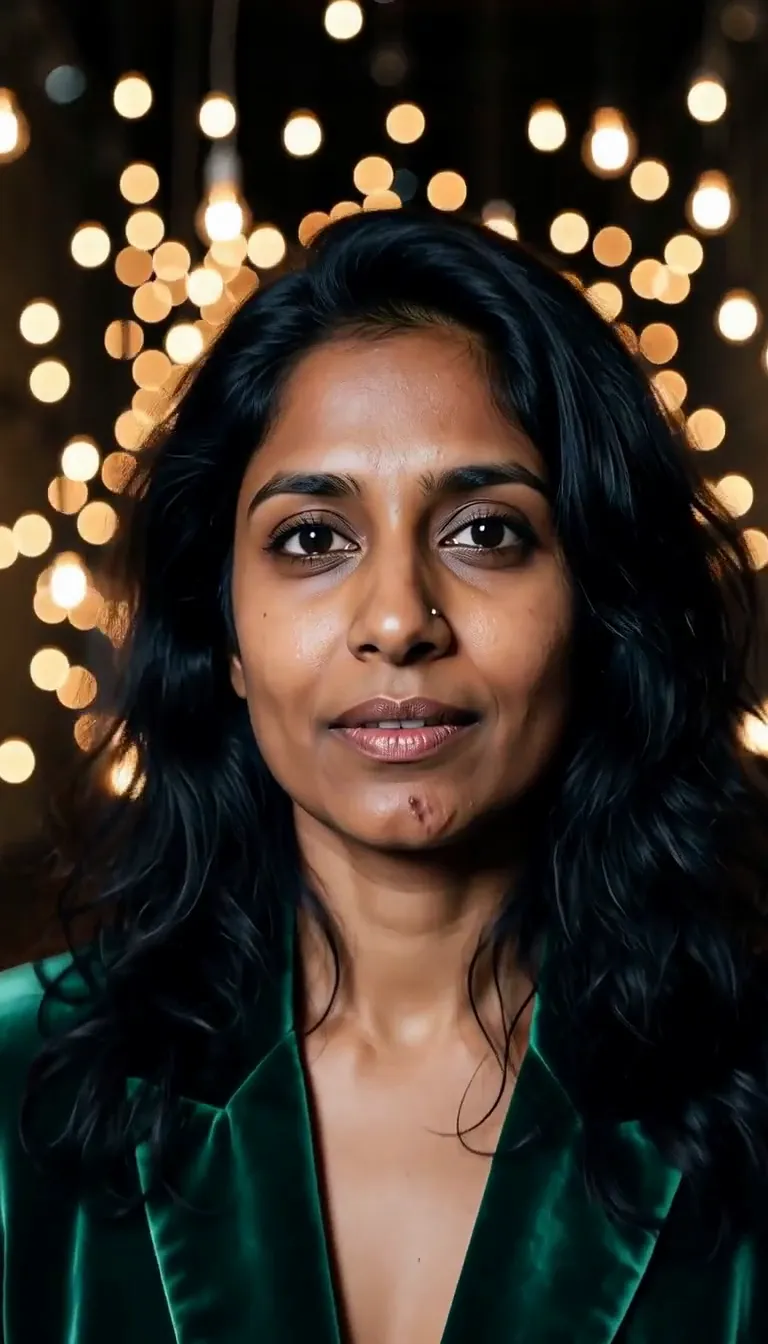
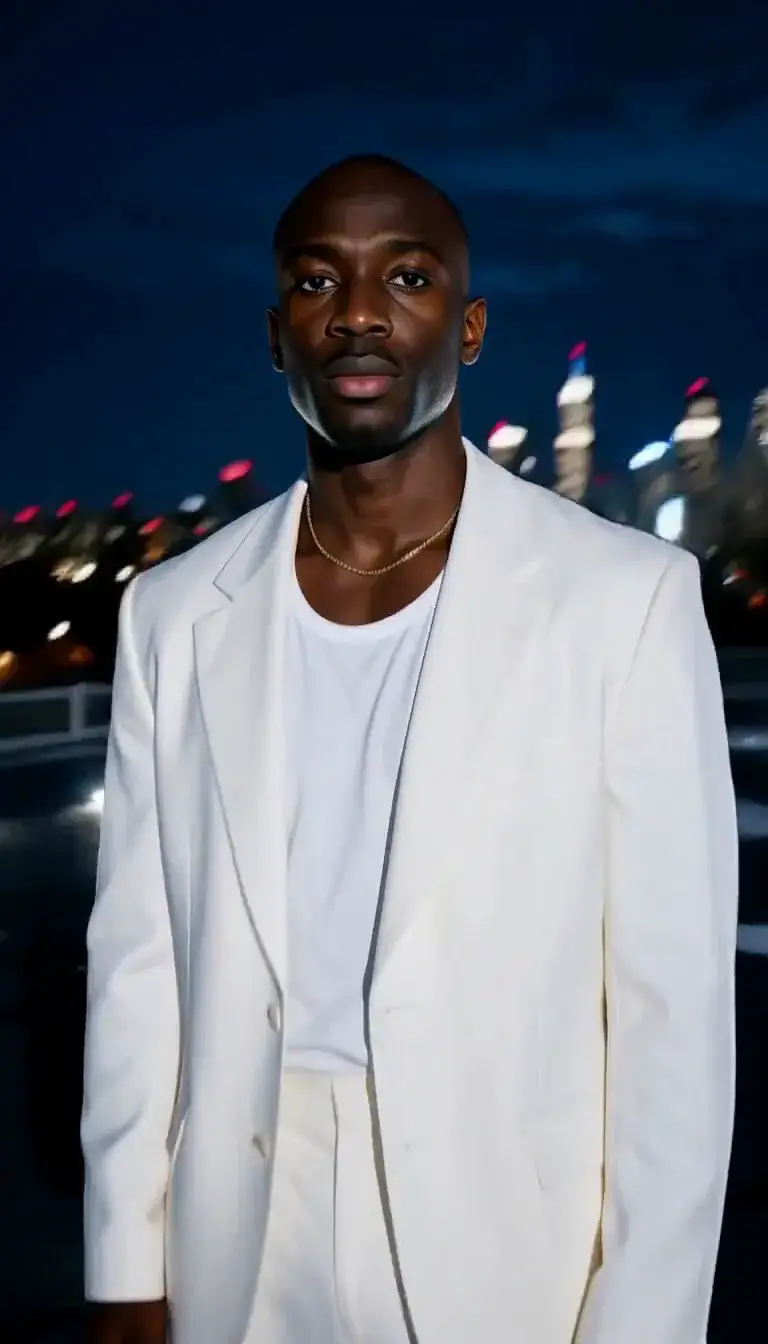
Same person, same prompt — only the style changes

2000s Digicam
After Midnight Flash
Candlelit Velvet
Cinematic Gothic
Late-Night Hotel
Late-Night OVA
Moonlit Voile
Neon After Rain
After-Con Neon
Afterglow Pool
Airbrush Pin-up
Blush Neon
Brass Reflections
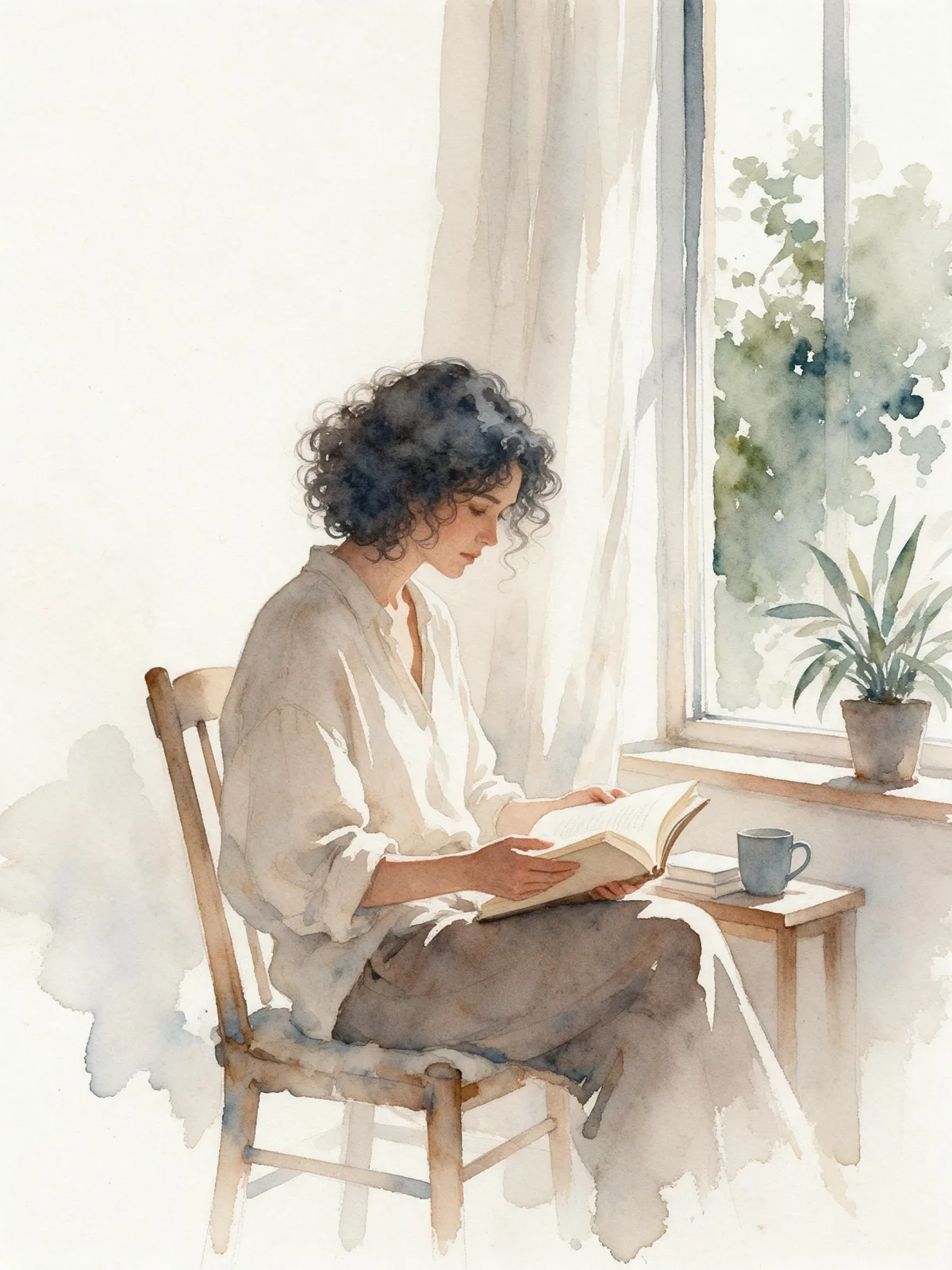
Soft Watercolor
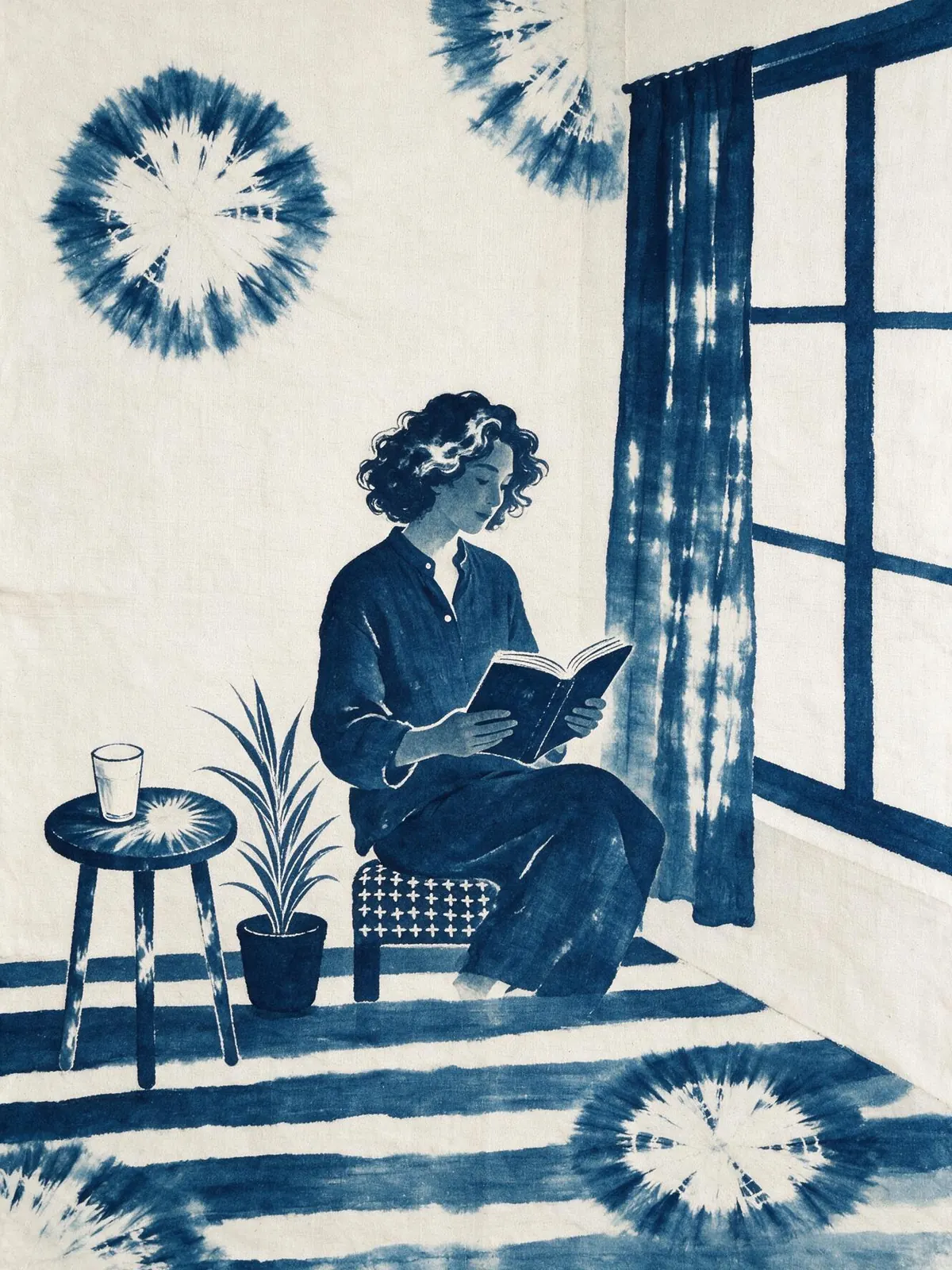
Indigo Shibori
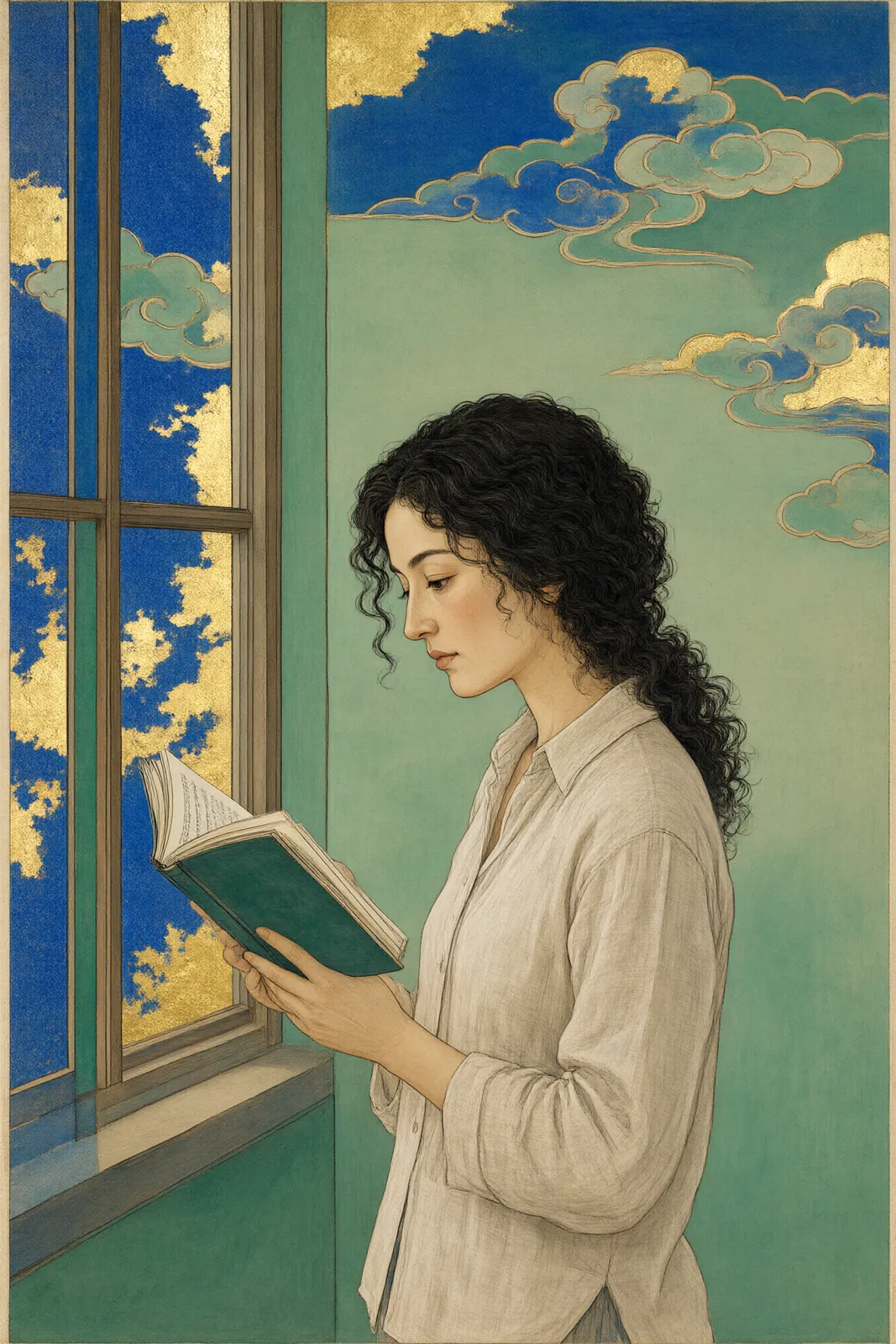
Nihonga Gold
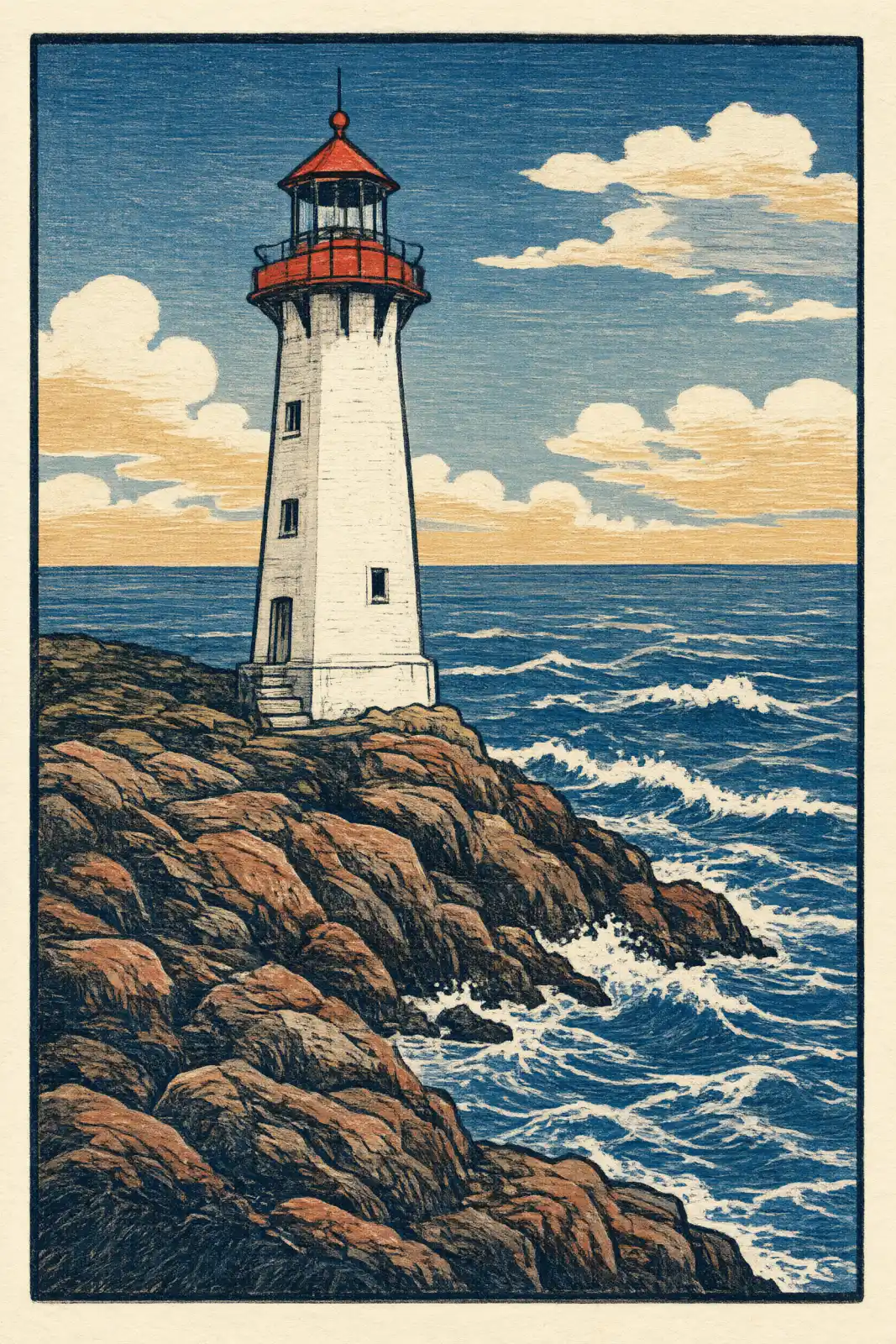
Woodblock Tide
Manhwa Action
Minhwa Folk Color
Pop Screenprint
Instant Film
Charcoal Smoke
Sign up to generate

We never filter your prompt.

A bold pop-art silkscreen print: a few flat saturated inks, oversized halftone dots, slightly off-register layers and a thick graphic outline.

Category
Western
Works on
38 models
Price
From $0.01 / image
Suggested frame
1:1 · 3:4
Your own photo
Yes, restyles an upload

Same subject, with and without it

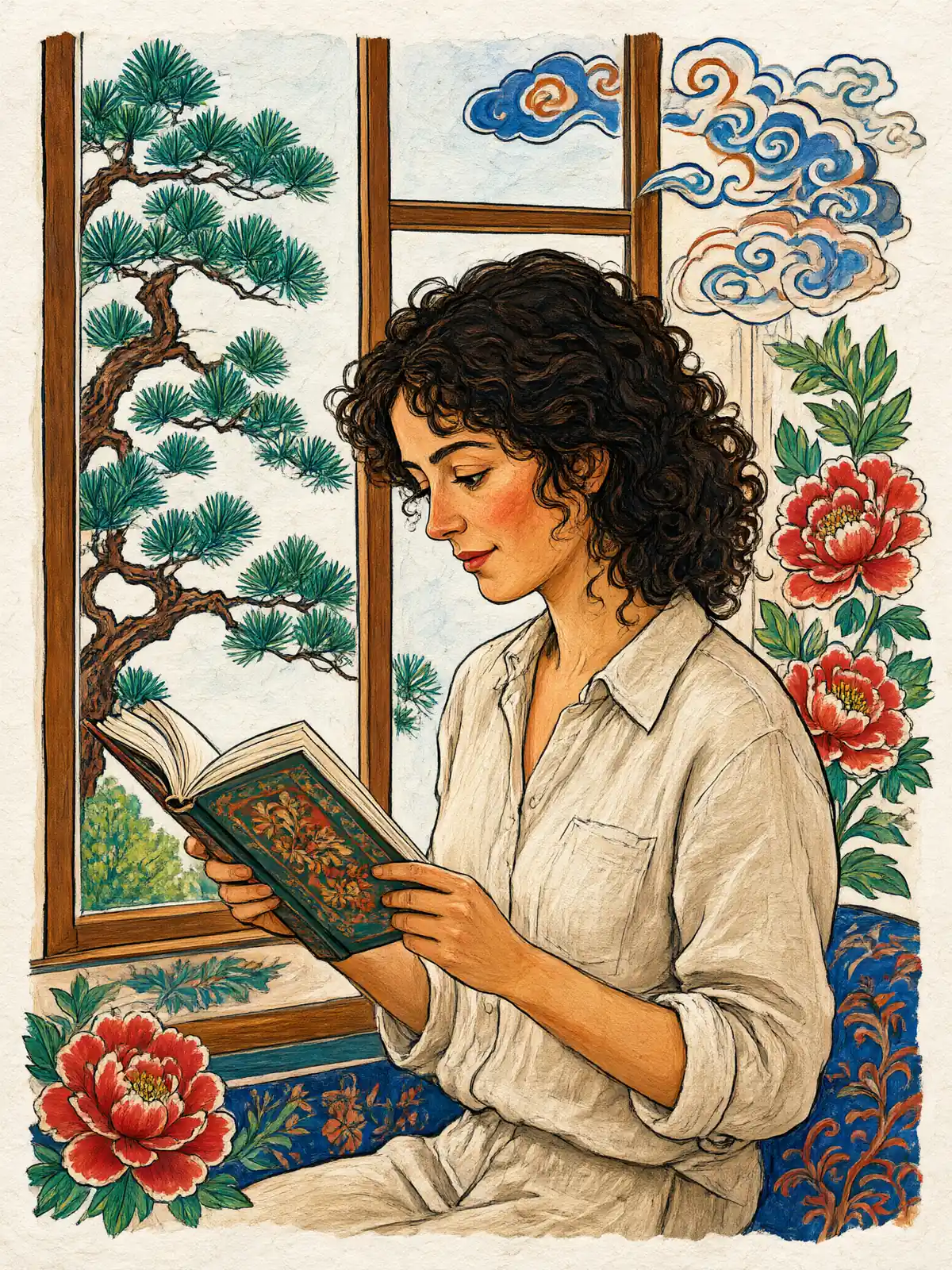
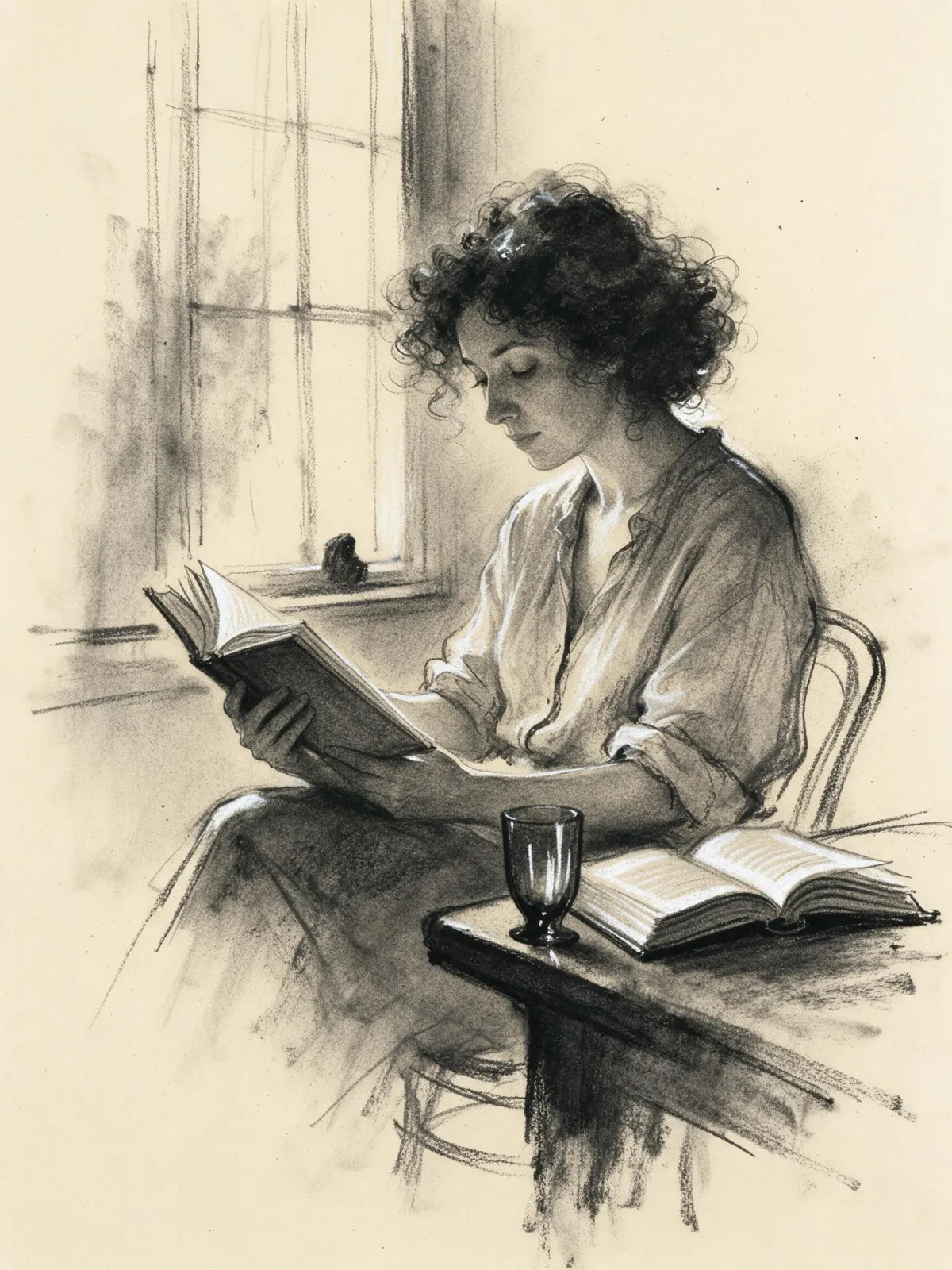
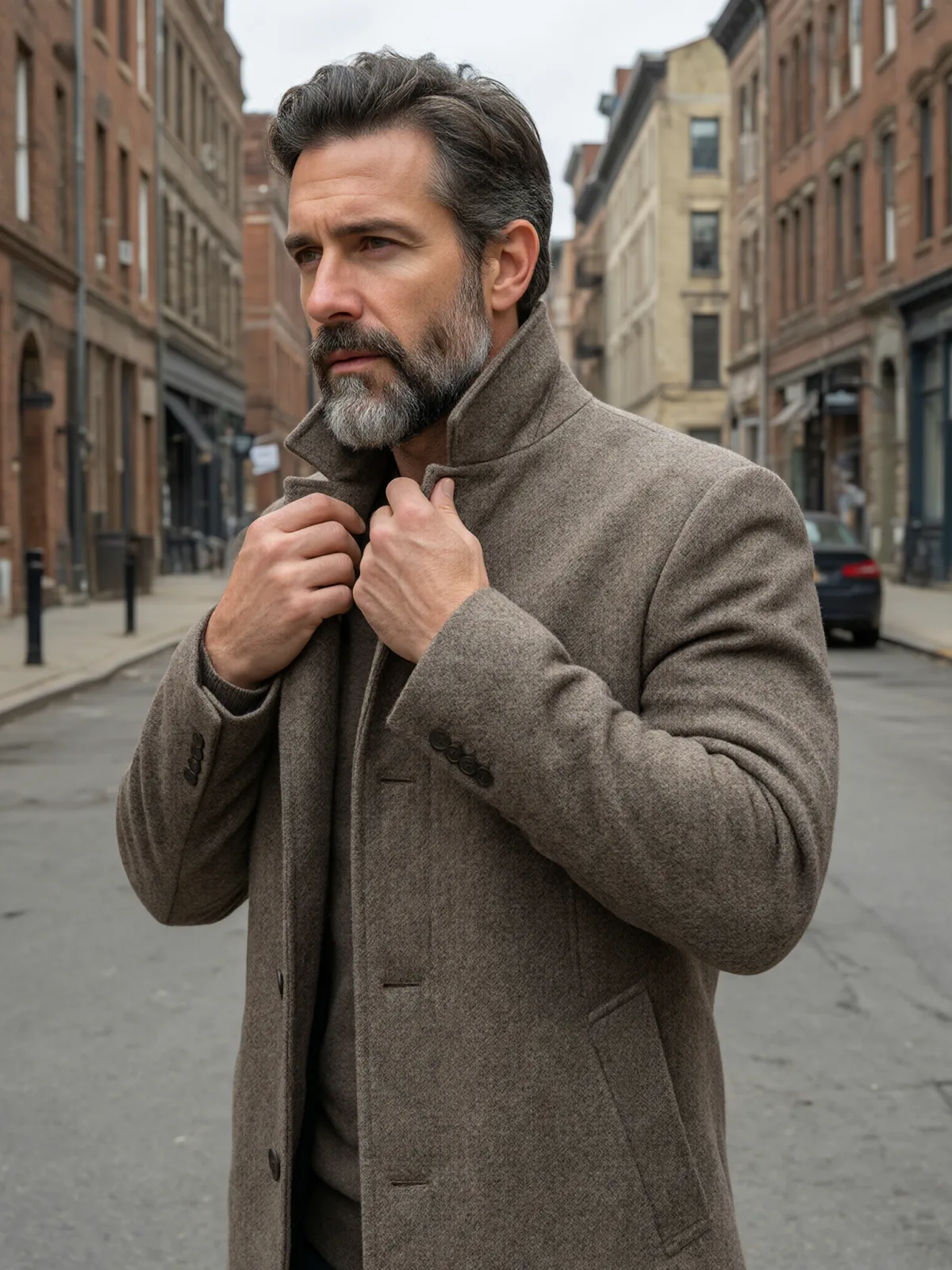
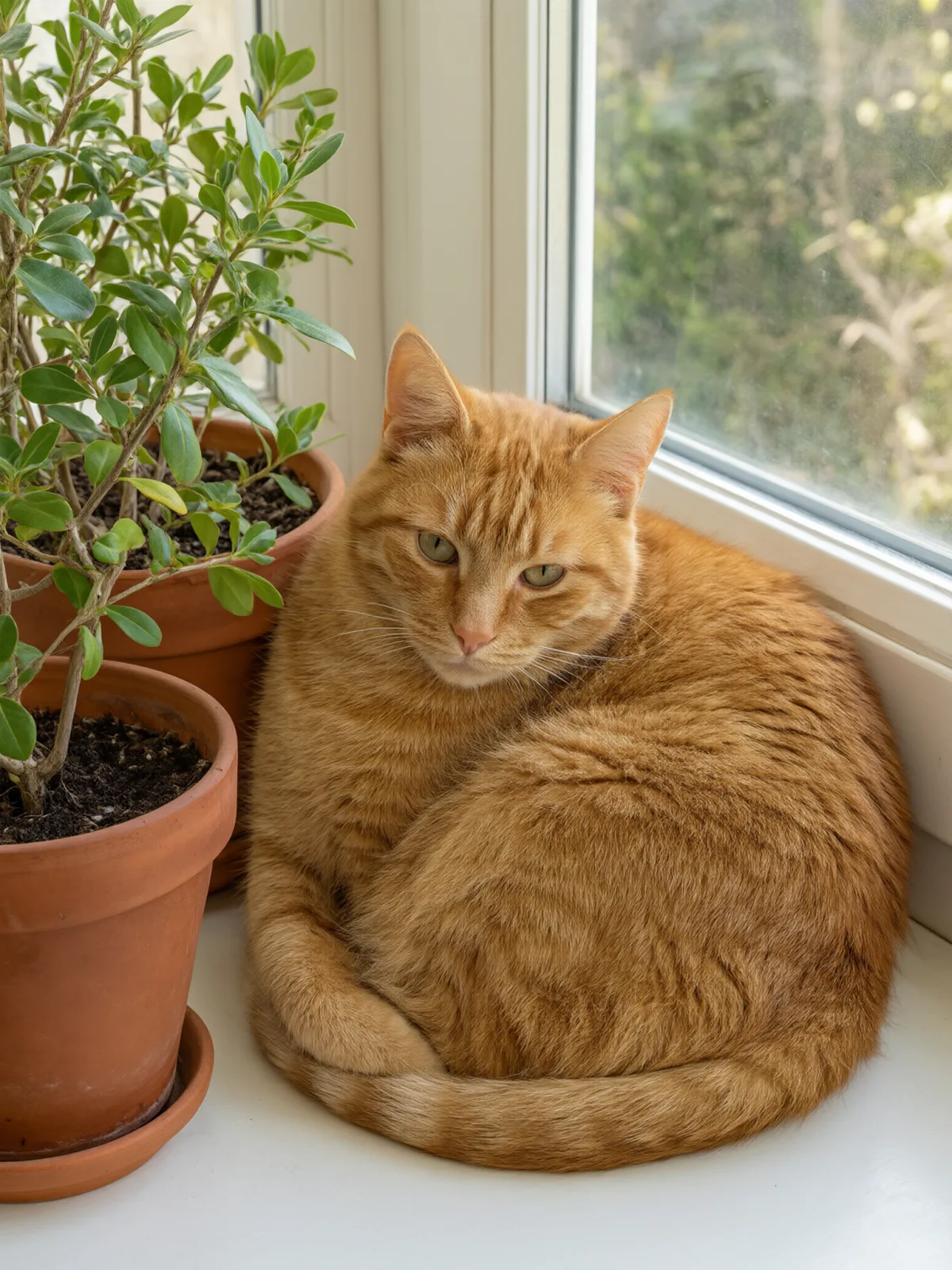
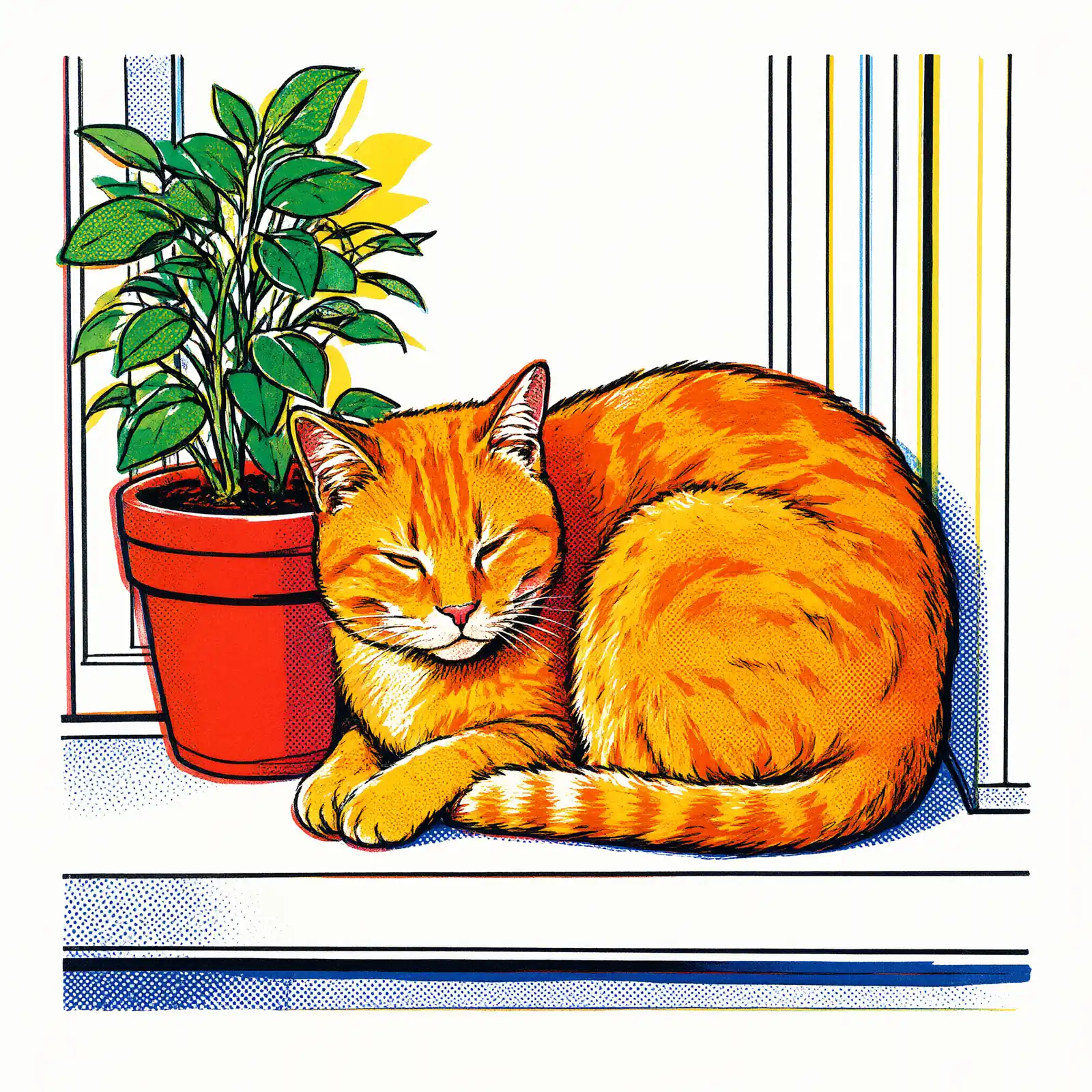
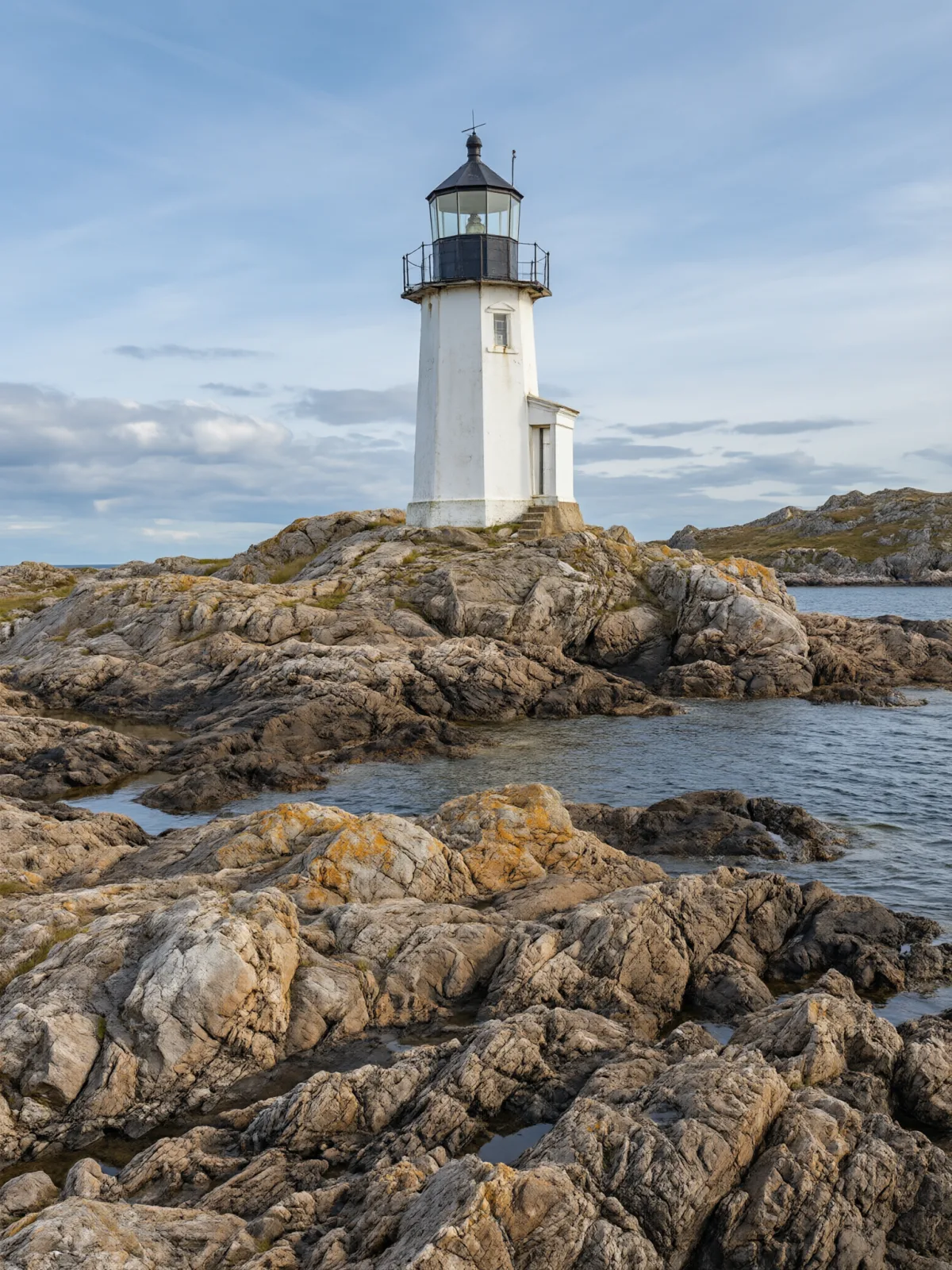
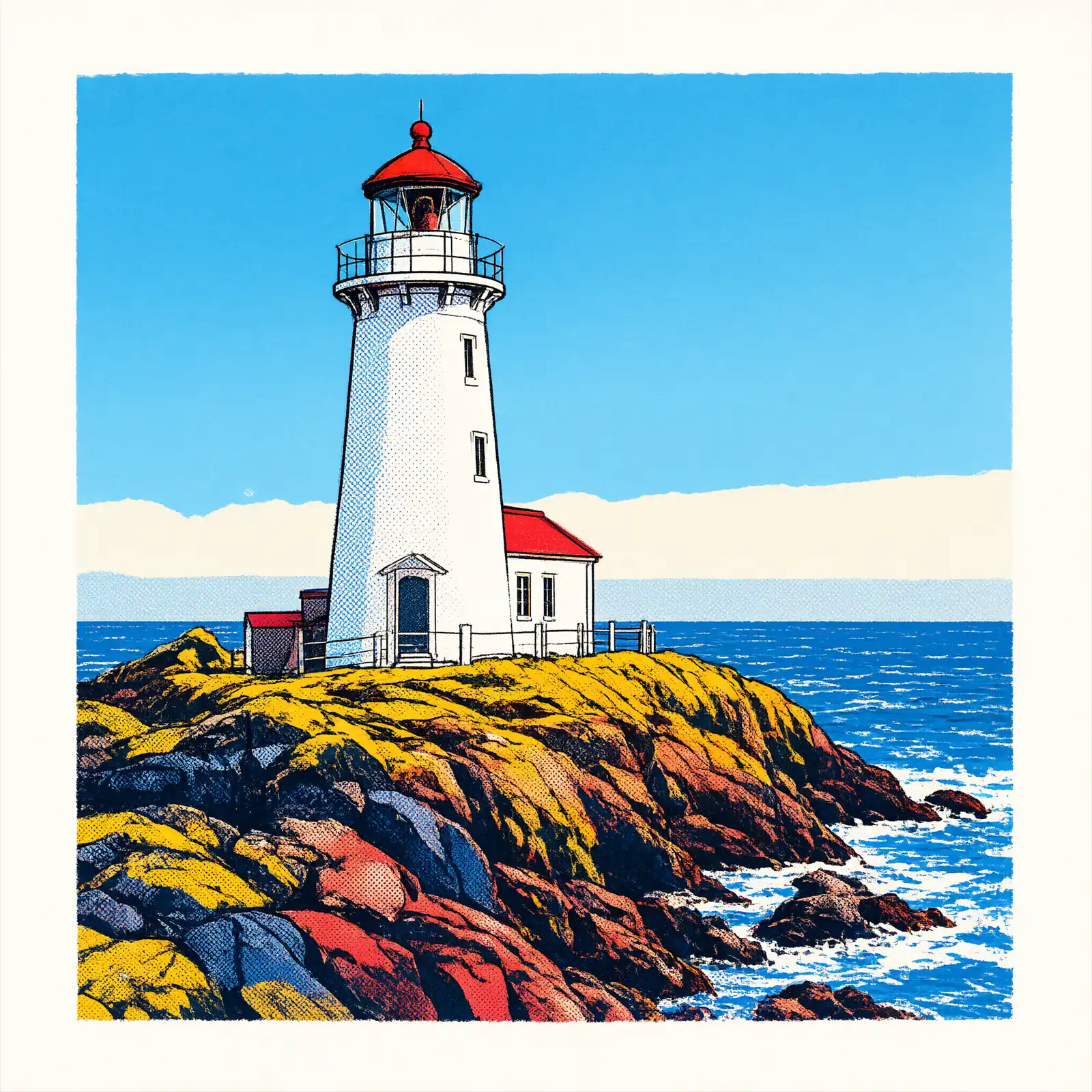
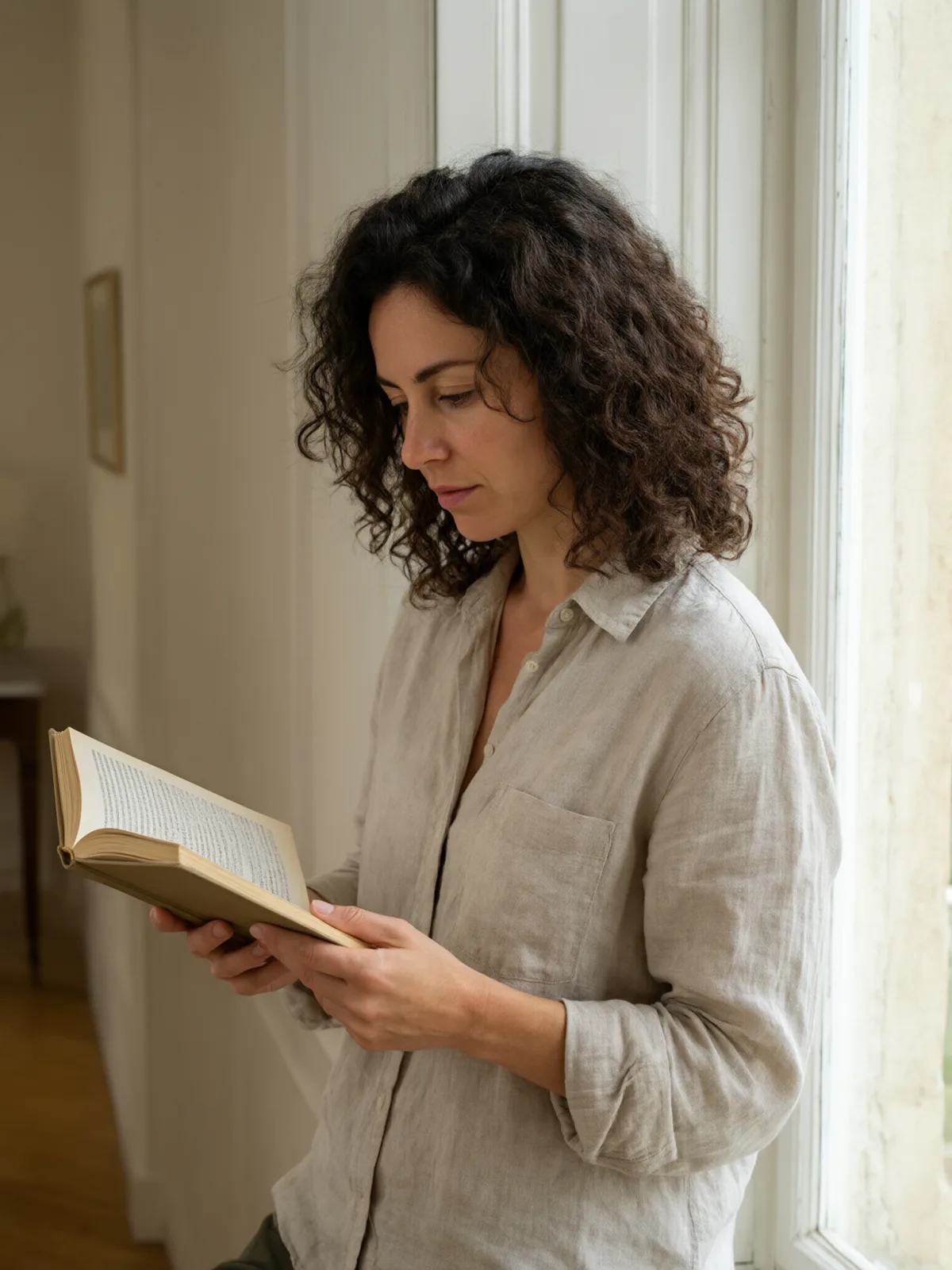
Each pair is the same sentence on the same model. The left frame has no style; the right one is Pop Screenprint. That gap is what the style adds.

  • The test subject with no style, made with Qwen Image 3.0
    No style
    Sample in the Pop Screenprint style, made with Qwen Image 3.0
    With Pop Screenprint

    Qwen Image 3.0

  • The test subject with no style, made with Qwen Image 3.0
    No style
    Sample in the Pop Screenprint style, made with Qwen Image 3.0
    With Pop Screenprint

    Qwen Image 3.0

  • The test subject with no style, made with Qwen Image 3.0
    No style
    Sample in the Pop Screenprint style, made with Qwen Image 3.0
    With Pop Screenprint

    Qwen Image 3.0

  • The test subject with no style, made with Qwen Image 3.0
    No style
    Sample in the Pop Screenprint style, made with Qwen Image 3.0
    With Pop Screenprint

    Qwen Image 3.0

About Pop Screenprint

Pop Screenprint turns your subject into a bold pop-art silkscreen print. The image is reduced to a few flat, saturated inks, big simple color shapes replace fine detail, oversized halftone dots fill the shadows, the color layers sit slightly off register the way real screens do, and a thick graphic outline holds it all together on plain poster paper. It is loud, confident and readable from across a room.

You write the subject; the style pulls the prints. A person reading by a window becomes a punchy portrait against blocks of teal and yellow, a man adjusting his collar turns into a gallery poster, a cat on a sill glows orange against a flat white wall, and a lighthouse stands on rocks printed in pink, yellow and blue. Everyday objects work brilliantly — a soda can, a lipstick, a banana — and the more ordinary the subject, the more pop the print.

It is made for posters and merch, album and event artwork, social headers, product launches and playful portraits. For this composition, we recommend 1:1, with 3:4 as another framing option. It also works on an uploaded image: in image-to-image mode it reprints the picture as a pop-art silkscreen and keeps the composition, pose and clothing unchanged.

Subjects to paste as they are: “a banana on a plain background”, “a woman in sunglasses blowing a bubblegum bubble”, “a vintage telephone with a coiled cord”. For vintage comic-book panels, try Comic Halftone; for fluorescent two-color printing, Riso Duotone; for punchy flash photography, Glossy Flash Editorial.
Tips that make it land

  • Simple, iconic subjects print best: a face, a fruit, a shoe, a car. Busy scenes turn into noise.
  • Name two or three colors if you want a specific palette, for example “in hot pink, yellow and teal”.
  • Want a repeated grid like a gallery wall? Generate a few and arrange them yourself; each image is a single print on purpose.
  • For uploads, high-contrast photos with a clear silhouette work best.

The prompt it sends

Your sentence goes where {subject} sits. Everything around it is the style. Nothing is hidden, and we never filter your prompt.

{subject}, bold pop-art silkscreen print, reduced to a few flat saturated ink colors, big simple color shapes instead of fine detail, oversized halftone dots in the shadows, slightly off-register color layers, thick graphic outline, plain poster paper
Use Pop Screenprint now

With your own photo

When you add a reference image, this wording is sent instead, so your composition stays and the look changes.

Reprint the image as a bold pop-art silkscreen print reduced to a few flat saturated ink colors, with oversized halftone dots, slightly off-register color layers and a thick graphic outline. {subject}. Keep the composition, pose and clothing unchanged.

Prompt ideas for Pop Screenprint

Scenes from our prompt library that suit this look. Borrow the idea as your subject line; the style adds the rest.

Product & ads

Models it works on

Every model below was tested with this style. The price is per image and shows on the Generate button before you run.

How to use Pop Screenprint

  1. 01

    Write who or what

    Write one plain sentence for your Pop Screenprint image: who or what is in it and what is happening. The style brings the light, color and medium, so leave those out.

  2. 02

    Keep Pop Screenprint on

    It is already selected at the top of this page and lands best on Seedream 5.0 Pro, the model it was tuned on. Add a photo if you want your composition kept and only the look changed.

  3. 03

    Generate

    From $0.01 per image, shown on the button before you run. Pick your favorite Pop Screenprint frame, then edit it, restyle it or make it move from the result.

Questions about Pop Screenprint

Make video

Styles are for stills. These effects start from one photo and add a single deliberate move.

Read next