Introduction
Anime to Real turns a drawn image into a photograph. Send an anime frame, a cartoon, an illustration or a painting and get back a realistic photo of the same people in the same outfits and place, without a local install or a ComfyUI workflow.
Key features & highlights
Built on Anything2Real
The tool runs Qwen-Image-Edit-2511 with the Anything2Real 2601 A LoRA by lrzjason, one of the most downloaded edit LoRAs of the season, so you do not have to host the weights or a workflow.
Composition stays
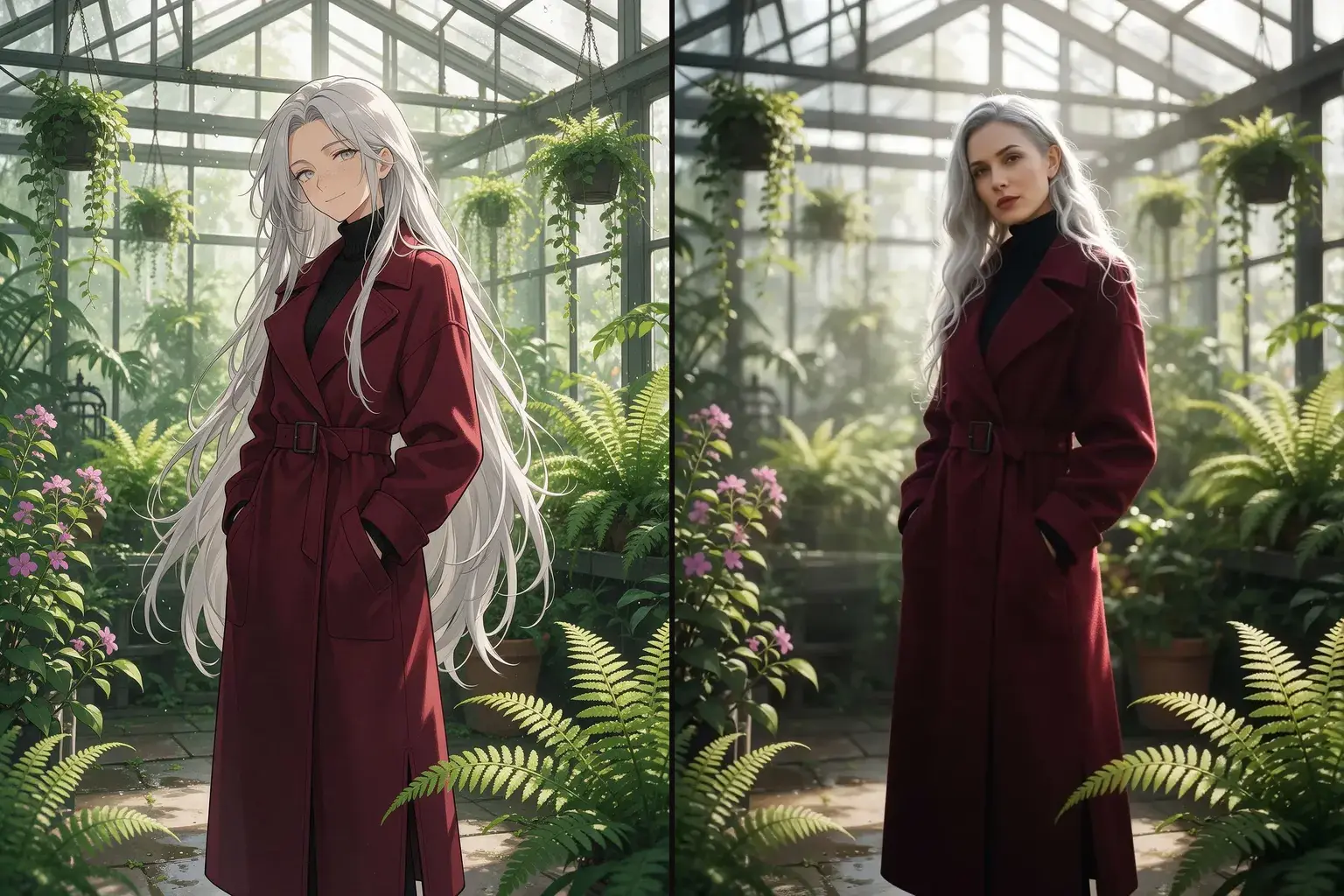
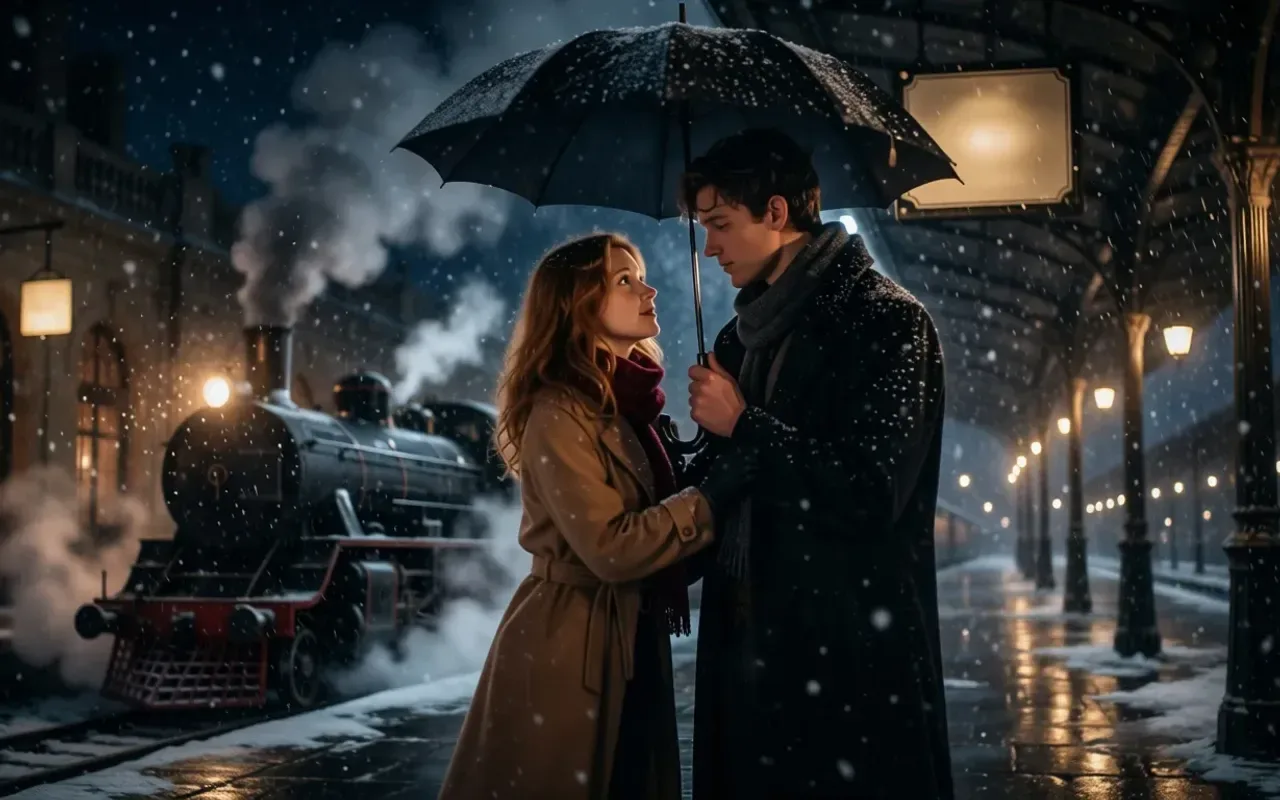
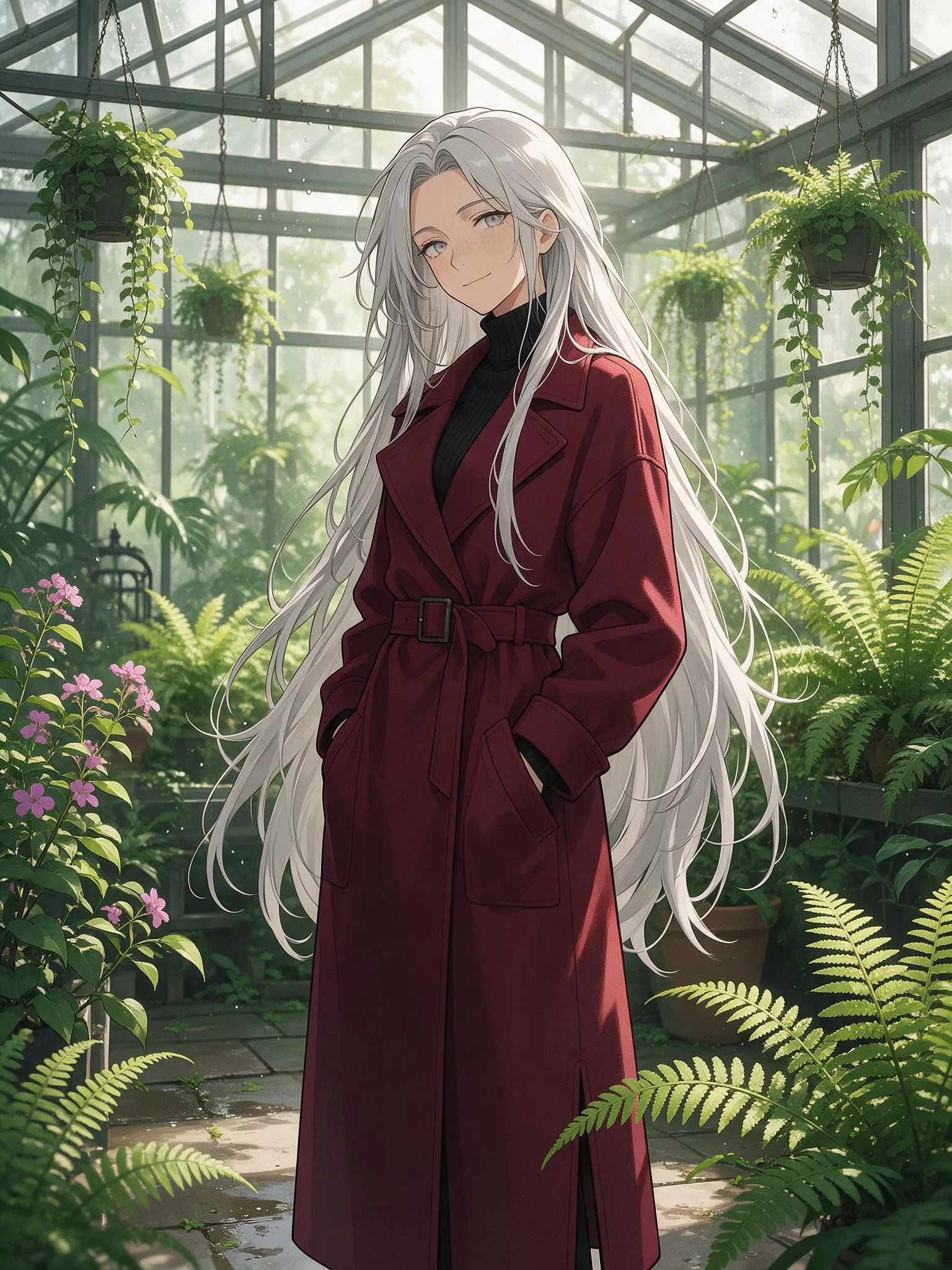
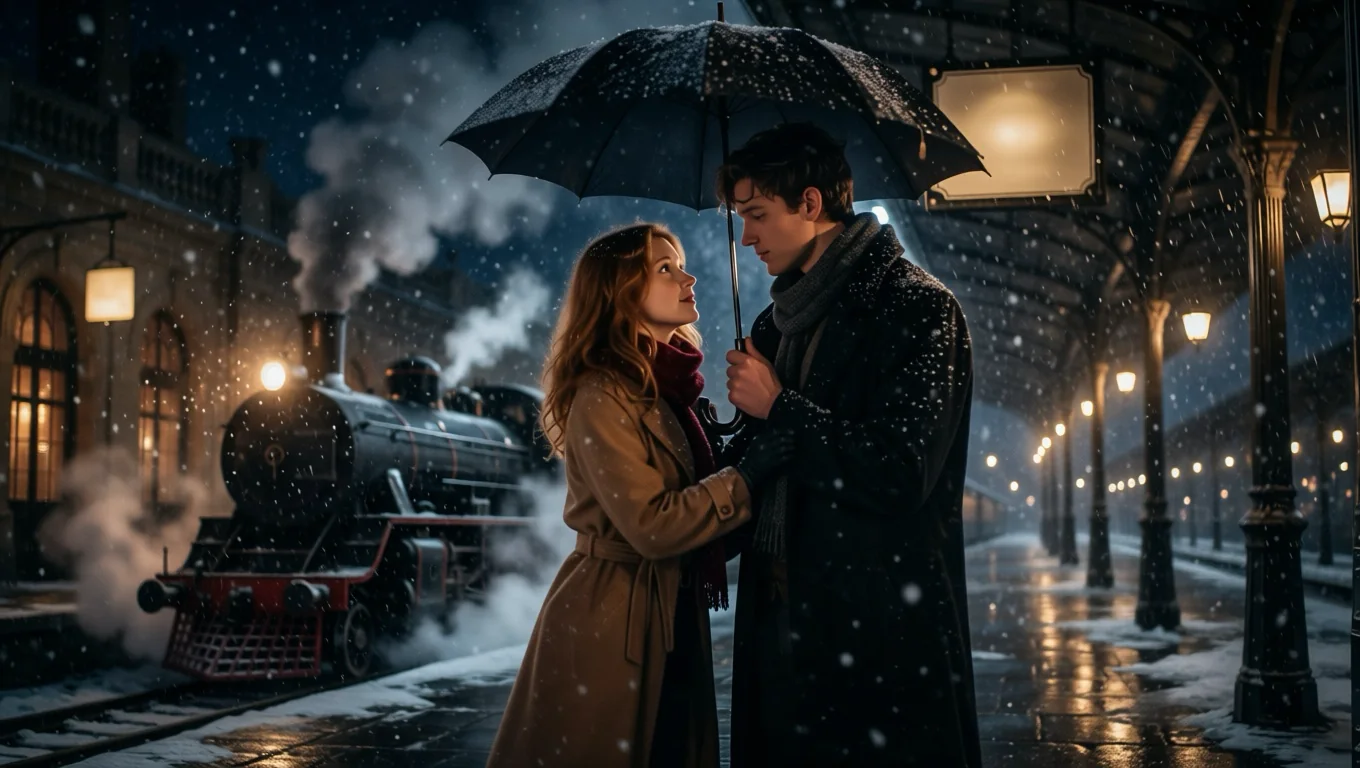
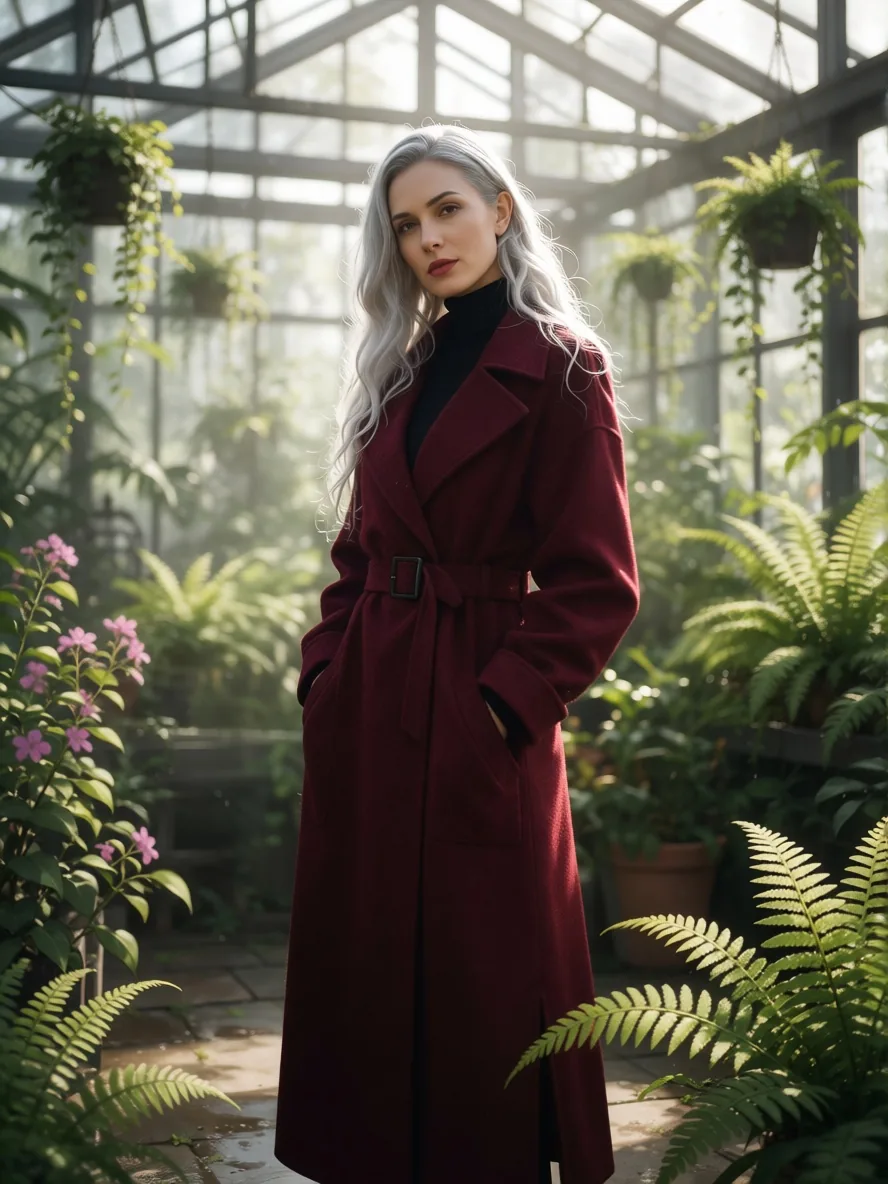
Framing, pose, clothing and background follow the drawing. A snowy railway platform kept its steam train, lamps and umbrella, and a fern greenhouse kept every hanging basket in the same spot.
Optional description
The instruction is built in. A short description of the scene, appended in prompt, helps with skin, fabric and light.
Request parameters
| Parameter | Required | Description |
|---|---|---|
image_url | Yes | The anime frame, cartoon, illustration or painting to convert. A public HTTPS link or an upload, JPEG, PNG or WebP, up to 10 MB. at least 1 characters |
prompt | No | Optional. A short description of who and what is in the picture, for example "a woman in her thirties with long silver hair in a burgundy wool coat in a glass greenhouse". at most 1000 characters |
aspect_ratio | No | Optional. Leave it empty and the result keeps the shape of your photo at about one megapixel. |
output_format | No | JPEG by default, PNG or WebP if you need them. Does not change the price. |
seed | No | Use the same number again to compare two runs on the same photo. Any whole number from 0 to 2147483647; leave it empty for a random seed. |
Pricing
$0.03 / image
Billed per output image at one flat price. The aspect ratio and the output format do not change it, and failed requests are not charged.
Use cases
Characters as people
See how an illustrated character would look in a photo, for fan art, casting references or cosplay.
Concept art to film still
Preview an illustrated scene as live action before committing to a shoot or a video. It is a quick way to judge costume, light and setting together.
Avatars and mascots
Make a photographic version of a drawn avatar, then re-pose or relight it with the other tools.
Prompt guide & pro tips
Describe people as adults
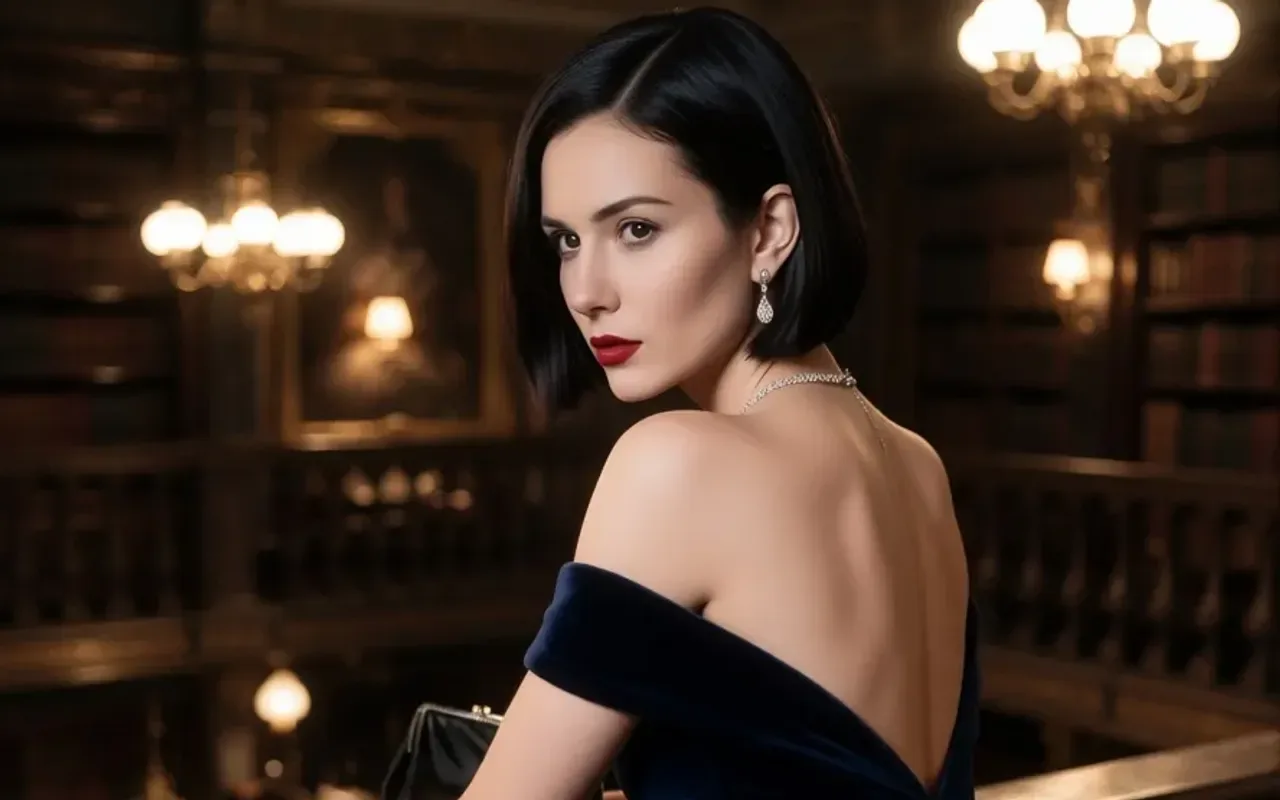
Write ages, such as "a woman in her early thirties", especially when the drawing style makes faces look young.
Drop lettering
Titles, frames and signs in the drawing can survive. "no text and no border" removed them in our runs.
Detailed art converts best
Key-visual style illustrations with lighting and background detail give the most convincing photos. Very flat, simplified styles leave the model guessing at skin and fabric.
Write one line about the scene
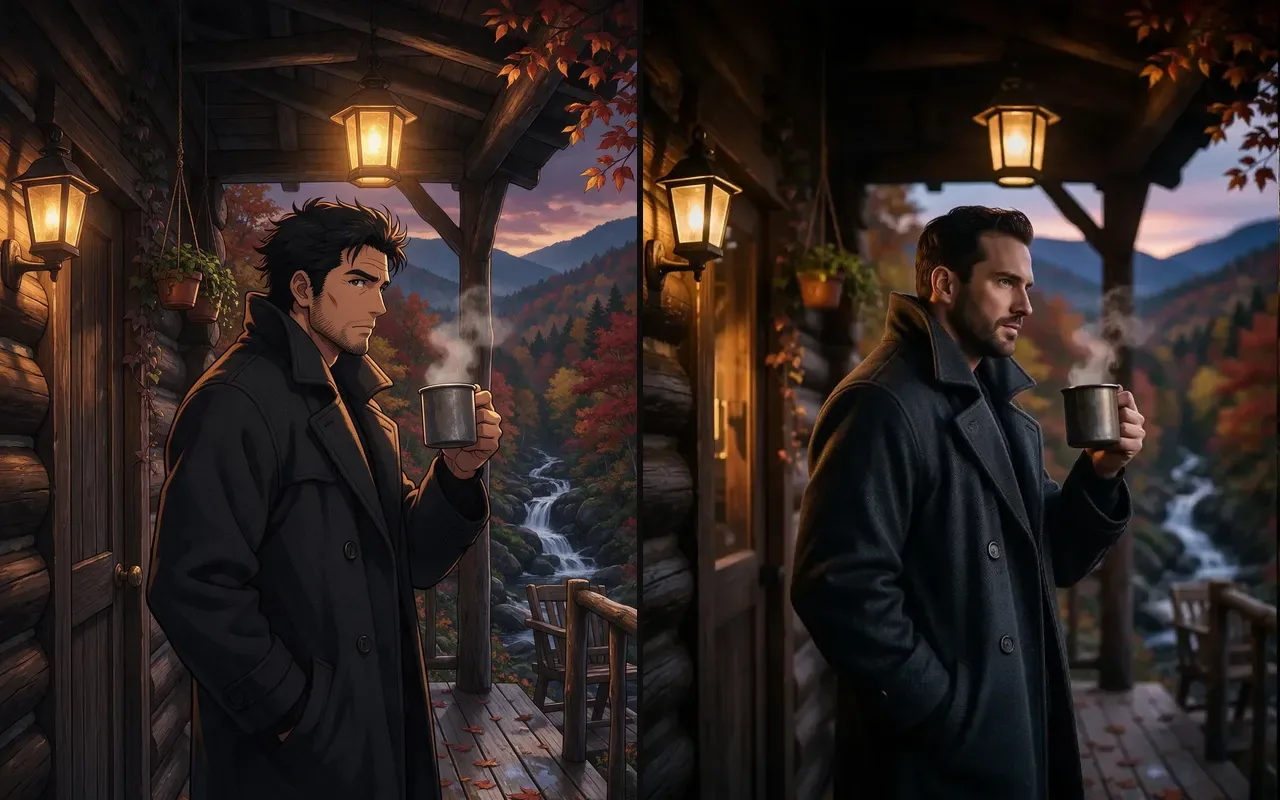
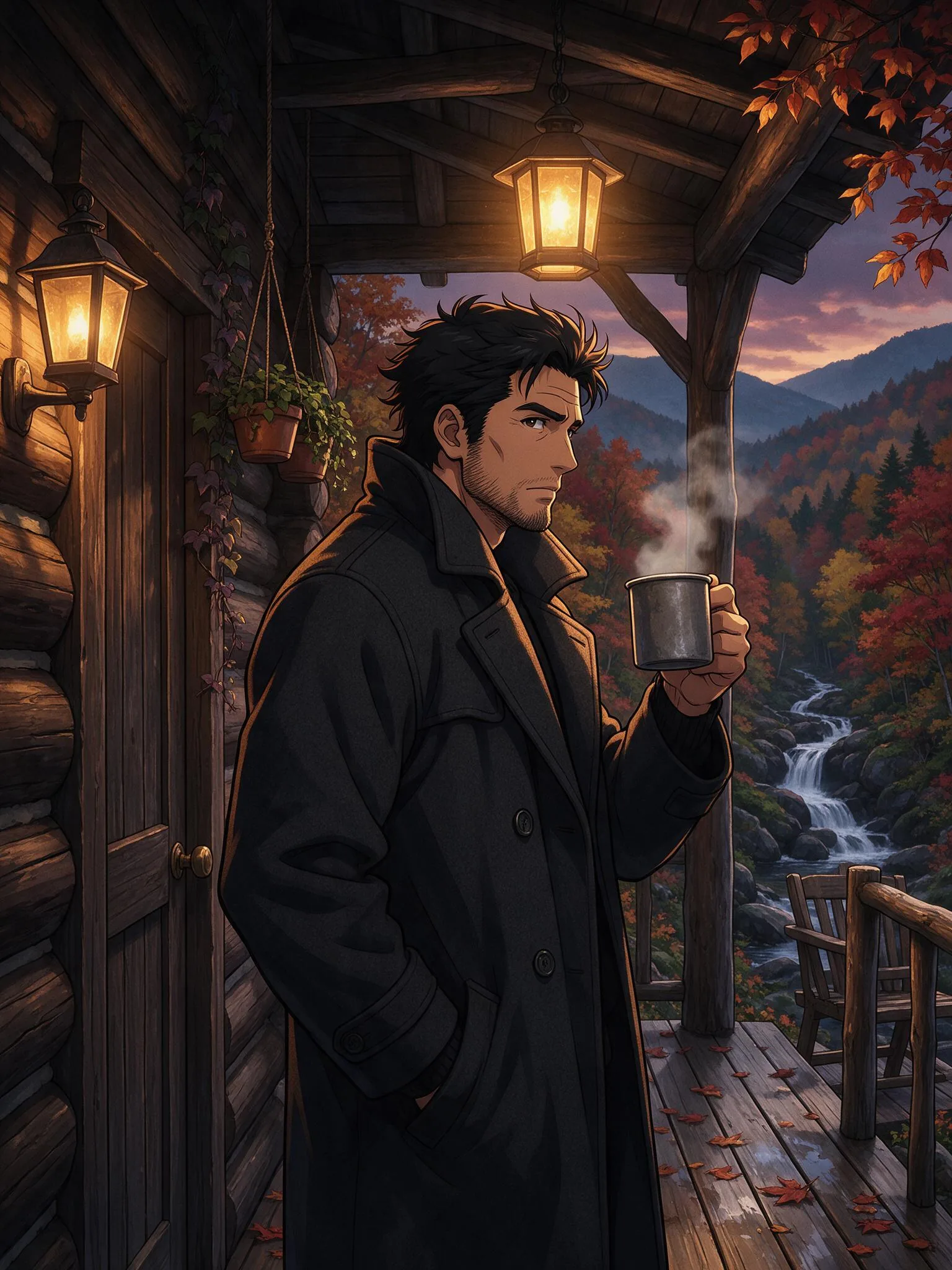
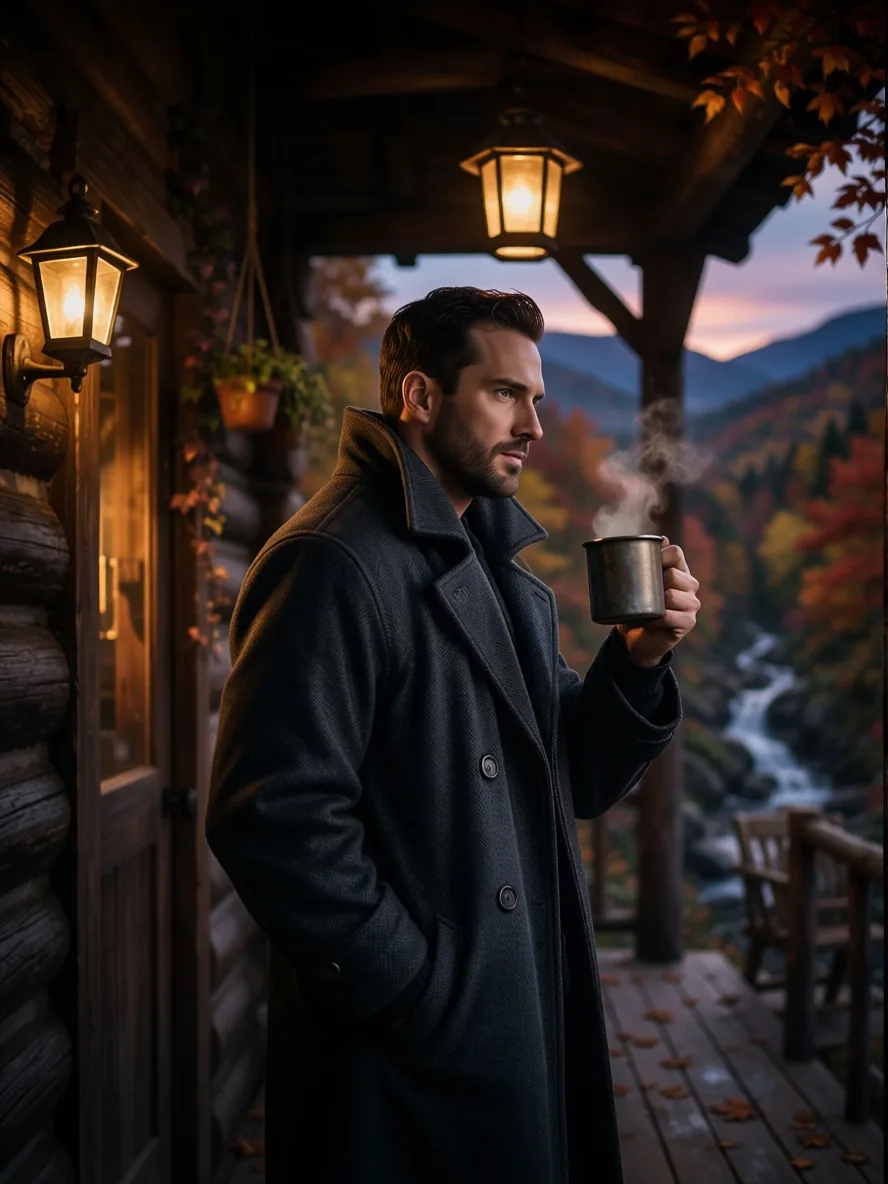
A short description such as "a man in his late thirties with a short dark beard on a log cabin porch at dusk" helped skin, fabric and light look photographic in our runs. Keep it to who and where; the built-in instruction already asks for a realistic photograph.
API quick start
# Generate the idempotency key once; reuse it when retrying after a lost response.
export SPICY_IDEMPOTENCY_KEY="${SPICY_IDEMPOTENCY_KEY:-$(uuidgen)}"
curl -X POST https://api.spicyapi.ai/api/v1/jobs/createTask \
  -H "Authorization: Bearer $SPICY_API_KEY" \
  -H "Content-Type: application/json" \
  -H "Idempotency-Key: $SPICY_IDEMPOTENCY_KEY" \
  -d '{
  "model": "spicyapi/anime-to-real-v1/edit",
  "input": {
    "image_url": "https://example.com/reference.png",
    "output_format": "jpeg"
  }
}'

# Copy data.taskId from the response into TASK_ID, then poll the status.
TASK_ID="TASK_ID_FROM_RESPONSE"
curl "https://api.spicyapi.ai/api/v1/jobs/recordInfo?taskId=$TASK_ID" \
  -H "Authorization: Bearer $SPICY_API_KEY"
See the API reference for authentication, the complete schema, polling, and error handling.