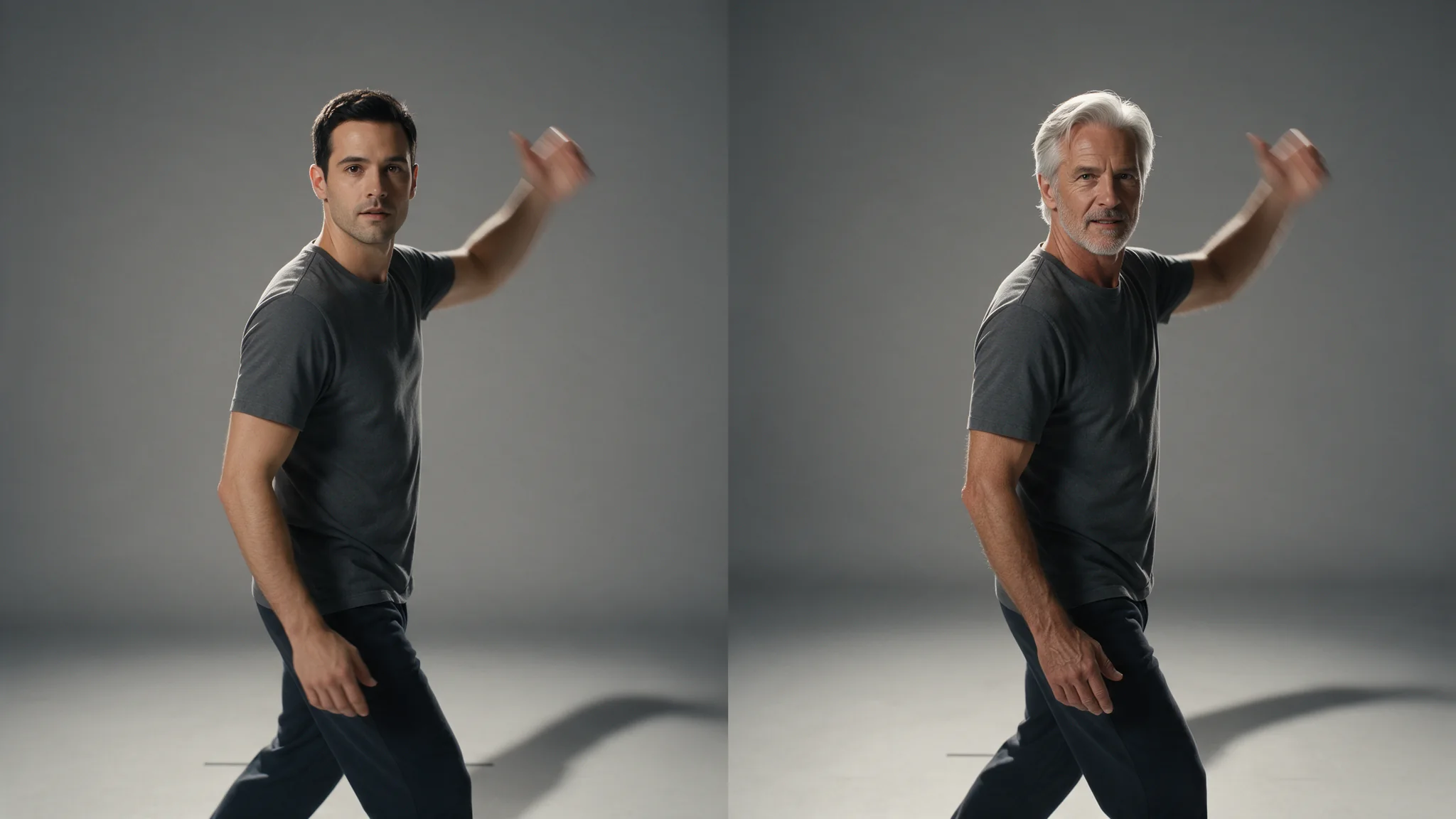

Introduction
Video Character Swap Analysis reads a clip and returns one preview still per person it can follow, in a fixed order: the first image is position 0, the second is position 1, and so on. Those positions are what the swap call takes — you look at the pictures and send back the numbers.
Nothing is generated here and the clip is not modified. This call produces the target list the swap call works from, and it is the only way to find out how many people are in a shot and which one is which.
This two-step workflow starts with Video Character Swap Analysis and continues with Video Character Swap.
Key features & highlights
You pick from pictures, not from coordinates
Most swap endpoints make you describe who you meant, or they guess. Here the analysis hands you the candidates as images, numbered. Ambiguity about who gets replaced is resolved before anything is generated, which is also the point at which a mistake is still free.
One analysis feeds several swaps
The result stays usable for 24 hours. Cast one person, look at the take, then send a different reference set against the same analysis — you pay for the analysis once. After 24 hours the references expire and the clip has to be analysed again.
Reads the footage as shot
Tracking follows each person through cuts, turns and partial occlusion. Clips of 5 to 30 seconds are accepted, and the analysis reports every person it can hold onto for the length of the shot, not just the one in front.
Request parameters
| Parameter | Required | Description |
|---|---|---|
video_url | Yes | The clip to analyse, 5 to 30 seconds. Keep this exact URL: the swap call has to run on the same video, and it is copied over automatically when you leave it out there. at least 1 characters |
resolution | No | Tracking resolution. The swap call must use the same value, so choose the resolution you want the finished clip to have. |
Pricing
$0.08 / analysis
The analysis call and the swap call are billed separately.
Use cases
Check a clip before paying to swap it
The swap call costs more than the analysis. Running the analysis first tells you whether the people you care about are actually trackable in this footage — heavy blur, long occlusions and subjects that leave frame all show up as a missing or unstable preview.
Pick one out of a crowd
Analyse a scene with several people on screen, read the previews, and send back only the position you meant. Everyone else is left untouched by the swap.
Keep one cast across a series
Generate a batch of clips with any video model, analyse each one, and use the previews to line up the same target in every shot so the series reads as continuous.
Any subject matter, with a consented performer
Nothing about the request changes with what the footage shows. The authorisation requirement in the limits below does not change either: it is a hard condition, not a content rating.
Prompt guide & pro tips
Use the same resolution in both calls
Pick the resolution you want the finished clip to have and use it here as well — the swap call has to run at the same value. It does not change what this call detects, only the frame the swap works in.
Read the preview order, do not assume it
The stills come back ordered, but the order reflects tracking, not screen position or prominence. The leftmost person on screen is not necessarily position 0. Look at the images.
Send the same video to both calls
The swap call needs the identical clip — same file, same encode. Leave video_url out of the swap request and it is copied from the analysis, which is the safest way to guarantee they match.
Analyse again if the footage changes
Re-encoding, trimming or re-exporting the clip invalidates the analysis: the positions no longer point at the same people. Analyse the file you are actually going to swap.
API quick start
# Generate the idempotency key once; reuse it when retrying after a lost response.
export SPICY_IDEMPOTENCY_KEY="${SPICY_IDEMPOTENCY_KEY:-$(uuidgen)}"
curl -X POST https://api.spicyapi.ai/api/v1/jobs/createTask \
  -H "Authorization: Bearer $SPICY_API_KEY" \
  -H "Content-Type: application/json" \
  -H "Idempotency-Key: $SPICY_IDEMPOTENCY_KEY" \
  -d '{
  "model": "spicyapi/character-swap-v1/video-analyze",
  "input": {
    "resolution": "720p",
    "video_url": "https://example.com/reference.mp4"
  }
}'

# Copy data.taskId from the response into TASK_ID, then poll the status.
TASK_ID="TASK_ID_FROM_RESPONSE"
curl "https://api.spicyapi.ai/api/v1/jobs/recordInfo?taskId=$TASK_ID" \
  -H "Authorization: Bearer $SPICY_API_KEY"
See the API reference for authentication, the complete schema, polling, and error handling.