Introduction
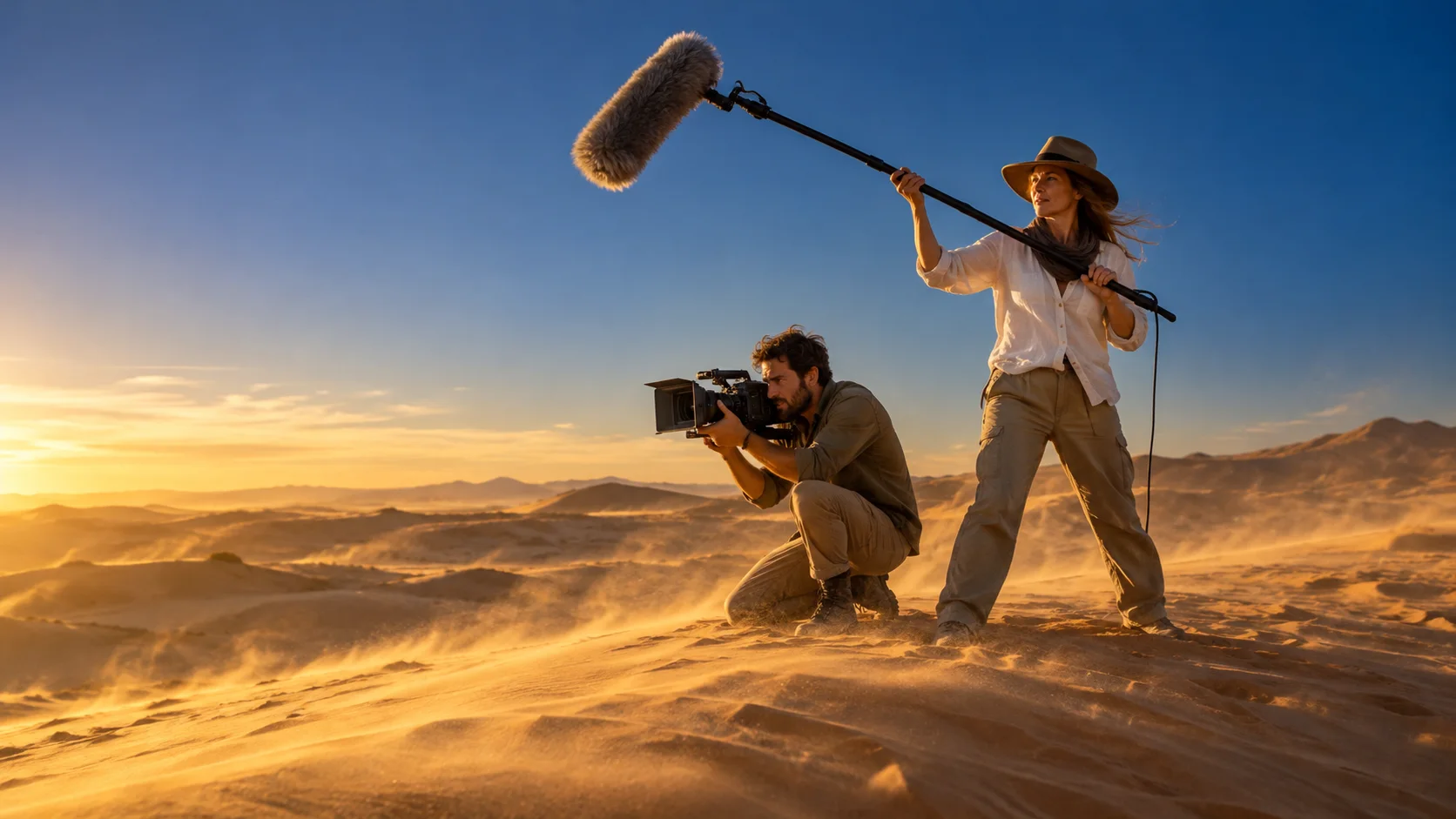
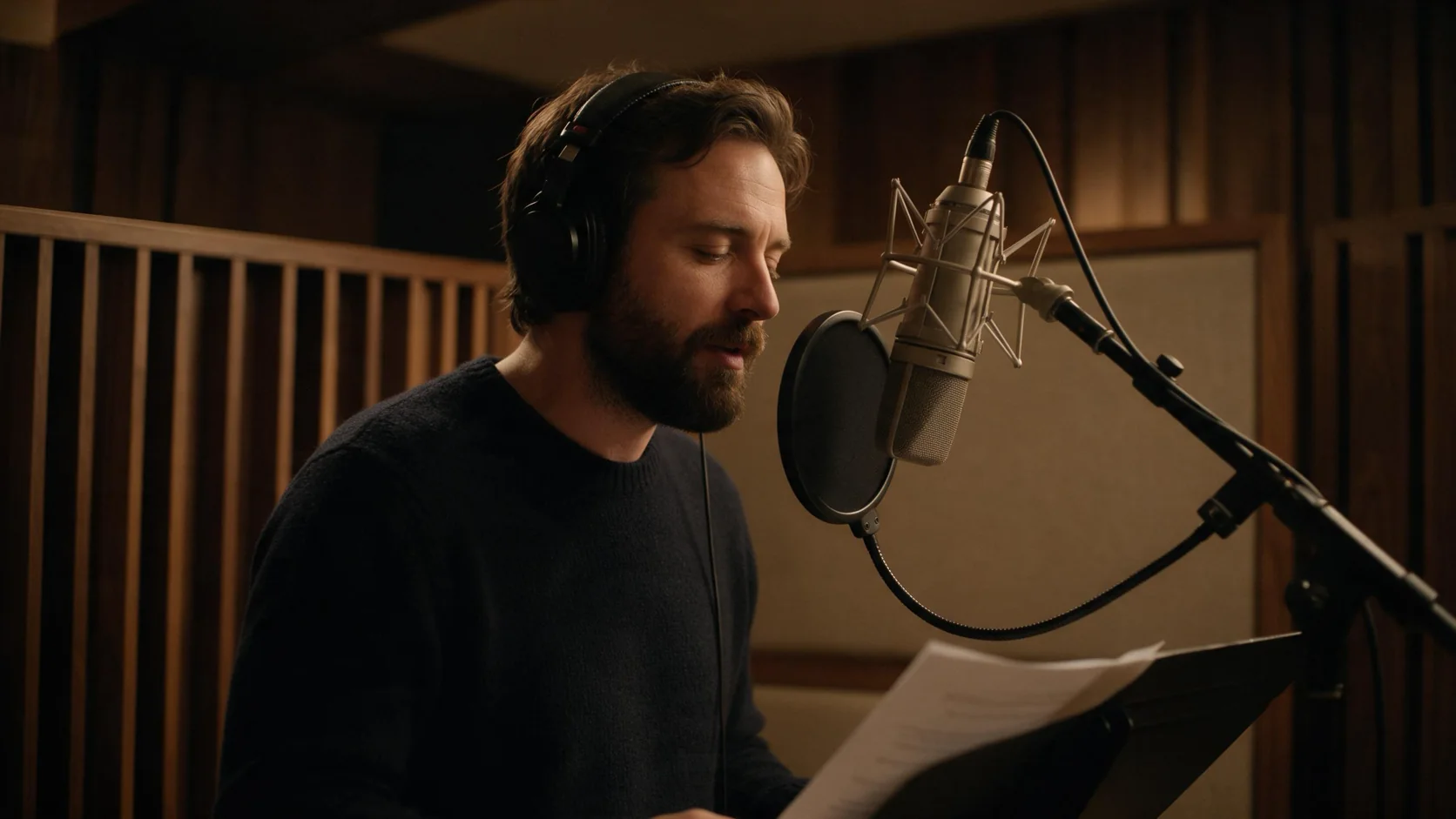
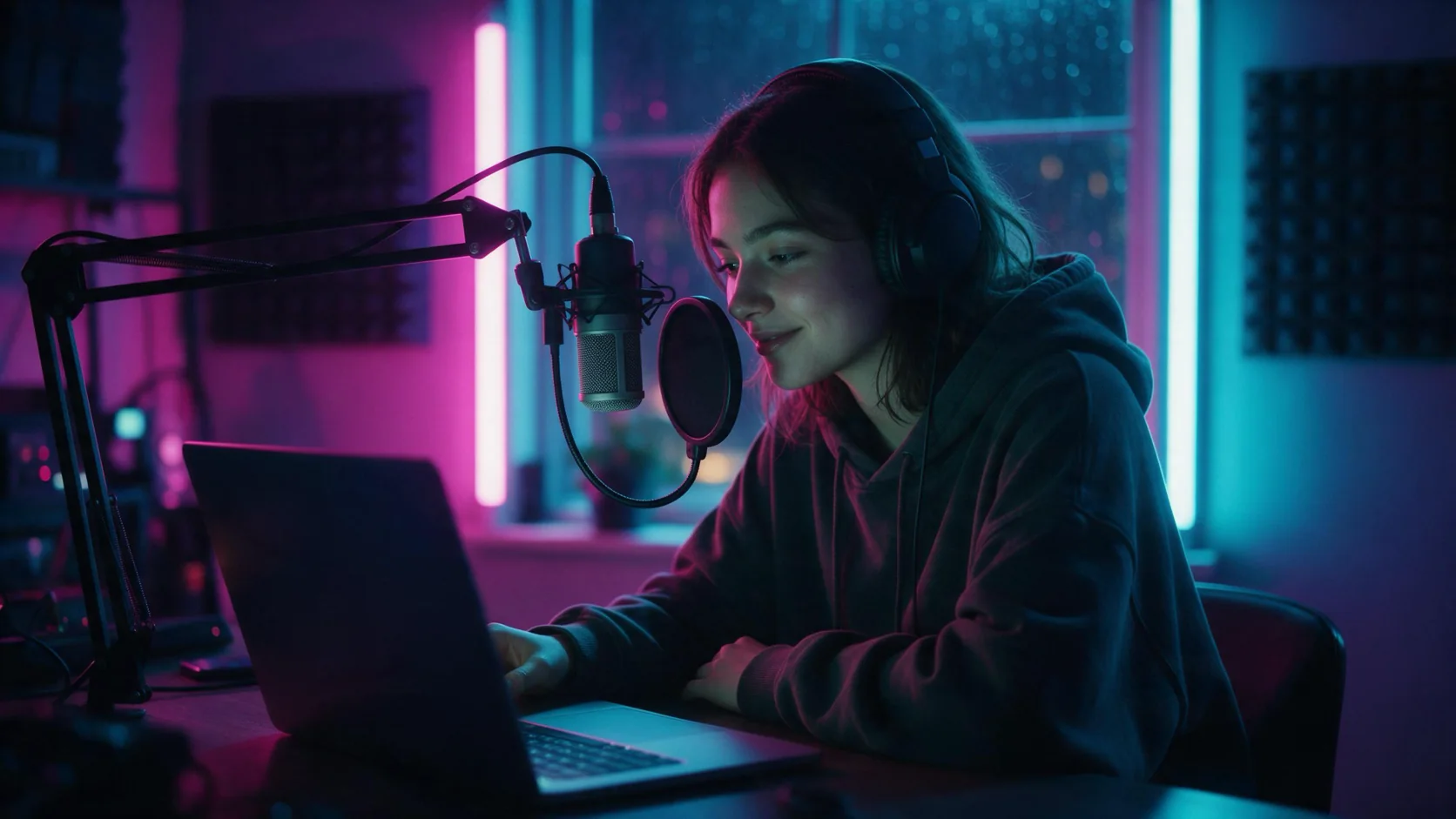
Gemini Omni 1.2 Flash text-to-video starts with a written idea. Give the place, the action and what should be heard, then choose 3–15 whole seconds. An unset duration produces an 8-second scene. Use 16:9 for a landscape composition or 9:16 for a vertical one.
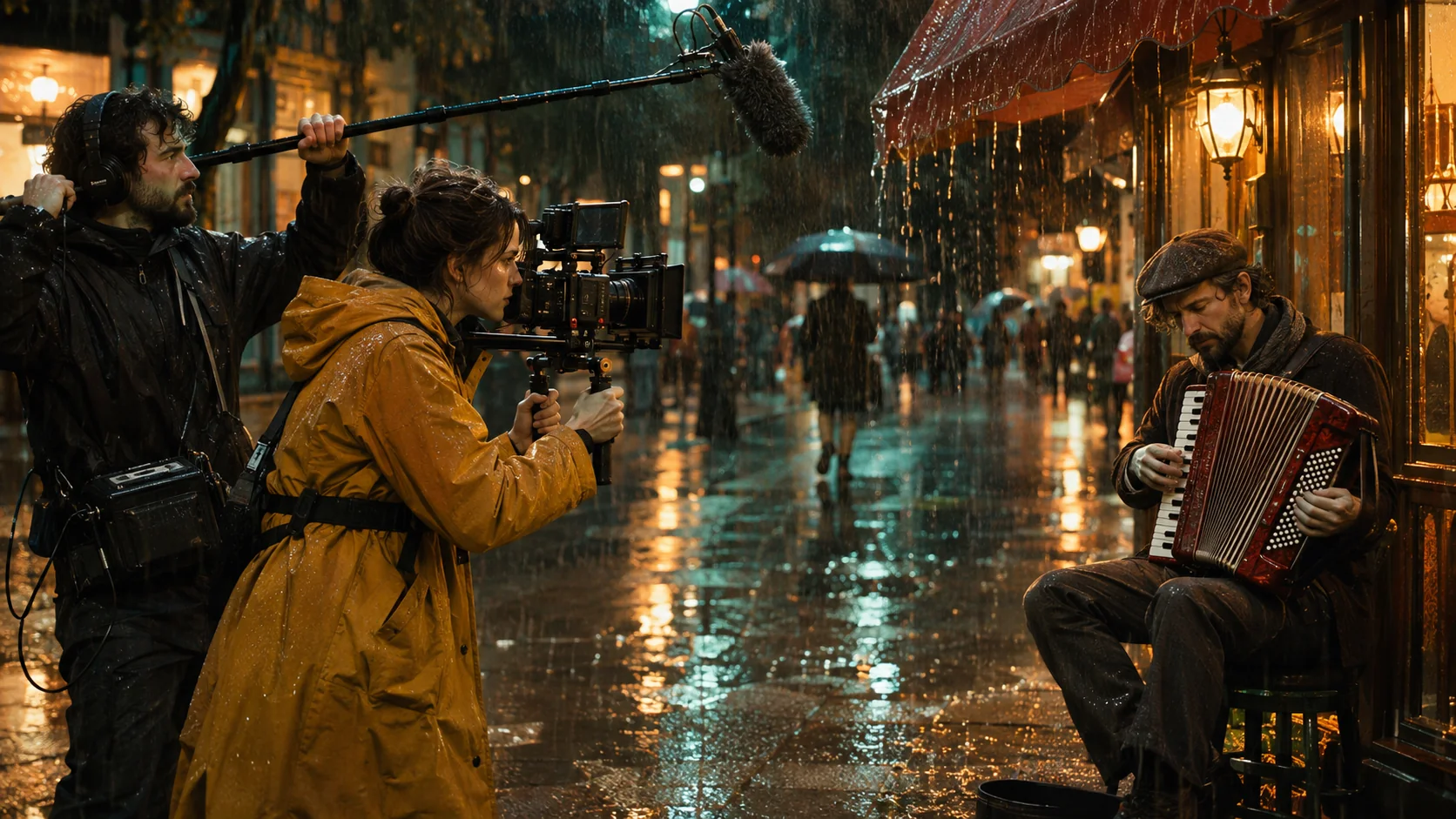
This route suits an idea that has no starting picture. In our tests, a rainy market prompt produced a cook tossing noodles and saying the requested line, with sizzling oil and background chatter. Google says Omni may build a short story across several shots unless you request a continuous take.
Key features & highlights
- Generate the visual scene and its sound together from a required text prompt.
- Set duration in whole seconds, including short 3-second drafts and scenes up to 15 seconds.
- Choose direct 360p or 720p, or request 1080p/4K upscaling by Google at a higher rate.
- Receive 24 fps MP4 video containing an AAC audio track.
- Describe spoken lines, music or environmental effects within the same prompt.
Request parameters
| Parameter | Required | Description |
|---|---|---|
prompt | Yes | Required scene description. Include the location, action and audio cues; use quotation marks around requested speech. at least 1 characters · at most 20000 characters |
aspect_ratio | No | Select landscape 16:9 or vertical 9:16; 16:9 is used by default. The choice adds no charge. |
resolution | No | Choose 360p, 720p (default), 1080p or 4K. Google lists 360p/720p as direct outputs; 1080p and 4K are upscaled by Google and cost more. |
duration_seconds | No | Request any whole number from 3 through 15; leaving this unset selects 8 seconds. Billing uses this requested length. |
Pricing
Generation charges count the requested seconds at the selected resolution rate. Aspect ratio adds no charge. Failed attempts and refused requests incur no charge.
| Specification | Price |
|---|---|
| $0.0276 / second |
| $0.084 / second |
| $0.126 / second |
| $0.252 / second |
Use cases
- Plan a food-stall vignette with a short line of dialogue and cooking sounds.
- Create a vertical rainy-street scene for a social post without preparing a still.
- Explore a lantern-lit market concept in 360p before selecting a delivery size.
Prompt guide & pro tips
- Establish a specific setting first, such as “a lantern-lit market after rain,” so the action has a clear location.
- Give the subject one readable task, such as “the cook tosses noodles,” before adding another event.
- For an uninterrupted view, follow Google’s guidance and add “in a single continuous shot.”
- Quote a short spoken line, such as “Ready in a minute,” and describe surrounding sound separately.
- For a scene without speech, use Google’s suggested wording “No dialogue”; there is no separate negative-prompt field.
API quick start
# Generate the idempotency key once; reuse it when retrying after a lost response.
export SPICY_IDEMPOTENCY_KEY="${SPICY_IDEMPOTENCY_KEY:-$(uuidgen)}"
curl -X POST https://api.spicyapi.ai/api/v1/jobs/createTask \
  -H "Authorization: Bearer $SPICY_API_KEY" \
  -H "Content-Type: application/json" \
  -H "Idempotency-Key: $SPICY_IDEMPOTENCY_KEY" \
  -d '{
  "model": "google/gemini-omni-1.2-flash/text-to-video",
  "input": {
    "prompt": "A slow aerial shot drifting over a misty pine forest at sunrise",
    "resolution": "720p",
    "aspect_ratio": "16:9",
    "duration_seconds": 8
  }
}'

# Copy data.taskId from the response into TASK_ID, then poll the status.
TASK_ID="TASK_ID_FROM_RESPONSE"
curl "https://api.spicyapi.ai/api/v1/jobs/recordInfo?taskId=$TASK_ID" \
  -H "Authorization: Bearer $SPICY_API_KEY"
See the API reference for authentication, the complete schema, polling, and error handling.