Introduction
GPT Image 2.5 Flare Edit runs OpenAI's gpt-image-2.5-flare on images you already have. It accepts one to sixteen sources, a PNG mask and a transparent-background option, and returns edits quickly enough for interactive use.
Choose a mode by starting material
| What you have | Mode |
|---|---|
| a written brief | GPT Image 2.5 Flare Text to image |
| an image to change | GPT Image 2.5 Flare Edit |
Key features & highlights
Fast multi-source composites
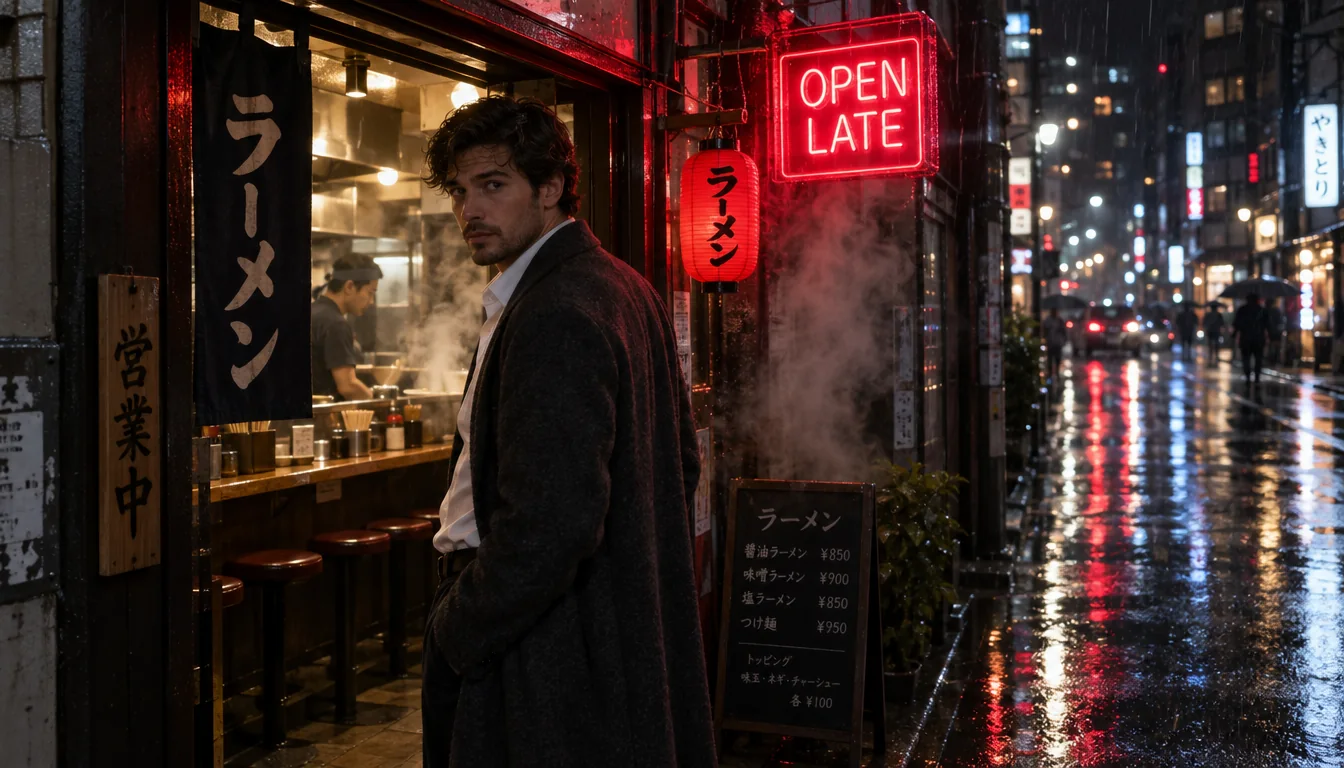
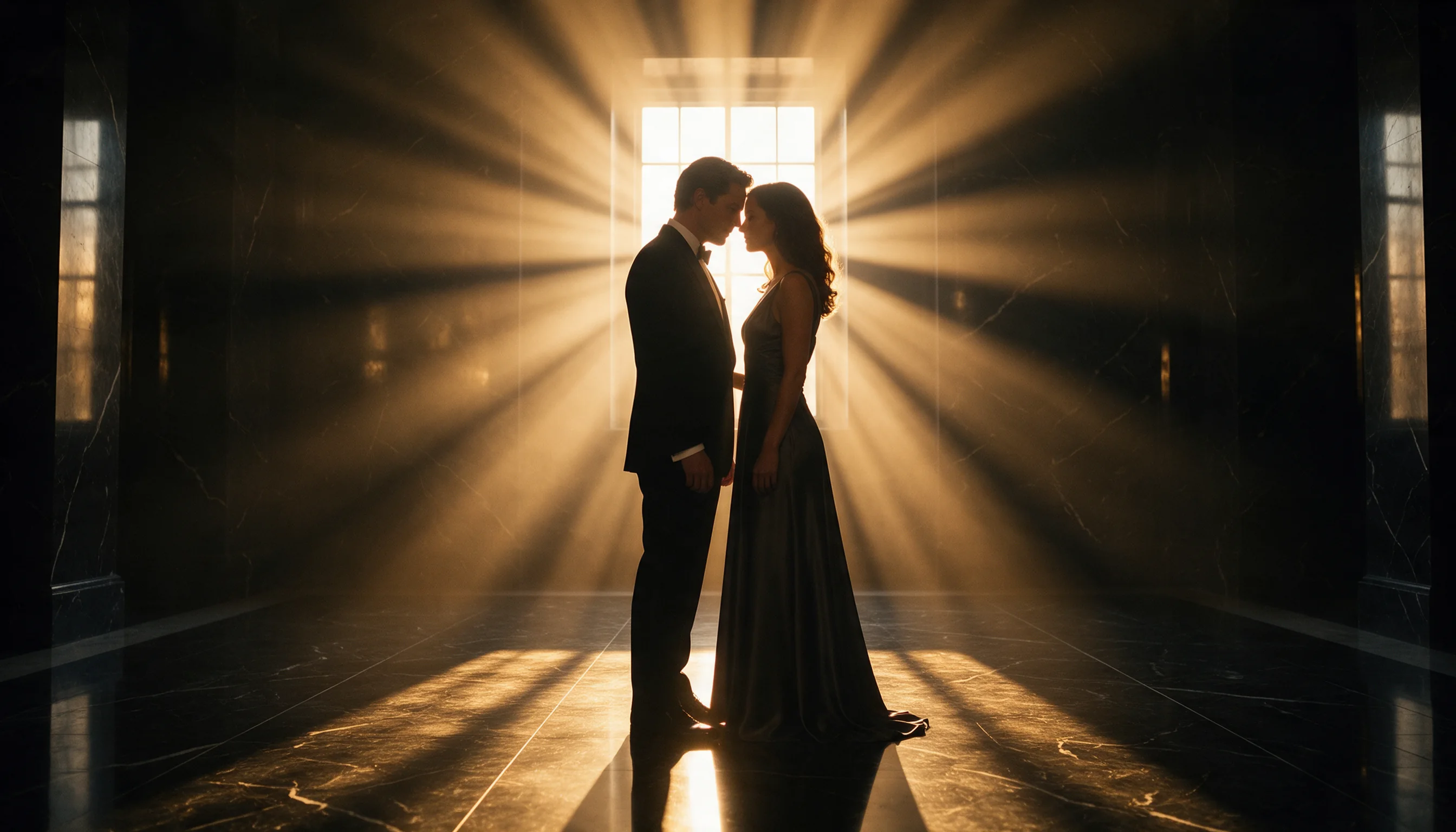
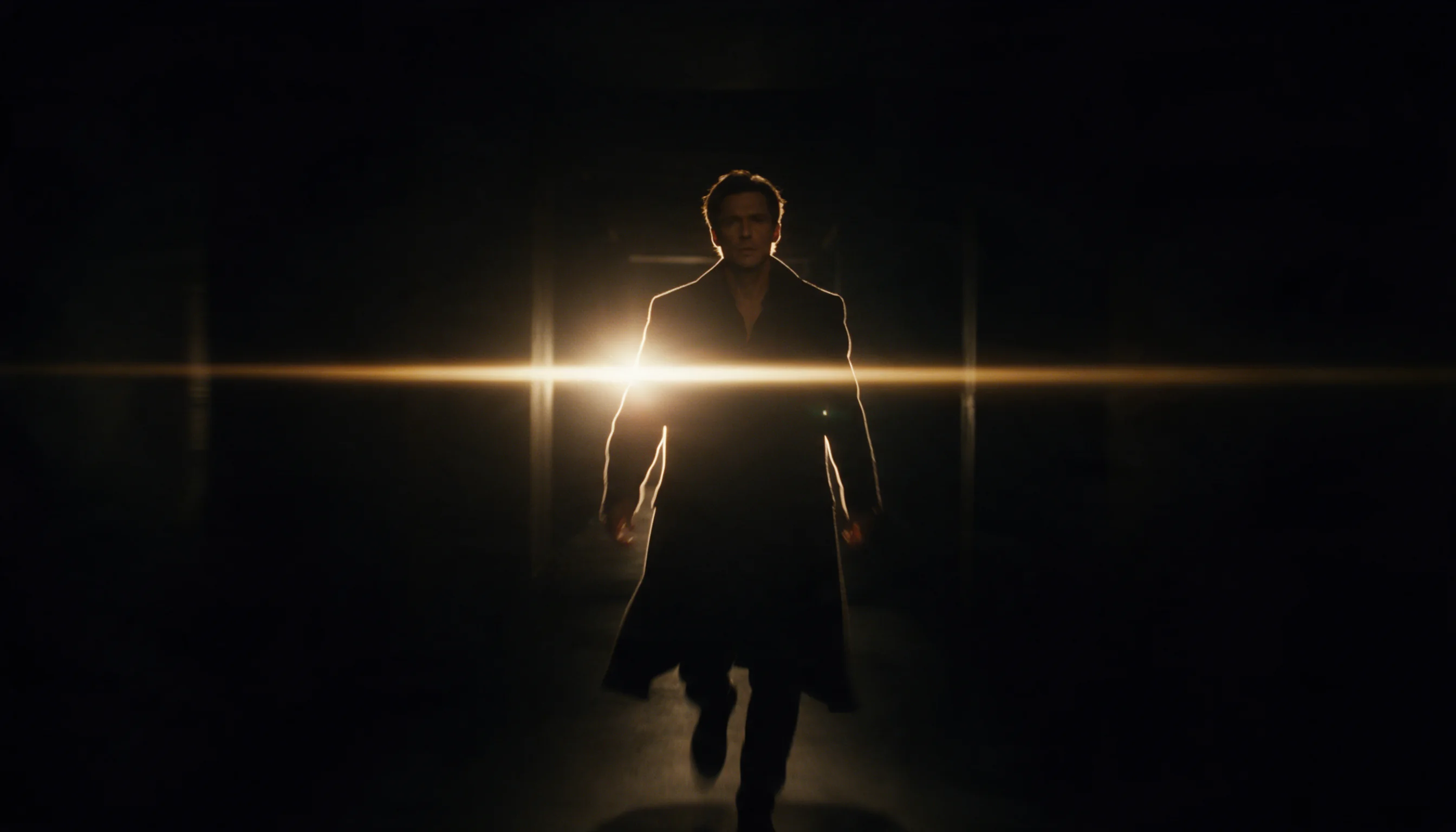
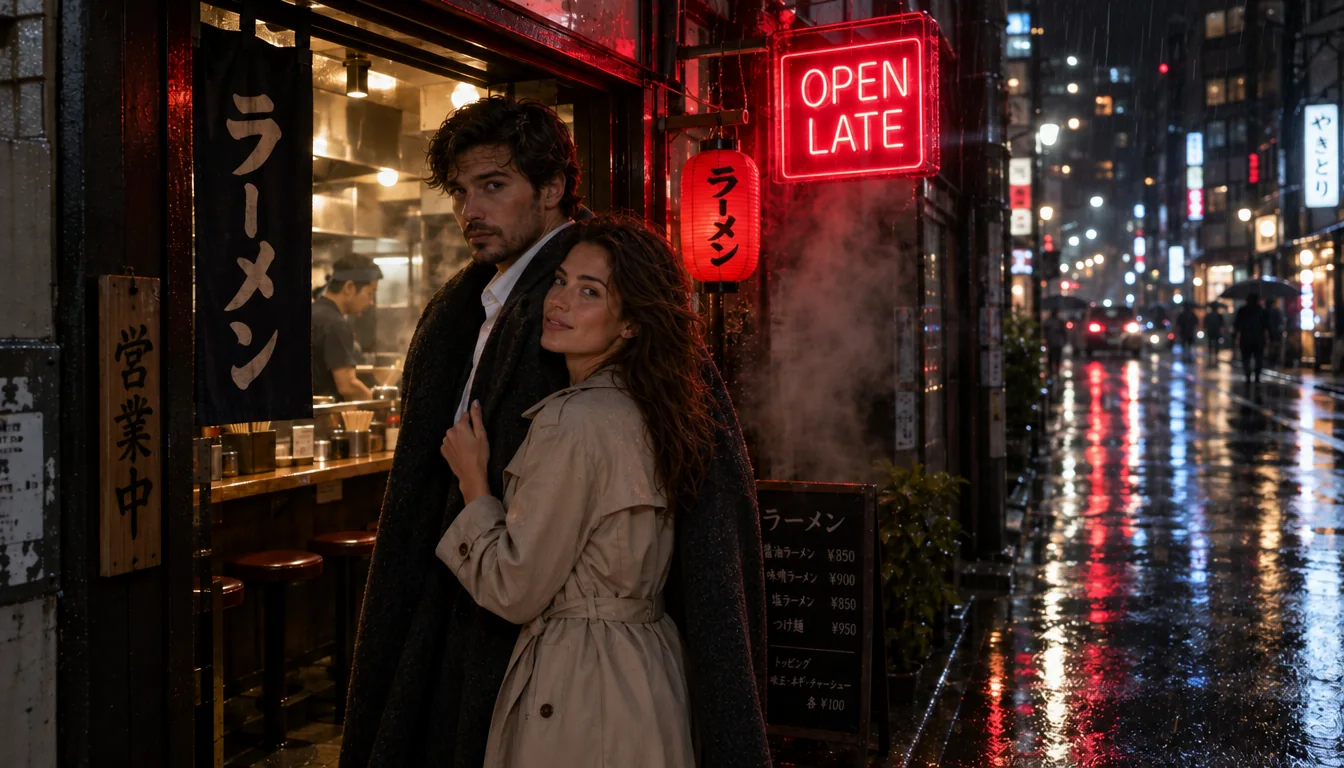
Two or more sources become one scene with faces kept from their own images. Our two-source example finished in well under a minute.
Masks and cut-outs
A PNG mask limits the repaint to one area; background transparent returns a real alpha channel in PNG or WebP, ready for a layout without a keying step.
Several changes in one pass
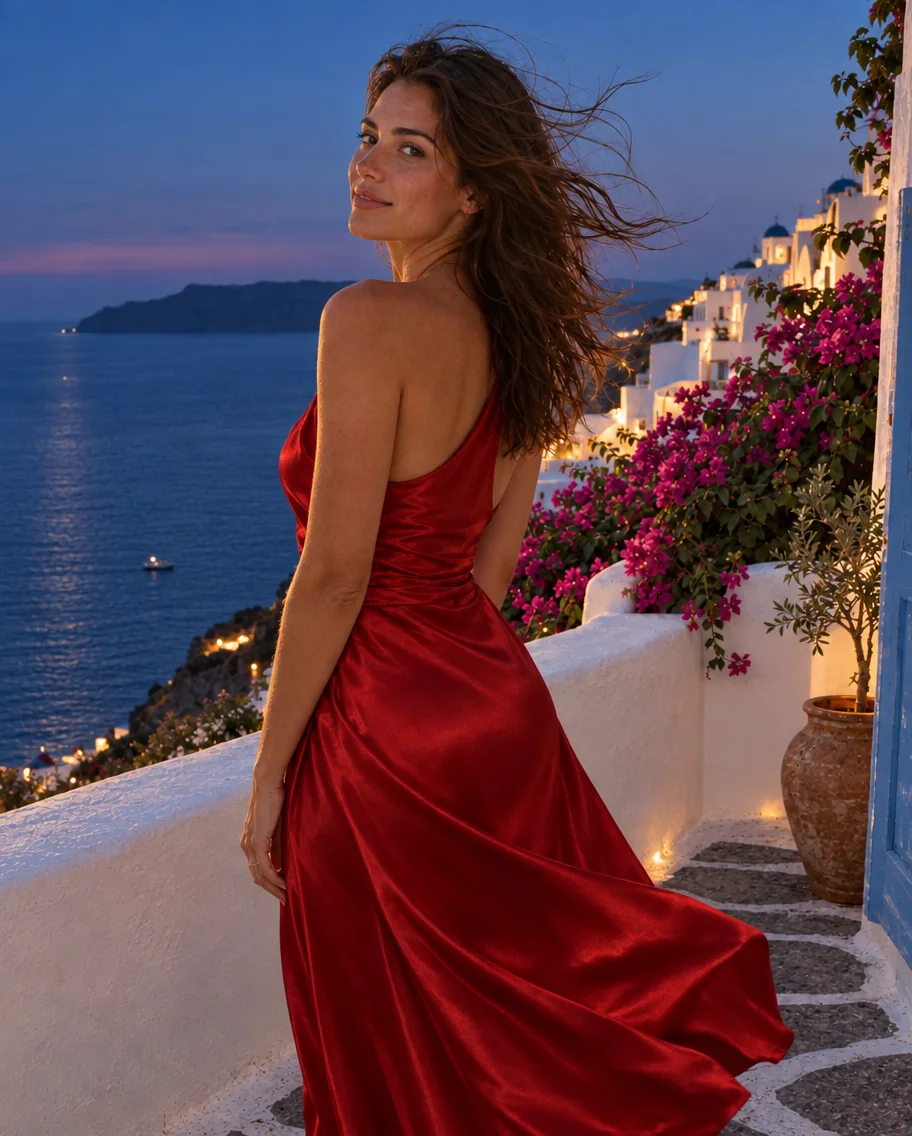
Wardrobe, time of day and weather can change together, as long as the prompt also names what must stay the same. Our terrace example changed the dress and the light in one request.
Request parameters
| Parameter | Required | Description |
|---|---|---|
prompt | Yes | Up to 5,000 characters. Put every word that must appear in the image in double quotes and say where it goes; the rest is read as description. at least 1 characters · at most 5000 characters |
image_urls | Yes | 1 to 16 source images. Refer to them by order in the prompt (the first image, the second image). at least 1 items · at most 16 items |
mask_url | No | Optional PNG with the same size as the first source image. Transparent pixels mark the area to repaint; opaque pixels are kept. |
aspect_ratio | No | Fifteen shapes from 1:3 to 3:1, 1:1 by default. The result takes the shape you pick, not the shape of the source, and the shape changes the price. |
resolution | No | 1k (default), 2k or 4k. A square frame is 1024, 2048 or 2880 pixels across; a larger tier costs more per image. |
quality | No | low, medium, high (default), xhigh or max. Each step adds detail, time and cost; keep xhigh and max for finals. |
num_outputs | No | 1 to 10 images from one request, 1 by default. Every image is billed separately. |
input_fidelity | No | low (default) or high. High keeps faces, fabric and printed details from the sources more closely. |
background | No | auto (default), transparent or opaque. Transparent needs png or webp output and returns a real alpha channel. |
output_format | No | png (default), jpeg or webp. Does not change the price. |
output_quality | No | Compression quality for jpeg and webp, 0 to 100: higher keeps more detail and makes larger files. Not used for png, and it does not change the price. |
official_fallback | No | On by default. Default: |
Pricing
Billed per output image by quality, size tier and aspect ratio; on the official route each source image also adds a fixed charge on every output. The quote shows the total before you submit. A request for a single high-quality 1k PNG edit in 1:1, 3:2, 2:3, 4:3, 3:4, 16:9 or 9:16, with no mask, input fidelity low and background auto, starts on the economy route at the economy price. With Official fallback on, the default, a request that route refuses or cannot complete runs again on the official route at the official price, so the quote shows both the starting price and the most the request can cost. Refused requests are not charged. On the official route, long prompts add a small charge for input tokens beyond the first 100, once per request; Chinese, Japanese and Korean text counts about one token per character.
| Specification | Price |
|---|---|
| $0.001816 / image |
| $0.001816 / image |
| $0.00244 / image |
| $0.00244 / image |
| $0.002752 / image |
| $0.002752 / image |
| $0.00304 / image |
| $0.00304 / image |
| $0.003568 / image |
| $0.003568 / image |
| $0.003808 / image |
| $0.003808 / image |
| $0.003856 / image |
| $0.003856 / image |
| $0.004192 / image |
| $0.004192 / image |
| $0.004744 / image |
| $0.004744 / image |
| $0.005104 / image |
| $0.00568 / image |
| $0.00568 / image |
| $0.00652 / image |
| $0.00652 / image |
| $0.007312 / image |
| $0.007312 / image |
| $0.008176 / image |
| $0.008176 / image |
| $0.008728 / image |
| $0.008728 / image |
| $0.010936 / image |
| $0.01396 / image |
| $0.01396 / image |
| $0.018592 / image |
| $0.018592 / image |
| $0.020998 / image (With Official fallback: up to $0.023992) |
| $0.020998 / image (With Official fallback: up to $0.023992) |
| $0.021472 / image |
| $0.021472 / image |
| $0.022 / image (With Official fallback: up to $0.028) |
| $0.022 / image (With Official fallback: up to $0.028) |
| $0.022864 / image (With Official fallback: up to $0.031456) |
| $0.022864 / image (With Official fallback: up to $0.031456) |
| $0.024136 / image |
| $0.024136 / image |
| $0.025636 / image (With Official fallback: up to $0.042544) |
| $0.0316 / image |
| $0.0316 / image |
| $0.034504 / image |
| $0.034504 / image |
| $0.037864 / image |
| $0.037864 / image |
| $0.043504 / image |
| $0.043504 / image |
| $0.049816 / image |
| $0.049816 / image |
| $0.054616 / image |
| $0.054616 / image |
| $0.055624 / image |
| $0.055624 / image |
| $0.059872 / image |
| $0.059872 / image |
| $0.07144 / image |
| $0.07144 / image |
| $0.075328 / image |
| $0.082936 / image |
| $0.082936 / image |
| $0.096472 / image |
| $0.096472 / image |
| $0.110728 / image |
| $0.110728 / image |
| $0.124624 / image |
| $0.124624 / image |
| $0.135064 / image |
| $0.135064 / image |
| $0.168976 / image |
| $0.002872 / image |
| $0.002872 / image |
| $0.004456 / image |
| $0.004456 / image |
| $0.005152 / image |
| $0.005152 / image |
| $0.005704 / image |
| $0.005704 / image |
| $0.006328 / image |
| $0.006328 / image |
| $0.006712 / image |
| $0.006712 / image |
| $0.007312 / image |
| $0.007312 / image |
| $0.008128 / image |
| $0.008128 / image |
| $0.009088 / image |
| $0.009088 / image |
| $0.009928 / image |
| $0.01108 / image |
| $0.01108 / image |
| $0.01276 / image |
| $0.01276 / image |
| $0.014176 / image |
| $0.014176 / image |
| $0.015904 / image |
| $0.015904 / image |
| $0.017296 / image |
| $0.017296 / image |
| $0.021808 / image |
| $0.024112 / image |
| $0.024112 / image |
| $0.03688 / image |
| $0.03688 / image |
| $0.041896 / image |
| $0.041896 / image |
| $0.043072 / image |
| $0.043072 / image |
| $0.048064 / image |
| $0.048064 / image |
| $0.055432 / image |
| $0.055432 / image |
| $0.062416 / image |
| $0.062416 / image |
| $0.062944 / image |
| $0.062944 / image |
| $0.067984 / image |
| $0.067984 / image |
| $0.07624 / image |
| $0.07624 / image |
| $0.086032 / image |
| $0.087496 / image |
| $0.087496 / image |
| $0.095248 / image |
| $0.095248 / image |
| $0.098968 / image |
| $0.098968 / image |
| $0.110656 / image |
| $0.110656 / image |
| $0.121312 / image |
| $0.121312 / image |
| $0.142816 / image |
| $0.142816 / image |
| $0.152632 / image |
| $0.171016 / image |
| $0.171016 / image |
| $0.19456 / image |
| $0.19456 / image |
| $0.220456 / image |
| $0.220456 / image |
| $0.248464 / image |
| $0.248464 / image |
| $0.274216 / image |
| $0.274216 / image |
| $0.342928 / image |
| $0.003736 / image |
| $0.003736 / image |
| $0.006016 / image |
| $0.006016 / image |
| $0.0076 / image |
| $0.0076 / image |
| $0.008368 / image |
| $0.008368 / image |
| $0.009304 / image |
| $0.009304 / image |
| $0.011176 / image |
| $0.011176 / image |
| $0.01192 / image |
| $0.01192 / image |
| $0.0124 / image |
| $0.0124 / image |
| $0.01324 / image |
| $0.01324 / image |
| $0.016216 / image |
| $0.0166 / image |
| $0.0166 / image |
| $0.02116 / image |
| $0.02116 / image |
| $0.023872 / image |
| $0.023872 / image |
| $0.026296 / image |
| $0.026296 / image |
| $0.028552 / image |
| $0.028552 / image |
| $0.032272 / image |
| $0.032272 / image |
| $0.035992 / image |
| $0.050776 / image |
| $0.050776 / image |
| $0.056176 / image |
| $0.056176 / image |
| $0.0652 / image |
| $0.0652 / image |
| $0.080464 / image |
| $0.080464 / image |
| $0.086752 / image |
| $0.086752 / image |
| $0.094288 / image |
| $0.094288 / image |
| $0.103984 / image |
| $0.103984 / image |
| $0.11296 / image |
| $0.11296 / image |
| $0.115576 / image |
| $0.115576 / image |
| $0.127864 / image |
| $0.127864 / image |
| $0.14272 / image |
| $0.14272 / image |
| $0.14272 / image |
| $0.168592 / image |
| $0.168592 / image |
| $0.184552 / image |
| $0.184552 / image |
| $0.197104 / image |
| $0.197104 / image |
| $0.201832 / image |
| $0.201832 / image |
| $0.253408 / image |
| $0.259552 / image |
| $0.259552 / image |
| $0.320608 / image |
| $0.320608 / image |
| $0.37588 / image |
| $0.37588 / image |
| $0.414736 / image |
| $0.414736 / image |
| $0.456544 / image |
| $0.456544 / image |
| $0.569656 / image |
Use cases
Try-ons and restyles
Show the same person in a new outfit or a new place for a lookbook or a campaign draft, several options per request.
Pairing people from separate shots
Place two people photographed apart into one frame for a poster, a thumbnail or a story panel.
Seasonal refreshes
Turn a summer campaign image into an autumn or night version for the next season while the person and the product stay the same.
Prompt guide & pro tips
Give each source a job
The man and the doorway from the first image, the woman from the second: spell it out, because order is the only link between prompt and source.
Bundle related changes
A new dress and a new time of day read naturally in one request; unrelated changes are better as separate edits.
Raise fidelity for faces
Set input_fidelity to high when a face has to stay recognisable across the edit; it does not change the price.
Mask background swaps
When only the background should change, keep the subject opaque and the background transparent in a PNG mask the size of the first source.
API quick start
# Generate the idempotency key once; reuse it when retrying after a lost response.
export SPICY_IDEMPOTENCY_KEY="${SPICY_IDEMPOTENCY_KEY:-$(uuidgen)}"
curl -X POST https://api.spicyapi.ai/api/v1/jobs/createTask \
  -H "Authorization: Bearer $SPICY_API_KEY" \
  -H "Content-Type: application/json" \
  -H "Idempotency-Key: $SPICY_IDEMPOTENCY_KEY" \
  -d '{
  "model": "openai/gpt-image-2.5-flare/edit",
  "input": {
    "aspect_ratio": "1:1",
    "background": "auto",
    "image_urls": [
      "https://example.com/reference.png"
    ],
    "input_fidelity": "low",
    "num_outputs": 1,
    "output_format": "png",
    "prompt": "A ceramic teapot on a linen cloth, soft window light, muted palette"
  }
}'

# Copy data.taskId from the response into TASK_ID, then poll the status.
TASK_ID="TASK_ID_FROM_RESPONSE"
curl "https://api.spicyapi.ai/api/v1/jobs/recordInfo?taskId=$TASK_ID" \
  -H "Authorization: Bearer $SPICY_API_KEY"
See the API reference for authentication, the complete schema, polling, and error handling.