
Introduction
GPT Image 2.5 Flare Text to image is OpenAI's gpt-image-2.5-flare, released on 8 September 2026, generating images from a written prompt. OpenAI calls it its fastest model for high-quality, everyday image generation. It offers five quality tiers, 1k to 4k in fifteen aspect ratios and up to ten images per request, with every setting priced below OpenAI's list price.
Choose a mode by starting material
| What you have | Mode |
|---|---|
| a written brief | GPT Image 2.5 Flare Text to image |
| an image to change | GPT Image 2.5 Flare Edit |
Key features & highlights
Speed without a smaller option list
Flare accepts the same quality tiers, sizes and shapes as Sunburst. In our high-tier tests at 1k it usually finished in 25 to 45 seconds, which makes batches of ten and tools where someone is waiting on the result practical.
Economy route and Official fallback
This is OpenAI's gpt-image-2.5-flare, not a copy or a fine-tune. A single high-quality 1k image in the common shapes starts on a lower-priced economy route, where the model may reword the prompt slightly or add small details; with Official fallback on, the default, anything that route cannot finish runs again on the official route, and every other setting runs there from the start.
Same price per token as Sunburst
Flare and Sunburst are billed at the same rate, so a given quality, size and shape costs the same on both. Pick by speed and look, not by price.
Request parameters
| Parameter | Required | Description |
|---|---|---|
prompt | Yes | Up to 5,000 characters. Put every word that must appear in the image in double quotes and say where it goes; the rest is read as description. at least 1 characters · at most 5000 characters |
aspect_ratio | No | Fifteen shapes from 1:3 to 3:1, 1:1 by default. The shape changes the price: a wide or tall frame costs less than a square at the same tier. |
resolution | No | 1k (default), 2k or 4k. A square frame is 1024, 2048 or 2880 pixels across; a larger tier costs more per image. |
quality | No | low, medium, high (default), xhigh or max. Each step adds detail, time and cost; keep xhigh and max for finals. |
num_outputs | No | 1 to 10 images from one request, 1 by default. Every image is billed separately. |
output_format | No | png (default), jpeg or webp. Does not change the price. |
output_quality | No | Compression quality for jpeg and webp, 0 to 100: higher keeps more detail and makes larger files. Not used for png, and it does not change the price. |
official_fallback | No | On by default. Default: |
Pricing
Billed per image. The price depends on quality, size tier and aspect ratio and is shown before you submit; a wide or tall frame costs less than a square at the same tier. A request for a single high-quality 1k PNG in 1:1, 3:2, 2:3, 4:3, 3:4, 16:9 or 9:16 starts on the economy route at the economy price. With Official fallback on, the default, a request that route refuses or cannot complete runs again on the official route at the official price, so the quote shows both the starting price and the most the request can cost. Refused requests are not charged. On the official route, long prompts add a small charge for input tokens beyond the first 100, once per request; Chinese, Japanese and Korean text counts about one token per character.
| Specification | Price |
|---|---|
| $0.001816 / image |
| $0.001816 / image |
| $0.00244 / image |
| $0.00244 / image |
| $0.002752 / image |
| $0.002752 / image |
| $0.00304 / image |
| $0.00304 / image |
| $0.003568 / image |
| $0.003568 / image |
| $0.003808 / image |
| $0.003808 / image |
| $0.003856 / image |
| $0.003856 / image |
| $0.004192 / image |
| $0.004192 / image |
| $0.004744 / image |
| $0.004744 / image |
| $0.005104 / image |
| $0.00568 / image |
| $0.00568 / image |
| $0.00652 / image |
| $0.00652 / image |
| $0.007312 / image |
| $0.007312 / image |
| $0.008176 / image |
| $0.008176 / image |
| $0.008728 / image |
| $0.008728 / image |
| $0.010936 / image |
| $0.01396 / image |
| $0.01396 / image |
| $0.018592 / image |
| $0.018592 / image |
| $0.020998 / image (With Official fallback: up to $0.023992) |
| $0.020998 / image (With Official fallback: up to $0.023992) |
| $0.021472 / image |
| $0.021472 / image |
| $0.022 / image (With Official fallback: up to $0.028) |
| $0.022 / image (With Official fallback: up to $0.028) |
| $0.022864 / image (With Official fallback: up to $0.031456) |
| $0.022864 / image (With Official fallback: up to $0.031456) |
| $0.024136 / image |
| $0.024136 / image |
| $0.025636 / image (With Official fallback: up to $0.042544) |
| $0.0316 / image |
| $0.0316 / image |
| $0.034504 / image |
| $0.034504 / image |
| $0.037864 / image |
| $0.037864 / image |
| $0.043504 / image |
| $0.043504 / image |
| $0.049816 / image |
| $0.049816 / image |
| $0.054616 / image |
| $0.054616 / image |
| $0.055624 / image |
| $0.055624 / image |
| $0.059872 / image |
| $0.059872 / image |
| $0.07144 / image |
| $0.07144 / image |
| $0.075328 / image |
| $0.082936 / image |
| $0.082936 / image |
| $0.096472 / image |
| $0.096472 / image |
| $0.110728 / image |
| $0.110728 / image |
| $0.124624 / image |
| $0.124624 / image |
| $0.135064 / image |
| $0.135064 / image |
| $0.168976 / image |
| $0.002872 / image |
| $0.002872 / image |
| $0.004456 / image |
| $0.004456 / image |
| $0.005152 / image |
| $0.005152 / image |
| $0.005704 / image |
| $0.005704 / image |
| $0.006328 / image |
| $0.006328 / image |
| $0.006712 / image |
| $0.006712 / image |
| $0.007312 / image |
| $0.007312 / image |
| $0.008128 / image |
| $0.008128 / image |
| $0.009088 / image |
| $0.009088 / image |
| $0.009928 / image |
| $0.01108 / image |
| $0.01108 / image |
| $0.01276 / image |
| $0.01276 / image |
| $0.014176 / image |
| $0.014176 / image |
| $0.015904 / image |
| $0.015904 / image |
| $0.017296 / image |
| $0.017296 / image |
| $0.021808 / image |
| $0.024112 / image |
| $0.024112 / image |
| $0.03688 / image |
| $0.03688 / image |
| $0.041896 / image |
| $0.041896 / image |
| $0.043072 / image |
| $0.043072 / image |
| $0.048064 / image |
| $0.048064 / image |
| $0.055432 / image |
| $0.055432 / image |
| $0.062416 / image |
| $0.062416 / image |
| $0.062944 / image |
| $0.062944 / image |
| $0.067984 / image |
| $0.067984 / image |
| $0.07624 / image |
| $0.07624 / image |
| $0.086032 / image |
| $0.087496 / image |
| $0.087496 / image |
| $0.095248 / image |
| $0.095248 / image |
| $0.098968 / image |
| $0.098968 / image |
| $0.110656 / image |
| $0.110656 / image |
| $0.121312 / image |
| $0.121312 / image |
| $0.142816 / image |
| $0.142816 / image |
| $0.152632 / image |
| $0.171016 / image |
| $0.171016 / image |
| $0.19456 / image |
| $0.19456 / image |
| $0.220456 / image |
| $0.220456 / image |
| $0.248464 / image |
| $0.248464 / image |
| $0.274216 / image |
| $0.274216 / image |
| $0.342928 / image |
| $0.003736 / image |
| $0.003736 / image |
| $0.006016 / image |
| $0.006016 / image |
| $0.0076 / image |
| $0.0076 / image |
| $0.008368 / image |
| $0.008368 / image |
| $0.009304 / image |
| $0.009304 / image |
| $0.011176 / image |
| $0.011176 / image |
| $0.01192 / image |
| $0.01192 / image |
| $0.0124 / image |
| $0.0124 / image |
| $0.01324 / image |
| $0.01324 / image |
| $0.016216 / image |
| $0.0166 / image |
| $0.0166 / image |
| $0.02116 / image |
| $0.02116 / image |
| $0.023872 / image |
| $0.023872 / image |
| $0.026296 / image |
| $0.026296 / image |
| $0.028552 / image |
| $0.028552 / image |
| $0.032272 / image |
| $0.032272 / image |
| $0.035992 / image |
| $0.050776 / image |
| $0.050776 / image |
| $0.056176 / image |
| $0.056176 / image |
| $0.0652 / image |
| $0.0652 / image |
| $0.080464 / image |
| $0.080464 / image |
| $0.086752 / image |
| $0.086752 / image |
| $0.094288 / image |
| $0.094288 / image |
| $0.103984 / image |
| $0.103984 / image |
| $0.11296 / image |
| $0.11296 / image |
| $0.115576 / image |
| $0.115576 / image |
| $0.127864 / image |
| $0.127864 / image |
| $0.14272 / image |
| $0.14272 / image |
| $0.14272 / image |
| $0.168592 / image |
| $0.168592 / image |
| $0.184552 / image |
| $0.184552 / image |
| $0.197104 / image |
| $0.197104 / image |
| $0.201832 / image |
| $0.201832 / image |
| $0.253408 / image |
| $0.259552 / image |
| $0.259552 / image |
| $0.320608 / image |
| $0.320608 / image |
| $0.37588 / image |
| $0.37588 / image |
| $0.414736 / image |
| $0.414736 / image |
| $0.456544 / image |
| $0.456544 / image |
| $0.569656 / image |
Use cases
Daily social content
Posts, story frames and ad variations where a steady flow of finished images matters more than the last bit of detail.
Previews inside products
Apps and design tools that show a generated image while the user waits, where 30 seconds is acceptable and two minutes is not.
Thumbnails and covers in batches
Video thumbnails, playlist covers and blog headers, up to ten per request from one brief.
Prompt guide & pro tips
Stay at high for finished images
High is the default and gives finished-looking results; low and medium are for rough layout checks only.
Quote any sign or caption
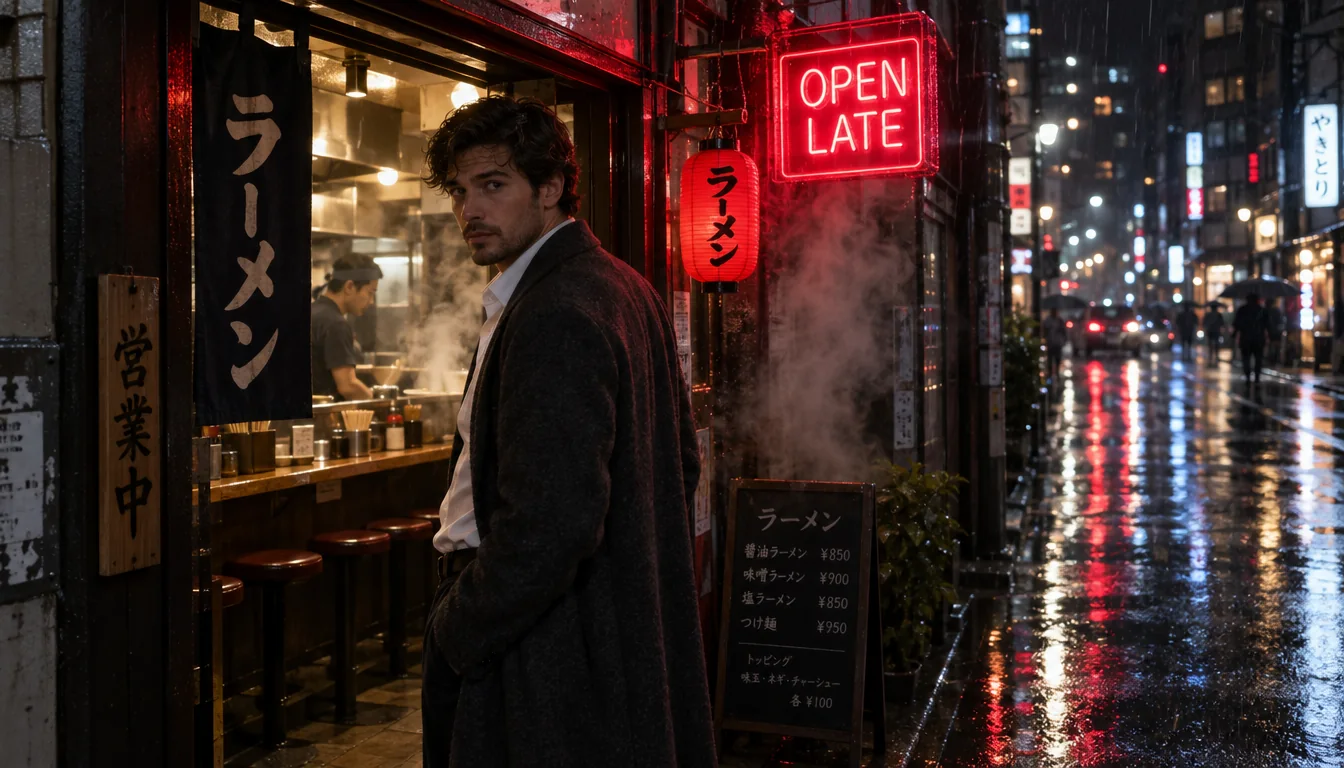
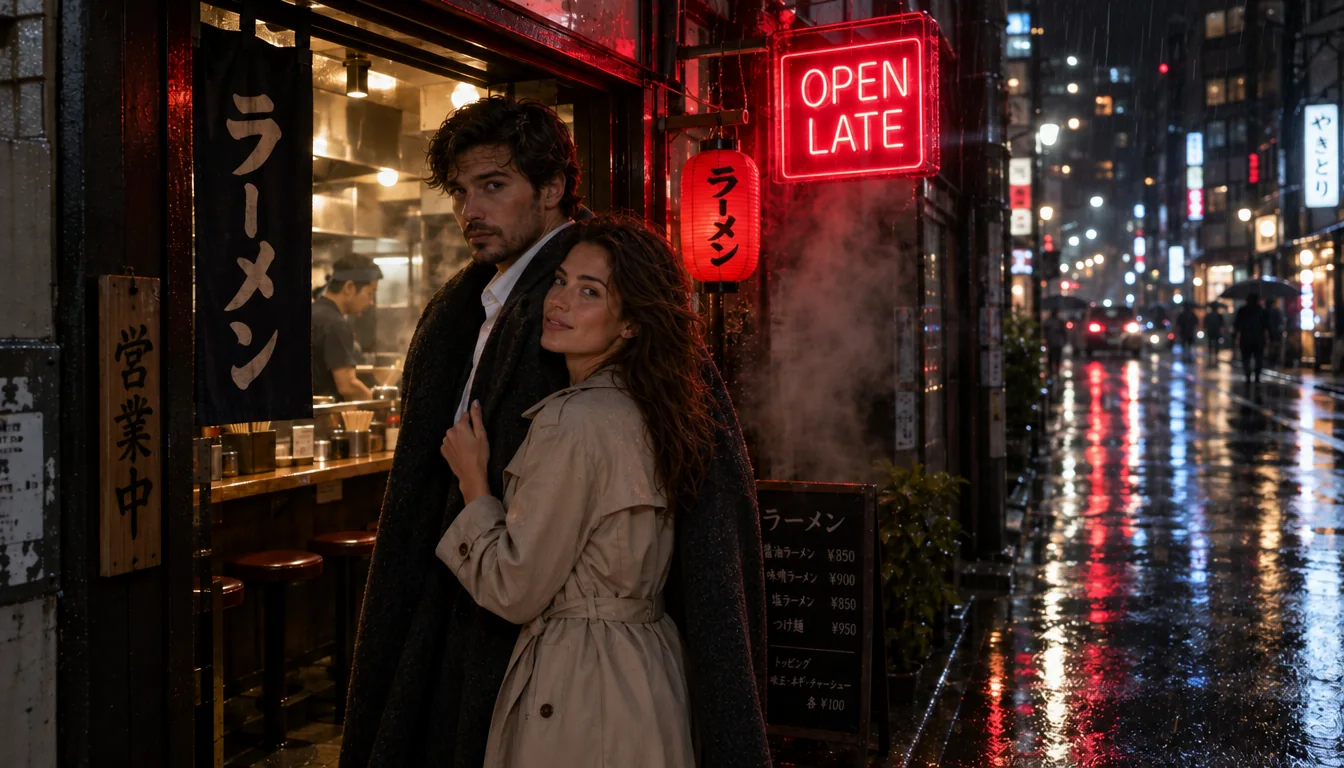
Put the words in double quotes and say where they sit. The OPEN LATE sign in our example came back spelled as written.
Describe motion and weather
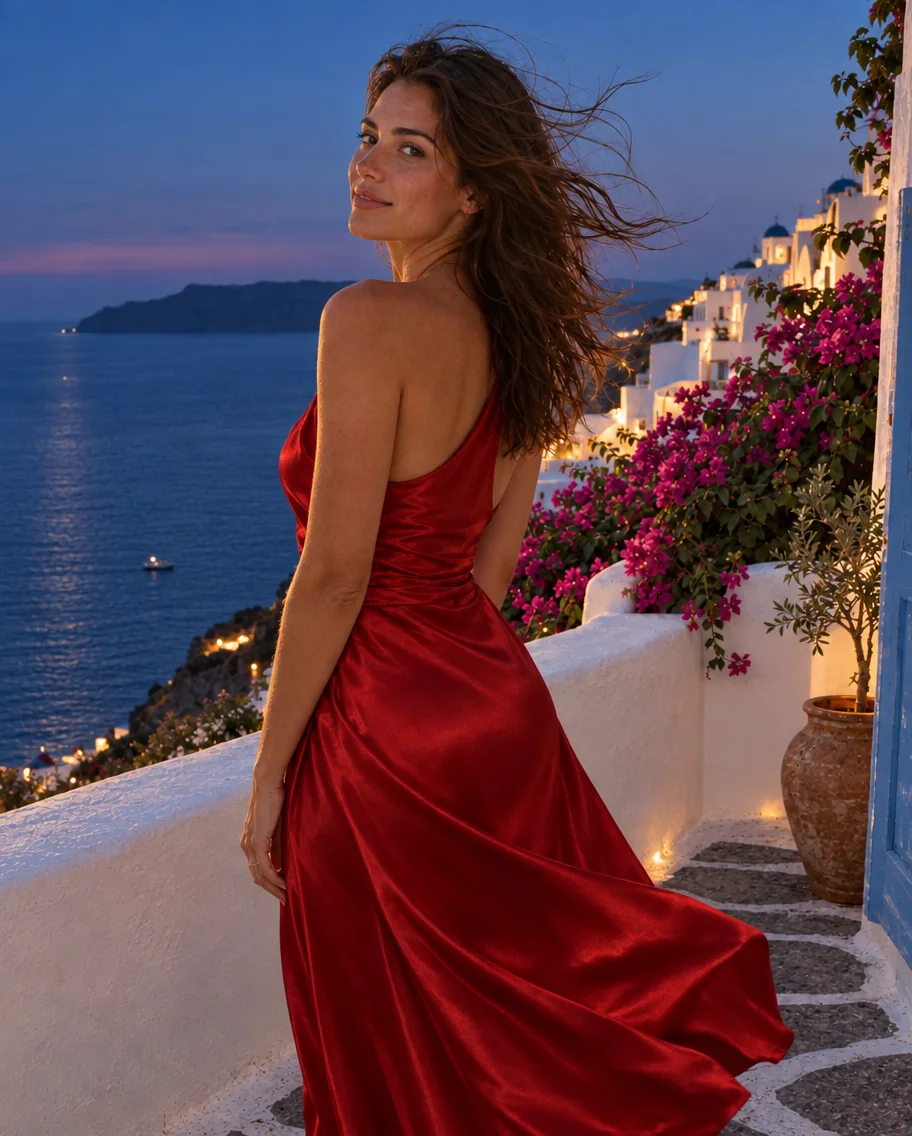
Wind in the hair, steam, rain on asphalt: short physical details make fast renders feel photographed rather than composed.
Batch with num_outputs
Ask for up to ten images in one request to explore a direction quickly; each image is billed separately at the same rate.
Keep max for print
Max costs several times high at the same size, so reserve it for the few frames that will be printed or cropped hard.
API quick start
# Generate the idempotency key once; reuse it when retrying after a lost response.
export SPICY_IDEMPOTENCY_KEY="${SPICY_IDEMPOTENCY_KEY:-$(uuidgen)}"
curl -X POST https://api.spicyapi.ai/api/v1/jobs/createTask \
  -H "Authorization: Bearer $SPICY_API_KEY" \
  -H "Content-Type: application/json" \
  -H "Idempotency-Key: $SPICY_IDEMPOTENCY_KEY" \
  -d '{
  "model": "openai/gpt-image-2.5-flare/text-to-image",
  "input": {
    "prompt": "A ceramic teapot on a linen cloth, soft window light, muted palette",
    "quality": "high",
    "resolution": "1k",
    "num_outputs": 1,
    "aspect_ratio": "1:1",
    "output_format": "png"
  }
}'

# Copy data.taskId from the response into TASK_ID, then poll the status.
TASK_ID="TASK_ID_FROM_RESPONSE"
curl "https://api.spicyapi.ai/api/v1/jobs/recordInfo?taskId=$TASK_ID" \
  -H "Authorization: Bearer $SPICY_API_KEY"
See the API reference for authentication, the complete schema, polling, and error handling.