Introduction
Assign source items to roles with <Picture 1>, <Video 1>, and <Audio 1>, within a 12-item combined limit. Choose 16:9 or 9:16, and check identity carefully when a reference video supplies strong motion and scene cues.
| Field | Value |
|---|---|
| Input | Text |
| Output | Video |
| Publisher and model | HeyGen — HeyGen Video 1.0; API name heygen-video-1 |
| Public endpoint names | heygen/video-1/text-to-video; heygen/video-1/image-to-video; heygen/video-1/reference-to-video |
| Requested duration | 5–15 seconds across the three endpoints |
| Text generation tiers | 480p or 768p; output includes AAC stereo audio |
| Photo animation tiers | 480p, 768p, 1080p, 2k — native resolution tiers |
| Measured image output sizes | 832×480 at 480p; 1890×1080 at 1080p; 2688×1536 at 2k |
| Reference output settings | 480p or 768p; aspect ratio 16:9 or 9:16 |
| Reference input budget | Up to 12 items combined; reference videos total up to 15 seconds |
| Prompt rewrite modes | disabled, turbo, quality |
| Measured file duration | Five-second requests returned 5.18–5.26 seconds; billed as five requested seconds |
| Billing unit | Requested output seconds; reference-video seconds also count, and each image from the third adds a per-image charge |
Key features & highlights
A written scene becomes a clip
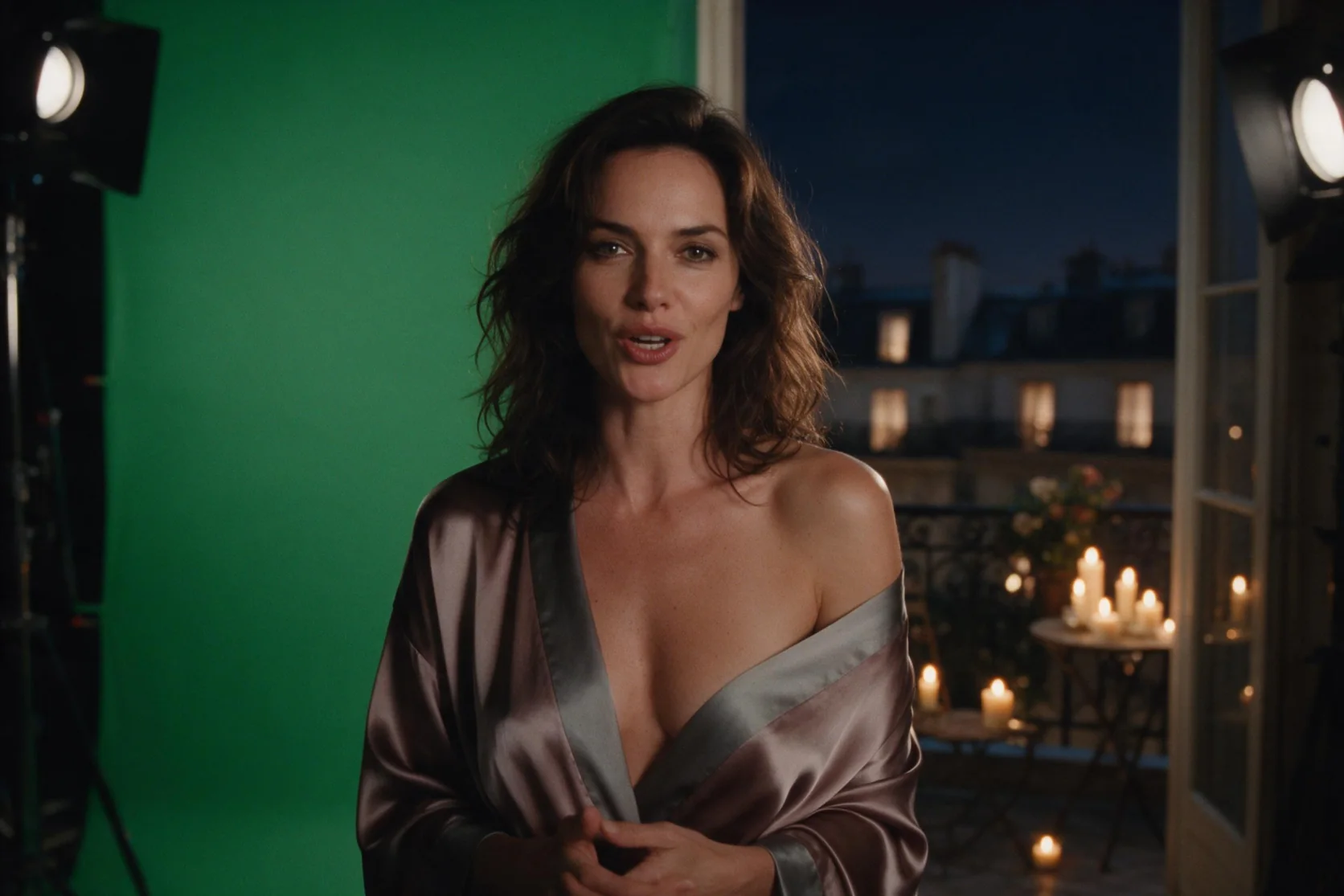
Text-to-video creates a 5–15 second scene at 480p or 768p and includes an audio track. Our 480p, five-second run returned 832×480 at 24 fps with AAC stereo audio in about 10 seconds of processing. That observation describes one run, rather than a turnaround promise.
Keep the source person in view
Image-to-video uses image_url and a movement prompt to animate a supplied photo. Our 480p, 1080p, and 2k tests kept the source person and composition, with the 2k run delivering 2688×1536 pixels. Choose this input pattern when continuity with a particular photograph matters.
Cast the person and the object separately
Reference-to-video can combine images, videos, and audio clips within a 12-item total. The two-image portrait-and-bottle test produced a vertical shot with the man holding the supplied bottle. A separate mixed-reference run followed its video closely and lost the photo’s face, so assign a clear purpose to each input.
Change a prompt without losing the setup
The seed and prompt_optimization_mode controls help organize revisions. Keep a seed fixed while comparing one change; it does not guarantee an identical result. Select disabled to avoid a prompt rewrite, or try turbo or quality when you want the model to rewrite the brief.
Request parameters
| Parameter | Required | Description |
|---|---|---|
prompt | Yes | Name each reference with its media token and state the role it should play. For a portrait and product pair, say that the person in <Picture 1> holds the object in <Picture 2>. at least 1 characters · at most 32000 characters |
reference_image_urls | No | Use image references for the person, object, or setting you want the scene to incorporate. Count them within the 12-item total; each image from the third adds a per-image charge. at least 1 items · at most 9 items |
reference_video_urls | No | Keep reference-video duration within 15 seconds combined and count each clip toward the 12-item total. at least 1 items · at most 3 items |
reference_audio_urls | No | Name the intended audio role with tokens such as <Audio 1> and use recordings you have rights to use. Audio clips count toward the combined 12-item reference limit. at least 1 items · at most 3 items |
aspect_ratio | No | Select 16:9 for a horizontal shot or 9:16 for a vertical one. The supplied man-and-bottle reference test used 9:16 and incorporated both images. |
resolution | No | Reference generation offers 480p or 768p. |
duration_seconds | No | Request 5–15 seconds of output, separate from the reference footage you supply. Billing counts output seconds and reference-video seconds together. |
prompt_optimization_mode | No | Disabled avoids rewriting the brief; turbo and quality allow it. Keep the mode fixed while checking how each reference affects the scene. |
seed | No | Hold the seed steady when adding or removing a reference for comparison. The same seed does not promise an identical clip or guarantee that a particular face is retained. |
Pricing
Billed for requested output seconds plus reference-video seconds at the displayed rate; the two initial reference images are included, and every image from the third adds a per-image charge.
| Specification | Price |
|---|---|
| $0.102 / second |
| $0.144 / second |
Use cases
A scene before the shoot
Send a text brief for a potter in their thirties, wearing a canvas apron in a sunlit studio, turning toward a shelf. A five-second request at 480p gives you a concept clip with an audio track to review before a shoot.
A portrait with a small gesture
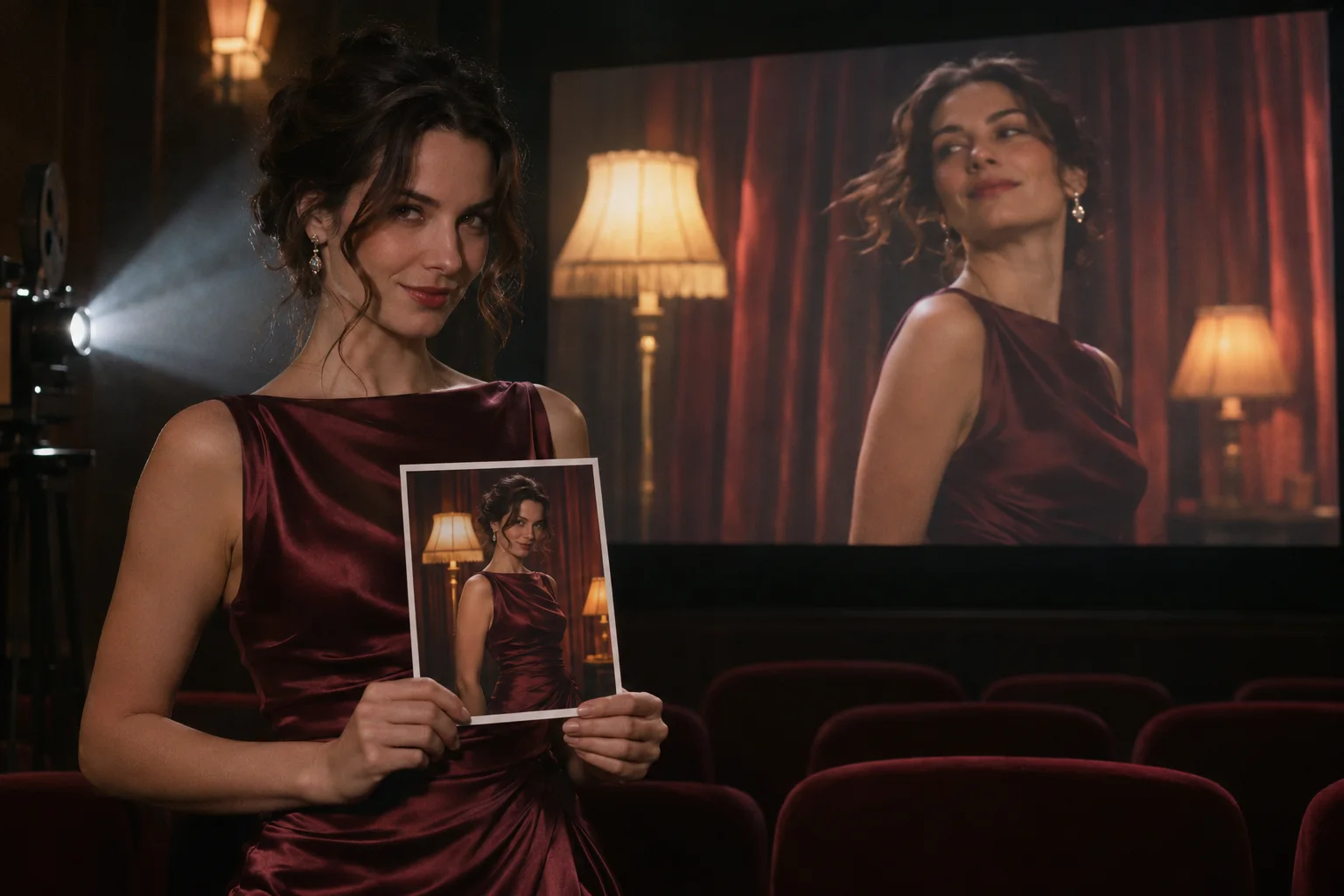
Provide a licensed portrait of a woman in her thirties in an evening dress beside a window, then ask for a head turn and a slow camera move. Image-to-video returns a short animation guided by that photo; inspect the person and composition against the source.
A presenter with a supplied product
Attach a man’s portrait as <Picture 1> and a dropper-bottle photo as <Picture 2>, then request a 9:16 shot of him holding the bottle. Our two-image test used both references and took about 158 seconds to process.
A motion-led concept
Supply a portrait, a four-second motion clip, and an audio reference with roles named in the prompt. Our mixed-input run followed the video’s motion and scene closely, but did not retain the portrait’s face; use this pattern when motion matters more than that face.
A larger photo-based deliverable
Pair a source photo with a restrained movement prompt and select 1080p or 2k for image-to-video. Our five-second tests returned native 1890×1080 and 2688×1536 outputs while keeping the source person.
Prompt guide & pro tips
Match the endpoint to the input
Choose text-to-video for a written scene, image-to-video for a photo, or reference-to-video for multiple source items. Photo animation offers 1080p and 2k when you need those tiers.
Prepare a focused scene brief
Describe the person, wardrobe, setting, lighting, and one visible action. For references, tie the action to tokens such as <Picture 1> and <Picture 2>, and use text, voices, and likenesses you have rights to use.
Submit the generation task
POST to https://api.spicyapi.ai/api/v1/jobs/createTask with Bearer authentication and JSON such as {"model":"heygen/video-1/text-to-video","input":{"prompt":"A potter in their thirties turns toward a shelf.","
duration_seconds":5,"resolution":"480p"}}.Retrieve and review the clip
Save data.taskId and query GET /api/v1/jobs/recordInfo?taskId=YOUR_TASK_ID to check the result. Review the returned video, then hold the seed fixed while testing one revision; repeated settings do not promise an identical result.
HeyGen Video 1.0 API for reference to video
HeyGen Video 1.0 combines supplied images, videos, and audio references into a 5–15 second scene at 480p or 768p. The reference endpoint accepts up to 12 items in total and supports 16:9 or 9:16, with reference videos limited to 15 seconds combined.
Call with a person and a product
Use heygen/video-1/reference-to-video in a POST to https://api.spicyapi.ai/api/v1/jobs/createTask. Add Authorization: Bearer YOUR_SPICY_API_KEY and Content-Type: application/json, then replace both placeholder image URLs with material you have rights to use.
{
  "model": "heygen/video-1/reference-to-video",
  "input": {
    "prompt": "The man in his thirties from <Picture 1>, in a pale blue shirt, holds the dropper bottle from <Picture 2> beside his face in a softly lit bathroom. Vertical framing, static camera, warm light, composed mood.",
    "reference_image_urls": [
      "https://example.com/person.jpg",
      "https://example.com/bottle.jpg"
    ],
    "duration_seconds": 5,
    "resolution": "480p",
    "aspect_ratio": "9:16",
    "prompt_optimization_mode": "disabled",
    "seed": 21
  }
}
This proposed request demonstrates token usage; it is not the original test payload. Use text, voices, and likenesses you have permission to use, and never impersonate a real person.
Read the generated task result
Collect data.taskId after submission and retrieve the task through GET /api/v1/jobs/recordInfo?taskId=YOUR_TASK_ID. The abridged JSON below illustrates a queued task and a successful result; IDs and asset links are placeholders.
{
  "code": 200,
  "msg": "success",
  "data": {
    "taskId": "job_references_example",
    "state": "queued"
  }
}
{
  "code": 200,
  "msg": "success",
  "data": {
    "taskId": "job_references_example",
    "state": "succeeded",
    "output": {
      "assets": [{"url": "https://example.com/reference-scene.mp4"}]
    }
  }
}
Use the complete task contract for integration details. Review the result for each reference's intended contribution rather than assuming that a successful task preserved every input equally.
Assign a role to every reference
Name each input with its matching token and say what it contributes to the shot. HeyGen's documentation says that numbering follows each media list independently, so an image is addressed with <Picture 1>, a video with <Video 1>, and audio with <Audio 1>.
| Parameter | Usage and limit |
|---|---|
prompt | Describe the new scene and refer to the supplied items by token. |
reference_image_urls | Images for people, products, or settings; each image from the third adds a charge. |
reference_video_urls | Motion or scene references, up to 15 seconds combined; their seconds are billed too. |
reference_audio_urls | Audio clips assigned a role with tokens such as <Audio 1>. |
| Combined lists | Up to 12 reference items across all three media types. |
duration_seconds | Requested output length of 5–15 seconds. |
resolution | 480p or 768p. |
aspect_ratio | 16:9 or 9:16. |
prompt_optimization_mode | disabled, turbo, or quality; the latter modes can rewrite the brief. |
seed | Hold fixed to compare one edit, without promising an identical render. |
Learn from the two reference tests
The two-image test used both a man and a dropper bottle in a 9:16 result, showing the man holding that bottle. It took about 158 seconds to process, which is a measured run rather than a reference-generation service target.
The mixed-reference test followed its video closely and did not carry over the face from the image. Its inputs were one image, a four-second video, and audio. When a specific photo's person matters, avoid a dominant motion clip; images alone or the image-to-video endpoint give you a more focused starting point to evaluate.
- Begin with a portrait and product image if those are the elements that must appear.
- State their roles explicitly with
<Picture 1>and<Picture 2>. - Add a video when its motion or scene is actually needed, then check the face again.
- Keep the seed and prompt rewrite setting steady while comparing a change.
Account for reference billing
Reference generation bills requested output seconds plus reference-video seconds, using the price displayed on this page. Each reference image from the third adds a per-image charge. In a five-second output request with four seconds of video reference, count both durations when planning the request; reference footage does not replace requested output time.
The supplied five-second tests returned files lasting 5.18–5.26 seconds after frame rounding. The output portion remains billed as the five seconds requested, separate from any reference-video usage.
Troubleshoot and select another endpoint
Check the combined item count, video duration, and output settings before submitting a reference request. More than 12 items, over 15 seconds of reference footage, a ratio outside 16:9 or 9:16, or a tier beyond 768p falls outside this page's supported settings. Inspect the returned task error for rejected or failed jobs rather than assuming a missing result is an identity issue.
Use image-to-video to animate a particular photo or request native 1080p or 2k output. Use text-to-video when no references are needed. HeyGen Avatar IV addresses talking-photo work, while HeyGen Video Translate is the sibling to review for translation.
API quick start
# Generate the idempotency key once; reuse it when retrying after a lost response.
export SPICY_IDEMPOTENCY_KEY="${SPICY_IDEMPOTENCY_KEY:-$(uuidgen)}"
curl -X POST https://api.spicyapi.ai/api/v1/jobs/createTask \
  -H "Authorization: Bearer $SPICY_API_KEY" \
  -H "Content-Type: application/json" \
  -H "Idempotency-Key: $SPICY_IDEMPOTENCY_KEY" \
  -d '{
  "model": "heygen/video-1/reference-to-video",
  "input": {
    "aspect_ratio": "16:9",
    "duration_seconds": 5,
    "prompt": "A slow aerial shot drifting over a misty pine forest at sunrise",
    "prompt_optimization_mode": "disabled",
    "resolution": "768p",
    "reference_image_urls": [
      "https://example.com/reference.png"
    ]
  }
}'

# Copy data.taskId from the response into TASK_ID, then poll the status.
TASK_ID="TASK_ID_FROM_RESPONSE"
curl "https://api.spicyapi.ai/api/v1/jobs/recordInfo?taskId=$TASK_ID" \
  -H "Authorization: Bearer $SPICY_API_KEY"
See the API reference for authentication, the complete schema, polling, and error handling.