Introduction
HeyGen Avatar IV takes image_url and audio_url for a talking video; background_image_url optionally replaces the setting, while prompt supplies performance direction.
| Field | Value |
|---|---|
| Input | Image, Audio |
| Output | Video |
| Publisher | HeyGen |
| Required inputs |
|
| Maximum speech duration | 10 minutes |
| Performance direction | Optional prompt for expressions and gestures |
| Background replacement | Optional |
| Expression control | low (default), medium, high; facial and head movement amplitude |
| Frame proportions | 16:9, 9:16, 1:1, 5:4, 4:5; empty follows the photo |
| Resolution range | Five tiers spanning 360p–1080p at the same rate |
| Billing rule | Input audio duration rounded up to a whole second; expressiveness does not change the rate |
| Failed generations | Not charged |
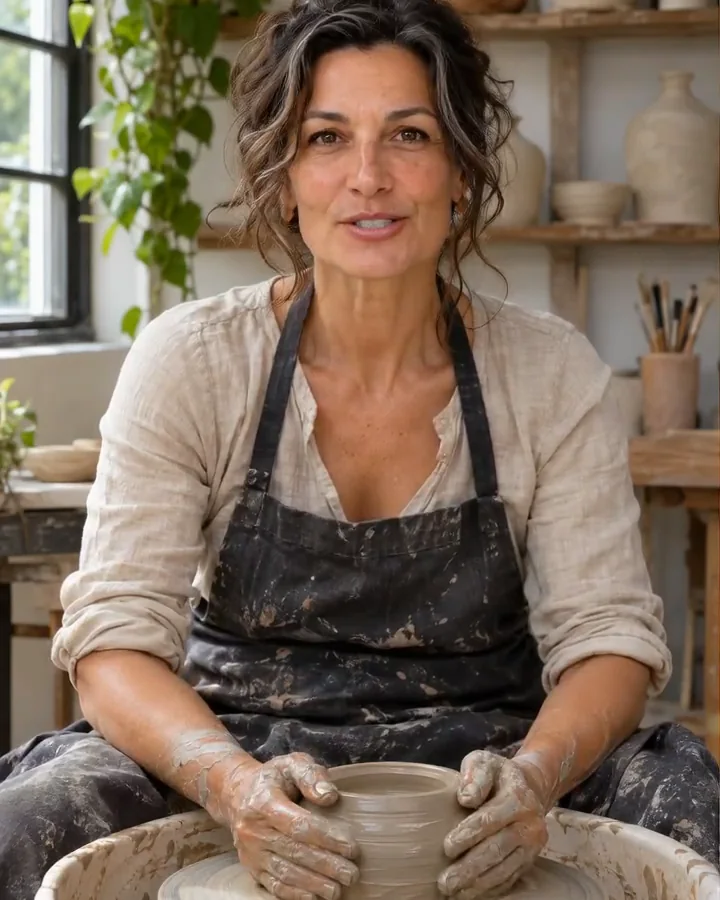
| Measured pottery output | 10-second explanation with matched lip sync; 720×900 pixels |
| Generated-file retention | 14 days, then deleted |
Key features & highlights
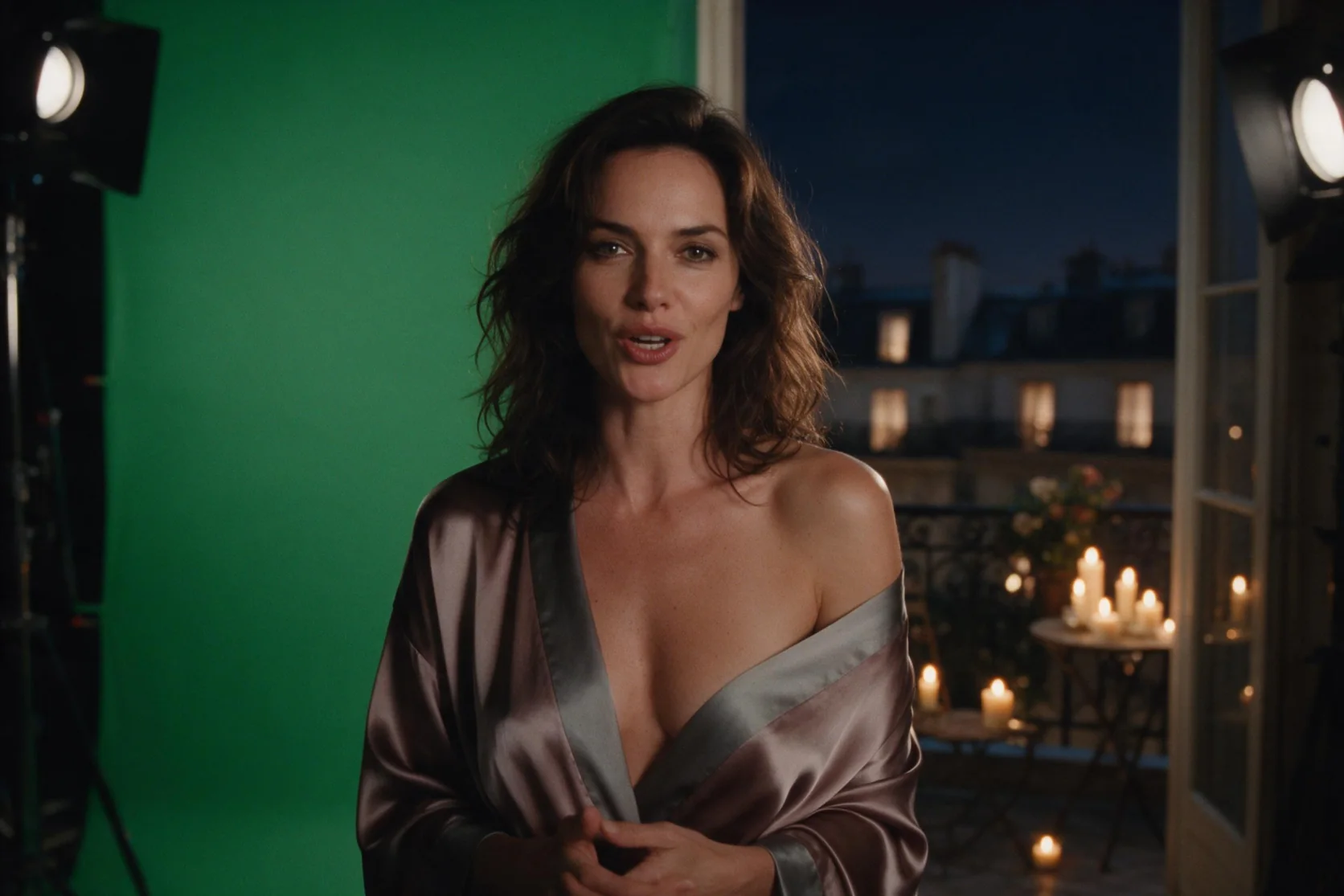
A bedside portrait speaks the recorded line
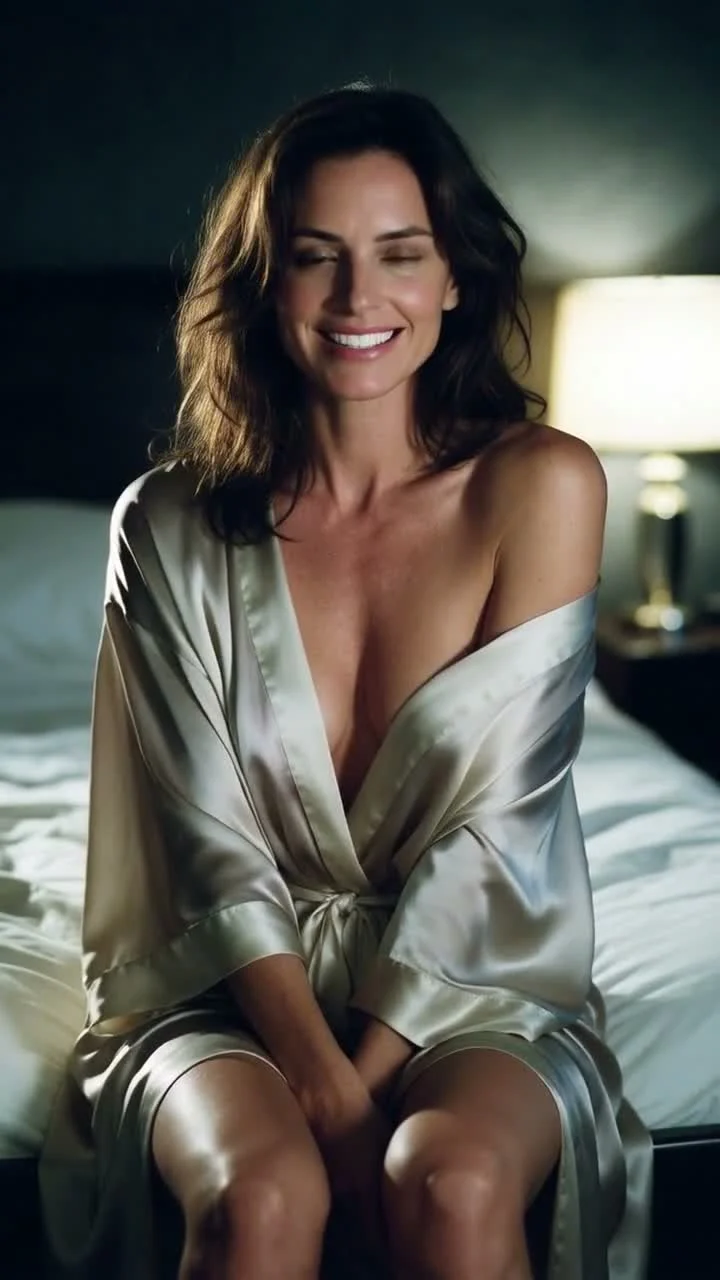
Our silk-robe example pairs a portrait on a bed with a short late-night recording. At 720p and high expressiveness, the woman speaks with a playful smile and lip sync that matches the audio. The prompt asks for soft delivery, small head tilts, and a glance; the recorded observation confirms the smile and speech synchronization, without establishing that every requested gesture appeared.
The potter speaks at her wheel
A portrait and a 10-second explanation produced a talking pottery clip with matched lip movement. The measured frame was 720×900 pixels. Use this example to plan a short workshop introduction: prepare the photographed setting and spoken recording, then add a concise delivery cue if needed. The result demonstrates a narrated portrait rather than a newly filmed pottery process.
The astronomer changes surroundings
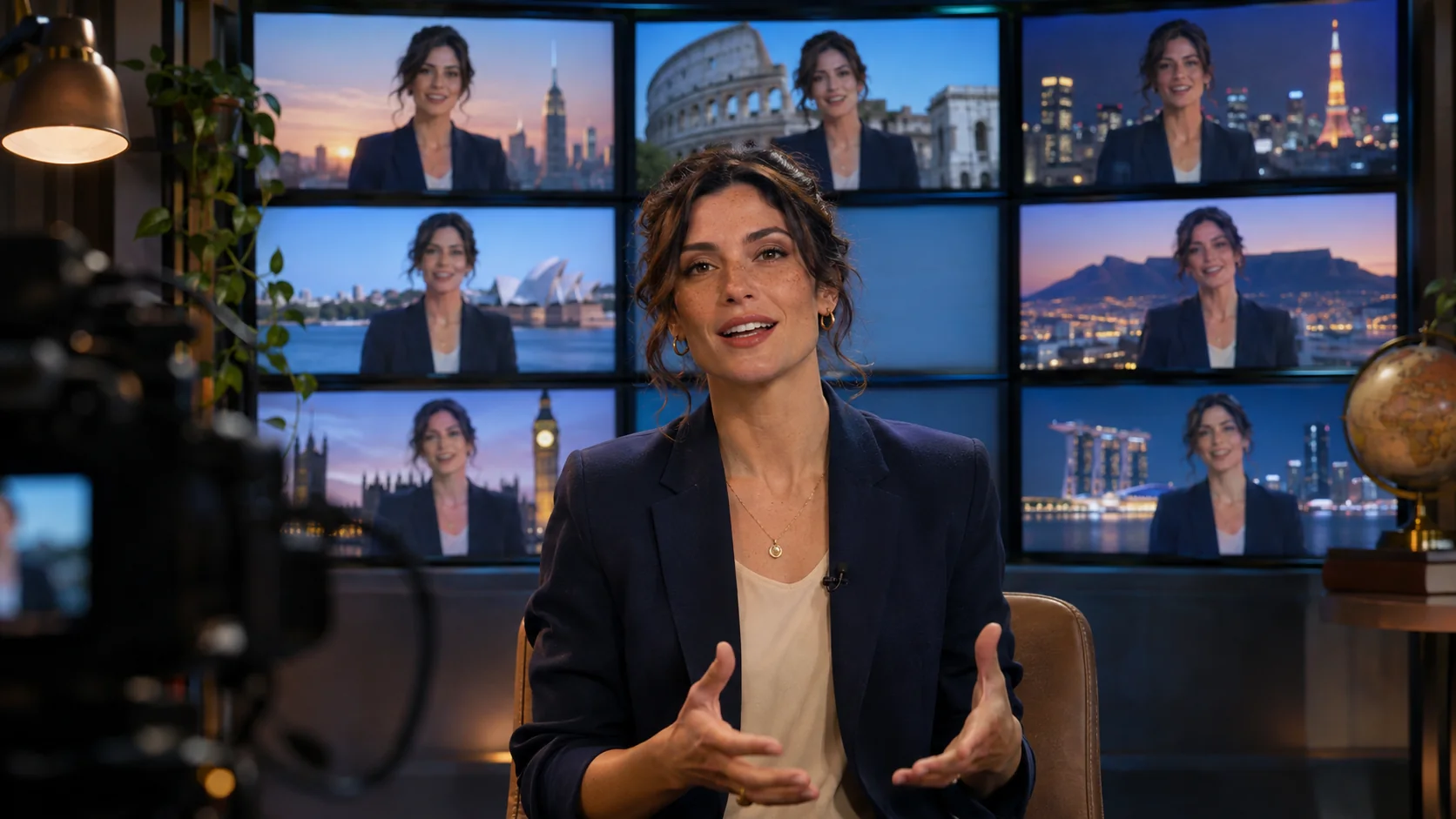
In the background test, an astronomer portrait appeared in front of the supplied greenhouse image. High expressiveness gave the speaker livelier movement. These are separate controls: background_image_url supplies the new setting, while expressiveness adjusts facial and head motion. Choose them according to the presentation you need and review the finished clip against both inputs.
Request parameters
| Parameter | Required | Description |
|---|---|---|
image_url | Yes | Required clear, front-facing portrait of the speaker to animate; HeyGen billing follows the audio length rather than the portrait. at least 1 characters |
audio_url | Yes | Required speech recording, up to 10 minutes long; its duration sets the charge, rounded up to a whole second. at least 1 characters |
prompt | No | Optional direction for expressions and gestures; this text does not set the audio-second billing rate. at least 1 characters · at most 5000 characters |
background_image_url | No | Optional image for a replacement setting behind the speaker; the billing basis remains the supplied audio duration. at least 1 characters |
expressiveness | No | Movement intensity: low, medium, or high, default low; changing this setting does not affect the HeyGen rate. |
aspect_ratio | No | Choose 16:9, 9:16, 1:1, 5:4, or 4:5; leave empty to follow the portrait, with billing still determined by audio seconds. |
resolution | No | Five output tiers from 360p through 1080p; every resolution tier has the same HeyGen price. |
Pricing
$0.054 / second
HeyGen charges for input audio seconds rounded up to a whole second. Resolution and expressiveness do not change the rate, and unsuccessful generations incur no charge.
Use cases
Recorded workshop introductions
Pair an adult instructor portrait with a prepared explanation, following the pottery test that matched a 10-second recording. Use the clip to introduce a craft lesson while keeping the practical demonstration in separate footage.
Presenter messages in a new setting
Supply a background image for a different presentation location. The astronomer-to-greenhouse test demonstrates this setting change alongside high expressiveness; review both the surroundings and the speaker in the returned clip.
Quiet character dialogue
Combine an authorized adult portrait with a short, softly spoken recording and modest gesture cues. The silk-robe example shows a playful smile and matched lip sync at 720p with high expressiveness.
Delivery comparisons for an introduction
Keep the portrait and recording fixed while comparing low, medium, and high expression settings. This gives you a way to judge facial and head movement for the intended message without a rate change between settings.
Talking portraits for different layouts
Choose a vertical, square, or landscape ratio for the destination layout, or follow the source photo. All five resolution tiers use one rate, so select resolution for the planned use and inspect the delivered framing.
Prompt guide & pro tips
Prepare the portrait and speech
Choose a clear, front-facing portrait and a recording no longer than 10 minutes, with the rights to use both.
Choose a setting and delivery
Add a background image if needed, choose an expression level, and select the output proportions and resolution before submitting.
A talking portrait driven by your recording
HeyGen Avatar IV takes a clear, front-facing portrait and a speech recording, then returns a video of the photographed person speaking. This endpoint suits a prepared introduction, a lesson opener, or a character message when you already have the photo and spoken audio. The recording can run up to 10 minutes.
The inputs have distinct jobs: the portrait establishes the speaker, the audio supplies the words, and an optional prompt describes expressions or gestures. A separate background image can place the speaker in a new setting. Use adult subjects and photos and voices you have the right to use; the finished clip must not impersonate anyone.
Parameters and their roles
| Parameter | Required? | What to supply or choose |
|---|---|---|
image_url | Yes | A clear, front-facing portrait of the adult speaker. |
audio_url | Yes | The speech recording, up to 10 minutes; its duration determines billing. |
prompt | No | Brief direction for facial expression and gestures. |
background_image_url | No | An image to use as the replacement setting behind the person. |
expressiveness | No | low, medium, or high; defaults to low and controls facial and head movement amplitude. |
aspect_ratio | No | 16:9, 9:16, 1:1, 5:4, or 4:5; leave empty to follow the portrait. |
resolution | No | Choose among five tiers spanning 360p–1080p; the rate is the same across tiers. |
Select frame proportions for the destination layout and resolution for the intended viewing size. A resolution label does not describe both pixel dimensions: our pottery example returned a 720×900 frame. Inspect the actual framing in your downloaded result.
Pricing follows the speech duration
Successful generations are billed by the input audio duration, rounded up to a whole second. Changing resolution or expressiveness does not change the per-second rate. See the HeyGen Avatar IV model page for the current price before submitting a request. An unsuccessful HeyGen request incurs no generation charge.
Listen through the recording before generating a video. Check the words, pauses, and total length together, because the supplied track is both the speech source and the billing basis. Choose the portrait and desired background before spending a generation on a delivery comparison.
Write performance cues for an existing portrait
Separate speech from expression
Put the spoken passage in the recording. Use prompt for a performance note such as: "The presenter speaks with a patient smile, occasional small nods, and relaxed gestures." The text field is optional, so you can also begin with the photo, recording, and settings without a written direction.
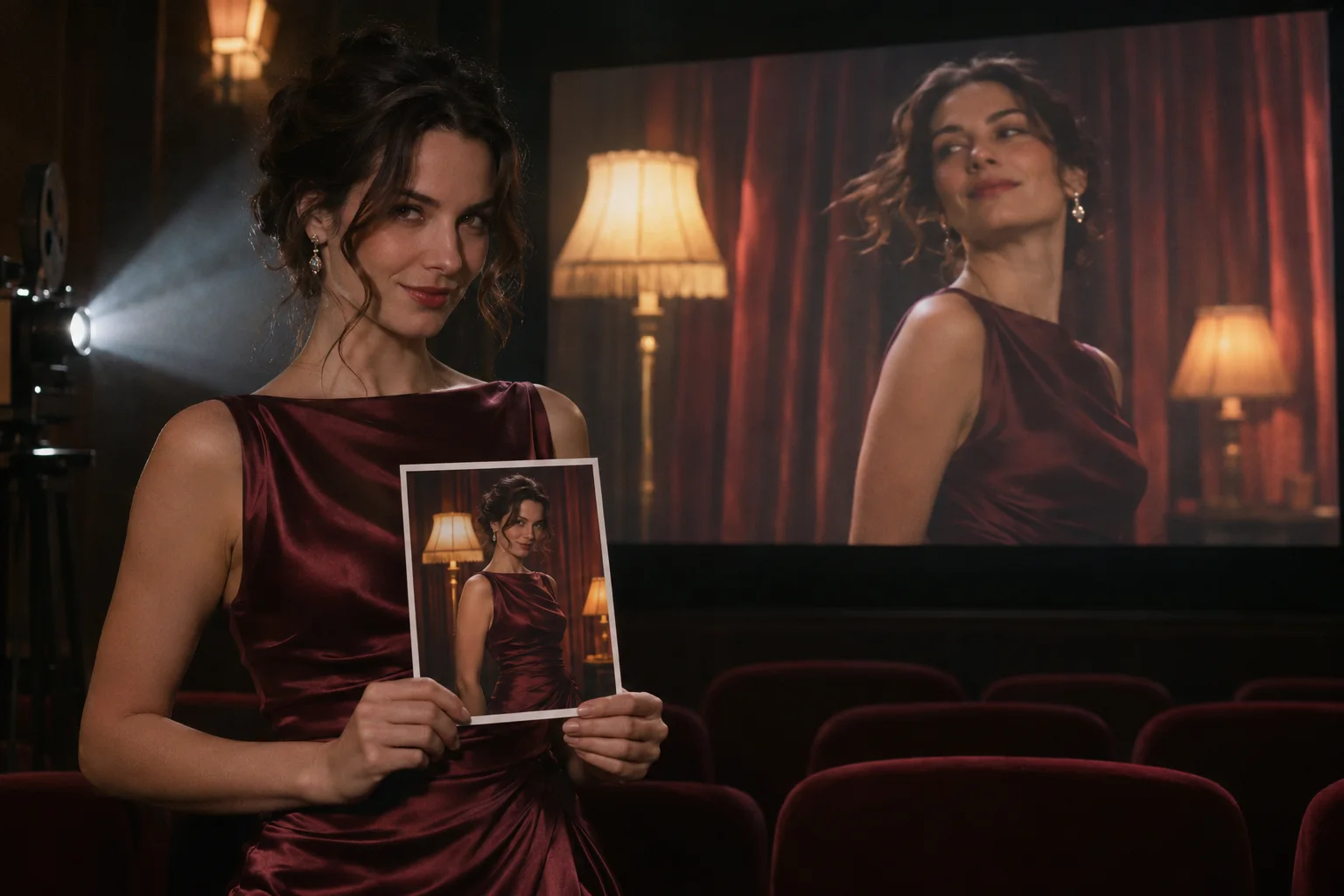
For the suggested portraits on this page, use people in their thirties or older. Establish wardrobe, light, and location in the source photo: a linen work shirt in a workshop or an evening dress beside a warm window. Direct the delivery around that photographed setup. Use background_image_url when the requested change is a new setting behind the speaker.
Compare expression settings deliberately
Start with the low default to judge the base delivery. Keep the portrait and recording unchanged when trying medium or high, then compare the face and head movement. Our greenhouse example showed livelier motion at high expressiveness. A motion cue remains a direction to review against the result, rather than a promise of an exact gesture sequence.
What our displayed examples showed
- Silk-robe late-night line: the newer example used 720p and high expressiveness. The portrait of a woman on a bed spoke the short line with a playful smile, and lip sync matched the audio. Its prompt requested soft delivery, small tilts, and a glance; the recorded observation does not confirm each individual cue.
- Pottery explanation: a potter portrait paired with a 10-second explanation produced matched lip movement in a 720×900 video. It is an example of a talking instructor image, rather than evidence of a complete animated craft demonstration.
- Astronomer in a greenhouse: a replacement greenhouse background appeared behind the speaker, with livelier motion at high expressiveness. This sample demonstrates the background control together with an expression setting.
These observations describe the supplied examples. When assessing your own clip, watch the mouth against the speech, the amount of head movement, the speaker framing, and the replacement setting if used. Save the accepted video with its source inputs and settings so later revisions have a clear starting point.
Limits and nearby alternatives
Keep the recording within 10 minutes. Download the generated file after reviewing it; retention lasts 14 days, after which it is deleted. Confirm the rights to both portrait and voice before submitting, use adults, and avoid impersonation.
For another photo-and-audio workflow, InfiniteTalk offers a speaker mask and a seed for comparing changes. A fixed seed helps compare one change at a time; it does not promise an identical result. OmniHuman 2.0 and Talking Avatar are further options to review. Choose HeyGen when background replacement, expression amplitude, and five resolution tiers at one rate match the controls you need.
API quick start
# Generate the idempotency key once; reuse it when retrying after a lost response.
export SPICY_IDEMPOTENCY_KEY="${SPICY_IDEMPOTENCY_KEY:-$(uuidgen)}"
curl -X POST https://api.spicyapi.ai/api/v1/jobs/createTask \
  -H "Authorization: Bearer $SPICY_API_KEY" \
  -H "Content-Type: application/json" \
  -H "Idempotency-Key: $SPICY_IDEMPOTENCY_KEY" \
  -d '{
  "model": "heygen/avatar-iv/talking-avatar",
  "input": {
    "audio_url": "https://example.com/reference.mp3",
    "expressiveness": "low",
    "image_url": "https://example.com/reference.png",
    "resolution": "720p"
  }
}'

# Copy data.taskId from the response into TASK_ID, then poll the status.
TASK_ID="TASK_ID_FROM_RESPONSE"
curl "https://api.spicyapi.ai/api/v1/jobs/recordInfo?taskId=$TASK_ID" \
  -H "Authorization: Bearer $SPICY_API_KEY"
See the API reference for authentication, the complete schema, polling, and error handling.