Introduction
Krea 3 Text to image draws one image from a plain-language prompt on Krea 3, the in-house image model Krea built first for instruction-following edits. Pick one of ten aspect ratios at about one megapixel, then choose the high-quality or fast variant; both cost the same.
Choose a mode by starting material
| What you have | Mode |
|---|---|
| a written description | Krea 3 Text to image |
| one to eight photos to change or combine | Krea 3 Image editing |
Key features & highlights
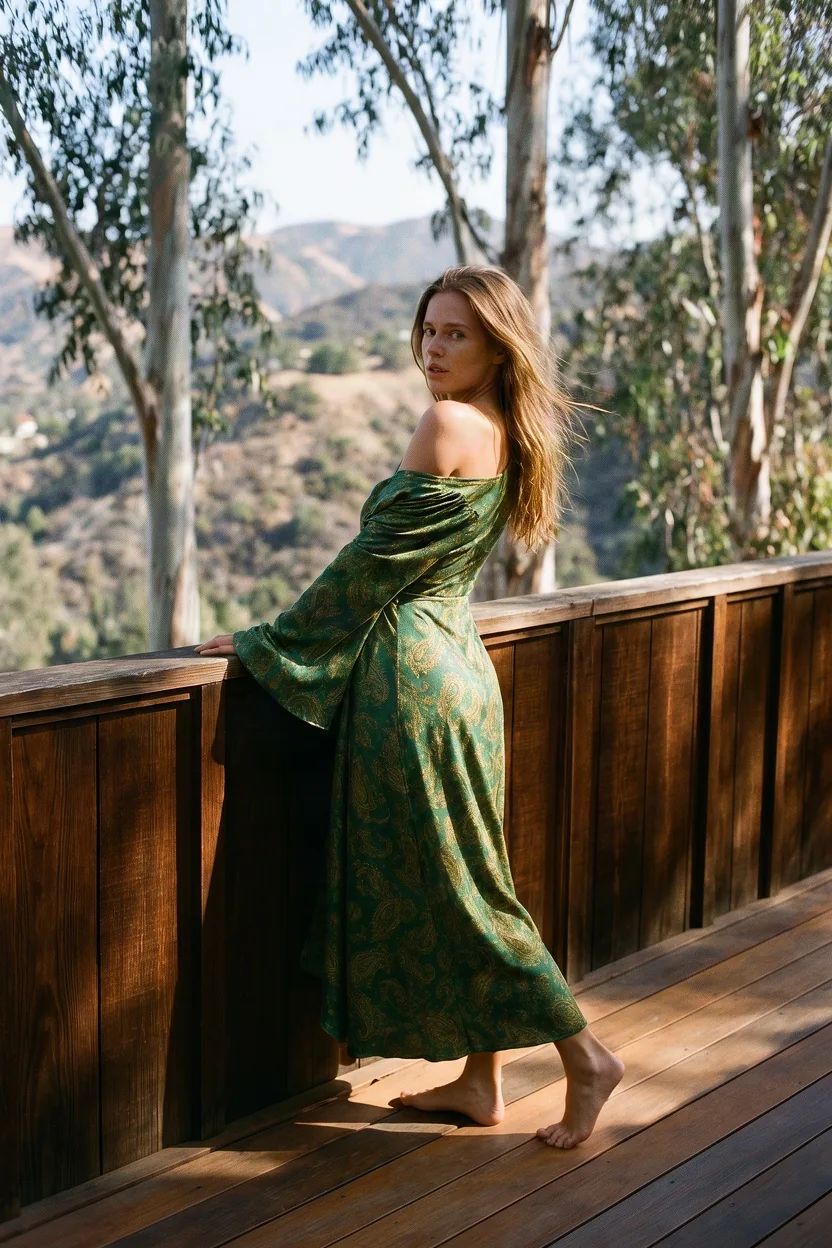
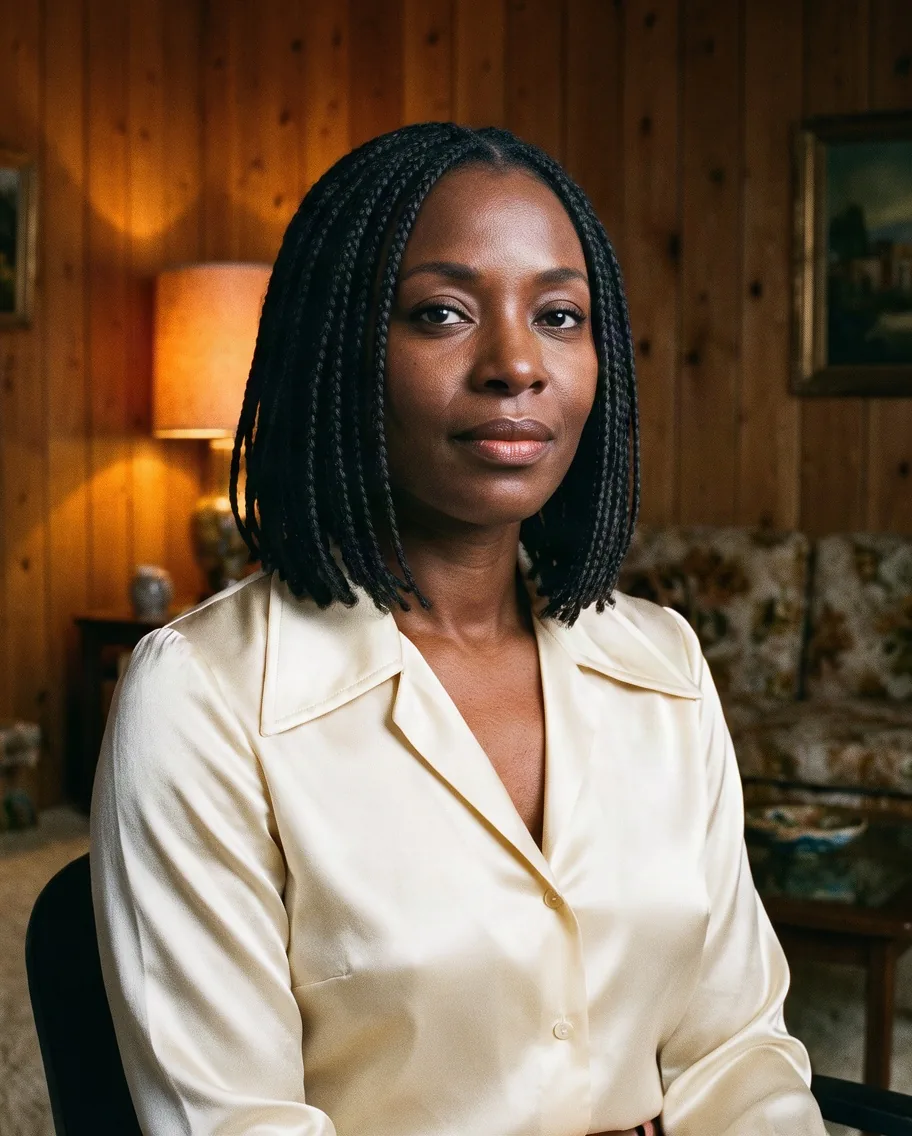
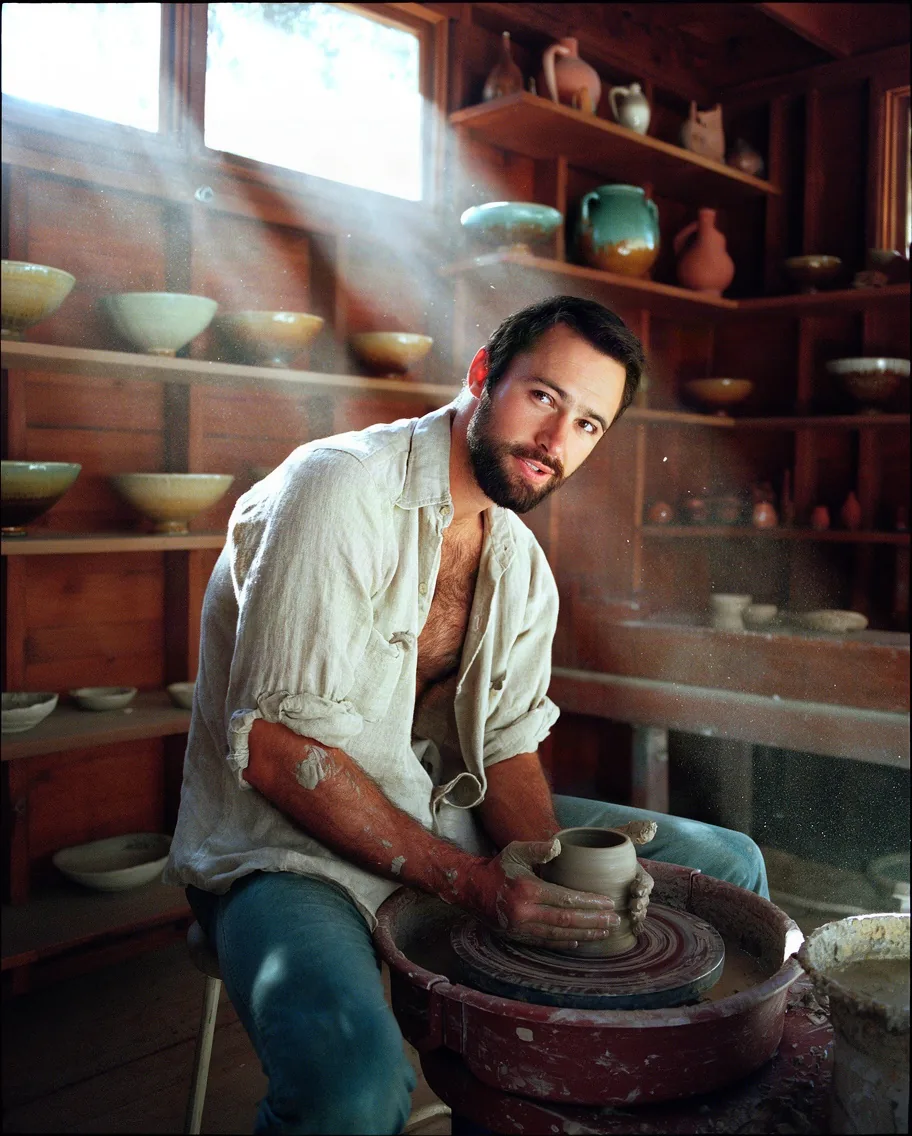
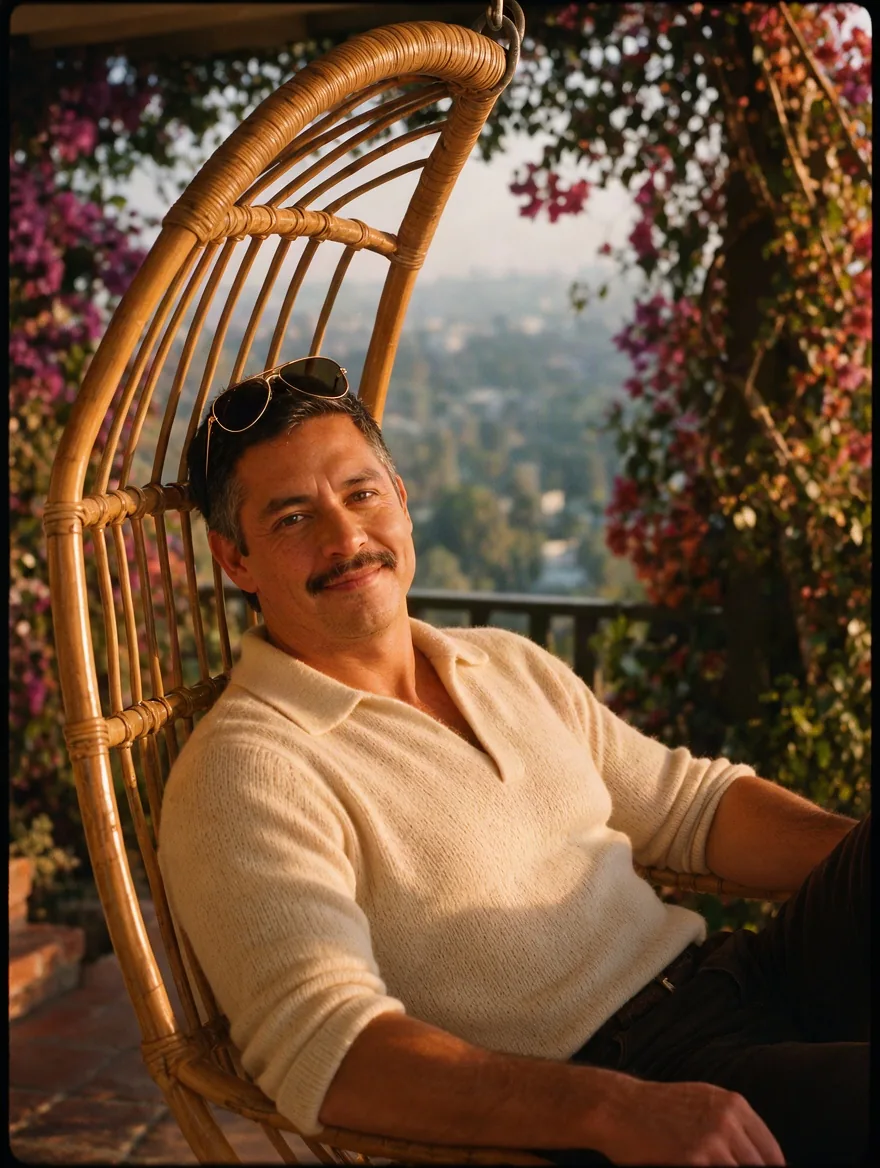
Film-photograph realism
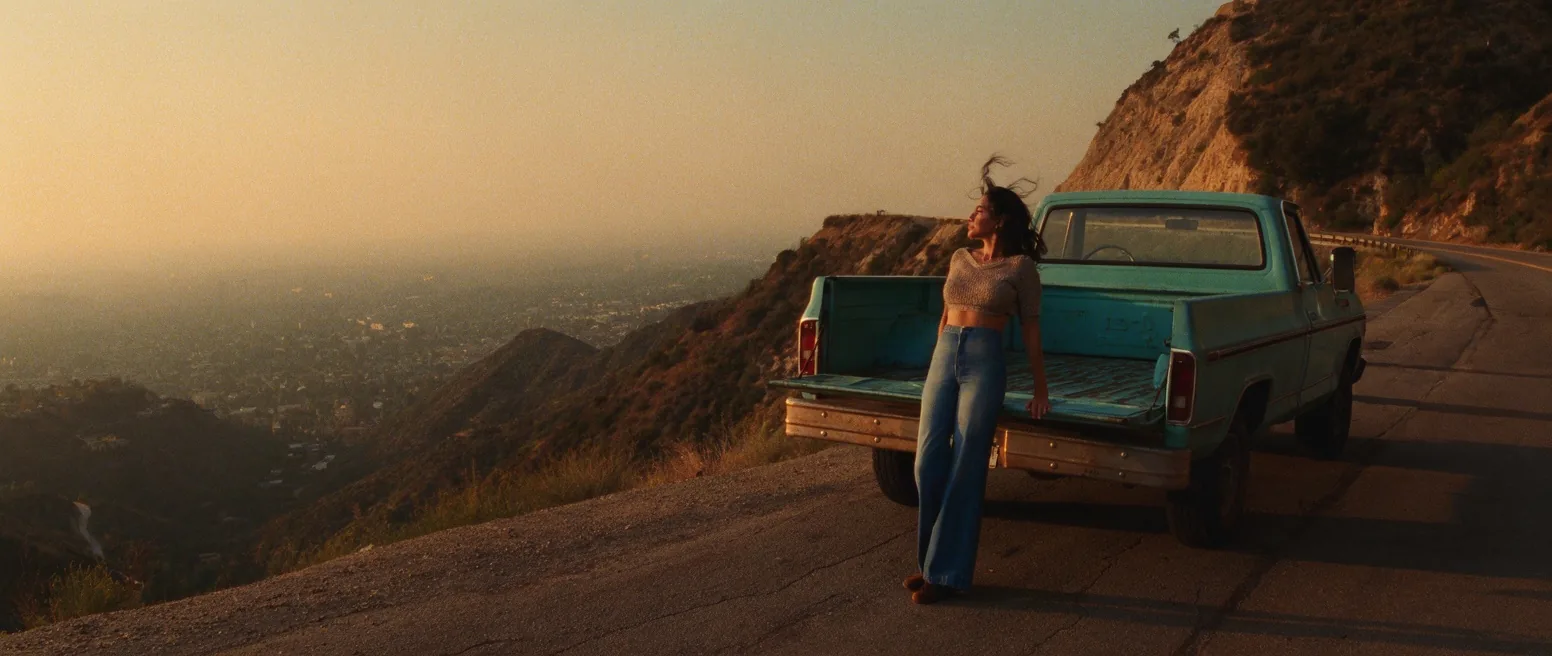
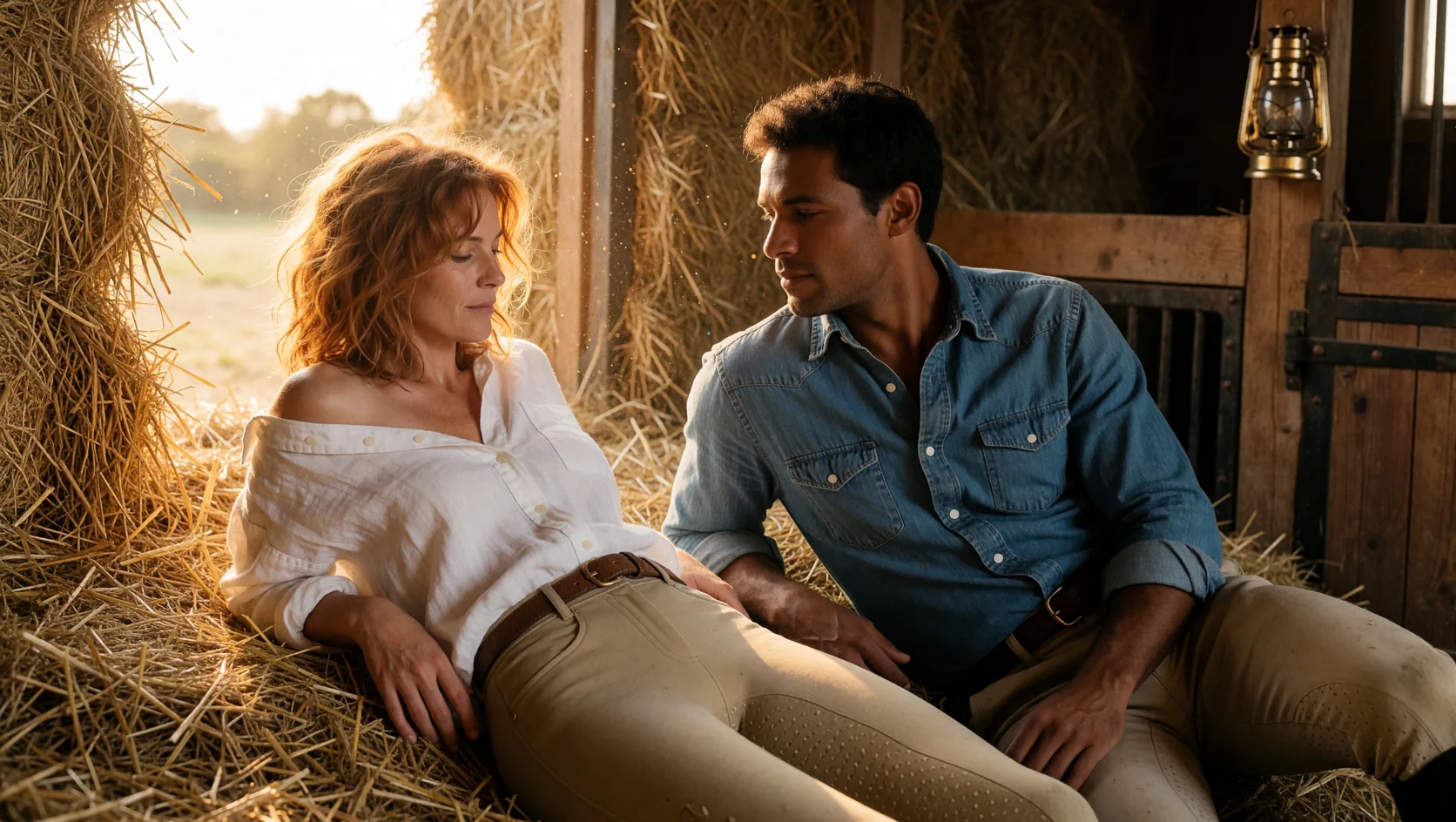
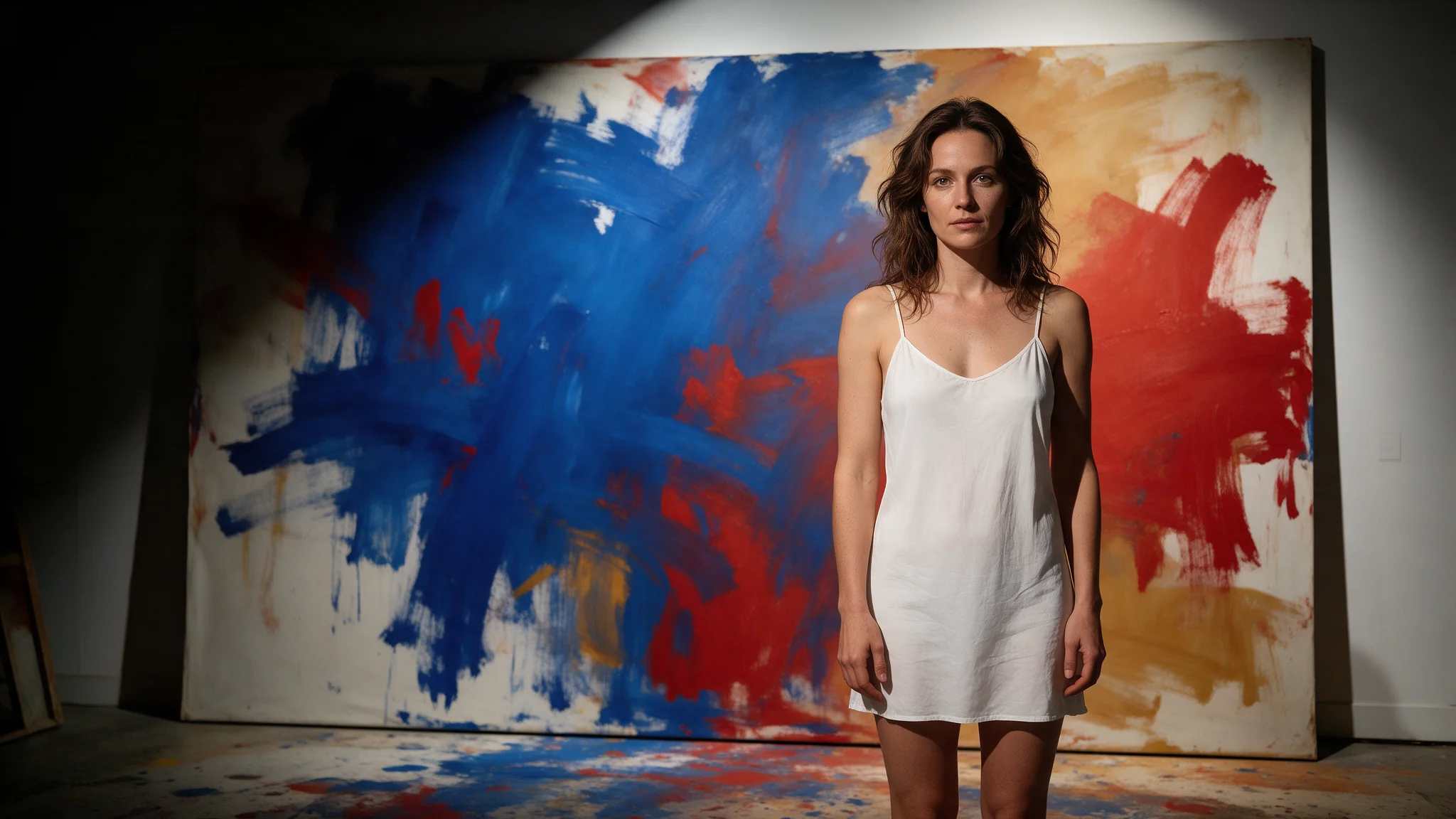
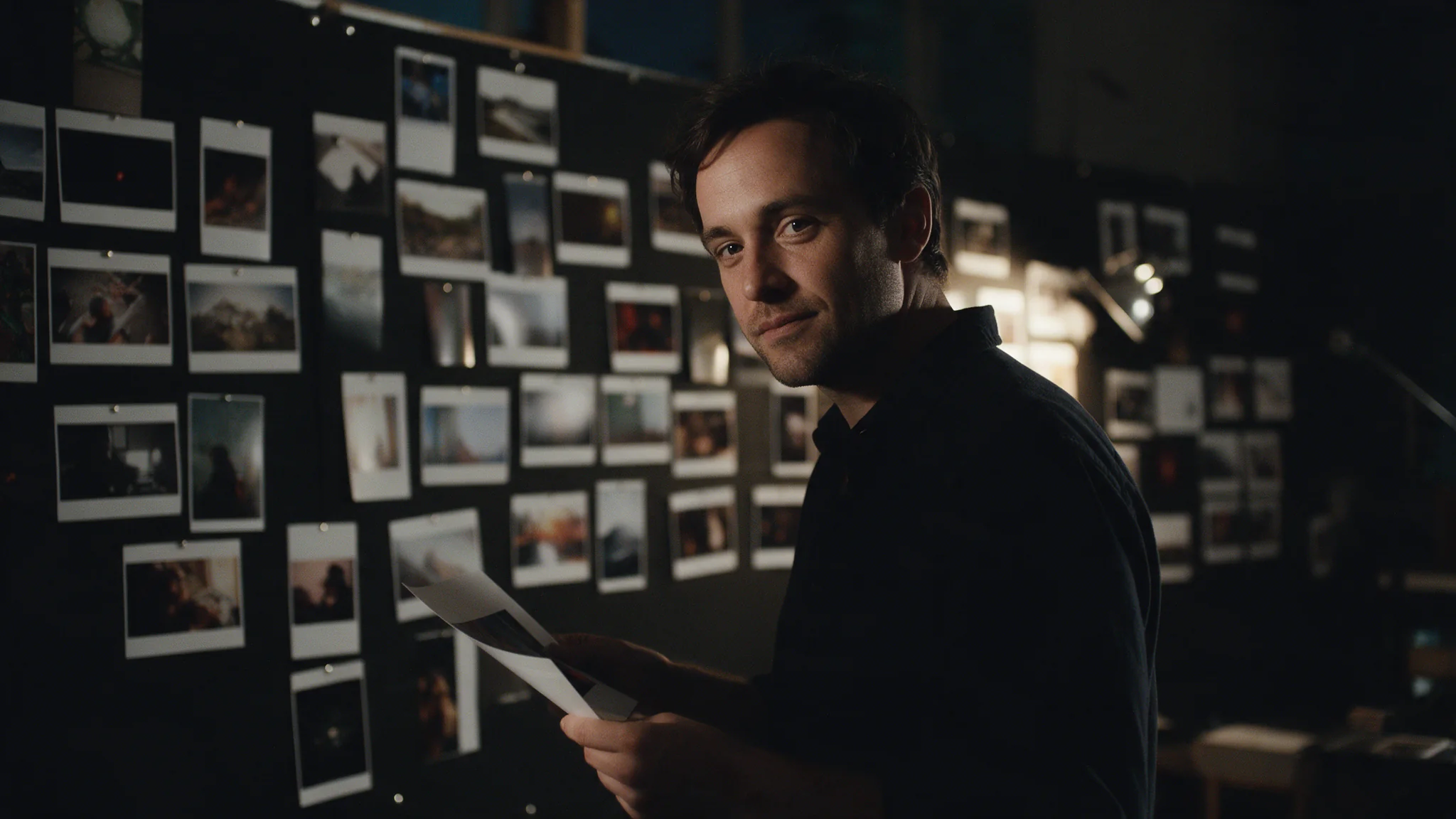
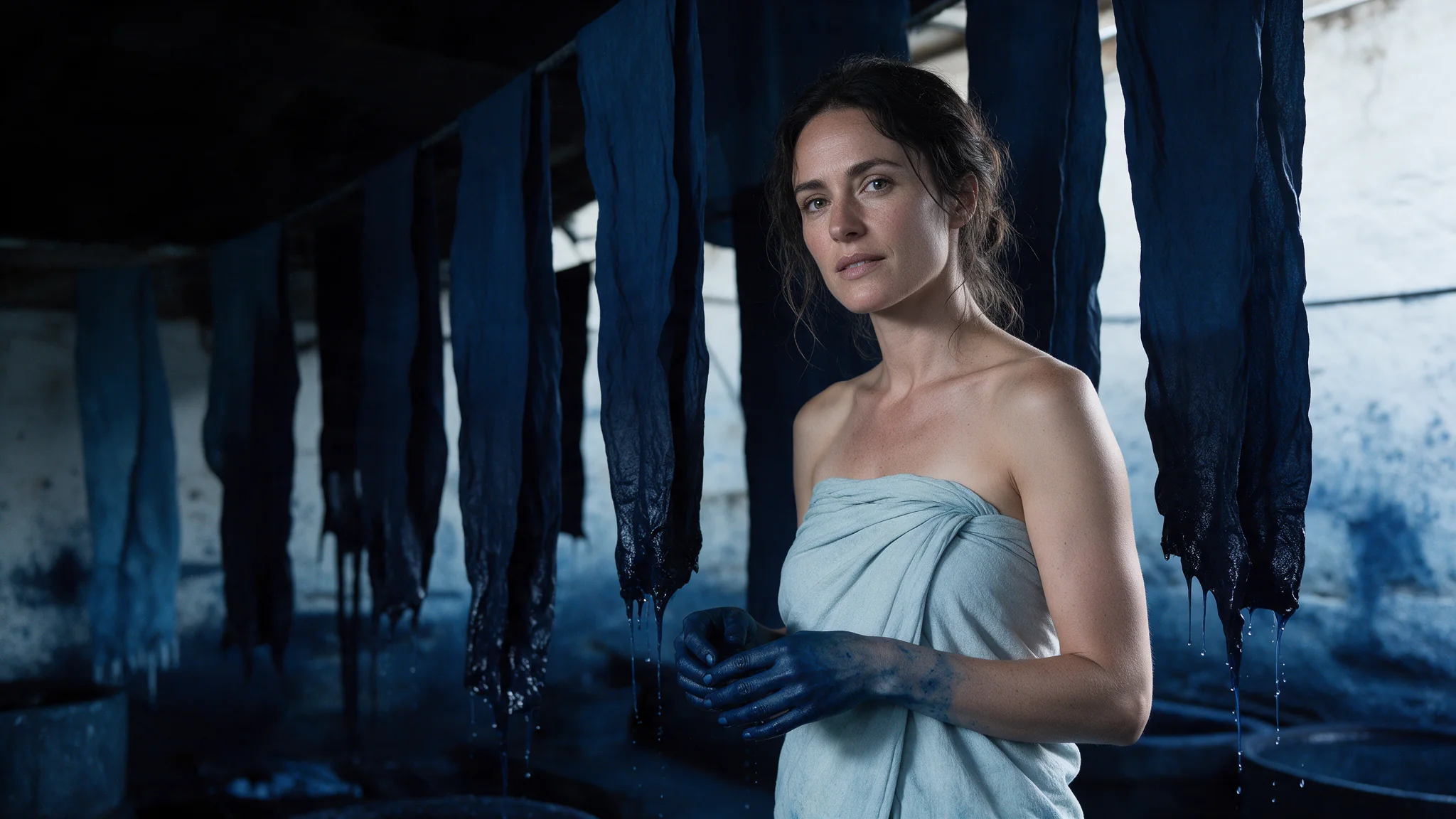
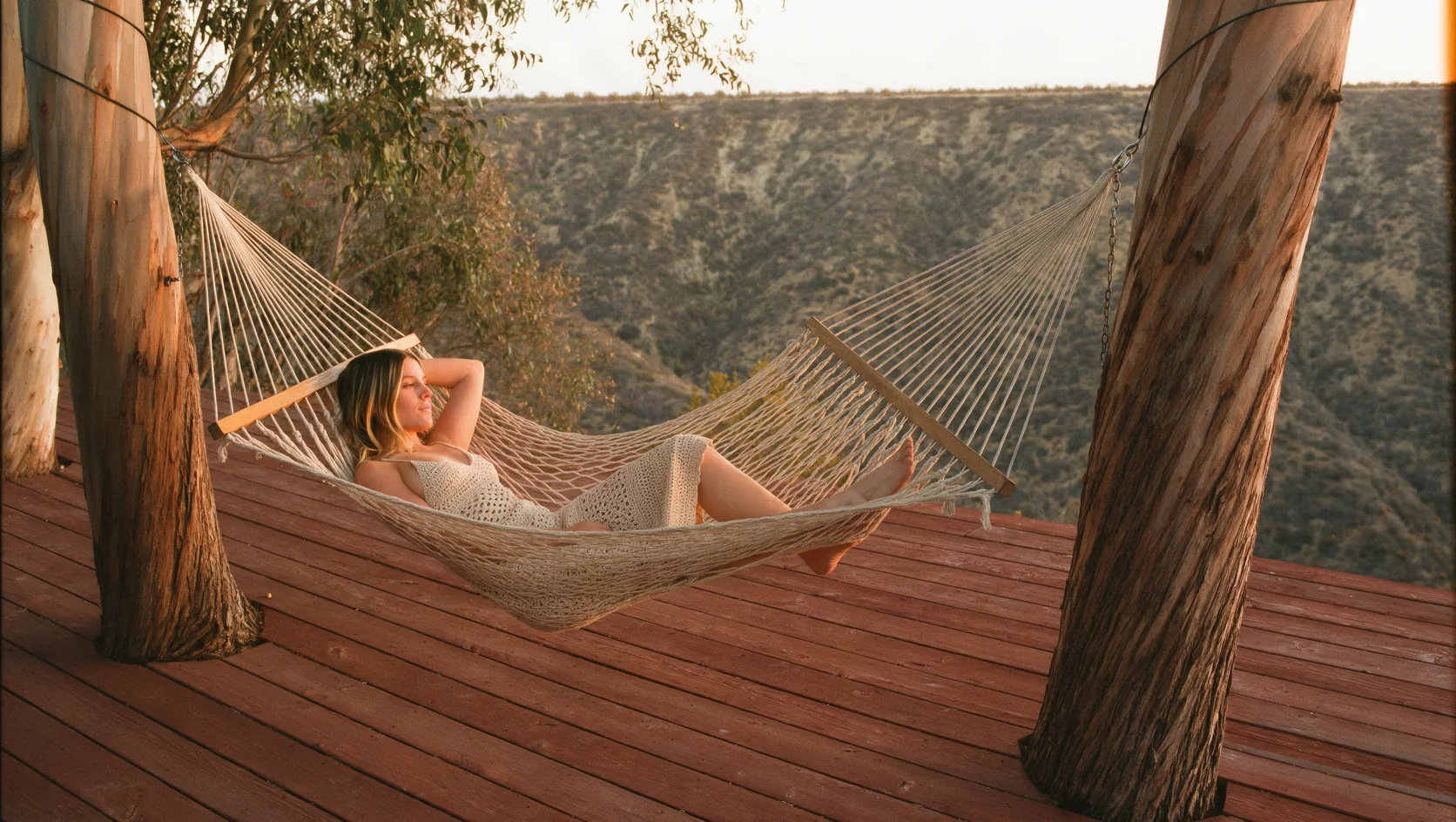
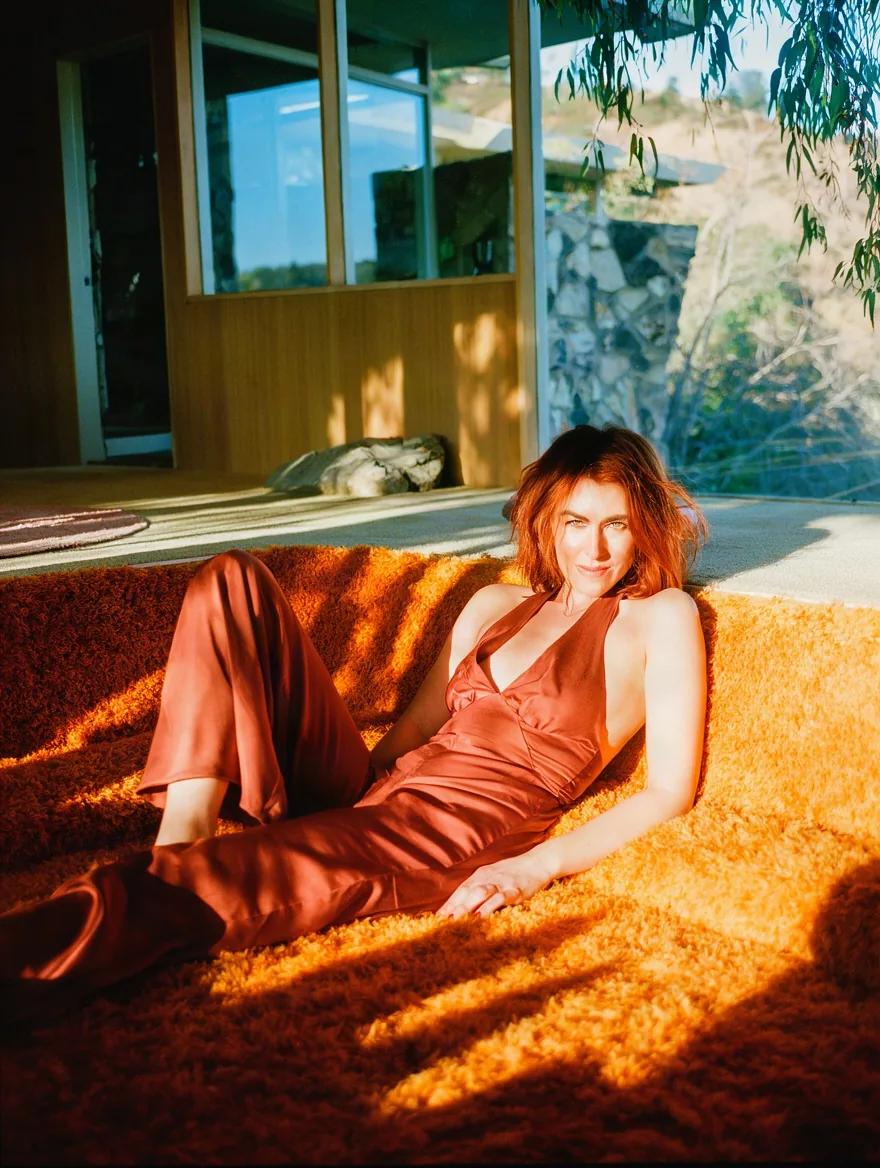
In our tests Krea 3 rendered skin, fabric and late light like a scanned film negative: grain, halation and believable colour casts came through from a short style line at the end of the prompt.
Ten shapes, one flat price
From 21:9 to 9:16, each about one megapixel and generated at that size. Every size we offer was checked with a real request, and the shape never changes the price.
A thinking switch at no extra cost
Turn on enable_thinking and the model plans a longer prompt before drawing. It roughly doubled the wait in our tests (about 30 seconds) and did not change the price.
Fashion-level content only
Requests are screened before drawing. Mild-level fashion rendered; prompts from the Moderate level up were refused within about two seconds and not charged.
Request parameters
| Parameter | Required | Description |
|---|---|---|
prompt | Yes | Describe the picture in sentences: who, what they wear, where, the light, then a film or colour line. Up to 5,000 characters. at least 1 characters · at most 5000 characters |
aspect_ratio | No | Output shape: 1:1, 4:5, 3:4, 2:3, 9:16, 5:4, 4:3, 3:2, 16:9 or 21:9. Default 1:1. |
quality | No | high (default) favours detail; fast returns sooner. Same price. |
enable_thinking | No | Plans a longer prompt before drawing; about twice as slow in our tests. Off by default. Default: |
negative_prompt | No | What to keep out, up to 1,024 characters. Used only by the high-quality variant. at most 1024 characters |
output_format | No | PNG (default) or JPEG. No effect on price. |
seed | No | Optional, 0 to 2147483647. Reusing a seed brings you close to an earlier image but does not guarantee a match. |
Pricing
$0.036 / image
One flat price per image. Aspect ratio, quality variant and thinking do not change the price. Refused requests are not charged.
Use cases
Editorial and lookbook stills
Period fashion, interiors and portraits with a photographic finish, ready for a moodboard or a campaign draft.
Wide banners and tall stories
21:9 headers and 9:16 vertical frames from the same prompt and the same price.
Prompt guide & pro tips
Write it like a shot list
Who, what they wear, where they are, the light, then one line of film and colour grade. Krea 3 reads full sentences well.
Draft fast, finish high
Use the fast variant to find the framing, then switch to high quality for the keeper. Reusing a seed brings you close to the same image but is not guaranteed to match exactly.
Keep a negative prompt short
negative_prompt only applies to the high-quality variant. A few words such as "text, watermark" are enough.
API quick start
# Generate the idempotency key once; reuse it when retrying after a lost response.
export SPICY_IDEMPOTENCY_KEY="${SPICY_IDEMPOTENCY_KEY:-$(uuidgen)}"
curl -X POST https://api.spicyapi.ai/api/v1/jobs/createTask \
  -H "Authorization: Bearer $SPICY_API_KEY" \
  -H "Content-Type: application/json" \
  -H "Idempotency-Key: $SPICY_IDEMPOTENCY_KEY" \
  -d '{
  "model": "krea/3/text-to-image",
  "input": {
    "prompt": "A ceramic teapot on a linen cloth, soft window light, muted palette",
    "quality": "high",
    "aspect_ratio": "1:1",
    "output_format": "png"
  }
}'

# Copy data.taskId from the response into TASK_ID, then poll the status.
TASK_ID="TASK_ID_FROM_RESPONSE"
curl "https://api.spicyapi.ai/api/v1/jobs/recordInfo?taskId=$TASK_ID" \
  -H "Authorization: Bearer $SPICY_API_KEY"
See the API reference for authentication, the complete schema, polling, and error handling.