Introduction
MiniMax H3 X Turbo API is the distilled option for short production cycles, starting at $0.015/s on SpicyAPI; Turbo is a custom H3 X derivative, not an official MiniMax model.
For a Turbo reference take, combine up to 9 images, 2 video clips with a 15-second total and 3 audio clips, directing each by its Image, Video or Audio number. A Turbo campaign preview can combine a performer, an outfit and a room from separate references before you review the resulting take.
A Turbo take can last any whole number from 2 to 15 seconds, with 5 selected by default and 24 fps output. Start Turbo previews at 480p or default 720p; 1080p is also available, but our larger 1920 x 1088 samples did not look sharper in crop comparisons. Turbo text and reference takes default to 16:9 and also offer 9:16, 1:1, 4:3, 3:4 and 21:9; image-led takes inherit their input frame’s proportions. Turbo generates music, effects and spoken dialogue alongside the video, with AAC stereo audio in the H.264 MP4; double quotes identify words to speak.
All Turbo endpoints carry the uncensored NSFW classification, while SpicyAPI tests still found softened text-only and image-led results; acceptance does not guarantee a literal rendering. Turbo projects must use consenting adults and respect the rights attached to uploaded faces, voices and other material.
For Turbo, order up to 9 reference images before writing numbered instructions; using a sixth or later image changes the total charge. Add no more than 2 motion clips to Turbo, keeping their combined length within 15 seconds and allowing for the additional video-second charge. Turbo accepts up to 3 voice clips at no extra audio-reference cost; identify Audio 1 in your instructions and write the dialogue rather than relying on the clip’s words. Turbo costs depend on resolution and generated seconds, plus reference-video seconds and images beyond the first 5; audio references, generated sound and prompt expansion add no charge.
For Turbo reference generation, SpicyAPI observed 5 of 5 male-subject requests delivered and 6 of 8 results at its Very strong test category; two trials fell short.
| Field | Value |
|---|---|
| Input | Text |
| Output | Video |
| Publisher | SpicyAPI / MiniMax H3 X Turbo |
| Model | MiniMax H3 X Turbo |
| Released | 26 October 2026 |
| Endpoints | MiniMax H3 X Turbo — Text to video / Image to video / Reference to video |
| Duration | A Turbo take can last any whole number from 2 to 15 seconds, with 5 selected by default and 24 fps output. |
| Resolution | 480p, 720p (default), 1080p |
| Aspect ratio | Turbo text and reference takes default to 16:9 and also offer 9:16, 1:1, 4:3, 3:4 and 21:9; image-led takes inherit their input frame’s proportions. |
| Prompt length | 1 to 7,000 characters |
| References | For a Turbo reference take, combine up to 9 images, 2 video clips with a 15-second total and 3 audio clips, directing each by its Image, Video or Audio number. |
| Content policy | All Turbo endpoints carry the uncensored NSFW classification, while SpicyAPI tests still found softened text-only and image-led results; acceptance does not guarantee a literal rendering. |
| Execution | Turbo costs depend on resolution and generated seconds, plus reference-video seconds and images beyond the first 5; audio references, generated sound and prompt expansion add no charge. |
Key features & highlights
A neon pool party in one pass
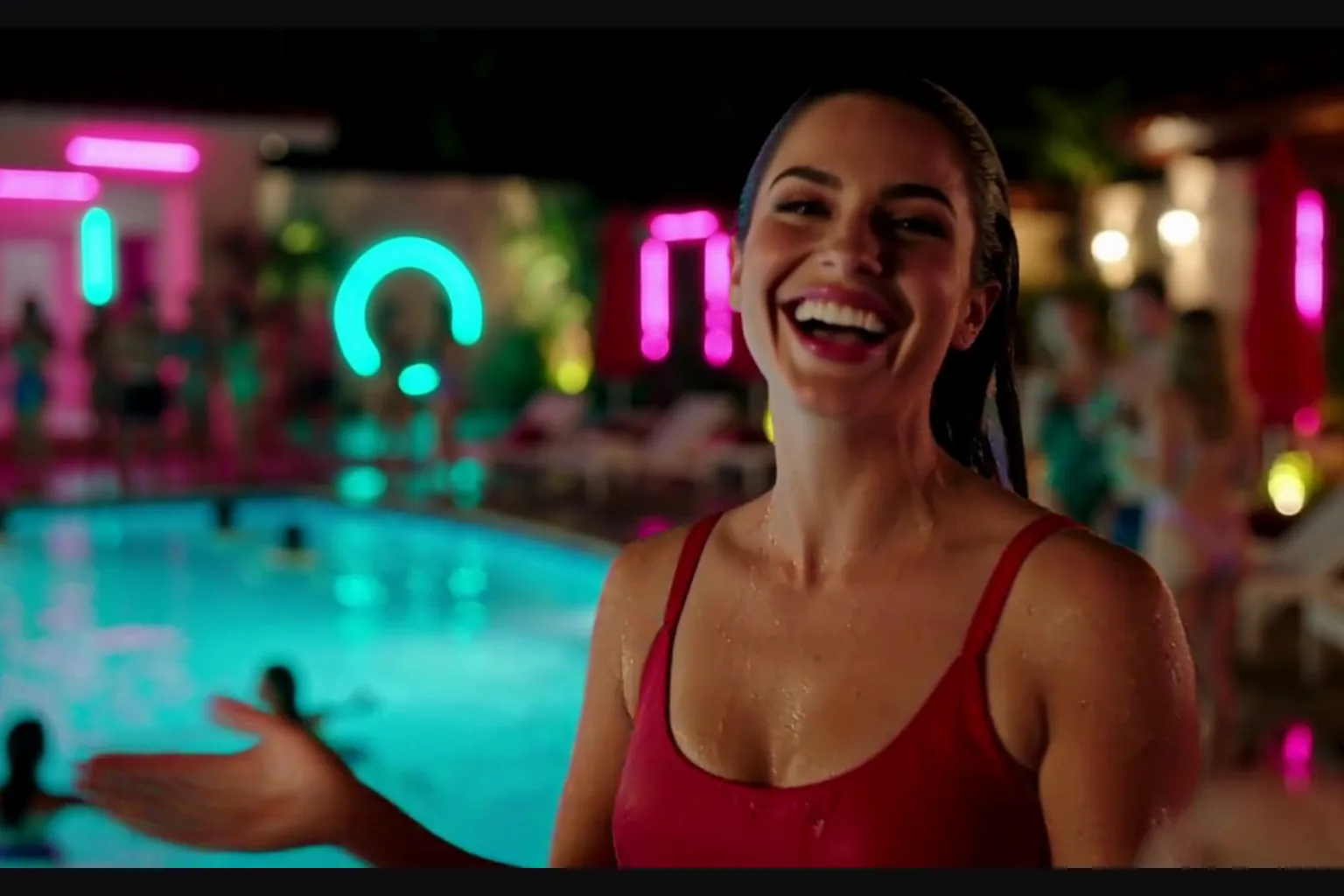
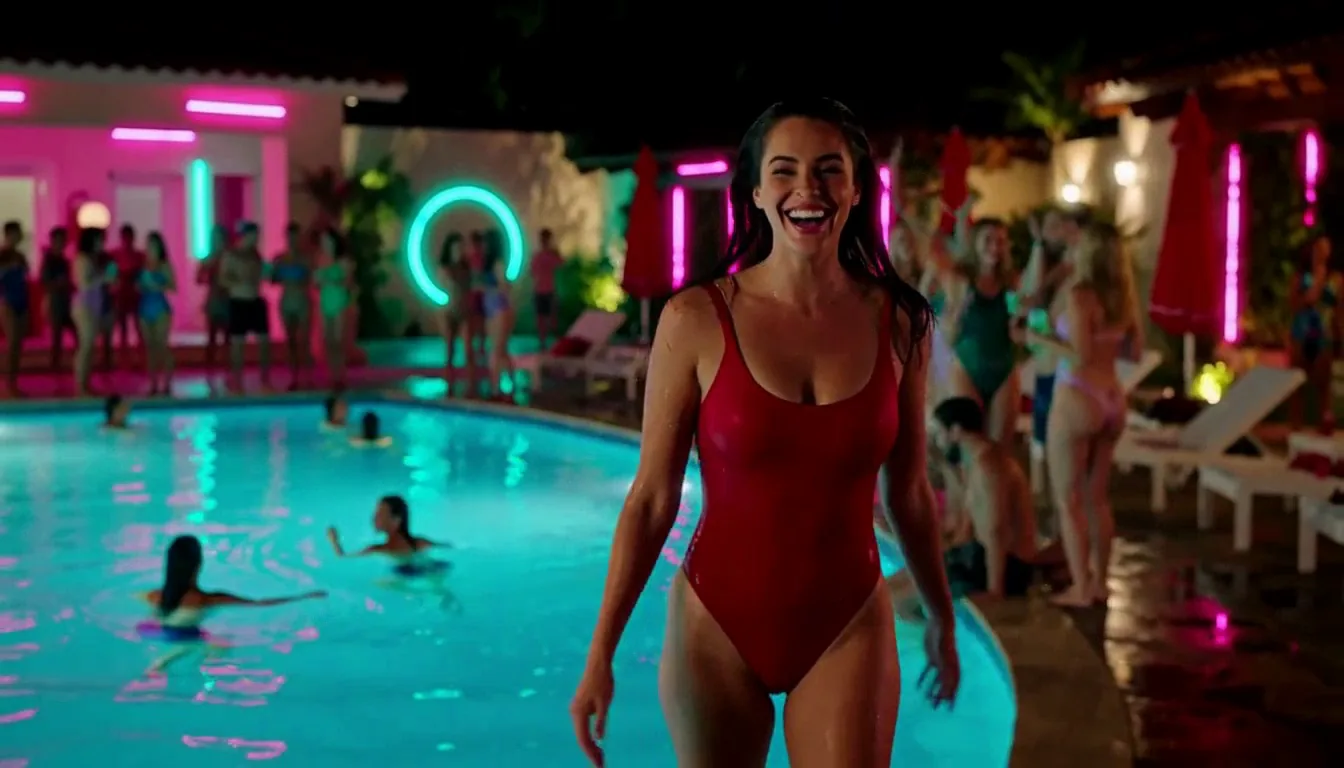
A woman in a red one-piece swimsuit climbs out of a glowing pool at a night party, wrings out her hair, laughs and blows a kiss to the camera. The sound is upbeat dance music with no speech, and the clip came back in well under a minute on this build.
Two quoted lines, one scene
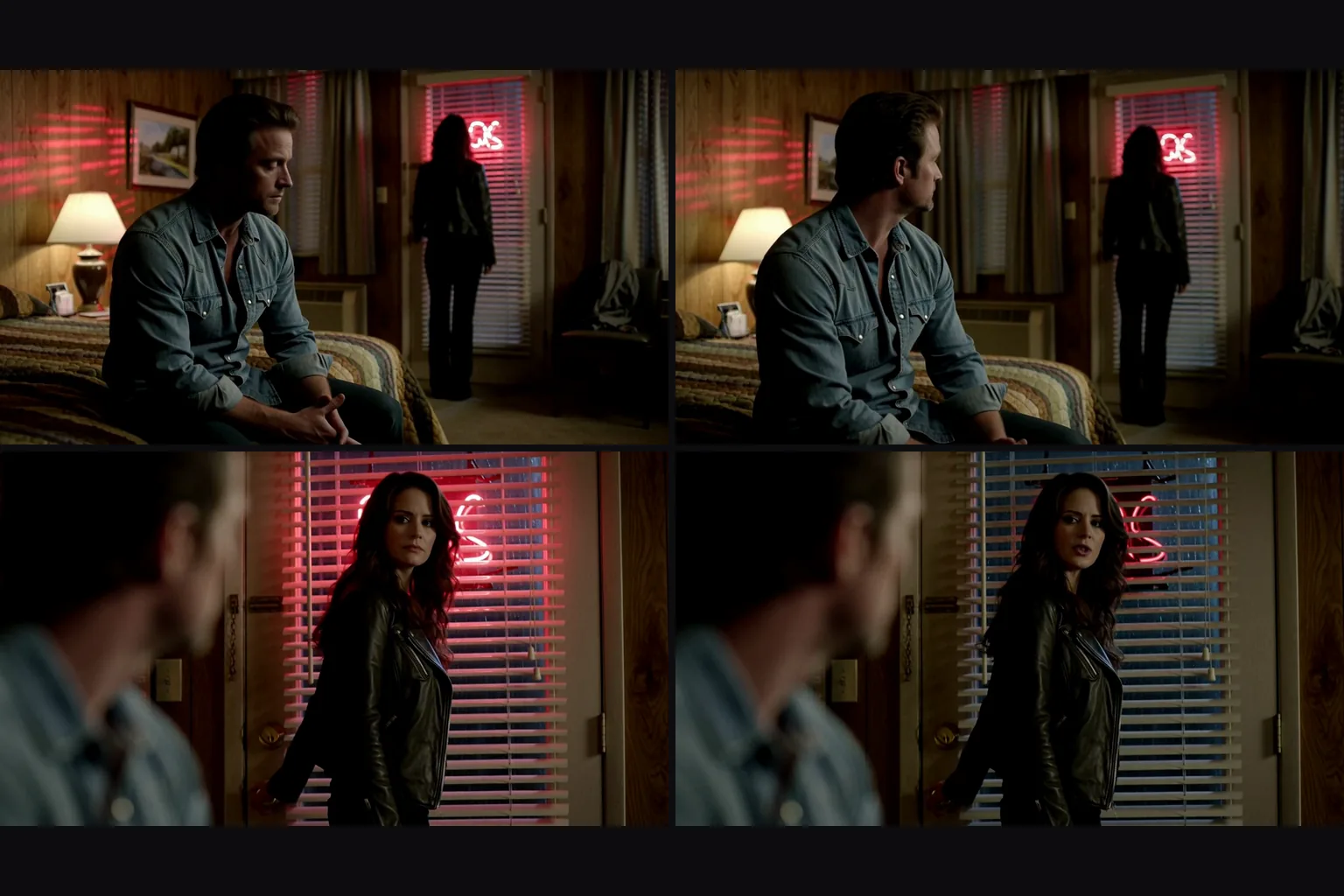
A man says "Stay." and a woman answers "Give me one reason." in a motel room under red neon. Both lines are written in double quotes and were spoken in a male and a female voice over a low ambient drone.
A frame that looks back
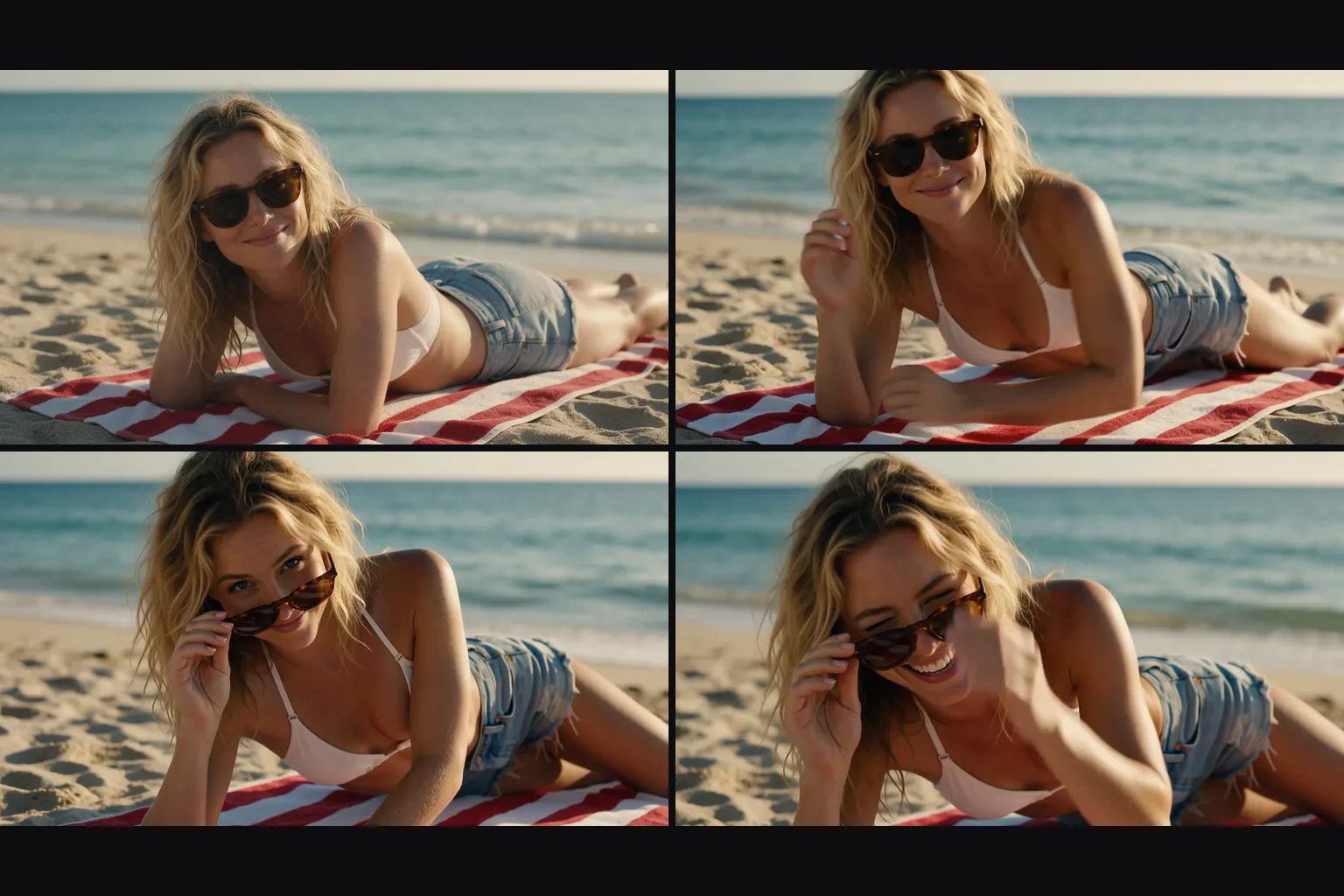
A woman on a striped beach towel at golden hour goes in as the opening frame. The prompt describes only what happens next: she slides her sunglasses down, looks over them and laughs. The clip has cheerful acoustic guitar and her laughter.
Two faces kept in one shot
Two portraits, a woman in a green gown and a man in a tuxedo, go in as Image 1 and Image 2. At the top of a staircase she leans in and whispers, he laughs and they start down together, with both faces and outfits kept. She whispers a line that is not in the prompt: "I think we should skip the rest of the speeches."
Request parameters
| Parameter | Required | Description |
|---|---|---|
prompt | Yes | Keep a Turbo prompt within 1–7,000 characters and describe one clear scene progression, with any spoken words enclosed in double quotes. at least 1 characters · at most 7000 characters |
reference_image_urls | No | For Turbo, order up to 9 reference images before writing numbered instructions; using a sixth or later image changes the total charge. at least 1 items · at most 9 items |
reference_video_urls | No | Add no more than 2 motion clips to Turbo, keeping their combined length within 15 seconds and allowing for the additional video-second charge. at least 1 items · at most 2 items |
reference_audio_urls | No | Turbo accepts up to 3 voice clips at no extra audio-reference cost; identify Audio 1 in your instructions and write the dialogue rather than relying on the clip’s words. at least 1 items · at most 3 items |
aspect_ratio | No | Turbo text and reference takes default to 16:9 and also offer 9:16, 1:1, 4:3, 3:4 and 21:9; image-led takes inherit their input frame’s proportions. |
resolution | No | Start Turbo previews at 480p or default 720p; 1080p is also available, but our larger 1920 x 1088 samples did not look sharper in crop comparisons. |
duration_seconds | No | A Turbo take can last any whole number from 2 to 15 seconds, with 5 selected by default and 24 fps output. |
enable_prompt_expansion | No | Leave Turbo prompt expansion disabled when comparing your own wording; this optional rewrite starts off and carries no extra charge. Default: |
Pricing
Turbo costs depend on resolution and generated seconds, plus reference-video seconds and images beyond the first 5; audio references, generated sound and prompt expansion add no charge.
| Specification | Price |
|---|---|
| $0.015 / second |
| $0.024 / second |
| $0.032 / second |
Use cases
Dialogue scenes
Try a short dialogue beat in Turbo with each speaker’s words quoted and enough screen time for the exchange.
Multi-shot sequences
Keep Turbo iterations easy to review by timing the cuts and changing one scene instruction between takes.
Fashion, product and location films
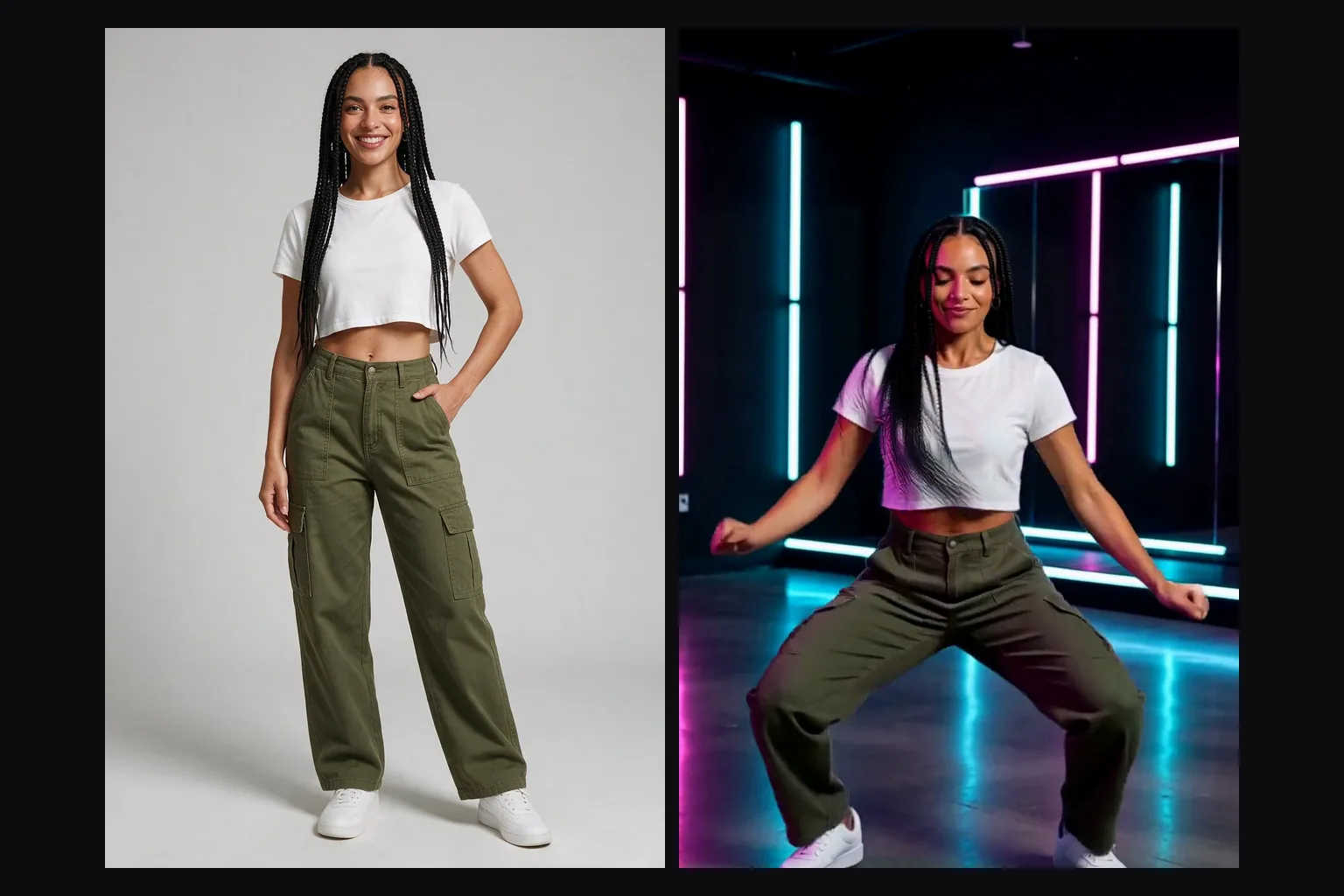
A Turbo campaign preview can combine a performer, an outfit and a room from separate references before you review the resulting take.
Motion copying
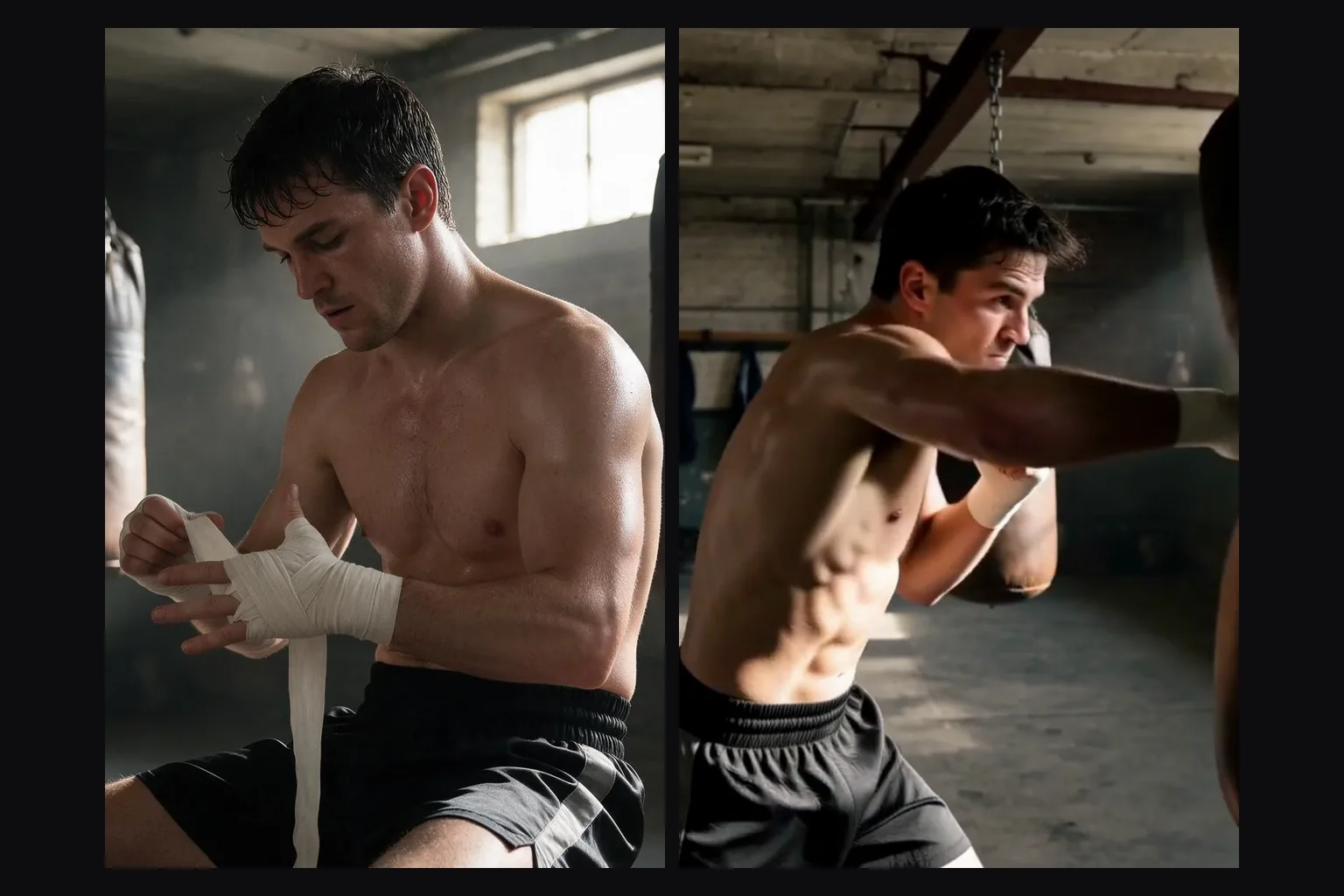
Add no more than 2 motion clips to Turbo, keeping their combined length within 15 seconds and allowing for the additional video-second charge.
Apps without a content filter
Turbo projects must use consenting adults and respect the rights attached to uploaded faces, voices and other material.
Prompt guide & pro tips
Put spoken lines in double quotes
Try a short dialogue beat in Turbo with each speaker’s words quoted and enough screen time for the exchange.
Time your shots
Keep Turbo iterations easy to review by timing the cuts and changing one scene instruction between takes.
Name references by type and position
For a Turbo reference take, combine up to 9 images, 2 video clips with a 15-second total and 3 audio clips, directing each by its Image, Video or Audio number.
Observed limits
Turbo projects must use consenting adults and respect the rights attached to uploaded faces, voices and other material.
Scene direction
With Turbo image-to-video, the still already supplies the setting; use the short generation cycle to test alternative movements and camera directions.
MiniMax H3 X Turbo
MiniMax H3 X Turbo API is the distilled option for short production cycles, starting at $0.015/s on SpicyAPI; Turbo is a custom H3 X derivative, not an official MiniMax model.
Scene direction
For a Turbo reference take, combine up to 9 images, 2 video clips with a 15-second total and 3 audio clips, directing each by its Image, Video or Audio number. A Turbo campaign preview can combine a performer, an outfit and a room from separate references before you review the resulting take. Try a short dialogue beat in Turbo with each speaker’s words quoted and enough screen time for the exchange.
Output and sound
A Turbo take can last any whole number from 2 to 15 seconds, with 5 selected by default and 24 fps output. Start Turbo previews at 480p or default 720p; 1080p is also available, but our larger 1920 x 1088 samples did not look sharper in crop comparisons. Turbo generates music, effects and spoken dialogue alongside the video, with AAC stereo audio in the H.264 MP4; double quotes identify words to speak.
Billing
Turbo costs depend on resolution and generated seconds, plus reference-video seconds and images beyond the first 5; audio references, generated sound and prompt expansion add no charge.
Observed limits
All Turbo endpoints carry the uncensored NSFW classification, while SpicyAPI tests still found softened text-only and image-led results; acceptance does not guarantee a literal rendering. Turbo projects must use consenting adults and respect the rights attached to uploaded faces, voices and other material.
| only an idea | MiniMax H3 X Turbo Text to video | | a frame to animate, with an optional closing frame | MiniMax H3 X Turbo Image to video | | people, outfits, places, motion clips or voices | MiniMax H3 X Turbo Reference to video |
For Turbo reference generation, SpicyAPI observed 5 of 5 male-subject requests delivered and 6 of 8 results at its Very strong test category; two trials fell short.
API quick start
# Generate the idempotency key once; reuse it when retrying after a lost response.
export SPICY_IDEMPOTENCY_KEY="${SPICY_IDEMPOTENCY_KEY:-$(uuidgen)}"
curl -X POST https://api.spicyapi.ai/api/v1/jobs/createTask \
  -H "Authorization: Bearer $SPICY_API_KEY" \
  -H "Content-Type: application/json" \
  -H "Idempotency-Key: $SPICY_IDEMPOTENCY_KEY" \
  -d '{
  "model": "minimax/h3-x-turbo/reference-to-video",
  "input": {
    "aspect_ratio": "16:9",
    "duration_seconds": 5,
    "prompt": "A slow aerial shot drifting over a misty pine forest at sunrise",
    "resolution": "720p",
    "reference_image_urls": [
      "https://example.com/reference.png"
    ]
  }
}'

# Copy data.taskId from the response into TASK_ID, then poll the status.
TASK_ID="TASK_ID_FROM_RESPONSE"
curl "https://api.spicyapi.ai/api/v1/jobs/recordInfo?taskId=$TASK_ID" \
  -H "Authorization: Bearer $SPICY_API_KEY"
See the API reference for authentication, the complete schema, polling, and error handling.