
Introduction
Nano Banana Pro Text to image is Google's Gemini 3 Pro Image, released on 20 November 2025, generating images from a written prompt. It reasons about the request before drawing, which helps with dense text, diagrams and layouts with several parts, and renders at 1k, 2k or 4k in ten shapes, starting well below Google’s list price.
Choose a mode by starting material
| What you have | Mode |
|---|---|
| a written brief | Nano Banana Pro Text to image |
| an image to change | Nano Banana Pro Edit |
Key features & highlights
Economy route and Official fallback
Requests start on an economy route priced well below Google's list price. With Official fallback on, the default, a request it cannot complete runs again on the official route at the official price. Either way the model is Google's Gemini 3 Pro Image with its reasoning step.
Plans before it draws
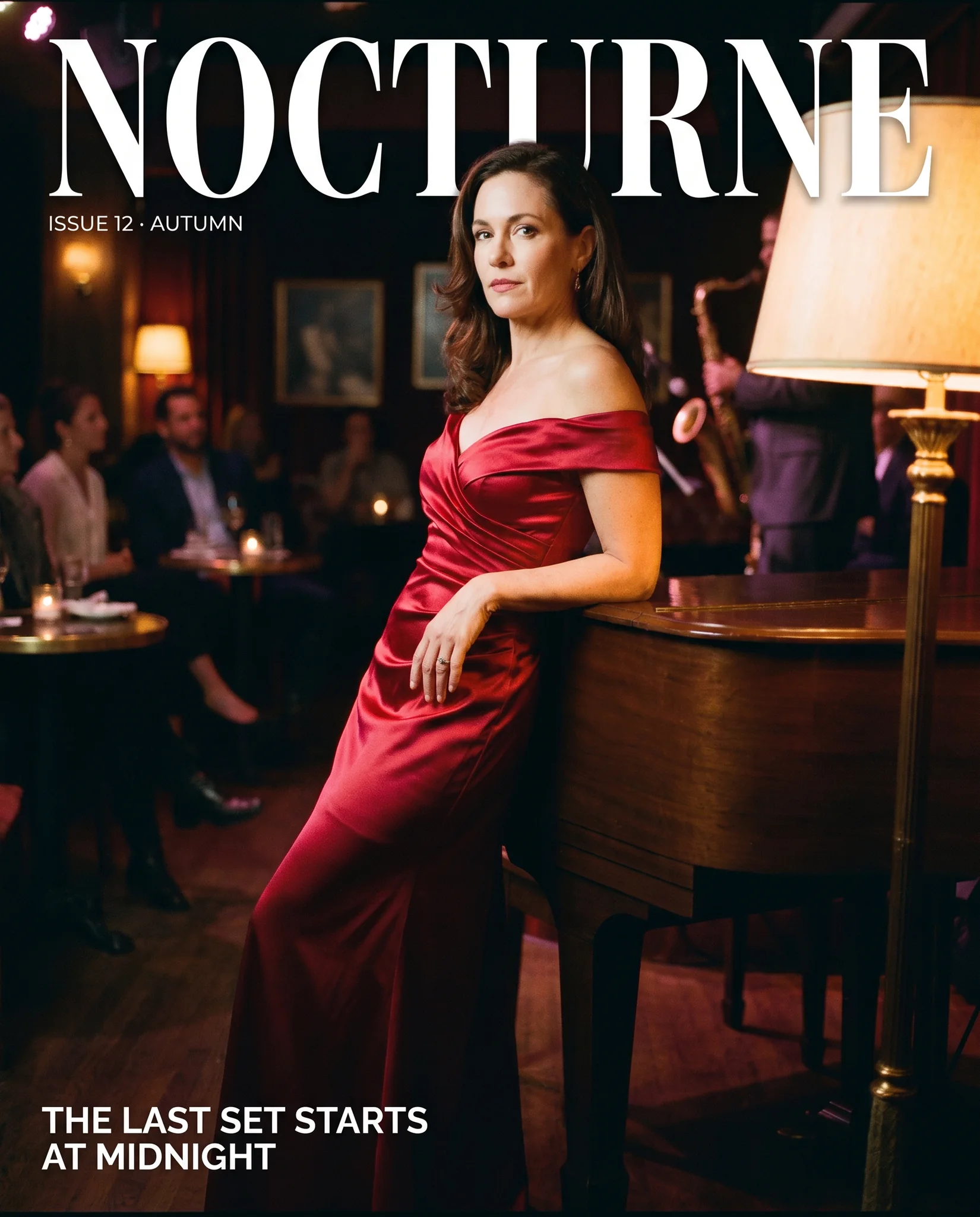
The model works out the layout first, so prompts that describe where each element sits, or that quote several lines of text, come back arranged as written. In our cover test every quoted line landed where the prompt put it.
Same price for 1k and 2k
Google charges the same for 1K and 2K output, so 2k is effectively free resolution; 4k costs more. Most of our 2k renders came back in 20 to 45 seconds.
Request parameters
| Parameter | Required | Description |
|---|---|---|
prompt | Yes | Up to 5,000 characters. Describe subject, setting, light and lens in plain sentences; words in quotes are rendered as text in the image. at least 1 characters · at most 5000 characters |
aspect_ratio | No | One of ten shapes from 21:9 to 9:16; 16:9 by default. The shape does not change the price. |
resolution | No | 1k (default), 2k or 4k. 1k and 2k cost the same; 4k costs more and renders 4096 pixels on the long side. |
official_fallback | No | On by default. Each request runs on the economy route first. Default: |
Pricing
Billed per image by size tier; the aspect ratio does not change the price. Each request starts on the economy route at the economy price. With Official fallback on, the default, a request the economy route refuses or cannot complete runs again on the official route at the official price, so the quote shows both the starting price and the most the request can cost; turn it off to pay only the economy price. Refused requests are not charged.
| Specification | Price |
|---|---|
| $0.0668 / image (With Official fallback: up to $0.1072) |
| $0.0668 / image (With Official fallback: up to $0.1072) |
| $0.118 / image (With Official fallback: up to $0.192) |
Use cases
Editorial and brand portraits
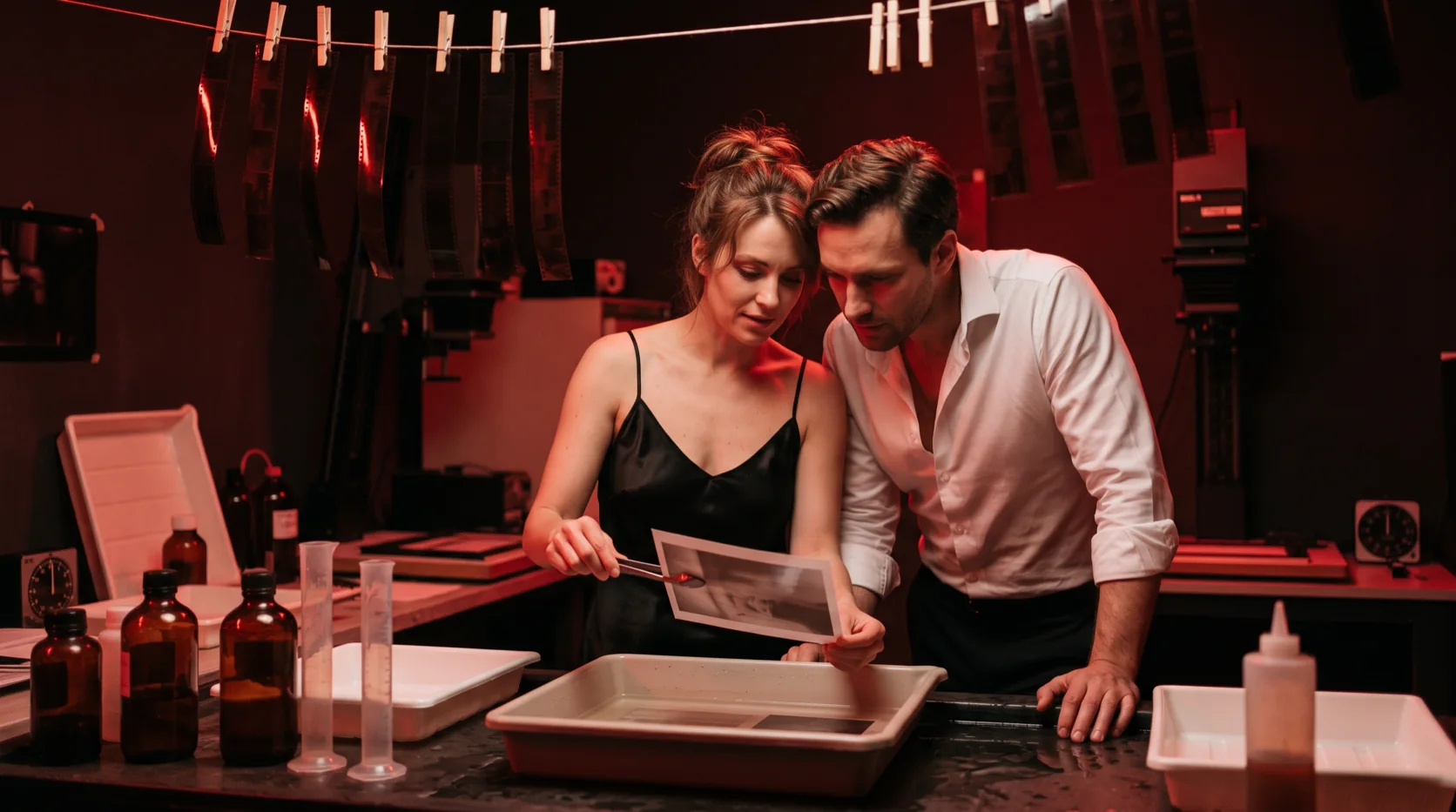
Portraits that follow a named lens, aperture and light, for pitch decks, mood boards and campaign drafts.
Layouts with text
Posters, covers, menus and signage where several pieces of text share the frame with an image and each must be spelled right.
Diagrams and infographics
Labelled diagrams, simple charts and step-by-step visuals, where the reasoning step helps keep each label attached to the right part.
Prompt guide & pro tips
Write it like a shot list
Subject, wardrobe, setting, lens, aperture, light direction and grade, in that order, as full sentences.
Quote and position all text
Every word that must appear goes in quotes with a position; unquoted words are treated as description.
Start at 2k
It costs the same as 1k with this model, so render at 2k by default and keep 4k for print.
Be literal about the camera
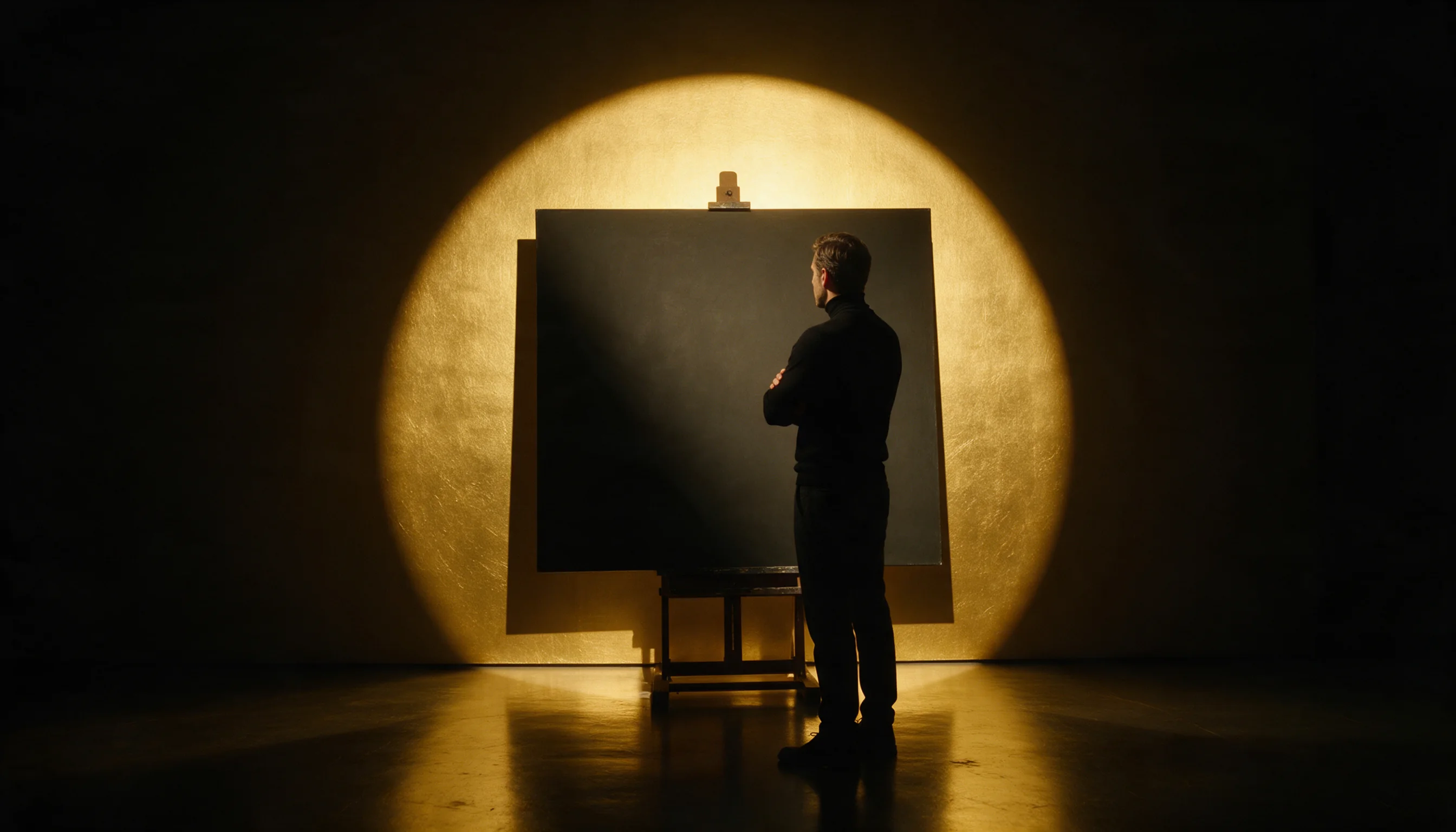
An 85mm lens at f/1.4 with window light from the right is followed literally; vague words such as cinematic leave the choice to the model.
Describe people by what they wear and do
Pose, clothing, expression and where each person stands give the planning step enough to place everyone correctly.
API quick start
# Generate the idempotency key once; reuse it when retrying after a lost response.
export SPICY_IDEMPOTENCY_KEY="${SPICY_IDEMPOTENCY_KEY:-$(uuidgen)}"
curl -X POST https://api.spicyapi.ai/api/v1/jobs/createTask \
  -H "Authorization: Bearer $SPICY_API_KEY" \
  -H "Content-Type: application/json" \
  -H "Idempotency-Key: $SPICY_IDEMPOTENCY_KEY" \
  -d '{
  "model": "google/nano-banana-pro/text-to-image",
  "input": {
    "prompt": "A ceramic teapot on a linen cloth, soft window light, muted palette",
    "resolution": "1k",
    "aspect_ratio": "16:9"
  }
}'

# Copy data.taskId from the response into TASK_ID, then poll the status.
TASK_ID="TASK_ID_FROM_RESPONSE"
curl "https://api.spicyapi.ai/api/v1/jobs/recordInfo?taskId=$TASK_ID" \
  -H "Authorization: Bearer $SPICY_API_KEY"
See the API reference for authentication, the complete schema, polling, and error handling.