Give P-H3-Image an ordered set of 1–9 pictures and an instruction to create one edited still at the chosen size tier.

From $0.03/image

Workbench

Input

Image editing
184/5000

Reordering updates prompt references. Removing media also removes its references; review your prompt.

Supply a required edit instruction with no default. State the change and what should remain, naming numbered pictures when combining sources. The instruction itself adds no charge. at least 1 characters · at most 5000 characters
affects price2/9

Drop files or media links, paste, or browse · Up to 9 files · Max 10 MB · JPG · PNG · WEBP · GIF

  • <Picture 1>
  • <Picture 2>
2 / 9 files
Required ordered list of 1–9 image URLs, with no default source. Picture 1 is edited and the remaining inputs serve as references; use <Picture N> with the corresponding number in prompt. Every image after the first adds a small charge. at least 1 items · at most 9 items
Omit this optional field to inherit the first picture's ratio. Override it with any of the 15 supported choices, from 1:3 to 3:1 and including 9:21 and 21:9; no ratio fee applies.
affects price
An edit defaults to 1k, about 1 megapixel. Alternatives are 1.5k (~2.4 MP), 2k (~4 MP), 3k (~9.4 MP) and 4k (~16.8 MP); moving tiers changes the image charge.
Output format
JPEGPNGWebP
Save the edit as jpeg unless you request png or webp. These three encodings are priced alike.
Seed
You may supply a random-source value when comparing edits; none is required by default. Hold it steady and change one instruction at a time, without expecting an identical rerender. It carries no surcharge. no lower than 0 · no higher than 2147483647
Safety checkerOff

SpicyAPI does not run a safety checker on this model. Your prompt and media go to the model as written, and the model itself decides what comes back.

Checking your account before enabling submission and pricing.

Output

Ready for a new run
singer-swap-two-refsExample result

Missing the model you need?

PRUNA AI IMAGE API

P-H3-Image API at a glance

Five size tiers for a written scene or an edit built from numbered pictures.

Largest tier
4k
About 16.8 megapixels at the 4k setting.
Size tiers
5
The intermediate settings include 1.5k and 3k.
Editing inputs
9
One picture to edit, with room for eight reference pictures.
Ratio choices
15
Select a square, tall or wide composition without a ratio surcharge.
Image per request
1
Both modes return a still rather than video or audio.

Results

What you can make with P-H3-Image

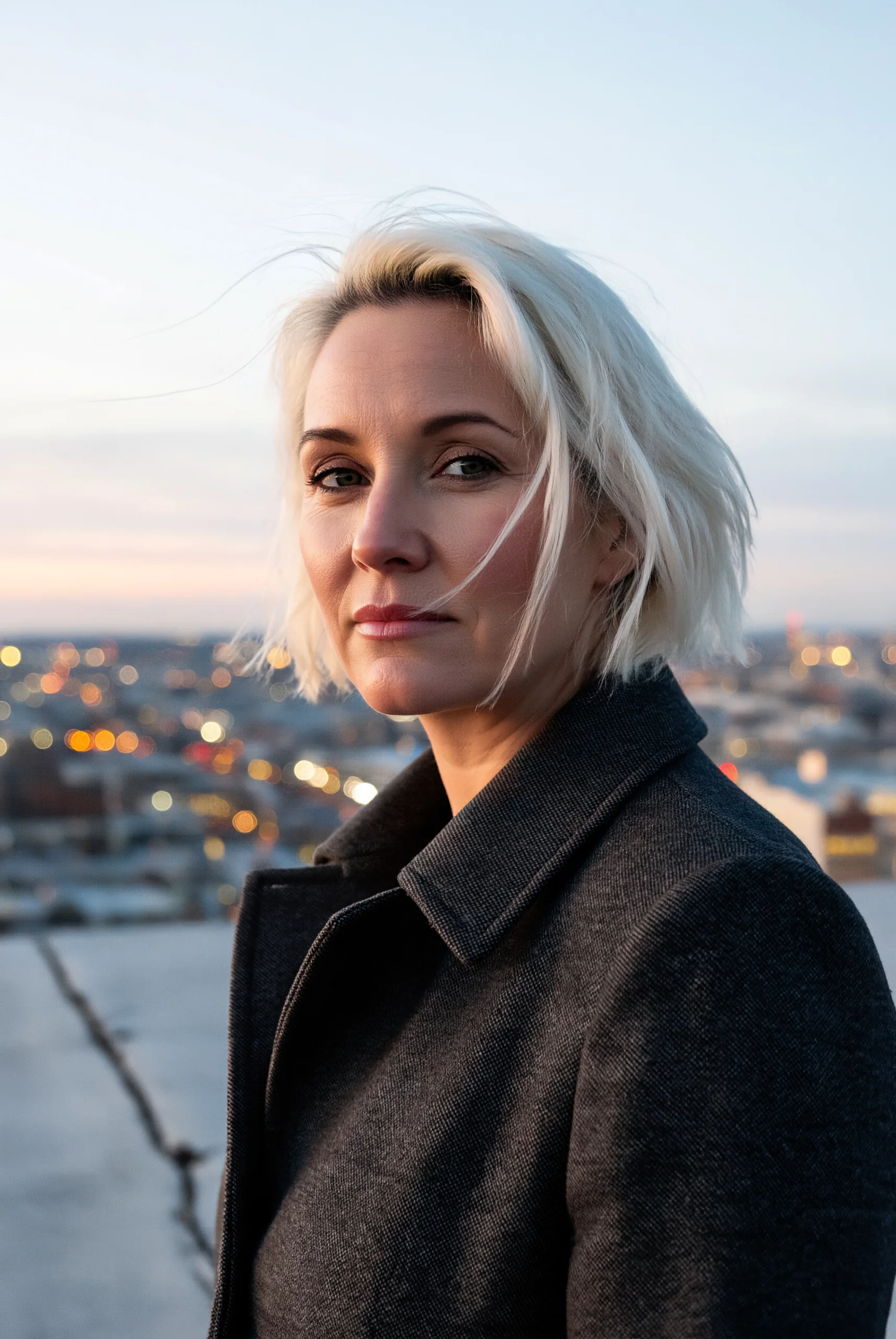
  • A woman in a charcoal coat on a rooftop at dusk, with blurred city lights behind her

    Size selection

    A rooftop portrait requested at 4k

    The rooftop example uses the 4k tier and a 2:3 ratio. Size is selected independently of the scene description.

    4k request, 2:3; no LoRA.

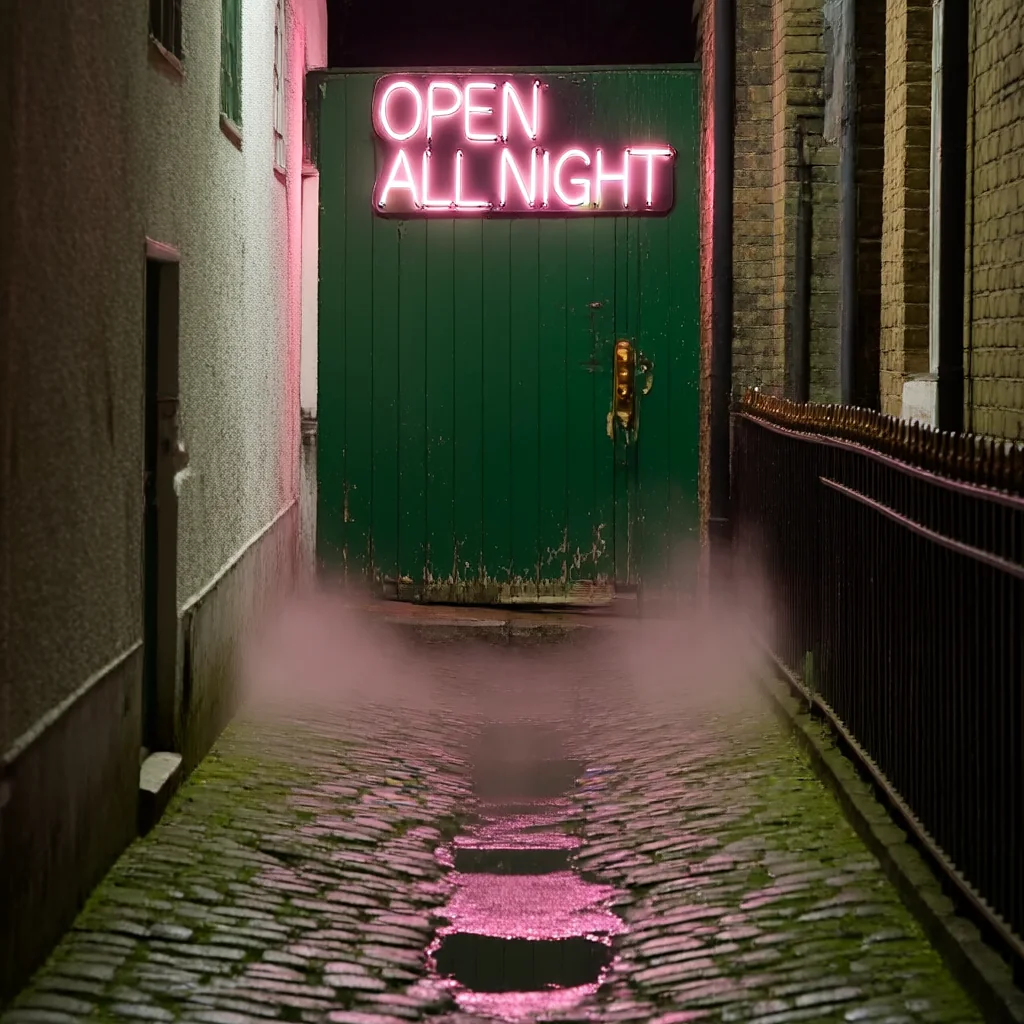
  • A pink OPEN ALL NIGHT neon sign over a green door in a narrow alley, with mist and reflections on wet cobblestones

    Quoted words

    Three words on a neon sign

    The prompt quotes OPEN ALL NIGHT and places the lettering above a green door. Pruna AI says short quoted phrases can render, but long or small text can break down.

    1k, 1:1; no LoRA.

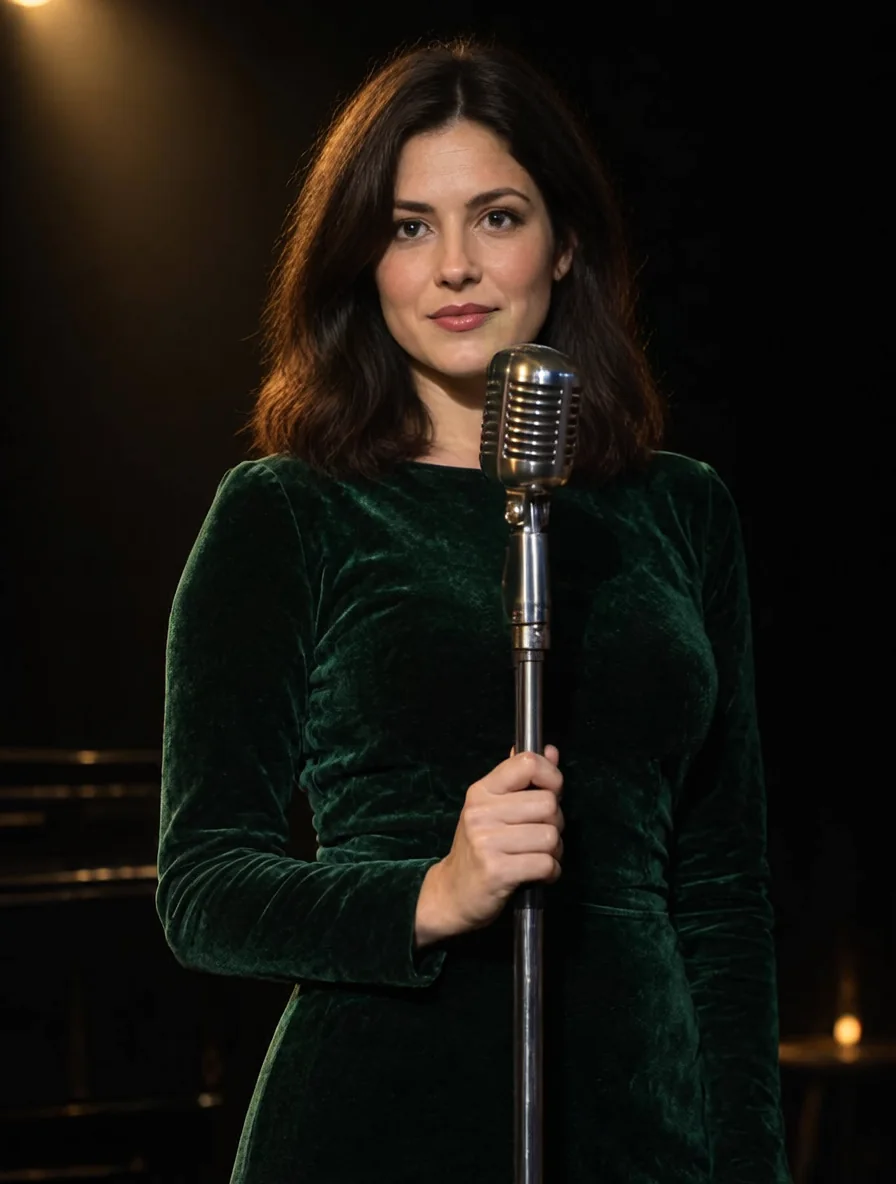
  • A woman in a green velvet dress stands at a vintage microphone on a dark stage under warm spotlights

    Source order

    Keep the stage and replace the performer

    The stage occupies the first input slot, with the replacement person in the second. Our test kept the microphone, lighting and green dress while changing the performer.

    1k, 3:4; two input images, no LoRA.

Content test

Is P-H3-Image uncensored? What we tested

Content levels tested on P-H3-Image, by mode
LevelText to imageImage editing
Mild
RendersTested Nov 5, 2026
Not tested yet
Moderate
RendersTested Nov 5, 2026
Strong
RendersTested Nov 5, 2026
Very strong
RendersTested Nov 5, 2026
Maximum
SoftenedTested Nov 5, 2026
Not tested yet
How we test

How each mode behaves

All modes
Pruna AI says lower tiers show more detail artifacts and that long, adjective-heavy prompts can hurt results.
All modes
There are no negative-prompt, guidance or step controls, and a request cannot generate a batch.
All modes
Use this model responsibly: every person you describe must be an adult. You are responsible for what you generate and publish.
All modes
Generated images are kept 14 days, then deleted.

Use cases

What to build with the P-H3-Image API

  • Editorial scenes

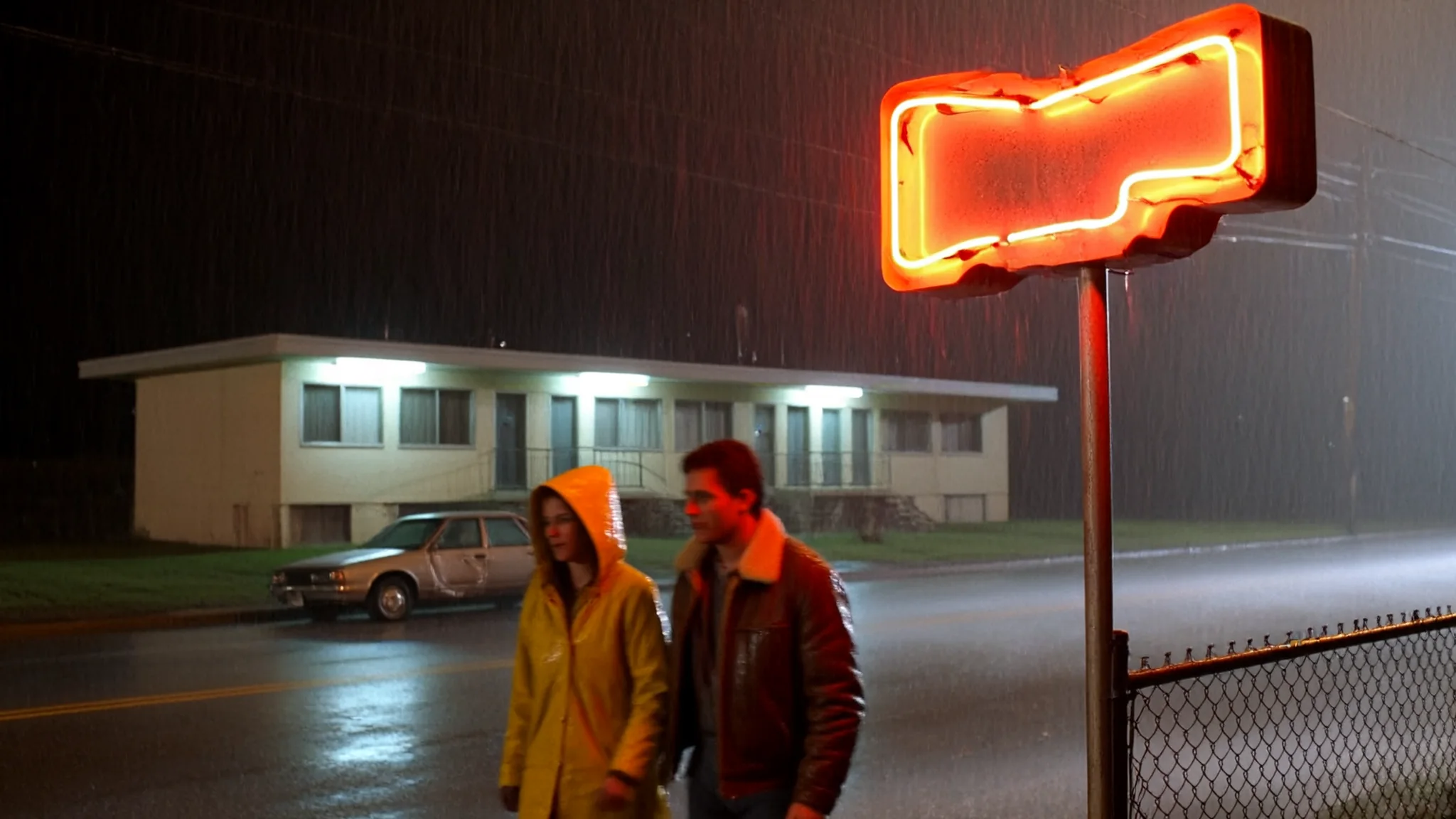
    Describe a rooftop at dusk or a rain-lit diner with specific clothing and light sources.

  • Short signs

    Put a few words in quotation marks and name the sign that should display them. Pruna AI says short quoted text can work, while small lettering and long passages can become false text.

  • New portrait settings

    Give the editor one source and describe the replacement outfit and location. In our tests the person remained recognizable after these changes.

  • Replace a stage performer

    Keep the stage image in the first slot and identify the replacement person with a second picture.

Prompts

P-H3-Image prompt examples you can copy

  • Text to image

    Rooftop at dusk

    Editorial portrait of a woman in her thirties with short platinum hair and a charcoal wool coat, standing on a windy concrete rooftop at dusk, city lights soft behind her, shot on medium format film, natural skin texture, shallow depth of field.

    Why it works. The prompt sets a rooftop, dusk lighting and a film treatment in a single scene description.

    Try this prompt
  • Text to image

    Rainy diner booth

    Film still of a man and a woman in their forties sharing a booth in a 1970s roadside diner at night, rain on the window, red vinyl seats, coffee cups, warm tungsten light inside and blue neon outside, 35mm film grain.

    Why it works. Warm interior lighting and blue neon outside give the diner scene two clearly named light sources.

    Try this prompt
  • Text to image

    Neon alley door

    A narrow alley doorway at night with a hand-bent pink neon sign reading "OPEN ALL NIGHT" above a green door, wet cobblestones reflecting the glow, light mist, photographic.

    Why it works. Quotation marks isolate the three requested sign words from the surrounding scene description.

    Try this prompt
  • Image editing

    Stage performer replacement

    Replace the singer in <Picture 1> with the woman from <Picture 2>. Keep the stage, microphone, spotlight and green velvet dress from <Picture 1>; keep the face and hair of <Picture 2>.

    Why it works. Numbered tokens assign the retained stage to the first input and the replacement person to the second.

    Try this prompt
  • Image editing

    Red gown by the sea

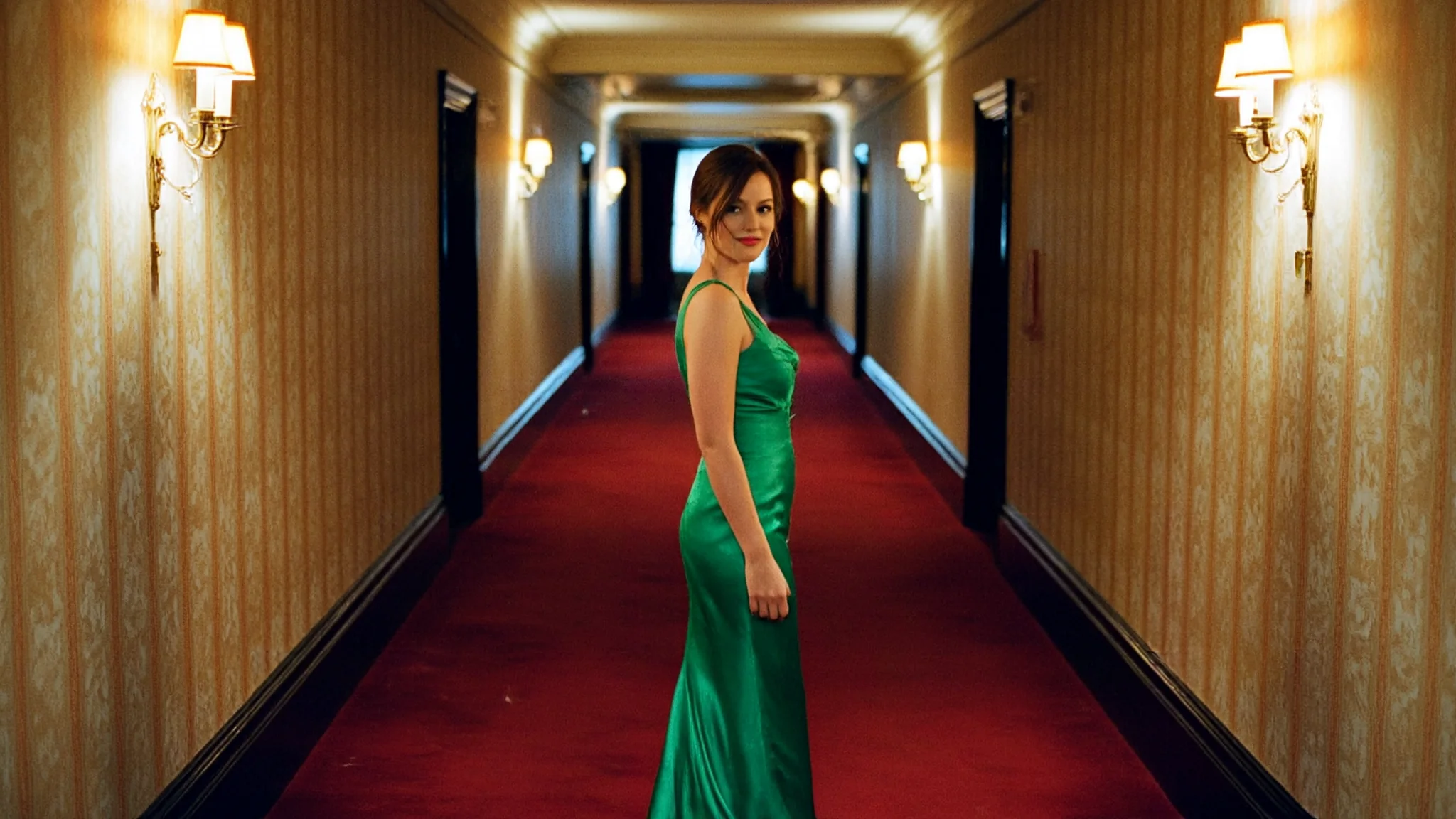
    <Picture 1> is a woman. Keep her face and hair. Change her outfit to a deep red satin evening gown and place her on a sunlit stone terrace above the sea at golden hour.

    Why it works. The instruction names what to preserve before specifying the new gown and seaside location.

    Try this prompt

Pricing

P-H3-Image API pricing

One image starts at $0.024 at 1K and $0.144 at 4K.

Get started

How to use the P-H3-Image API in three steps

  1. Step 1

    Describe a scene in a few sentences

    Write the subject, clothing, location and lighting in prompt. Pruna AI says adjective piles and overlong descriptions can reduce quality.

  2. Step 2

    Choose size separately from shape

    Set resolution for the pixel tier and aspect_ratio for the composition. The size tier affects billing; the chosen ratio does not.

  3. Step 3

    Put the scene to preserve first

    For an edit, place the picture whose scene should remain first in image_urls. Use <Picture 1> for that source and <Picture 2> for the next reference.

Parameter reference and code samples are in the API and Readme tabs at the top of this page.

FAQ

P-H3-Image API FAQ

About P-H3-Image

Choose P-H3-Image for still generation or numbered-reference editing with five pixel tiers. Begin with a concise instruction, choose the output shape, and raise the resolution when you need a larger result.

All P-H3-Image models2

Related models and next tasks