
Introduction
P-H3-Image Text to Image turns your scene description into one still. Pruna AI released its open weights on November 3, 2026, adapting MiniMax H3 for image generation and editing.
Key features & highlights
Select 1k, 1.5k, 2k, 3k or 4k independently of the 15 aspect ratios. In our tests the 4k setting at 16:9 produced 5472 x 3072 pixels. The result can be JPEG, PNG or WebP.
Request parameters
| Parameter | Required | Description |
|---|---|---|
prompt | Yes | Required scene description; there is no default text. Describe clothing, setting and light concisely rather than adding a long adjective list. at least 1 characters · at most 5000 characters |
aspect_ratio | No | Choose among 15 shapes: 1:1, 1:2, 2:1, 1:3, 3:1, 2:3, 3:2, 3:4, 4:3, 4:5, 5:4, 9:16, 16:9, 9:21, 21:9. |
resolution | No | Select 1k (default, about 1 MP), 1.5k (~2.4 MP), 2k (~4 MP), 3k (~9.4 MP) or 4k (~16.8 MP). This field determines the billed size tier. |
output_format | No | The file encoding defaults to jpeg; png and webp are the other supported values. Choosing an encoding adds no fee. |
seed | No | Optional random-source setting with no required fixed value. Reuse it while changing one setting for a fair comparison; identical output is not guaranteed. |
Pricing
Each generated image is billed at its selected size tier: 1k, 1.5k, 2k, 3k or 4k. Ratio and format carry no surcharge. In editing mode, every source beyond the first adds a small charge. Failed requests are not charged.
| Specification | Price |
|---|---|
| $0.024 / image |
| $0.036 / image |
| $0.048 / image |
| $0.096 / image |
| $0.144 / image |
Use cases
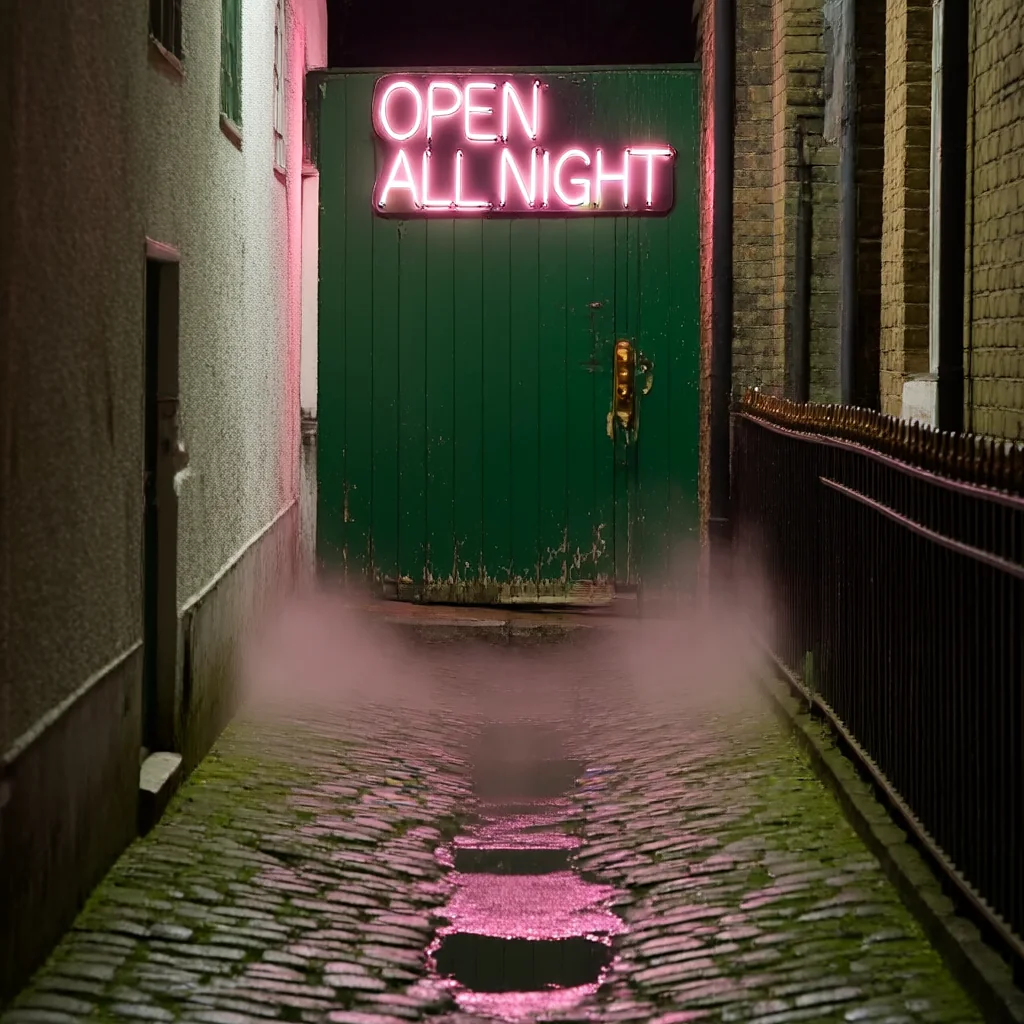
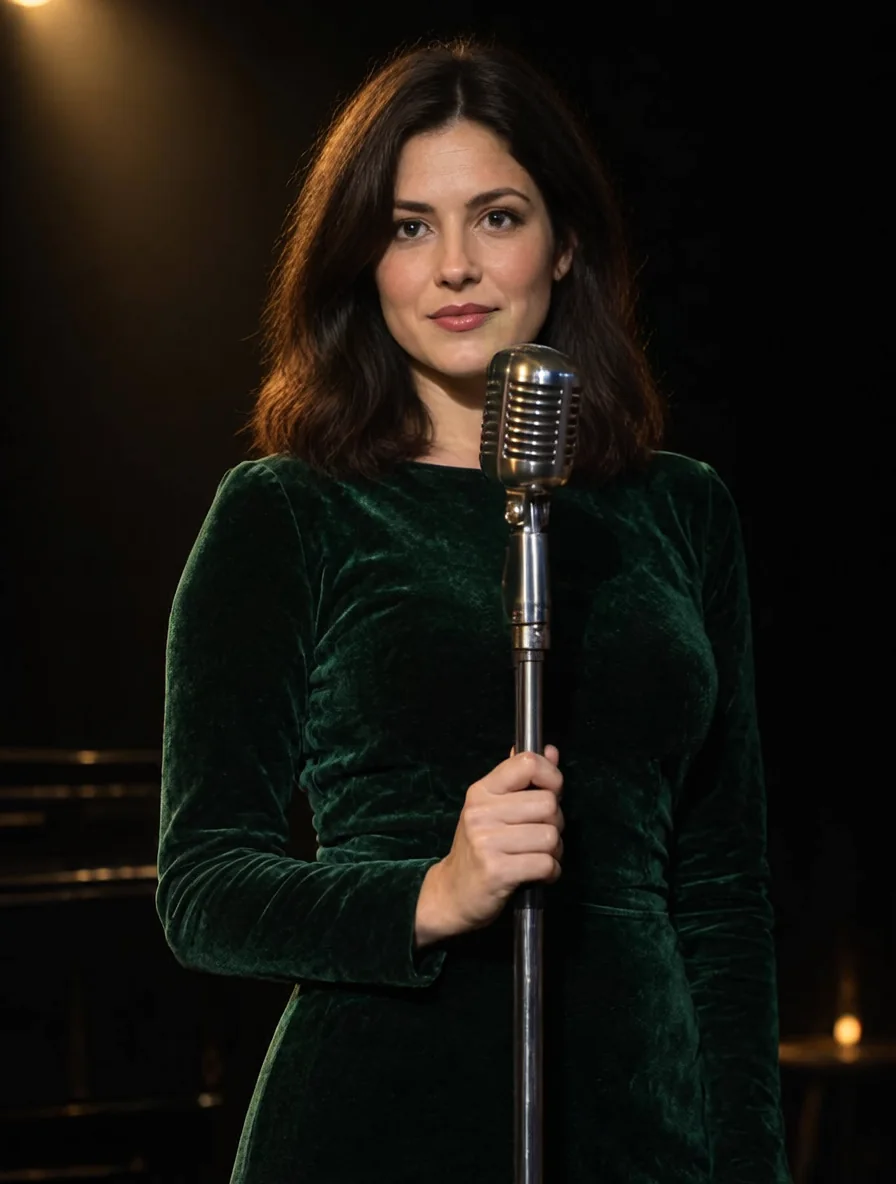
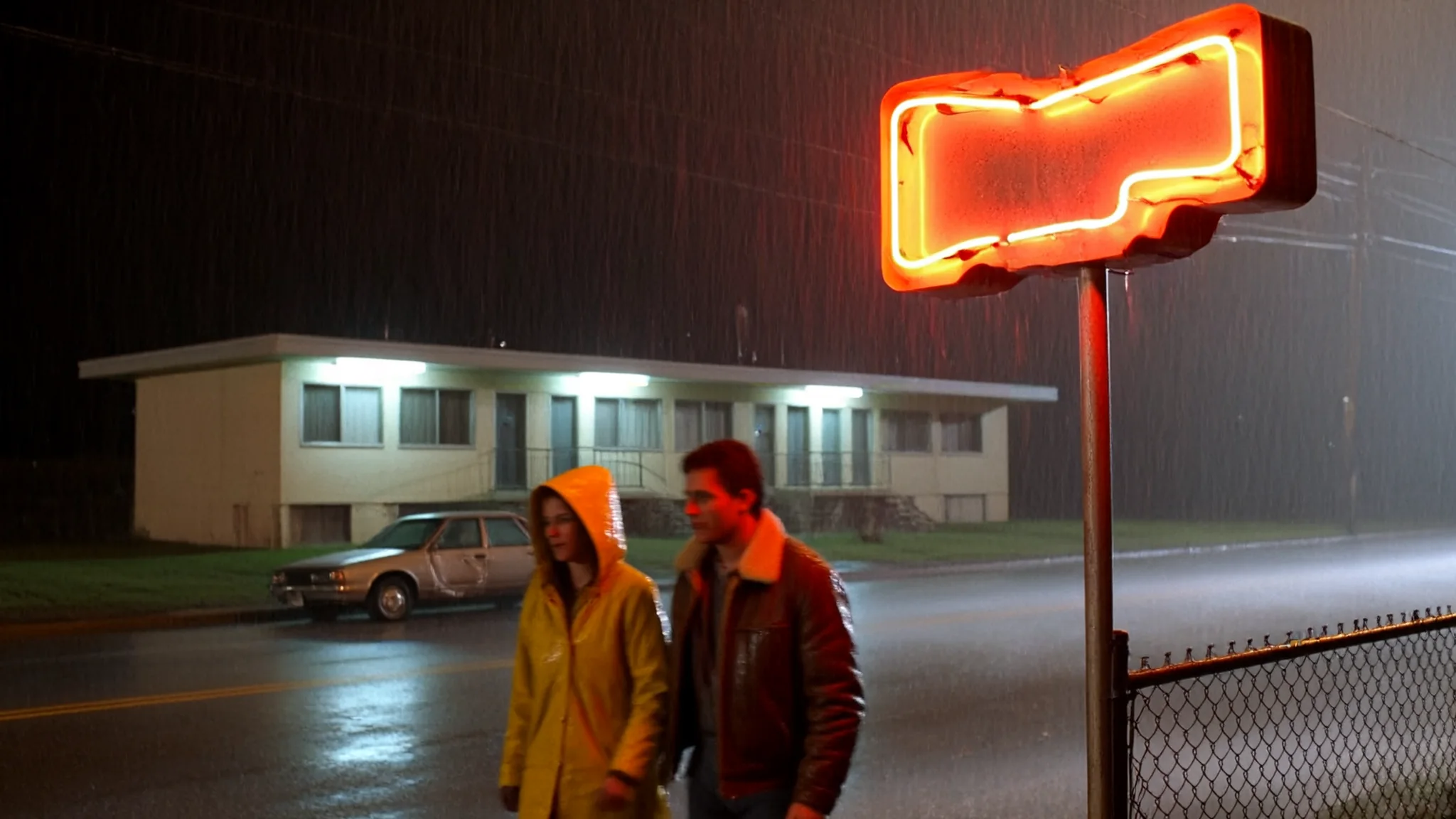
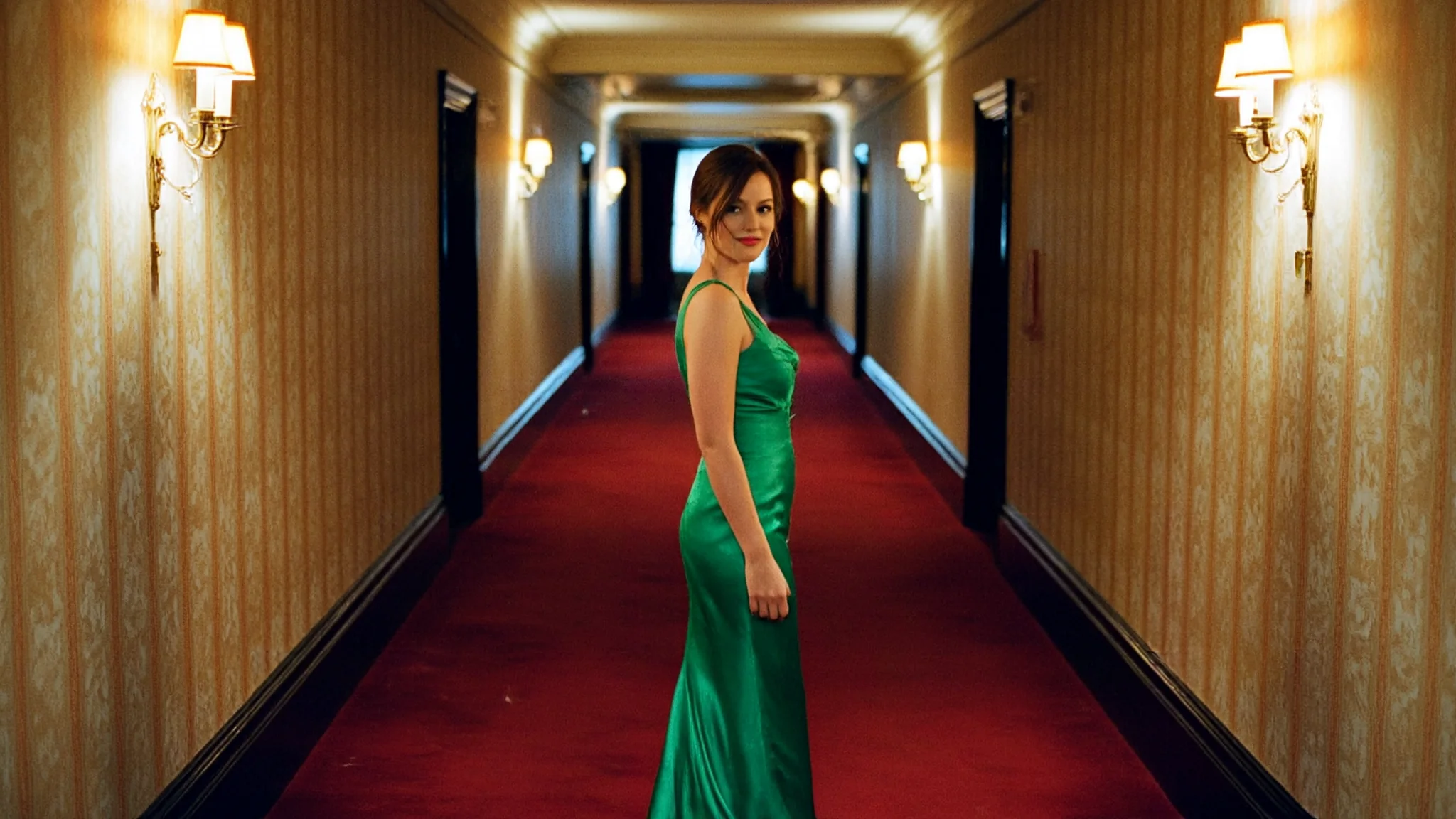
Use scene descriptions for editorial portraits, diner film stills or short neon signs. For changes to existing pictures, choose Image Editing.
Prompt guide & pro tips
Name a subject, clothing, place and light source. Pruna AI says short quoted words can render, but long passages and small lettering can become false text. Keep the seed while changing one element to compare results; it does not lock the output. In our tests larger tiers took longer, with one 4k generation reaching 241 seconds of model time.
API quick start
# Generate the idempotency key once; reuse it when retrying after a lost response.
export SPICY_IDEMPOTENCY_KEY="${SPICY_IDEMPOTENCY_KEY:-$(uuidgen)}"
curl -X POST https://api.spicyapi.ai/api/v1/jobs/createTask \
  -H "Authorization: Bearer $SPICY_API_KEY" \
  -H "Content-Type: application/json" \
  -H "Idempotency-Key: $SPICY_IDEMPOTENCY_KEY" \
  -d '{
  "model": "pruna-ai/p-h3-image/text-to-image",
  "input": {
    "prompt": "A ceramic teapot on a linen cloth, soft window light, muted palette",
    "resolution": "1k",
    "aspect_ratio": "1:1",
    "output_format": "jpeg"
  }
}'

# Copy data.taskId from the response into TASK_ID, then poll the status.
TASK_ID="TASK_ID_FROM_RESPONSE"
curl "https://api.spicyapi.ai/api/v1/jobs/recordInfo?taskId=$TASK_ID" \
  -H "Authorization: Bearer $SPICY_API_KEY"
See the API reference for authentication, the complete schema, polling, and error handling.