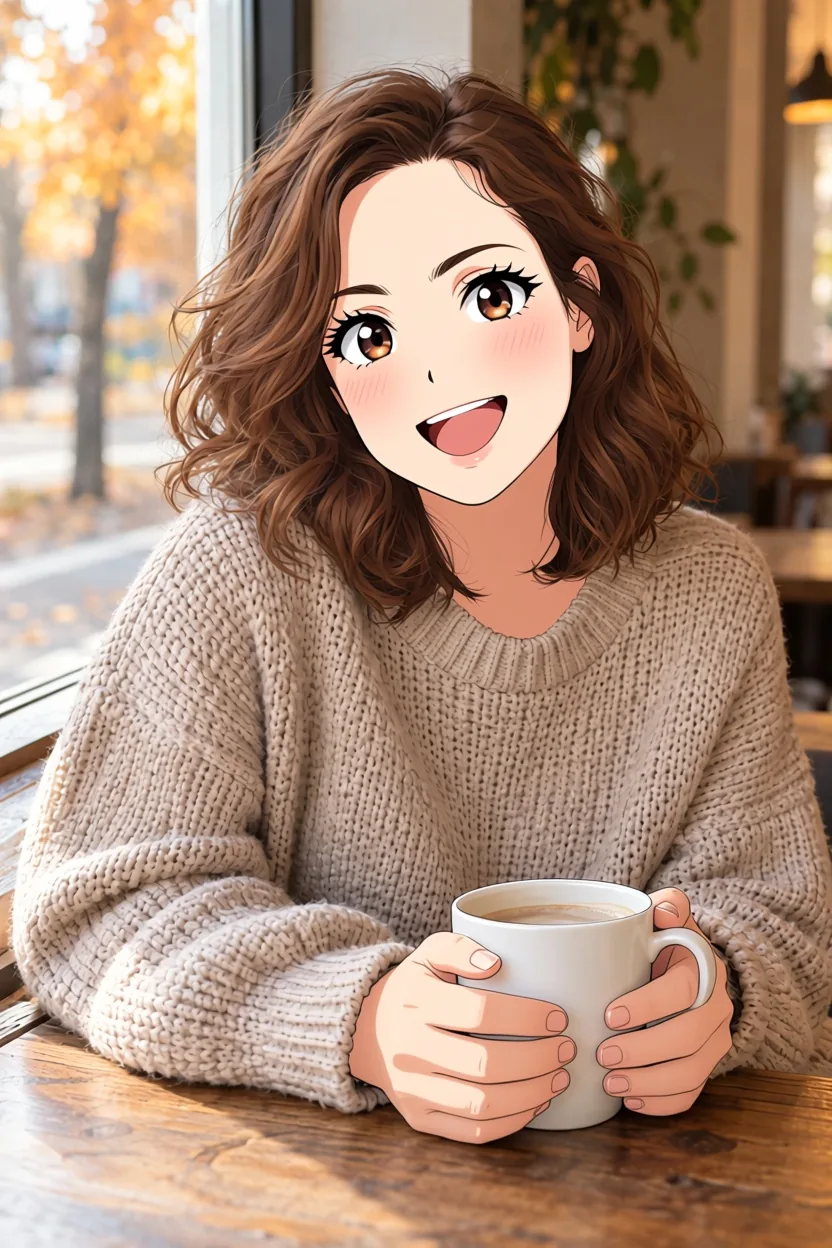
Introduction
Photo to Anime turns a photo into anime art. Send a portrait, a couple or group shot, or a photo of your pet and get back an anime image of the same subjects in the same outfits and place, without a local install, a GPU or a ComfyUI workflow. It is the reverse of Anime to Real, which turns drawings into photographs.
Key features & highlights
Built on the Photo-to-Anime LoRA
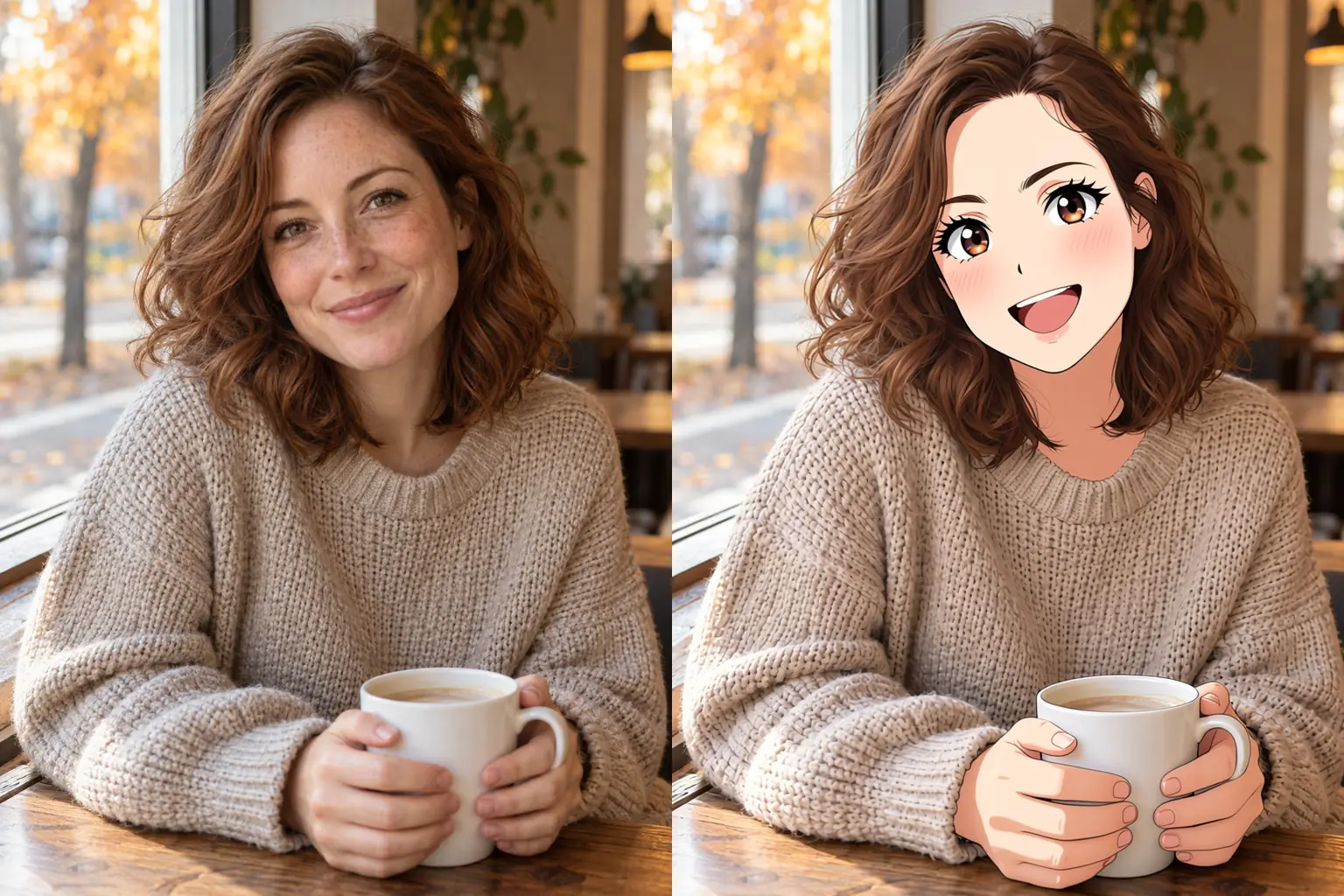
The tool runs Alibaba's open Qwen-Image-Edit-2509 with the Photo-to-Anime LoRA by AutoWeeb, an MIT-licensed adapter trained to redraw photos as anime. Compared with the base model on the same photo and seed, it kept a woman's brown eyes and auburn hair where the base model switched them. You do not have to host the weights, pick a sampler or tune a LoRA strength.
An instruction that does not stall
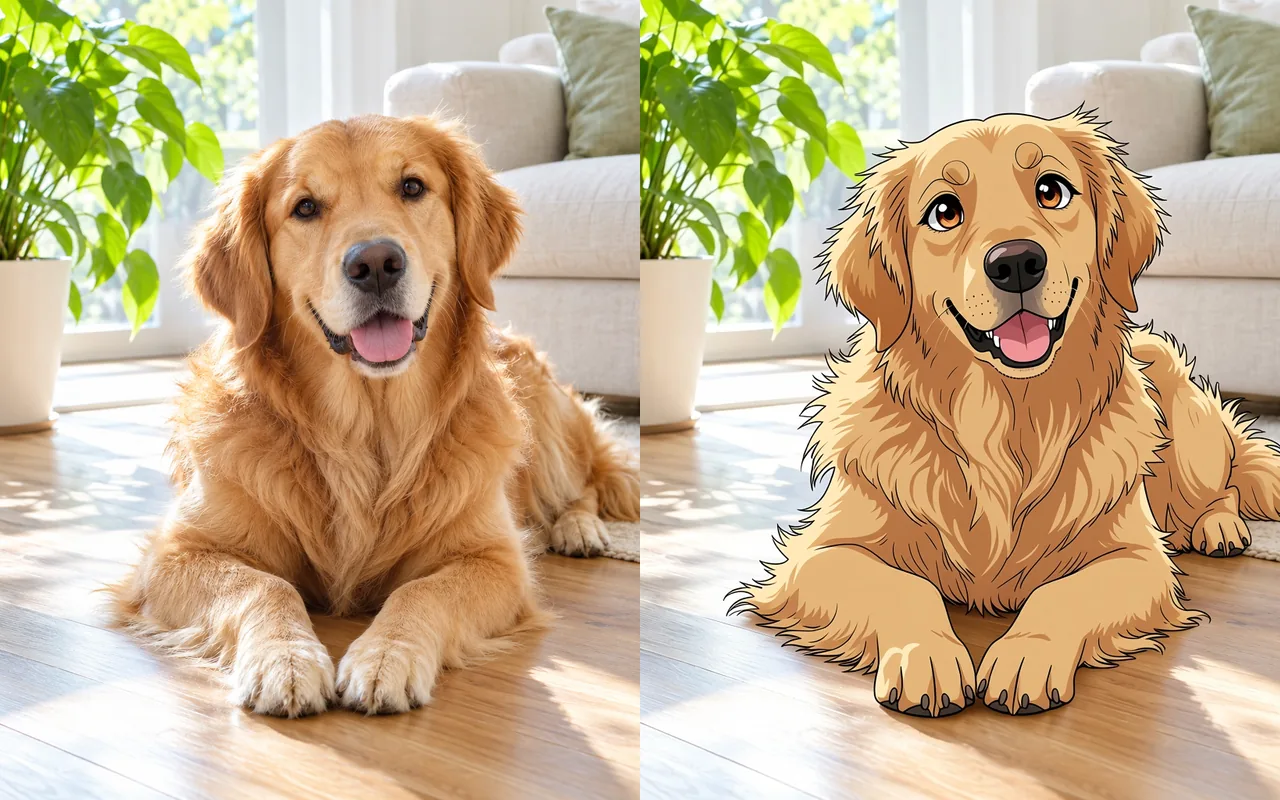
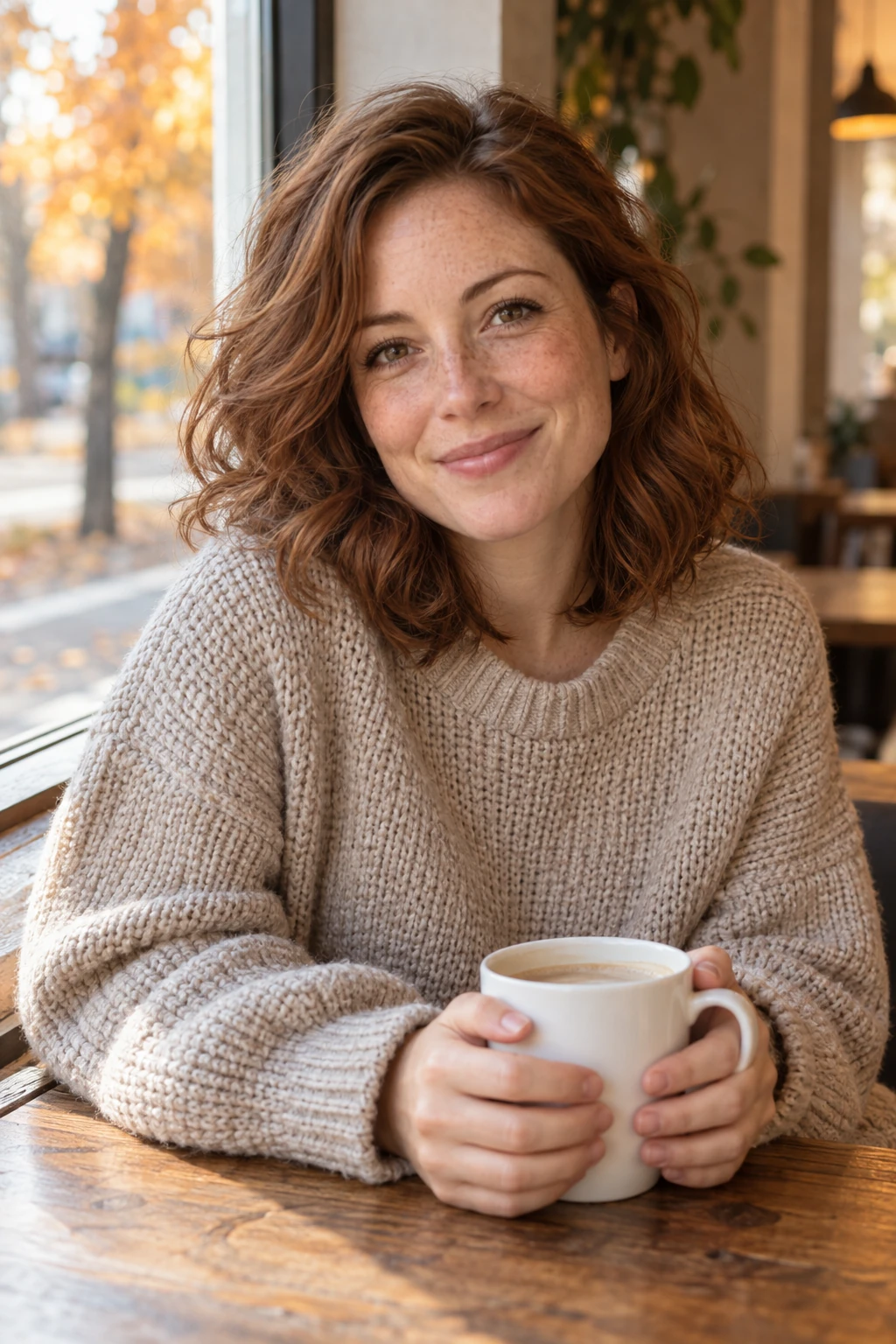
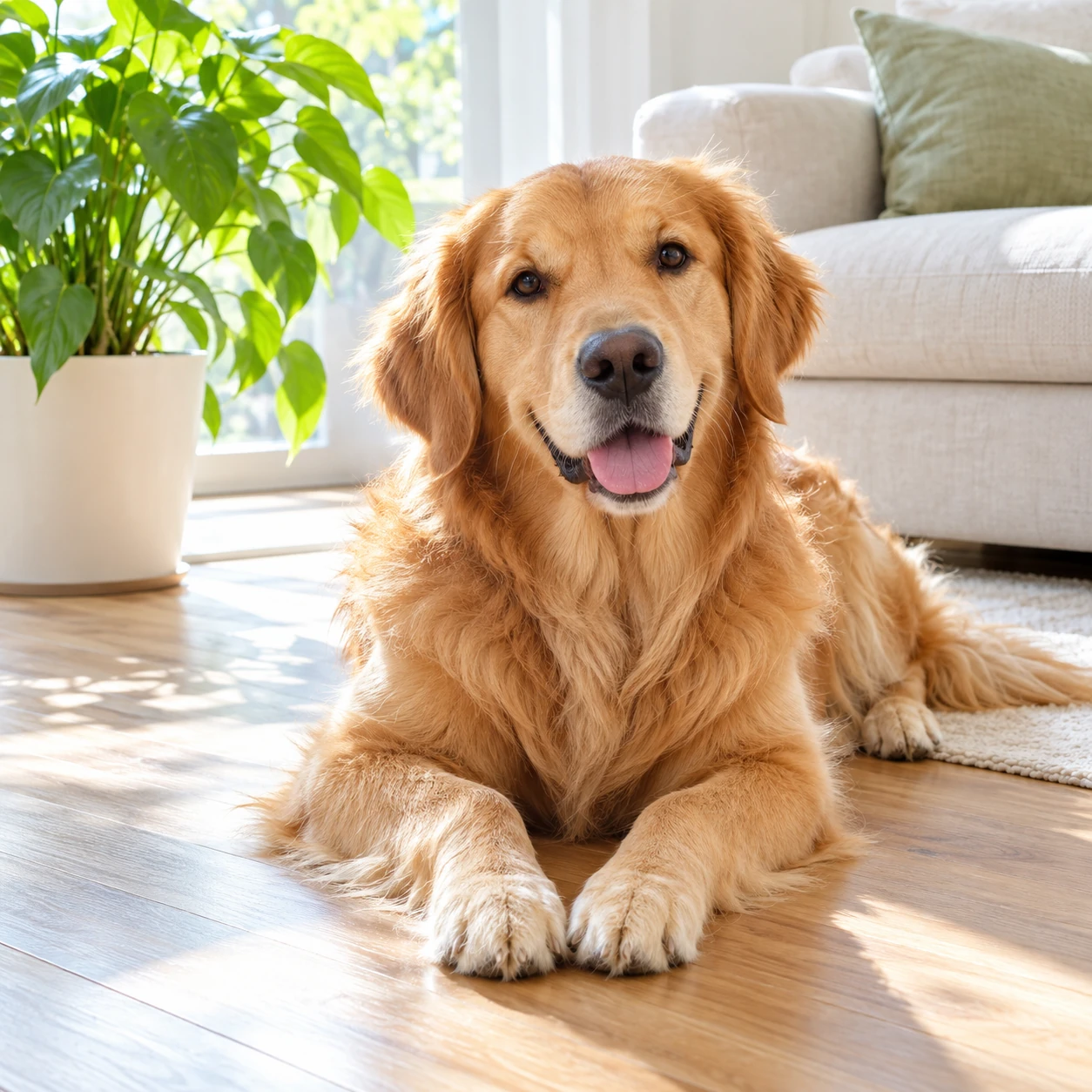
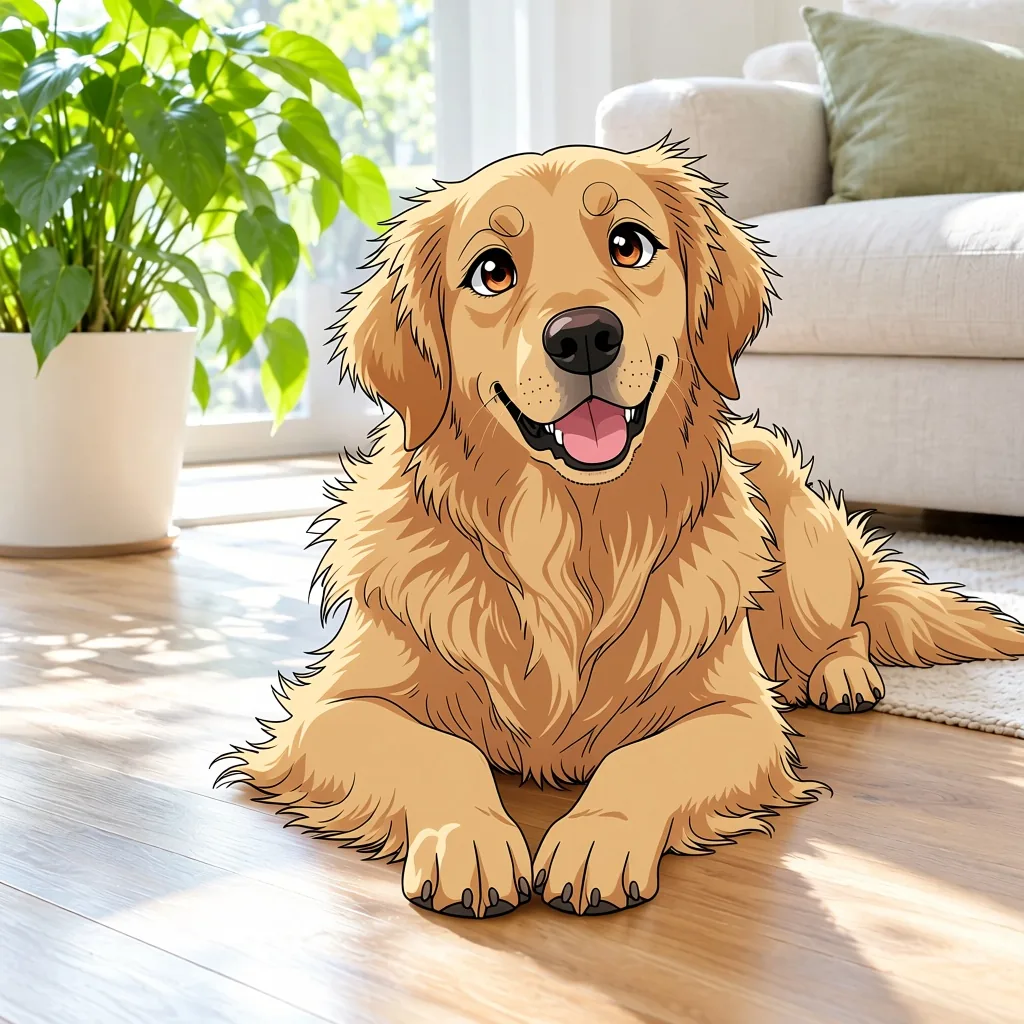
The author's three-word prompt, "transform into anime", sometimes returned a photo almost unchanged in our runs. The tool keeps those words and adds an explicit line asking for the whole photo to be redrawn as an anime illustration; with it, all five test photos, from a café portrait to a golden retriever, came back as anime.
Composition stays
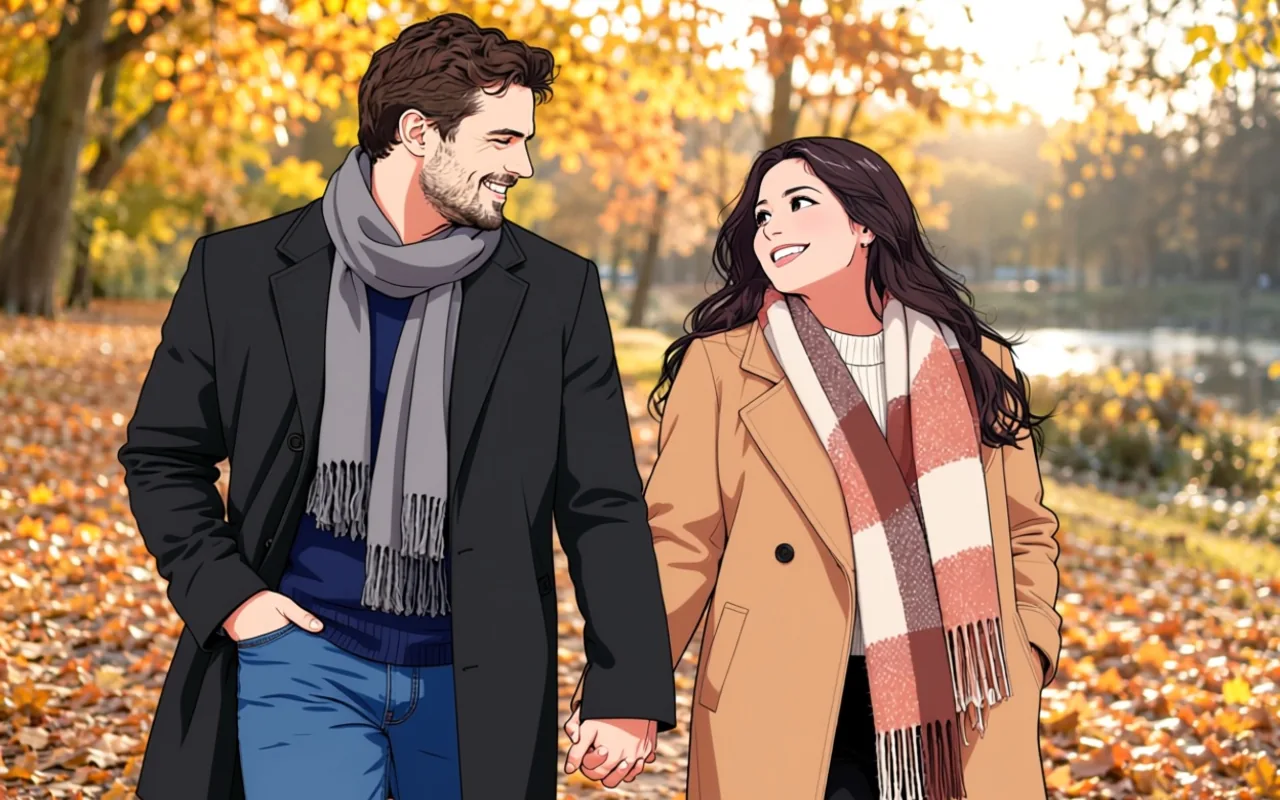
Framing, pose, clothing and the scene follow the photo, so a couple holding hands on an autumn path is still holding hands on the same path. A photo on its own is a complete request; an optional line in prompt is appended after the built-in instruction.
Request parameters
| Parameter | Required | Description |
|---|---|---|
image_url | Yes | Source for redrawing a photo as anime with Photo to Anime: upload a JPEG, PNG or WebP up to 10 MB, or supply its public HTTPS file link. at least 1 characters |
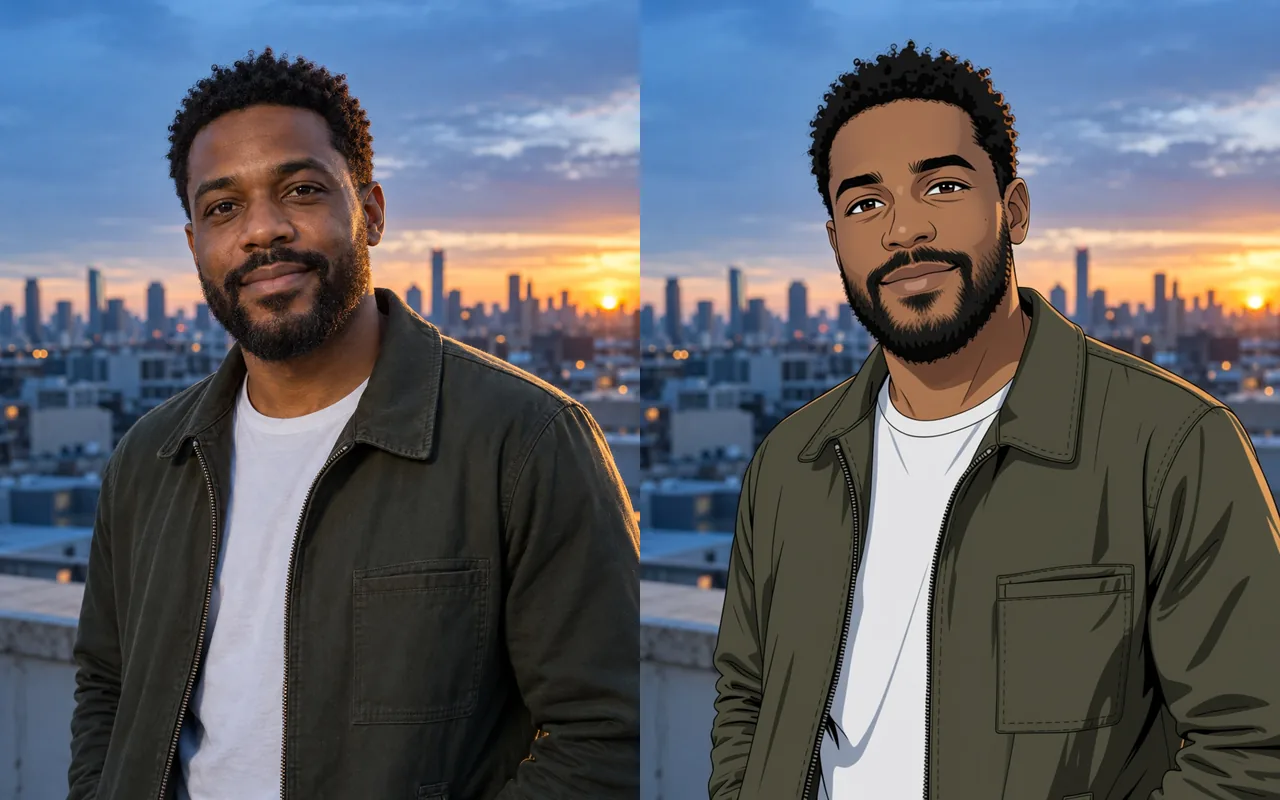
prompt | No | Optional. A short line of direction added as a new sentence after the built-in instruction, for example "keep his beard and the olive jacket". at most 1000 characters |
aspect_ratio | No | For redrawing a photo as anime with Photo to Anime, omit |
output_format | No | Save the result of redrawing a photo as anime with Photo to Anime as JPEG by default, or choose PNG or WebP for the file you download. |
seed | No | Compare redrawing a photo as anime with Photo to Anime by holding seed and the source image steady while changing one instruction; any integer from 0 to 2147483647 is accepted,… |
Pricing
$0.05 / image
The charge covers one completed image from redrawing a photo as anime with Photo to Anime; neither the selected ratio nor JPEG, PNG or WebP changes that flat price, and a failed edit is not charged.
Use cases
Anime avatars and profile pictures
Turn a selfie or a portrait into an anime avatar for a profile, a channel or a community badge, keeping the hair colour, eye colour and outfit that make it recognisably yours.
Couples, friends and gifts
Redraw a couple, family or group photo as anime art for a card, a print or an anniversary post. Everyone keeps their place in the frame.
Pets as anime characters
Turn a photo of your dog into an anime character lying in the same spot with the same coat colour, ready for a sticker, a phone wallpaper or a birthday card.
Prompt guide & pro tips
Start with no prompt
The built-in instruction already asks for a full anime redraw that keeps the subjects, pose, clothing and colours. Run your photo once without a prompt and look at the result before adding anything.
Use sharp, large faces
The LoRA author recommends high-resolution photos. A face that fills a good part of the frame keeps its features; a tiny face in a wide landscape shot comes back simplified.
Expect a photographic background
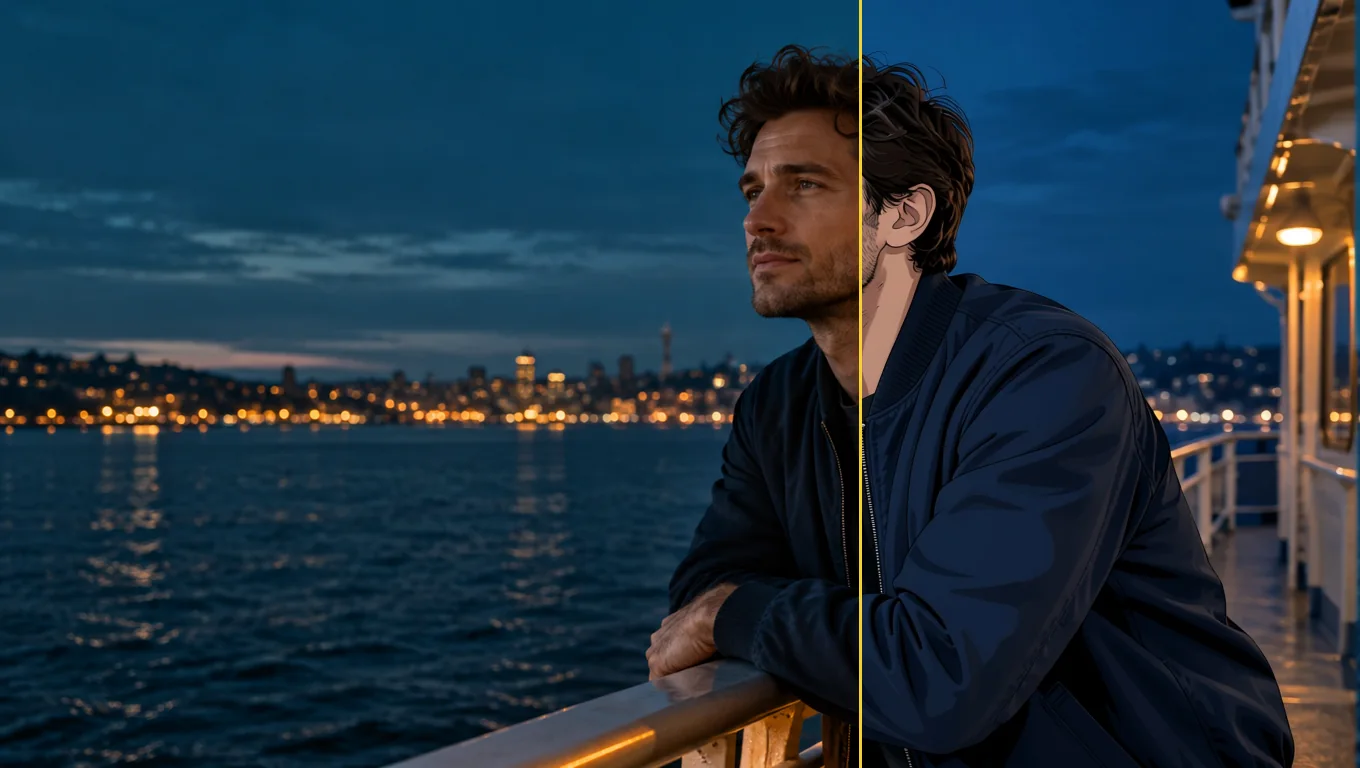
People and pets are redrawn first. Busy backgrounds such as a skyline or autumn trees often keep much of their photographic look, and in our runs a line asking for a painted anime background changed them only slightly.
Compare with a fixed seed
Keep the same seed when you try a prompt, so you can see what your line changed rather than a new random draw. The seed makes comparisons fair; it does not promise an identical image every time.
API quick start
# Generate the idempotency key once; reuse it when retrying after a lost response.
export SPICY_IDEMPOTENCY_KEY="${SPICY_IDEMPOTENCY_KEY:-$(uuidgen)}"
curl -X POST https://api.spicyapi.ai/api/v1/jobs/createTask \
  -H "Authorization: Bearer $SPICY_API_KEY" \
  -H "Content-Type: application/json" \
  -H "Idempotency-Key: $SPICY_IDEMPOTENCY_KEY" \
  -d '{
  "model": "spicyapi/photo-to-anime-v1/edit",
  "input": {
    "image_url": "https://example.com/reference.png",
    "output_format": "jpeg"
  }
}'

# Copy data.taskId from the response into TASK_ID, then poll the status.
TASK_ID="TASK_ID_FROM_RESPONSE"
curl "https://api.spicyapi.ai/api/v1/jobs/recordInfo?taskId=$TASK_ID" \
  -H "Authorization: Bearer $SPICY_API_KEY"
See the API reference for authentication, the complete schema, polling, and error handling.