Photo to Anime Review: Same Scene, Redrawn as Anime for $0.05
Pick Photo to Anime for avatars, couples and pets redrawn as anime with the pose and outfit intact; expect the background to stay partly photographic.
Spicy Index
Not indexed
Freedom Score
Not yet tested
- Price
- $0.05 per image
- Median time
- Collecting data
- Success rate
- Collecting data
Photo to Anime does one job: send image_url, get back the same picture redrawn as anime. The people and pets become anime characters in the same pose, outfit and colours, and the setting follows the photo. It runs Alibaba's open Qwen-Image-Edit-2509 with the Photo-to-Anime LoRA by AutoWeeb (MIT licence), behind a built-in instruction, so there is nothing to write. You pay $0.05 per image whatever the aspect ratio or file format.
- SpicyAPI Engineering
- Tested Oct 26, 2026
- Methodology v3.3 →
- We sell these models; scores ignore price →
What Photo to Anime made in our tests
Straight from our test runs. Copy a prompt or open it in the playground to try it yourself.
Image editing
Image editing
Image editing
Make your own with Photo to Anime
The verdict
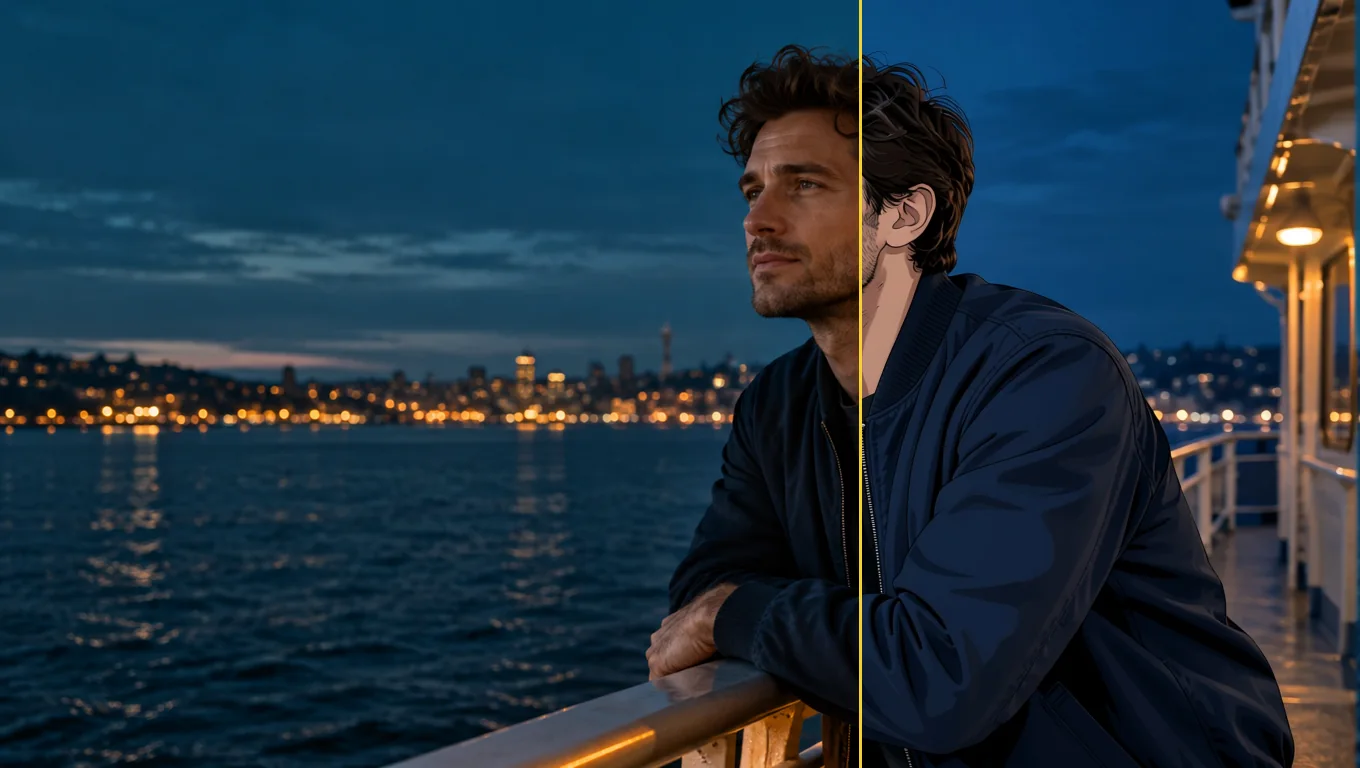
We tested it on 26 October 2026 with five generated, fully clothed photo sets: a woman at a café window, a man on a rooftop, a couple in an autumn park, a golden retriever indoors and a man on a ferry deck. All five were converted to anime. The characters were redrawn with line art and cel shading while the outfits, poses and rooms stayed in place. The limits are just as consistent. The background often keeps much of its photographic look, and fine details such as freckles do not survive.
Use it for profile pictures, gifts, cards and pet portraits where you want the scene you already have, drawn differently. Look elsewhere if you want a fully painted background, a chosen anime art style, or a character invented from words.
Key facts
- Price: $0.05 per image. Aspect ratio and output format do not change it, and failed requests are not charged. The model page shows the live price.
- Input: one photo, JPEG, PNG or WebP, up to 10 MB. Sharp, high-resolution photos with large faces give the most convincing results.
- Output: about one megapixel. Leave
aspect_ratioempty and the result keeps the shape of the photo (832 x 1248 for a 2:3 portrait, 1248 x 832 for a 3:2 landscape, 1024 x 1024 for a square), or pick one of nine ratios from 1:1 to 21:9 and 9:21. - Other fields: an optional
promptof up to 1,000 characters, aseedfor comparing runs, andoutput_format(JPEG by default, PNG or WebP). - Speed: about 7 to 13 seconds per image in our integration runs and 17 to 26 seconds in later runs on the live platform.
- Content testing: we have not run content-level tests on this tool, so there is no Freedom reading to quote.
What we liked and what held it back
What we liked
- The scene stays the scene. A knit sweater and a mug in a café, an olive work jacket on a rooftop and a retriever on a wooden floor all kept their pose, colours and place in the frame.
- No prompt needed. The built-in instruction does the work; leave
promptempty for a first attempt. - It keeps colouring better than the plain model. With the same seed and instruction, the base edit model drew more of the café as anime but turned the woman's brown eyes blue and darkened her hair. With the LoRA her eye and hair colour stayed.
- It works on pets and groups. The dog came back as an anime dog in the same spot with the same coat colour, and a couple in a park were both redrawn.
- Flat, predictable price. One image, one price, in any of nine ratios.
- Fast enough to iterate. Seconds per image, and a fixed
seedkeeps comparisons fair.
What held it back
- The background often stays photographic. Skylines, autumn trees and café windows kept much of their photo look. Adding "also redraw the background as a painted anime scene" barely helped: the rooftop man's background did not change and the dog's moved only slightly.
- Faces become characters, not likenesses. Large, sharp faces keep the most recognisable features. Small faces in wide shots come out simplified, and the LoRA author recommends high-resolution photos.
- Details are lost. Asking to keep a woman's freckles had no effect; they disappeared in every anime version.
- The prompt does not choose a style. In a matched test on the same seed, asking for a 90s cel-shaded TV look produced an almost identical result. Use
promptto protect a detail, not to select a drawing style. - Short instructions can fail on the underlying model. In our trials the author's three-word prompt, "transform into anime", often returned the photo unchanged, and sometimes drew a dog as a lion. The tool's built-in instruction adds an explicit redraw line to avoid this, and five of five final test photos converted. We cannot promise it for every photo.
What the images look like
The gallery holds three published examples from the Photo to Anime model page, all fictional adults or a pet, fully clothed and safe for work. Each was sent with no prompt.
A café window. A woman with auburn curls in an oatmeal knit sweater holding a mug. Her face and hair become anime with the same brown eyes; the sweater, the mug and the autumn street outside stay close to the photo.
A rooftop at sunset. A bearded man in an olive work jacket comes back in clean line art and cel shading, in the same pose, with the city skyline behind him still photographic.
A golden retriever. A dog lying on a sunny wooden floor next to a houseplant, redrawn as an anime character in the same pose and coat colour; the room stays light and airy.
Prompts that worked
The built-in instruction starts with the LoRA author's "transform into anime" and adds a line asking for the whole photo to be redrawn as an anime illustration with the same subjects, pose, clothing, colours and background. Anything in prompt is appended after it as a new sentence.
- Start with the prompt empty. The main examples were all run that way.
- Name a detail to protect. "Keep his beard and the olive jacket" is the kind of line the field is for. Check whether the detail survived before you rewrite the instruction.
- Do not expect a style menu. Period or studio wording did not change the drawing in our matched test.
- Make the face large and clear. Close portraits gave the most convincing anime look. A tighter crop or a simpler background is the practical next try, though we have not tested whether cropping alone redraws a busy background.
- Compare with a seed. A fixed
seedlets you run the same photo with and without a prompt.
Alternatives
- Want to invent an anime character from words instead of redrawing a photo? Anima Turbo is the text-to-image route; see our Anima Turbo review.
- Want to go the other way, from anime to a photographic look? Anime to Real converts an anime image back into a photo-style picture. We have not reviewed it yet.
How Photo to Anime earns its Spicy Index
Each dimension below links to its full workings: the table row every point came from and why points were lost.
- Public leaderboards 45% of quality
- Not yet tested
- Blind output test 35% of quality
- Not yet tested
- Arena quality 20% of quality
- Not yet tested
- Capability 10.5% weight
- Not yet tested
- Freedom Score 30% weight
- Not yet tested
No exact match on a tracked public leaderboard yet. How it works
Not in our blind output test yet. How it works
Counts once the model has 100+ blind votes and a 95% interval under 200 Elo. How it works
Not scored yet. How it works
Freedom evidence is untested or insufficient. The Index retains the original quality and capability score, is marked preliminary and still receives a rank. Missing evidence is not zero. How it works
What Photo to Anime can do on SpicyAPI
Straight from the live model specification on SpicyAPI. Some creators offer more in their own apps; this is what you can call through our API today.
| Feature | Image editing |
|---|---|
| Aspect ratios | 1:1 · 16:9 · 9:16 · 4:3 · 3:4 · 3:2 · 2:3 · 21:9 · 9:21 |
| Output formats | jpeg · png · webp |
| Seed control | Yes |
| Negative prompt | No |
How long it really takes
Measured on real jobs over the last 30 days, from request to finished result. Times include our own test runs.
- Median time
- Collecting data
- 90th percentile
- Collecting data
- Success rate
- Collecting data
A time appears once at least 10 completed jobs are in. Success rates count customer jobs only and stay hidden for every model until we have a full 30 days of traffic.
Models to consider instead of Photo to Anime
CircleStone Labs
Anima Turbo
Want to invent an anime character from words instead of redrawing a photo?
- Spicy Index
- 62.6
- Freedom Score
- 97.5
- Price
- $0.012−76%/ image
SpicyAPI
Anime to Real
Want to go the other way, from anime to a photographic look?
- Spicy Index
- —
- Freedom Score
- Not enough evidence yet
- Price
- $0.03−40%/ image
What do you think?
Was this review useful?
Log in to vote.
Comments
Comments are checked automatically and by our team. We remove spam, offensive content, personal attacks and anything that names a real person without consent. Report a comment and we review it within one business day.
Tried this model? Share what worked. You need a free account to comment, so we can keep spam out.
Photo to Anime FAQ
Try Photo to Anime yourself
Set every parameter in the Playground and see the exact price before you run it.
$0.05 per image
More reviews
See the leaderboards →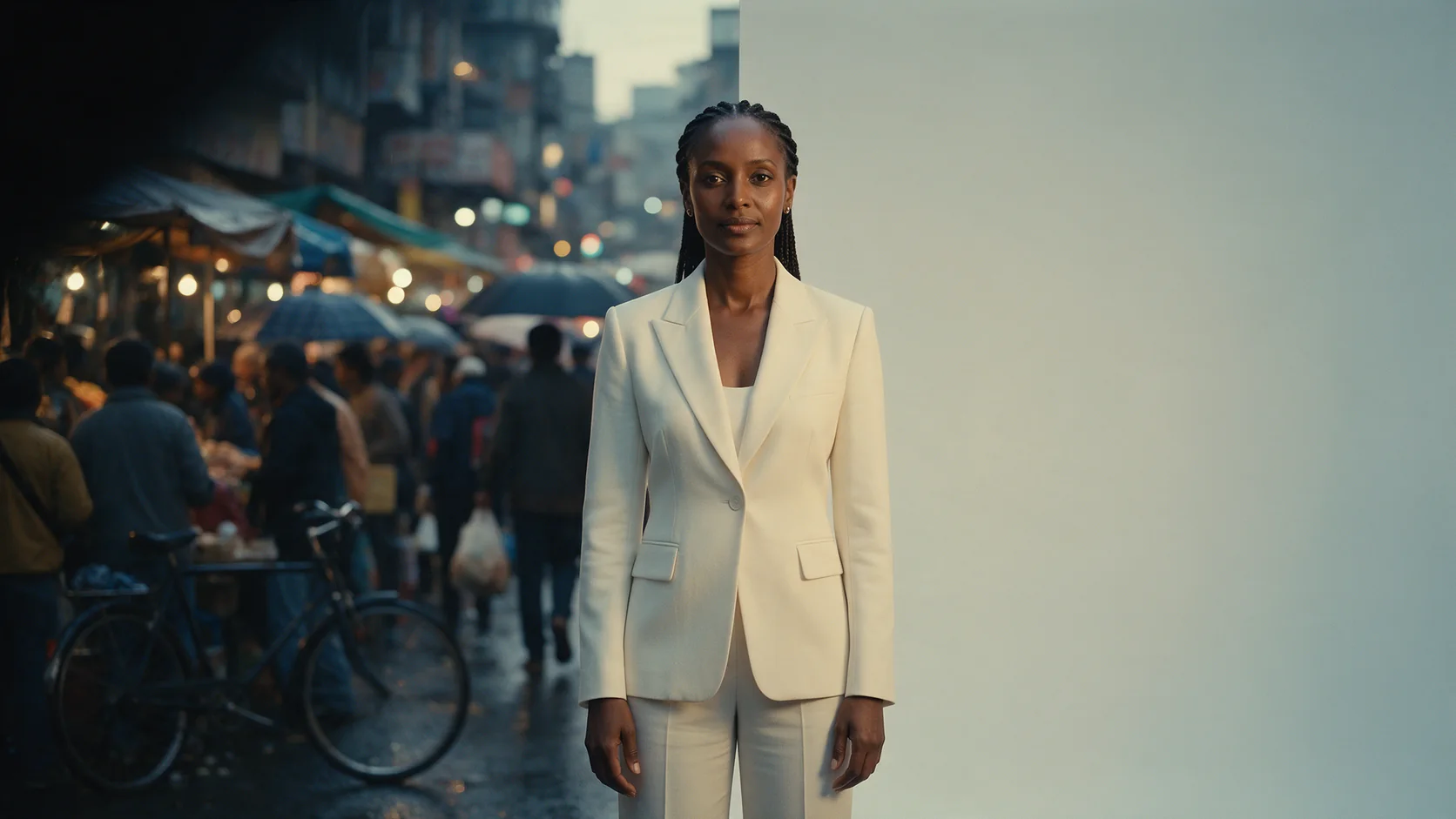
Background Remover
Pick Background Remover for product, avatar and composite cutouts at a fraction of a cent; give it a photo where the subject already stands apart.
Tested Sep 27, 2026
Read the review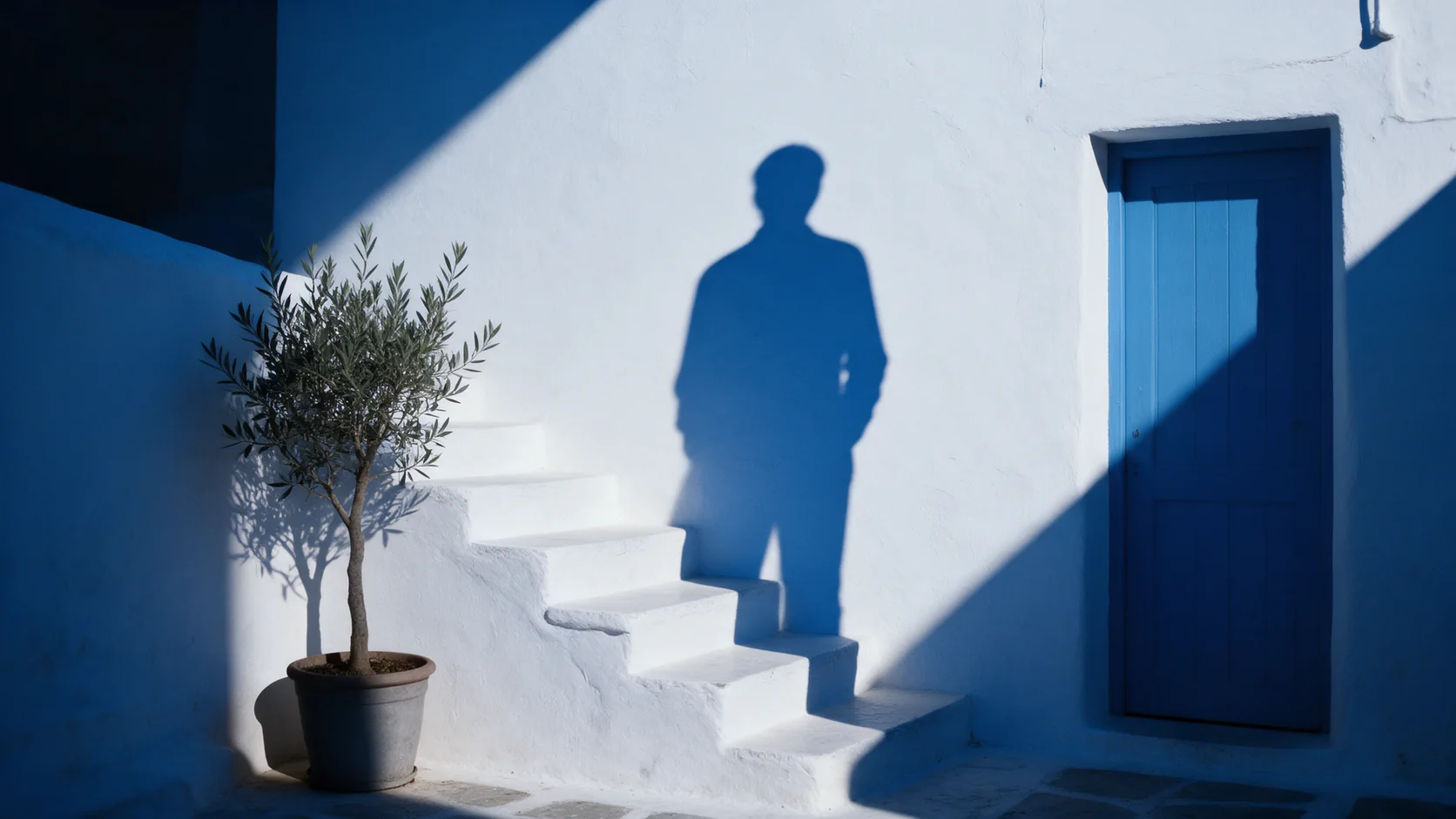
Object Eraser
Pick Object Eraser to clean small and medium clutter from a photo by naming it or masking it; expect large removals to need a second look.
Tested Sep 27, 2026
Read the review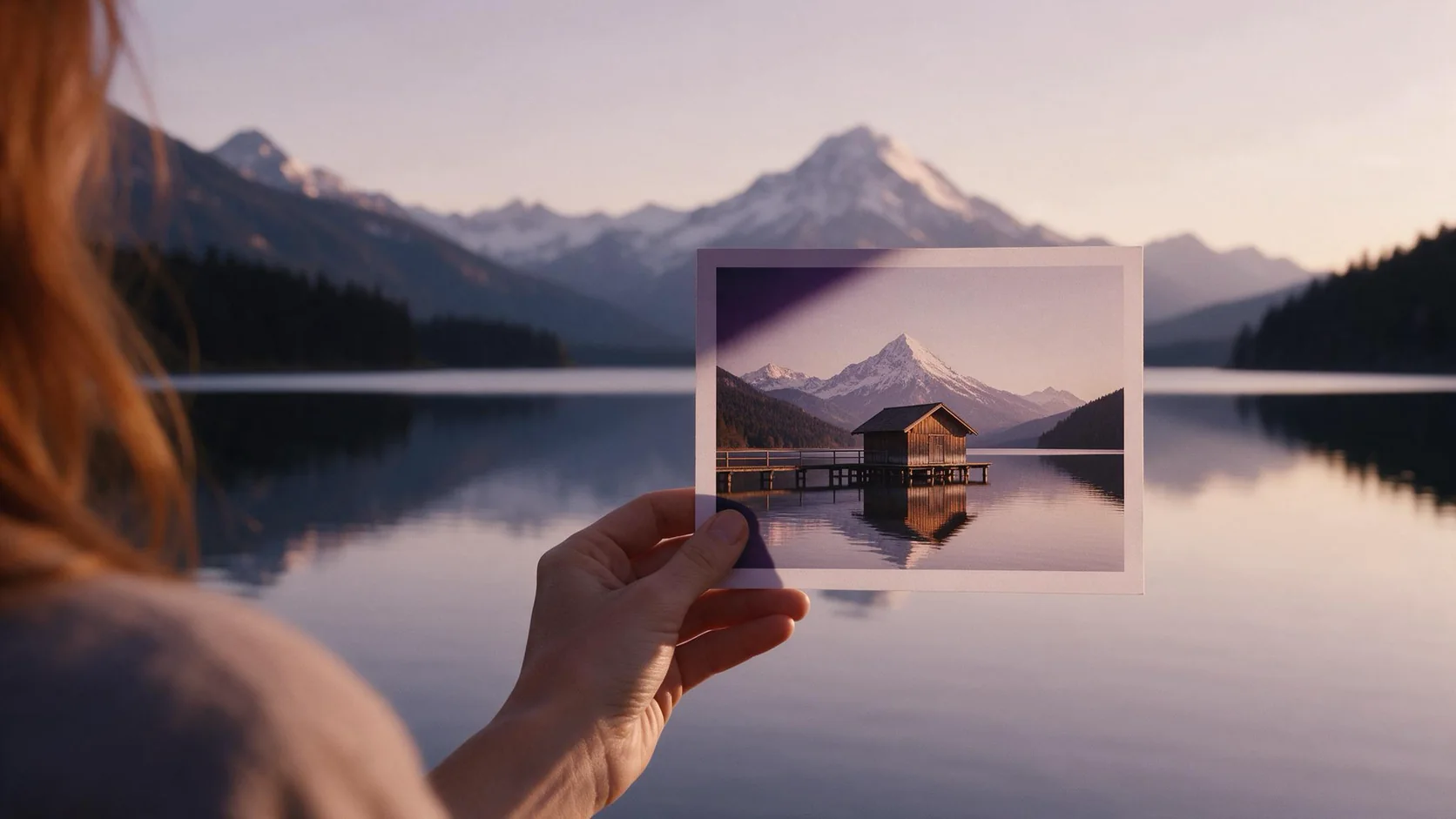
Image Expander
Pick Image Expander to reframe a photo into a new aspect ratio without cropping it; plan on upscaling the result if you need it larger than 1536 pixels.
- Spicy Index
- 82.4
- Freedom Score
- —
Tested Sep 27, 2026
Read the review