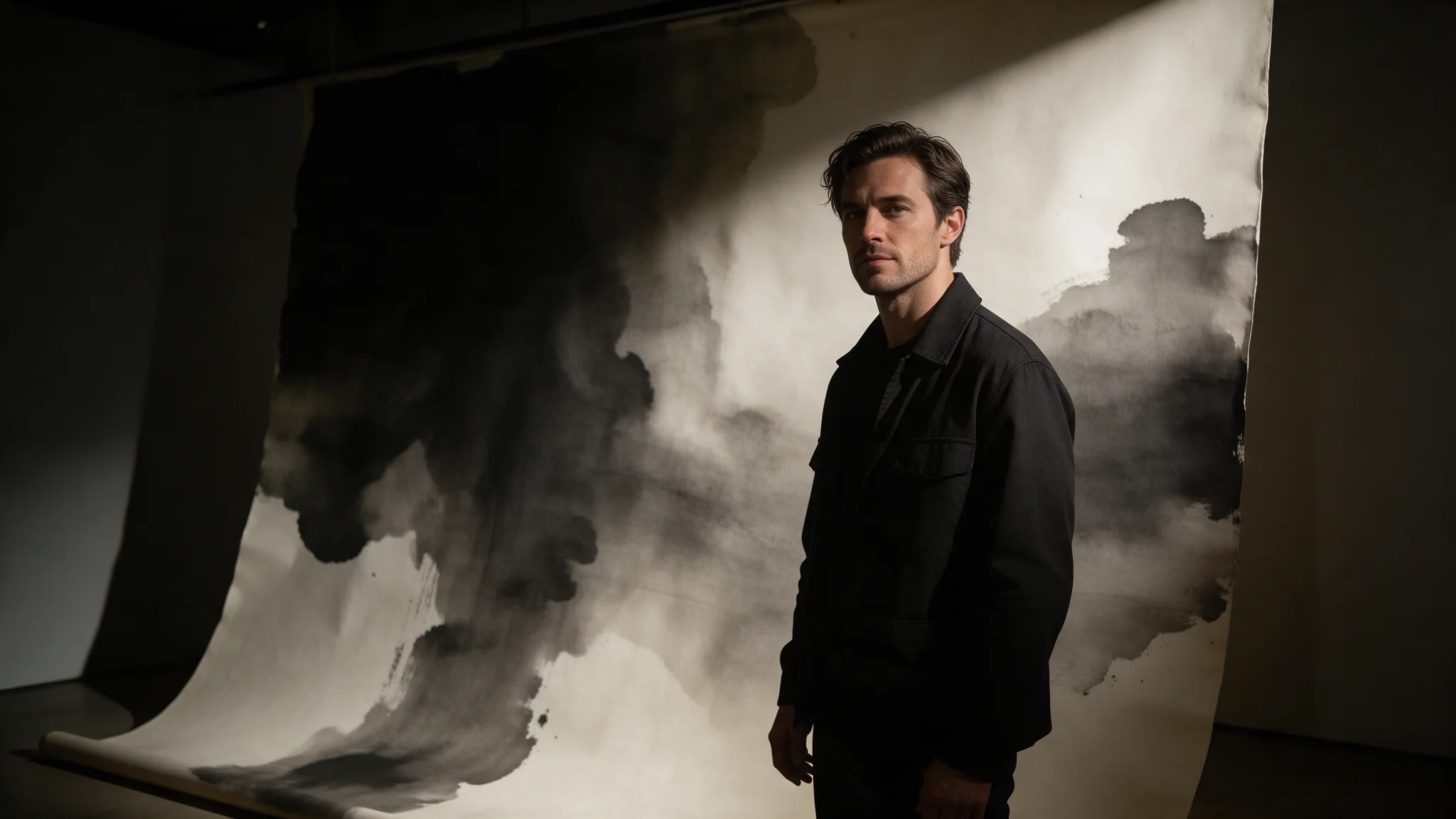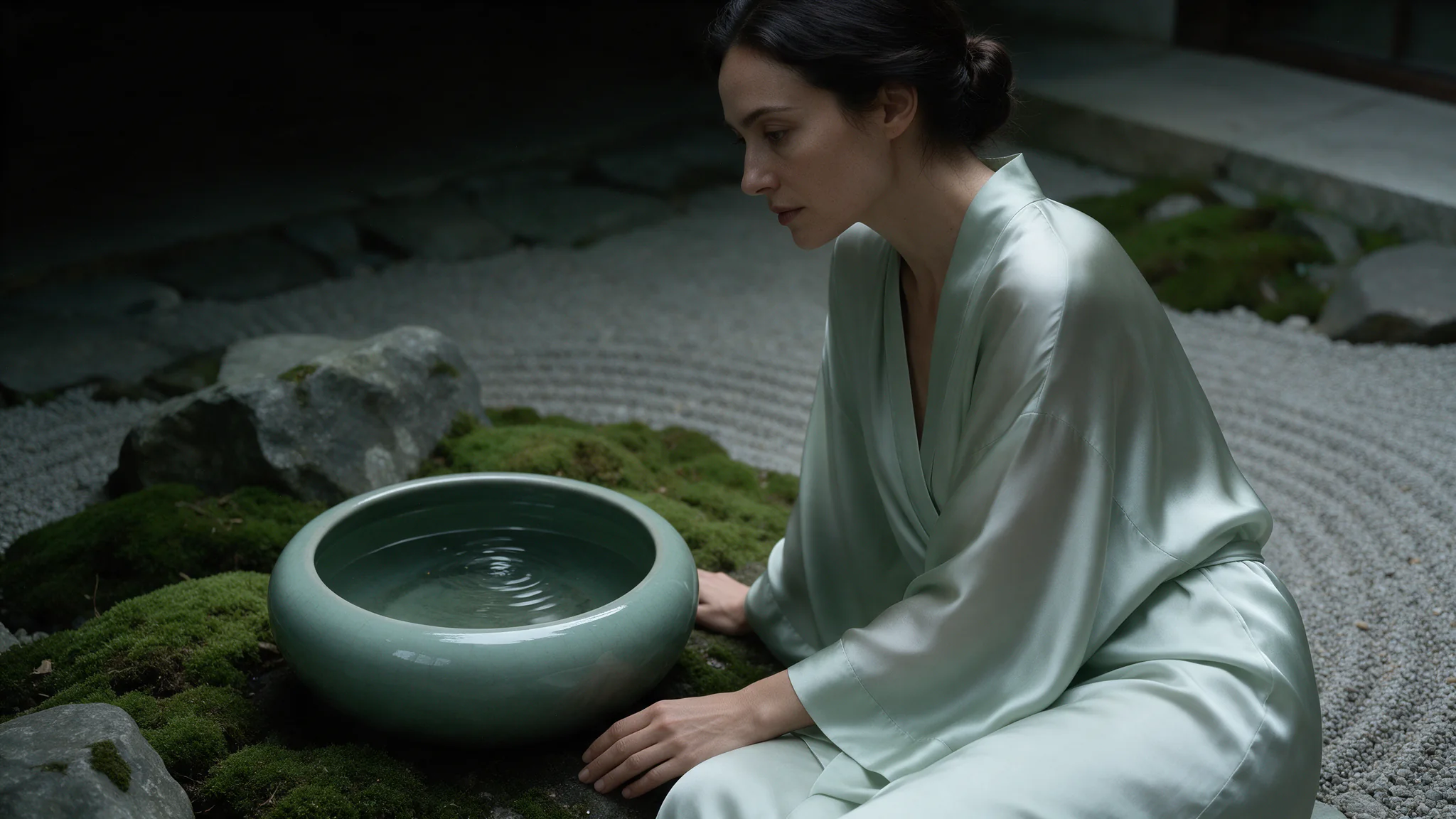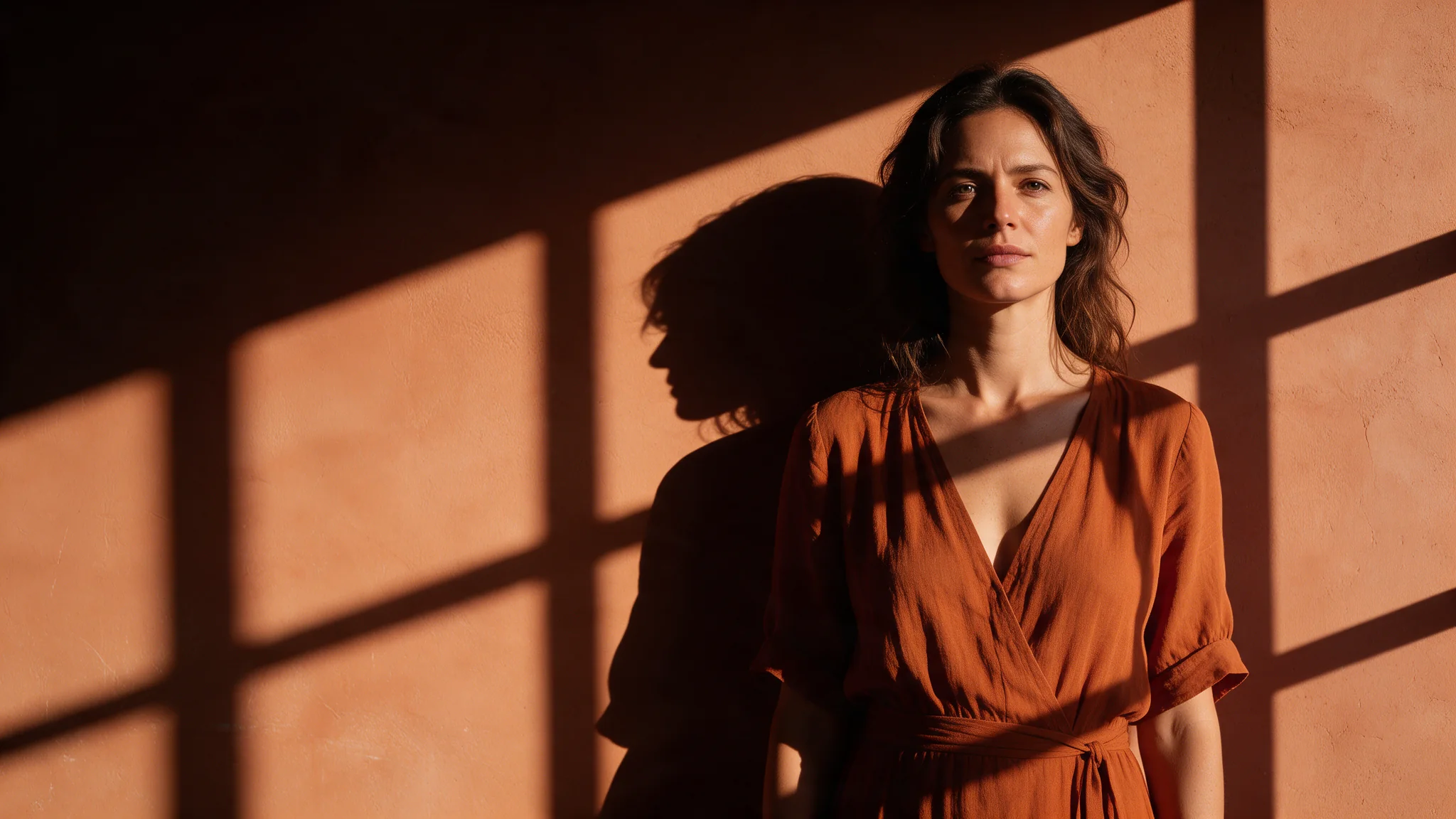
Qwen Image 1.0 LoRA text-to-image runs Alibaba's original 20B Qwen-Image with up to three of your own LoRAs at strengths from 0 to 4. Nine aspect ratios at up to 1536 pixels on the long side, legible lettering, one flat price per image and no content filter.

From $0.03/image

Workbench

Input

Text to image
355/5000
Put the LoRA's trigger words first, then subject, setting, light and camera feel. Write any lettering in quotes. Up to 5,000 characters; there is no negative prompt. at least 1 characters · at most 5000 characters
Nine options from 21:9 to 9:21; 1:1 by default. 1:1 is 1328 x 1328, 3:4 is 1104 x 1472 and 16:9 is 1536 x 864. The ratio does not change the price.
Style LoRAs1/3

Flat Color

Up to three {path, scale} entries. path is a direct HTTPS link to a .safetensors file trained for Qwen-Image (or Qwen-Image-2512); scale runs from 0 to 4, default 1. Loading LoRAs adds no charge. at most 3 items
Output format
JPEGPNGWebP
JPEG by default, PNG or WebP if you need them. Does not change the price.
Seed
Keeps a set of images comparable while you change one LoRA scale at a time. Any whole number from 0 to 2147483647; leave it empty for a random seed. no lower than 0 · no higher than 2147483647
Safety checkerOff

SpicyAPI does not run a safety checker on this model. Your prompt and media go to the model as written, and the model itself decides what comes back.

Checking your account before enabling submission and pricing.

Output

Ready for a new run
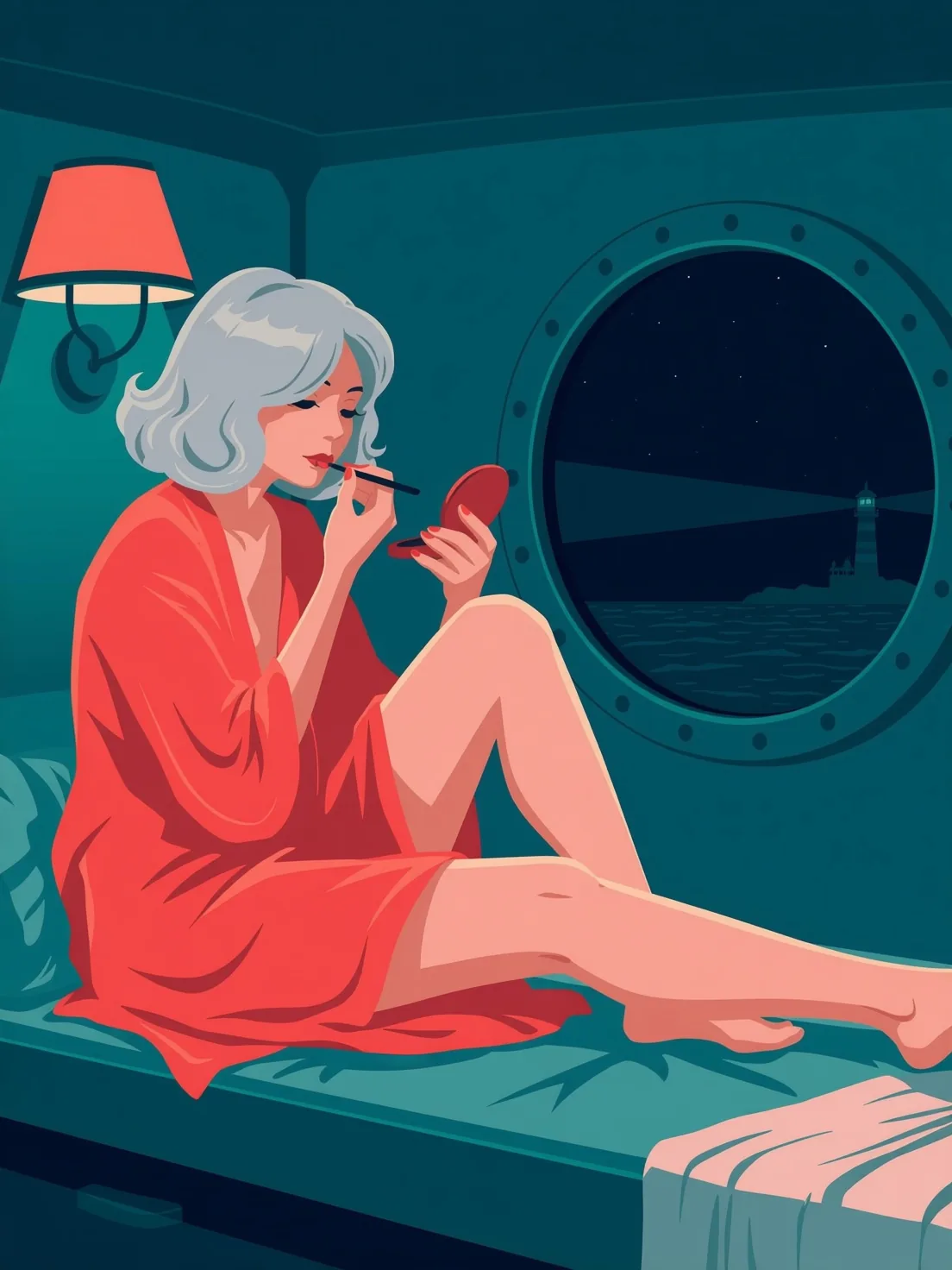
ferry-cabin-flat-colorExample result

Missing the model you need?

Tell us what to add and where you would use it. Requests go to the people who decide what gets onboarded next.

LORA IMAGE API

Qwen Image 1.0 LoRA API at a glance

The original Qwen-Image and Qwen-Image-Edit with your own LoRAs, no content filter.

LoRAs per call
3
Up to three weight files per image, each with its own strength from 0 to 4.
Parameters
20B
Qwen-Image, Alibaba's first open image model, released in August 2025.
Long side, px
1536
1328 x 1328 at 1:1 and 1536 x 864 at 16:9, every ratio at one price.
Endpoints
2
Text to image on Qwen-Image, single-image editing on Qwen-Image-Edit.
Price per image
Flat
Loading one, two or three LoRAs adds no separate charge.
Content filter
None
Uncensored: nothing was refused or blurred in our tests.

Results

What you can make with Qwen Image 1.0 LoRA

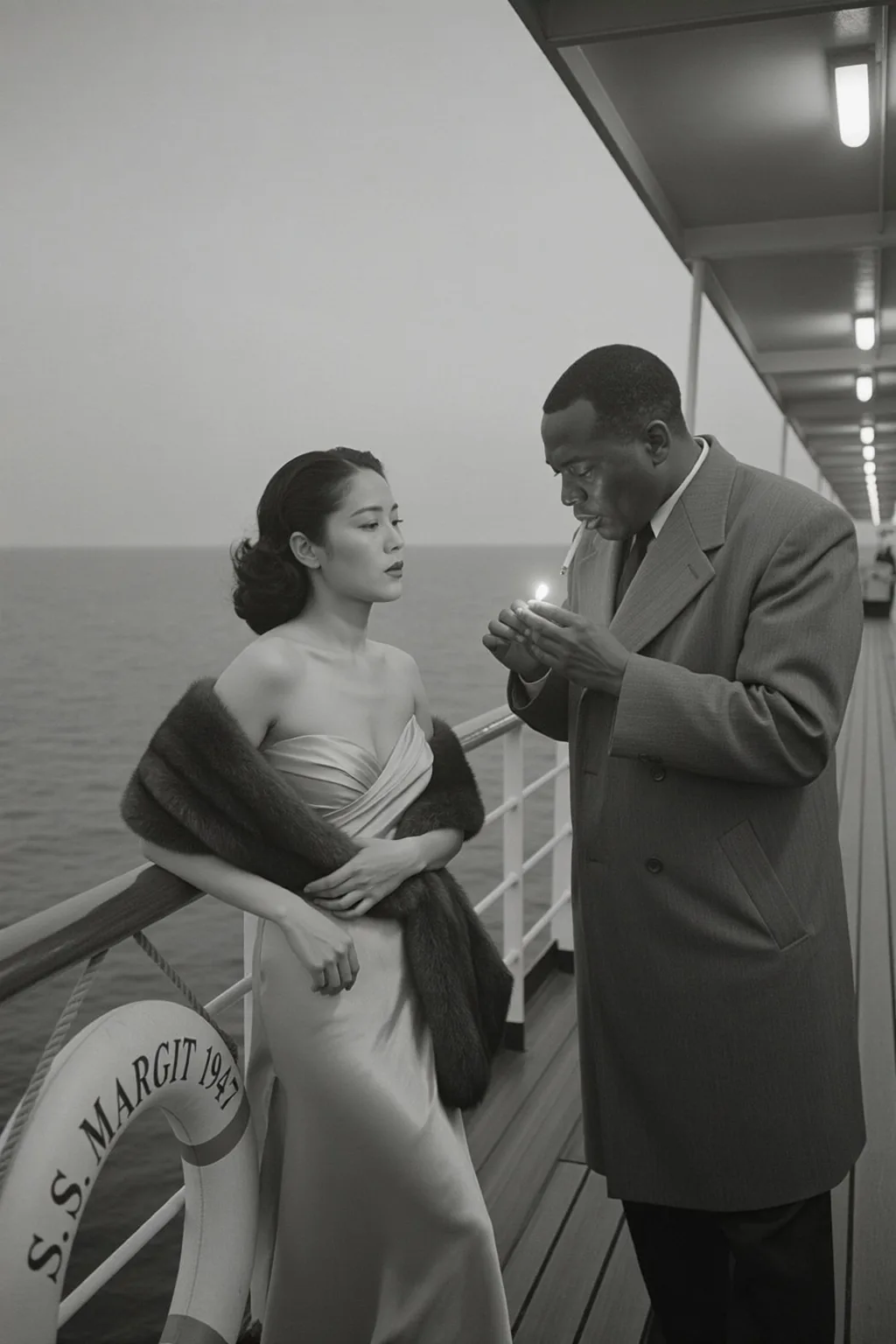
  • Black-and-white 1940s-style photograph of a woman in a satin gown and fur stole at a ferry rail while a man in an overcoat strikes a match, a life ring lettered S.S. MARGIT 1947 beside her

    Vintage LoRA

    A 1940s magazine photograph

    A vintage magazine-photography LoRA at 0.9 on a ferry deck at dusk: satin, fur and a struck match in grainy black and white, with the life ring lettered exactly as the prompt spelled it.

    Text-to-image with a vintage magazine LoRA at 0.9, 2:3.

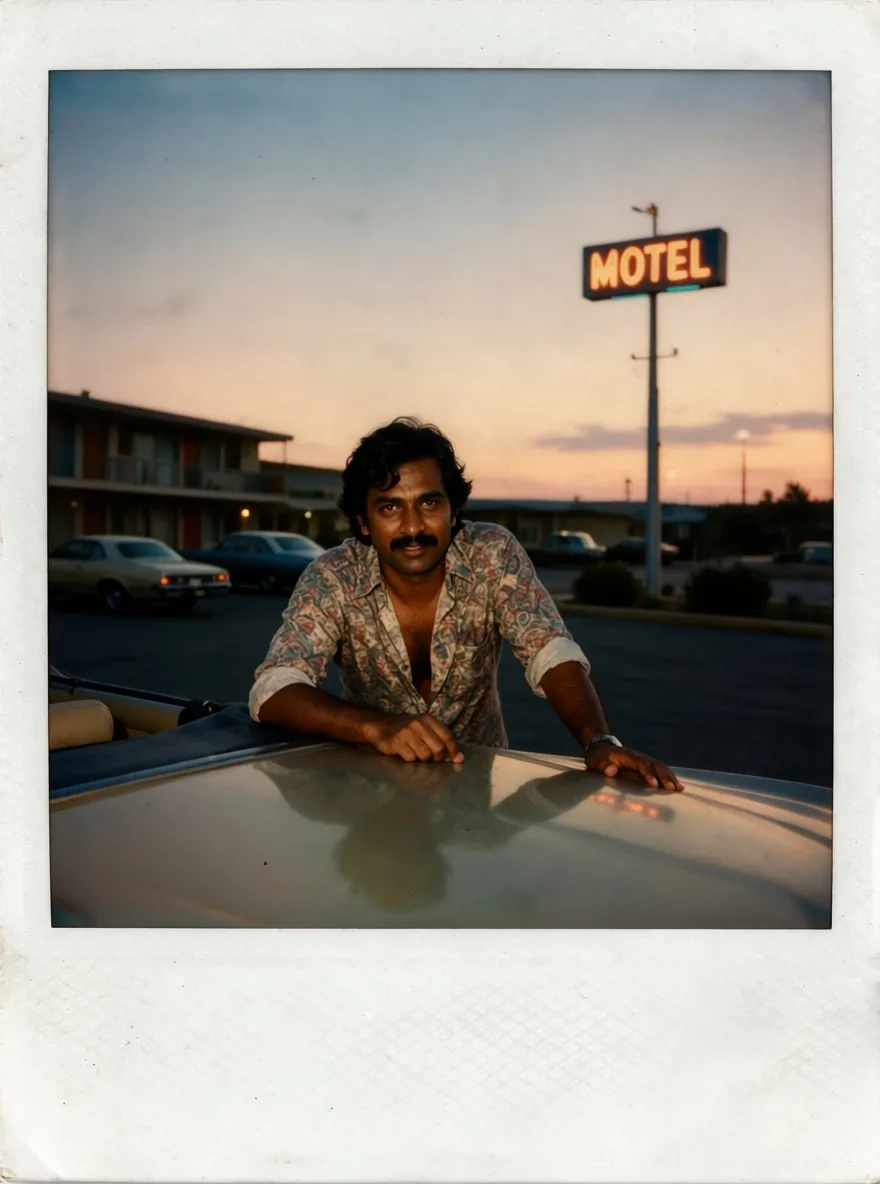
  • Restored instant photo of a man with a moustache in a patterned shirt leaning on a convertible at dusk, a neon motel sign behind him

    Edit LoRA

    A faded instant print, restored

    A photo-restoration LoRA on the editing endpoint cleared the scratches, dust and crease from a sun-bleached instant photo and brought back the dusk sky and the neon motel sign, keeping the man and the white frame.

    Edit with a photo-restoration LoRA at 1.

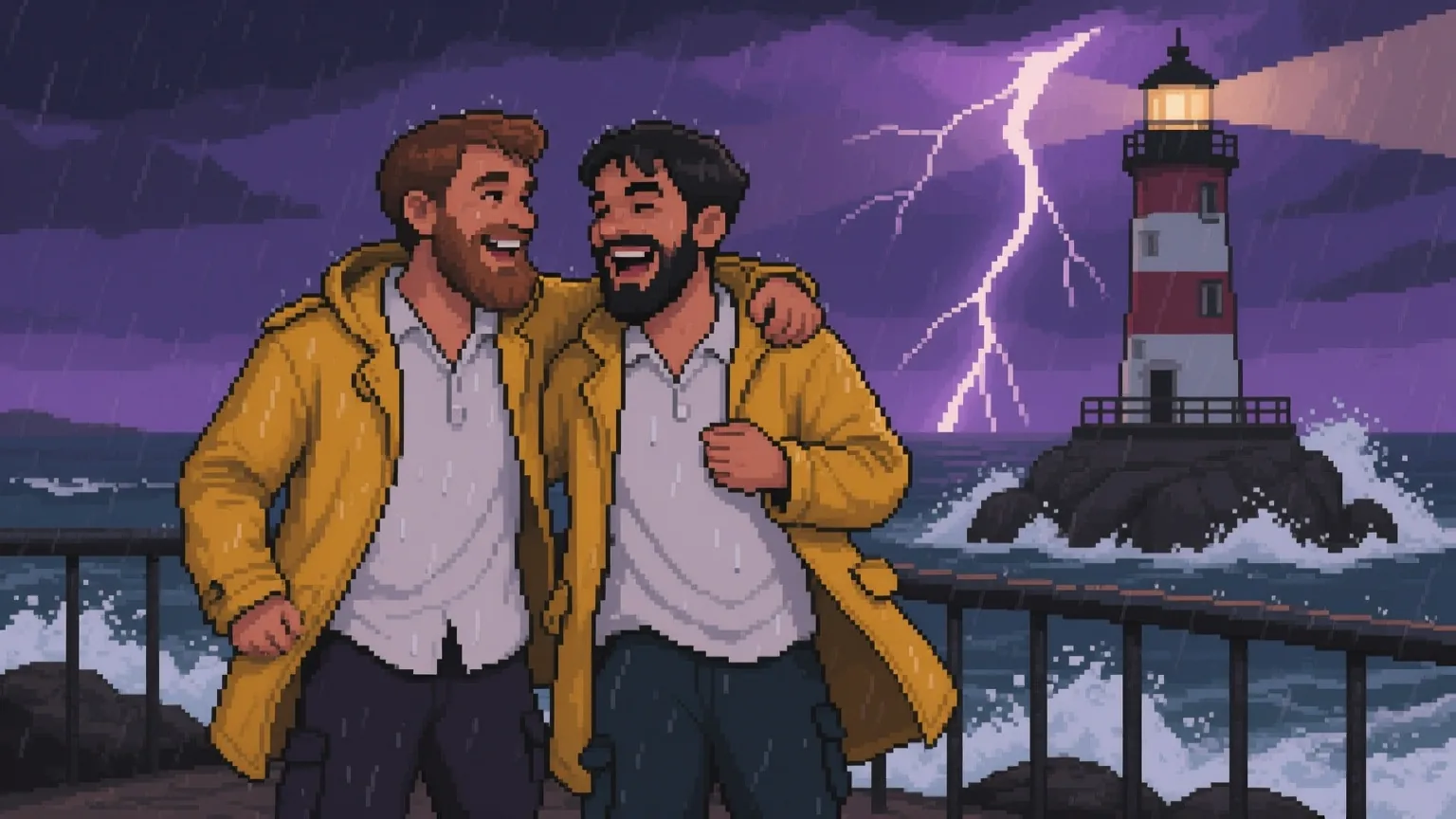
  • Pixel-art scene of two bearded men in yellow oilskin coats laughing at a railing in a thunderstorm, a striped lighthouse and violet lightning behind them

    Cross-version LoRA

    Pixel art from a 2512 LoRA

    A pixel-art LoRA trained for Qwen-Image-2512 turned a thunderstorm at a lighthouse into a clean pixel scene: two bearded men in yellow oilskins laughing at the rail under violet lightning.

    Text-to-image with a Qwen-Image-2512 pixel-art LoRA at 1, 16:9.

More clips made with Qwen Image 1.0 LoRA

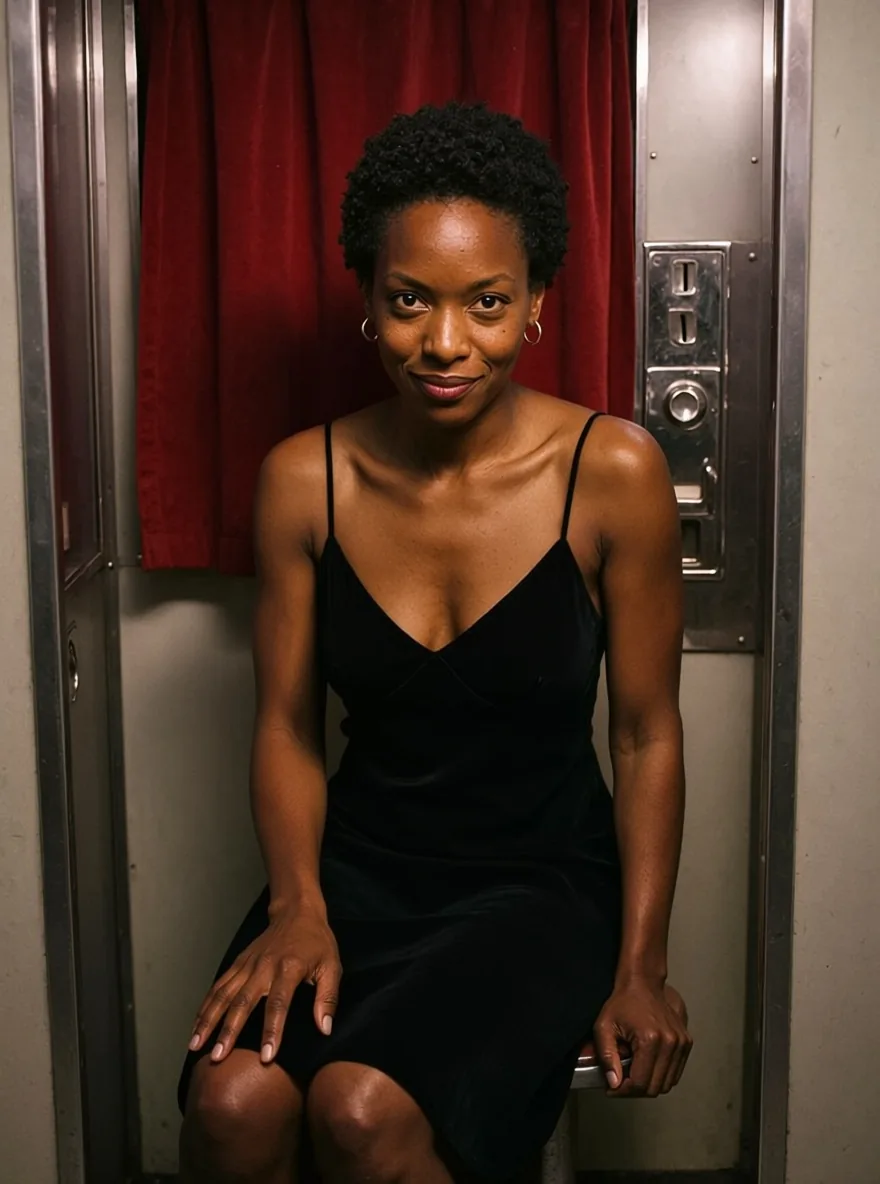
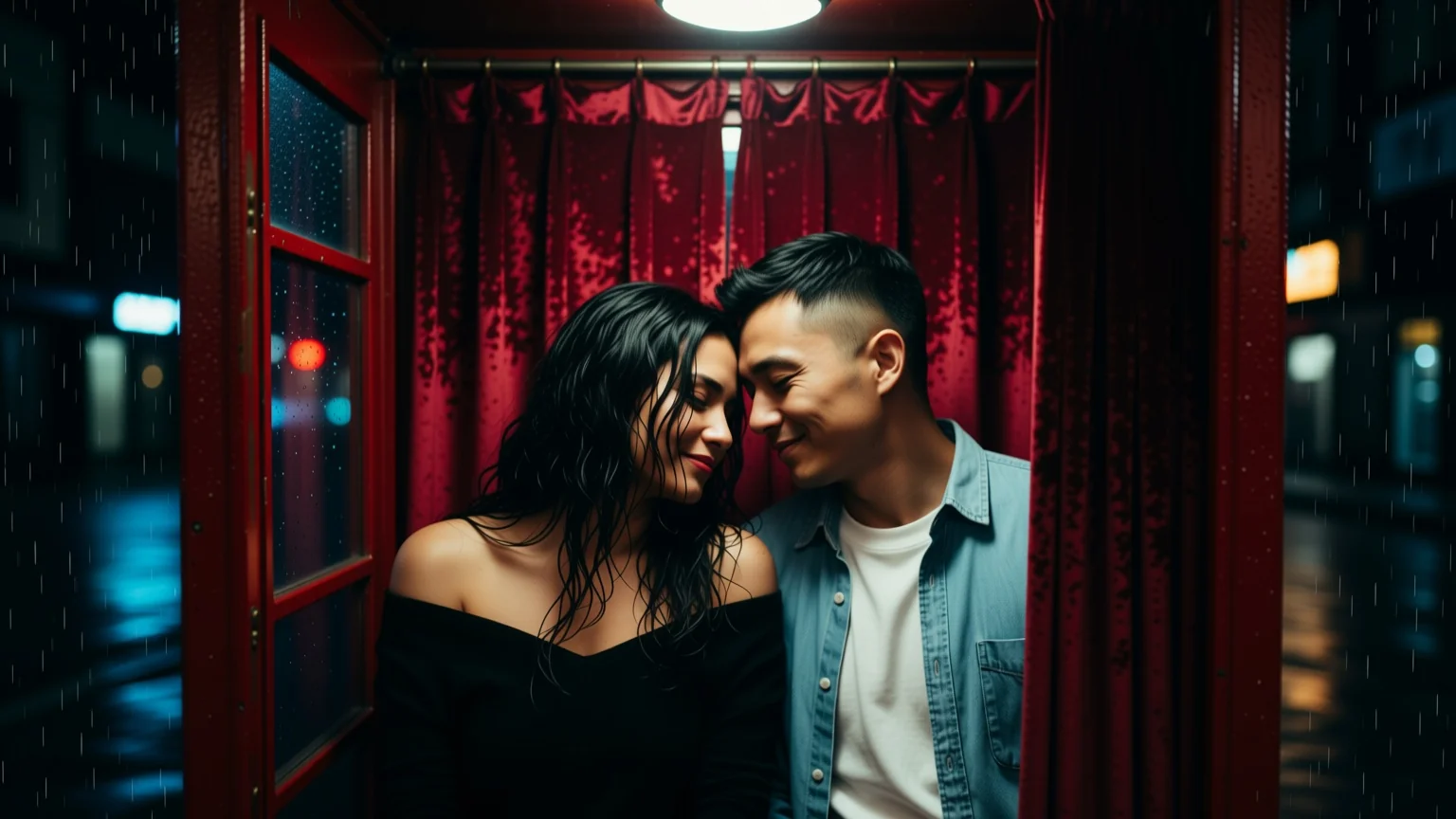
  • Photograph of a woman with short natural curls in a black velvet slip dress seated in a photo booth, lit by a hard flash against a red curtain
    Edit with a relighting LoRA at 1: new dress and booth-flash light.
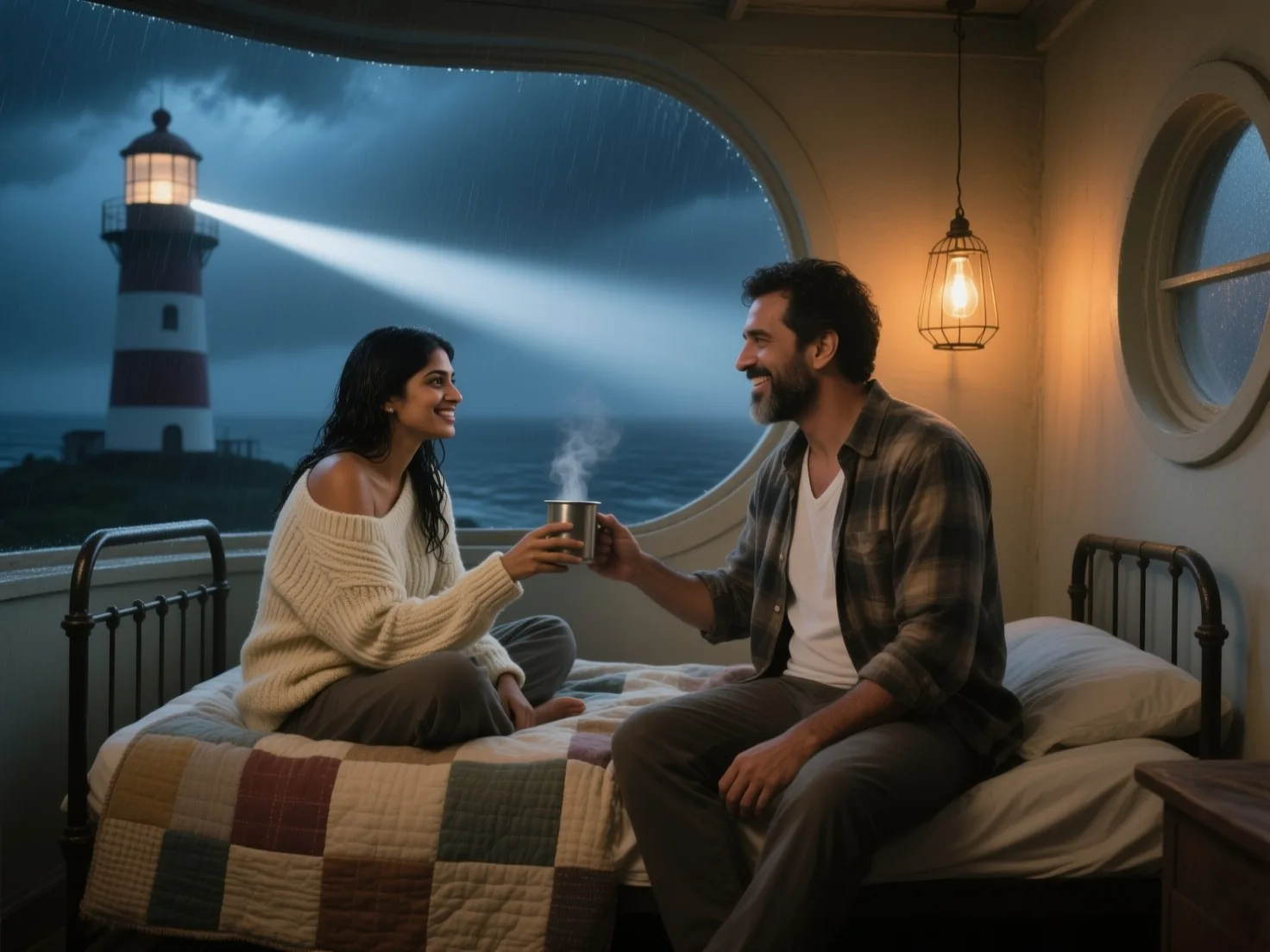
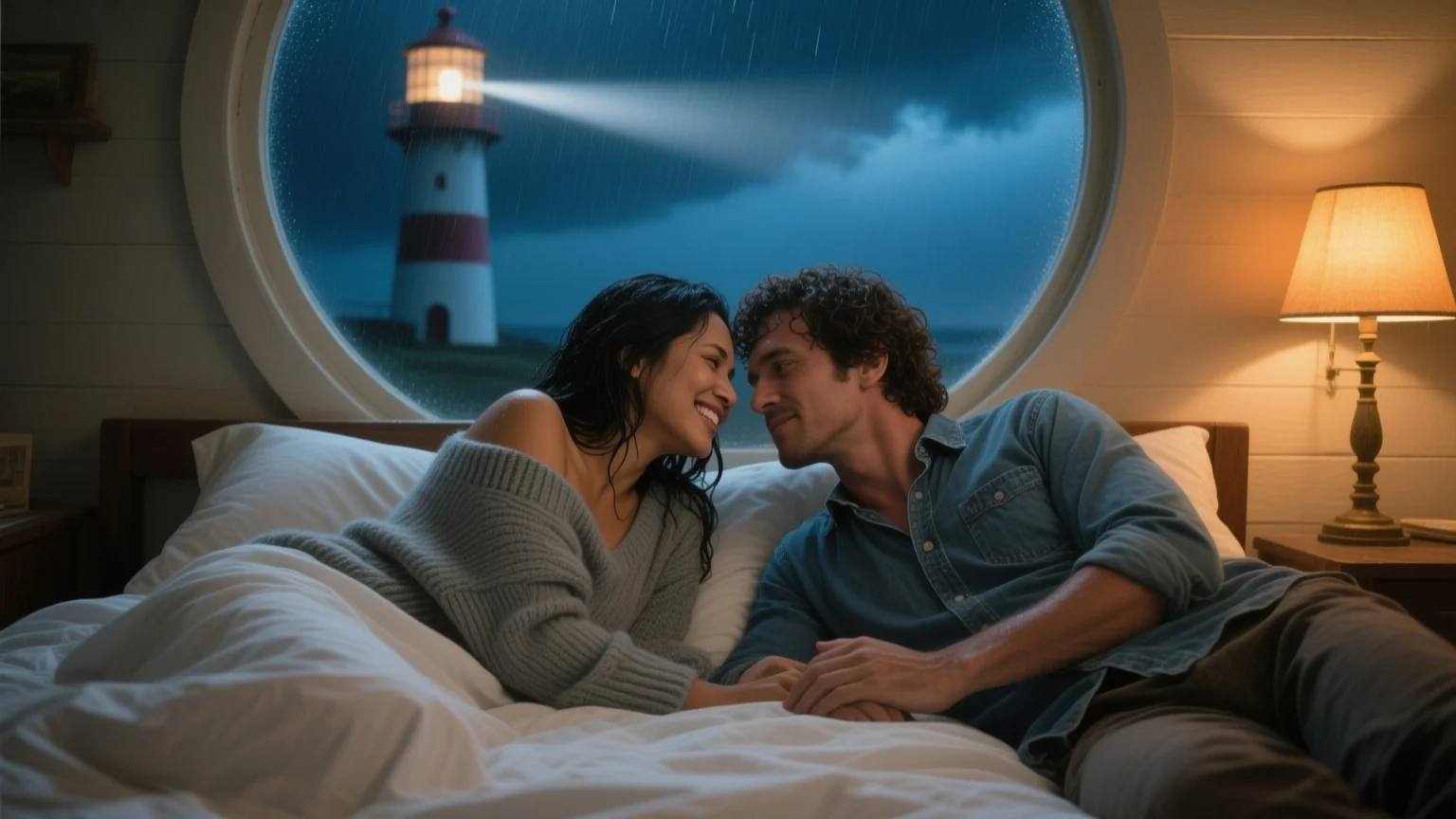
  • Photograph of a woman with rain-damp black hair in an off-shoulder cream sweater on an iron bed under a patchwork quilt, smiling as a bearded man in a flannel shirt hands her a steaming tin mug, a storm and a lighthouse beam outside
    Text-to-image without a LoRA, 4:3.
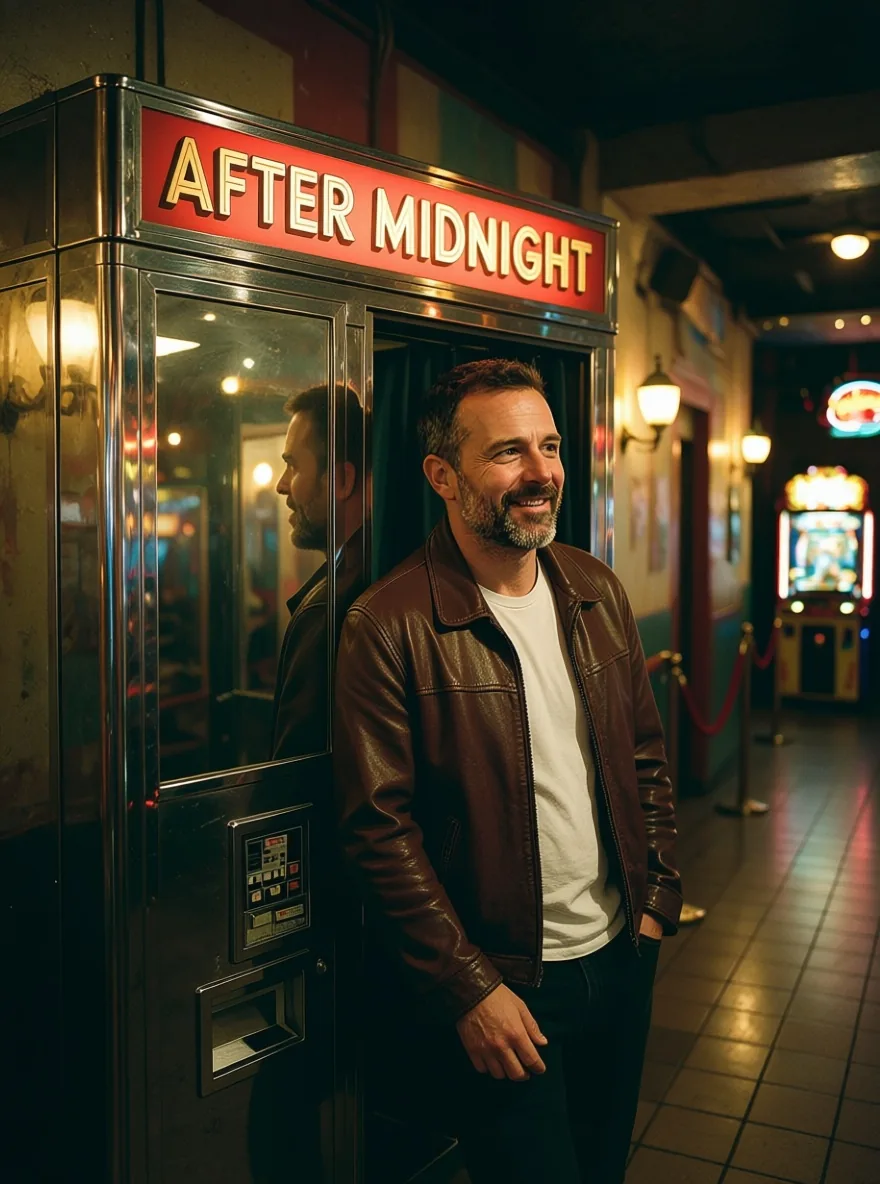
  • Photograph of a bearded man in a brown leather jacket leaning on a chrome photo booth whose red sign reads AFTER MIDNIGHT
    Edit without a LoRA: the sign rewritten in the same letters.
  • Flat-colour illustration of a woman with a silver bob in red silk painting her lips on a ferry-cabin bunk, a lighthouse beam in the porthole
    Text-to-image with a flat-colour LoRA at 1, 3:4.

Content test

Is Qwen Image 1.0 LoRA uncensored? What we tested

We ran each level on our live setup and checked every clip frame by frame. A pass means the content was actually on screen, not just that the request went through.

Content levels tested on Qwen Image 1.0 LoRA, by mode
LevelImage editingText to image
MildThe lightest prompts in the test
RendersTested Oct 9, 2026
ModerateWhere filtered models start to refuse
RendersTested Oct 9, 2026
StrongThe middle of the scale
RendersTested Oct 9, 2026
Very strongWhere most models start to hold back
Not tested yet
Not tested yet
MaximumThe top of the scale
RendersTested Oct 9, 2026

Renders: on screen as written. Softened: generated, but milder than what was written. Refused: rejected. Not tested yet: we have not run that level on that mode.

How each mode behaves

All modes
LoRAs work best when trained for the endpoint's base: Qwen-Image for text-to-image, Qwen-Image-Edit for editing. LoRAs from other Qwen-Image releases load but change the picture less predictably, and a LoRA for another model family, such as FLUX, does not bring its style. The file is fetched when the request runs, so a link that needs a login fails. Scenes with two people come back without refusal but stop short of the act. One image per request.
Image editing
One source image per request; to combine two or three, use Qwen Image Edit 2509 LoRA. By default the output follows the source's shape at about one megapixel; set aspect_ratio to reframe it to one of nine ratios.

Use cases

What to build with the Qwen Image 1.0 LoRA API

  • Style series from one base

    Pixel-art, flat-colour and vintage magazine LoRAs each turned a scene into one consistent look, useful for covers, game art and story panels.

  • Signs, labels and posters

    Lettering on boats, shopfronts and posters comes out readable, and the editing endpoint can rewrite a sign in place while the rest of the photo stays as it was.

  • Restore and relight photos

    Edit LoRAs for photo restoration and relighting turn a faded instant print into a clean photograph or put a hard booth flash on a portrait.

  • Uncensored stills and edits

    LoRAs load without review and neither endpoint filters the prompt, the source or the result.

Prompts

Qwen Image 1.0 LoRA prompt examples you can copy

Paste one into the playground as it is, then change one thing at a time.

  • Text to image

    The lighthouse keeper's room in a storm

    Cinematic film still inside the keeper's room at the top of a storm-lashed lighthouse at night. Rain hammers a small round window and the great beam sweeps past outside in slow white arcs. A 34-year-old Indian woman with rain-damp black hair sits cross-legged on a narrow iron bed under a patchwork quilt, wearing an oversized cream cable-knit sweater that has slipped off one shoulder; a 38-year-old Brazilian man with a short beard, his flannel shirt unbuttoned over a white undershirt, sits on the edge of the bed and hands her a steaming tin mug, their knees touching, both smiling. A bare bulb in a wire cage gives warm amber light against cold storm blue, 35mm film grain, shallow depth of field.

    Why it works. No LoRA: the base model alone, with the light written out as two sources, a caged bulb in warm amber against cold storm blue.

    Try this prompt
  • Image editing

    Velvet and flash in the photo booth

    Change her green satin dress into a black velvet slip dress and relight the photo as if the booth flash just fired: hard white light on her face and shoulders, a deep red glow from the velvet curtain behind her, crisp shadows on the chrome; keep her face, expression and pose.

    Why it works. A relighting LoRA at 1 handled the light while the prompt swapped the dress: the face, pose and booth stayed as they were.

    This mode starts from your own image: add it in the playground before you run.

    Try this prompt
  • Text to image

    Ferry deck, 1947

    Kubrick_Look, black and white, 1940s, magazine photograph on the windswept promenade deck of an overnight ferry: a 31-year-old Korean woman with finger-waved hair in a bias-cut satin evening gown with a low neckline, a fur stole slipping from one shoulder, leans back against the rail while a 36-year-old Black man in a double-breasted overcoat cups a match to light her cigarette, sea spray glittering in the deck lamps, a life ring on the rail lettered "S.S. MARGIT 1947".

    Why it works. A vintage magazine LoRA at 0.9 with its trigger words first. The life-ring lettering came out exactly as quoted in the prompt.

    Try this prompt

Pricing

Qwen Image 1.0 LoRA API pricing

One image starts at $0.03.

The playground shows the exact price for your settings before you run. Failed or timed-out tasks are usually not charged. Some models charge for content refusals as stated on their model page; check those billing terms before submitting.

See every price tier

Get started

How to use the Qwen Image 1.0 LoRA API in three steps

  1. Step 1

    Put lettering in quotes

    Qwen-Image keeps written words legible. Our ferry scene spelled "S.S. MARGIT 1947" on a life ring exactly as written, and on the editing endpoint a booth sign was rewritten in the same retro letters.

  2. Step 2

    Match the LoRA to the endpoint

    Text-to-image runs Qwen-Image and editing runs Qwen-Image-Edit. LoRAs trained for the matching base work best; LoRAs from later Qwen-Image releases load too, and a pixel-art LoRA made for Qwen-Image-2512 gave a clean pixel-art result here.

  3. Step 3

    Start at scale 1

    0.5 is a light touch and 1 is the LoRA's intended strength. The field goes up to 4; go past 1.5 only when a LoRA is clearly too weak.

Parameter reference and code samples are in the API and Readme tabs at the top of this page.

Why SpicyAPI

Why run Qwen Image 1.0 LoRA on SpicyAPI

  • No filter from us

    We add no content filter of our own. What the model renders is what you get back.

  • Tested, not guessed

    Content labels come from real generations we ran and checked, with the test date on the page.

  • Pay per result, in dollars

    No subscription and no credits. Failed or timed-out tasks are usually not charged. Some models charge for content refusals as stated on their model page; check those billing terms before submitting.

  • One key for every model

    One API key and balance cover image, video, audio and chat models, so you can explore more models from the same account.

FAQ

Qwen Image 1.0 LoRA API FAQ

About Qwen Image 1.0 LoRA

Qwen Image 1.0 LoRA puts Alibaba's original Qwen-Image and Qwen-Image-Edit behind your own LoRAs: up to three weight files per request, nine aspect ratios up to 1536 pixels, legible lettering, single-image edits and one flat price per image. Nothing is filtered.

Related models and next tasks