You have an adult character image you like. You want a short reaction, a slow turn, or a scene that moves without replacing the face. Searching for an uncensored AI image-to-video generator produces plenty of promises, but little help with the decisions that affect your first purchase: which version to use, what a clip costs, and whether “free” means a usable video or just a signup offer.
Start with Wan 2.2 Spicy for inexpensive five-second motion drafts. Choose Wan 2.2 LoRA when you have a compatible adapter to load. MiniMax H3 Spicy suits short character reactions with an optional prompt; Seedance 2.5 Spicy gives you longer takes and an audio switch. Run Wan locally in ComfyUI when controlling your own workflow matters enough to justify the hardware and setup.
These are five practical options, selected for different jobs, rather than a claim that five models were tested head-to-head. Four are hosted routes with both a browser Playground and an API; the fifth runs on your own machine. The comparison uses current public contracts and prices, published SpicyAPI examples, and earlier content tests. The prompt examples below are new shot ideas, not newly generated results.
The five choices, including the actual cost of a clip
The hosted prices are USD for output seconds at the listed resolution. They are not a fixed charge for any length of video, and equal resolution labels do not establish equal visual quality. The totals below exclude separately purchased source images and later editing or upscaling.
| Option | Choose it for | Length | Output tiers | Five seconds at 480p | What you need |
|---|---|---|---|---|---|
| Wan 2.2 Spicy | Low-cost short motion drafts | 5 or 8 s | 480p, 720p | $0.095 | Opening image and motion prompt |
| Wan 2.2 LoRA | Loading compatible Wan adapters | 5 or 8 s | 480p, 720p | $0.12 | Opening image, prompt; optional weight files |
| MiniMax H3 Spicy | Short reactions and optional ending frame | 3–15 s | 480p, 540p, 768p, 1080p | $0.19 | Opening image; prompt optional |
| Seedance 2.5 Spicy | Longer takes and optional generated audio | 4–30 s | 480p, 720p, 1080p, upscaled 4K | $1.08 | Opening image; prompt optional |
| ComfyUI with local Wan | Owning the model and workflow | Depends on workflow | Depends on model and workflow | No hosted generation fee | Suitable GPU, models, storage and setup |
If you just want to try the hosted options, open their task pages and use the Playground. You do not need to build an application first. API access becomes useful when you want the same generation step inside your own adult character product or a repeatable creative pipeline.
Local Wan and hosted Wan are separate choices. A local checkpoint can differ from a hosted Spicy build in training, adapters, speed, and output behavior. Sharing the word “Wan” does not make them interchangeable.
What the NSFW evidence actually tells you
An uncensored route can accept a request and still miss the scene. It can also create a more intense result than intended, change an outfit, or introduce another person. For adult creators, willingness and control are separate requirements.
The published Wan 2.2 Spicy review describes this distinction in its September 25 image-to-video tests: suggestive styling through higher-intensity adult scenes rendered, while the two strongest probe categories included softened results. Those categories tested different things, including graphic fictional scenes; they are not one interchangeable “NSFW” score. The inspected ladder clips used five seconds at 480p. That record does not establish how an anime image, a real photograph, a longer take or a different input will behave.
This supports trying the route for adult work, while setting limits on what the evidence proves. A permissive result can still have poor movement or editing continuity. Nor does a rendered scene reveal which filters another service runs internally. SpicyAPI forwards these routes without adding a platform content scan; the selected model still determines the returned scene.
For the original broader test context, see the published uncensored video comparison. Its older prices and coverage should not replace the current cost table above. For this purchase decision, the useful question is narrower: which route gives you the controls and price appropriate to the shot you want?
1. Wan 2.2 Spicy: start here for an inexpensive motion draft
Wan 2.2 Spicy image-to-video costs $0.019 per output second at 480p and $0.038 at 720p. A five-second draft is therefore $0.095; an eight-second 720p clip is $0.304. That makes it the least expensive hosted option in this five-choice shortlist at the settings compared.
Its main advantage is straightforward: you can spend little on deciding whether a still will animate usefully. For an adult companion character, a glance, a smile, or a small shoulder turn may be enough. You do not necessarily need a 30-second sequence or a high-resolution delivery file to judge that movement.
- Choose it when: the character and scene already exist in one image, five or eight seconds is sufficient, and you plan to add sound separately.
- Choose something else when: you need a longer continuous take, a native audio control, or your own LoRA files. The ordinary Spicy endpoint has no custom LoRA input.
Keep the first motion brief narrow. A starting idea for a fictional adult character in an opaque evening outfit is:
The adult character slowly turns toward the viewer and holds a warm, knowing smile. Her hair moves slightly in the breeze. The camera stays at the same distance. Keep the outfit and the single-person composition unchanged.

Illustration: a close portrait supports a small expression; a wider source gives a hand gesture somewhere to happen.
Earlier published Wan examples introduced a second adult from a solo frame. Count that as a creative failure if the brief asks for one person; extra intensity is not an automatic improvement.
The optional closing-frame input is useful when you already know where the shot should land. It does not control every movement between the two frames. Use a coherent ending image: the same character, outfit, room and camera position. A radically different final pose can make the transition harder rather than more precise.
2. Wan 2.2 LoRA: choose it for an adapter you can actually use
Wan 2.2 LoRA image-to-video costs $0.024 per second at 480p and $0.048 at 720p. Five seconds costs $0.12 or $0.24 respectively. The reason to pay the difference over ordinary Spicy is custom adapter control, not a guaranteed improvement in character consistency.
The route offers separate high-noise and low-noise LoRA inputs, plus a slot that applies weights to both experts. Each slot accepts up to three files with a scale from zero to four. File compatibility matters more than how many you can attach: a character adapter, motion adapter and style adapter can pull in different directions.
An adult creator might have a recurring fictional character adapter and want that character's look in multiple clips. Start with the matching adapter and its documented placement and trigger words. Keep the first-frame image recognizable before loading it. An adapter cannot reliably recover a face that is tiny or blurred in the source.
- Choose it when: you already have a Wan-compatible adapter, know whether it targets the high-noise or low-noise expert, and want to compare its effect against a baseline.
- Skip it initially when: you only want a one-off animated portrait or have a weight file trained for another model. Paying for a LoRA endpoint is not the same as supplying a useful LoRA.
Use a fixed, nonzero seed for an adapter comparison, with the same image, prompt, duration and resolution. Generate once without the file and once with it. Check the feature the adapter is supposed to change: a particular face, visual style or movement. A new output file alone does not prove that the adapter loaded or helped.
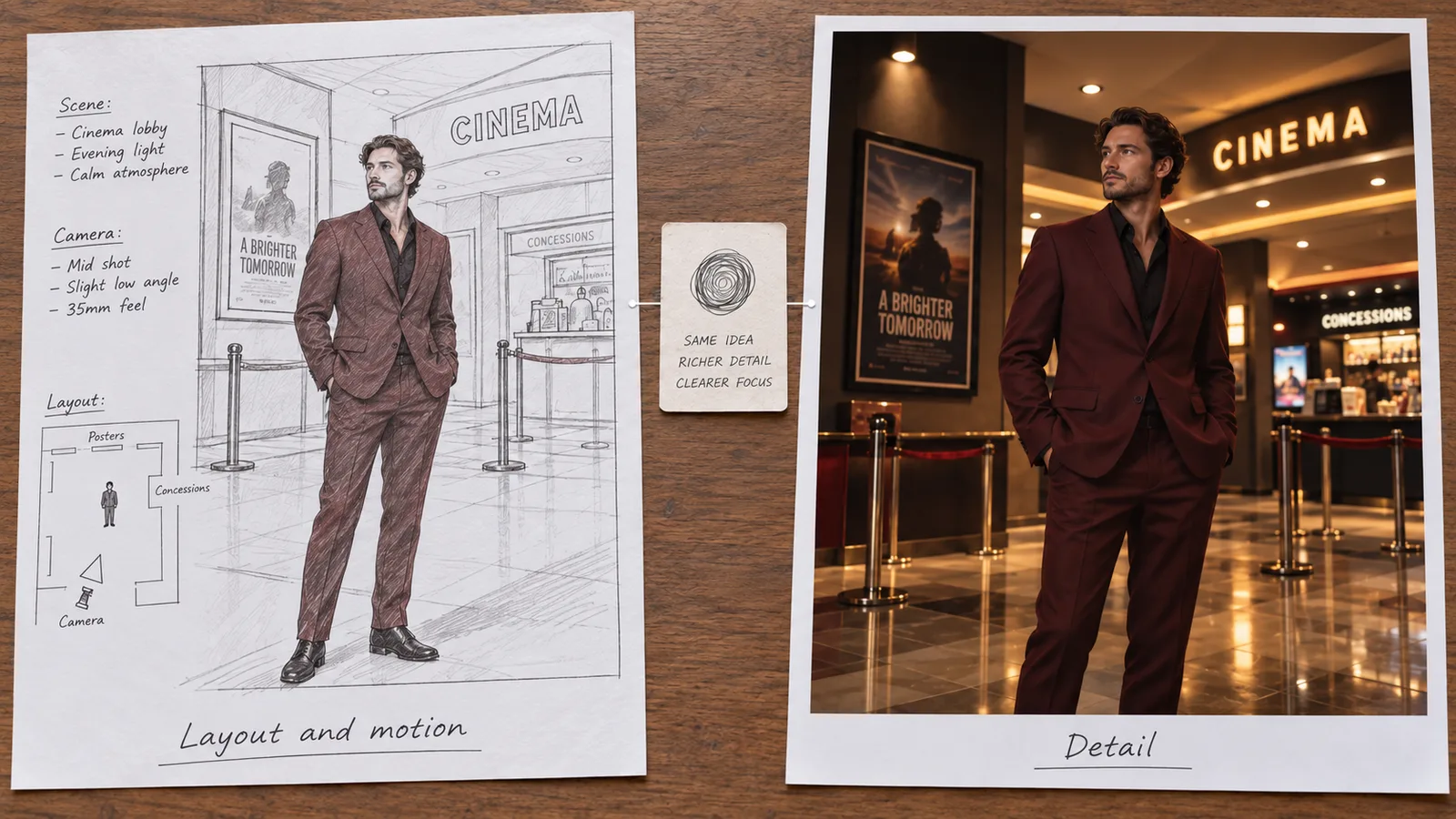
Illustration: Wan's two experts have different jobs. Use an adapter in the slot its own documentation specifies.
Do not put a high-noise-only adapter into both slots simply to make it stronger. Follow its model card first. If likeness worsens, lower the adapter's influence or remove competing adapters before adding more identity adjectives. If the file cannot be fetched, check that the URL points to the actual downloadable weights rather than a model page requiring login.
The Wan high- and low-noise slot guide explains this split in more detail. This option earns its place for control over compatible files; the earlier adult-scene probes give no basis for claiming it goes further than the ordinary Spicy route.
3. MiniMax H3 Spicy: useful for short character reactions
MiniMax H3 Spicy image-to-video accepts a starting image without requiring a text prompt. It offers three to fifteen whole seconds and an optional closing frame. At 480p, a three-second reaction costs $0.114 and a five-second clip costs $0.19.
That makes it worth considering when your adult character's pose already suggests the motion: looking up from a chair, turning slightly, or settling into eye contact. A prompt-free request leaves the movement to the model. Add direction when you need a specific reaction for a conversation or story beat.
For a fictional adult male character seated in a lounge, a shot idea could be:
He closes the book, looks up toward the viewer and gives a small smile. Keep the fitted shirt, face and chair recognizable. Hold a steady medium shot. Soft room ambience, no dialogue.
The source should already show the book and hands. Otherwise the video model must invent the object and the interaction as well as animate the expression.
- Choose it when: a short reaction, an optional prompt or a planned ending is useful, and the supported three-to-fifteen-second range fits.
- Avoid treating it as: a guarantee that an adult character stays inside a chosen intensity or wardrobe boundary. The starting picture anchors the shot but does not freeze it.
There is a concrete warning in the existing first-frame workflow test: the first H3 Spicy output changed the wardrobe beyond the intended public fashion scene. A tighter retry preserved the opaque outfit with less movement. The accepted H3 retry and Seedance clip used different prompts, so that example cannot establish a fair quality winner. It does establish a useful failure mode: more permissive generation can also mean unwanted creative changes.
H3's price rises with the output tier: five seconds costs $0.285 at 540p, $0.42 at 768p and $0.76 at 1080p. Its public task page describes 768p as the native canvas and 1080p as enlarged output. Pay for that larger file when the delivery requires it, after the movement works; do not assume the larger tier repairs an incorrect face or hand.
4. Seedance 2.5 Spicy: choose it when length or sound matters
Seedance 2.5 Spicy image-to-video accepts a first frame, an optional ending frame and an optional prompt. It supports four to thirty seconds and a generated-audio switch. These are practical reasons to shortlist it for an adult story scene that needs more time than a reaction loop.
The price difference is substantial. At 480p, five seconds costs $1.08 and thirty seconds costs $6.48. At 720p, those totals become $2.16 and $12.96. The audio-on and audio-off variants currently have the same listed rate at each resolution, so turning sound off does not make the clip cheaper.
This is not evidence that Seedance looks better than all cheaper routes. It means you are paying for a different available envelope: longer takes, native output through 1080p, and an upscaled 4K option. The 4K tier costs $2.16 per second, so a thirty-second output is $64.80 before any other creative work. That is an expensive place to discover your first frame cannot support the requested movement.
- Choose it when: a longer uninterrupted shot or generated sound is necessary, and you have already approved the starting composition.
- Keep the test short when: you are still deciding the character's movement. Use four or five seconds before committing to a long take.
For an adult-fiction scene between two clearly adult, fully clothed characters, keep their relative positions visible in the still. A restrained motion brief might ask one to turn toward the other while the camera holds its framing. If hands, faces and overlapping silhouettes are already confusing in frame one, extra duration gives the model more opportunities to reinterpret them.
The outfit-drift guide covers a recurring adult-creator problem: wanting a suggestive mood while keeping a chosen costume. A longer supported duration is useful only if the content stays usable across that duration. If the face or outfit drifts late, divide the scene into shorter shots rather than spending more on the same unresolved take.
5. Local ComfyUI and Wan: no hosted fee, with real requirements
Local generation is the meaningful “free” option here if you already own suitable hardware: the software and downloaded weights do not require a payment for each generation. Electricity, hardware, storage and your time still cost something. Renting a GPU is paid compute, even when the checkpoint itself is free.
Illustration: local generation removes the hosted fee; the hardware, power and maintenance still belong to someone.
Start from the official ComfyUI Wan 2.2 tutorial, which separates the 5B hybrid workflow from the 14B image-to-video workflow. ComfyUI describes its native offloading setup for the 5B model as suitable for 8 GB VRAM. That is a statement about that workflow, not a universal minimum for all Wan models, resolutions or adapters.
The Wan publisher's repository gives different requirements for its own implementation, including at least 24 GB VRAM for the demonstrated 5B command and 80 GB for its full 14B examples. Quantization and offloading can change the practical requirement. Choose a complete workflow that matches your hardware rather than combining the smallest memory claim with the largest checkpoint.
- Choose local generation when: you want control over the weights and workflow, can maintain the installation, and have a suitable machine available.
- Choose hosted generation when: your immediate goal is a few finished clips, you are on a phone or laptop without suitable hardware, or setup and render time matter more than avoiding a generation fee.
The practical starting sequence is to install or update ComfyUI, load its official Wan image-to-video template, download the exact models named by that template, and run a simple clothed character image before adding custom adapters. Confirm a video saves and plays. Then change the prompt and input to the adult creative task you actually need.
A missing-node error is an installation issue; a completed mild result is a different problem. In a Wan community help thread, a user running the 5B model asked why their adult prompts did not work and whether a specific version was needed. That is a real demand for checkpoint guidance, not proof that a particular downloaded merge will solve every scene.
Local control also does not mean unlimited clip length. Frame count, model behavior and memory still constrain each generation. Extending from a last frame creates another generation and can accumulate identity drift. If you need a finished thirty-second sequence, several separately approved shots may be easier to edit than one continually extended take.
For keeping work local, inspect the workflow itself. Downloading weights from the internet is different from sending your prompt or image to a remote node. Avoid cloud prompt expansion and external media-processing nodes when the project must remain on your machine. “ComfyUI” names a workflow tool, not a blanket guarantee about every node somebody puts inside it.
How much should you budget before choosing a route?
Compare the cost of a small set of attempts, not just the least expensive single call. For ten five-second drafts at 480p, the listed totals are $0.95 on Wan 2.2 Spicy, $1.20 on Wan 2.2 LoRA, $1.90 on H3 Spicy and $10.80 on Seedance 2.5 Spicy. Ten attempts are a budgeting example, not a predicted number of retries.
If only four of those ten clips suit your brief, divide the spend by four usable clips. Wan Spicy would average about $0.24 per usable clip; Seedance would average $2.70. The assumed four successes are not measurements, but the calculation explains why a completed file that changes the character still matters financially.
Switching models or resolution generates a new result, even after a cheap draft helped you approve the direction. Budget for reviewing that final take.
Web tools need the same arithmetic. A credit pack tells you the cost of a credit, not the cost of a video. Older recommendations describe ZenCreator as having no API and very few content restrictions, but its public API documentation now exposes programmatic access, while its content policy prohibits advanced adult content. It is not a suitable recommendation for that unrestricted brief. Neither a product's name nor a free signup offer overrides the selected service's rules.
Make the first still suitable for the motion
Use a recurring fictional adult character, or an adult whose permission covers the intended processing. For a companion reaction, a medium portrait with visible shoulders and hands is more useful than a glamorous face crop that leaves no room for the planned gesture.
The following is a creative plan, not a tested recipe:
- Prepare one clear still of the adult character in the intended outfit, location and final aspect ratio. Remove obvious face and hand errors before animation.
- Pick one beat: look up and smile, turn slightly, or lean toward the viewer. Keep it compatible with the pose already shown.
- Use five seconds at 480p for the first hosted draft. Add a camera instruction only if camera movement is part of the result you want.
- Watch the beginning, middle and ending. For a reaction library, reject takes that change the face, add people, or alter the intended content level.
- Make the final size or duration choice after the shot works. Review the new output again before delivering it.
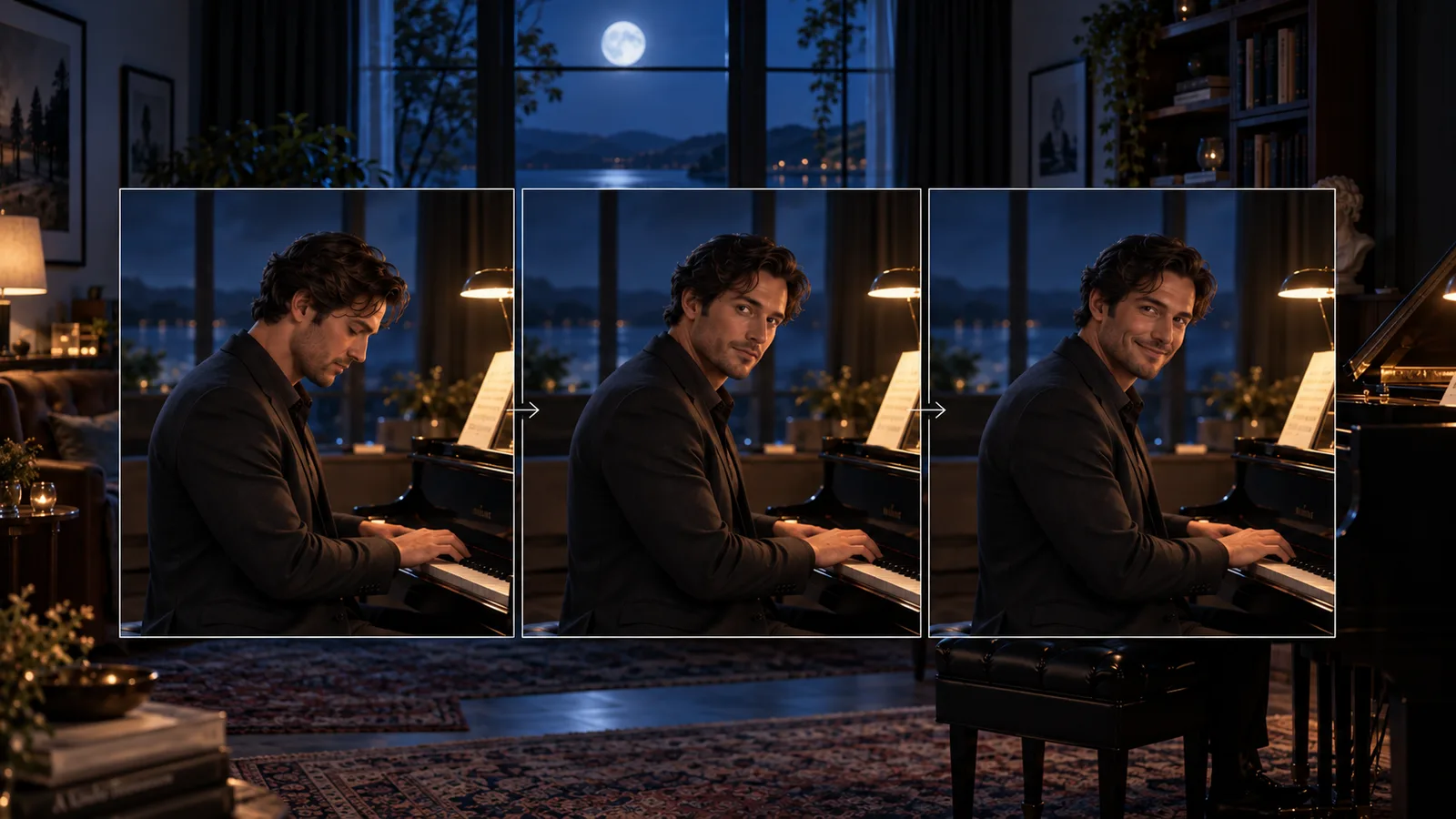
For three reactions from one character, start each from the same approved still rather than feeding the previous clip's last frame into the next unrelated reaction. The latter carries any accumulated changes forward. It is useful for continuation, but it is a poor default for an independent greeting, amused look and quiet pause.
The Runway image-to-video prompting guide offers the relevant general principle: let the image supply the appearance and let the text describe what moves. That prompting advice does not imply Runway supports the same adult content as the routes above.
When something goes wrong, change the right part
| What happened | Useful next step |
|---|---|
| The image never uploads or the API cannot download it | Fix the file or accessible asset URL. Rewording the scene does not repair media access. |
| The video opens correctly but the face drifts during a turn | Try a smaller turn or shorter shot; improve the source face before increasing resolution. |
| An adapter produces no intended change | Check its base model, slot, file URL and trigger words against its own documentation. |
| The clothing or content becomes more intense than intended | Keep preservation instructions specific; reduce the movement or try a route with less unwanted escalation. |
| The result is mild but the task completed | Treat it as a model-behavior miss, not proof that a hidden frame filter removed the scene. |
| The output file is corrupt or incomplete | Inspect the returned error and file before attributing it to NSFW restrictions. |
For API users, save the task ID returned at submission. If the response is lost, use the same idempotency key for a retry or look up the existing task; creating another job can create another billable generation. The SpicyAPI quickstart covers submission and output retrieval. This shortlist is about choosing a creative route, so it does not duplicate a polling script for every model.
Questions before the first purchase
Is there a genuinely free uncensored image-to-video generator?
Local Wan can run without a hosted generation fee on hardware you own. That does not eliminate compute and setup costs, guarantee every adult scene, or create unlimited long videos. Treat web trial credits as a limited offer until the actual generation and download conditions are clear.
For your first short reaction, use Wan 2.2 Spicy and a still you have already approved. Move to Wan LoRA for a specific compatible adapter, H3 for its reaction-length and optional-prompt workflow, or Seedance for the longer take and audio controls. Choose local Wan when maintaining your own model stack is part of the project. Those are concrete reasons to switch; a louder “no restrictions” slogan is not.