Night Pool Light AI Photo Generator: Afterglow Pool

Effects
Afterglow Pool

Afterglow Pool

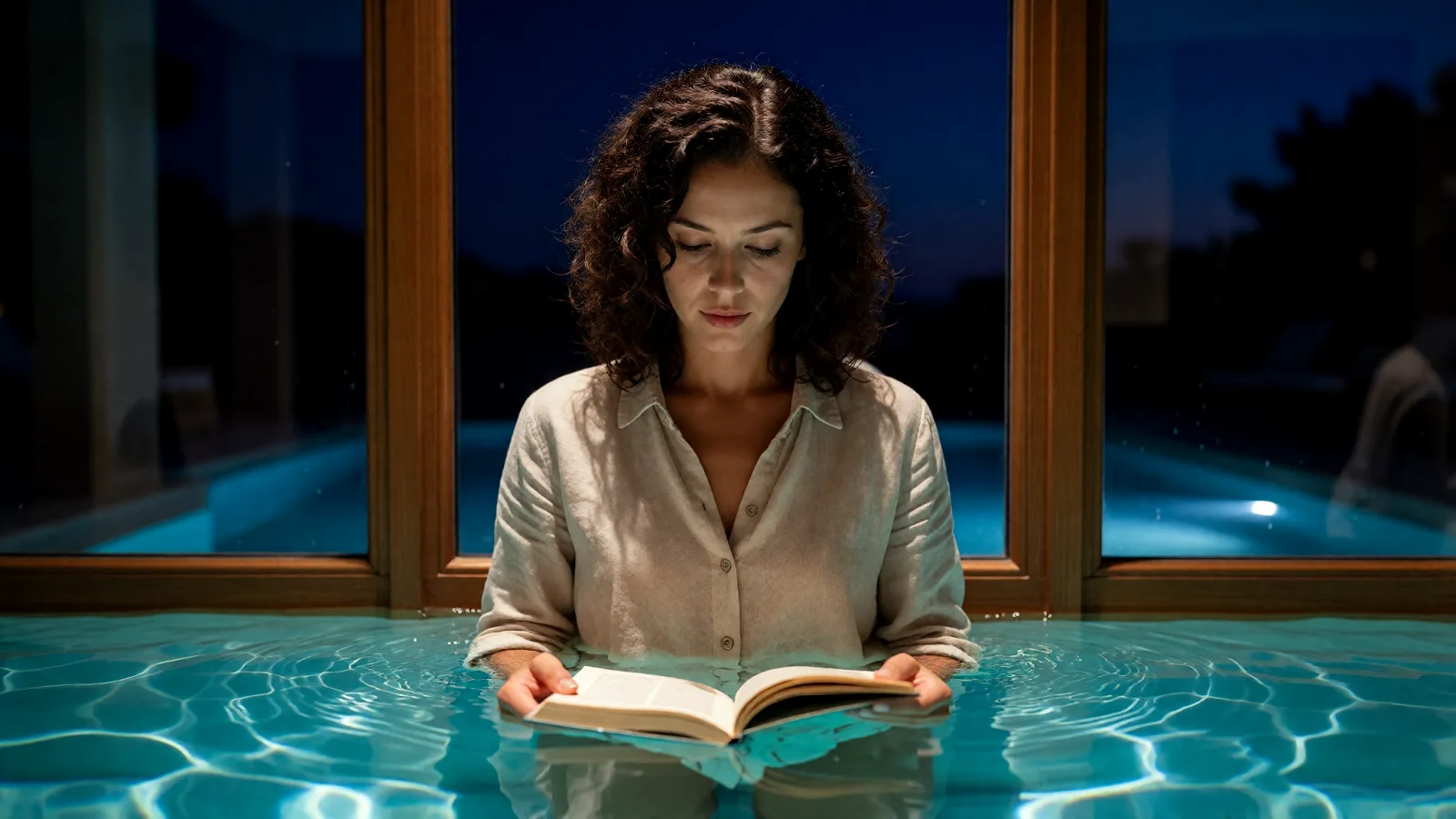
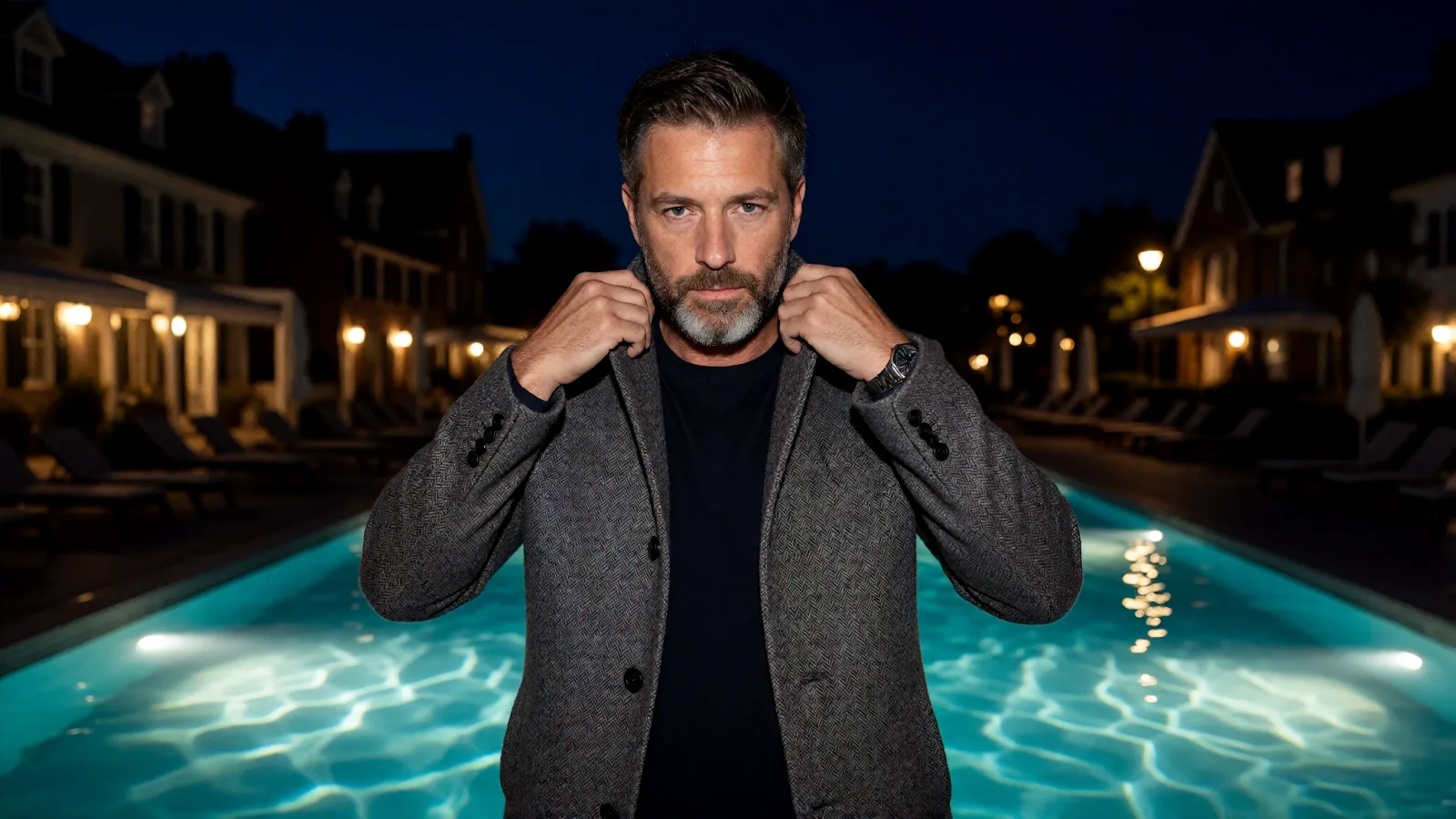
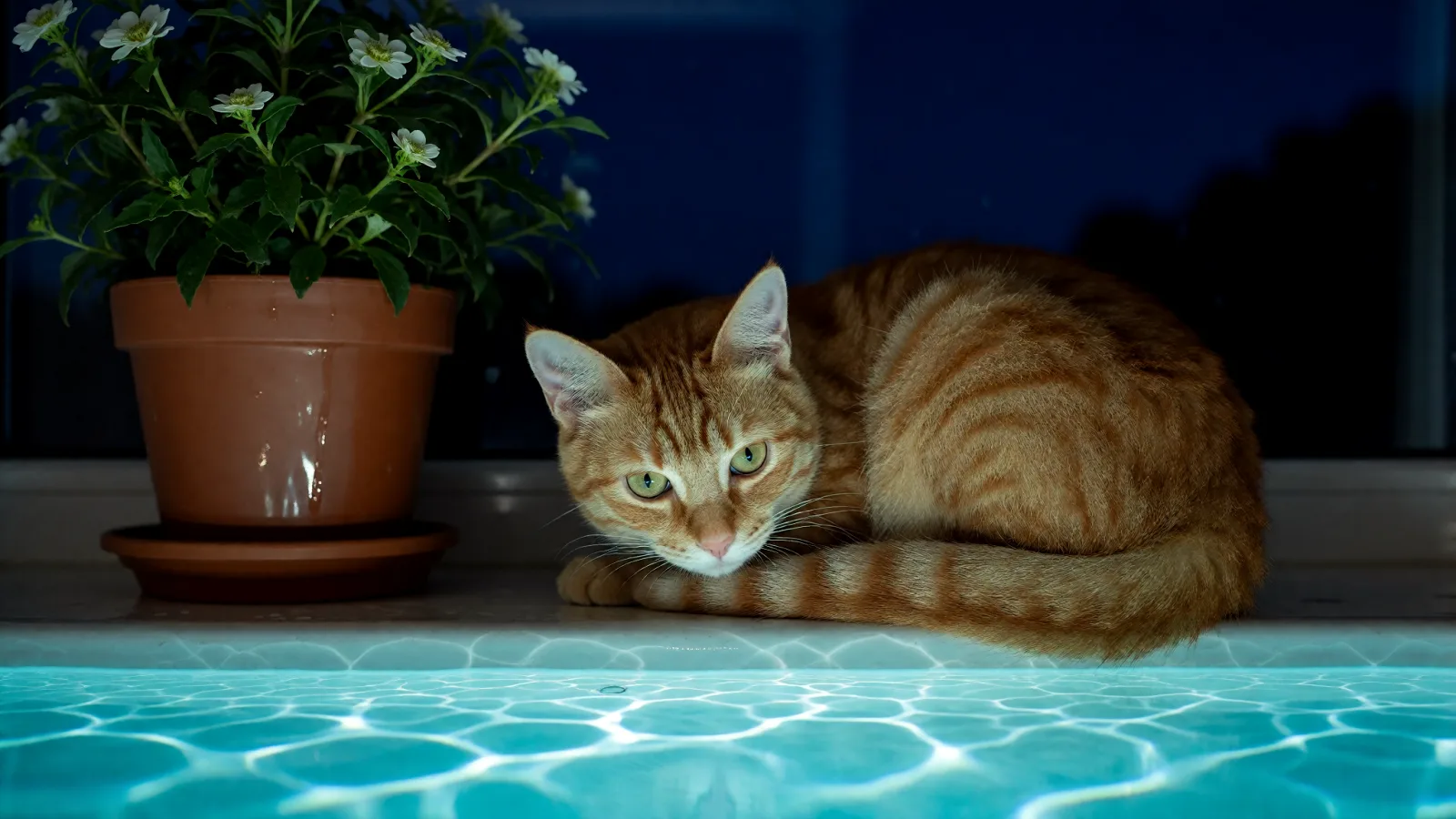
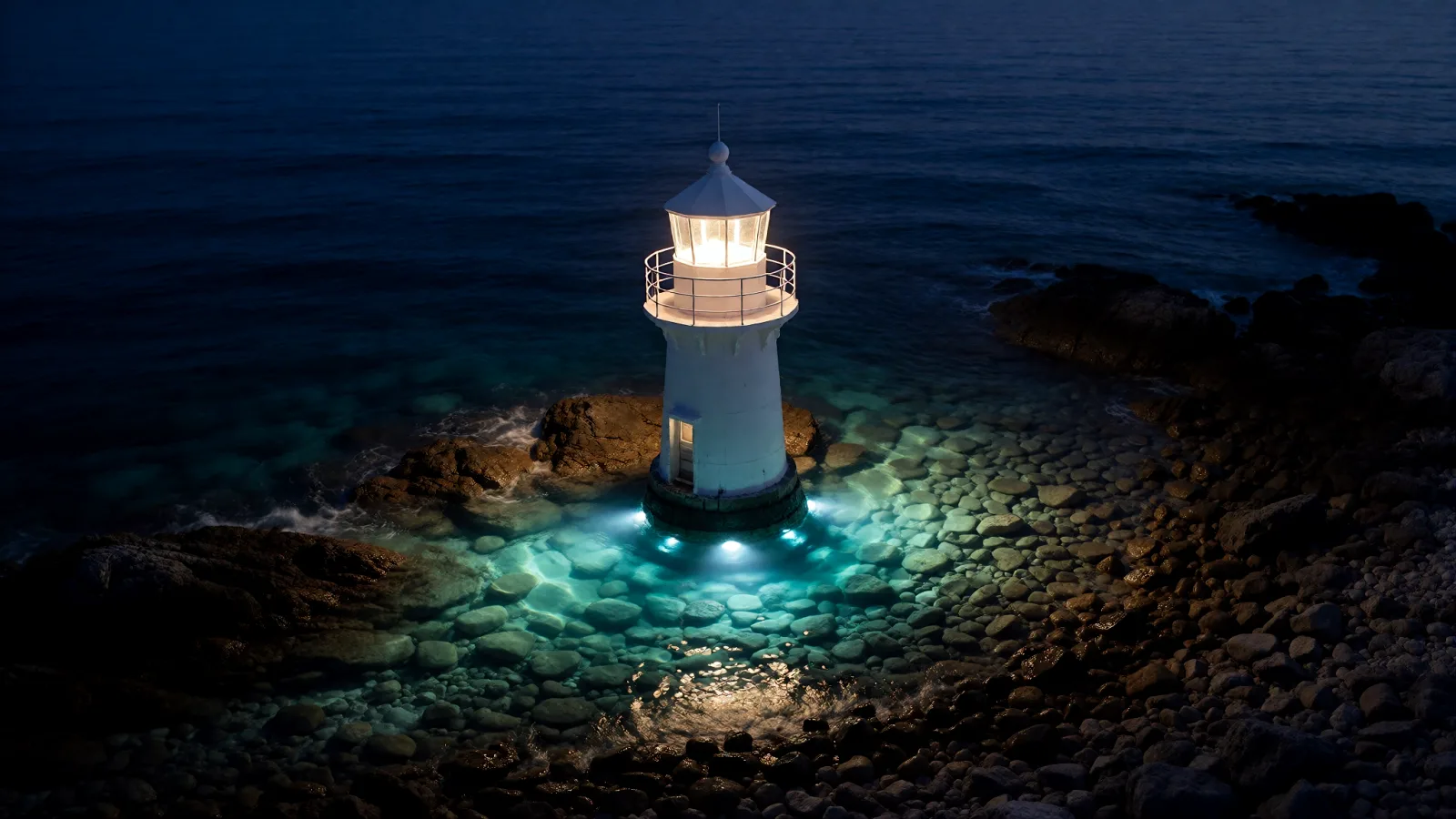
A summer night lit from below by turquoise pool light: rippling caustics on every surface, deep indigo all around, glossy highlights, calm symmetry.

Works on

  • Seedream 5.0 ProBest$0.036 / image
  • Z-Image Spicy Pro$0.019 / image
  • Z-Image Spicy$0.013 / image
  • Qwen Image 2$0.035 / image
  • + 19 more models

Related styles

Same person, same prompt — only the style changes

2000s Digicam
After Midnight Flash
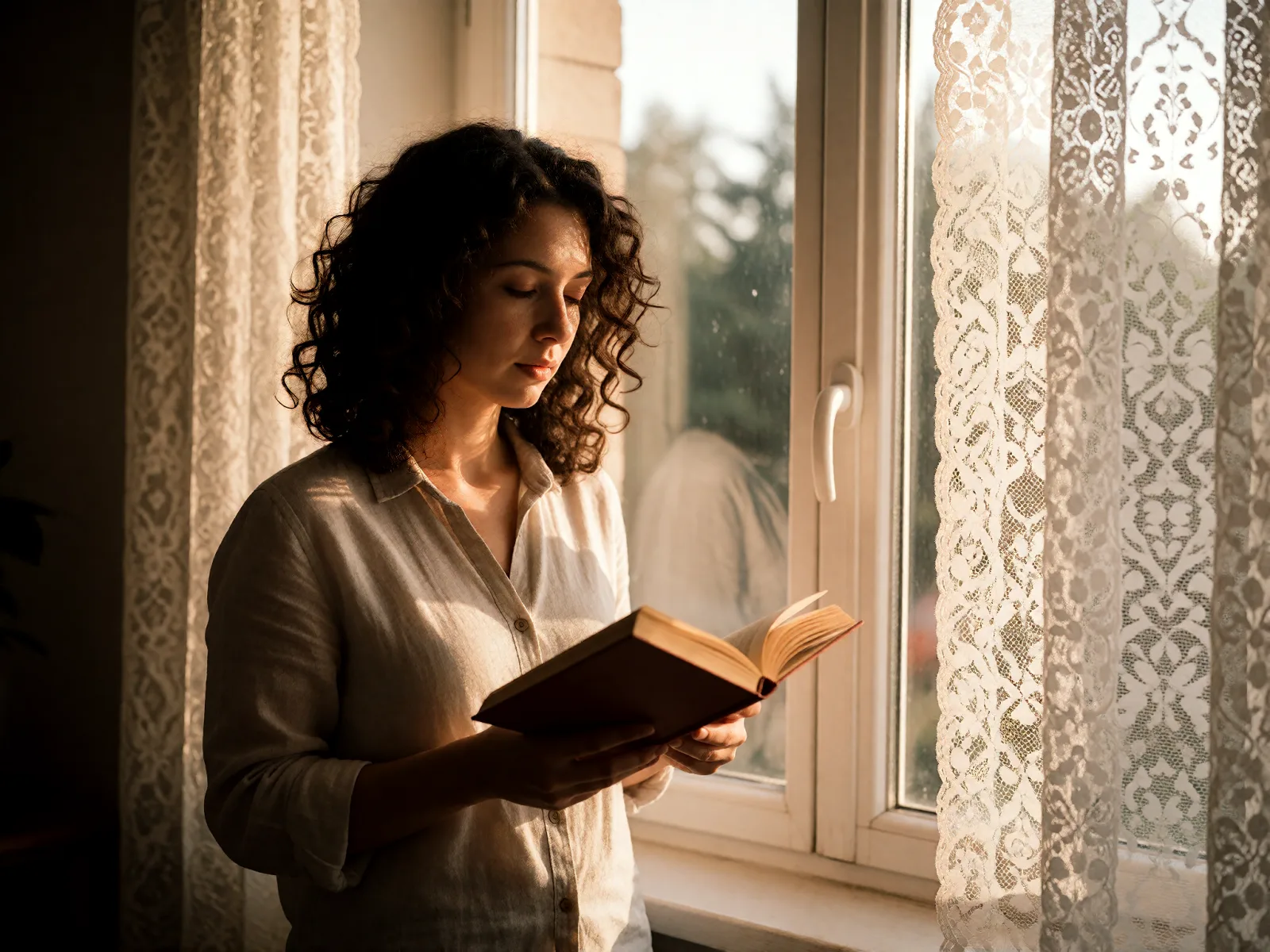
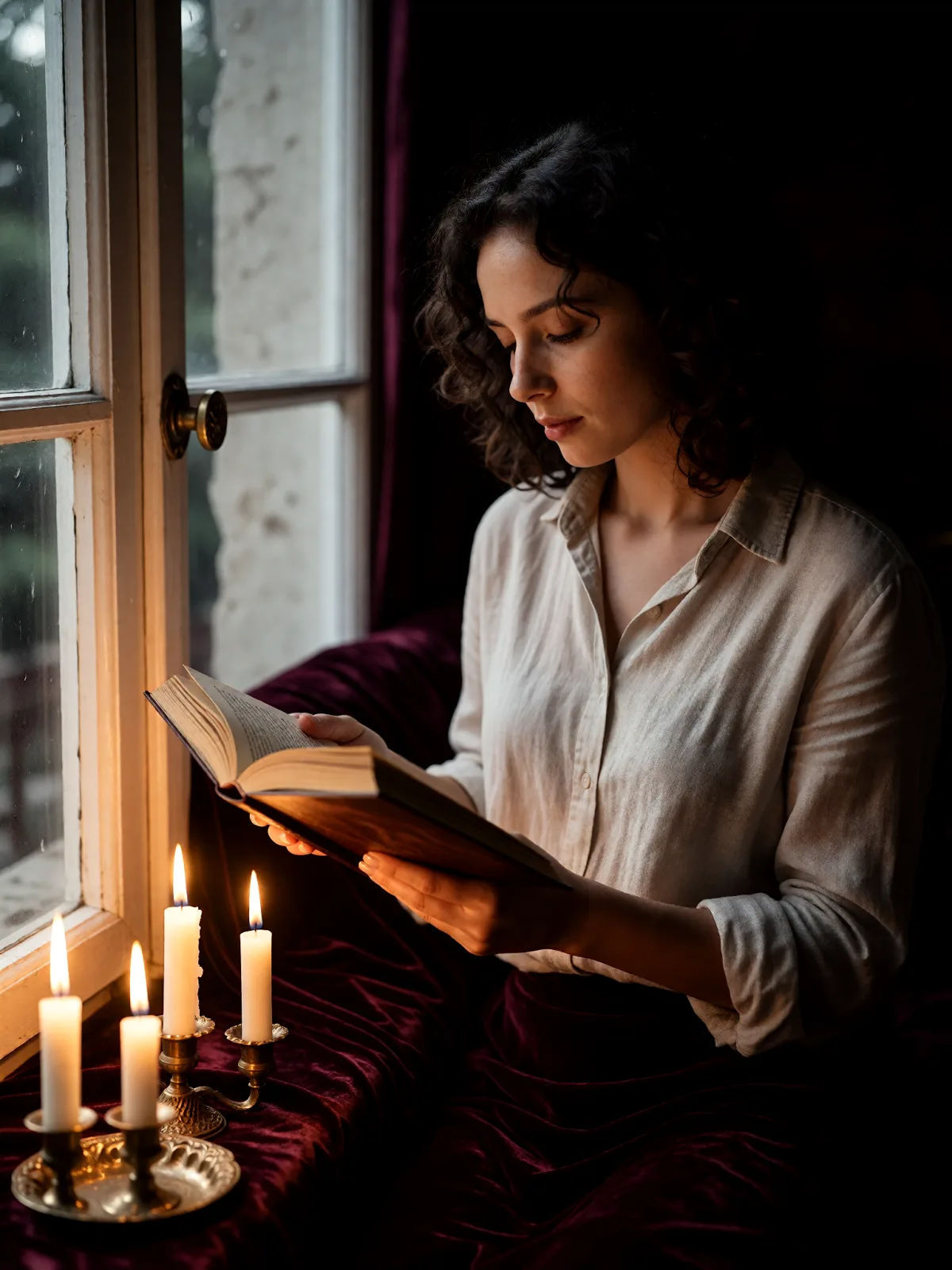
Candlelit Velvet
Cinematic Gothic
Late-Night Hotel
Late-Night OVA
Moonlit Voile
Neon After Rain
After-Con Neon
Afterglow Pool
Airbrush Pin-up
Blush Neon
Brass Reflections
Manhwa Action
Instant Film
Sign up to generate

We never filter your prompt.

A summer night lit from below by turquoise pool light: rippling caustics on every surface, deep indigo all around, glossy highlights, calm symmetry.

Category
After Dark
Works on
23 models
Price
From $0.01 / image
Suggested frame
16:9
Your own photo
Text only

Same subject, with and without it

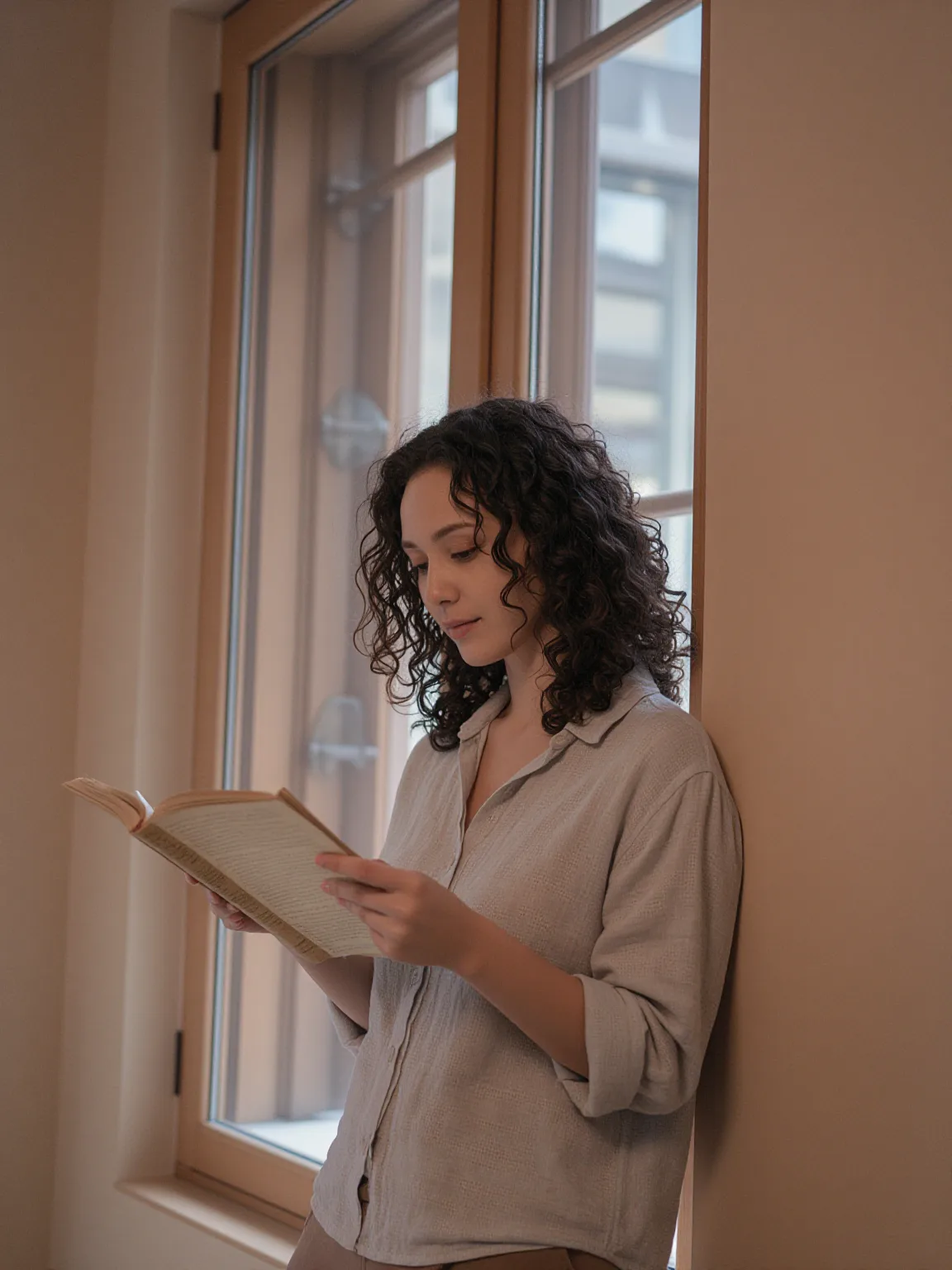
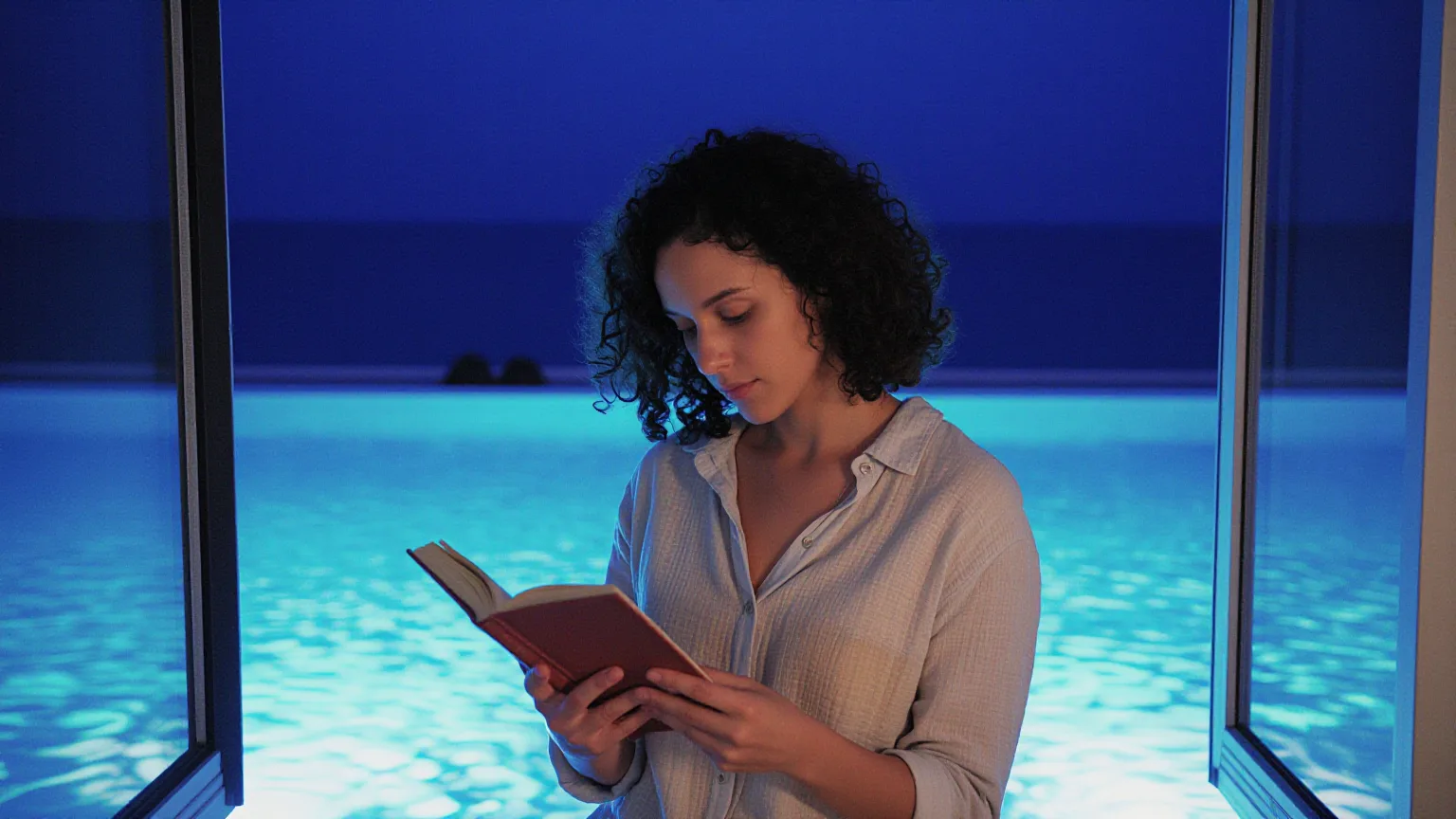
Each pair is the same sentence on the same model. The left frame has no style; the right one is Afterglow Pool. That gap is what the style adds.

  • The test subject with no style, made with Z-Image Spicy Pro
    No style
    Sample in the Afterglow Pool style, made with Z-Image Spicy Pro
    With Afterglow Pool

    Z-Image Spicy Pro

  • The test subject with no style, made with Z-Image Spicy
    No style
    Sample in the Afterglow Pool style, made with Z-Image Spicy
    With Afterglow Pool

    Z-Image Spicy

  • The test subject with no style, made with Z-Image Spicy Pro
    No style
    Sample in the Afterglow Pool style, made with Z-Image Spicy Pro
    With Afterglow Pool

    Z-Image Spicy Pro

  • The test subject with no style, made with Z-Image Spicy Pro
    No style
    Sample in the Afterglow Pool style, made with Z-Image Spicy Pro
    With Afterglow Pool

    Z-Image Spicy Pro

Samples

The same fixed test subjects run through every style, so you see what Afterglow Pool does rather than what the subject brings.

  • Sample in the Afterglow Pool style, made with Z-Image Spicy Pro
    Z-Image Spicy Pro
  • Sample in the Afterglow Pool style, made with Z-Image Spicy Pro
    Z-Image Spicy Pro

About Afterglow Pool

Afterglow Pool is the hour after the party has moved inside. The only light left rises from the water: turquoise, rippling, throwing slow caustic patterns across walls, glasses, fabric and anything close to the edge. Everything beyond the pool sinks into deep indigo, highlights turn glossy, and the frame settles into a calm, nearly symmetrical balance. Nothing hurries here. The air is still warm, the night is long, and the water keeps drawing its moving nets of light.

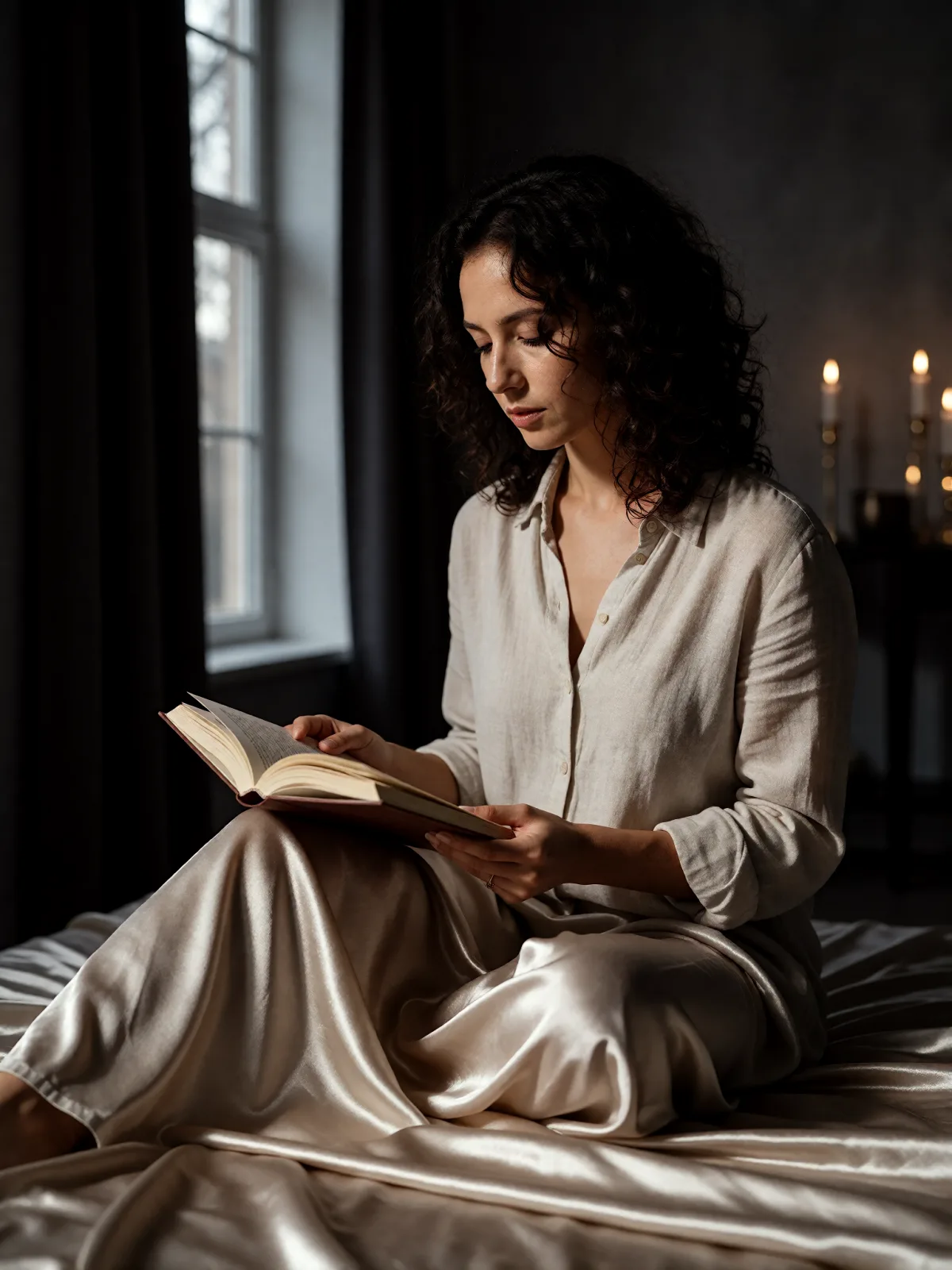
You write the subject; the style brings the pool and the night. It works on whatever you give it: a woman reading by a tall window with the pool glowing behind her, a man in a wool coat on the far side of the water, a ginger cat curled on a ledge above the lit tiles, a lighthouse whose rocks catch the same turquoise glow. Because the light comes from below, it lands where daylight never does, and familiar shapes look new and a little secretive.

Use it for summer campaign images, music and playlist covers, villa and hotel mood shots, short-story art and wide headers that should feel private and unhurried. For magenta neon on wet streets, use Neon After Rain; for a lamp-lit room at two in the morning, Late-Night Hotel; for a figure half hidden behind fogged glass, Steam & Glass.

The frame is widescreen 16:9. After Dark looks are text-to-image only. This one runs on Z-Image Spicy Pro, with Z-Image Spicy as a second option; both are uncensored models, and we never filter your prompt.

Subjects to paste as they are: “a woman in a silk robe sitting on the edge of the pool”, “a man in a linen shirt with his feet in the water”, “two glasses of wine and a folded towel on the pool steps”. Keep some water in the frame: it is the only lamp this look needs.

Tips that make it land

  • Put water in the scene: “at the edge of the pool”, “on the pool steps”, “beside a lit swimming pool”. Without it, the light has nowhere to come from.
  • Keep your subject close to the edge. The rippling caustics only reach what sits near the water, and that is where the glow is strongest.
  • Glossy and pale materials catch the turquoise best: silk, wet tiles, glass, polished stone.
  • Want more colour contrast? Add “string lights in the distance” or “a lamp glowing in a window behind”; a little amber makes the blue look deeper.
  • Leave room around the subject. The wide frame and the indigo edges are what make the pool feel quiet and private.

The prompt it sends

Your sentence goes where {subject} sits. Everything around it is the style. Nothing is hidden, and we never filter your prompt.

{subject}, night lit from below by turquoise pool lights, rippling caustic patterns, deep indigo surroundings, glossy highlights, calm symmetrical framing, slow drifting summer-night atmosphere
Use Afterglow Pool now

Prompt ideas for Afterglow Pool

Scenes from our prompt library that suit this look. Borrow the idea as your subject line; the style adds the rest.

Romance

Architecture & interiors

Models it works on

Every model below was tested with this style. The price is per image and shows on the Generate button before you run.

How to use Afterglow Pool

  1. 01

    Write who or what

    Write one plain sentence for your Afterglow Pool image: who or what is in it and what is happening. The style brings the light, color and medium, so leave those out.

  2. 02

    Keep Afterglow Pool on

    It is already selected at the top of this page and lands best on Seedream 5.0 Pro, the model it was tuned on. It builds the whole scene from your text.

  3. 03

    Generate

    From $0.01 per image, shown on the button before you run. Pick your favorite Afterglow Pool frame, then edit it, restyle it or make it move from the result.

Questions about Afterglow Pool

Make video

Styles are for stills. These effects start from one photo and add a single deliberate move.

Read next