Japanese City Pop Art AI Generator: City Pop Dusk

Effects
City Pop Dusk

City Pop Dusk

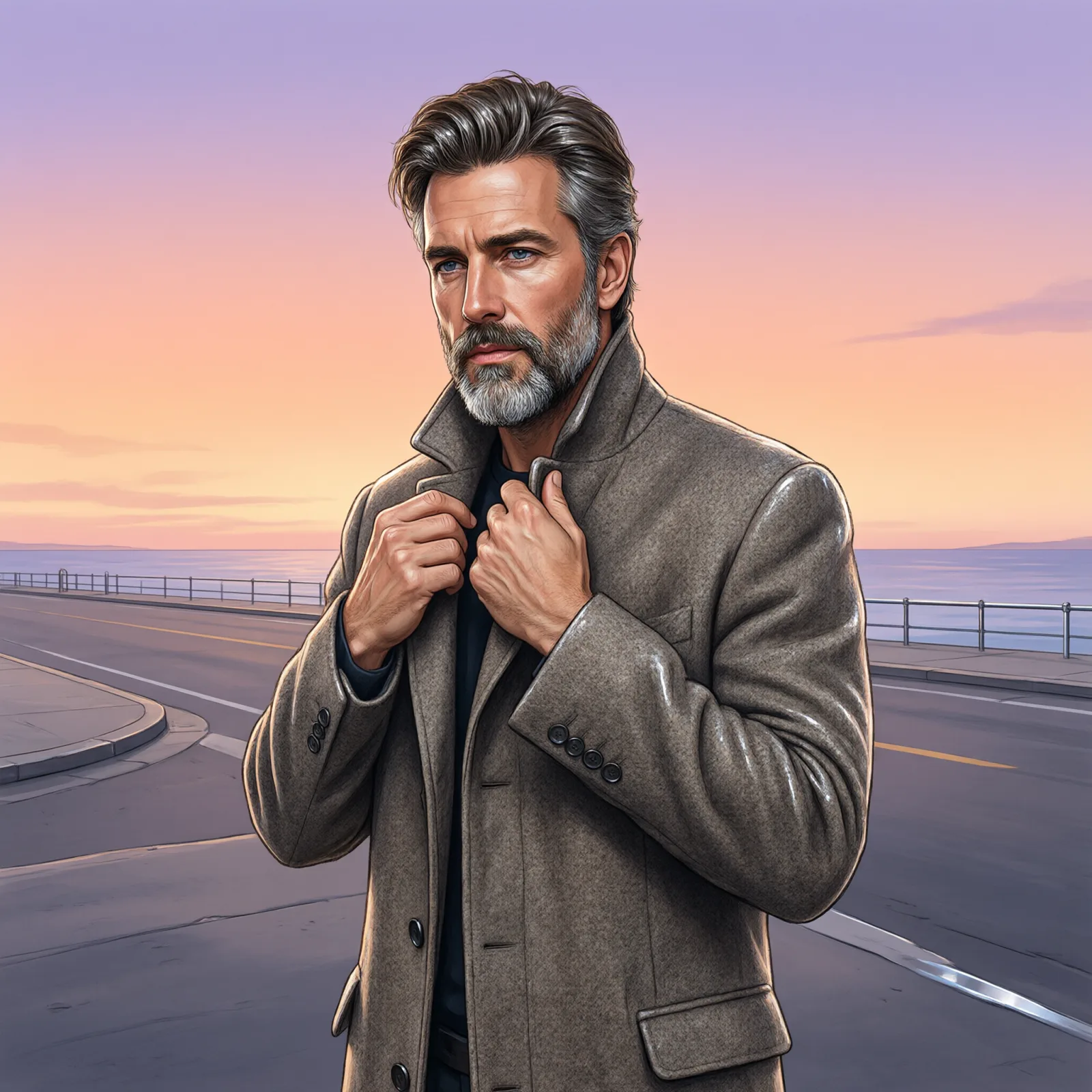
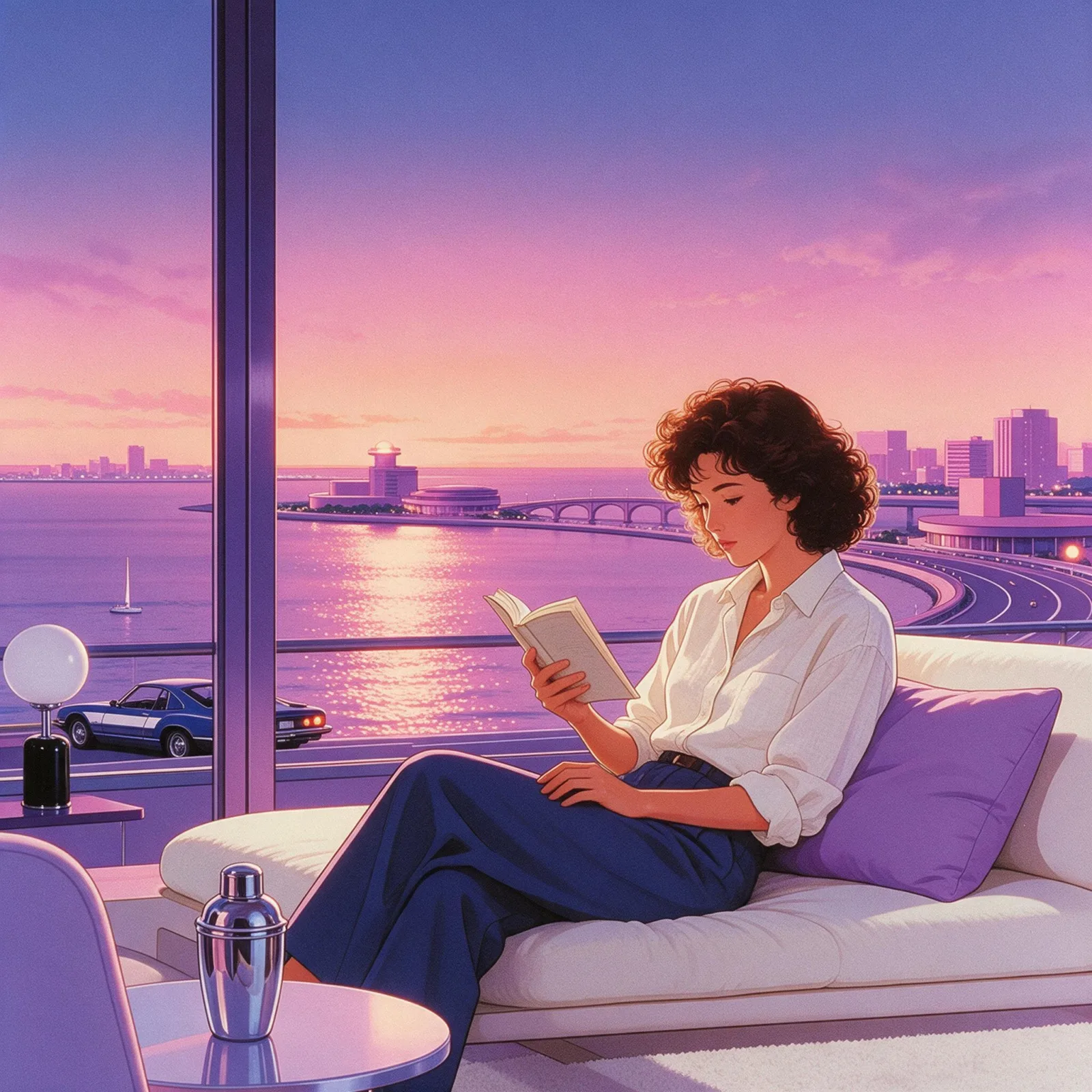
Redraws your subject as a 1980s city-pop illustration: airbrushed pastel gradients, a peach-and-lavender dusk sky and glossy chrome.

Works on

  • Seedream 5.0 ProBest$0.036 / image
  • Qwen Image 3.0$0.03 / image
  • Wan 2.7$0.03 / image
  • Z-Image$0.01 / image
  • + 20 more models

Related styles

Same person, same prompt — only the style changes

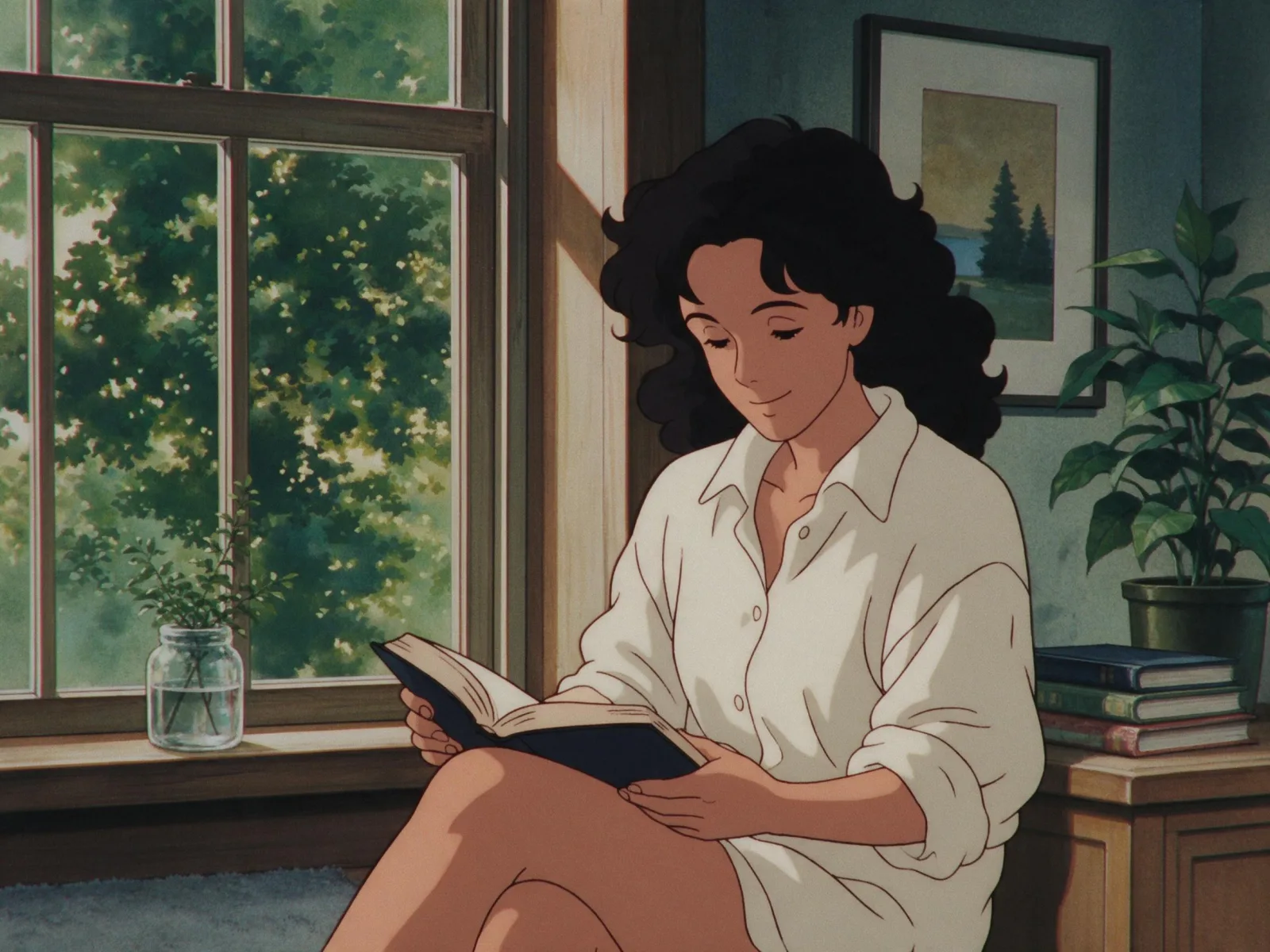
2000s Digicam
After Midnight Flash
Candlelit Velvet
Cinematic Gothic
Late-Night Hotel
Late-Night OVA
Moonlit Voile
Neon After Rain
After-Con Neon
Afterglow Pool
Airbrush Pin-up
Blush Neon
Brass Reflections
City Pop Dusk
Anime Key Visual
Manhwa Action
Cel Night Frame
Lo-fi Anime Evening
Manga Screentone
90s Cel Anime
Instant Film
Sign up to generate

We never filter your prompt.

Redraws your subject as a 1980s city-pop illustration: airbrushed pastel gradients, a peach-and-lavender dusk sky and glossy chrome.

Category
Japanese
Works on
39 models
Price
From $0.01 / image
Suggested frame
1:1 · 4:3
Your own photo
Yes, restyles an upload

Same subject, with and without it

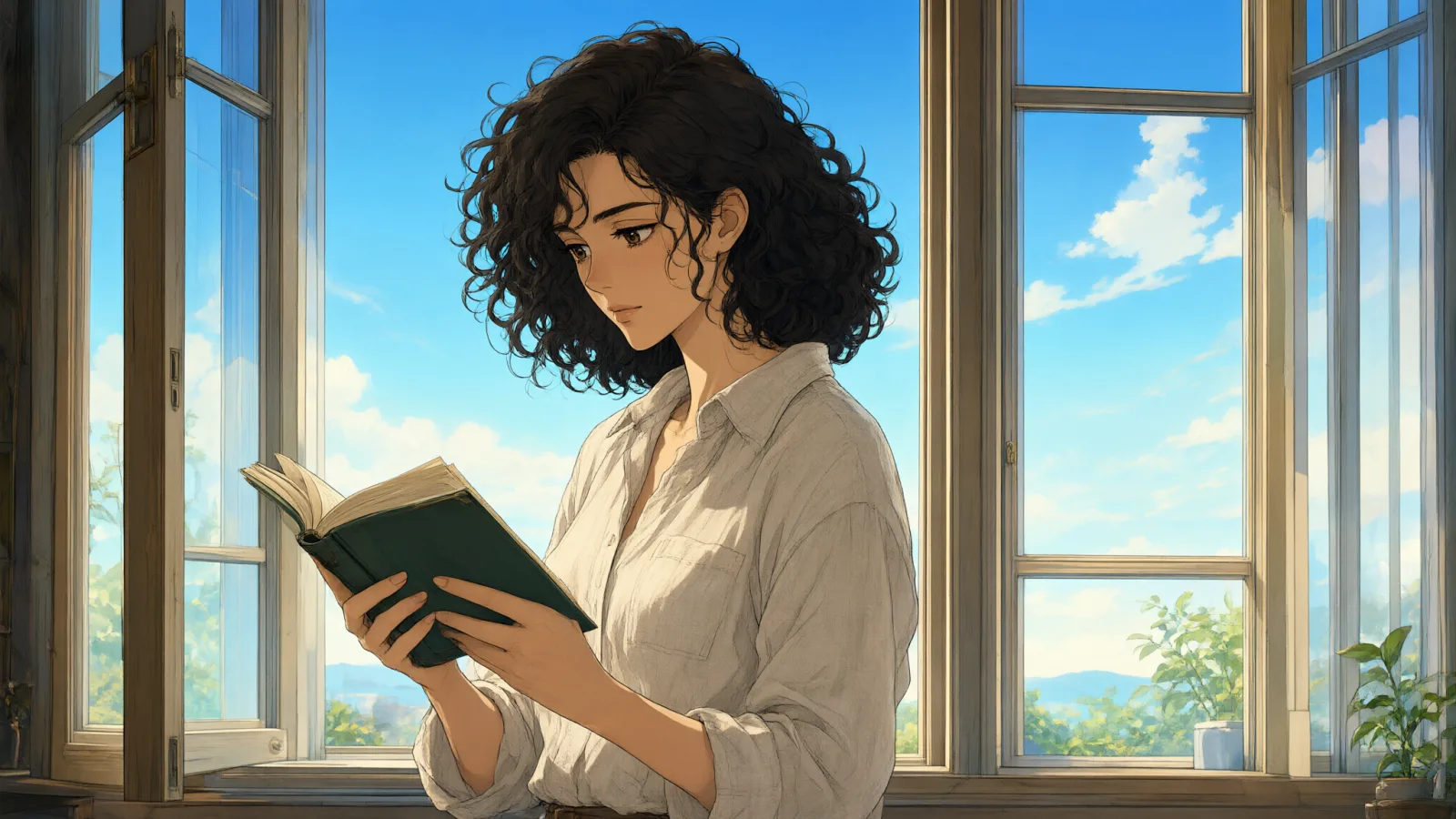
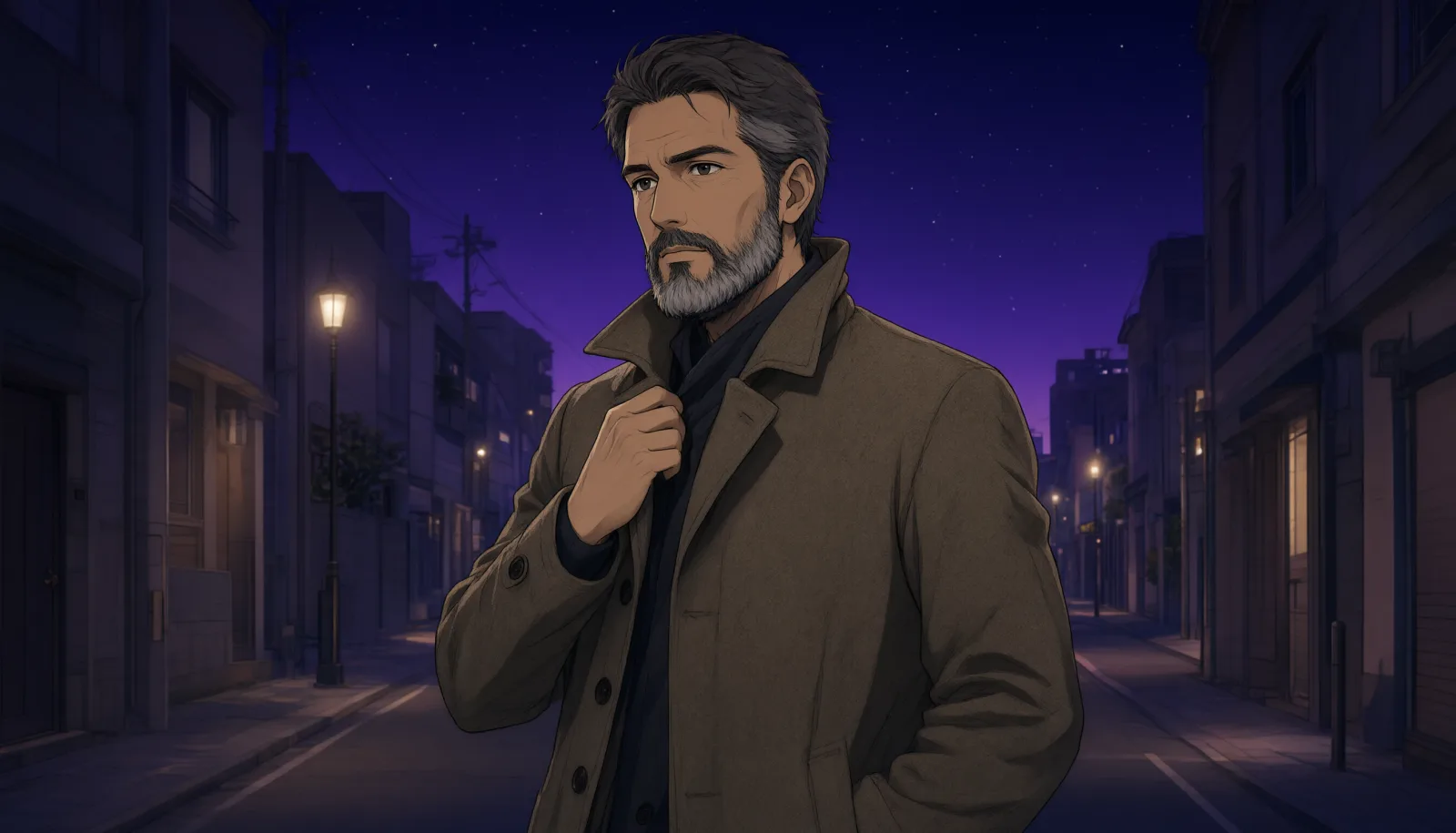
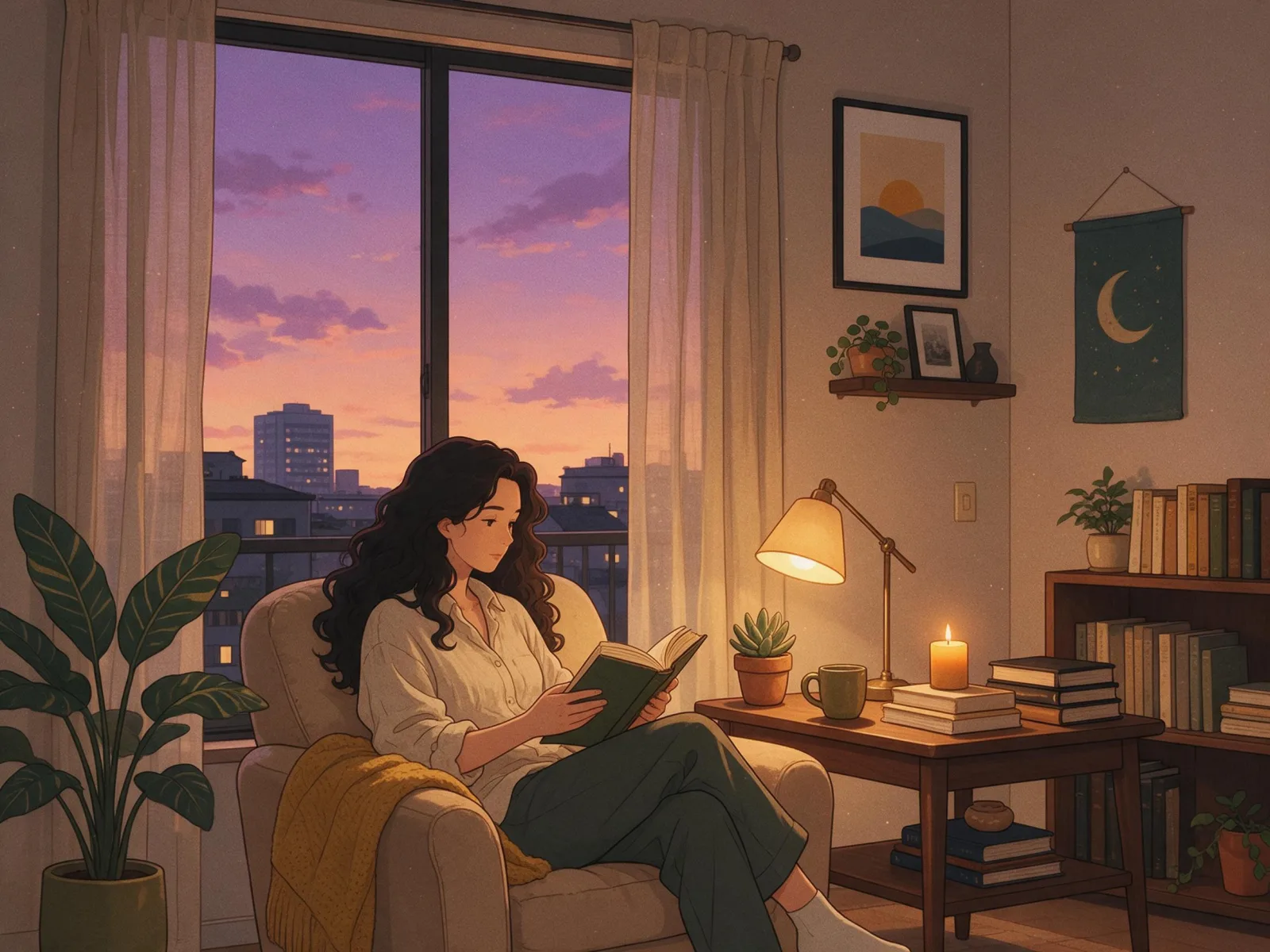
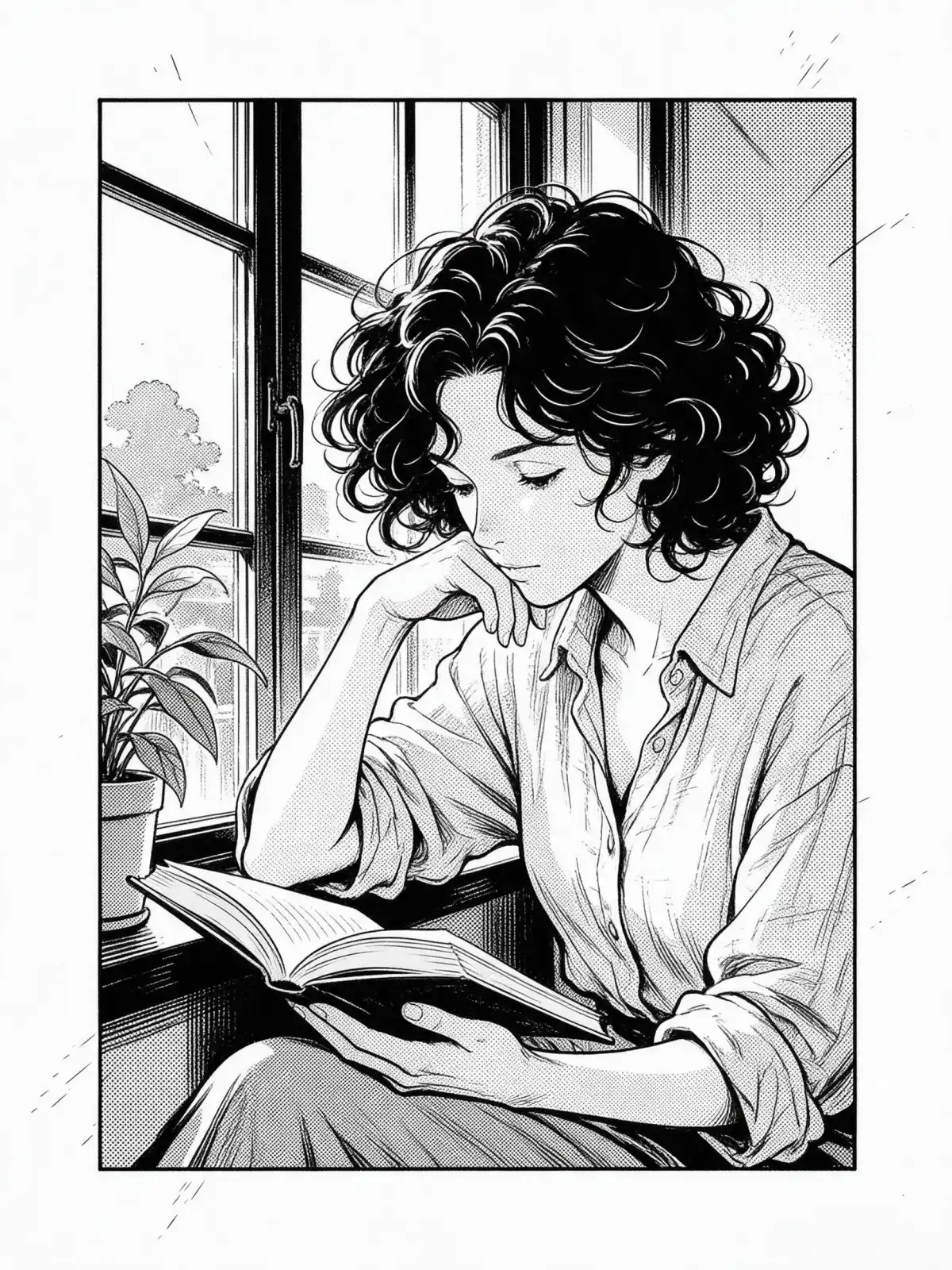
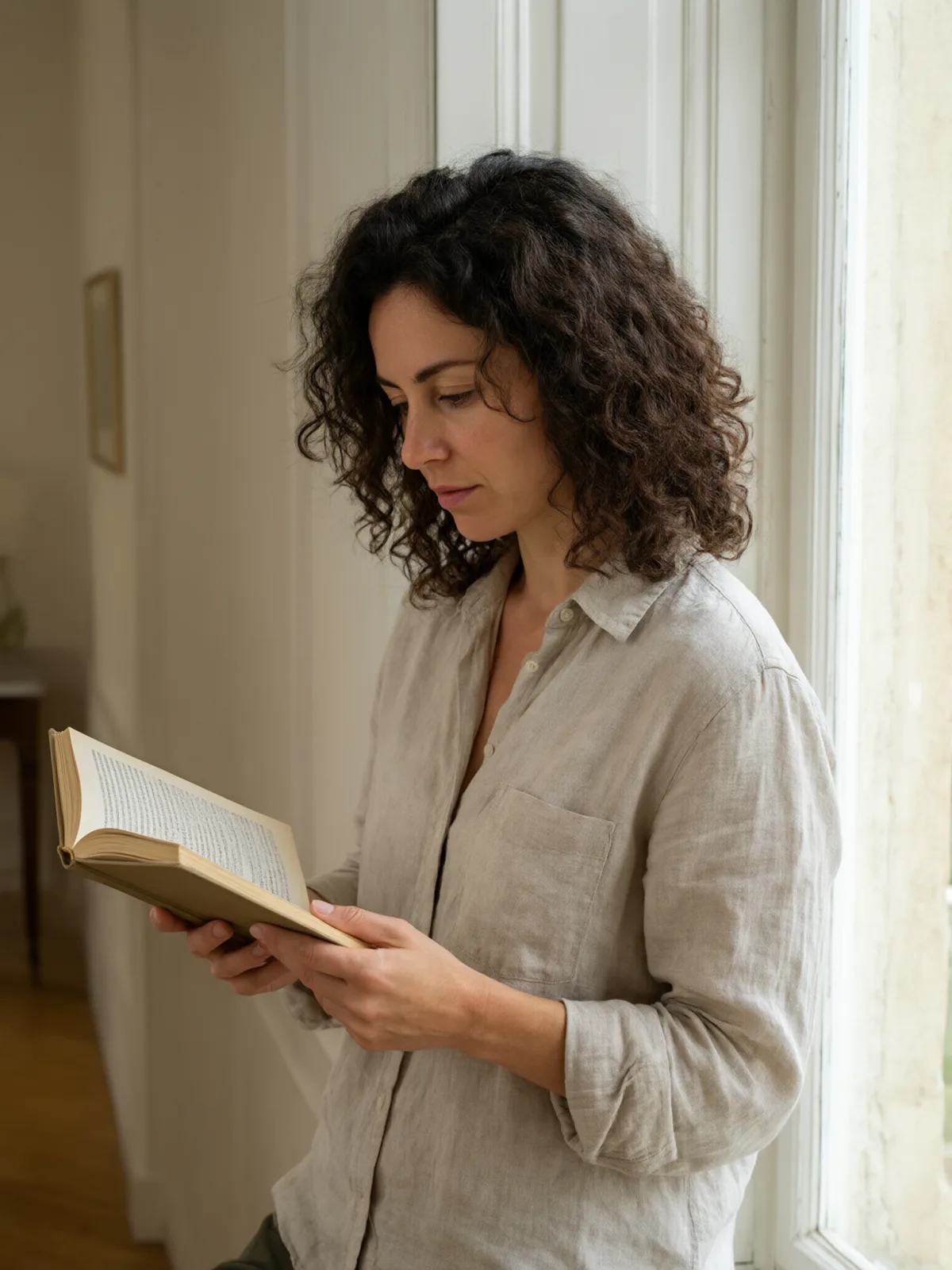
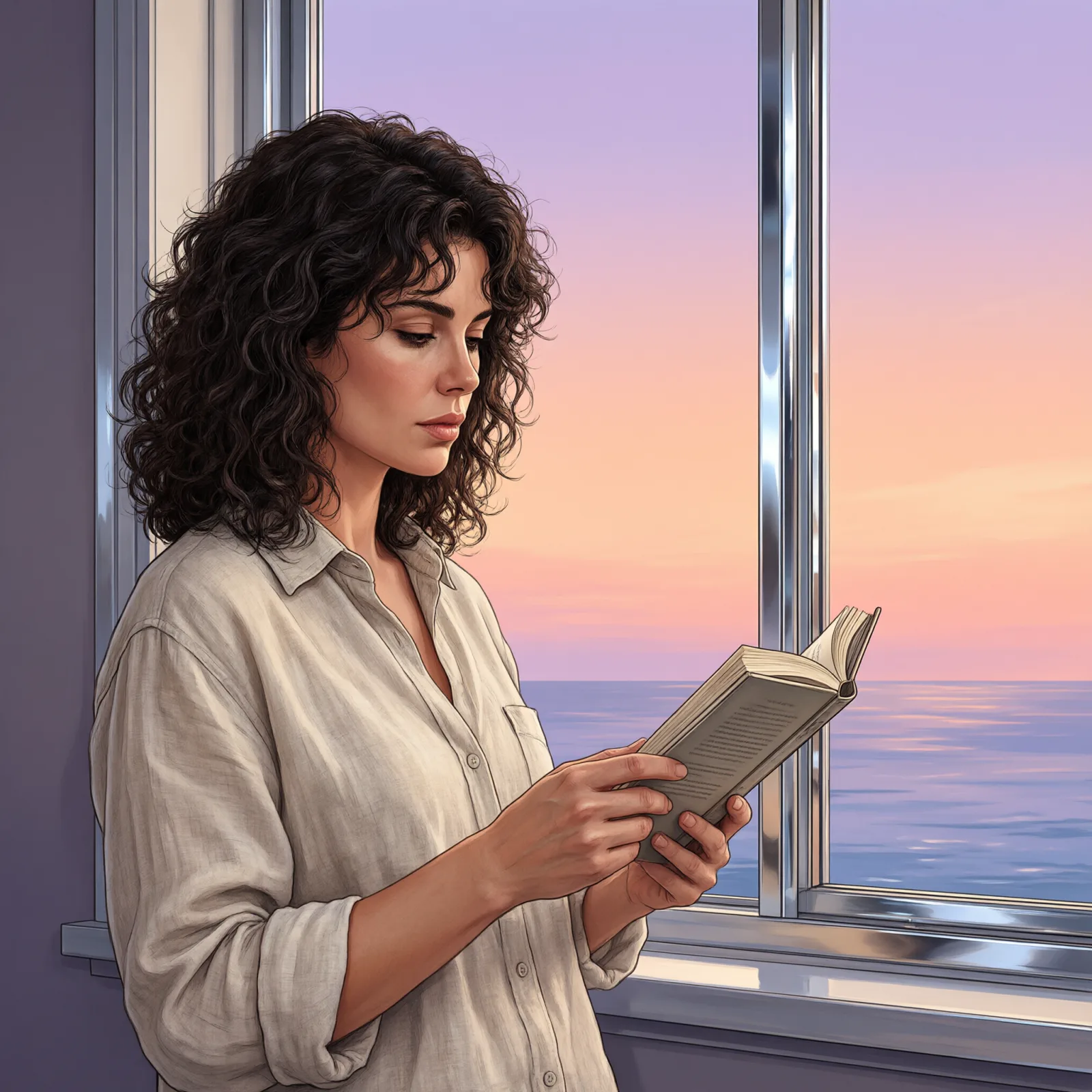
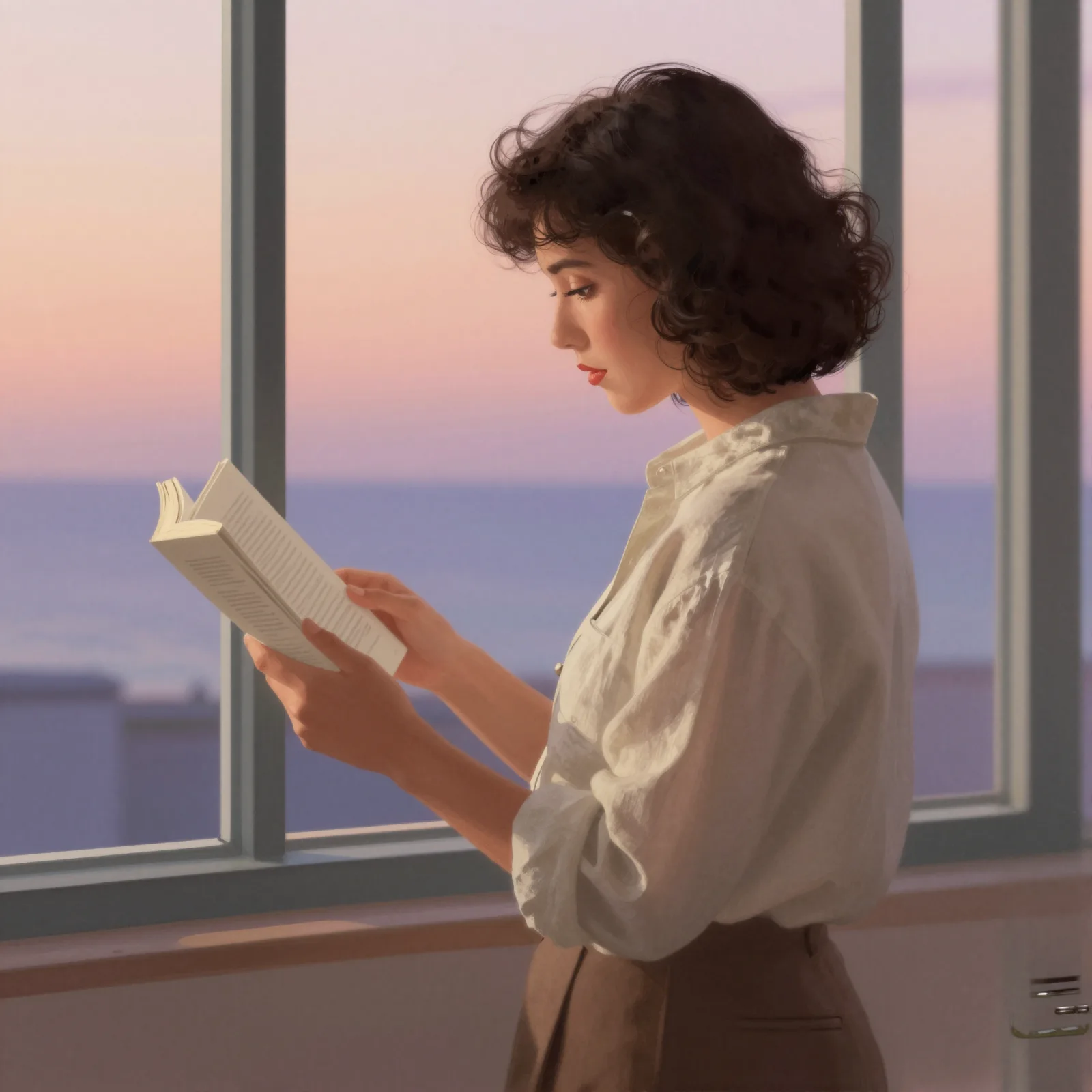
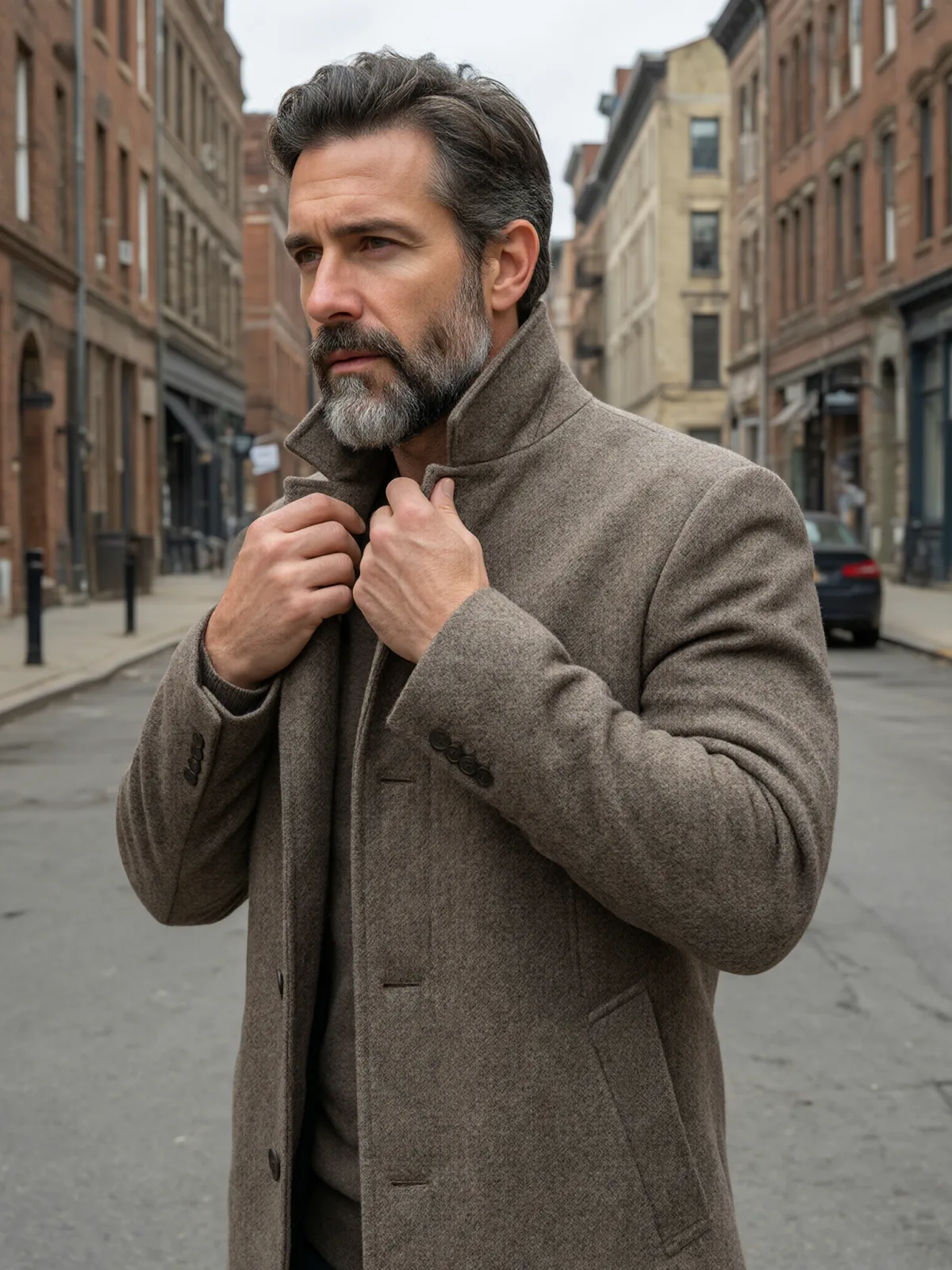
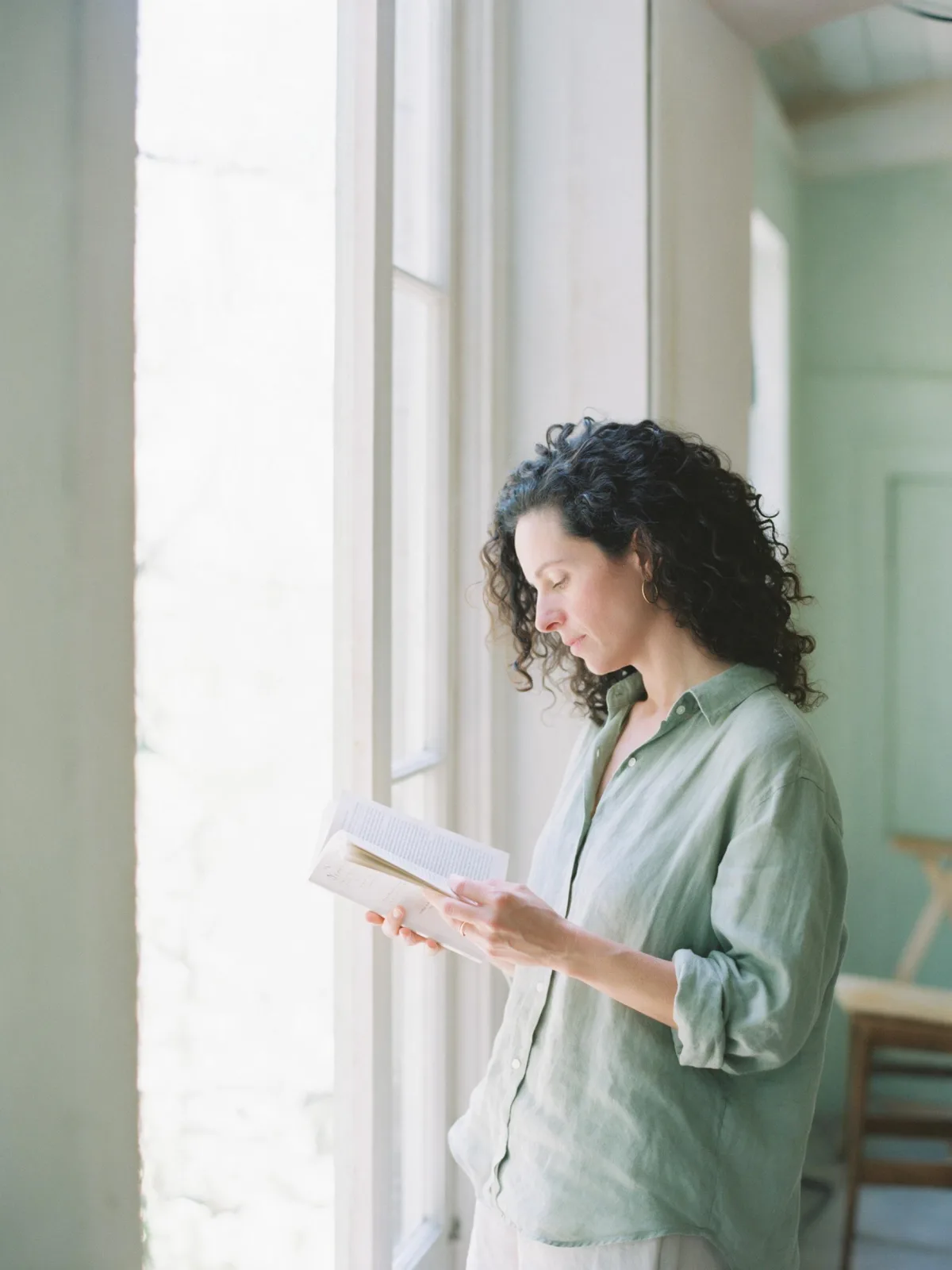
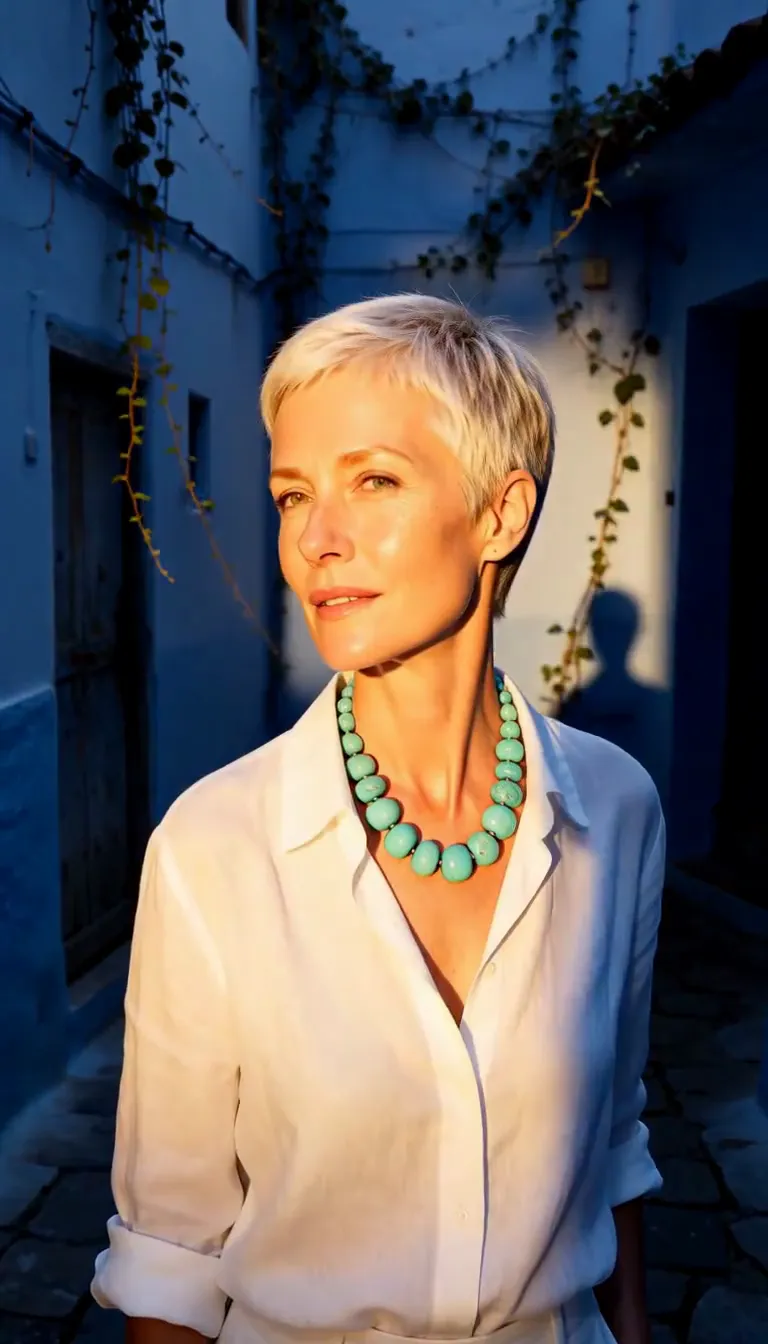
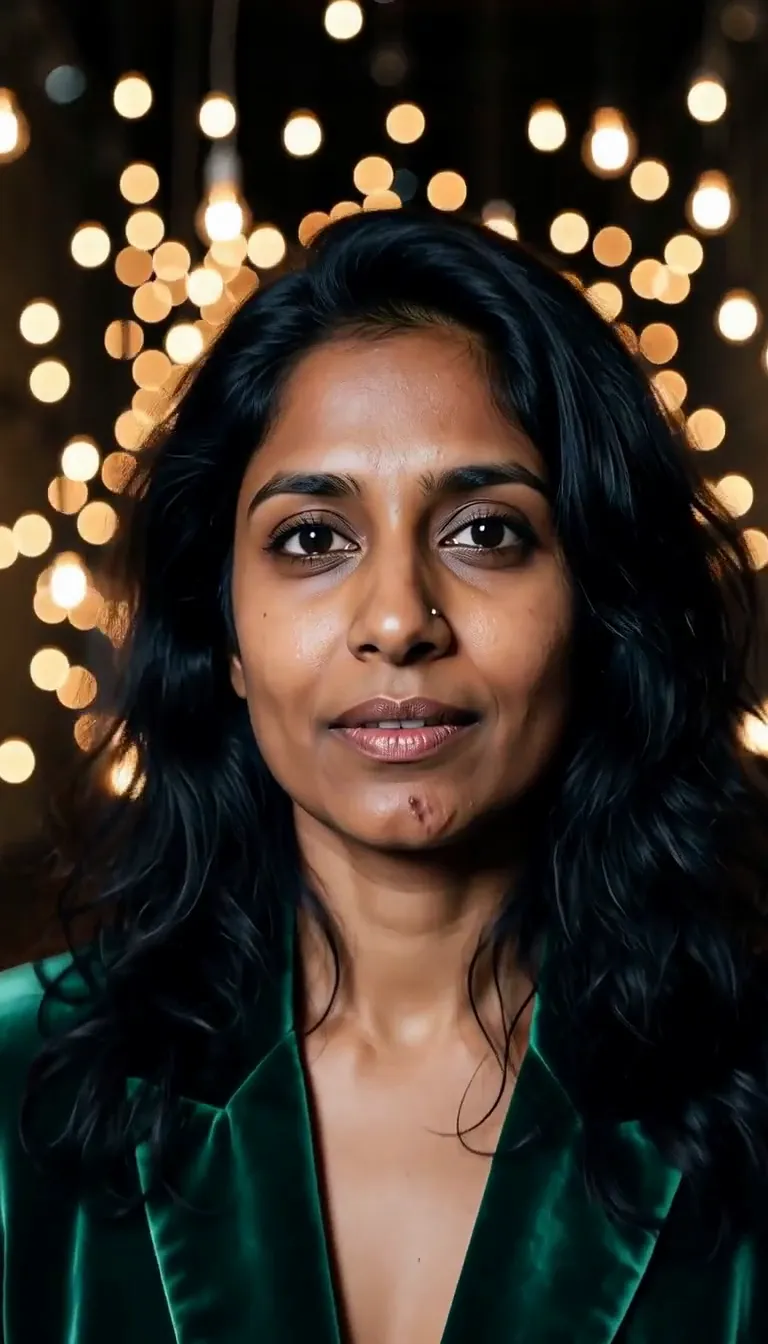
Each pair is the same sentence on the same model. The left frame has no style; the right one is City Pop Dusk. That gap is what the style adds.

  • The test subject with no style, made with Seedream 5.0 Pro
    No style
    Sample in the City Pop Dusk style, made with Seedream 5.0 Pro
    With City Pop Dusk

    Seedream 5.0 Pro

  • The test subject with no style, made with Qwen Image 3.0
    No style
    Sample in the City Pop Dusk style, made with Qwen Image 3.0
    With City Pop Dusk

    Qwen Image 3.0

  • The test subject with no style, made with Z-Image
    No style
    Sample in the City Pop Dusk style, made with Z-Image
    With City Pop Dusk

    Z-Image

  • The test subject with no style, made with Qwen Image 3.0
    No style
    Sample in the City Pop Dusk style, made with Qwen Image 3.0
    With City Pop Dusk

    Qwen Image 3.0

Samples

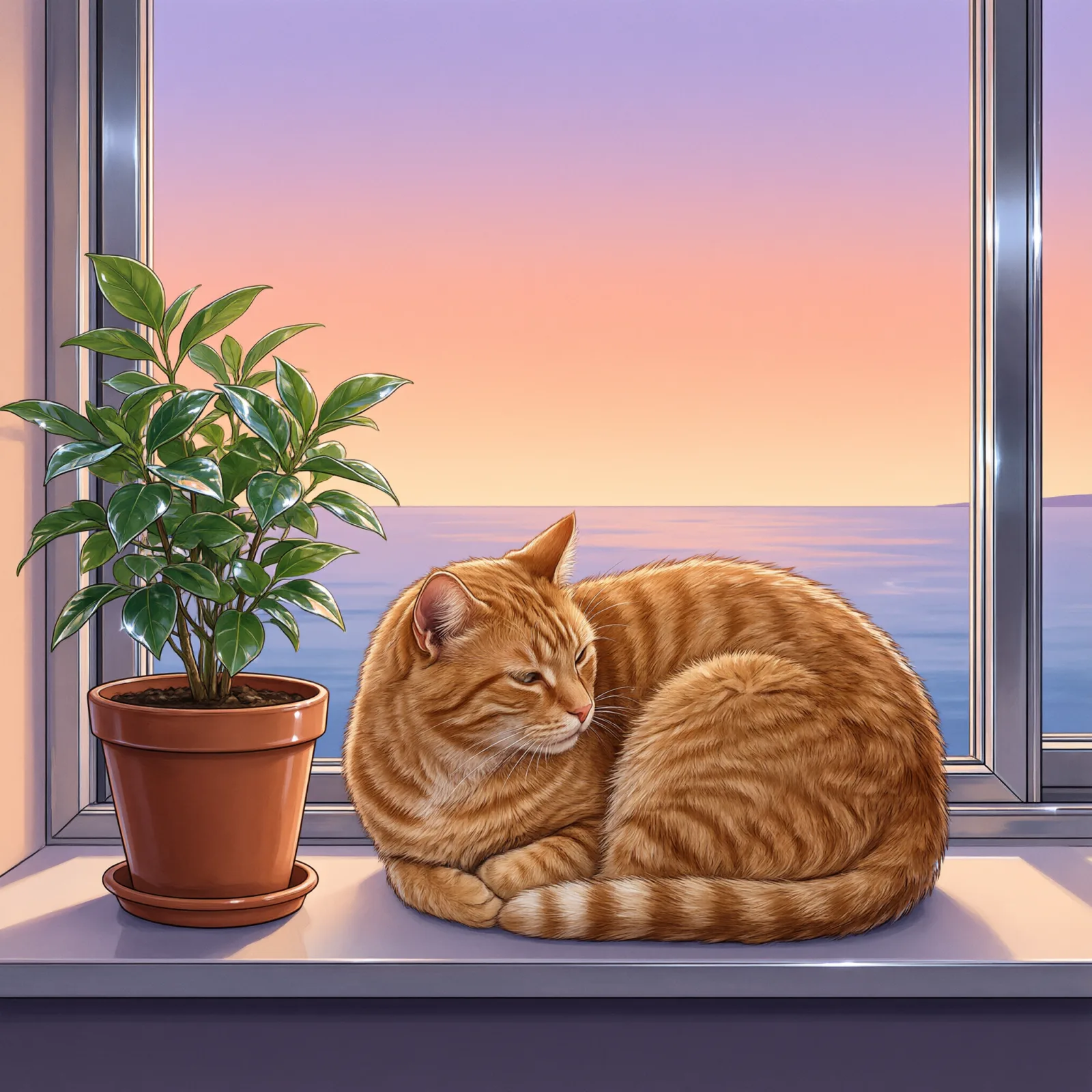
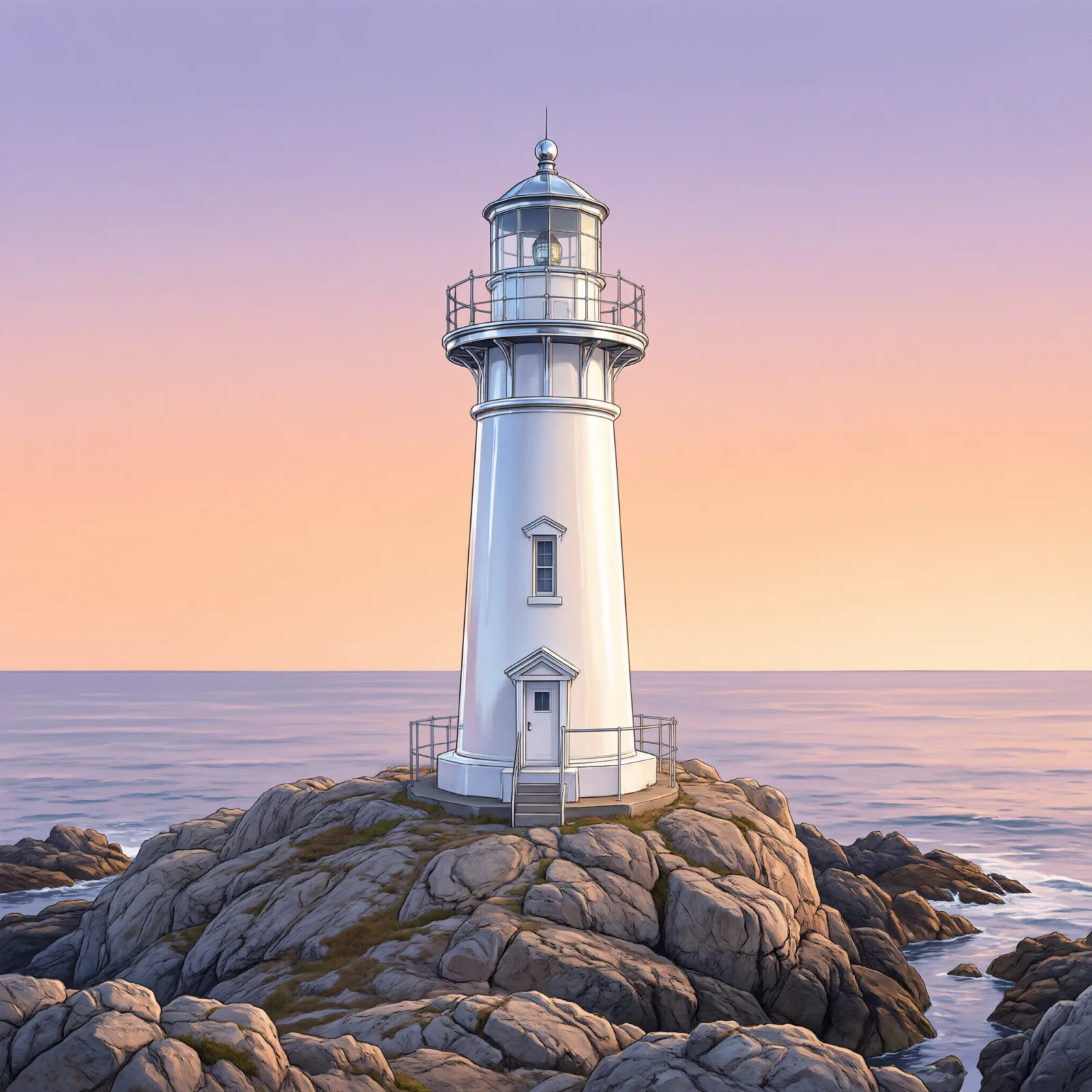
The same fixed test subjects run through every style, so you see what City Pop Dusk does rather than what the subject brings.

  • Sample in the City Pop Dusk style, made with Qwen Image 3.0
    Qwen Image 3.0
  • Sample in the City Pop Dusk style, made with Qwen Image 3.0
    Qwen Image 3.0

About City Pop Dusk

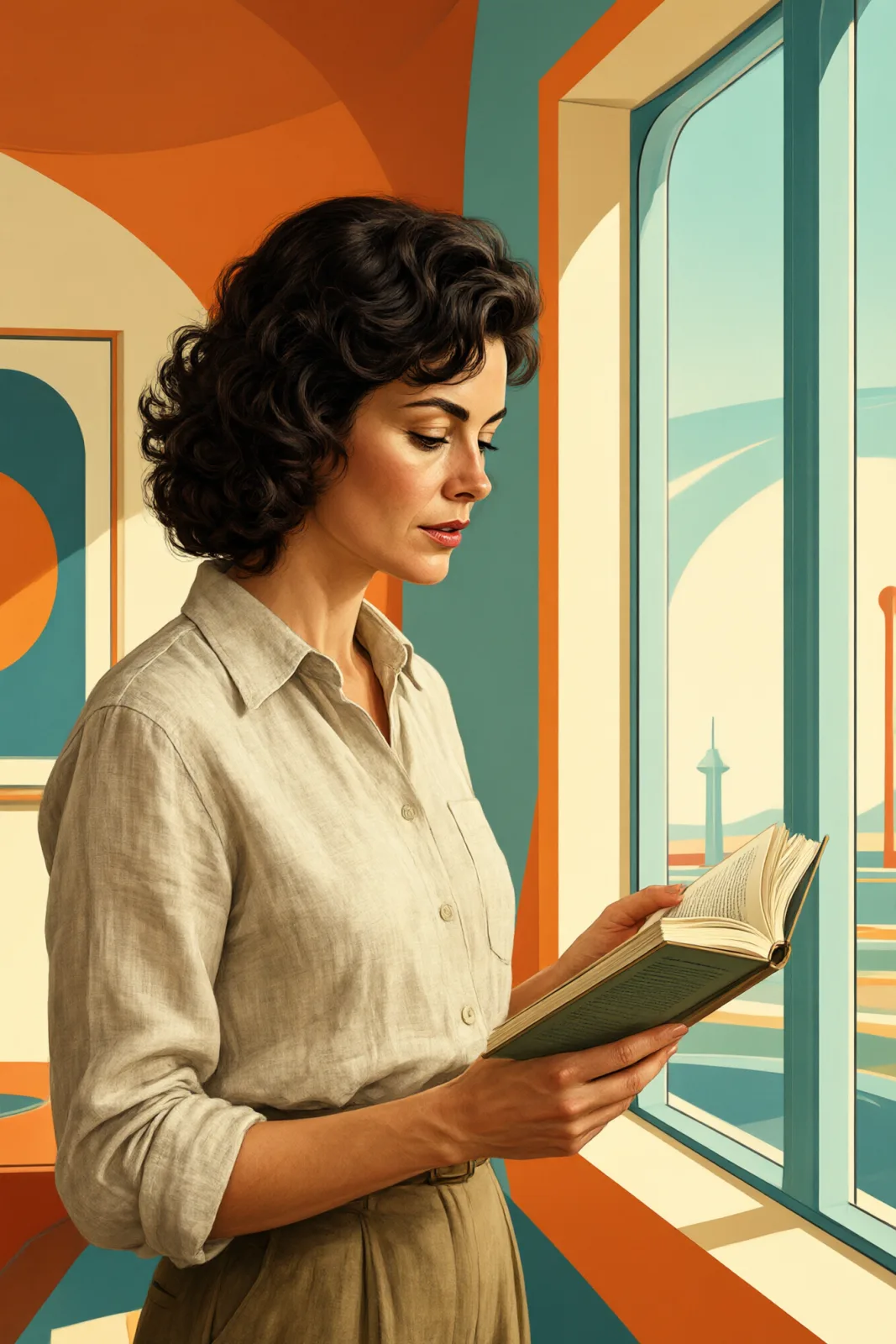
City Pop Dusk is the album-cover illustration style of 1980s Japan: smooth airbrushed gradients, a dusk sky fading from peach into lavender, glossy chrome highlights on cars and railings, palm trees and seaside boulevards drawn with clean graphic shapes. It is nostalgic without being muddy — every surface is bright, flat and deliberate.

Write who or what should be in the picture and the style builds the scene around it. A woman leaning on a convertible, a man with a cassette player on a sea wall, a cat on a windowsill above a coastal road, a lighthouse against a gradient sky — all of them come back as clean poster art with that unmistakable evening glow.

This is one of the styles that also works on an uploaded image. In image-to-image mode the style keeps your composition, pose and clothing exactly where they are and only changes the medium: shading becomes airbrush, the sky becomes a gradient, reflections turn to chrome. It is the quickest way to make a playlist cover, an event flyer or a profile banner that looks drawn rather than filtered.

The recommended frame is square, like a record sleeve. Wider frames work too if you want a banner. Everything the style sends is visible under “What’s sent”, and you can edit it as plain text at any time.

Subjects to paste as they are: “a woman in sunglasses leaning on a white convertible by the sea”, “a man with headphones sitting on a harbor wall”, “a palm-lined boulevard with a single tram”. Anything with a road, a railing or a car will pick up the chrome and the gradient sky.

Finishes that work on top: Soft Bloom adds a hazy glow to the chrome, and Golden Hour warms the dusk even further. For a darker night version, try Retro Futurism or Anime Key Visual instead.

Tips that make it land

  • Put the subject somewhere with a horizon — a coast road, a rooftop, a balcony. The dusk gradient needs sky to show off.
  • Name one object that can catch chrome: a car, a bicycle, a railing, headphones. The glossy highlights are half the style.
  • Avoid night scenes in your subject. The style is built on dusk, and asking for midnight turns the palette muddy.
  • For uploads, use an image with a clear silhouette. Busy backgrounds get simplified, which is good, but tiny details get lost.
  • Want a vertical poster? Choose 4:3 or crop after generating; the gradient sky stretches well either way.

The prompt it sends

Your sentence goes where {subject} sits. Everything around it is the style. Nothing is hidden, and we never filter your prompt.

{subject}, 1980s city-pop illustration, airbrushed pastel gradients, dusk sky in peach and lavender, glossy chrome highlights, clean wordless graphic shapes, open seaside horizon
Use City Pop Dusk now

With your own photo

When you add a reference image, this wording is sent instead, so your composition stays and the look changes.

Restyle the image as a 1980s city-pop illustration with airbrushed pastel gradients, a dusk sky in peach and lavender, glossy chrome highlights and clean graphic shapes. {subject}. Keep the composition, pose and clothing unchanged.

Prompt ideas for City Pop Dusk

Scenes from our prompt library that suit this look. Borrow the idea as your subject line; the style adds the rest.

Anime & illustration

Models it works on

Every model below was tested with this style. The price is per image and shows on the Generate button before you run.

How to use City Pop Dusk

  1. 01

    Write who or what

    Write one plain sentence for your City Pop Dusk image: who or what is in it and what is happening. The style brings the light, color and medium, so leave those out.

  2. 02

    Keep City Pop Dusk on

    It is already selected at the top of this page and lands best on Seedream 5.0 Pro, the model it was tuned on. Add a photo if you want your composition kept and only the look changed.

  3. 03

    Generate

    From $0.01 per image, shown on the button before you run. Pick your favorite City Pop Dusk frame, then edit it, restyle it or make it move from the result.

Questions about City Pop Dusk

Make video

Styles are for stills. These effects start from one photo and add a single deliberate move.

Read next