Anime Style AI Generator: Anime Key Visual

Effects
Anime Key Visual

Anime Key Visual

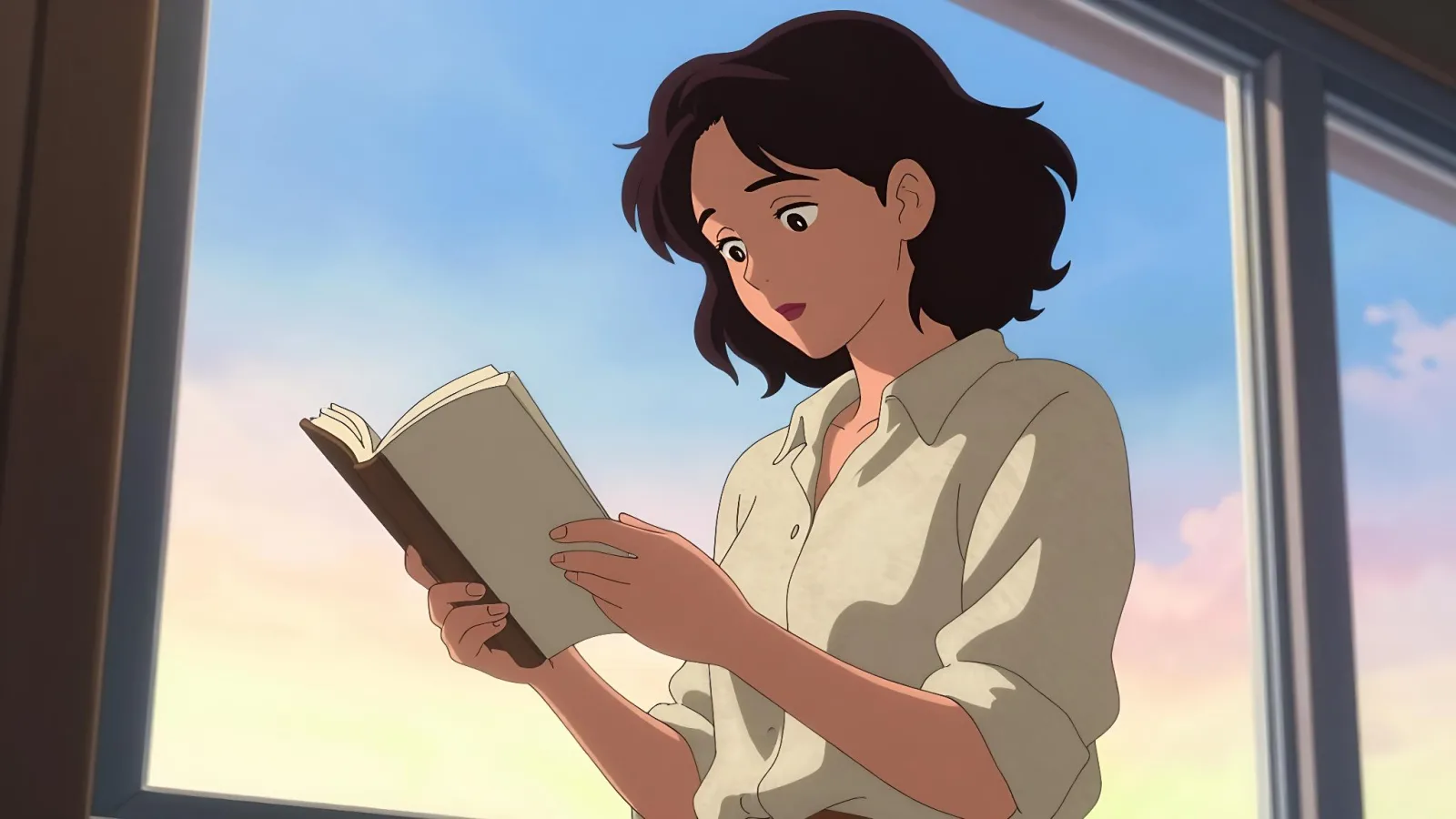
Turns your subject into a poster-grade anime key visual: clean line art, cel shading and a luminous sky.

Works on

  • Seedream 5.0 ProBest$0.036 / image
  • Qwen Image 3.0$0.03 / image
  • Anima Turbo$0.012 / image
  • Anima Turbo LoRA$0.018 / image
  • + 19 more models

Related styles

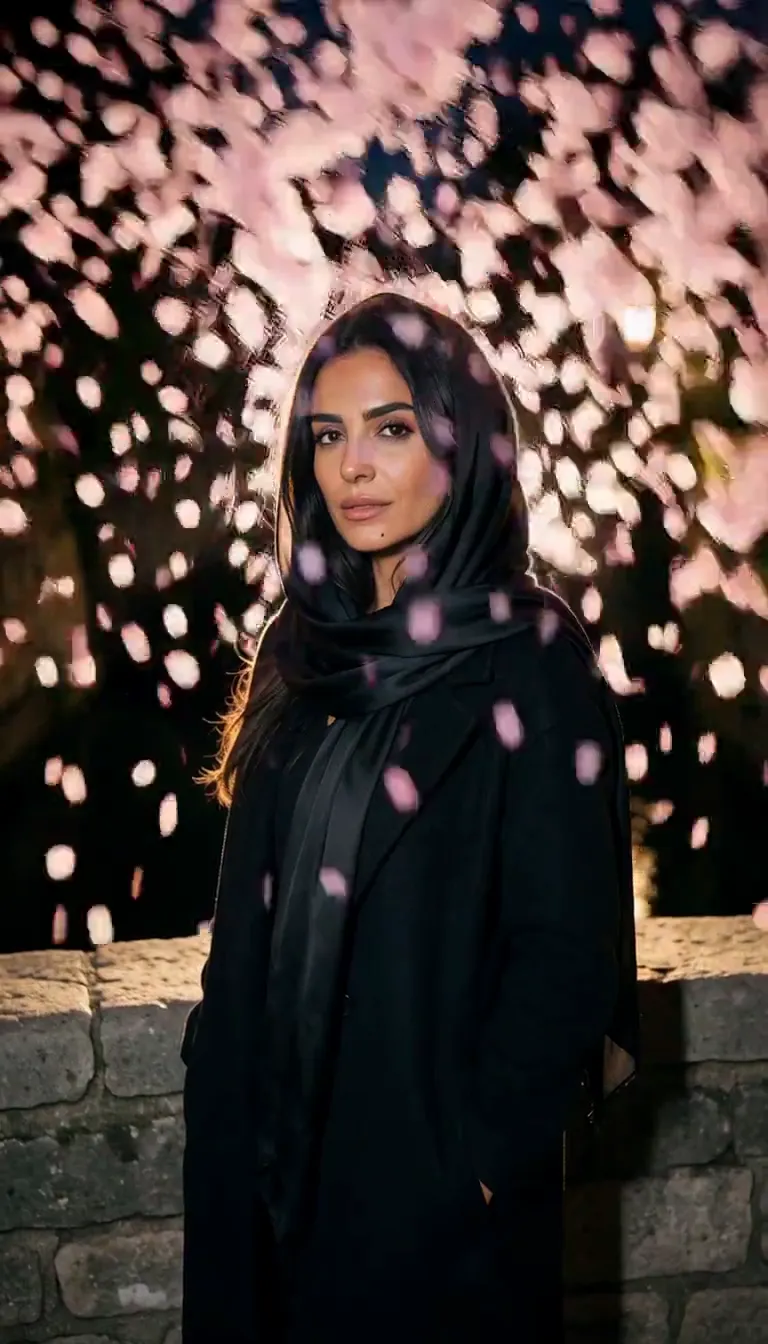
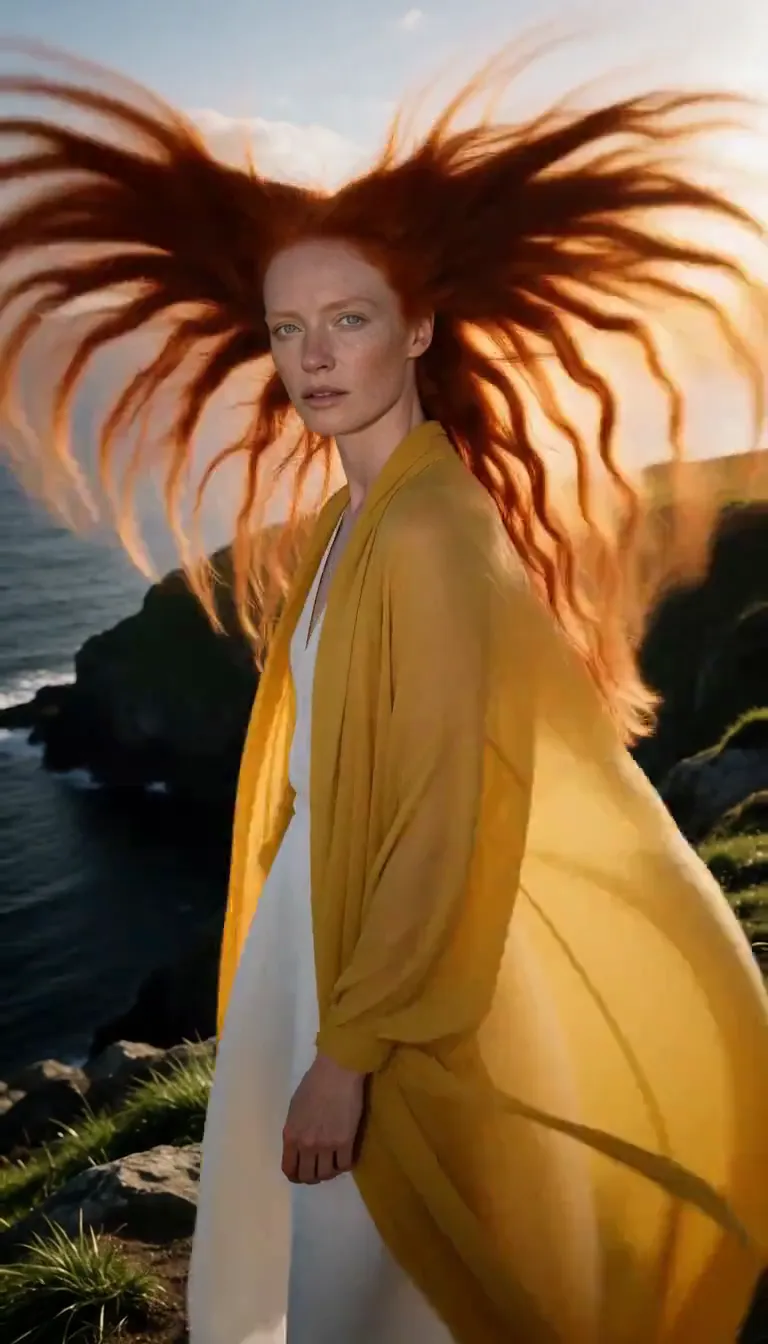
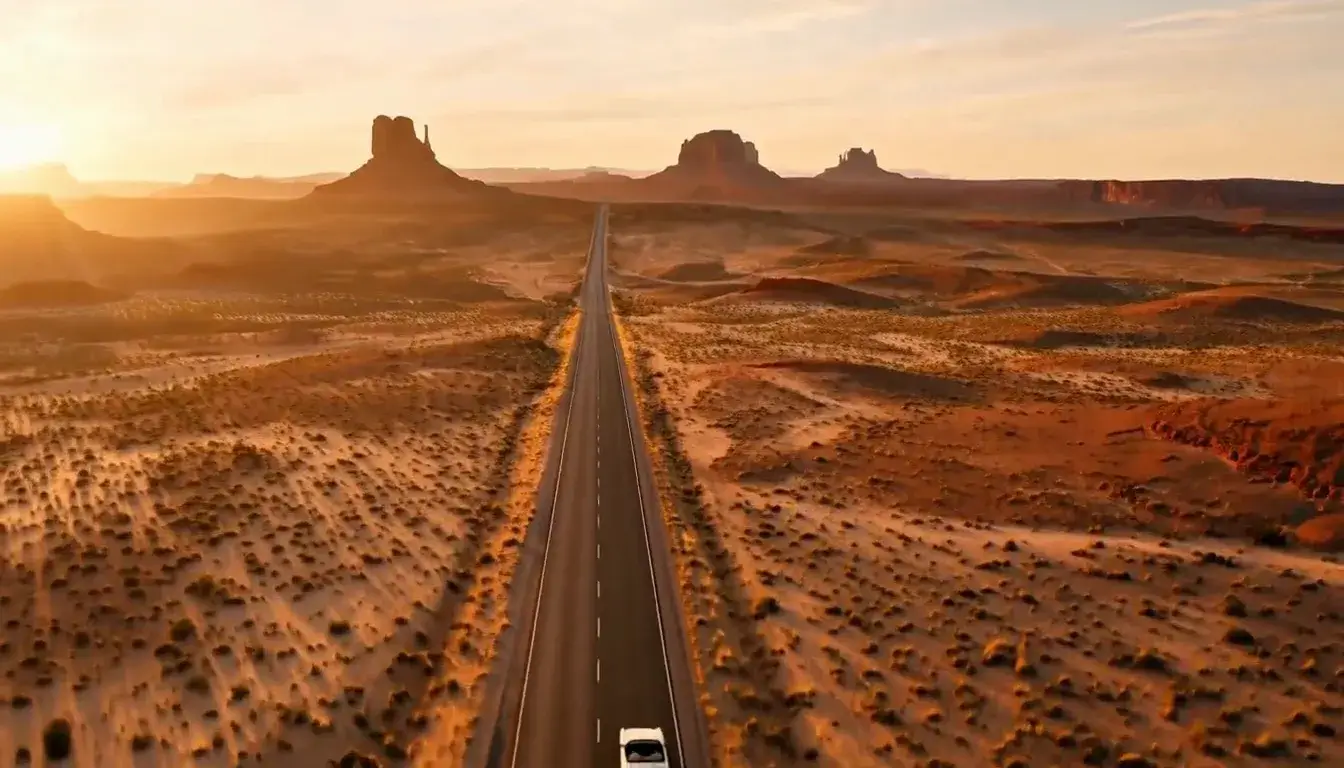
Same person, same prompt — only the style changes

2000s Digicam
After Midnight Flash
Candlelit Velvet
Cinematic Gothic
Late-Night Hotel
Late-Night OVA
Moonlit Voile
Neon After Rain
After-Con Neon
Afterglow Pool
Airbrush Pin-up
Blush Neon
Brass Reflections
City Pop Dusk
Anime Key Visual
Manhwa Action
16-Bit Pixel
Cel Night Frame
Lo-fi Anime Evening
Manga Screentone
90s Cel Anime
Instant Film
Sign up to generate

We never filter your prompt.

Turns your subject into a poster-grade anime key visual: clean line art, cel shading and a luminous sky.

Category
Anime
Works on
23 models
Price
From $0.01 / image
Suggested frame
16:9
Your own photo
Text only
Doesn't stack with
Monochrome

Same subject, with and without it

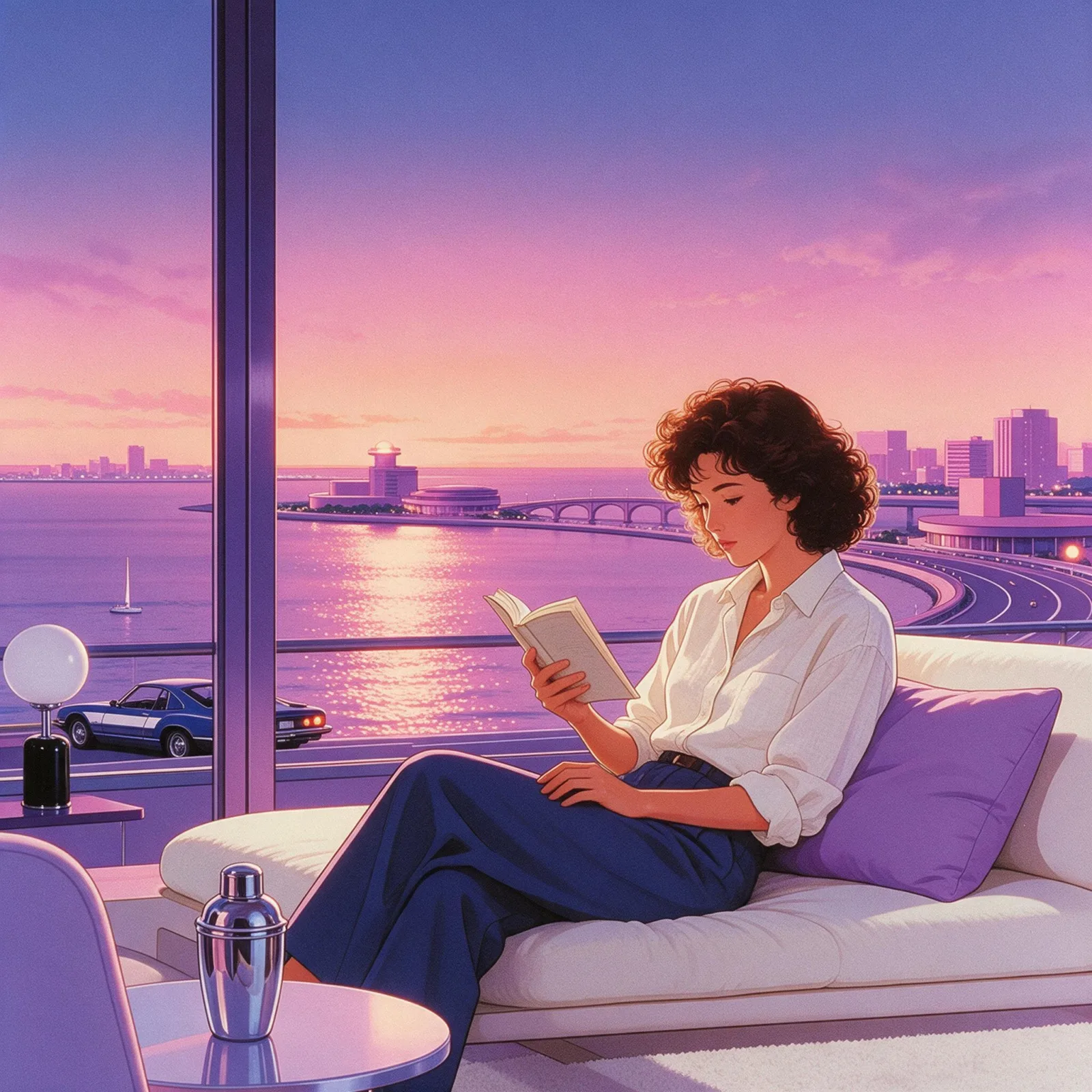
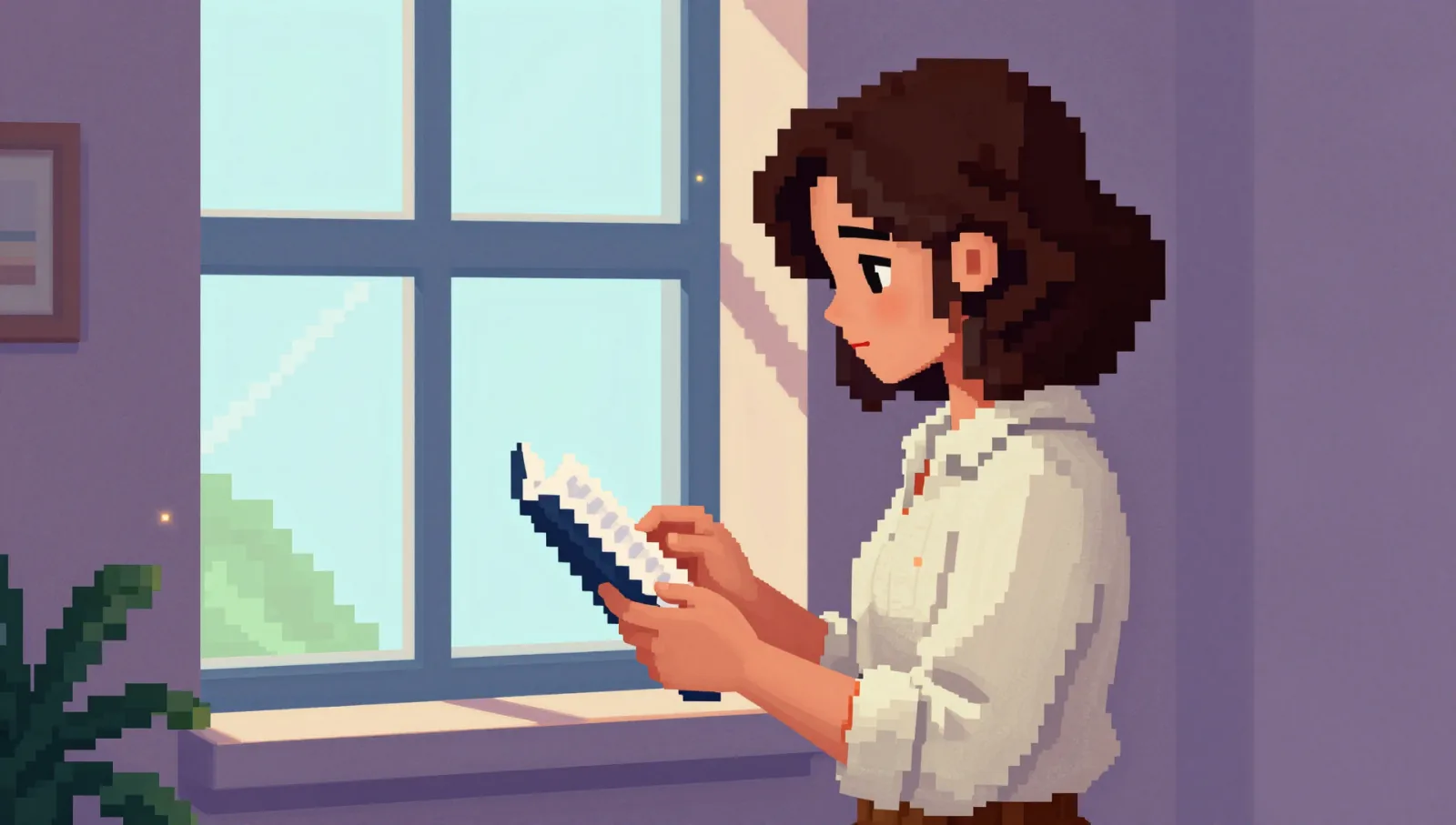
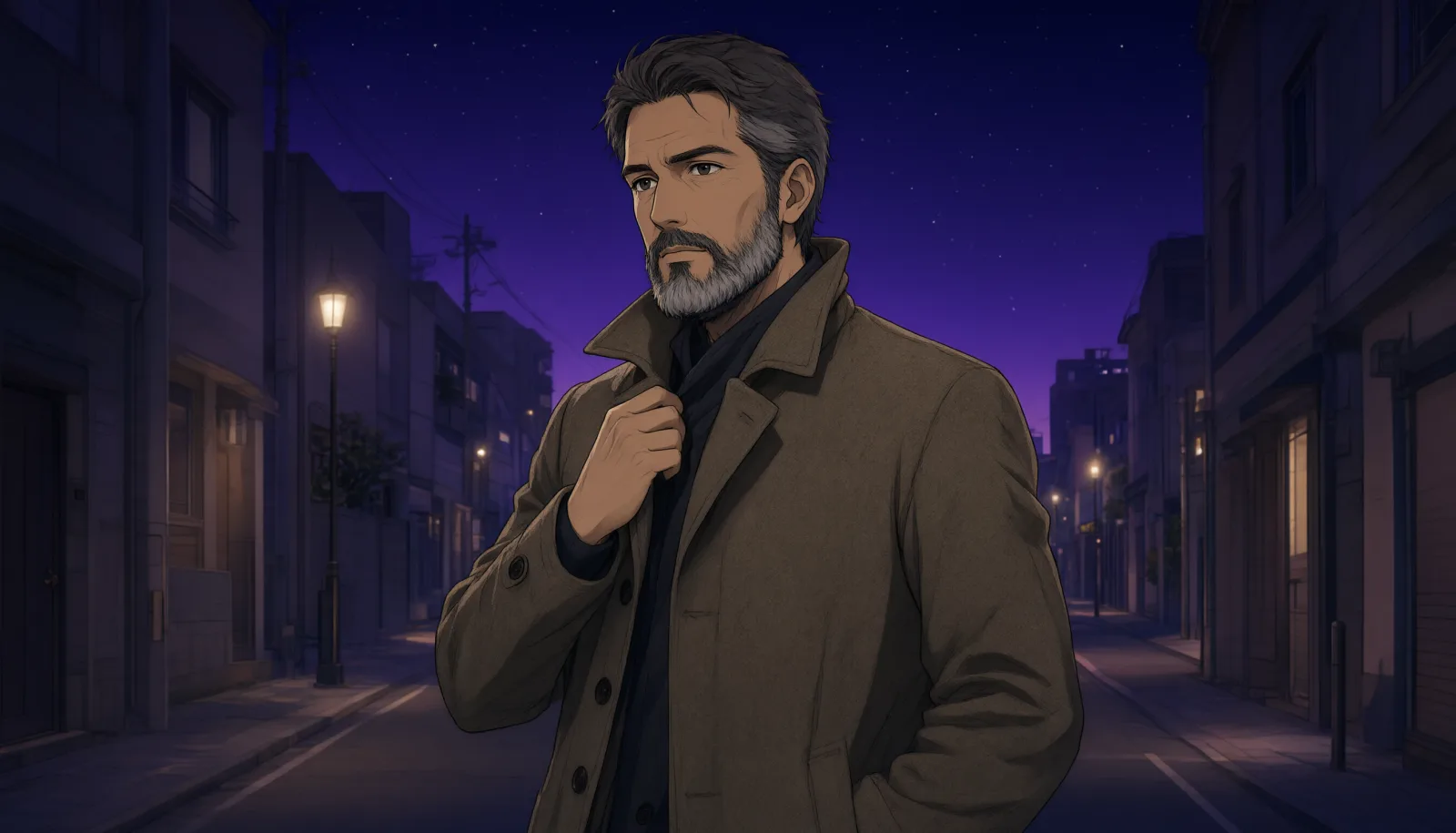
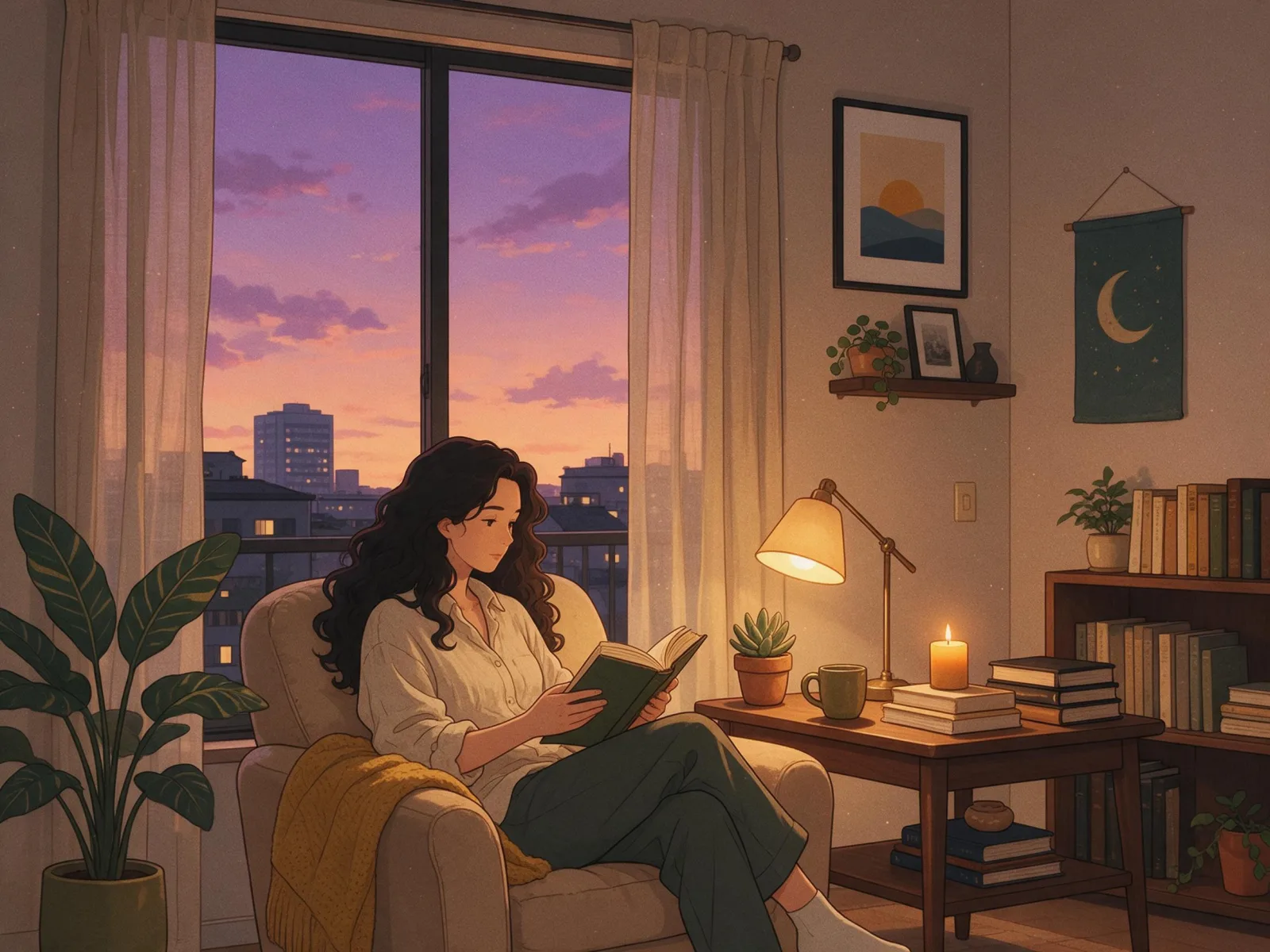
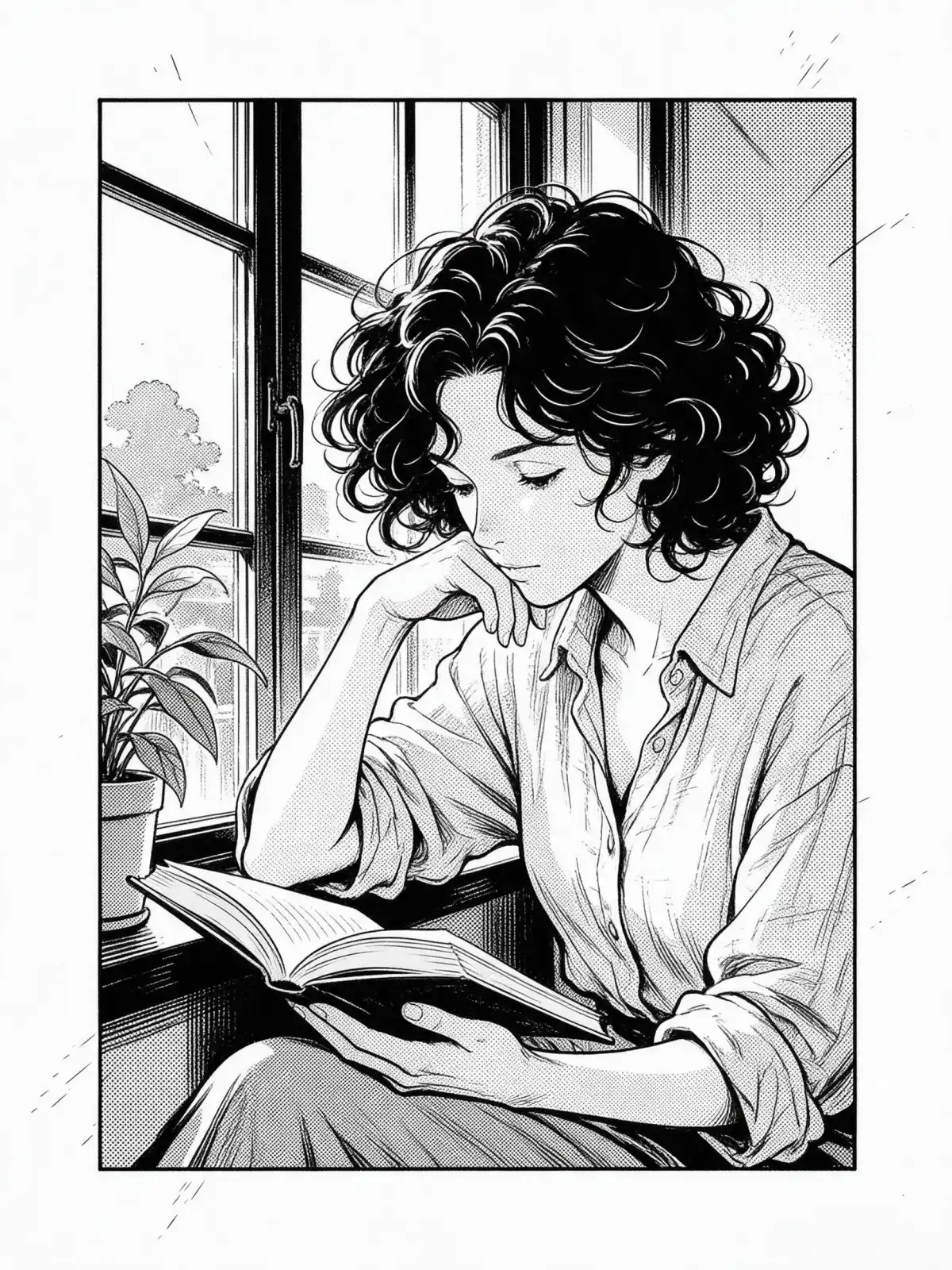
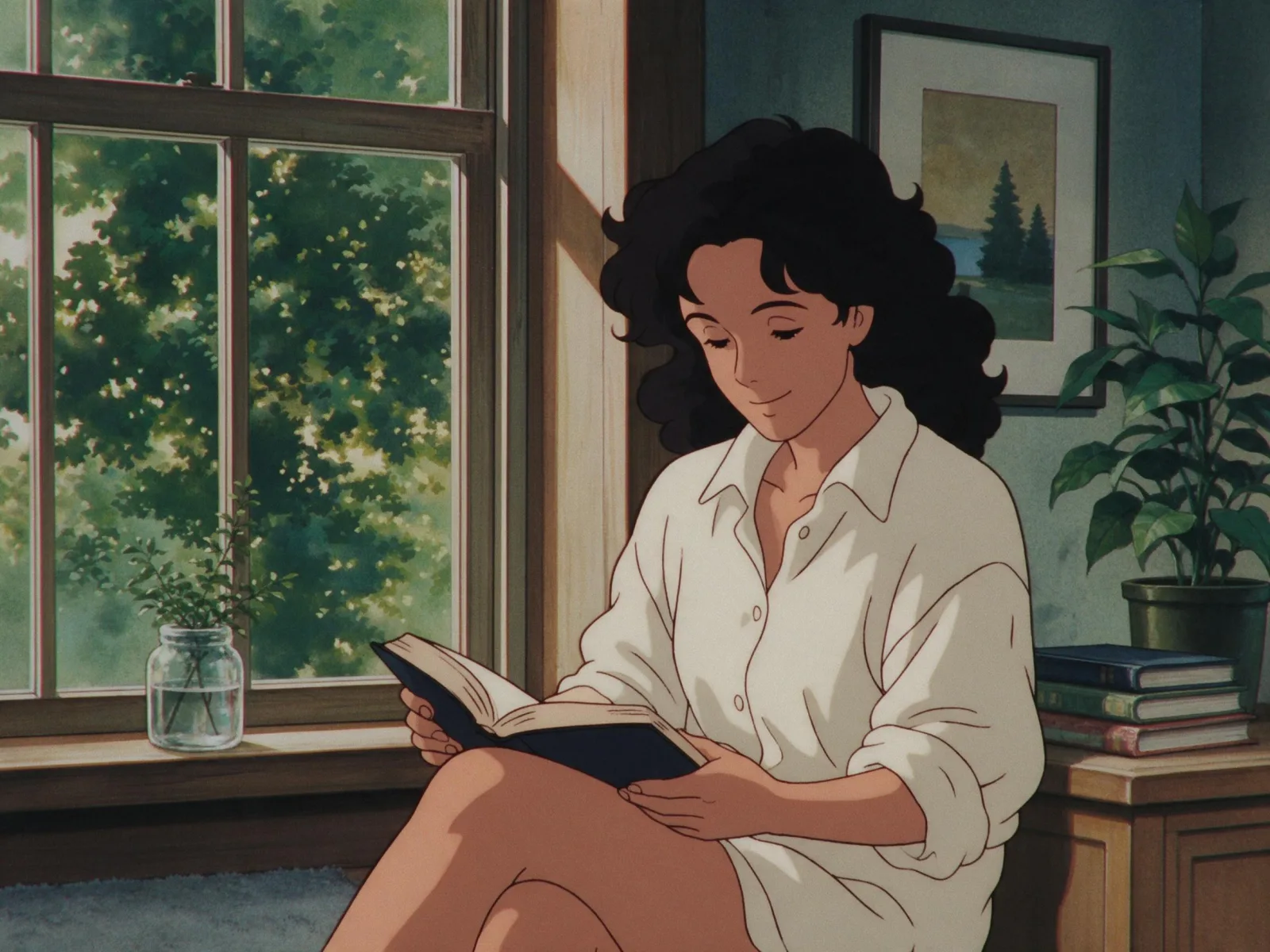
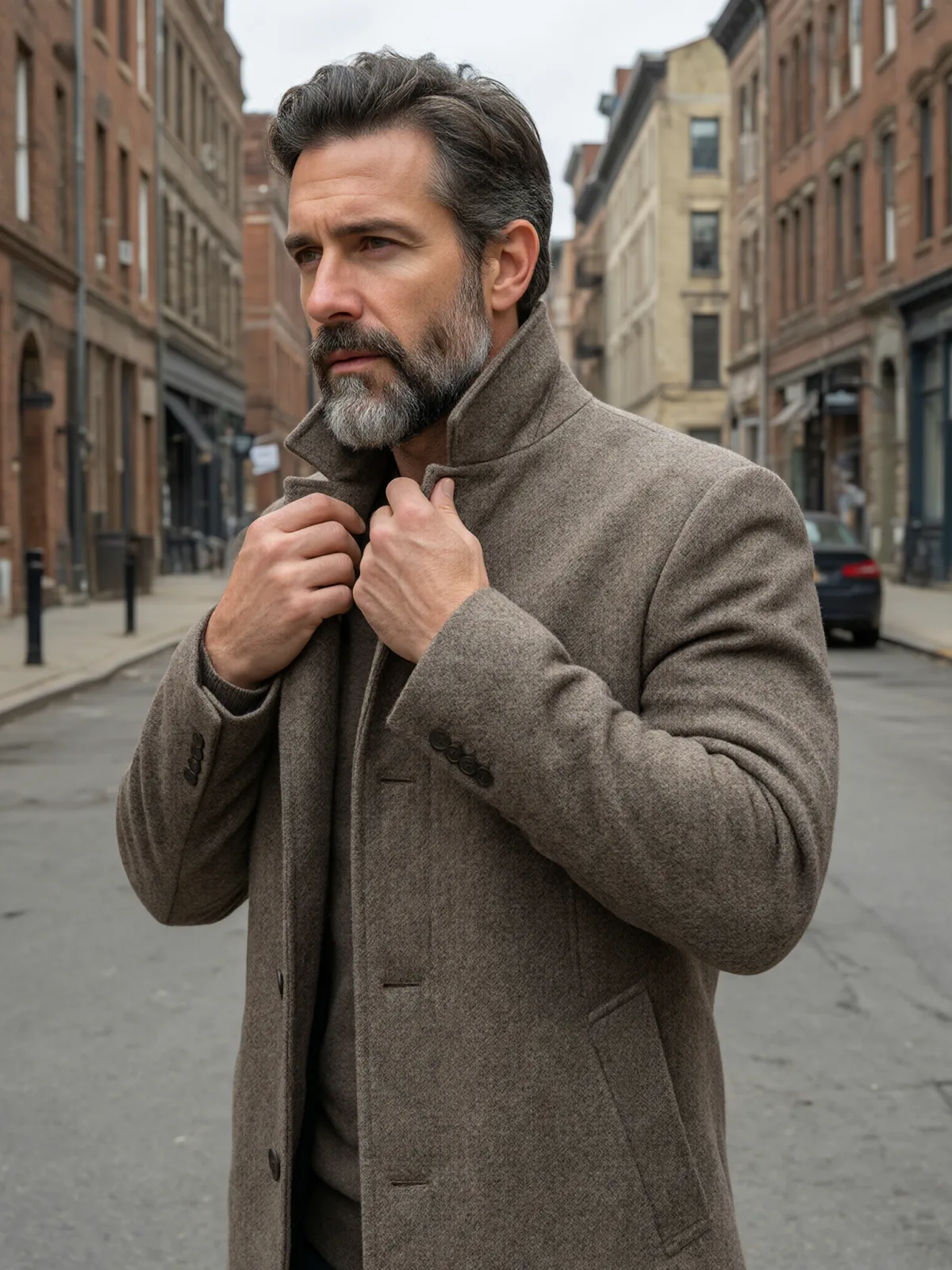
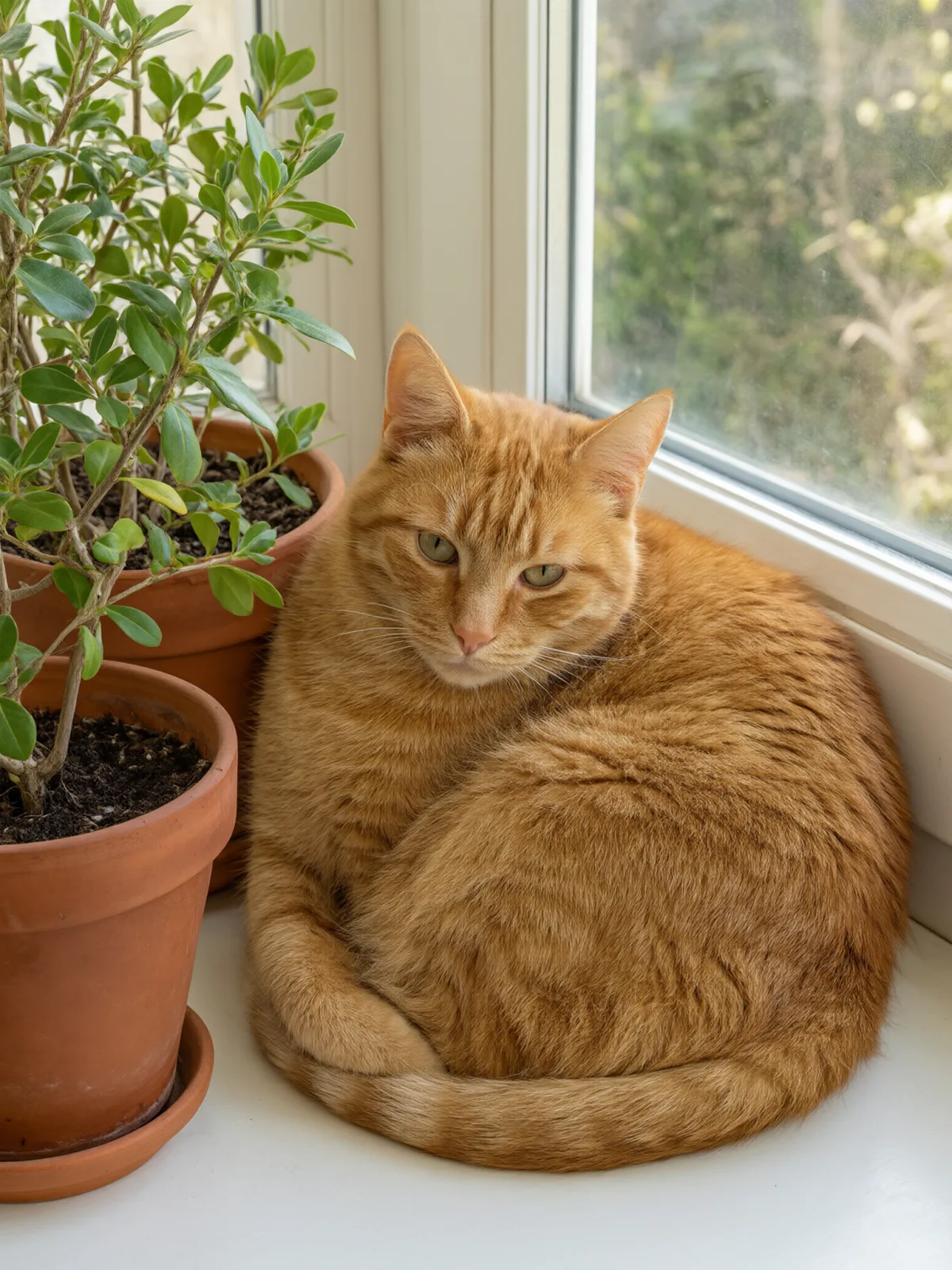
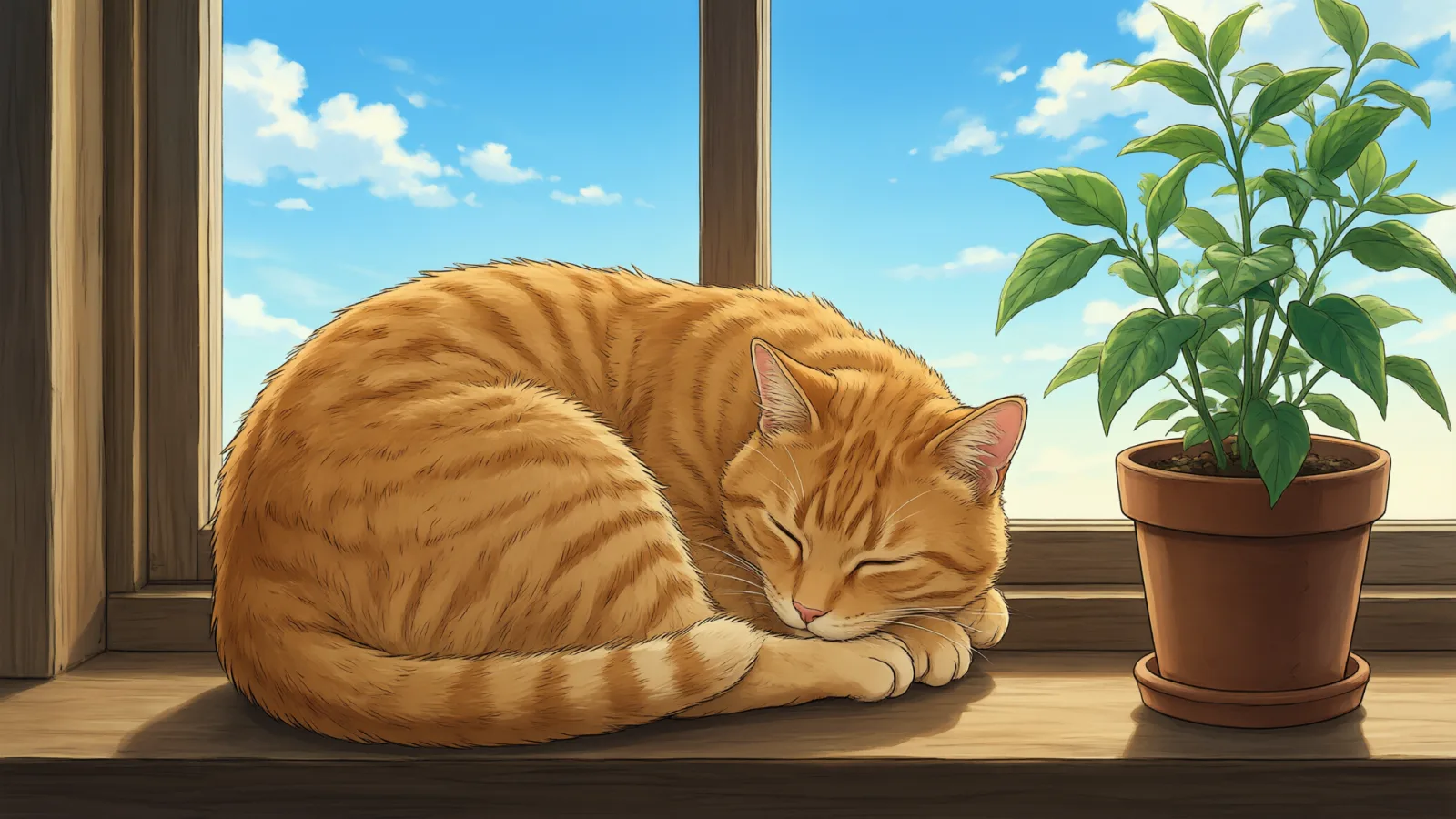
Each pair is the same sentence on the same model. The left frame has no style; the right one is Anime Key Visual. That gap is what the style adds.

  • The test subject with no style, made with Qwen Image 3.0
    No style
    Sample in the Anime Key Visual style, made with Qwen Image 3.0
    With Anime Key Visual

    Qwen Image 3.0

  • The test subject with no style, made with Z-Image
    No style
    Sample in the Anime Key Visual style, made with Z-Image
    With Anime Key Visual

    Z-Image

  • The test subject with no style, made with Qwen Image 3.0
    No style
    Sample in the Anime Key Visual style, made with Qwen Image 3.0
    With Anime Key Visual

    Qwen Image 3.0

  • The test subject with no style, made with Qwen Image 3.0
    No style
    Sample in the Anime Key Visual style, made with Qwen Image 3.0
    With Anime Key Visual

    Qwen Image 3.0

Samples

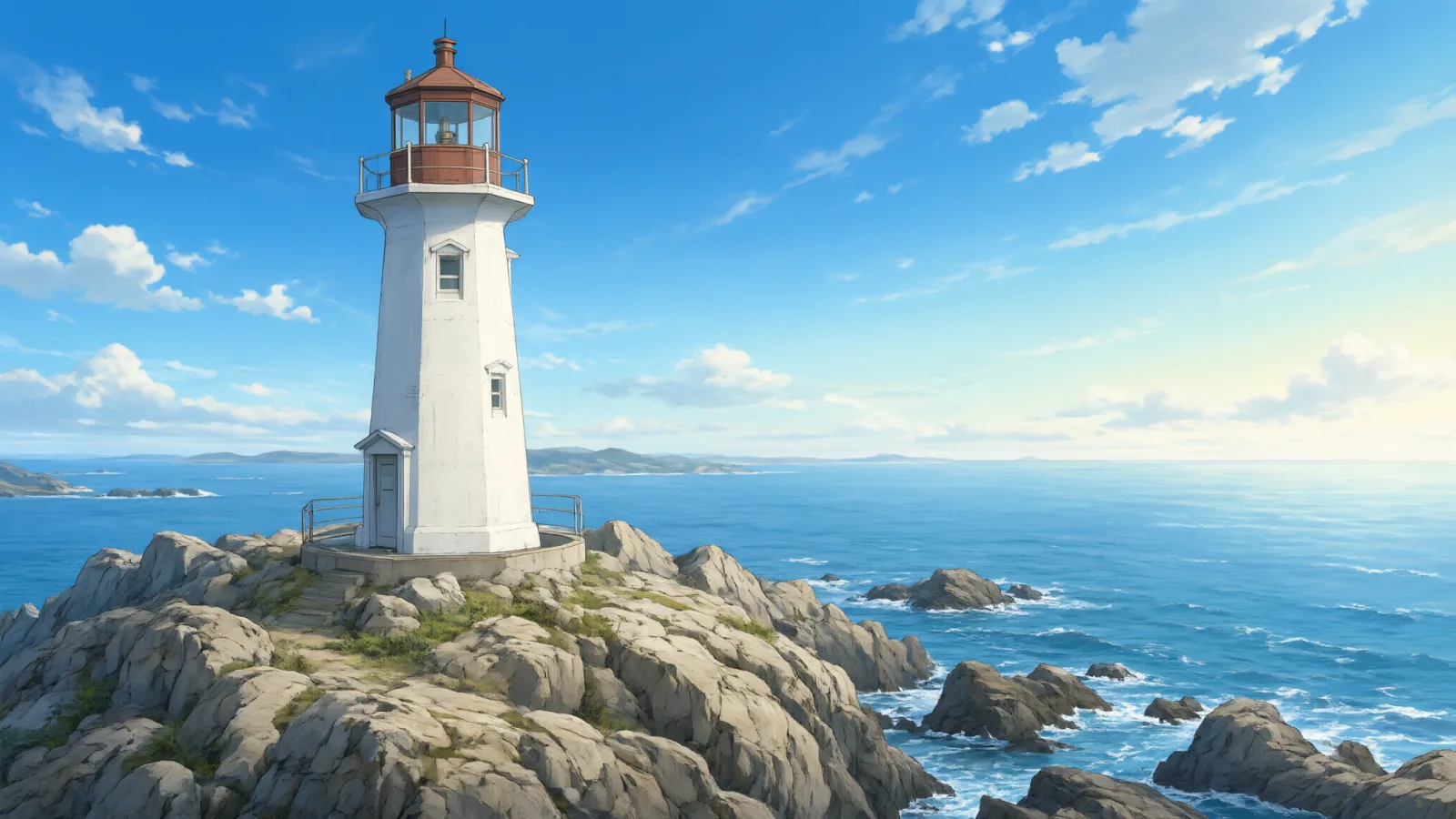
The same fixed test subjects run through every style, so you see what Anime Key Visual does rather than what the subject brings.

  • Sample in the Anime Key Visual style, made with Qwen Image 3.0
    Qwen Image 3.0

About Anime Key Visual

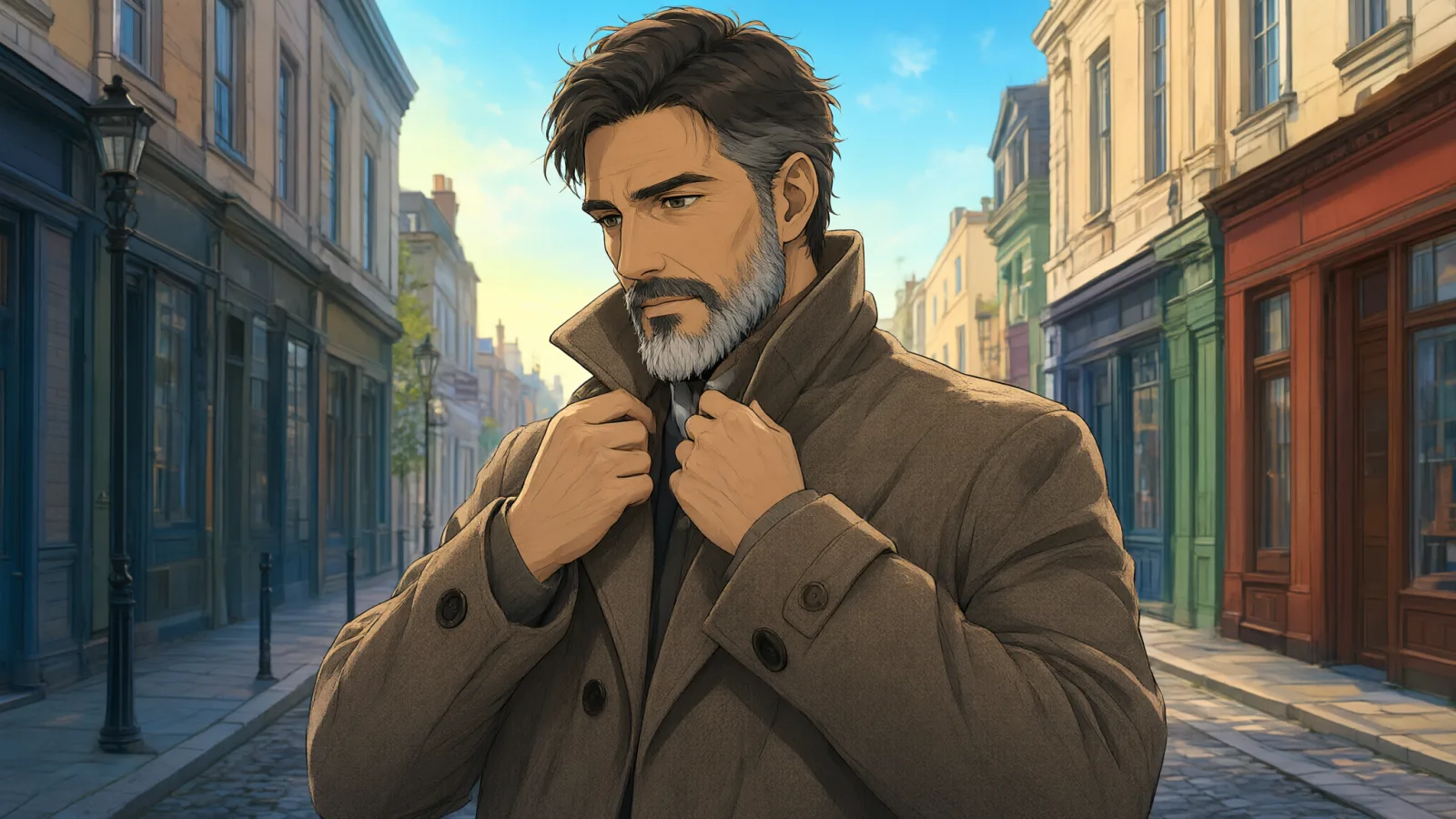
Anime Key Visual is the look of a series announcement poster: clean confident line art, crisp cel shading, a sky that glows from deep blue into warm light, and a background painted with so much detail you could walk into it. The palette is vivid but balanced, and the composition has movement even when the subject is standing still.

Write a character and a place, and the style does the rest: a woman with a violin case on a hillside above the sea, a man in a long coat on a station platform at sunset, a cat on a rooftop under a summer sky, a lighthouse in a field of flowers. Backgrounds are where this style shines, so give it somewhere worth painting.

This style works from text only: it draws a new image from your description and does not restyle uploaded photos.

For a wide poster or desktop wallpaper, choose 16:9 before generating. On the anime-specialist model in the compatible list the style switches to that model’s own tag-style prompt automatically, so you do not need to learn a second way of writing.

Subjects to paste as they are: “a woman with a violin case standing on a hillside above the sea”, “a man in a long coat on an empty station platform at sunset”, “a ginger cat on a rooftop under a tall summer sky”. Big skies and a clear figure make the strongest key visuals.

Finishes that work on top: Golden Hour turns the sky into sunset, and Soft Bloom adds a glowing, dreamy atmosphere. Monochrome is disabled for anime styles because it removes the color that defines them.

Tips that make it land

  • Always include a setting with sky: hills, rooftops, coastlines, stations. The luminous sky gradient is the heart of the look.
  • Describe clothing and one prop — a scarf, a bicycle, an umbrella. Details like these become the focal points of the drawing.
  • For human subjects, clearly describe fictional adults and include the identity details you want to carry across the series.
  • Name the time of day — a golden afternoon, blue hour, a night lit by windows. The sky gradient follows it.
  • Weather is dramatic in key visuals: add “after a summer storm”, “cherry petals in the wind” or “first snow” to your scene.

The prompt it sends

Your sentence goes where {subject} sits. Everything around it is the style. Nothing is hidden, and we never filter your prompt.

{subject}, anime key visual, clean line art, cel shading, luminous sky gradient, richly detailed background, vivid balanced palette, dynamic composition
Use Anime Key Visual now

Prompt ideas for Anime Key Visual

Scenes from our prompt library that suit this look. Borrow the idea as your subject line; the style adds the rest.

Anime & illustration

Models it works on

Every model below was tested with this style. The price is per image and shows on the Generate button before you run.

How to use Anime Key Visual

  1. 01

    Write who or what

    Write one plain sentence for your Anime Key Visual image: who or what is in it and what is happening. The style brings the light, color and medium, so leave those out.

  2. 02

    Keep Anime Key Visual on

    It is already selected at the top of this page and lands best on Seedream 5.0 Pro, the model it was tuned on. It builds the whole scene from your text.

  3. 03

    Generate

    From $0.01 per image, shown on the button before you run. Pick your favorite Anime Key Visual frame, then edit it, restyle it or make it move from the result.

Questions about Anime Key Visual

Make video

Styles are for stills. These effects start from one photo and add a single deliberate move.

Read next