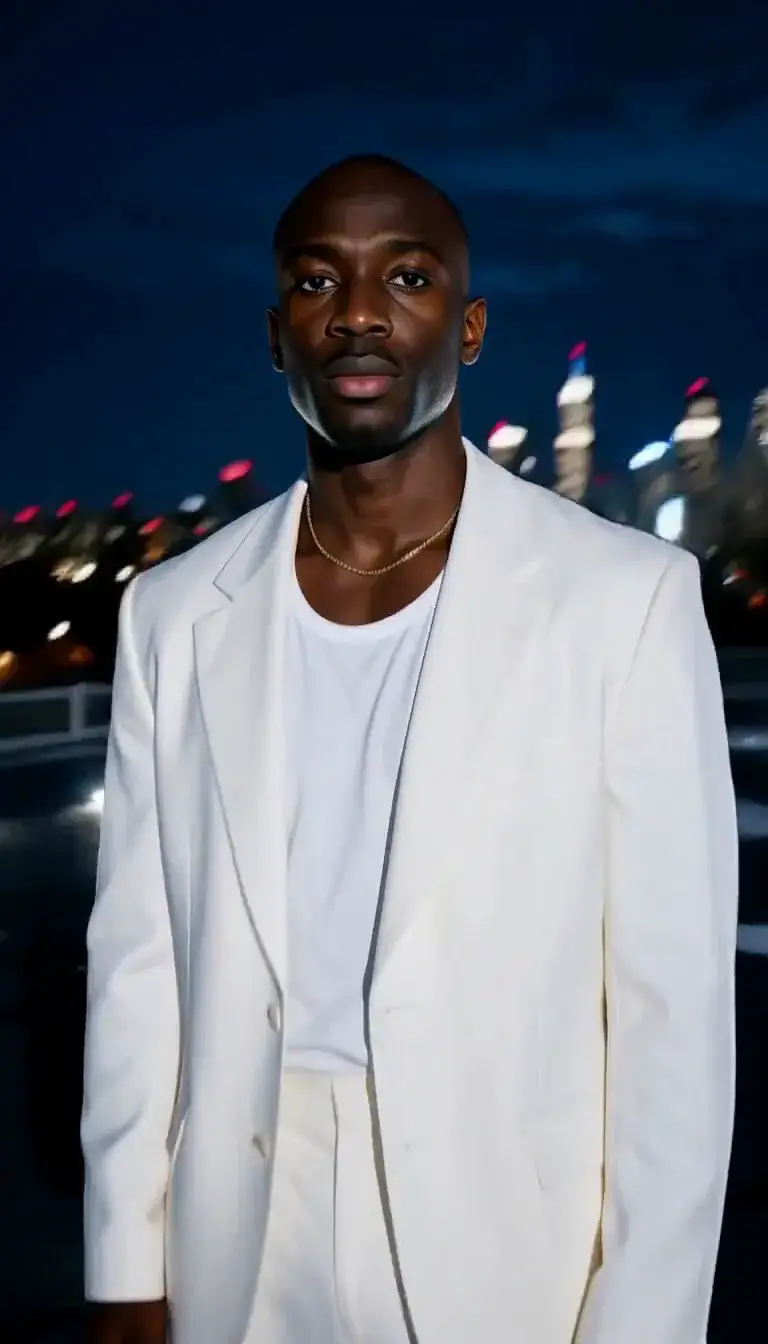
2.5D AI Art Generator: 2.5D Semi-Real

Effects
2.5D Semi-Real

2.5D Semi-Real

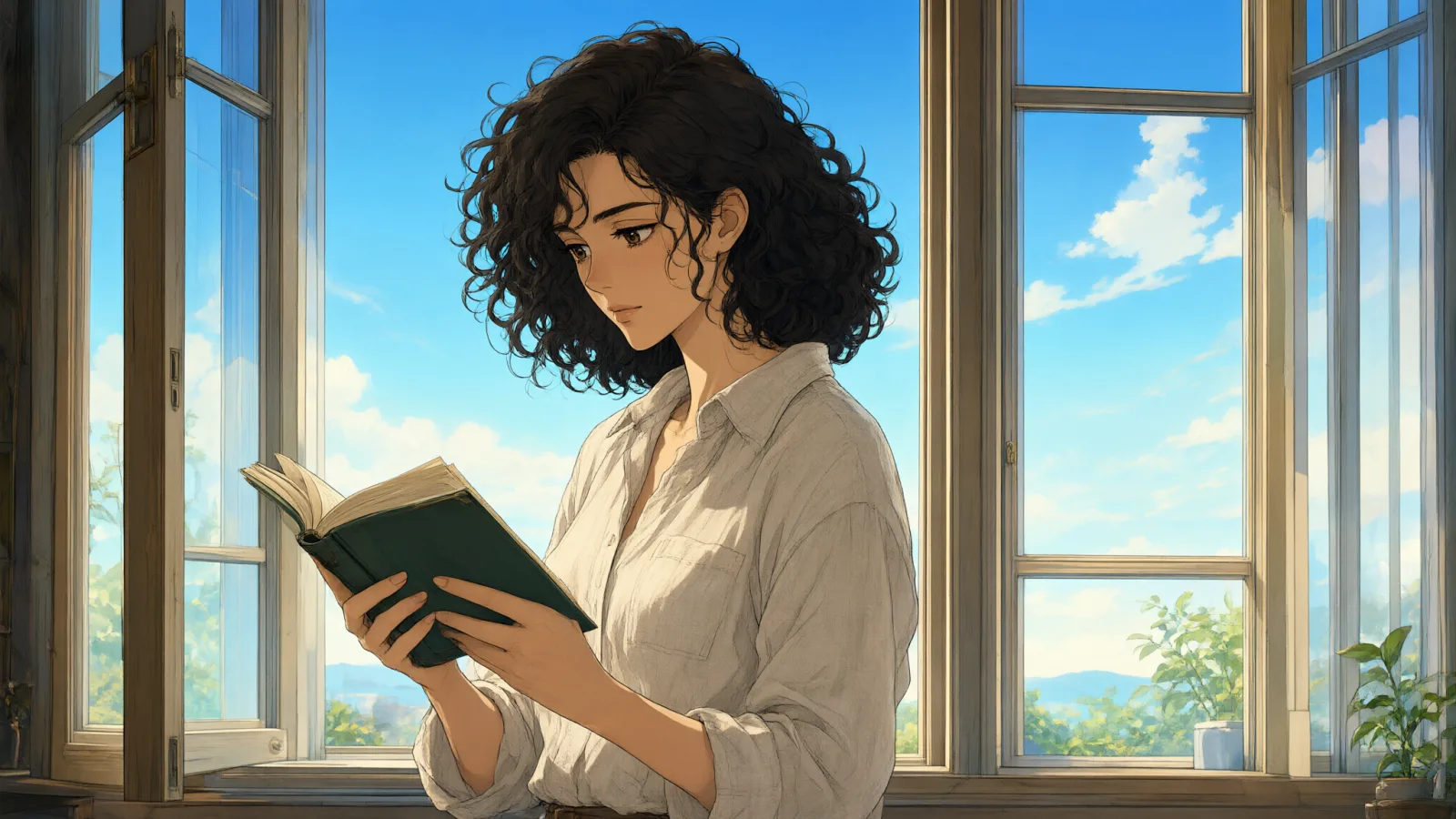
A semi-realistic 2.5D digital painting between anime and photo: airbrushed rendering, a luminous rim light and fine detail.

Works on

  • Seedream 5.0 ProBest$0.036 / image
  • Anima Turbo$0.012 / image
  • Anima Turbo LoRA$0.018 / image
  • Qwen Image 3.0$0.03 / image
  • + 19 more models

Related styles

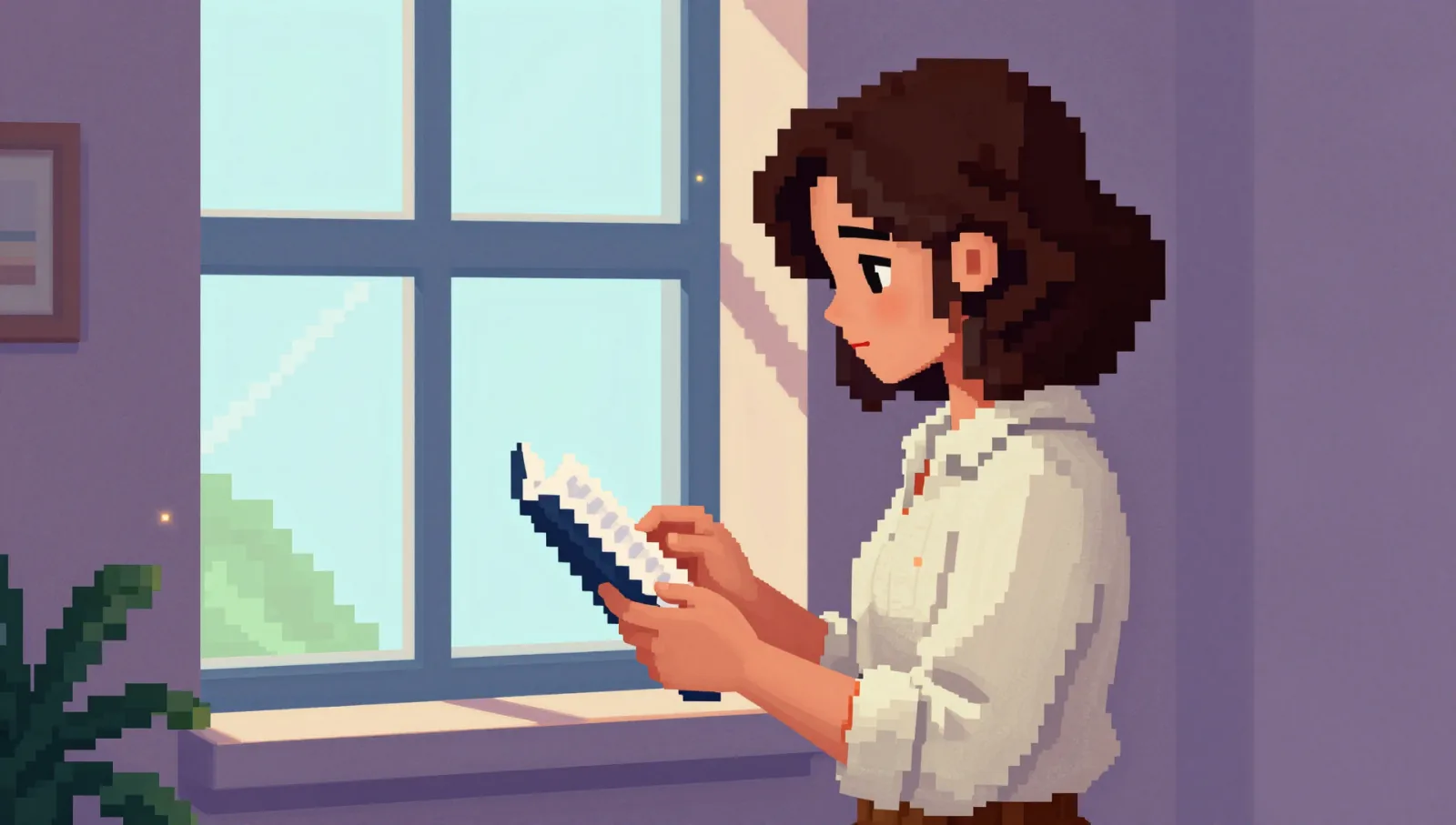
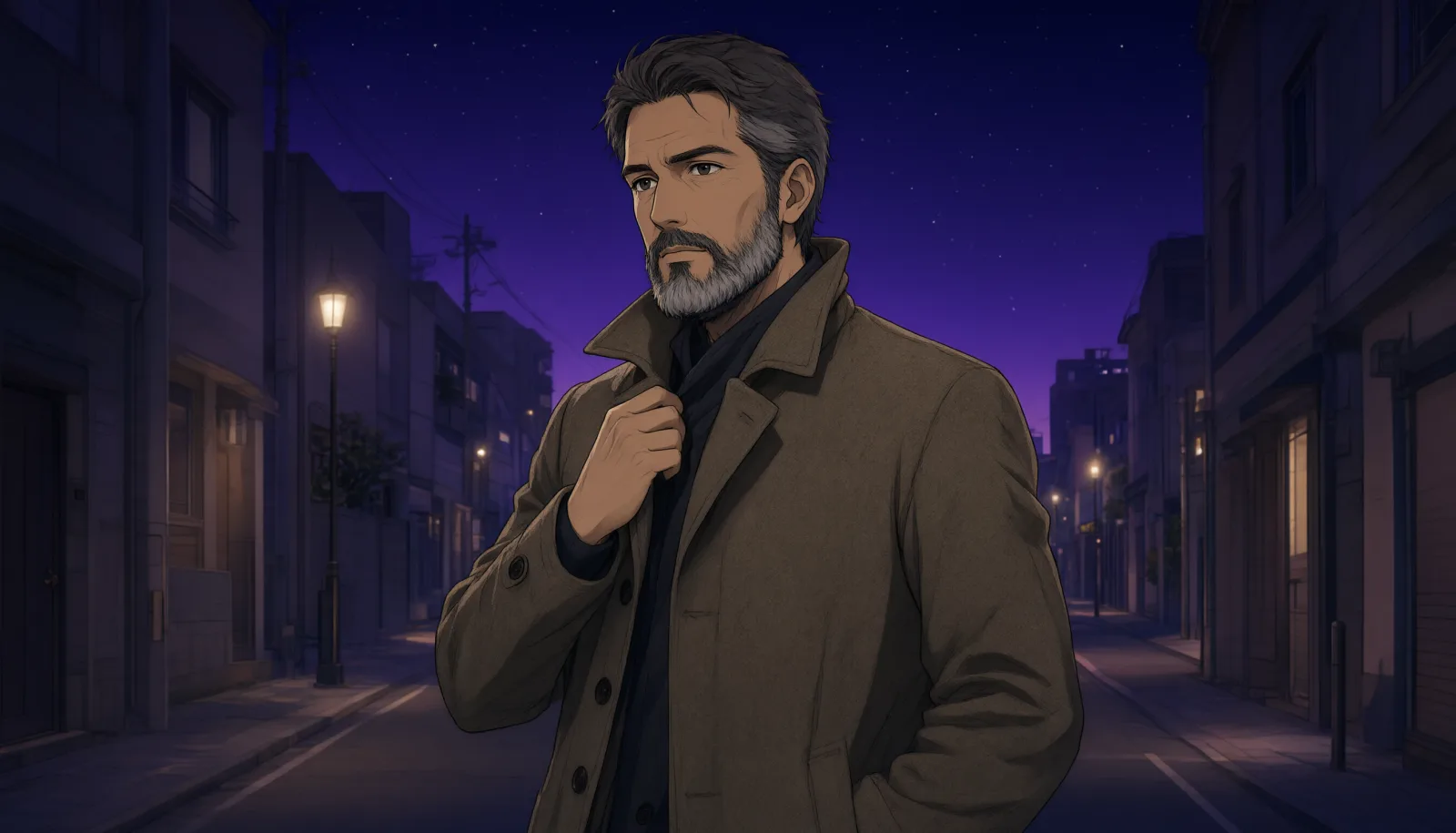
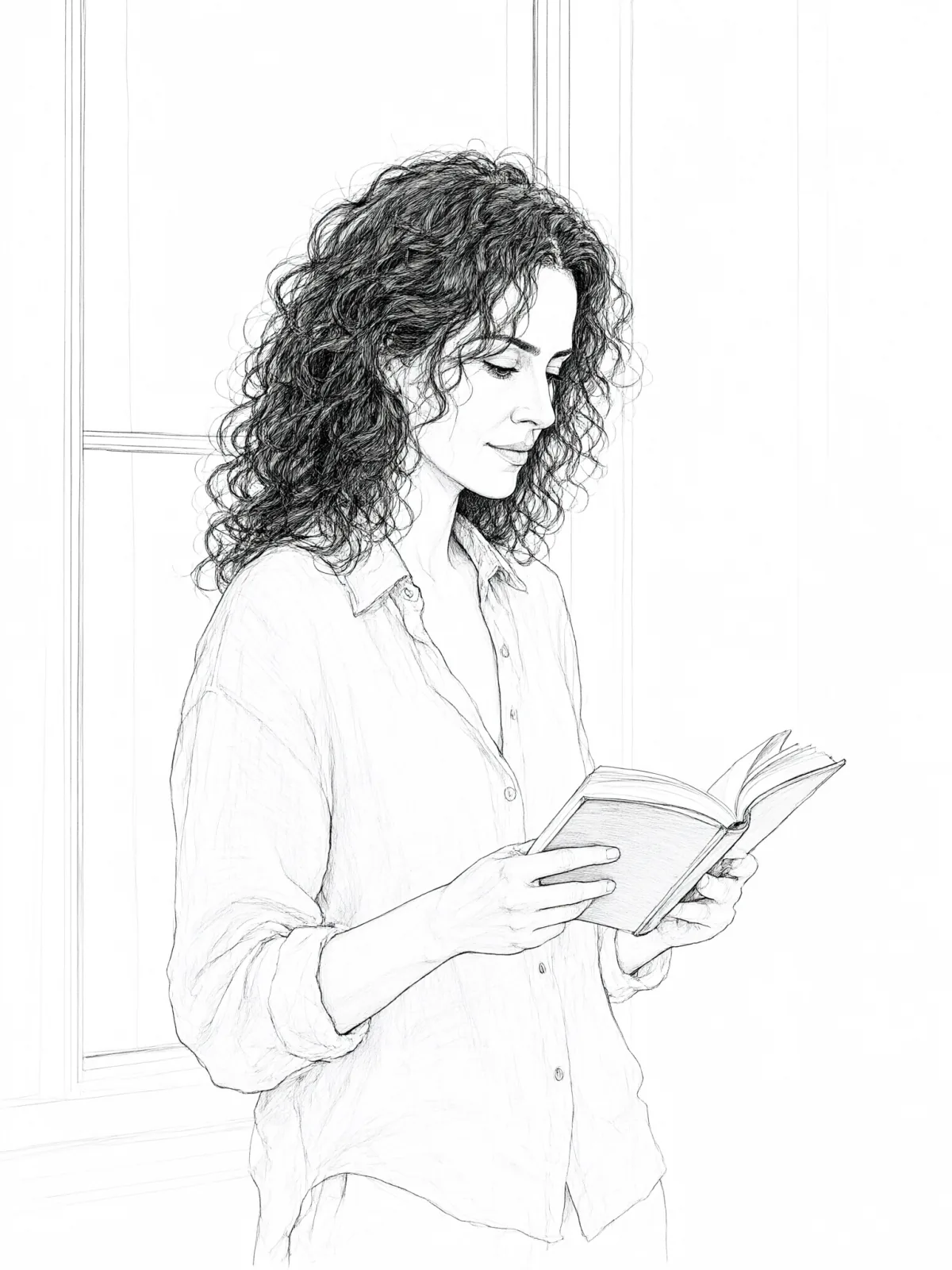
Same person, same prompt — only the style changes

2000s Digicam
After Midnight Flash
Candlelit Velvet
Cinematic Gothic
Late-Night Hotel
Late-Night OVA
Moonlit Voile
Neon After Rain
After-Con Neon
Afterglow Pool
Airbrush Pin-up
Blush Neon
Brass Reflections
Anime Key Visual
Manhwa Action
16-Bit Pixel
Cel Night Frame
Clean Line Art
Die-Cut Sticker
Flat Pastel Anime
2.5D Semi-Real
Instant Film
Sign up to generate

We never filter your prompt.

A semi-realistic 2.5D digital painting between anime and photo: airbrushed rendering, a luminous rim light and fine detail.

Category
Anime
Works on
23 models
Price
From $0.01 / image
Suggested frame
3:4
Your own photo
Text only
Doesn't stack with
Monochrome

Same subject, with and without it

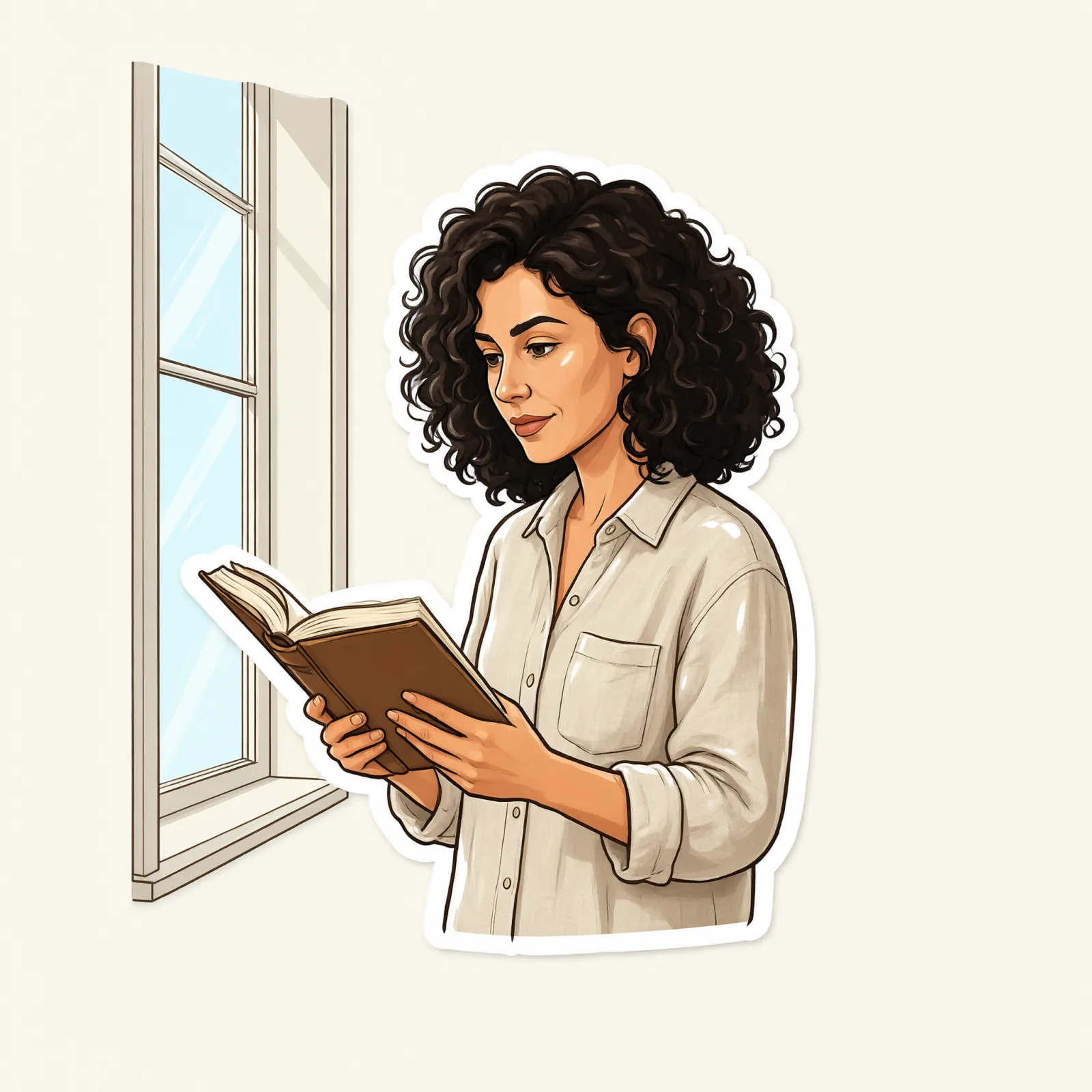
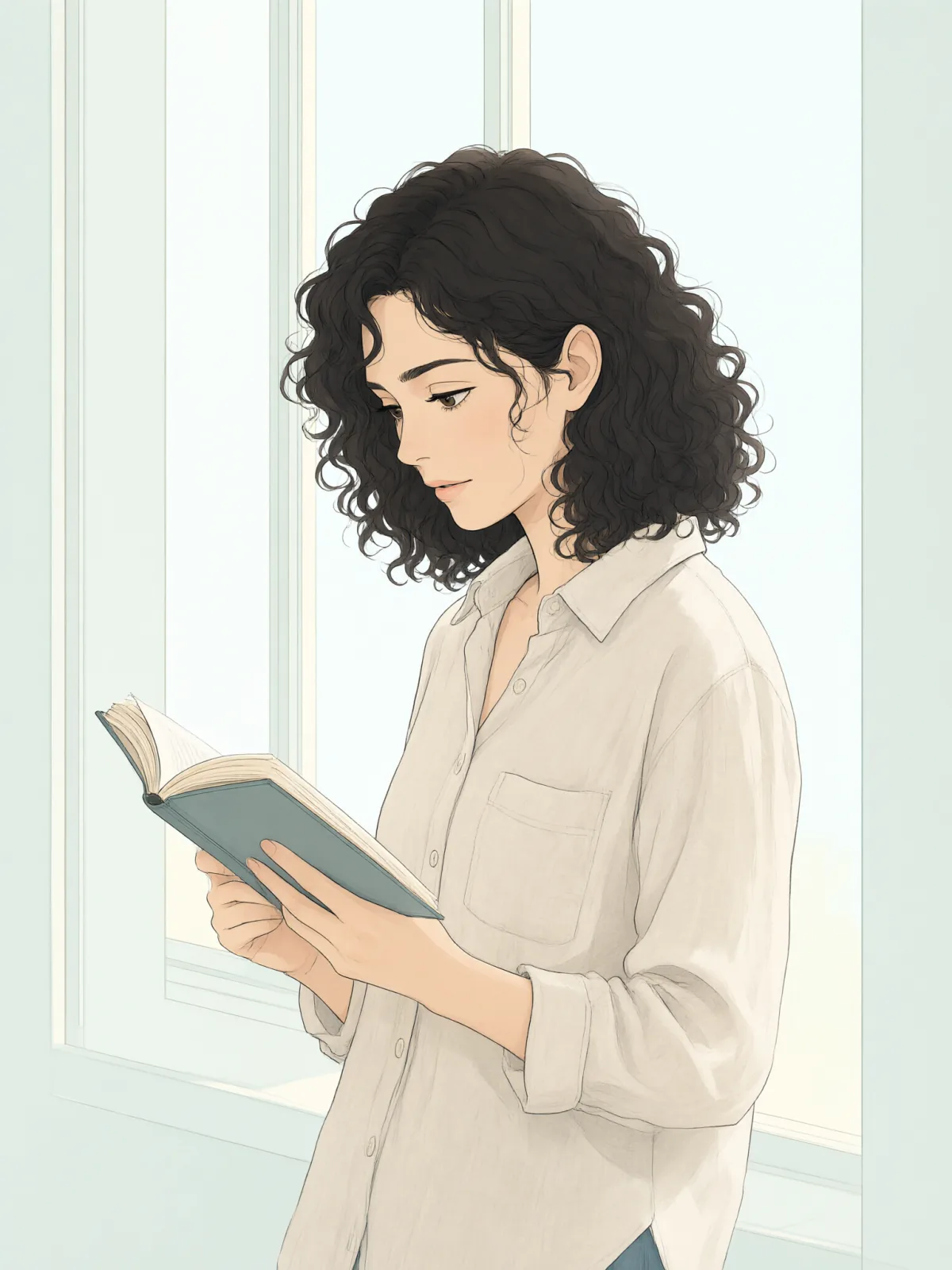
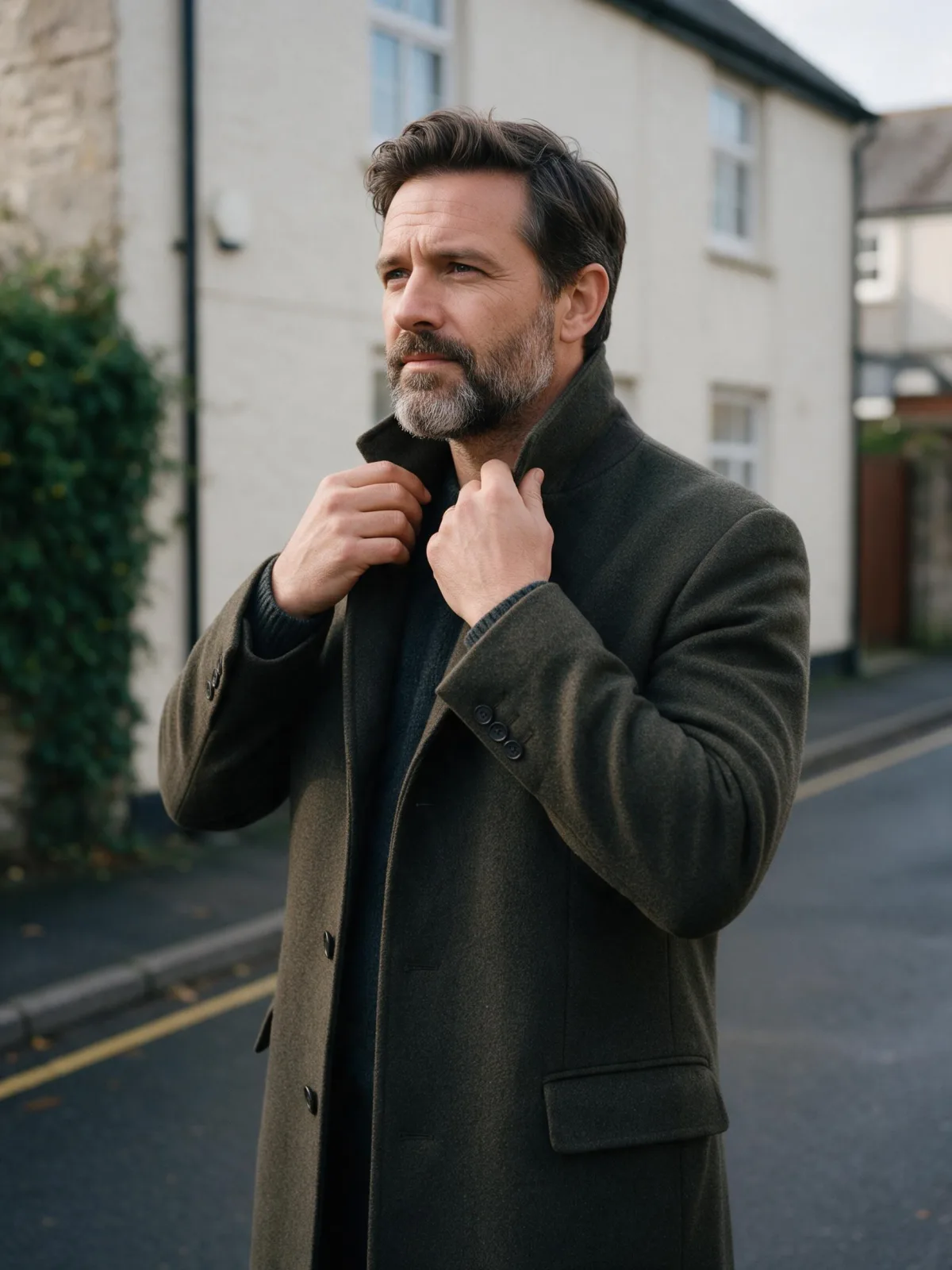
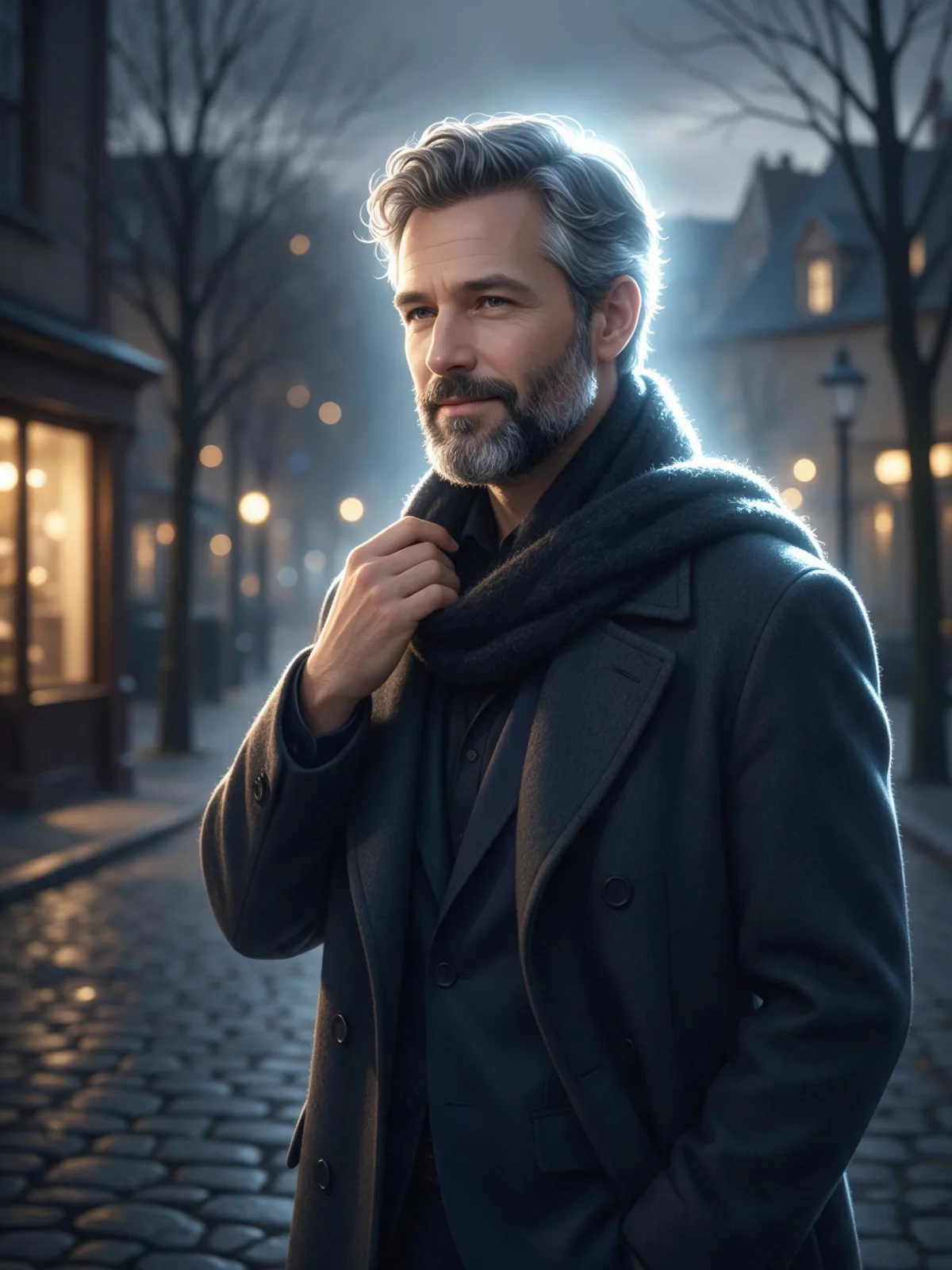
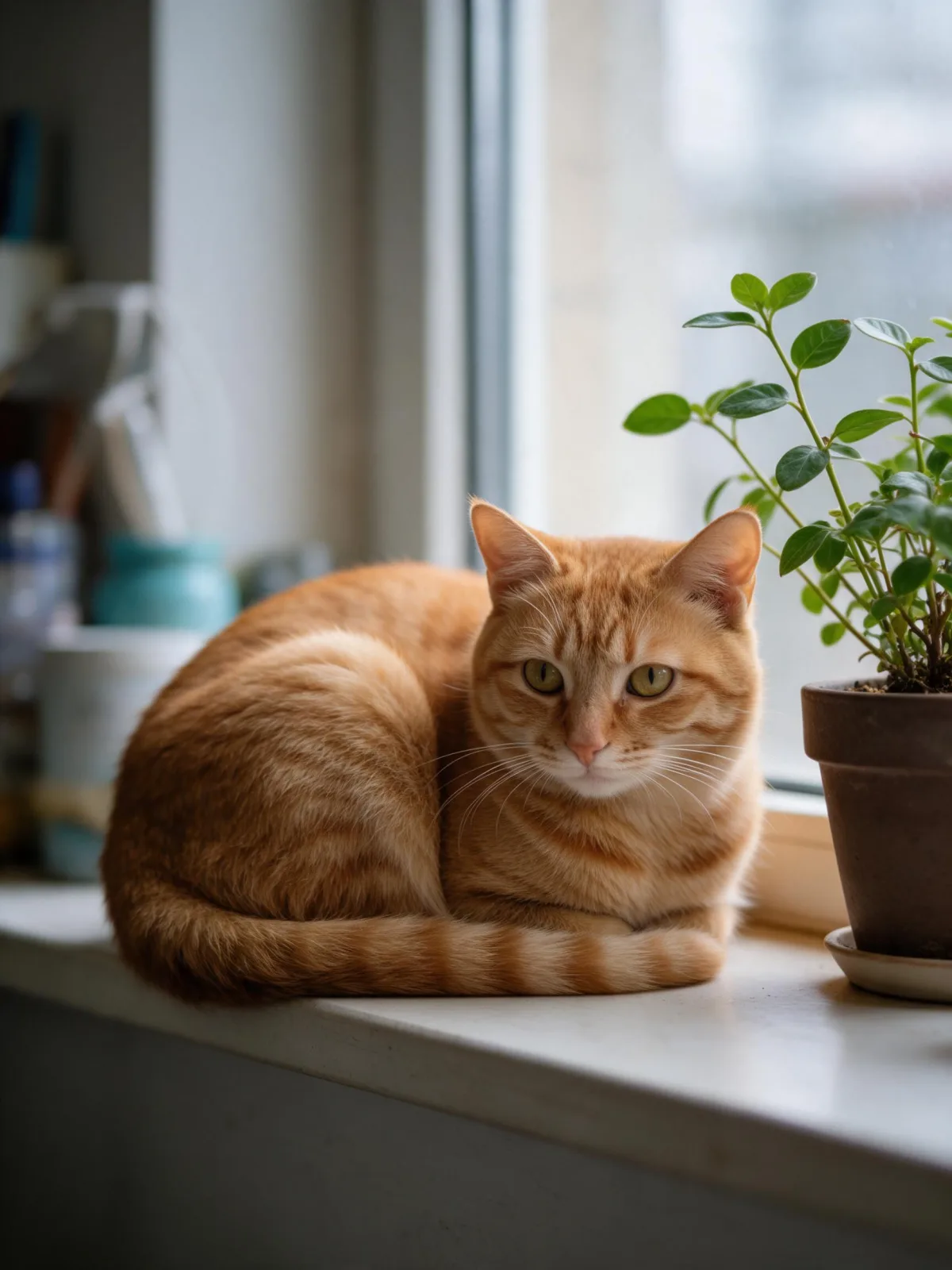
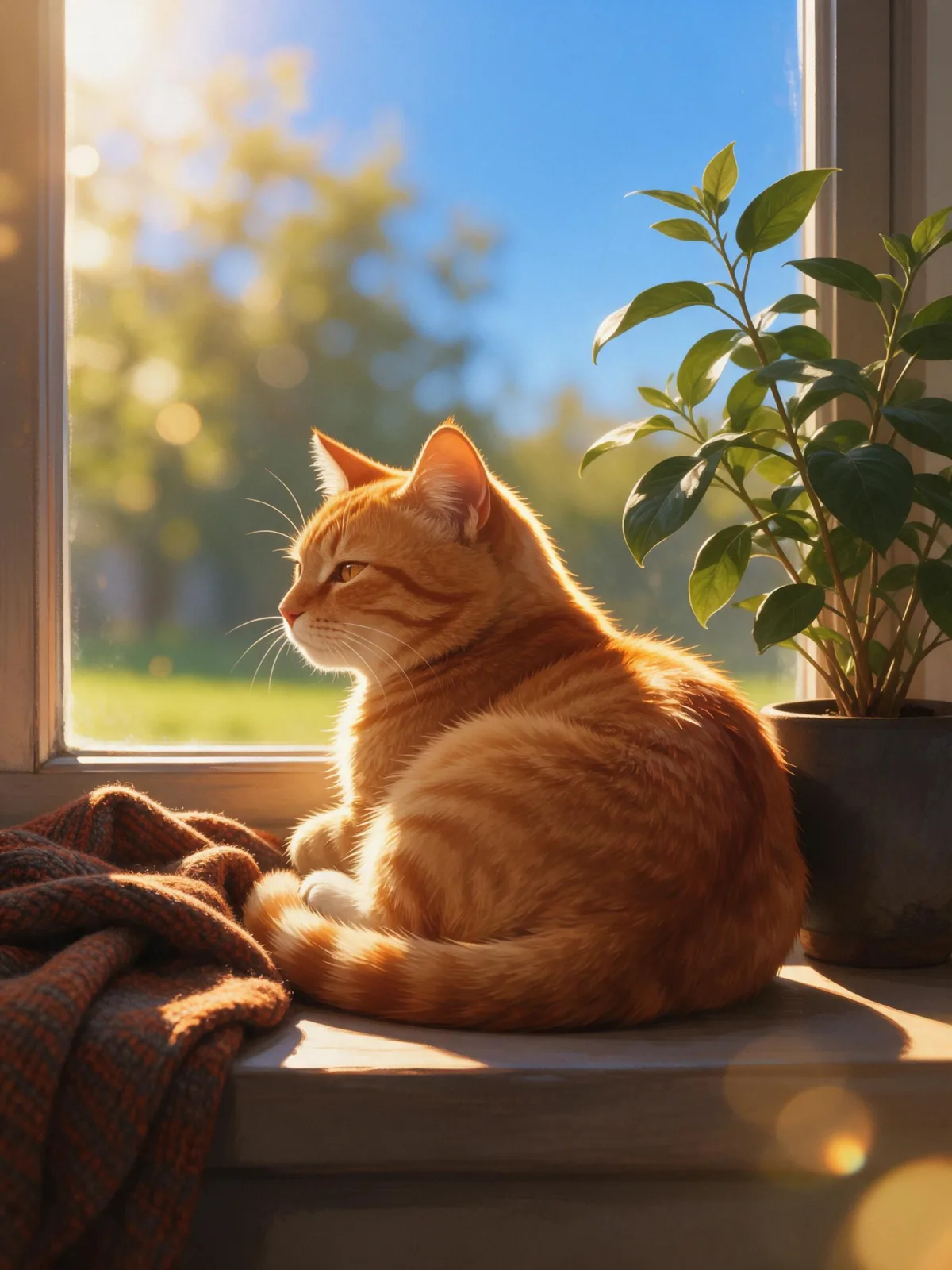
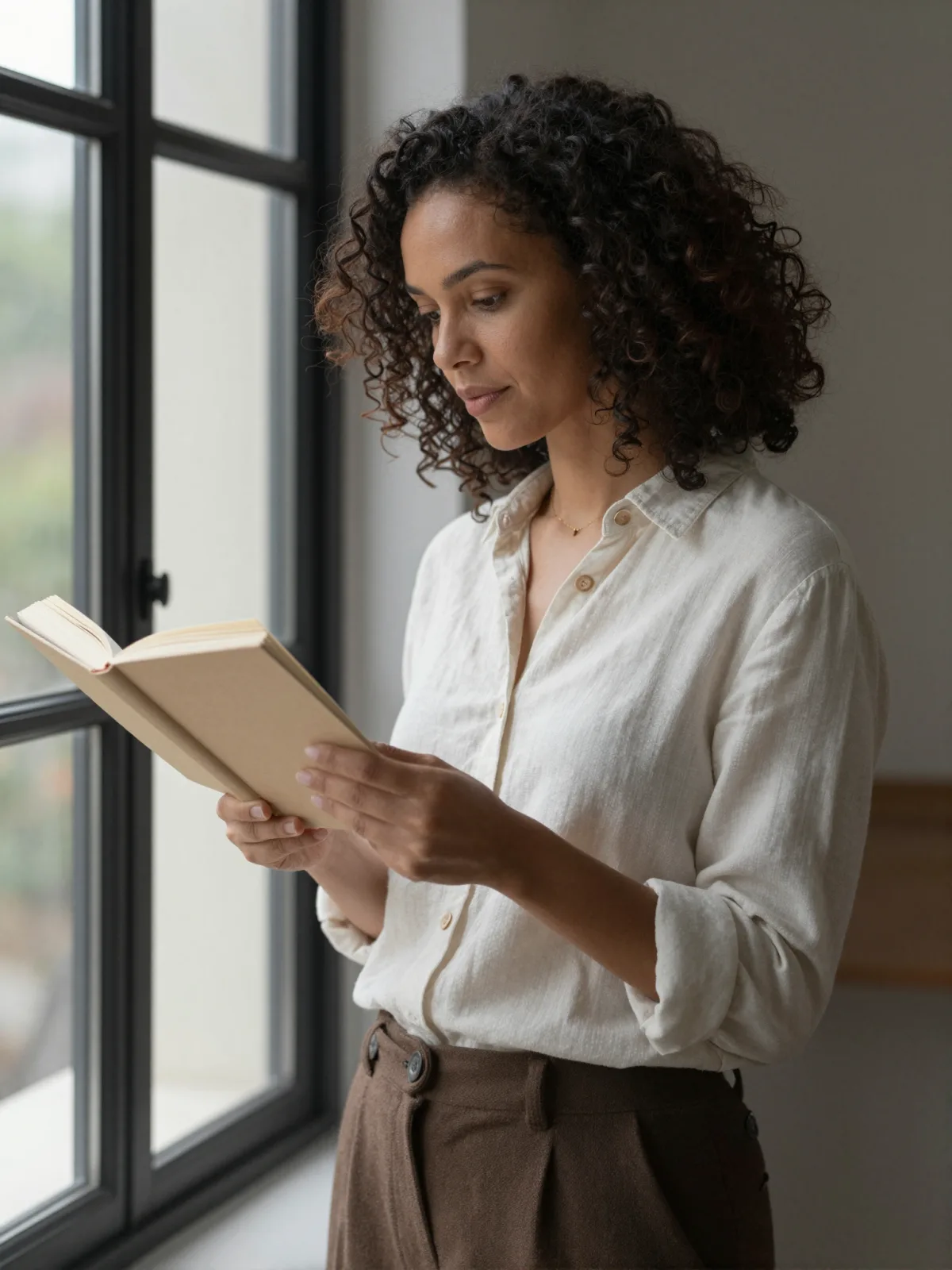
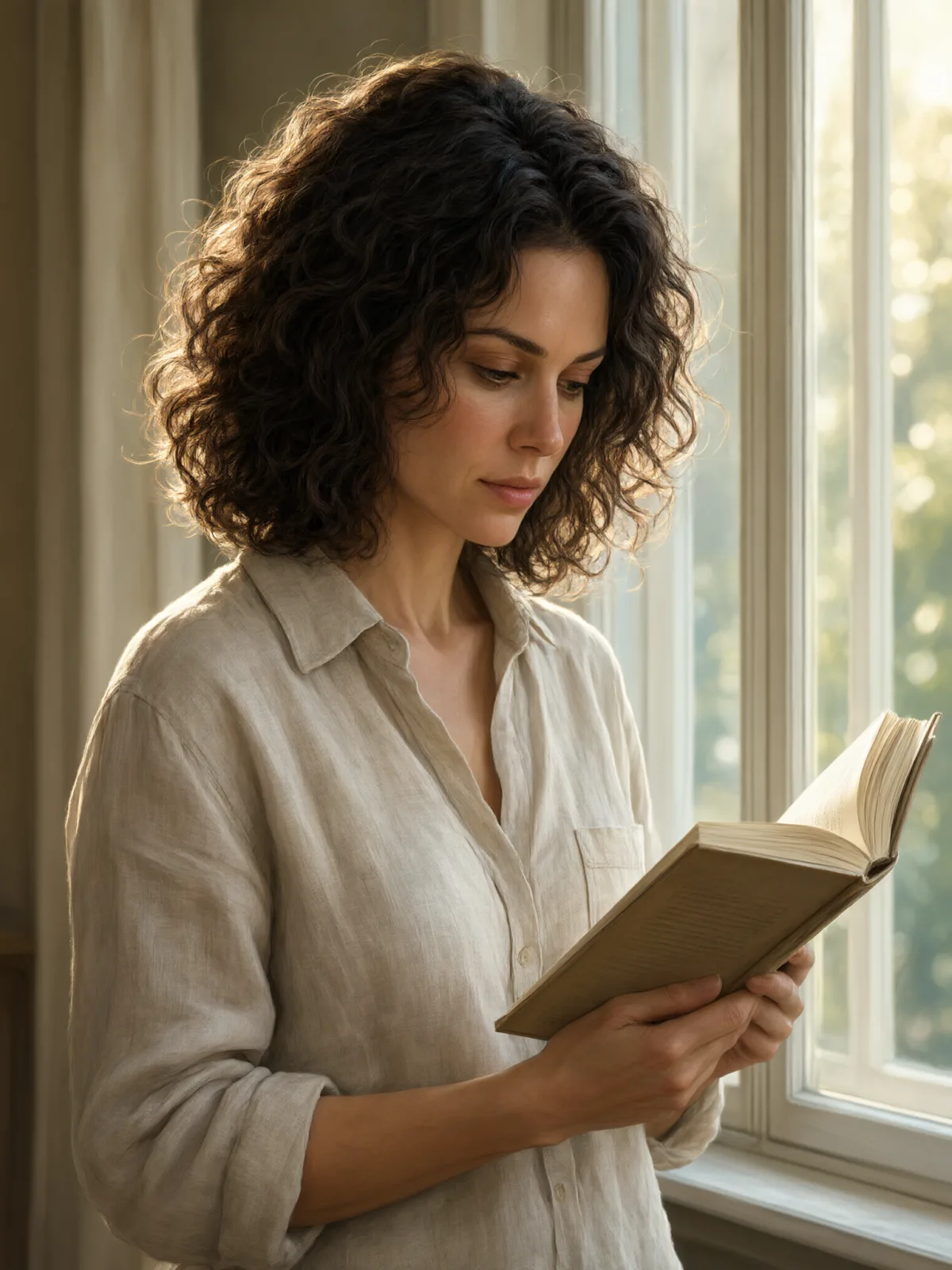
Each pair is the same sentence on the same model. The left frame has no style; the right one is 2.5D Semi-Real. That gap is what the style adds.

  • The test subject with no style, made with Seedream 5.0 Pro
    No style
    Sample in the 2.5D Semi-Real style, made with Seedream 5.0 Pro
    With 2.5D Semi-Real

    Seedream 5.0 Pro

  • The test subject with no style, made with Seedream 5.0 Pro
    No style
    Sample in the 2.5D Semi-Real style, made with Seedream 5.0 Pro
    With 2.5D Semi-Real

    Seedream 5.0 Pro

  • The test subject with no style, made with Seedream 5.0 Pro
    No style
    Sample in the 2.5D Semi-Real style, made with Seedream 5.0 Pro
    With 2.5D Semi-Real

    Seedream 5.0 Pro

  • The test subject with no style, made with Z-Image
    No style
    Sample in the 2.5D Semi-Real style, made with Z-Image
    With 2.5D Semi-Real

    Z-Image

Samples

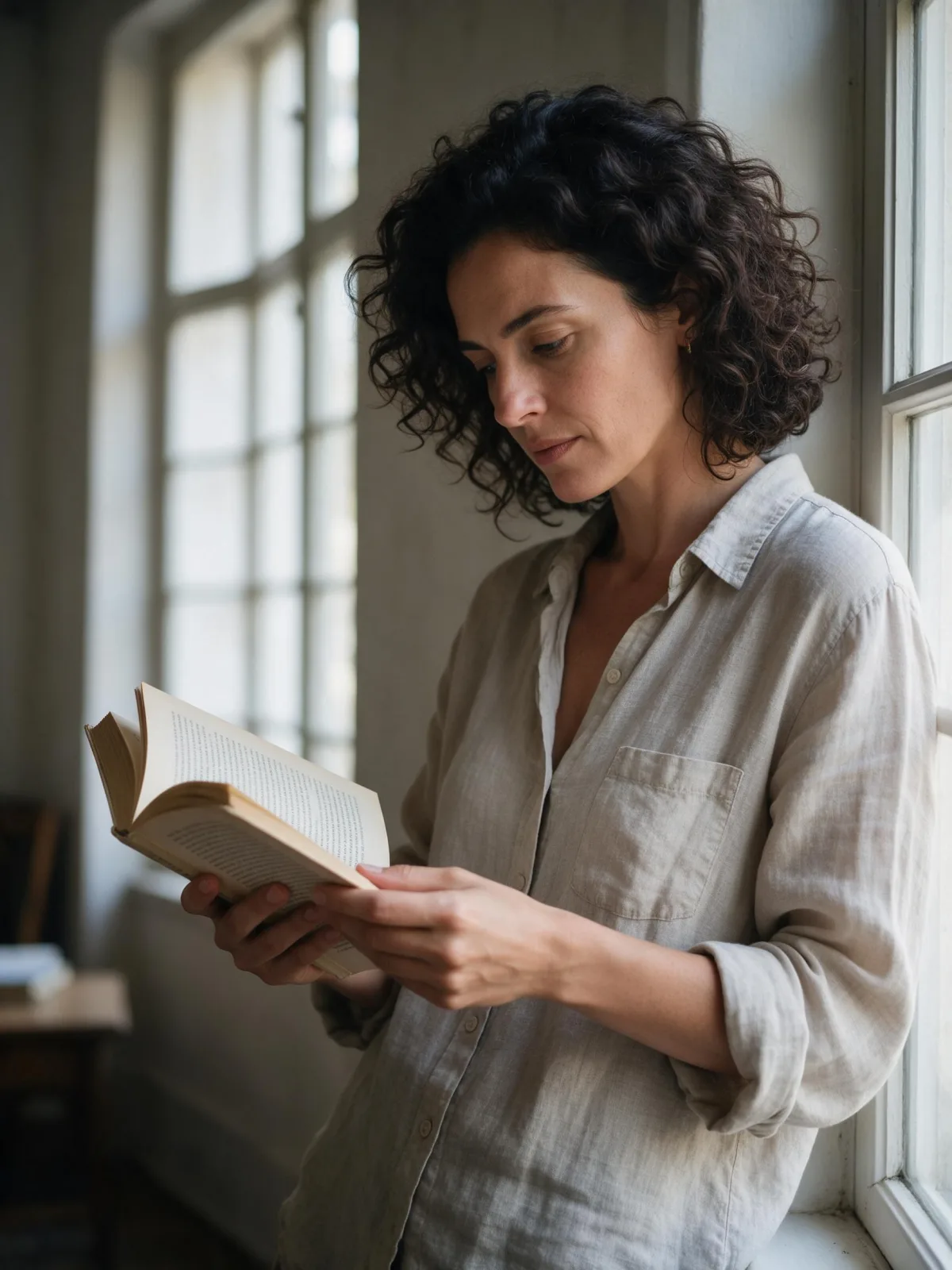
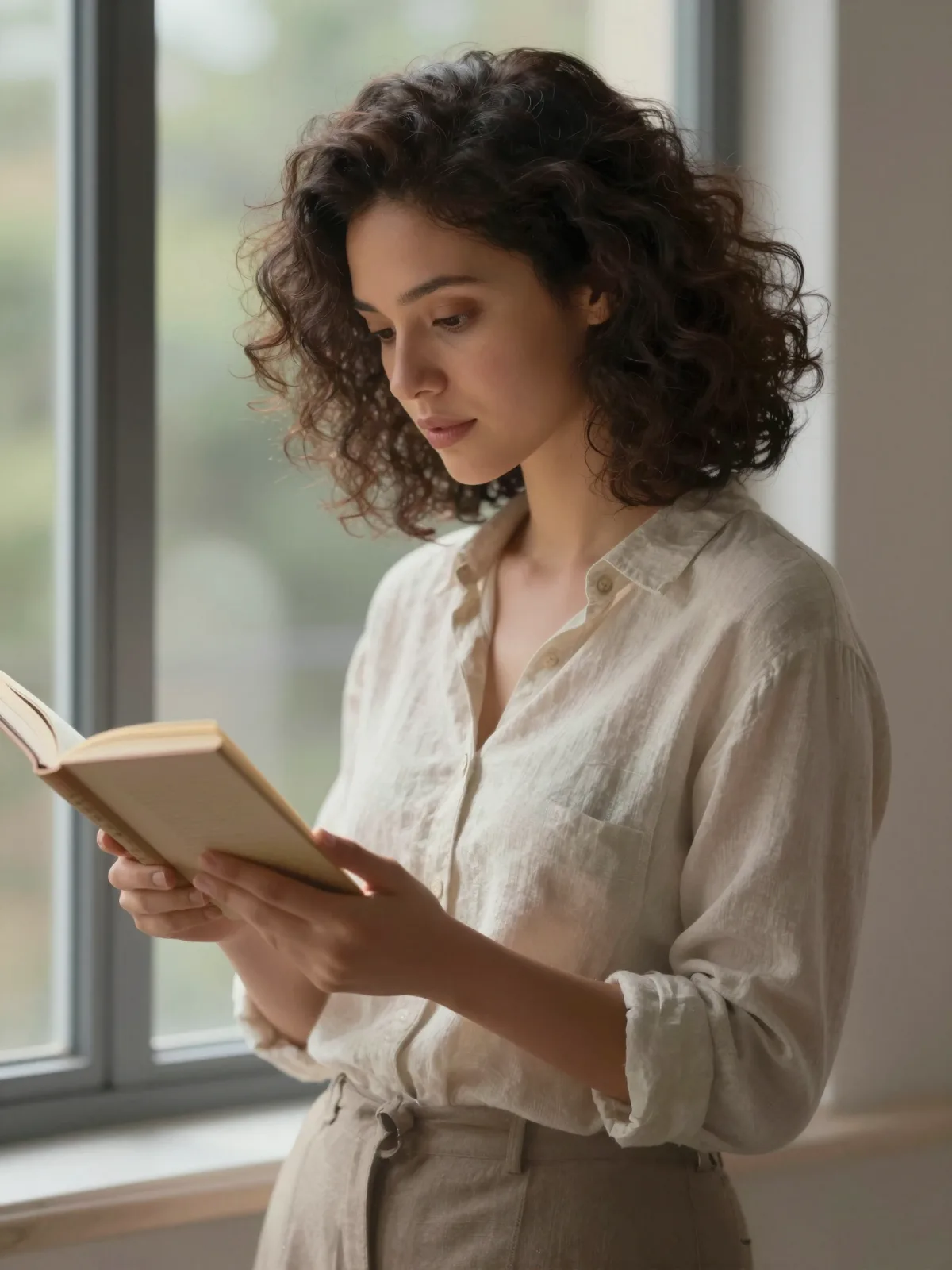
The same fixed test subjects run through every style, so you see what 2.5D Semi-Real does rather than what the subject brings.

  • Sample in the 2.5D Semi-Real style, made with Qwen Image 3.0
    Qwen Image 3.0
  • Sample in the 2.5D Semi-Real style, made with Qwen Image 3.0
    Qwen Image 3.0

About 2.5D Semi-Real

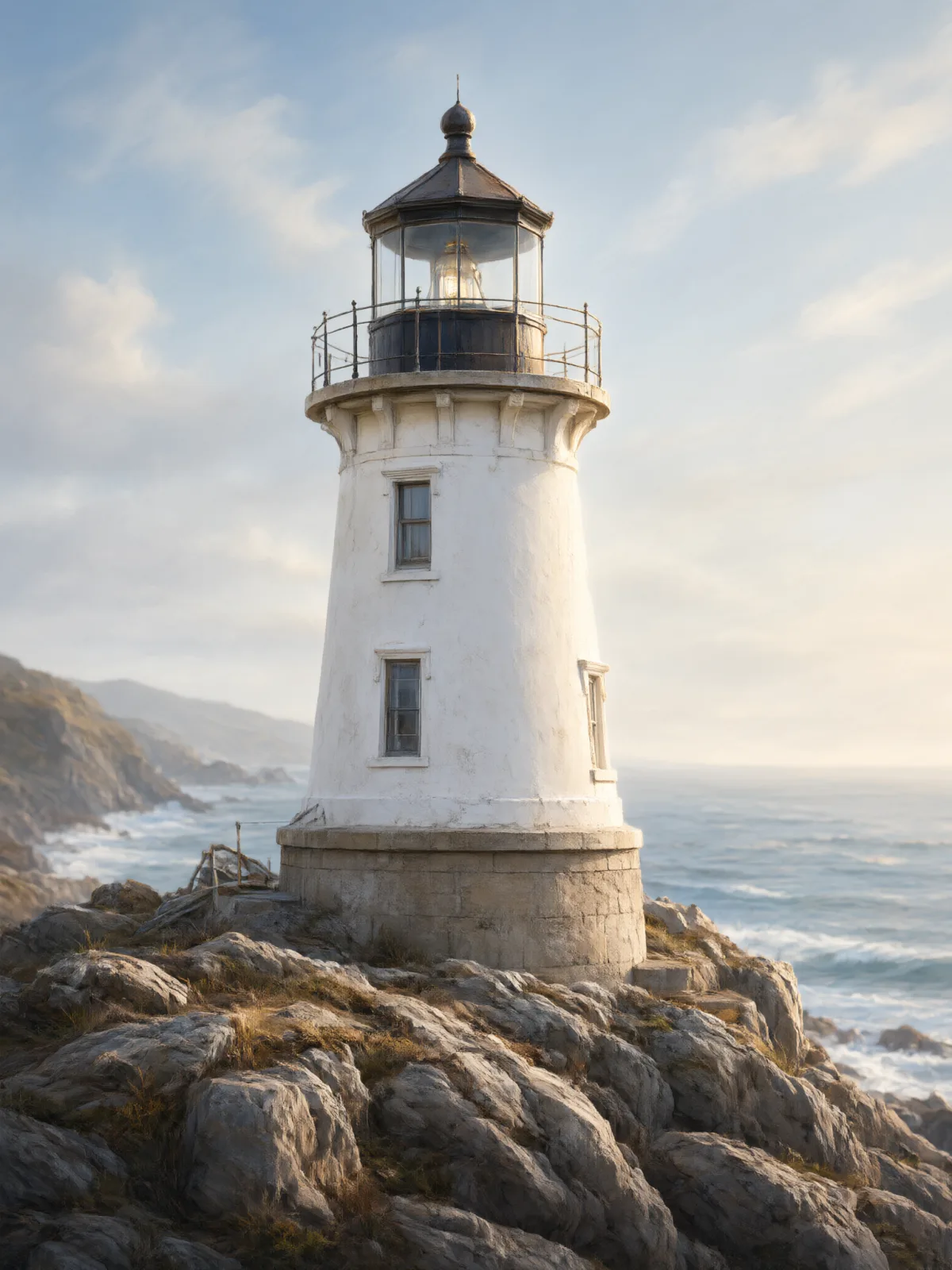
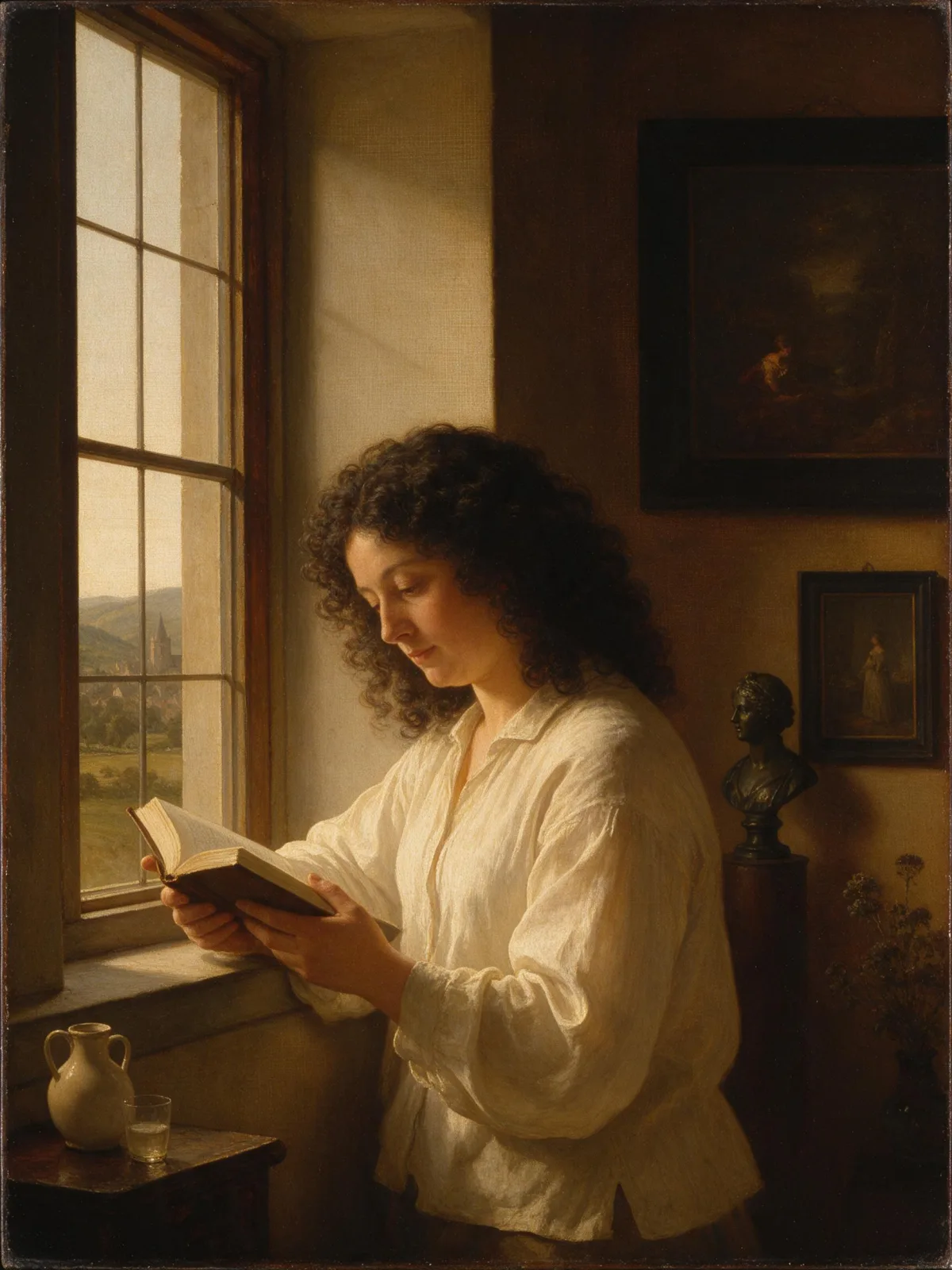
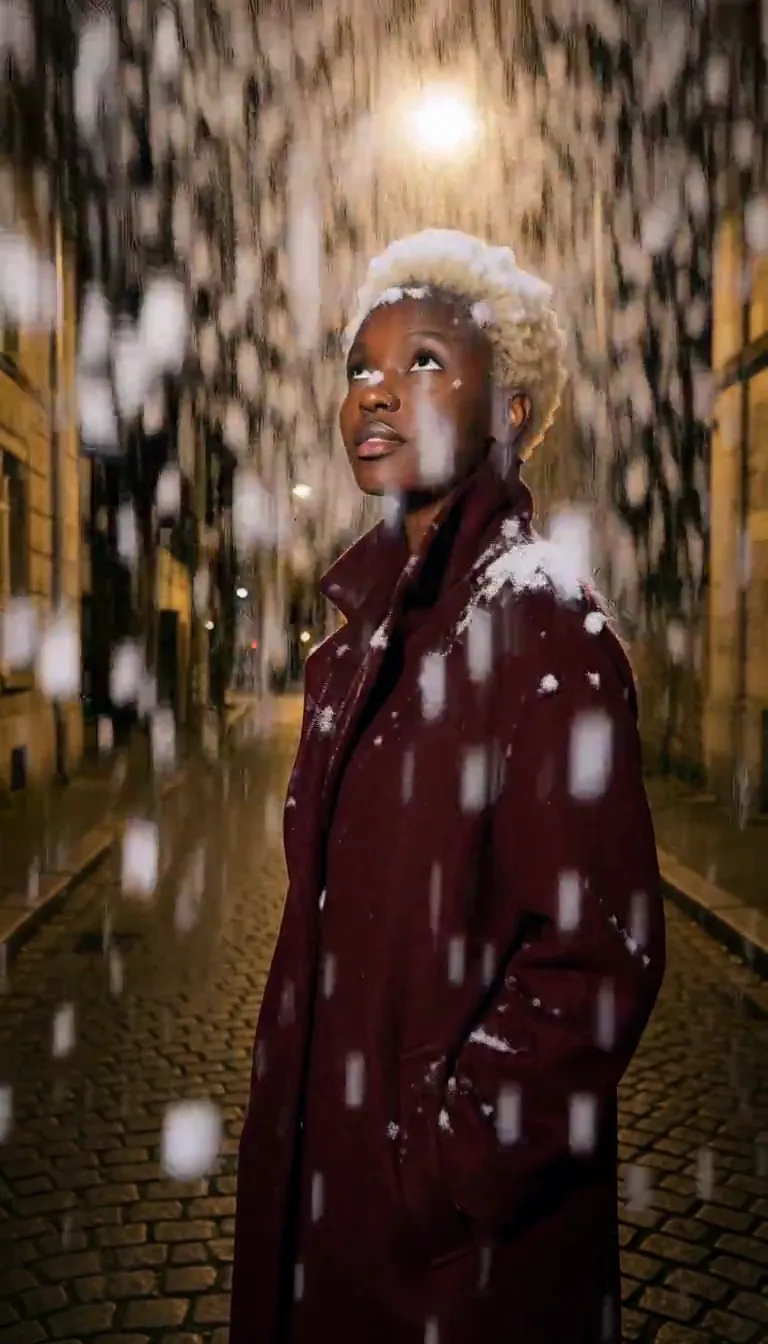
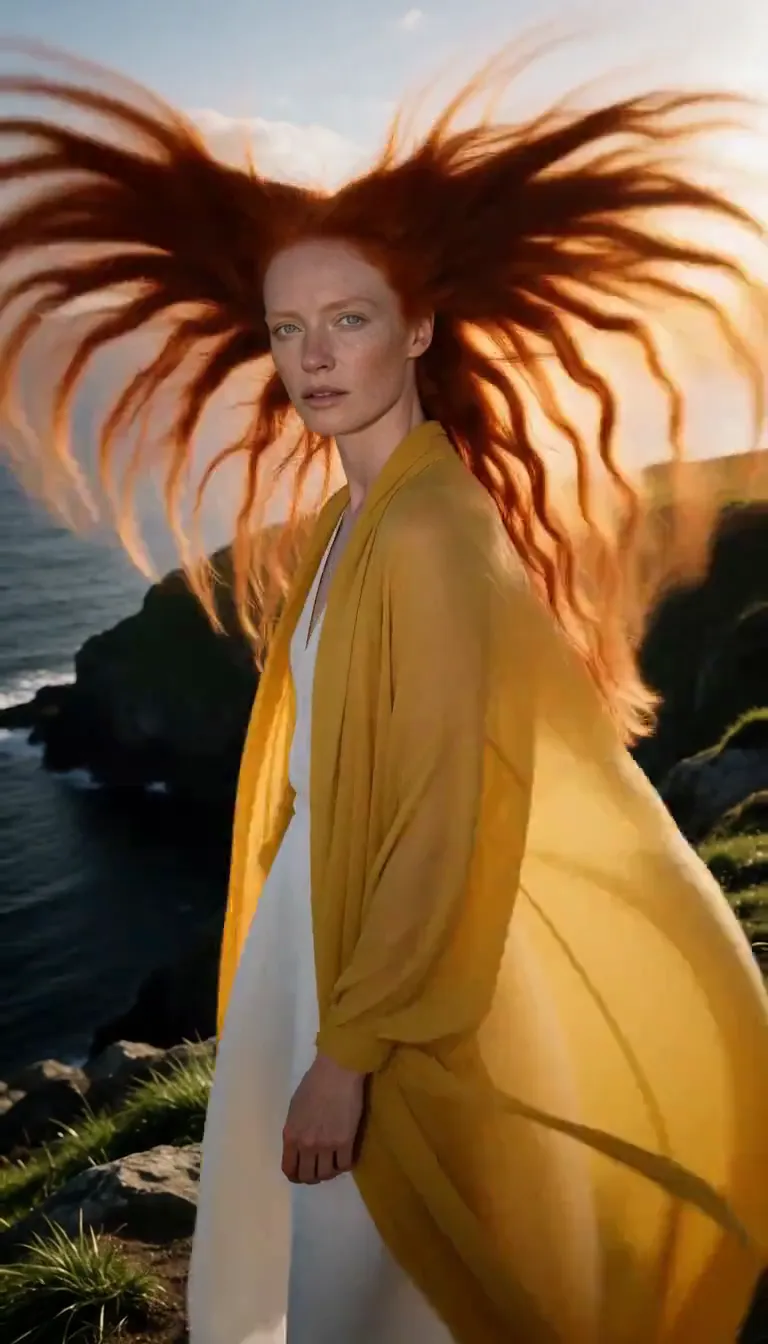
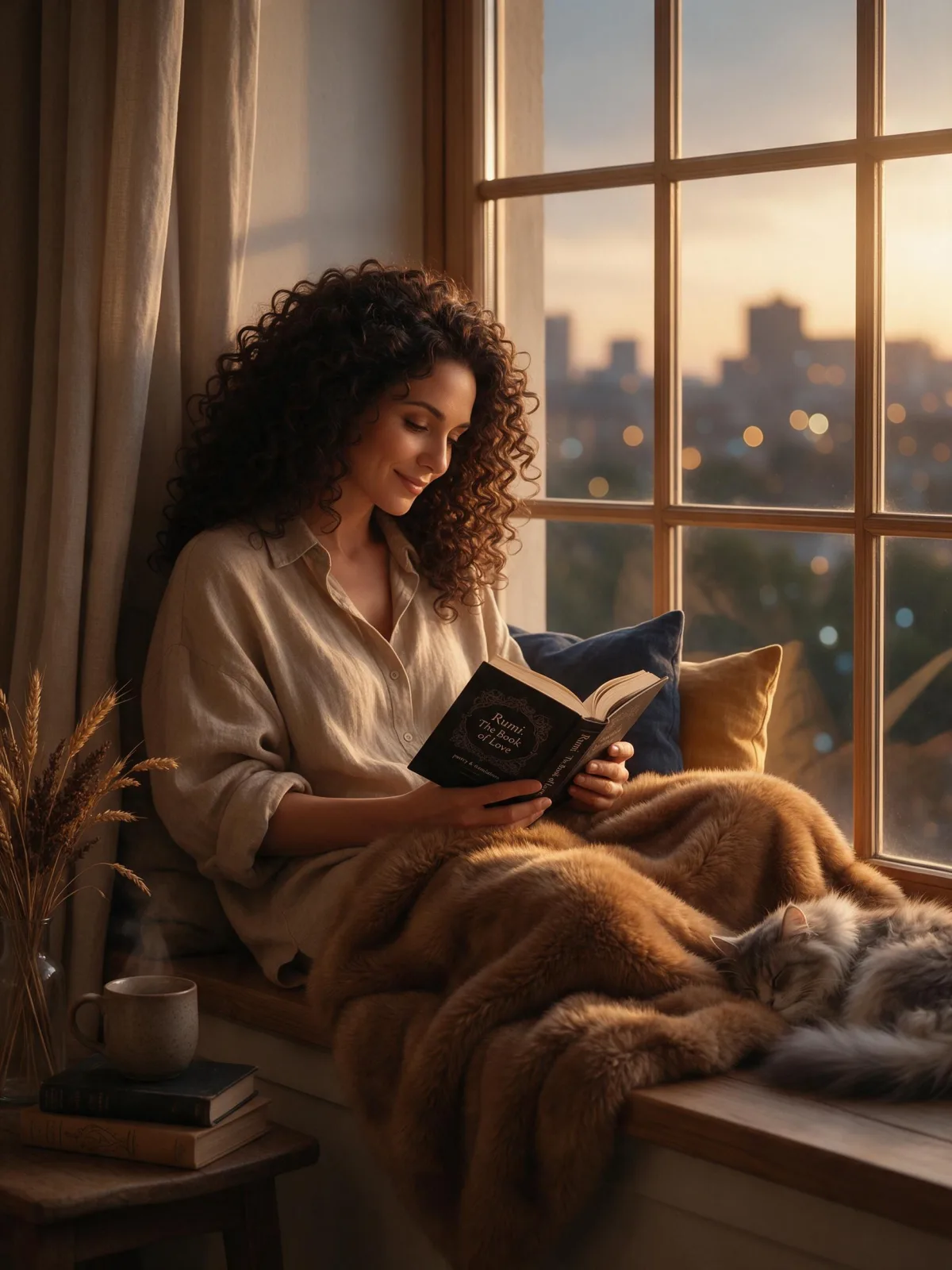
2.5D Semi-Real sits halfway between illustration and photograph. Forms are rendered with the softness of an airbrush, a luminous rim light traces the edges, hair, fur and fabric are painted strand by strand, and the background dissolves into gentle bokeh. It has the polish of a game splash screen and the warmth of a painting.

The style handles rendering and light. You write the subject and the mood: a woman in a knitted scarf in falling snow, a man in armor resting against a tree, a fox curled in autumn leaves, a lighthouse glowing at dusk. Detailed materials — embroidery, fur, metal, lace — come out especially well.

It is a favorite for character art, book and game covers, avatars and illustrated portraits. Because the style describes only the rendering, it does not push faces toward a single look; the character stays the one you described.

For this composition, we recommend 3:4. For a flatter, more graphic anime look use Anime Key Visual; for a fully painted classic look, try Classical Oil. It sits well next to both anime and photographic images, which makes it a good bridge style for a mixed gallery. This style works from text only: it draws a new image from your description and does not restyle uploaded photos.

Subjects to paste as they are: “a woman in a knitted scarf standing in falling snow”, “a man in silver armor resting against an old tree”, “a red fox curled up in autumn leaves”. Rich materials and a bit of weather give the painting its glow.

Finishes that work on top: Soft Bloom intensifies the glow, Golden Hour warms the rim light. Monochrome is disabled because the painted color is essential to the style.
Tips that make it land

  • Name materials you want painted in detail: fur collars, embroidery, chain mail, wet hair.
  • Add weather or particles — snow, petals, embers, drizzle. The rim light makes them glow.
  • Keep backgrounds simple in your words; the bokeh will soften them anyway.
  • For character sheets, describe the full outfit and use 3:4.
  • Dramatic lighting words such as “backlit by sunset” or “lit by lantern light” work with the rim light rather than against it.

The prompt it sends

Your sentence goes where {subject} sits. Everything around it is the style. Nothing is hidden, and we never filter your prompt.
{subject}, semi-realistic 2.5D digital painting, soft airbrushed rendering, luminous rim light, finely detailed hair, fur and fabric, gentle bokeh background
Use 2.5D Semi-Real now

Prompt ideas for 2.5D Semi-Real

Scenes from our prompt library that suit this look. Borrow the idea as your subject line; the style adds the rest.

Anime & illustration

Models it works on

Every model below was tested with this style. The price is per image and shows on the Generate button before you run.
How to use 2.5D Semi-Real

  1. 01

    Write who or what

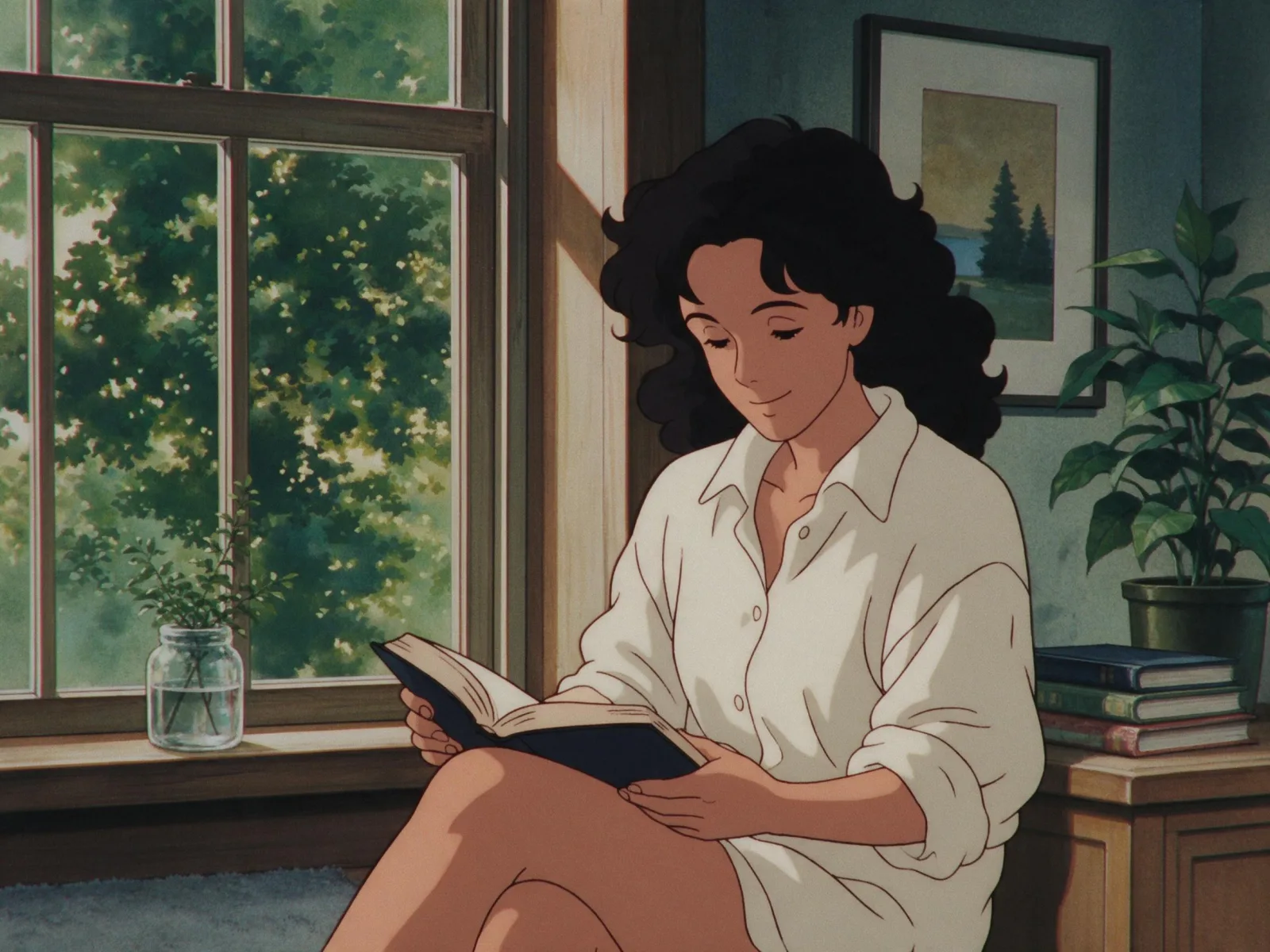
    Write one plain sentence for your 2.5D Semi-Real image: who or what is in it and what is happening. The style brings the light, color and medium, so leave those out.

  2. 02

    Keep 2.5D Semi-Real on

    It is already selected at the top of this page and lands best on Seedream 5.0 Pro, the model it was tuned on. It builds the whole scene from your text.

  3. 03

    Generate

    From $0.01 per image, shown on the button before you run. Pick your favorite 2.5D Semi-Real frame, then edit it, restyle it or make it move from the result.

Questions about 2.5D Semi-Real

Make video

Styles are for stills. These effects start from one photo and add a single deliberate move.

Read next