Pixel Art AI Generator: 16-Bit Pixel

Effects
16-Bit Pixel

16-Bit Pixel

A retro 16-bit game scene: crisp square pixels, a limited palette, dithered gradients, tiny glowing highlights and side-view framing.

Works on

  • Seedream 5.0 ProBest$0.036 / image
  • Z-Image$0.01 / image
  • Qwen Image 2$0.035 / image
  • FLUX.1 Dev LoRA$0.018 / image
  • + 19 more models

Related styles

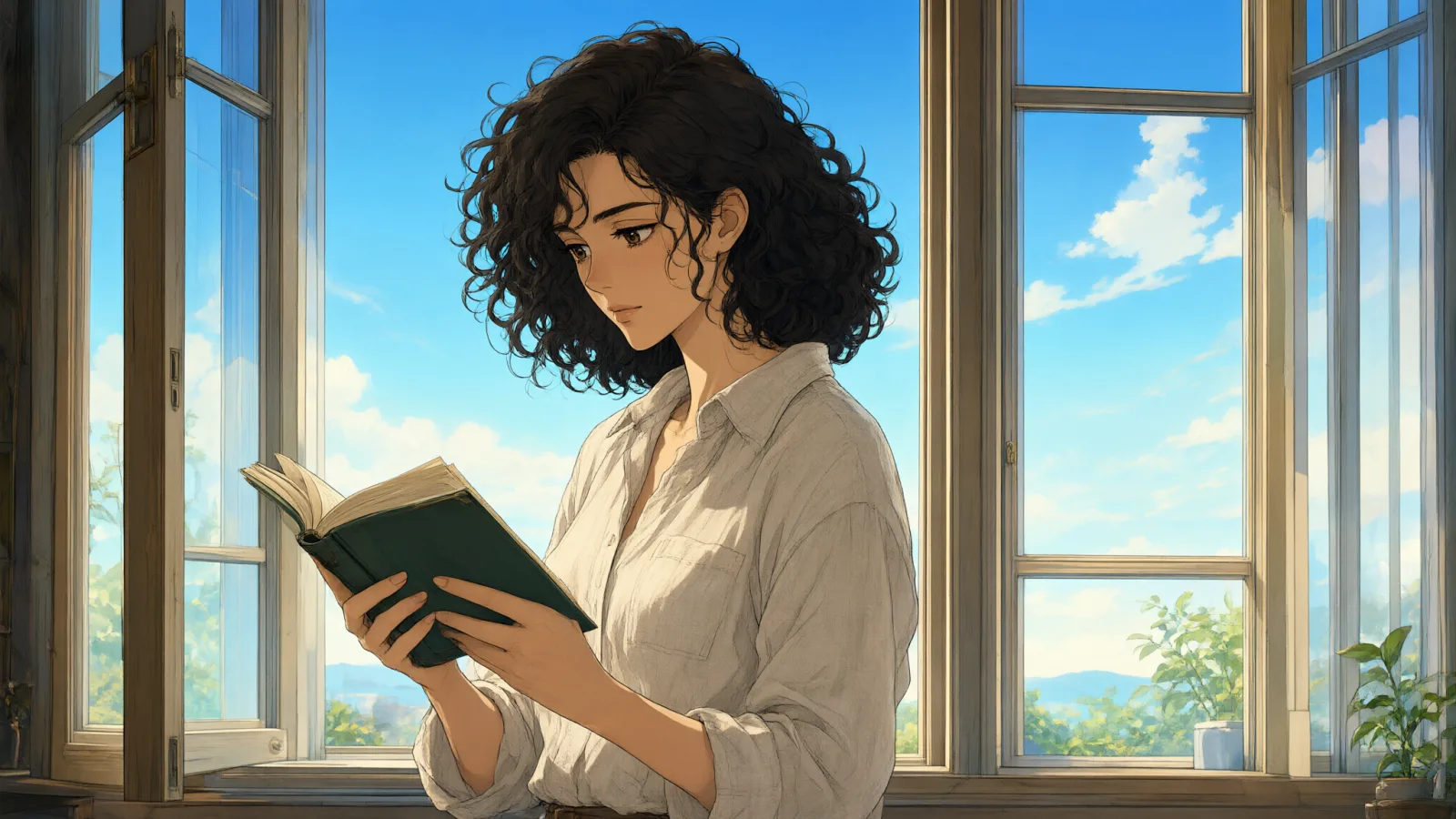
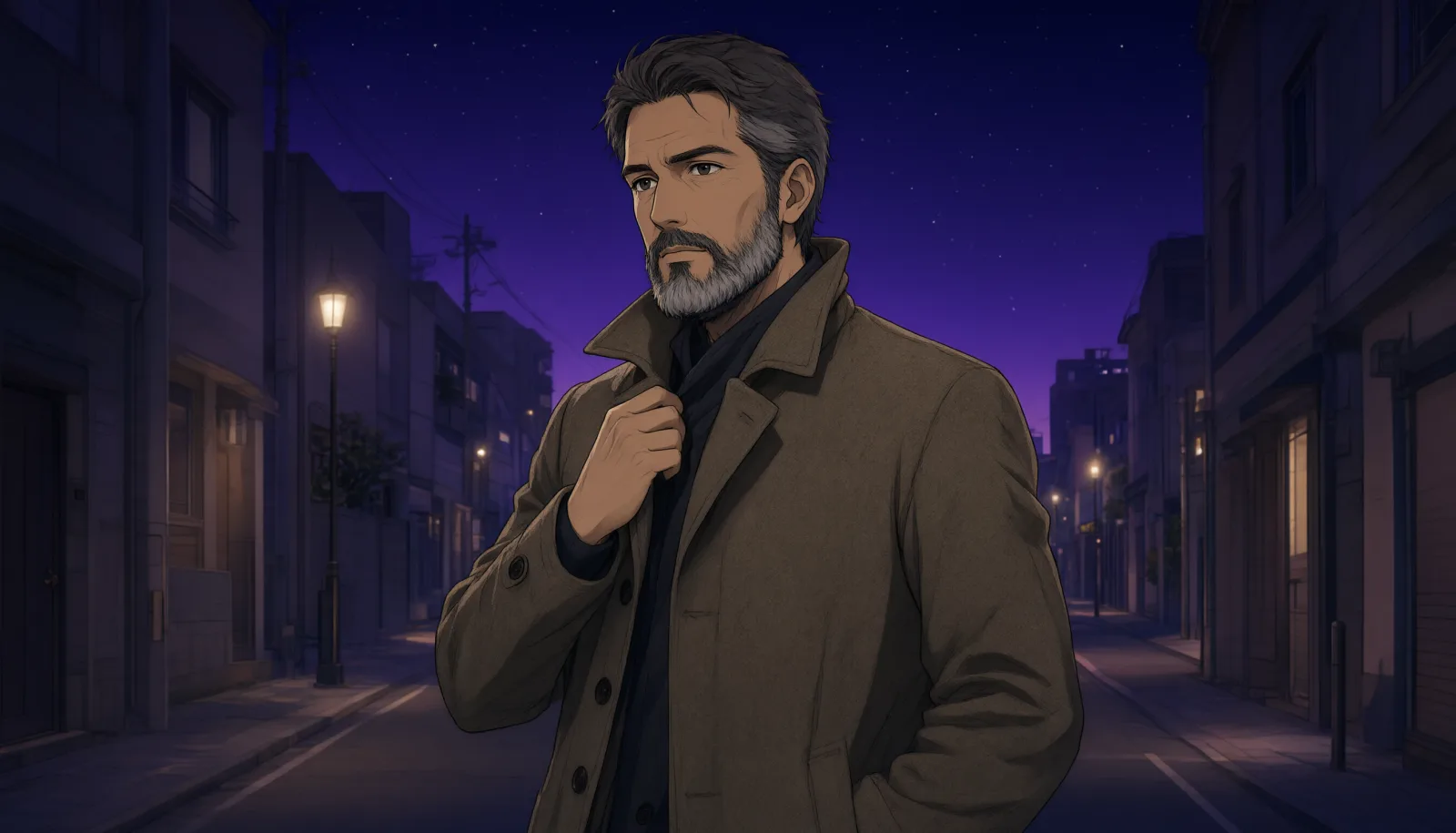
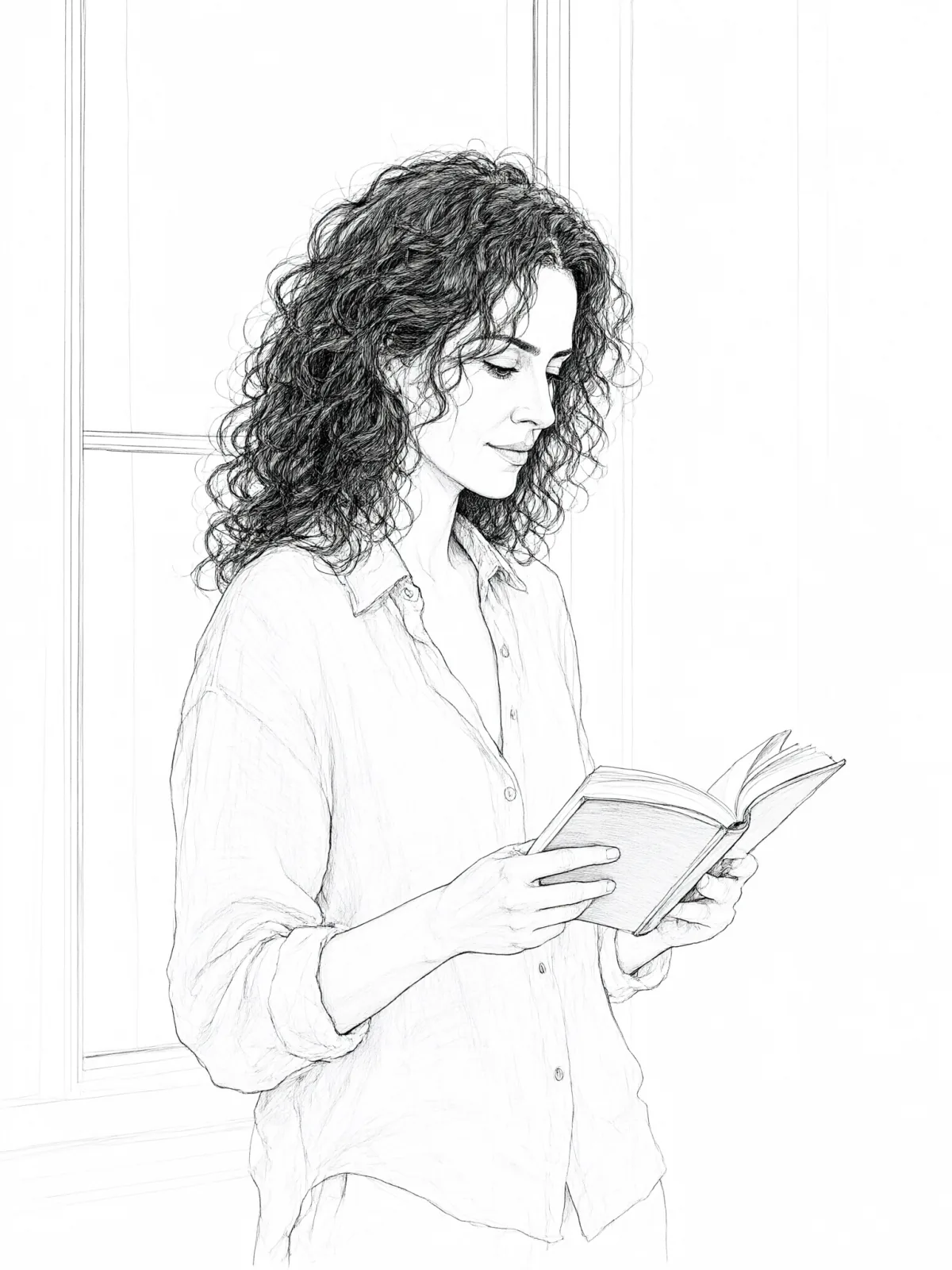
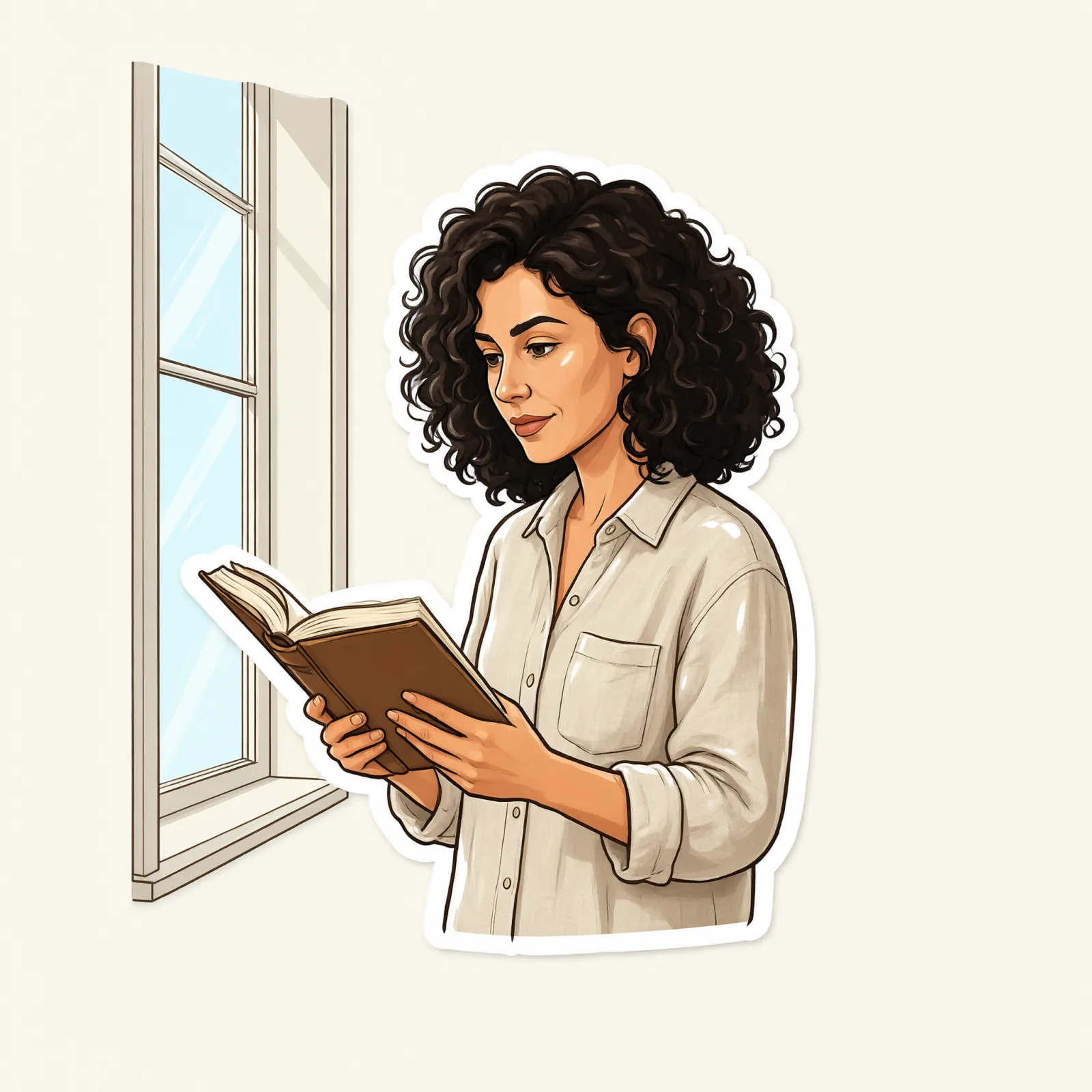
Same person, same prompt — only the style changes

2000s Digicam
After Midnight Flash
Candlelit Velvet
Cinematic Gothic
Late-Night Hotel
Late-Night OVA
Moonlit Voile
Neon After Rain
After-Con Neon
Afterglow Pool
Airbrush Pin-up
Blush Neon
Brass Reflections
Anime Key Visual
Manhwa Action
16-Bit Pixel
Cel Night Frame
Clean Line Art
Die-Cut Sticker
Flat Pastel Anime
Glossy Glass Anime
Instant Film
Sign up to generate

We never filter your prompt.

A retro 16-bit game scene: crisp square pixels, a limited palette, dithered gradients, tiny glowing highlights and side-view framing.

Category
Anime
Works on
23 models
Price
From $0.01 / image
Suggested frame
16:9 · 1:1
Your own photo
Text only

Same subject, with and without it

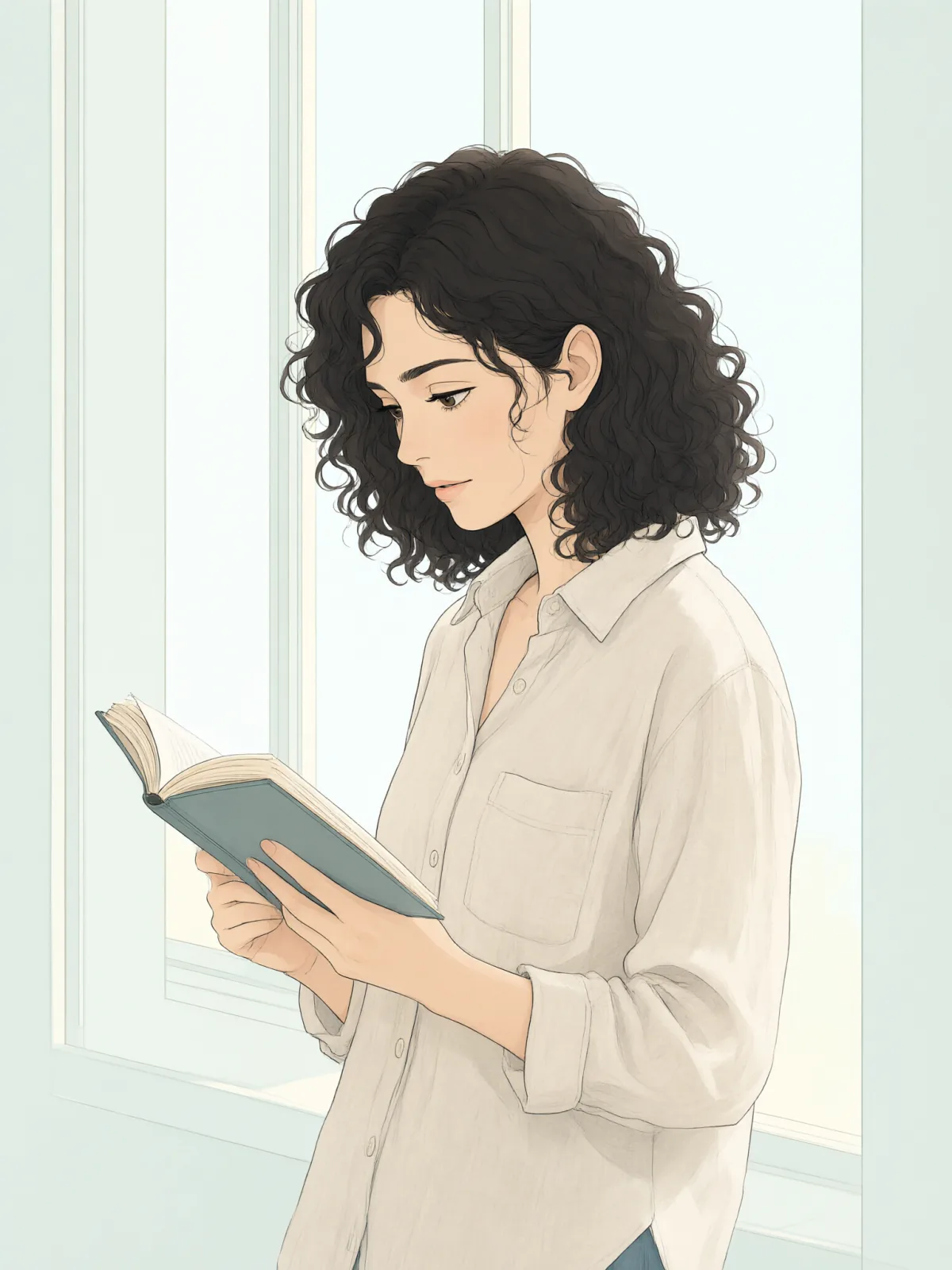
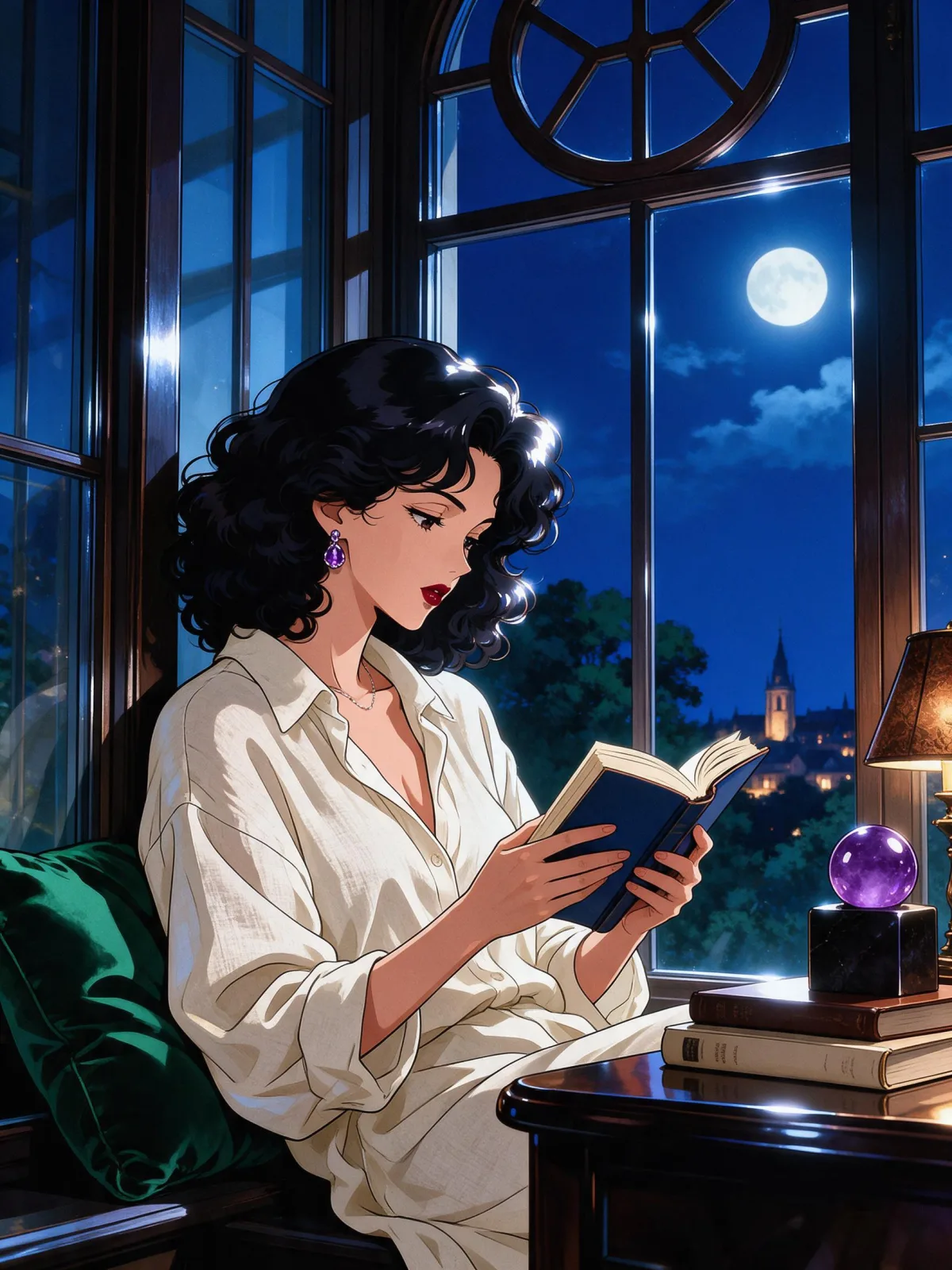
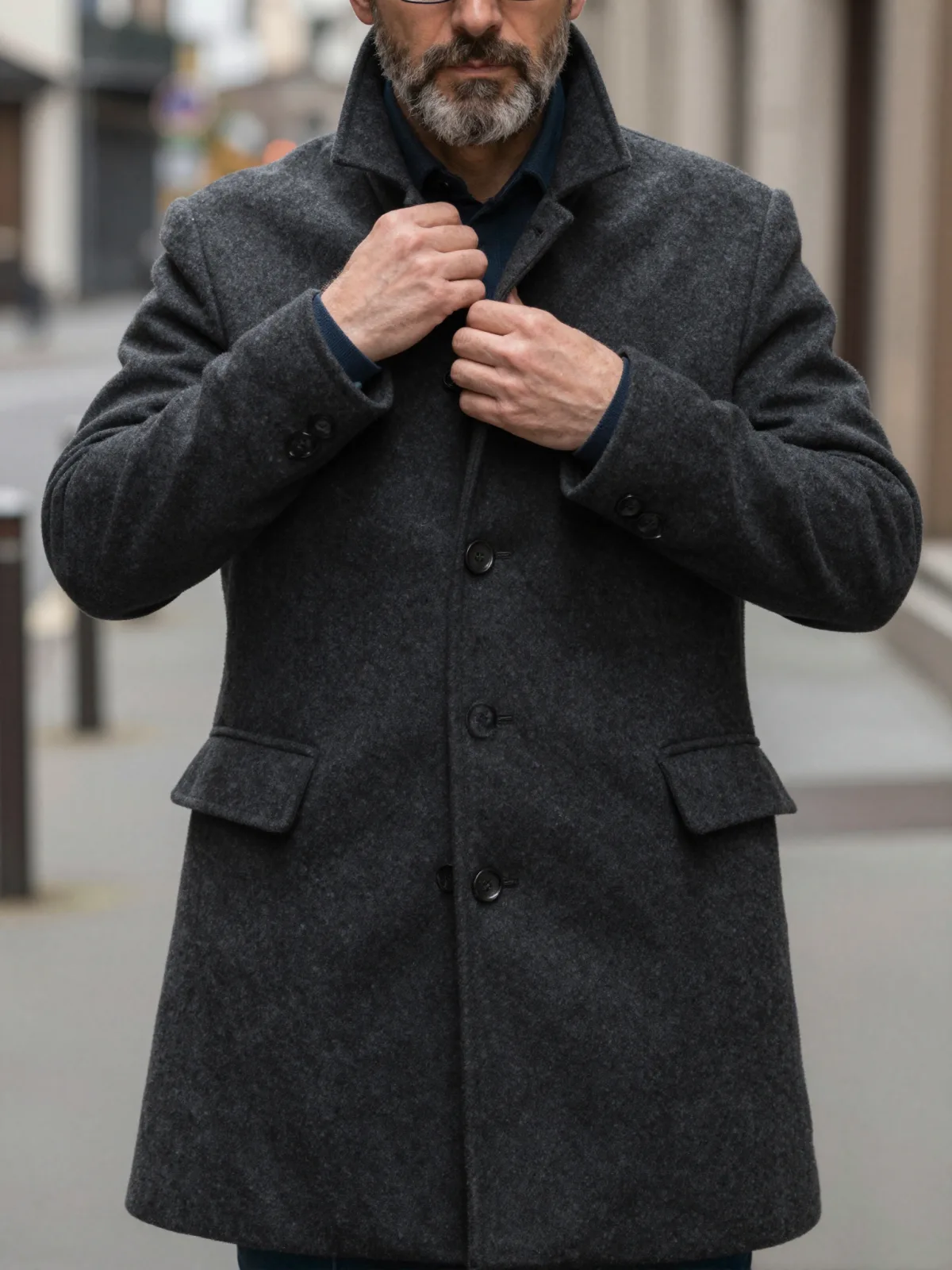
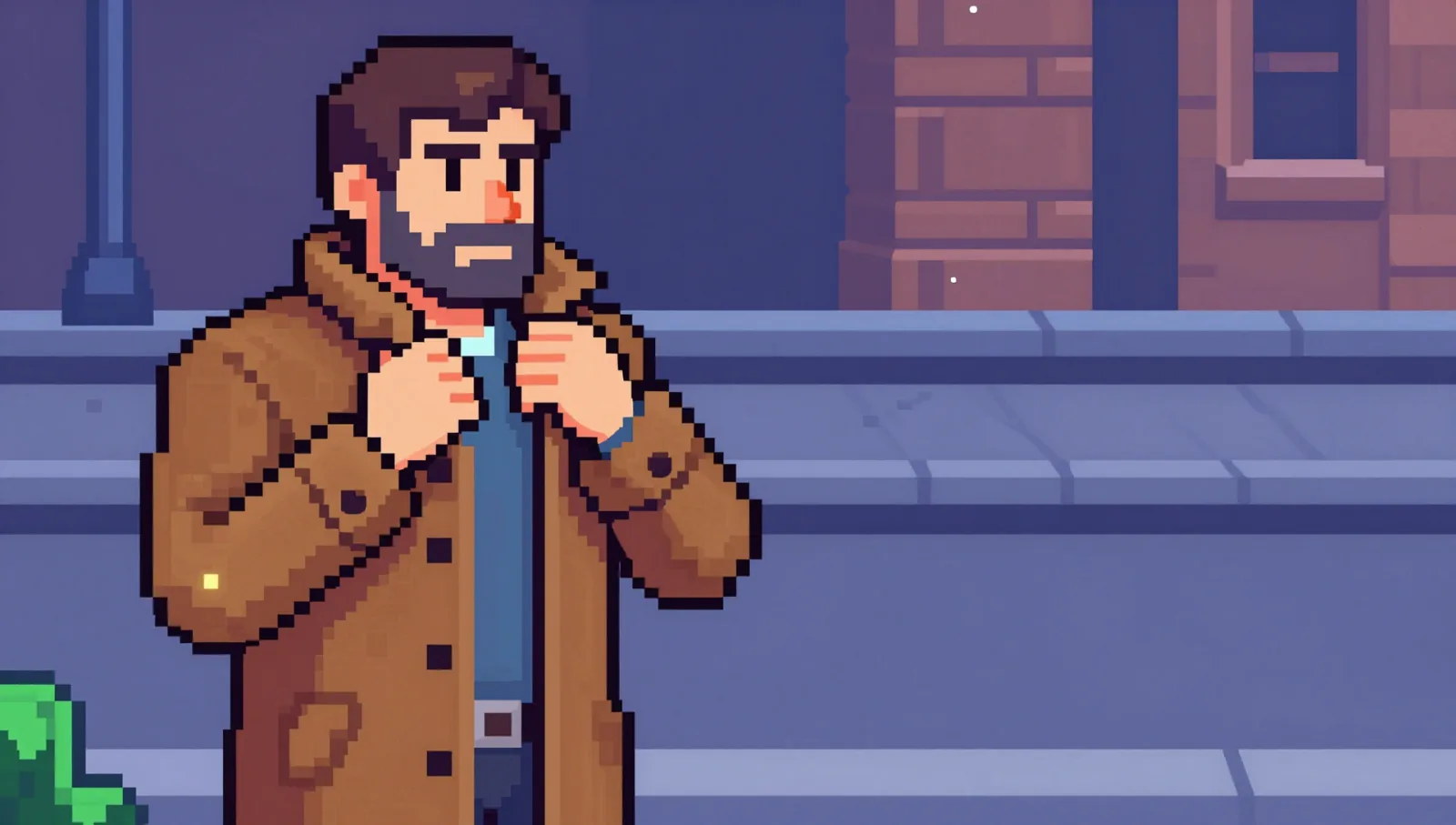
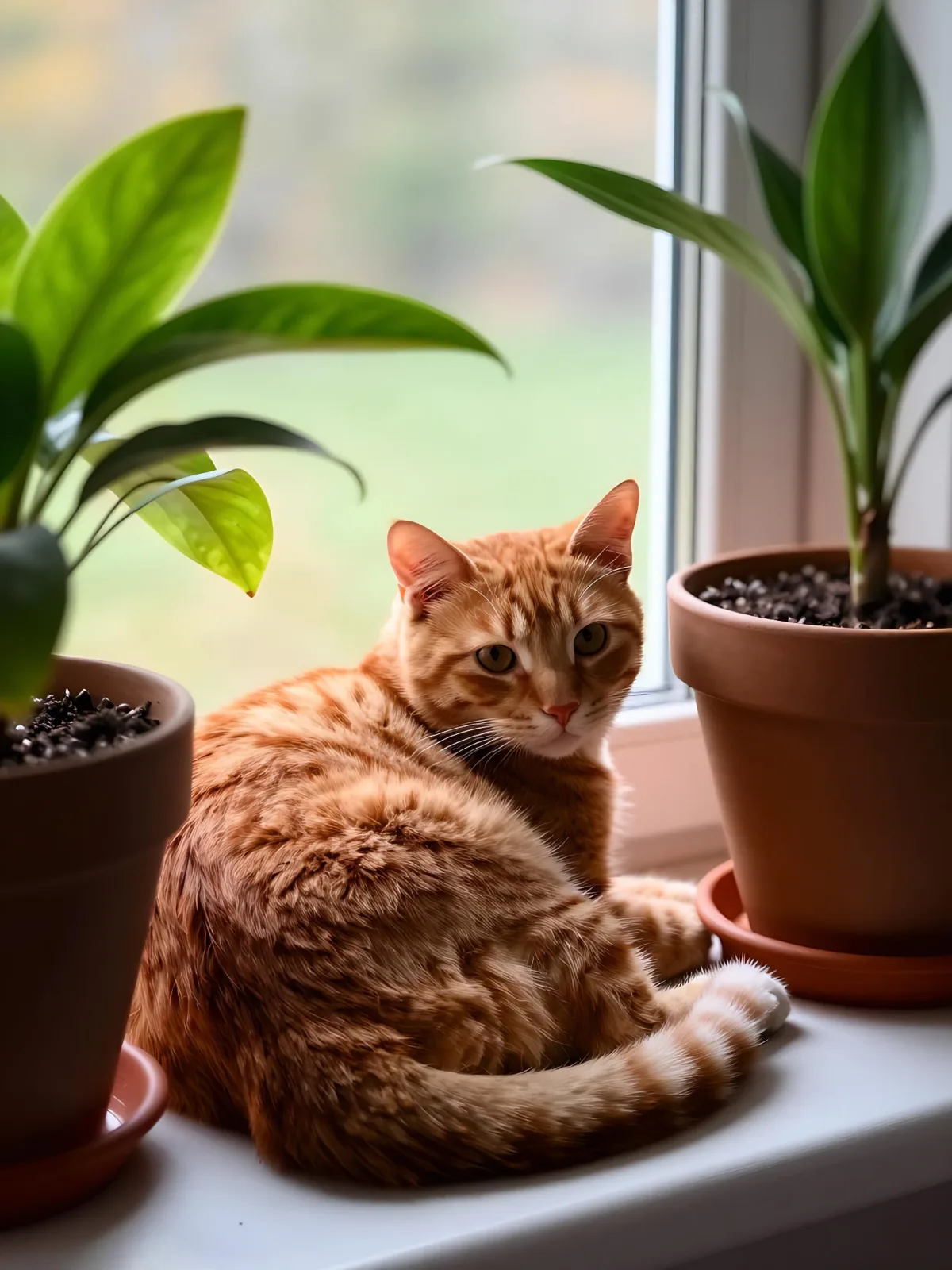
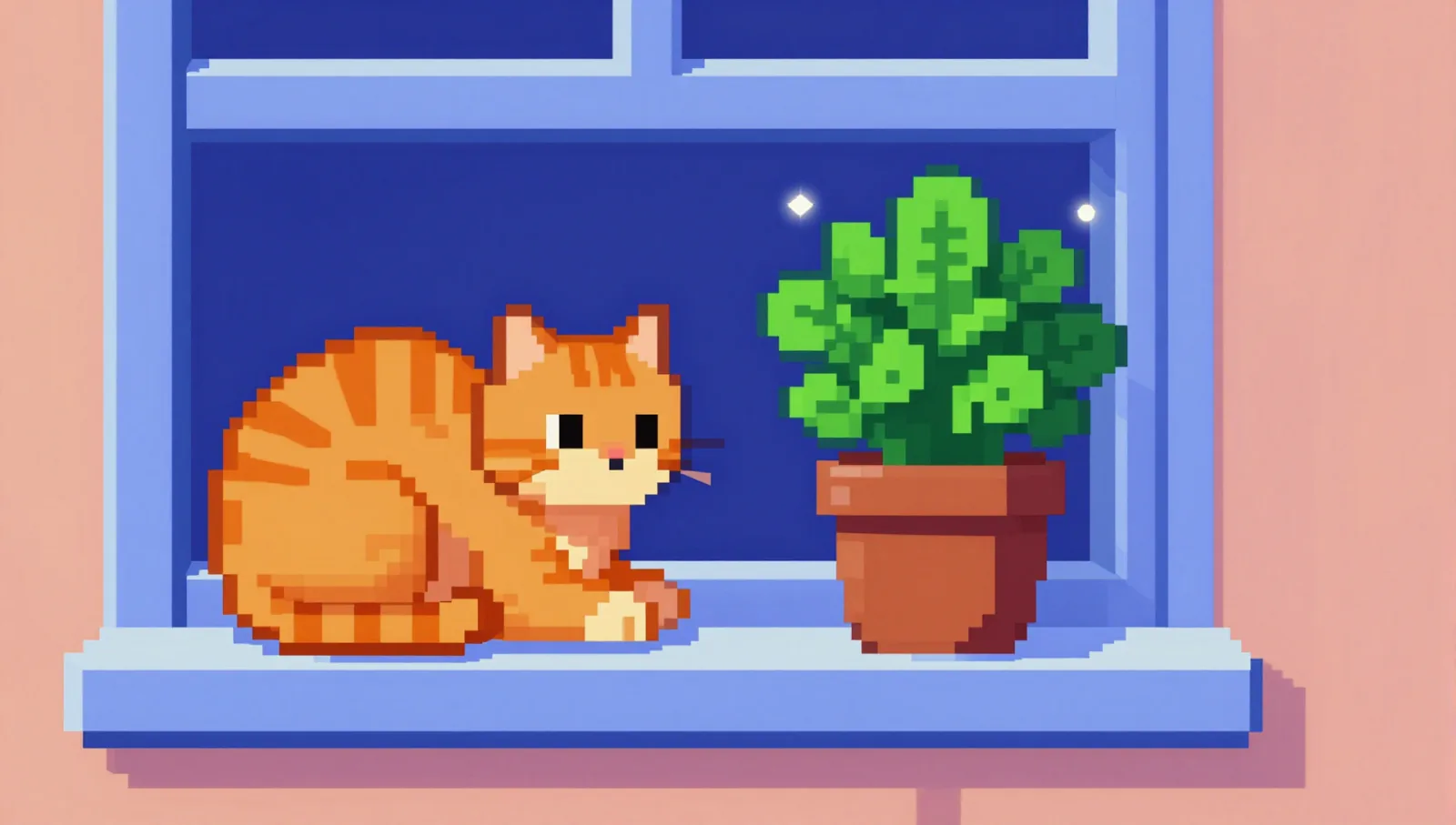
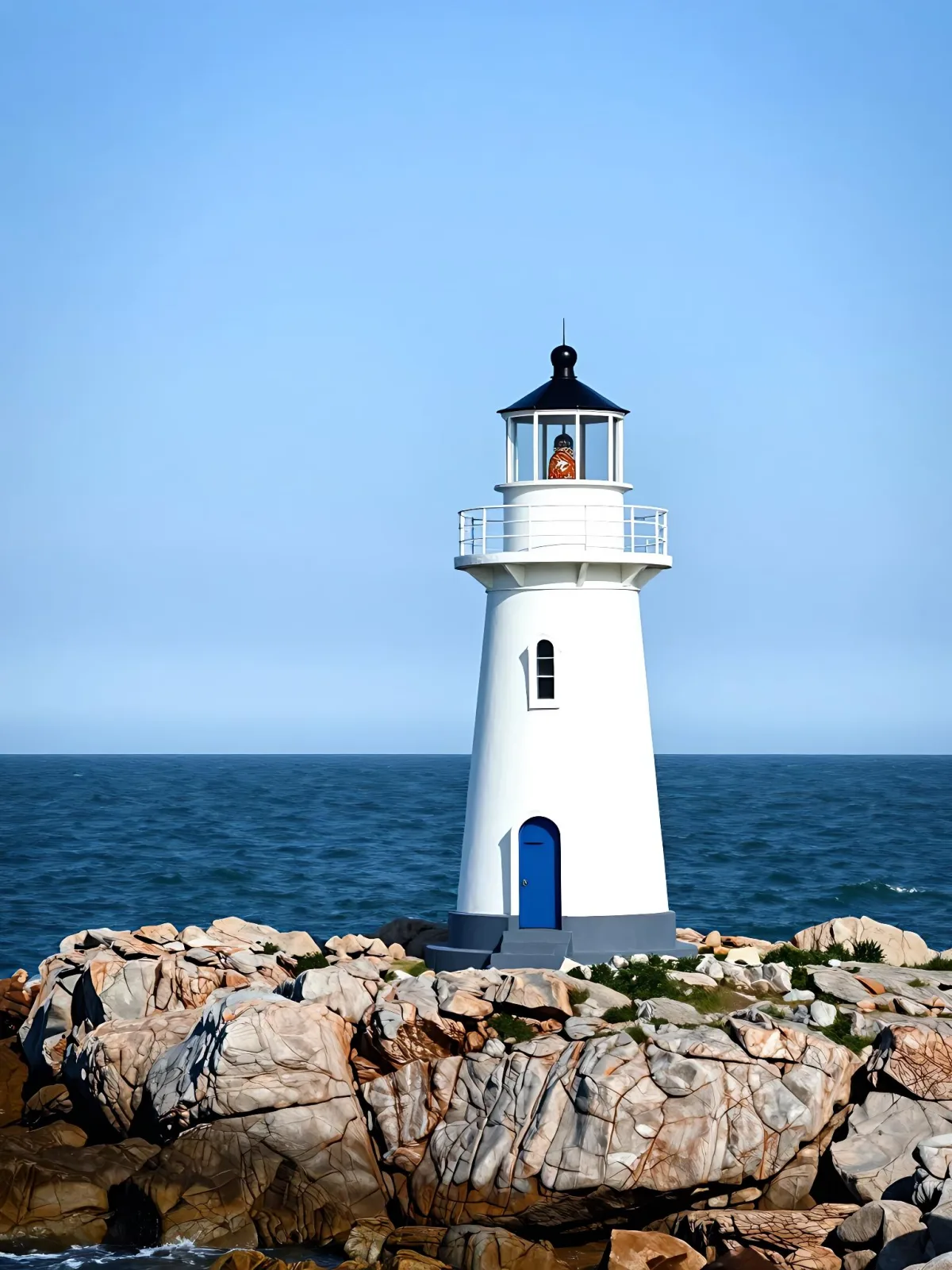
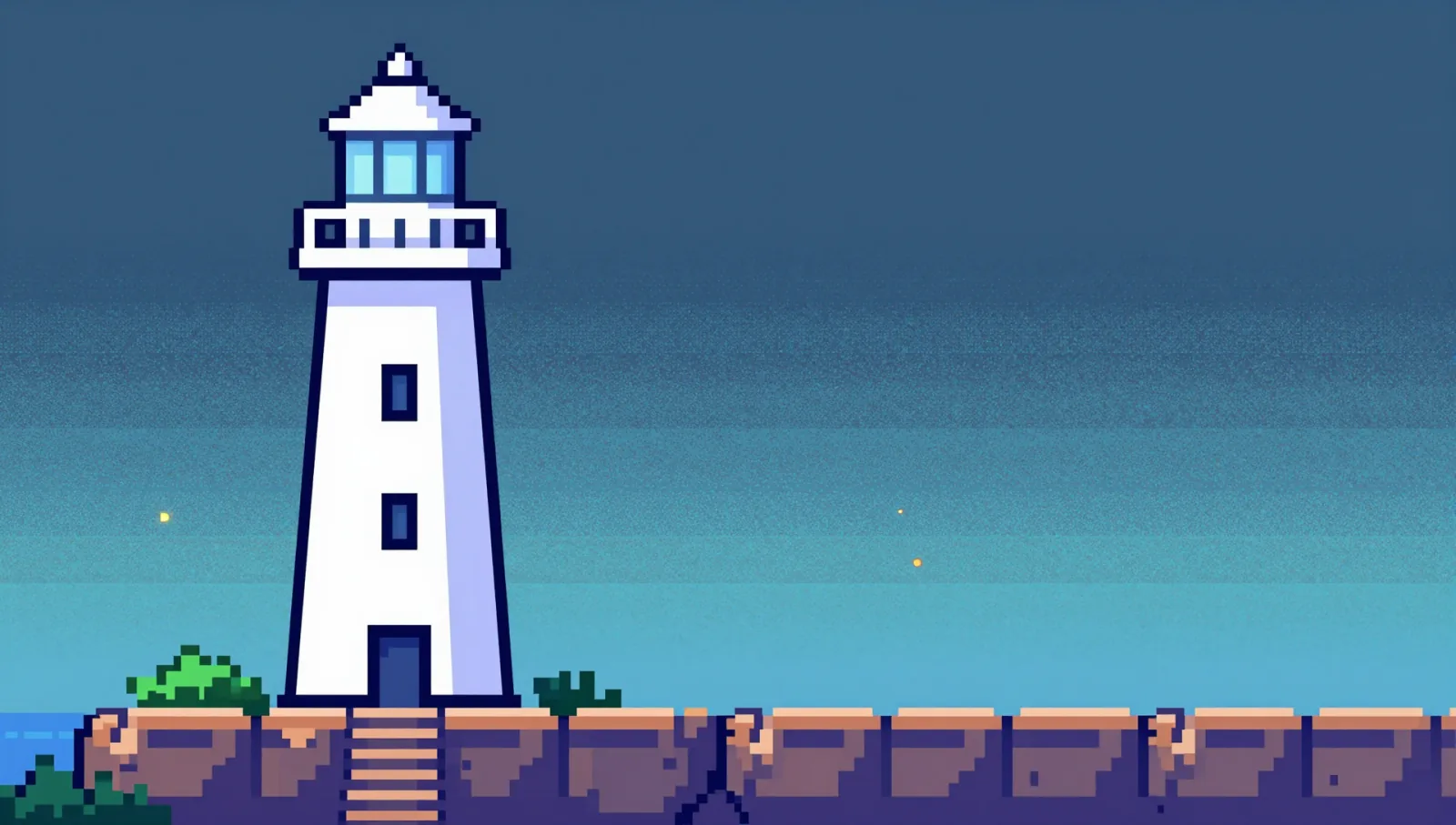
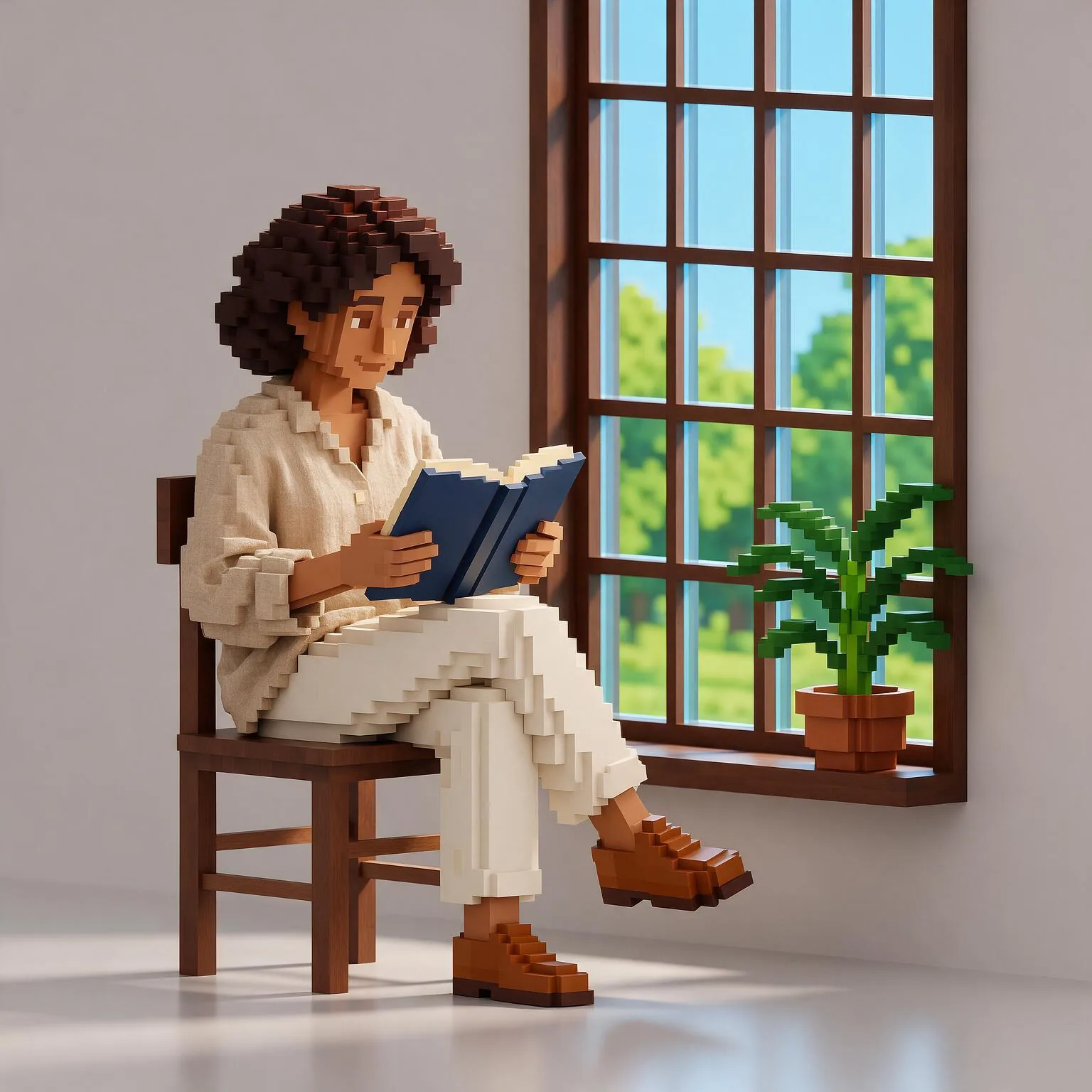
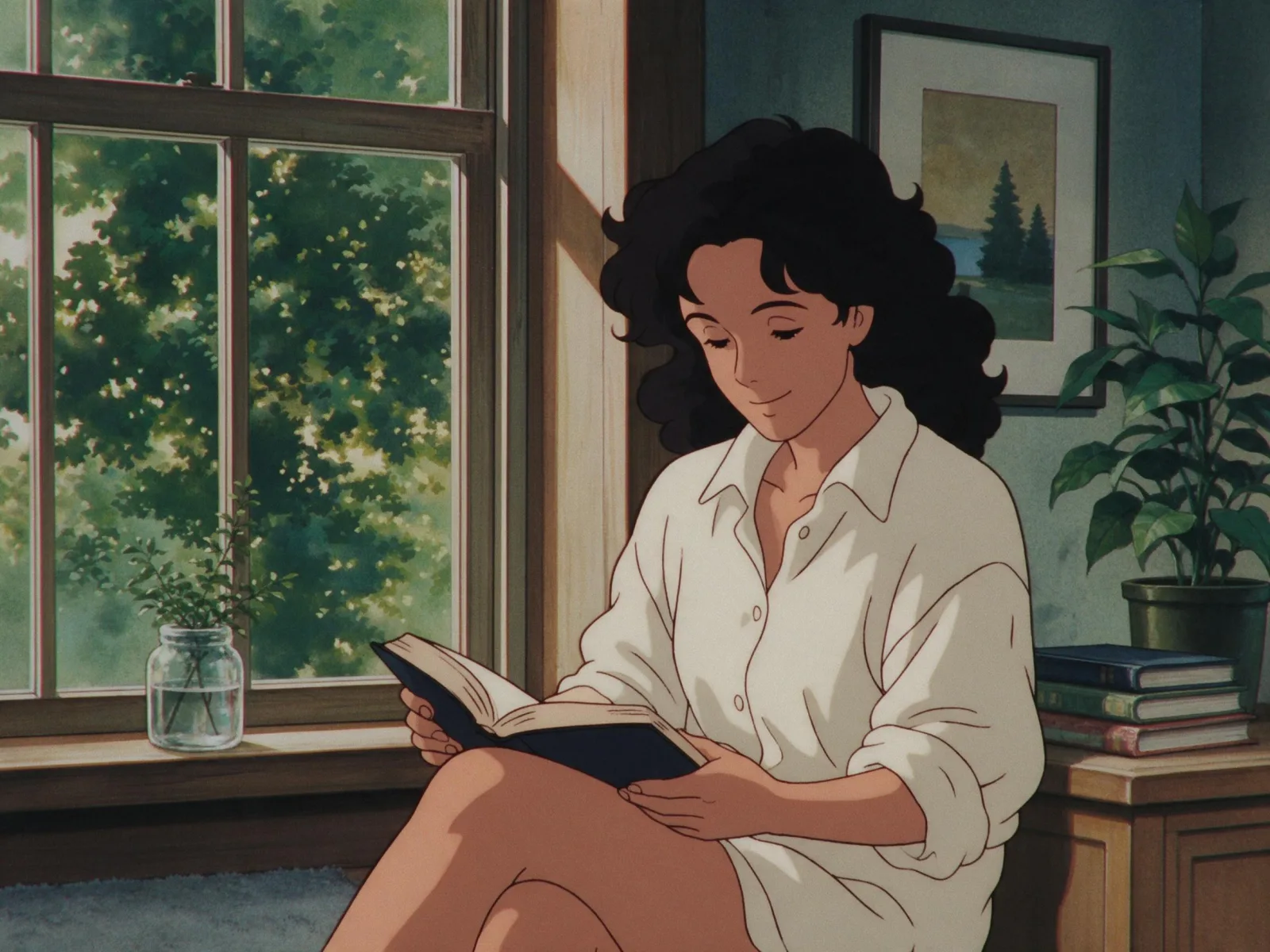
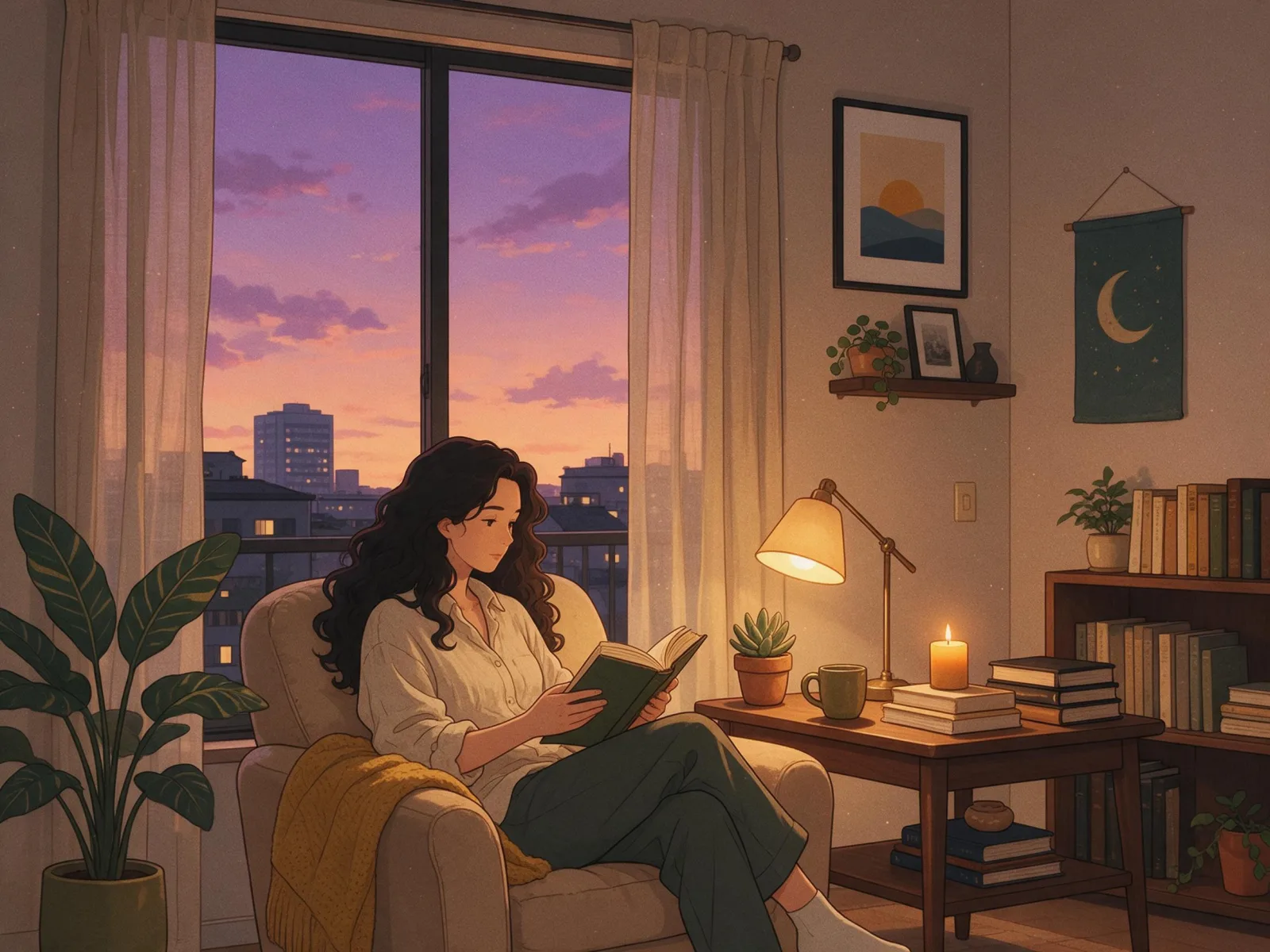
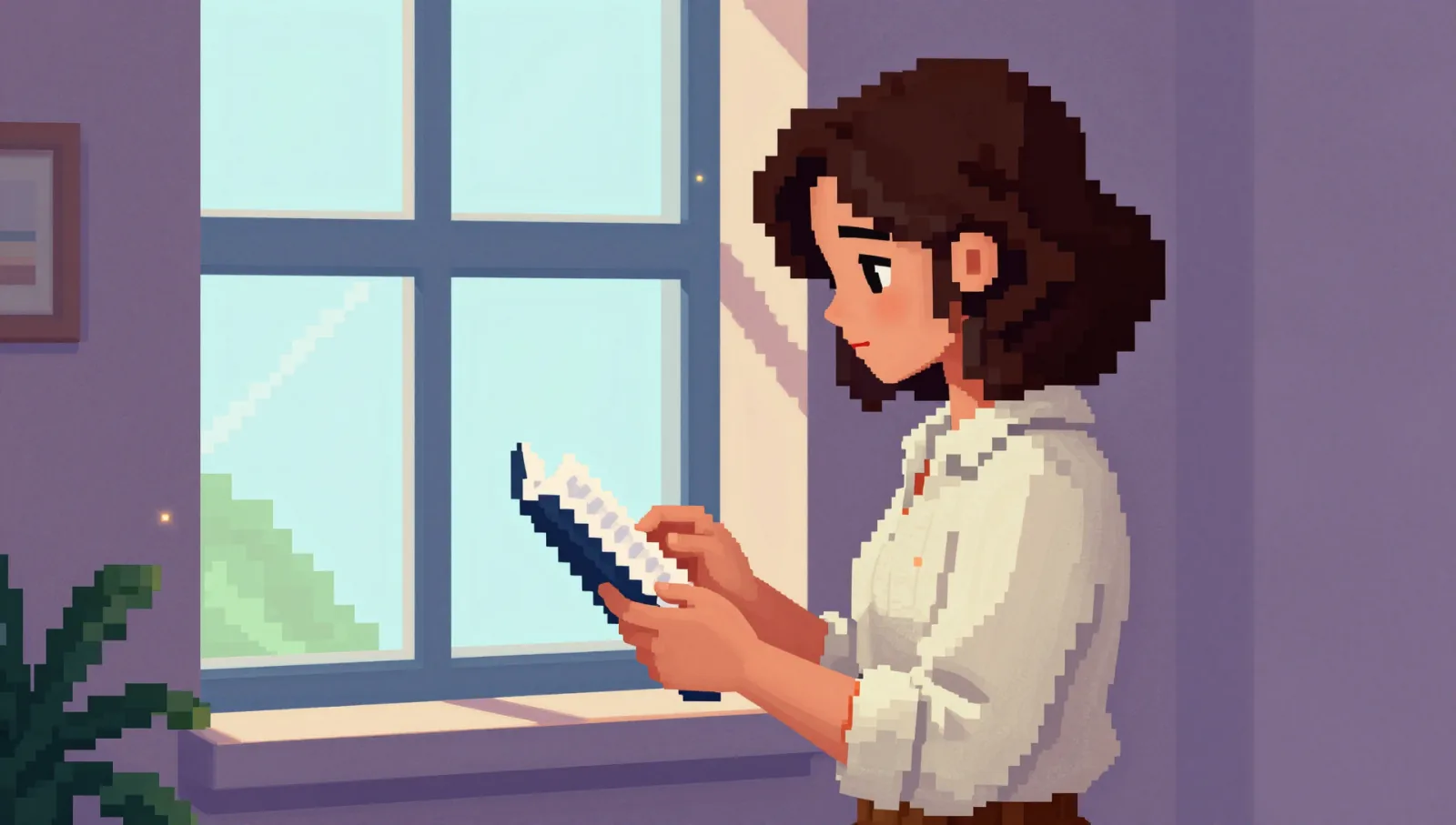
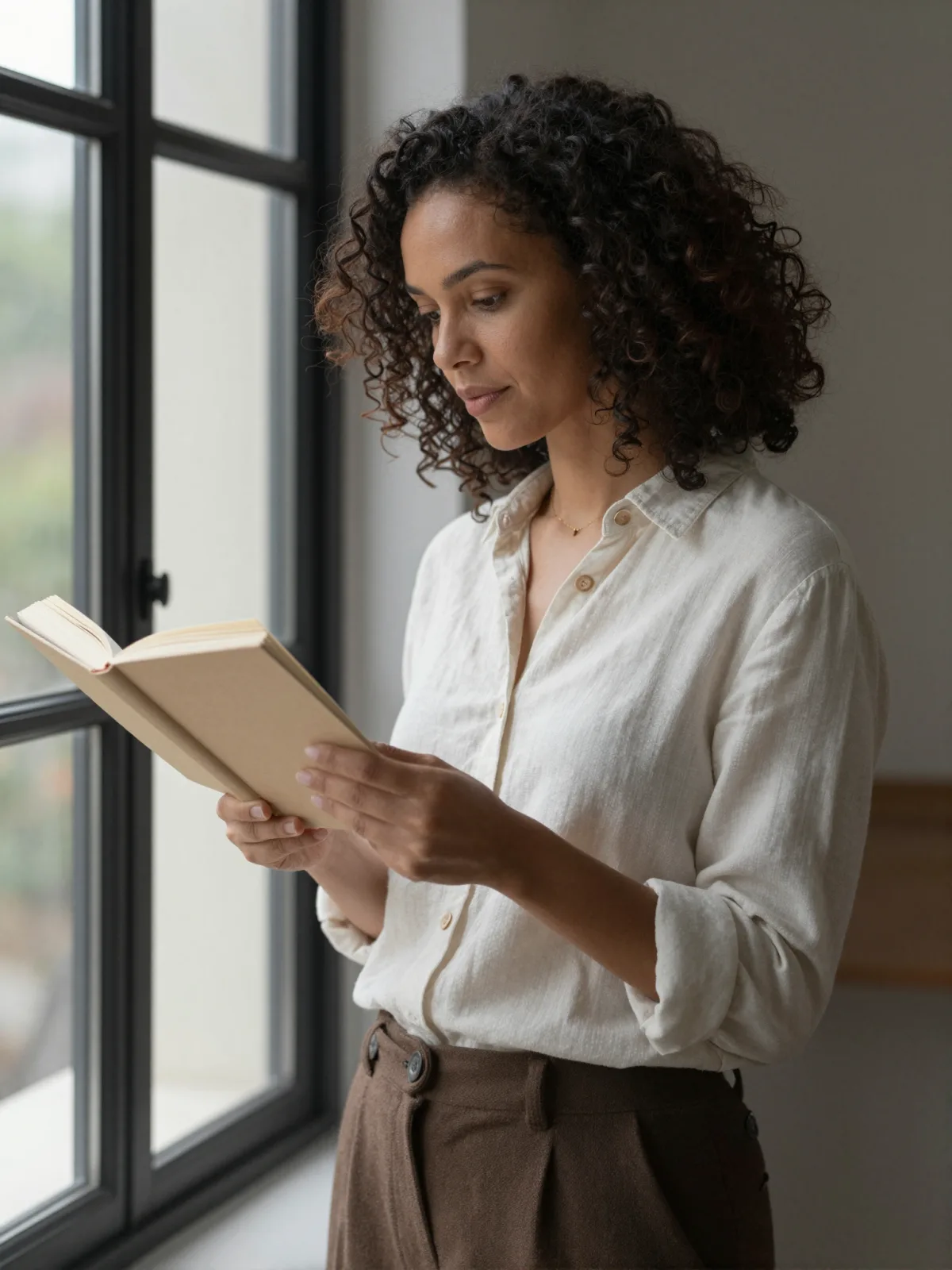
Each pair is the same sentence on the same model. The left frame has no style; the right one is 16-Bit Pixel. That gap is what the style adds.

  • The test subject with no style, made with Z-Image
    No style
    Sample in the 16-Bit Pixel style, made with Z-Image
    With 16-Bit Pixel

    Z-Image

  • The test subject with no style, made with Z-Image
    No style
    Sample in the 16-Bit Pixel style, made with Z-Image
    With 16-Bit Pixel

    Z-Image

  • The test subject with no style, made with Z-Image
    No style
    Sample in the 16-Bit Pixel style, made with Z-Image
    With 16-Bit Pixel

    Z-Image

  • The test subject with no style, made with Z-Image
    No style
    Sample in the 16-Bit Pixel style, made with Z-Image
    With 16-Bit Pixel

    Z-Image

About 16-Bit Pixel

16-Bit Pixel turns your subject into a scene from a console game of the early nineties: crisp square pixels, a limited retro palette, dithered gradients in the sky and shadows, tiny glowing highlights on lamps and water, and a side-view framing that looks like a level you could walk through. It is nostalgic without being blurry — every edge is a hard pixel step.

You write the subject; the style supplies the pixels. Places and quiet moments are its sweet spot: a lighthouse on a pixel cliff at dusk, a cat on a windowsill with rain outside, someone reading in a tiny lamplit room, a man walking down a street of pixel shopfronts. The style keeps the outfit and details you wrote, simplified into pixel shapes.

Use it for game jam art, stream overlays and backgrounds, album and podcast covers, profile pictures, pixel wallpapers and retro-themed posts. For three-dimensional blocks, use Voxel Build; for hand-drawn nineties anime, 90s Cel Anime; for a moody animated evening, Lo-fi Anime Evening.

For this composition, we recommend 16:9, with 1:1 as another framing option. This style is text-to-image only: on uploaded photos, the models we tested smeared the picture into a soft mosaic instead of drawing real pixels, so describe your scene in words instead.

Subjects to paste as they are: “a lighthouse on a rocky cliff at sunset”, “a small ramen shop on a rainy night street”, “a knight resting by a campfire in a forest clearing”. Name the time of day — the palette changes completely between dawn, dusk and night.
Tips that make it land

  • Name the time of day or weather. Sunset, night rain and snow each give the limited palette a strong mood.
  • Wide scenes work better than close-ups: pixel art tells its story through the setting.
  • Glowing things — lanterns, windows, campfires, neon signs — get the tiny highlights that make the scene feel alive.
  • Keep it wordless. Game scenes often come with interface text; if a stray letter appears, run it again.
  • Name a mood color if you like: “in a purple and teal palette”, “in warm sepia tones”. The limited palette follows it.

The prompt it sends

Your sentence goes where {subject} sits. Everything around it is the style. Nothing is hidden, and we never filter your prompt.

retro 16-bit video game pixel art of {subject}, low-resolution sprite graphics with large crisp square pixels, limited retro palette, dithered gradients, tiny glowing highlights, side-view game-like framing
Use 16-Bit Pixel now

Prompt ideas for 16-Bit Pixel

Scenes from our prompt library that suit this look. Borrow the idea as your subject line; the style adds the rest.

Anime & illustration

Fantasy

Models it works on

Every model below was tested with this style. The price is per image and shows on the Generate button before you run.

How to use 16-Bit Pixel

  1. 01

    Write who or what

    Write one plain sentence for your 16-Bit Pixel image: who or what is in it and what is happening. The style brings the light, color and medium, so leave those out.

  2. 02

    Keep 16-Bit Pixel on

    It is already selected at the top of this page and lands best on Seedream 5.0 Pro, the model it was tuned on. It builds the whole scene from your text.

  3. 03

    Generate

    From $0.01 per image, shown on the button before you run. Pick your favorite 16-Bit Pixel frame, then edit it, restyle it or make it move from the result.

Questions about 16-Bit Pixel

Make video

Styles are for stills. These effects start from one photo and add a single deliberate move.

Read next