Voxel Art AI Generator: Voxel Build

Effects
Voxel Build

Voxel Build

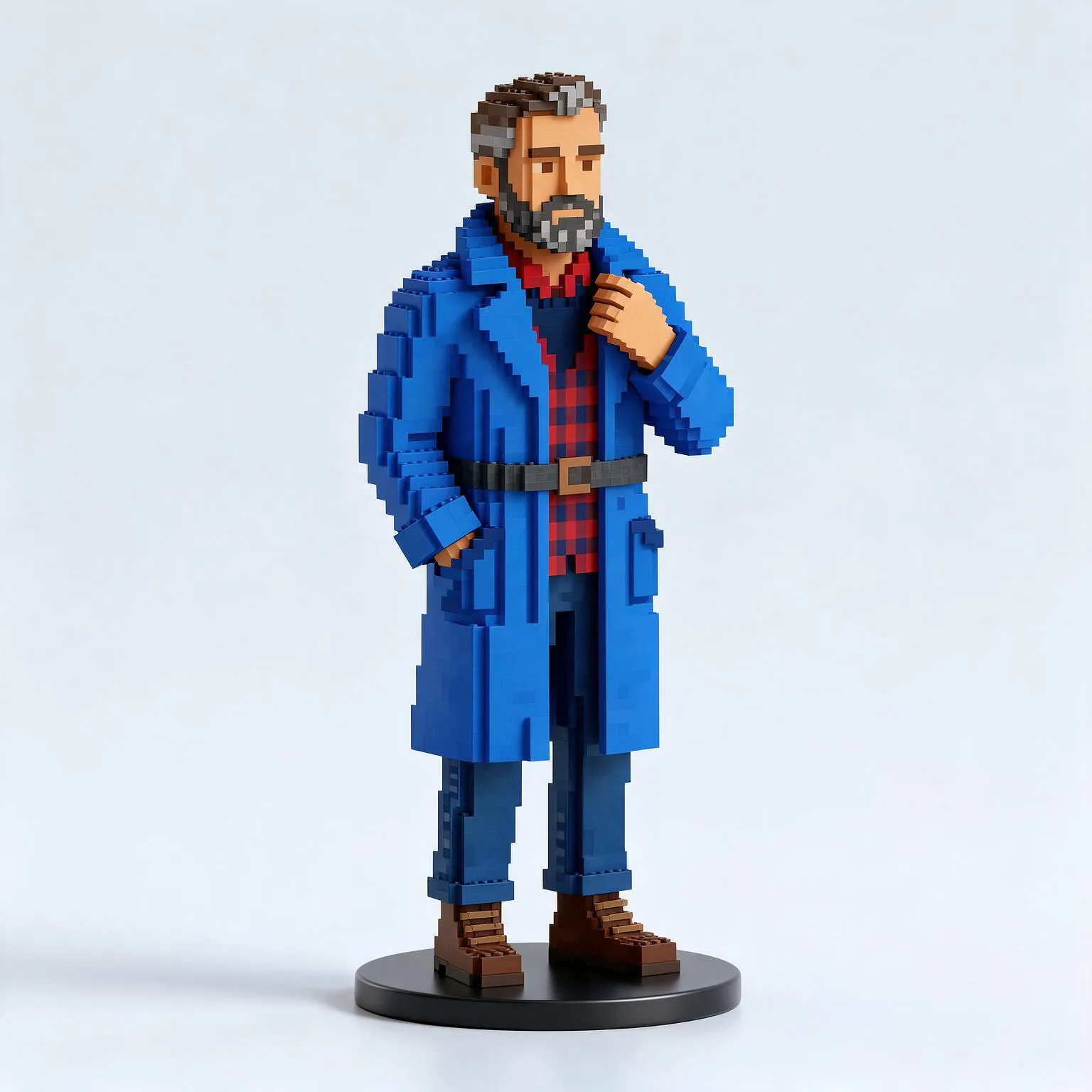
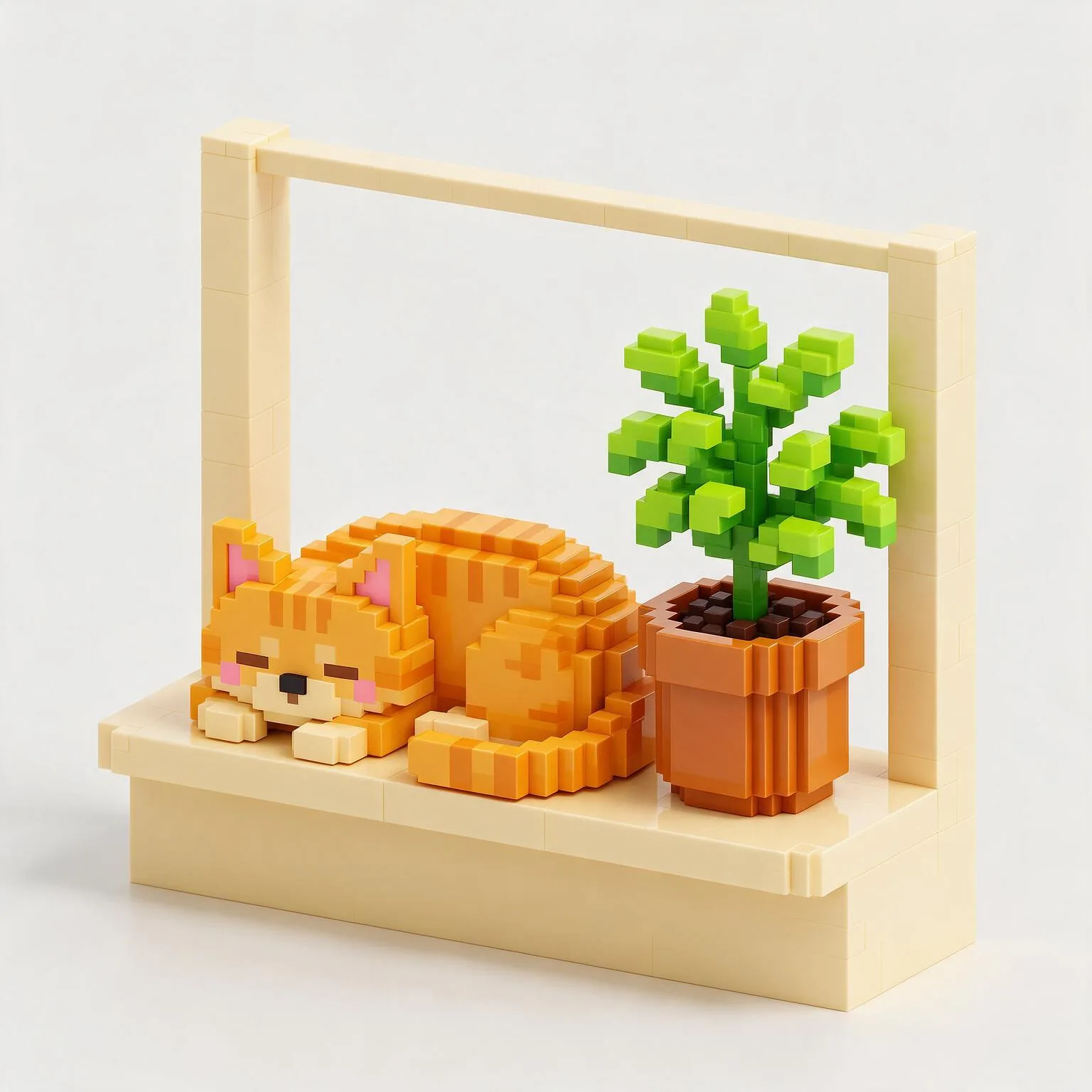
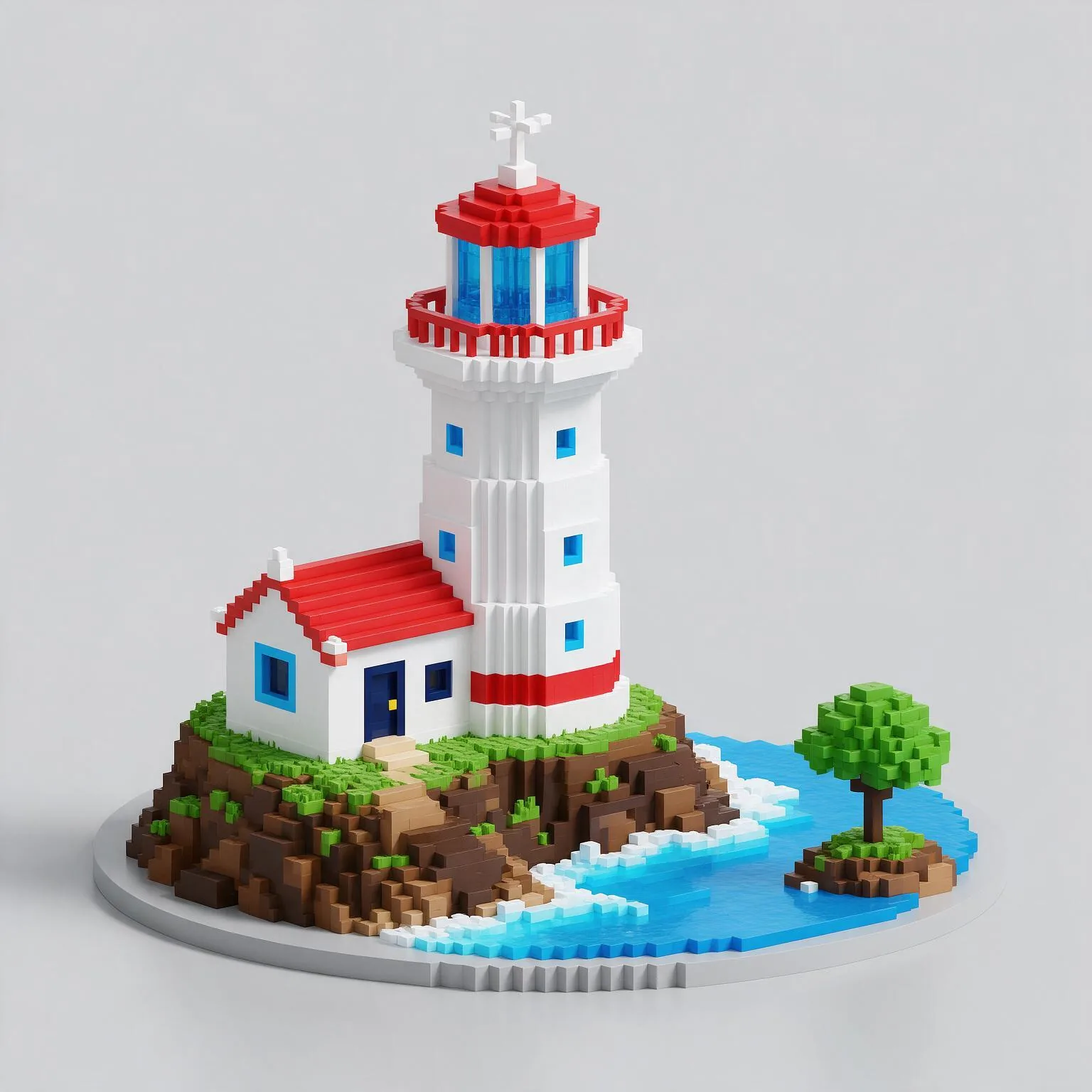
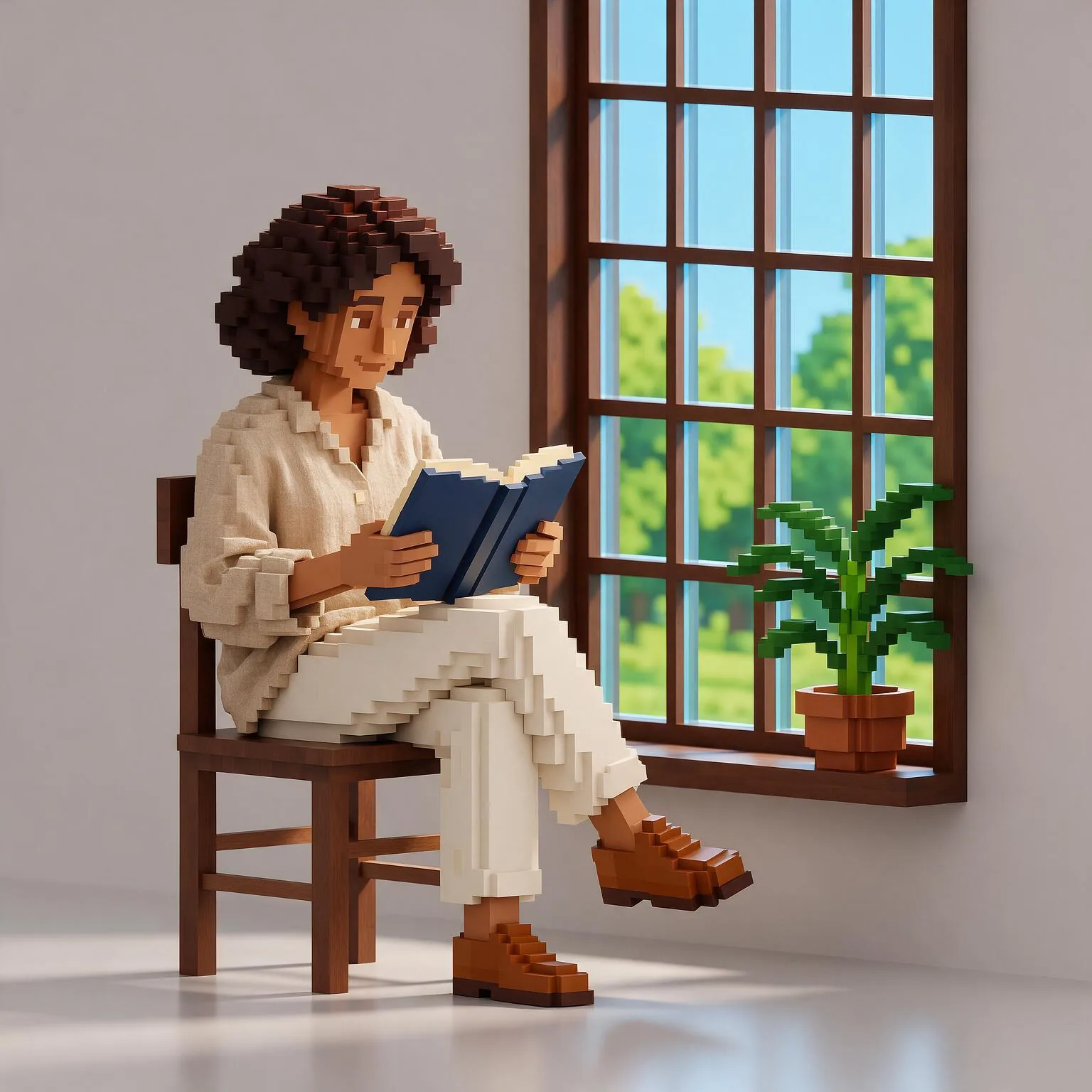
Your subject built from tiny glossy voxel cubes: stepped blocky contours, a bright toy palette, soft ambient occlusion and a clean three-quarter view.

Works on

  • Seedream 5.0 ProBest$0.036 / image
  • Wan 2.7$0.03 / image
  • Z-Image Spicy Pro$0.019 / image
  • Z-Image Spicy$0.013 / image
  • + 19 more models

Related styles

Same person, same prompt — only the style changes

2000s Digicam
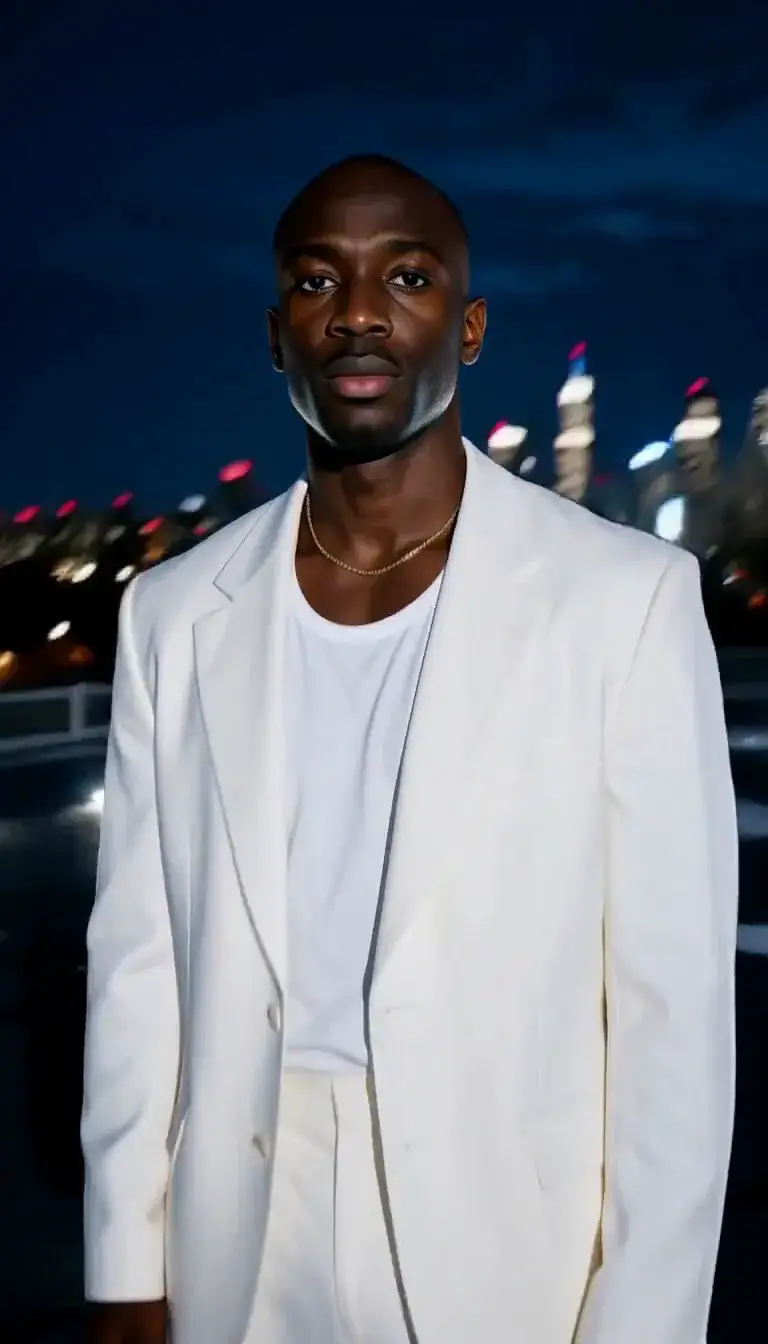
After Midnight Flash
Candlelit Velvet
Cinematic Gothic
Late-Night Hotel
Late-Night OVA
Moonlit Voile
Neon After Rain
After-Con Neon
Afterglow Pool
Airbrush Pin-up
Blush Neon
Brass Reflections
Soft Clay 3D
Manhwa Action
Instant Film
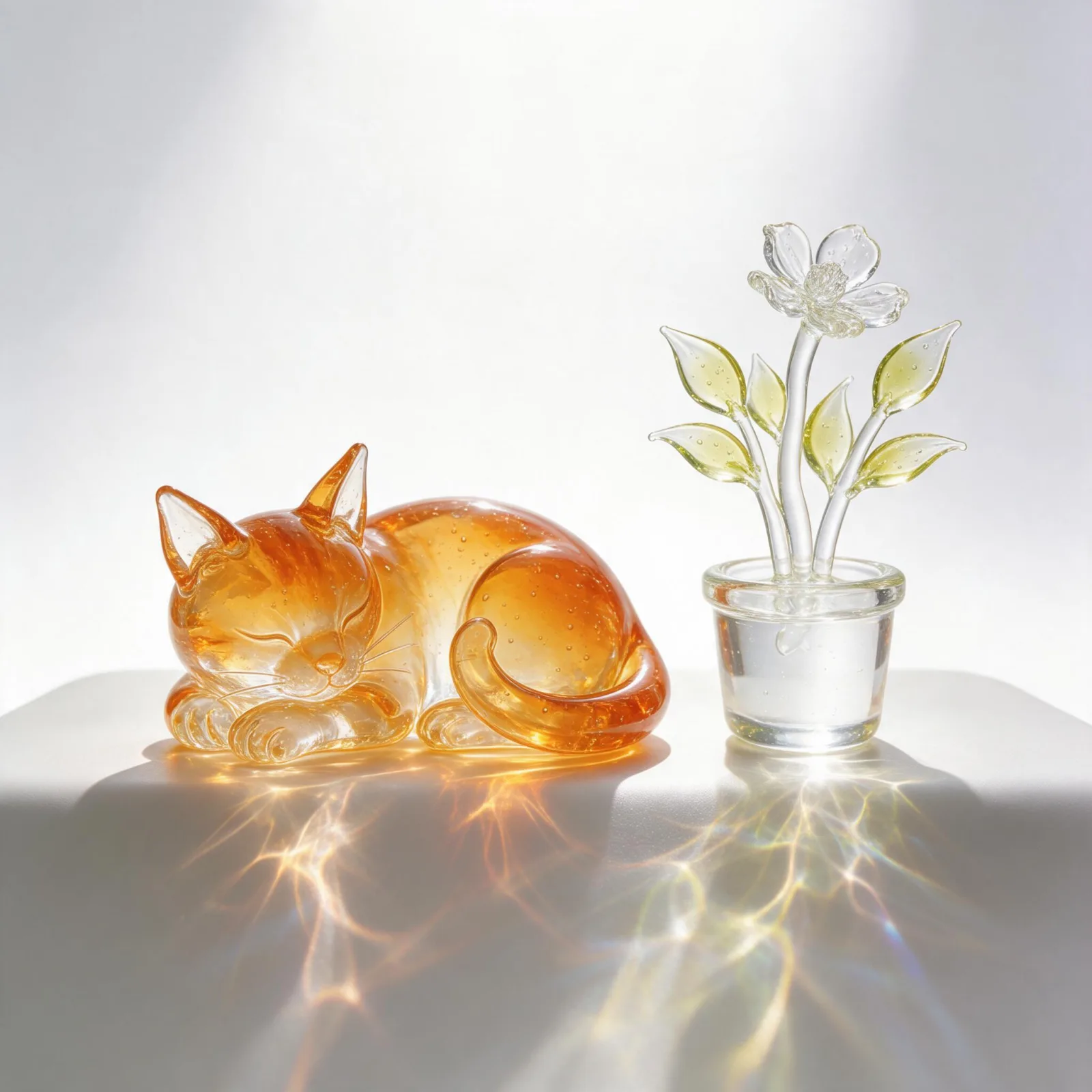
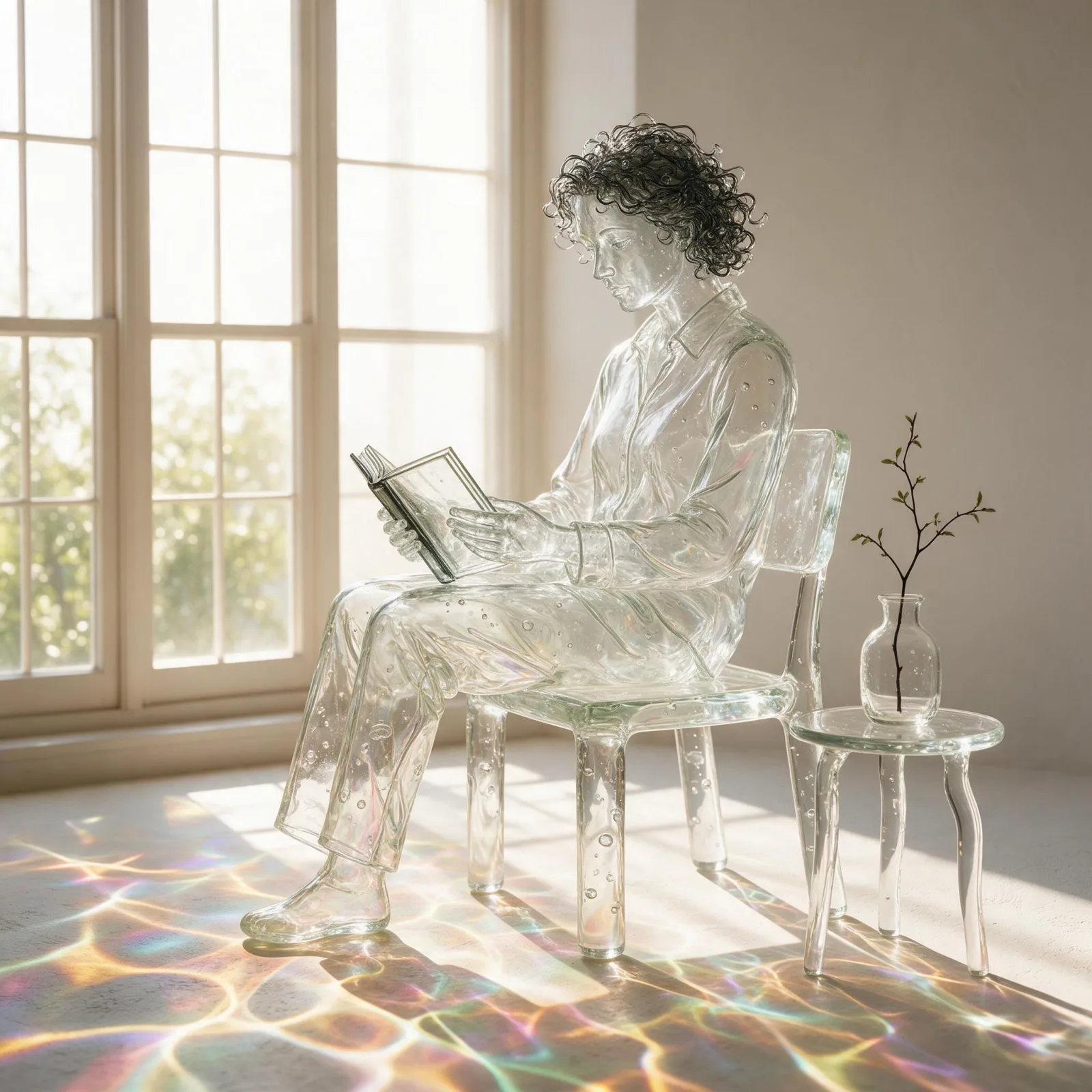
Blown Glass
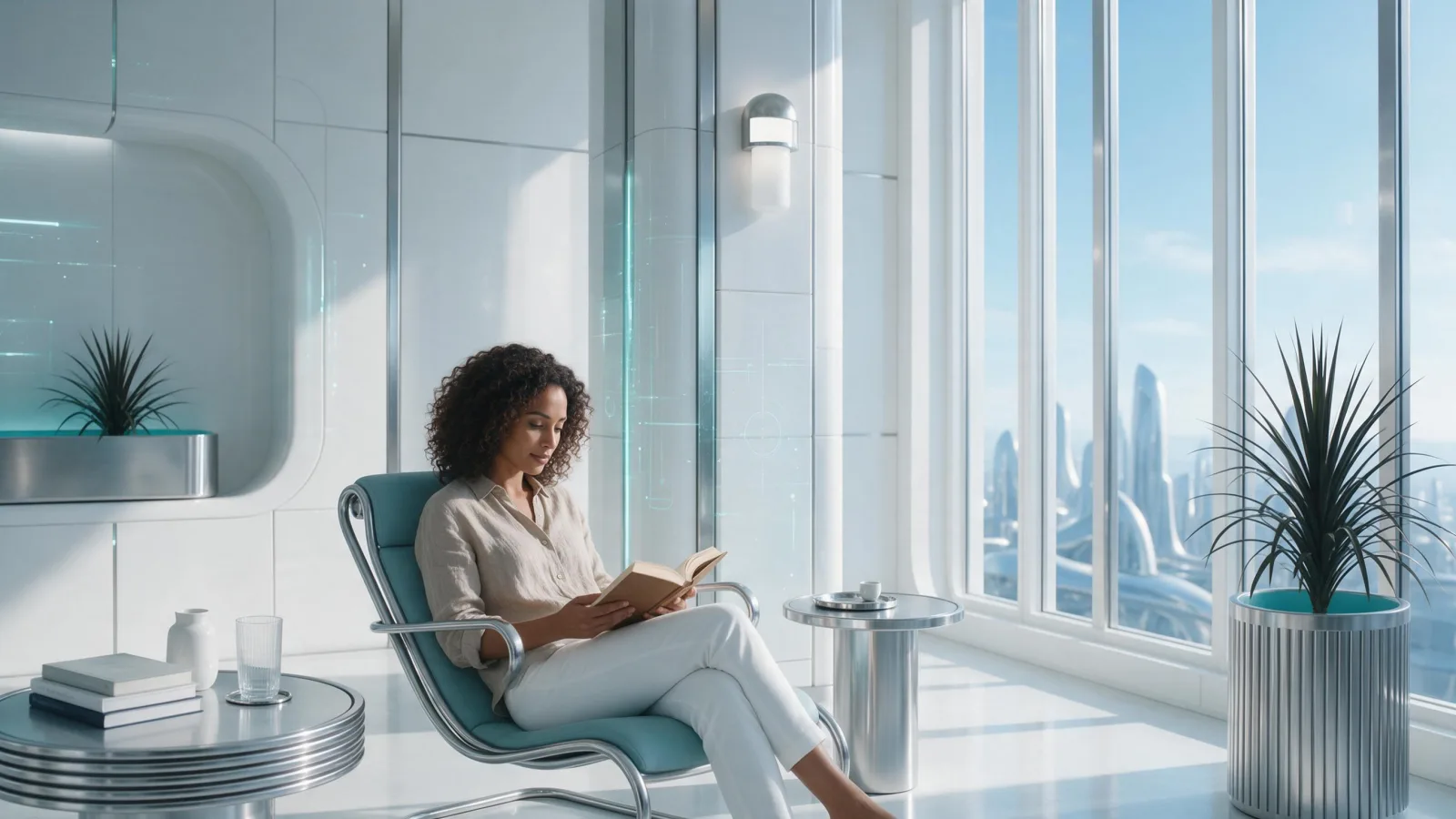
Chrome Future
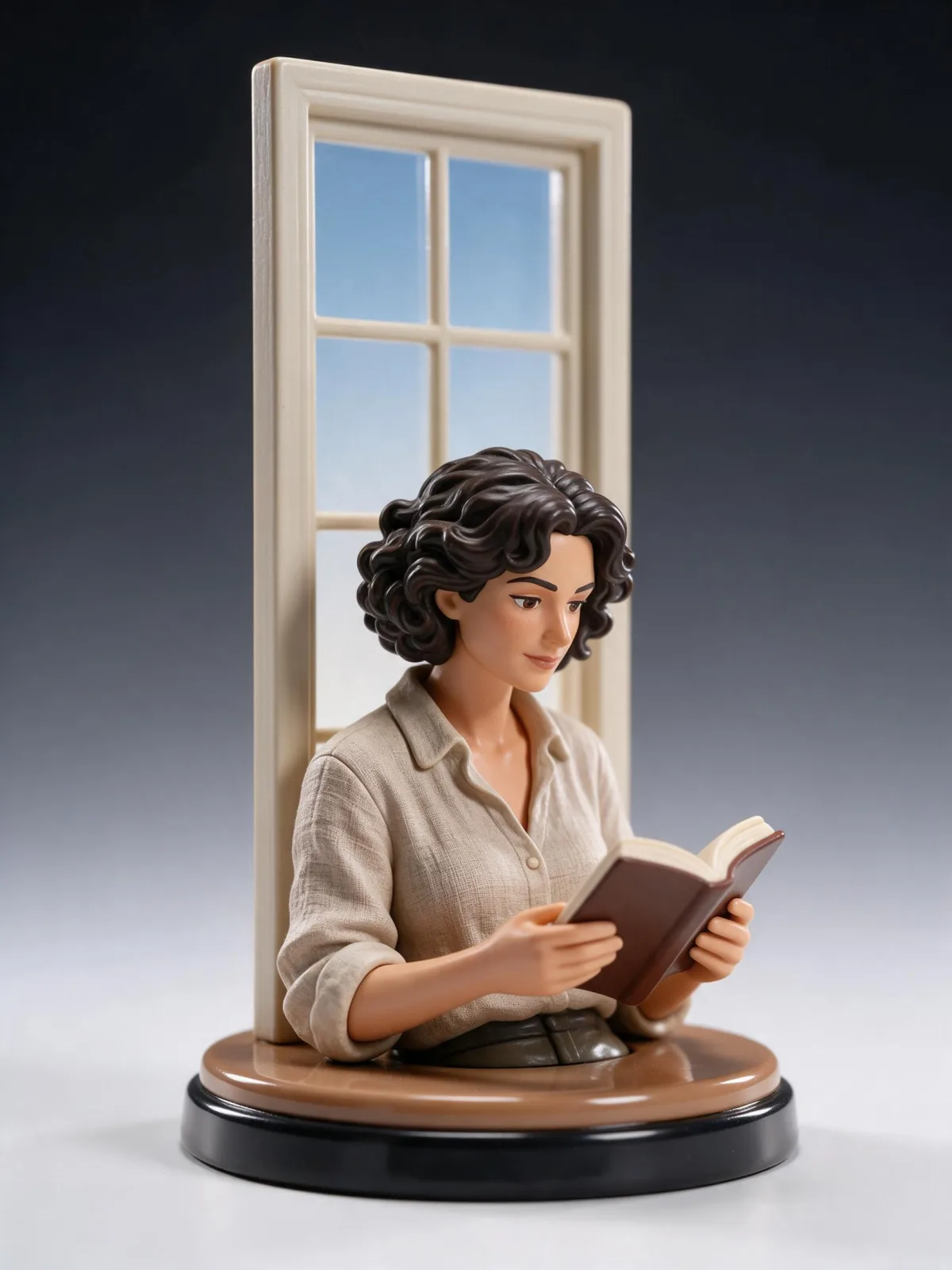
Collectible Figure
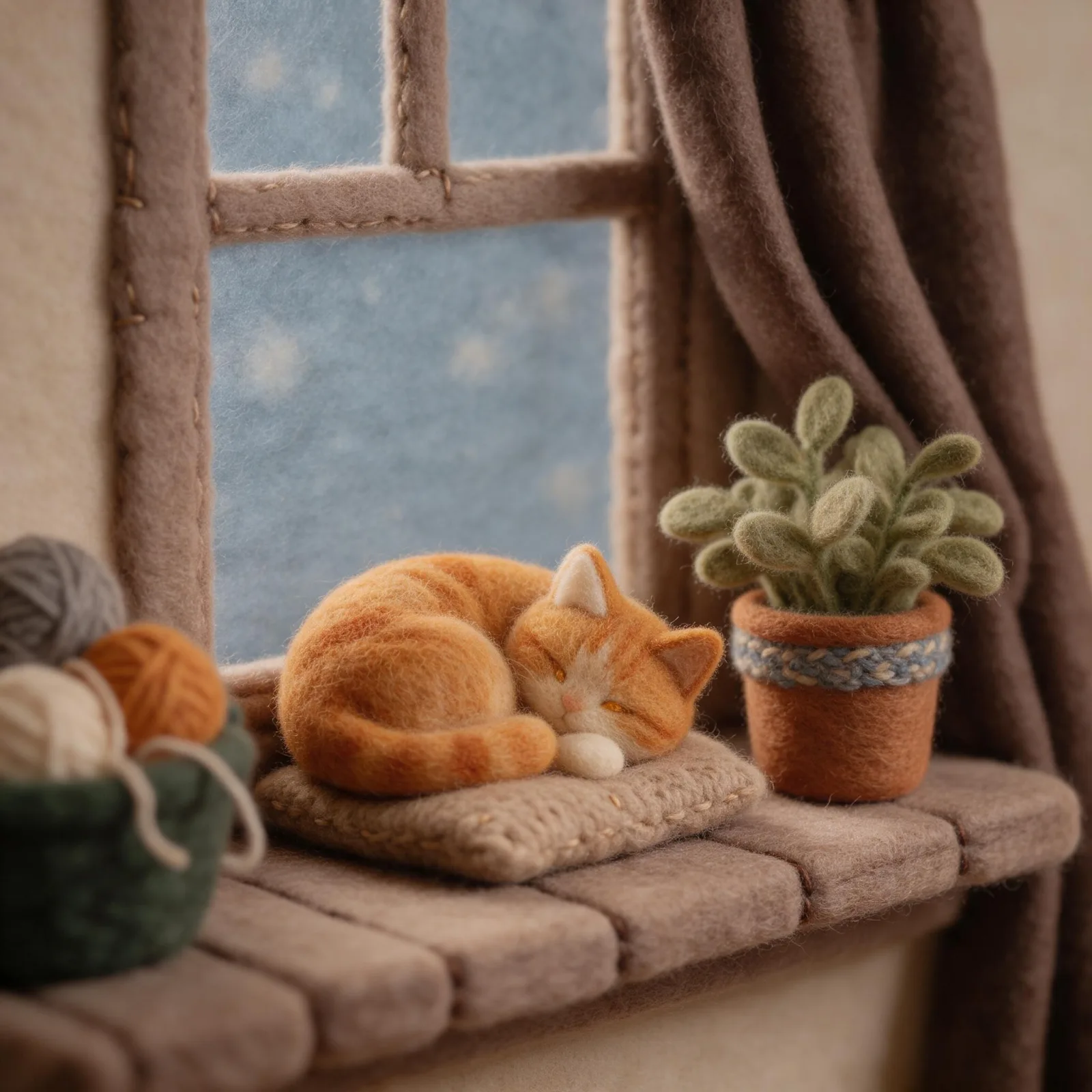
Felt & Yarn
Glossy 3D Icon
Voxel Build
Sign up to generate

We never filter your prompt.

Your subject built from tiny glossy voxel cubes: stepped blocky contours, a bright toy palette, soft ambient occlusion and a clean three-quarter view.

Category
3D
Works on
23 models
Price
From $0.01 / image
Suggested frame
1:1 · 4:3
Your own photo
Text only

Same subject, with and without it

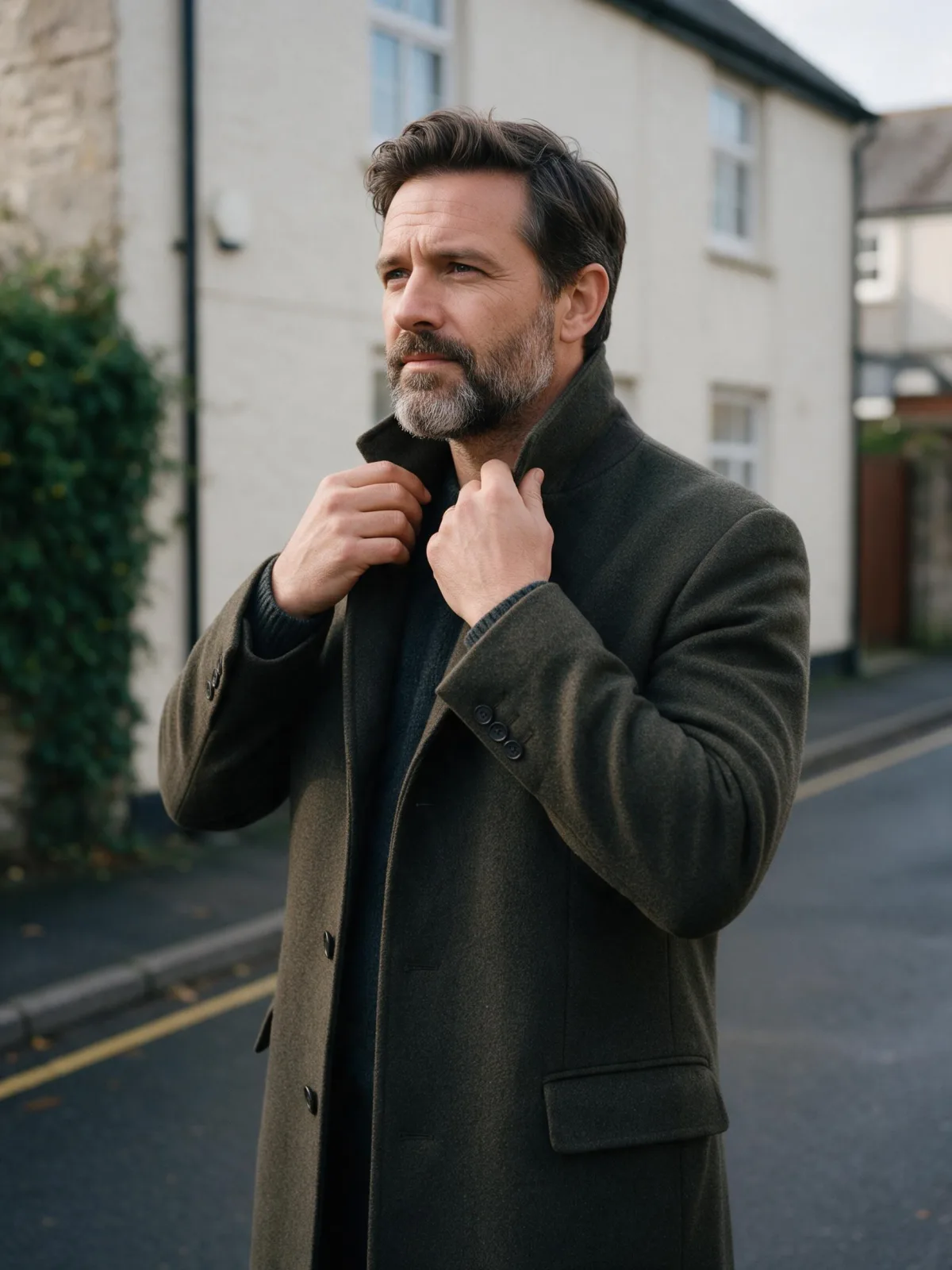
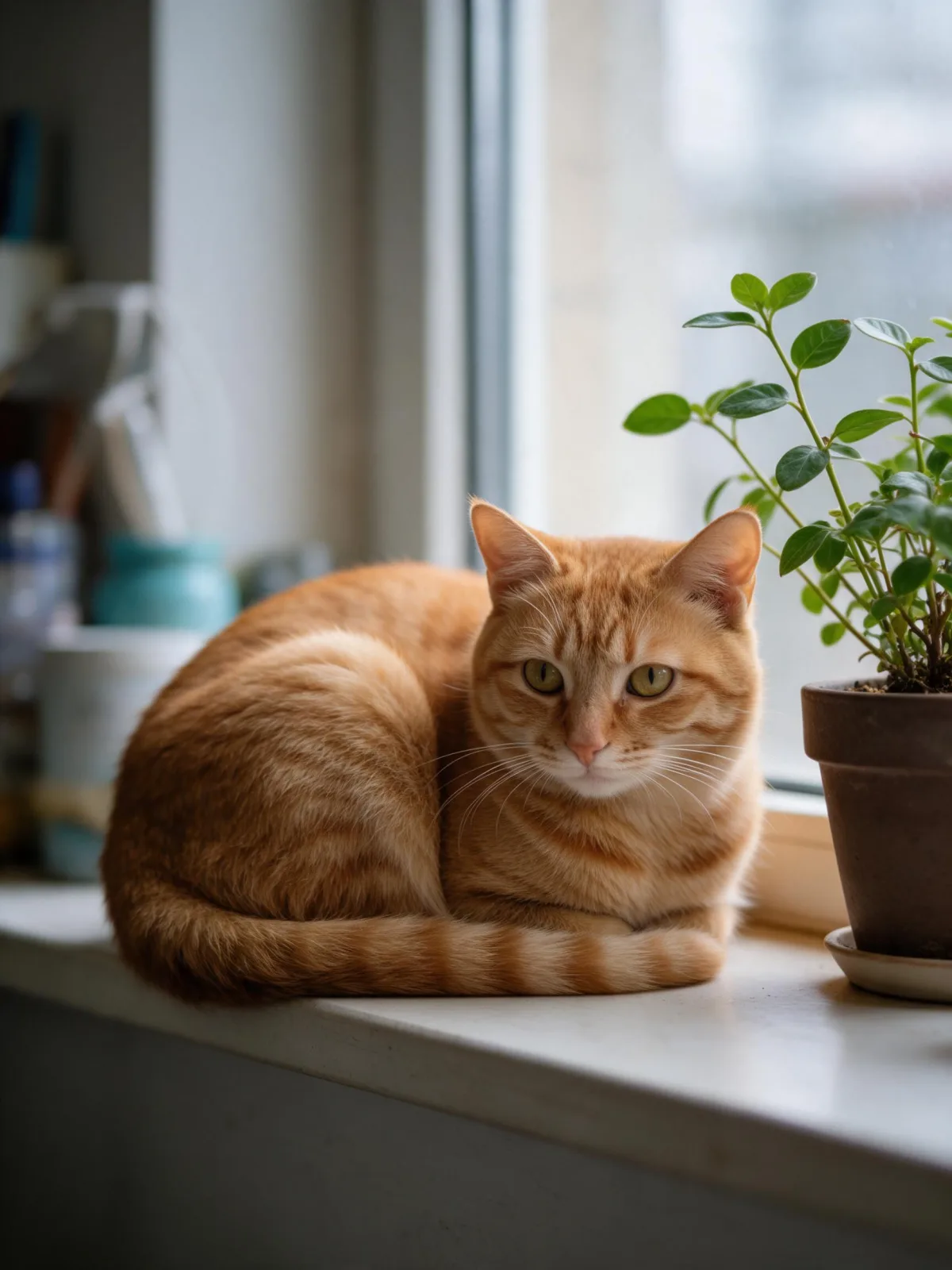
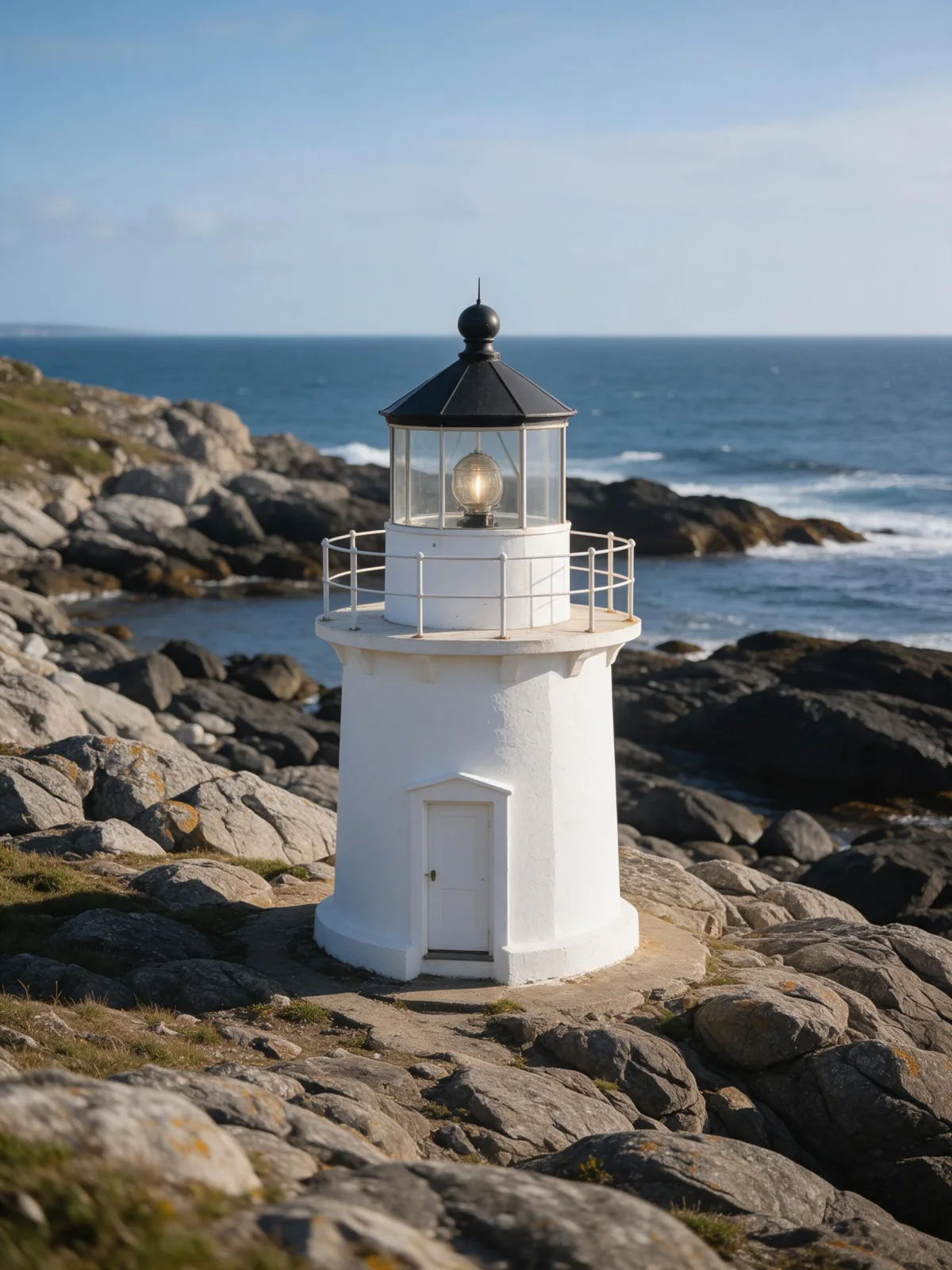
Each pair is the same sentence on the same model. The left frame has no style; the right one is Voxel Build. That gap is what the style adds.

  • The test subject with no style, made with Seedream 5.0 Pro
    No style
    Sample in the Voxel Build style, made with Seedream 5.0 Pro
    With Voxel Build

    Seedream 5.0 Pro

  • The test subject with no style, made with Seedream 5.0 Pro
    No style
    Sample in the Voxel Build style, made with Seedream 5.0 Pro
    With Voxel Build

    Seedream 5.0 Pro

  • The test subject with no style, made with Seedream 5.0 Pro
    No style
    Sample in the Voxel Build style, made with Seedream 5.0 Pro
    With Voxel Build

    Seedream 5.0 Pro

  • The test subject with no style, made with Seedream 5.0 Pro
    No style
    Sample in the Voxel Build style, made with Seedream 5.0 Pro
    With Voxel Build

    Seedream 5.0 Pro

About Voxel Build

Voxel Build reconstructs your subject out of thousands of tiny glossy cubes: every curve becomes a stepped, blocky contour, colors are bright and toy-like, soft ambient occlusion settles into the corners, and the whole model sits in a clean three-quarter studio view. It feels like a lovingly built digital diorama — precise, playful and just a little nostalgic.

You write the subject; the style supplies the cubes. Buildings and places are made for it: a lighthouse on a cube-stepped cliff, a tiny ramen shop, a cottage with a garden. Animals and people become blocky figures that keep the outfit, colors and pose you wrote.

Use it for game concepts and level ideas, isometric scene art, profile pictures, merch and toy concepts, presentations and playful social posts. For flat pixels in two dimensions, use 16-Bit Pixel; for smooth modeling clay, Soft Clay 3D; for glossy painted vinyl, Collectible Figure.

For this composition, we recommend 1:1, with 4:3 as another framing option. This style is text-to-image only: on uploaded photos, the models we tested produced a flat pixel mosaic instead of real 3D cubes, so describe your subject in words instead. Buildings and pets come out especially well.

Subjects to paste as they are: “a small lighthouse on a rocky island with waves”, “a ramen shop with a red lantern on a street corner”, “a ginger cat sitting on a stack of books”. Clear shapes give the cleanest blocks.

Finishes that work on top: Golden Hour for low warm light across the cubes.
Tips that make it land

  • Buildings and small scenes are the sweet spot. Voxels love straight walls and roofs.
  • Name a palette for a themed look: “in autumn colors”, “in snowy whites and blues”.
  • Add a base for a diorama feel: “on a small floating island”, “on a square grass tile”.
  • Very fine details disappear at voxel scale, so describe big, clear features.
  • Keep signs and shopfronts out of the scene, or run it again if one appears: small signs are where stray letters tend to show up.

The prompt it sends

Your sentence goes where {subject} sits. Everything around it is the style. Nothing is hidden, and we never filter your prompt.

voxel art model of {subject}, built from tiny glossy cubes, stepped blocky contours, bright toy palette, soft ambient occlusion, clean three-quarter view on a plain seamless studio backdrop
Use Voxel Build now

Prompt ideas for Voxel Build

Scenes from our prompt library that suit this look. Borrow the idea as your subject line; the style adds the rest.

Architecture & interiors

Product & ads

Models it works on

Every model below was tested with this style. The price is per image and shows on the Generate button before you run.

How to use Voxel Build

  1. 01

    Write who or what

    Write one plain sentence for your Voxel Build image: who or what is in it and what is happening. The style brings the light, color and medium, so leave those out.

  2. 02

    Keep Voxel Build on

    It is already selected at the top of this page and lands best on Seedream 5.0 Pro, the model it was tuned on. It builds the whole scene from your text.

  3. 03

    Generate

    From $0.01 per image, shown on the button before you run. Pick your favorite Voxel Build frame, then edit it, restyle it or make it move from the result.

Questions about Voxel Build

Make video

Styles are for stills. These effects start from one photo and add a single deliberate move.

Read next