Sticker Design AI Generator: Die-Cut Sticker

Effects
Die-Cut Sticker

Die-Cut Sticker

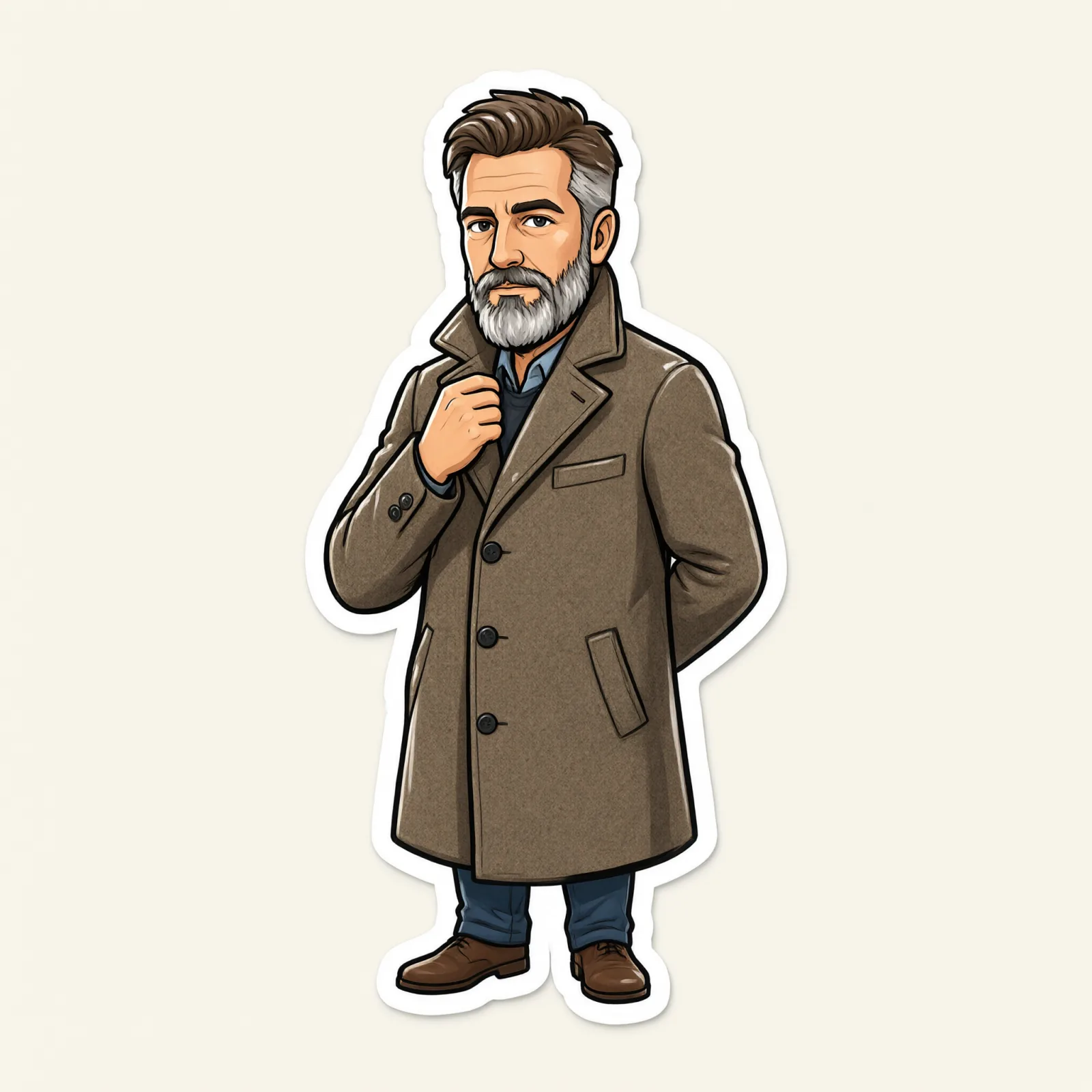
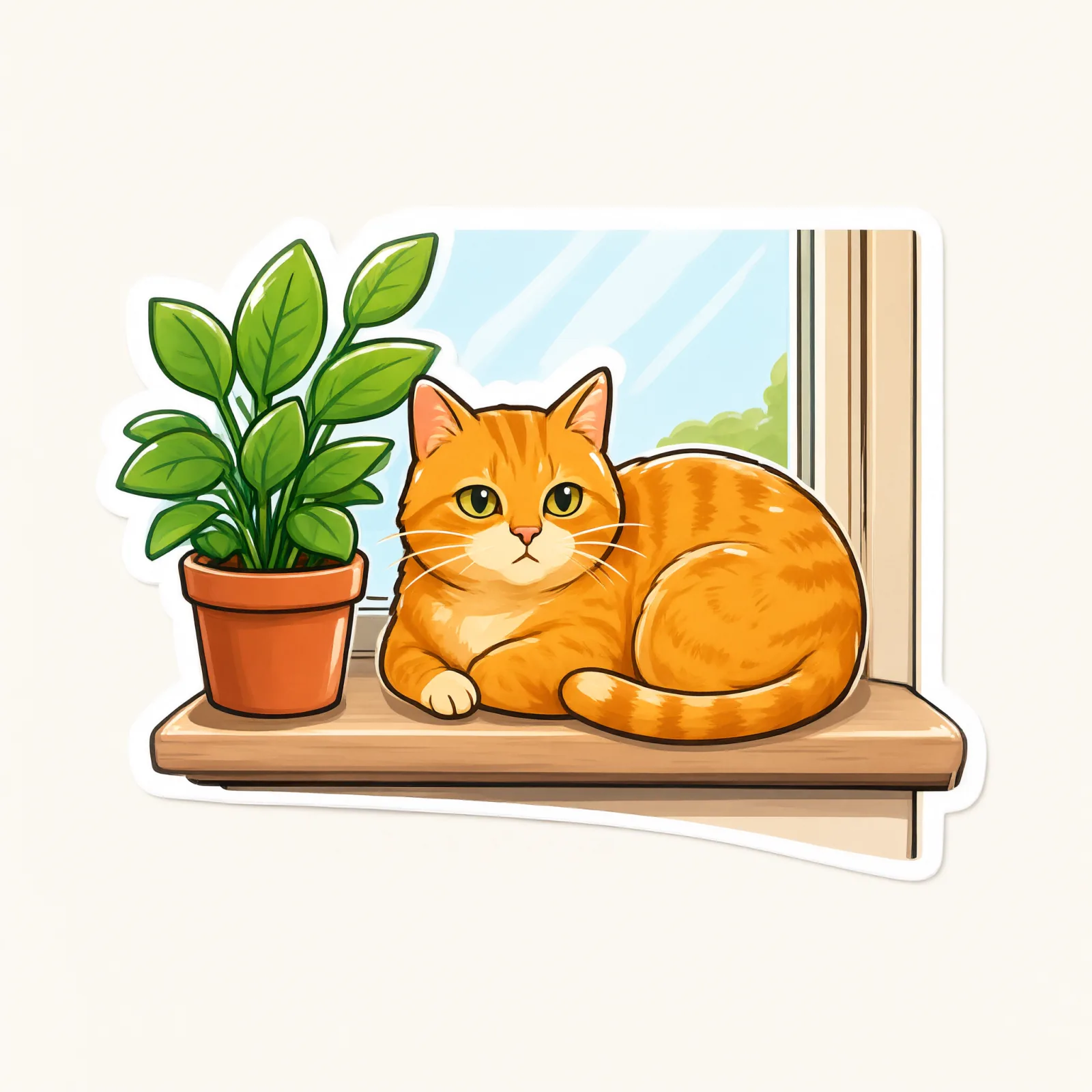
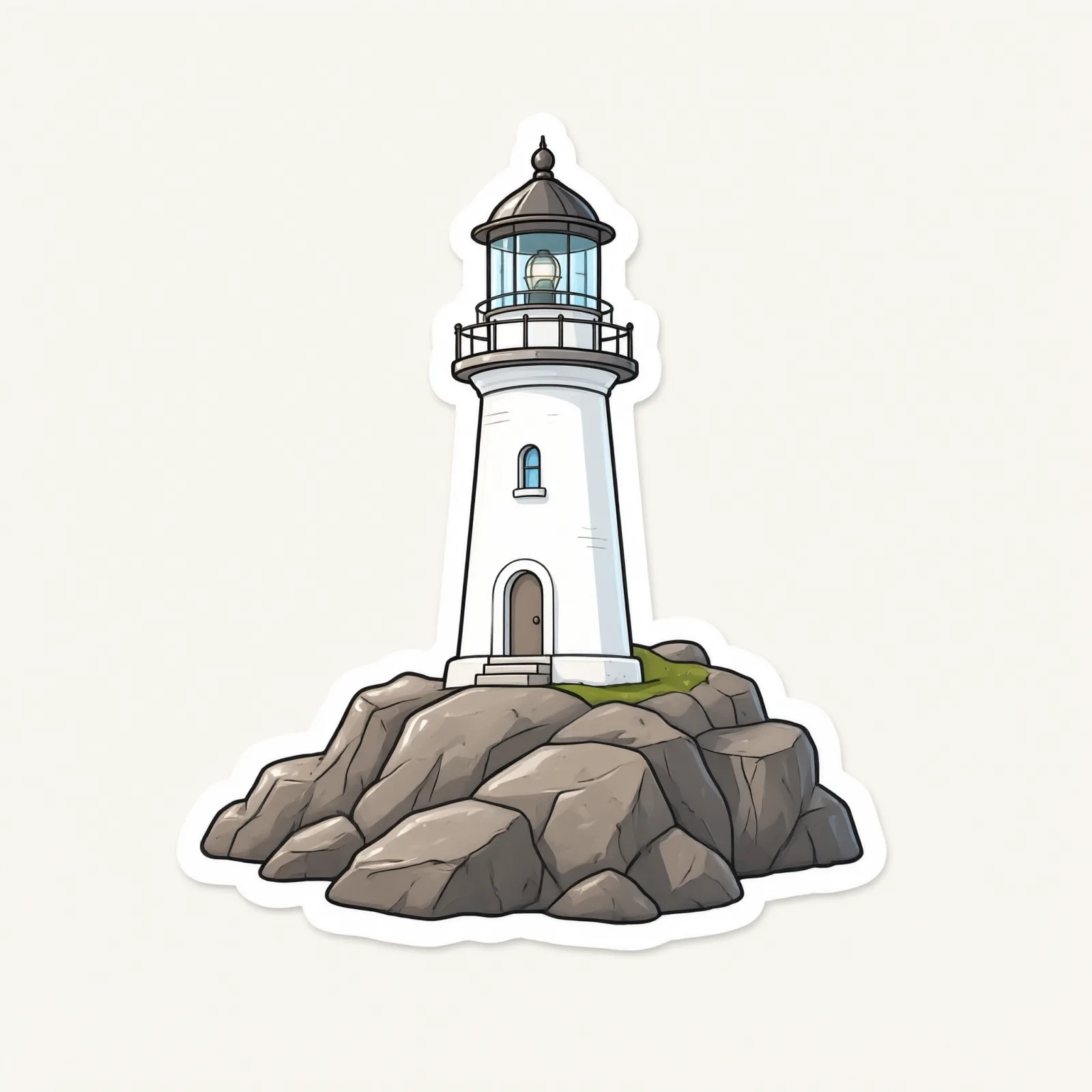
A ready-to-print die-cut sticker: thick white outline, bold simplified shapes, flat bright colors and a glossy vinyl sheen.

Works on

  • Seedream 5.0 ProBest$0.036 / image
  • Qwen Image 3.0$0.03 / image
  • Anima Turbo$0.012 / image
  • Anima Turbo LoRA$0.018 / image
  • + 20 more models

Related styles

Same person, same prompt — only the style changes

2000s Digicam
After Midnight Flash
Candlelit Velvet
Cinematic Gothic
Late-Night Hotel
Late-Night OVA
Moonlit Voile
Neon After Rain
After-Con Neon
Afterglow Pool
Airbrush Pin-up
Blush Neon
Brass Reflections
Anime Key Visual
Manhwa Action
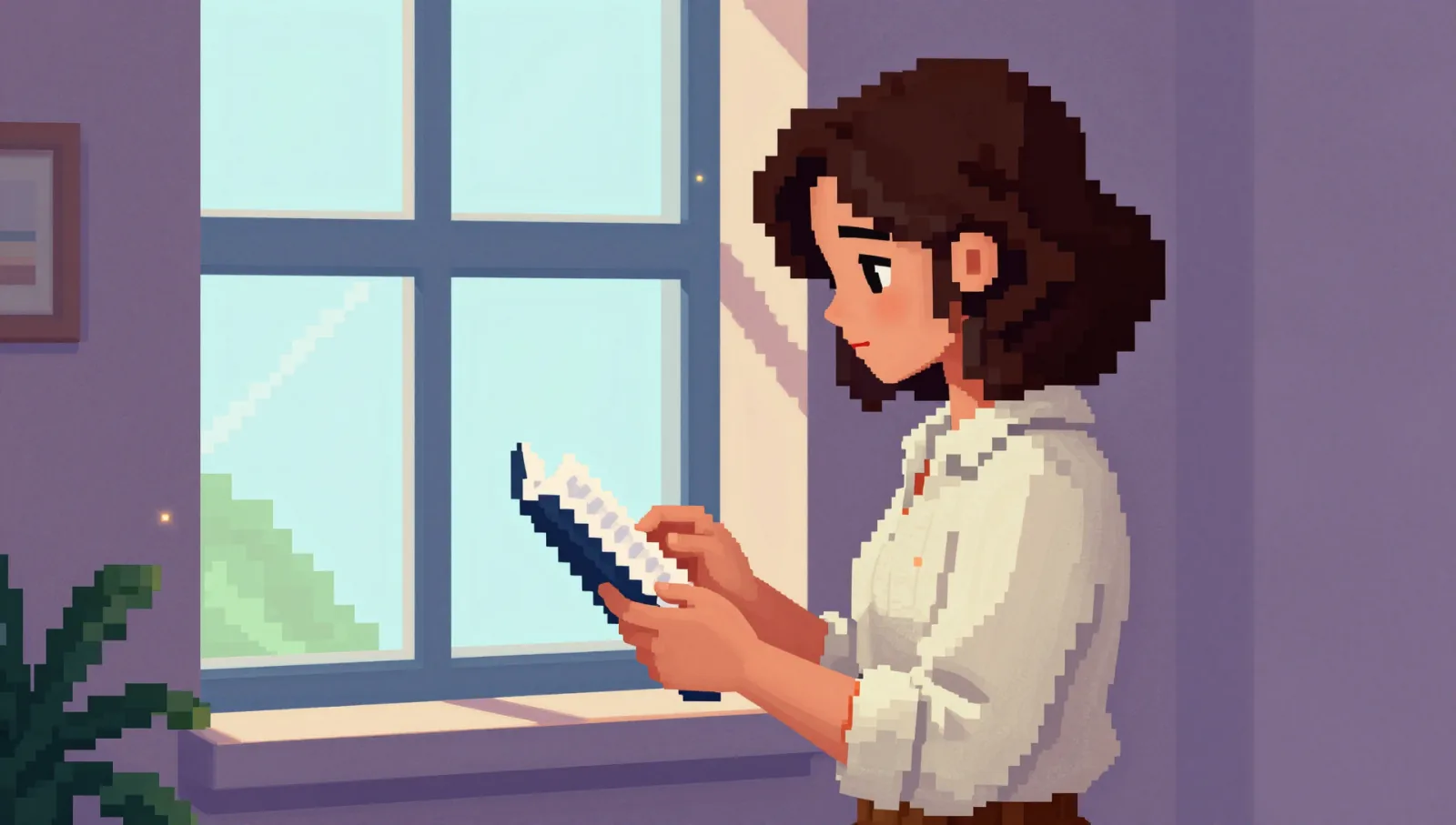
16-Bit Pixel
Cel Night Frame
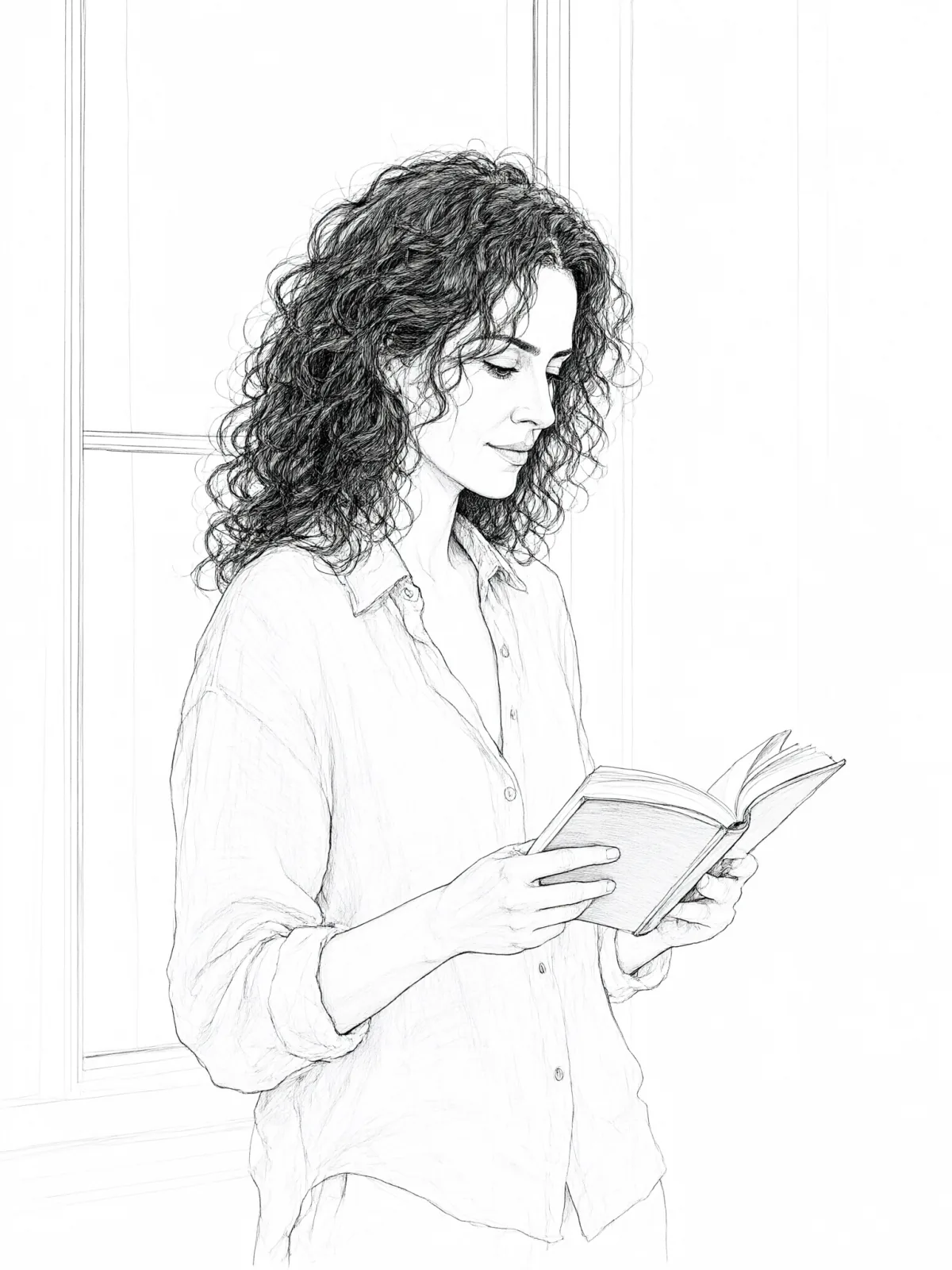
Clean Line Art
Die-Cut Sticker
Flat Pastel Anime
Glossy Glass Anime
Instant Film
Sign up to generate

We never filter your prompt.

A ready-to-print die-cut sticker: thick white outline, bold simplified shapes, flat bright colors and a glossy vinyl sheen.

Category
Anime
Works on
39 models
Price
From $0.01 / image
Suggested frame
1:1
Your own photo
Yes, restyles an upload

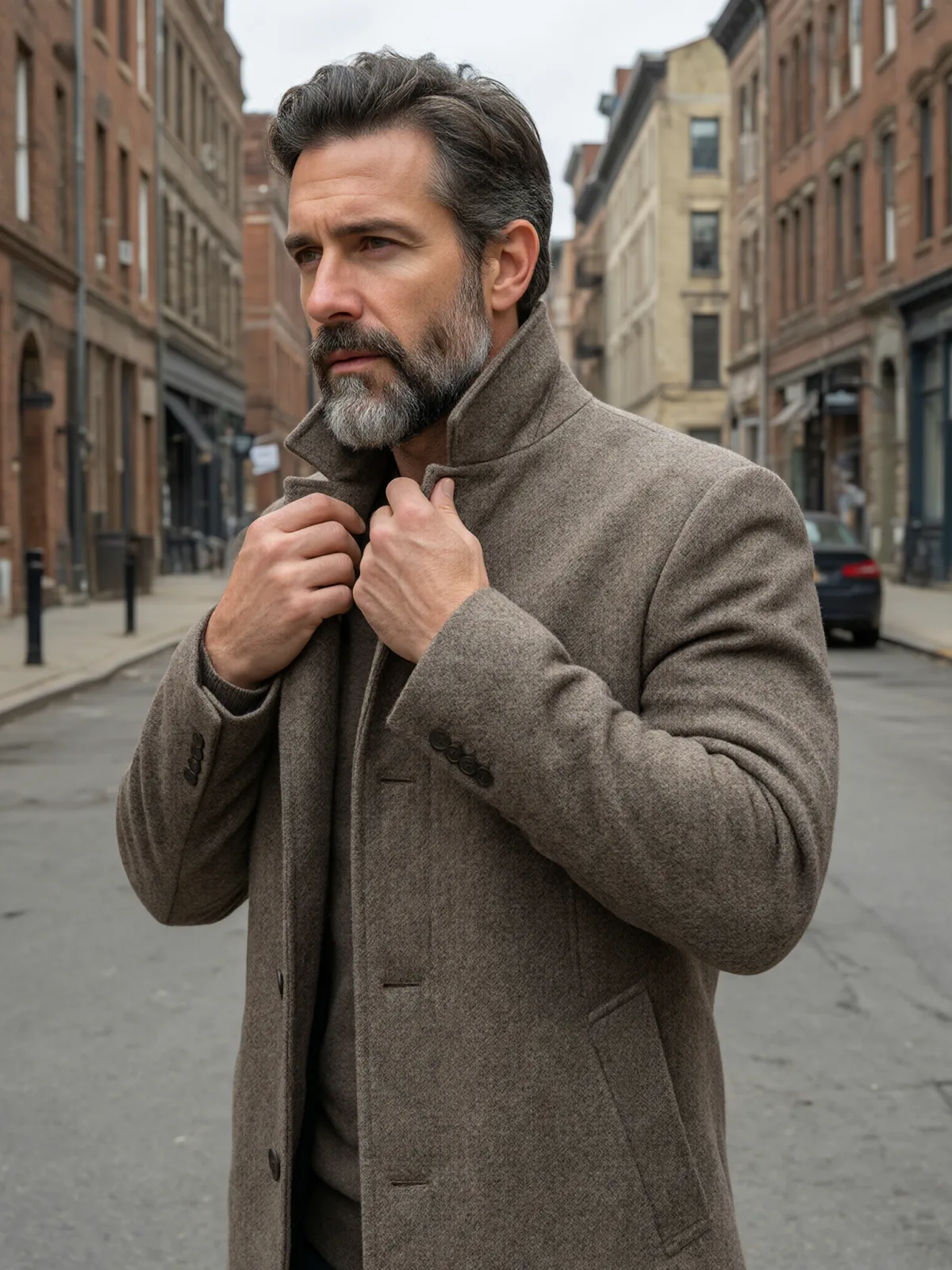
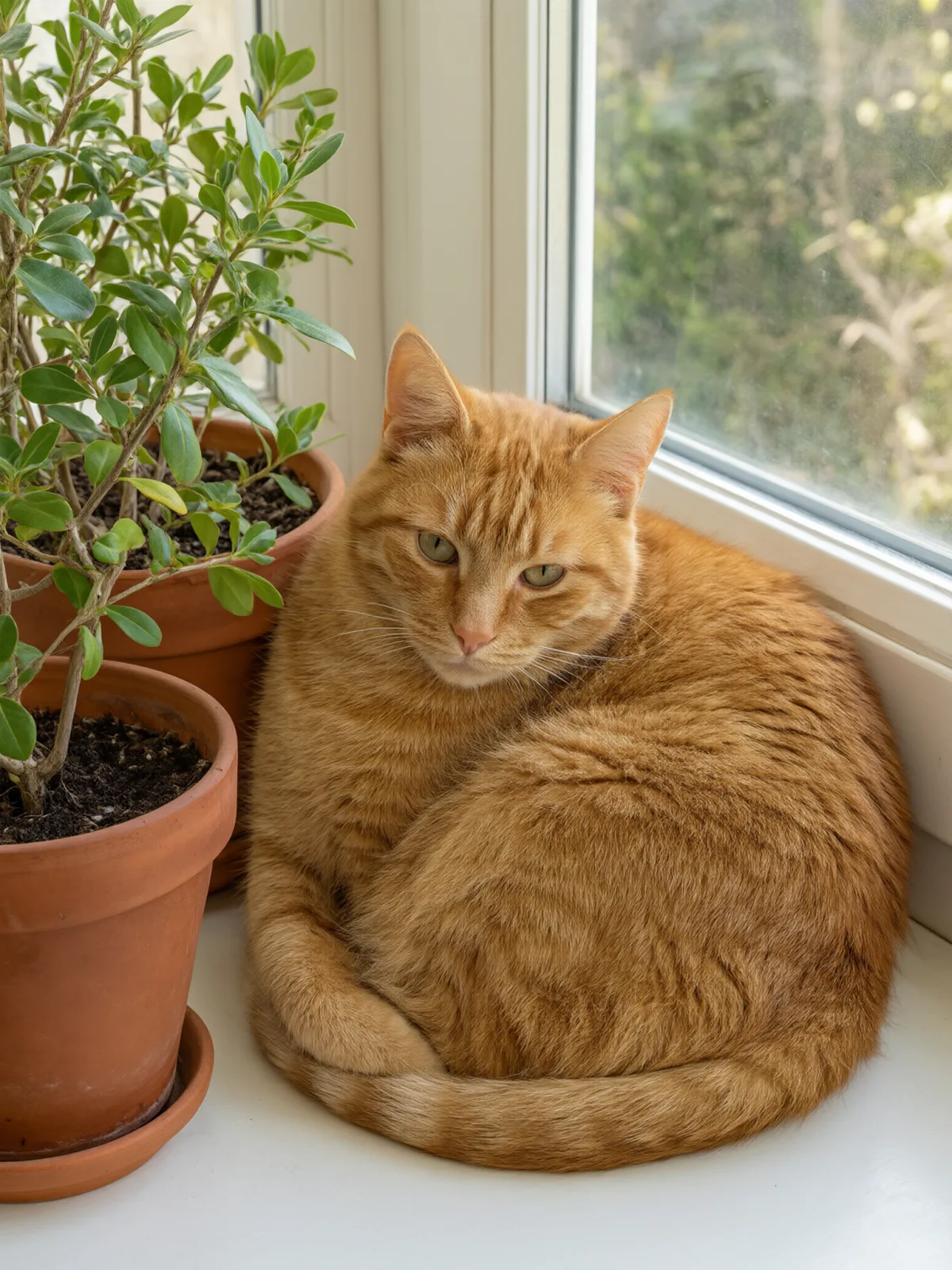
Same subject, with and without it

Each pair is the same sentence on the same model. The left frame has no style; the right one is Die-Cut Sticker. That gap is what the style adds.

  • The test subject with no style, made with Qwen Image 3.0
    No style
    Sample in the Die-Cut Sticker style, made with Qwen Image 3.0
    With Die-Cut Sticker

    Qwen Image 3.0

  • The test subject with no style, made with Z-Image
    No style
    Sample in the Die-Cut Sticker style, made with Z-Image
    With Die-Cut Sticker

    Z-Image

  • The test subject with no style, made with Qwen Image 3.0
    No style
    Sample in the Die-Cut Sticker style, made with Qwen Image 3.0
    With Die-Cut Sticker

    Qwen Image 3.0

  • The test subject with no style, made with Qwen Image 3.0
    No style
    Sample in the Die-Cut Sticker style, made with Qwen Image 3.0
    With Die-Cut Sticker

    Qwen Image 3.0

Samples

The same fixed test subjects run through every style, so you see what Die-Cut Sticker does rather than what the subject brings.

  • Sample in the Die-Cut Sticker style, made with Qwen Image 3.0
    Qwen Image 3.0

About Die-Cut Sticker

Die-Cut Sticker turns your subject into a sticker that looks like it just came off the sheet: bold simplified shapes, flat bright colors, a thick white border that follows the silhouette, and a glossy vinyl sheen catching the light. It sits alone on a plain light backdrop, so the outline is clean and easy to cut around.

You write the subject; the style supplies the vinyl. It loves anything with a strong silhouette and a bit of personality: a cat in a knitted hat, a cup of coffee with a heart of steam, a small lighthouse with a red roof, a man in a raincoat holding an umbrella. People come out as simplified cartoon versions that keep the outfit, hairstyle and colors you wrote.

Use it for sticker shops and print-on-demand, laptop and water-bottle stickers, chat stickers, merch mockups, brand mascots and gift tags. For a puffy three-dimensional version, use Glossy 3D Icon; for a flat illustration without the border, Flat Pastel Anime; for a shimmering collectible card, Holo Foil.

The recommended frame is square. It also works on an uploaded image: in image-to-image mode it redraws your photo as a die-cut sticker and keeps the composition, pose and clothing unchanged. Pet photos make especially good stickers.

Subjects to paste as they are: “a ginger cat wearing a tiny knitted hat”, “a steaming mug of cocoa with marshmallows”, “a man in a yellow raincoat holding a blue umbrella”. One subject per sticker gives the cleanest outline.


Tips that make it land

  • One subject per sticker. Groups and scenes blur the outline into a blob.
  • Give it a pop of personality — a small prop or a clear expression. Stickers live on charm.
  • Want a set? Keep the same wording and change one detail per prompt: the mug, then the teapot, then the croissant.
  • The style asks for no text. If you want lettering, add it later in a design tool so it is spelled correctly.
  • For print, cut along the white border; the plain backdrop makes it easy to remove.

The prompt it sends

Your sentence goes where {subject} sits. Everything around it is the style. Nothing is hidden, and we never filter your prompt.

die-cut sticker design of {subject}, thick white outline, bold simplified cartoon shapes, glossy vinyl sheen, flat bright colors, isolated on a plain light backdrop
Use Die-Cut Sticker now

With your own photo

When you add a reference image, this wording is sent instead, so your composition stays and the look changes.

Redraw the image as a die-cut sticker with a thick white outline, bold simplified shapes, flat bright colors and a glossy vinyl sheen. {subject}. Keep the composition, pose and clothing unchanged.

Prompt ideas for Die-Cut Sticker

Scenes from our prompt library that suit this look. Borrow the idea as your subject line; the style adds the rest.

Product & ads

Animals & creatures

Models it works on

Every model below was tested with this style. The price is per image and shows on the Generate button before you run.

How to use Die-Cut Sticker

  1. 01

    Write who or what

    Write one plain sentence for your Die-Cut Sticker image: who or what is in it and what is happening. The style brings the light, color and medium, so leave those out.

  2. 02

    Keep Die-Cut Sticker on

    It is already selected at the top of this page and lands best on Seedream 5.0 Pro, the model it was tuned on. Add a photo if you want your composition kept and only the look changed.

  3. 03

    Generate

    From $0.01 per image, shown on the button before you run. Pick your favorite Die-Cut Sticker frame, then edit it, restyle it or make it move from the result.

Questions about Die-Cut Sticker

Make video

Styles are for stills. These effects start from one photo and add a single deliberate move.

Read next