Y2K Digital Camera AI Photo Generator: 2000s Digicam

Effects
2000s Digicam

2000s Digicam

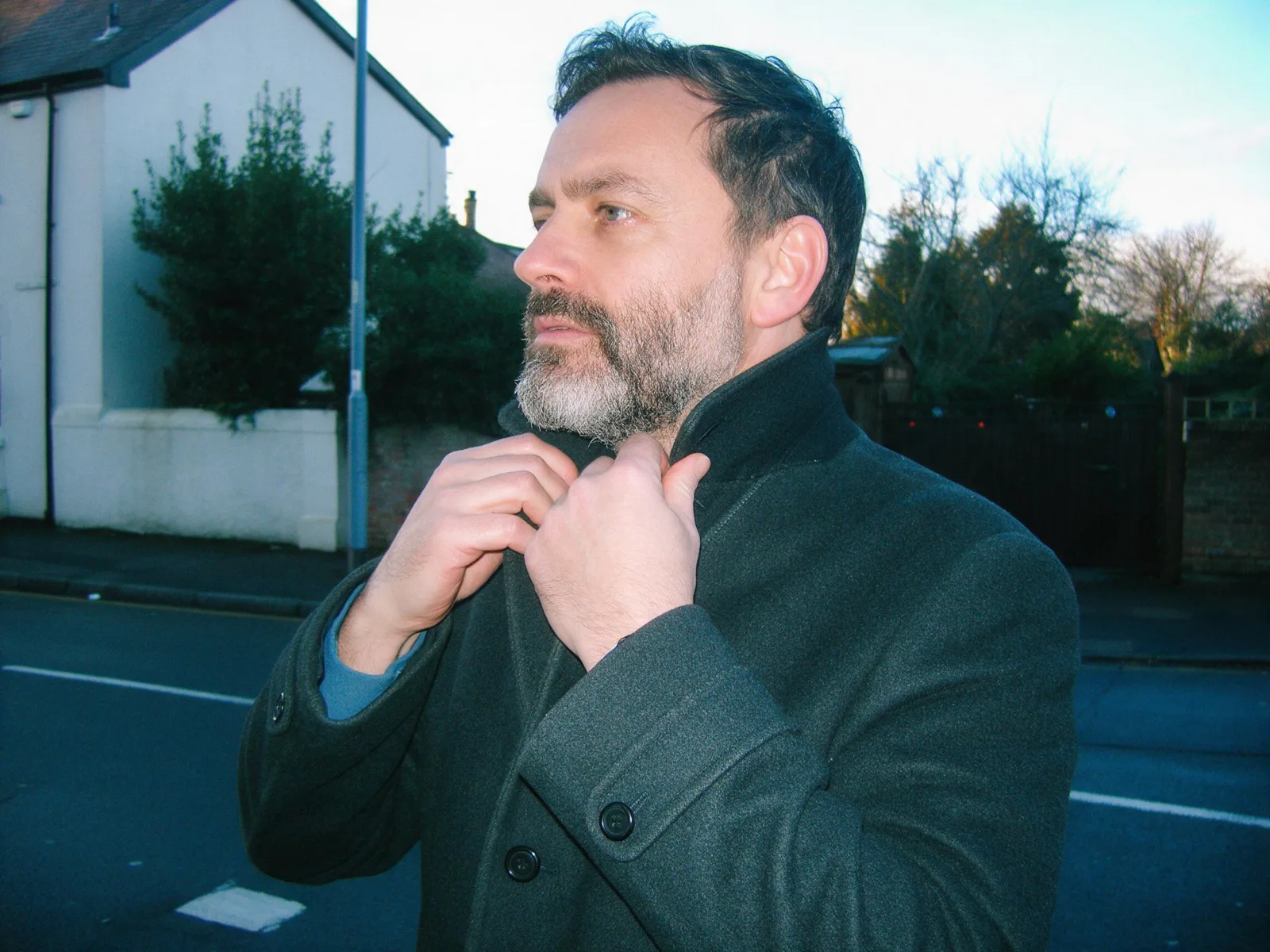
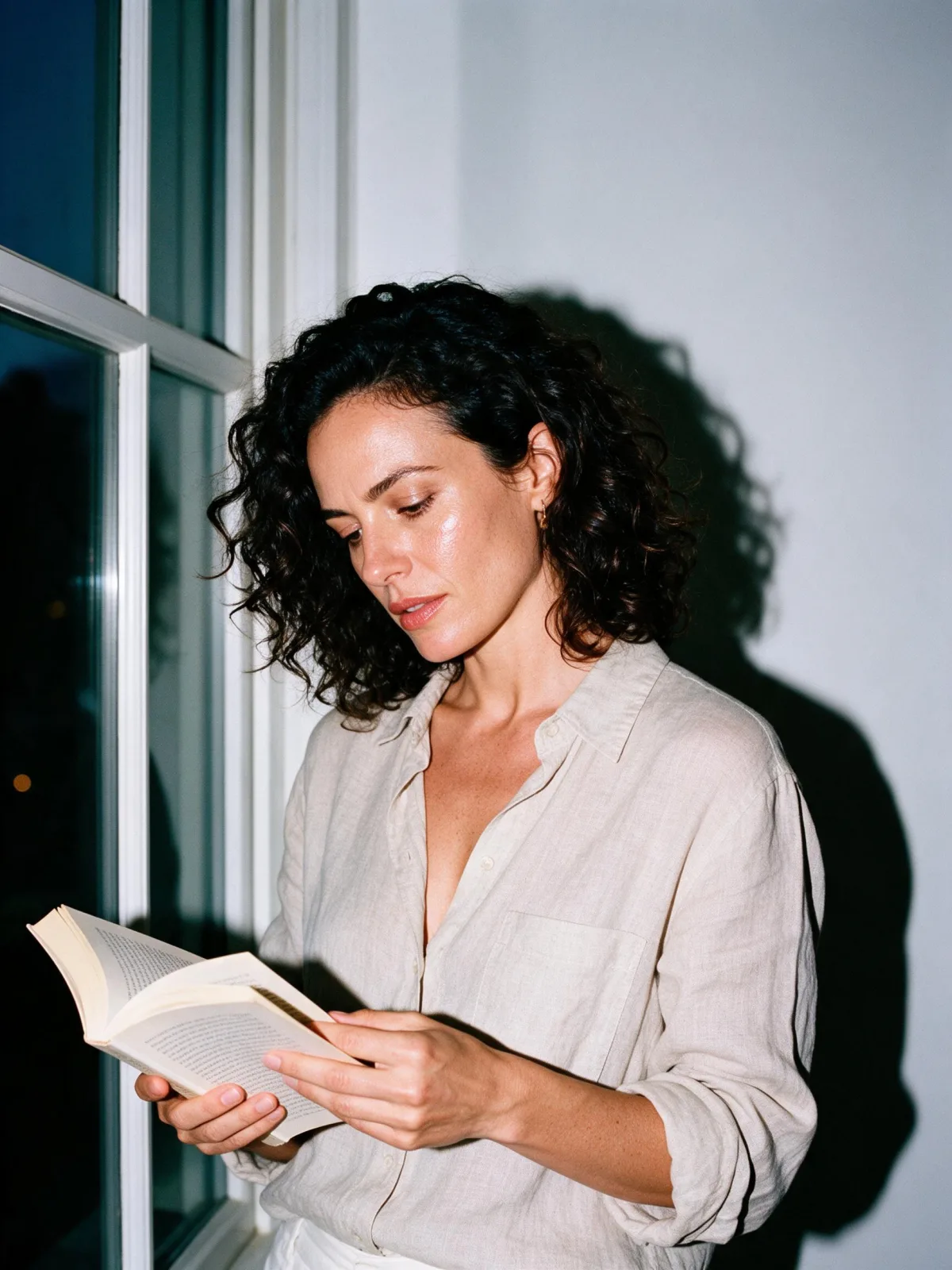
An early-2000s compact digital camera photo: cool color cast, crunchy clipped highlights, low dynamic range, small-sensor noise and a direct flash.

Works on

  • Seedream 5.0 ProBest$0.036 / image
  • Qwen Image 3.0$0.03 / image
  • Z-Image$0.01 / image
  • Wan 2.7$0.03 / image
  • + 20 more models

Related styles

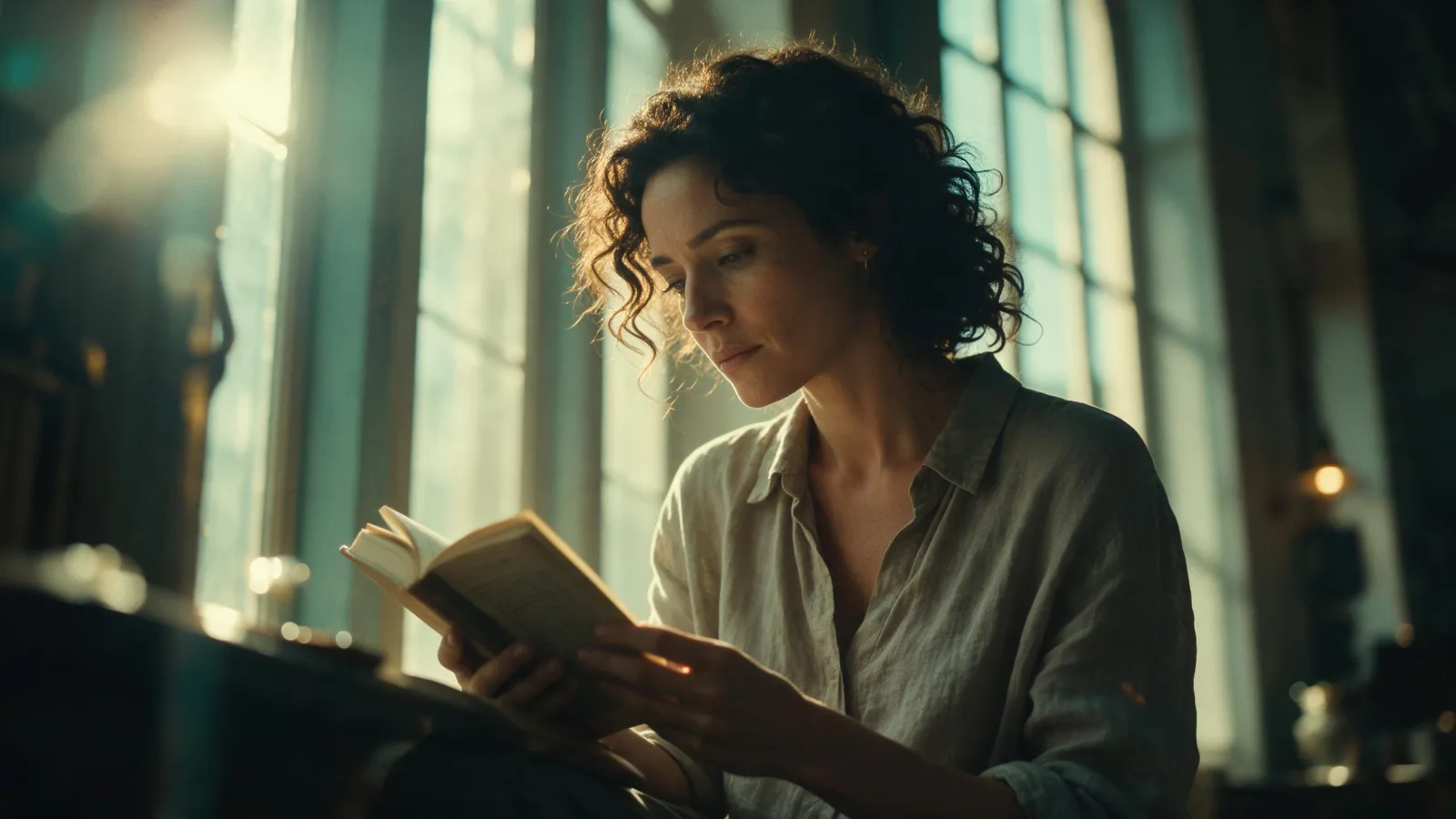
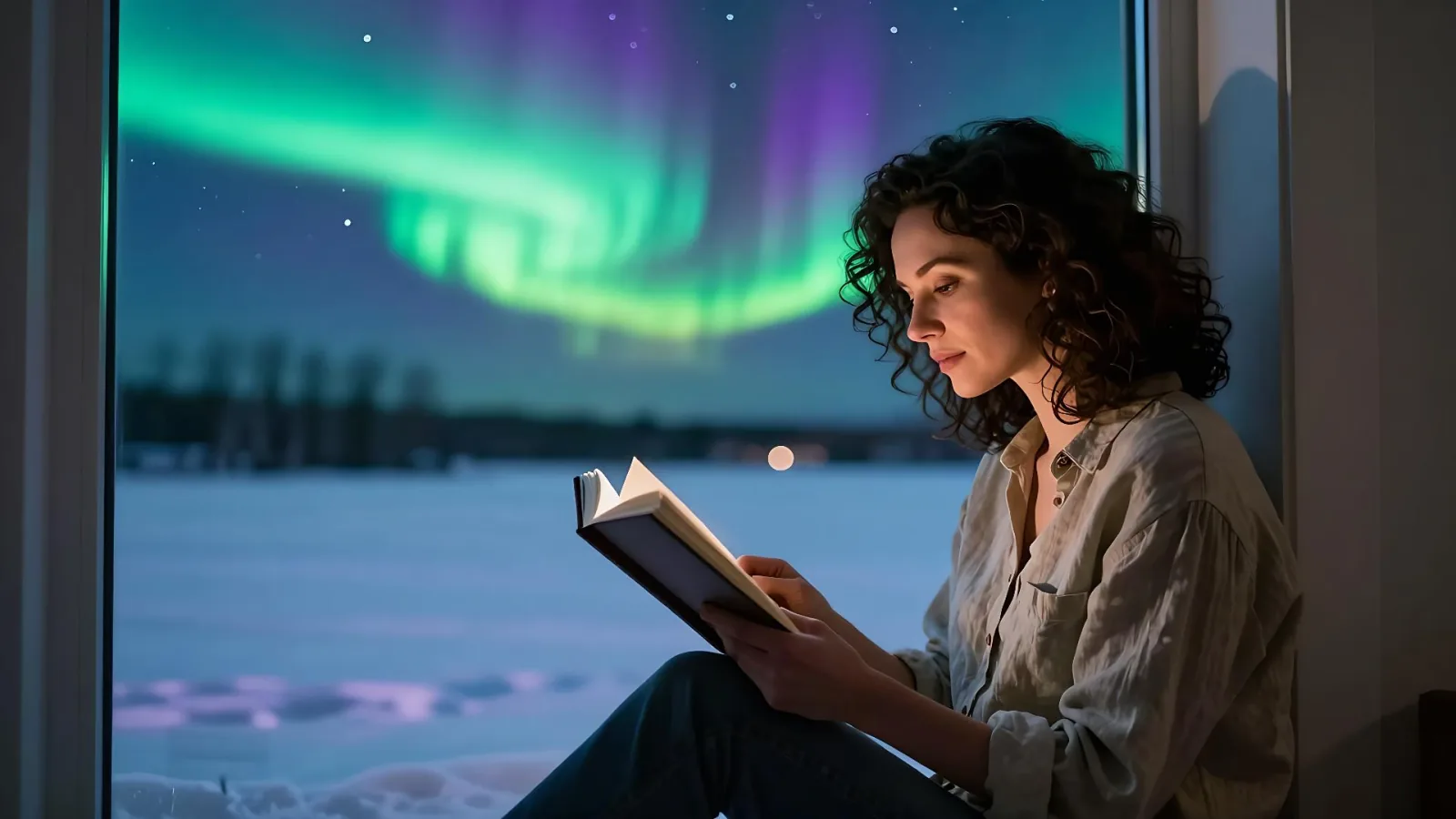
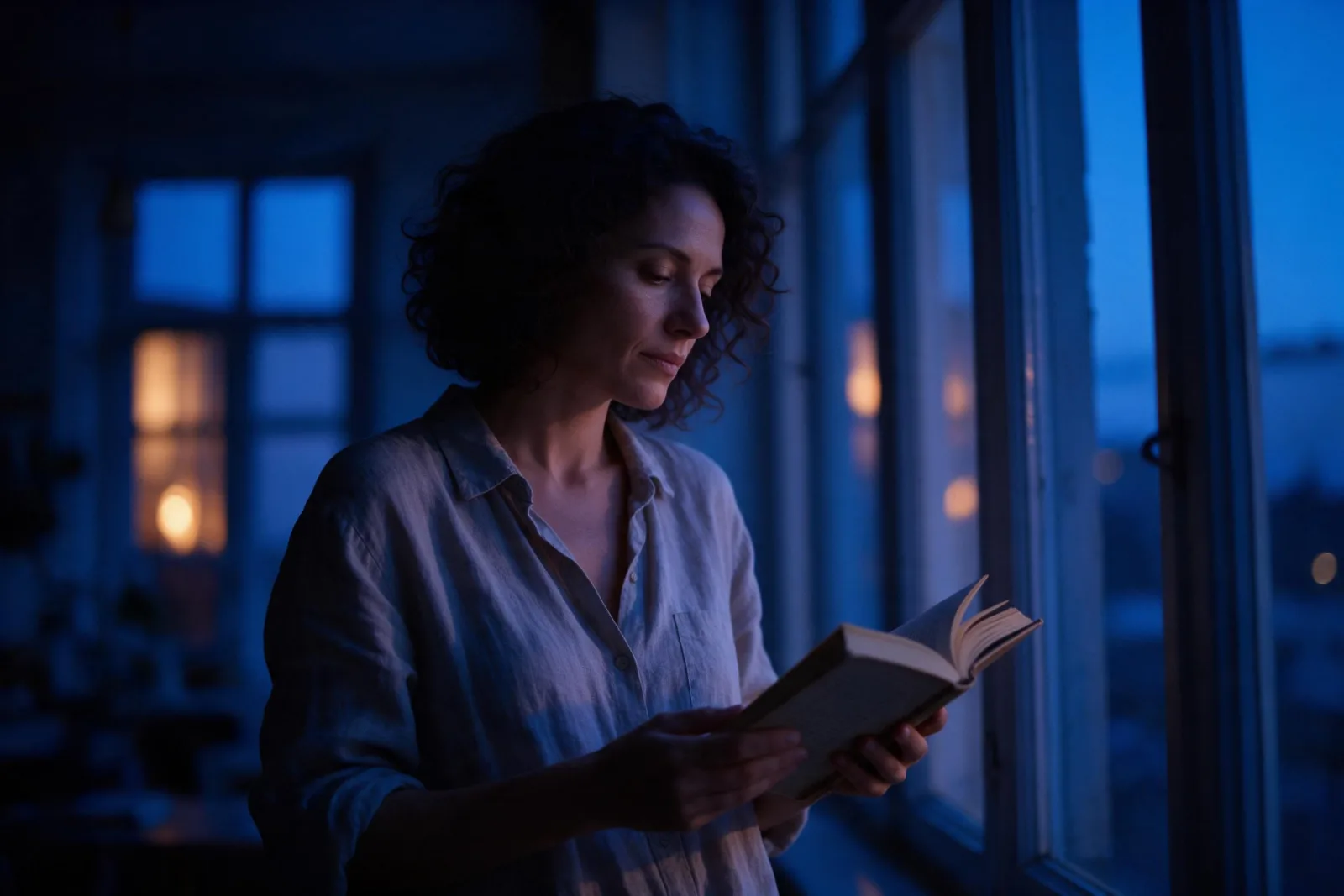
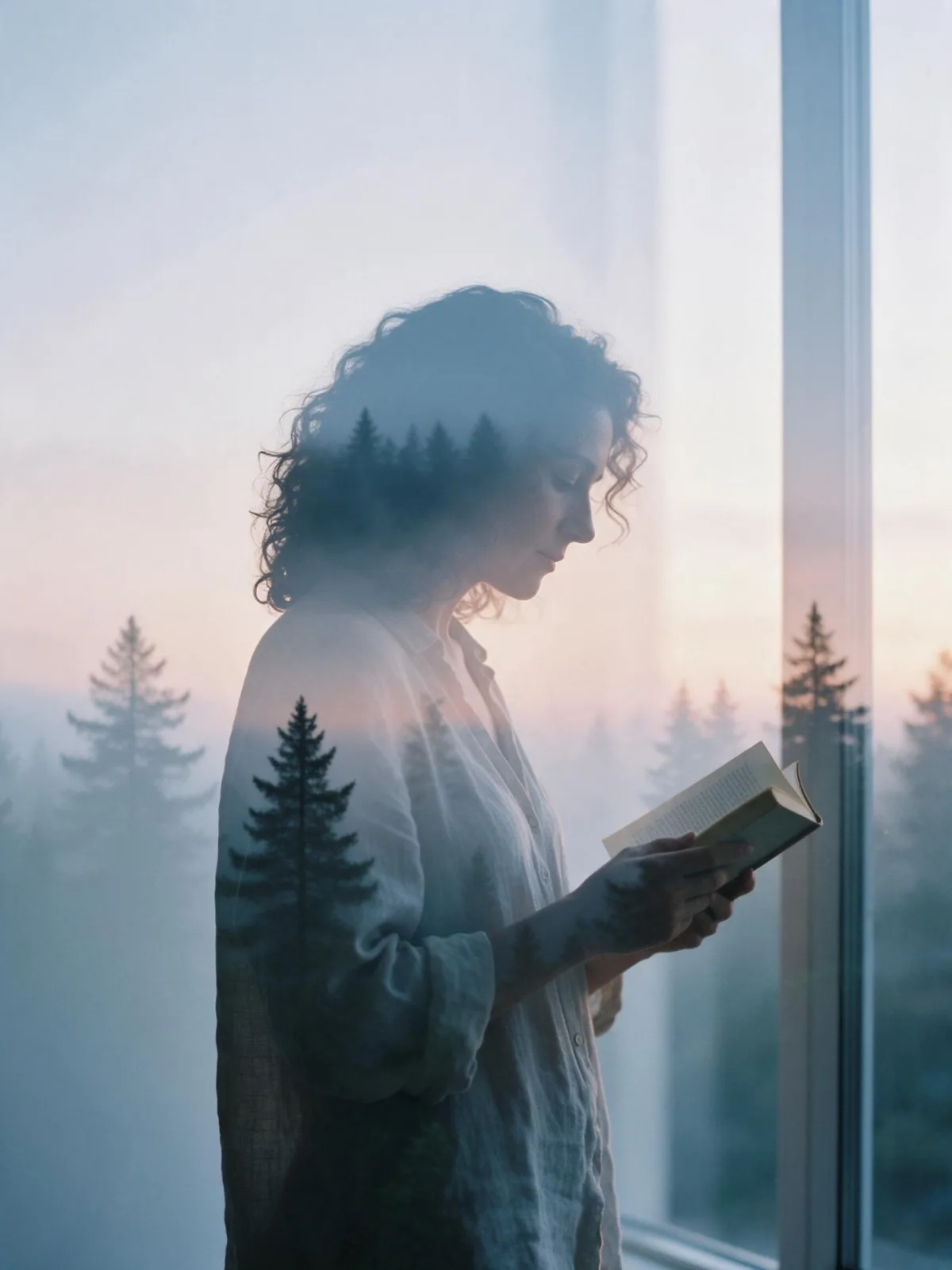
Same person, same prompt — only the style changes

2000s Digicam
After Midnight Flash
Candlelit Velvet
Cinematic Gothic
Late-Night Hotel
Late-Night OVA
Moonlit Voile
Neon After Rain
After-Con Neon
Afterglow Pool
Airbrush Pin-up
Blush Neon
Brass Reflections
Cinematic Still
Manhwa Action
Aurora Night
Blue Hour Quiet
Double Exposure Dusk
Firework Glow
Fog Bound
Instant Film
Sign up to generate

We never filter your prompt.

An early-2000s compact digital camera photo: cool color cast, crunchy clipped highlights, low dynamic range, small-sensor noise and a direct flash.

2,934 runs in the studio

Category
Photo & film
Works on
37 models
Price
From $0.01 / image
Suggested frame
4:3 · 3:4
Your own photo
Yes, restyles an upload
Doesn't stack with
Film Grain

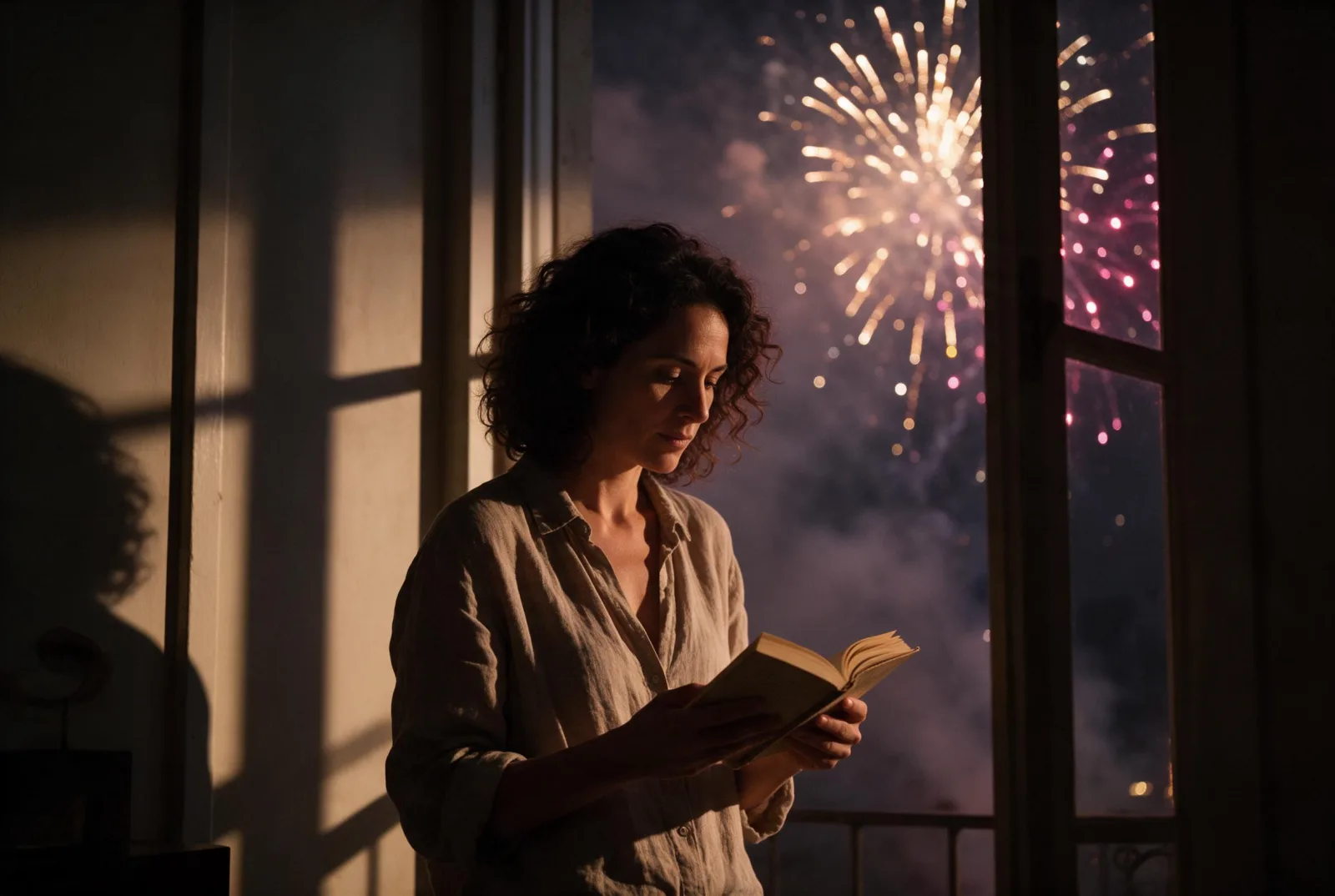
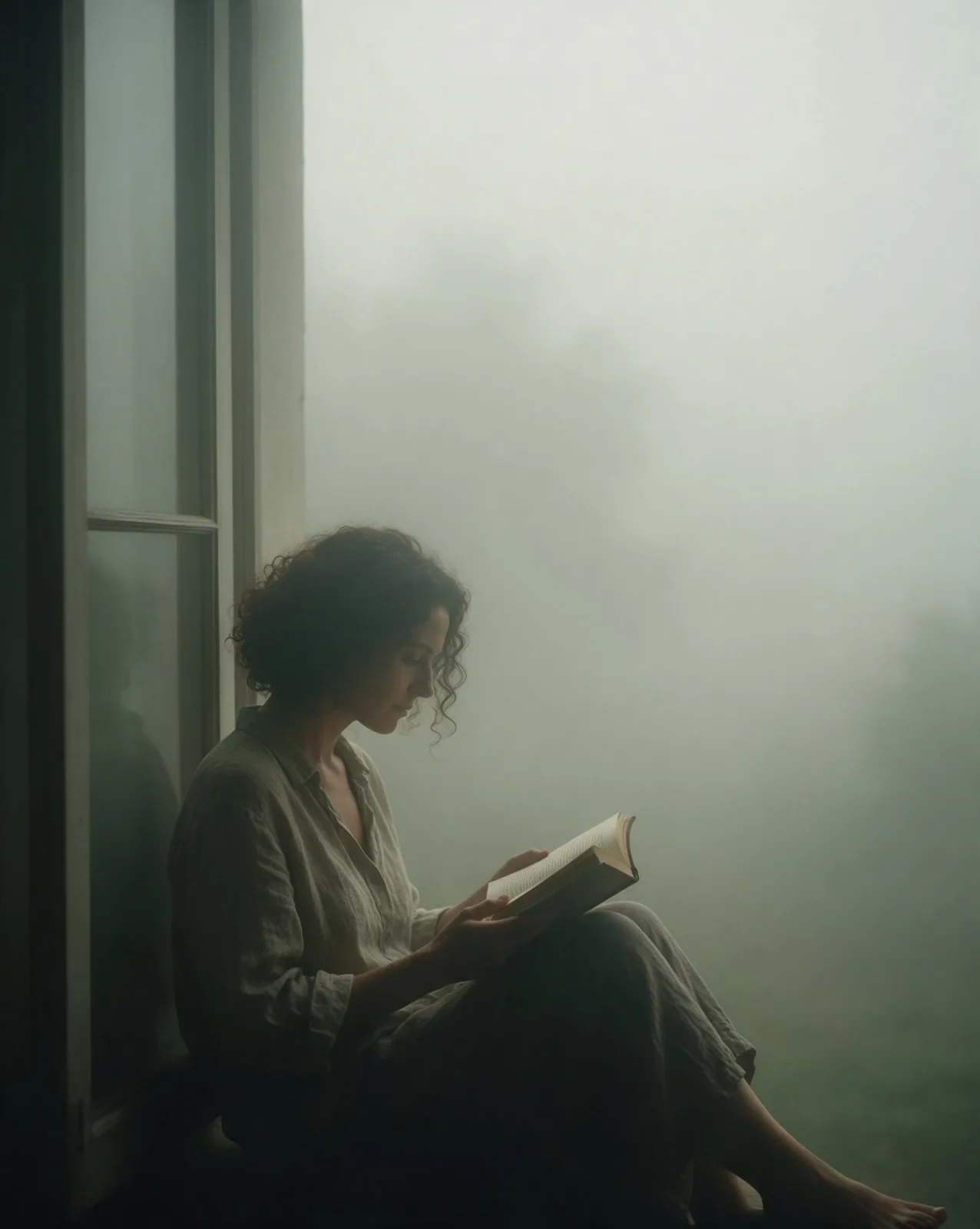
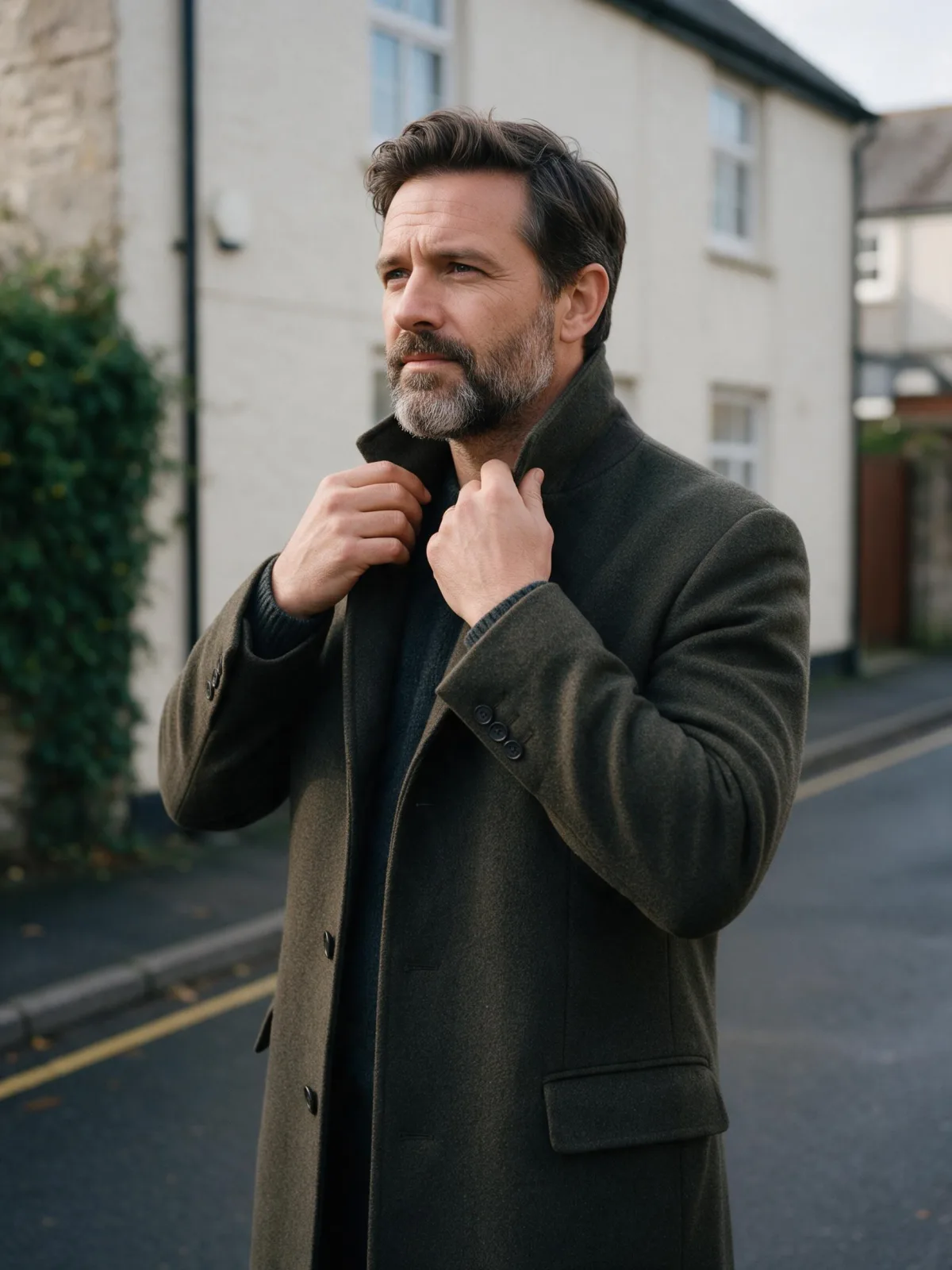
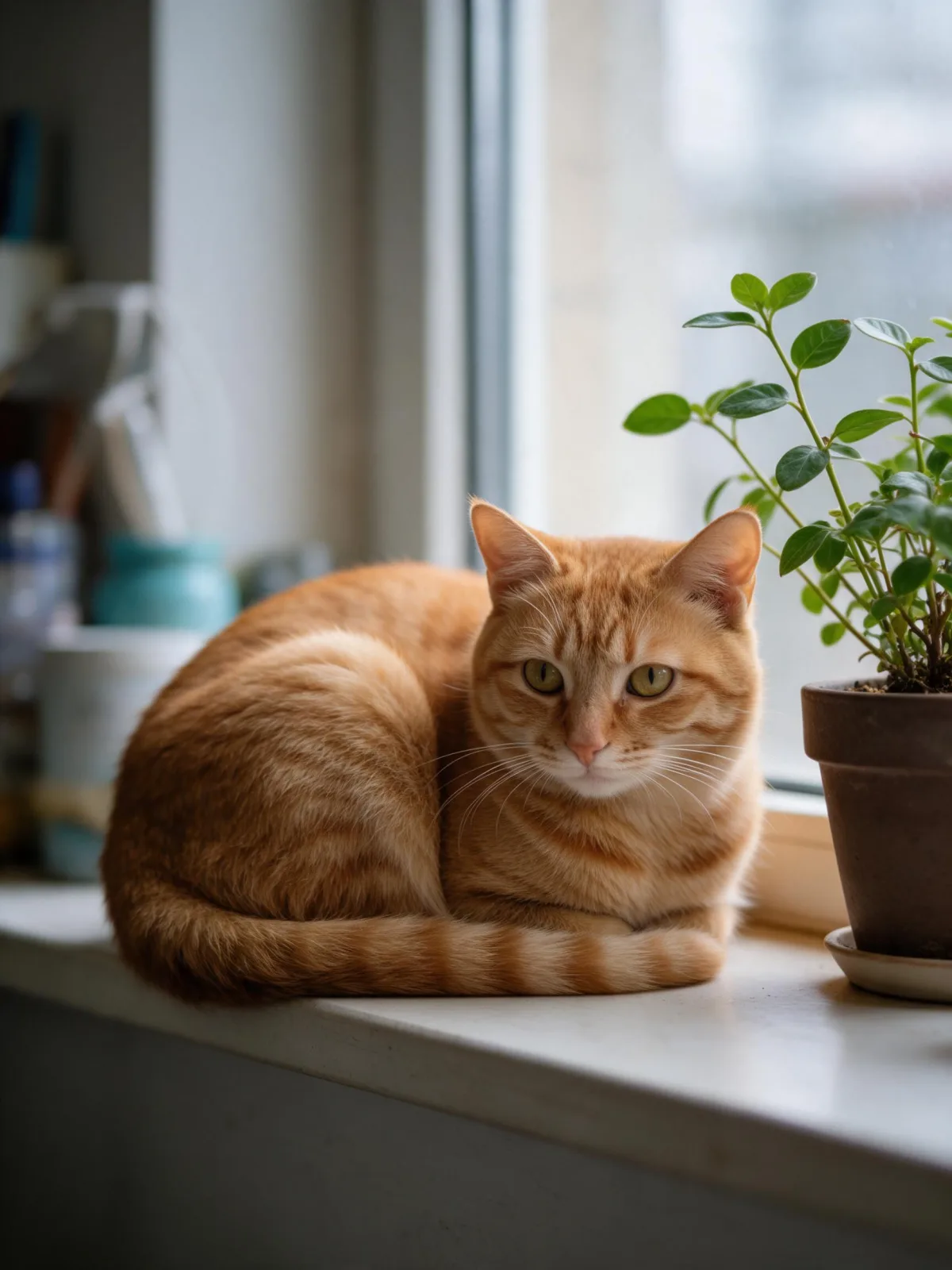
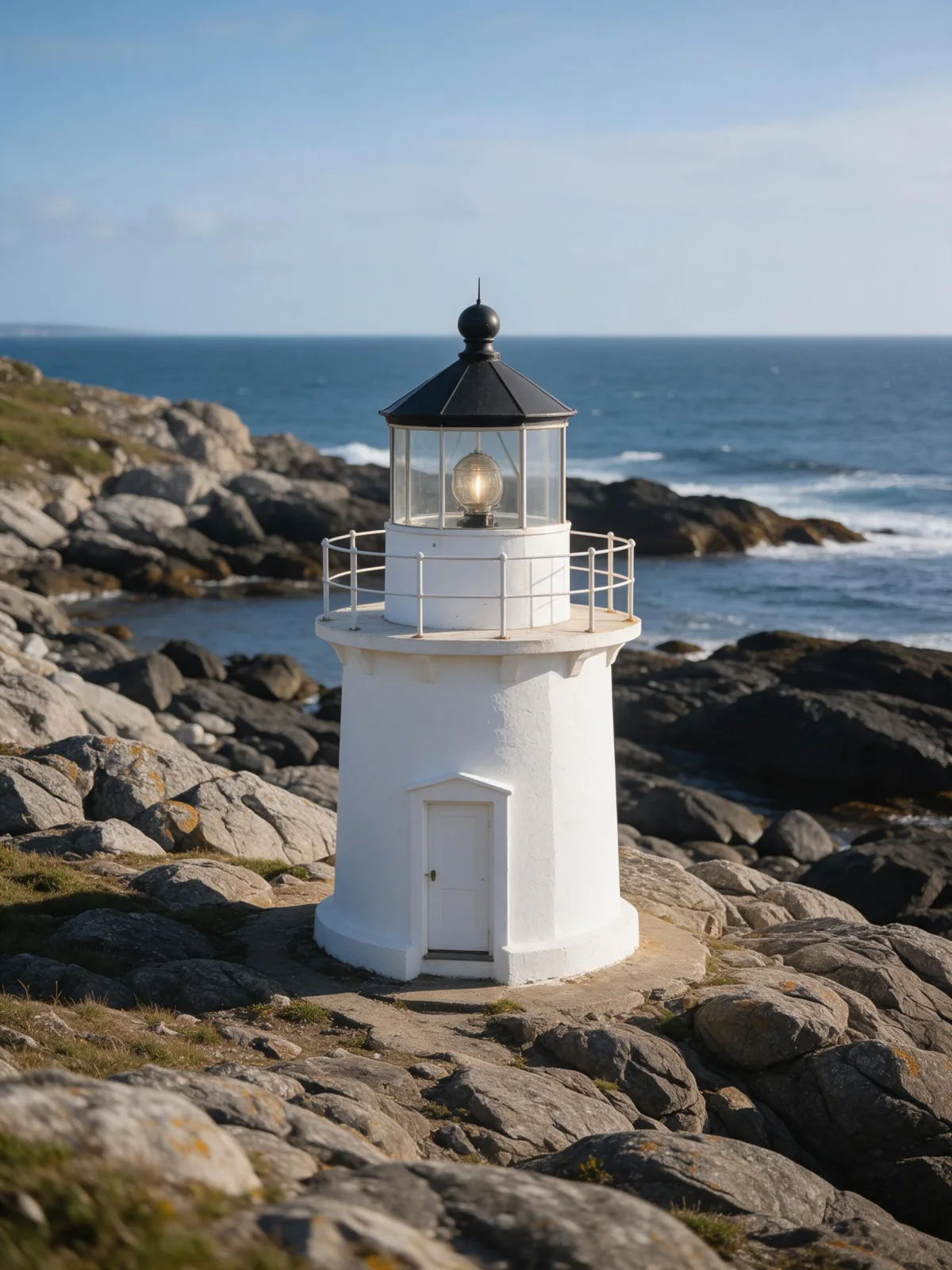
Same subject, with and without it

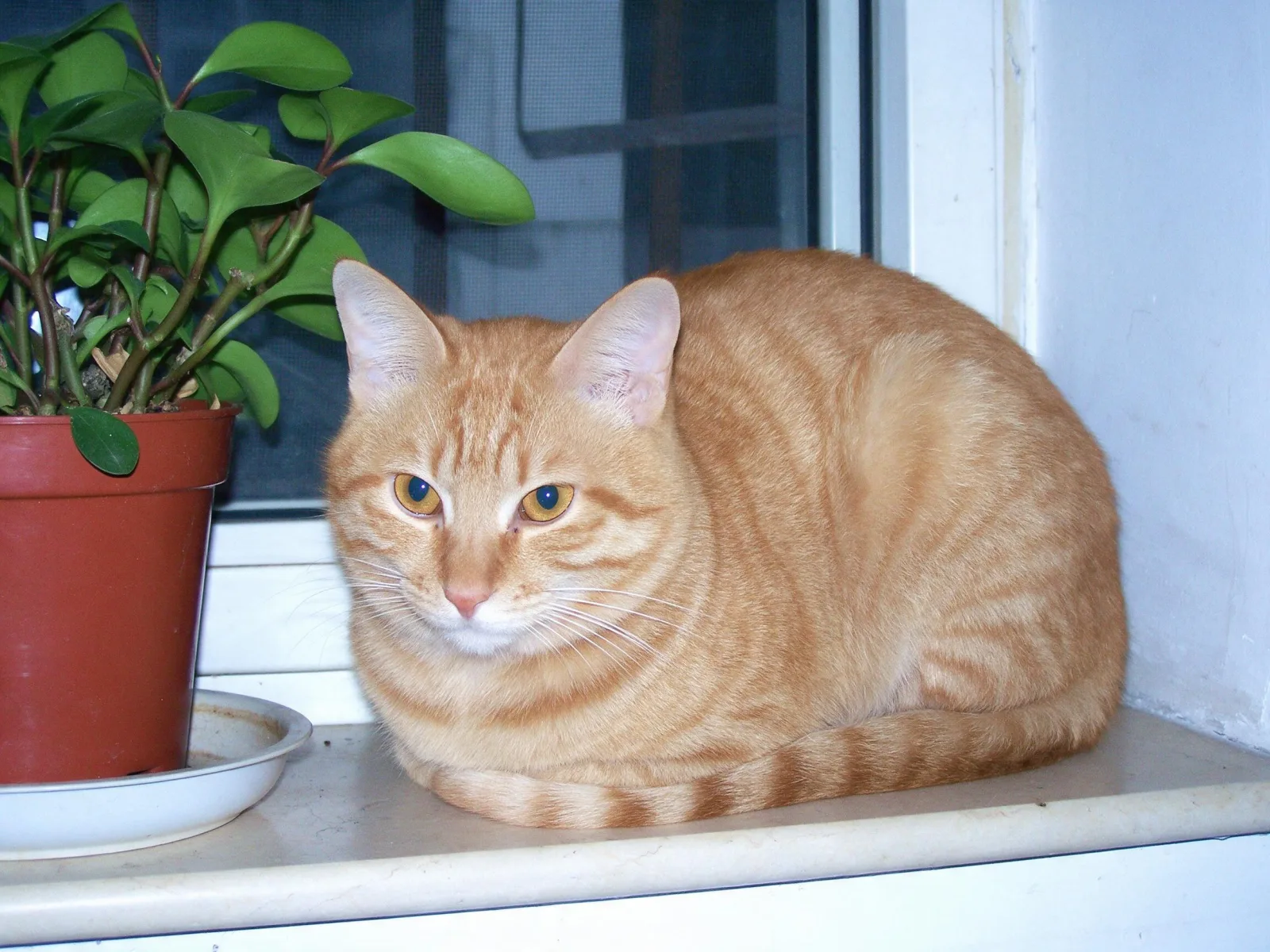
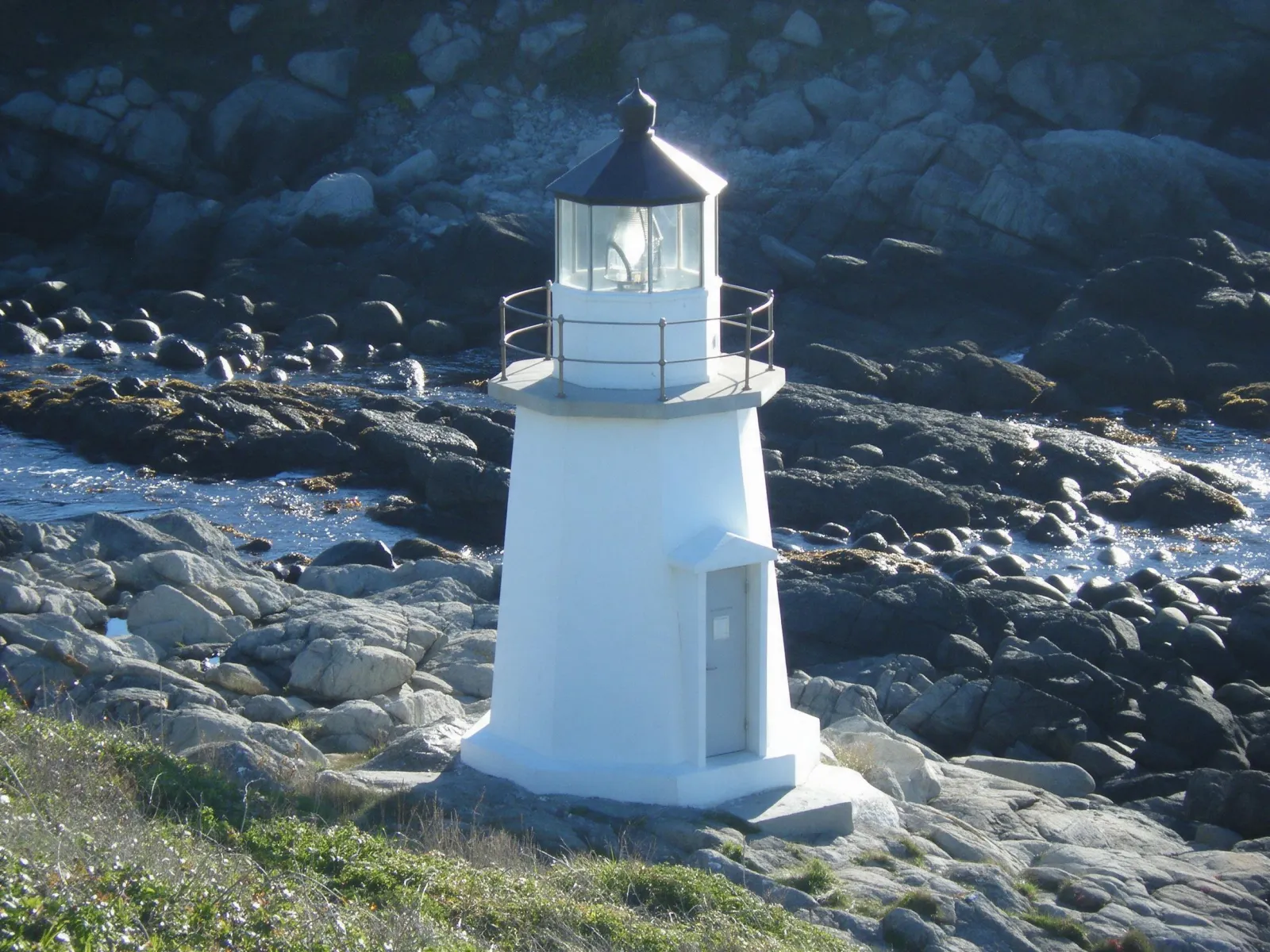
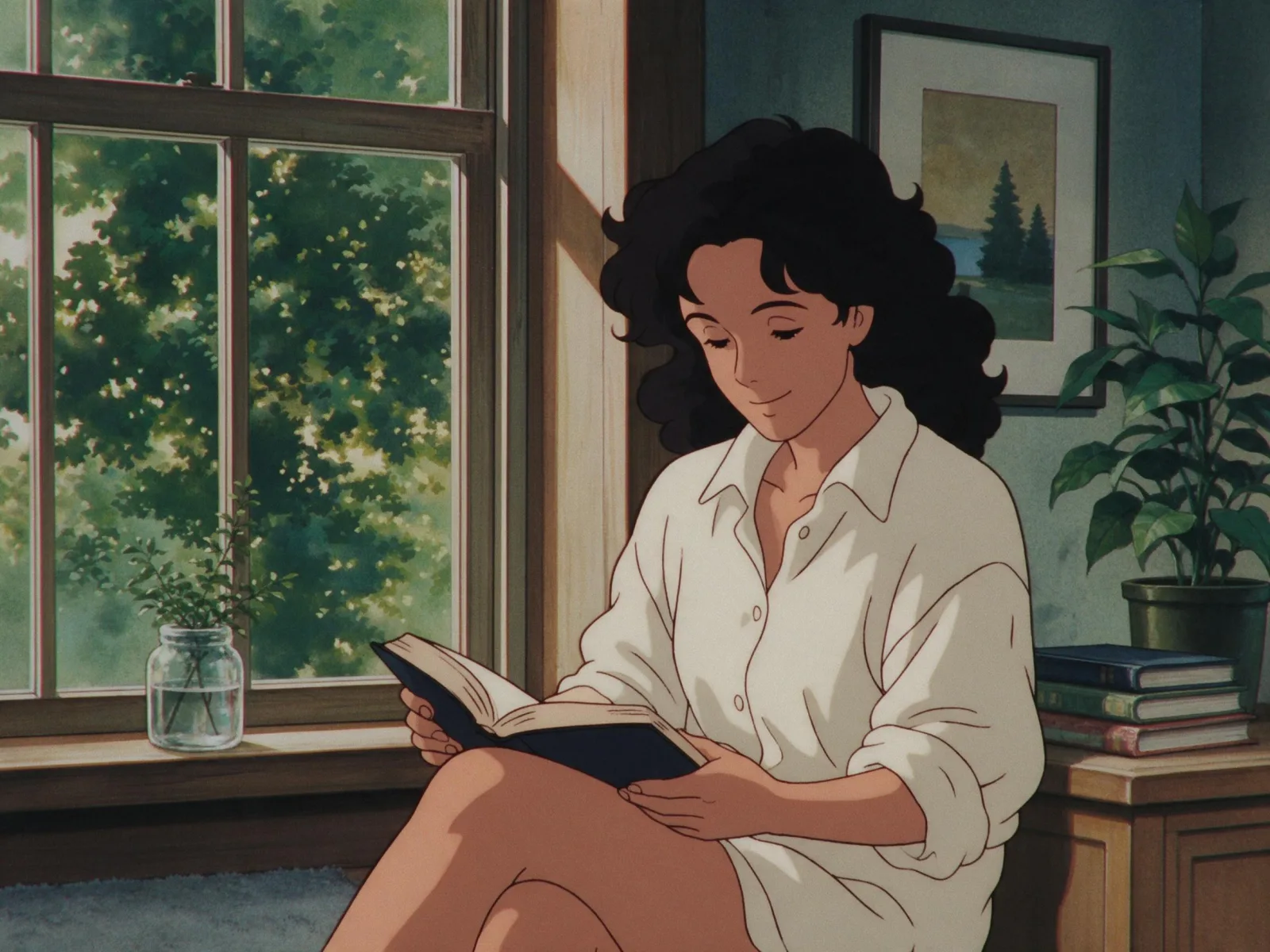
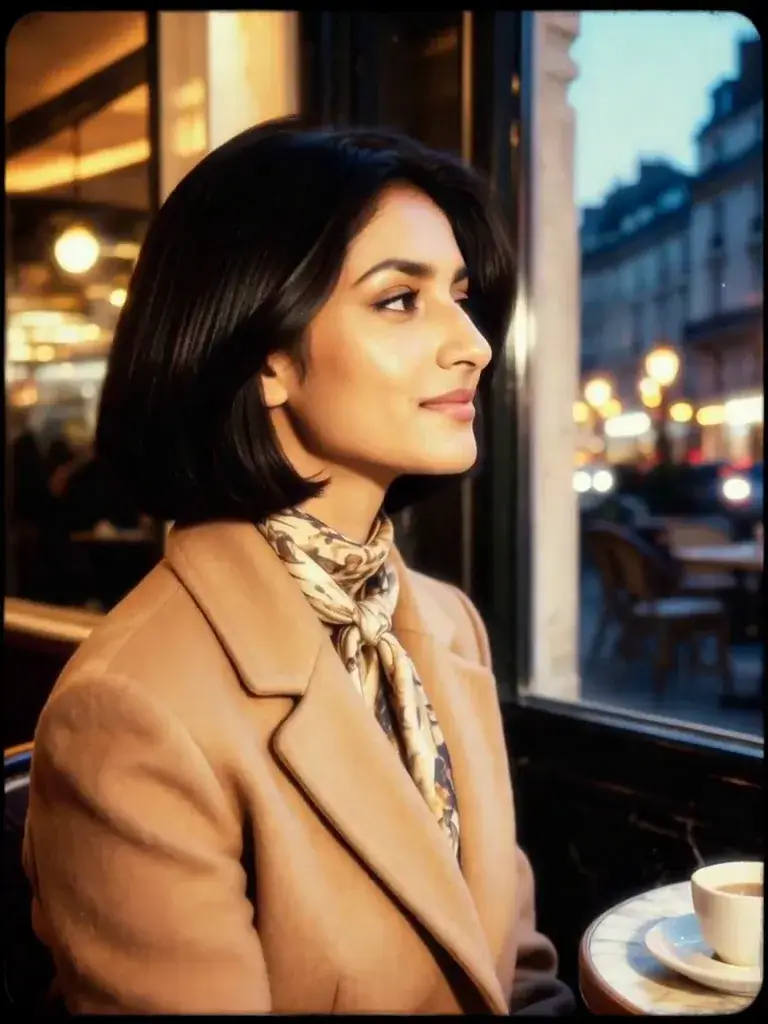
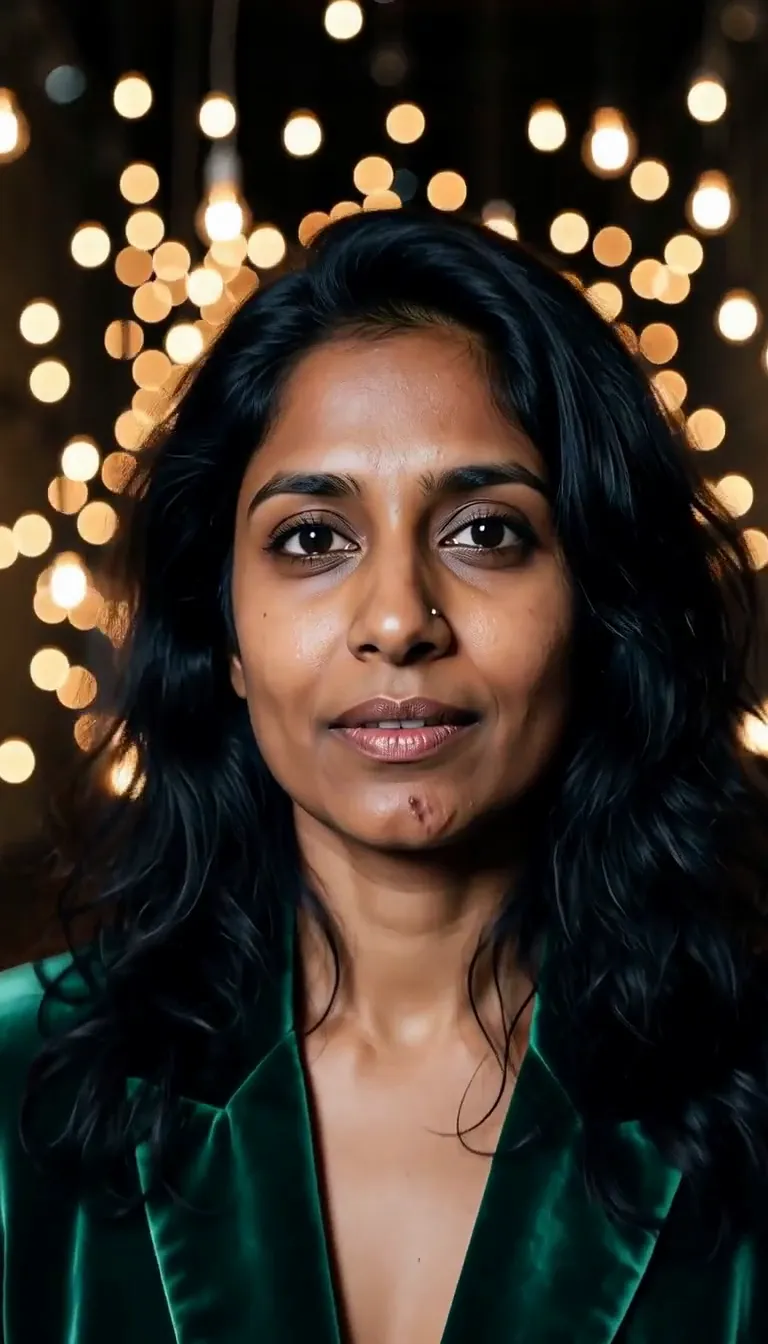
Each pair is the same sentence on the same model. The left frame has no style; the right one is 2000s Digicam. That gap is what the style adds.

  • The test subject with no style, made with Seedream 5.0 Pro
    No style
    Sample in the 2000s Digicam style, made with Seedream 5.0 Pro
    With 2000s Digicam

    Seedream 5.0 Pro

  • The test subject with no style, made with Seedream 5.0 Pro
    No style
    Sample in the 2000s Digicam style, made with Seedream 5.0 Pro
    With 2000s Digicam

    Seedream 5.0 Pro

  • The test subject with no style, made with Seedream 5.0 Pro
    No style
    Sample in the 2000s Digicam style, made with Seedream 5.0 Pro
    With 2000s Digicam

    Seedream 5.0 Pro

  • The test subject with no style, made with Seedream 5.0 Pro
    No style
    Sample in the 2000s Digicam style, made with Seedream 5.0 Pro
    With 2000s Digicam

    Seedream 5.0 Pro

About 2000s Digicam

2000s Digicam looks like a photo from a pocket digital camera around 2004. The colors lean cool and slightly blue, the small sensor clips bright areas into crunchy white, shadows block up quickly, and a fine layer of electronic noise sits over everything. A direct flash flattens faces and throws hard shadows onto the wall behind. It is imperfect in exactly the way that makes it feel honest, casual and a little nostalgic.

You write the subject; the style supplies the camera. It suits everyday moments more than posed ones: a woman reading by a window caught in a flash, a man adjusting his coat on a suburban street, a cat startled on a windowsill, a lighthouse on a family holiday. The less styled the scene, the more convincing the snapshot.

Use it for throwback posts, Y2K and indie music artwork, zines, lifestyle content that should feel real, and nostalgic brand campaigns. For warm chemical color with a white border, use Instant Film; for polished fashion flash, Glossy Flash Editorial; for 1990s anime nostalgia, 90s Cel Anime.

For this composition, we recommend 4:3, with 3:4 as another framing option. 2000s Digicam also works on an uploaded image: in image-to-image mode it regrades your photo with a cool cast, clipped highlights and small-sensor noise, and keeps the composition, pose and clothing unchanged.

Subjects to paste as they are: “an adult woman laughing at a kitchen party with a paper cup”, “an adult man in a hoodie on a suburban street at dusk”, “a cat sitting on a sunny windowsill”. Casual moments look the most real; the camera does the rest.

Finishes that work on top: Golden Hour for a warm late-afternoon snapshot, Soft Bloom for a dreamier flash glow, Monochrome for a black-and-white digital print. Film Grain is switched off here, because digital noise and film grain fight each other.


Tips that make it land

  • Keep it unposed: laughing, mid-sentence, reaching for something. Snapshots are about moments, not poses.
  • Everyday settings sell the era: kitchens, dorm-style rooms, parking lots, holiday beaches.
  • For more flash, add “with direct on-camera flash in a dark room” to your subject.
  • For uploads, casual phone photos convert best; studio portraits look too polished for the grade.
  • Want it warmer? Add “under warm indoor lamps” and the cool cast softens.

The prompt it sends

Your sentence goes where {subject} sits. Everything around it is the style. Nothing is hidden, and we never filter your prompt.

{subject}, early-2000s compact digital camera photo, cool color cast, crunchy clipped highlights, low dynamic range, small-sensor noise, direct flash, casual snapshot framing
Use 2000s Digicam now

With your own photo

When you add a reference image, this wording is sent instead, so your composition stays and the look changes.

Regrade the image as an early-2000s compact digital camera photo: a cool color cast, crunchy clipped highlights, low dynamic range and small-sensor noise. {subject}. Keep the composition, pose and clothing unchanged.

Prompt ideas for 2000s Digicam

Scenes from our prompt library that suit this look. Borrow the idea as your subject line; the style adds the rest.

Fashion & portrait

Models it works on

Every model below was tested with this style. The price is per image and shows on the Generate button before you run.

How to use 2000s Digicam

  1. 01

    Write who or what

    Write one plain sentence for your 2000s Digicam image: who or what is in it and what is happening. The style brings the light, color and medium, so leave those out.

  2. 02

    Keep 2000s Digicam on

    It is already selected at the top of this page and lands best on Seedream 5.0 Pro, the model it was tuned on. Add a photo if you want your composition kept and only the look changed.

  3. 03

    Generate

    From $0.01 per image, shown on the button before you run. Pick your favorite 2000s Digicam frame, then edit it, restyle it or make it move from the result.

Questions about 2000s Digicam

Make video

Styles are for stills. These effects start from one photo and add a single deliberate move.

Read next