Foggy Photo AI Generator: Fog Bound

Effects
Fog Bound

Fog Bound

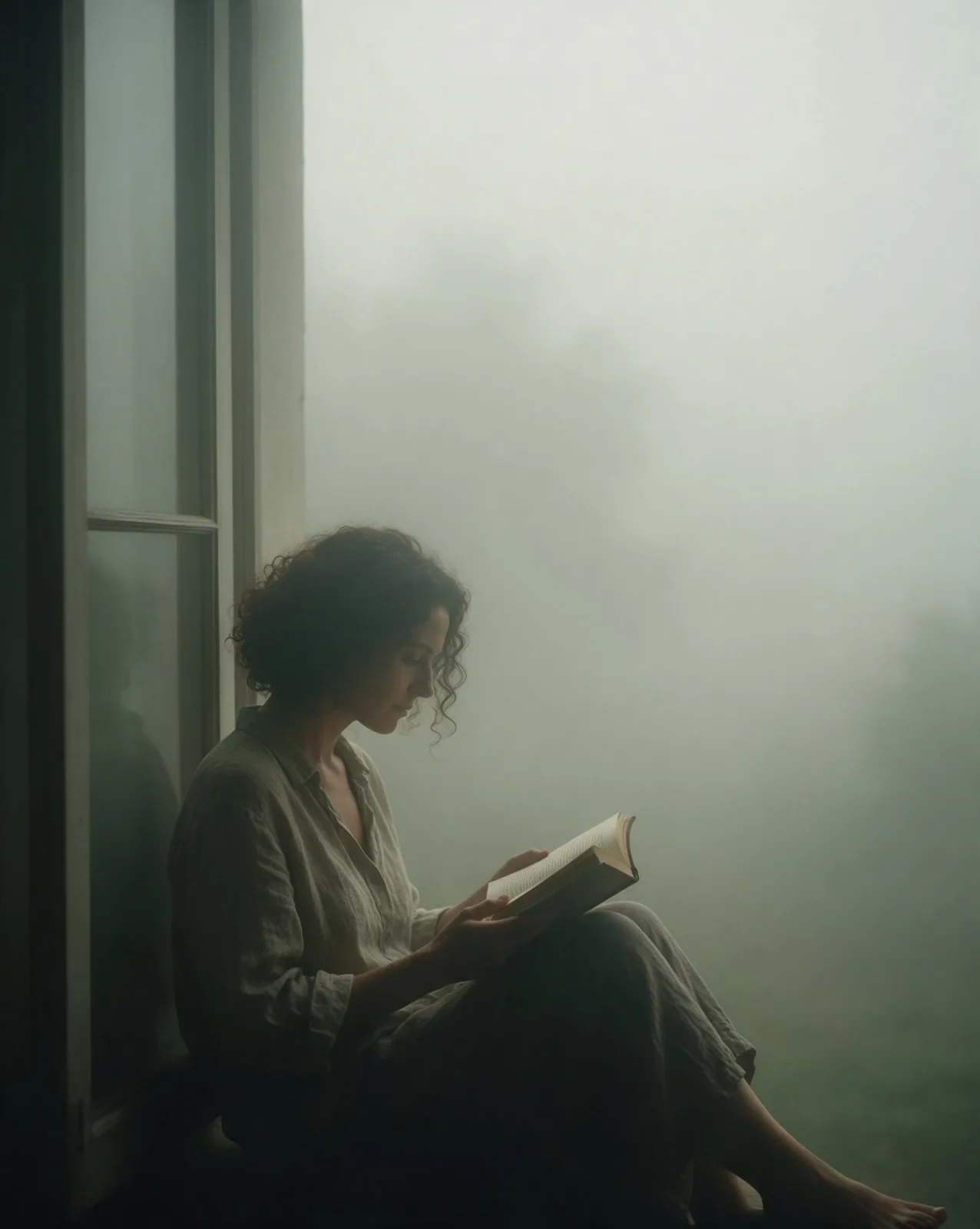
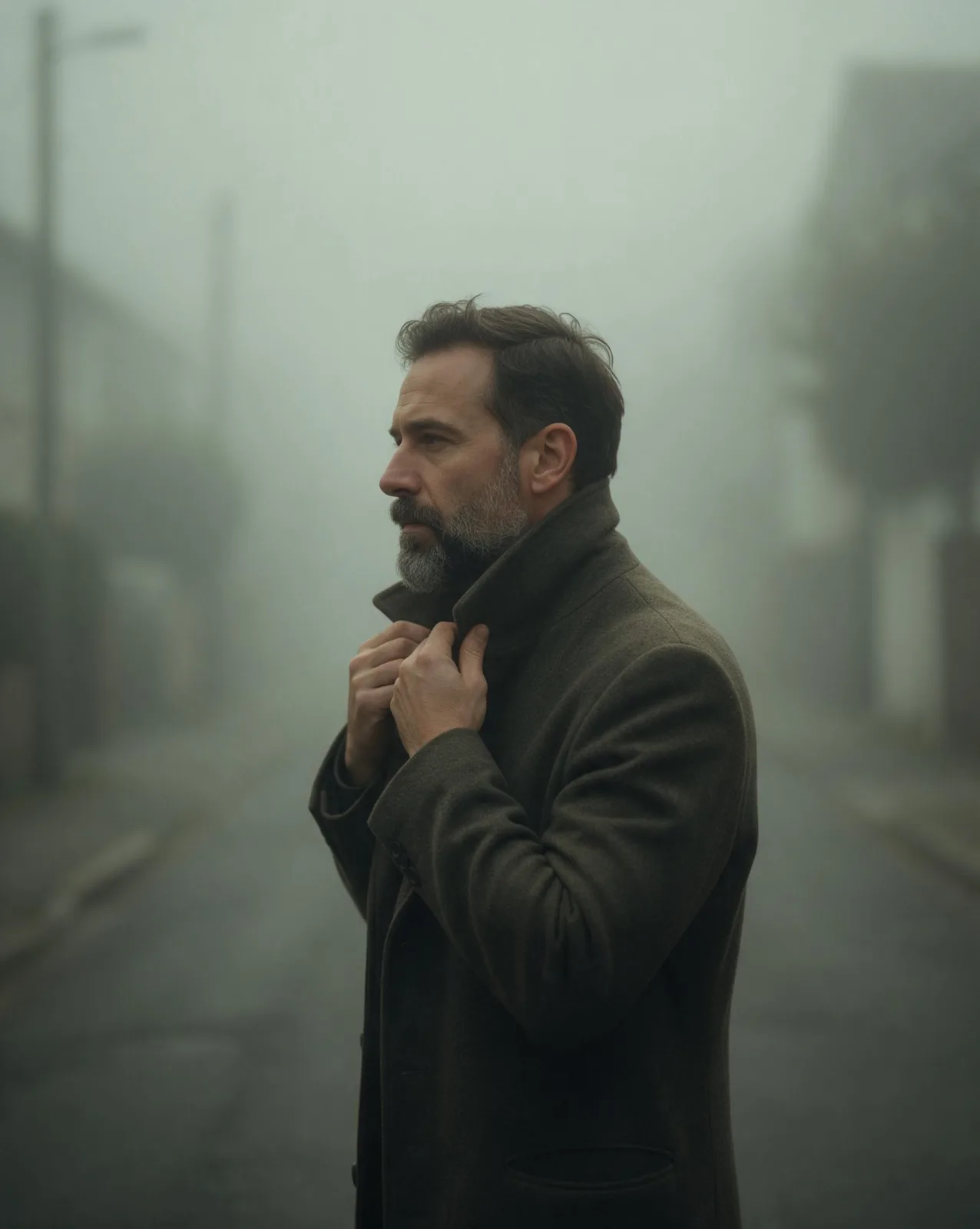
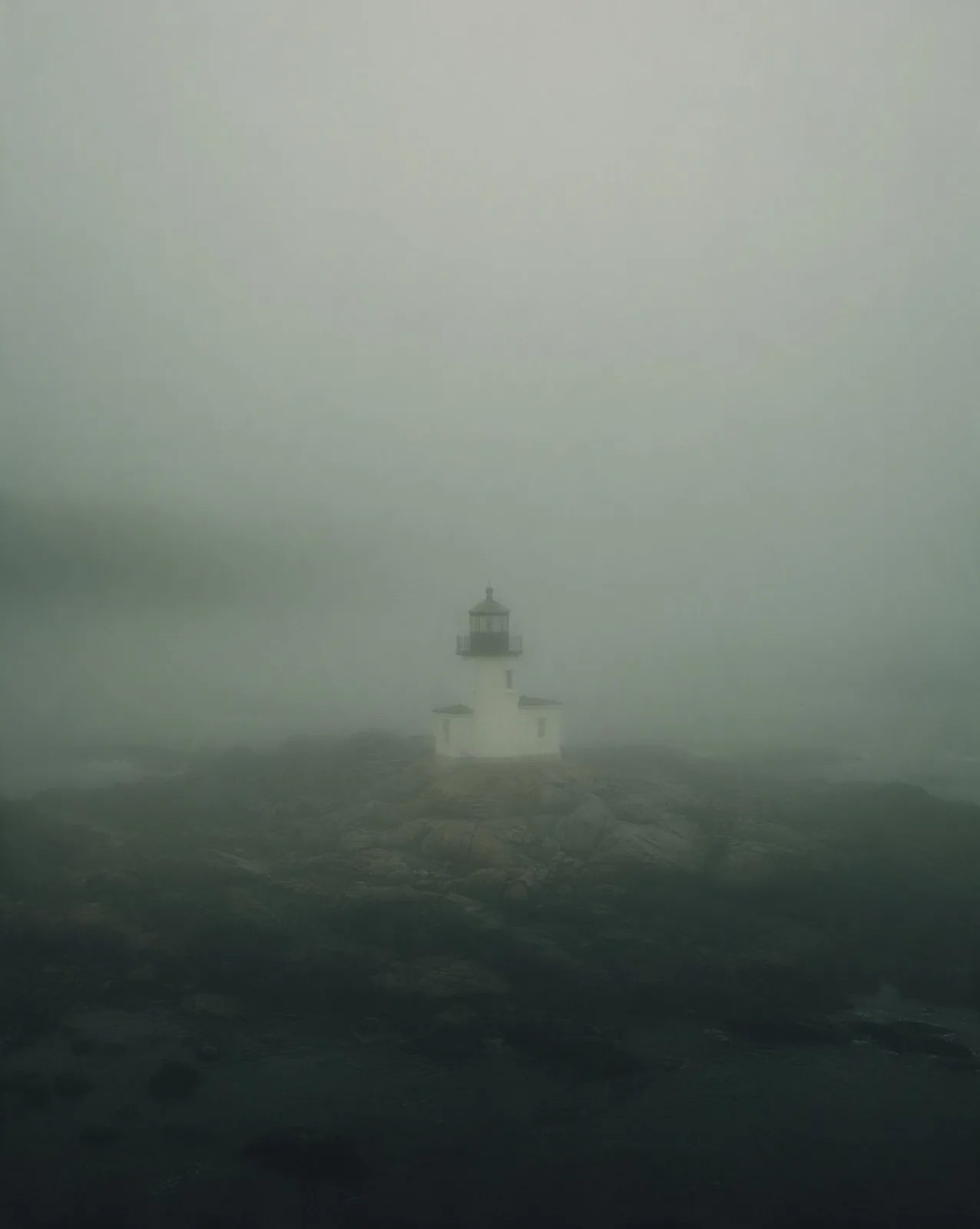
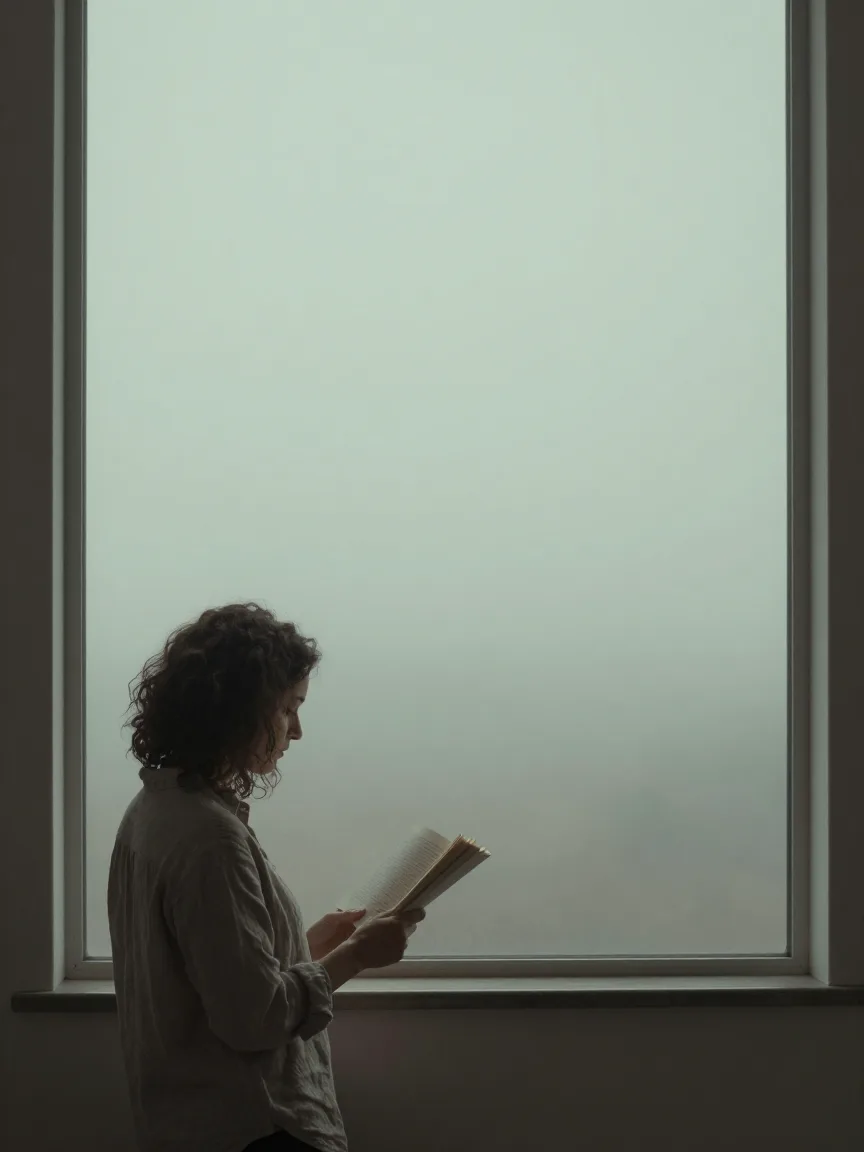
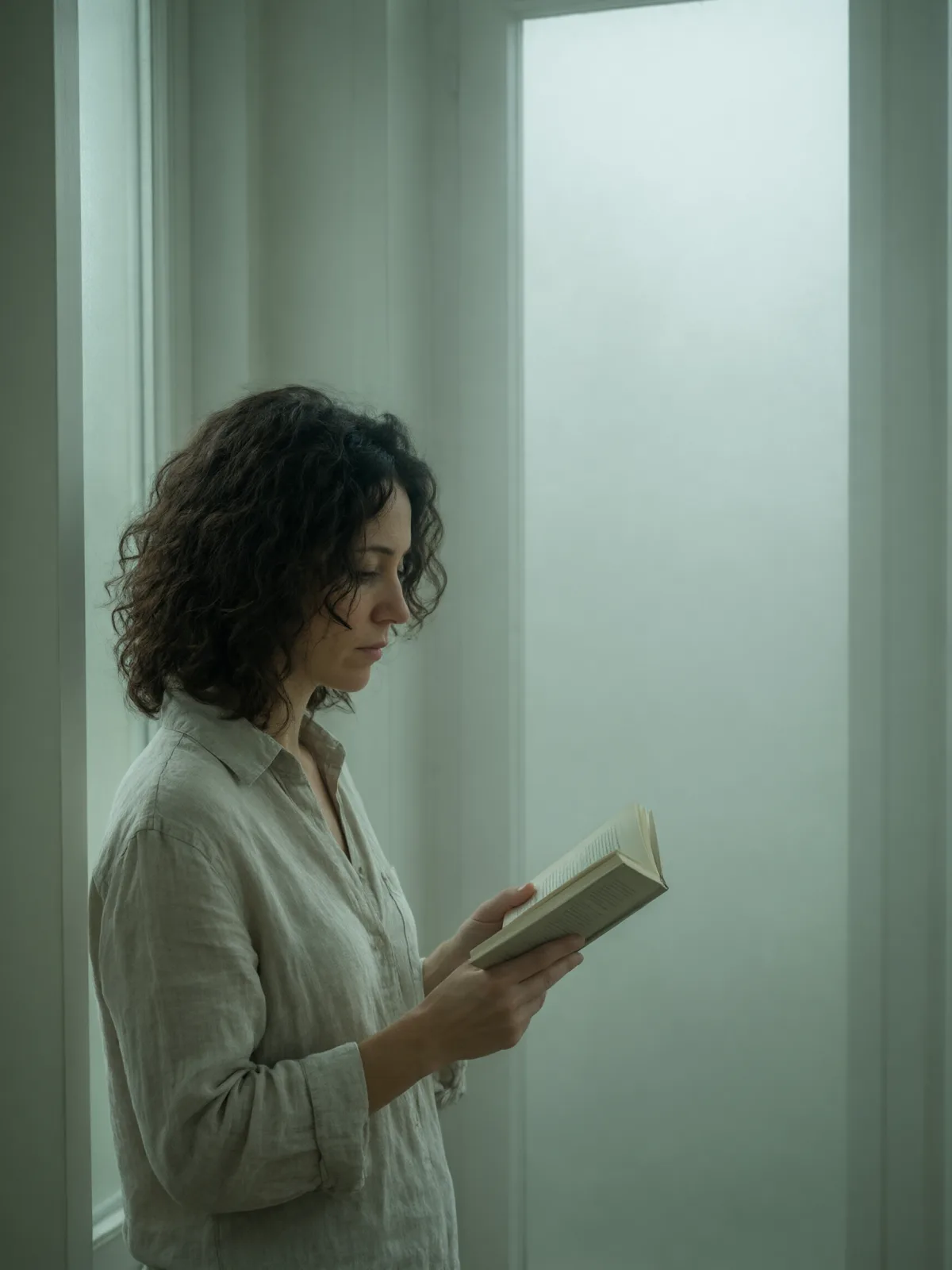
A photograph taken inside dense fog: soft diffused light, edges dissolving into grey-green haze, muted color and lots of quiet space.

Works on

  • Seedream 5.0 ProBest$0.036 / image
  • Qwen Image 3.0$0.03 / image
  • Z-Image$0.01 / image
  • Wan 2.7$0.03 / image
  • + 20 more models

Related styles

Same person, same prompt — only the style changes

2000s Digicam
After Midnight Flash
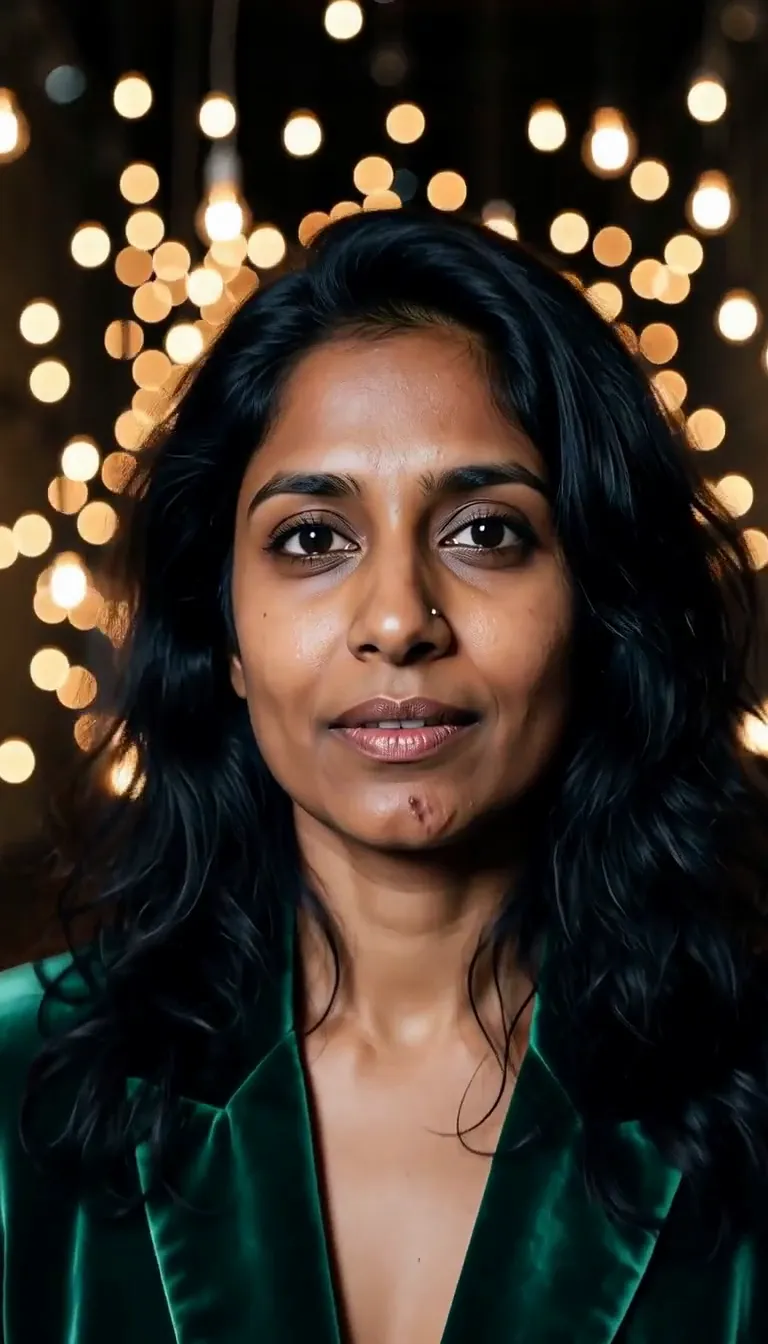
Candlelit Velvet
Cinematic Gothic
Late-Night Hotel
Late-Night OVA
Moonlit Voile
Neon After Rain
After-Con Neon
Afterglow Pool
Airbrush Pin-up
Blush Neon
Brass Reflections
Cinematic Still
Manhwa Action
Aurora Night
Blue Hour Quiet
Double Exposure Dusk
Firework Glow
Fog Bound
Instant Film
Sign up to generate

We never filter your prompt.

A photograph taken inside dense fog: soft diffused light, edges dissolving into grey-green haze, muted color and lots of quiet space.

13 runs in the studio

Category
Photo & film
Works on
37 models
Price
From $0.01 / image
Suggested frame
4:5 · 3:4
Your own photo
Yes, restyles an upload

Same subject, with and without it

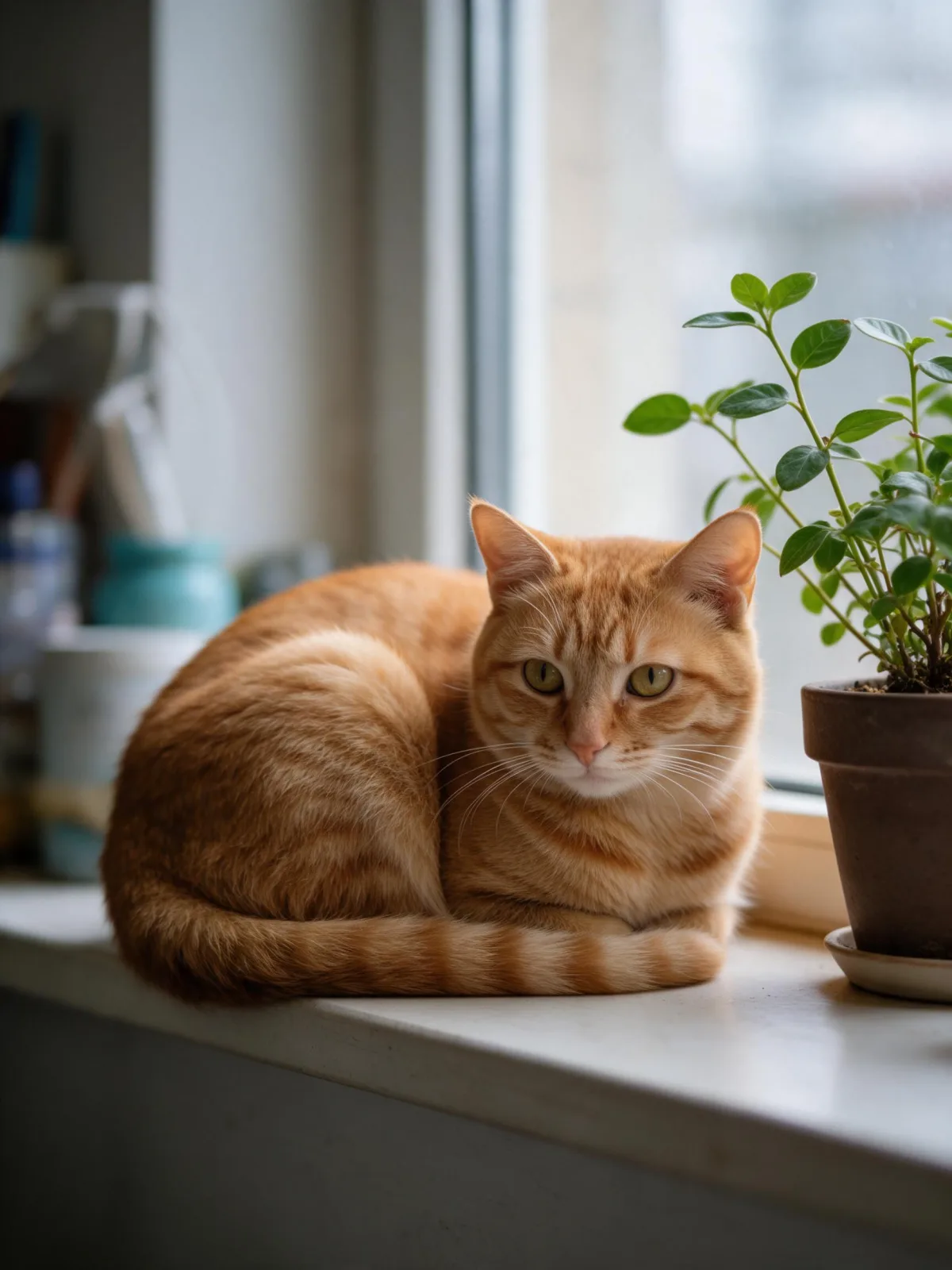
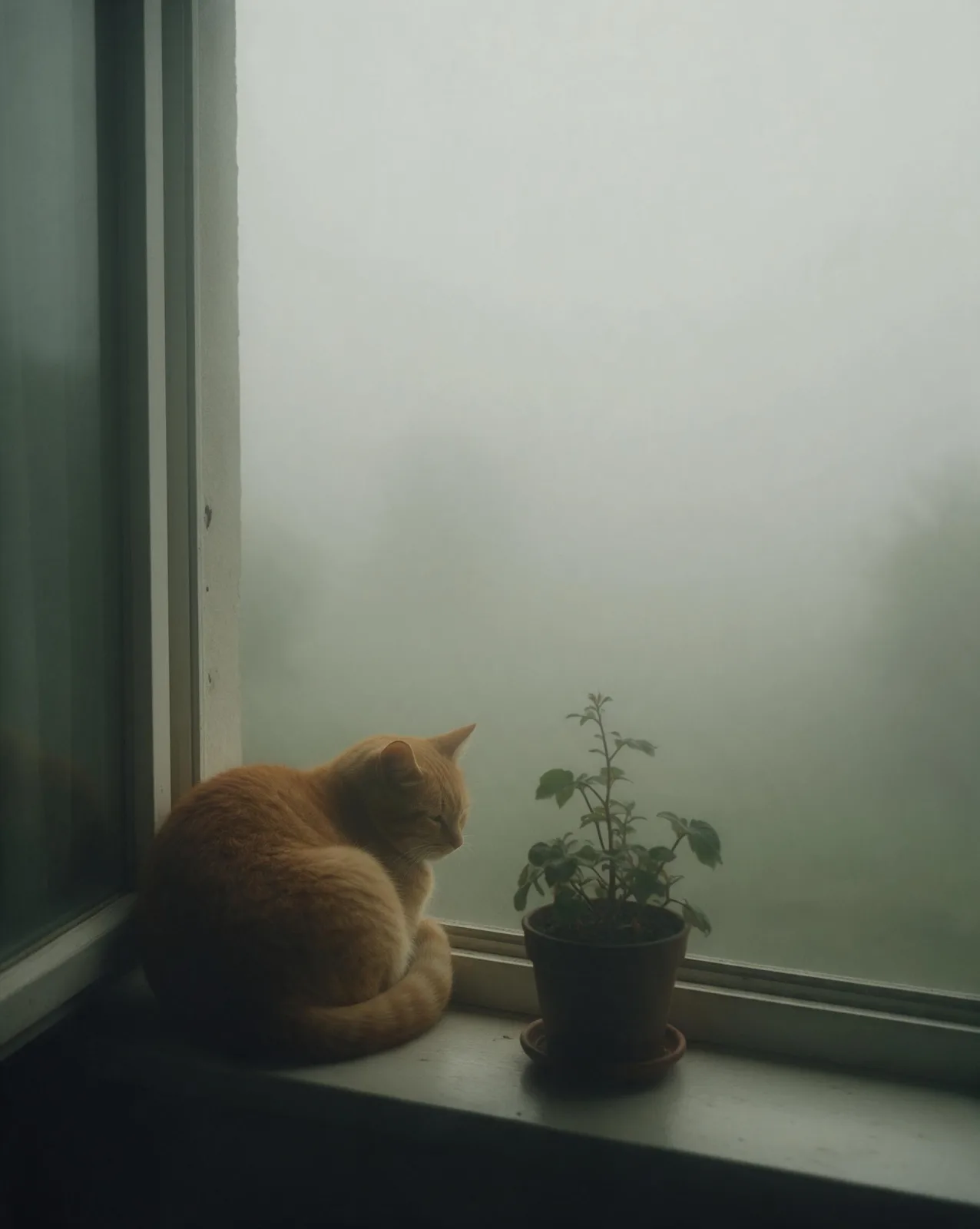
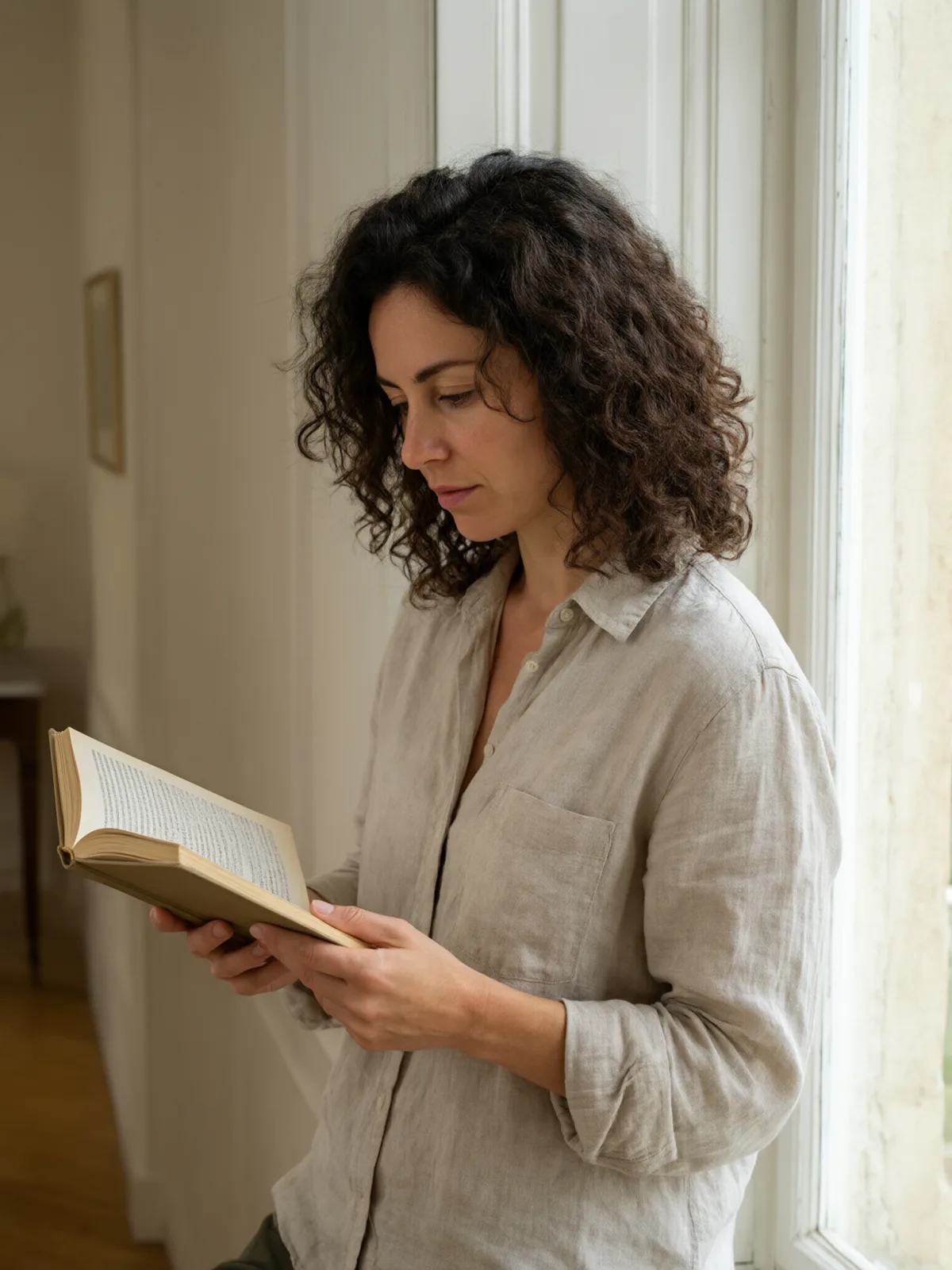
Each pair is the same sentence on the same model. The left frame has no style; the right one is Fog Bound. That gap is what the style adds.

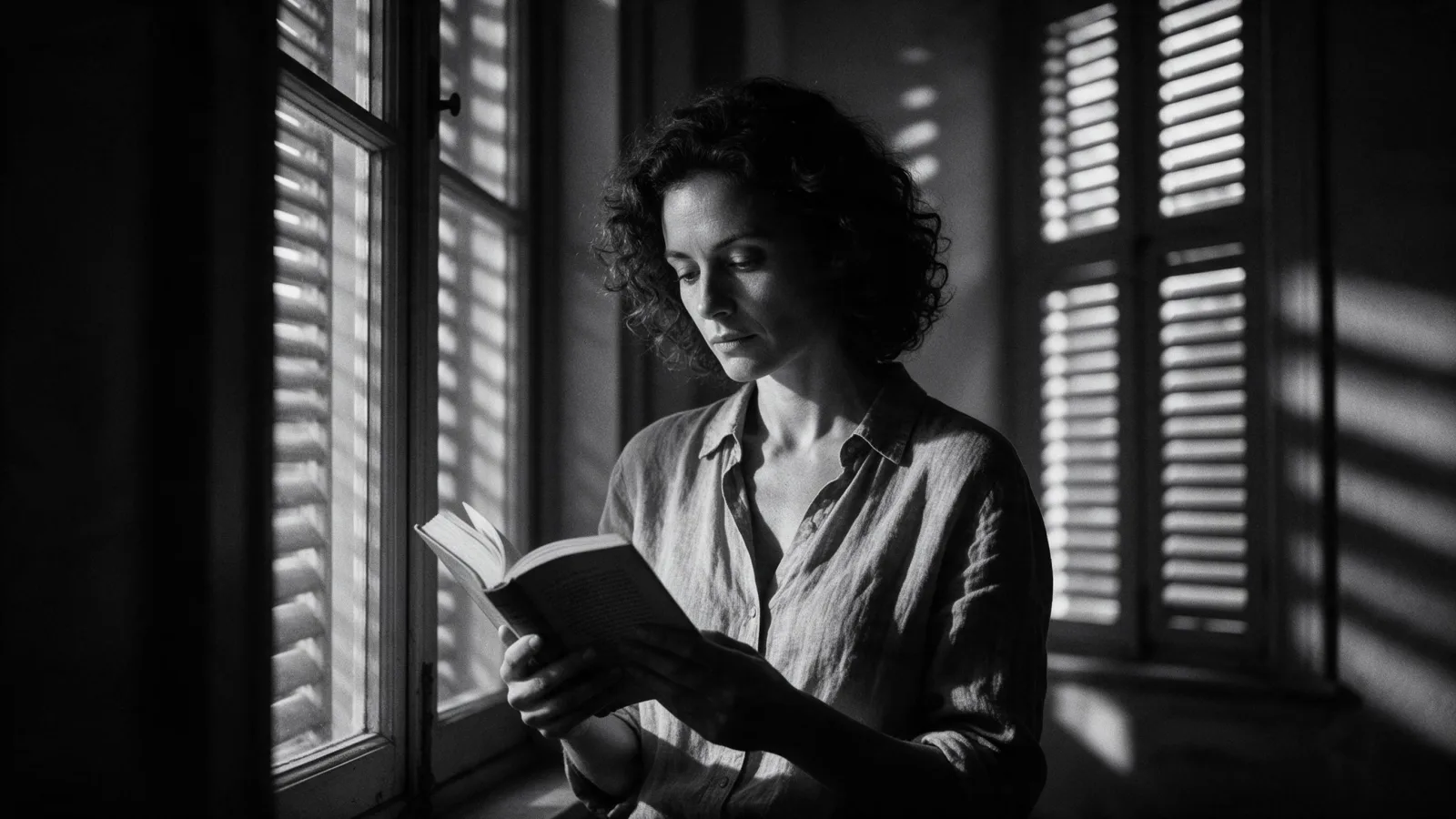
  • The test subject with no style, made with Seedream 5.0 Pro
    No style
    Sample in the Fog Bound style, made with Seedream 5.0 Pro
    With Fog Bound

    Seedream 5.0 Pro

  • The test subject with no style, made with Seedream 5.0 Pro
    No style
    Sample in the Fog Bound style, made with Seedream 5.0 Pro
    With Fog Bound

    Seedream 5.0 Pro

  • The test subject with no style, made with Seedream 5.0 Pro
    No style
    Sample in the Fog Bound style, made with Seedream 5.0 Pro
    With Fog Bound

    Seedream 5.0 Pro

  • The test subject with no style, made with Seedream 5.0 Pro
    No style
    Sample in the Fog Bound style, made with Seedream 5.0 Pro
    With Fog Bound

    Seedream 5.0 Pro

Samples

The same fixed test subjects run through every style, so you see what Fog Bound does rather than what the subject brings.

  • Sample in the Fog Bound style, made with Qwen Image 3.0
    Qwen Image 3.0
  • Sample in the Fog Bound style, made with Z-Image
    Z-Image

About Fog Bound

Fog Bound places your subject inside a thick morning fog. The light has no direction, colors drain toward grey-green, and everything past a few meters dissolves into haze. What stays sharp is only what is close, so the subject stands alone in a frame that feels hushed, cool and slightly mysterious.

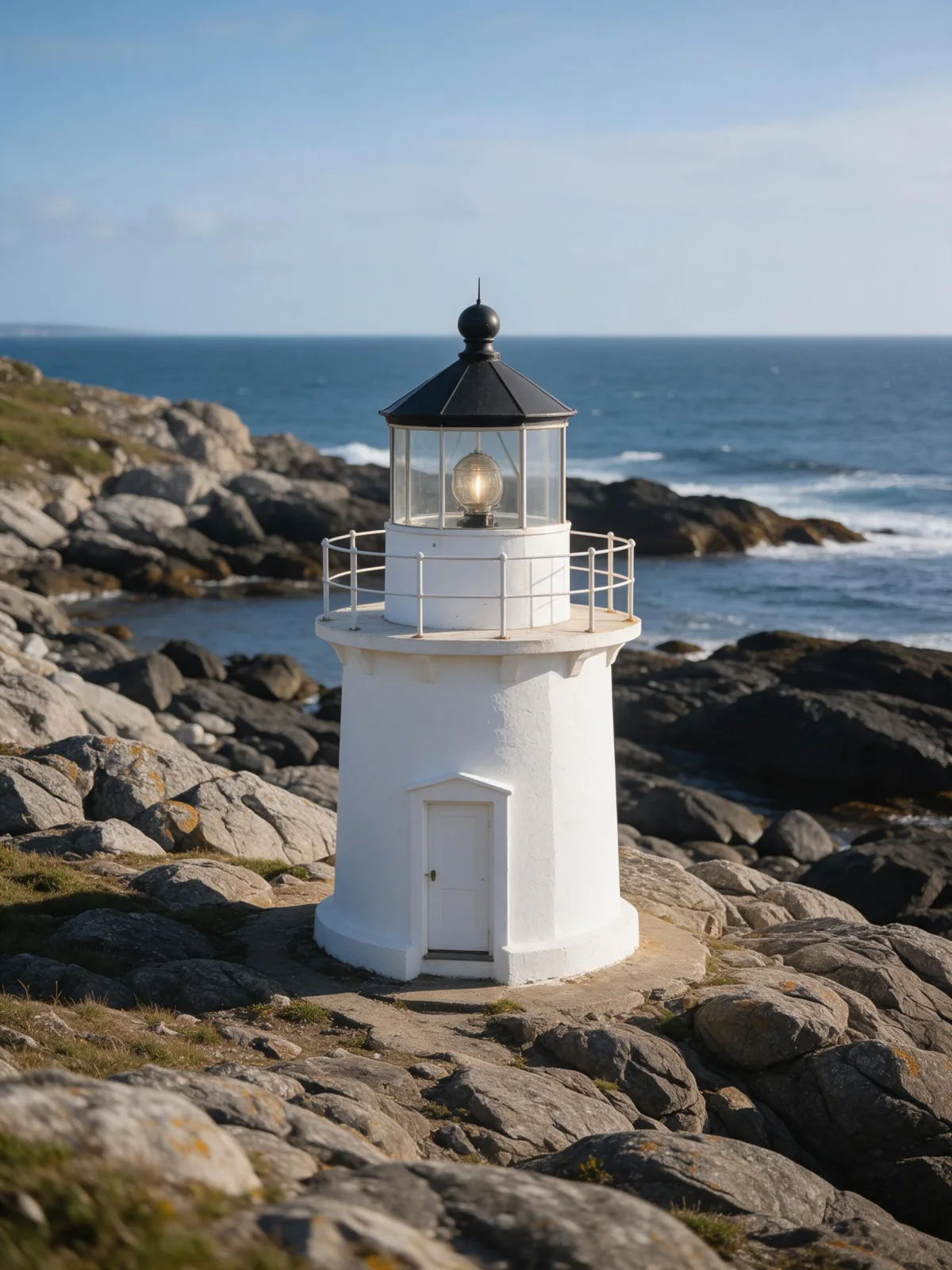
You write the subject; the style supplies the weather and the restraint. It is kind to people — a woman on a pier, a man walking a dog along a lane, a cyclist crossing a bridge — and wonderful for places that usually look busy: a city street, a forest path, a harbor, a lighthouse half lost in the mist. Fog simplifies whatever it touches.

Use it for book covers, music artwork, calm brand imagery and anything that should feel introspective. It is a poor fit for bright, cheerful scenes; for those, try Airy Film. For a night version with more tension, go to Noir Monochrome.

For this composition, we recommend 4:5, with 3:4 as another framing option. Fog Bound also works on an uploaded image: in image-to-image mode it regrades your photo with diffused light, grey-green haze and a muted palette, and keeps the composition, pose and clothing unchanged. Open “What’s sent” to see how your subject is wrapped.

Subjects to paste as they are: “a woman standing at the end of a wooden pier”, “a man walking a dog along a country lane”, “a red bicycle leaning on a bridge railing”. Simple shapes read best through the haze.

Finishes that work on top: Film Grain for a darker, analog print, Soft Bloom for an even gentler glow. Monochrome turns it into a quiet silver study.
Tips that make it land

  • Give the subject some distance from the background. Fog needs depth to show; a subject against a wall hides the effect.
  • One strong shape reads best: a figure, a boat, a tree, a lamp post. Busy scenes turn into grey mush.
  • A single color accent — a red coat, a yellow umbrella — survives the muted palette and becomes the focal point.
  • For uploads, pick photos with open space behind the subject. Tight interiors have nowhere for the haze to live.
  • Add “early morning” or “late afternoon” to your subject if you want a hint of warmth in the fog.

The prompt it sends

Your sentence goes where {subject} sits. Everything around it is the style. Nothing is hidden, and we never filter your prompt.

{subject}, photograph in dense fog, soft diffused light, edges dissolving into grey-green haze, muted desaturated palette, minimal contrast, solitary quiet composition with wide empty space
Use Fog Bound now

With your own photo

When you add a reference image, this wording is sent instead, so your composition stays and the look changes.

Regrade the image as if photographed in dense fog: soft diffused light, edges dissolving into grey-green haze, a muted desaturated palette and minimal contrast. {subject}. Keep the composition, pose and clothing unchanged.

Prompt ideas for Fog Bound

Scenes from our prompt library that suit this look. Borrow the idea as your subject line; the style adds the rest.

Nature & landscapes

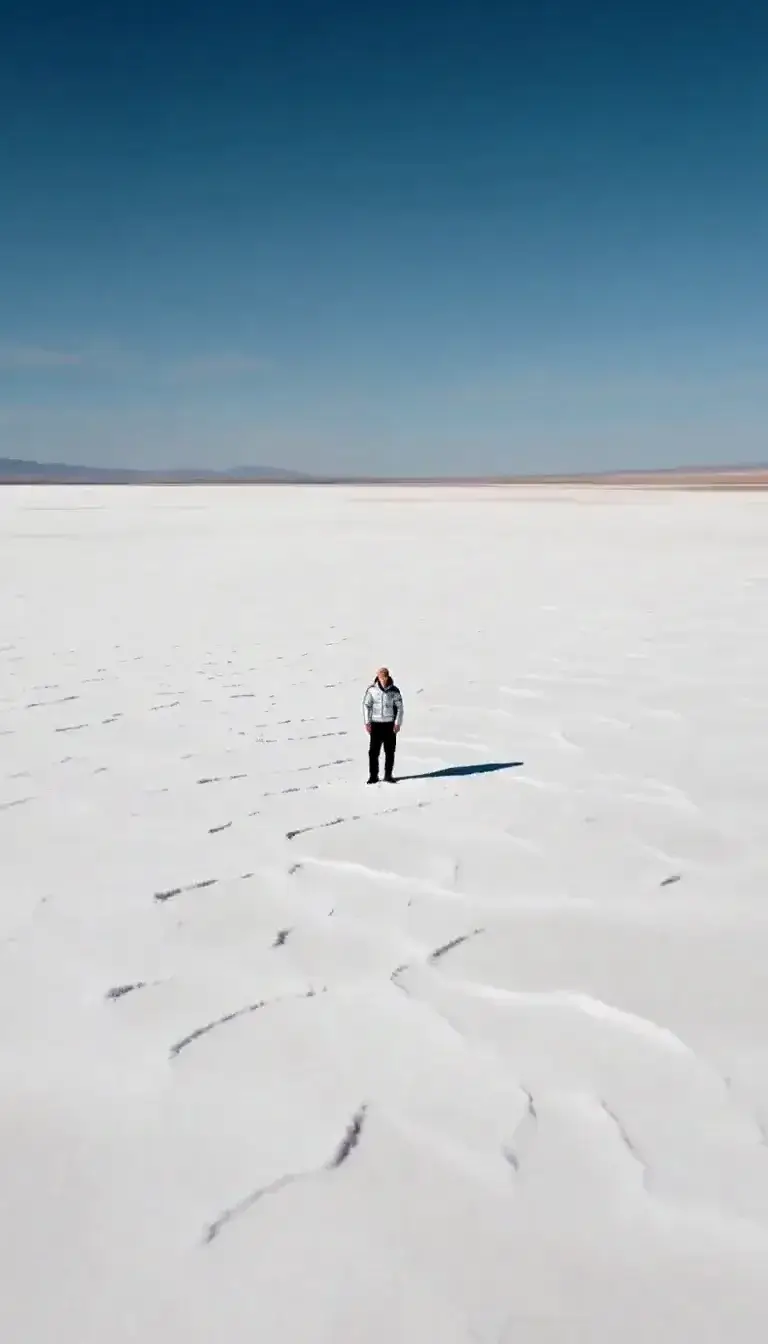
  • Shirt flared like wings on a salt flat at sunriseKrea 2 Large
  • Turn a frozen aurora night into a midsummer eveningSeedream 5.0 Pro
  • Move a studio portrait onto a frozen lake at blue hourWan 2.7

Noir & cinematic

Models it works on

Every model below was tested with this style. The price is per image and shows on the Generate button before you run.

How to use Fog Bound

  1. 01

    Write who or what

    Write one plain sentence for your Fog Bound image: who or what is in it and what is happening. The style brings the light, color and medium, so leave those out.

  2. 02

    Keep Fog Bound on

    It is already selected at the top of this page and lands best on Seedream 5.0 Pro, the model it was tuned on. Add a photo if you want your composition kept and only the look changed.

  3. 03

    Generate

    From $0.01 per image, shown on the button before you run. Pick your favorite Fog Bound frame, then edit it, restyle it or make it move from the result.

Questions about Fog Bound

Make video

Styles are for stills. These effects start from one photo and add a single deliberate move.

Read next