1940s Studio Glamour AI Photo Generator: Golden Age Glamour

Effects
Golden Age Glamour

Golden Age Glamour

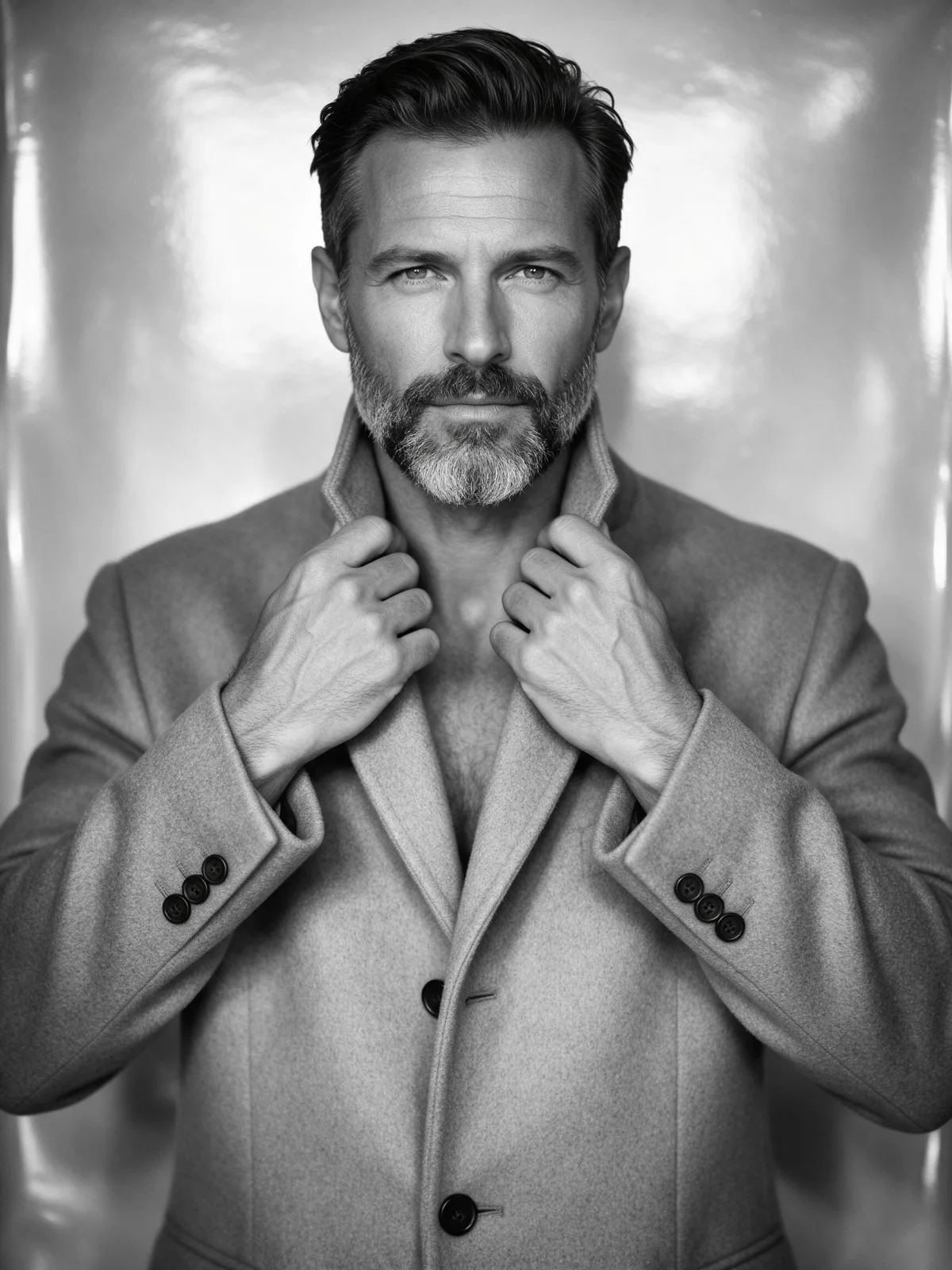
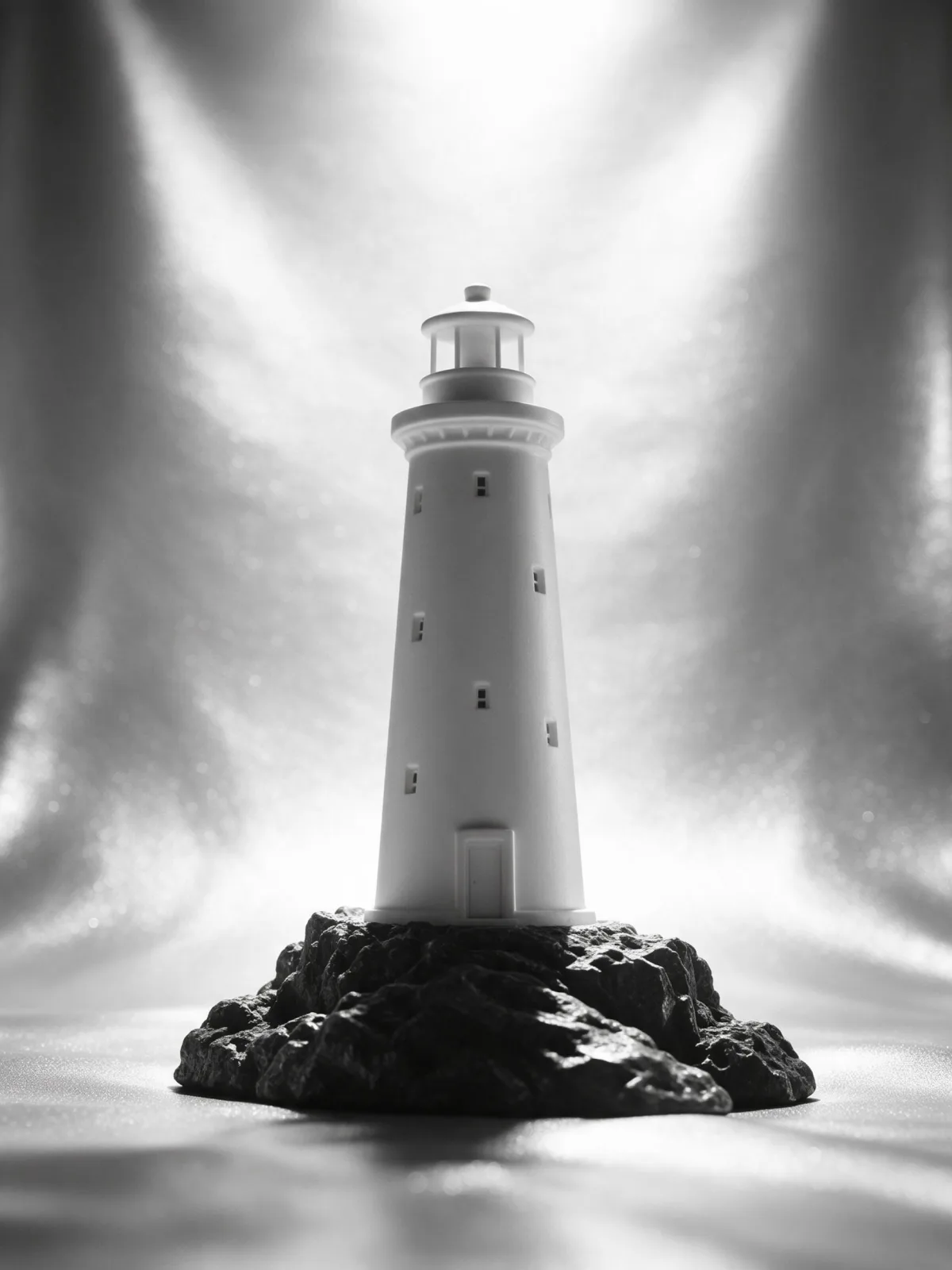
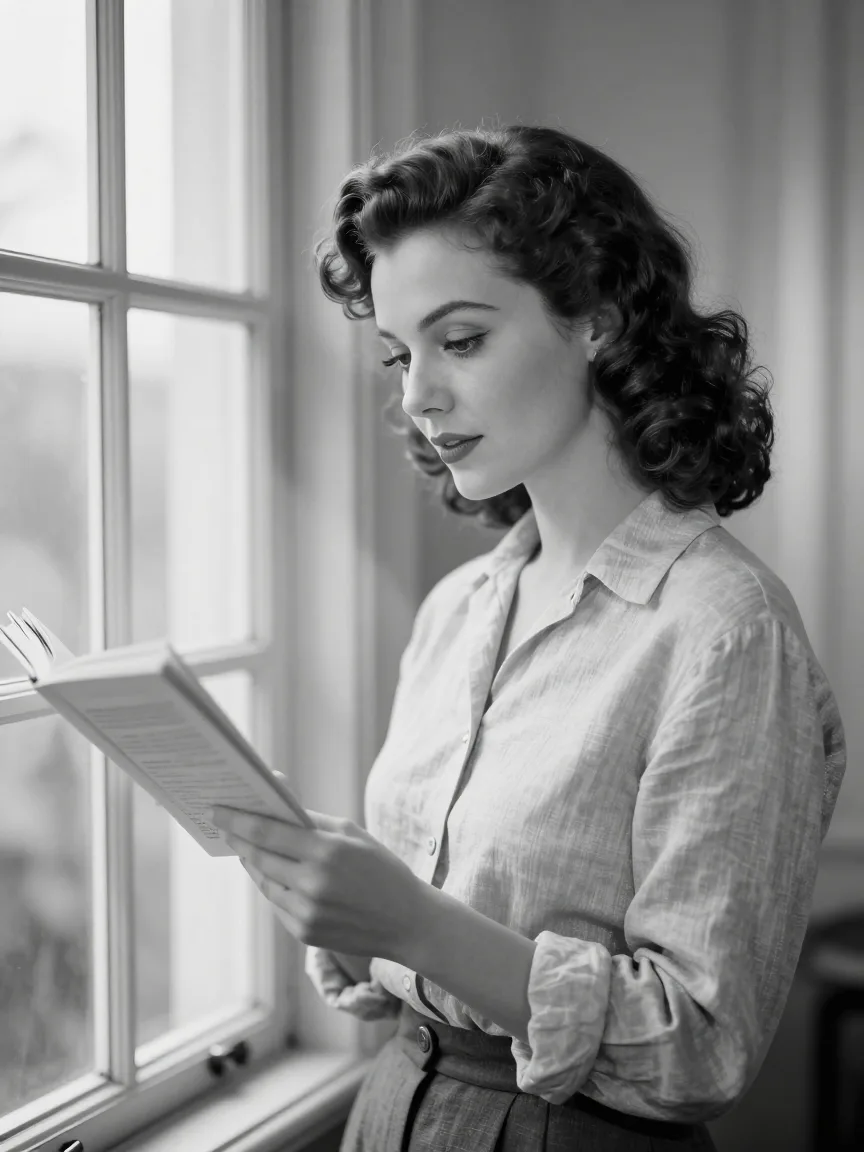
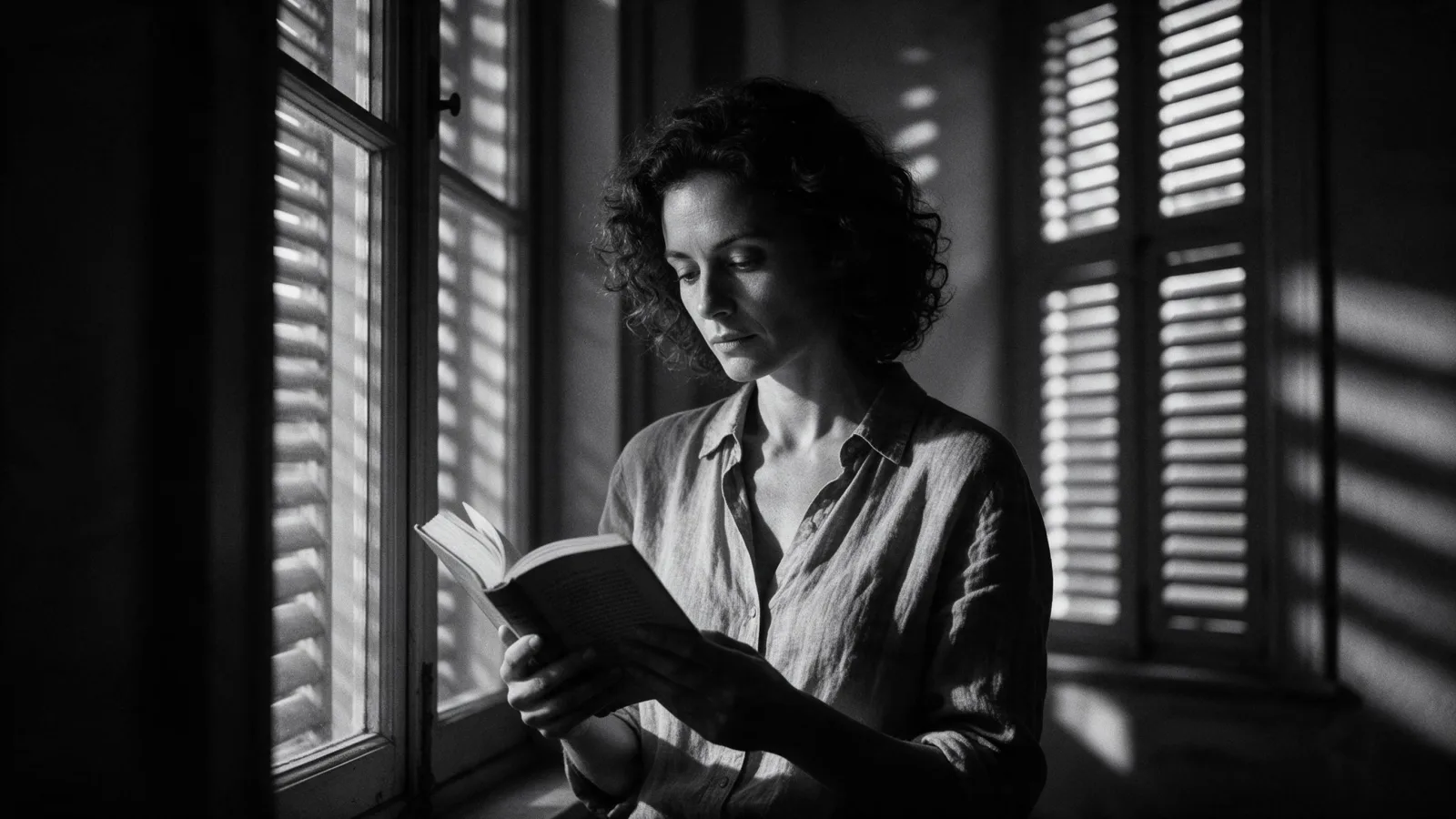
A 1940s studio glamour portrait: high butterfly key light, soft-focus diffusion, silvery black and white and a glossy seamless backdrop.

Works on

  • Seedream 5.0 ProBest$0.036 / image
  • Qwen Image 3.0$0.03 / image
  • Z-Image$0.01 / image
  • Krea 2 Medium$0.03 / image
  • + 19 more models

Related styles

Same person, same prompt — only the style changes

2000s Digicam
After Midnight Flash
Candlelit Velvet
Cinematic Gothic
Late-Night Hotel
Late-Night OVA
Moonlit Voile
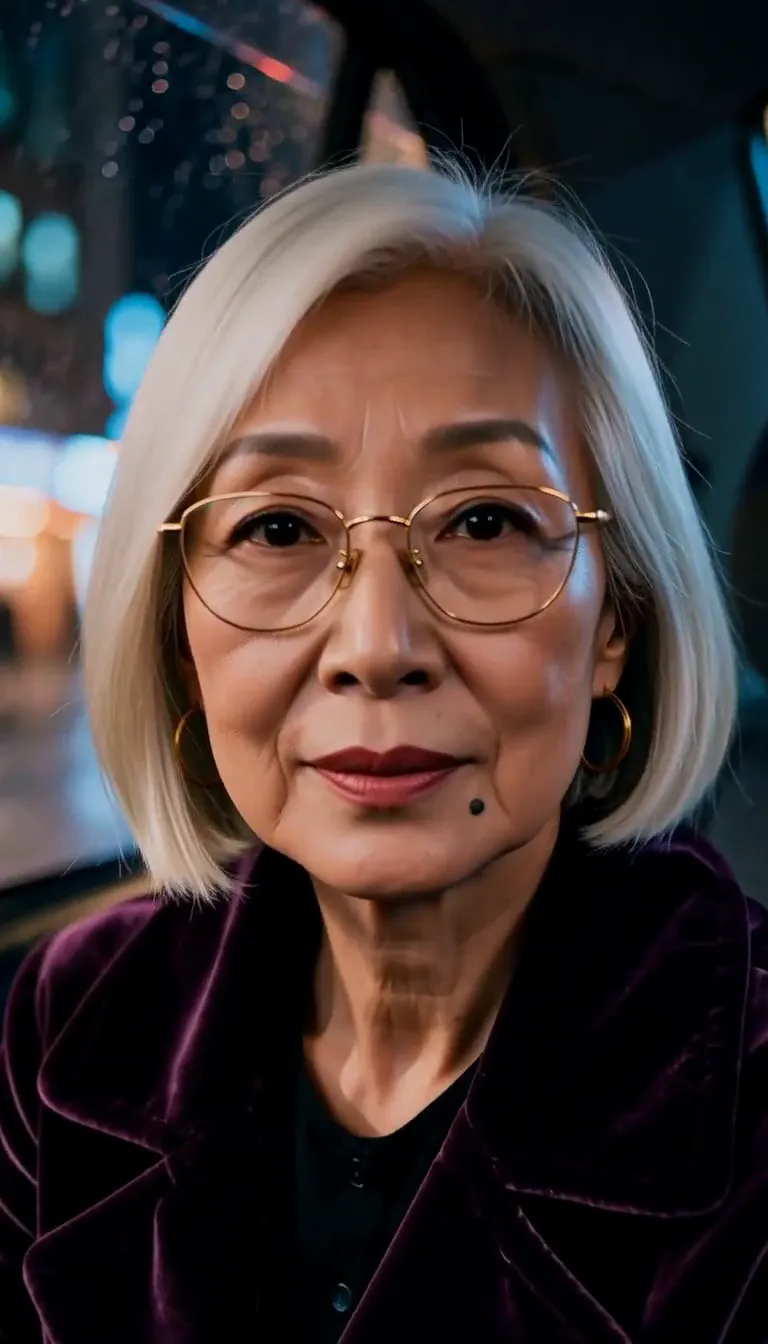
Neon After Rain
After-Con Neon
Afterglow Pool
Airbrush Pin-up
Blush Neon
Brass Reflections
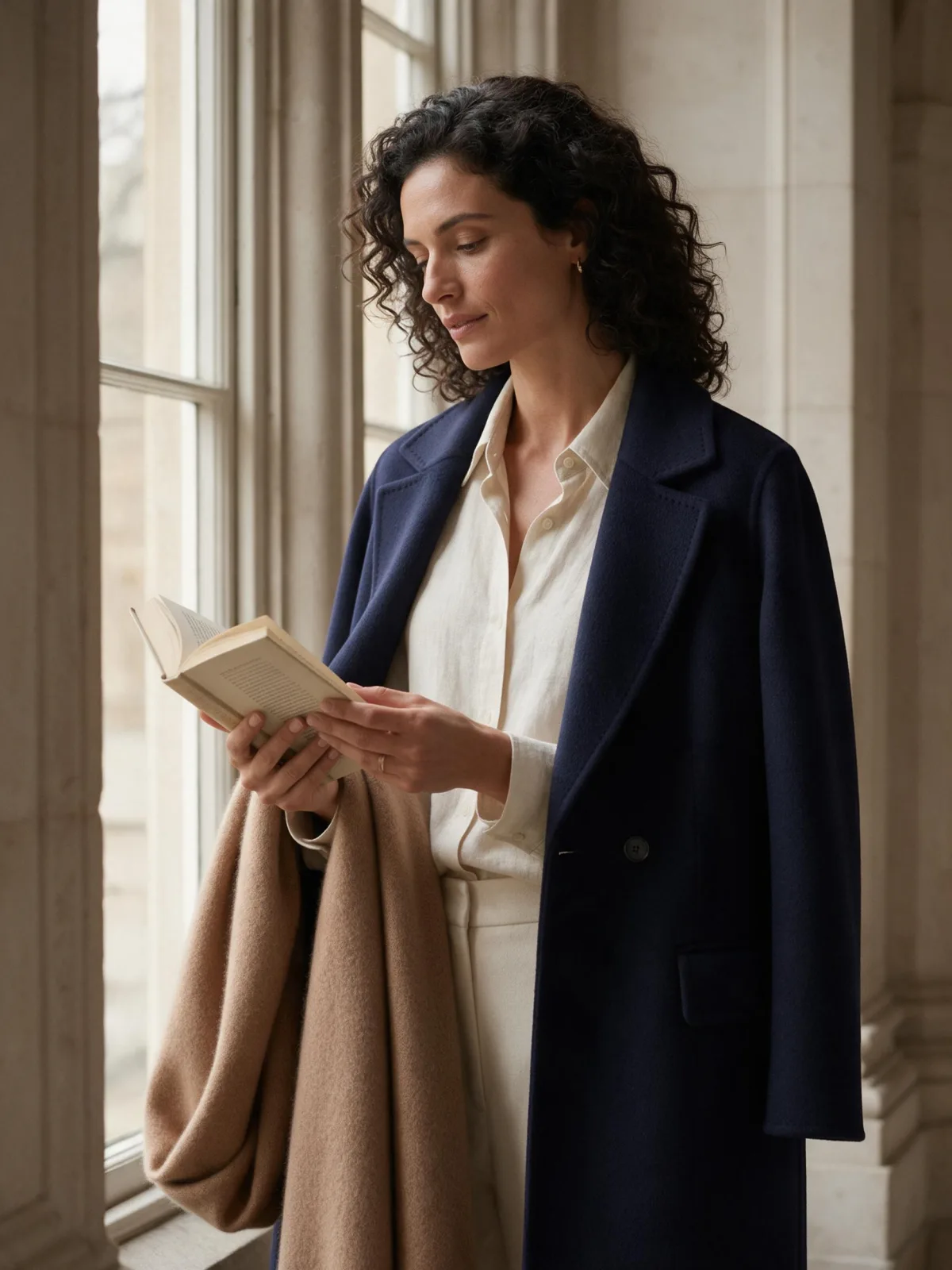
Quiet Luxury
Manhwa Action
Gilded Opulence
Glossy Flash Editorial
Golden Age Glamour
Library Hush
Meadow Cottage
Runway Editorial
Instant Film
Sign up to generate

We never filter your prompt.

A 1940s studio glamour portrait: high butterfly key light, soft-focus diffusion, silvery black and white and a glossy seamless backdrop.

Category
Western
Works on
23 models
Price
From $0.01 / image
Suggested frame
3:4 · 4:5
Your own photo
Text only
Doesn't stack with
Monochrome and Soft Bloom

Same subject, with and without it

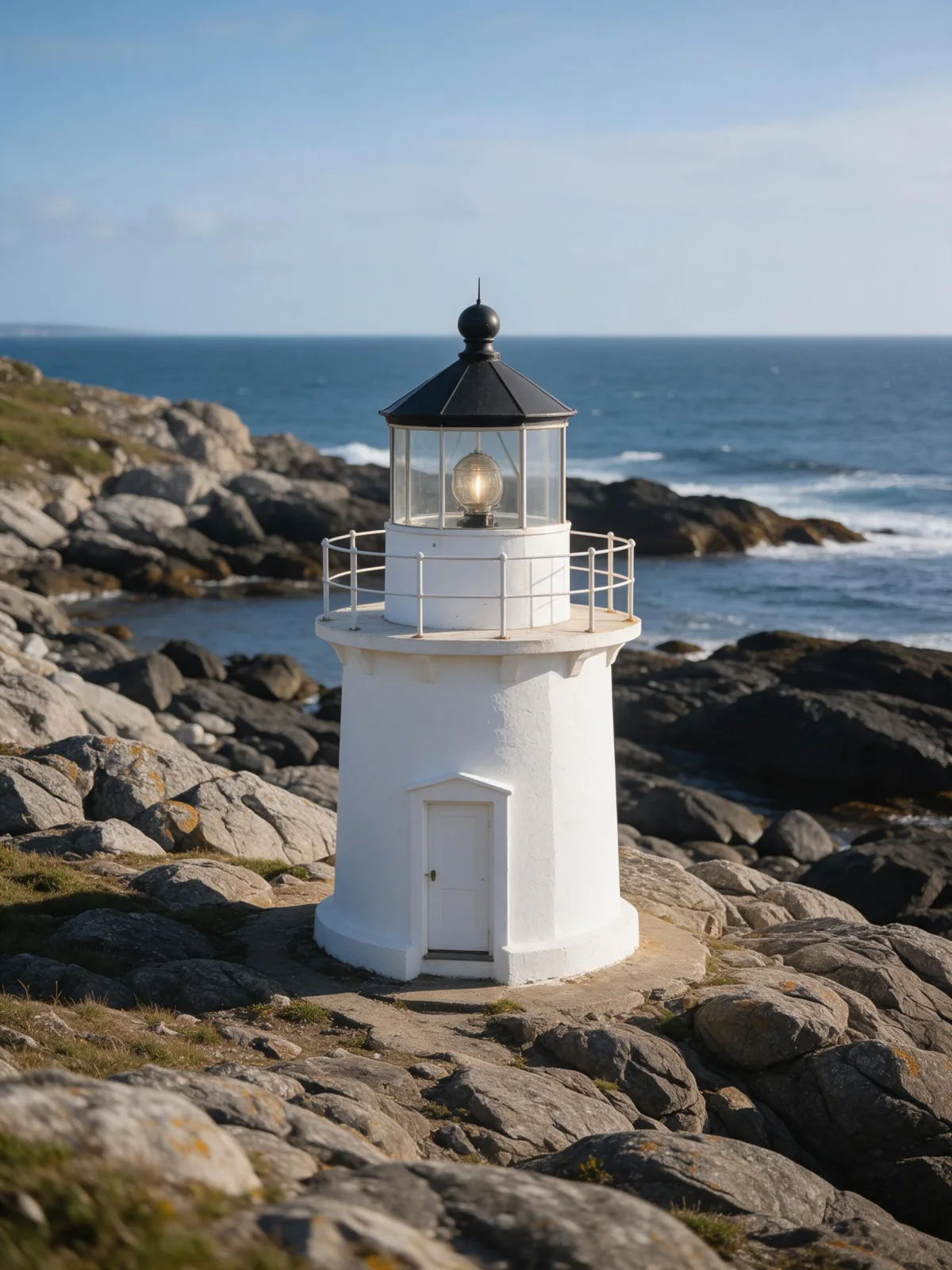
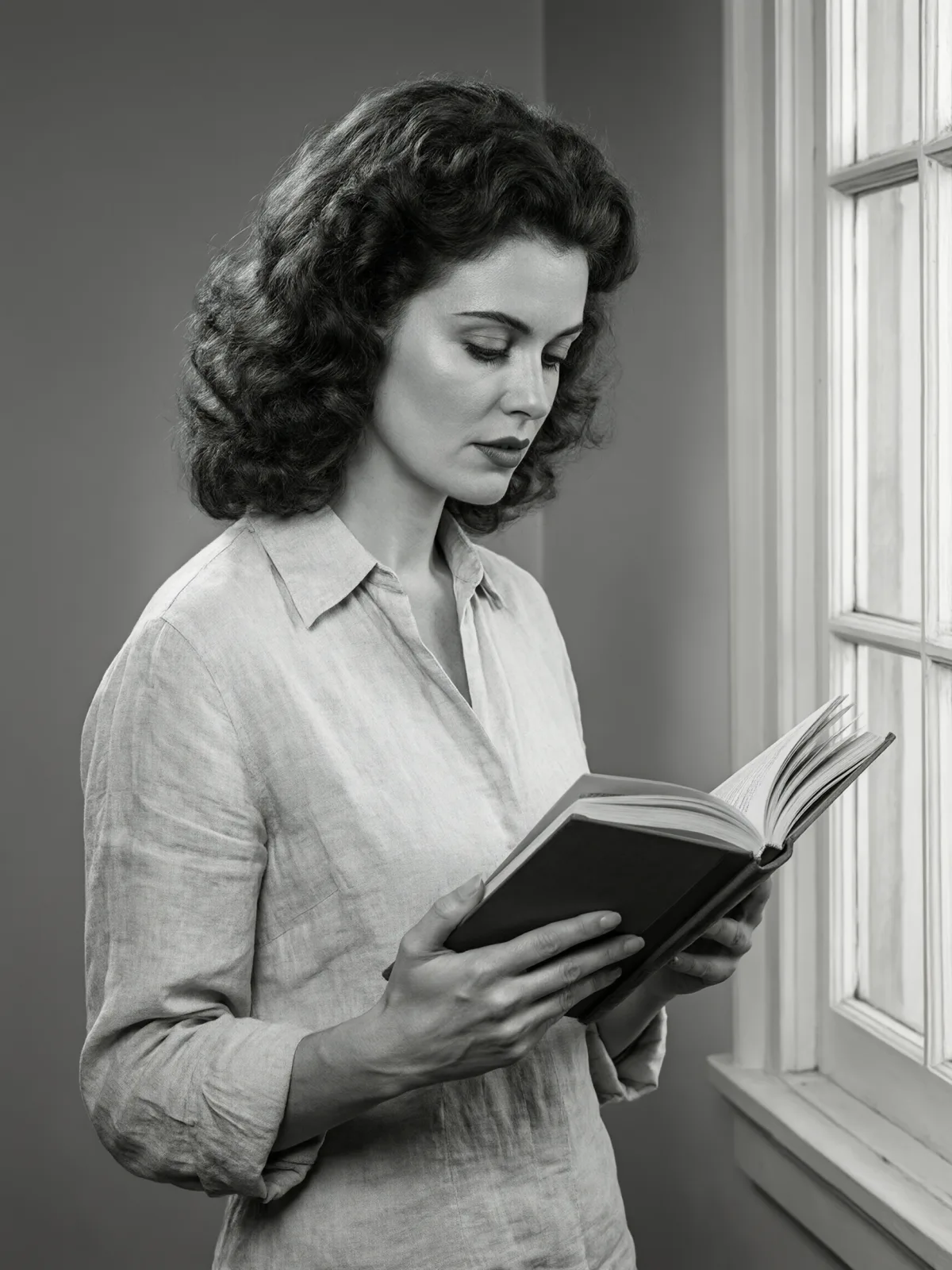
Each pair is the same sentence on the same model. The left frame has no style; the right one is Golden Age Glamour. That gap is what the style adds.

  • The test subject with no style, made with Seedream 5.0 Pro
    No style
    Sample in the Golden Age Glamour style, made with Seedream 5.0 Pro
    With Golden Age Glamour

    Seedream 5.0 Pro

  • The test subject with no style, made with Seedream 5.0 Pro
    No style
    Sample in the Golden Age Glamour style, made with Seedream 5.0 Pro
    With Golden Age Glamour

    Seedream 5.0 Pro

  • The test subject with no style, made with Seedream 5.0 Pro
    No style
    Sample in the Golden Age Glamour style, made with Seedream 5.0 Pro
    With Golden Age Glamour

    Seedream 5.0 Pro

  • The test subject with no style, made with Seedream 5.0 Pro
    No style
    Sample in the Golden Age Glamour style, made with Seedream 5.0 Pro
    With Golden Age Glamour

    Seedream 5.0 Pro

Samples

The same fixed test subjects run through every style, so you see what Golden Age Glamour does rather than what the subject brings.

  • Sample in the Golden Age Glamour style, made with Qwen Image 3.0
    Qwen Image 3.0
  • Sample in the Golden Age Glamour style, made with Z-Image
    Z-Image

About Golden Age Glamour

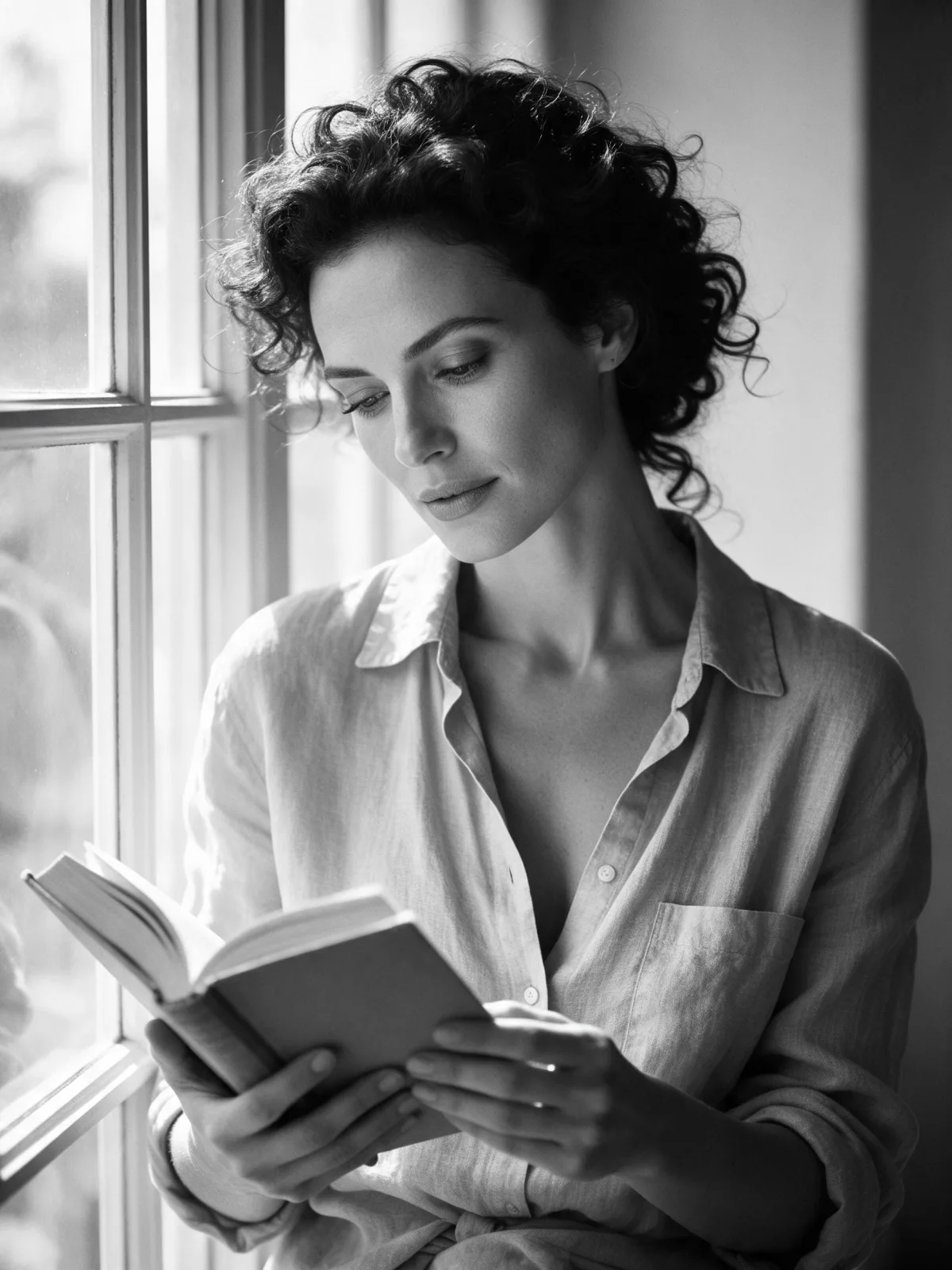
Golden Age Glamour photographs your subject the way the old film studios shot their stars. A single key light sits high and in front, drawing a small butterfly-shaped shadow under the nose and giving the face a sculpted, flattering glow. A touch of soft-focus diffusion makes highlights shimmer, the tones are silvery black and white with deep velvety blacks, and the backdrop is a smooth, glossy seamless. Everything feels polished, poised and timeless.

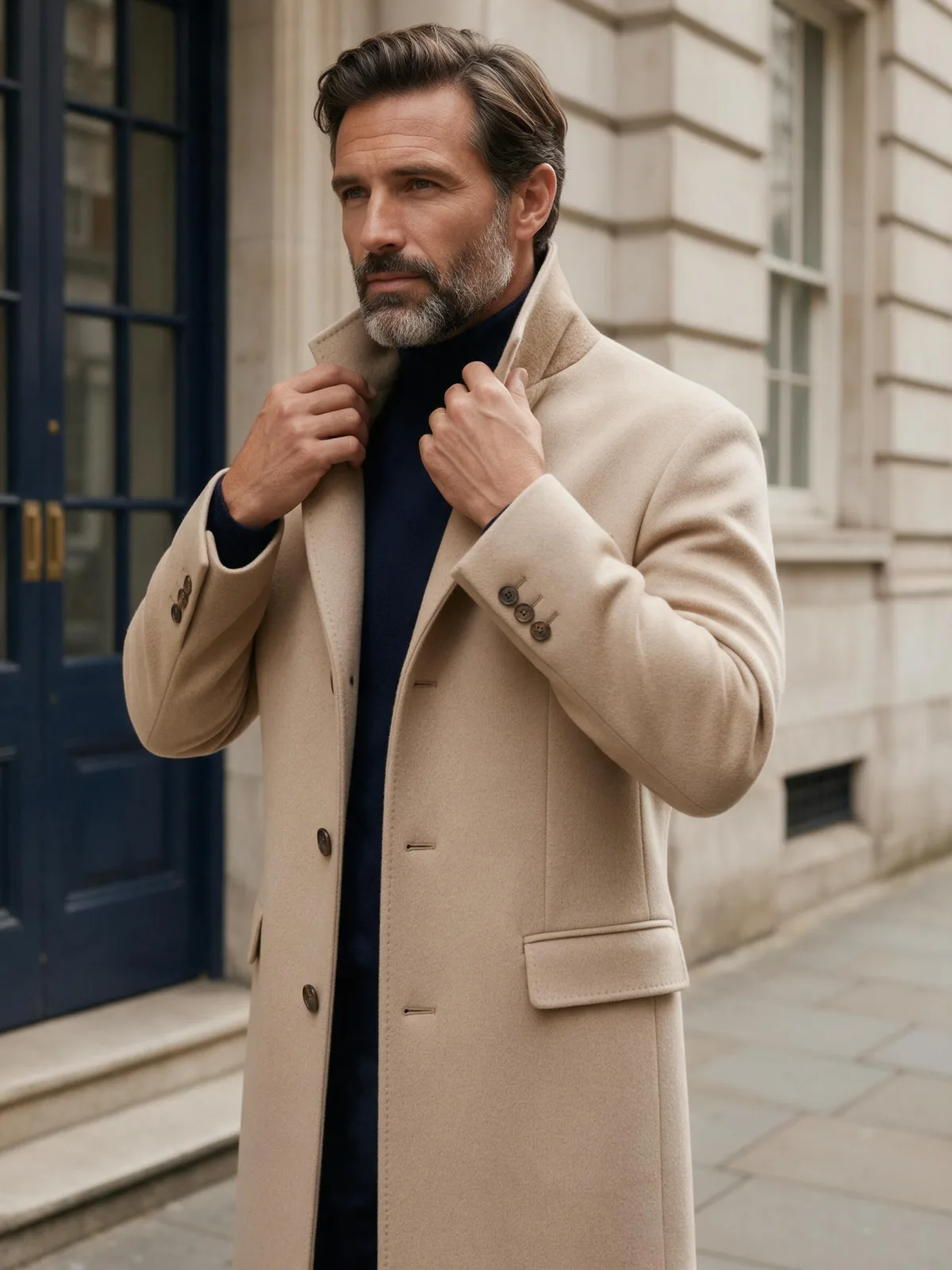
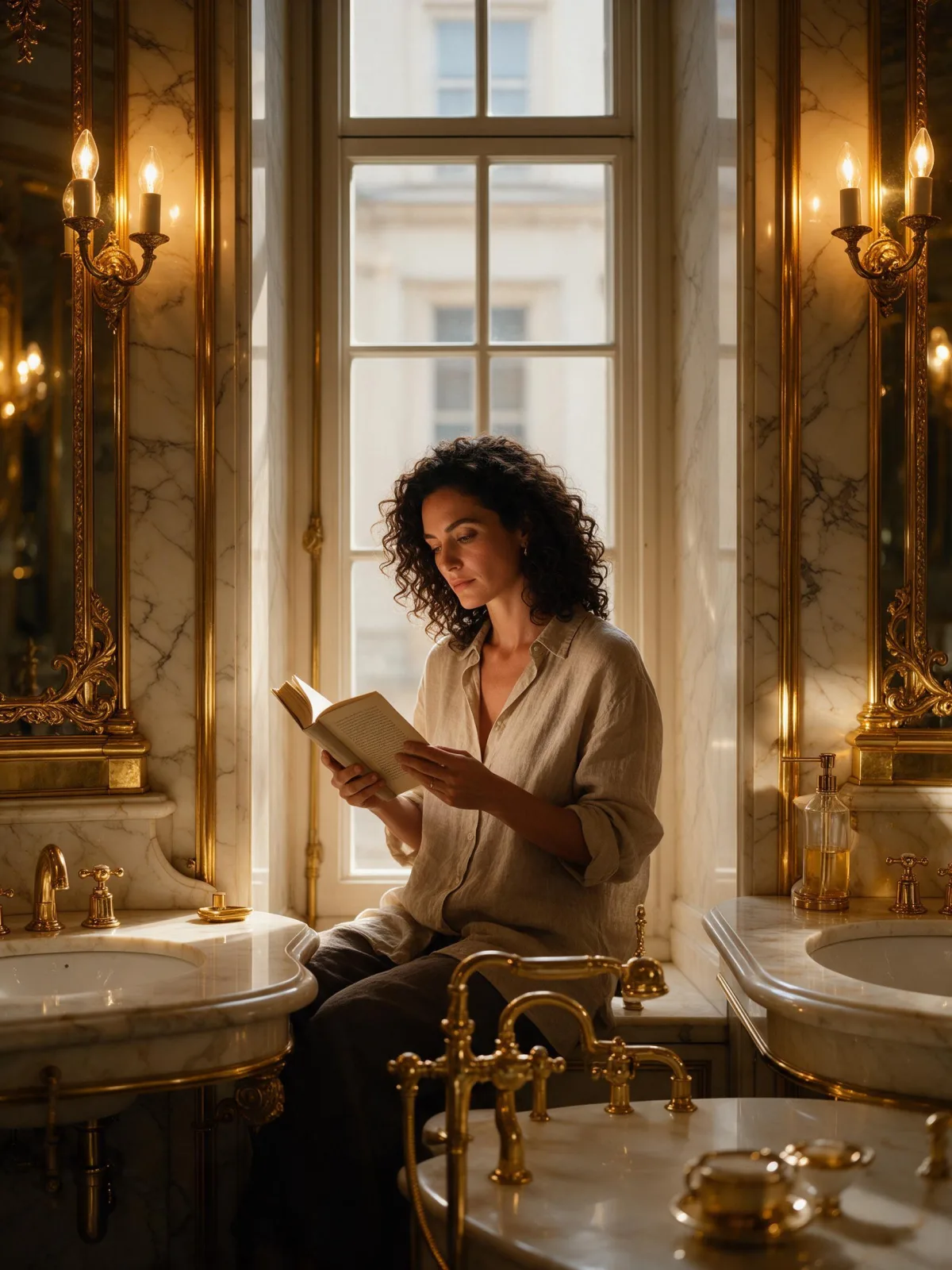
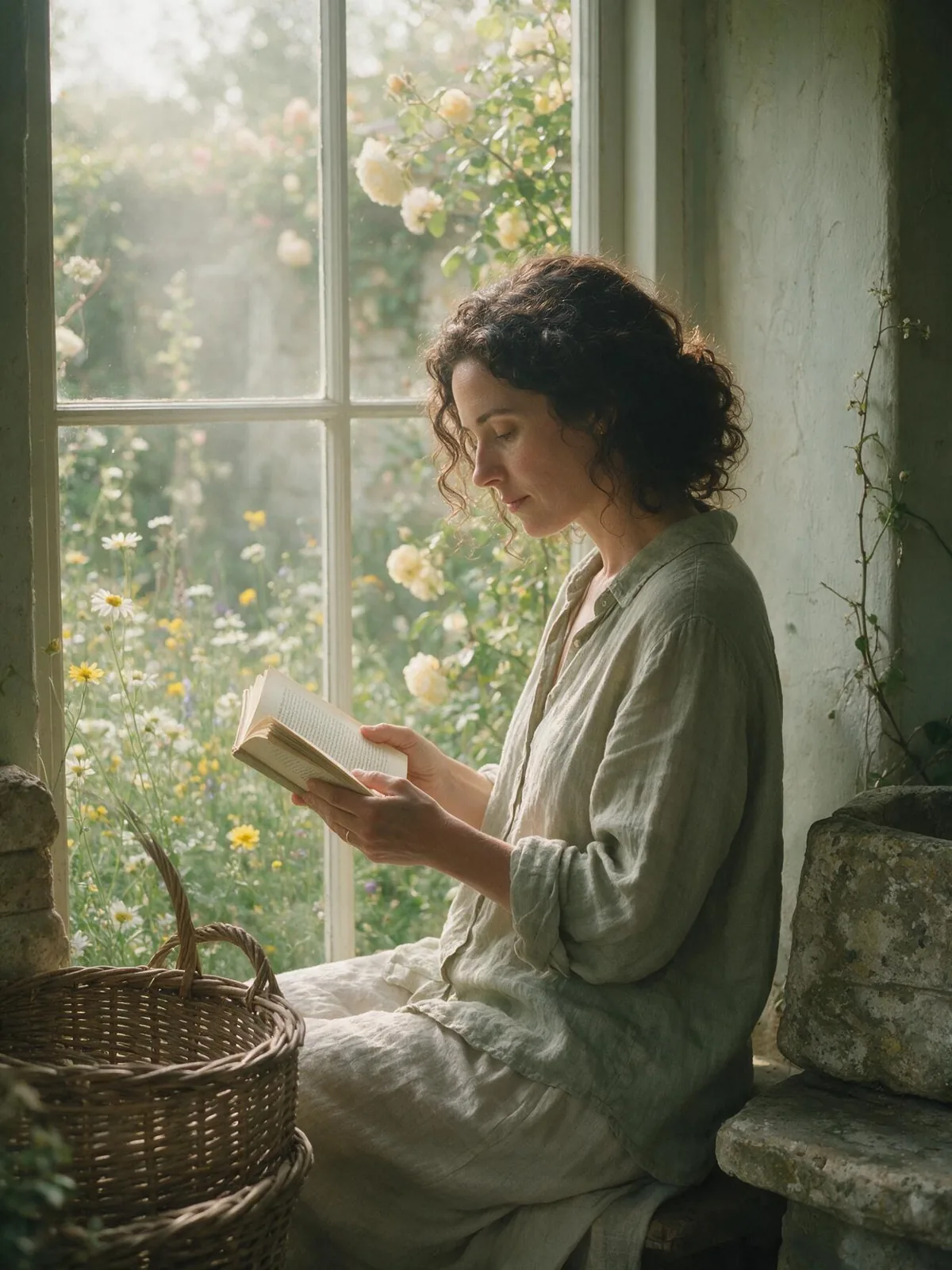
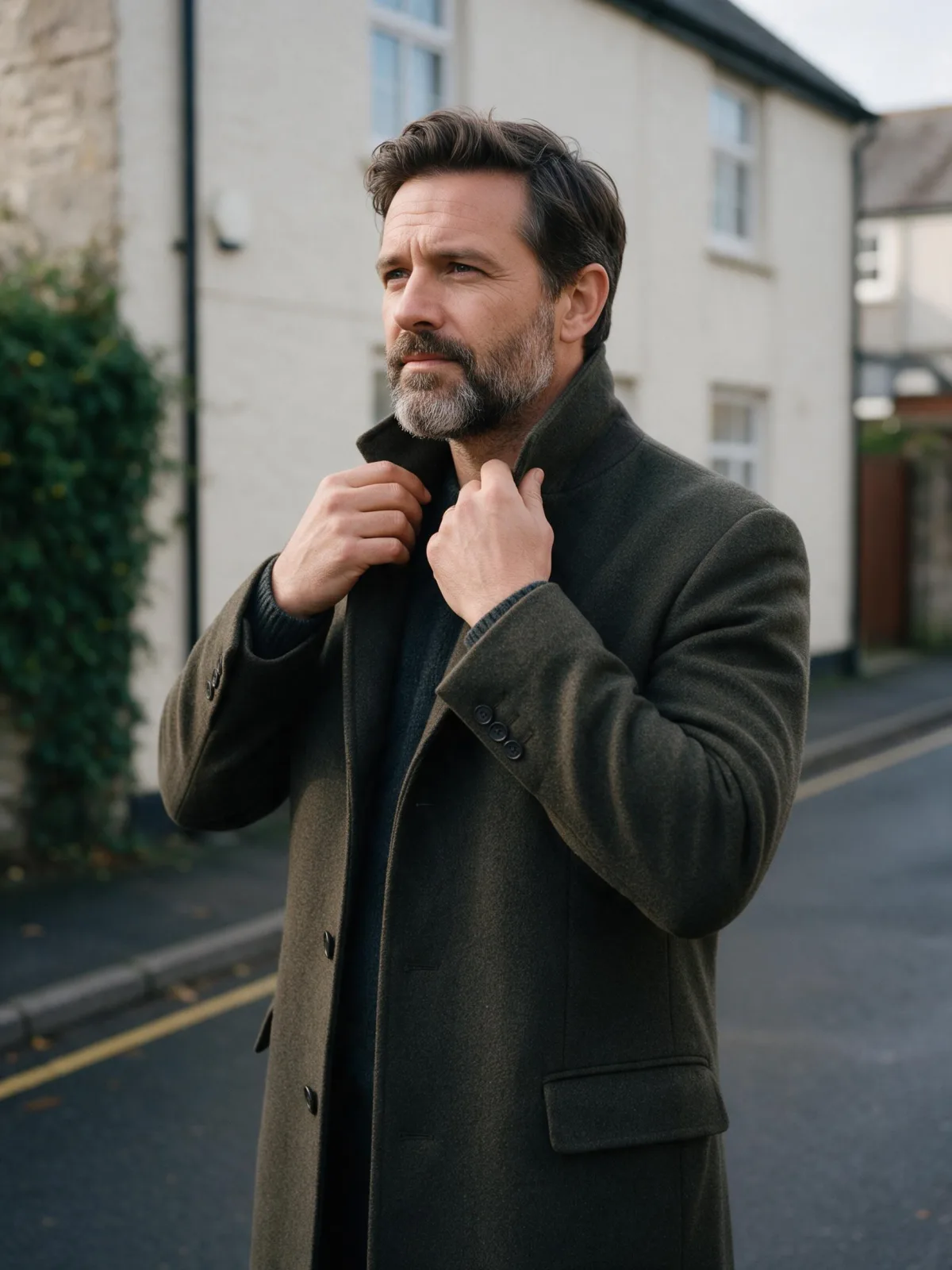
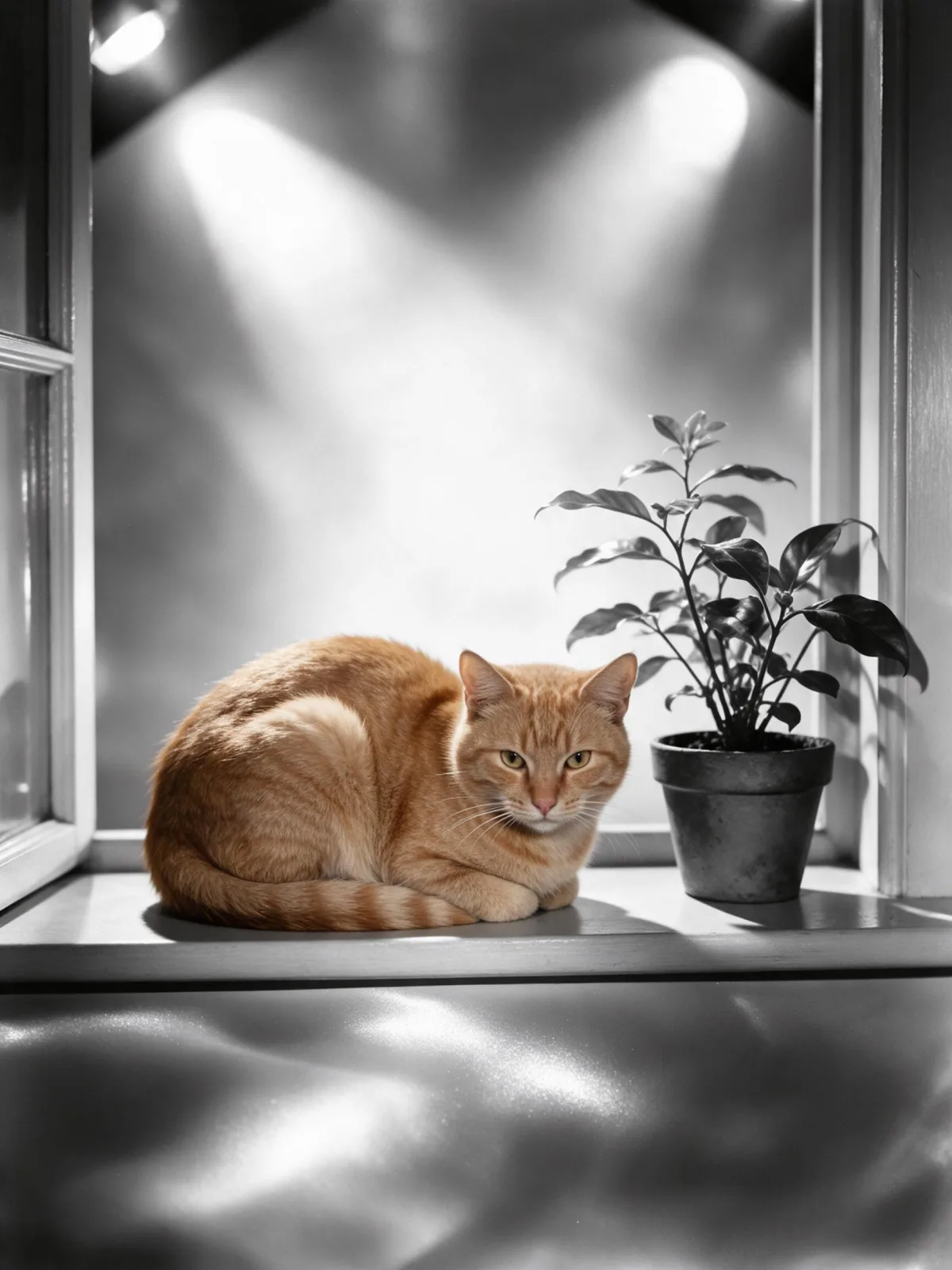
You write the subject; the style supplies the studio. It flatters faces most of all: a woman reading by a tall window becomes a publicity still, a bearded man in a wool coat turns into a leading man, and even a ginger cat on a windowsill gets star billing. It works on objects too: a lighthouse lit like a monument, a perfume bottle, a vintage microphone.

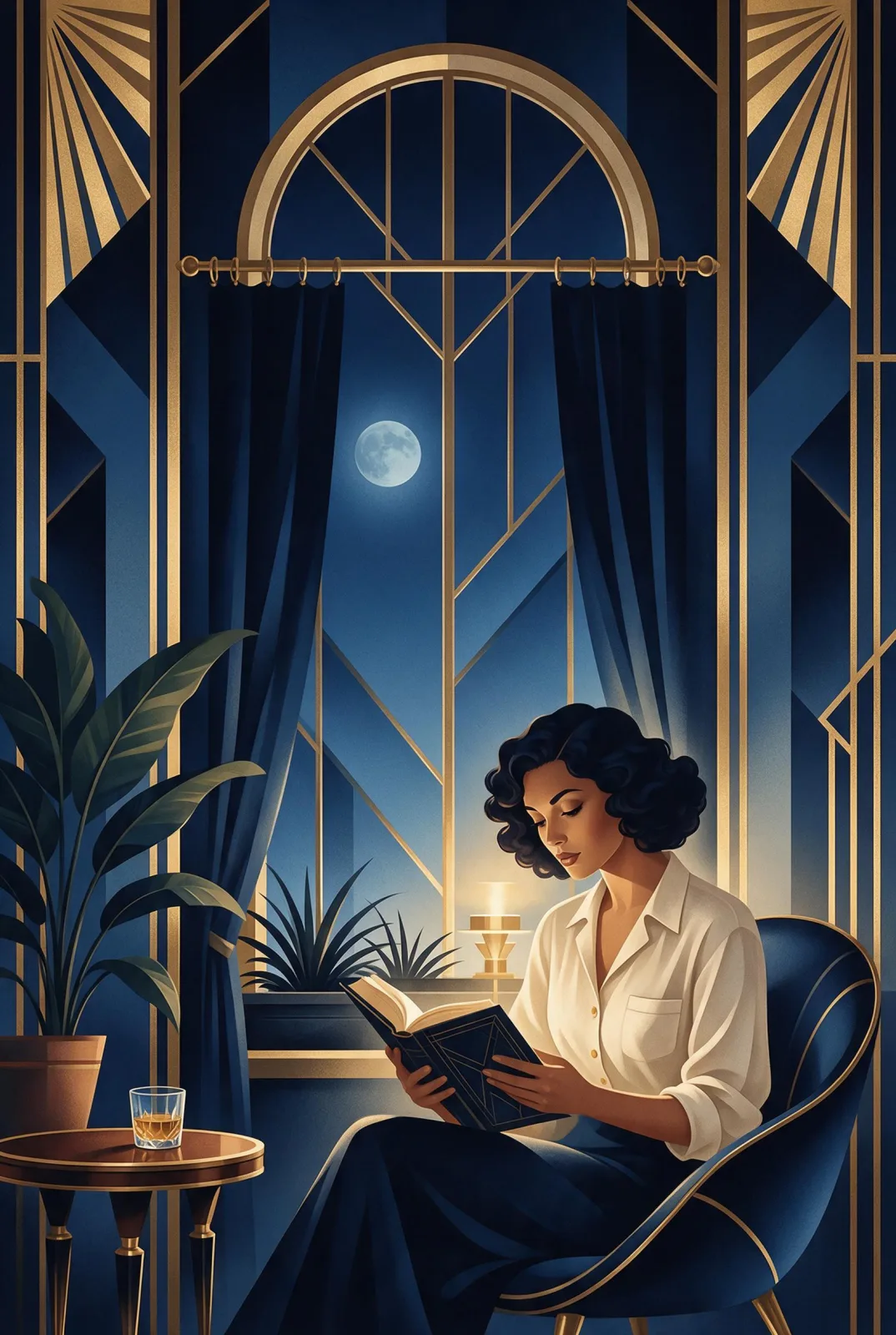
Use it for classic portraits, retro event posters, book and album covers, fashion throwbacks and anniversary or tribute posts. For hard crime-film shadows instead of flattering light, use Noir Monochrome; for modern color glamour, Runway Editorial; for gold and navy poster illustration, Deco Nocturne.

For this composition, we recommend 3:4, with 4:5 as another framing option. This is a photographic look, so it runs as text-to-image only. Open “What’s sent” to see exactly how your subject is wrapped.

Subjects to paste as they are: “an adult woman with finger-waved hair in a satin evening gown”, “an adult man in a double-breasted suit adjusting his cufflinks”, “a vintage ribbon microphone on a stand”. Clean poses and simple backgrounds read best; the studio light does the rest.

Finishes that work on top: Film Grain for a slightly rougher print. Monochrome and Soft Bloom are switched off here, because the look is already black and white and already softly diffused.

Tips that make it land

  • Classic poses work best: a three-quarter turn, a hand near the chin, a look just past the camera.
  • Glossy fabrics and jewelry shine in the diffusion: satin, velvet, pearls, a silk tie.
  • For a more dramatic still, add “with a single hard shadow on the backdrop” to your subject.
  • Keep backgrounds plain. The look is built around a seamless studio backdrop.
  • Period styling helps: finger waves, a slicked side part, a fur stole, a fedora.

The prompt it sends

Your sentence goes where {subject} sits. Everything around it is the style. Nothing is hidden, and we never filter your prompt.

{subject}, 1940s studio glamour portrait, high butterfly key light, soft-focus diffusion, silvery black and white tones, glossy seamless backdrop, polished timeless elegance

Prompt ideas for Golden Age Glamour

Scenes from our prompt library that suit this look. Borrow the idea as your subject line; the style adds the rest.

Fashion & portrait

Noir & cinematic

Models it works on

Every model below was tested with this style. The price is per image and shows on the Generate button before you run.

How to use Golden Age Glamour

  1. 01

    Write who or what

    Write one plain sentence for your Golden Age Glamour image: who or what is in it and what is happening. The style brings the light, color and medium, so leave those out.

  2. 02

    Keep Golden Age Glamour on

    It is already selected at the top of this page and lands best on Seedream 5.0 Pro, the model it was tuned on. It builds the whole scene from your text.

  3. 03

    Generate

    From $0.01 per image, shown on the button before you run. Pick your favorite Golden Age Glamour frame, then edit it, restyle it or make it move from the result.

Questions about Golden Age Glamour

Make video

Styles are for stills. These effects start from one photo and add a single deliberate move.

Read next