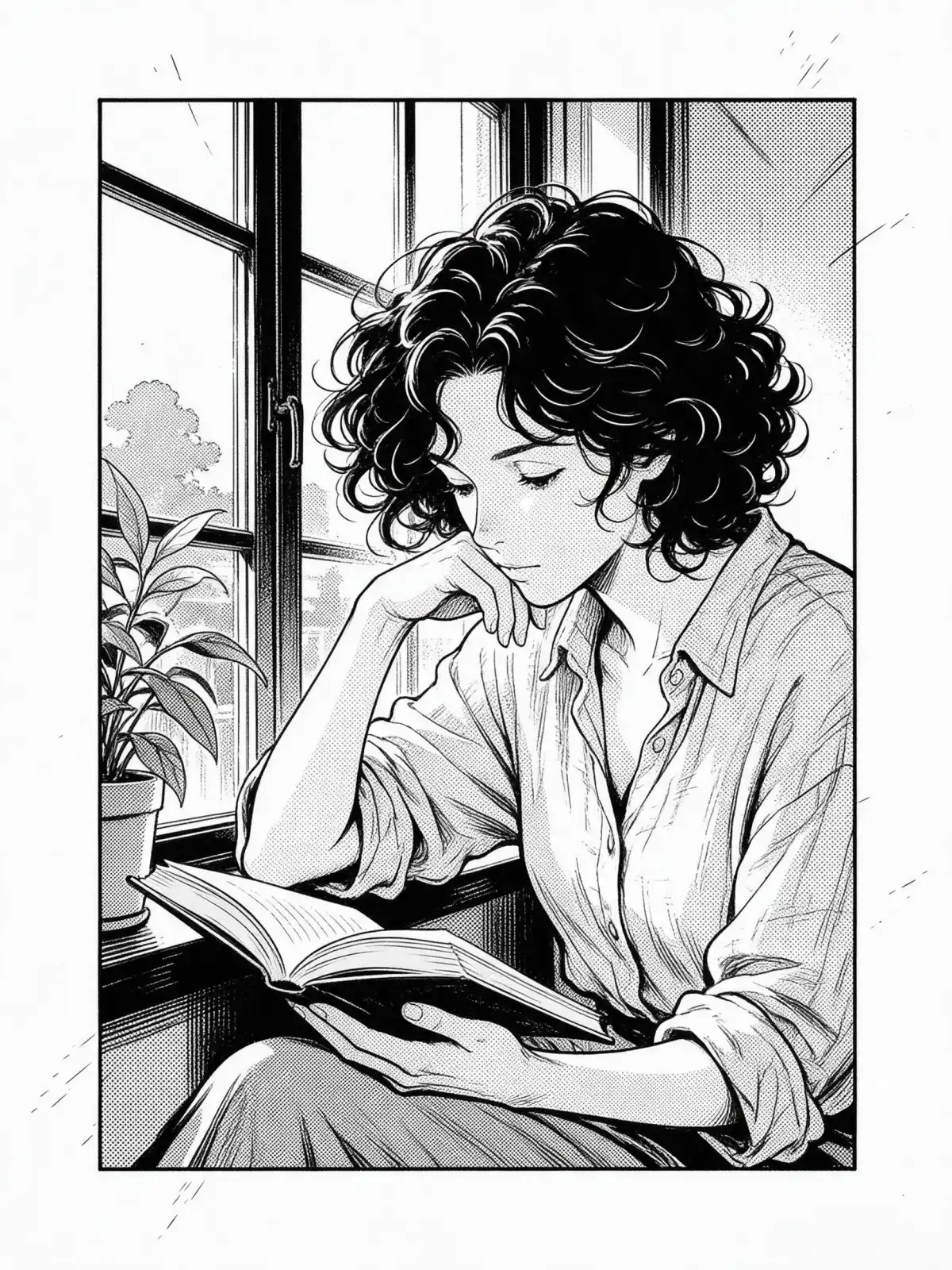
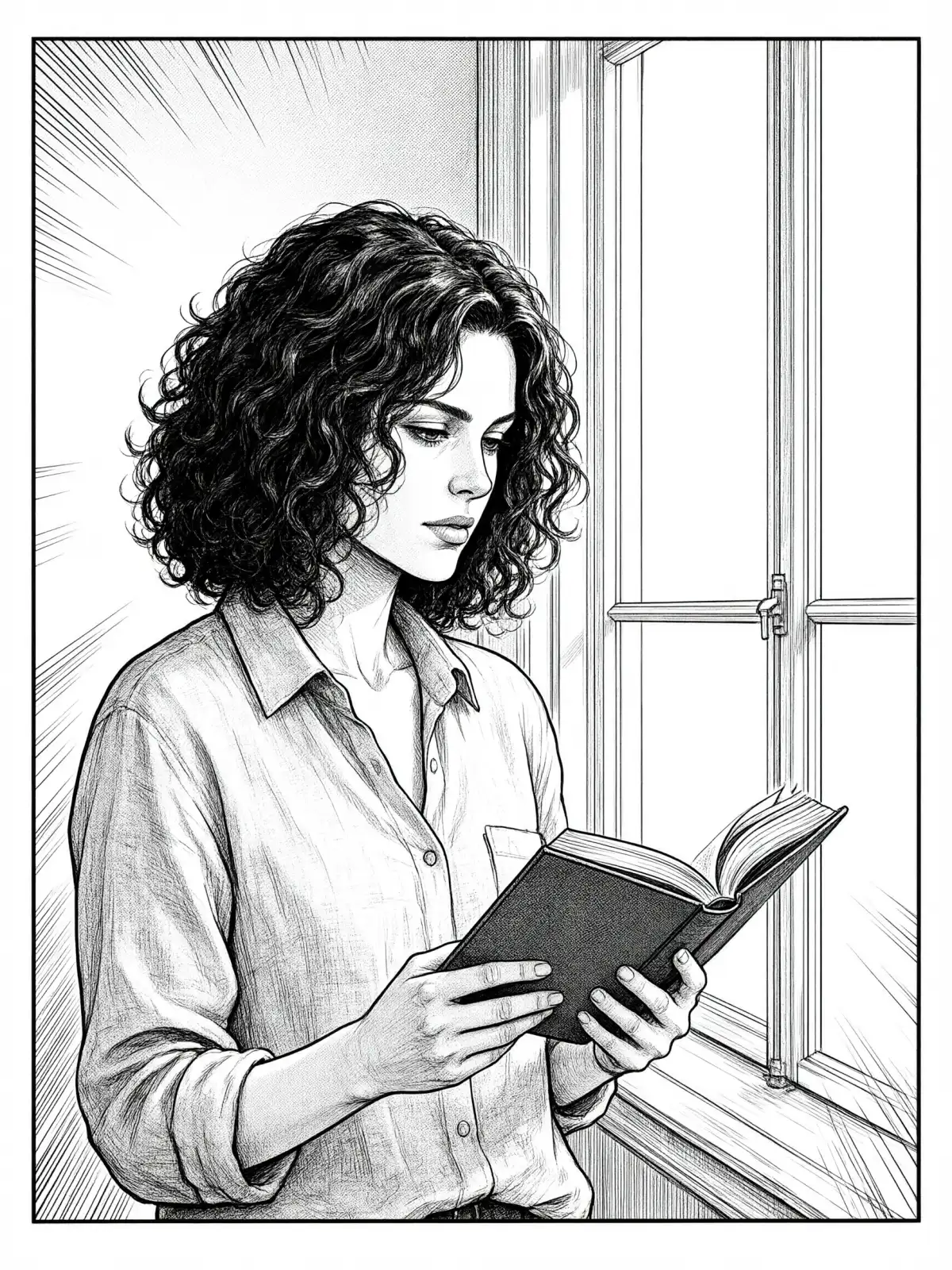
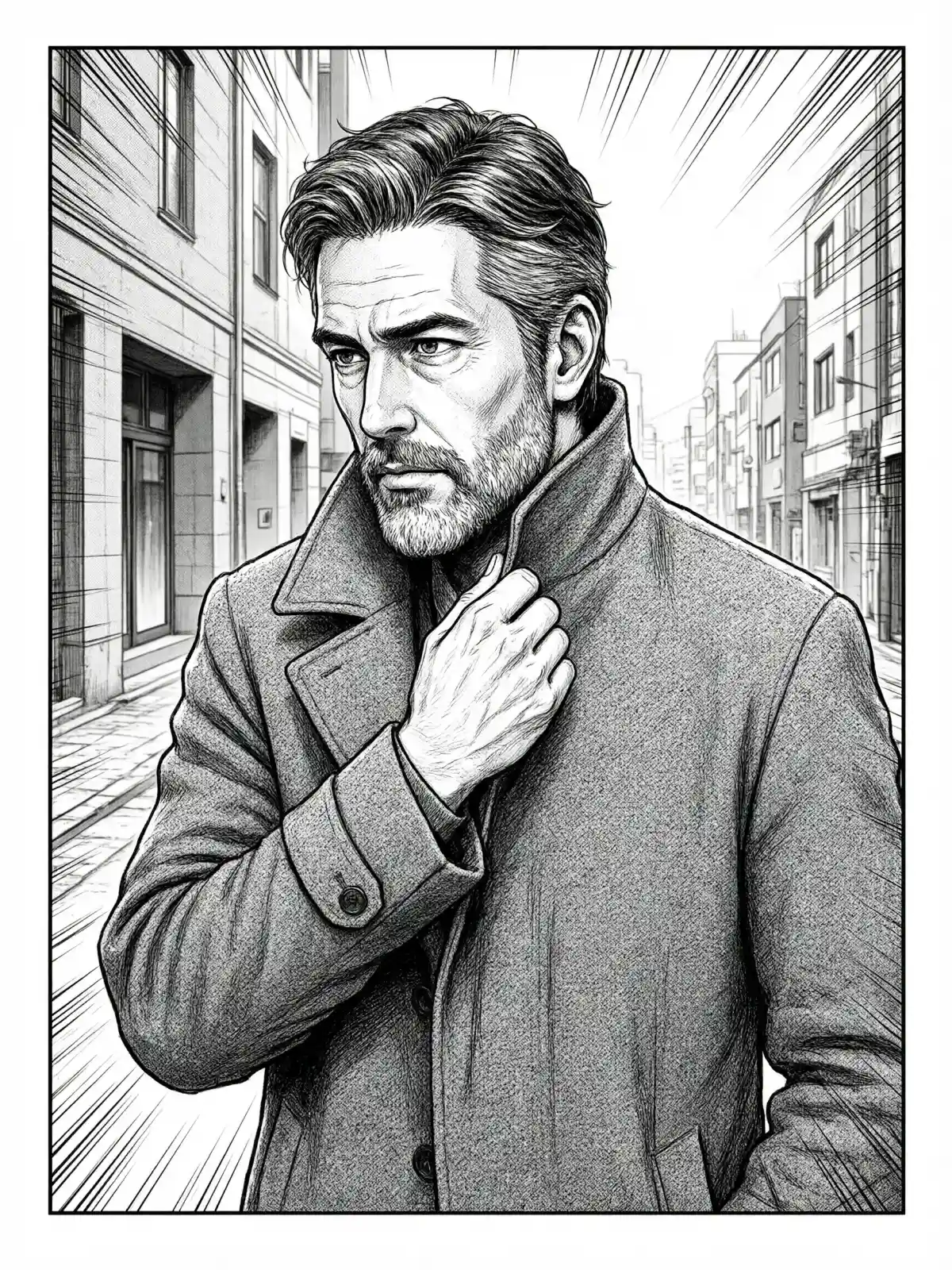
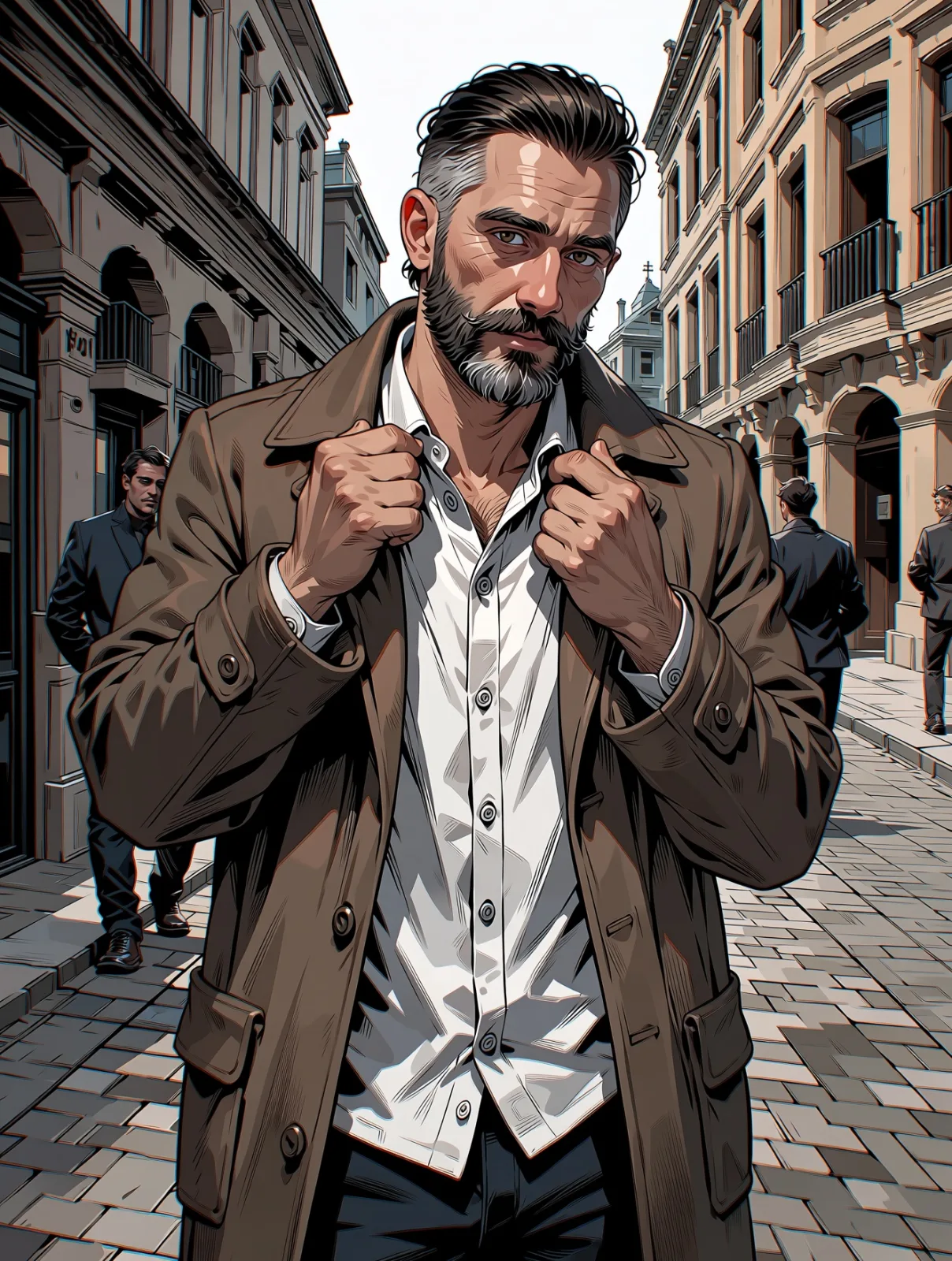
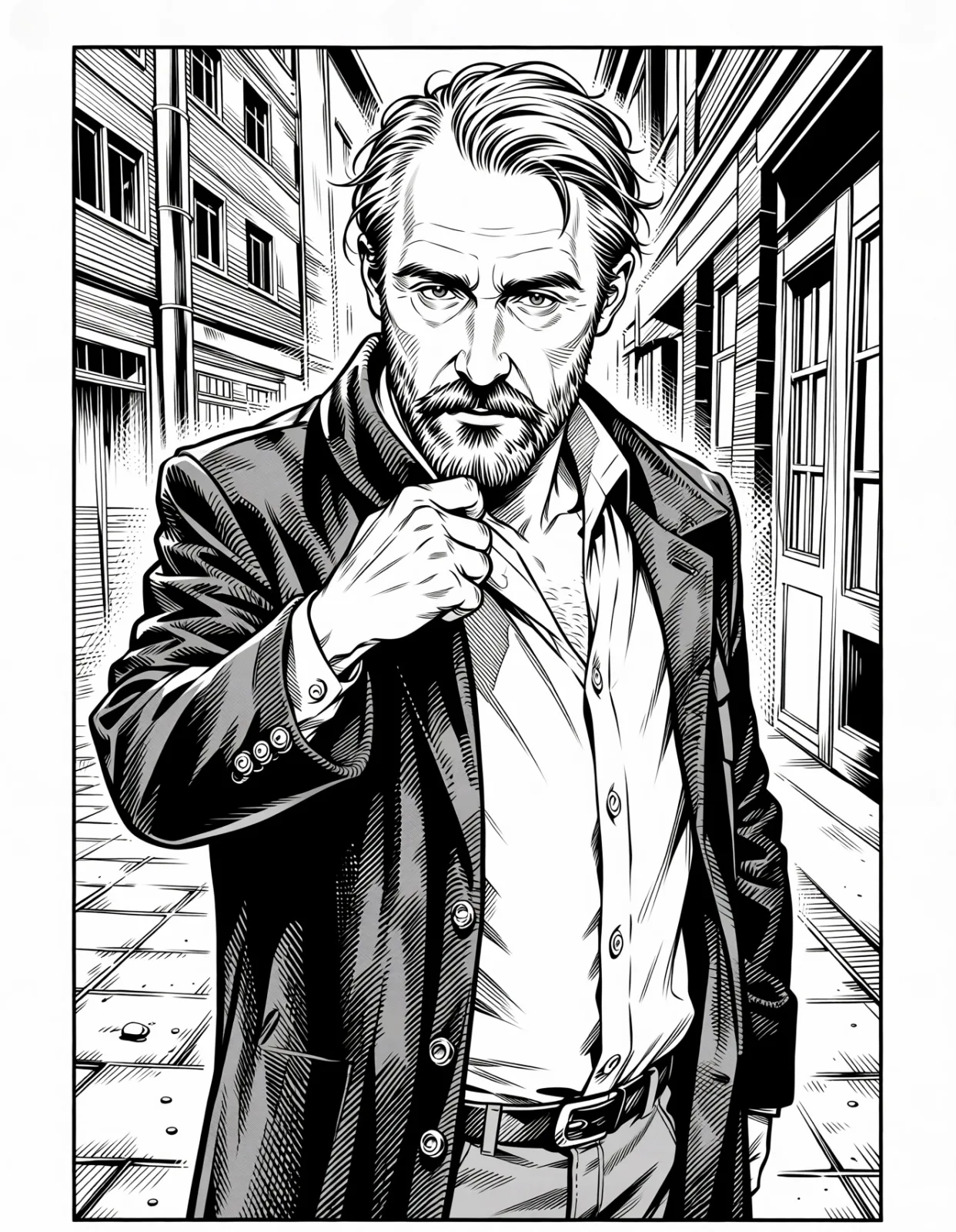
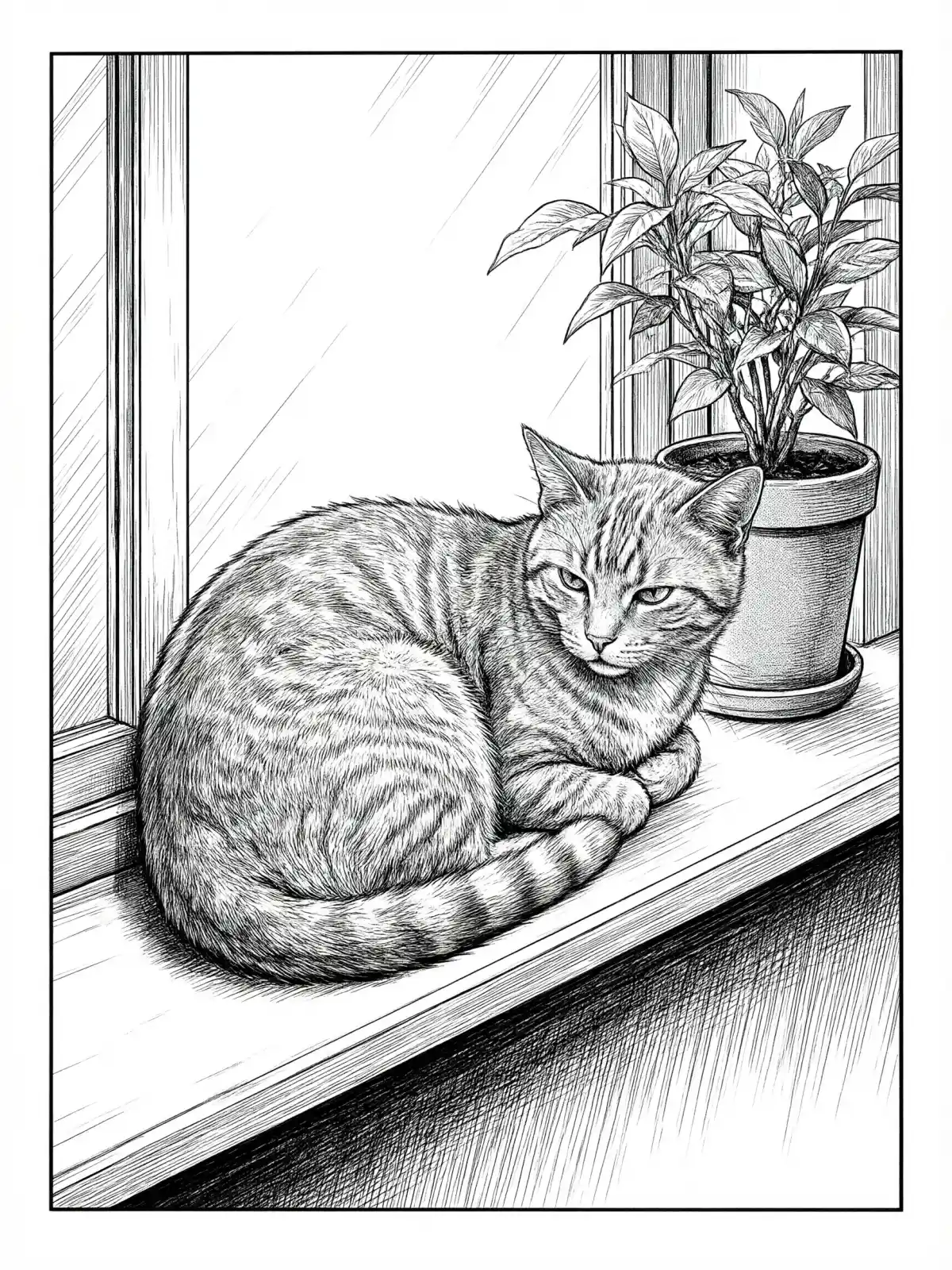
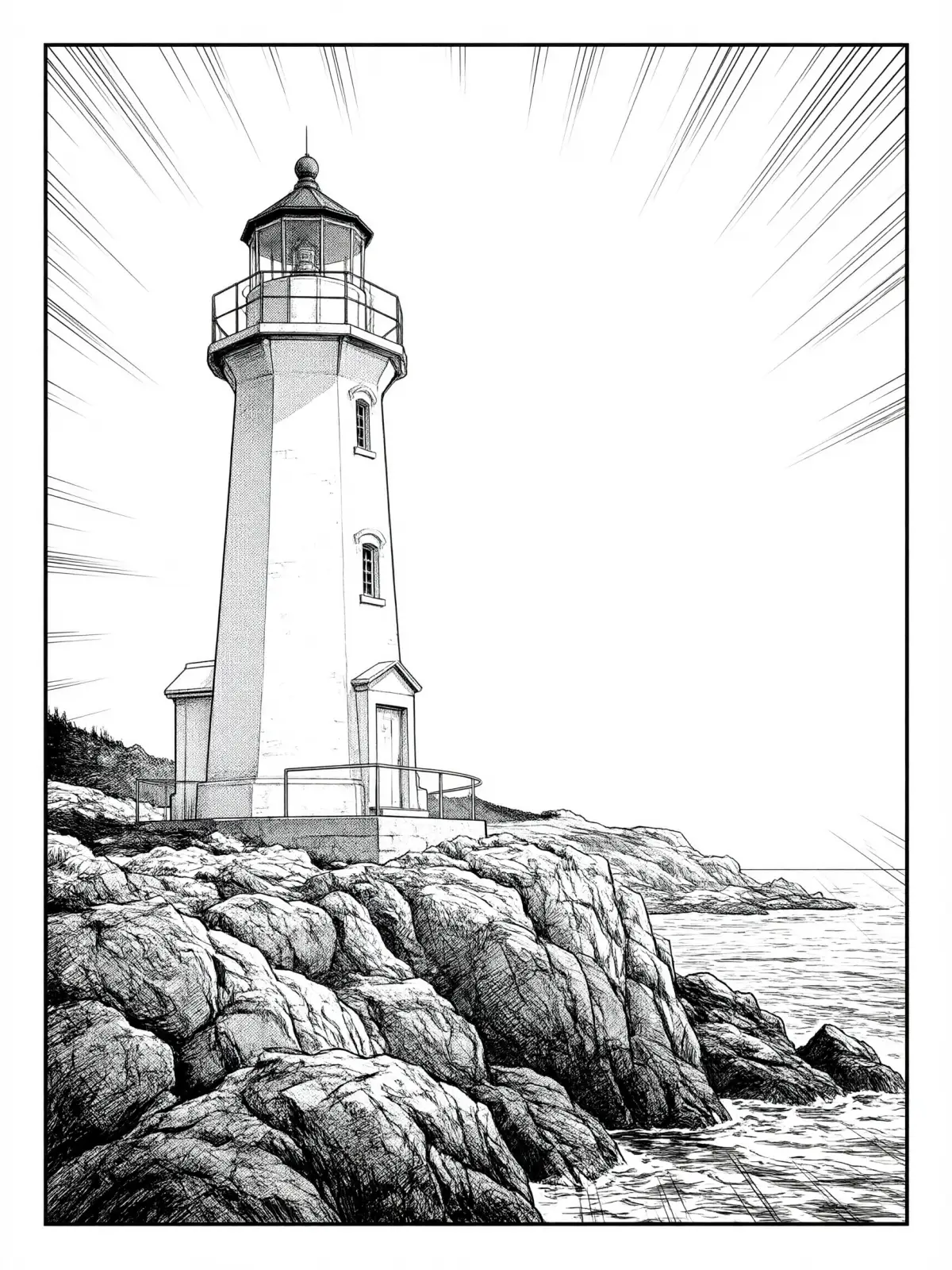
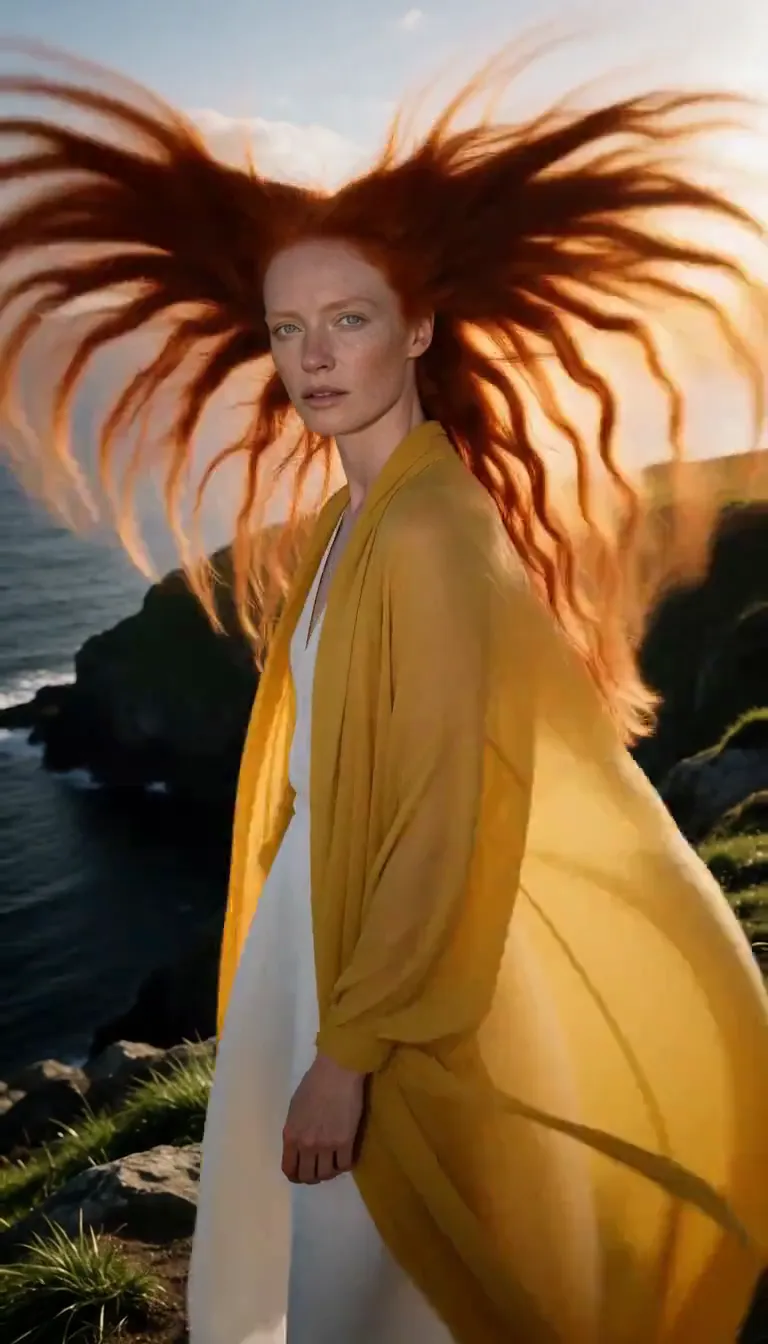
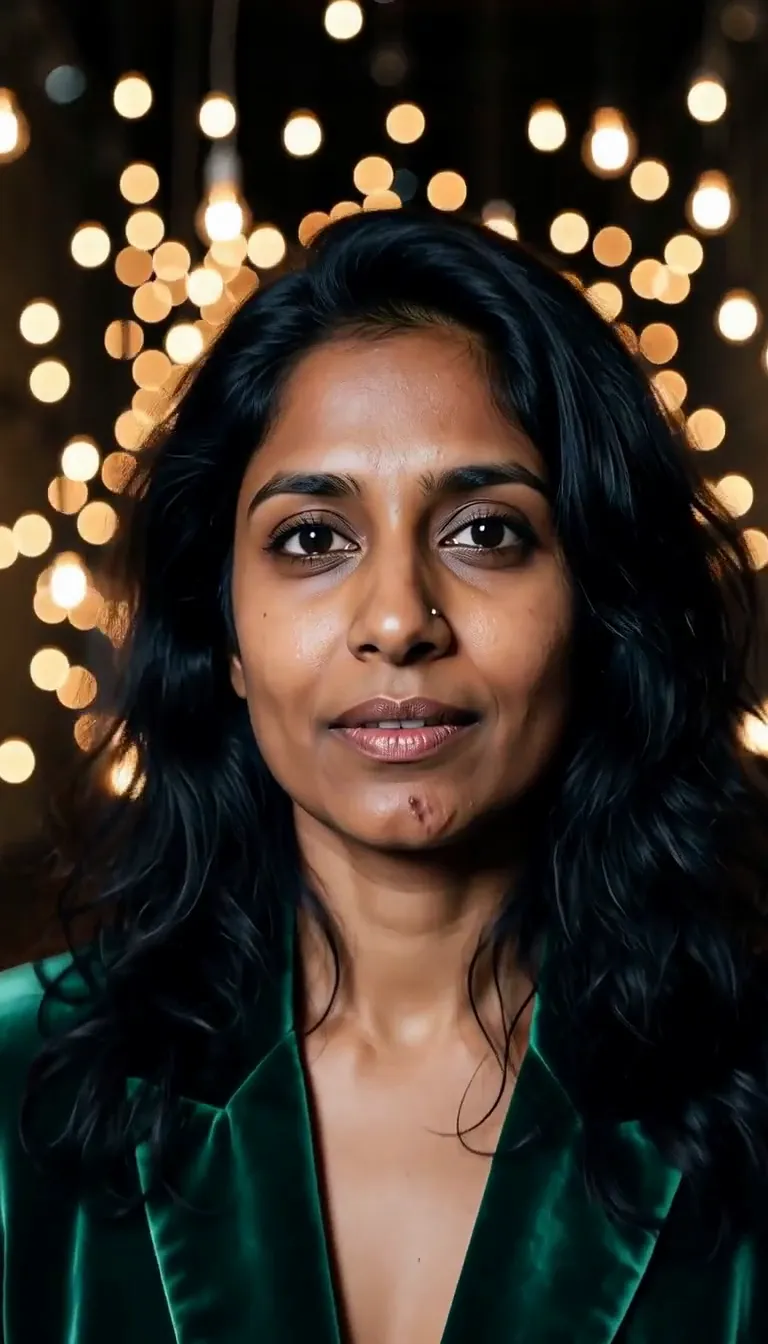
Manga Screentone turns your subject into a single black-and-white manga panel. Sharp ink linework does the drawing, dotted screentone does the shading, and the frame is cropped dramatically, the way a page cuts in close for the moment that matters. Subtle speed lines add energy even to a still pose, the margins stay clean and white, and — on purpose — there are no speech bubbles or lettering, so the panel is yours to fill.
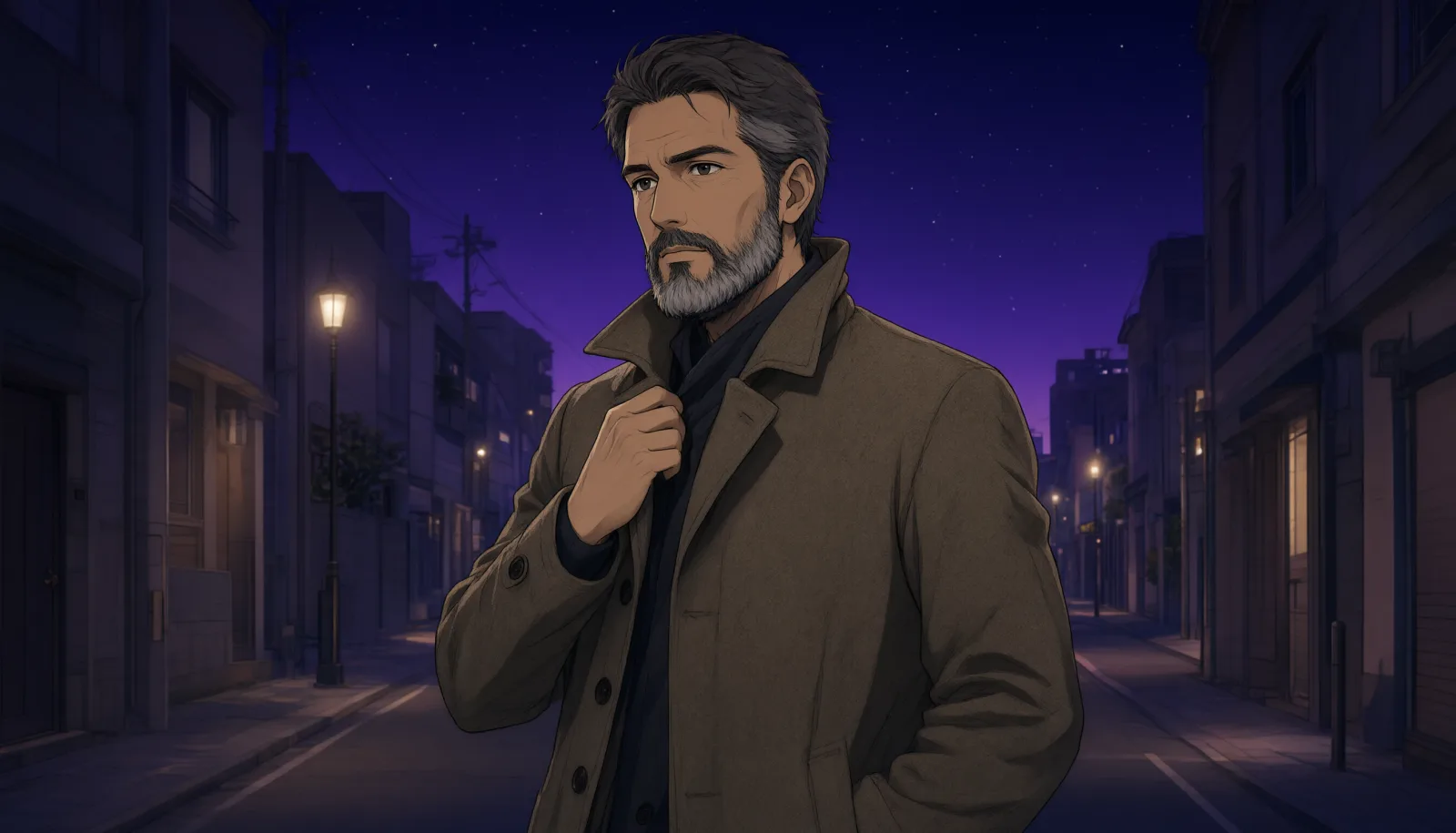
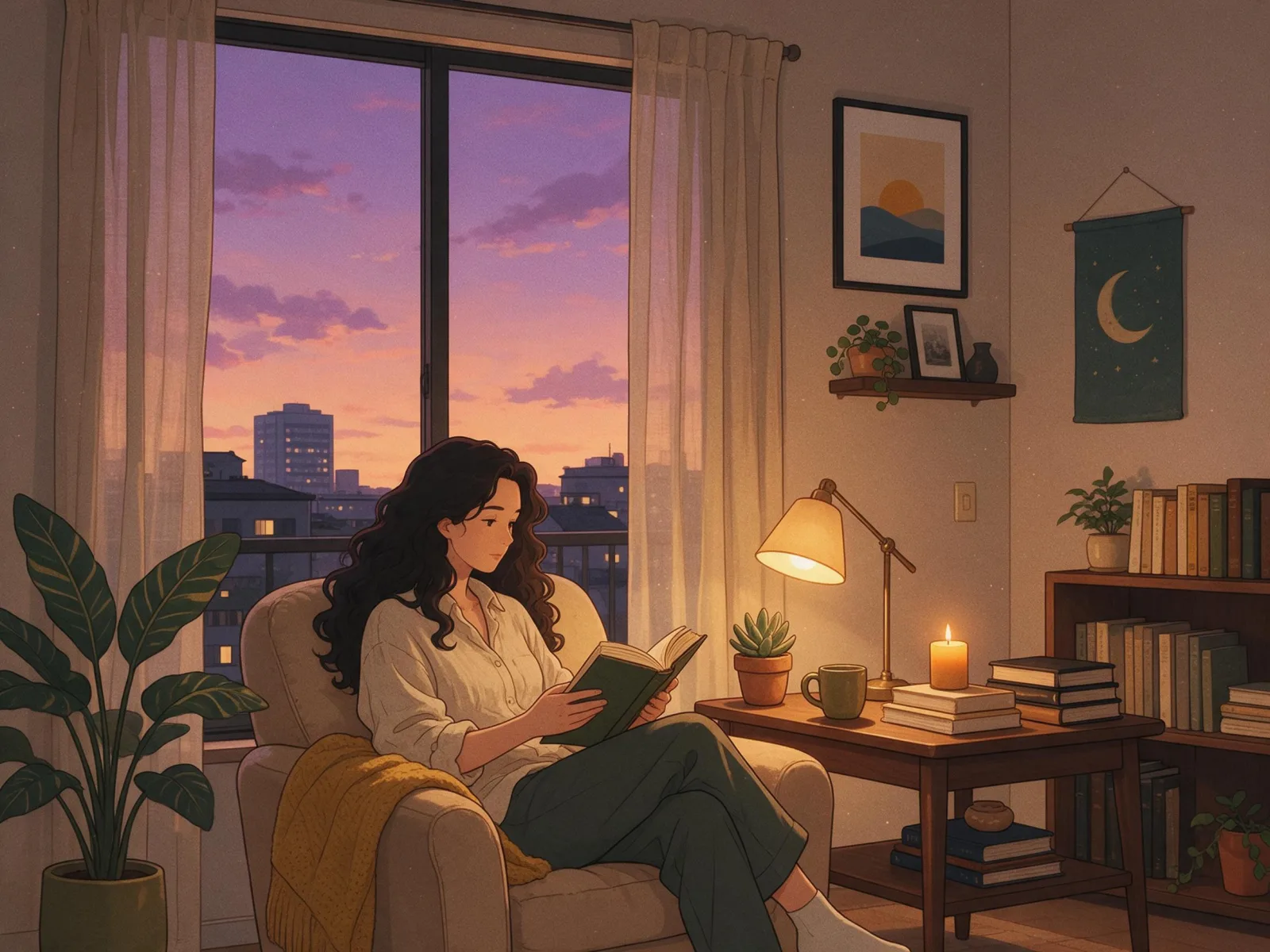
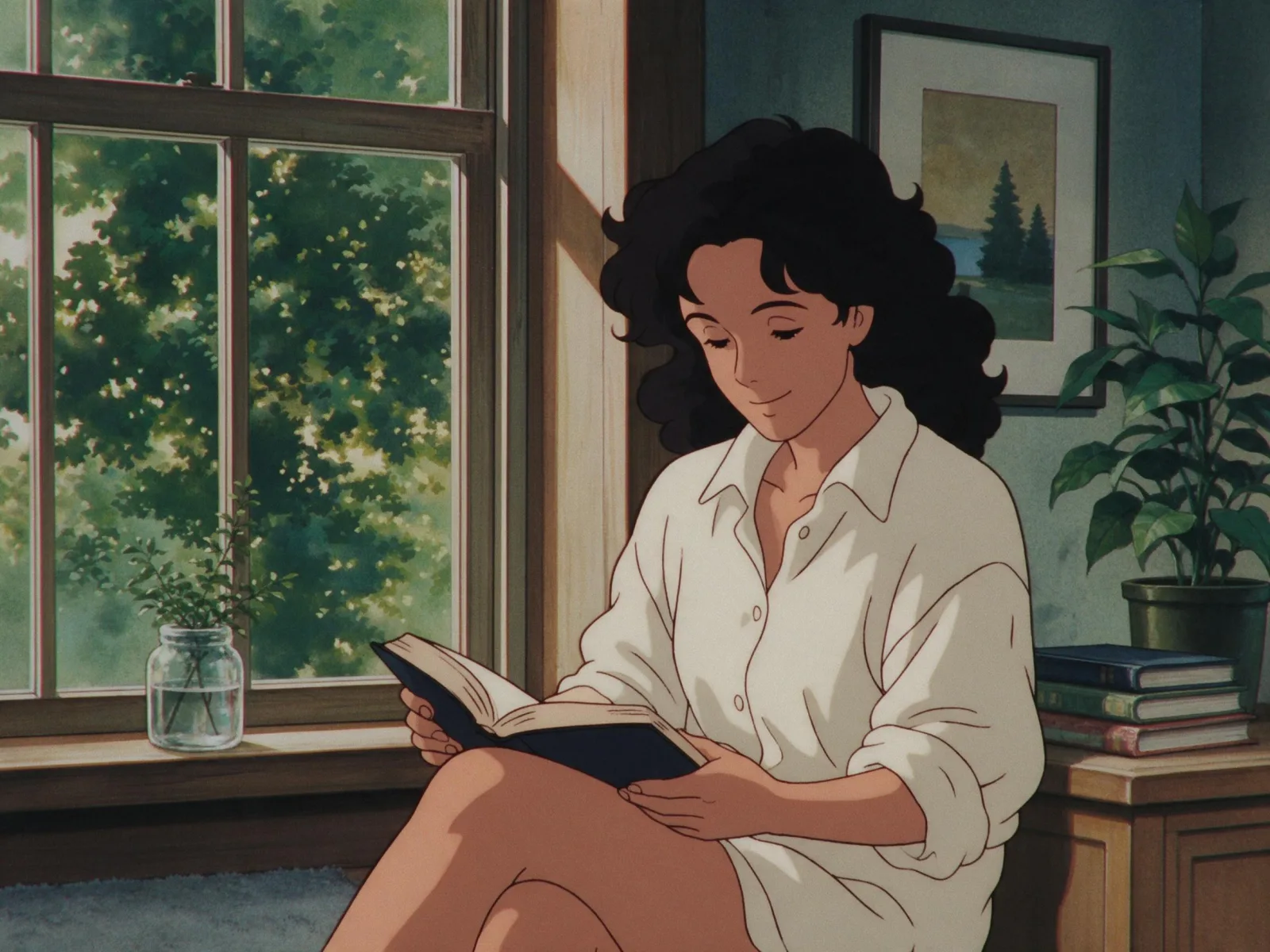
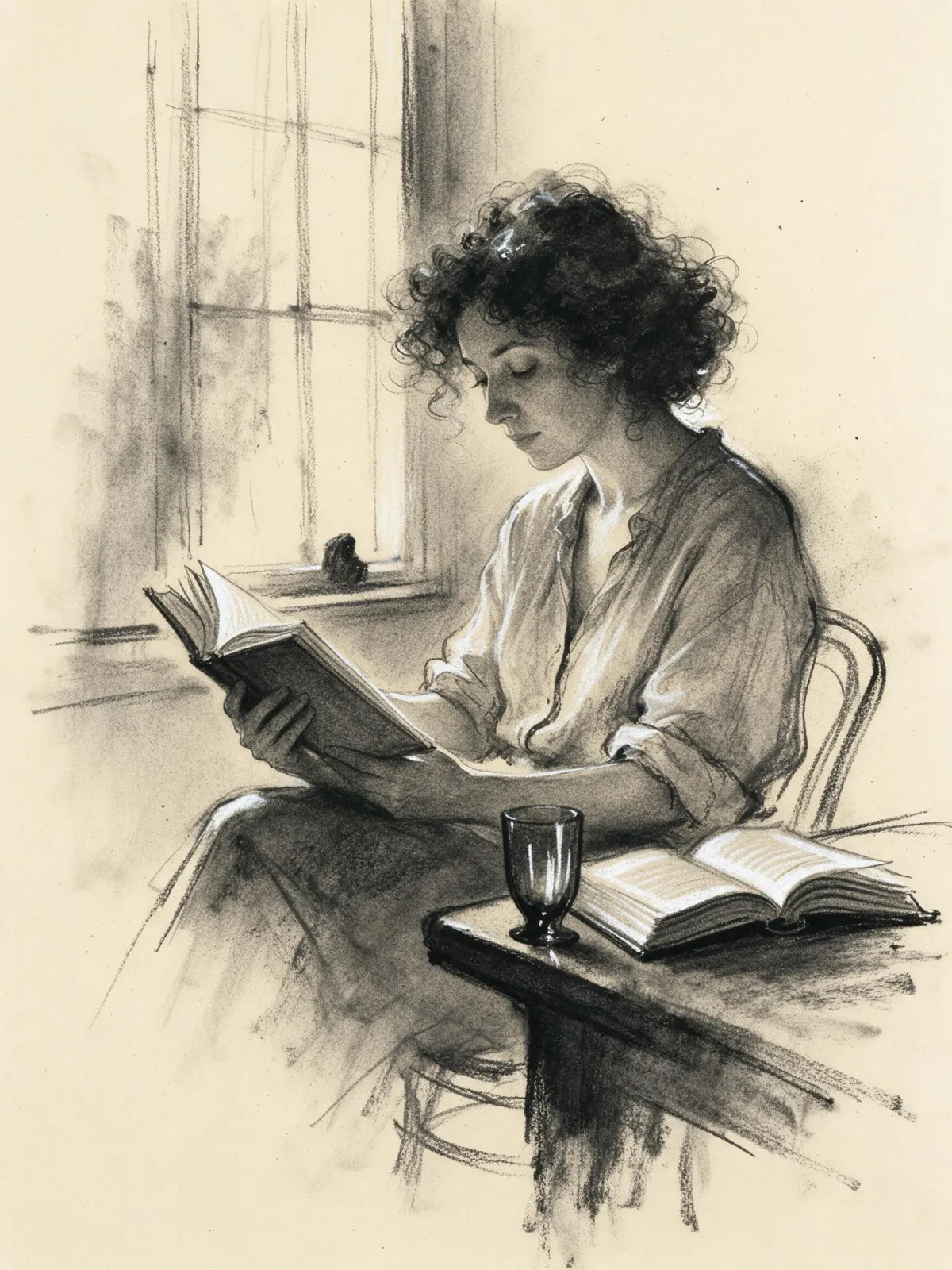
You write the subject; the style supplies the ink. It is strongest on characters with a clear silhouette: someone reading by a window, a man in a long coat turning to look back, a cat asleep on a sill, a lighthouse on jagged rocks with lines of wind behind it. Hair, fabric and weather all turn into bold graphic shapes.
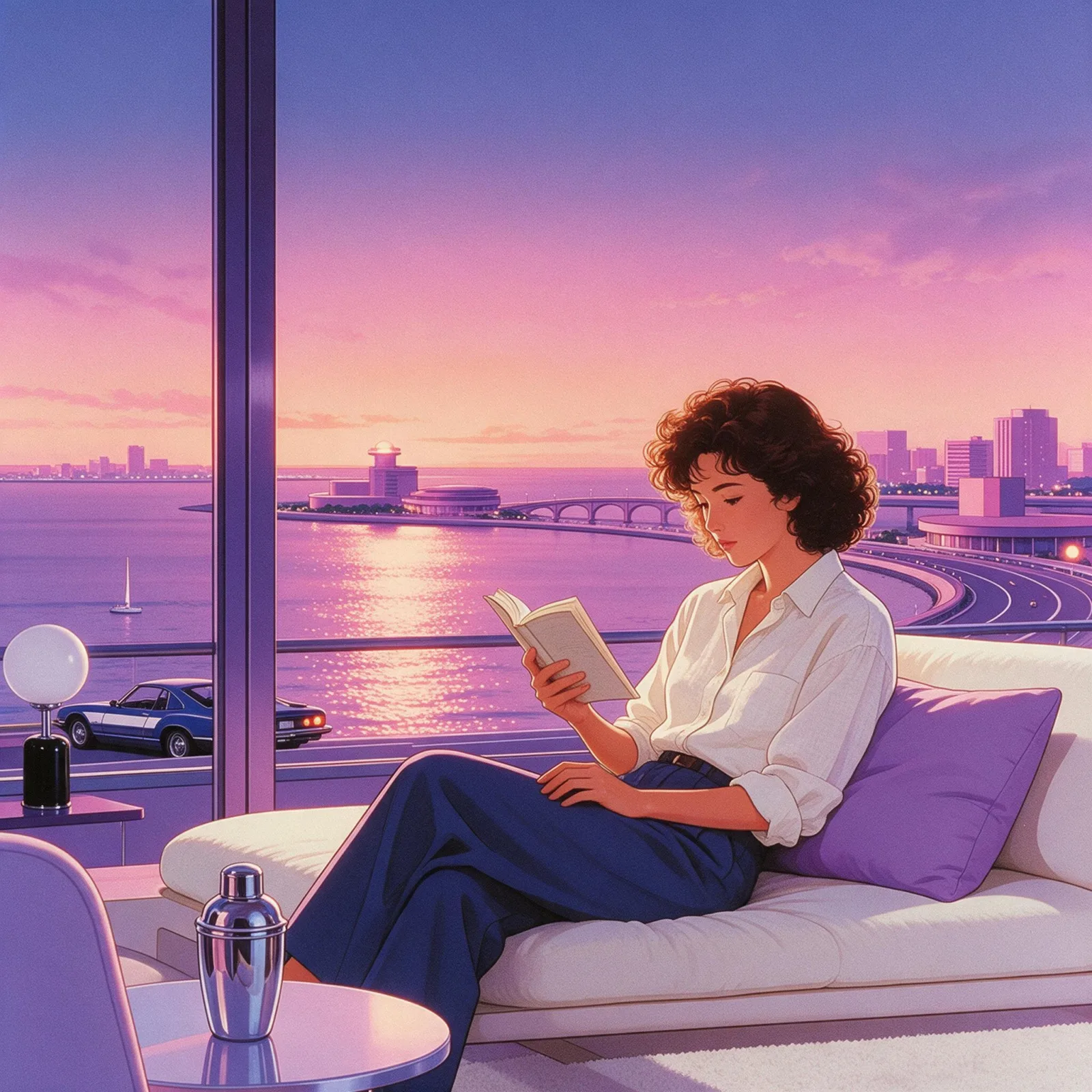
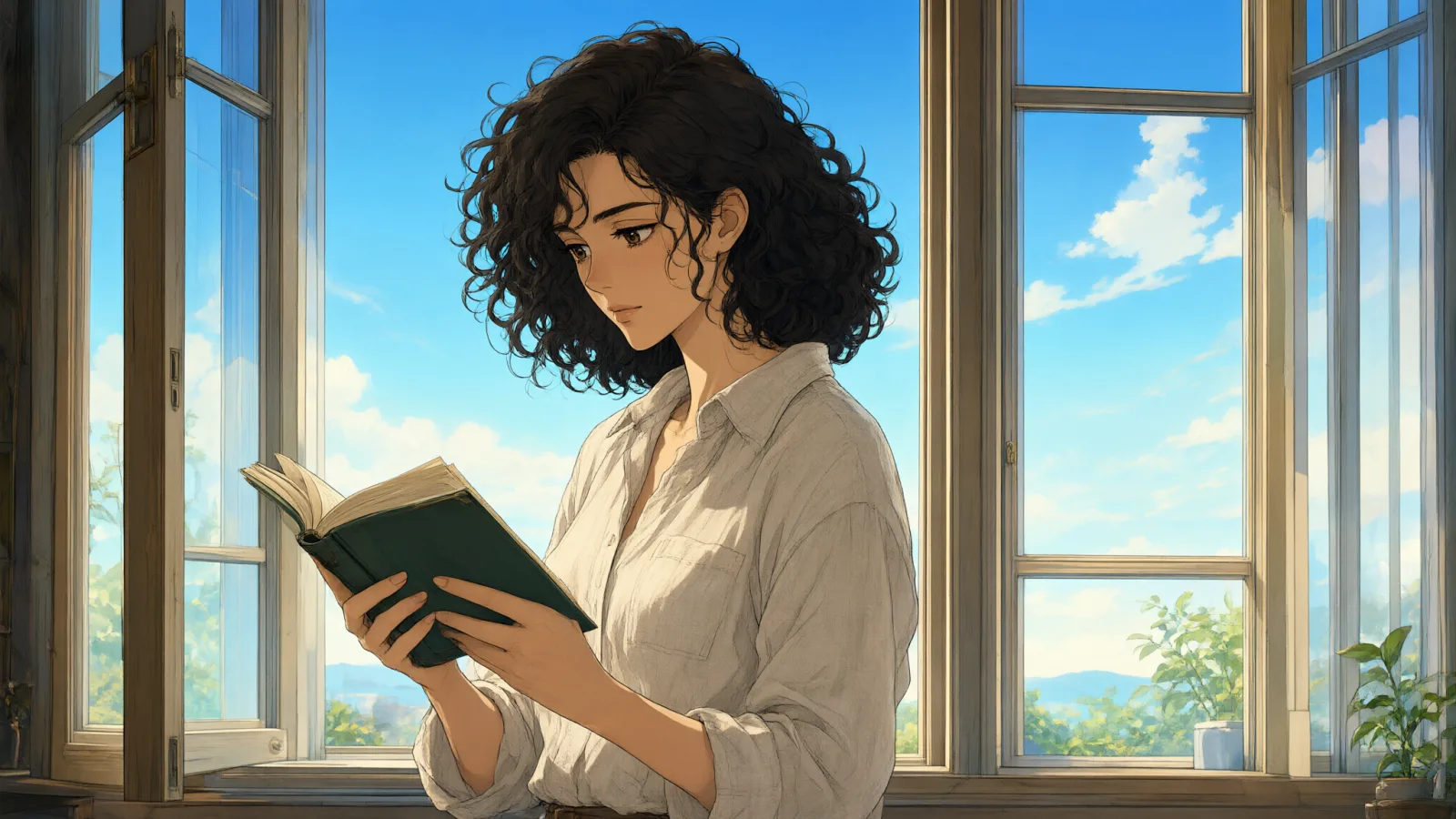
Use it for comic pitches and storyboards, character introductions, webcomic panels, zine and poster art, and profile headers that should look hand-inked. For full-color anime, use Anime Key Visual or 90s Cel Anime; for soft smudged drawing instead of crisp ink, Charcoal Smoke.
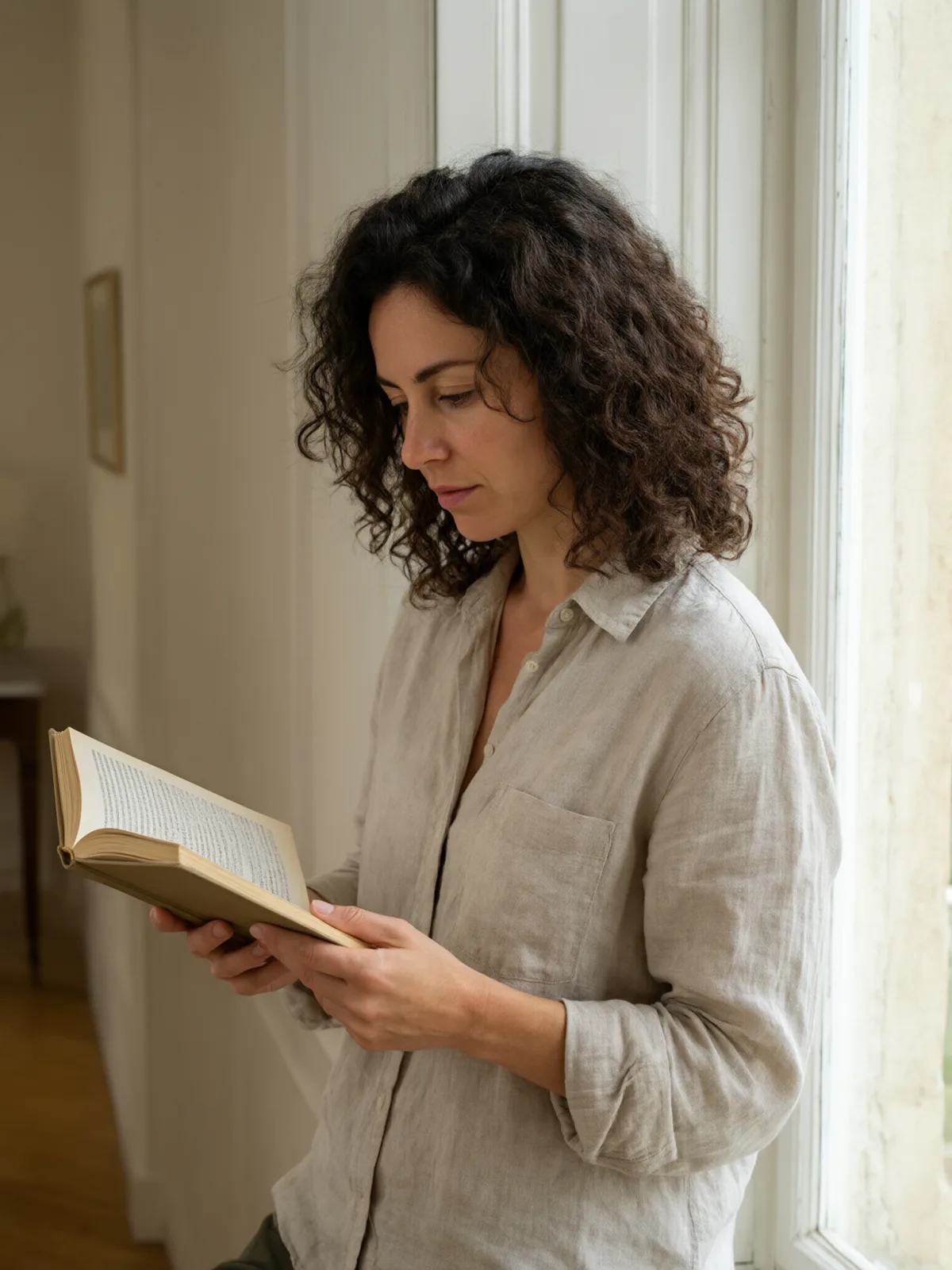
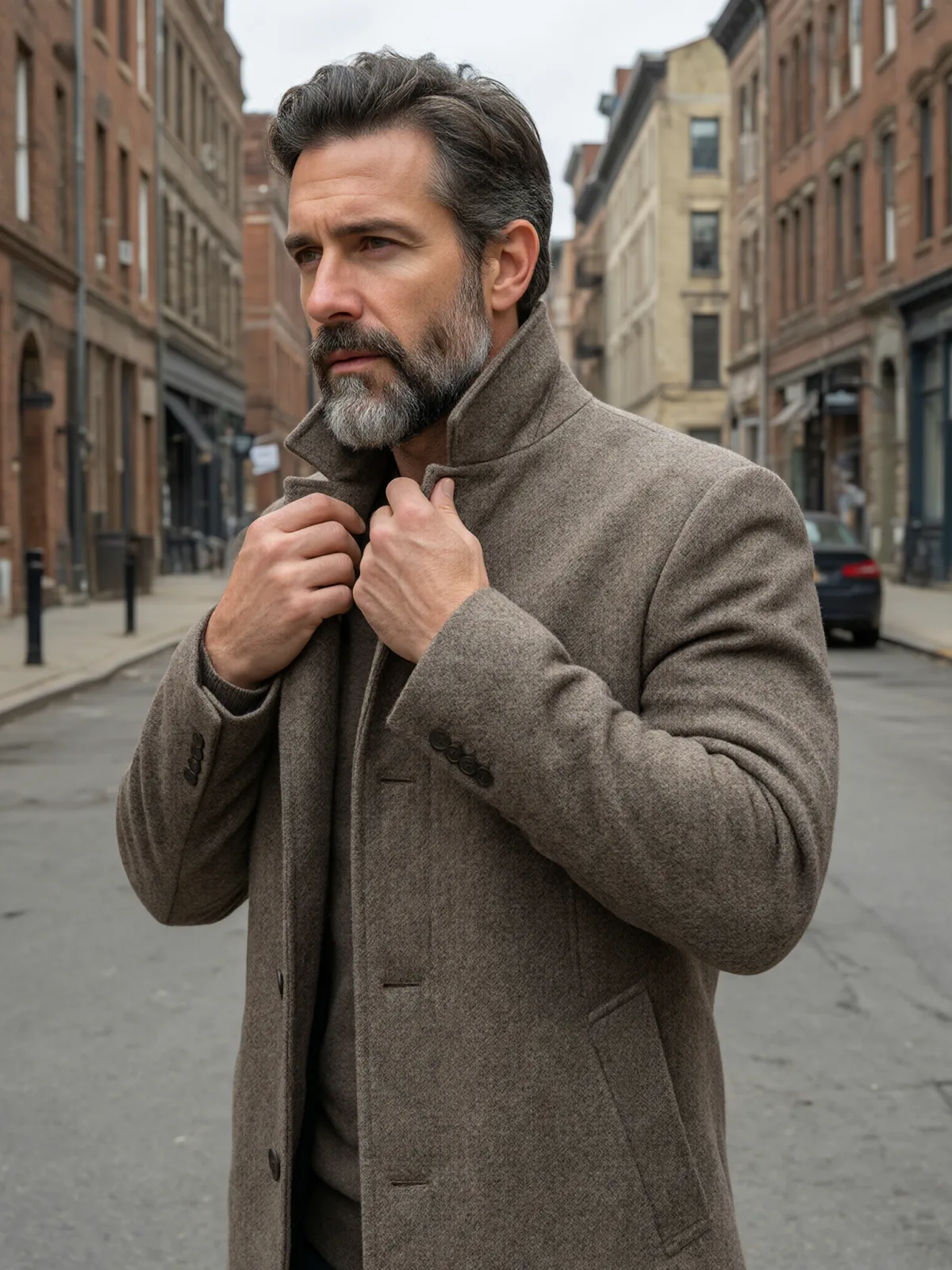
For this composition, we recommend 3:4, with 2:3 as another framing option. Manga Screentone also works on an uploaded image: in image-to-image mode it redraws your photo as a black-and-white manga panel with screentone shading and speed lines, and keeps the composition, pose and clothing unchanged. Photos with a clear subject and good contrast convert best.
Subjects to paste as they are: “a detective in a trench coat looking back over his shoulder in the rain”, “a woman on a rooftop with her scarf blowing in the wind”, “a cat leaping between two balconies”. Motion and weather give the speed lines something to follow.
Finishes: Monochrome and Soft Bloom are switched off here — the panel is already black and white, and bloom would blur the ink. Film Grain works if you want the texture of an old printed page.