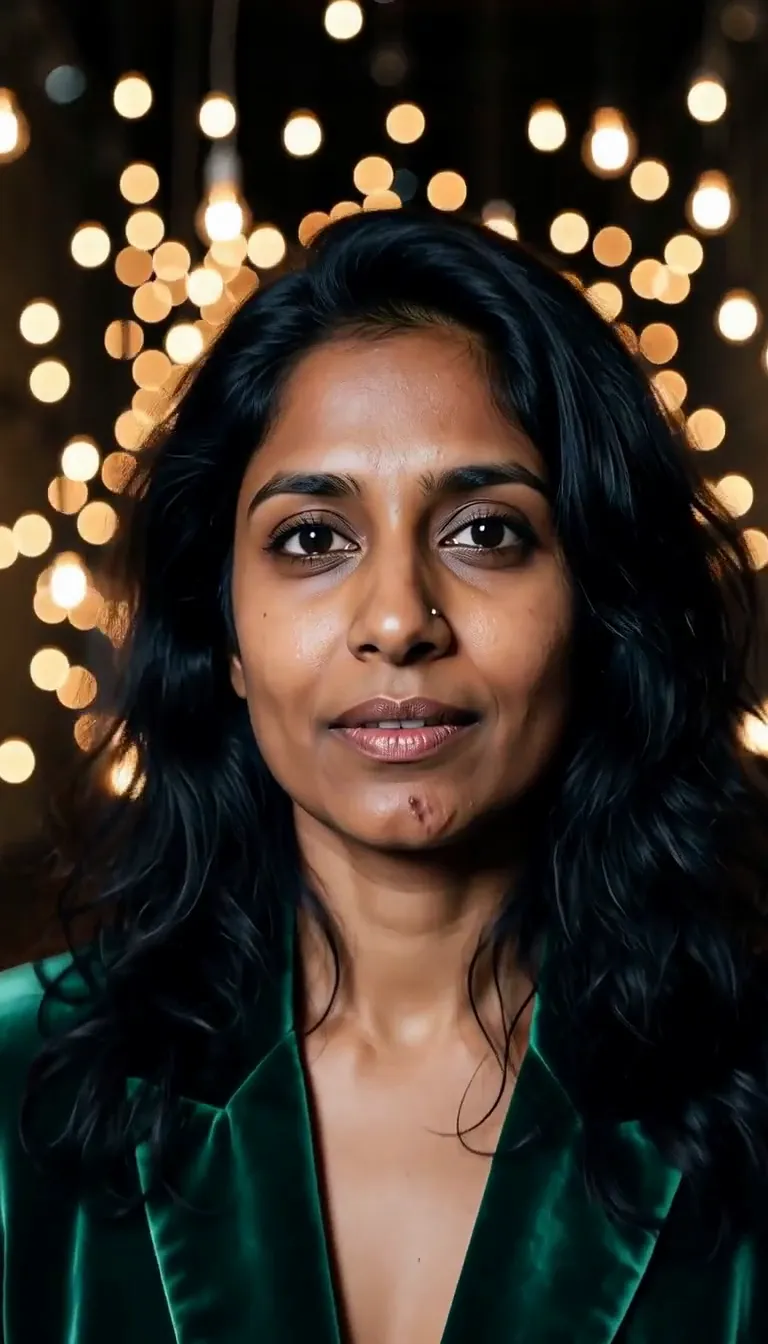
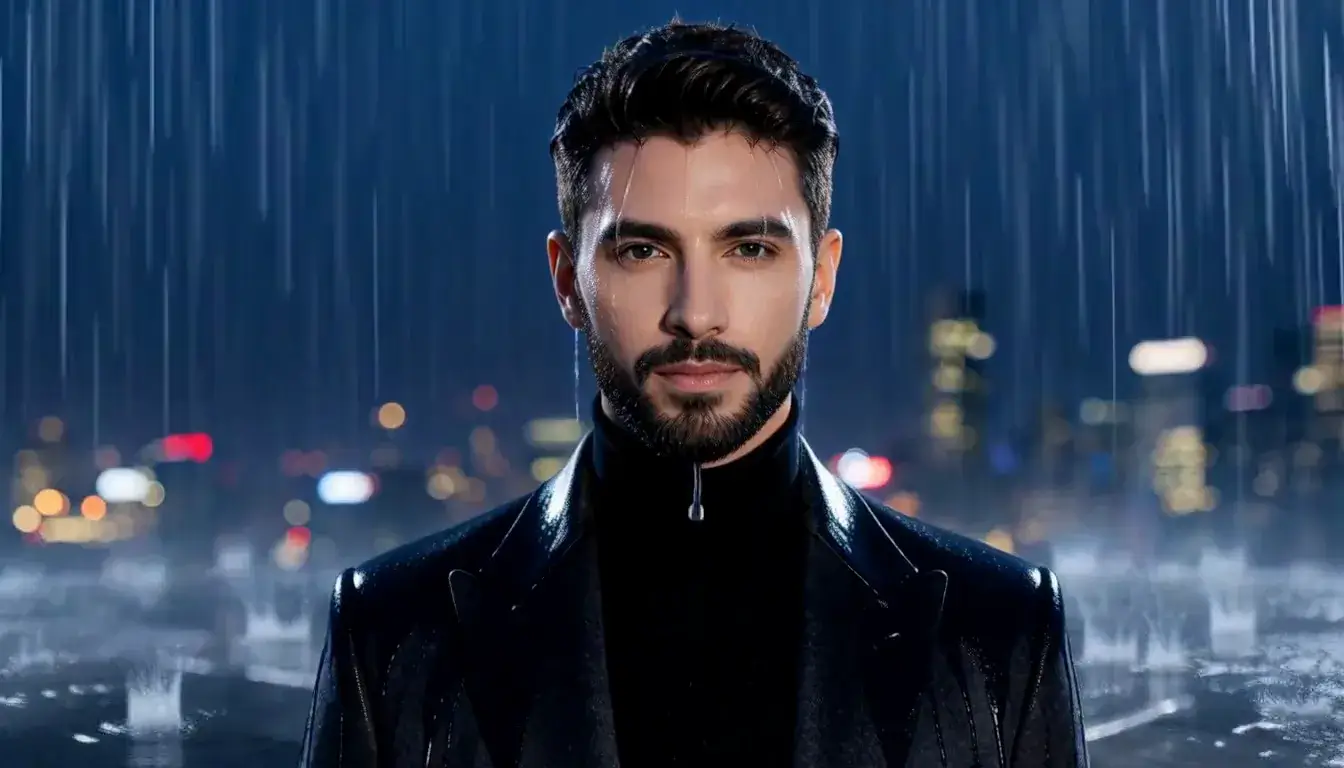
High-Rise Night AI Photo Generator: Penthouse Blue

Effects
Penthouse Blue

Penthouse Blue

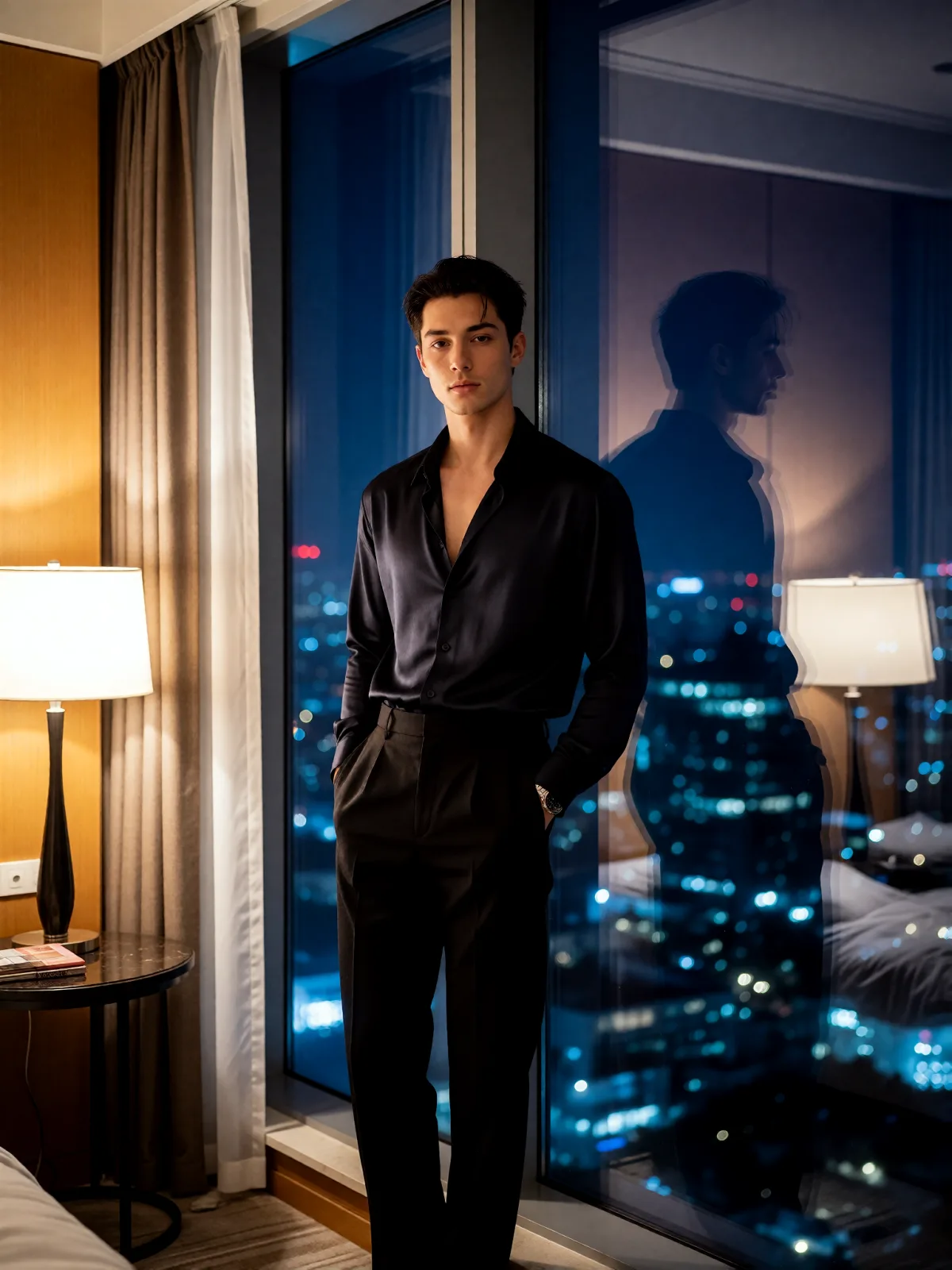
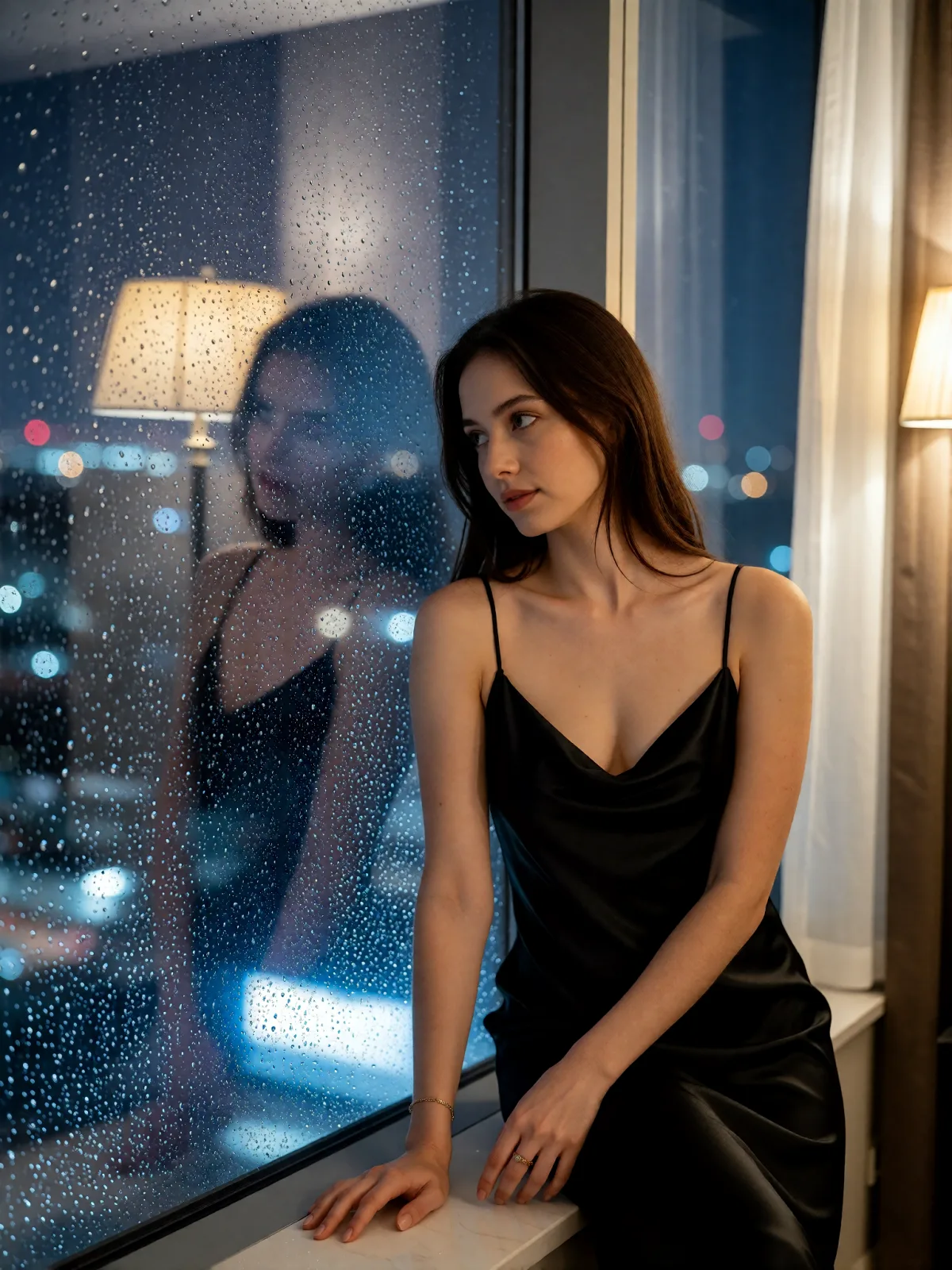
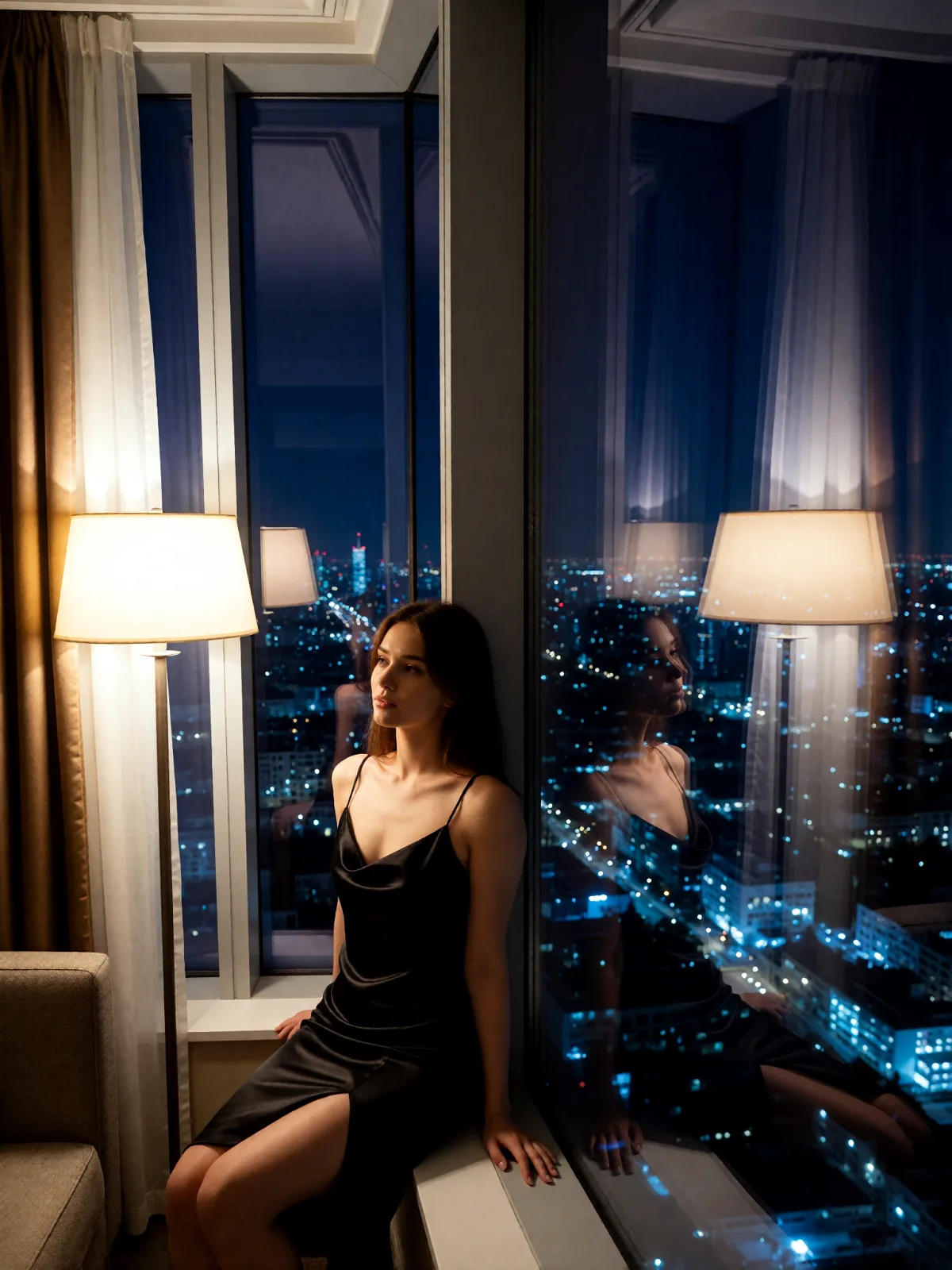
Cool blue city glow through floor-to-ceiling glass, one warm lamp inside, reflections doubled in the dark window and a quiet high-rise midnight.

Works on

  • Seedream 5.0 ProBest$0.036 / image
  • Z-Image Spicy Pro$0.019 / image
  • Z-Image Spicy$0.013 / image
  • Qwen Image 2$0.035 / image
  • + 19 more models

Related styles

Same person, same prompt — only the style changes

2000s Digicam
After Midnight Flash
Candlelit Velvet
Cinematic Gothic
Late-Night Hotel
Late-Night OVA
Moonlit Voile
Neon After Rain
After-Con Neon
Afterglow Pool
Airbrush Pin-up
Blush Neon
Brass Reflections
Penthouse Blue
Manhwa Action
Instant Film
Sign up to generate

We never filter your prompt.

Cool blue city glow through floor-to-ceiling glass, one warm lamp inside, reflections doubled in the dark window and a quiet high-rise midnight.

Category
After Dark
Works on
23 models
Price
From $0.01 / image
Suggested frame
3:4
Your own photo
Text only

Same subject, with and without it

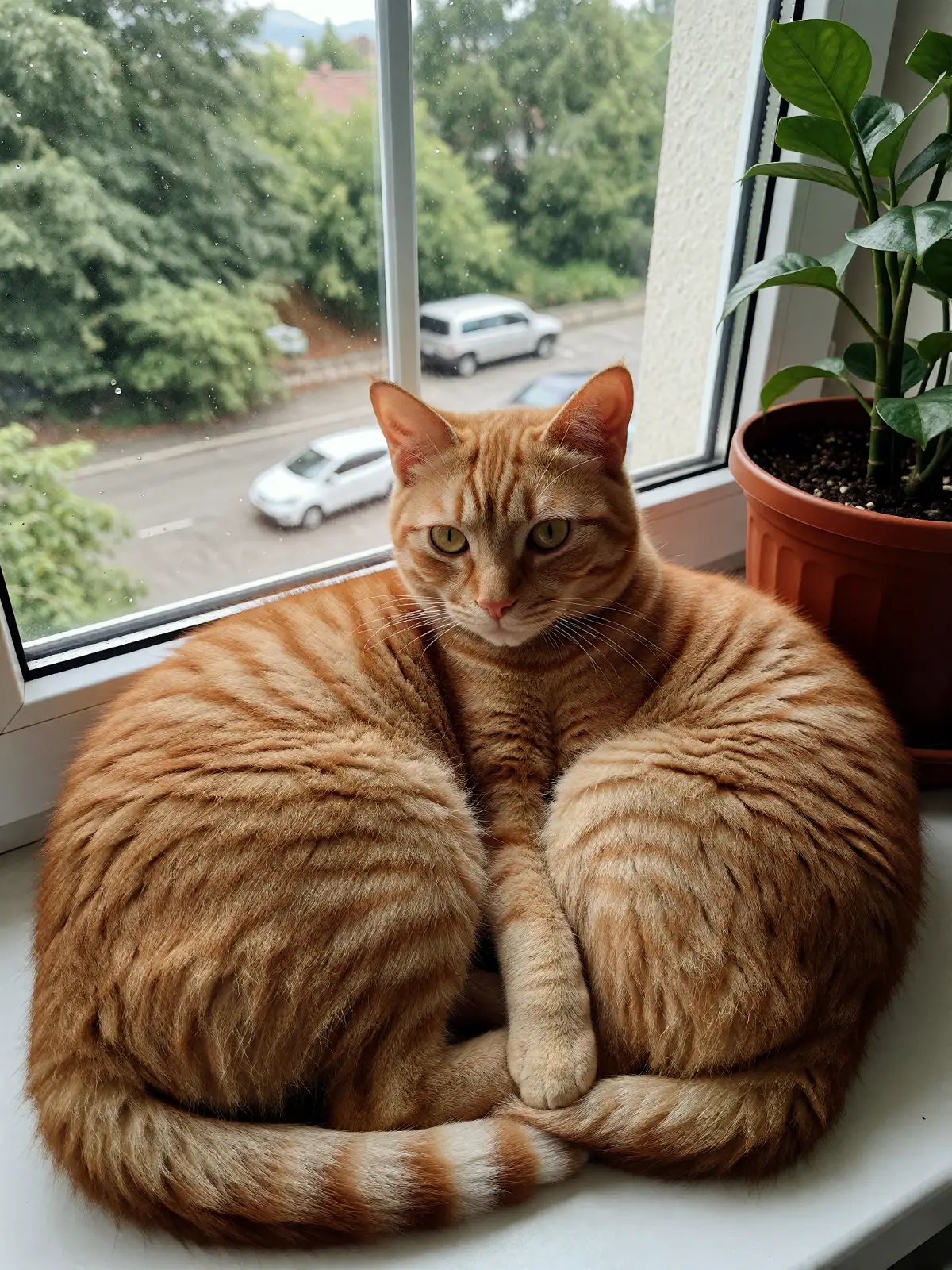
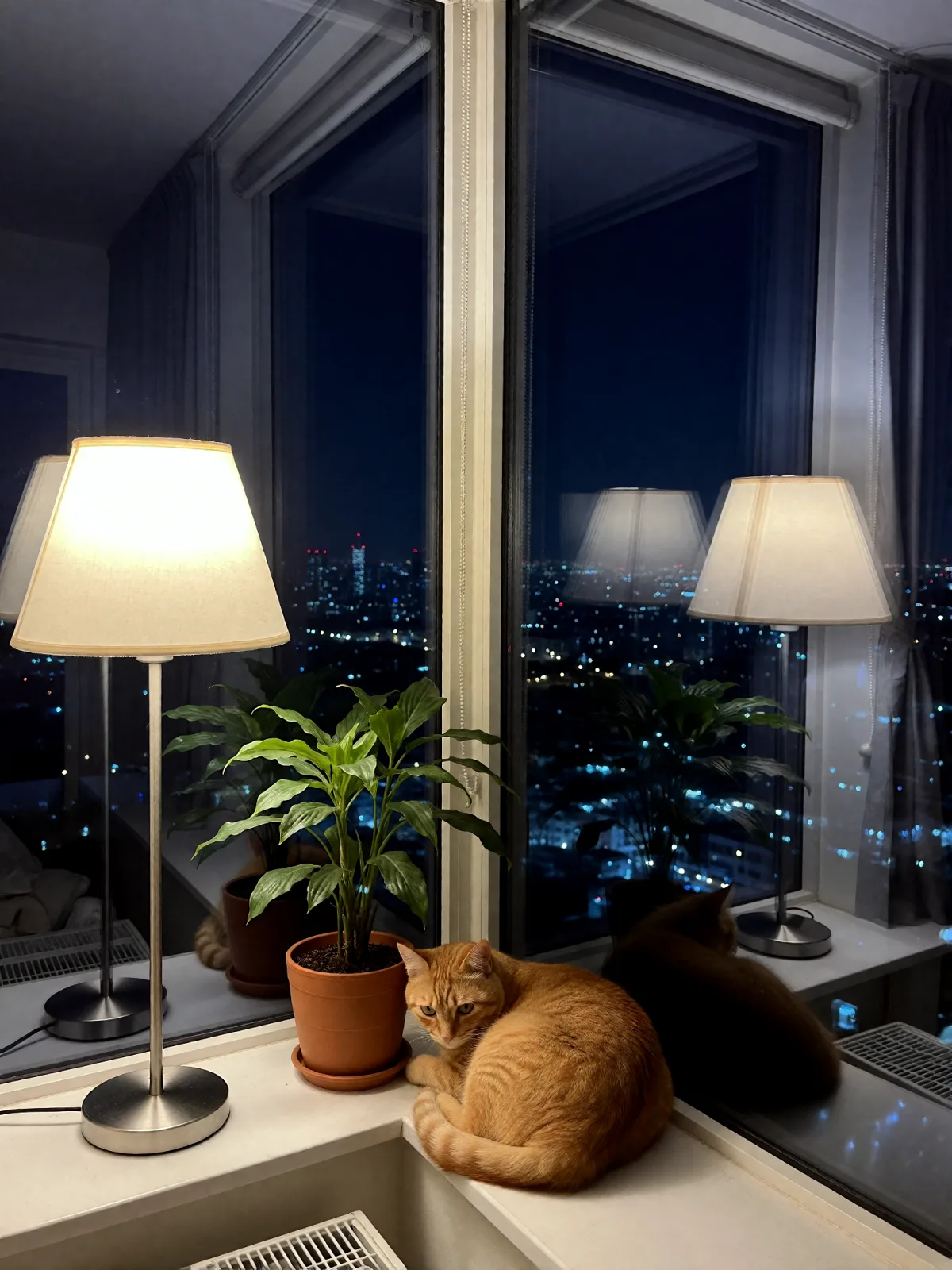
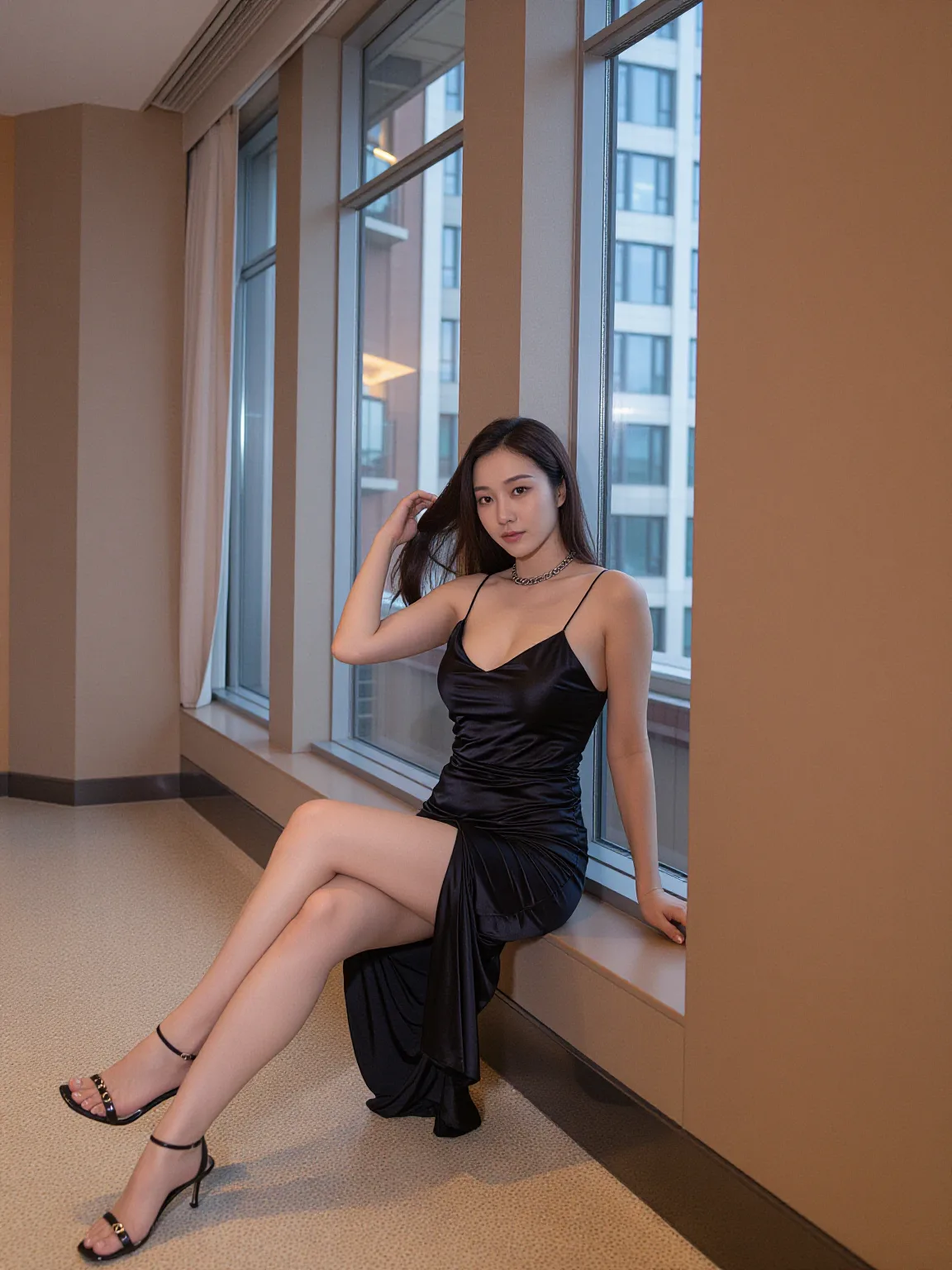
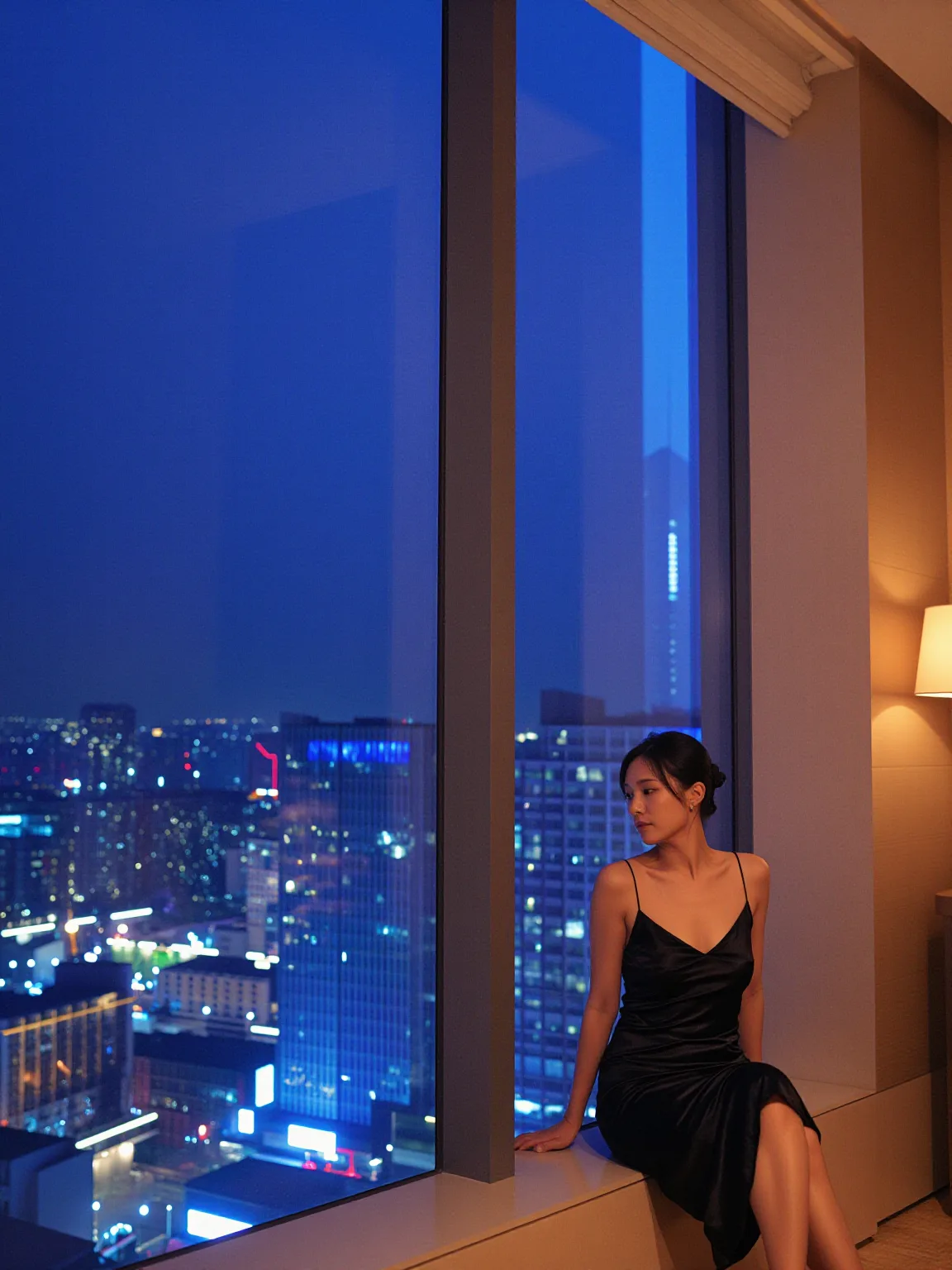
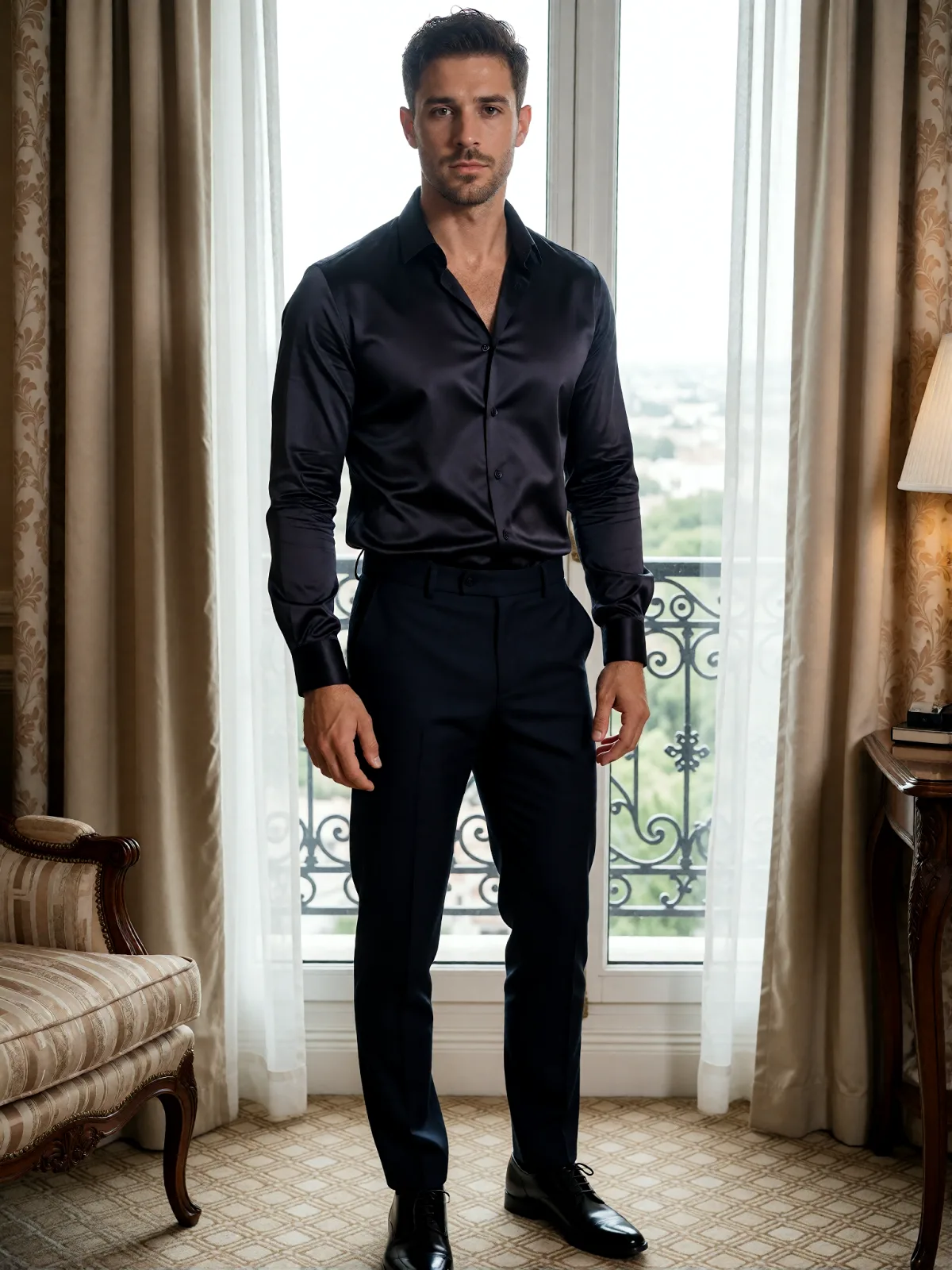
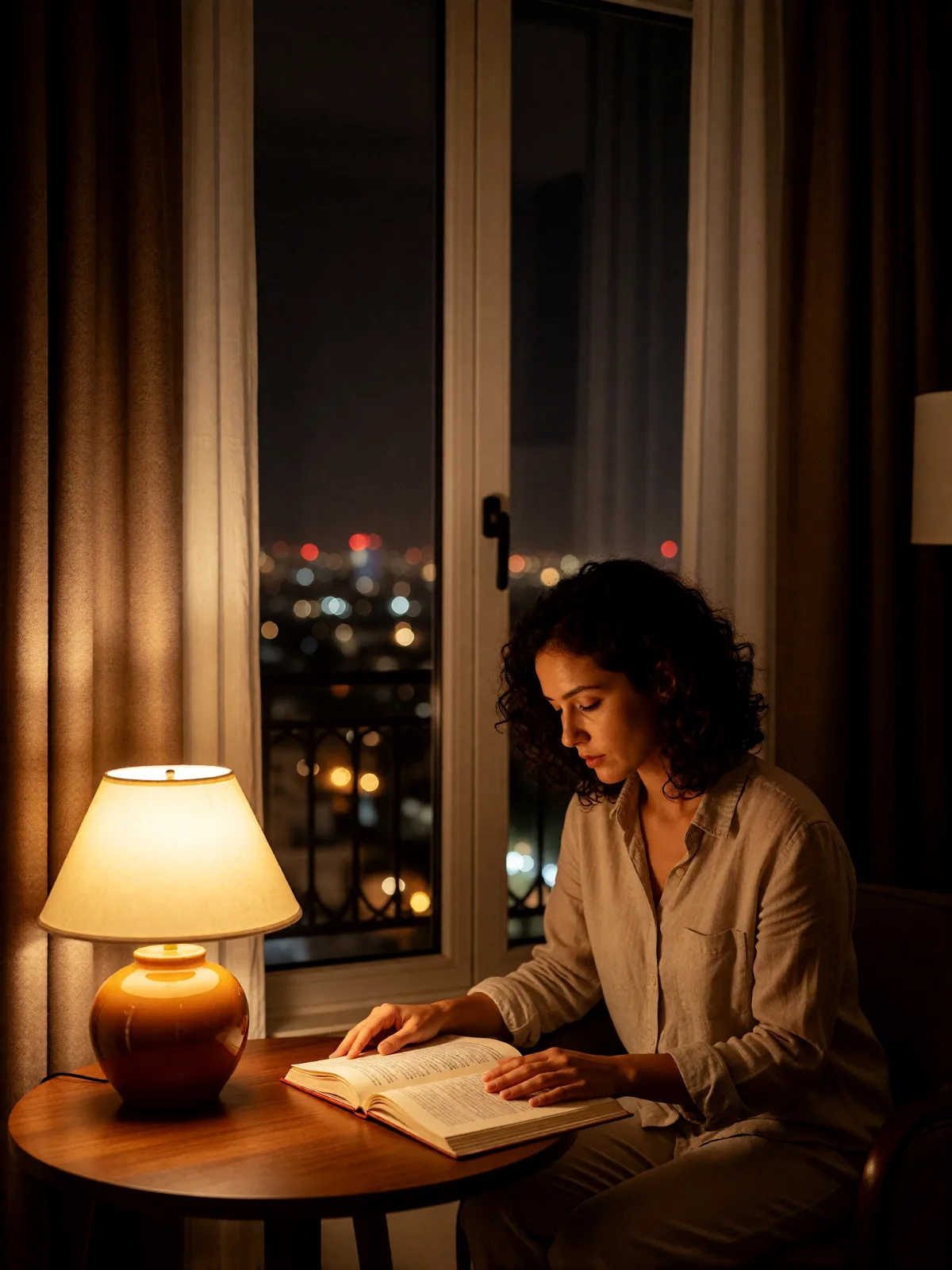
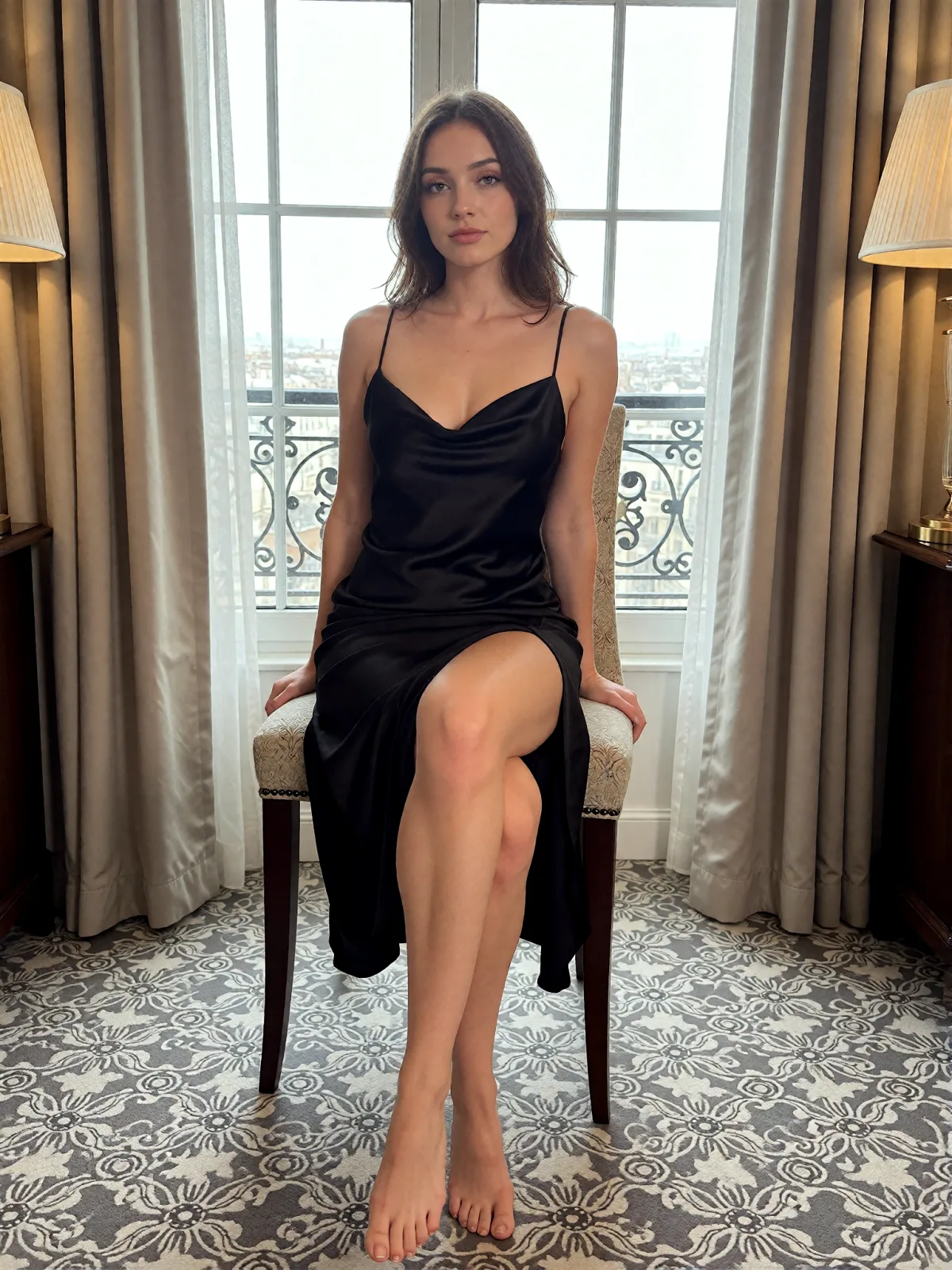
Each pair is the same sentence on the same model. The left frame has no style; the right one is Penthouse Blue. That gap is what the style adds.

  • The test subject with no style, made with Z-Image Spicy Pro
    No style
    Sample in the Penthouse Blue style, made with Z-Image Spicy Pro
    With Penthouse Blue

    Z-Image Spicy Pro

  • The test subject with no style, made with Z-Image Spicy Pro
    No style
    Sample in the Penthouse Blue style, made with Z-Image Spicy Pro
    With Penthouse Blue

    Z-Image Spicy Pro

  • The test subject with no style, made with Z-Image Spicy
    No style
    Sample in the Penthouse Blue style, made with Z-Image Spicy
    With Penthouse Blue

    Z-Image Spicy

  • The test subject with no style, made with Z-Image Spicy Pro
    No style
    Sample in the Penthouse Blue style, made with Z-Image Spicy Pro
    With Penthouse Blue

    Z-Image Spicy Pro

About Penthouse Blue

Penthouse Blue is the view from the top floor at midnight. A wall of glass holds the whole city, glowing cool blue and scattered with tiny lights, while a single warm lamp burns inside the room. The window turns into a dark mirror, so the interior and the subject appear a second time, faintly, laid over the skyline. The palette is navy, steel and amber, the lines are clean and minimal, and everything feels still, expensive and a little lonely.

You write the subject; the style supplies the height and the glass. It suits one figure close to the window: someone seated on the ledge in an evening dress, a man in a dark silk shirt standing with the city behind him, a cat watching the lights below. The reflection in the glass is part of the look, a quiet double that adds depth without adding anyone new.

Use it for luxury real estate and hotel visuals, city-night covers, fashion stories and late-night moodboards. For a warmer room with one table lamp, use Late-Night Hotel; for moonlight and moving curtains, Moonlit Voile; for rain on the glass, Rain Window Bokeh.

The frame is 3:4. After Dark looks are text-to-image only. This one runs on Z-Image Spicy Pro, with Z-Image Spicy as a second option; both are uncensored models, and we never filter your prompt.

Subjects to paste as they are: “an adult woman in a black satin slip dress, seated by a floor-to-ceiling window”, “an adult man in a dark silk shirt looking out over the city at night”, “a cat watching city lights from a high window”. Keep the subject near the glass; the city does the rest.
Tips that make it land

  • Keep the subject close to the window. The reflection and the skyline both need the glass right there.
  • One warm lamp is enough. The contrast of amber inside and blue outside is what makes the frame.
  • Name the city mood if you like: “with rain on the glass” or “with fog over the towers”.
  • Dark clothing melts into the navy; a pale shirt or satin catches the lamp and pops.
  • For a softer mirror effect, add “with the room lights dimmed” and the reflection grows stronger.

The prompt it sends

Your sentence goes where {subject} sits. Everything around it is the style. Nothing is hidden, and we never filter your prompt.

{subject}, cool blue city glow through floor-to-ceiling glass, one warm lamp inside, reflections doubled in the dark window, deep navy and amber palette, clean minimal lines, quiet high-rise midnight mood
Use Penthouse Blue now

Prompt ideas for Penthouse Blue

Scenes from our prompt library that suit this look. Borrow the idea as your subject line; the style adds the rest.

Architecture & interiors

Noir & cinematic

Models it works on

Every model below was tested with this style. The price is per image and shows on the Generate button before you run.

How to use Penthouse Blue

  1. 01

    Write who or what

    Write one plain sentence for your Penthouse Blue image: who or what is in it and what is happening. The style brings the light, color and medium, so leave those out.

  2. 02

    Keep Penthouse Blue on

    It is already selected at the top of this page and lands best on Seedream 5.0 Pro, the model it was tuned on. It builds the whole scene from your text.

  3. 03

    Generate

    From $0.01 per image, shown on the button before you run. Pick your favorite Penthouse Blue frame, then edit it, restyle it or make it move from the result.

Questions about Penthouse Blue

Make video

Styles are for stills. These effects start from one photo and add a single deliberate move.

Read next